Upgrade to Pro
— share decks privately, control downloads, hide ads and more …
Speaker Deck
Features
Speaker Deck
PRO
Sign in
Sign up for free
Search
Search
Manage WordPress Easily With WP-CLI
Search
Sponsored
·
Ship Features Fearlessly
Turn features on and off without deploys. Used by thousands of Ruby developers.
→
Ajit Bohra
November 05, 2017
Technology
0
580
Manage WordPress Easily With WP-CLI
Workshop at WordCamp Nashik 2017, Ajit Bohra, Hardeep Asrani & Gagan Deep Singh
Ajit Bohra
November 05, 2017
Tweet
Share
More Decks by Ajit Bohra
See All by Ajit Bohra
Laravel x WordPress
ajitbohra
0
33
Getting Good With WordPress Playground
ajitbohra
0
94
Embracing WordPress Packages
ajitbohra
0
63
Laravel: Launcher For Your Next Big Idea
ajitbohra
1
300
LaravelLiveIn Mumbai Meetup December 2018
ajitbohra
0
67
Gutenberg For Bloggers & Developer
ajitbohra
0
43
Finding A Right Home For WordPress
ajitbohra
1
580
Tools Of Trade For WordPress Developer
ajitbohra
0
450
Making Money With WordPress
ajitbohra
0
610
Other Decks in Technology
See All in Technology
SREチームをどう作り、どう育てるか ― Findy横断SREのマネジメント
rvirus0817
0
330
Claude_CodeでSEOを最適化する_AI_Ops_Community_Vol.2__マーケティングx_AIはここまで進化した.pdf
riku_423
2
610
Amazon S3 Vectorsを使って資格勉強用AIエージェントを構築してみた
usanchuu
4
450
Kiro IDEのドキュメントを全部読んだので地味だけどちょっと嬉しい機能を紹介する
khmoryz
0
210
Frontier Agents (Kiro autonomous agent / AWS Security Agent / AWS DevOps Agent) の紹介
msysh
3
180
コミュニティが変えるキャリアの地平線:コロナ禍新卒入社のエンジニアがAWSコミュニティで見つけた成長の羅針盤
kentosuzuki
0
130
マーケットプレイス版Oracle WebCenter Content For OCI
oracle4engineer
PRO
5
1.6k
学生・新卒・ジュニアから目指すSRE
hiroyaonoe
2
730
Agent Skils
dip_tech
PRO
0
120
今こそ学びたいKubernetesネットワーク ~CNIが繋ぐNWとプラットフォームの「フラッと」な対話
logica0419
3
280
AI駆動開発を事業のコアに置く
tasukuonizawa
1
340
Ruby版 JSXのRuxが気になる
sansantech
PRO
0
160
Featured
See All Featured
The Myth of the Modular Monolith - Day 2 Keynote - Rails World 2024
eileencodes
26
3.3k
Bridging the Design Gap: How Collaborative Modelling removes blockers to flow between stakeholders and teams @FastFlow conf
baasie
0
450
Data-driven link building: lessons from a $708K investment (BrightonSEO talk)
szymonslowik
1
920
<Decoding/> the Language of Devs - We Love SEO 2024
nikkihalliwell
1
130
Navigating Team Friction
lara
192
16k
Producing Creativity
orderedlist
PRO
348
40k
The Power of CSS Pseudo Elements
geoffreycrofte
80
6.2k
Navigating the Design Leadership Dip - Product Design Week Design Leaders+ Conference 2024
apolaine
0
190
Building a Modern Day E-commerce SEO Strategy
aleyda
45
8.7k
30 Presentation Tips
portentint
PRO
1
220
Building Experiences: Design Systems, User Experience, and Full Site Editing
marktimemedia
0
410
The agentic SEO stack - context over prompts
schlessera
0
640
Transcript
Manage WordPress Easily with WP-CLI Ajit Bohra, Hardeep Asrani &
Gagan Deep Singh
How many of you are Command Line users?
How many of you are using WP-CLI?
What is WP-CLI?
Why not WP-CLI?
Which one was easier?
Expectations & Takeaways
Let’s get started!
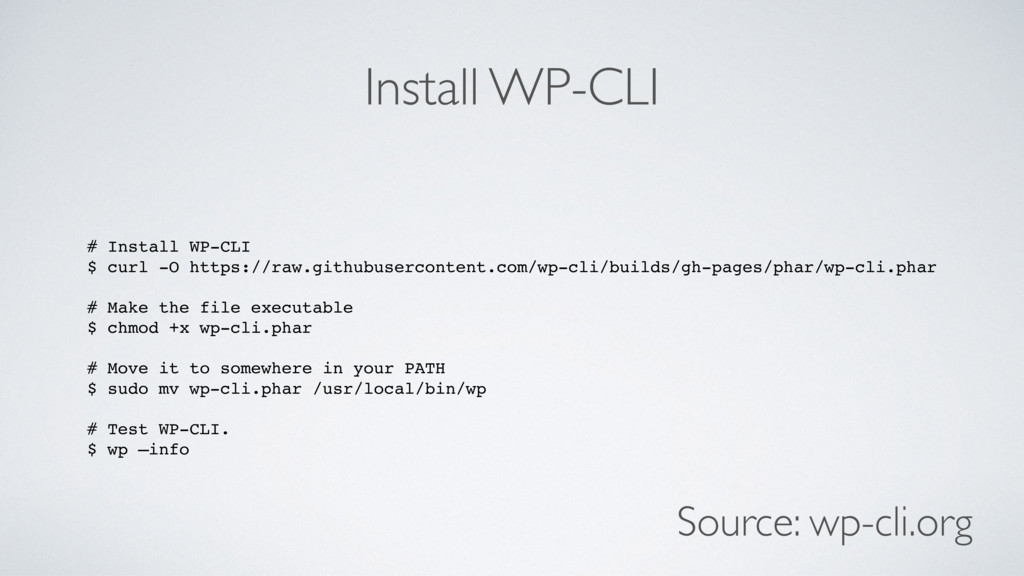
Install WP-CLI # Install WP-CLI $ curl -O https://raw.githubusercontent.com/wp-cli/builds/gh-pages/phar/wp-cli.phar #
Make the file executable $ chmod +x wp-cli.phar # Move it to somewhere in your PATH $ sudo mv wp-cli.phar /usr/local/bin/wp # Test WP-CLI. $ wp —info Source: wp-cli.org
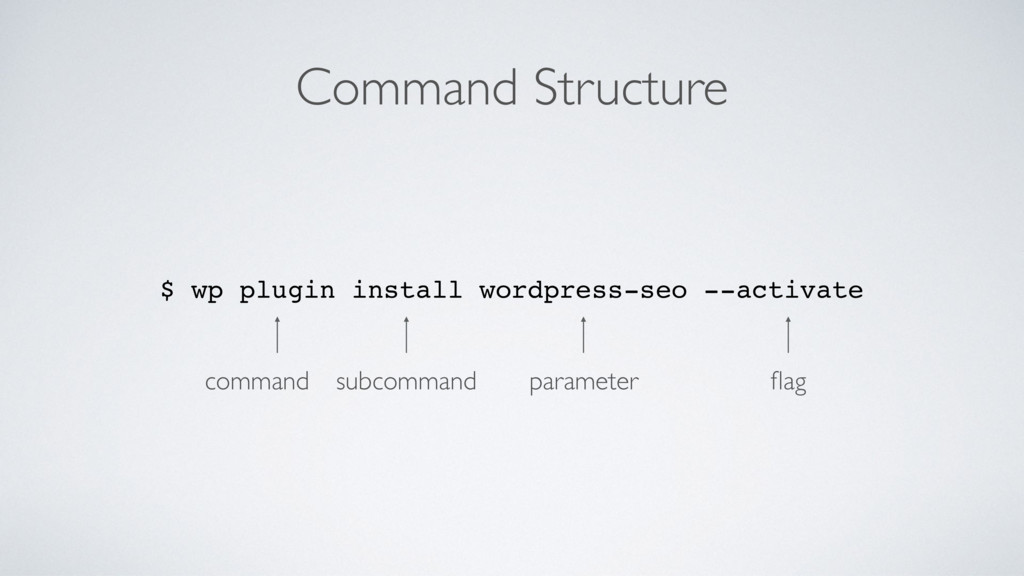
Command Structure $ wp plugin install wordpress-seo - -activate command
subcommand parameter flag
Useful Commands
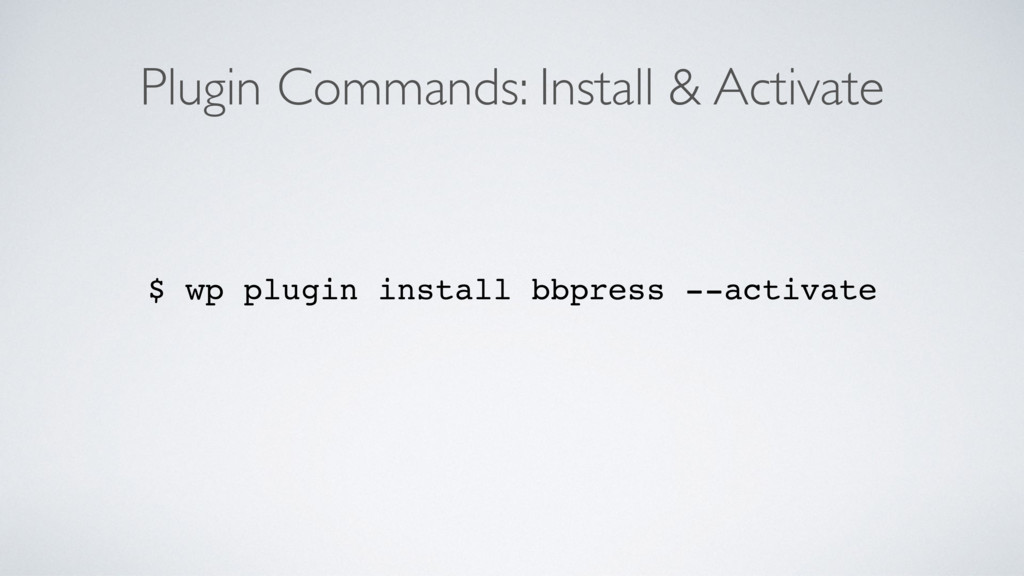
Plugin Commands: Install & Activate $ wp plugin install bbpress
- -activate
Plugin Commands: Deactivate $ wp plugin deactivate bbpress
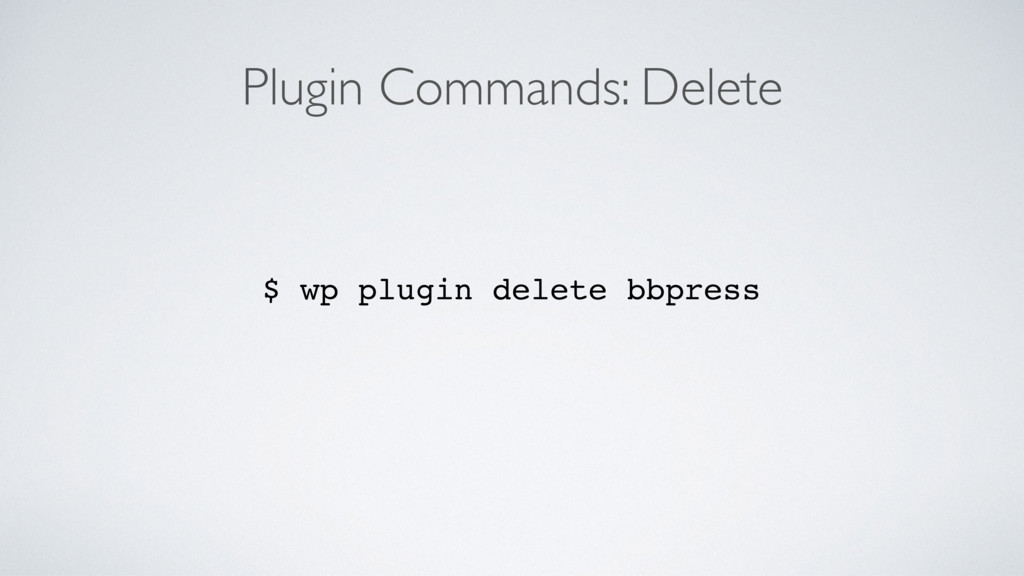
Plugin Commands: Delete $ wp plugin delete bbpress
Theme Commands: Install & Activate $ wp theme install make
- -activate
Theme Commands: Deactivate $ wp theme deactivate make
Theme Commands: Delete $ wp theme delete make
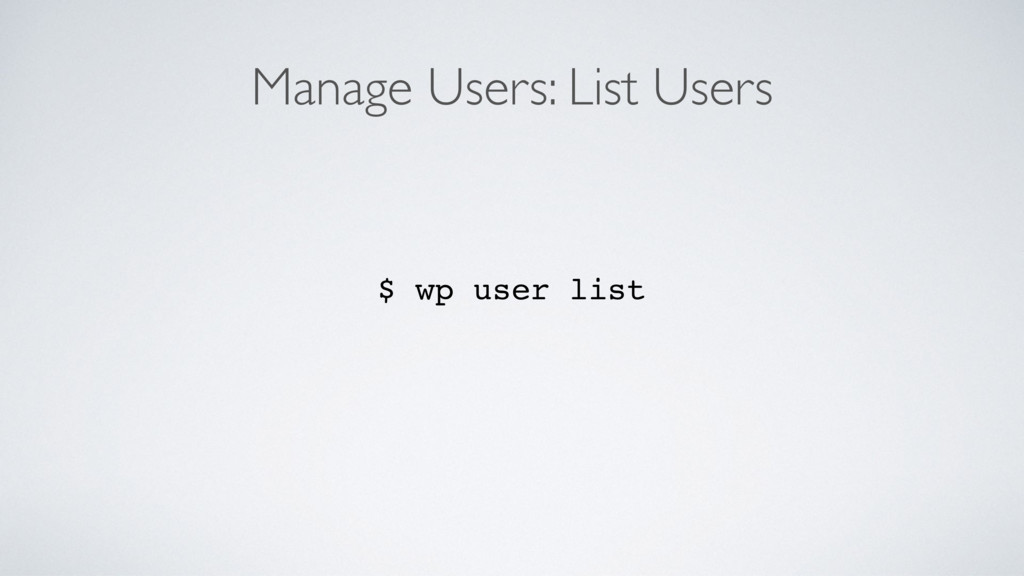
Manage Users: List Users $ wp user list
Manage Users: Create User $ wp user create harry
[email protected]
- -role=author
Manage Users: Change Password $ wp user create bob
[email protected]
--role=author
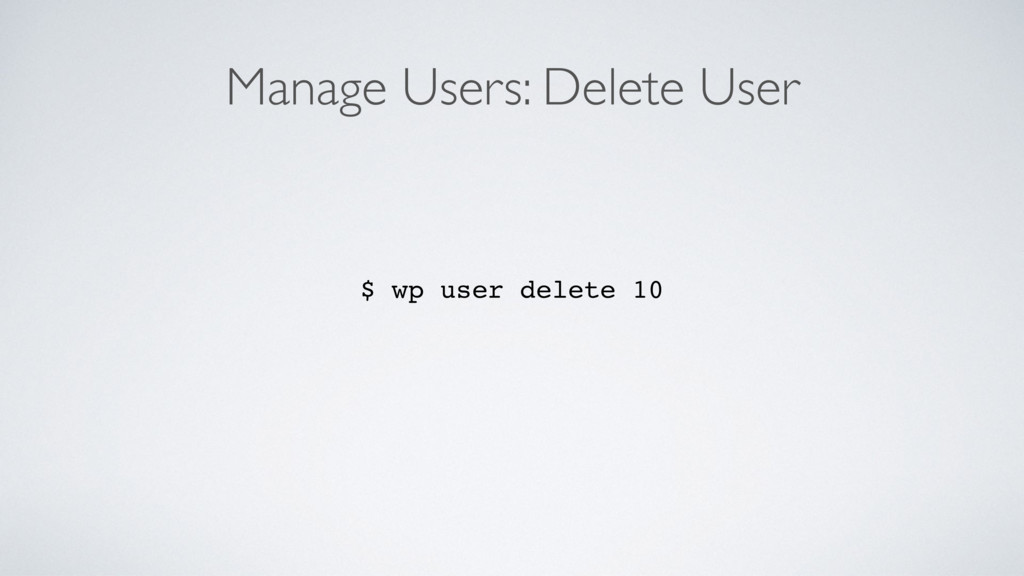
Manage Users: Delete User $ wp user delete 10
Manage Media: Upload Media $ wp media import https://example.com/image.png
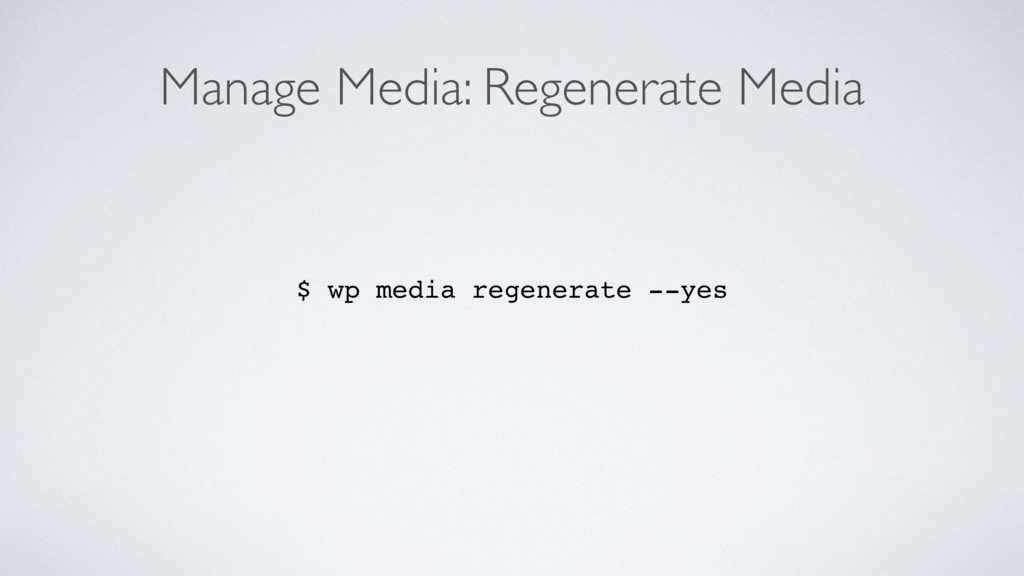
Manage Media: Regenerate Media $ wp media regenerate - -yes
Manage Posts: Create Posts $ wp post create --post_type=page --post_title='A
sample post'
Manage Posts: Edit Posts $ wp post edit 123
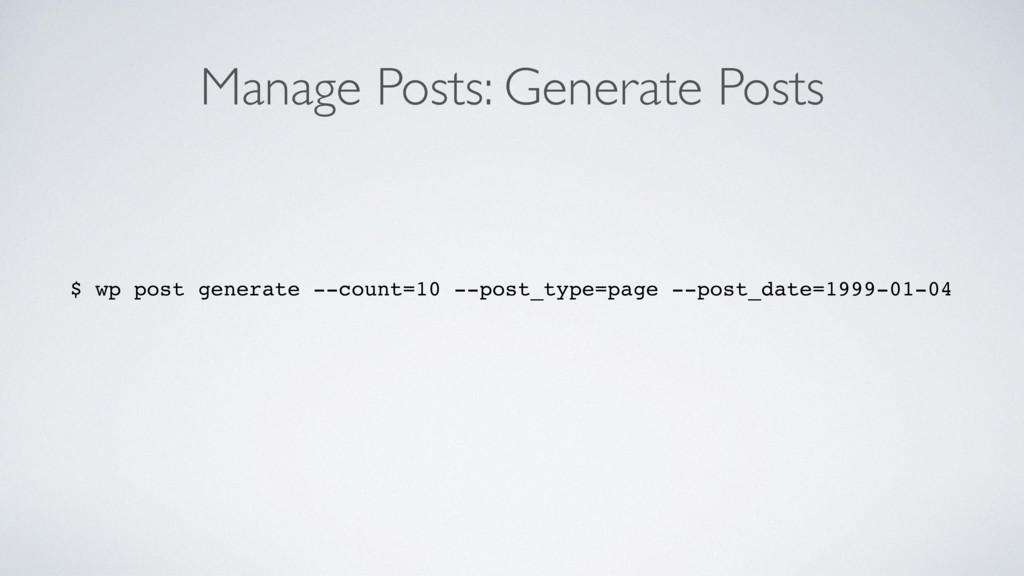
Manage Posts: Generate Posts $ wp post generate --count=10 --post_type=page
--post_date=1999-01-04
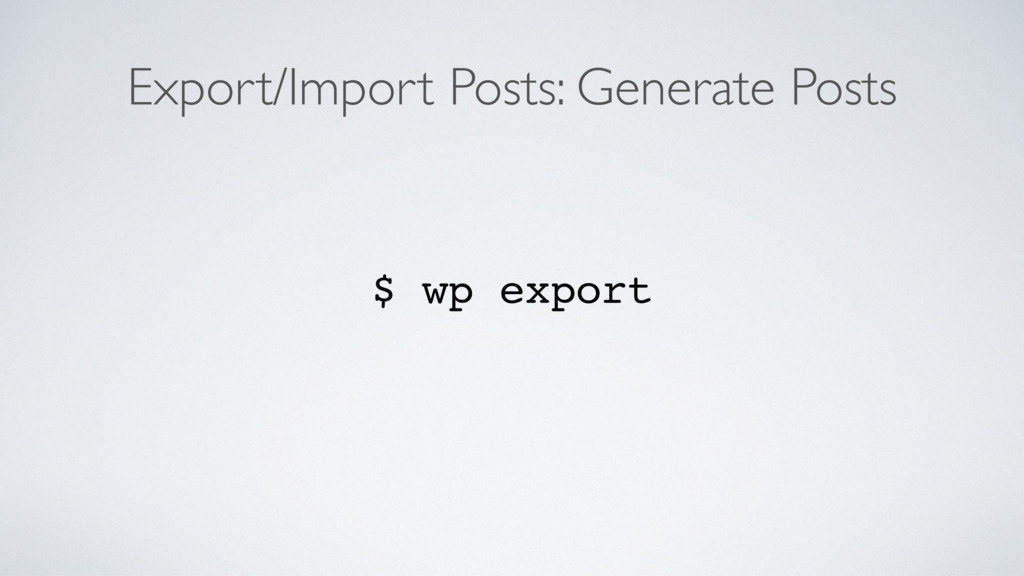
Export/Import Posts: Generate Posts $ wp export
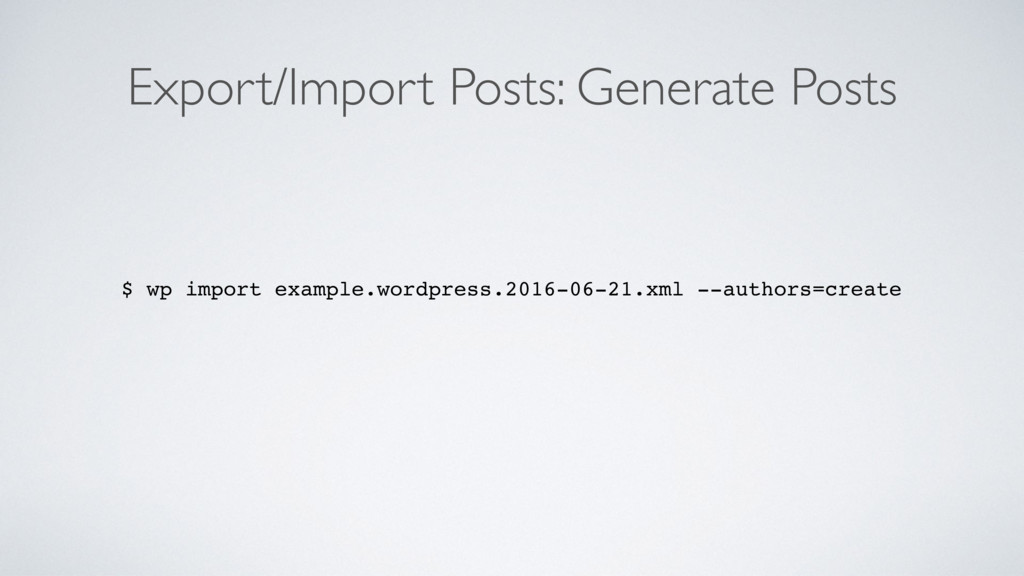
Export/Import Posts: Generate Posts $ wp import example.wordpress.2016-06-21.xml --authors=create
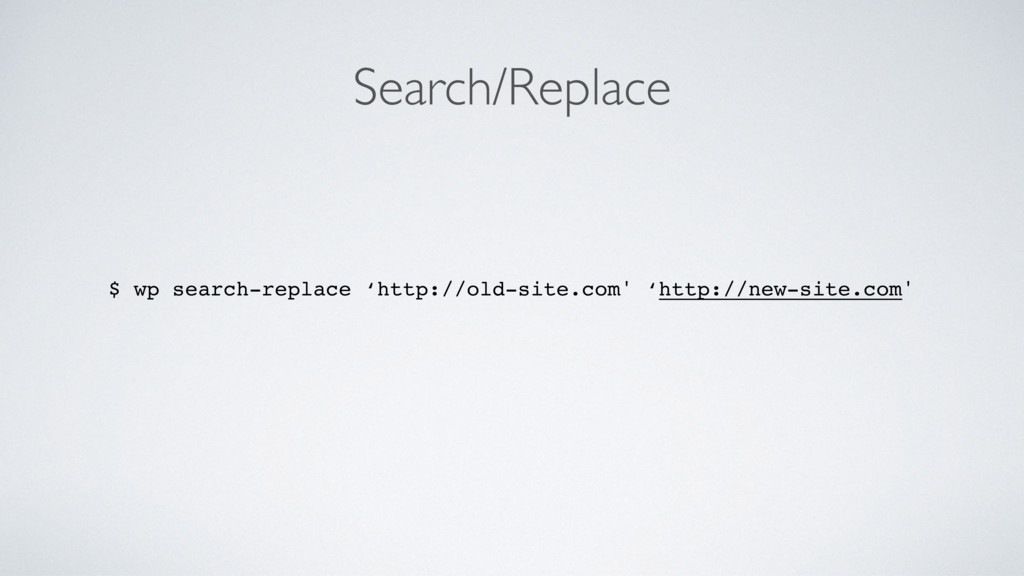
Search/Replace $ wp search-replace ‘http://old-site.com' ‘http://new-site.com'
Now it’s your time.
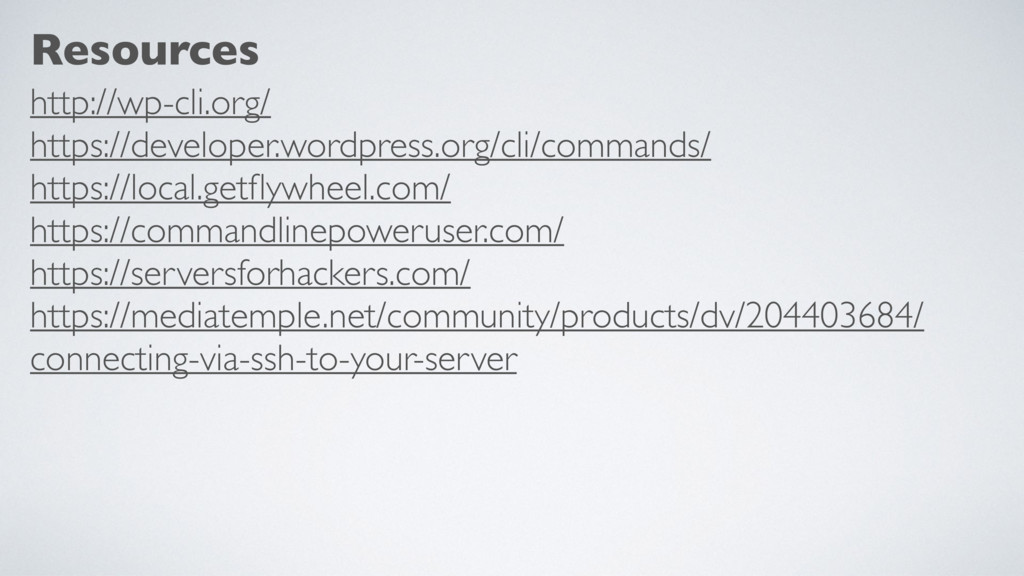
Resources http://wp-cli.org/ https://developer.wordpress.org/cli/commands/ https://local.getflywheel.com/ https://commandlinepoweruser.com/ https://serversforhackers.com/ https://mediatemple.net/community/products/dv/204403684/ connecting-via-ssh-to-your-server
Thank you.


 ajitbohra
 rvirus0817
 riku_423
 usanchuu
 khmoryz
 msysh
msysh
 kentosuzuki
 oracle4engineer
 hiroyaonoe
 dip_tech
 logica0419
 tasukuonizawa
 sansantech
 eileencodes
 baasie
 szymonslowik
 nikkihalliwell
 lara
lara
 orderedlist
 geoffreycrofte
 apolaine
 aleyda
 portentint
 marktimemedia
 schlessera








![Manage Users: Create User $ wp user create harry [email protected]](https://files.speakerdeck.com/presentations/bd67f6aea874496b9694e545f0520191/slide_18.jpg)
![Manage Users: Change Password $ wp user create bob [email protected]](https://files.speakerdeck.com/presentations/bd67f6aea874496b9694e545f0520191/slide_19.jpg)