Upgrade to Pro
— share decks privately, control downloads, hide ads and more …
Speaker Deck
Features
Speaker Deck
PRO
Sign in
Sign up for free
Search
Search
Cocoa Touch: The Good, The Bad and The Ugly
Search
Sponsored
·
SiteGround - Reliable hosting with speed, security, and support you can count on.
→
Chris Eidhof | @chriseidhof
December 16, 2013
Programming
2
200
Cocoa Touch: The Good, The Bad and The Ugly
This is a talk I gave at Alt Tech Talks London, as a try out for MCE.
Chris Eidhof | @chriseidhof
December 16, 2013
Tweet
Share
More Decks by Chris Eidhof | @chriseidhof
See All by Chris Eidhof | @chriseidhof
Dutch FP Day 2015
chriseidhof
2
390
Tiny Networking in Swift
chriseidhof
2
19k
Functional Swift - Brooklyn
chriseidhof
3
1.3k
Functional Swift - SF
chriseidhof
6
26k
Functional Swift
chriseidhof
6
1.3k
Functional Swift
chriseidhof
1
160
Functional Programming in Swift
chriseidhof
40
19k
Lighter View Controllers
chriseidhof
4
210
Parsing with Blocks
chriseidhof
2
240
Other Decks in Programming
See All in Programming
MUSUBIXとは
nahisaho
0
140
dchart: charts from deck markup
ajstarks
3
1k
組織で育むオブザーバビリティ
ryota_hnk
0
180
Data-Centric Kaggle
isax1015
2
780
Honoを使ったリモートMCPサーバでAIツールとの連携を加速させる!
tosuri13
1
180
CSC307 Lecture 07
javiergs
PRO
1
560
今から始めるClaude Code超入門
448jp
8
9.1k
Lambda のコードストレージ容量に気をつけましょう
tattwan718
0
150
AI Schema Enrichment for your Oracle AI Database
thatjeffsmith
0
330
React Native × React Router v7 API通信の共通化で考えるべきこと
suguruooki
0
100
AWS re:Invent 2025参加 直前 Seattle-Tacoma Airport(SEA)におけるハードウェア紛失インシデントLT
tetutetu214
2
120
なるべく楽してバックエンドに型をつけたい!(楽とは言ってない)
hibiki_cube
0
140
Featured
See All Featured
VelocityConf: Rendering Performance Case Studies
addyosmani
333
24k
Un-Boring Meetings
codingconduct
0
200
Building Experiences: Design Systems, User Experience, and Full Site Editing
marktimemedia
0
410
Designing Experiences People Love
moore
144
24k
[SF Ruby Conf 2025] Rails X
palkan
1
760
Neural Spatial Audio Processing for Sound Field Analysis and Control
skoyamalab
0
180
JAMstack: Web Apps at Ludicrous Speed - All Things Open 2022
reverentgeek
1
350
The Success of Rails: Ensuring Growth for the Next 100 Years
eileencodes
47
7.9k
Code Reviewing Like a Champion
maltzj
527
40k
How to Talk to Developers About Accessibility
jct
2
140
Breaking role norms: Why Content Design is so much more than writing copy - Taylor Woolridge
uxyall
0
170
Evolution of real-time – Irina Nazarova, EuRuKo, 2024
irinanazarova
9
1.2k
Transcript
None
Cocoa Touch The Good, The Bad and The Ugly Chris
Eidhof
Cocoa Touch The Ugly, The Good and The Bad Chris
Eidhof
commit c416c1d259bddaa74833e6df5acd770f85622293 Author: Chris Eidhof <
[email protected]
> Date: Wed Jan 7
11:54:34 2009 +0100 Empty project
None
None
I thought I was a pretty good programmer
I knew PHP, Ruby and Haskell
How hard can it be?
None
The ugly
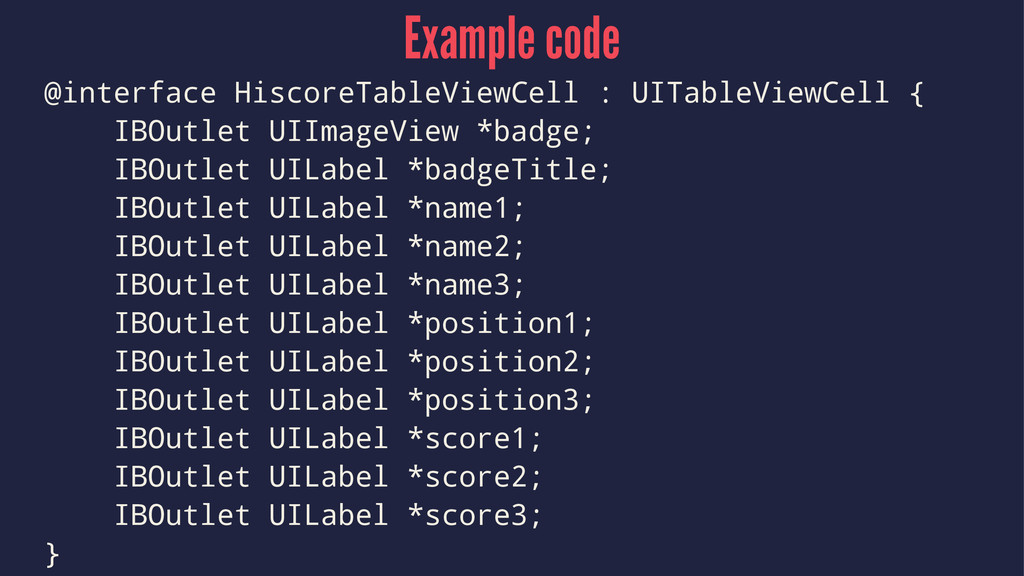
Example code @interface HiscoreTableViewCell : UITableViewCell { IBOutlet UIImageView *badge;
IBOutlet UILabel *badgeTitle; IBOutlet UILabel *name1; IBOutlet UILabel *name2; IBOutlet UILabel *name3; IBOutlet UILabel *position1; IBOutlet UILabel *position2; IBOutlet UILabel *position3; IBOutlet UILabel *score1; IBOutlet UILabel *score2; IBOutlet UILabel *score3; }
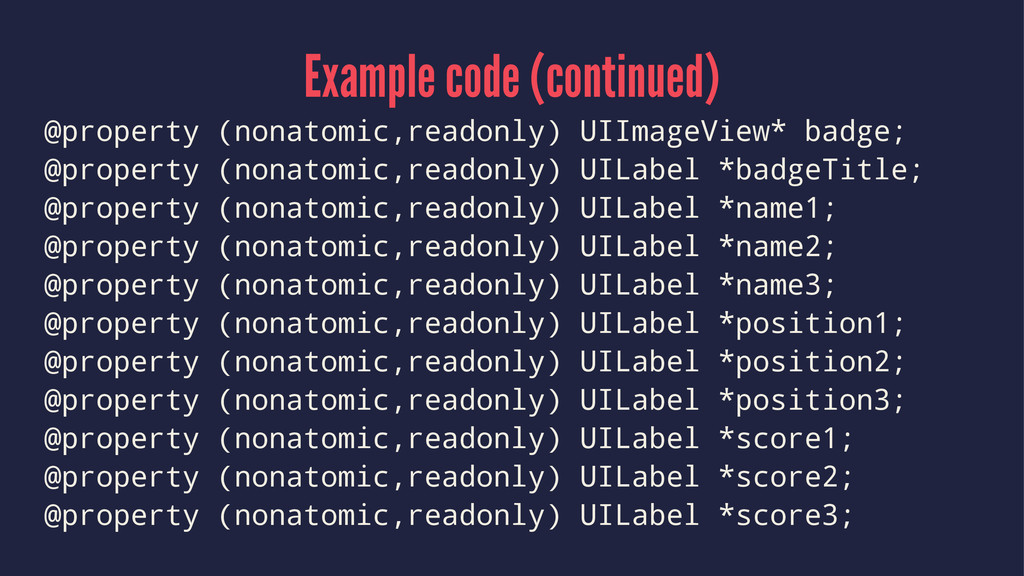
Example code (continued) @property (nonatomic,readonly) UIImageView* badge; @property (nonatomic,readonly) UILabel
*badgeTitle; @property (nonatomic,readonly) UILabel *name1; @property (nonatomic,readonly) UILabel *name2; @property (nonatomic,readonly) UILabel *name3; @property (nonatomic,readonly) UILabel *position1; @property (nonatomic,readonly) UILabel *position2; @property (nonatomic,readonly) UILabel *position3; @property (nonatomic,readonly) UILabel *score1; @property (nonatomic,readonly) UILabel *score2; @property (nonatomic,readonly) UILabel *score3;
Example code (continued) @synthesize badge; @synthesize badgeTitle; @synthesize name1; @synthesize
name2; @synthesize name3; @synthesize position1; @synthesize position2; @synthesize position3; @synthesize score1; @synthesize score2; @synthesize score3;
There's more
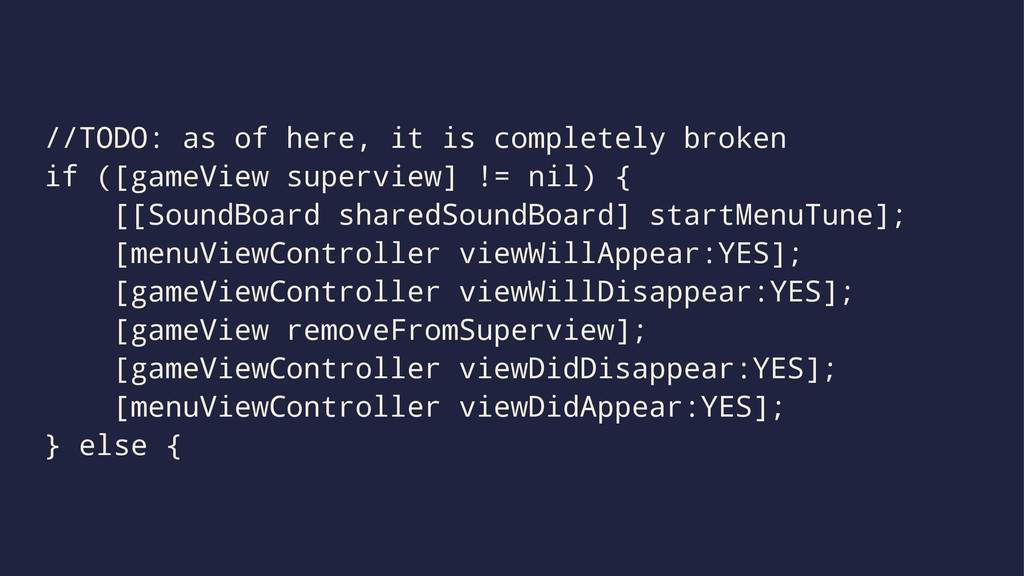
//TODO: as of here, it is completely broken if ([gameView
superview] != nil) { [[SoundBoard sharedSoundBoard] startMenuTune]; [menuViewController viewWillAppear:YES]; [gameViewController viewWillDisappear:YES]; [gameView removeFromSuperview]; [gameViewController viewDidDisappear:YES]; [menuViewController viewDidAppear:YES]; } else {
NSURL *cgiUrl = [NSURL URLWithString:POST_SCORE_URL]; NSMutableURLRequest *p = [NSMutableURLRequest requestWithURL:cgiUrl];
[p setTimeoutInterval:4]; [p setHTTPMethod:@"POST"]; [p setHTTPBody:requestData]; NSURLResponse *response = nil; NSError *error = nil; NSData *responseData = [NSURLConnection sendSynchronousRequest:p returningResponse:&response error:&error];
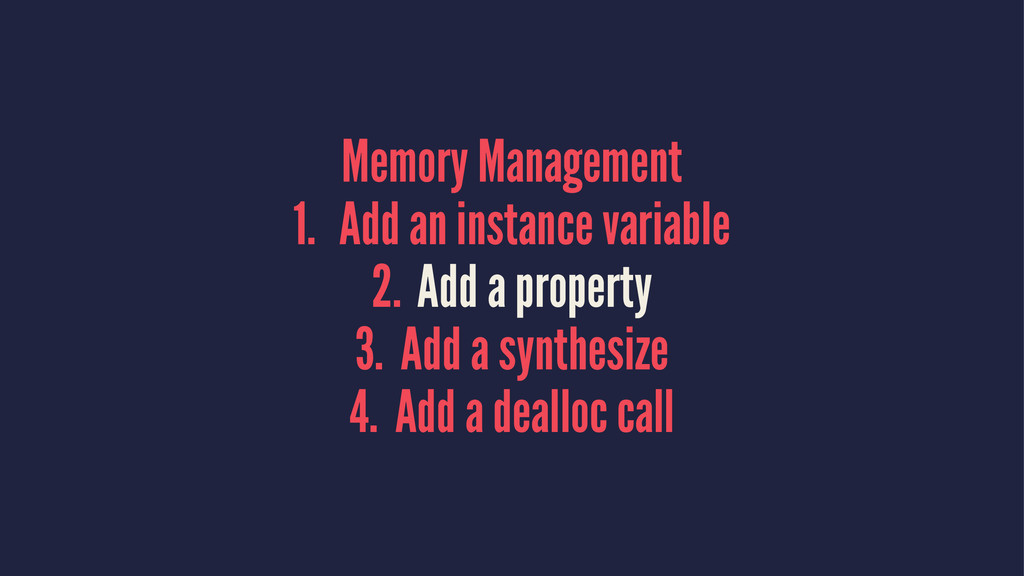
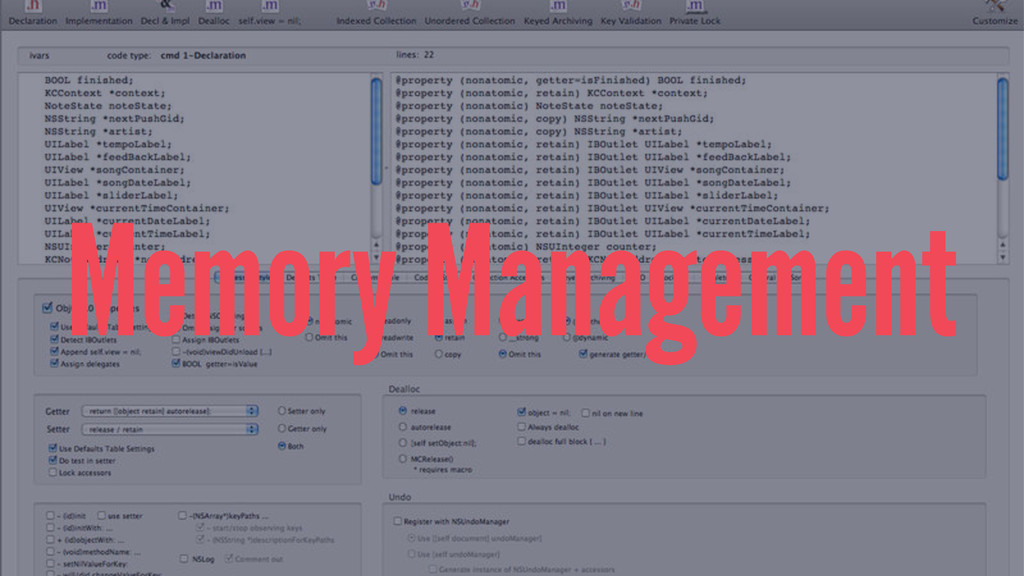
Memory Management 1. Add an instance variable 2. Add a
property 3. Add a synthesize 4. Add a dealloc call
Memory Management 1. Add an instance variable 2. Add a
property 3. Add a synthesize 4. Add a dealloc call
Memory Management
Animations [UIView beginAnimations:@"GameOver" context:NULL]; [UIView setAnimationDuration:0.3]; [UIView setAnimationRepeatCount:2]; [UIView setAnimationRepeatAutoreverses:YES];
// Call animateOtherStuff when the animation is done [UIView setAnimationDelegate:self]; [UIView setAnimationDidStopSelector: @selector(afterGameOverAnimation:finished:context:)];
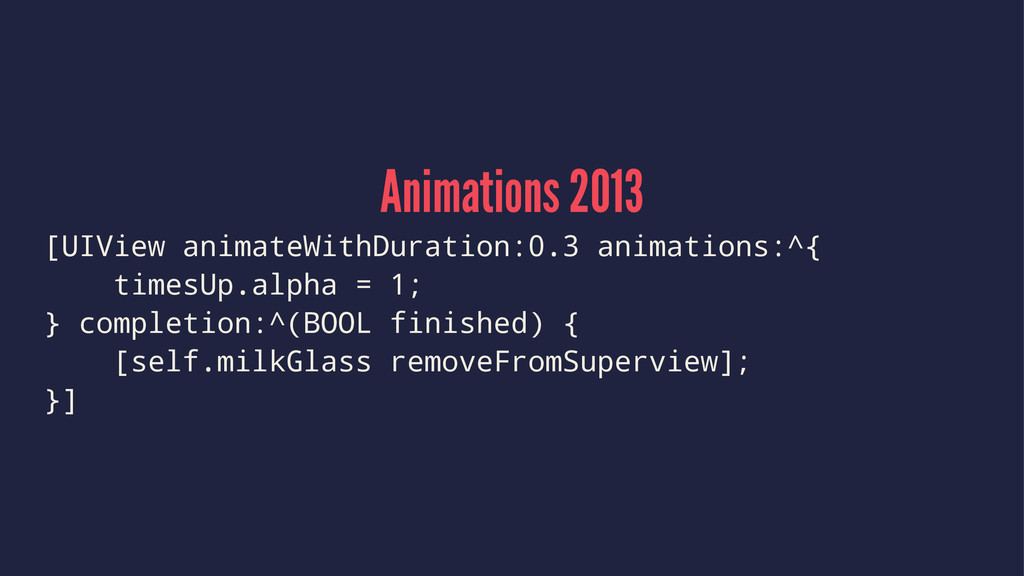
Animations 2013 [UIView animateWithDuration:0.3 animations:^{ timesUp.alpha = 1; } completion:^(BOOL
finished) { [self.milkGlass removeFromSuperview]; }]
None
The Good
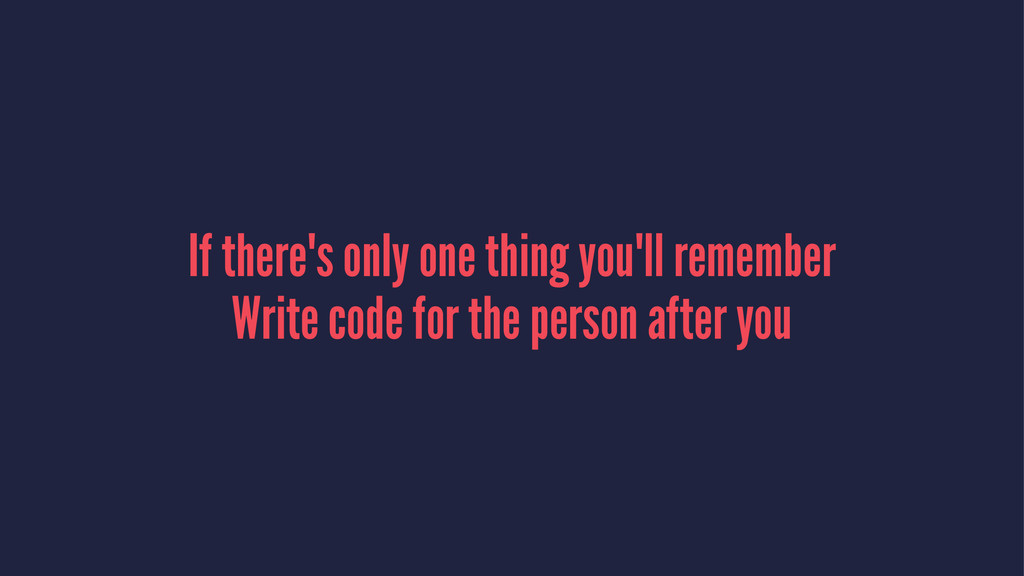
If there's only one thing you'll remember Write code for
the person after you
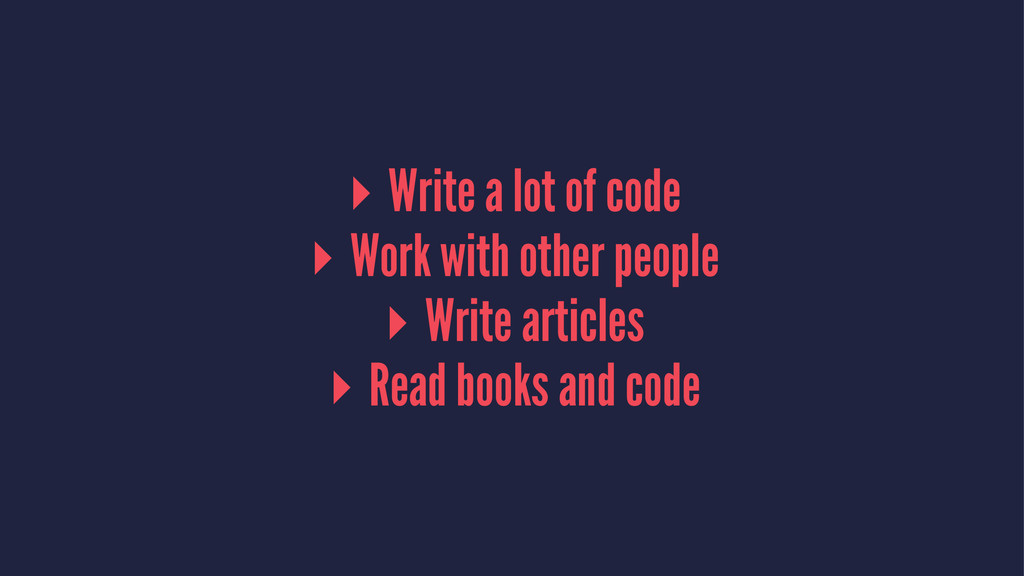
▸ Write a lot of code ▸ Work with other
people ▸ Write articles ▸ Read books and code
Write a lot of code ▸ Lots of production code
▸ Lots of throwaway code
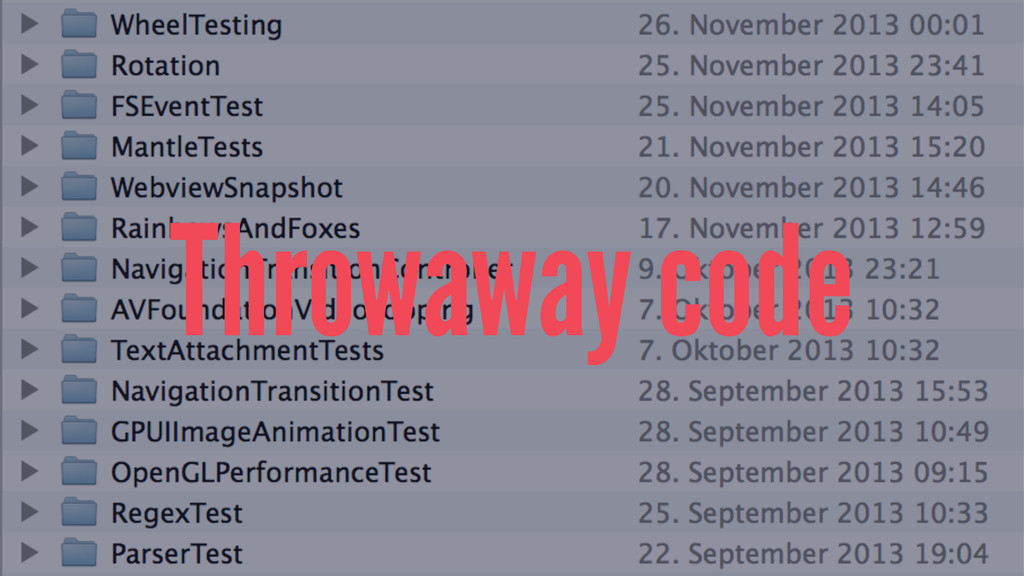
Throwaway code
Collaborate ▸ With people who are better than you ▸
Or who aren't better than you
Write Forces you to think.
Absolute Knowledge
Perceived Knowledge
Strive to become better
Ship
Frameworks
2013 ▸ Use ARC ▸ Use properties
Core Data
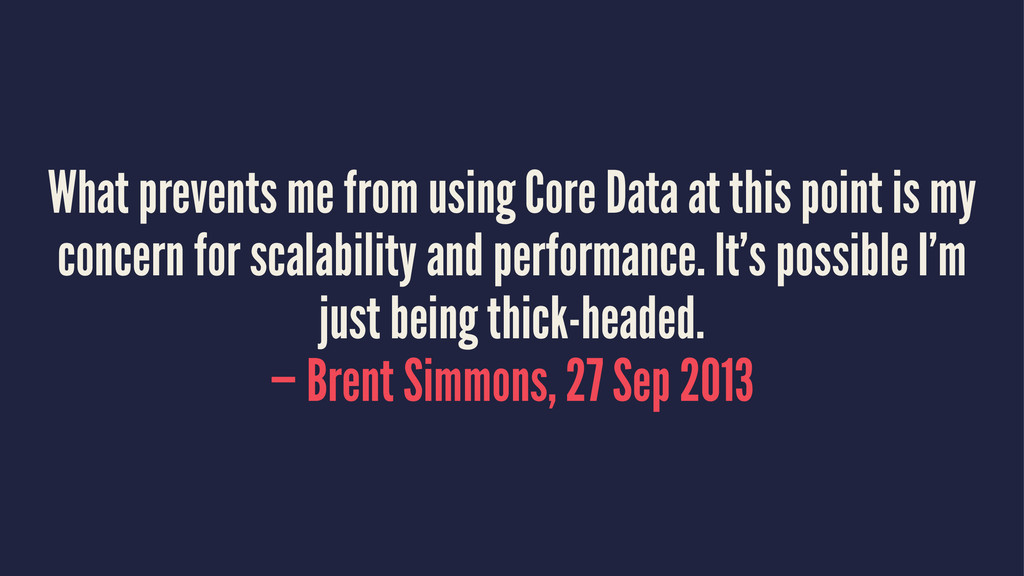
What prevents me from using Core Data at this point
is my concern for scalability and performance. It’s possible I’m just being thick-headed. — Brent Simmons, 27 Sep 2013
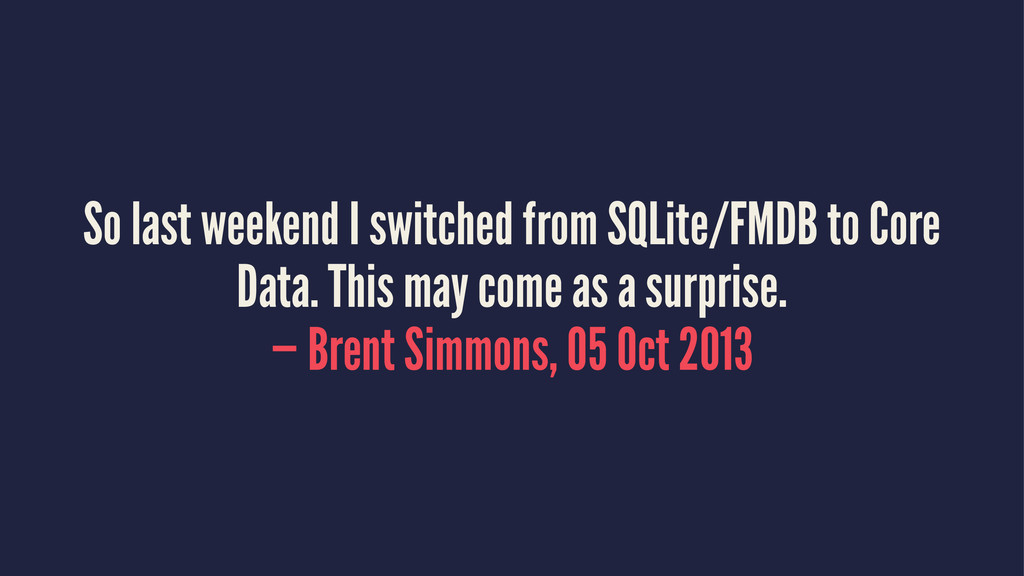
So last weekend I switched from SQLite/FMDB to Core Data.
This may come as a surprise. — Brent Simmons, 05 Oct 2013
None
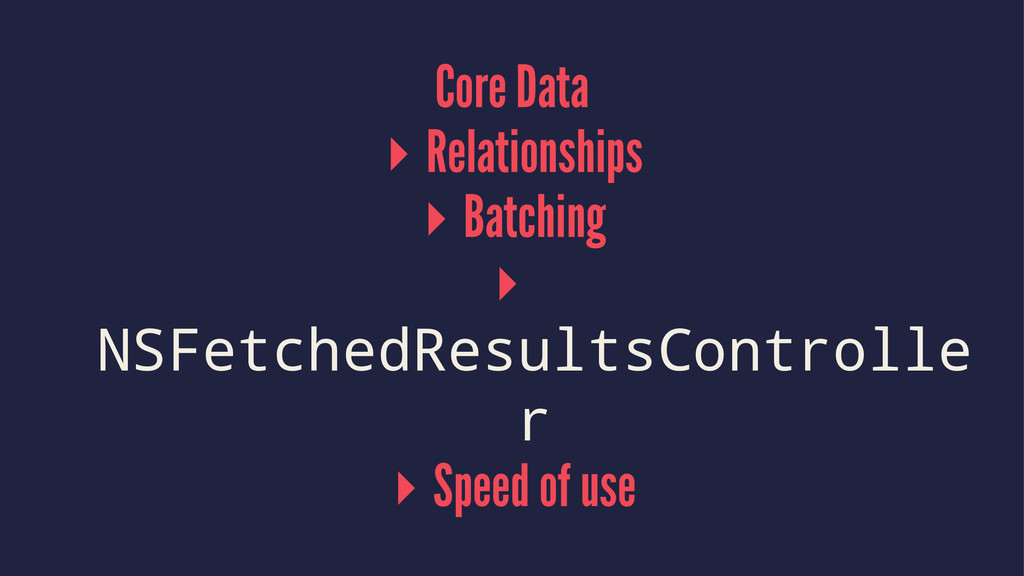
Core Data ▸ Relationships ▸ Batching ▸ NSFetchedResultsControlle r ▸
Speed of use
Code style
My model was the NSURLConnectionDelegate Model should not know about
the webservice
Using NSDictionary everywhere Create value objects
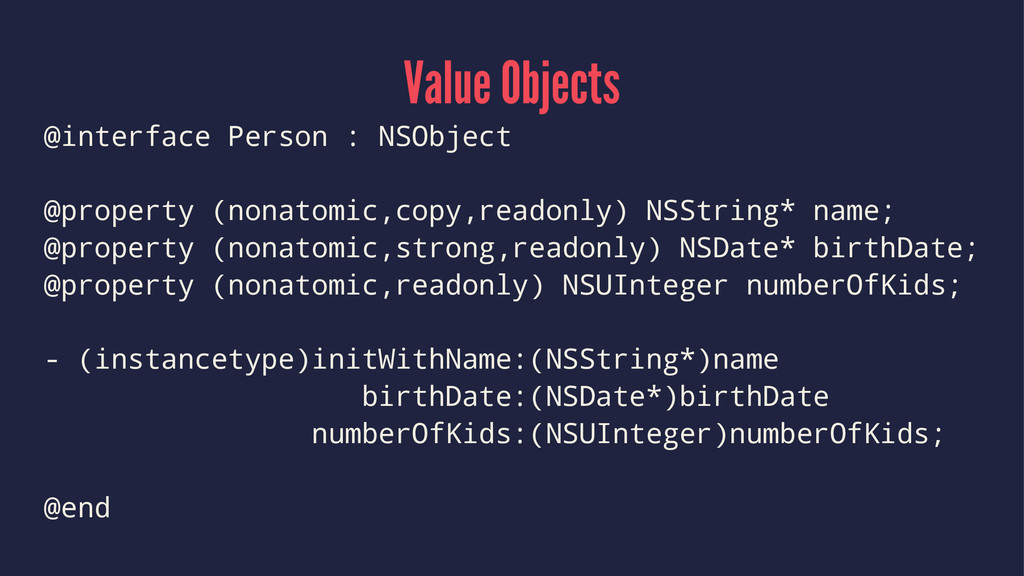
Value Objects @interface Person : NSObject @property (nonatomic,copy,readonly) NSString* name;
@property (nonatomic,strong,readonly) NSDate* birthDate; @property (nonatomic,readonly) NSUInteger numberOfKids; - (instancetype)initWithName:(NSString*)name birthDate:(NSDate*)birthDate numberOfKids:(NSUInteger)numberOfKids; @end
Immutable Objects Use lots of them.
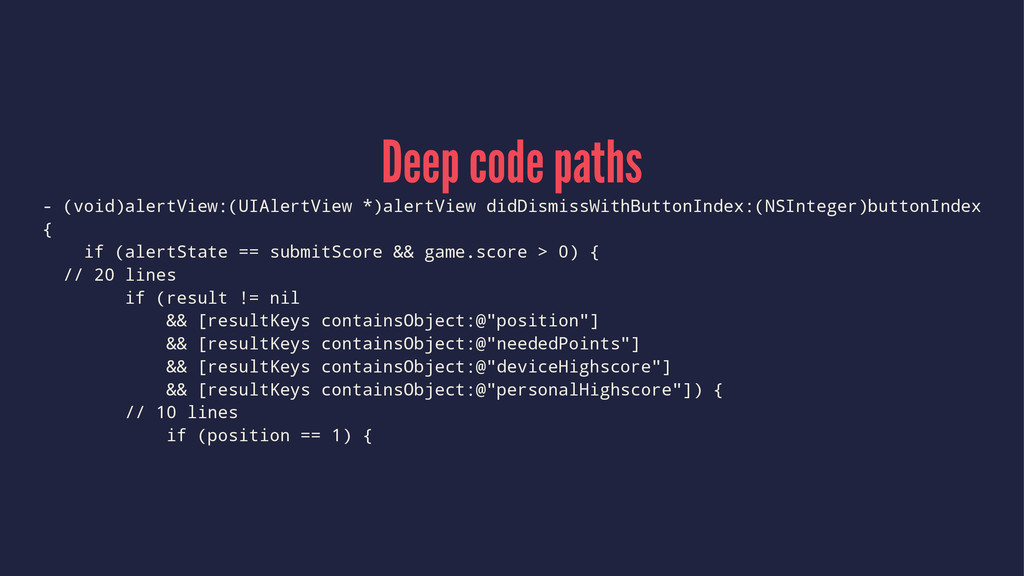
Deep code paths - (void)alertView:(UIAlertView *)alertView didDismissWithButtonIndex:(NSInteger)buttonIndex { if (alertState
== submitScore && game.score > 0) { // 20 lines if (result != nil && [resultKeys containsObject:@"position"] && [resultKeys containsObject:@"neededPoints"] && [resultKeys containsObject:@"deviceHighscore"] && [resultKeys containsObject:@"personalHighscore"]) { // 10 lines if (position == 1) {
Deep code paths Pull out things into separate, well-named methods
Building everything in code Use Interface Builder
Writing fast code Write clear code, only optimize after measuring.
None
Tips and Tricks
Initializers [[HiscoresViewController alloc] initWithNibName:@"HiscoresView" bundle:nil]
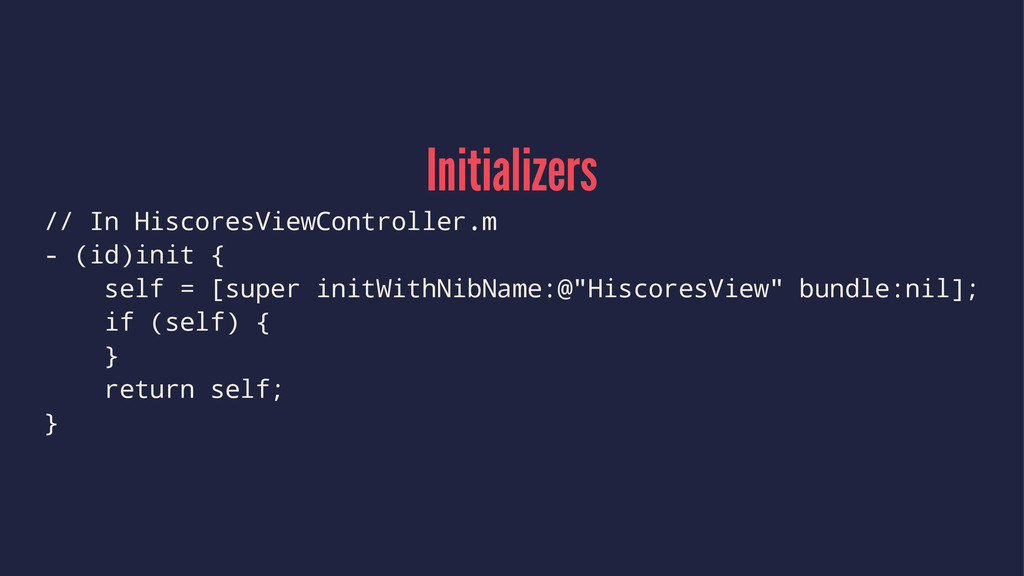
Initializers // In HiscoresViewController.m - (id)init { self = [super
initWithNibName:@"HiscoresView" bundle:nil]; if (self) { } return self; }
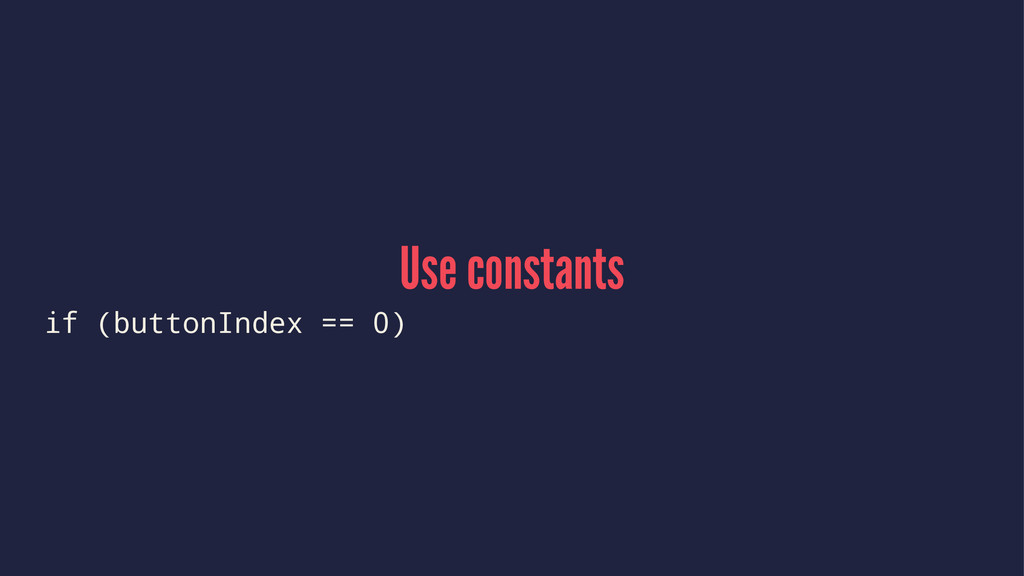
Use constants if (buttonIndex == 0)
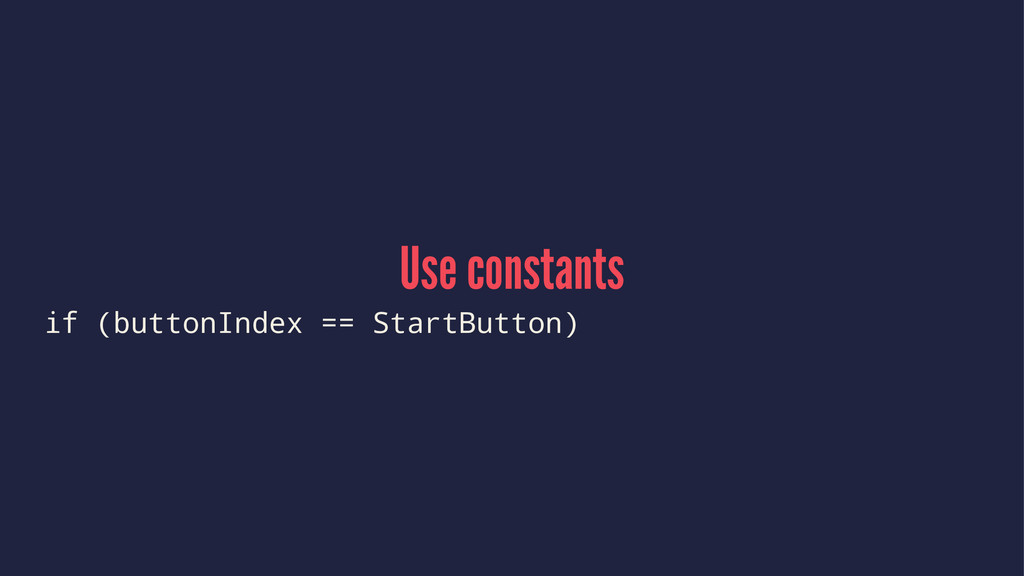
Use constants if (buttonIndex == StartButton)
Pull out variable names if ([game state] == running ||
self.trainingMode)
Pull out variable names BOOL shouldPauseGame = [game state] ==
running || self.trainingMode; if (shouldPauseGame)
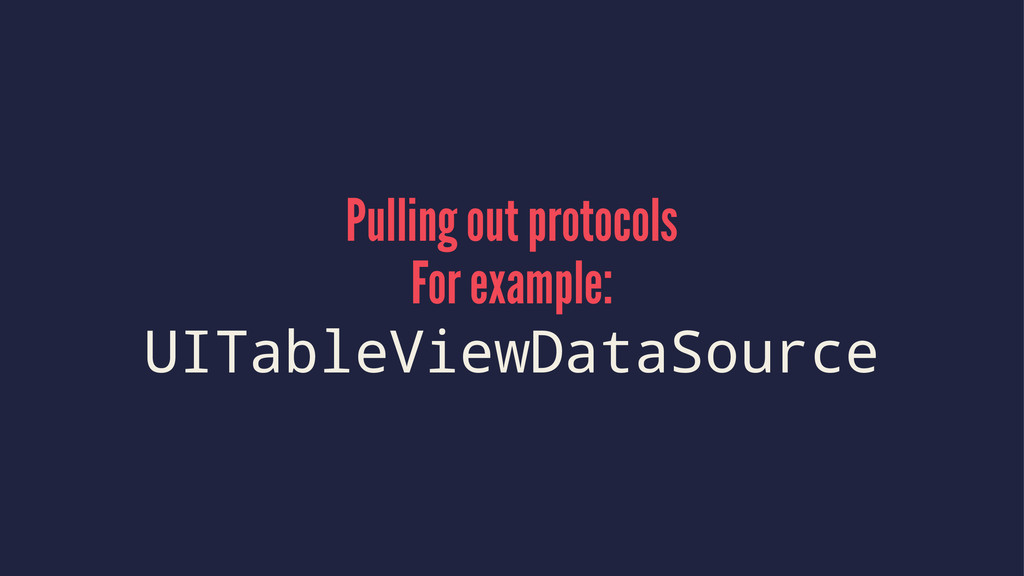
Pulling out protocols For example: UITableViewDataSource
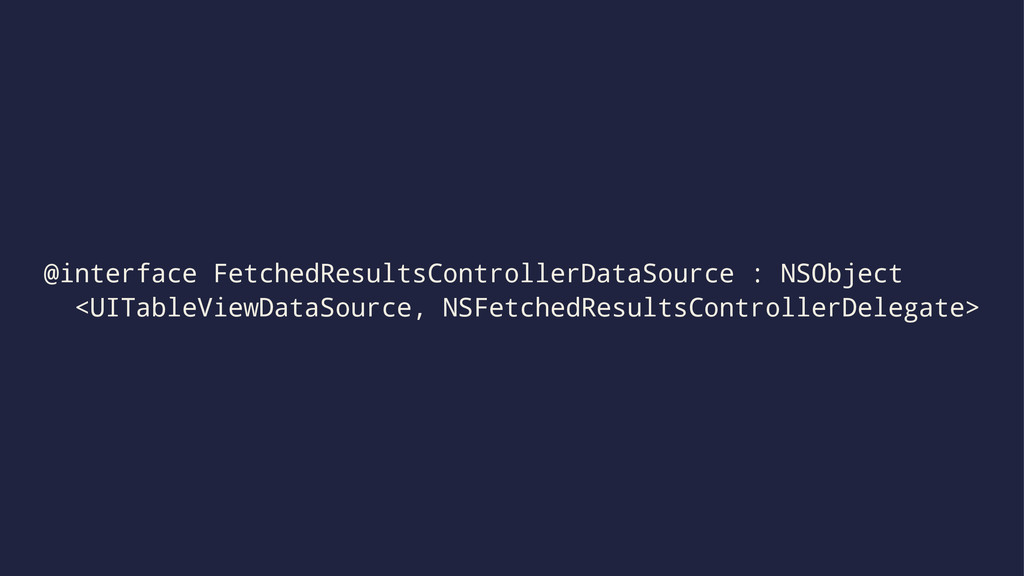
@interface FetchedResultsControllerDataSource : NSObject <UITableViewDataSource, NSFetchedResultsControllerDelegate>
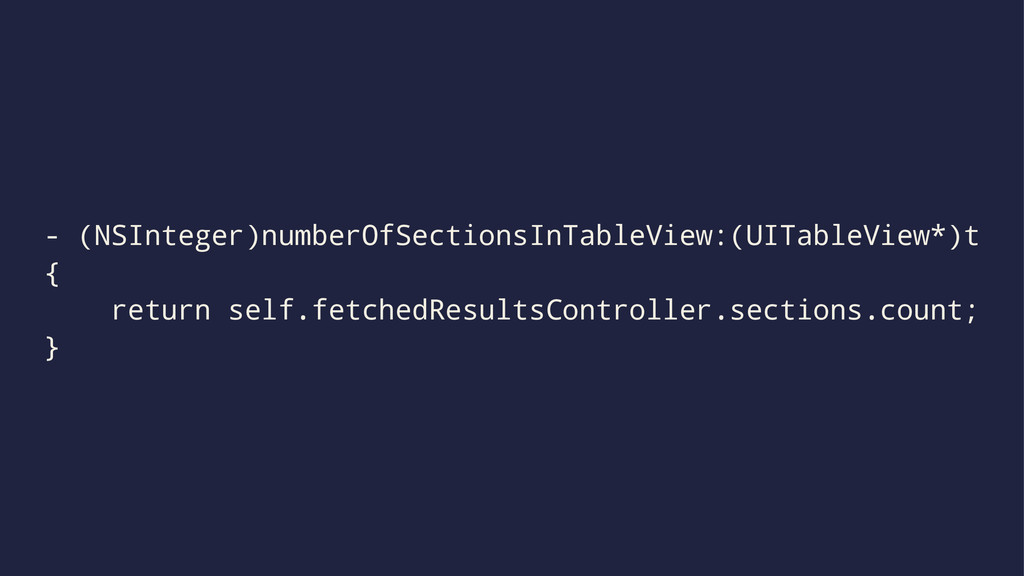
- (NSInteger)numberOfSectionsInTableView:(UITableView*)t { return self.fetchedResultsController.sections.count; }
- (NSInteger)tableView:(UITableView*)tableView numberOfRowsInSection:(NSInteger)sectionIndex { id<NSFetchedResultsSectionInfo> section; section = self.frc.sections[sectionIndex]; return
section.numberOfObjects; }
- (UITableViewCell*)tableView:(UITableView*)tableView cellForRowAtIndexPath:(NSIndexPath*)ip { id object = [self objectAtIndexPath:indexPath]; id
cell = [tableView dequeueReusableCellWithIdentifier:ruI forIndexPath:ip]; [self.delegate configureCell:cell withObject:object]; return cell; }
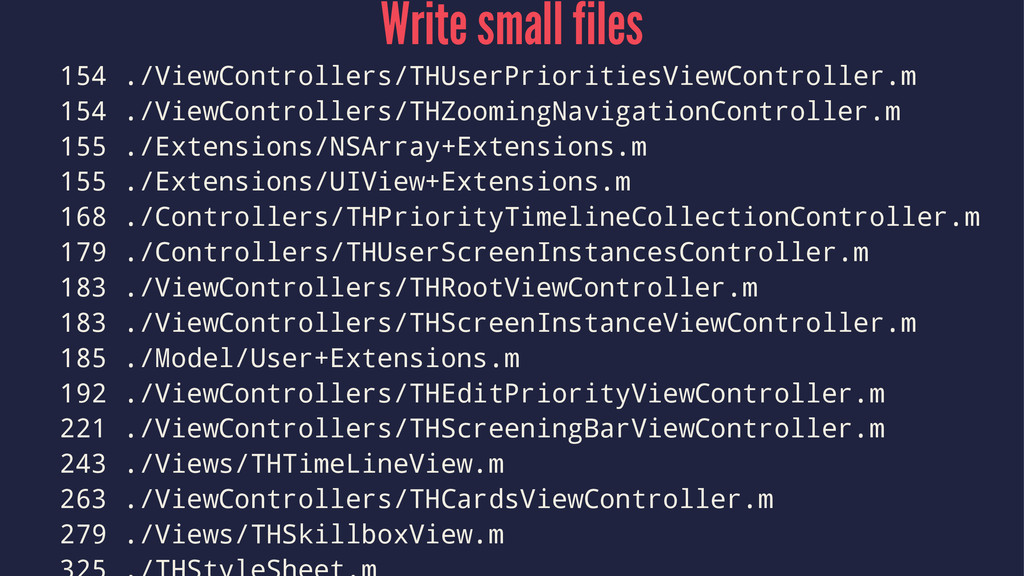
Write small files I aim for a 100 line limit
Write small files 154 ./ViewControllers/THUserPrioritiesViewController.m 154 ./ViewControllers/THZoomingNavigationController.m 155 ./Extensions/NSArray+Extensions.m 155
./Extensions/UIView+Extensions.m 168 ./Controllers/THPriorityTimelineCollectionController.m 179 ./Controllers/THUserScreenInstancesController.m 183 ./ViewControllers/THRootViewController.m 183 ./ViewControllers/THScreenInstanceViewController.m 185 ./Model/User+Extensions.m 192 ./ViewControllers/THEditPriorityViewController.m 221 ./ViewControllers/THScreeningBarViewController.m 243 ./Views/THTimeLineView.m 263 ./ViewControllers/THCardsViewController.m 279 ./Views/THSkillboxView.m
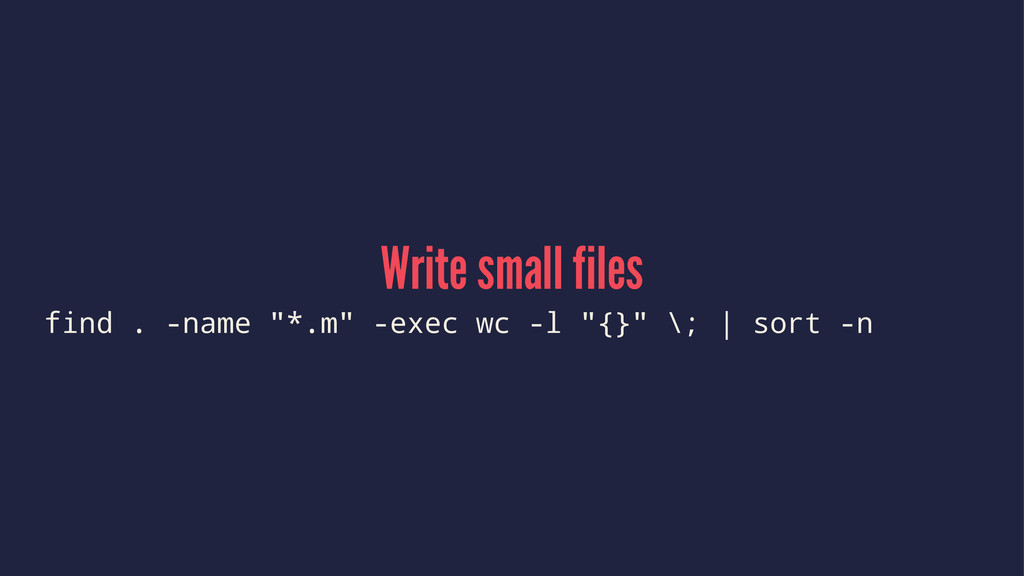
Write small files find . -name "*.m" -exec wc -l
"{}" \; | sort -n
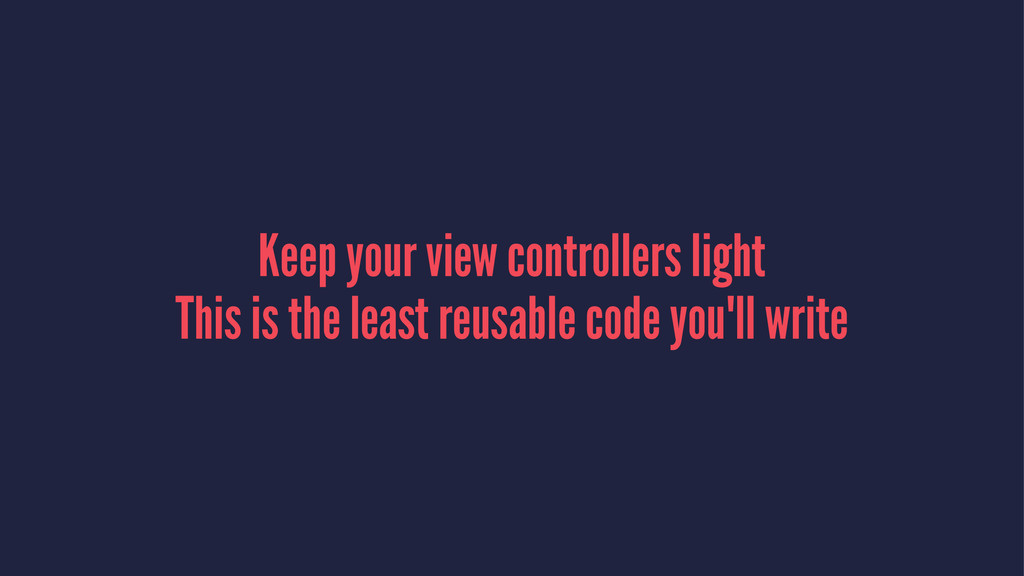
Keep your view controllers light This is the least reusable
code you'll write
Use protocols instead of inheritance
None
The Bad
None
None
About me ▸ @chriseidhof ▸ http://www.objc.io ▸ http://chris.eidhof.nl
Questions?

 SiteGround - Reliable hosting with speed, security, and support you can count on.


 chriseidhof
 nahisaho
 ajstarks
 ryota_hnk
 isax1015
 tosuri13
 javiergs
 448jp
448jp
 tattwan718
 thatjeffsmith
 suguruooki
 tetutetu214
 hibiki_cube
 addyosmani
 codingconduct
 marktimemedia
 moore
moore
 palkan
 skoyamalab
 reverentgeek
 eileencodes
 maltzj
 jct
jct
 uxyall
 irinanazarova



![commit c416c1d259bddaa74833e6df5acd770f85622293 Author: Chris Eidhof <[email protected]> Date: Wed Jan 7](https://files.speakerdeck.com/presentations/e294b2206d78013148900ea0271811b0/slide_3.jpg)








![NSURL *cgiUrl = [NSURL URLWithString:POST_SCORE_URL]; NSMutableURLRequest *p = [NSMutableURLRequest requestWithURL:cgiUrl];](https://files.speakerdeck.com/presentations/e294b2206d78013148900ea0271811b0/slide_16.jpg)

![Animations [UIView beginAnimations:@"GameOver" context:NULL]; [UIView setAnimationDuration:0.3]; [UIView setAnimationRepeatCount:2]; [UIView setAnimationRepeatAutoreverses:YES];](https://files.speakerdeck.com/presentations/e294b2206d78013148900ea0271811b0/slide_20.jpg)













![Initializers [[HiscoresViewController alloc] initWithNibName:@"HiscoresView" bundle:nil]](https://files.speakerdeck.com/presentations/e294b2206d78013148900ea0271811b0/slide_52.jpg)
![Pull out variable names if ([game state] == running ||](https://files.speakerdeck.com/presentations/e294b2206d78013148900ea0271811b0/slide_56.jpg)
![Pull out variable names BOOL shouldPauseGame = [game state] ==](https://files.speakerdeck.com/presentations/e294b2206d78013148900ea0271811b0/slide_57.jpg)
![- (NSInteger)tableView:(UITableView*)tableView numberOfRowsInSection:(NSInteger)sectionIndex { id<NSFetchedResultsSectionInfo> section; section = self.frc.sections[sectionIndex]; return](https://files.speakerdeck.com/presentations/e294b2206d78013148900ea0271811b0/slide_61.jpg)
![- (UITableViewCell*)tableView:(UITableView*)tableView cellForRowAtIndexPath:(NSIndexPath*)ip { id object = [self objectAtIndexPath:indexPath]; id](https://files.speakerdeck.com/presentations/e294b2206d78013148900ea0271811b0/slide_62.jpg)