Upgrade to Pro
— share decks privately, control downloads, hide ads and more …
Speaker Deck
Features
Speaker Deck
PRO
Sign in
Sign up for free
Search
Search
Unify The UI With React
Search
Dan Cork
April 28, 2016
Technology
0
250
Unify The UI With React
Dan Cork
April 28, 2016
Tweet
Share
More Decks by Dan Cork
See All by Dan Cork
Paradox of Choice
dancork
0
40
Talking Tech Jan 2016
dancork
0
61
Give CSS3 Some Love / FOWD2015
dancork
0
280
Git For Humans - Holiday Extras - 14/08/2015
dancork
0
250
Other Decks in Technology
See All in Technology
SREじゃなかった僕らがenablingを通じて「SRE実践者」になるまでのリアル / SRE Kaigi 2026
aeonpeople
6
2.5k
30万人の同時アクセスに耐えたい!新サービスの盤石なリリースを支える負荷試験 / SRE Kaigi 2026
genda
4
1.4k
学生・新卒・ジュニアから目指すSRE
hiroyaonoe
2
750
CDKで始めるTypeScript開発のススメ
tsukuboshi
1
530
量子クラウドサービスの裏側 〜Deep Dive into OQTOPUS〜
oqtopus
0
140
Frontier Agents (Kiro autonomous agent / AWS Security Agent / AWS DevOps Agent) の紹介
msysh
3
180
Red Hat OpenStack Services on OpenShift
tamemiya
0
130
Cloud Runでコロプラが挑む 生成AI×ゲーム『神魔狩りのツクヨミ』の裏側
colopl
0
130
こんなところでも(地味に)活躍するImage Modeさんを知ってるかい?- Image Mode for OpenShift -
tsukaman
1
170
小さく始めるBCP ― 多プロダクト環境で始める最初の一歩
kekke_n
1
570
仕様書駆動AI開発の実践: Issue→Skill→PRテンプレで 再現性を作る
knishioka
2
680
ECS障害を例に学ぶ、インシデント対応に備えた AIエージェントの育て方 / How to develop AI agents for incident response with ECS outage
iselegant
2
280
Featured
See All Featured
Building AI with AI
inesmontani
PRO
1
700
Agile that works and the tools we love
rasmusluckow
331
21k
Ethics towards AI in product and experience design
skipperchong
2
200
The SEO identity crisis: Don't let AI make you average
varn
0
330
Site-Speed That Sticks
csswizardry
13
1.1k
Tell your own story through comics
letsgokoyo
1
810
YesSQL, Process and Tooling at Scale
rocio
174
15k
The Art of Delivering Value - GDevCon NA Keynote
reverentgeek
16
1.8k
Why Mistakes Are the Best Teachers: Turning Failure into a Pathway for Growth
auna
0
54
Between Models and Reality
mayunak
1
190
Cheating the UX When There Is Nothing More to Optimize - PixelPioneers
stephaniewalter
287
14k
How to Create Impact in a Changing Tech Landscape [PerfNow 2023]
tammyeverts
55
3.3k
Transcript
Unify the UI with React @dancork
Dan Cork UI Engineer & Evangelist @dancork
Holiday Extras
Beginnings
max. 4095 selectors
None
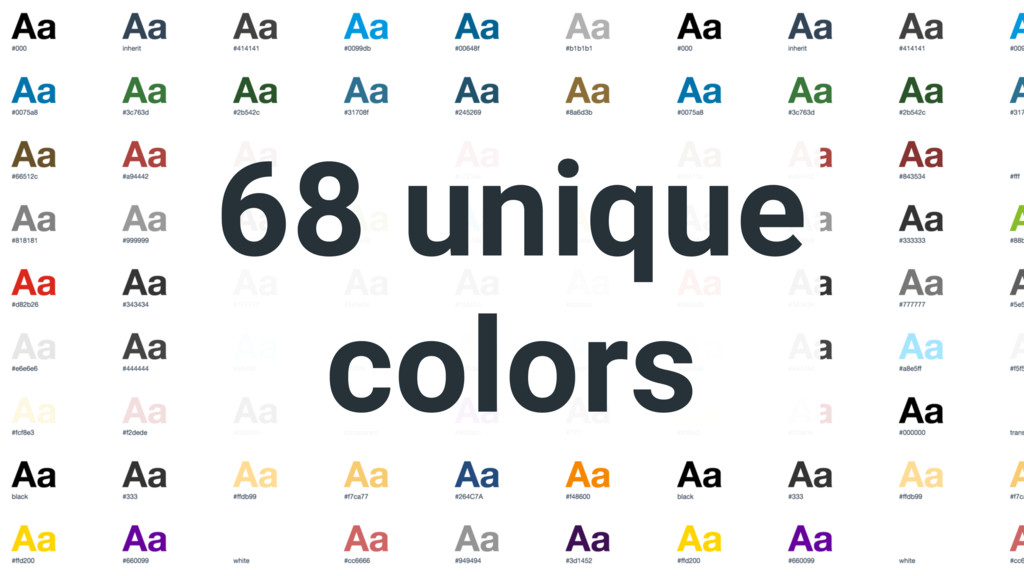
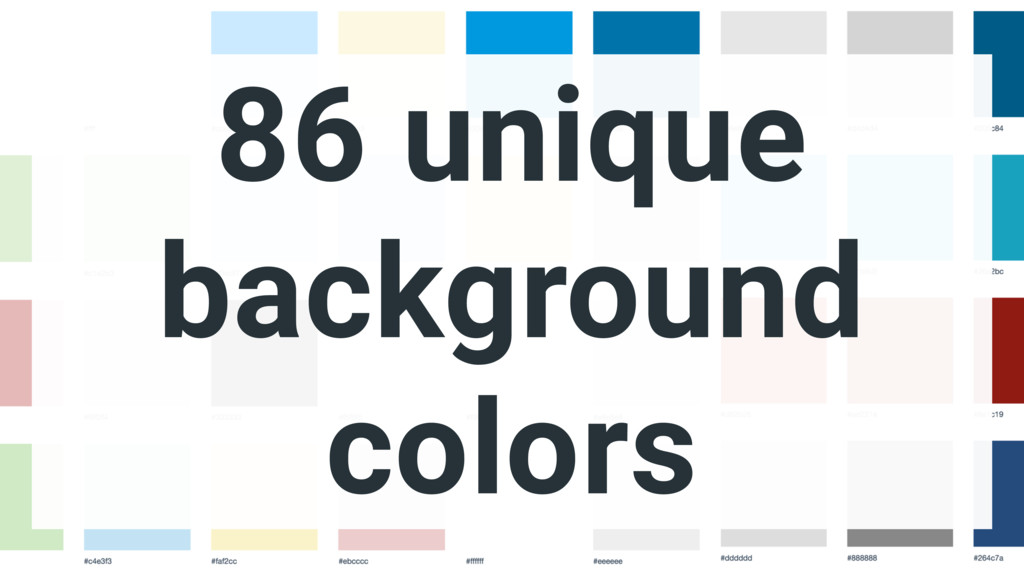
cssstats.com
68 unique colors
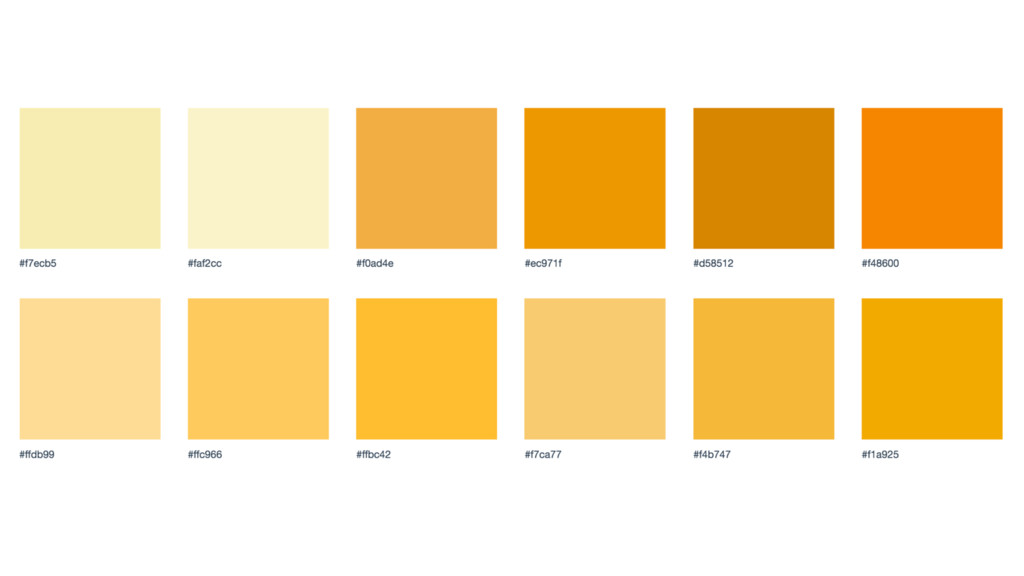
86 unique background colors
None
None
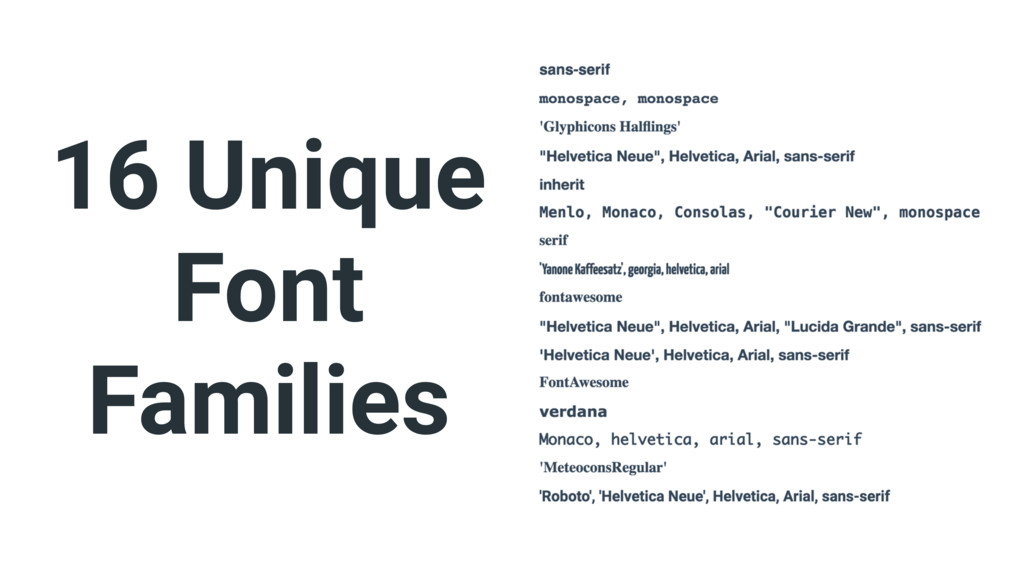
16 Unique Font Families
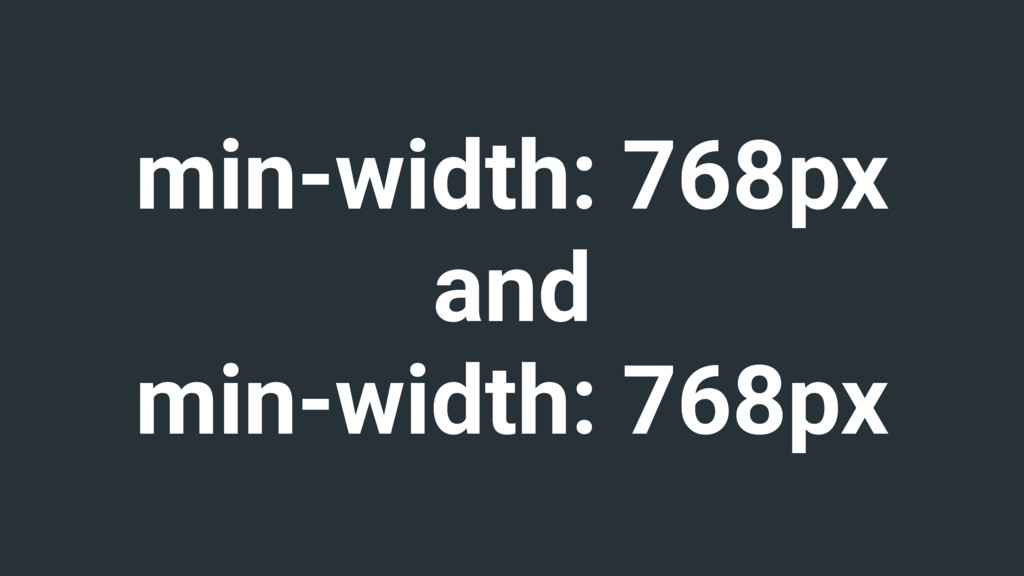
min-width: 768px and min-width: 1200px
min-width: 768px and min-width: 992px
min-width: 768px and min-width: 768px
Why not Bootstrap?
Don't want to look the same
source: louderthanten.com/coax/design-machines
Configurable but can cause bloat
Grids are old news
source: www.zingdesign.com/5-reasons-not-to-use-twitter-bootstrap
flex box, grids & shapes
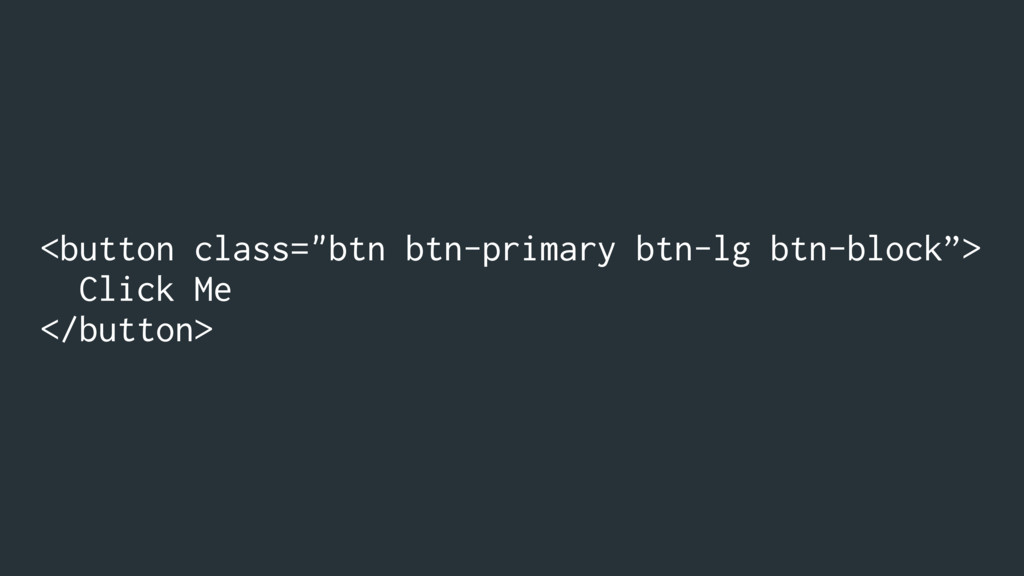
Requires app developers to remember classes
<button class="btn btn-primary btn-lg btn-block”> Click Me </button>
Often doesn’t fit our design systems
Not just CSS
Interactions
Events
Tracking
Why use React?
Declarative
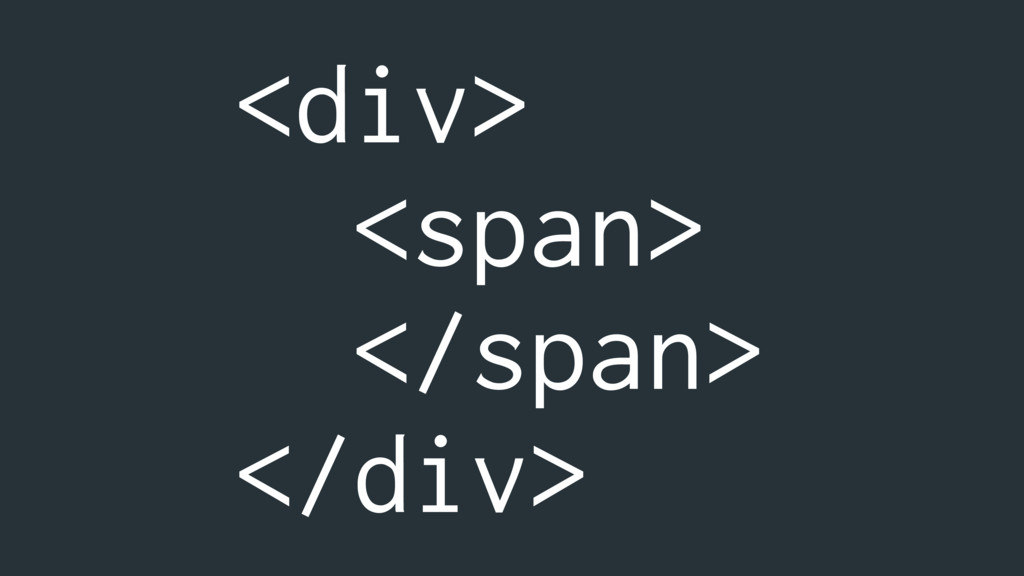
<div> <span> </span> </div>
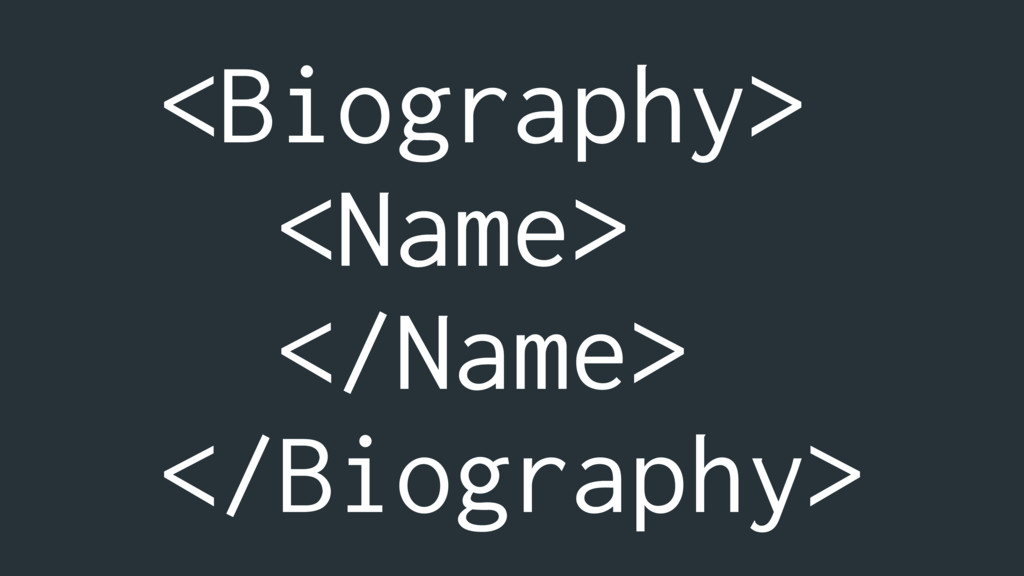
<Biography> <Name> </Name> </Biography>
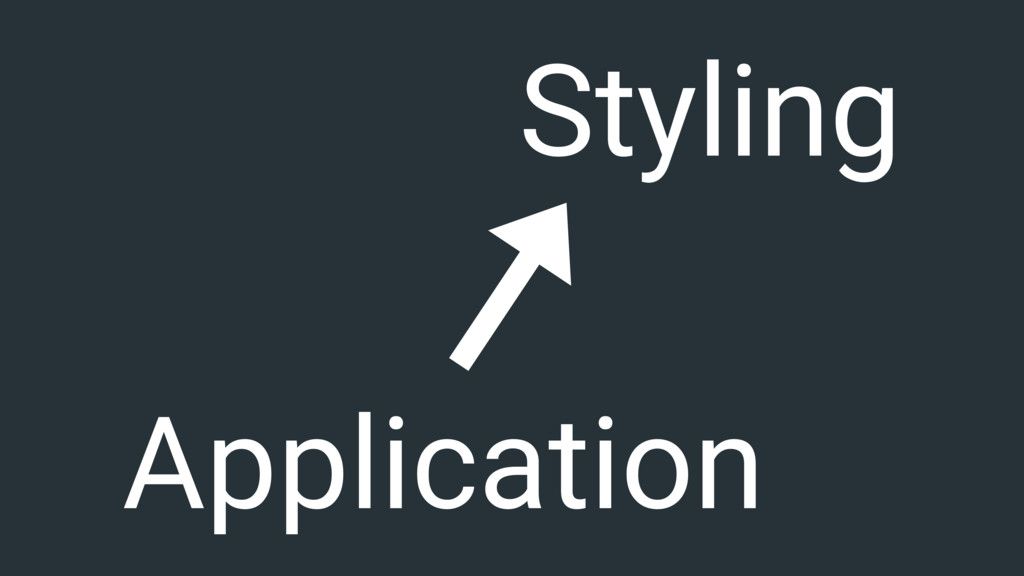
Application Styling
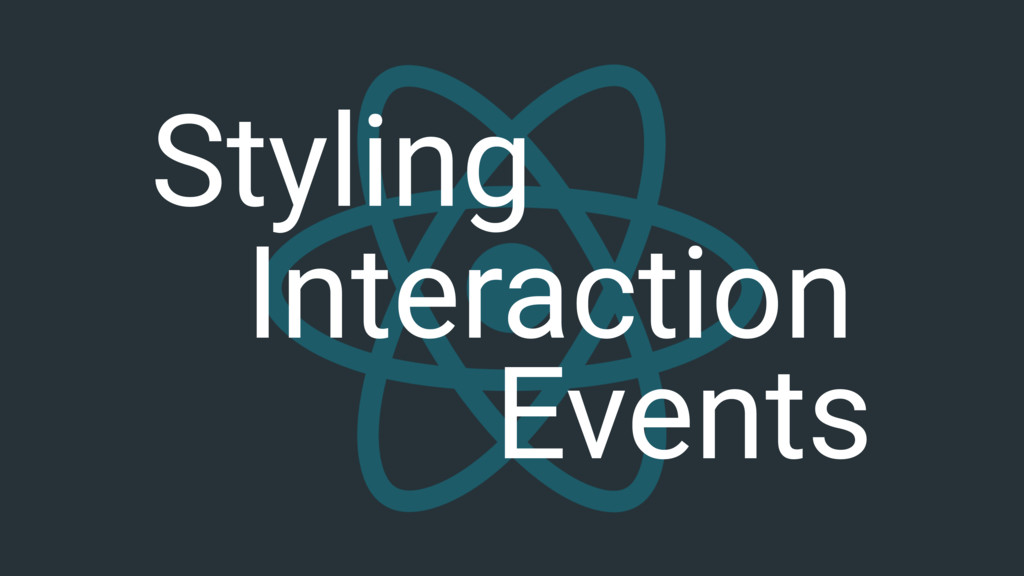
Styling Interaction Events
#perfmatters
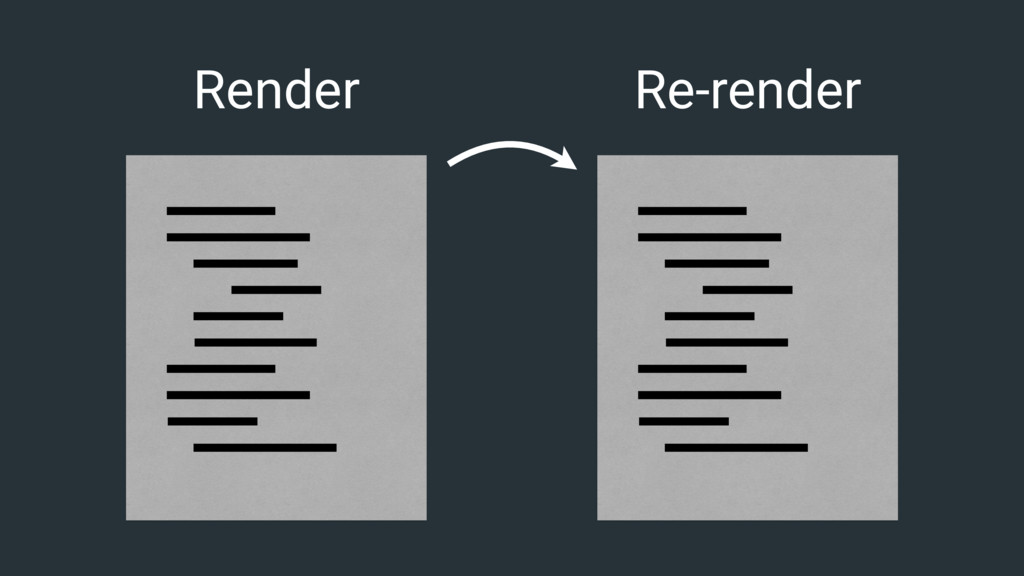
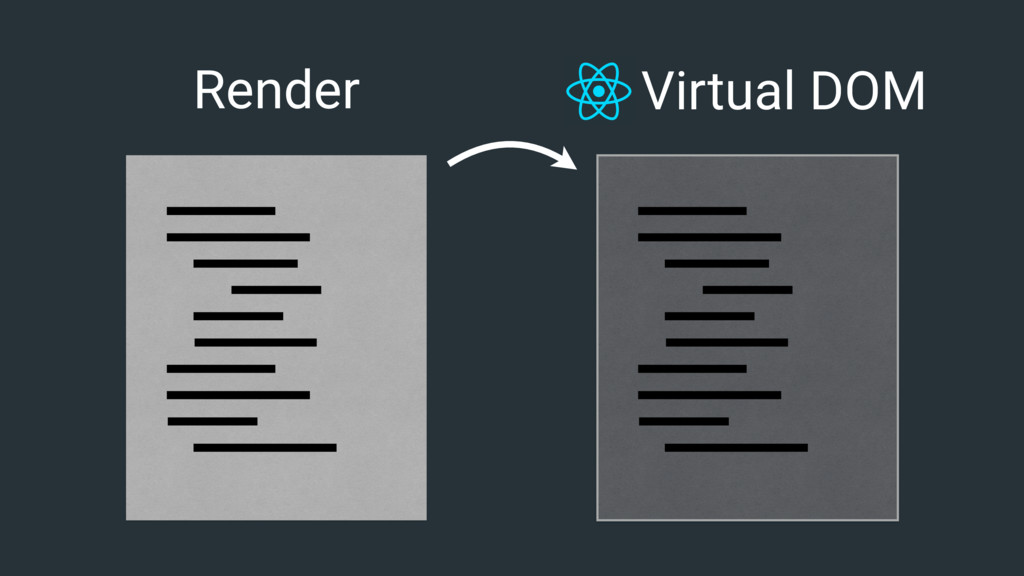
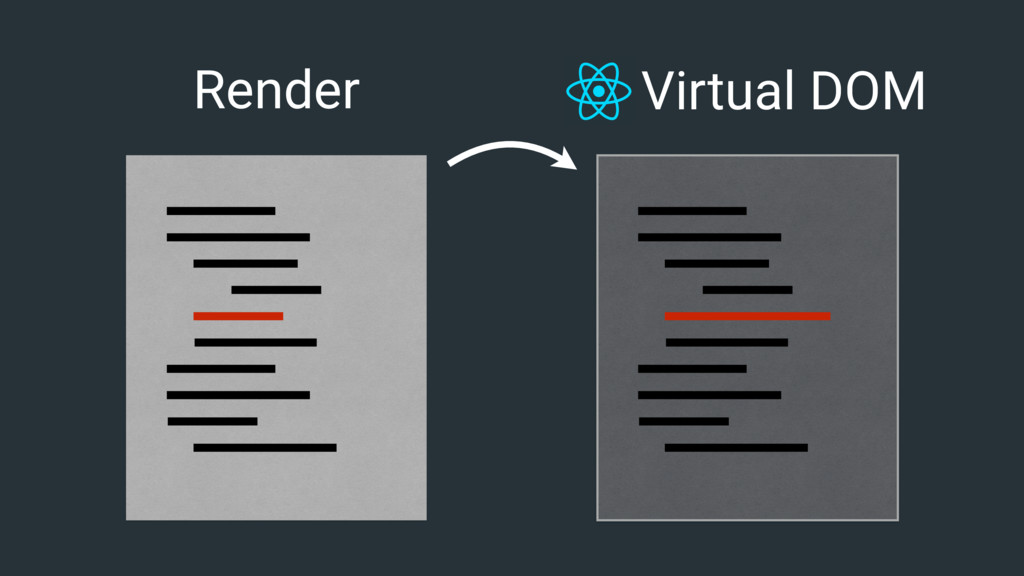
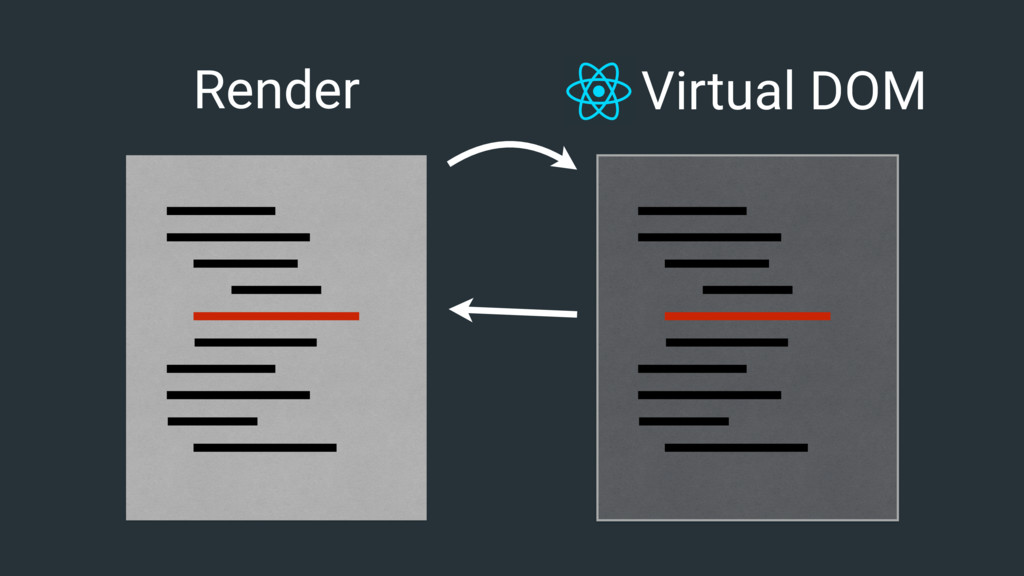
client side rendering is notoriously bad.
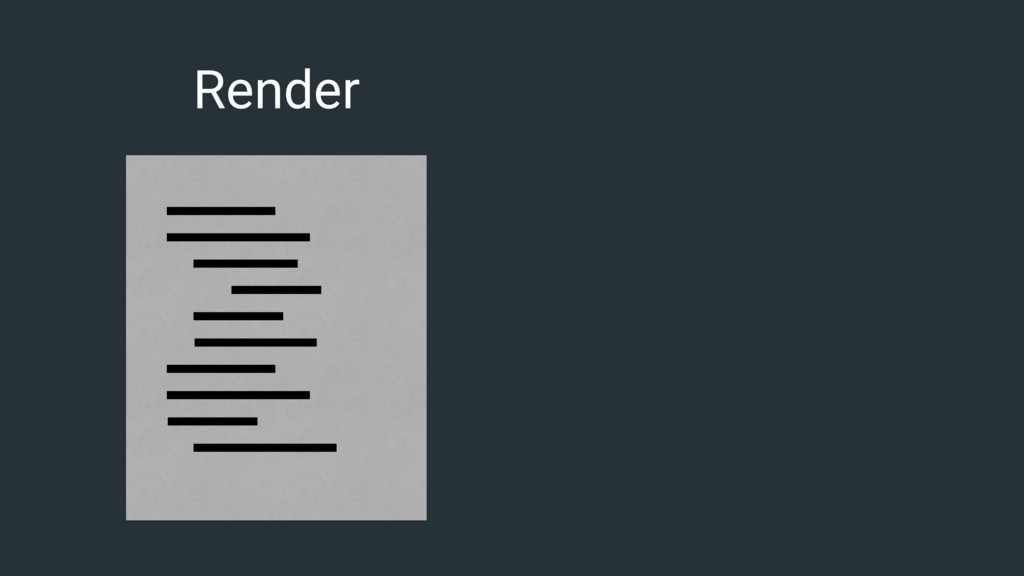
Render
Render Re-render
Render
Render Virtual DOM
Render Virtual DOM
Render Virtual DOM
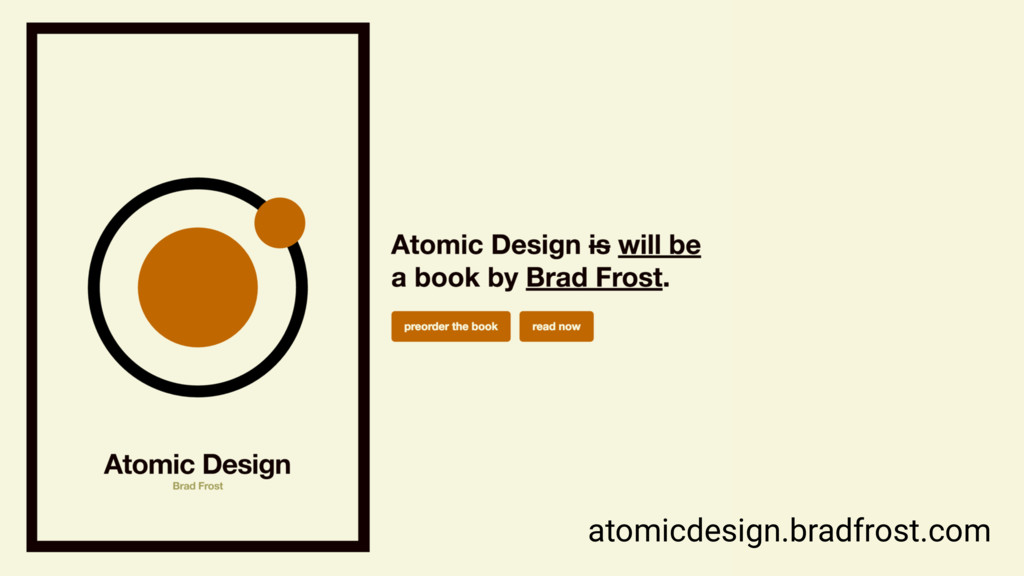
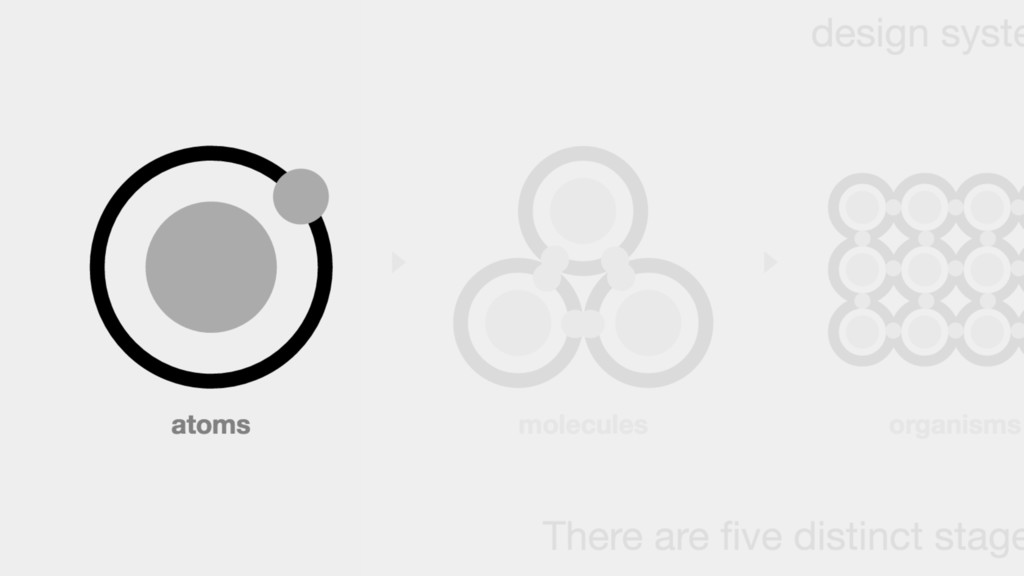
Building A Library
atomicdesign.bradfrost.com
None
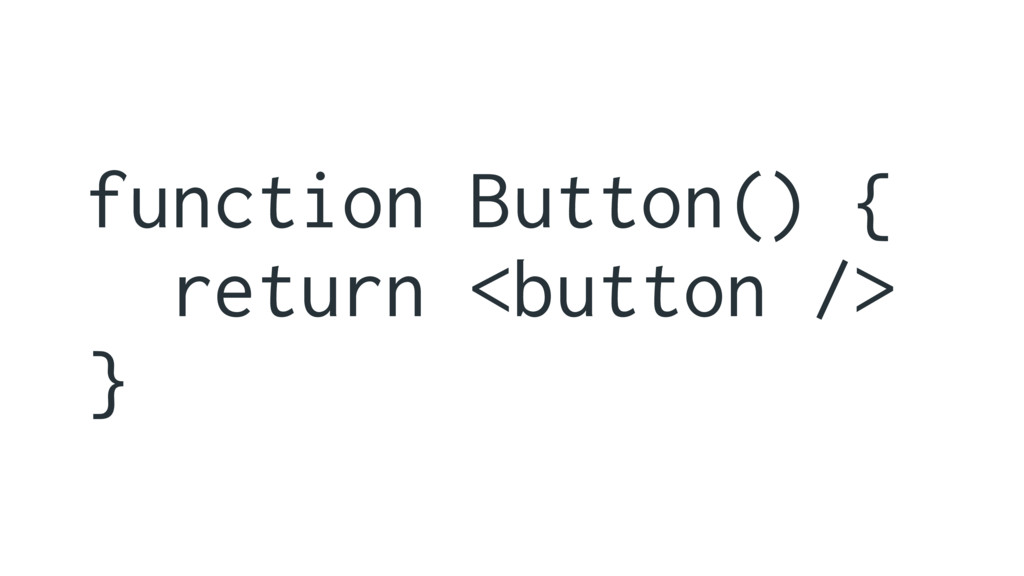
stateless functional components
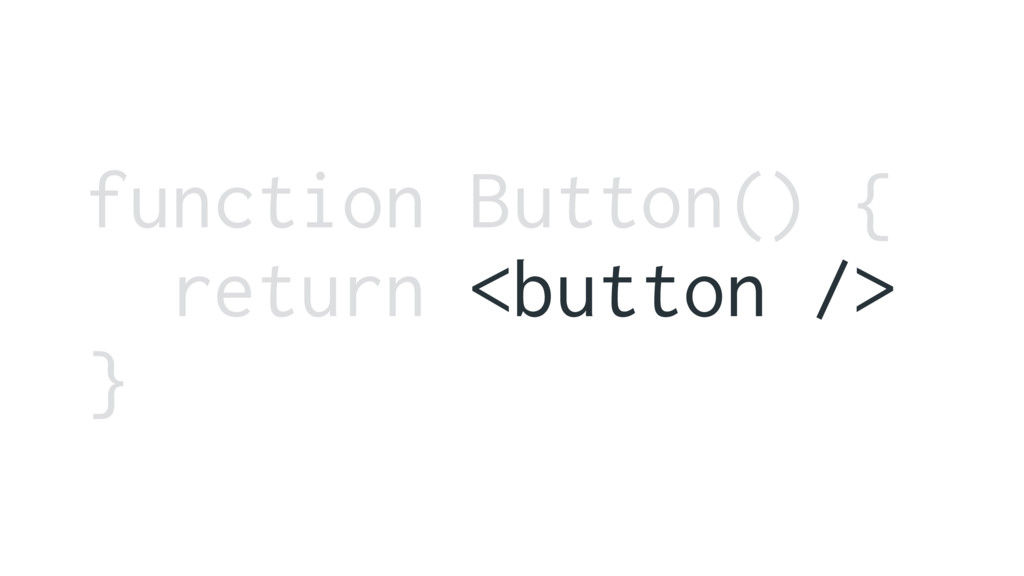
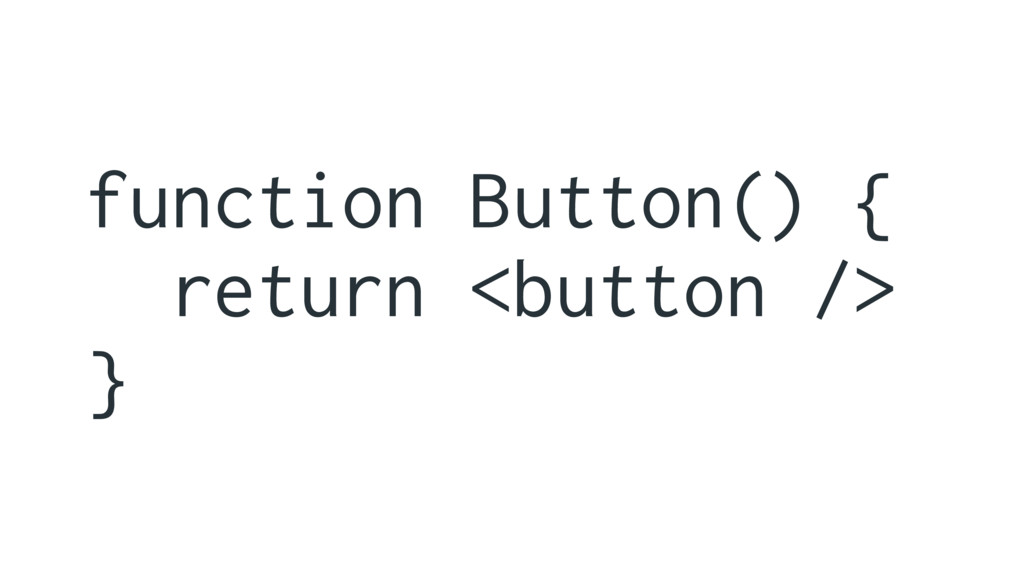
function Button() { return <button /> }
function Button() { return <button /> }
MARKUP IN JAVASCRIPT?!?!
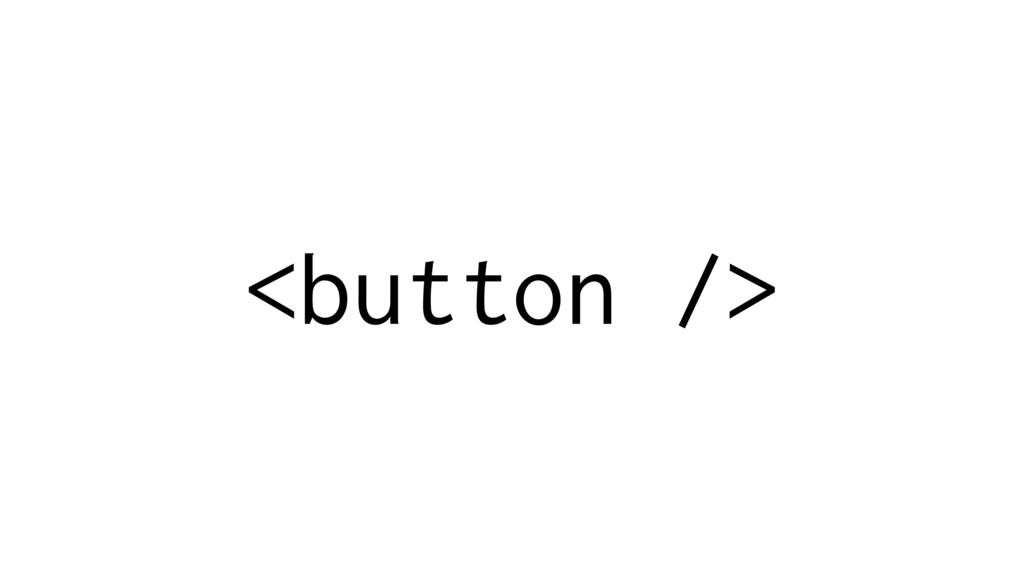
JSX XML in JavaScript
<button />
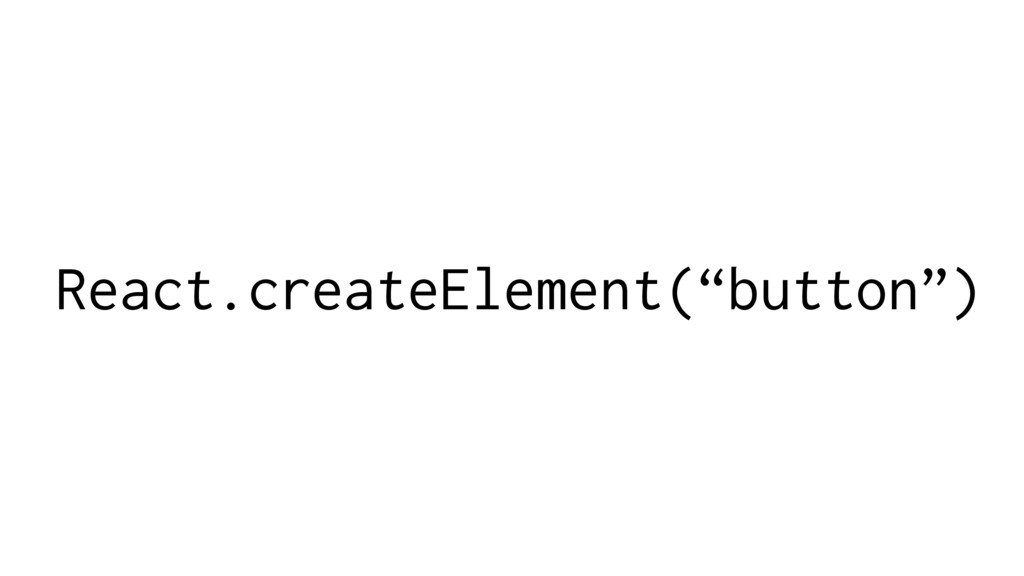
React.createElement(“button”)
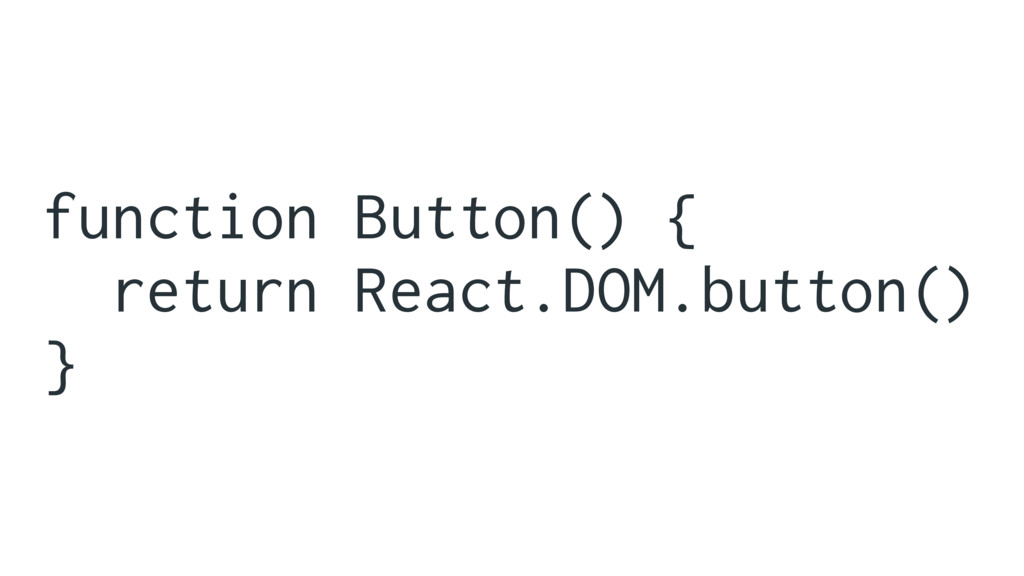
React.DOM.button()
function Button() { return React.DOM.button() }
function Button() { return <button /> }
creating react classes
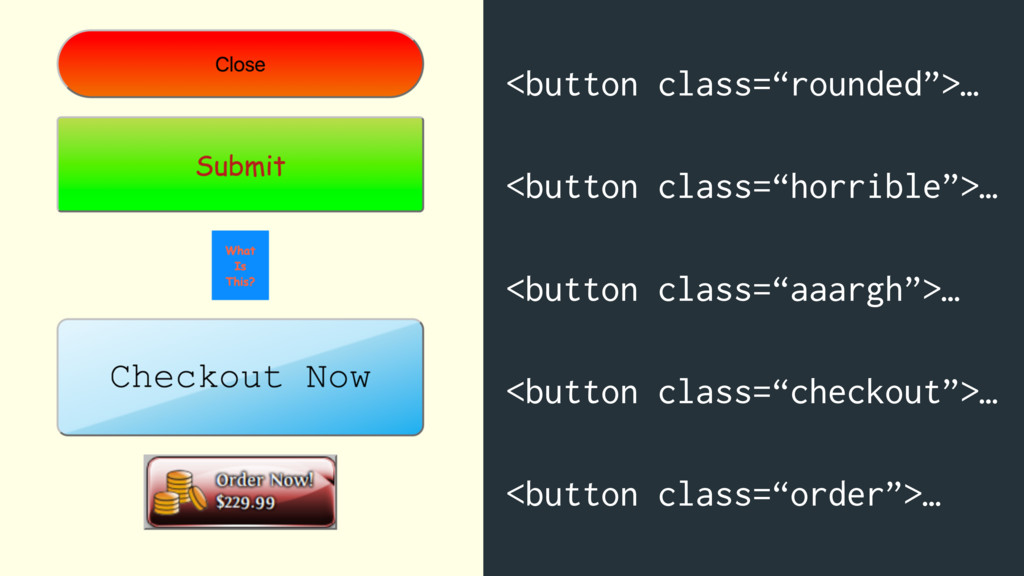
<button class=“rounded”>… <button class=“horrible”>… <button class=“aaargh”>… <button class=“checkout”>… <button class=“order”>…
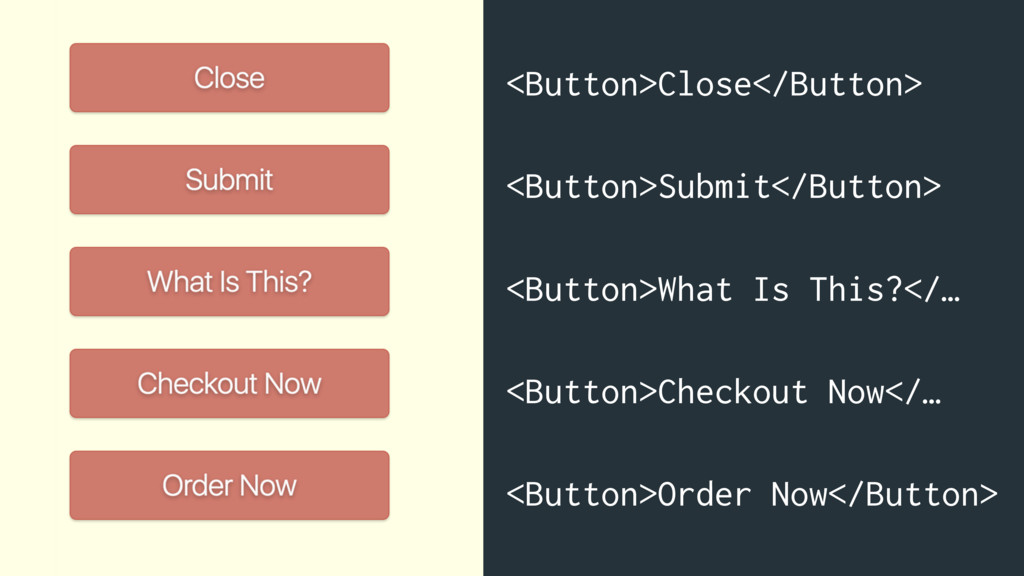
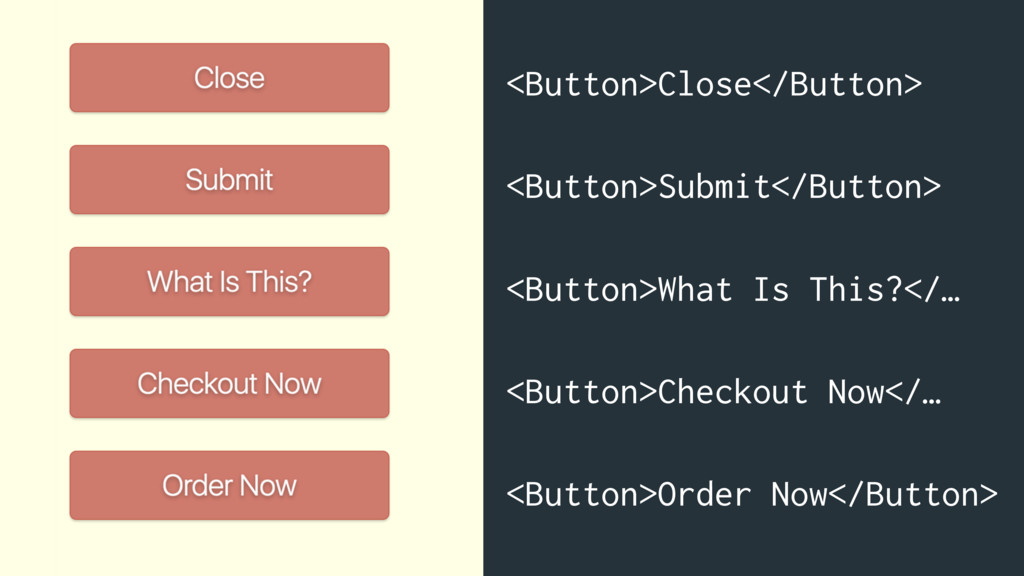
<Button>Close</Button> <Button>Submit</Button> <Button>What Is This?</… <Button>Checkout Now</… <Button>Order Now</Button>
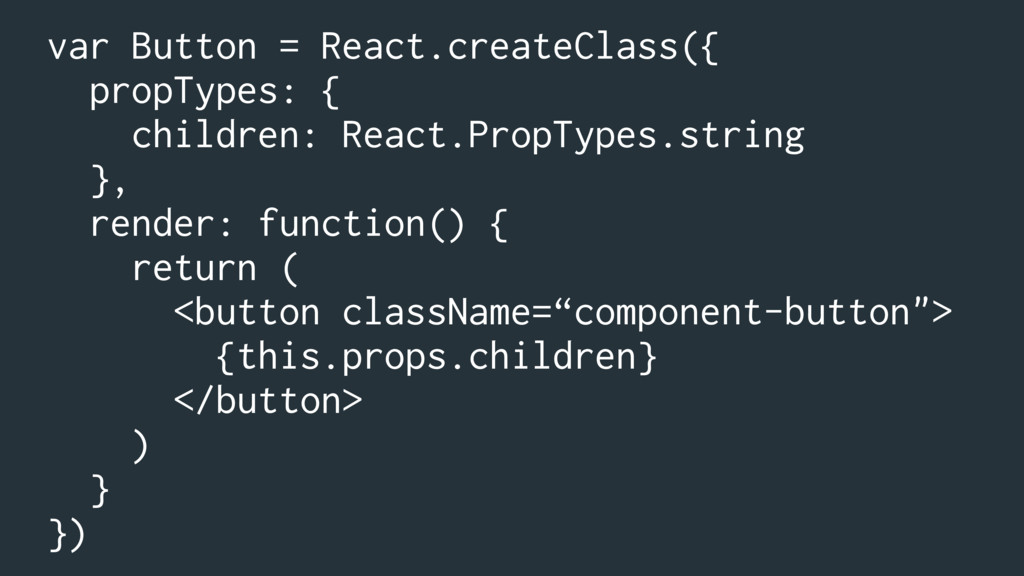
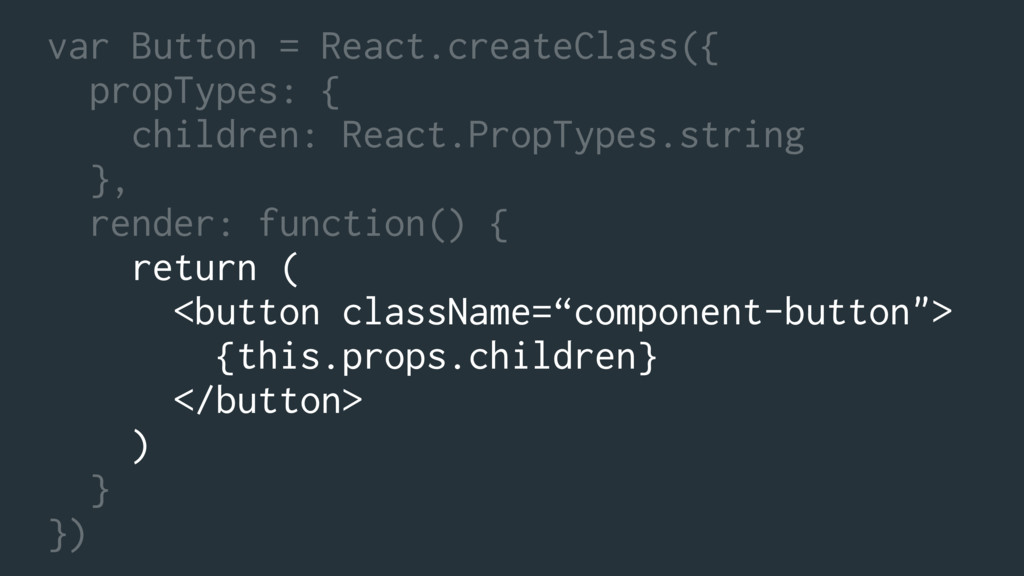
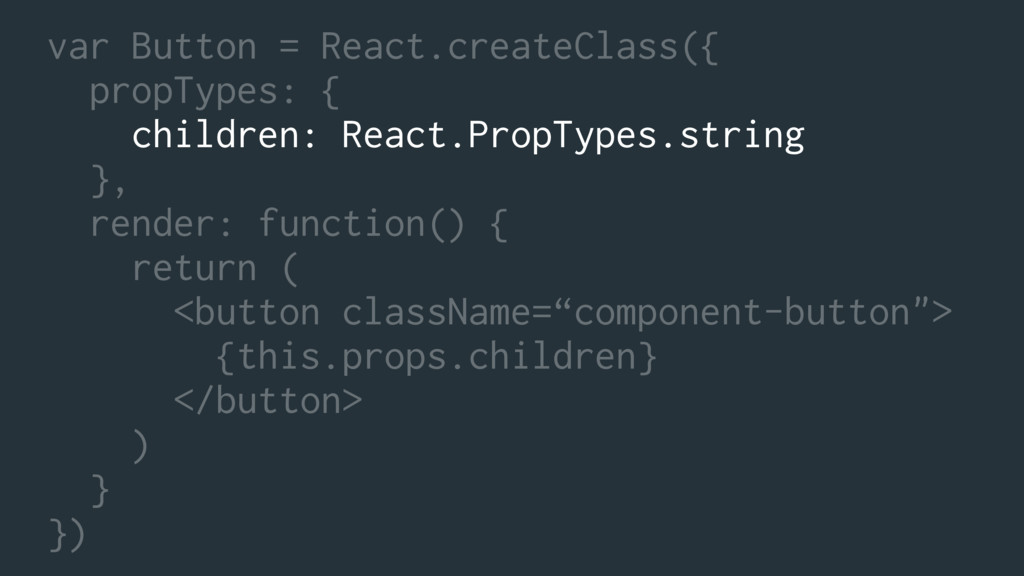
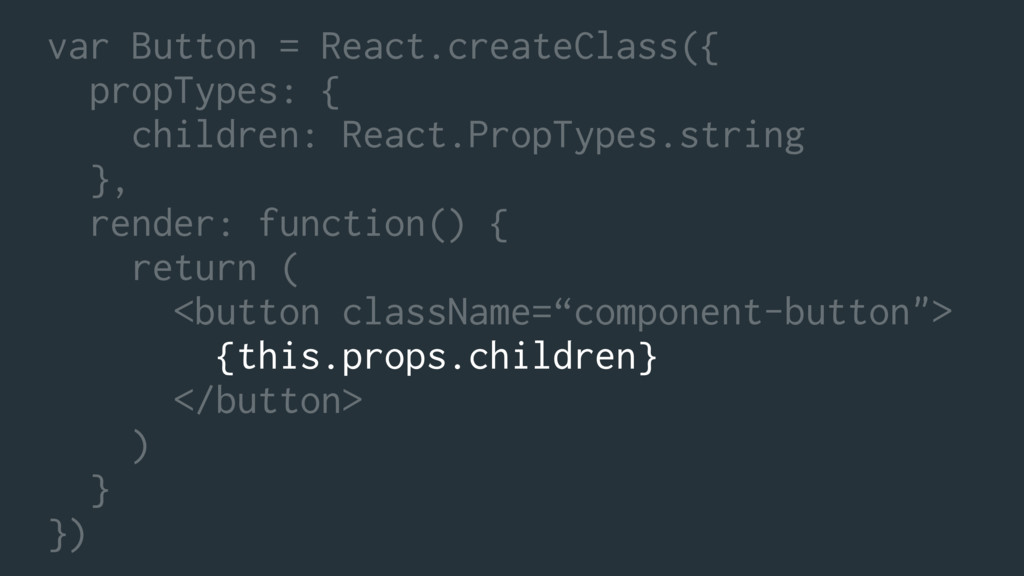
var Button = React.createClass({ propTypes: { children: React.PropTypes.string }, render:
function() { return ( <button className=“component-button"> {this.props.children} </button> ) } })
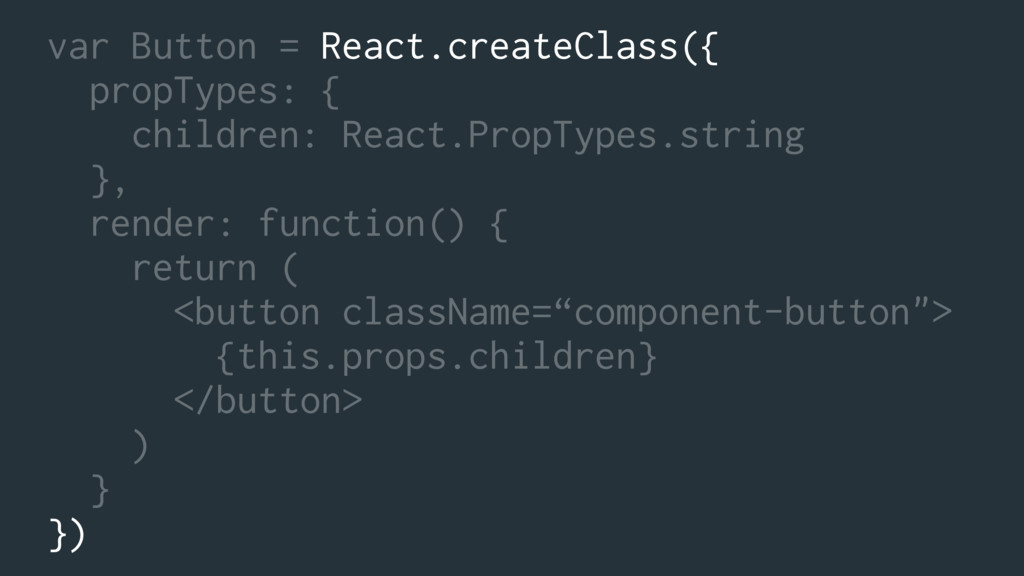
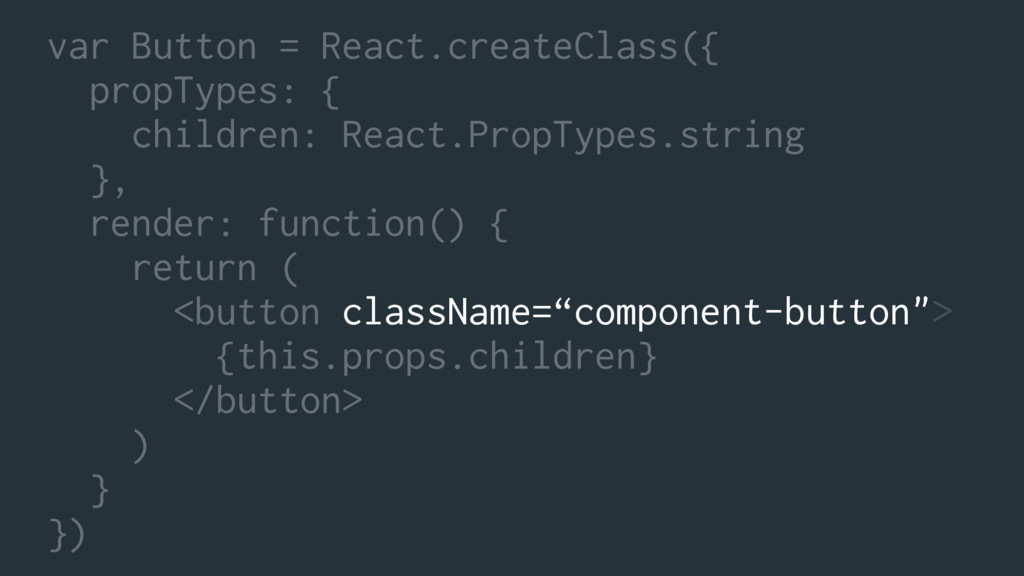
var Button = React.createClass({ propTypes: { children: React.PropTypes.string }, render:
function() { return ( <button className=“component-button"> {this.props.children} </button> ) } })
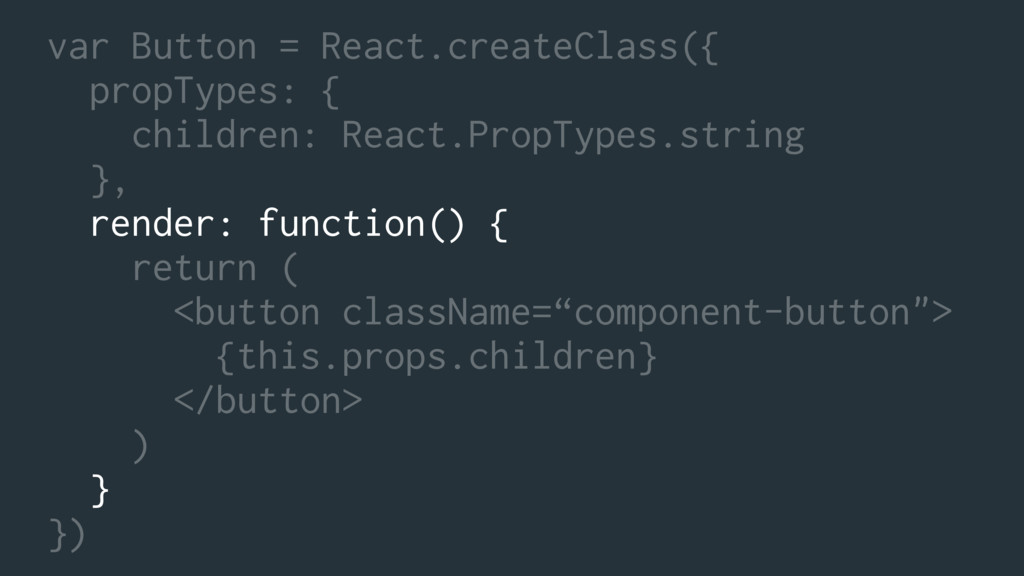
var Button = React.createClass({ propTypes: { children: React.PropTypes.string }, render:
function() { return ( <button className=“component-button"> {this.props.children} </button> ) } })
var Button = React.createClass({ propTypes: { children: React.PropTypes.string }, render:
function() { return ( <button className=“component-button"> {this.props.children} </button> ) } })
var Button = React.createClass({ propTypes: { children: React.PropTypes.string }, render:
function() { return ( <button className=“component-button"> {this.props.children} </button> ) } })
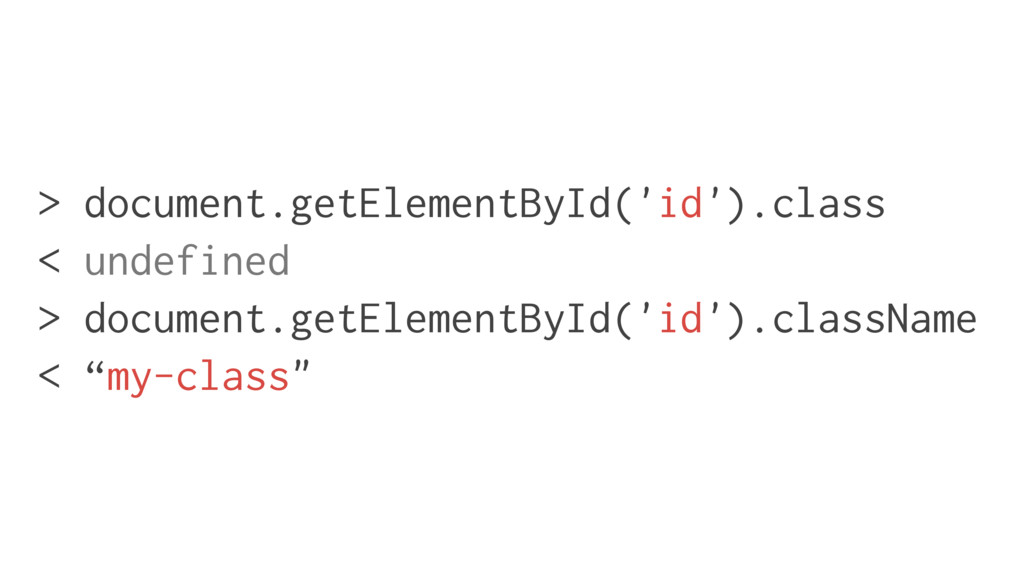
> document.getElementById('id').class < undefined > document.getElementById('id').className < “my-class"
var Button = React.createClass({ propTypes: { children: React.PropTypes.string }, render:
function() { return ( <button className=“component-button"> {this.props.children} </button> ) } })
var Button = React.createClass({ propTypes: { children: React.PropTypes.string }, render:
function() { return ( <button className=“component-button"> {this.props.children} </button> ) } })
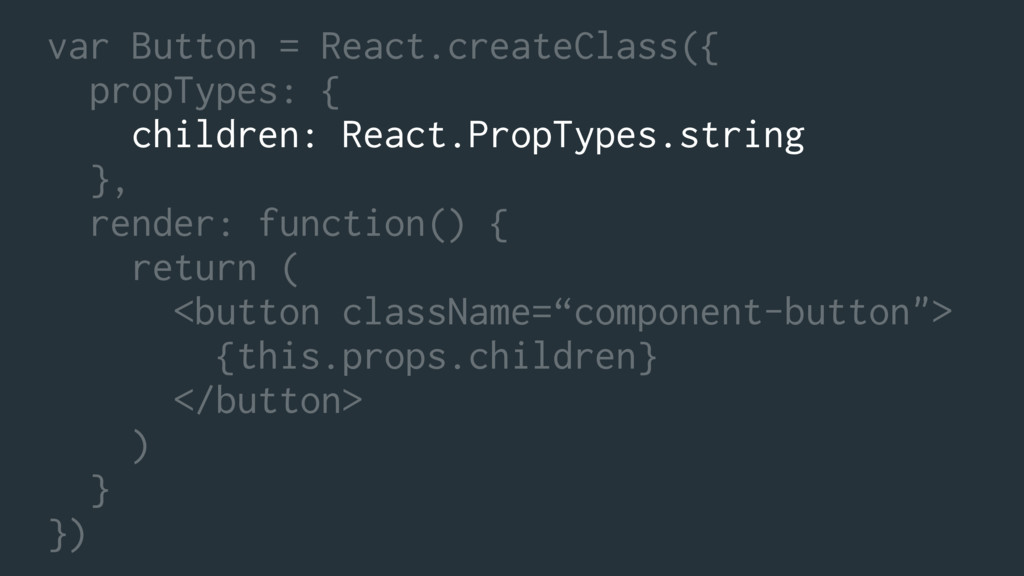
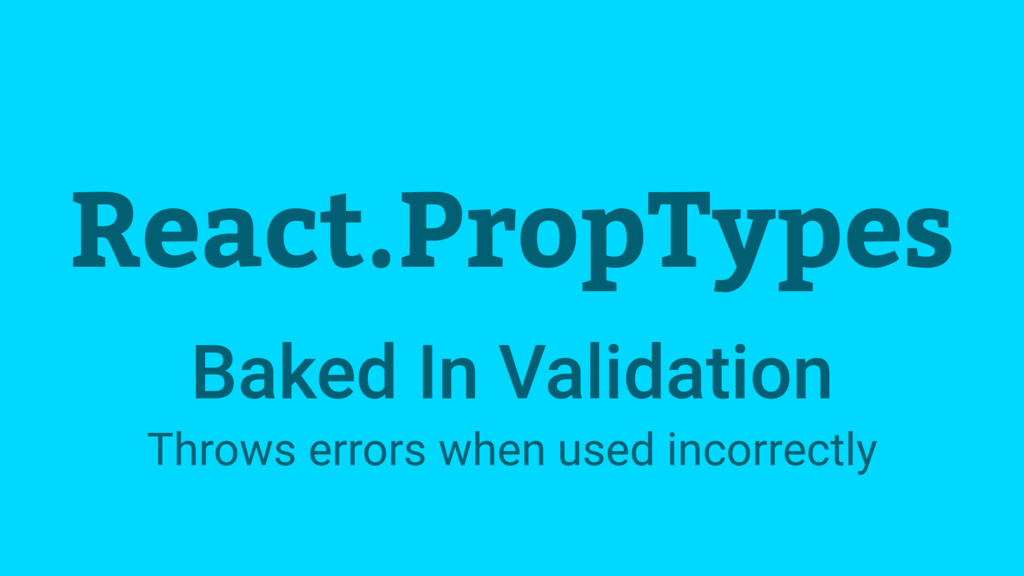
React.PropTypes Baked In Validation Throws errors when used incorrectly
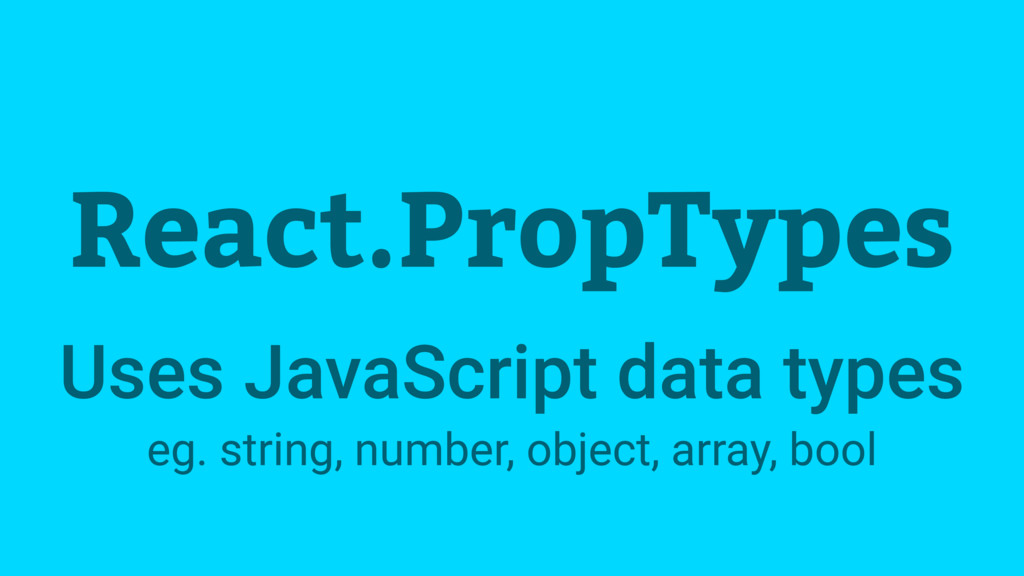
React.PropTypes Uses JavaScript data types eg. string, number, object, array,
bool
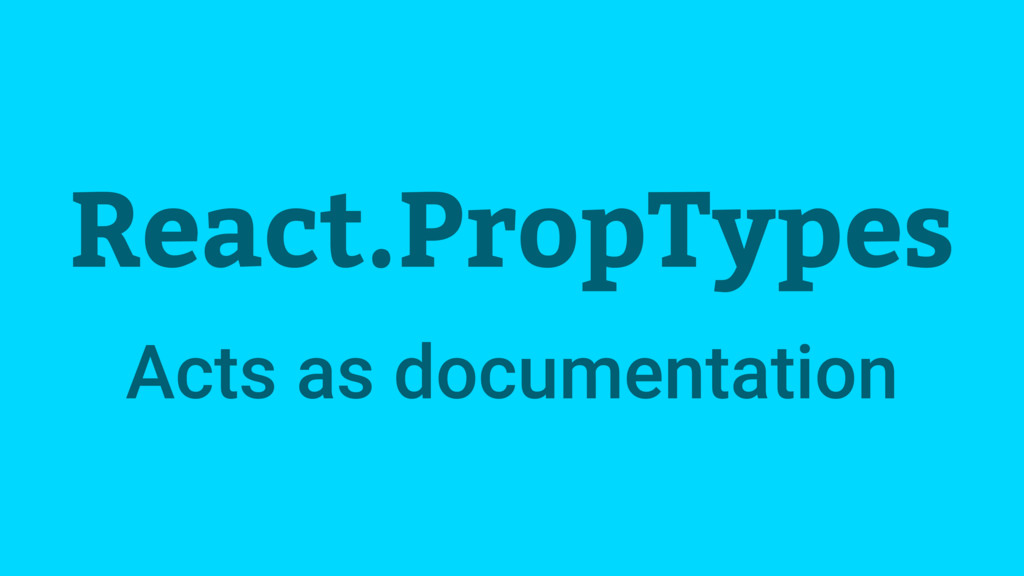
React.PropTypes Acts as documentation
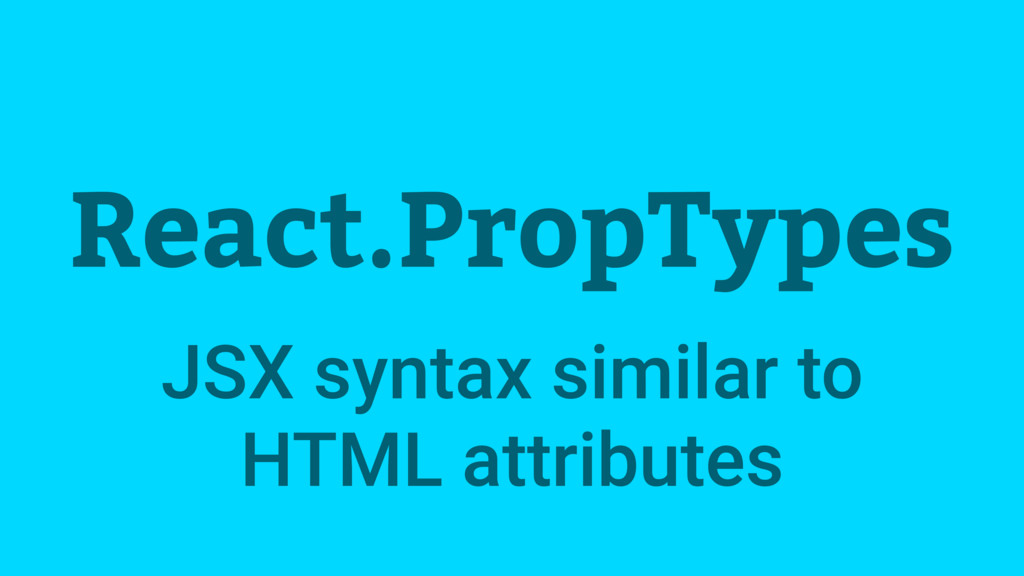
React.PropTypes JSX syntax similar to HTML attributes
var Button = React.createClass({ propTypes: { children: React.PropTypes.string }, render:
function() { return ( <button className=“component-button"> {this.props.children} </button> ) } })
var Button = React.createClass({ propTypes: { children: React.PropTypes.string }, render:
function() { return ( <button className=“component-button"> {this.props.children} </button> ) } })
<Button>Close</Button> <Button>Submit</Button> <Button>What Is This?</… <Button>Checkout Now</… <Button>Order Now</Button>
JedWatson/classnames
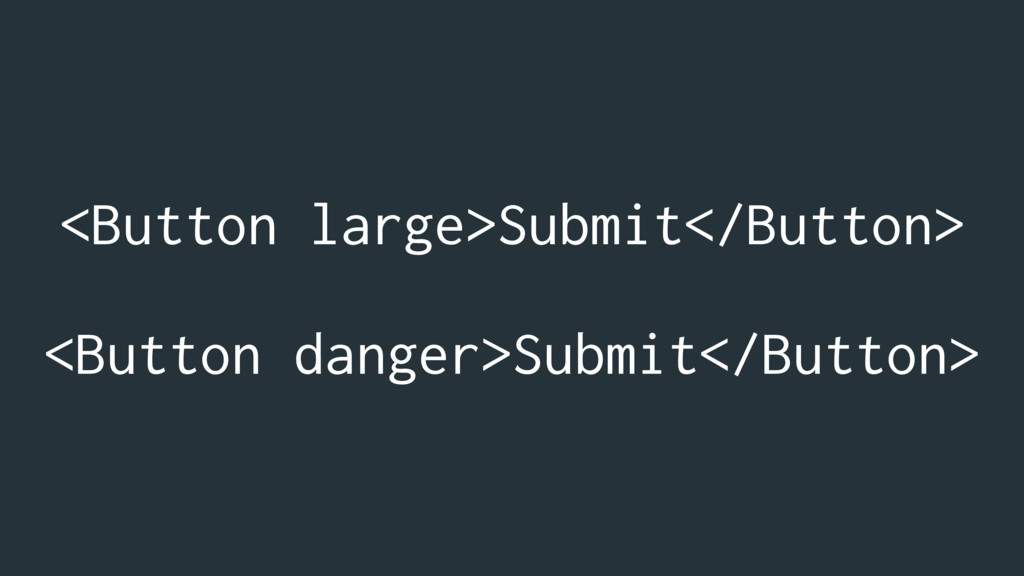
<Button large>Submit</Button> <Button danger>Submit</Button>
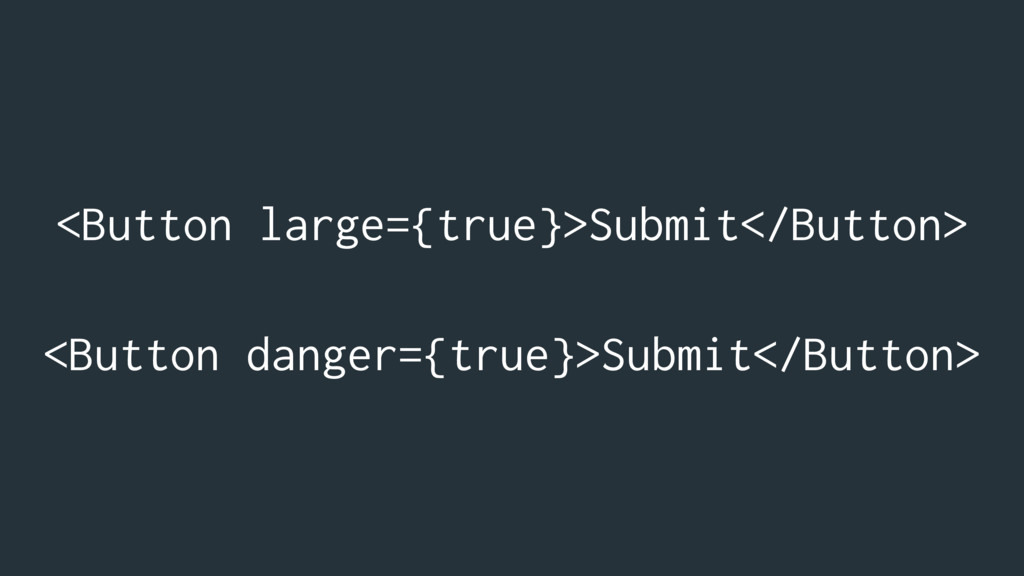
<Button large={true}>Submit</Button> <Button danger={true}>Submit</Button>
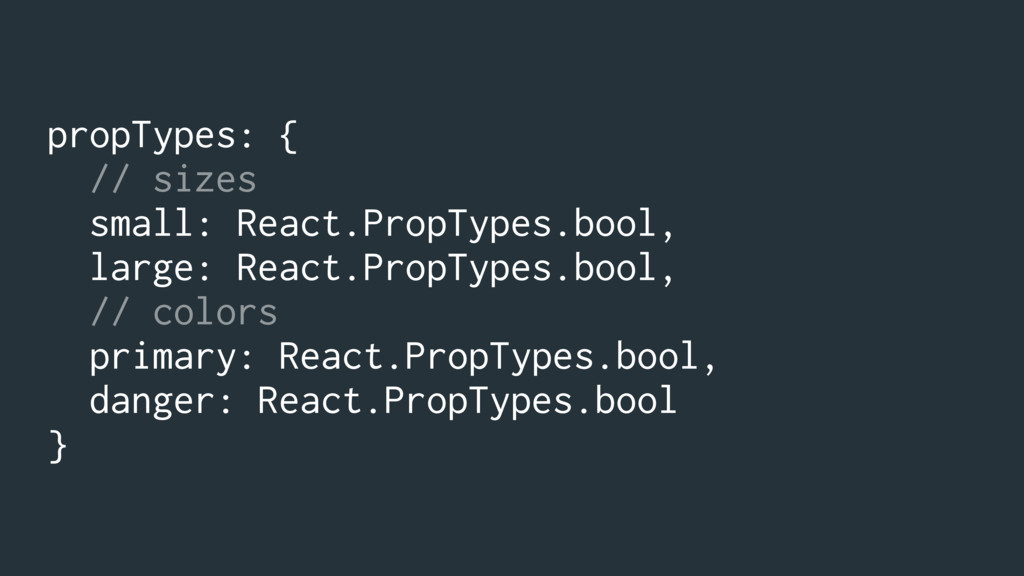
propTypes: { // sizes small: React.PropTypes.bool, large: React.PropTypes.bool, // colors
primary: React.PropTypes.bool, danger: React.PropTypes.bool }
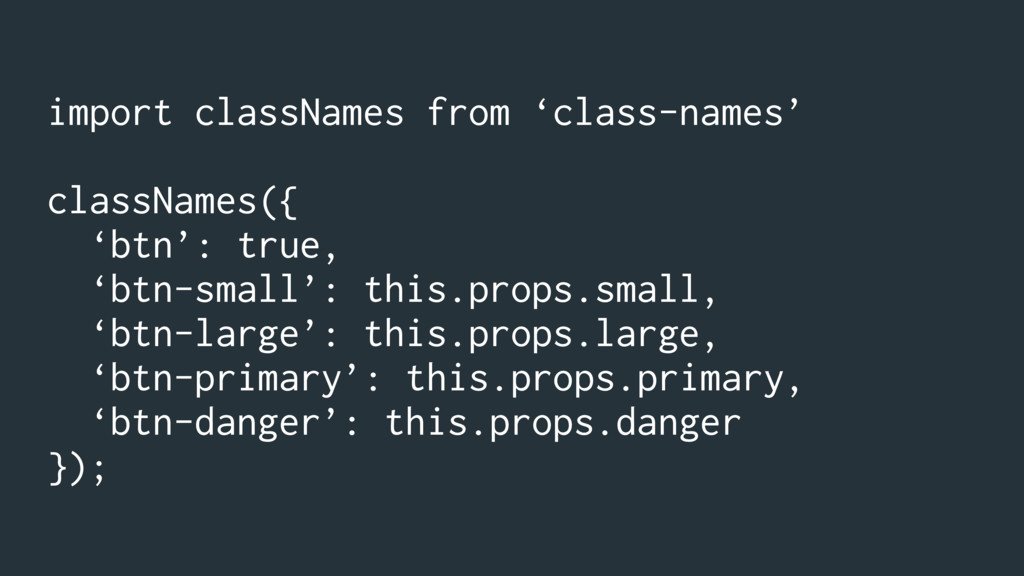
import classNames from ‘class-names’ classNames({ ‘btn’: true, ‘btn-small’: this.props.small, ‘btn-large’:
this.props.large, ‘btn-primary’: this.props.primary, ‘btn-danger’: this.props.danger });
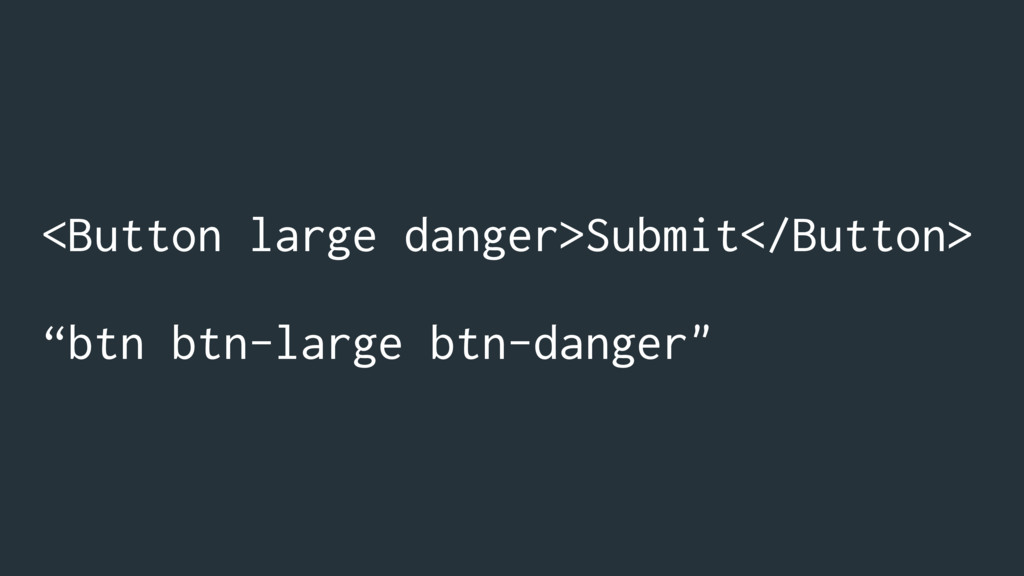
<Button large danger>Submit</Button> “btn btn-large btn-danger"
Styling
global scope
inline styles
INLINE STYLES ARE SUPER BAD!!!!!111
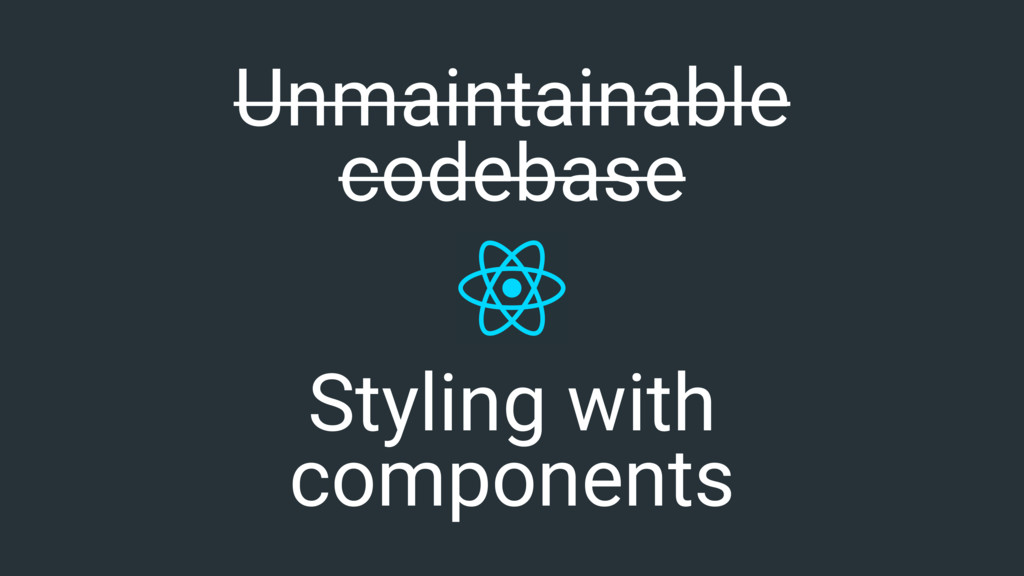
Unmaintainable codebase
Styling with components Unmaintainable codebase
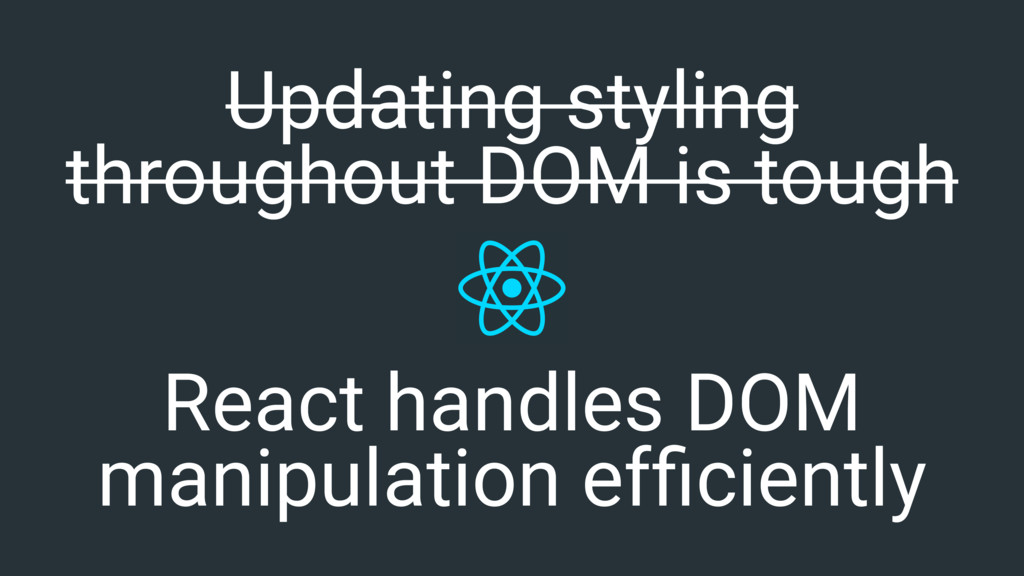
Updating styling throughout DOM is tough
React handles DOM manipulation efficiently Updating styling throughout DOM is
tough
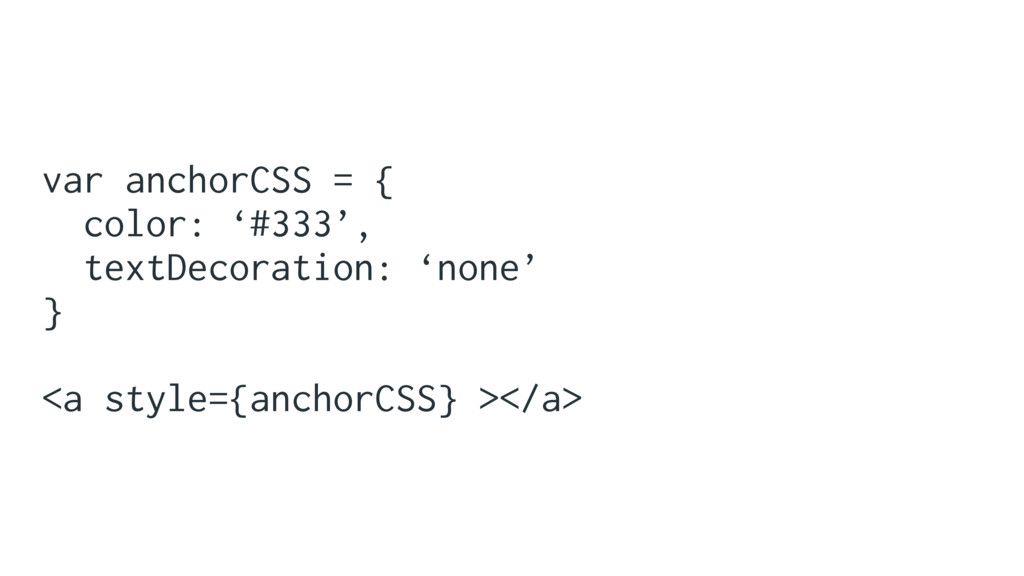
var anchorCSS = { color: ‘#333’, textDecoration: ‘none’ } <a
style={anchorCSS} ></a>
JavaScript can’t do everything CSS Can
Not future proof
modular css
None
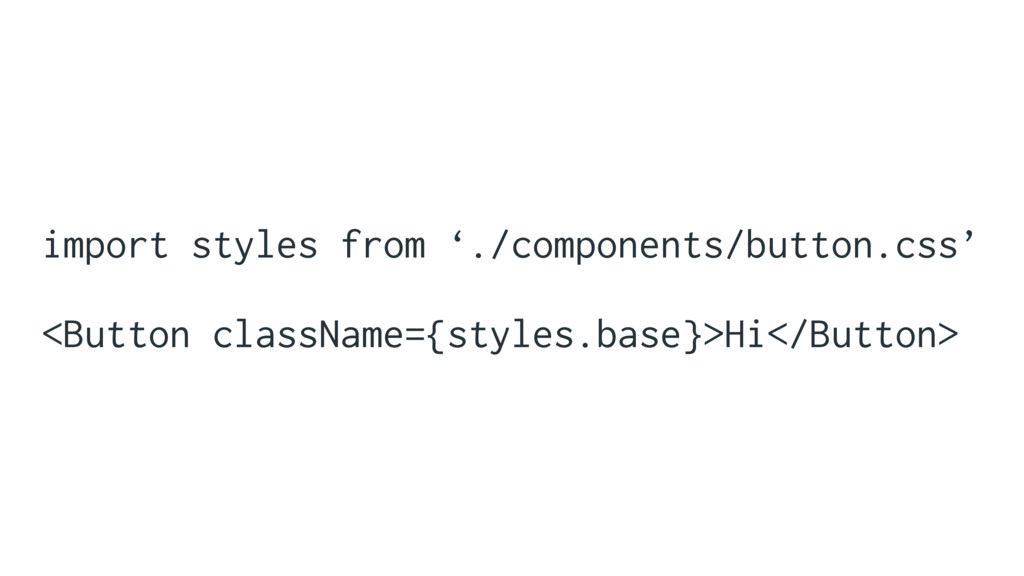
import styles from ‘./components/button.css’ <Button className={styles.base}>Hi</Button>
“components_button__base__37495f”
.base { /* default styling */ } .error { composes:
base; /* extra styling for error */ }
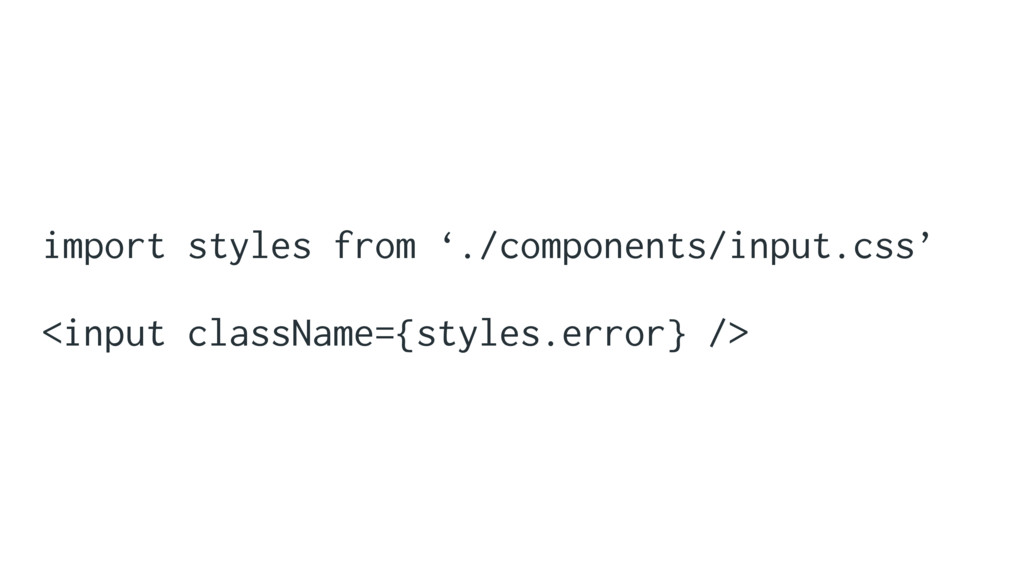
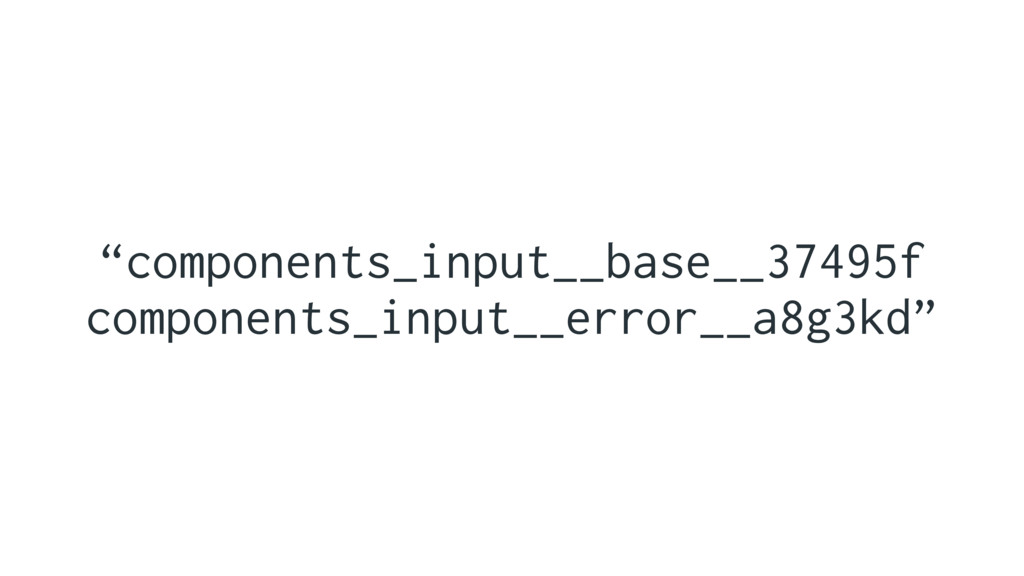
import styles from ‘./components/input.css’ <input className={styles.error} />
“components_input__base__37495f components_input__error__a8g3kd”
css-modules/css-modules
glenmaddern.com
Consistent First
Maintainable
Extensible
holidayextras/react-ui-workshop Give it a go…
facebookincubator/create-react-app Create React App
Thank You Twitter: @dancork Slides: speakerdeck.com/dancork


 dancork
 aeonpeople
 genda
genda
 hiroyaonoe
 tsukuboshi
 oqtopus
 msysh
msysh
 tamemiya
 colopl
 tsukaman
 kekke_n
 knishioka
 iselegant
 inesmontani
 rasmusluckow
 skipperchong
 varn
varn
 csswizardry
 letsgokoyo
 rocio
rocio
 reverentgeek
 auna
auna
 mayunak
 stephaniewalter
 tammyeverts