Upgrade to Pro
— share decks privately, control downloads, hide ads and more …
Speaker Deck
Features
Speaker Deck
PRO
Sign in
Sign up for free
Search
Search
Git and Github
Search
Sponsored
·
Ship Features Fearlessly
Turn features on and off without deploys. Used by thousands of Ruby developers.
→
高見龍
May 08, 2013
Technology
5
630
Git and Github
高見龍
May 08, 2013
Tweet
Share
More Decks by 高見龍
See All by 高見龍
宅宅自以為的浪漫:跟 AI 一起為自己辦的研討會寫一個售票系統
eddie
0
540
自己的售票系統自己做!
eddie
0
540
AI Agent 時代的開發者生存指南
eddie
4
2.6k
print("Hello, World")
eddie
2
620
為你自己學 Python - 冷知識篇
eddie
1
430
為你自己學 Python
eddie
0
720
Generative AI 年會小聚 - AI 教我寫程式
eddie
0
190
讓數據說話:用 Python、Prometheus 和 Grafana 講故事
eddie
0
710
AI 時代的程式語言學習法
eddie
0
230
Other Decks in Technology
See All in Technology
Cosmos World Foundation Model Platform for Physical AI
takmin
0
740
プロポーザルに込める段取り八分
shoheimitani
1
190
2026年、サーバーレスの現在地 -「制約と戦う技術」から「当たり前の実行基盤」へ- /serverless2026
slsops
2
220
Introduction to Sansan for Engineers / エンジニア向け会社紹介
sansan33
PRO
6
68k
広告の効果検証を題材にした因果推論の精度検証について
zozotech
PRO
0
150
[CV勉強会@関東 World Model 読み会] Orbis: Overcoming Challenges of Long-Horizon Prediction in Driving World Models (Mousakhan+, NeurIPS 2025)
abemii
0
110
Bedrock PolicyでAmazon Bedrock Guardrails利用を強制してみた
yuu551
0
190
レガシー共有バッチ基盤への挑戦 - SREドリブンなリアーキテクチャリングの取り組み
tatsukoni
0
210
Tebiki Engineering Team Deck
tebiki
0
24k
Context Engineeringの取り組み
nutslove
0
320
Sansan Engineering Unit 紹介資料
sansan33
PRO
1
3.8k
OCI Database Management サービス詳細
oracle4engineer
PRO
1
7.4k
Featured
See All Featured
The Straight Up "How To Draw Better" Workshop
denniskardys
239
140k
Ruling the World: When Life Gets Gamed
codingconduct
0
140
How to audit for AI Accessibility on your Front & Back End
davetheseo
0
180
10 Git Anti Patterns You Should be Aware of
lemiorhan
PRO
659
61k
Site-Speed That Sticks
csswizardry
13
1.1k
Paper Plane (Part 1)
katiecoart
PRO
0
4k
Abbi's Birthday
coloredviolet
1
4.7k
Effective software design: The role of men in debugging patriarchy in IT @ Voxxed Days AMS
baasie
0
220
技術選定の審美眼(2025年版) / Understanding the Spiral of Technologies 2025 edition
twada
PRO
117
110k
ラッコキーワード サービス紹介資料
rakko
1
2.2M
<Decoding/> the Language of Devs - We Love SEO 2024
nikkihalliwell
1
130
Visual Storytelling: How to be a Superhuman Communicator
reverentgeek
2
430
Transcript
Git and Github eddiekao@NCKU
None
Current Status 80% iOS app, 20% Ruby/Rails
Before we start..
You may create lots of files day by day..
edit them, save, edit them, and save.. x N
Backup?
Ctrl-C + Ctrl-V
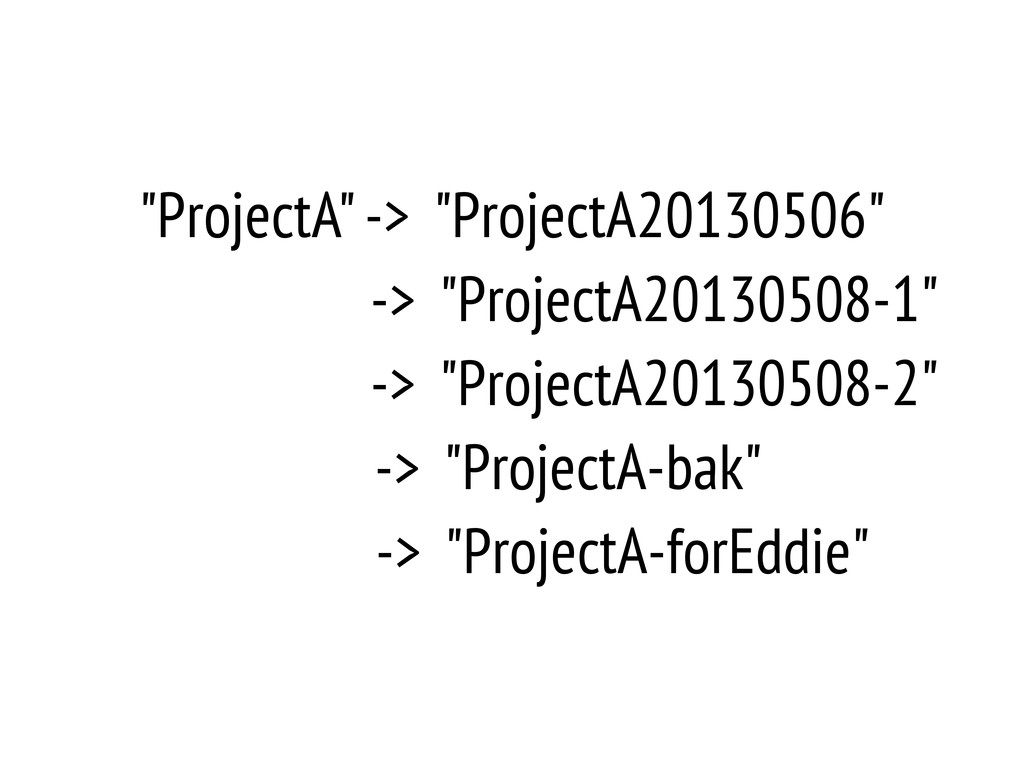
"ProjectA" -> "ProjectA20130506" -> "ProjectA20130508-1" -> "ProjectA20130508-2" -> "ProjectA-bak" ->
"ProjectA-forEddie"
backup and sync on LAN
Version Control
Subversion (SVN)
but the problem is..
when network or svn server is down..
Is there any better way..?
Git
What's Git?
Version Control System (VCS)
created by Linus Torvalds for managing Linux kernel source code
in 2005
distributed
remote, and also local
Git
Git != Github
Why version control?
backup just like you can load saving data while playing
RPG game
history and evidence you know whom to blame when something
is going wrong :)
Why Git?
free
fast & smaller footprint
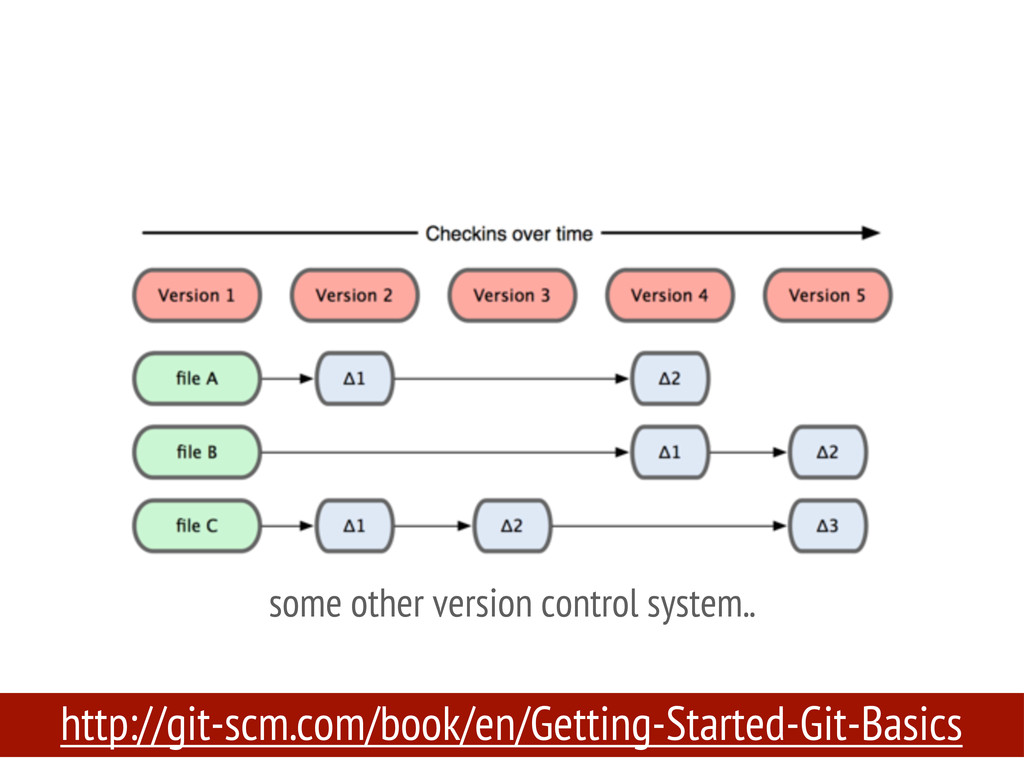
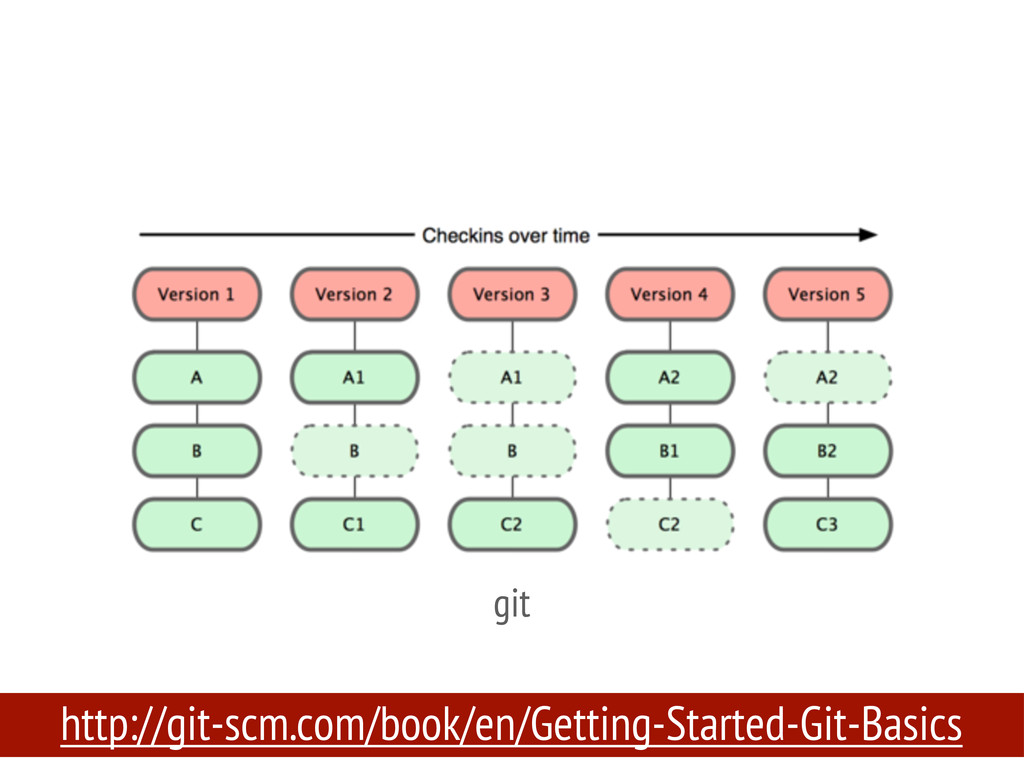
http://git-scm.com/book/en/Getting-Started-Git-Basics some other version control system..
http://git-scm.com/book/en/Getting-Started-Git-Basics git
just snapshots, not differences
local commit and remote push
most of the operations are local
easy to co-work with others
But..
git is easy to use, but hard to master
Install Git
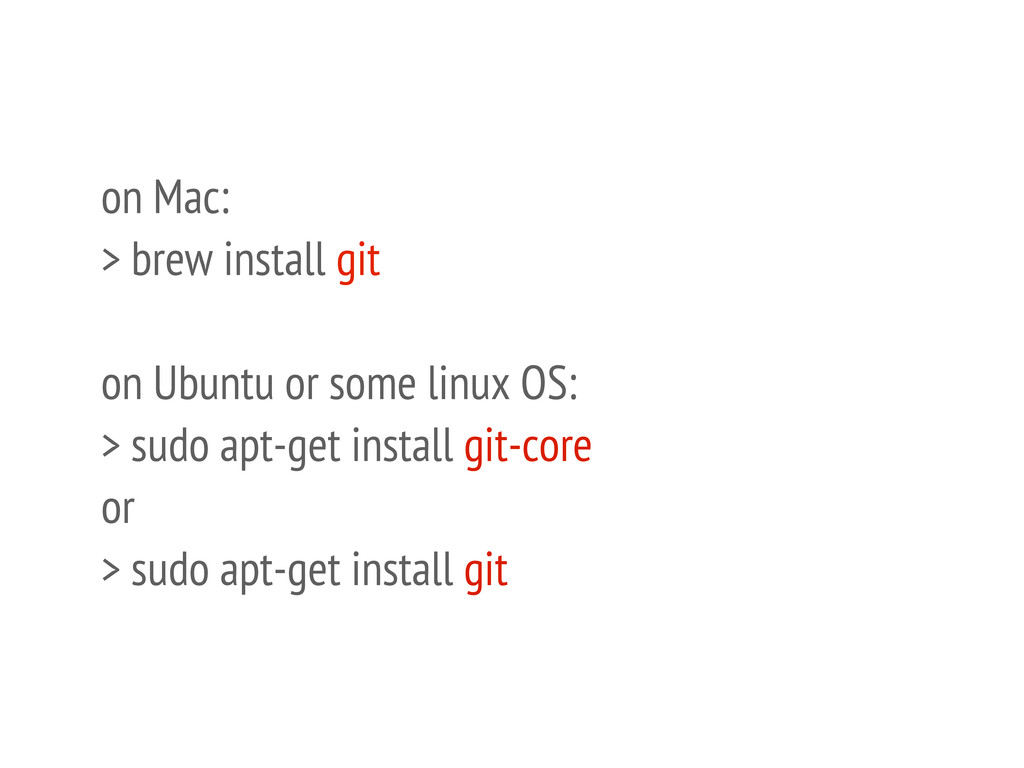
on Mac: > brew install git on Ubuntu or some
linux OS: > sudo apt-get install git-core or > sudo apt-get install git
Exercise: please install git in your machine.
How to Git
configurations
.gitconfig it should locate in your home directory
set your username and email > git config --global user.name
"eddie" > git config --global user.email "
[email protected]
" list all settings > git config --list
make some useful aliases
[alias] co = checkout br = branch aa = add
--all l = "!source ~/.dotfiles/.githelper && pretty_git_log" https://github.com/kaochenlong/eddie-dotfiles
Exercise: 1. set your username and email for git. 2.
edit the ".gitconfig" and add some aliases.
.gitignore https://github.com/github/gitignore
don't be afraid of command line tools
git init
Exercise: please create a new directory and initialize for git
version control.
git clone
git clone git://github.com/kaochenlong/eddie-vim.git
Exercise: please try to copy a project from Github or
somewhere to your local machine.
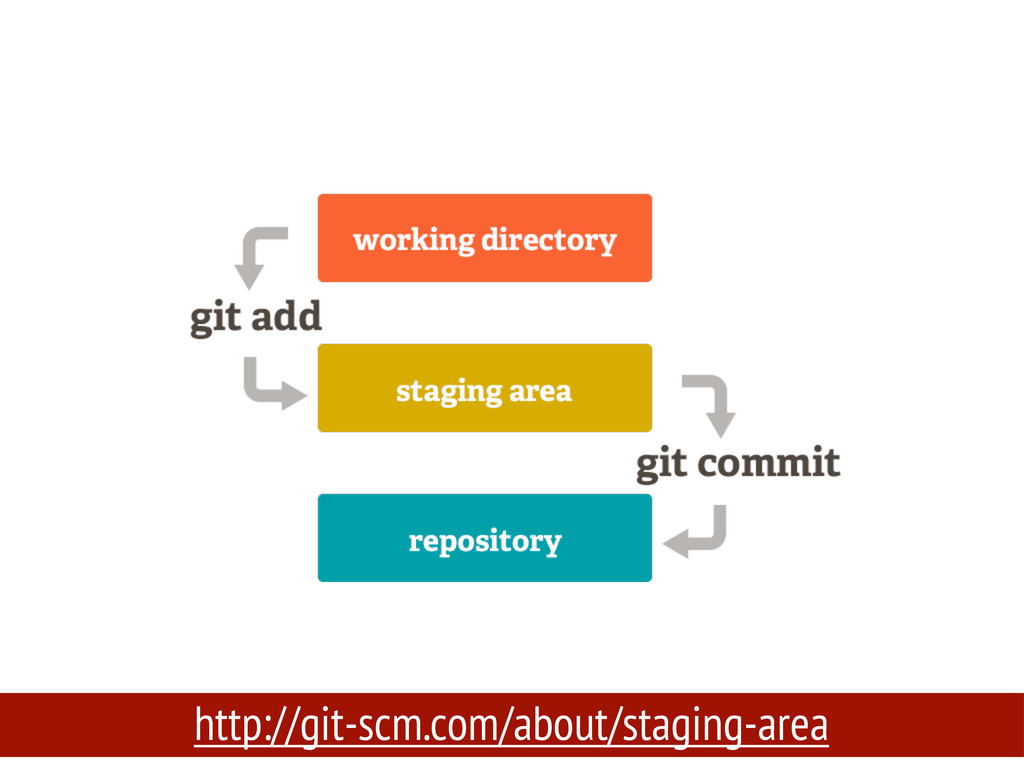
working, staging, and repository
http://git-scm.com/about/staging-area
git add can add a single file or all modified
files, even a single line.
Exercise: add a new file named "hello.rb" and add to
staging area.
Exercise: after adding "hello.rb" to staging area, then try to
modify it and see what happen?
git status
Exercise: try to check if "hello.rb" is in staging area,
and then remove it from staging area.
git mv
Exercise: add "hello.rb" to staging area, and then rename it
to "world.rb".
git commit
Exercise: just commit it :)
When to make a Commit?!
commit message matters!
amend committed message
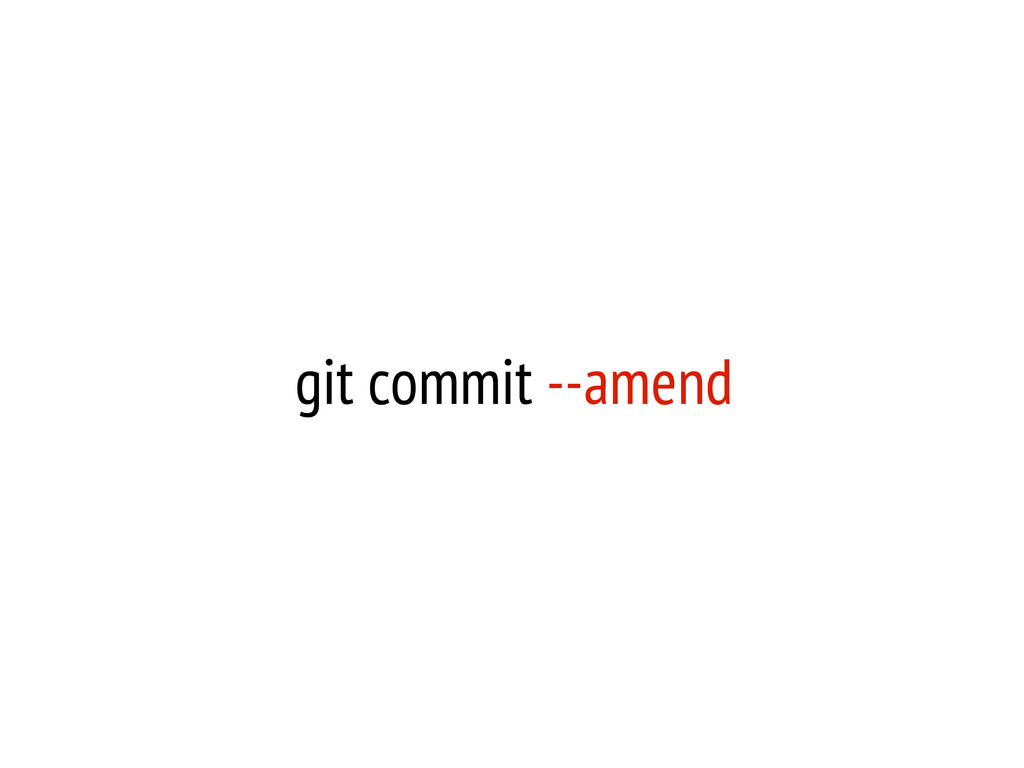
git commit --amend
Exercise: you just committed with a rubbish message, pleases amend
it to make sense for your project.
Exercise: in last commit, you forgot to add another file,
but you don't want to commit again just for this single file, please try to commit it with -- amend.
Notice: empty folder won't be committed!
if you still want to commit an empty folder, you
can put an empty “.gitkeep” file in it by convention.
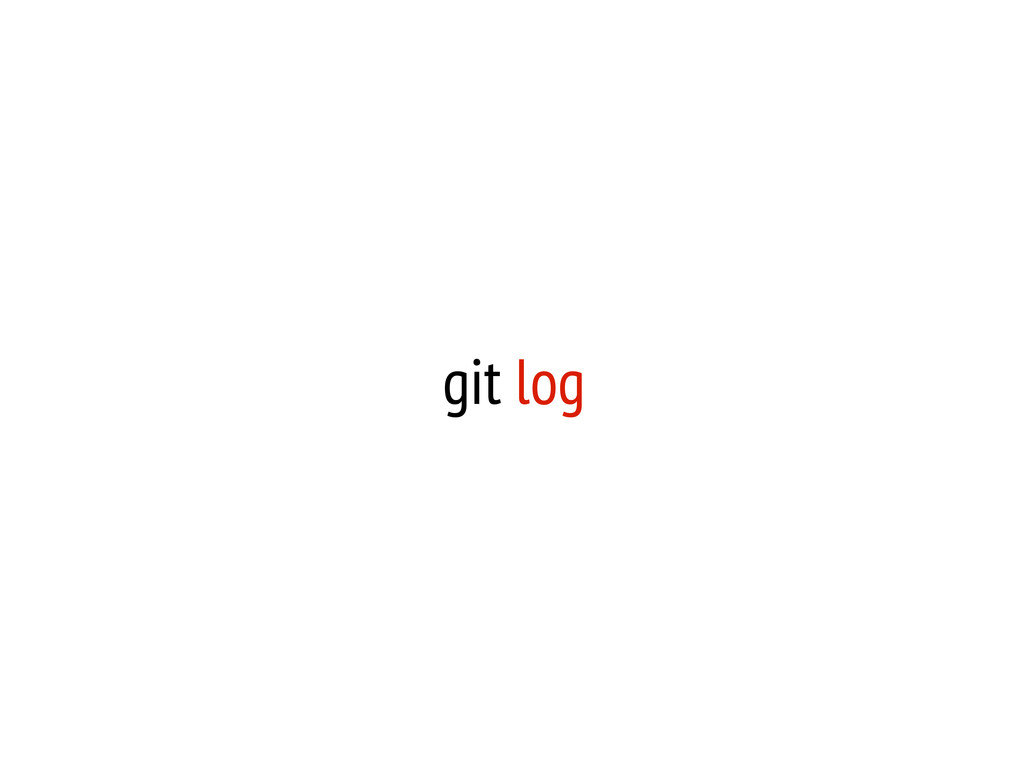
git log
git log --pretty=oneline
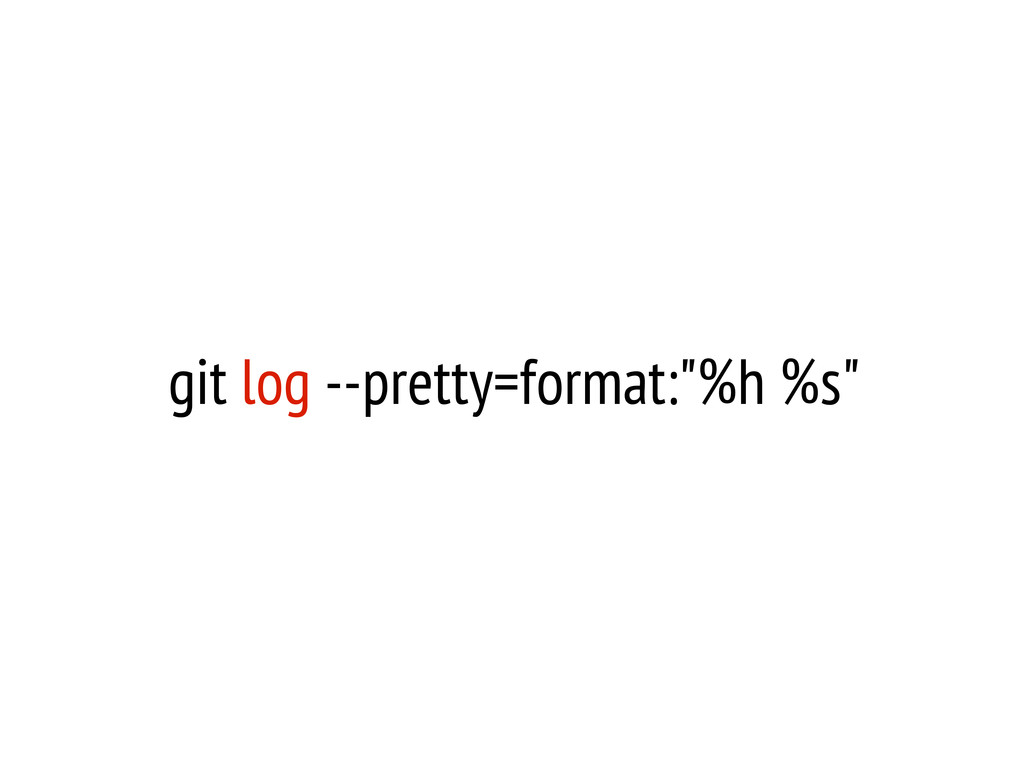
git log --pretty=format:"%h %s"
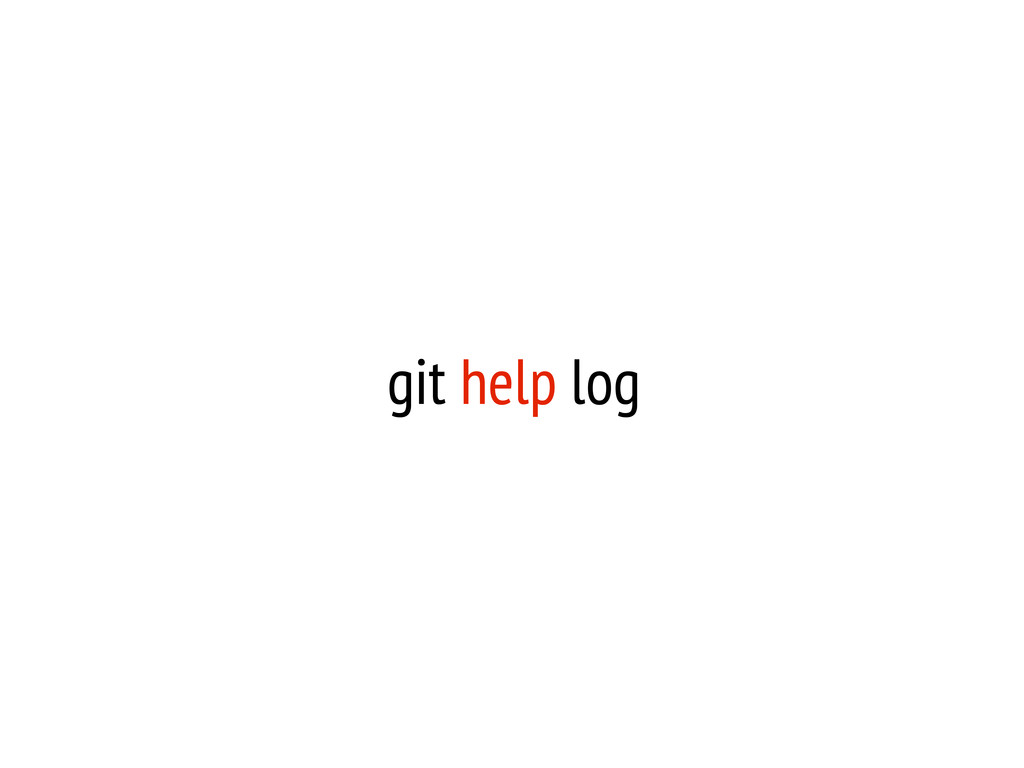
git help log
Exercise: check your commit log
Exercise: read the help manual of “git log”, and make
your prefer log format.
Exercise: modify something in the "world.rb" then commit again.
git rm
Exercise: remove a file and then checkout it back.
git tag
tag is a milestone
Exercise: create a tag for your project
git branch
branching is very cheap
When to make a Branch?!
git checkout
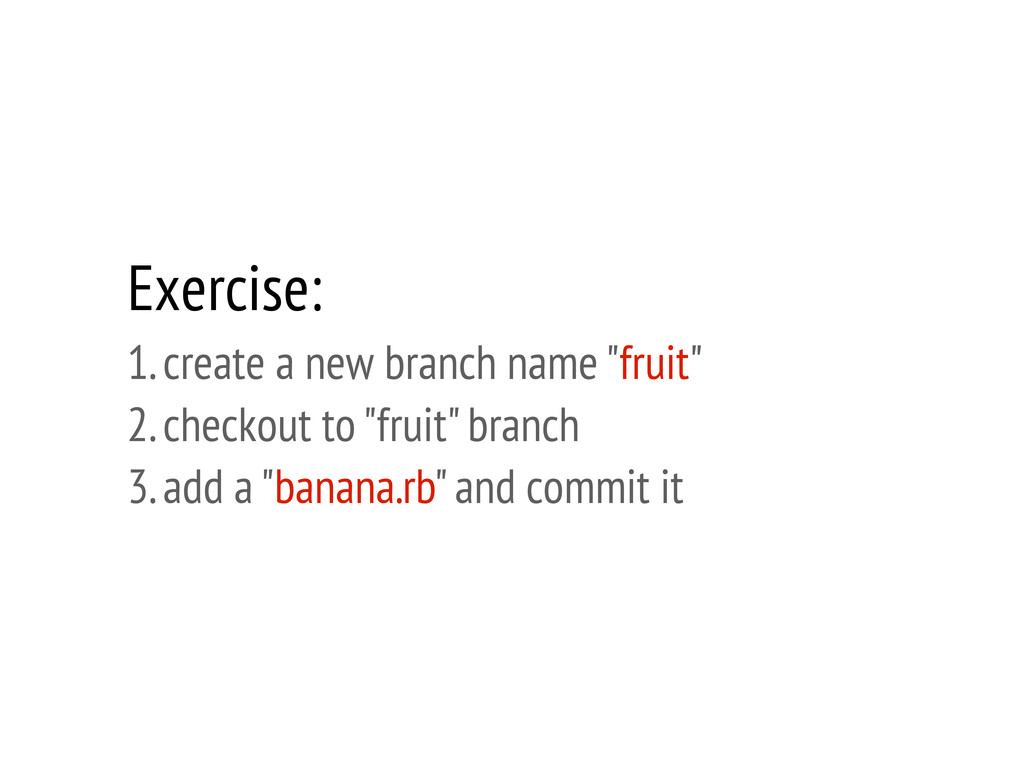
Exercise: 1. create a new branch name "fruit" 2. checkout
to "fruit" branch 3. add a "banana.rb" and commit it
Exercise: please try to list all branches, including local and
remote branches.
Exercise: you accidentally delete the "world.rb" file, please try to
recover it with git commands.
Exercise: you just create a tag name “ncku”, try to
checkout to this tag after several commits.
git merge
conflict?
Exercise: 1. checkout back to "master" branch 2. merge "fruit"
to "master" 3. remove "fruit" branch if you like
git reset soft v.s. hard
Exercise: reset a file to untracked status which you just
added to staging.
Exercise: you just merged a branch, please try reset it
to back to un-merged branch.
git pull
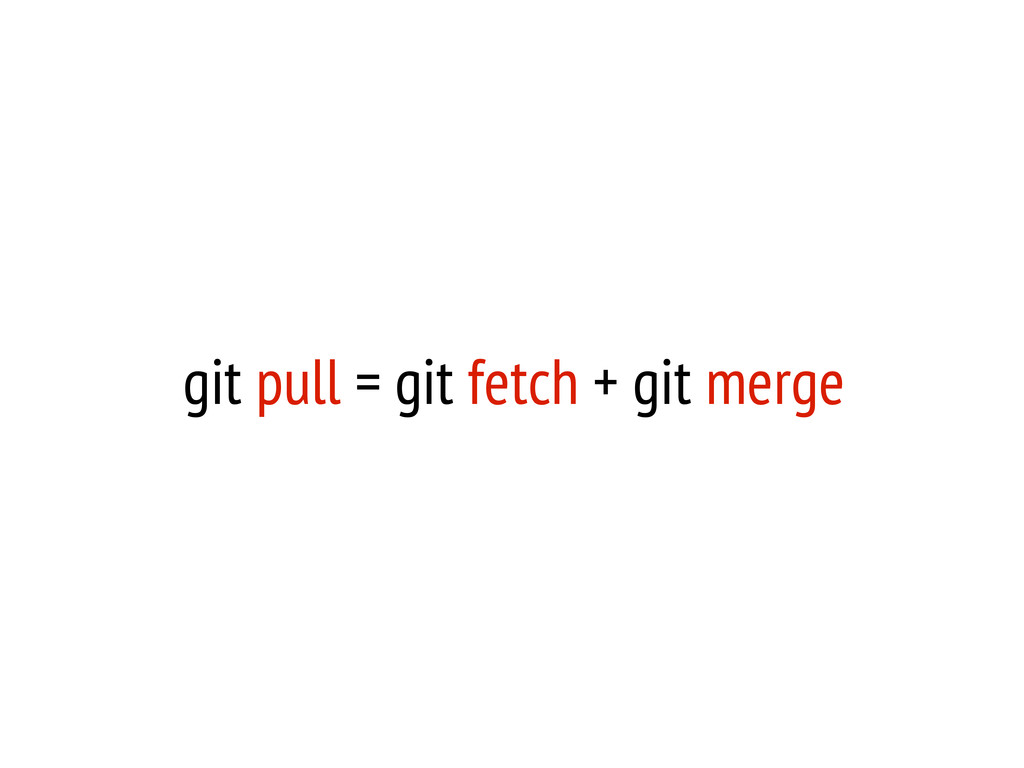
git pull = git fetch + git merge
git push
git push origin ncku-branch
git clean remove untracked files
git stash apply, pop, list, clear
git remote
Reading References
1. Pro Git 2. ihower's blog http://ihower.tw/git/
Git Flow
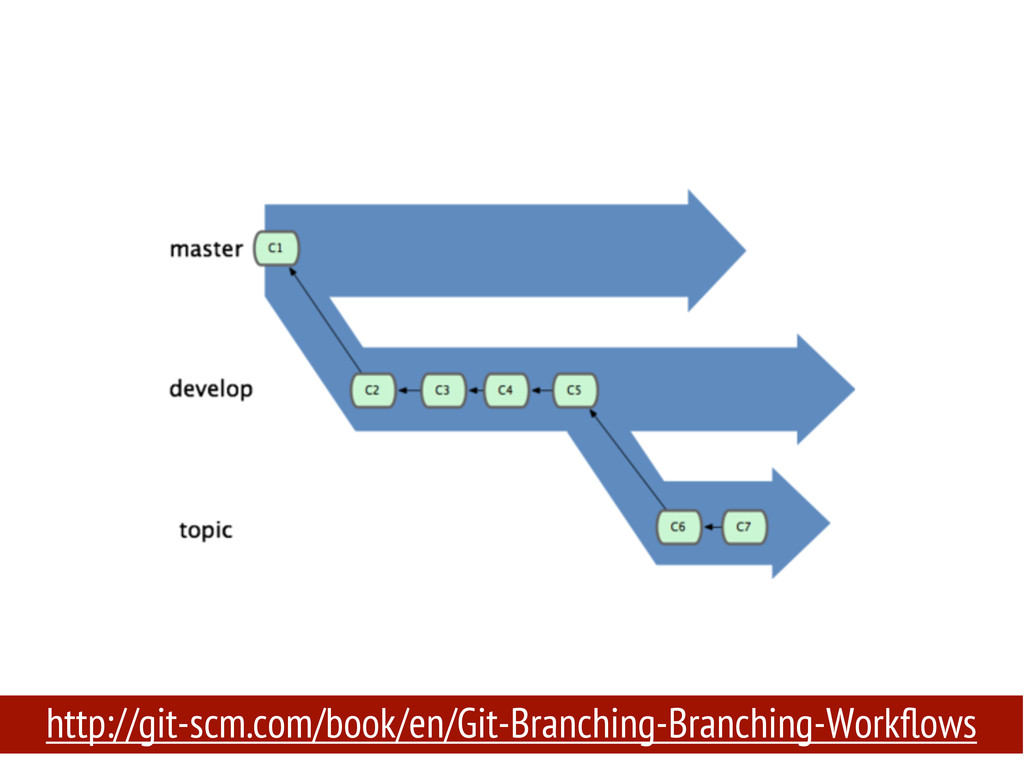
http://git-scm.com/book/en/Git-Branching-Branching-Workflows
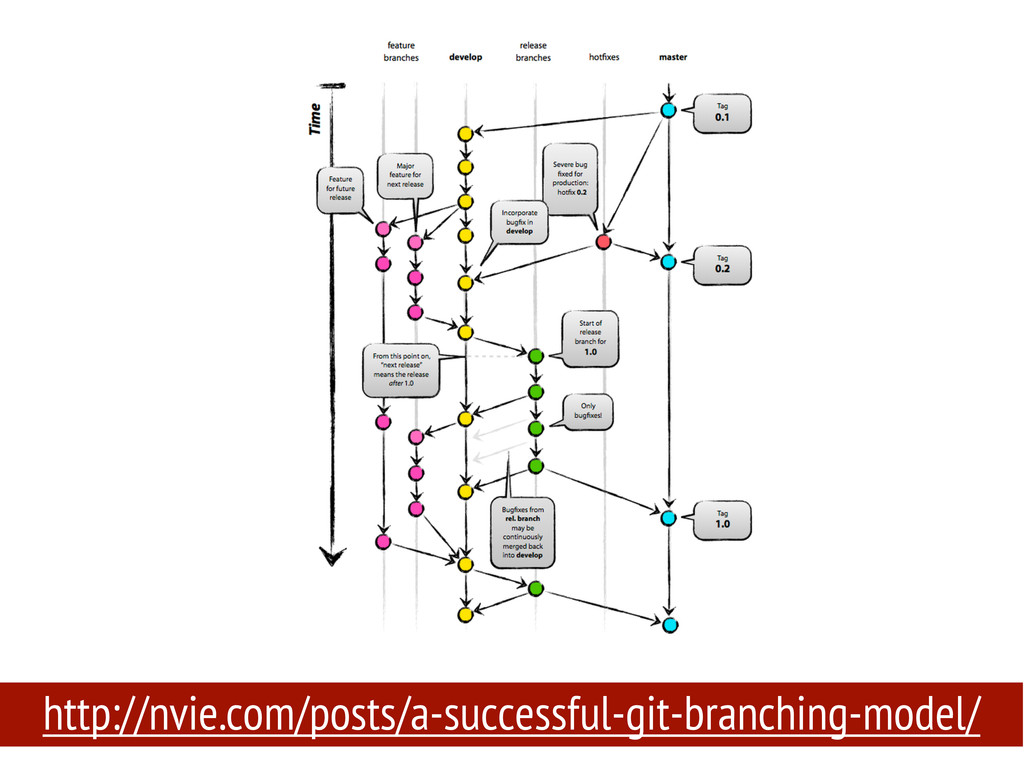
http://nvie.com/posts/a-successful-git-branching-model/
on Mac: > brew install git-flow on Ubuntu or some
linux OS: > sudo apt-get install git-flow https://github.com/nvie/gitflow/wiki/Installation
Exercise: please install git flow in your machine, and initialize
a git flow project.
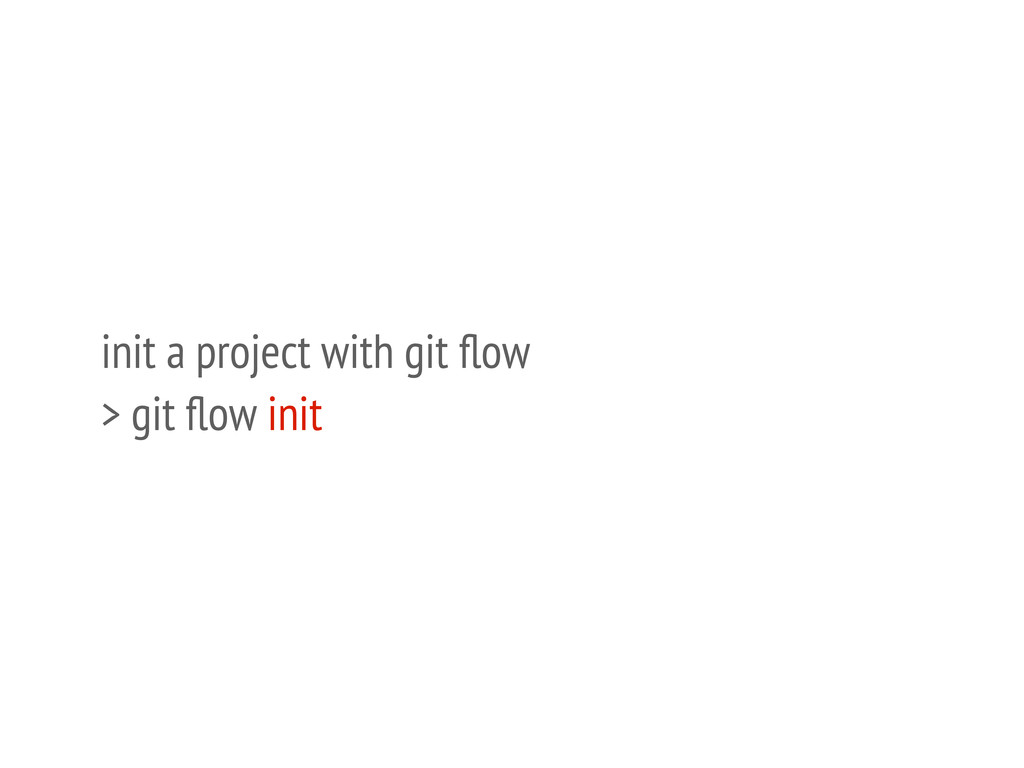
init a project with git flow > git flow init
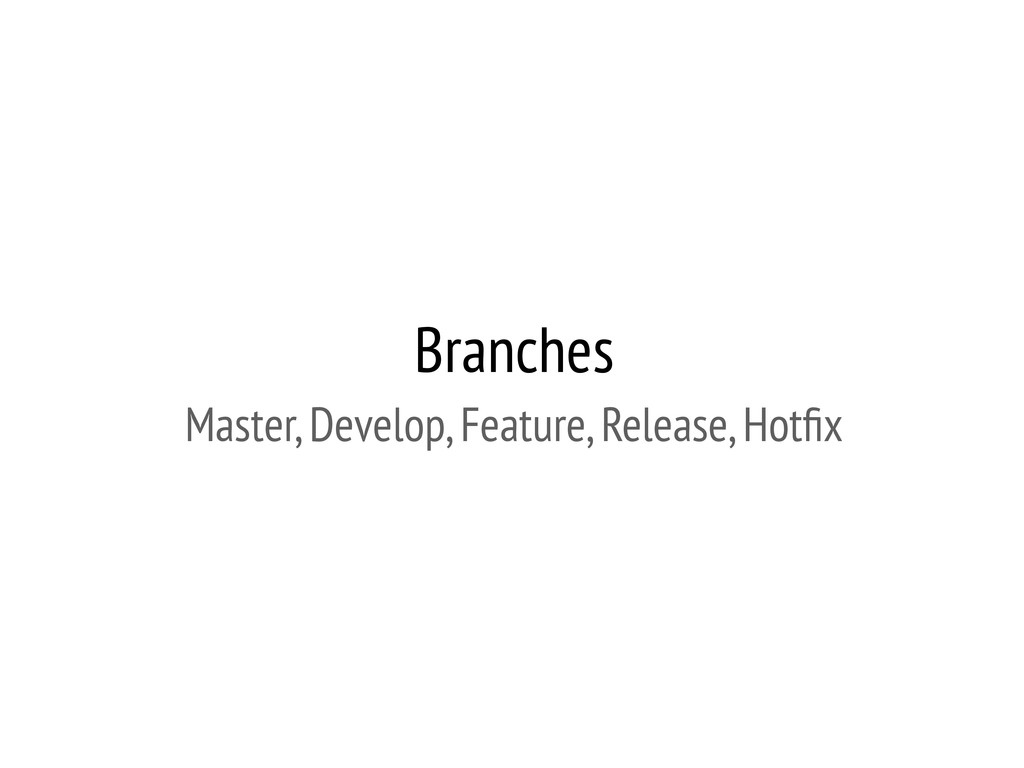
Branches Master, Develop, Feature, Release, Hotfix
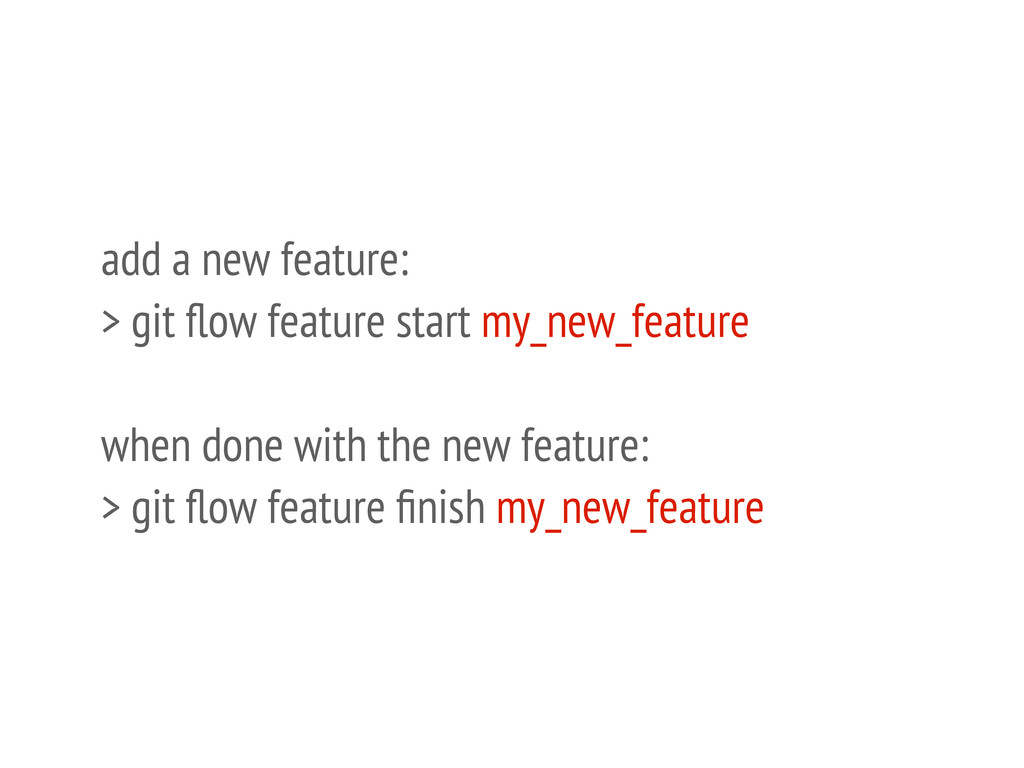
add a new feature: > git flow feature start my_new_feature
when done with the new feature: > git flow feature finish my_new_feature
Exercise: your boss ask you to add a new feature
which can let user upload their photos, please try to finish this assignment in git flow.
Exercise: your boss find a bug and ask you to
fix it ASAP, please try to do this assignment in git flow.
Github
What's Github?
a git repository server
coders' facebook :)
None
make friends with other awesome coders :)
resume for coders!
Free? Price?
SSH/HTTPS/GIT
How to Github?
Exercise: register a new account on Github
without password?
SSH Key
Exercise: generate a SSH key pair in your local machine
and add the public key to Github
Exercise: create a new repository on Github
git push
Exercise: upload your project to Github
Exercise: 1. clone a project from Github 2. do some
changes 3. commit and push back to Github
Exercise: 1. create a new local branch 2. add some
change and then push this branch to Github
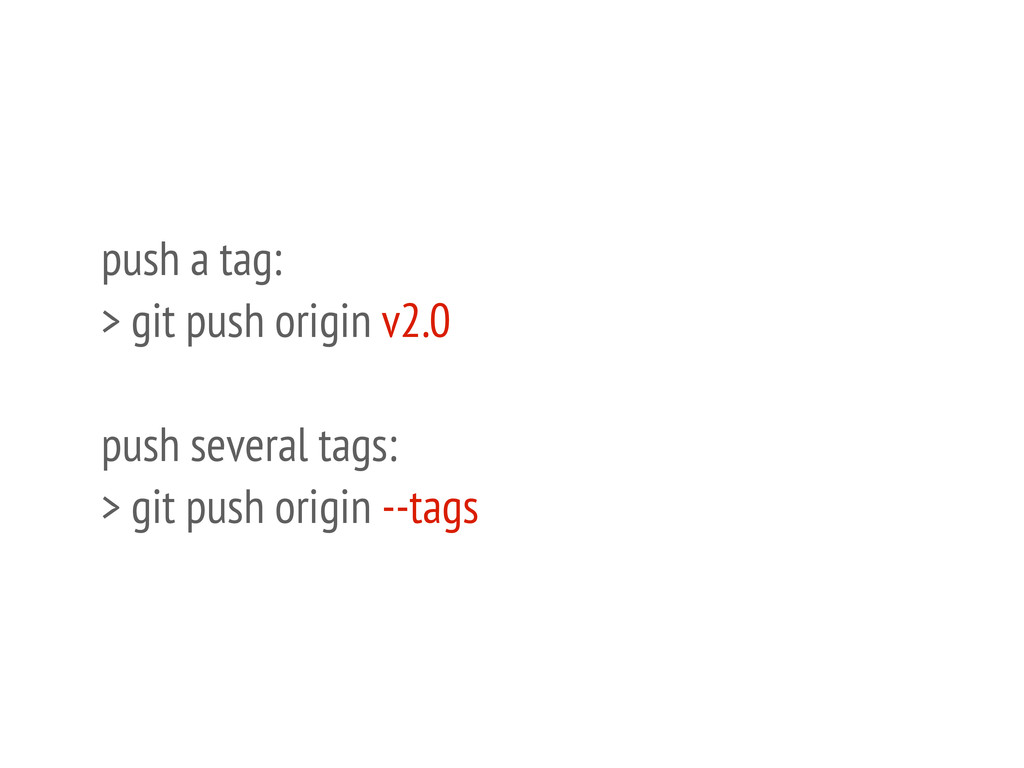
tag won't be pushed to repo by default
push a tag: > git push origin v2.0 push several
tags: > git push origin --tags
Exercise: create some tags for your project and upload them
to Github
git pull
Fork
Pull Request
Exercise: 1. fork a project from your classmate who is
sitting just next to you. 2. add some change and commit. 3. fire a pull request.
Github Pages
host static files for FREE
upload files via git commands
User pages kaochenlong.github.io
Project Pages gh-pages branch
custom domain name
Exercise: 1. create a github page for your account. 2.
set your domain name in CNAME if you have one.
something else?
bitbucket free private repo
git + dropbox
What's inside the .git folder?


 eddie
eddie
 takmin
 shoheimitani
 slsops
 sansan33
 zozotech
 abemii
 yuu551
 tatsukoni
 tebiki
 nutslove
 oracle4engineer
 denniskardys
 codingconduct
 davetheseo
 lemiorhan
 csswizardry
 katiecoart
 coloredviolet
 baasie
 twada
twada
 rakko
rakko
 nikkihalliwell
 reverentgeek












![[alias] co = checkout br = branch aa = add](https://files.speakerdeck.com/presentations/8a9464109a19013022987a3bae9869de/slide_45.jpg)