Upgrade to Pro
— share decks privately, control downloads, hide ads and more …
Speaker Deck
Features
Speaker Deck
PRO
Sign in
Sign up for free
Search
Search
Haskell Workshop: Pimp My Emacs
Search
Kat Chuang
January 29, 2014
Technology
0
750
Haskell Workshop: Pimp My Emacs
An introduction to emacs customizations, presented at The Haskell Workshop
Kat Chuang
January 29, 2014
Tweet
Share
More Decks by Kat Chuang
See All by Kat Chuang
Web Development World
katychuang
0
670
Data Processing with Dr Kat
katychuang
0
80
One, two, buckle my shoe
katychuang
0
90
Raw Pixels, visualizing nutrition facts from Jawbone Up API
katychuang
0
220
Haskell Workshop: Basic Haskell
katychuang
1
440
DjangoCon 2013 - Rapid prototyping and communicating with clients
katychuang
0
89
[Dissertation] "Understanding user interaction patterns in health social media"
katychuang
0
140
NYC Pyladies Talk 5.2.2013
katychuang
0
190
Flash Interface from 2005
katychuang
0
59
Other Decks in Technology
See All in Technology
今こそ学びたいKubernetesネットワーク ~CNIが繋ぐNWとプラットフォームの「フラッと」な対話
logica0419
5
470
22nd ACRi Webinar - NTT Kawahara-san's slide
nao_sumikawa
0
100
生成AIと余白 〜開発スピードが向上した今、何に向き合う?〜
kakehashi
PRO
0
160
We Built for Predictability; The Workloads Didn’t Care
stahnma
0
150
SREのプラクティスを用いた3領域同時 マネジメントへの挑戦 〜SRE・情シス・セキュリティを統合した チーム運営術〜
coconala_engineer
2
770
1,000 にも届く AWS Organizations 組織のポリシー運用をちゃんとしたい、という話
kazzpapa3
0
180
Agent Skils
dip_tech
PRO
0
130
M&A 後の統合をどう進めるか ─ ナレッジワーク × Poetics が実践した組織とシステムの融合
kworkdev
PRO
1
510
私たち準委任PdEは2つのプロダクトに挑戦する ~ソフトウェア、開発支援という”二重”のプロダクトエンジニアリングの実践~ / 20260212 Naoki Takahashi
shift_evolve
PRO
2
210
Amazon Bedrock Knowledge Basesチャンキング解説!
aoinoguchi
0
160
SREじゃなかった僕らがenablingを通じて「SRE実践者」になるまでのリアル / SRE Kaigi 2026
aeonpeople
6
2.6k
AI駆動開発を事業のコアに置く
tasukuonizawa
1
390
Featured
See All Featured
Claude Code どこまでも/ Claude Code Everywhere
nwiizo
61
52k
Self-Hosted WebAssembly Runtime for Runtime-Neutral Checkpoint/Restore in Edge–Cloud Continuum
chikuwait
0
340
Organizational Design Perspectives: An Ontology of Organizational Design Elements
kimpetersen
PRO
1
470
Building Experiences: Design Systems, User Experience, and Full Site Editing
marktimemedia
0
410
Speed Design
sergeychernyshev
33
1.5k
The B2B funnel & how to create a winning content strategy
katarinadahlin
PRO
1
280
End of SEO as We Know It (SMX Advanced Version)
ipullrank
3
3.9k
The Spectacular Lies of Maps
axbom
PRO
1
530
The Success of Rails: Ensuring Growth for the Next 100 Years
eileencodes
47
7.9k
RailsConf & Balkan Ruby 2019: The Past, Present, and Future of Rails at GitHub
eileencodes
141
34k
SEO for Brand Visibility & Recognition
aleyda
0
4.2k
Making the Leap to Tech Lead
cromwellryan
135
9.7k
Transcript
Pimp my Emacs Presented by @katychuang
#haskellworkshop @HaskellWorkshop Haskell-Workshop http://haskell-workshop.github.com
Started from the bottom now we’re here. Shopping for a
new editor this year. Much sublime, wow, very design! No integration? I resign. Emacs is divine? Let’s make shine! Quick Rap
Haskell Workshop Today’s Topics: ➢ Why emacs? ➢ Intro ➢
Installation & set up ➢ Keyboard Bindings ➢ Customizations ➢ Installing modes
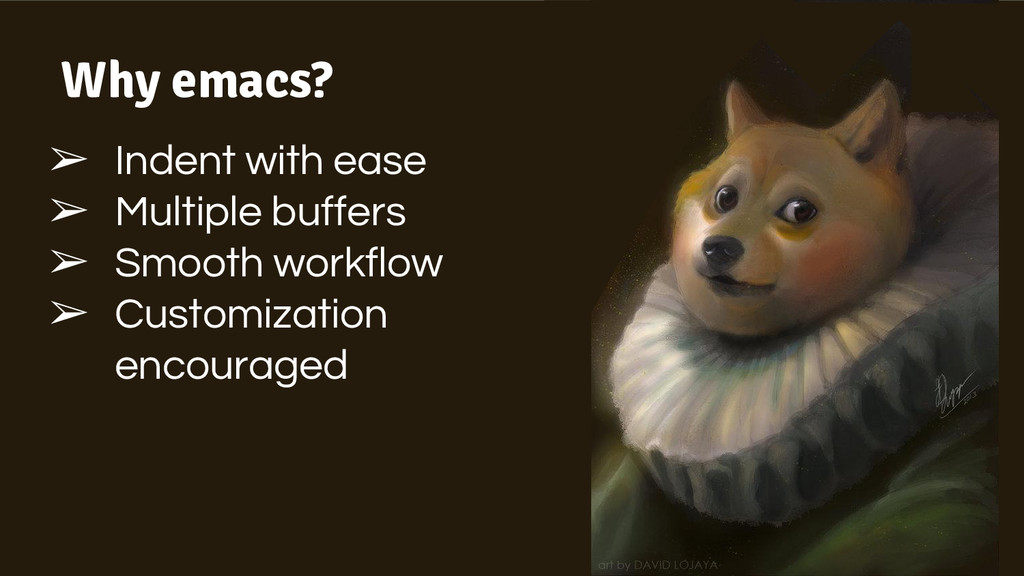
Why emacs?
Why emacs? ➢ Indent with ease ➢ Multiple buffers ➢
Smooth workflow ➢ Customization encouraged
None
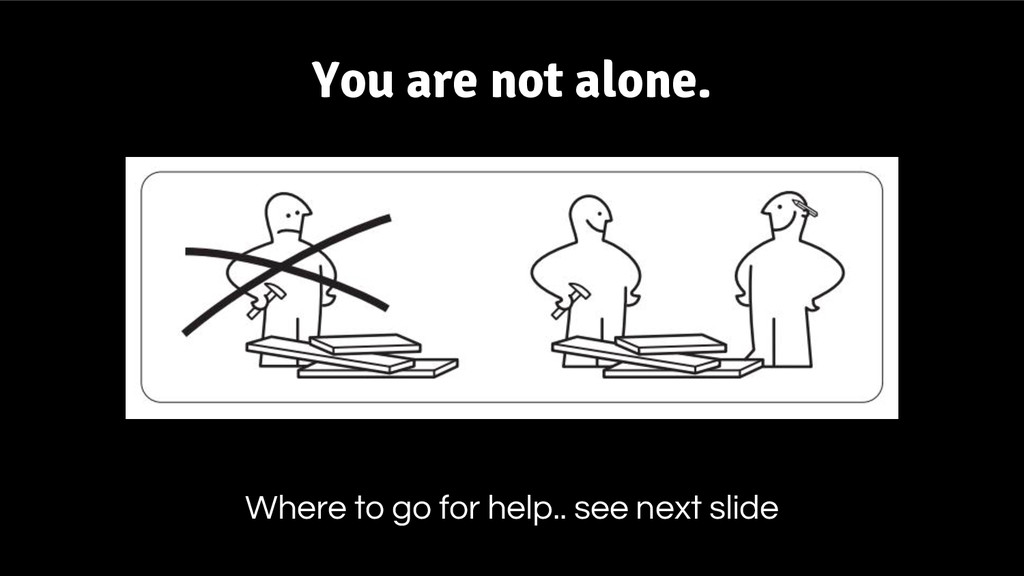
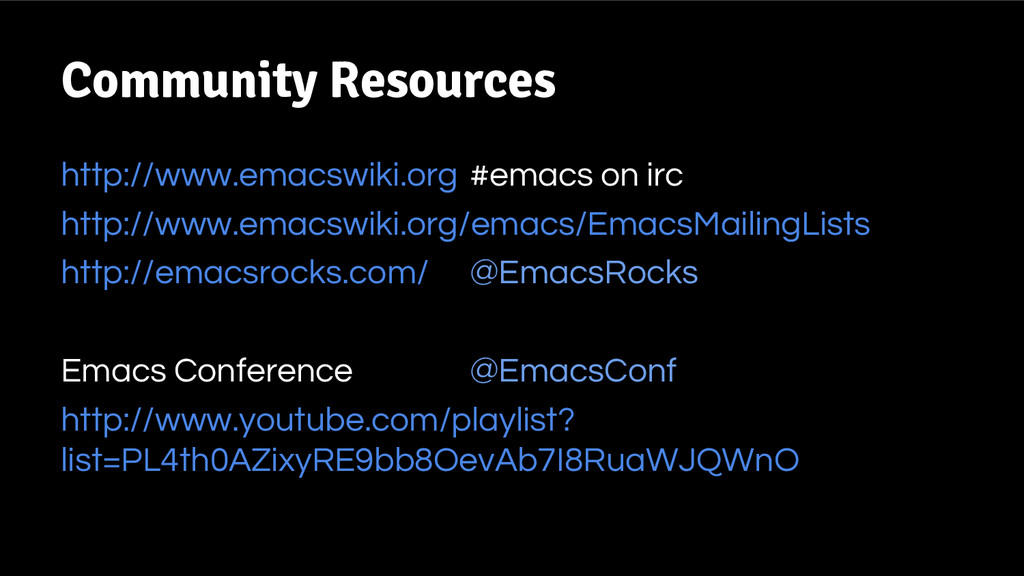
You are not alone. Where to go for help.. see
next slide
http://www.emacswiki.org http://www.emacswiki.org/emacs/EmacsMailingLists http://emacsrocks.com/ Emacs Conference http://www.youtube.com/playlist? list=PL4th0AZixyRE9bb8OevAb7I8RuaWJQWnO Community Resources #emacs
on irc @EmacsRocks @EmacsConf
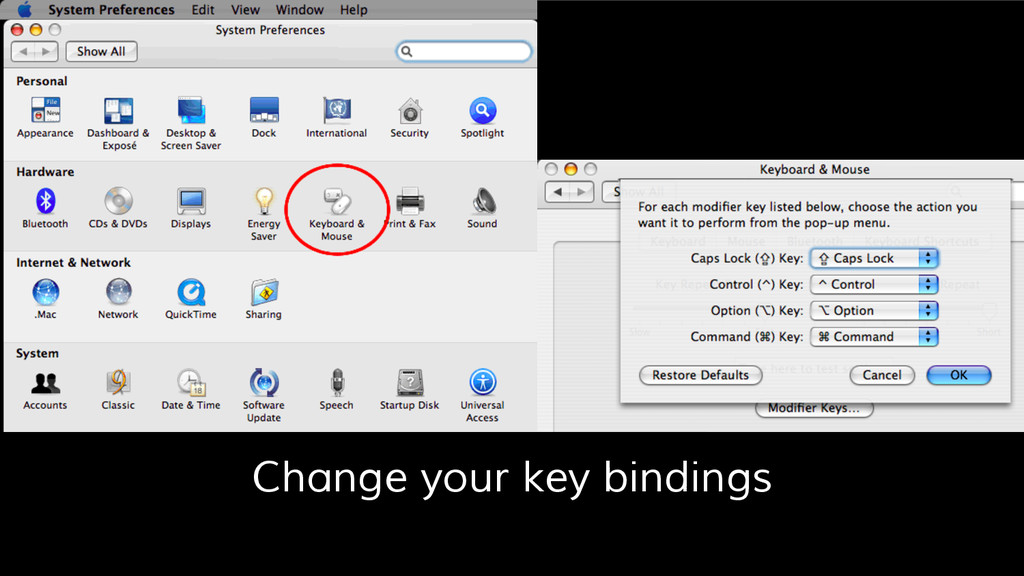
Change your key bindings
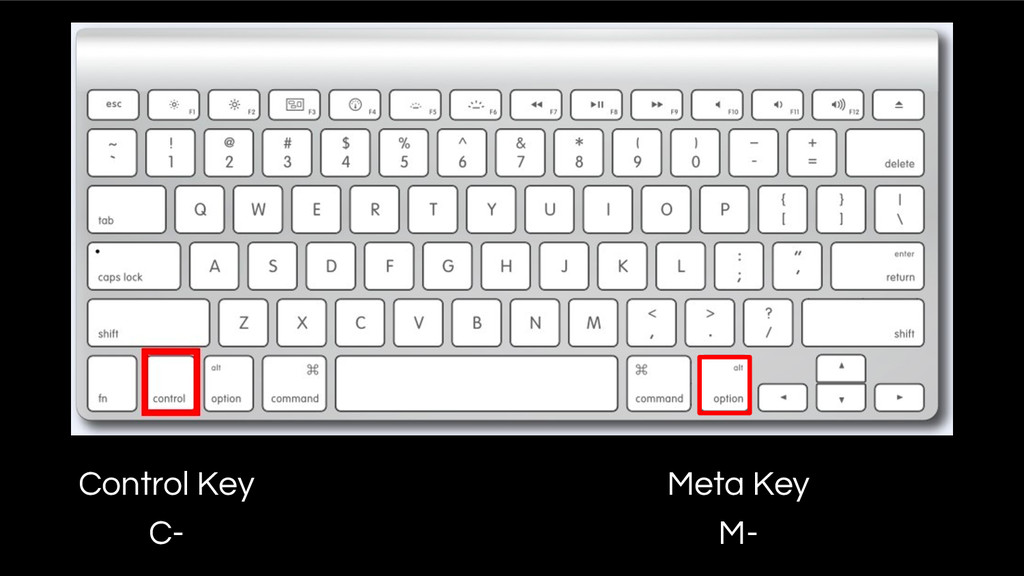
Control Key C- Meta Key M-
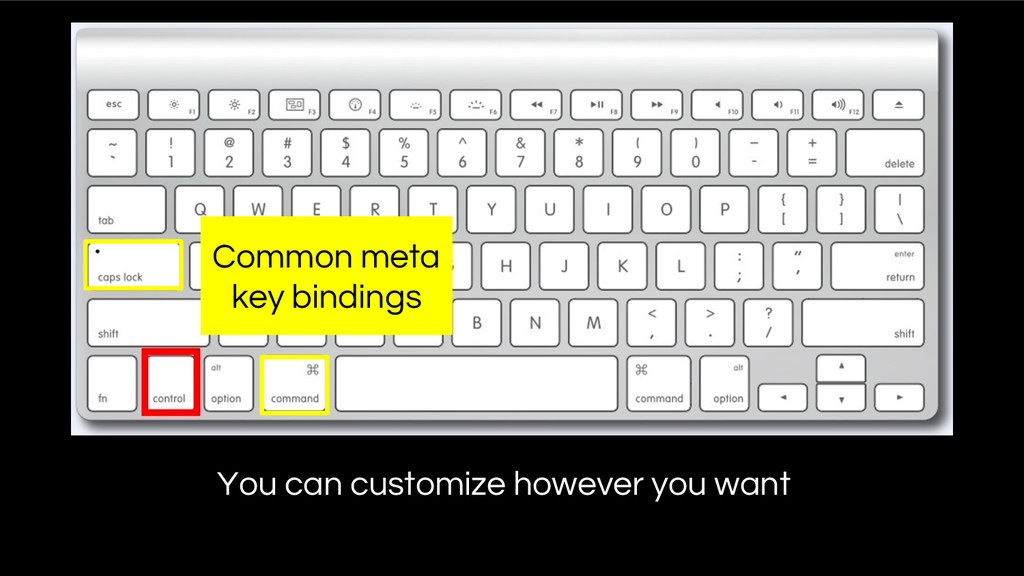
Common meta key bindings You can customize however you want
http://emacsformacosx.com/ Recommended
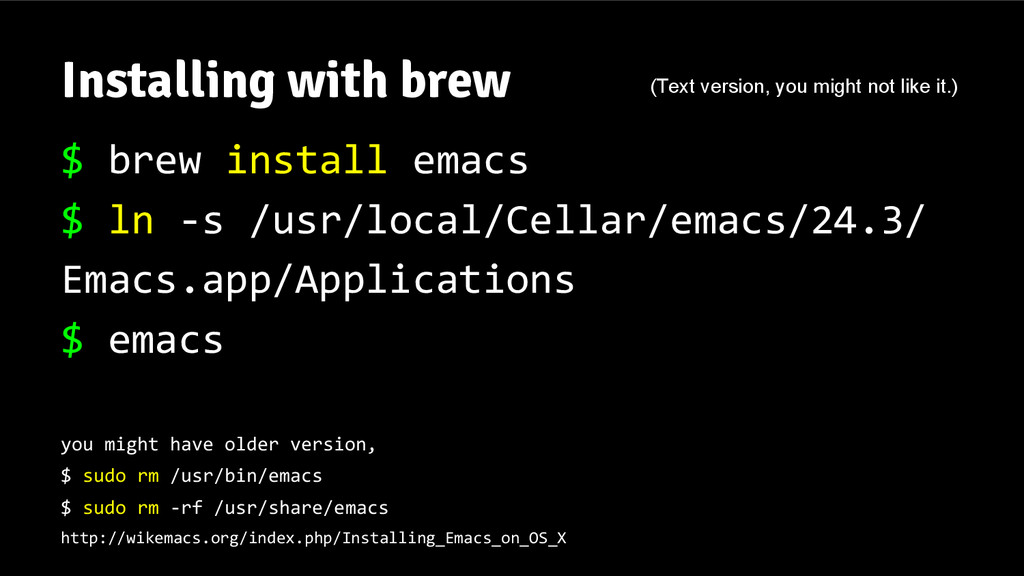
Installing with brew $ brew install emacs $ ln -s
/usr/local/Cellar/emacs/24.3/ Emacs.app/Applications $ emacs you might have older version, $ sudo rm /usr/bin/emacs $ sudo rm -rf /usr/share/emacs http://wikemacs.org/index.php/Installing_Emacs_on_OS_X (Text version, you might not like it.)
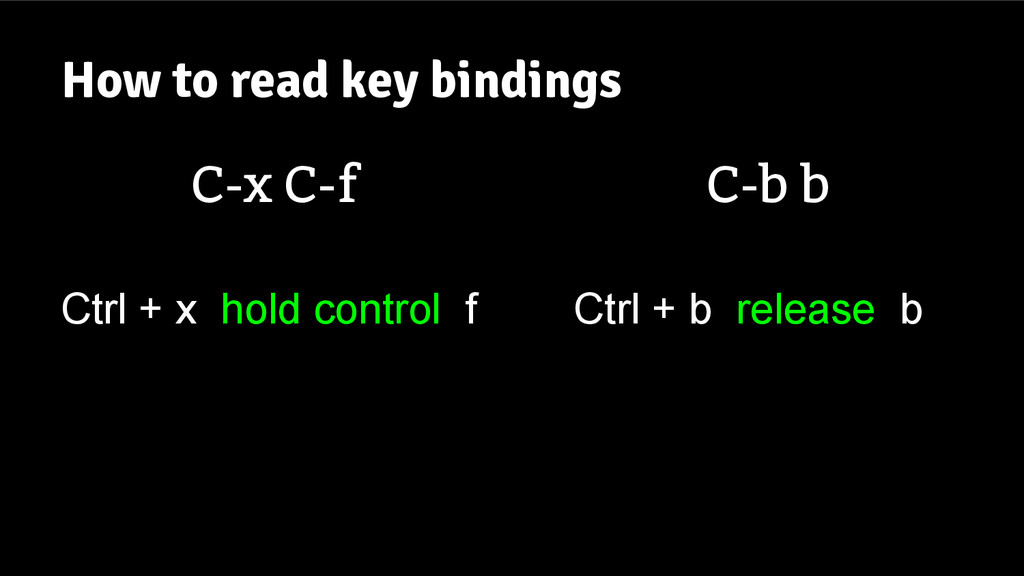
How to read key bindings C-x C-f Ctrl + x
hold control f C-b b Ctrl + b release b
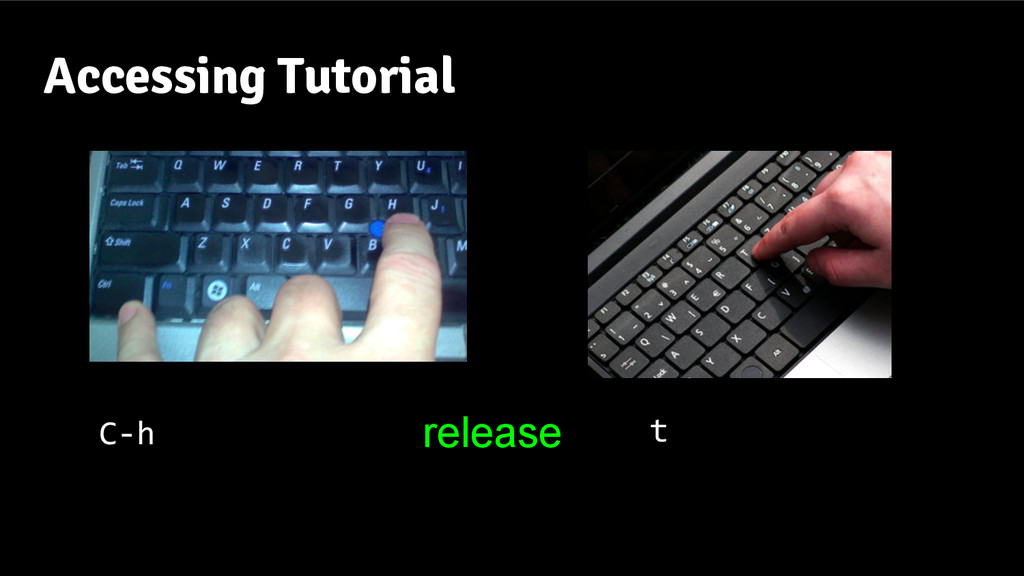
Accessing Tutorial C-h t release
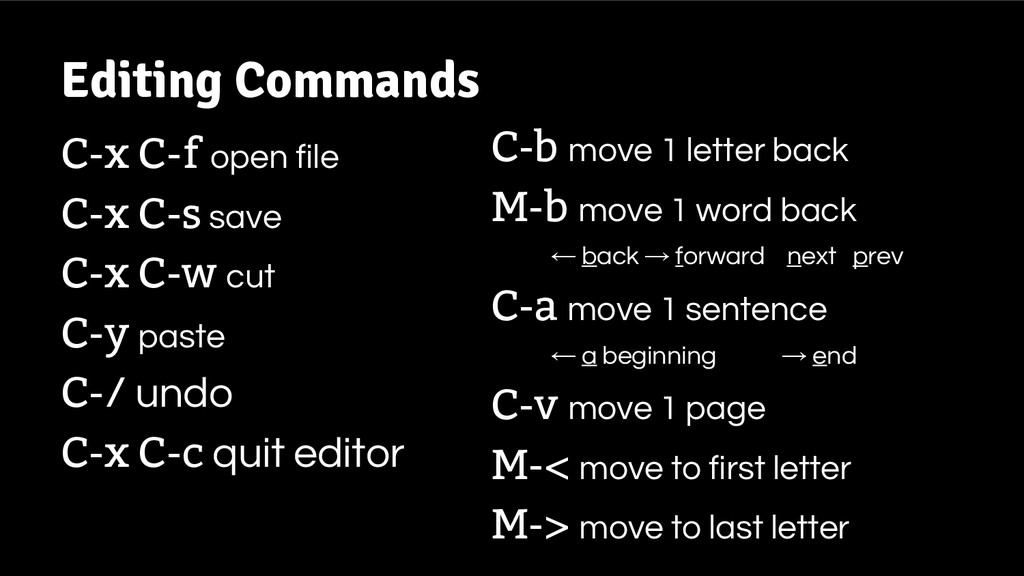
C-x C-f open file C-x C-s save C-x C-w cut
C-y paste C-/ undo C-x C-c quit editor Editing Commands C-b move 1 letter back M-b move 1 word back ← back → forward next prev C-a move 1 sentence ← a beginning → end C-v move 1 page M-< move to first letter M-> move to last letter
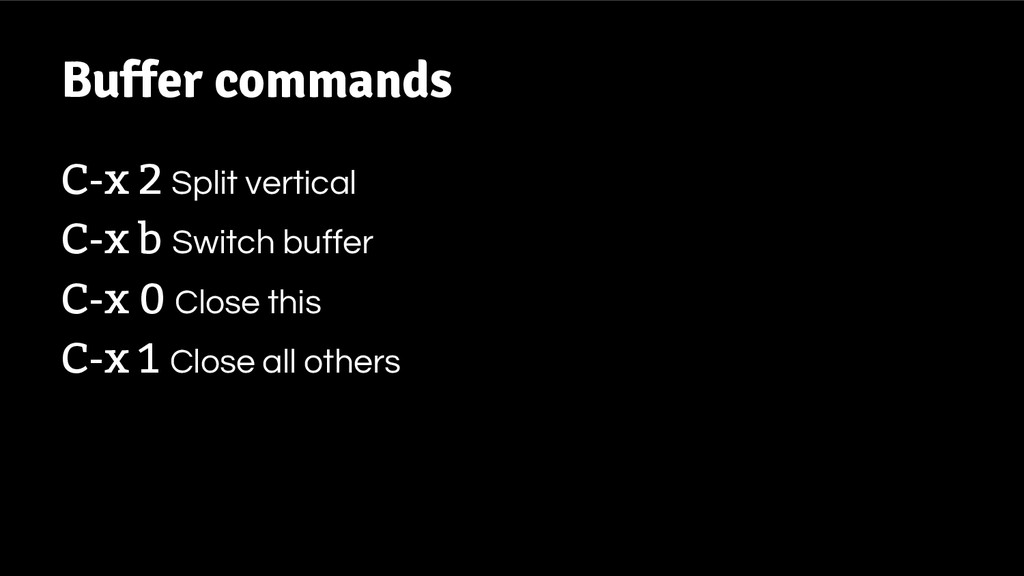
Buffer commands C-x 2 Split vertical C-x b Switch buffer
C-x 0 Close this C-x 1 Close all others
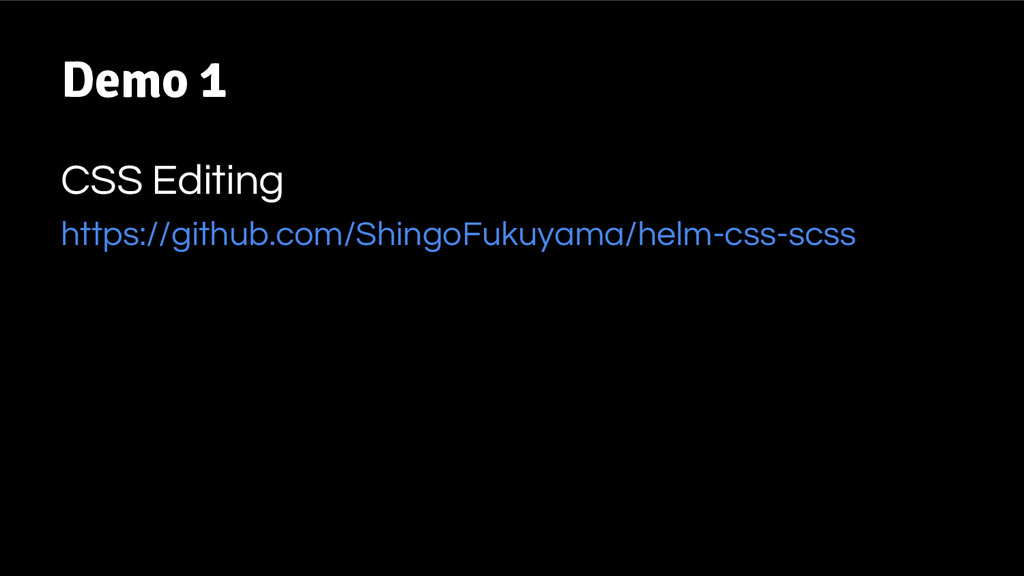
Demo 1 CSS Editing https://github.com/ShingoFukuyama/helm-css-scss
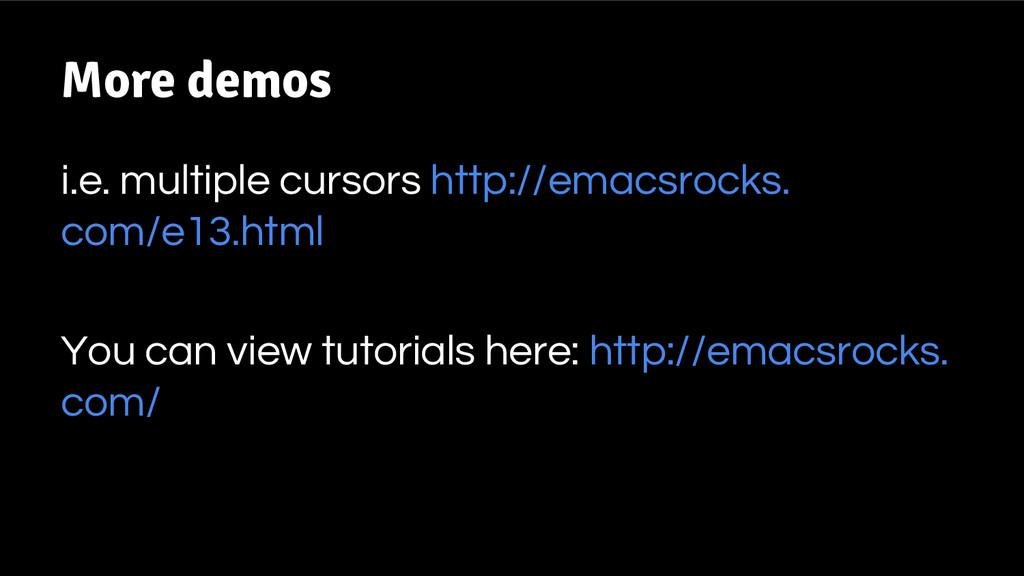
More demos i.e. multiple cursors http://emacsrocks. com/e13.html You can view
tutorials here: http://emacsrocks. com/
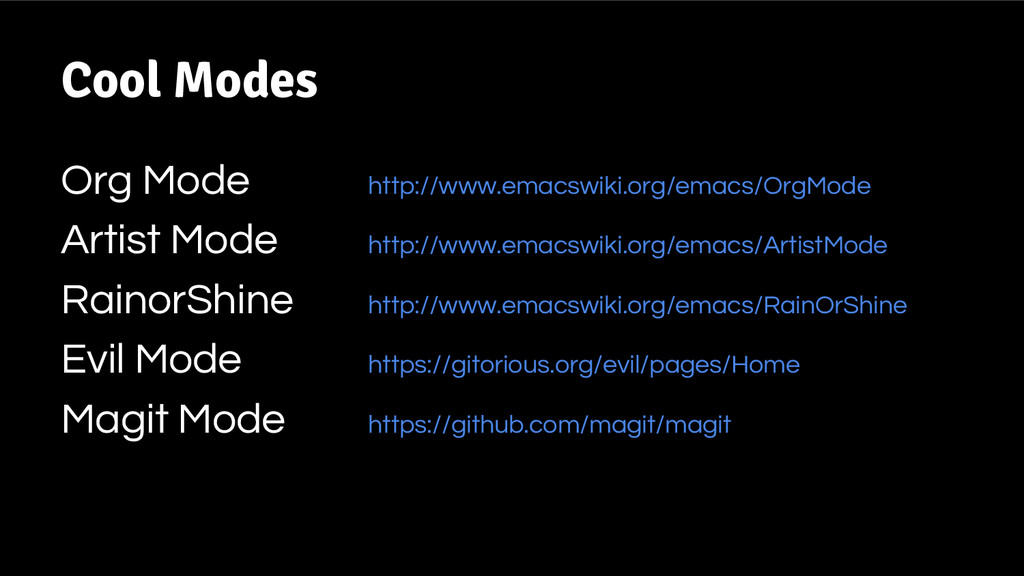
Cool Modes Org Mode http://www.emacswiki.org/emacs/OrgMode Artist Mode http://www.emacswiki.org/emacs/ArtistMode RainorShine http://www.emacswiki.org/emacs/RainOrShine
Evil Mode https://gitorious.org/evil/pages/Home Magit Mode https://github.com/magit/magit
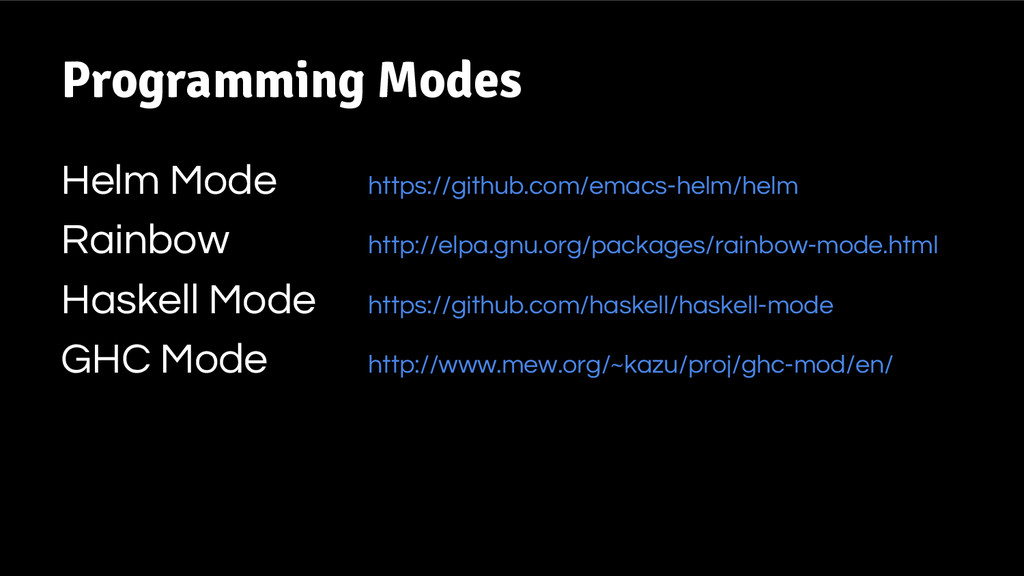
Programming Modes Helm Mode https://github.com/emacs-helm/helm Rainbow http://elpa.gnu.org/packages/rainbow-mode.html Haskell Mode https://github.com/haskell/haskell-mode
GHC Mode http://www.mew.org/~kazu/proj/ghc-mod/en/
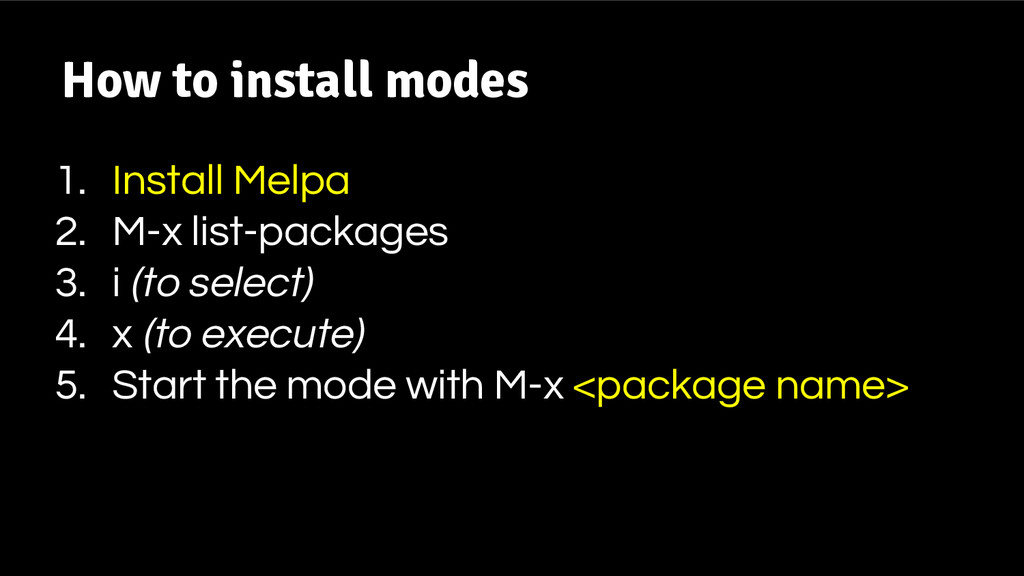
How to install modes 1. Install Melpa 2. M-x list-packages
3. i (to select) 4. x (to execute) 5. Start the mode with M-x <package name>
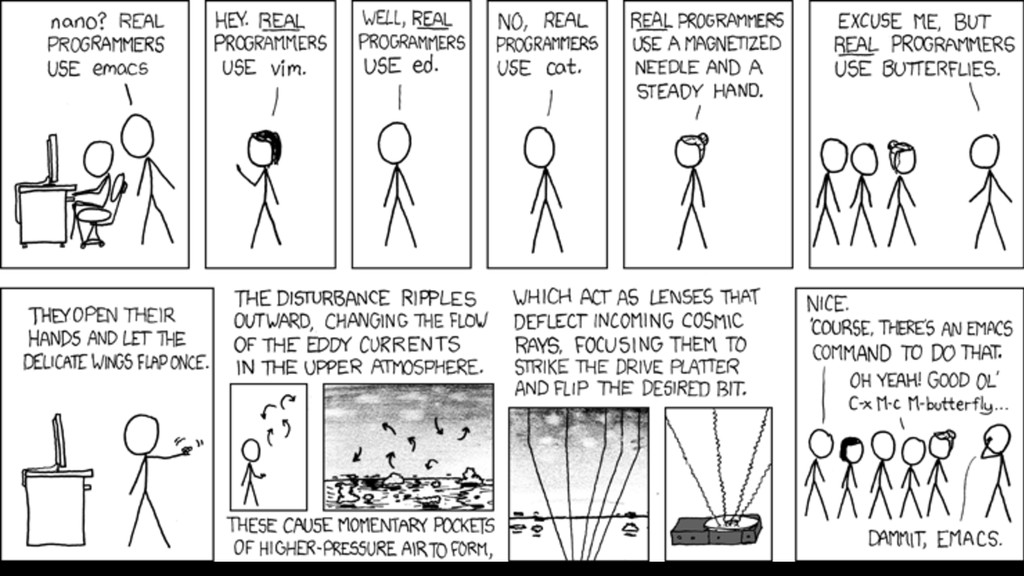
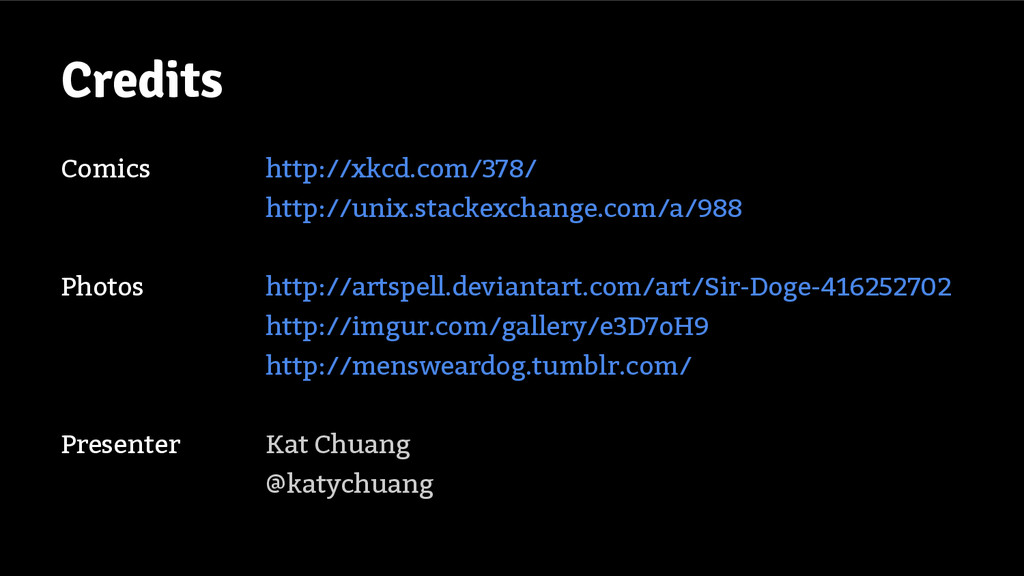
Credits Comics http://xkcd.com/378/ http://unix.stackexchange.com/a/988 Photos http://artspell.deviantart.com/art/Sir-Doge-416252702 http://imgur.com/gallery/e3D7oH9 http://mensweardog.tumblr.com/ Presenter Kat
Chuang @katychuang


 katychuang
 logica0419
 nao_sumikawa
 kakehashi
 stahnma
 coconala_engineer
 kazzpapa3
 dip_tech
 kworkdev
 shift_evolve
 aoinoguchi
 aeonpeople
 tasukuonizawa
 nwiizo
 chikuwait
 kimpetersen
 marktimemedia
 sergeychernyshev
 katarinadahlin
 ipullrank
 axbom
axbom
 eileencodes
 aleyda
 cromwellryan