Upgrade to Pro
— share decks privately, control downloads, hide ads and more …
Speaker Deck
Features
Speaker Deck
PRO
Sign in
Sign up for free
Search
Search
Building an open source Python application, the...
Search
Sponsored
·
Ship Features Fearlessly
Turn features on and off without deploys. Used by thousands of Ruby developers.
→
Kiran
October 26, 2013
Technology
0
420
Building an open source Python application, the right way
Overview of conventions/best practices to follow when writing an open source Python application
Kiran
October 26, 2013
Tweet
Share
More Decks by Kiran
See All by Kiran
Building Terrariums
kirang89
0
40
The Road to a Masterless Multi-node Distributed System in Elixir
kirang89
5
700
Building a Tic Tac Toe AI in Python
kirang89
0
390
A Gentle Introduction to Generators and Coroutines
kirang89
1
270
Leverage PyCon India to help grow the Python community
kirang89
0
88
Lets learn Python !
kirang89
0
110
Python Month
kirang89
0
72
Why learn Python ?
kirang89
0
120
Other Decks in Technology
See All in Technology
Codex 5.3 と Opus 4.6 にコーポレートサイトを作らせてみた / Codex 5.3 vs Opus 4.6
ama_ch
0
190
pool.ntp.orgに ⾃宅サーバーで 参加してみたら...
tanyorg
0
270
Context Engineeringの取り組み
nutslove
0
380
フルカイテン株式会社 エンジニア向け採用資料
fullkaiten
0
10k
FinTech SREのAWSサービス活用/Leveraging AWS Services in FinTech SRE
maaaato
0
130
1,000 にも届く AWS Organizations 組織のポリシー運用をちゃんとしたい、という話
kazzpapa3
0
110
AIエージェントを開発しよう!-AgentCore活用の勘所-
yukiogawa
0
180
Context Engineeringが企業で不可欠になる理由
hirosatogamo
PRO
3
650
仕様書駆動AI開発の実践: Issue→Skill→PRテンプレで 再現性を作る
knishioka
2
680
CDKで始めるTypeScript開発のススメ
tsukuboshi
1
520
今日から始める Amazon Bedrock AgentCore
har1101
4
420
20260208_第66回 コンピュータビジョン勉強会
keiichiito1978
0
190
Featured
See All Featured
No one is an island. Learnings from fostering a developers community.
thoeni
21
3.6k
ReactJS: Keep Simple. Everything can be a component!
pedronauck
666
130k
Keith and Marios Guide to Fast Websites
keithpitt
413
23k
How to Align SEO within the Product Triangle To Get Buy-In & Support - #RIMC
aleyda
1
1.4k
Claude Code のすすめ
schroneko
67
210k
コードの90%をAIが書く世界で何が待っているのか / What awaits us in a world where 90% of the code is written by AI
rkaga
60
42k
Understanding Cognitive Biases in Performance Measurement
bluesmoon
32
2.8k
Have SEOs Ruined the Internet? - User Awareness of SEO in 2025
akashhashmi
0
270
We Are The Robots
honzajavorek
0
170
How GitHub (no longer) Works
holman
316
140k
Information Architects: The Missing Link in Design Systems
soysaucechin
0
780
The Straight Up "How To Draw Better" Workshop
denniskardys
239
140k
Transcript
Building open source the Python application right way an
Hi.
I’m Kiran. Hacker Programmer Open Source enthusiast Computer Science fanboy
Currently, having an affair with Python
Why follow Conventions Guidelines Best Practices
Your code is Open Source !
What does that mean You ask ?
Code available to People will try to help start using
it everyone People will(might)
So, what do I do ?
Make it easier for people to use your application
How ?
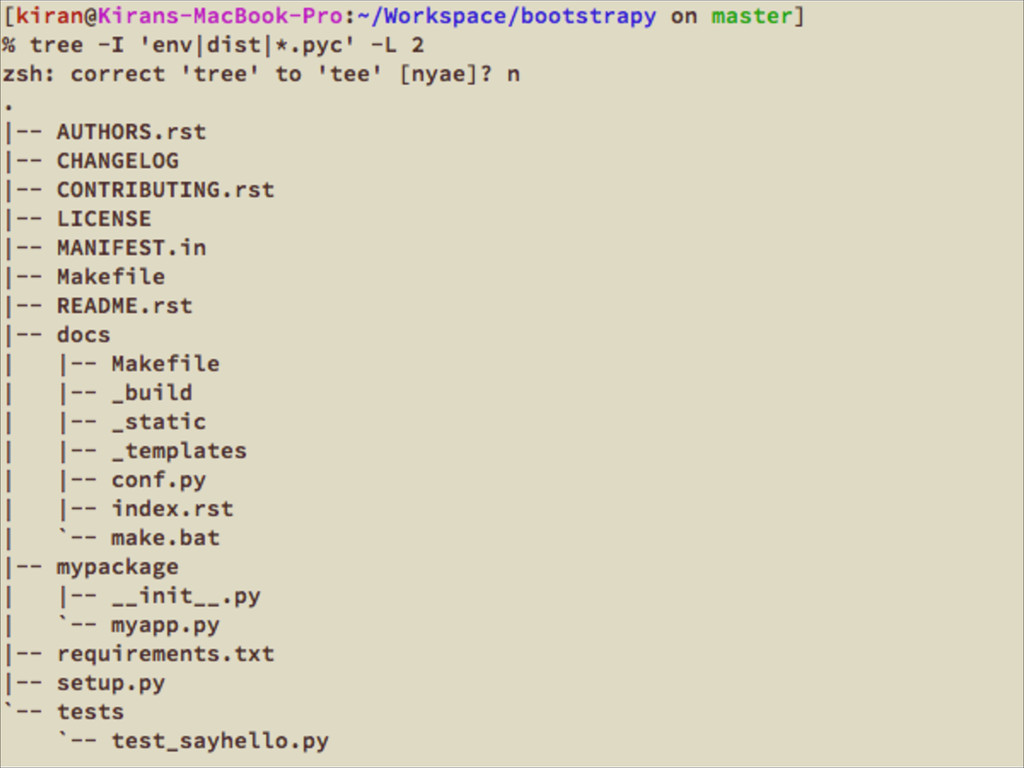
Let’s start with basic project structure
None
Let’s make it simpler
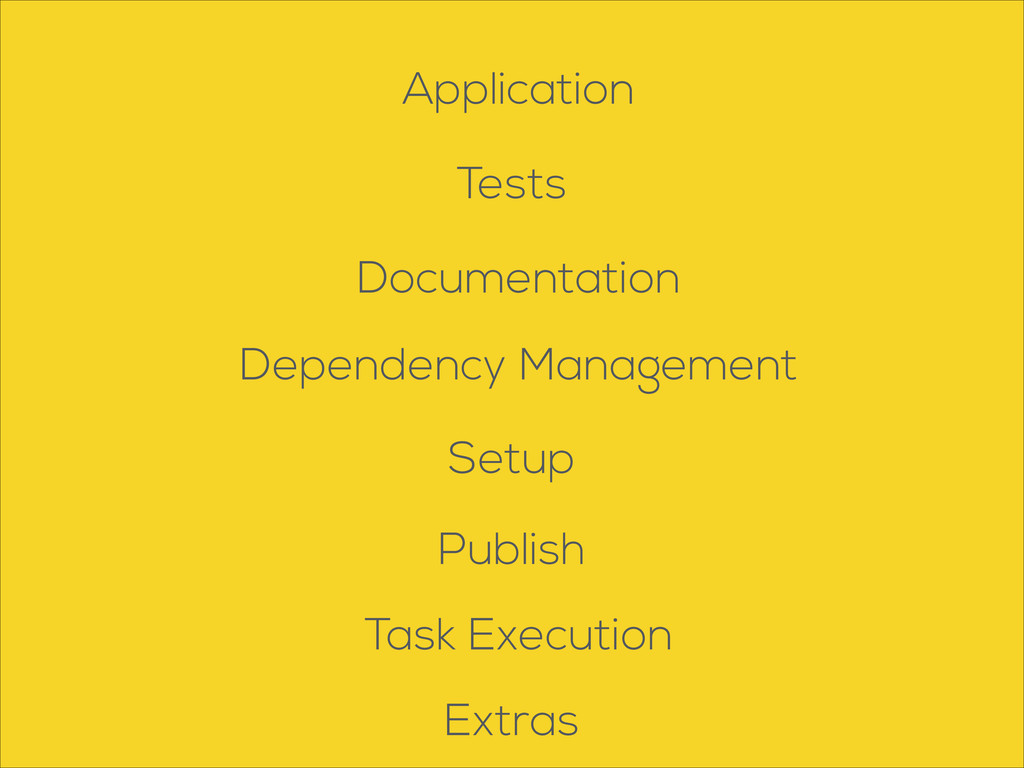
Documentation Tests Application Dependency Management Setup Task Execution Extras Publish
Application
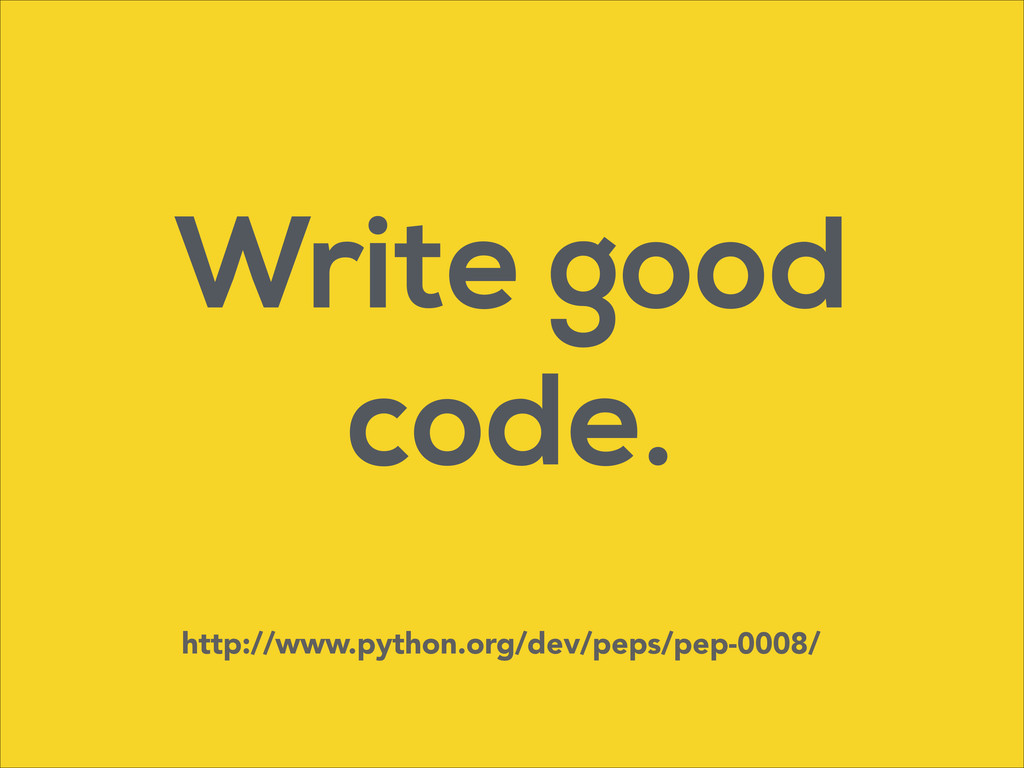
Write good code. http://www.python.org/dev/peps/pep-0008/
Don’t bloat your code with Use them when required classes
to architect your application modules Use
Tests
“Code not tested is broken by design” - Jacob Kaplan
Moss
Lots of ways to your application Test
Start with simple unit tests
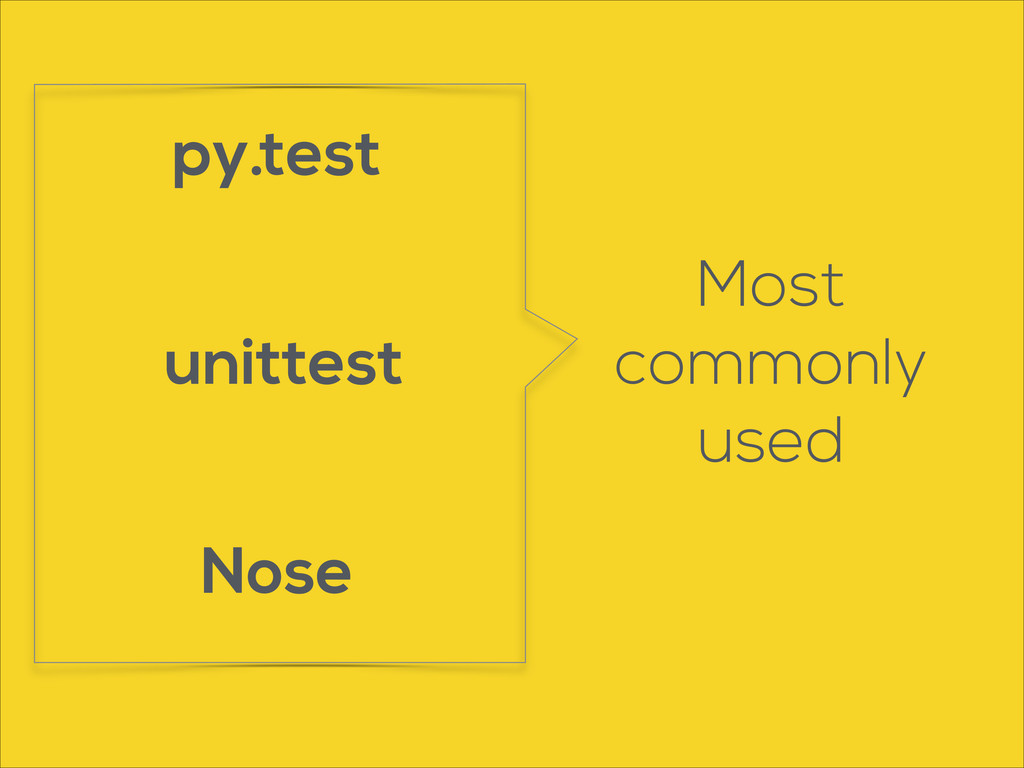
unittest Nose py.test Most commonly used
Documentation
For small projects Code is the documentation http://www.python.org/dev/peps/pep-0257/
Sadly This is not scalable
Use Sphinx http://sphinx-doc.org/
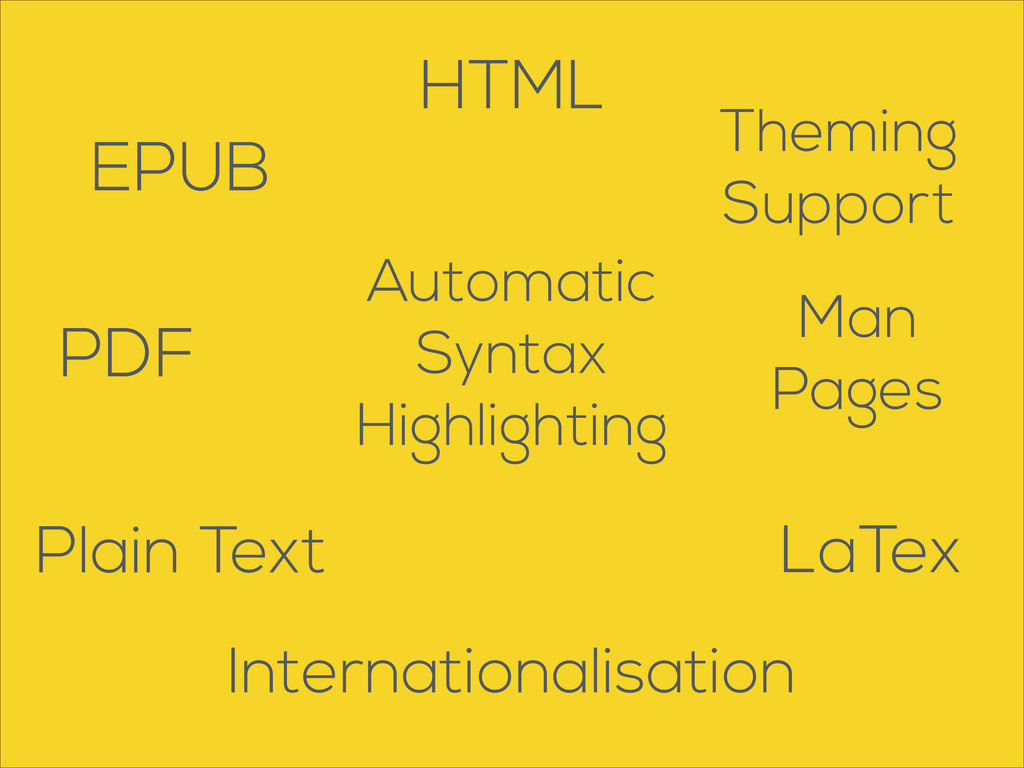
HTML EPUB PDF Man Pages LaTex Automatic Syntax Highlighting Plain
Text Theming Support Internationalisation
None
Dependency Management
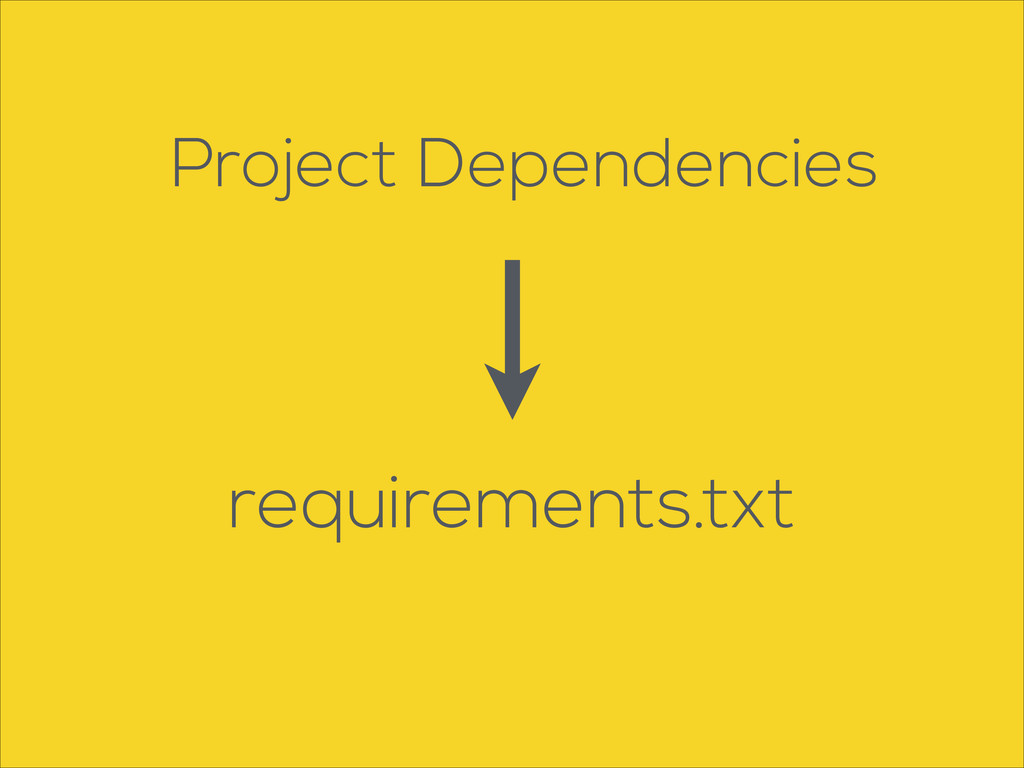
Project Dependencies requirements.txt
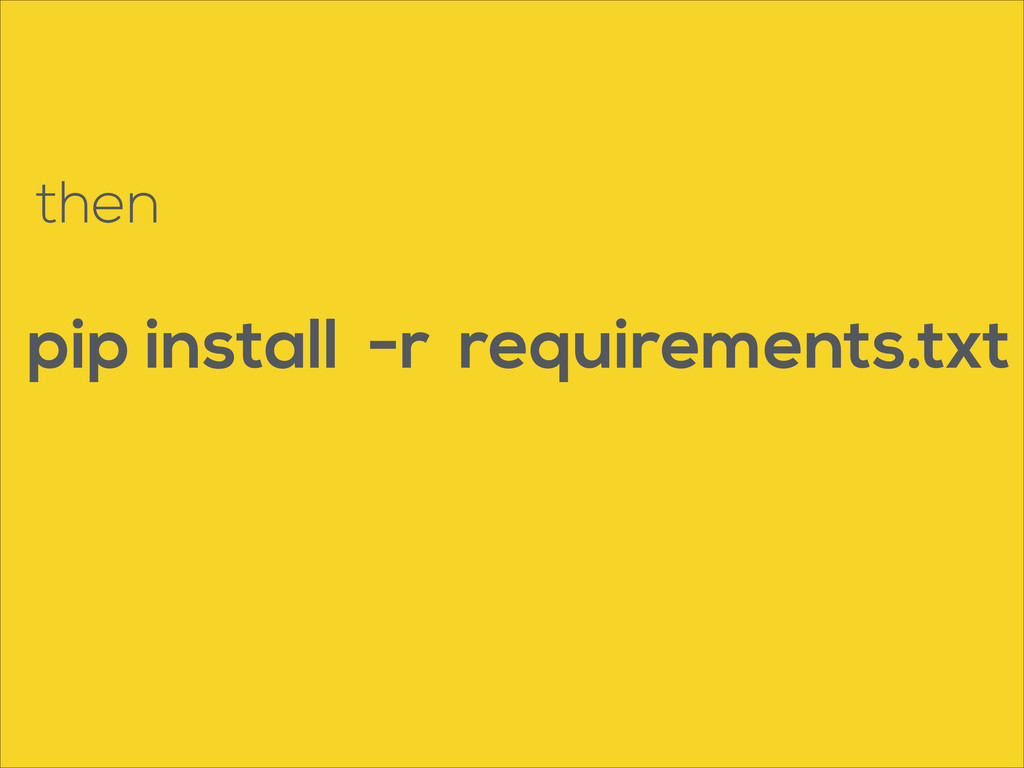
pip install -r requirements.txt then
None
Setup
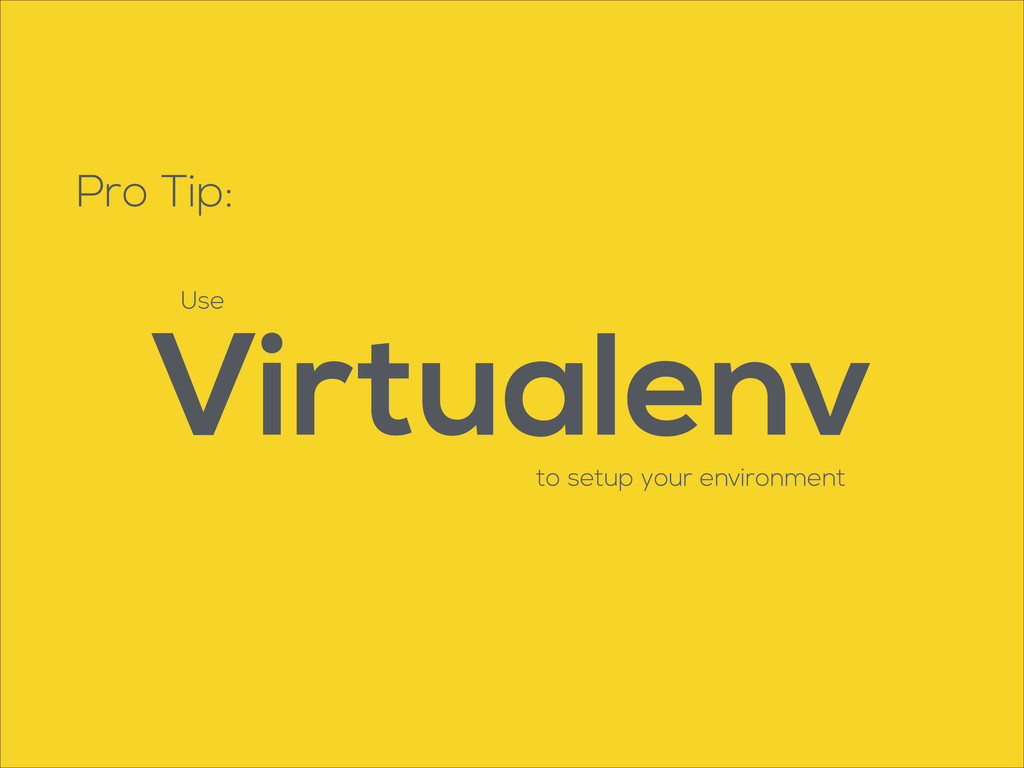
Pro Tip: Use Virtualenv to setup your environment
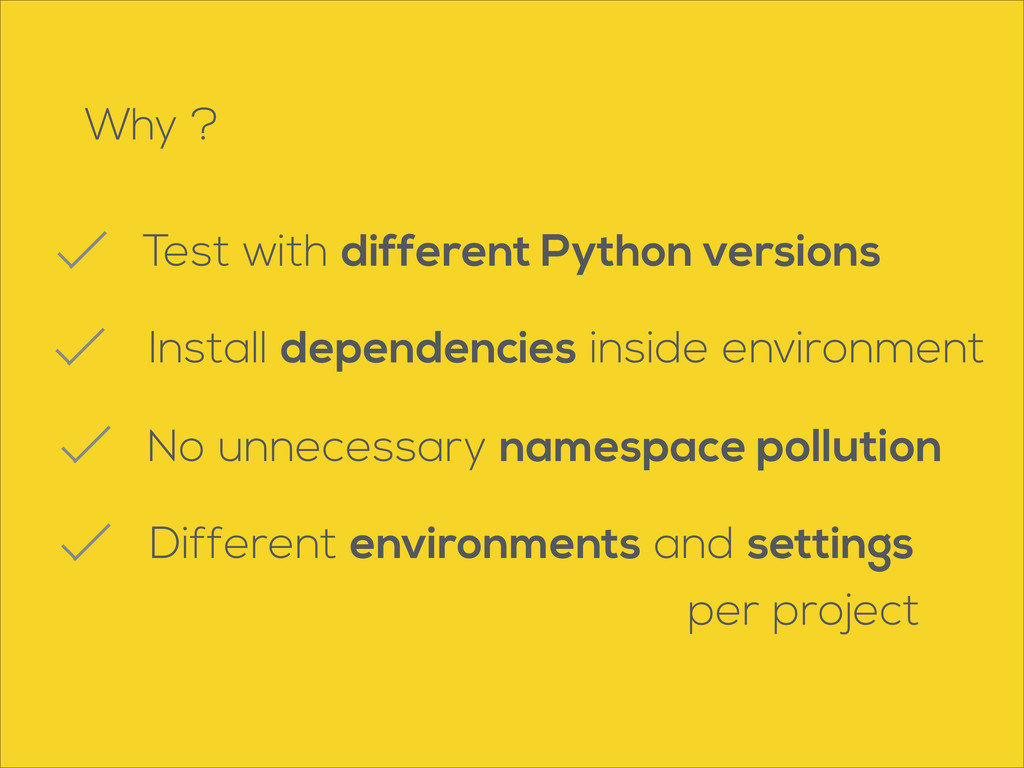
Why ? Test with different Python versions No unnecessary namespace
pollution Different environments and settings per project Install dependencies inside environment
Publish
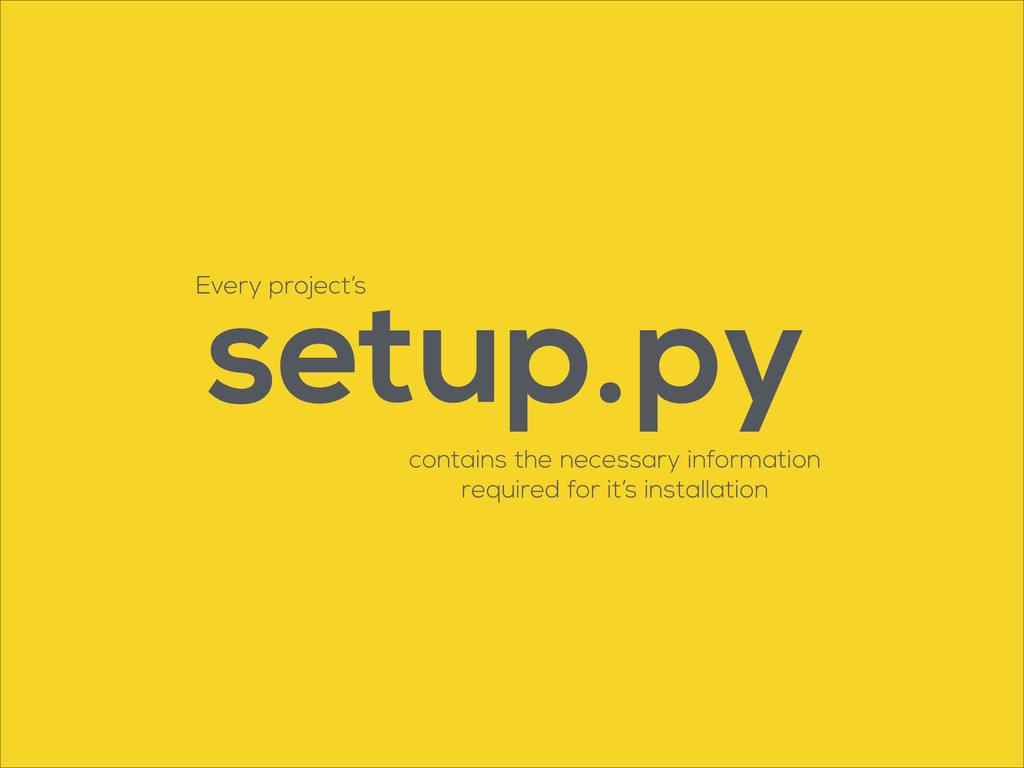
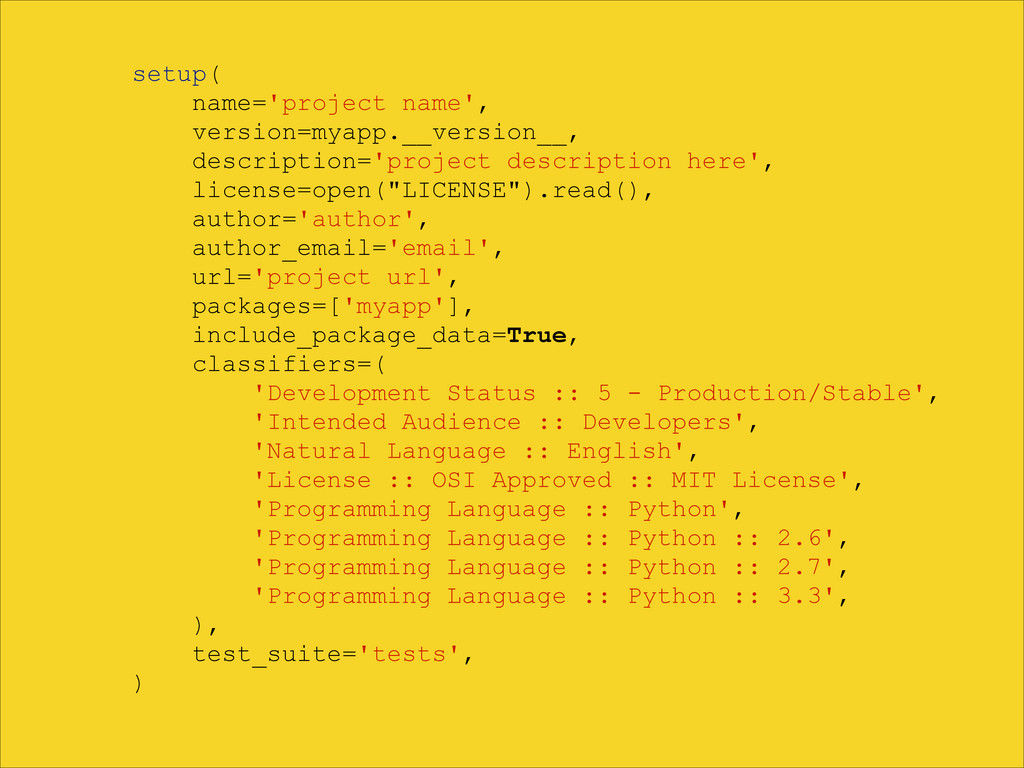
setup.py contains the necessary information required for it’s installation Every
project’s
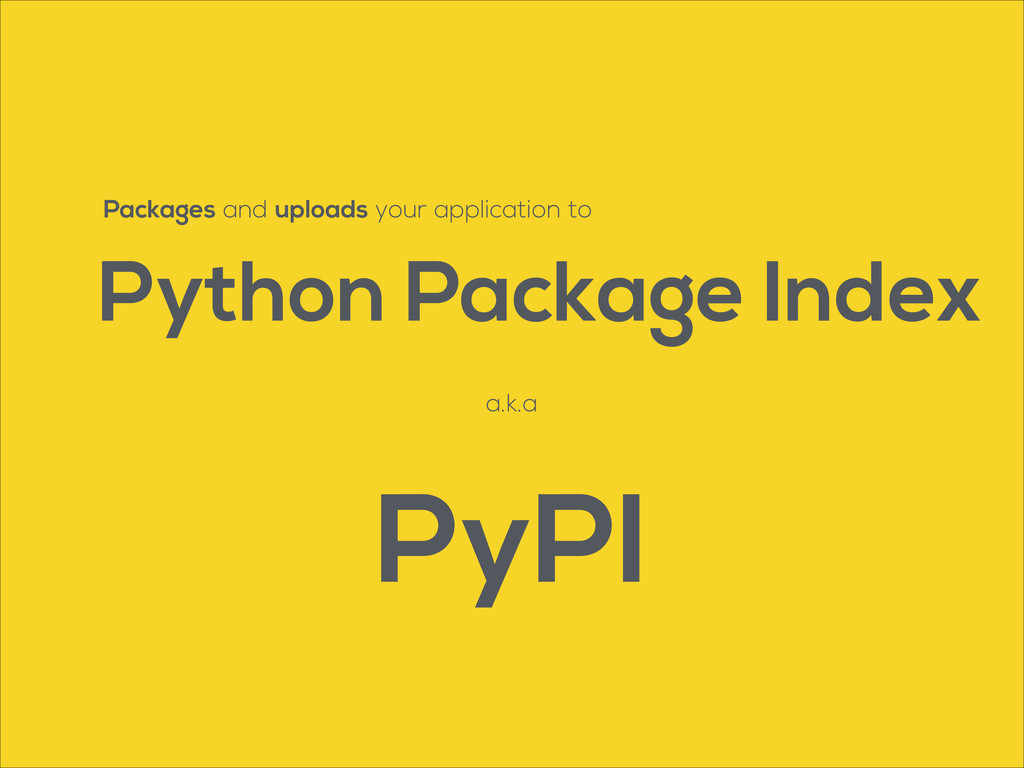
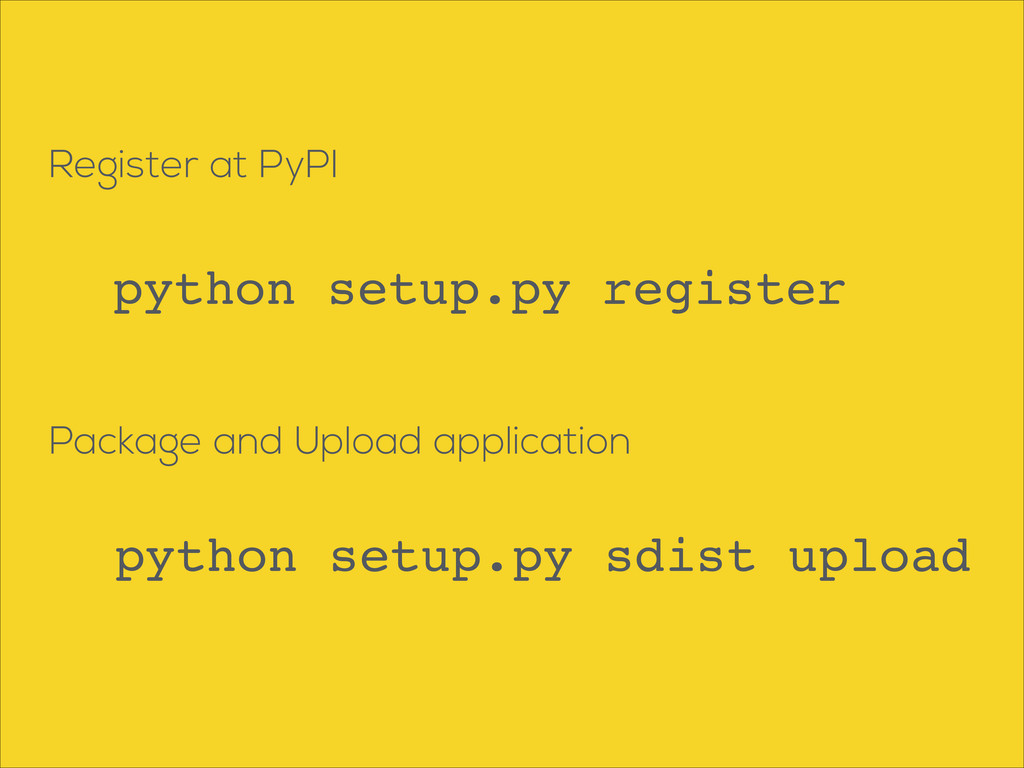
Packages and uploads your application to Python Package Index a.k.a
PyPI
setup( name='project name', version=myapp.__version__, description='project description here', license=open("LICENSE").read(), author='author', author_email='email',
url='project url', packages=['myapp'], include_package_data=True, classifiers=( 'Development Status :: 5 - Production/Stable', 'Intended Audience :: Developers', 'Natural Language :: English', 'License :: OSI Approved :: MIT License', 'Programming Language :: Python', 'Programming Language :: Python :: 2.6', 'Programming Language :: Python :: 2.7', 'Programming Language :: Python :: 3.3', ), test_suite='tests', )
Register at PyPI python setup.py register Package and Upload application
python setup.py sdist upload
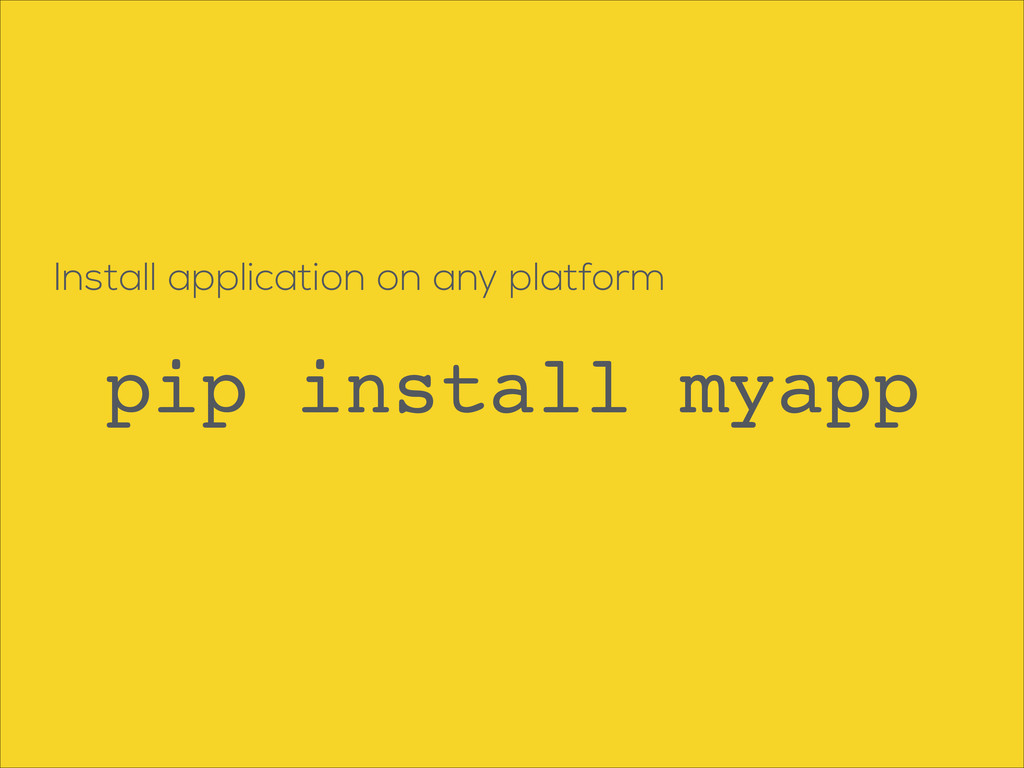
Install application on any platform pip install myapp
None
Task Execution
Makefile Use a to automate multiple tasks and commands http://mrbook.org/tutorials/make/
Extras (a.k.a enhancements)
AUTHORS CHANGELOG CONTRIBUTING
is License very important for open source projects http://www.tldrlegal.com/
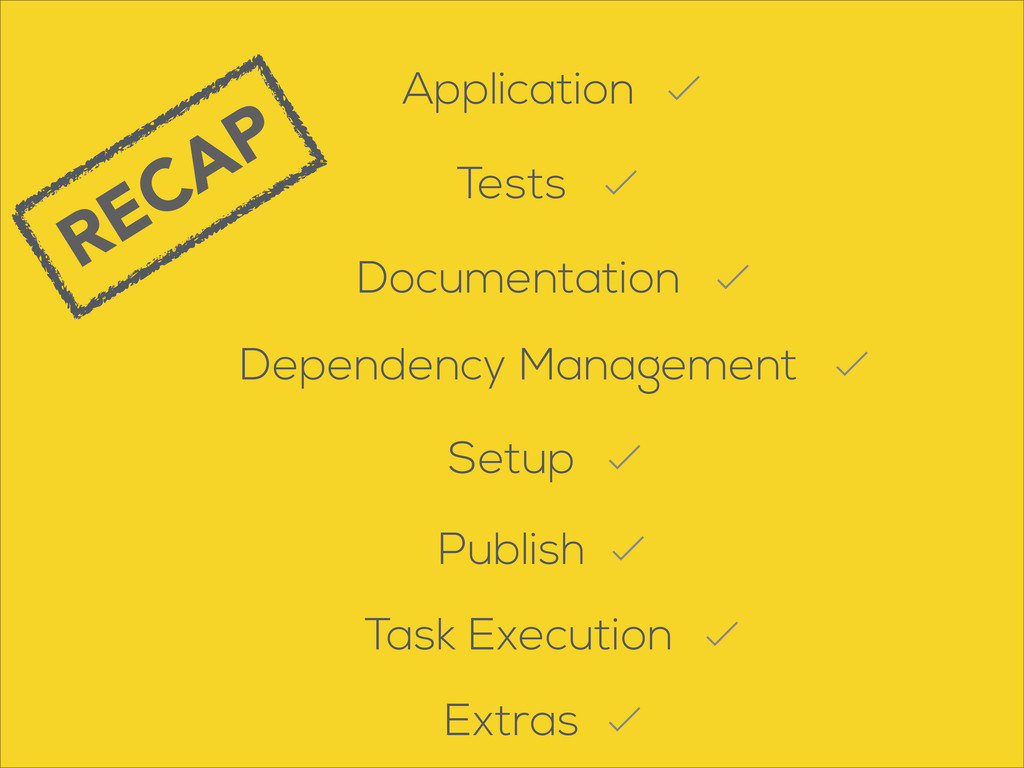
Recap
RECAP Documentation Tests Application Dependency Management Setup Task Execution Extras
Publish
Questions ?
Thank you ! @kirang89 http://kirang.in


 kirang89
 ama_ch
 tanyorg
 nutslove
 fullkaiten
 maaaato
 kazzpapa3
 yukiogawa
 hirosatogamo
 knishioka
 tsukuboshi
 har1101
 keiichiito1978
 thoeni
 pedronauck
 keithpitt
 aleyda
 schroneko
 rkaga
rkaga
 bluesmoon
 akashhashmi
 honzajavorek
 holman
 soysaucechin
 denniskardys