Share
Embed
Scaling Your JavaScript Applications
My talk from Async in Brighton about Architecture, Modularity and Scalability within JavaScript applications. Topics include MV* patterns (MVC, MVP, MVVM), MV* frameworks, AMD and large-scale application patterns and solutions.

Addy Osmani
February 01, 2012
Transcript
90 slides
-
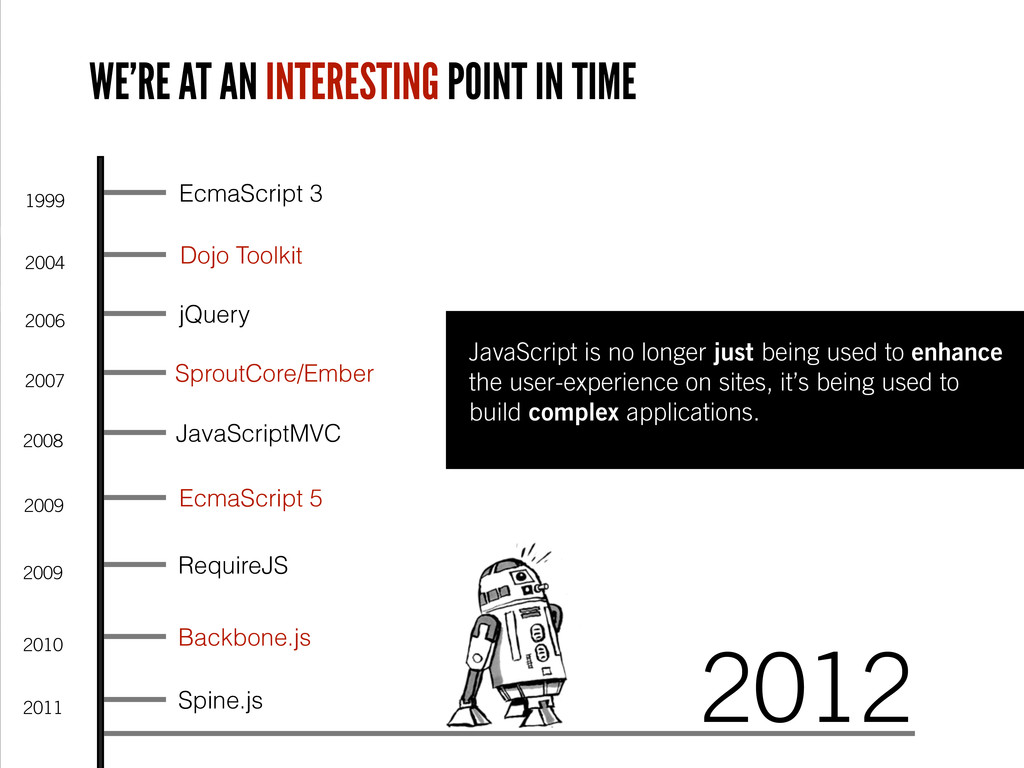
WE’RE AT AN INTERESTING POINT IN TIME 1999 EcmaScript 3
2004 Dojo Toolkit 2006 jQuery 2009 EcmaScript 5 2009 RequireJS 2008 JavaScriptMVC 2007 SproutCore/Ember 2010 Backbone.js 2011 Spine.js JavaScript is no longer just being used to enhance the user-experience on sites, it’s being used to build complex applications. 2012 -
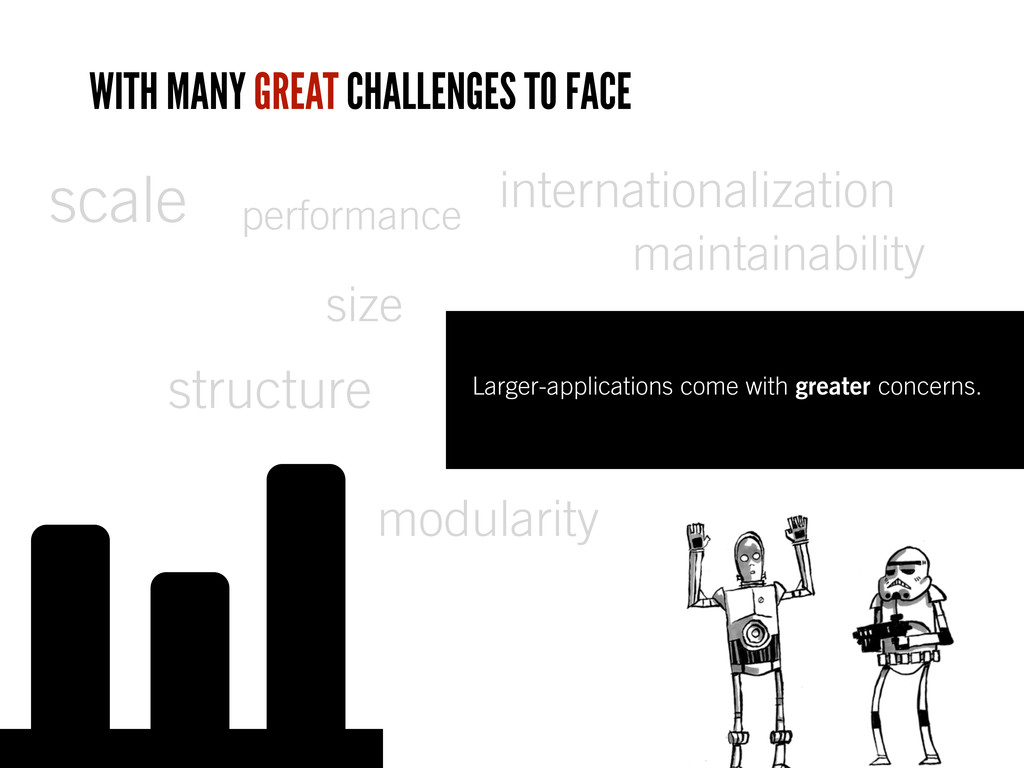
modularity maintainability performance internationalization scale Larger-applications come with greater concerns.
size structure WITH MANY GREAT CHALLENGES TO FACE -
A well planned architecture helps building applications that can scale
and help tackle these problems. -
Here are some pointers before we get started New to
this? • Remember that libraries like jQuery are only a small part of a much larger puzzle • Unlike Dojo, jQuery doesn’t provide recommendations about application structure • Luckily, there are lots of solutions to this for building small, medium and large apps. -
Architecture patterns help de ne the structure for an application.
How many of them do you know? -
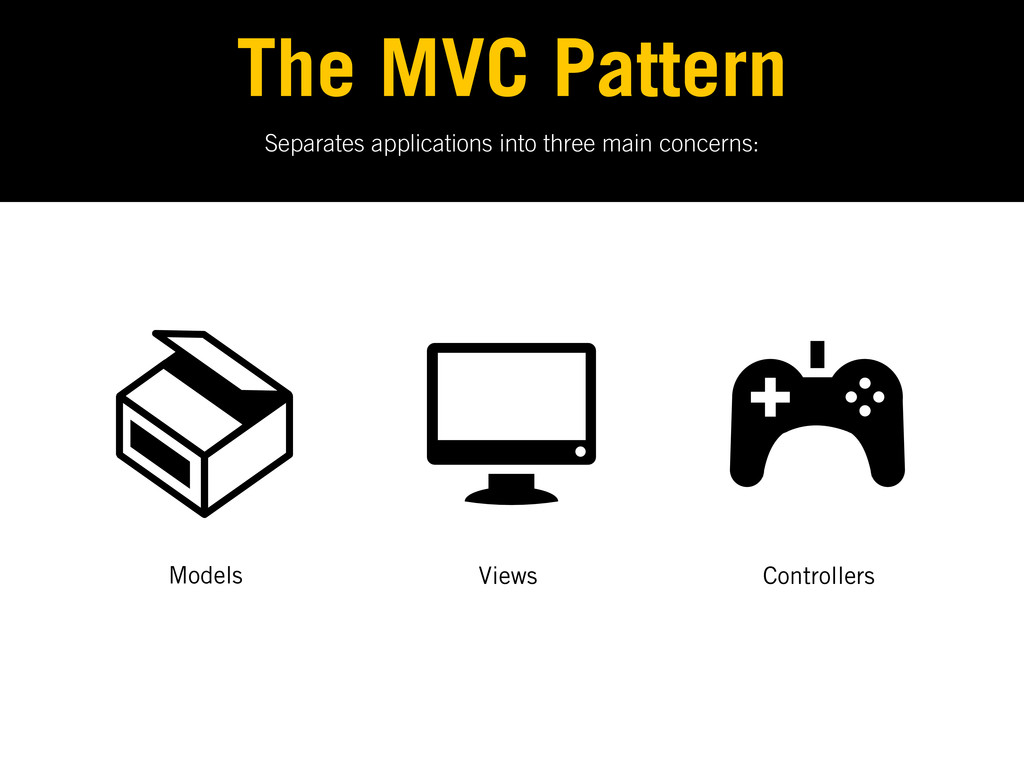
The Model-View-Controller pattern Architecture MVC Provides a clean separation of
concerns where data (Models), presentation (Views) and user- input (Controllers) are handled separately. Uses the Observer pattern to watch for changes to data, state. (more on this soon) -
The Model-View-Presenter pattern Architecture MVP Like MVC, but with a
heavier focus on UI. The P (presenter) plays the role of the Controller with the View handling user-input. -
The Model-View ViewModel pattern Architecture MVVM Similarly like MVC, but
the ViewModel provides data bindings between the Model and View. Converts Model data and passes it on to the View for usage. -
Variations on these patterns Architecture MV* Patterns which borrow aspects
from a number of others and don’t fall under a speci c name. Developers commonly try tting solutions that fall under MV* into one of the others but shouldn’t. -
The pattern most commonly used on the front-end these days
is ‘MVC’. *It’s of course not the *only* option, just the most frequently used. -
None are really using MVC - it’s MV*. Smalltalk-80 had
the rst version of MVC and it was very different, but it’s evolved through time. Different languages have interpreted it differently. Did you know? -
Why care? Understanding patterns allows us to use MV* frameworks
more effectively. -
Separates applications into three main concerns: The MVC Pattern Models
Views Controllers -
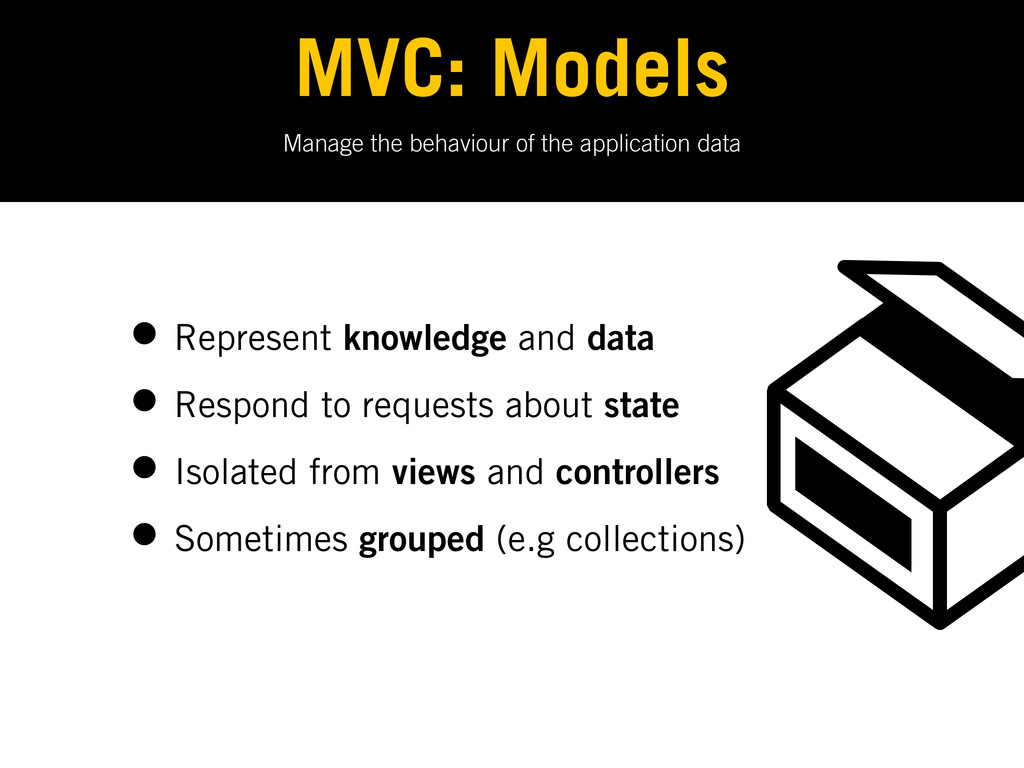
Manage the behaviour of the application data MVC: Models •
Represent knowledge and data • Respond to requests about state • Isolated from views and controllers • Sometimes grouped (e.g collections) -
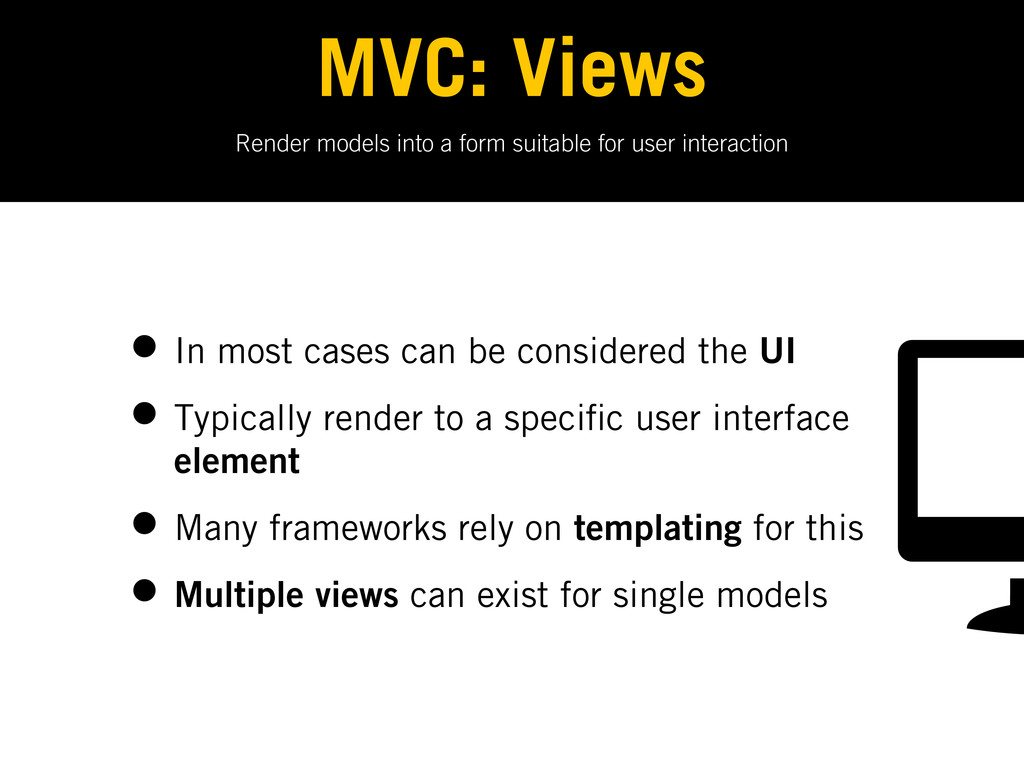
Render models into a form suitable for user interaction MVC:
Views • In most cases can be considered the UI • Typically render to a speci c user interface element • Many frameworks rely on templating for this • Multiple views can exist for single models -
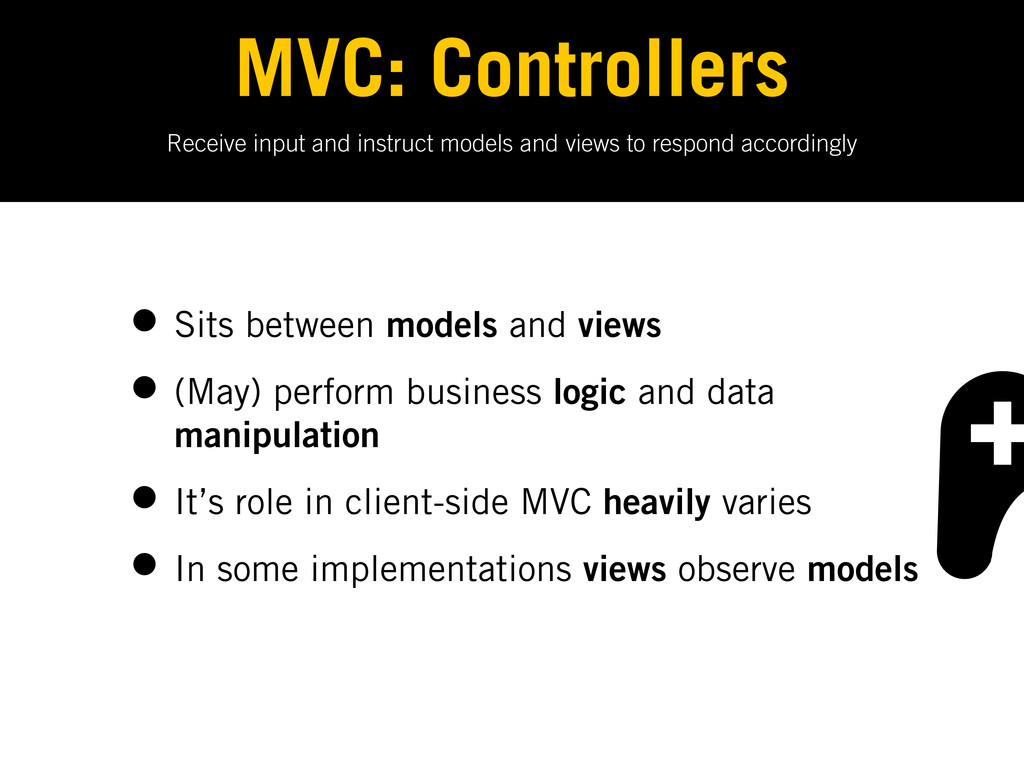
Receive input and instruct models and views to respond accordingly
MVC: Controllers • Sits between models and views • (May) perform business logic and data manipulation • It’s role in client-side MVC heavily varies • In some implementations views observe models -
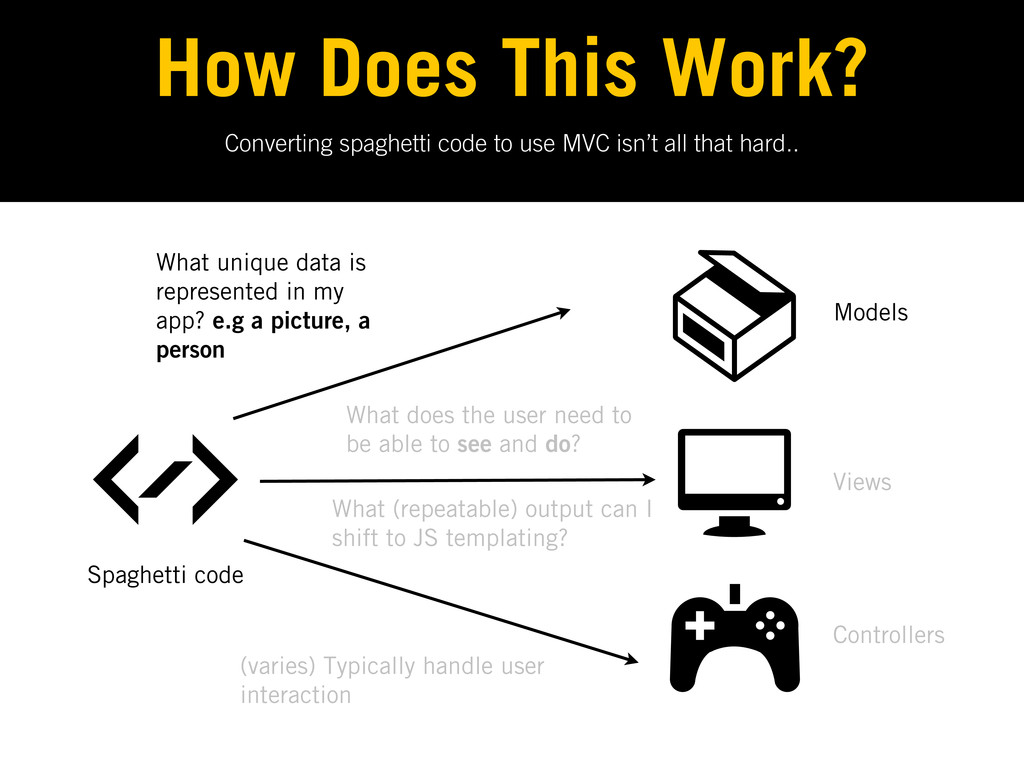
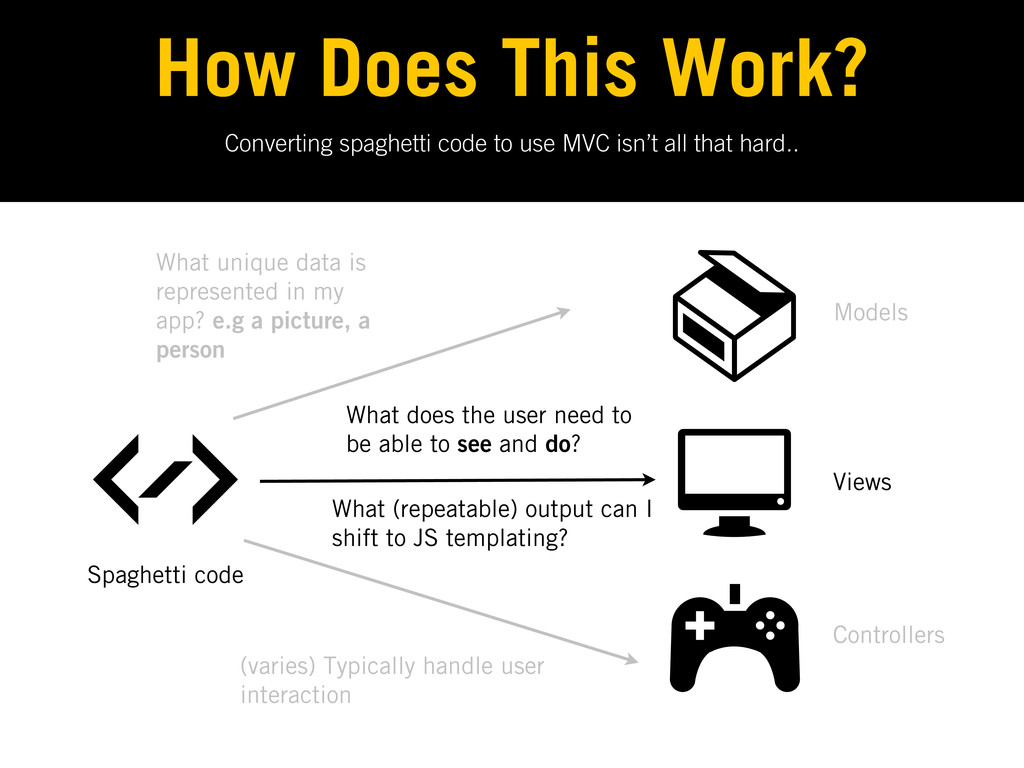
Converting spaghetti code to use MVC isn’t all that hard..
How Does This Work? Models Views Controllers Spaghetti code What unique data is represented in my app? e.g a picture, a person What does the user need to be able to see and do? What (repeatable) output can I shift to JS templating? (varies) Typically handle user interaction -
All JavaScript ‘MVC’ frameworks interpret MVC differently. Not a bad
thing, but it’s very useful to be aware of this fact. -
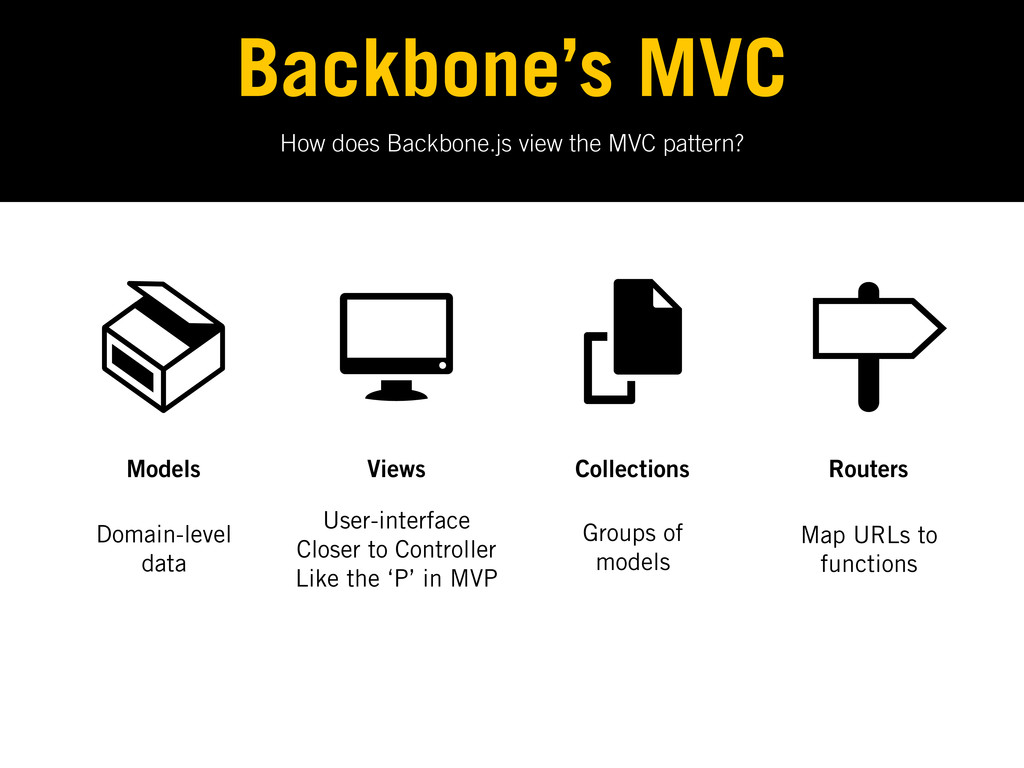
How does Backbone.js view the MVC pattern? Backbone’s MVC Models
Views Collections Routers Domain-level data User-interface Closer to Controller Like the ‘P’ in MVP Groups of models Map URLs to functions -
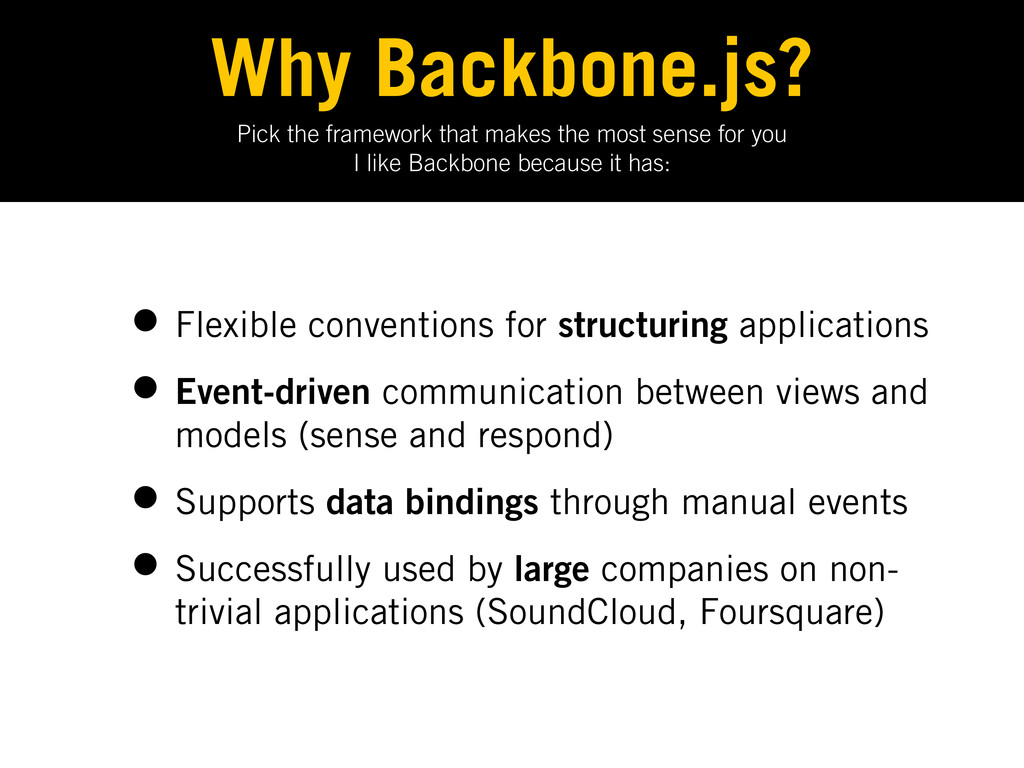
Pick the framework that makes the most sense for you
I like Backbone because it has: Why Backbone.js? • Flexible conventions for structuring applications • Event-driven communication between views and models (sense and respond) • Supports data bindings through manual events • Successfully used by large companies on non- trivial applications (SoundCloud, Foursquare) -
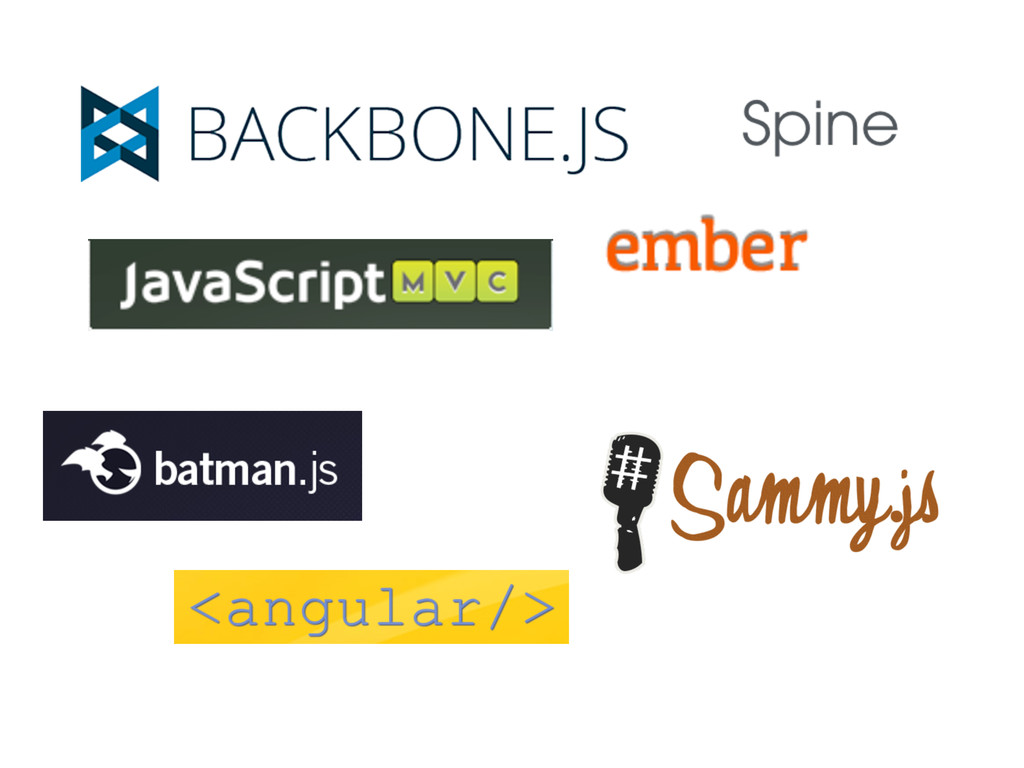
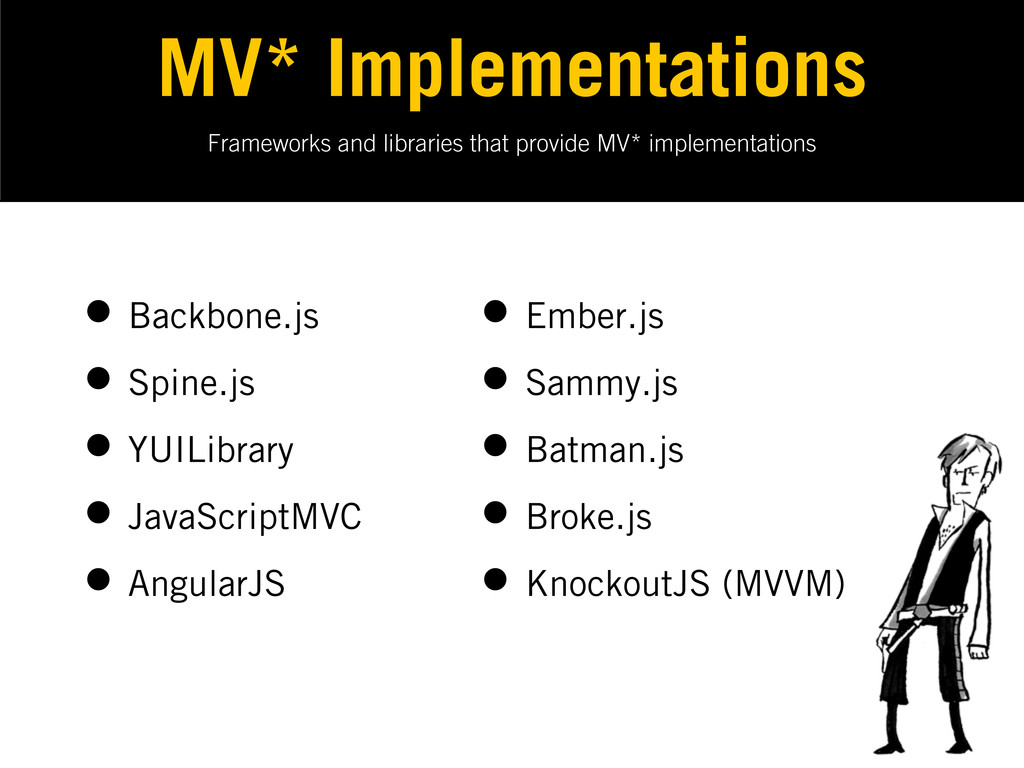
Frameworks and libraries that provide MV* implementations MV* Implementations •
Backbone.js • Spine.js • YUILibrary • JavaScriptMVC • AngularJS • Ember.js • Sammy.js • Batman.js • Broke.js • KnockoutJS (MVVM) -
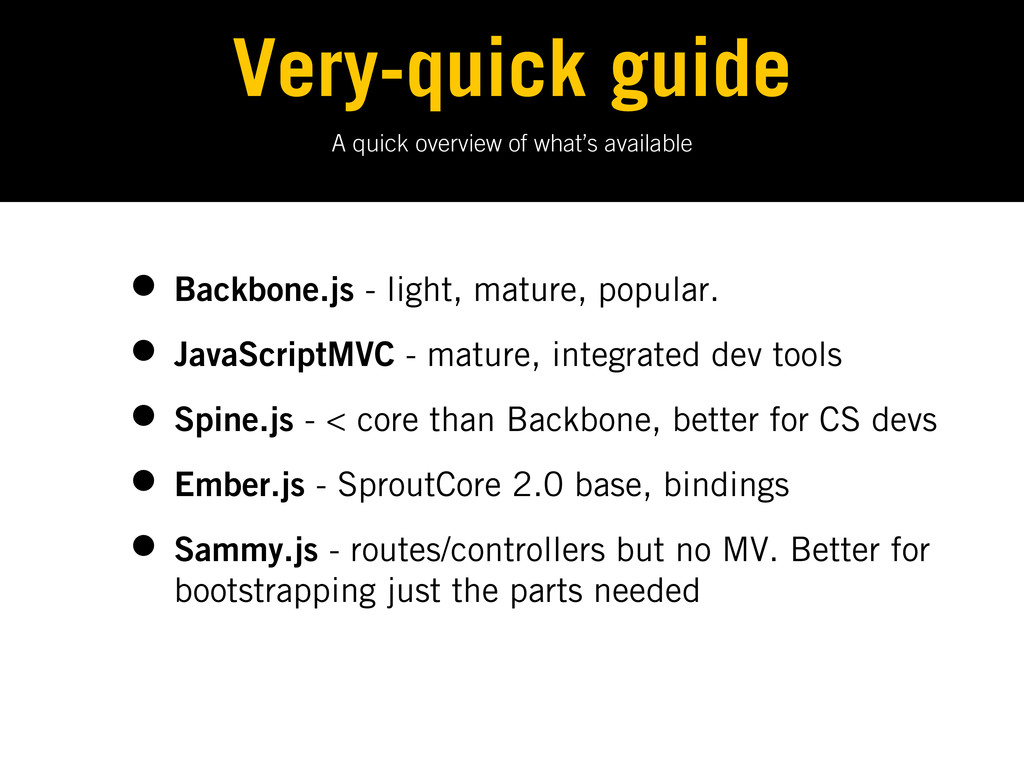
A quick overview of what’s available Very-quick guide • Backbone.js
- light, mature, popular. • JavaScriptMVC - mature, integrated dev tools • Spine.js - < core than Backbone, better for CS devs • Ember.js - SproutCore 2.0 base, bindings • Sammy.js - routes/controllers but no MV. Better for bootstrapping just the parts needed -
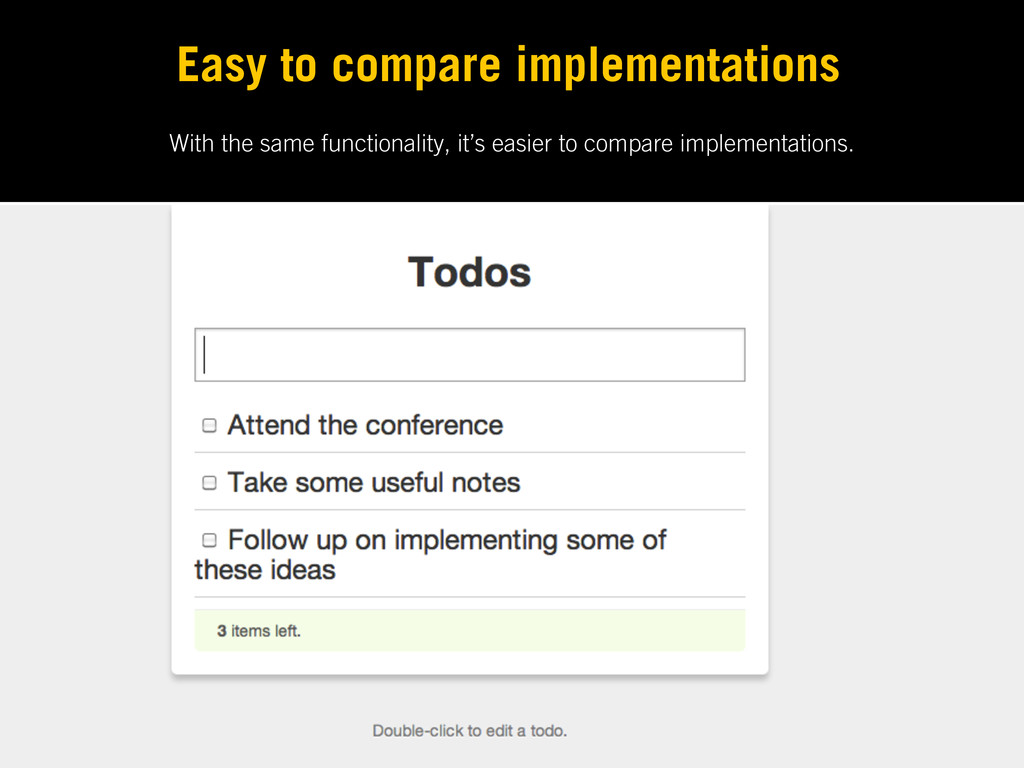
With the same functionality, it’s easier to compare implementations. Easy
to compare implementations -
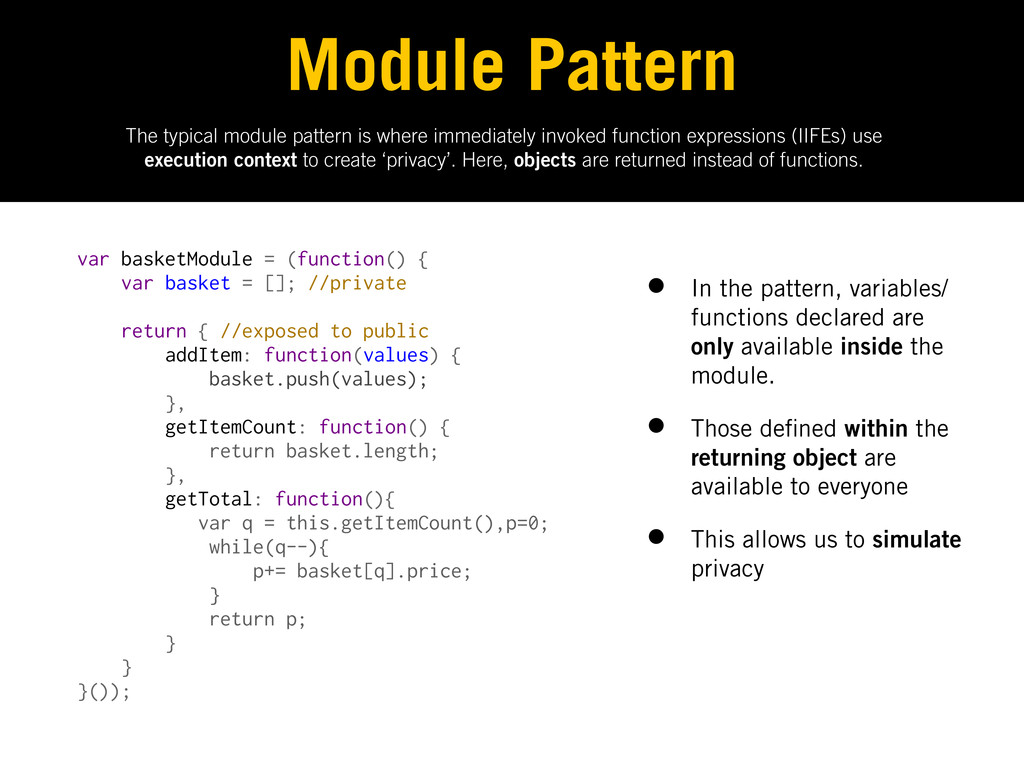
The typical module pattern is where immediately invoked function expressions
(IIFEs) use execution context to create ‘privacy’. Here, objects are returned instead of functions. Module Pattern var basketModule = (function() { var basket = []; //private return { //exposed to public addItem: function(values) { basket.push(values); }, getItemCount: function() { return basket.length; }, getTotal: function(){ var q = this.getItemCount(),p=0; while(q--){ p+= basket[q].price; } return p; } } }()); • In the pattern, variables/ functions declared are only available inside the module. • Those de ned within the returning object are available to everyone • This allows us to simulate privacy -
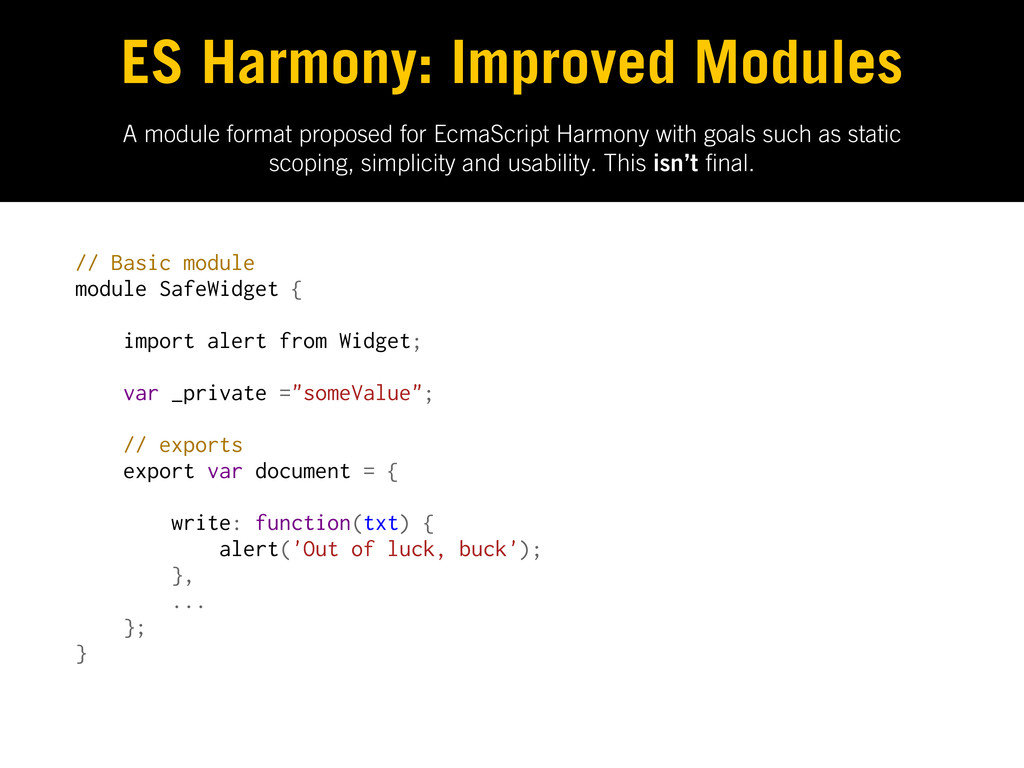
A module format proposed for EcmaScript Harmony with goals such
as static scoping, simplicity and usability. This isn’t nal. ES Harmony: Improved Modules // Basic module module SafeWidget { import alert from Widget; var _private ="someValue"; // exports export var document = { write: function(txt) { alert('Out of luck, buck'); }, ... }; } -
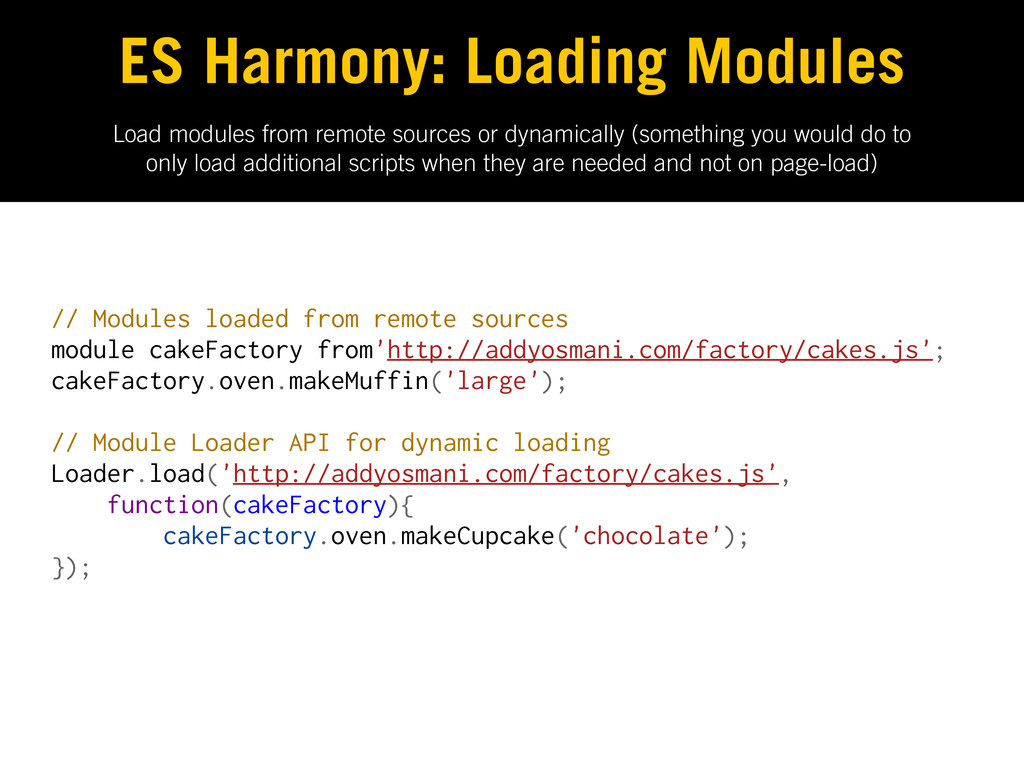
Load modules from remote sources or dynamically (something you would
do to only load additional scripts when they are needed and not on page-load) ES Harmony: Loading Modules // Modules loaded from remote sources module cakeFactory from'http://addyosmani.com/factory/cakes.js'; cakeFactory.oven.makeMuffin('large'); // Module Loader API for dynamic loading Loader.load('http://addyosmani.com/factory/cakes.js', function(cakeFactory){ cakeFactory.oven.makeCupcake('chocolate'); }); -
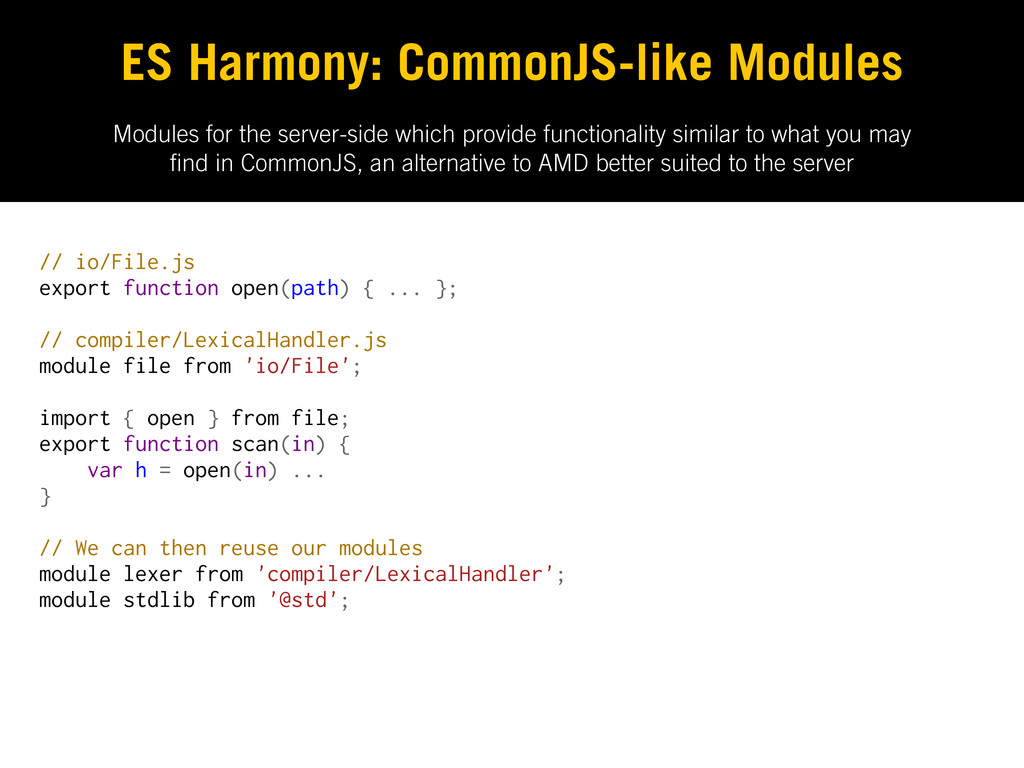
Modules for the server-side which provide functionality similar to what
you may nd in CommonJS, an alternative to AMD better suited to the server ES Harmony: CommonJS-like Modules // io/File.js export function open(path) { ... }; // compiler/LexicalHandler.js module file from 'io/File'; import { open } from file; export function scan(in) { var h = open(in) ... } // We can then reuse our modules module lexer from 'compiler/LexicalHandler'; module stdlib from '@std'; -
Take the concept of reusable JavaScript modules further with the
Asynchronous Module De nition. Flexible Modules Today: AMD Mechanism for de ning asynchronously loadable modules & dependencies Non-blocking, parallel loading and well de ned. Stepping-stone to the module system proposed for ES Harmony -
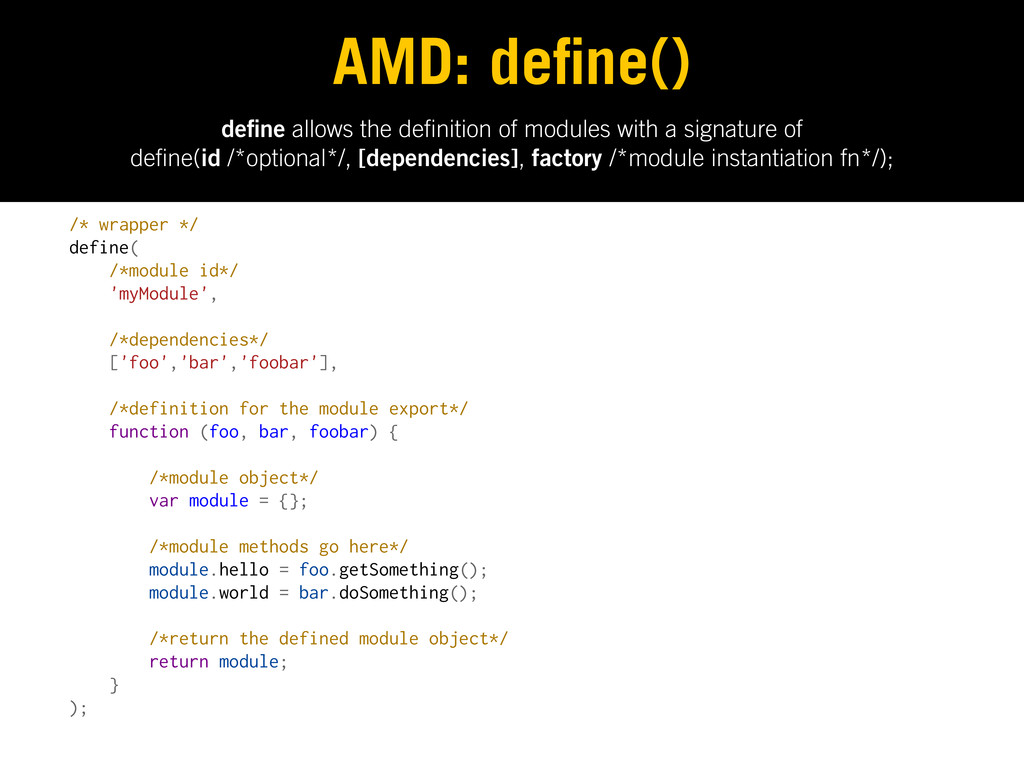
de ne allows the de nition of modules with a
signature of de ne(id /*optional*/, [dependencies], factory /*module instantiation fn*/); AMD: de ne() /* wrapper */ define( /*module id*/ 'myModule', /*dependencies*/ ['foo','bar','foobar'], /*definition for the module export*/ function (foo, bar, foobar) { /*module object*/ var module = {}; /*module methods go here*/ module.hello = foo.getSomething(); module.world = bar.doSomething(); /*return the defined module object*/ return module; } ); -
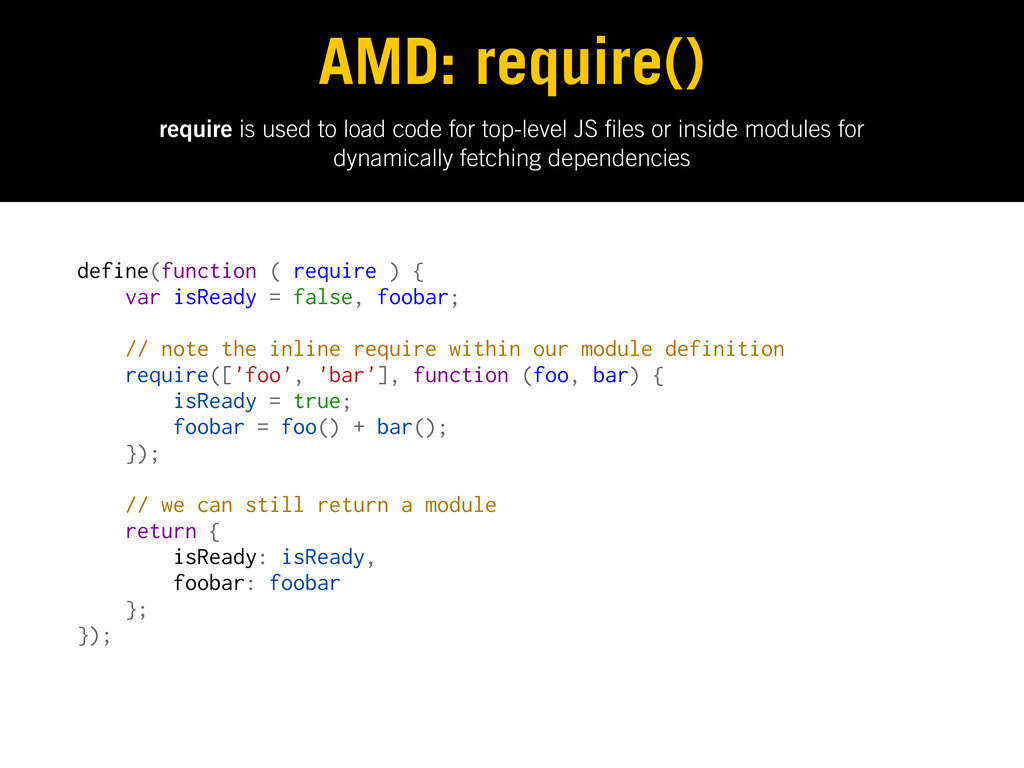
require is used to load code for top-level JS les
or inside modules for dynamically fetching dependencies AMD: require() define(function ( require ) { var isReady = false, foobar; // note the inline require within our module definition require(['foo', 'bar'], function (foo, bar) { isReady = true; foobar = foo() + bar(); }); // we can still return a module return { isReady: isReady, foobar: foobar }; }); -
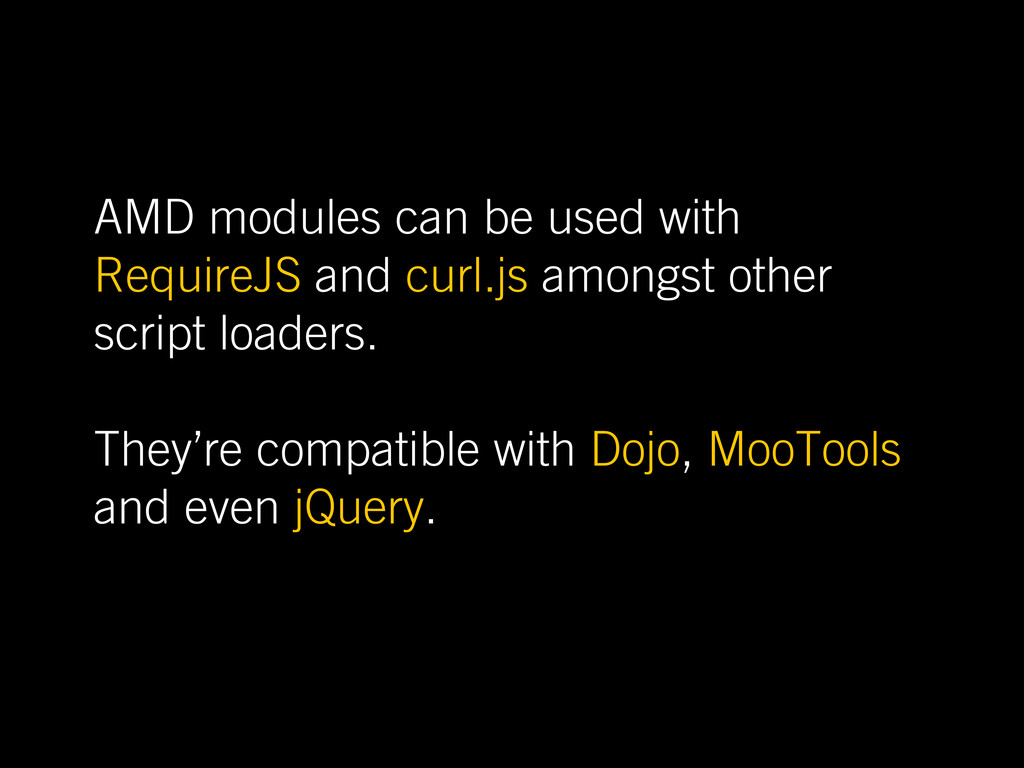
AMD modules can be used with RequireJS and curl.js amongst
other script loaders. They’re compatible with Dojo, MooTools and even jQuery. -
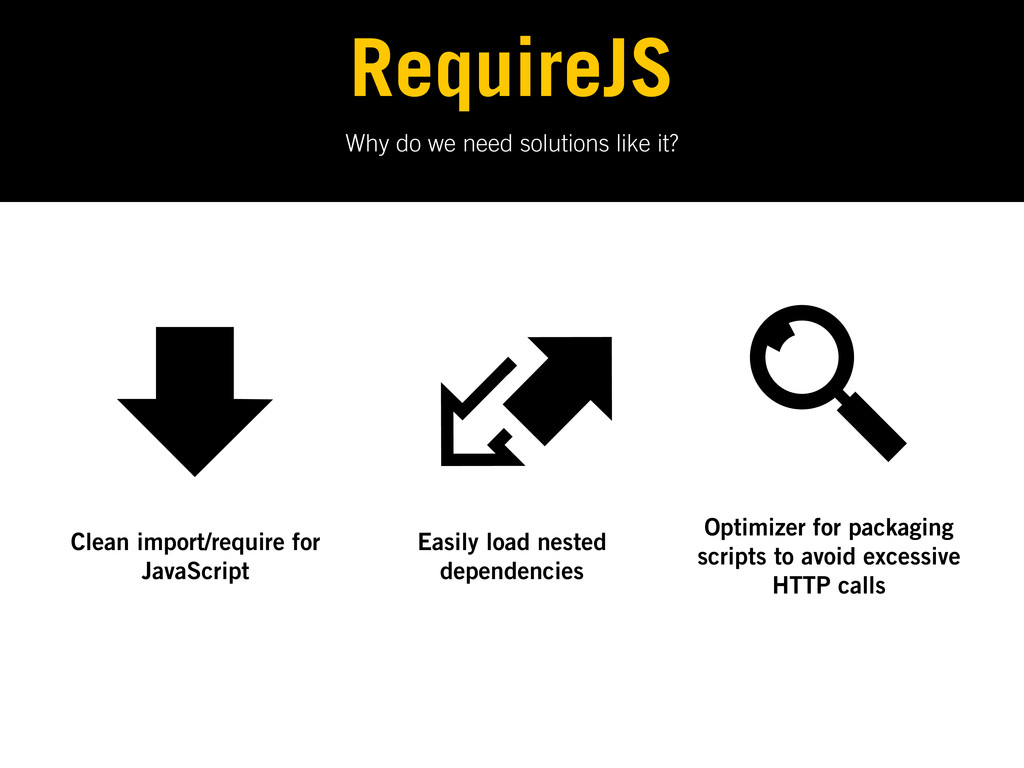
Why do we need solutions like it? RequireJS Clean import/require
for JavaScript Easily load nested dependencies Optimizer for packaging scripts to avoid excessive HTTP calls -
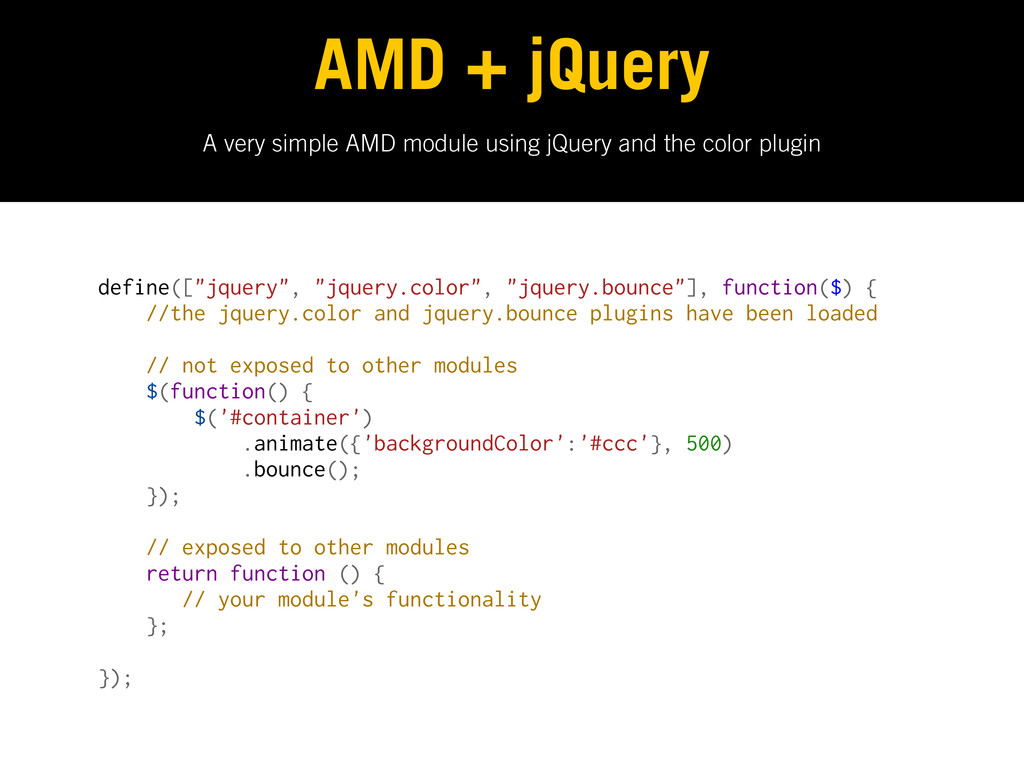
A very simple AMD module using jQuery and the color
plugin AMD + jQuery define(["jquery", "jquery.color", "jquery.bounce"], function($) { //the jquery.color and jquery.bounce plugins have been loaded // not exposed to other modules $(function() { $('#container') .animate({'backgroundColor':'#ccc'}, 500) .bounce(); }); // exposed to other modules return function () { // your module's functionality }; }); -
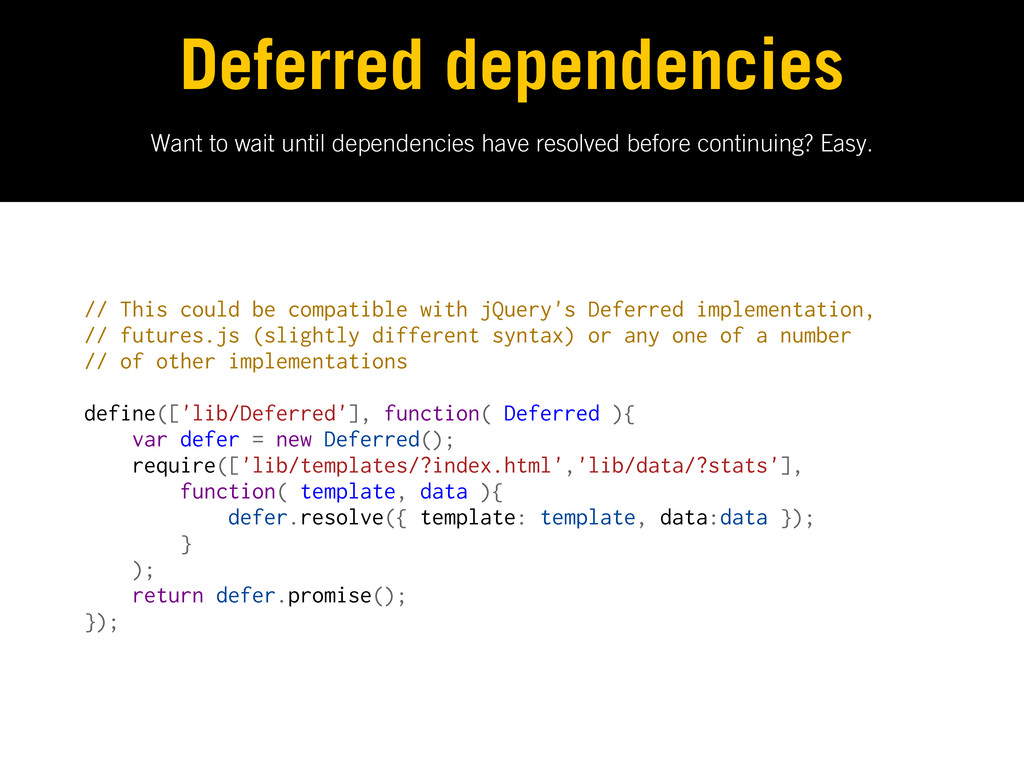
Want to wait until dependencies have resolved before continuing? Easy.
Deferred dependencies // This could be compatible with jQuery's Deferred implementation, // futures.js (slightly different syntax) or any one of a number // of other implementations define(['lib/Deferred'], function( Deferred ){ var defer = new Deferred(); require(['lib/templates/?index.html','lib/data/?stats'], function( template, data ){ defer.resolve({ template: template, data:data }); } ); return defer.promise(); }); -
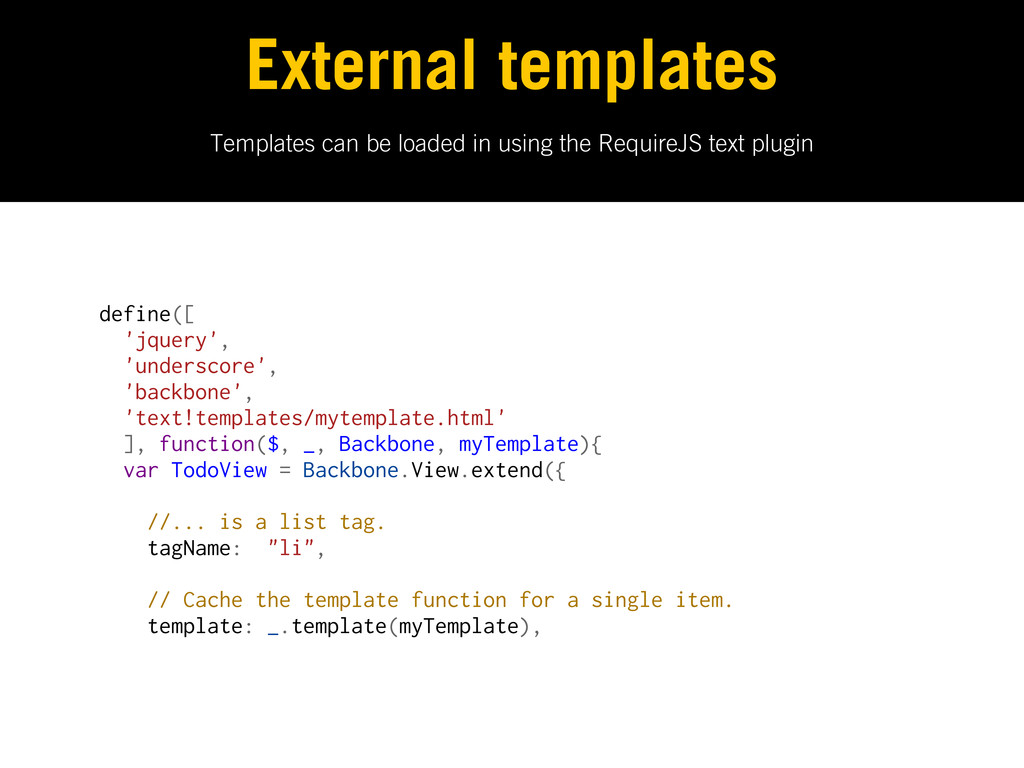
Templates can be loaded in using the RequireJS text plugin
External templates define([ 'jquery', 'underscore', 'backbone', 'text!templates/mytemplate.html' ], function($, _, Backbone, myTemplate){ var TodoView = Backbone.View.extend({ //... is a list tag. tagName: "li", // Cache the template function for a single item. template: _.template(myTemplate), -
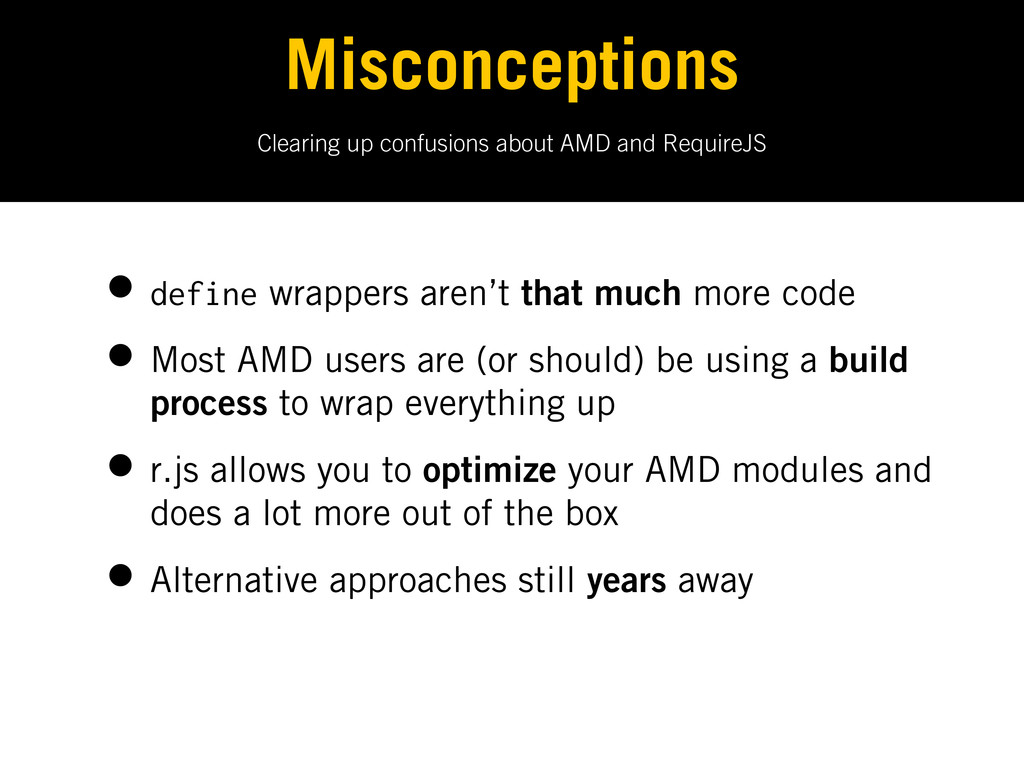
Clearing up confusions about AMD and RequireJS Misconceptions • define
wrappers aren’t that much more code • Most AMD users are (or should) be using a build process to wrap everything up • r.js allows you to optimize your AMD modules and does a lot more out of the box • Alternative approaches still years away -
Strategies for decoupling and future-proo ng the structure of your
application. Let’s build empires. Large-Scale Application Architecture Thanks to Nicholas Zakas, Rebecca Murphey, John Hann, Paul Irish, Peter Michaux and Justin Meyer for their previous work in this area. -
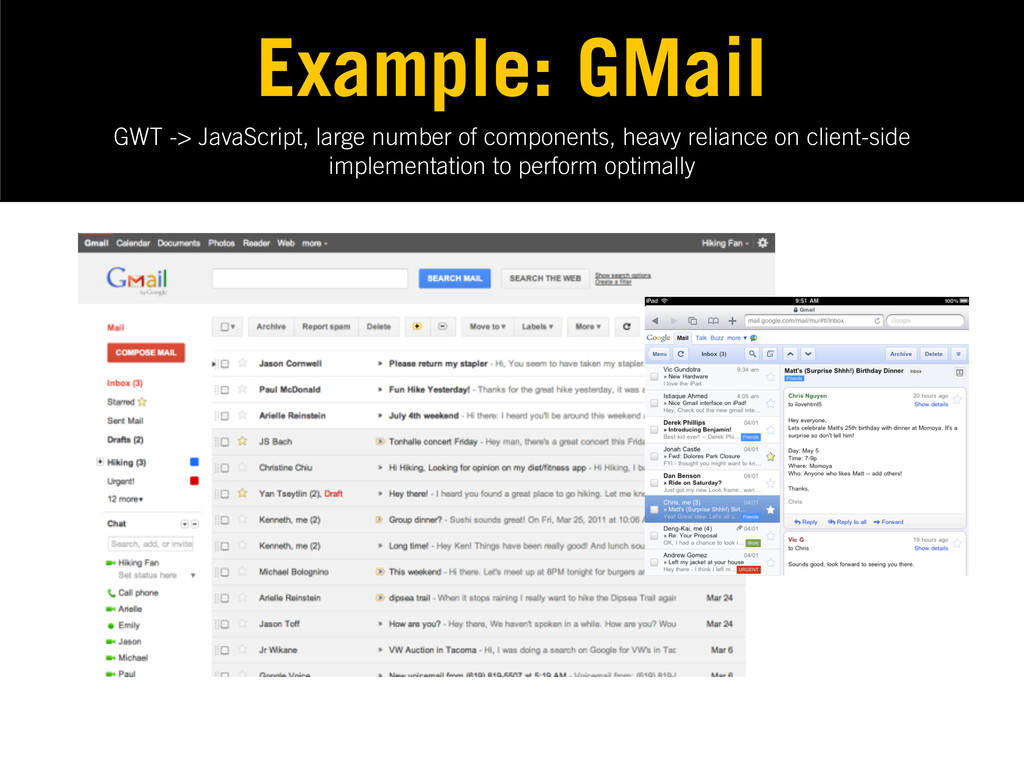
Large-scale JavaScript apps are non-trivial applications requiring signi cant developer
effort to maintain, where most heavy lifting of data manipulation and display falls to the browser. What is a ‘large’ JS app? -
GWT -> JavaScript, large number of components, heavy reliance on
client-side implementation to perform optimally Example: GMail -
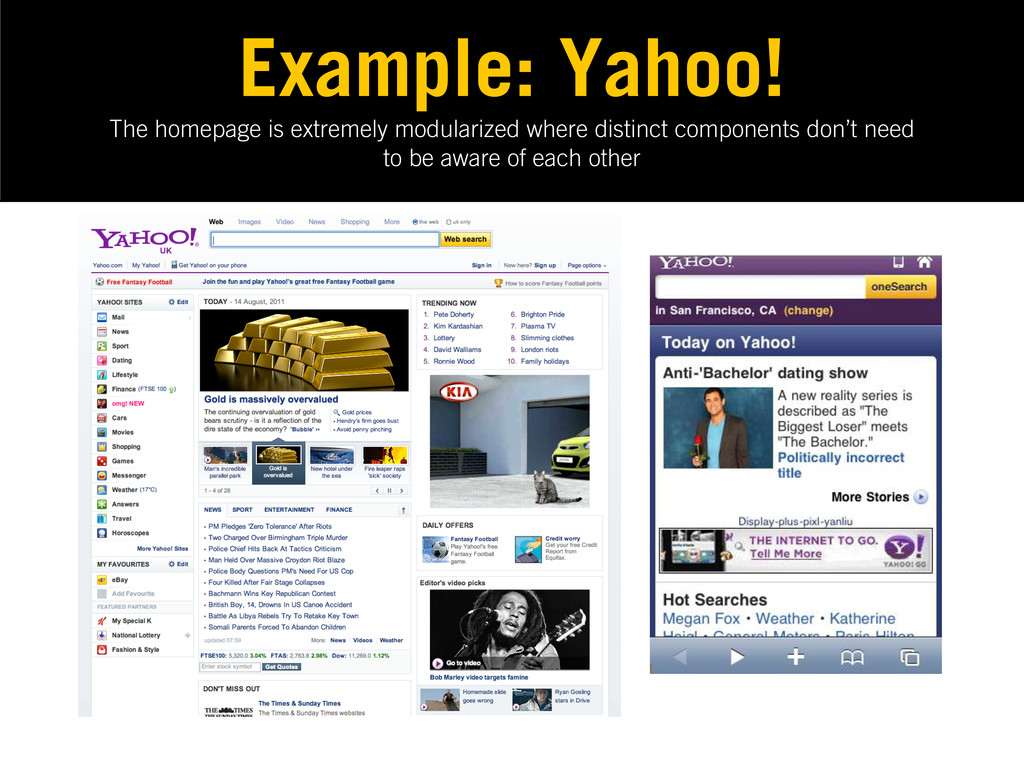
The homepage is extremely modularized where distinct components don’t need
to be aware of each other Example: Yahoo! -
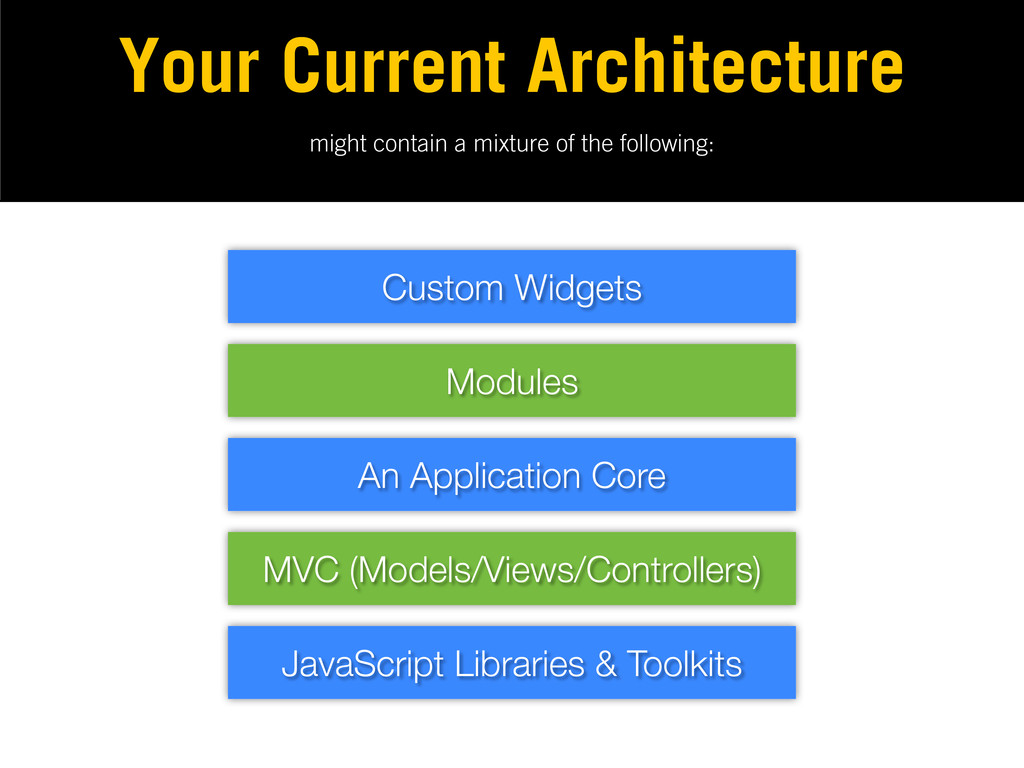
might contain a mixture of the following: Your Current Architecture
MVC (Models/Views/Controllers) An Application Core Modules Custom Widgets JavaScript Libraries & Toolkits -
If working on a signi cantly large JavaScript app, remember
to dedicate suf cient time to planning the underlying architecture that makes the most sense. It’s often more complex than we initially think. -
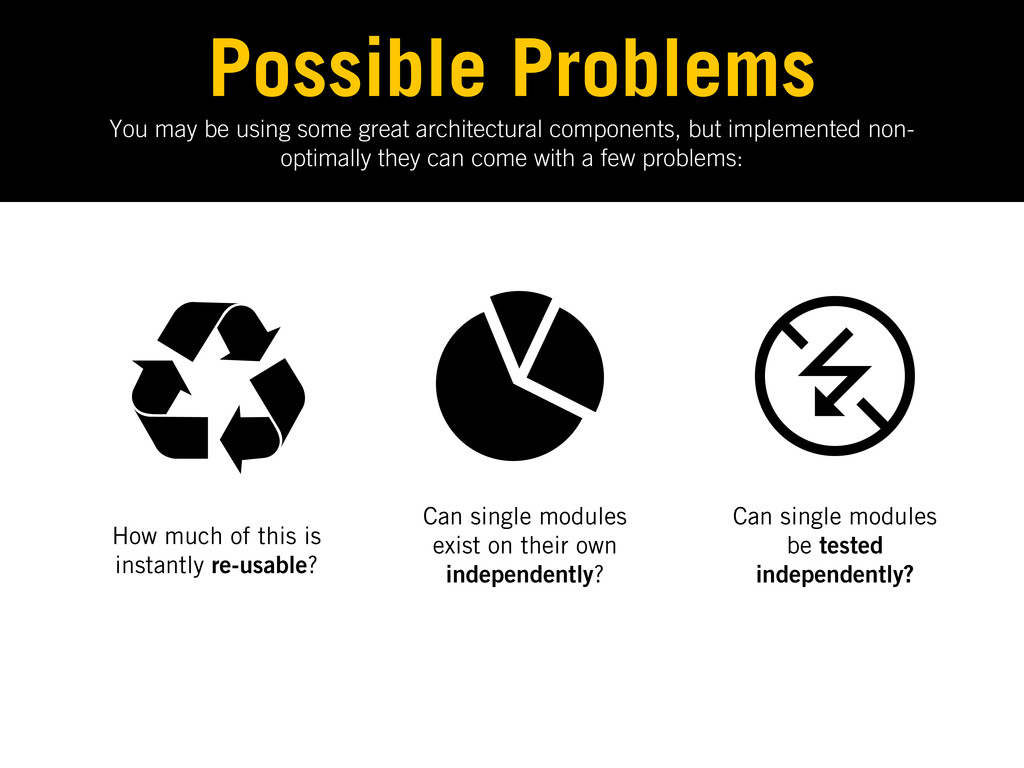
You may be using some great architectural components, but implemented
non- optimally they can come with a few problems: Possible Problems How much of this is instantly re-usable? Can single modules exist on their own independently? Can single modules be tested independently? -
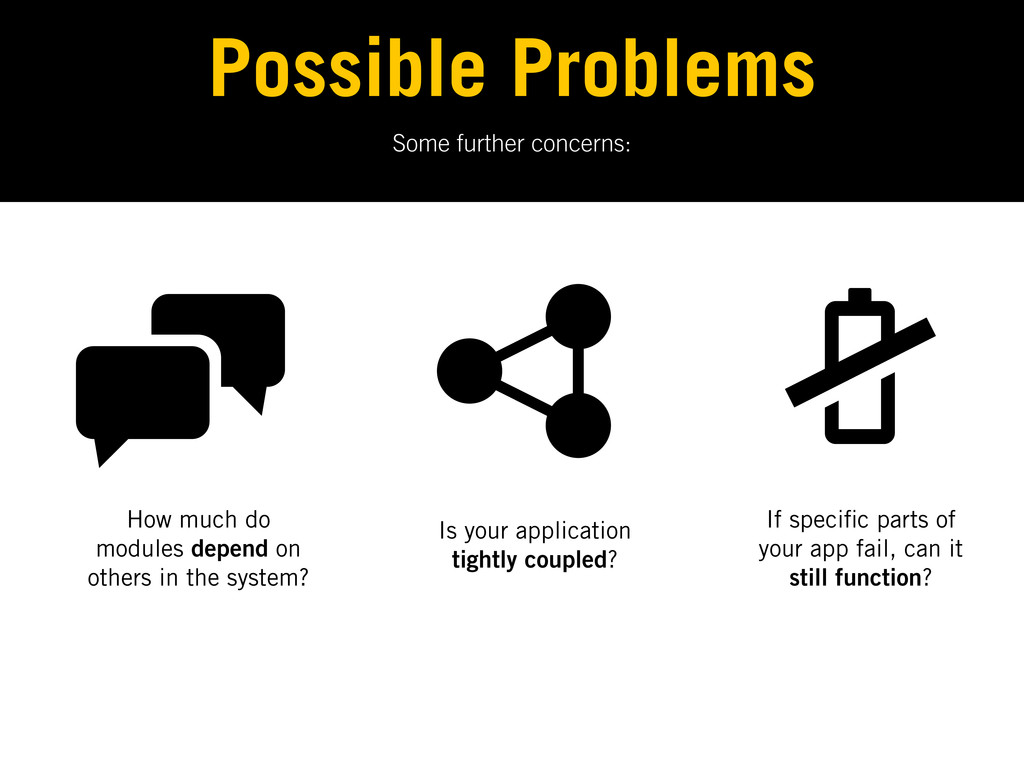
Some further concerns: Possible Problems How much do modules depend
on others in the system? Is your application tightly coupled? If speci c parts of your app fail, can it still function? -
“The secret to building large apps is never build large
apps. Break your applications into small pieces. Then, assemble those testable, bite-sized pieces into your big application” - Justin Meyer -
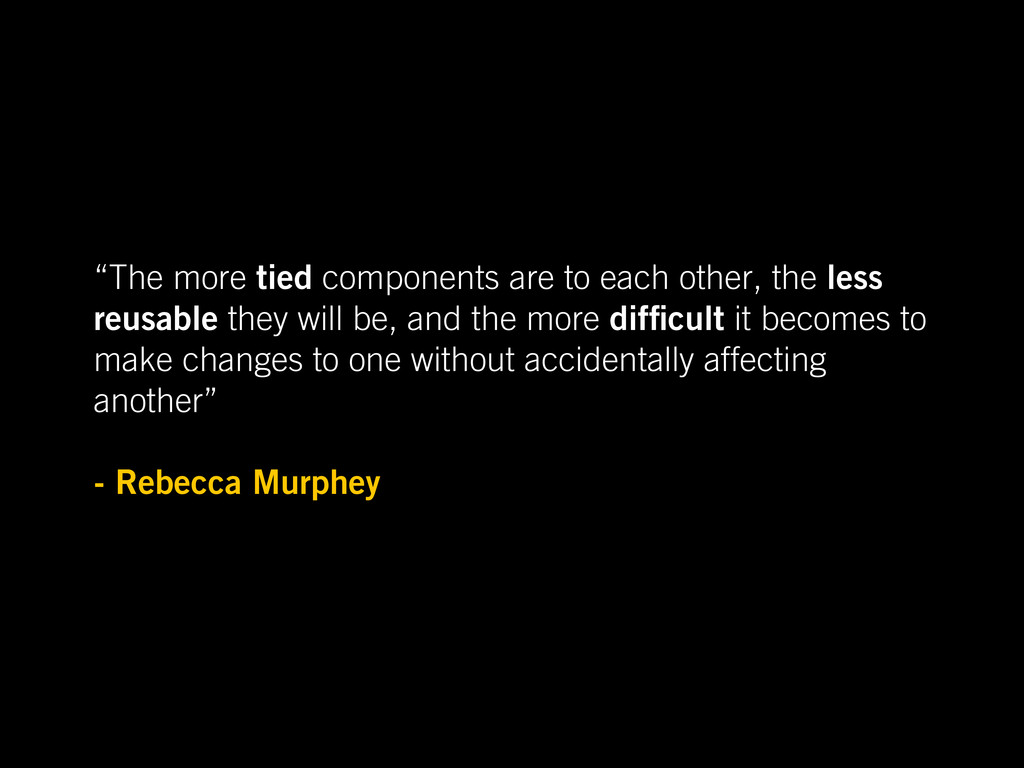
“The more tied components are to each other, the less
reusable they will be, and the more dif cult it becomes to make changes to one without accidentally affecting another” - Rebecca Murphey -
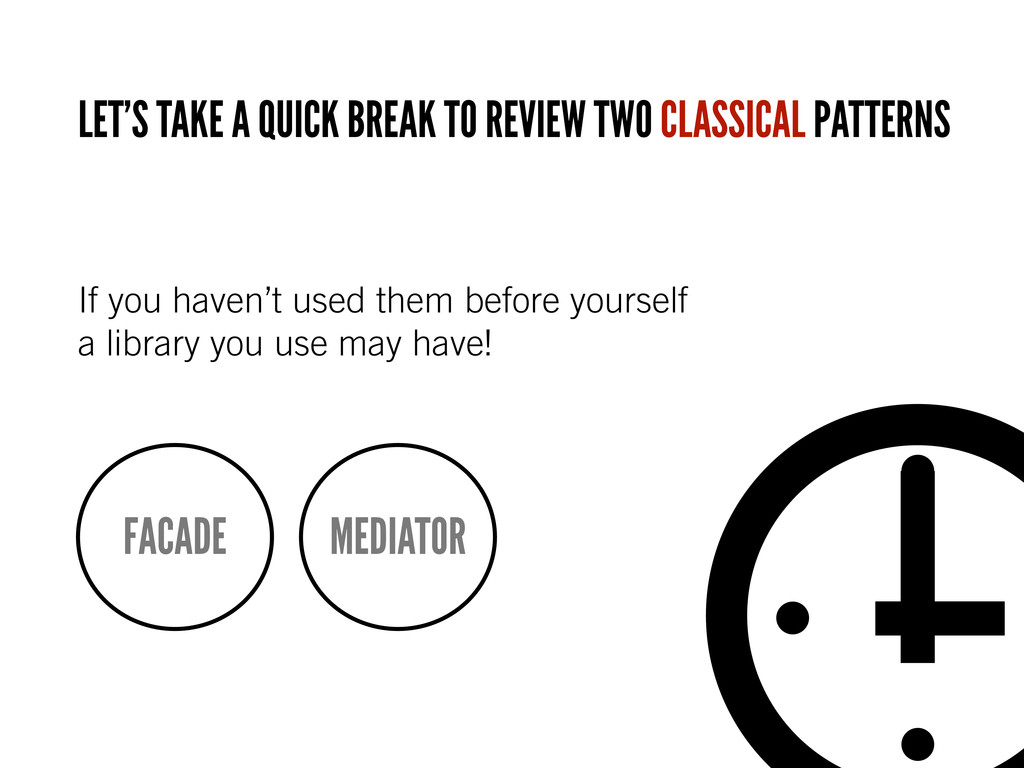
If you haven’t used them before yourself a library you
use may have! LET’S TAKE A QUICK BREAK TO REVIEW TWO CLASSICAL PATTERNS FACADE MEDIATOR -
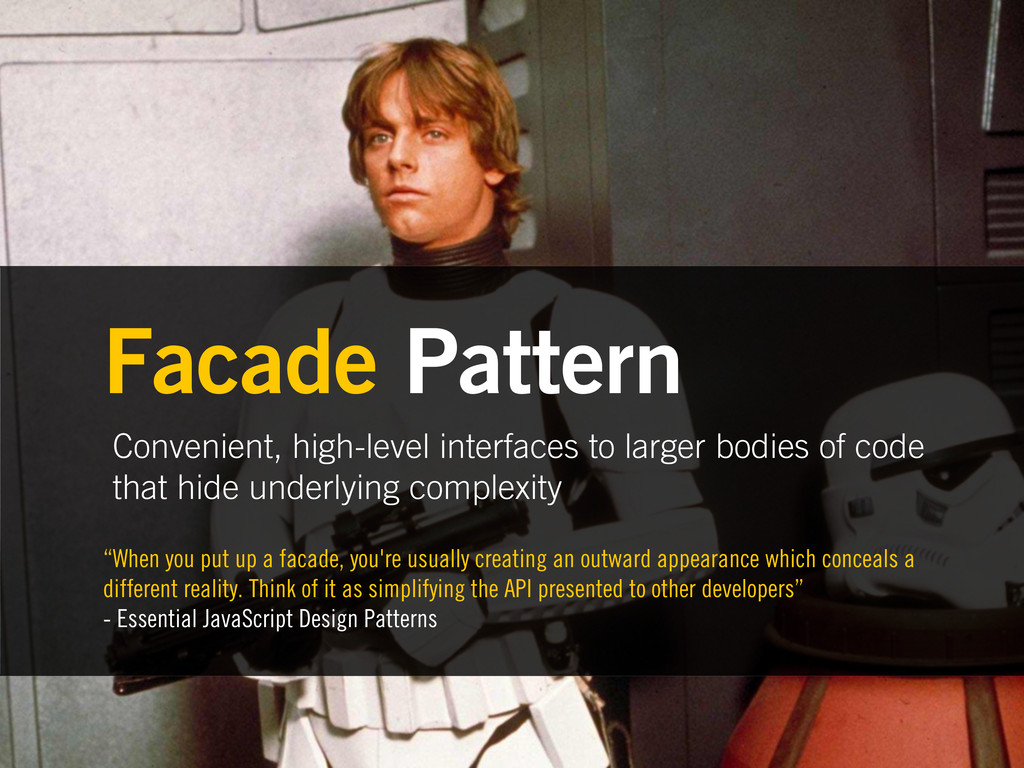
Convenient, high-level interfaces to larger bodies of code that hide
underlying complexity Facade Pattern “When you put up a facade, you're usually creating an outward appearance which conceals a different reality. Think of it as simplifying the API presented to other developers” - Essential JavaScript Design Patterns -
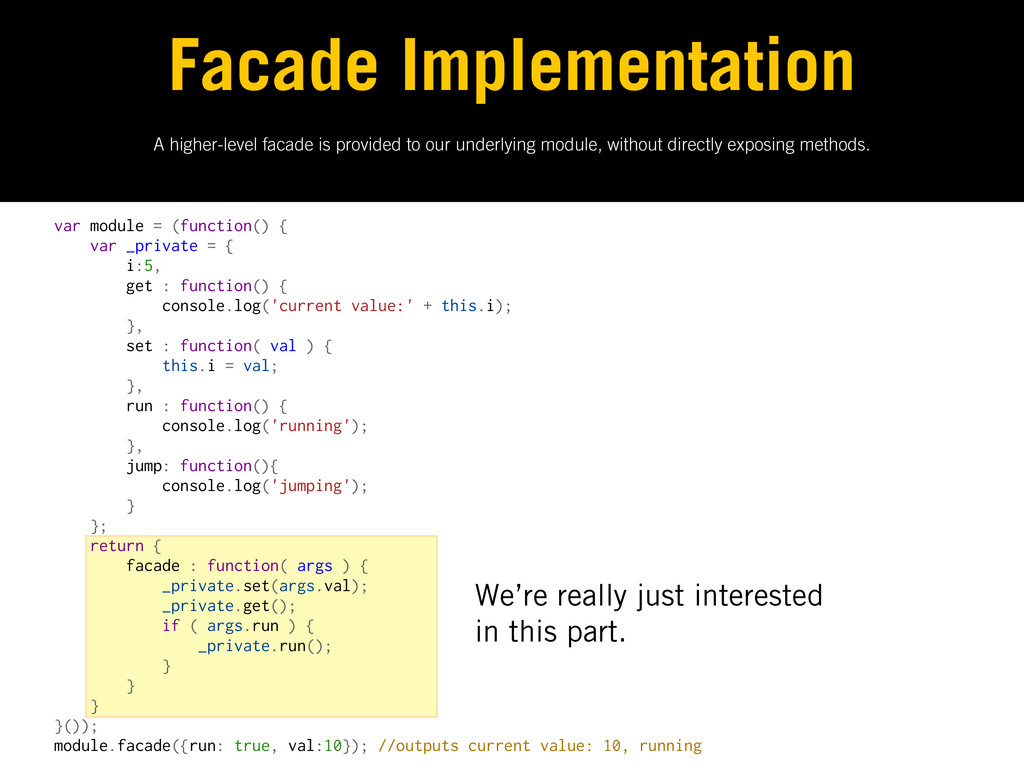
var module = (function() { var _private = { i:5,
get : function() { console.log('current value:' + this.i); }, set : function( val ) { this.i = val; }, run : function() { console.log('running'); }, jump: function(){ console.log('jumping'); } }; return { facade : function( args ) { _private.set(args.val); _private.get(); if ( args.run ) { _private.run(); } } } }()); module.facade({run: true, val:10}); //outputs current value: 10, running A higher-level facade is provided to our underlying module, without directly exposing methods. Facade Implementation We’re really just interested in this part. -
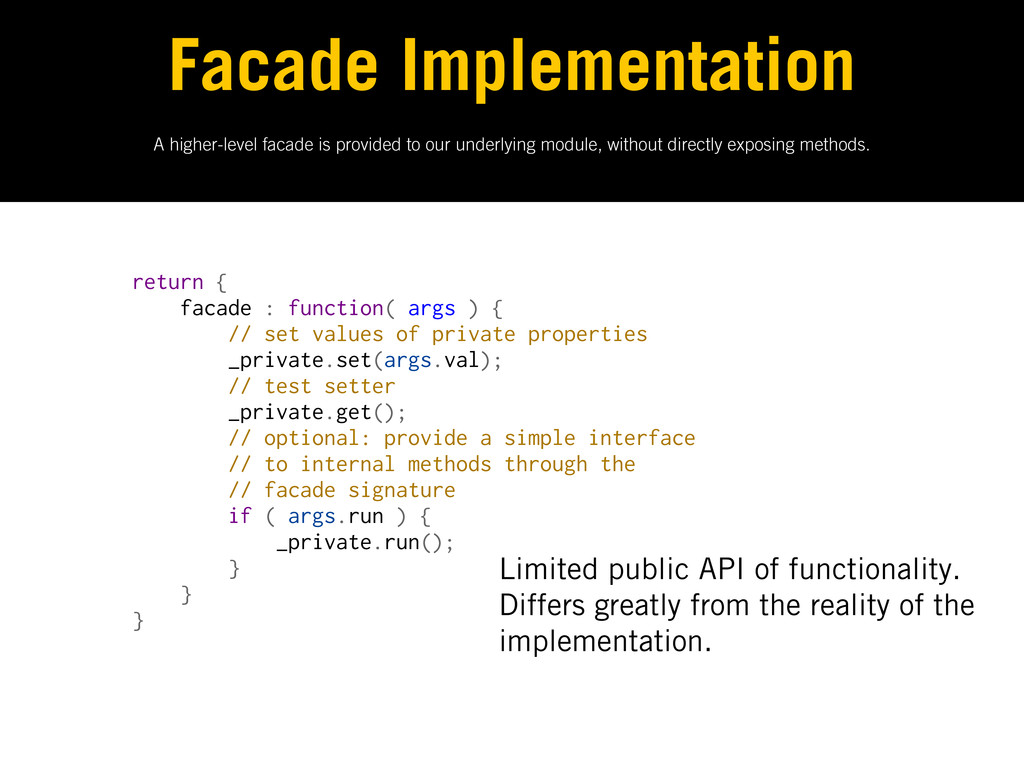
A higher-level facade is provided to our underlying module, without
directly exposing methods. Facade Implementation return { facade : function( args ) { // set values of private properties _private.set(args.val); // test setter _private.get(); // optional: provide a simple interface // to internal methods through the // facade signature if ( args.run ) { _private.run(); } } } Limited public API of functionality. Differs greatly from the reality of the implementation. -
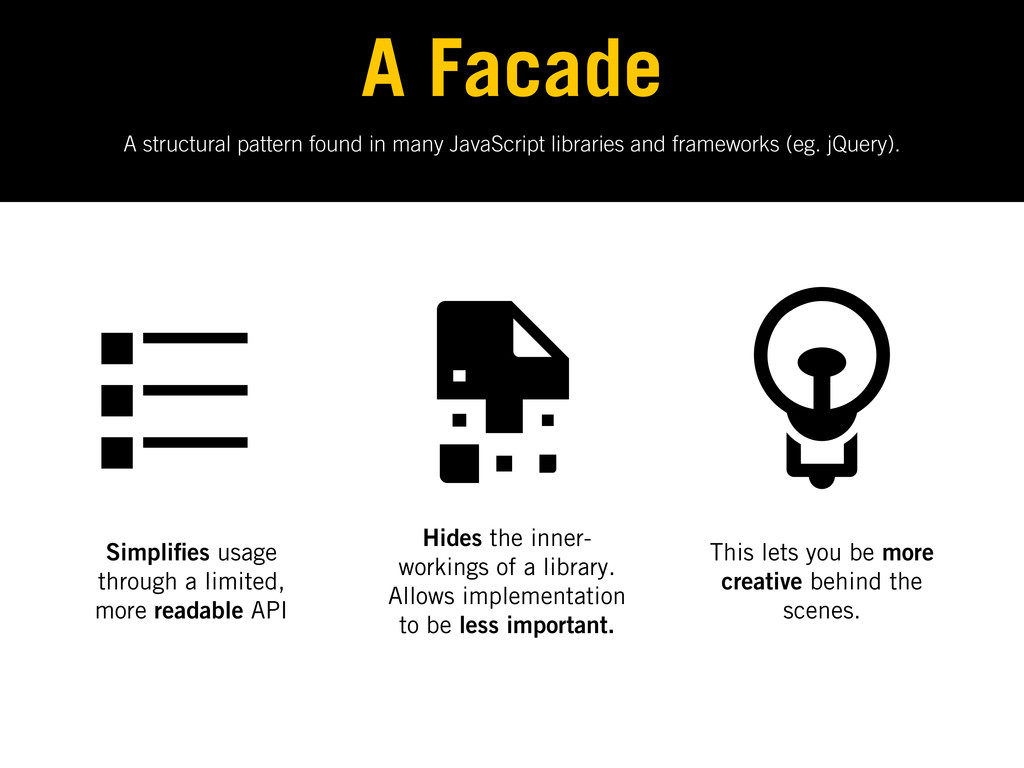
A structural pattern found in many JavaScript libraries and frameworks
(eg. jQuery). A Facade Simpli es usage through a limited, more readable API Hides the inner- workings of a library. Allows implementation to be less important. This lets you be more creative behind the scenes. -
How does it differ from the module pattern? Facade vs.
Module • Differs from the module pattern as the exposed API can greatly differ from the public/private methods de ned • Has many uses including application security as we’ll see a little later in the talk -
Encapsulates how disparate modules interact with each other by acting
as an intermediary Mediator Pattern “Mediators are used when the communication between modules may be complex, but is still well de ned” - Essential JavaScript Design Patterns -
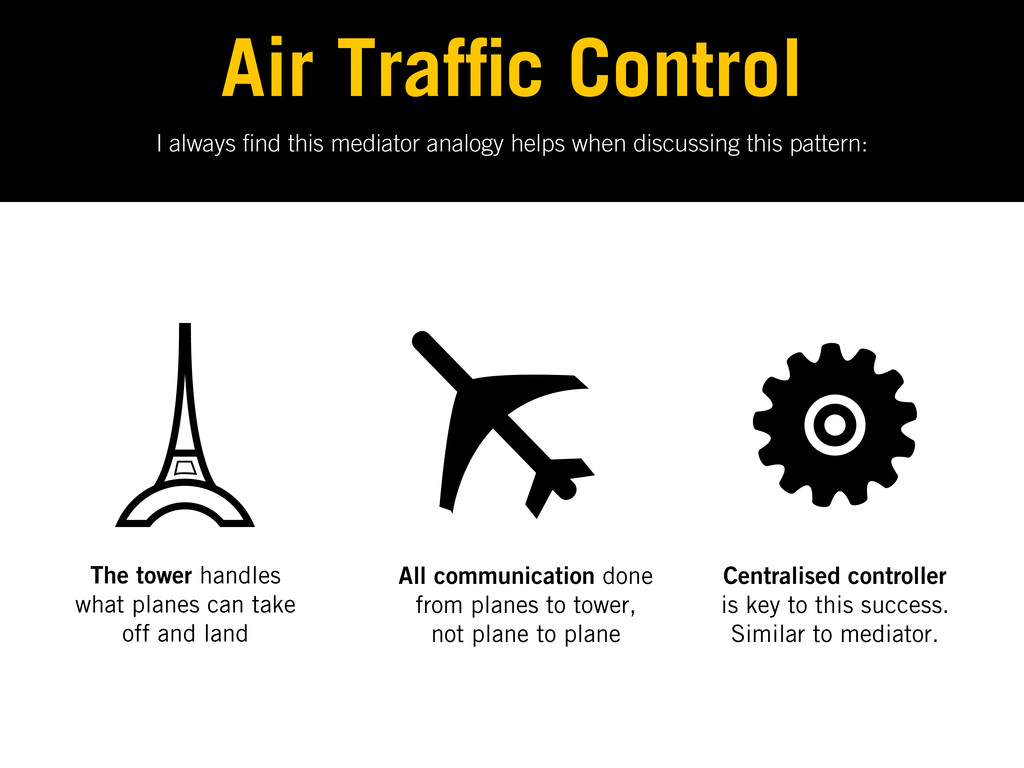
I always nd this mediator analogy helps when discussing this
pattern: Air Traf c Control The tower handles what planes can take off and land All communication done from planes to tower, not plane to plane Centralised controller is key to this success. Similar to mediator. -
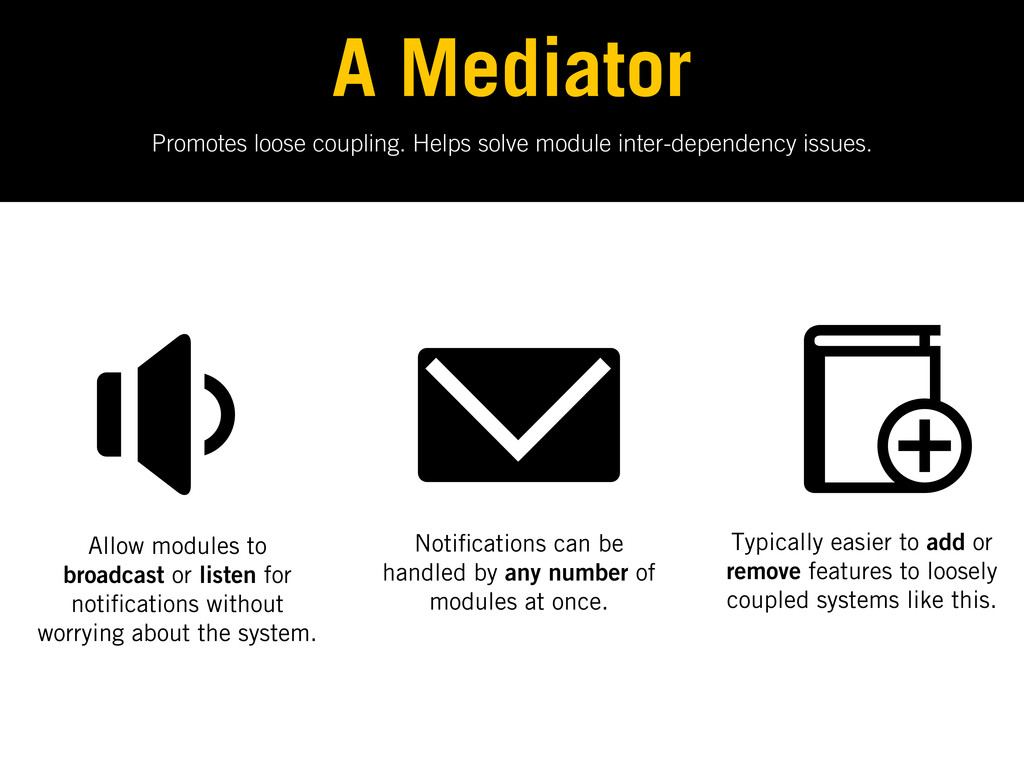
Promotes loose coupling. Helps solve module inter-dependency issues. A Mediator
Allow modules to broadcast or listen for noti cations without worrying about the system. Noti cations can be handled by any number of modules at once. Typically easier to add or remove features to loosely coupled systems like this. -
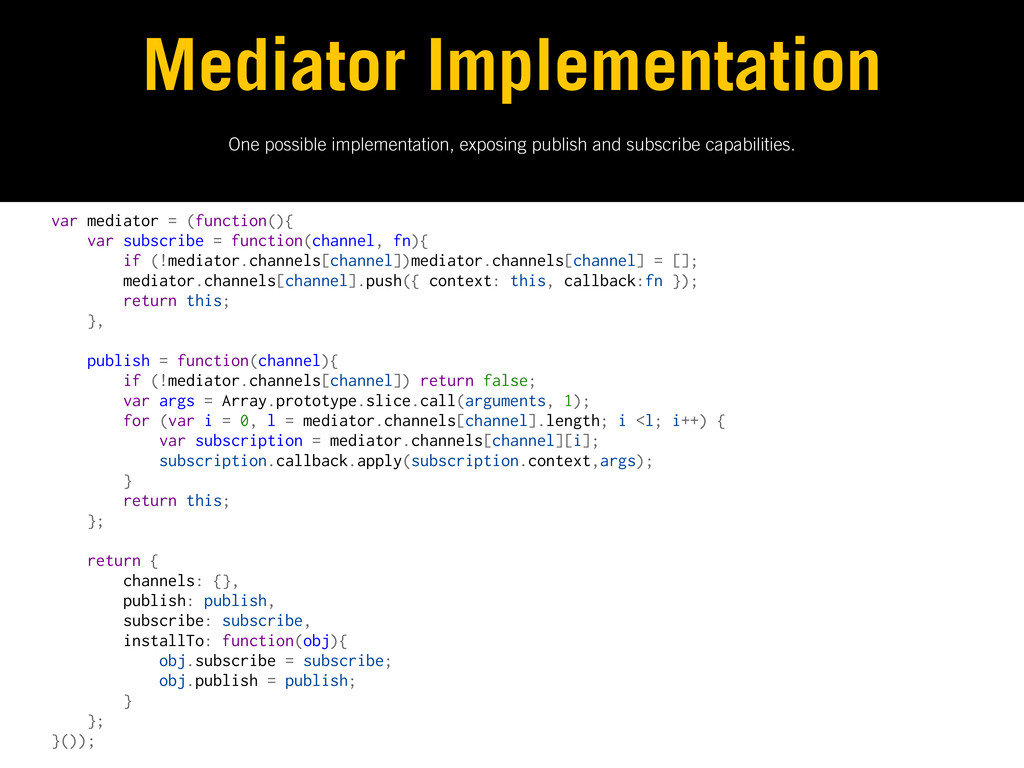
One possible implementation, exposing publish and subscribe capabilities. Mediator Implementation
var mediator = (function(){ var subscribe = function(channel, fn){ if (!mediator.channels[channel])mediator.channels[channel] = []; mediator.channels[channel].push({ context: this, callback:fn }); return this; }, publish = function(channel){ if (!mediator.channels[channel]) return false; var args = Array.prototype.slice.call(arguments, 1); for (var i = 0, l = mediator.channels[channel].length; i <l; i++) { var subscription = mediator.channels[channel][i]; subscription.callback.apply(subscription.context,args); } return this; }; return { channels: {}, publish: publish, subscribe: subscribe, installTo: function(obj){ obj.subscribe = subscribe; obj.publish = publish; } }; }()); -
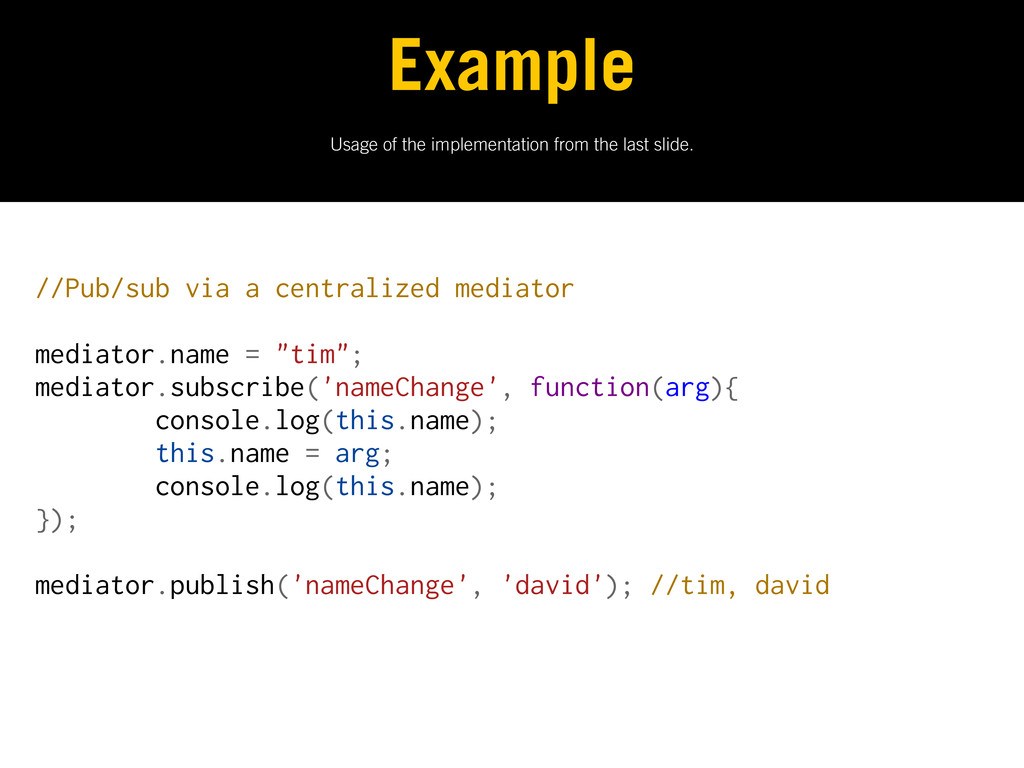
Usage of the implementation from the last slide. Example //Pub/sub
via a centralized mediator mediator.name = "tim"; mediator.subscribe('nameChange', function(arg){ console.log(this.name); this.name = arg; console.log(this.name); }); mediator.publish('nameChange', 'david'); //tim, david -
Fixing our architecture with what we’ve learned to date. Solution:
Combine Patterns “The only difference between a problem and a solution is that people understand the solution.’ - Charles F. Kettering -
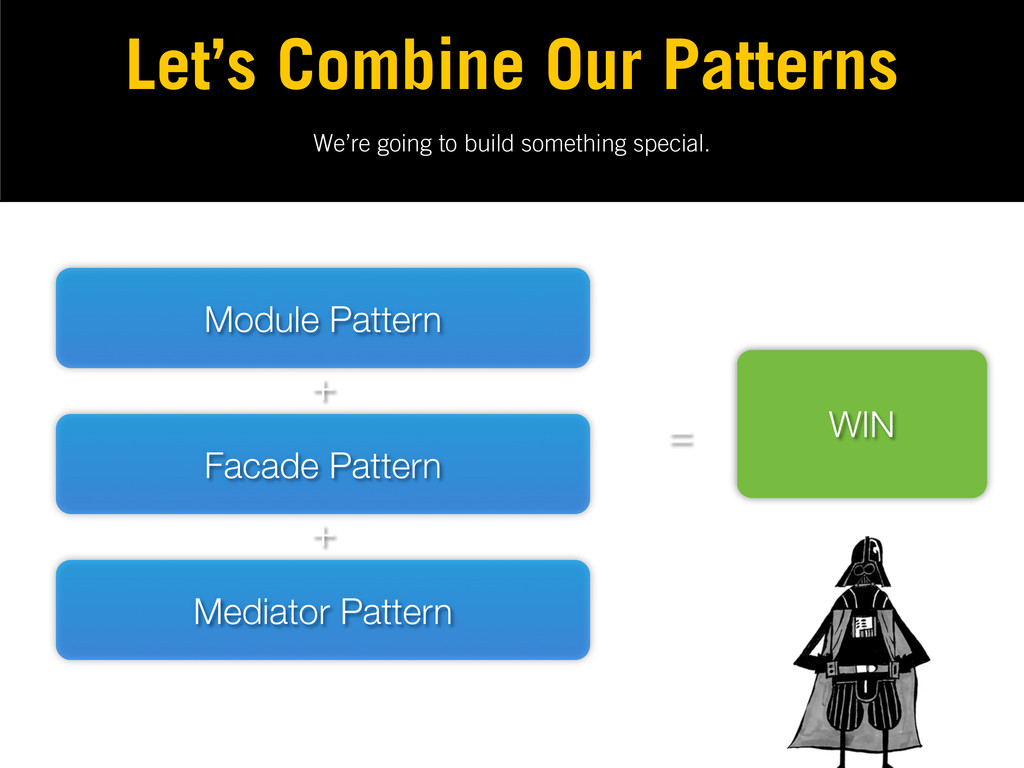
We’re going to build something special. Let’s Combine Our Patterns
Module Pattern Facade Pattern Mediator Pattern + + = WIN -
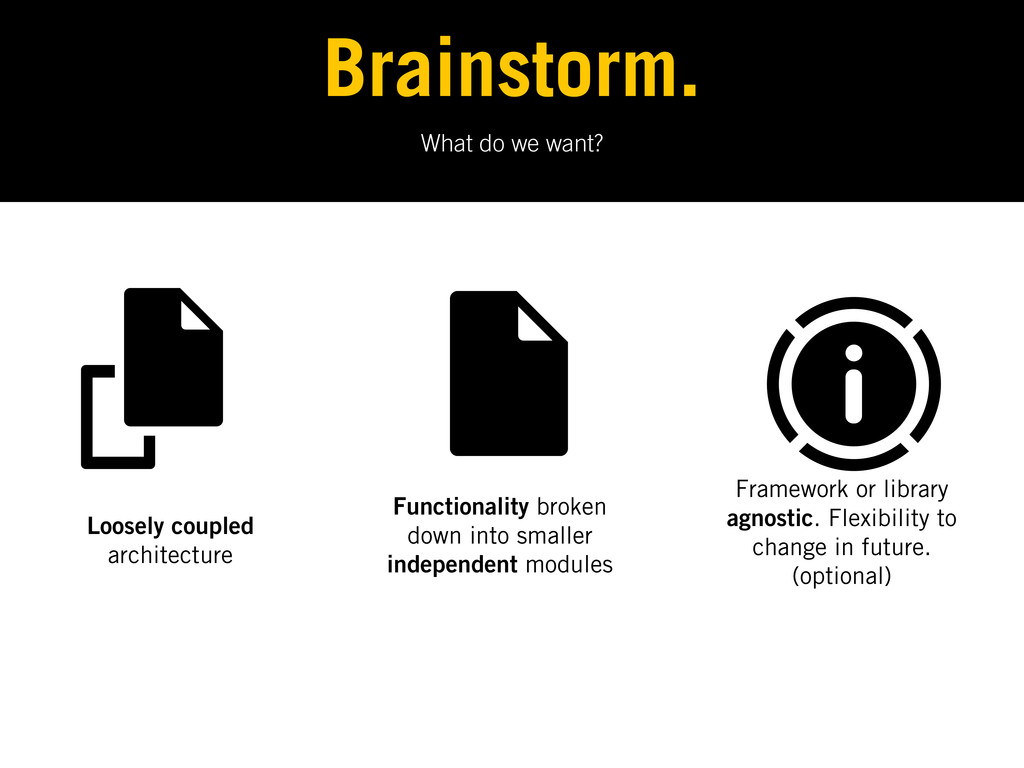
What do we want? Brainstorm. Loosely coupled architecture Functionality broken
down into smaller independent modules Framework or library agnostic. Flexibility to change in future. (optional) -
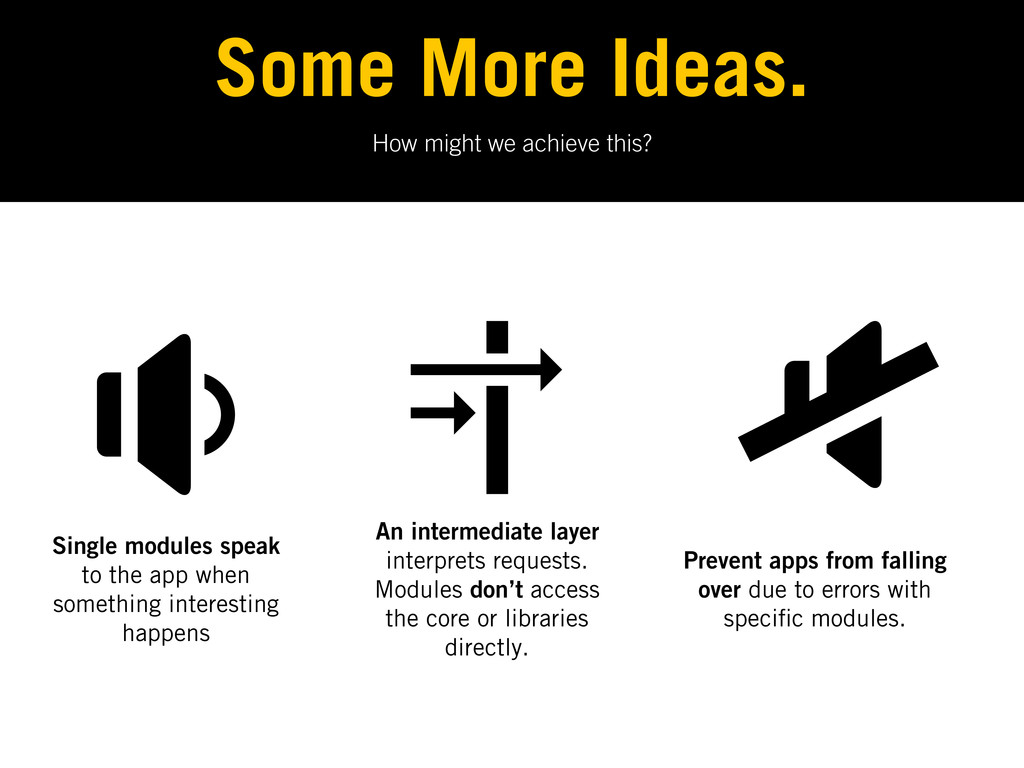
How might we achieve this? Some More Ideas. Single modules
speak to the app when something interesting happens An intermediate layer interprets requests. Modules don’t access the core or libraries directly. Prevent apps from falling over due to errors with speci c modules. -
The Facade An abstraction of the core, it listens out
for interesting events and says ‘Great. What happened? Give me the details’. It also acts as a permissions manager. Modules only communicate through this and are only able to do what they’ve been permitted to. -
How else can it help? The Facade • Components communicate
via the facade so it needs to be dependable • It acts as a security guard, determining which parts of the application a module can access • Components only call their own methods or methods from a sandbox, but nothing they don’t have permission to -
The Application Core (Mediator) Manages the module lifecycle. It reacts
to events passed from the facade and starts, stops or restarts modules as necessary. Modules here automatically execute when loaded. -
The Mediator Pattern The Application Core • It’s not the
core’s job to decide whether this should be when the DOM is ready. • The core should enable adding or removing modules without breaking anything. • It should ideally also handle detecting and managing errors in the system. -
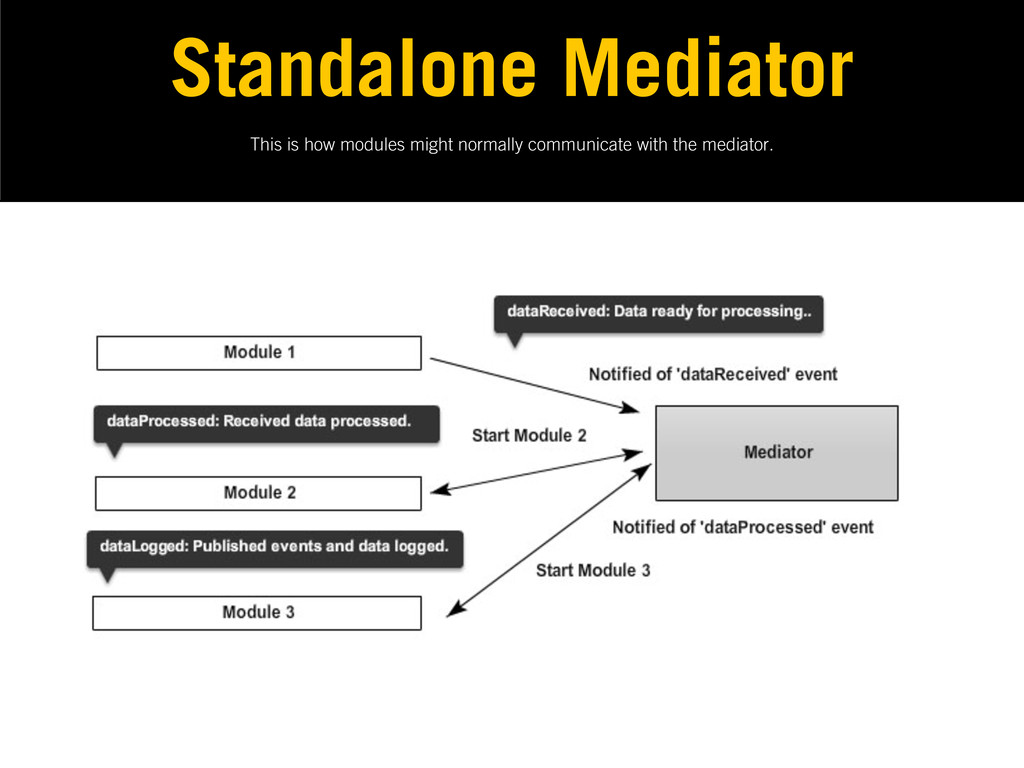
This is how modules might normally communicate with the mediator.
Standalone Mediator -
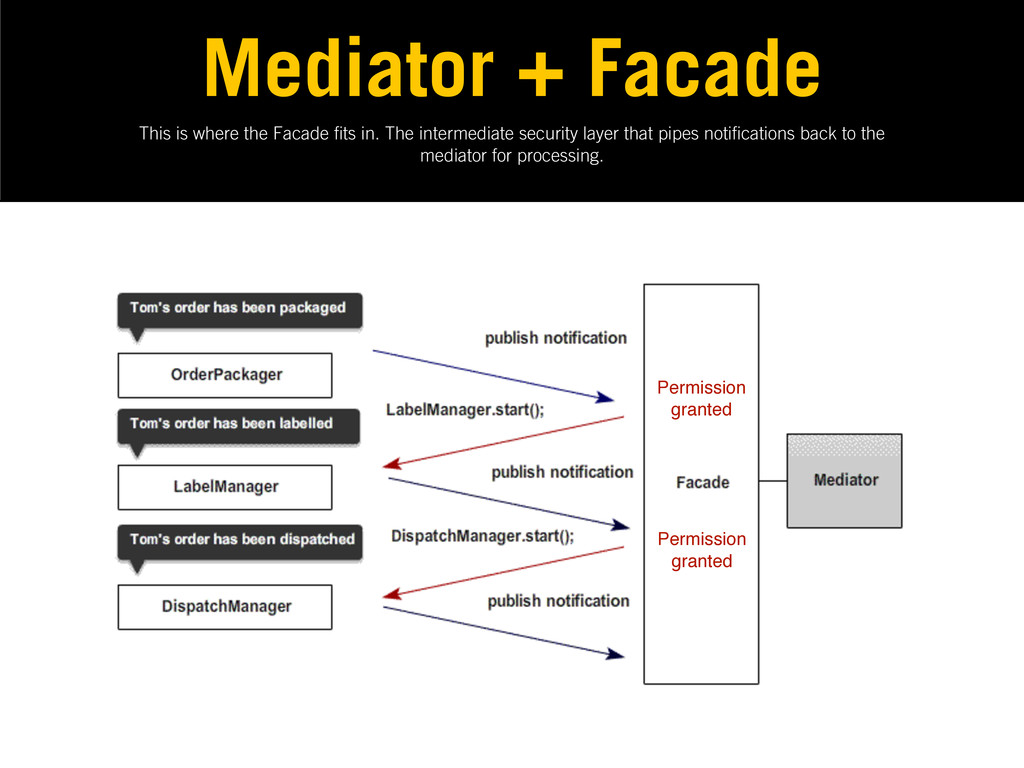
This is where the Facade ts in. The intermediate security
layer that pipes noti cations back to the mediator for processing. Mediator + Facade Permission granted Permission granted -
Modules Unique blocks of functionality for your application. They inform
the application when something interesting happens. Don’t talk to each other directly, only concerned with publishing events of interest. -
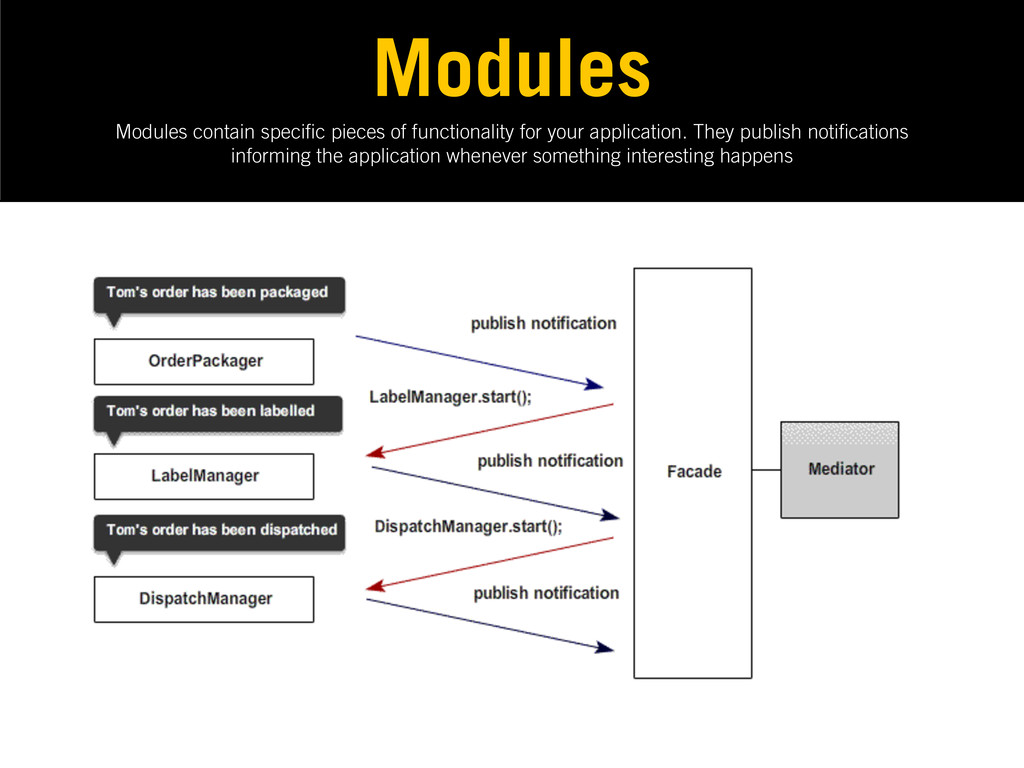
Modules contain speci c pieces of functionality for your application.
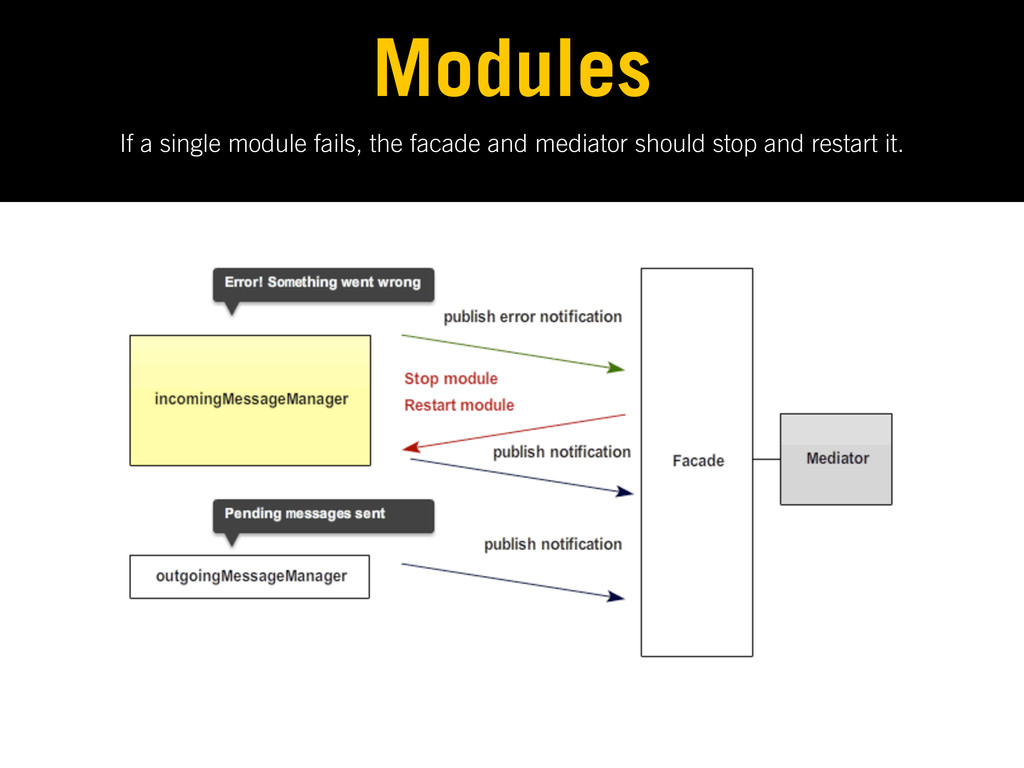
They publish noti cations informing the application whenever something interesting happens Modules -
If a single module fails, the facade and mediator should
stop and restart it. Modules -
Demo: Backbone.js + RequireJS + AMD modules + facade +
mediator pattern https://github.com/addyosmani/backbone-aura -
Demo: Aura : use this architecture to easily swap jQuery
for Dojo or visa versa in one line of code. -
Let’s review what we looked at today. What We Learned
‘Anyone who stops learning is old, whether at twenty or eighty. Anyone who keeps learning stays young. The greatest thing in life is to keep your mind young’ - Henry Ford -
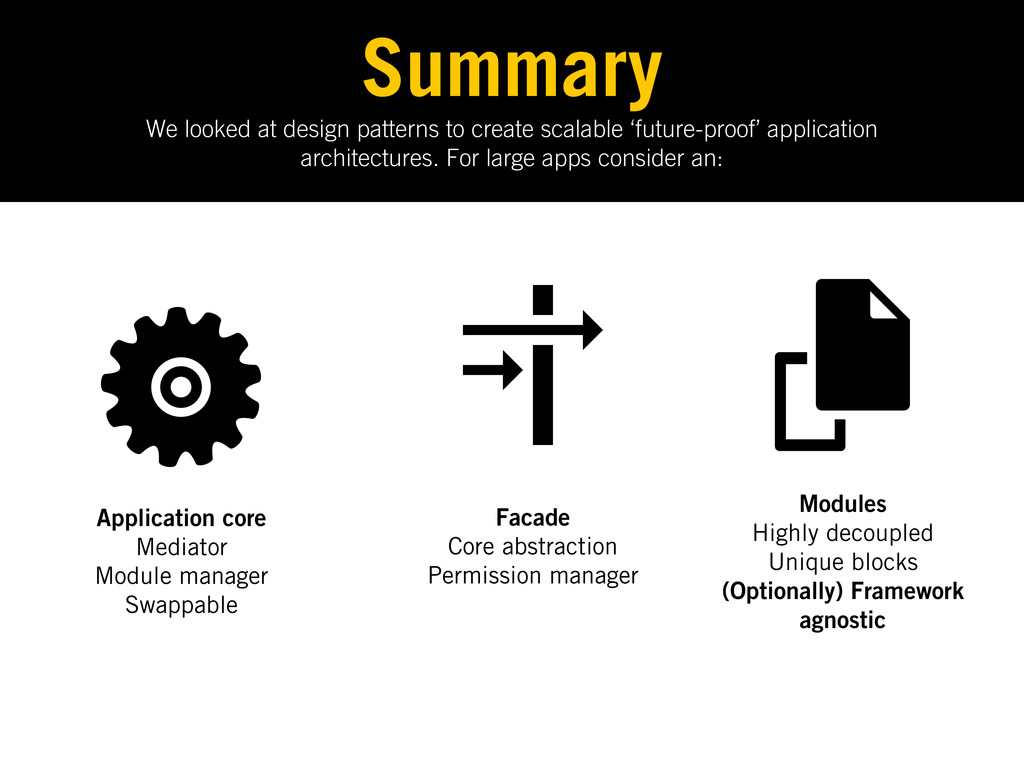
We looked at design patterns to create scalable ‘future-proof’ application
architectures. For large apps consider an: Summary Application core Mediator Module manager Swappable Facade Core abstraction Permission manager Modules Highly decoupled Unique blocks (Optionally) Framework agnostic -
This can be very useful as: Summary • Modules are
no longer dependent on anyone • They can be managed so that the application doesn’t (or shouldn’t) fall over. • You can theoretically pick up any module, drop it in a page and start using it in another project -
I’ve written about some of these topics in more depth:
Further Reading • Understanding MVC & MVP For JS Developers http:// bit.ly/wJRR59 • Patterns For Large-scale JavaScript Application Architecture http://addyosmani.com/largescalejavascript/ • Writing Modular JavaScript with AMD, CommonJS & ES Harmony http://addyosmani.com/writing-modular-js -
I’ve written about some of these topics in more depth:
Further Reading • Backbone Fundamentals (book): http:// backbonefundamentals.com • Essential JavaScript Design Patterns (e-book) http:// bit.ly/bMyoQ9 • Building Large-Scale jQuery Applications http:// addyosmani.com/blog/large-scale-jquery/ -
For more on this architecture and other topics, check out:
That’s it. Blog Twitter GitHub http://addyosmani.com @addyosmani or @addy_osmani http://github.com/addyosmani
 addyosmani
 honzajavorek
 varn
 davidcarrasco
 orderedlist
 sferik
 aleyda
 techseoconnect
 brettharned
 danielanewman
 katiecoart
 jonoalderson