Share
Embed
Handling errors at scale
I gave a presentation to PHP London and Scalecamp UK on the techniques used at Assanka to aggregate and debug live runtime errors in large scale PHP applications.
Andrew Betts
April 20, 2012
Transcript
59 slides
-
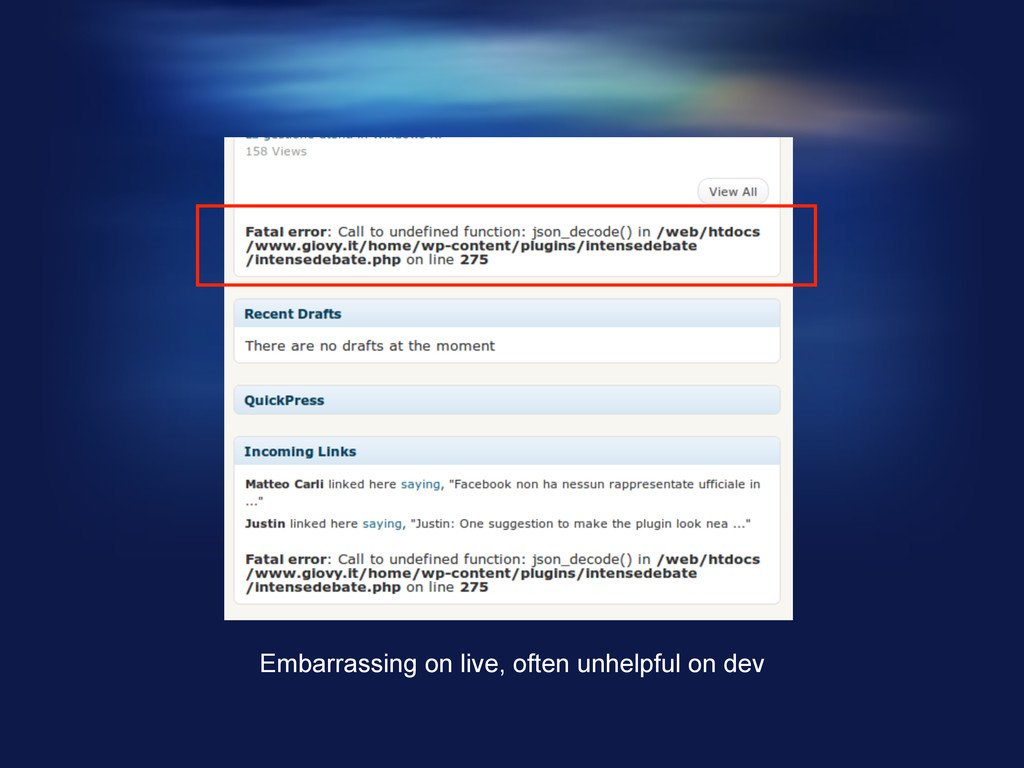
Problems § Developers often leave non fatal errors in code
• Error reporting set too low • Open source projects often riddled with them (eg. Wordpress) § Standard error output can be difficult to debug § Displaying raw errors to end users is really bad § Finding error patterns on live applications running across multiple servers requires tedious manual aggregation of logs § Matching errors to user feedback can be a pain § Finding evidence in logs can be very tough -
A more elegant way forward for error handling, reporting and
‘problem management’ -
Principles: handling errors § No half measures: stop execution on
every serious error § Display something sensible to the end user that they'll understand § React appropriately depending on the environment, dev vs live • In dev, stop on EVERY error § Provide as much debug information as possible to help the developer solve the problem quickly -
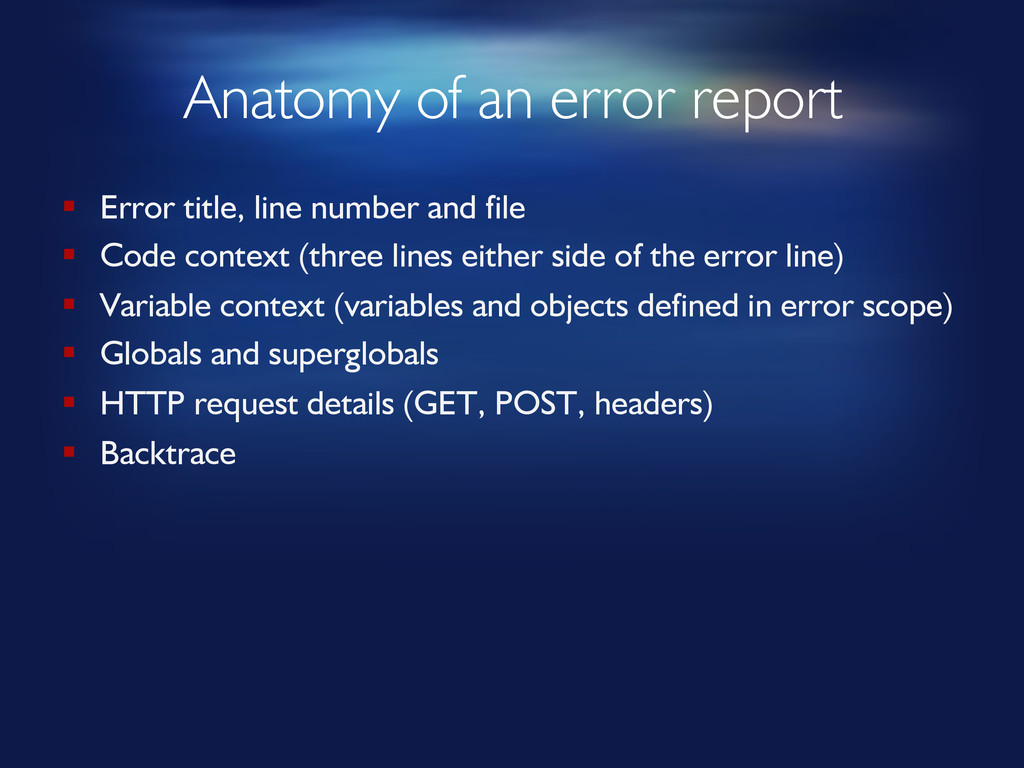
Anatomy of an error report § Error title, line number
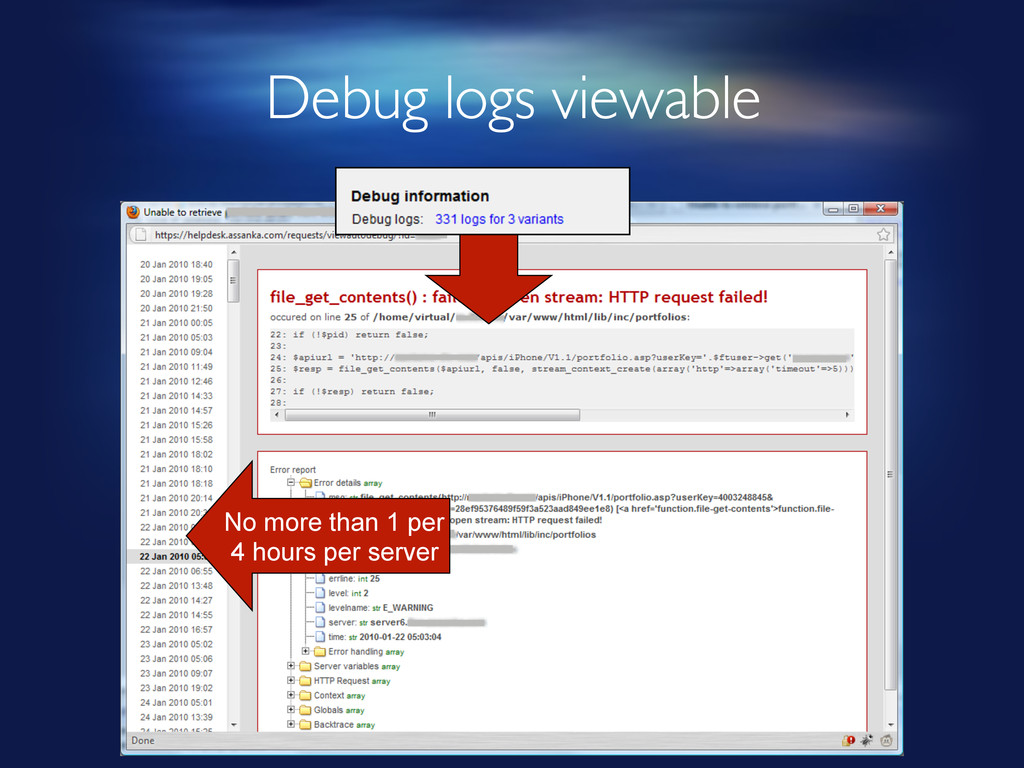
and file § Code context (three lines either side of the error line) § Variable context (variables and objects defined in error scope) § Globals and superglobals § HTTP request details (GET, POST, headers) § Backtrace -
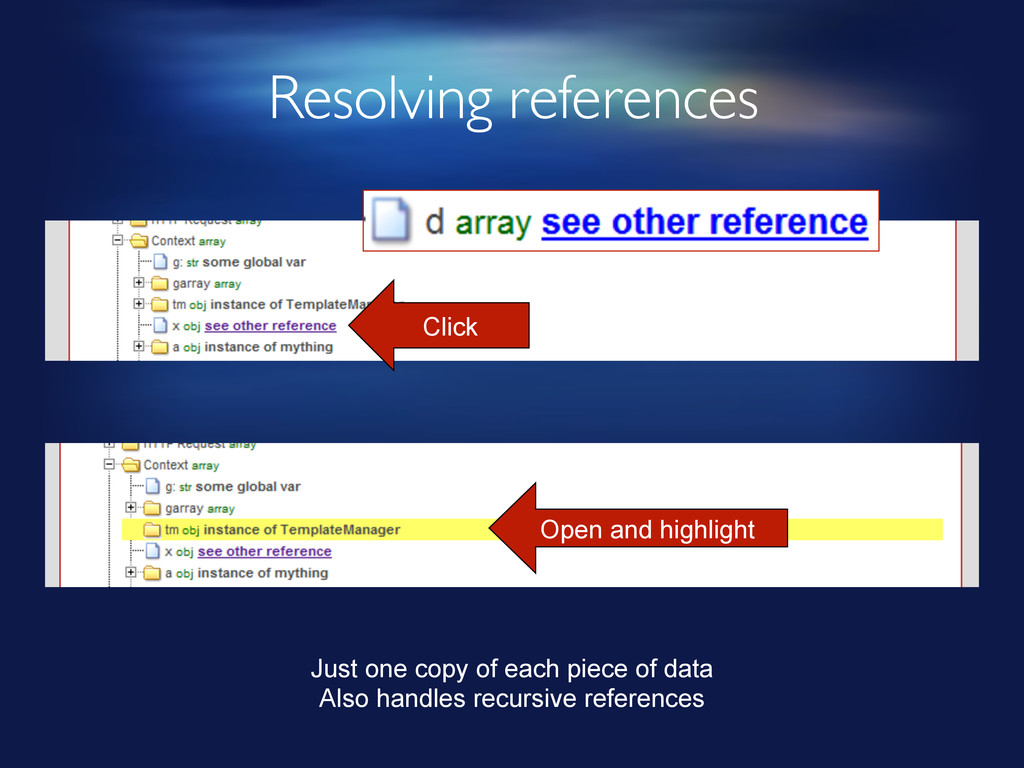
Resolving references Click Open and highlight Just one copy of
each piece of data Also handles recursive references -
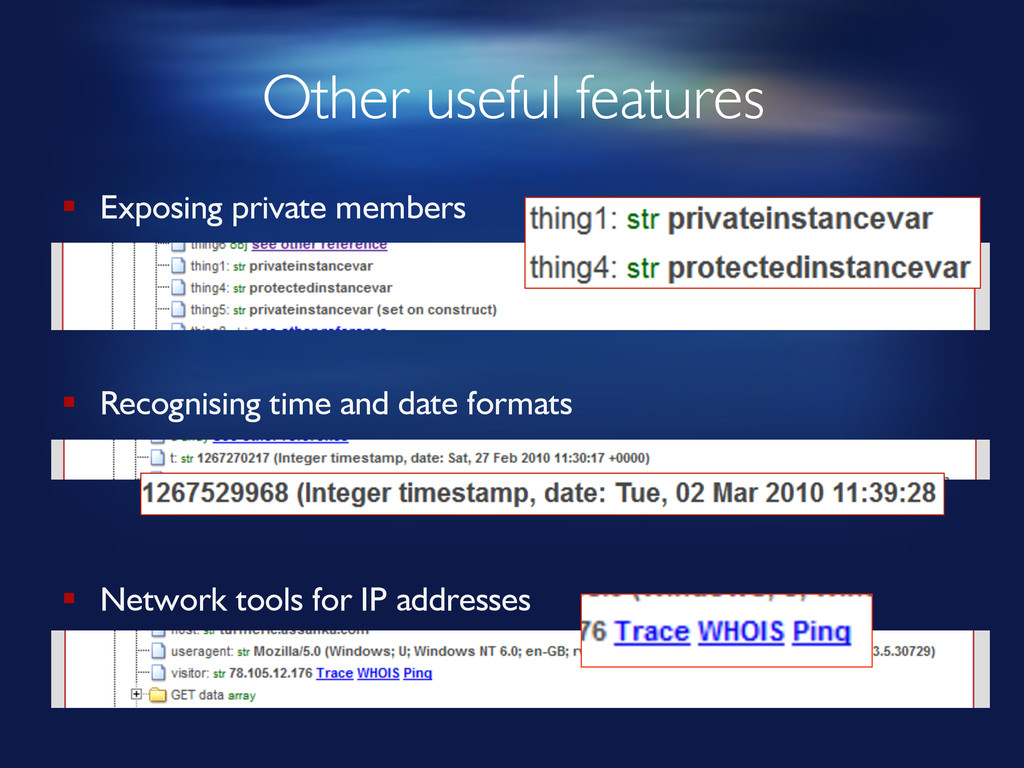
Other useful features § Exposing private members § Recognising time
and date formats § Network tools for IP addresses -
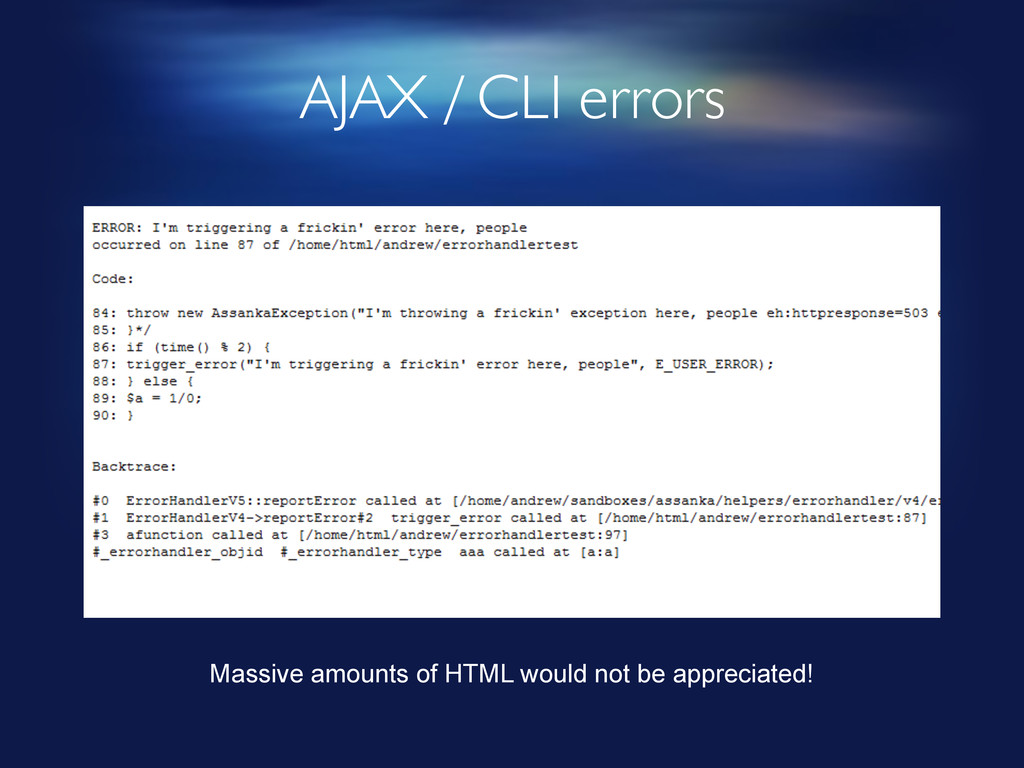
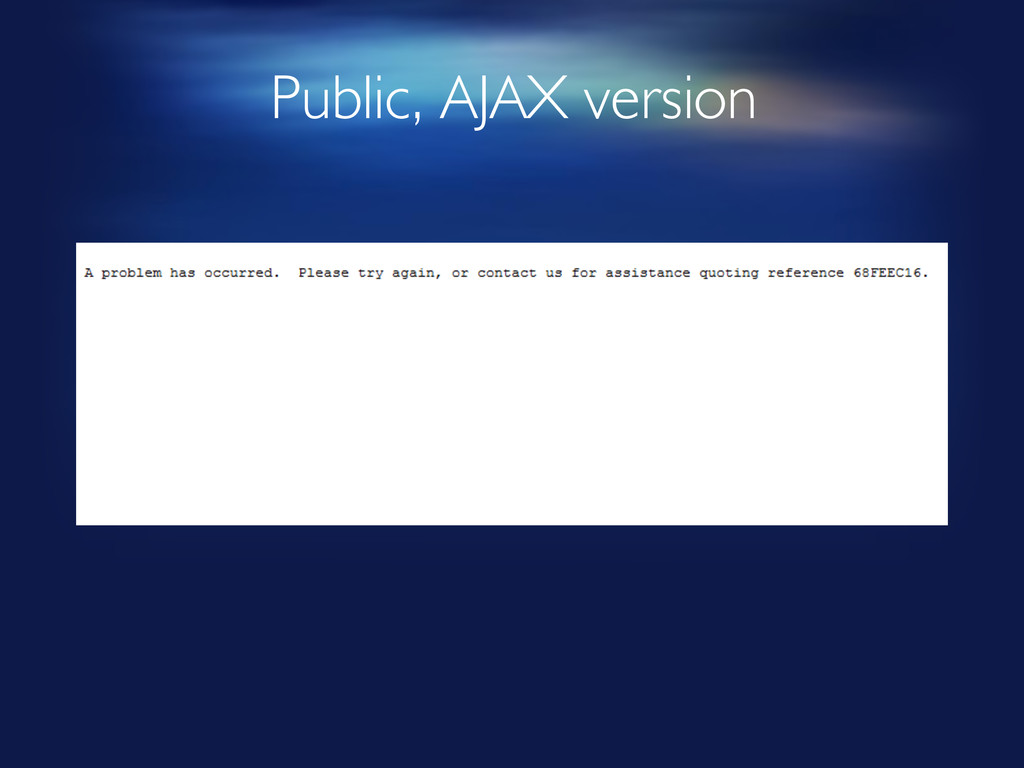
AJAX / CLI errors Massive amounts of HTML would not
be appreciated! -
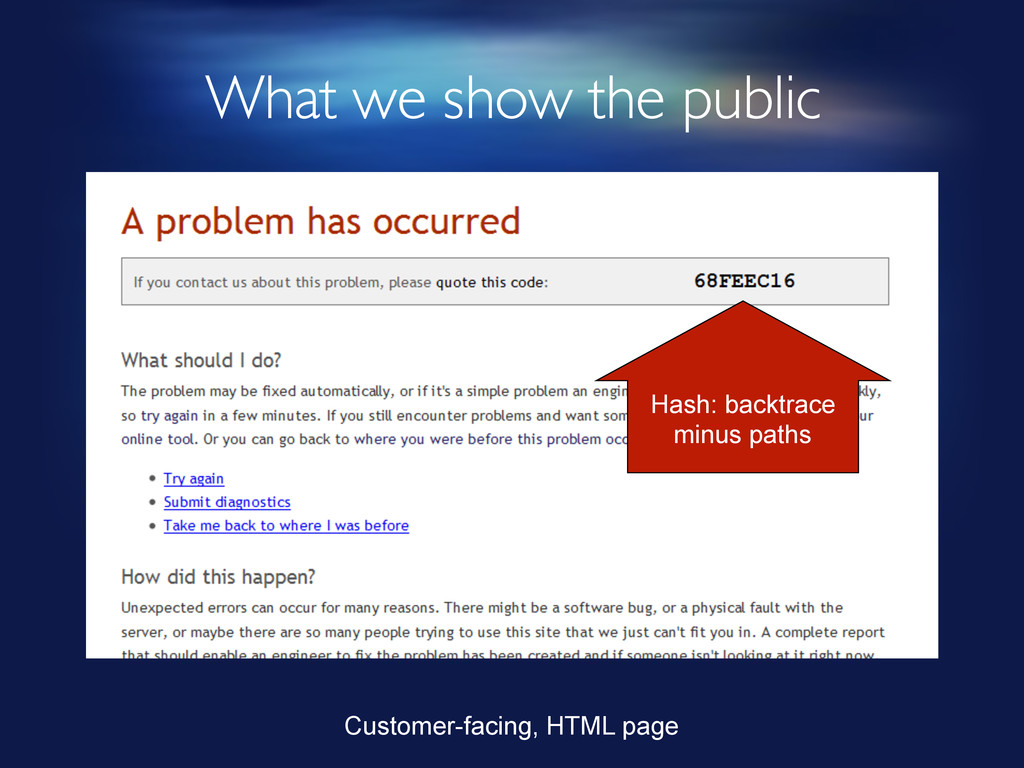
Error hashing § Take backtrace, strip embedded file paths •
Paths may vary for what is basically the same error § Serialise § Hash it • 8 character string of CRC32 • MD5 was too long • Customer needs to be able to read it out over the phone • No significant collisions yet (25,000 hashes recorded) § Same error on different servers will produce same hash -
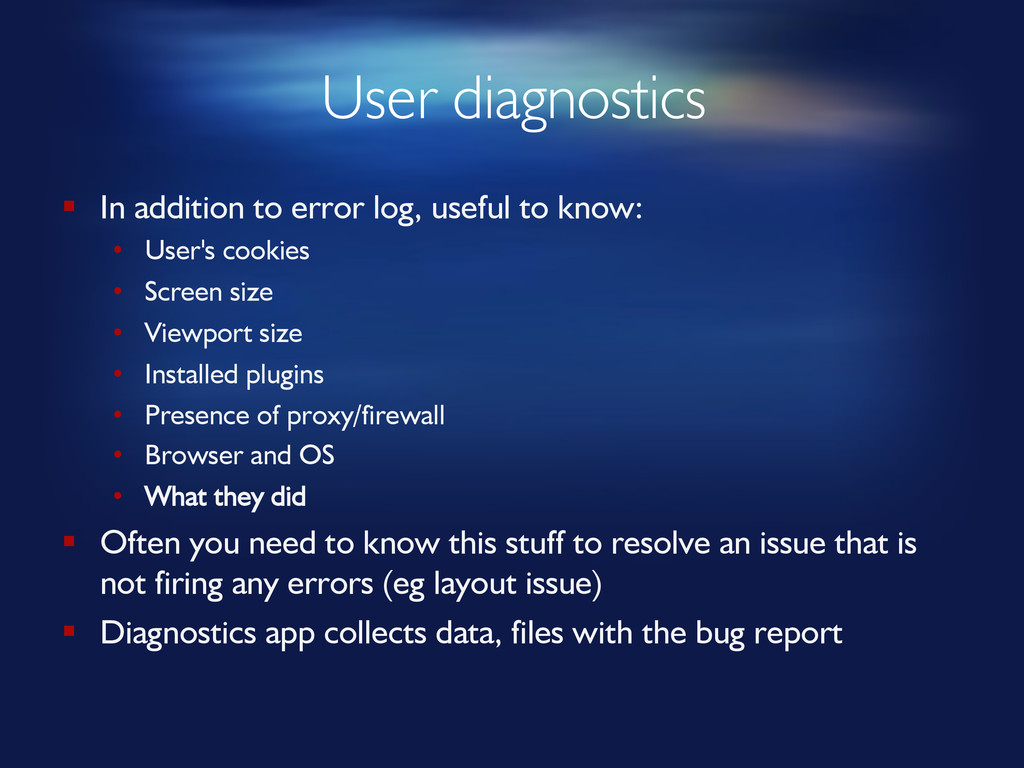
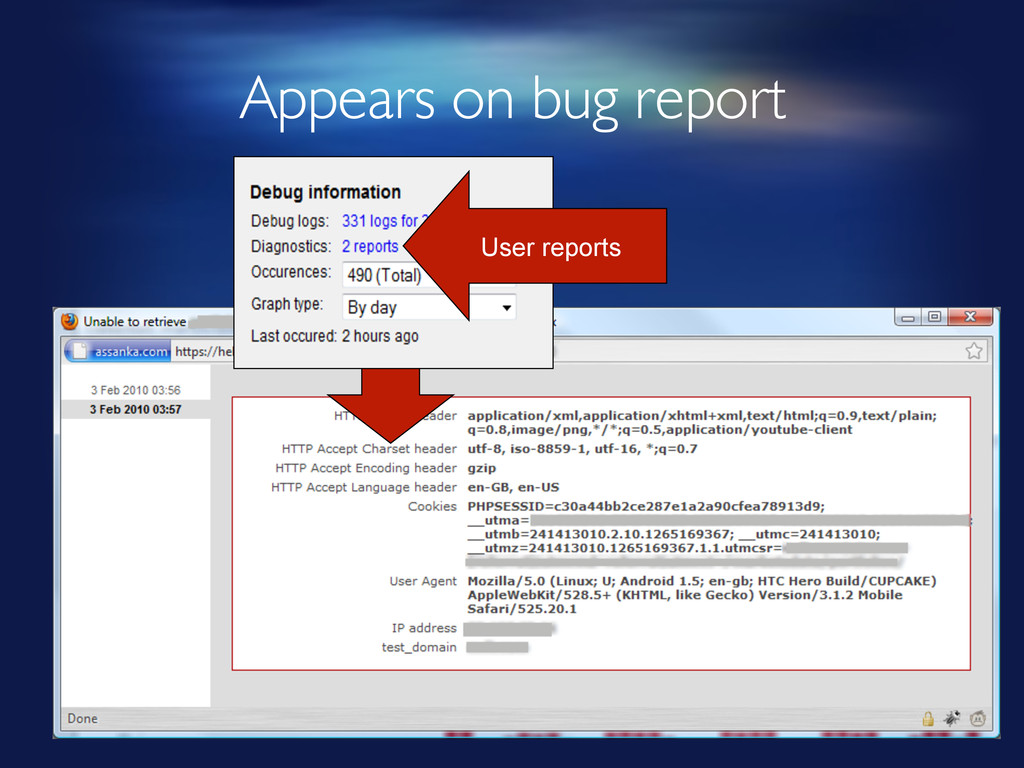
User diagnostics § In addition to error log, useful to
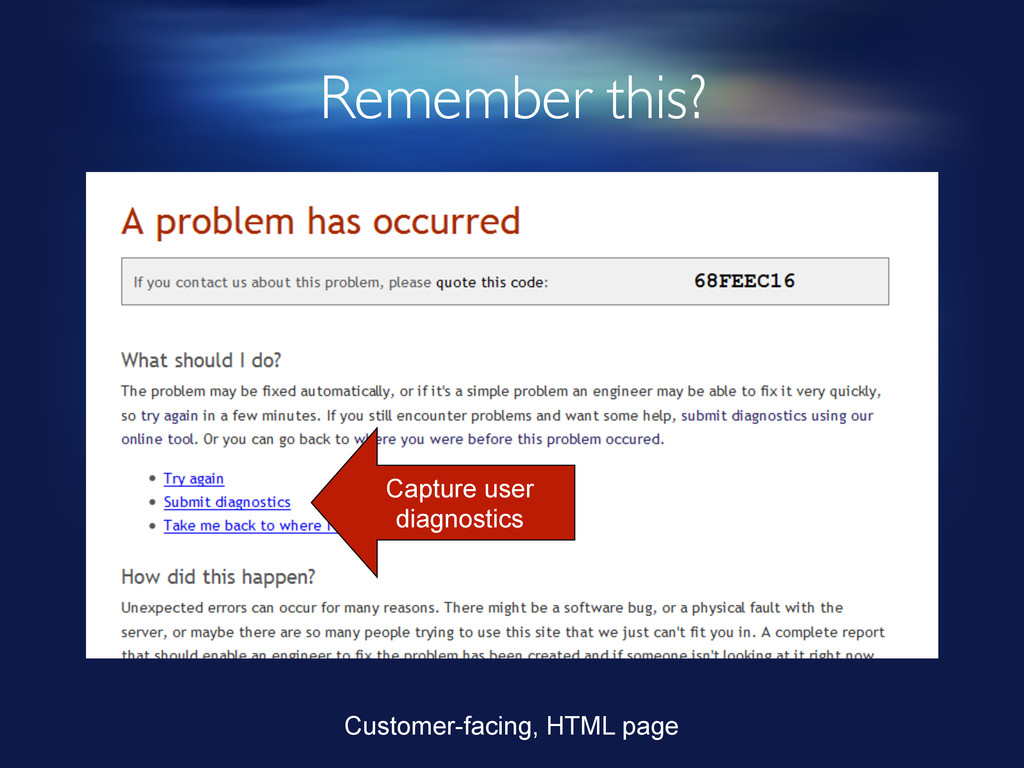
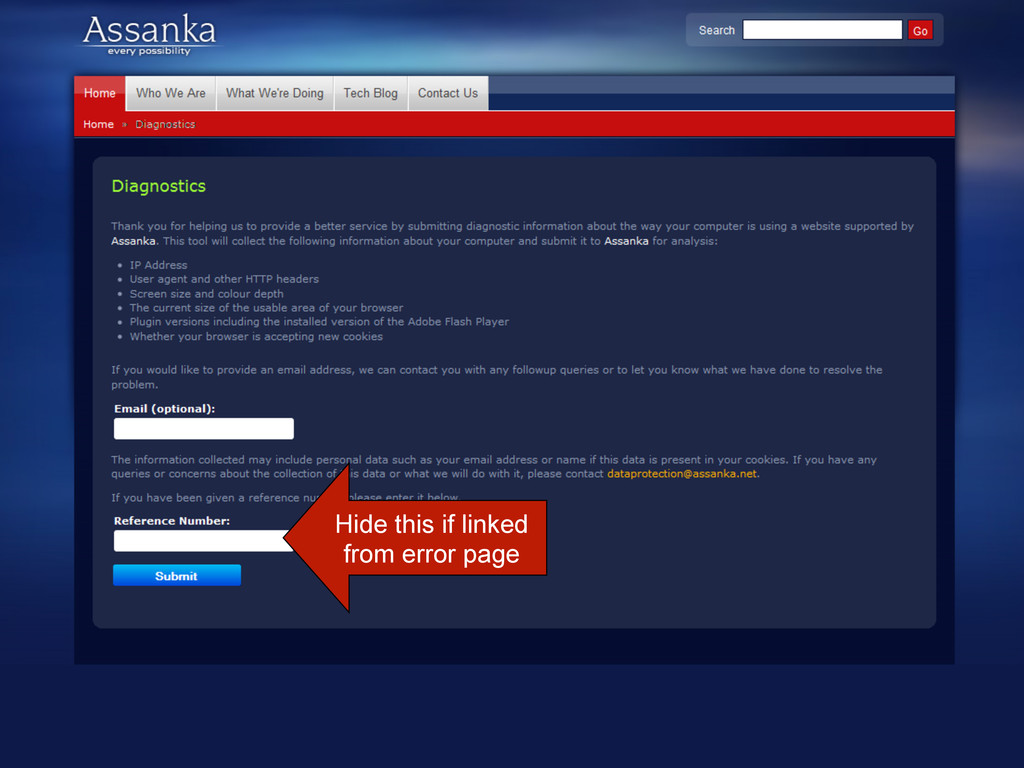
know: • User's cookies • Screen size • Viewport size • Installed plugins • Presence of proxy/firewall • Browser and OS • What they did § Often you need to know this stuff to resolve an issue that is not firing any errors (eg layout issue) § Diagnostics app collects data, files with the bug report -

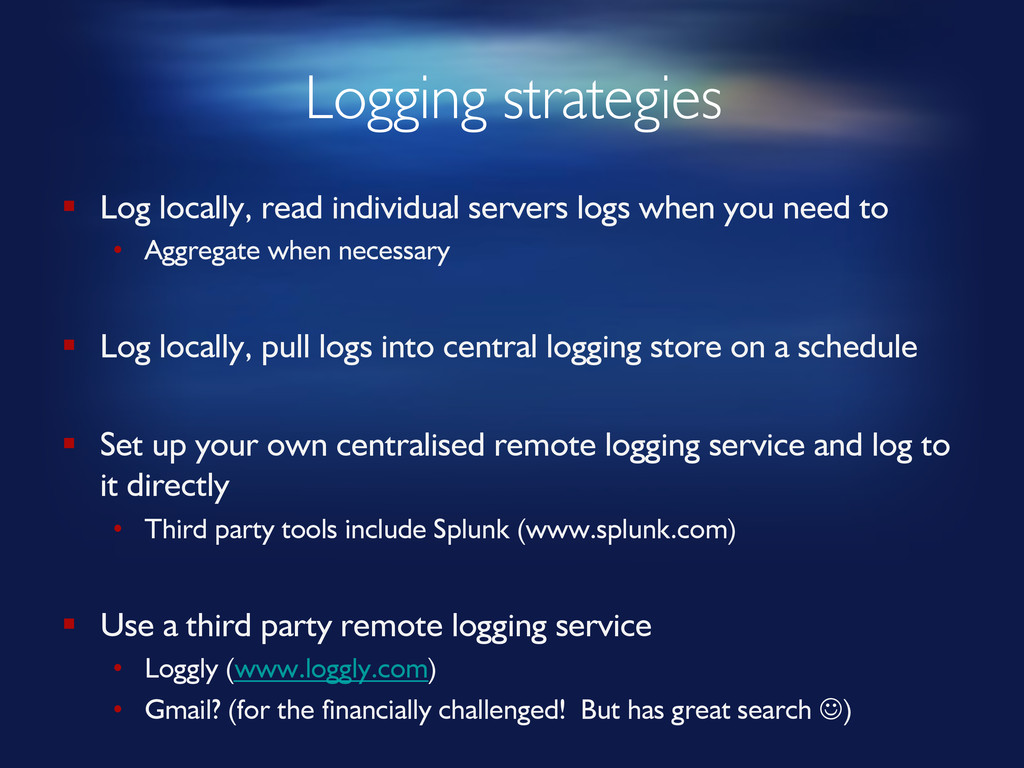
Logging strategies § Log locally, read individual servers logs when
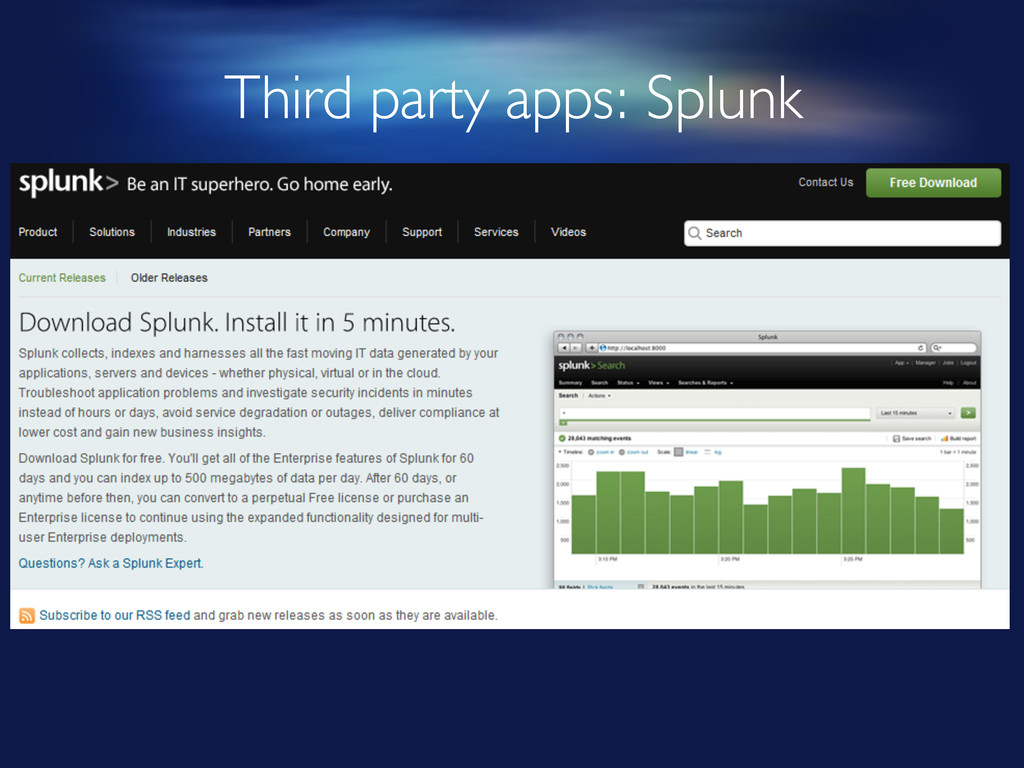
you need to • Aggregate when necessary § Log locally, pull logs into central logging store on a schedule § Set up your own centralised remote logging service and log to it directly • Third party tools include Splunk (www.splunk.com) § Use a third party remote logging service • Loggly (www.loggly.com) • Gmail? (for the financially challenged! But has great search J) -
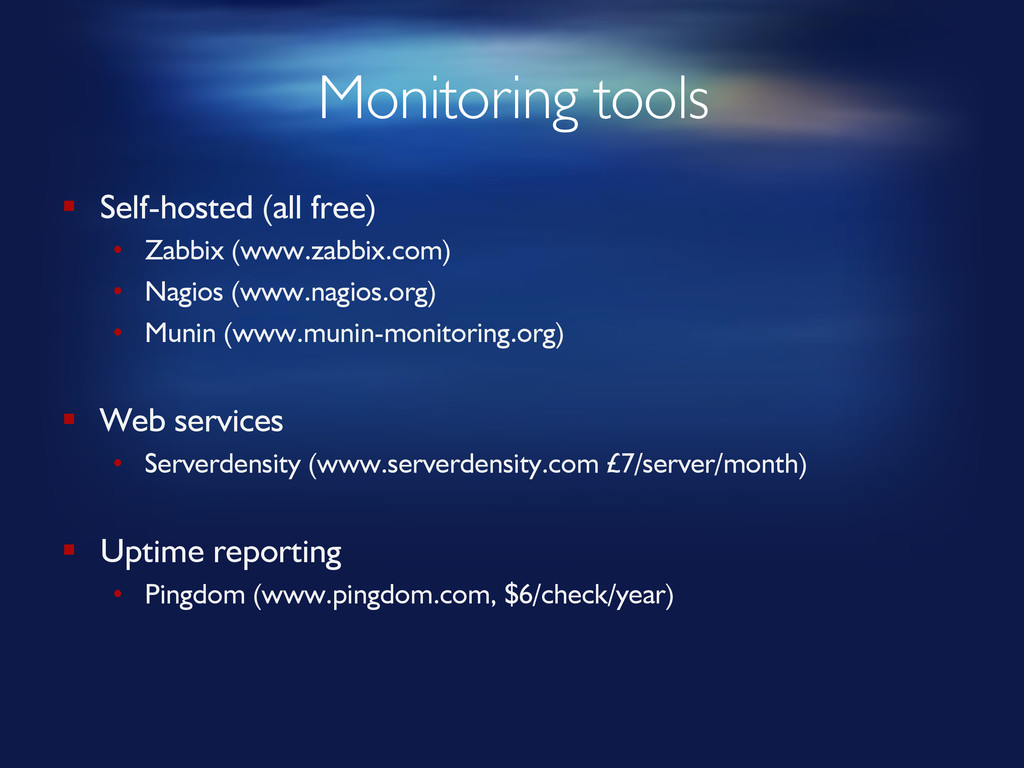
Monitoring tools § Self-hosted (all free) • Zabbix (www.zabbix.com) •
Nagios (www.nagios.org) • Munin (www.munin-monitoring.org) § Web services • Serverdensity (www.serverdensity.com £7/server/month) § Uptime reporting • Pingdom (www.pingdom.com, $6/check/year) -
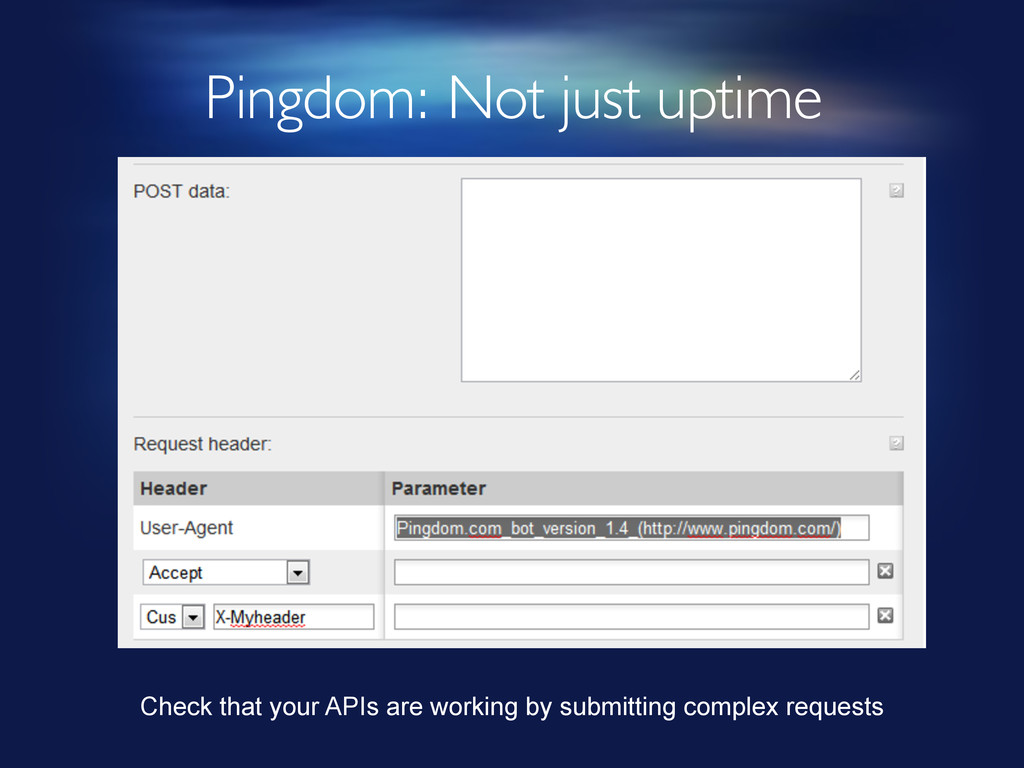
Pingdom: Not just uptime Check that your APIs are working
by submitting complex requests -
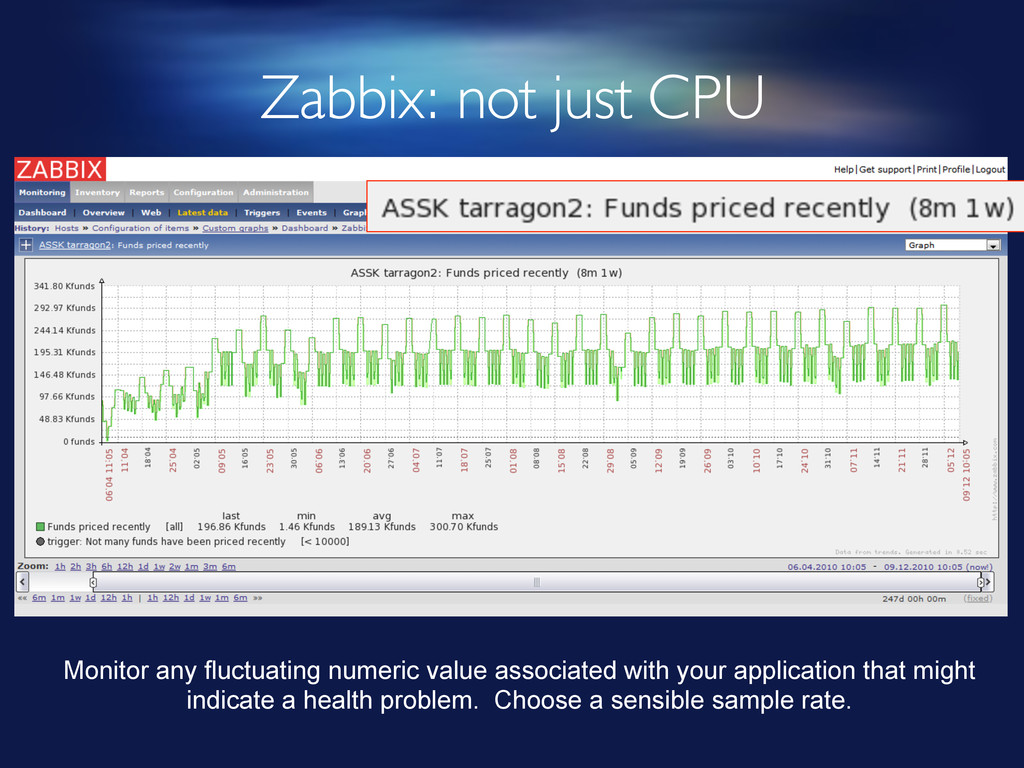
Zabbix: not just CPU Monitor any fluctuating numeric value associated
with your application that might indicate a health problem. Choose a sensible sample rate. -
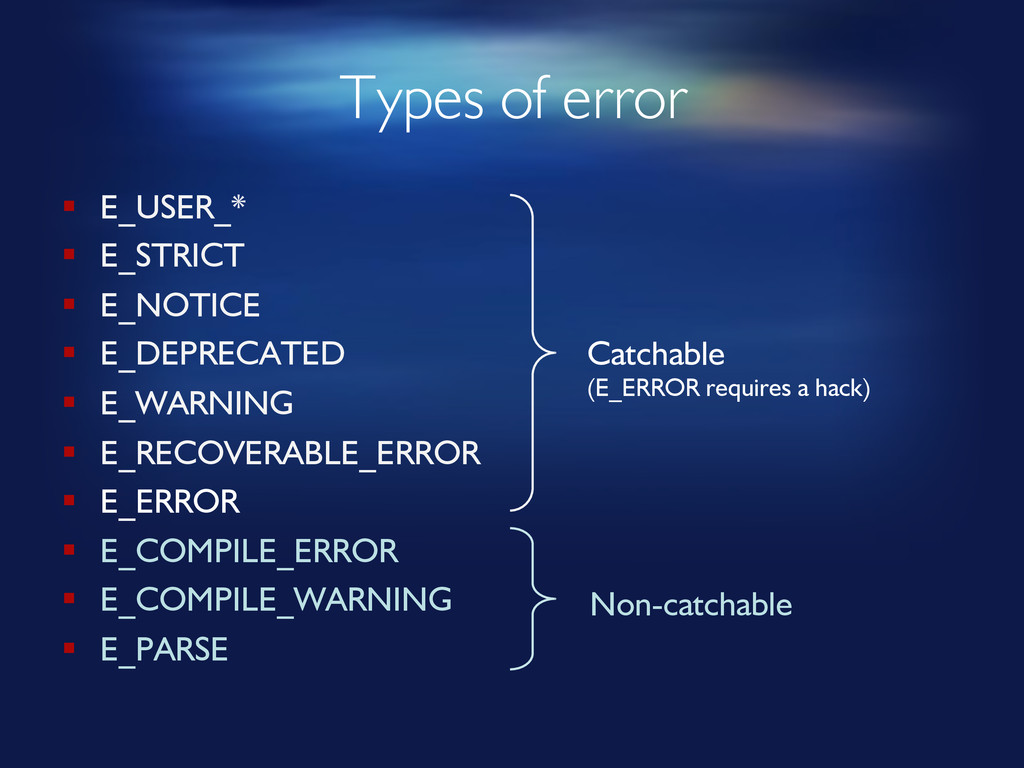
Types of error § E_USER_* § E_STRICT § E_NOTICE §
E_DEPRECATED § E_WARNING § E_RECOVERABLE_ERROR § E_ERROR § E_COMPILE_ERROR § E_COMPILE_WARNING § E_PARSE Catchable (E_ERROR requires a hack) Non-catchable -
Types of request § Web page § AJAX § CLI
/ standalone -
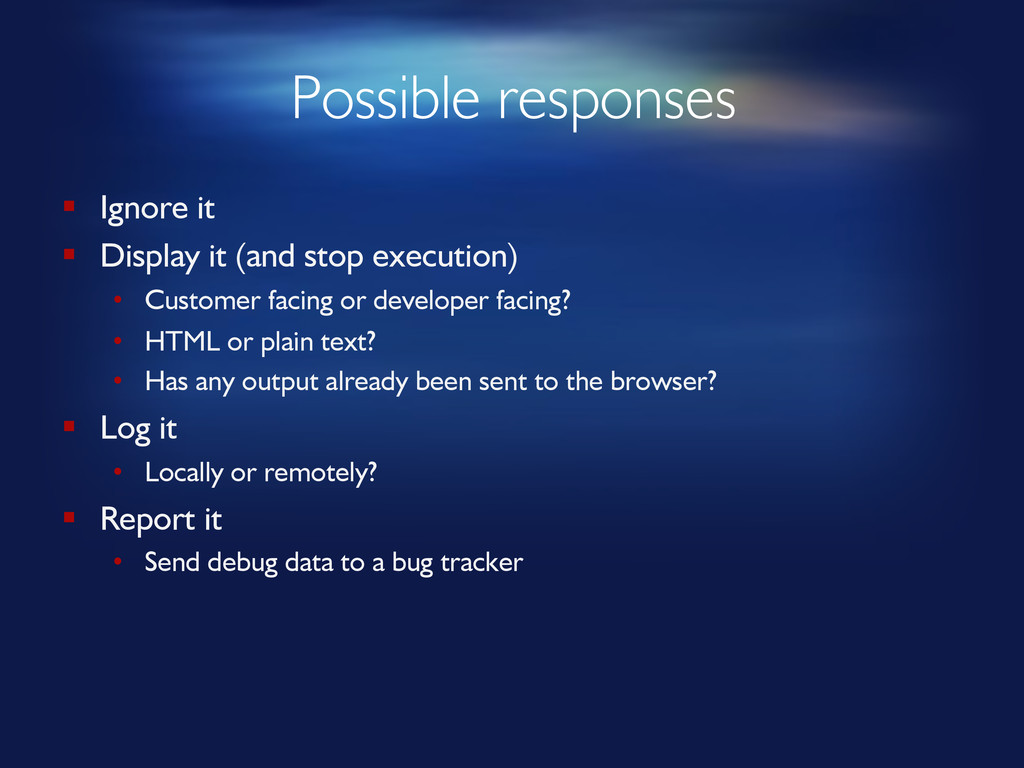
Possible responses § Ignore it § Display it (and stop
execution) • Customer facing or developer facing? • HTML or plain text? • Has any output already been sent to the browser? § Log it • Locally or remotely? § Report it • Send debug data to a bug tracker -
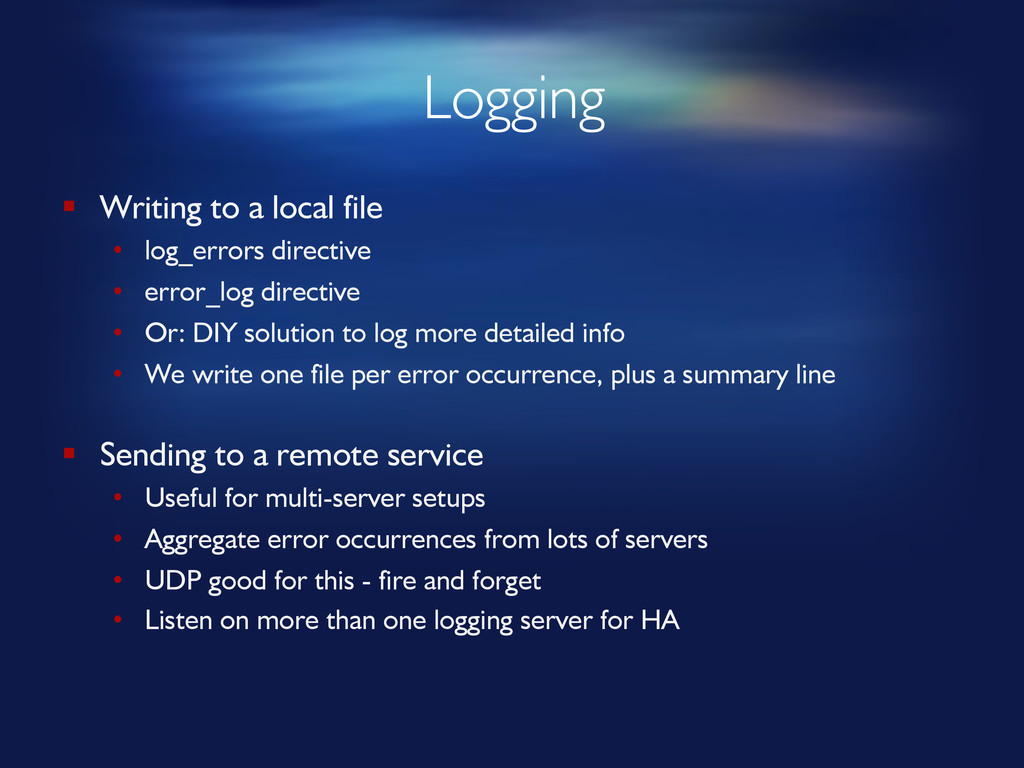
Logging § Writing to a local file • log_errors directive
• error_log directive • Or: DIY solution to log more detailed info • We write one file per error occurrence, plus a summary line § Sending to a remote service • Useful for multi-server setups • Aggregate error occurrences from lots of servers • UDP good for this - fire and forget • Listen on more than one logging server for HA -
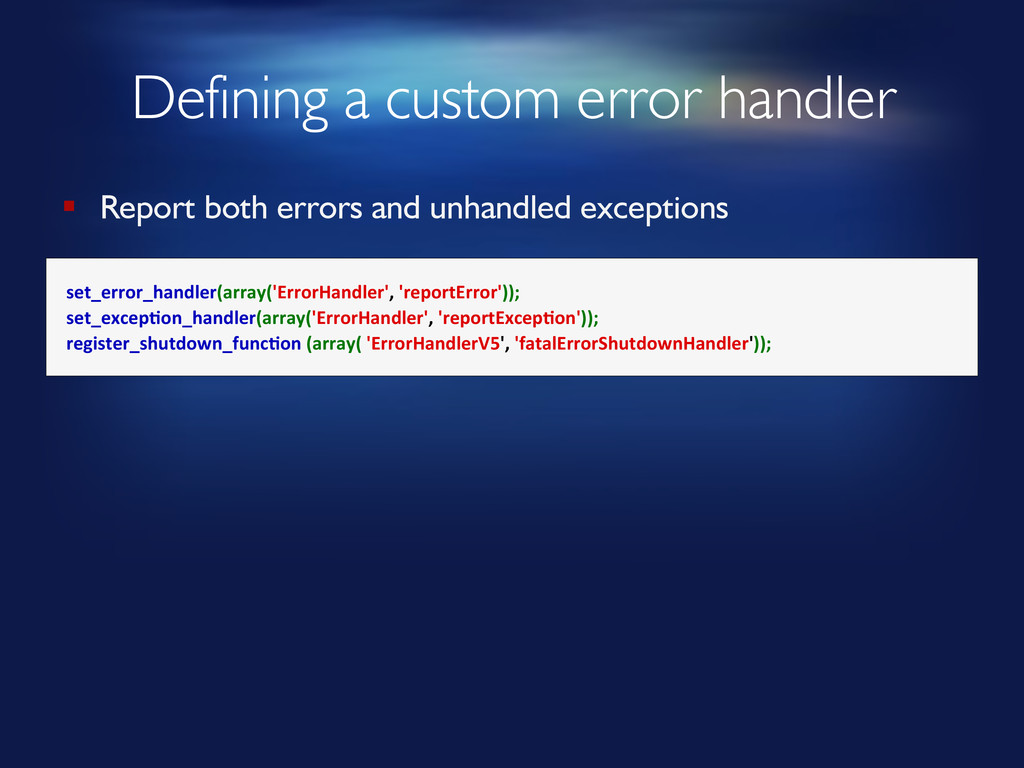
Defining a custom error handler set_error_handler(array('ErrorHandler', 'reportError')); set_excep8on_handler(array('ErrorHandler', 'reportExcep8on'));
register_shutdown_func8on (array( 'ErrorHandlerV5', 'fatalErrorShutdownHandler')); § Report both errors and unhandled exceptions -
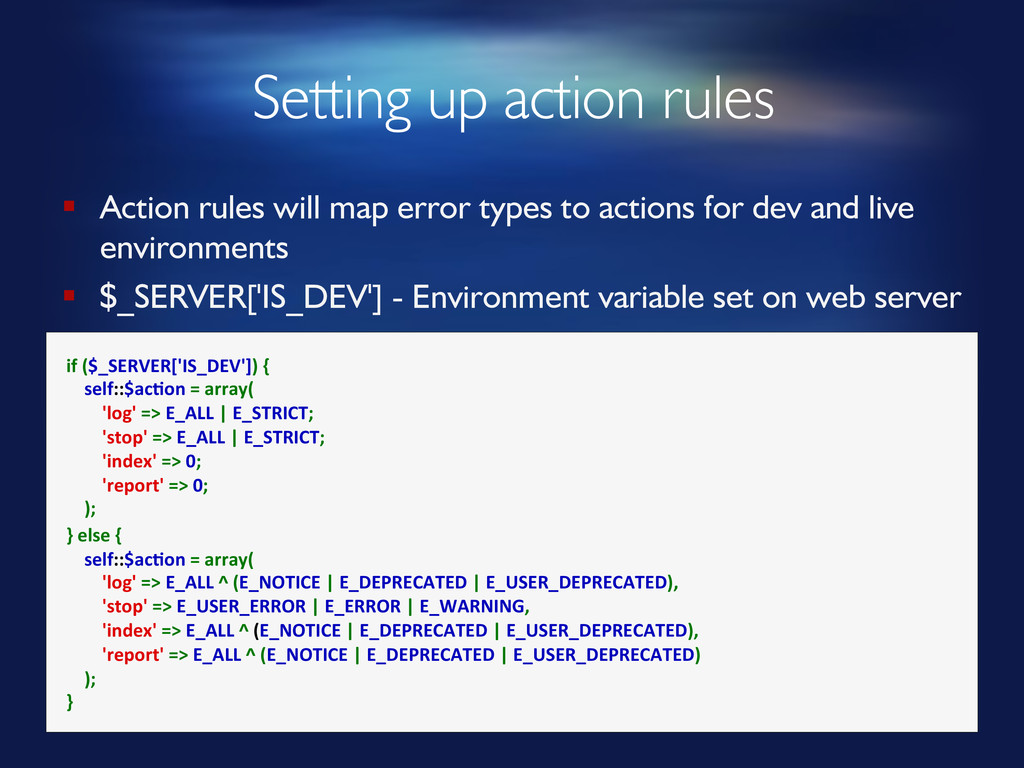
Setting up action rules if ($_SERVER['IS_DEV']) {
self::$ac8on = array( 'log' => E_ALL | E_STRICT; 'stop' => E_ALL | E_STRICT; 'index' => 0; 'report' => 0; ); } else { self::$ac8on = array( 'log' => E_ALL ^ (E_NOTICE | E_DEPRECATED | E_USER_DEPRECATED), 'stop' => E_USER_ERROR | E_ERROR | E_WARNING, 'index' => E_ALL ^ (E_NOTICE | E_DEPRECATED | E_USER_DEPRECATED), 'report' => E_ALL ^ (E_NOTICE | E_DEPRECATED | E_USER_DEPRECATED) ); } § Action rules will map error types to actions for dev and live environments § $_SERVER['IS_DEV'] - Environment variable set on web server -
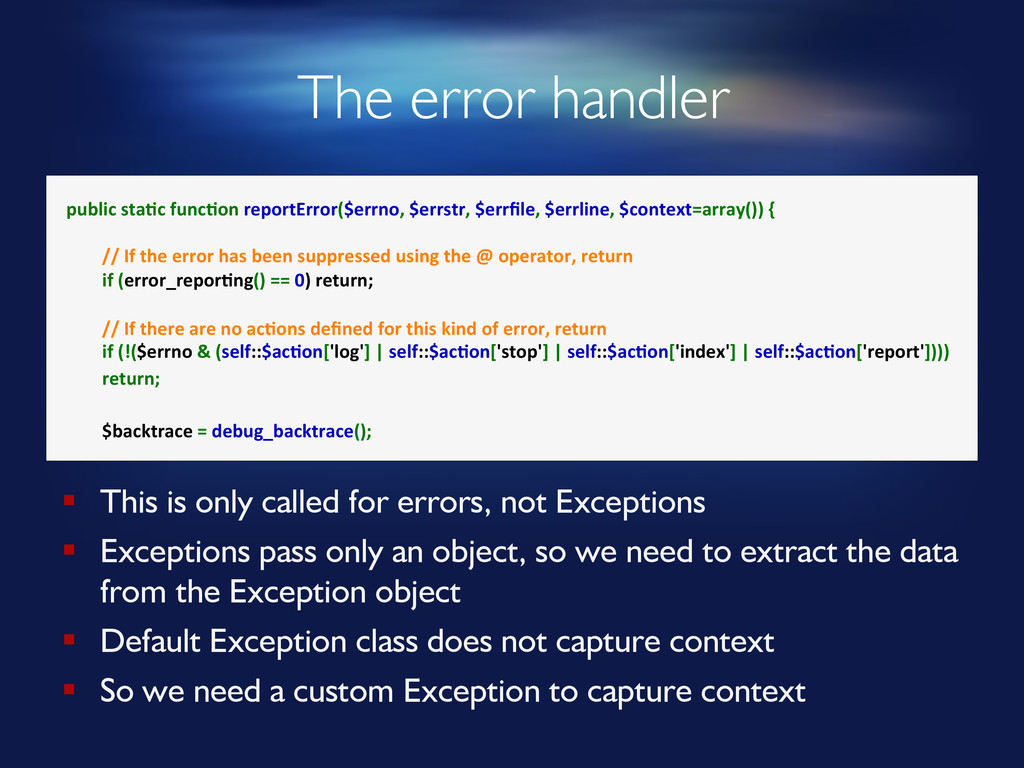
The error handler public sta8c func8on reportError($errno, $errstr, $errfile, $errline,
$context=array()) { // If the error has been suppressed using the @ operator, return if (error_repor8ng() == 0) return; // If there are no ac8ons defined for this kind of error, return if (!($errno & (self::$ac8on['log'] | self::$ac8on['stop'] | self::$ac8on['index'] | self::$ac8on['report']))) return; $backtrace = debug_backtrace(); § This is only called for errors, not Exceptions § Exceptions pass only an object, so we need to extract the data from the Exception object § Default Exception class does not capture context § So we need a custom Exception to capture context -
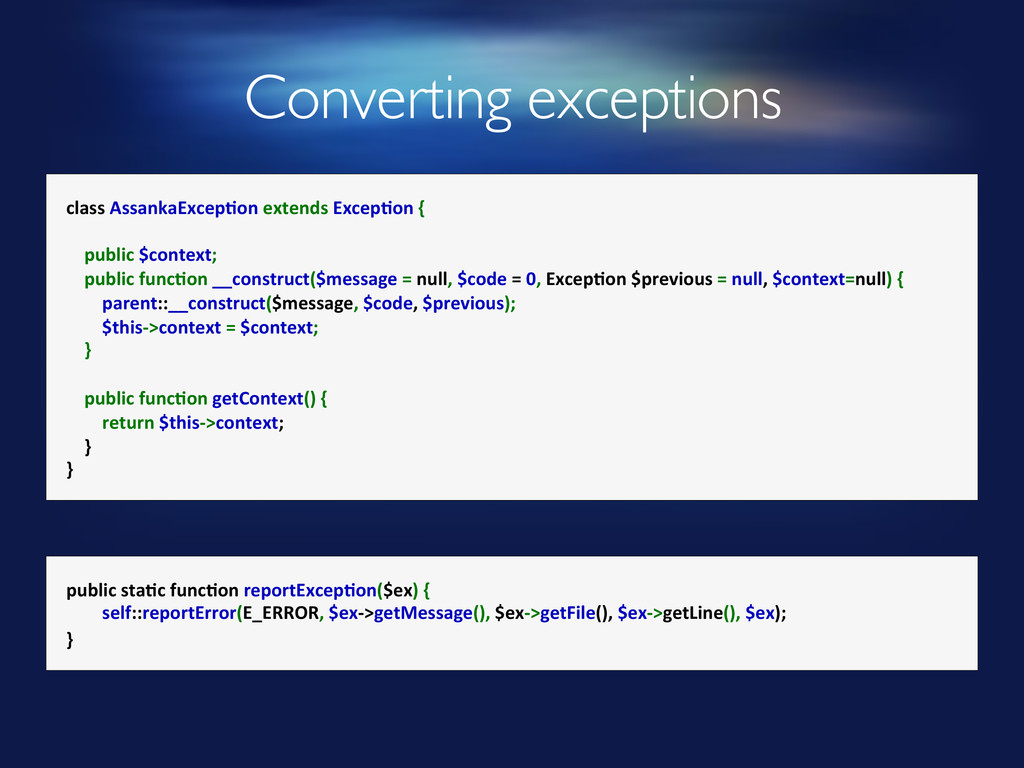
Converting exceptions class AssankaExcep8on extends Excep8on {
public $context; public func8on __construct($message = null, $code = 0, Excep8on $previous = null, $context=null) { parent::__construct($message, $code, $previous); $this-‐>context = $context; } public func8on getContext() { return $this-‐>context; } } public sta8c func8on reportExcep8on($ex) { self::reportError(E_ERROR, $ex-‐>getMessage(), $ex-‐>getFile(), $ex-‐>getLine(), $ex); } -
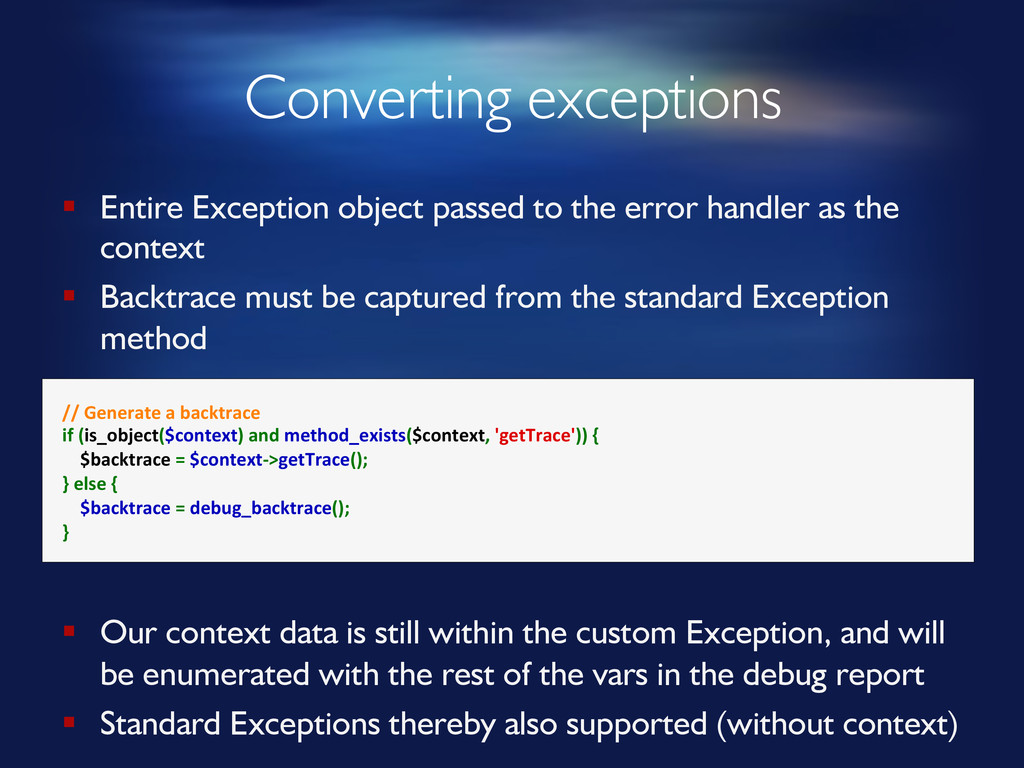
Converting exceptions // Generate a backtrace if (is_object($context) and
method_exists($context, 'getTrace')) { $backtrace = $context-‐>getTrace(); } else { $backtrace = debug_backtrace(); } § Entire Exception object passed to the error handler as the context § Backtrace must be captured from the standard Exception method § Our context data is still within the custom Exception, and will be enumerated with the rest of the vars in the debug report § Standard Exceptions thereby also supported (without context) -
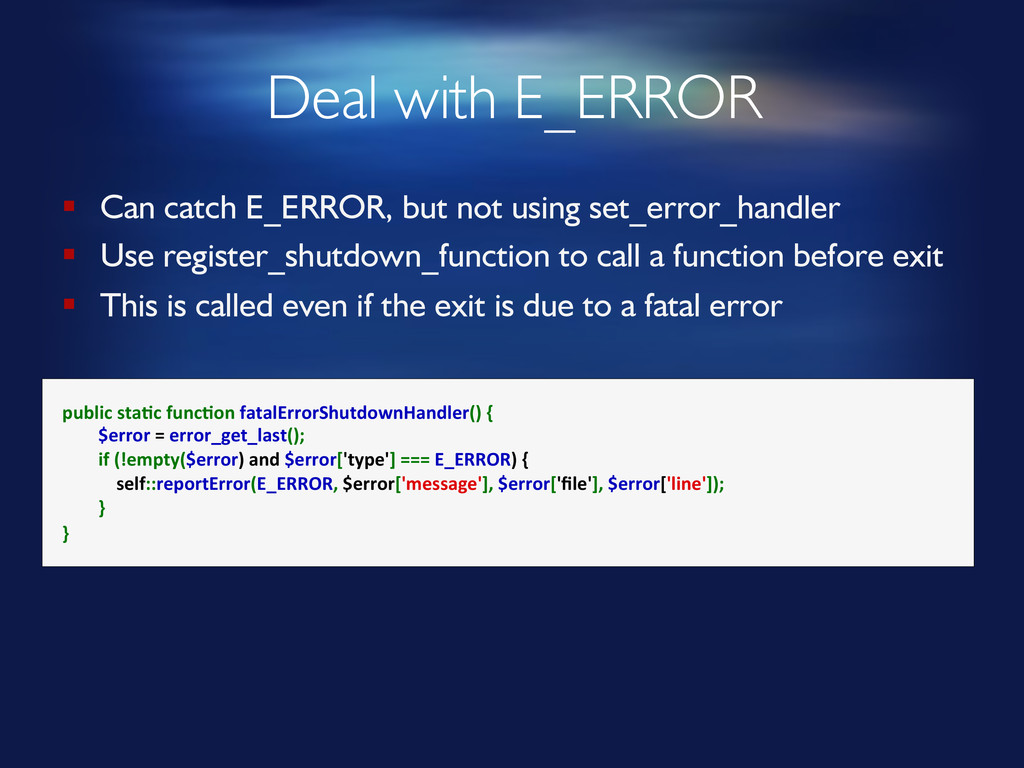
Deal with E_ERROR § Can catch E_ERROR, but not using
set_error_handler § Use register_shutdown_function to call a function before exit § This is called even if the exit is due to a fatal error public sta8c func8on fatalErrorShutdownHandler() { $error = error_get_last(); if (!empty($error) and $error['type'] === E_ERROR) { self::reportError(E_ERROR, $error['message'], $error['file'], $error['line']); } } -
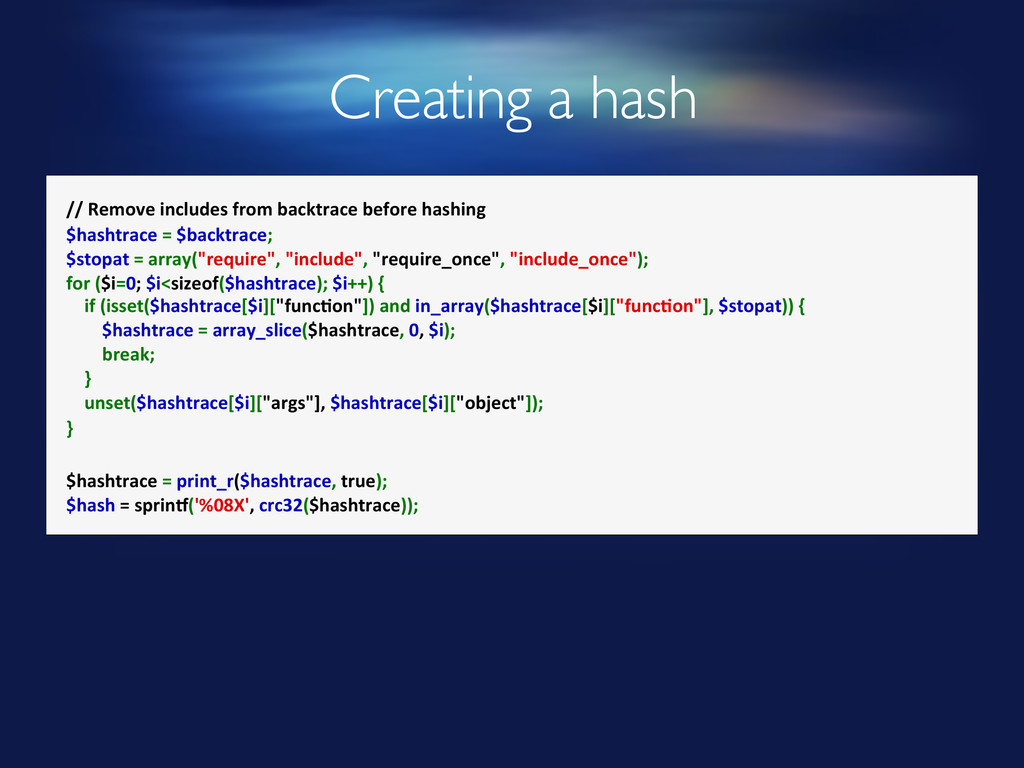
Creating a hash // Remove includes from backtrace before hashing
$hashtrace = $backtrace; $stopat = array("require", "include", "require_once", "include_once"); for ($i=0; $i<sizeof($hashtrace); $i++) { if (isset($hashtrace[$i]["func8on"]) and in_array($hashtrace[$i]["func8on"], $stopat)) { $hashtrace = array_slice($hashtrace, 0, $i); break; } unset($hashtrace[$i]["args"], $hashtrace[$i]["object"]); } $hashtrace = print_r($hashtrace, true); $hash = sprink('%08X', crc32($hashtrace)); -
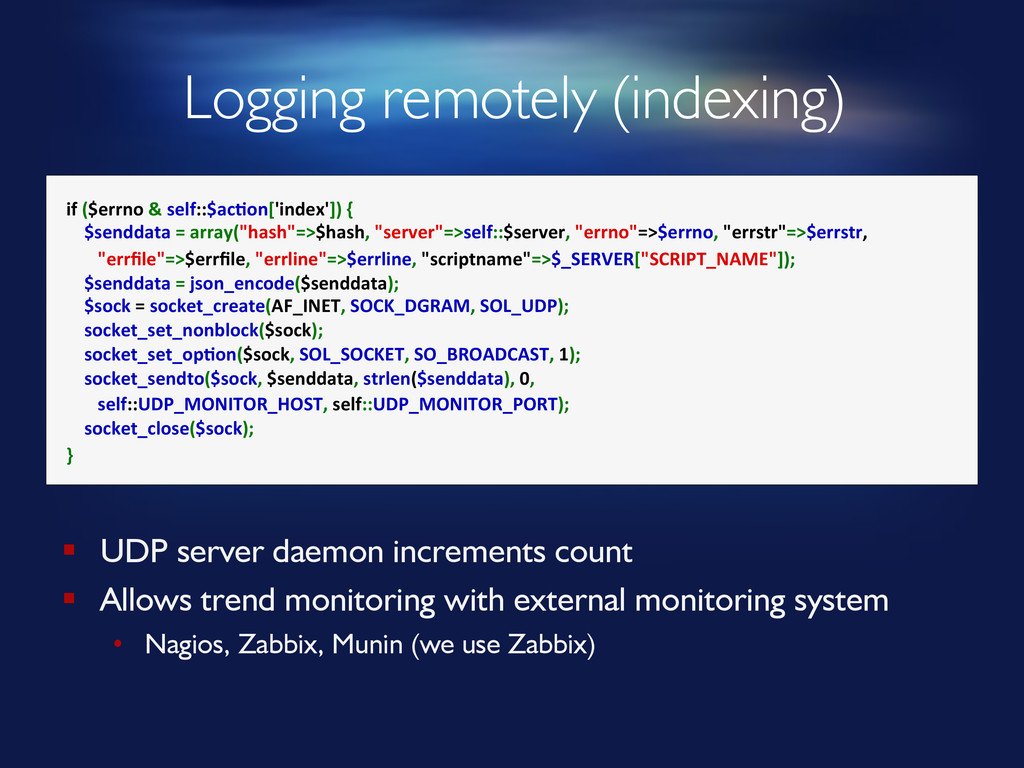
Logging remotely (indexing) if ($errno & self::$ac8on['index']) {
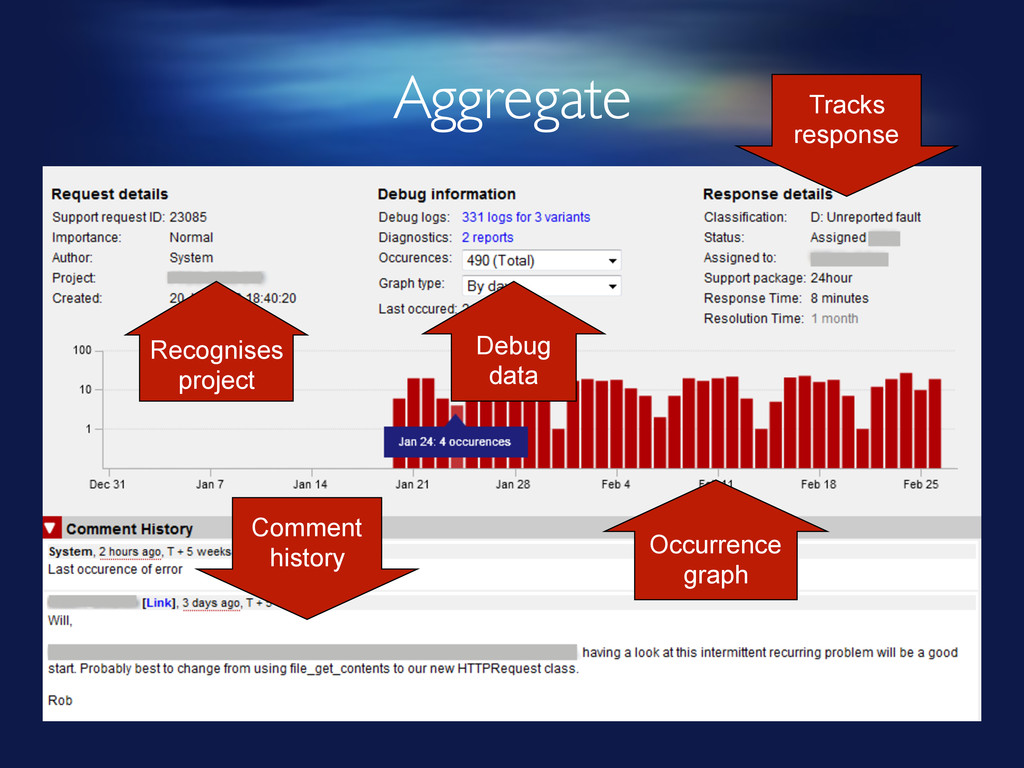
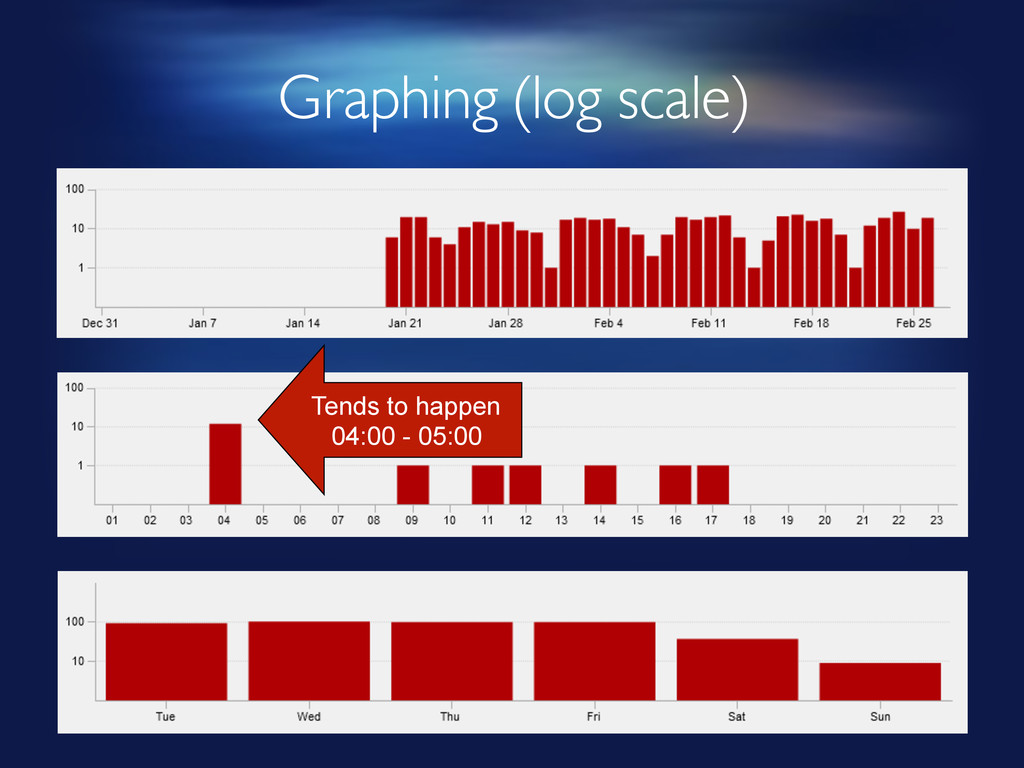
$senddata = array("hash"=>$hash, "server"=>self::$server, "errno"=>$errno, "errstr"=>$errstr, "errfile"=>$errfile, "errline"=>$errline, "scriptname"=>$_SERVER["SCRIPT_NAME"]); $senddata = json_encode($senddata); $sock = socket_create(AF_INET, SOCK_DGRAM, SOL_UDP); socket_set_nonblock($sock); socket_set_op8on($sock, SOL_SOCKET, SO_BROADCAST, 1); socket_sendto($sock, $senddata, strlen($senddata), 0, self::UDP_MONITOR_HOST, self::UDP_MONITOR_PORT); socket_close($sock); } § UDP server daemon increments count § Allows trend monitoring with external monitoring system • Nagios, Zabbix, Munin (we use Zabbix) -
Creating debug data § Create debug data tree • $_SERVER,
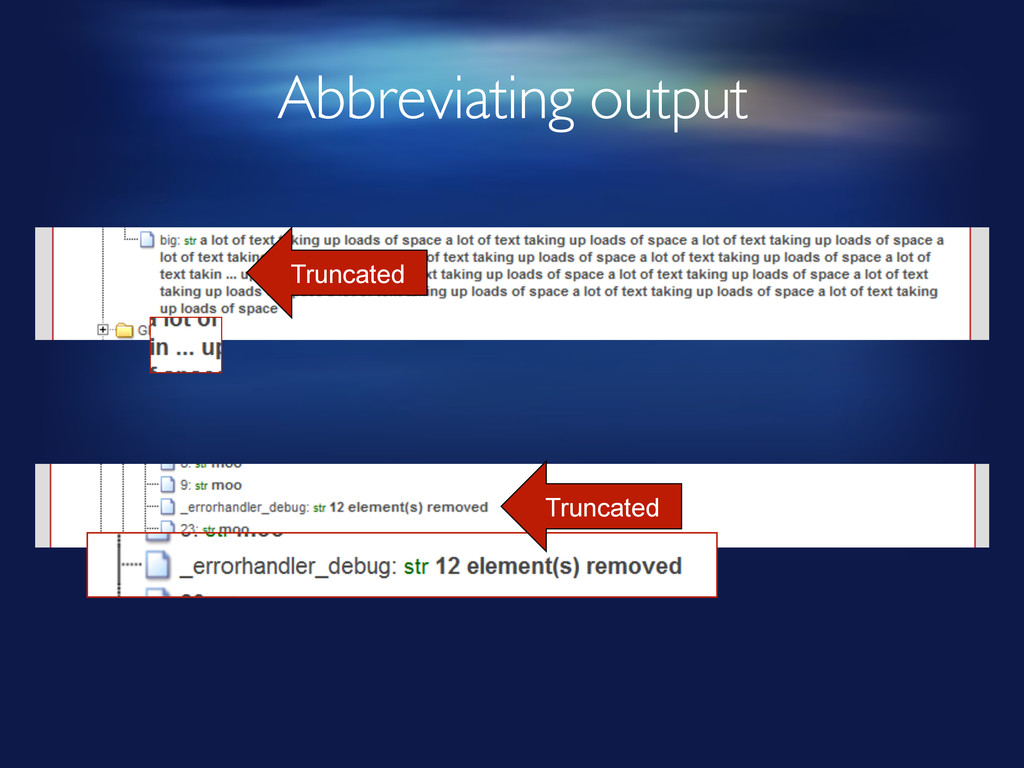
$_GET, $_SESSION, backtrace, context, globals etc § Iterate over it recursively § Abbreviate and simplify • Objects become arrays • Shorten long values (and large arrays) § Identify references • Set _errorhandler_objid property of all arrays and objects as they are processed • If it’s already set, this is a reference to a value we’ve already indexed. -
Sending report to bug tracker § Serialise abbreviated data as
JSON § Save to a file § Fork a process (popen) to upload it to the bug tracker • Ours sleeps if one is already running, waits for a gap § Upload using HTTP POST (cURL) -
Bug tracker receiving the report § DON’T use the same
error handler to handle errors from the bug tracker itself § Respond quickly to the reporting server – cut them off with: -
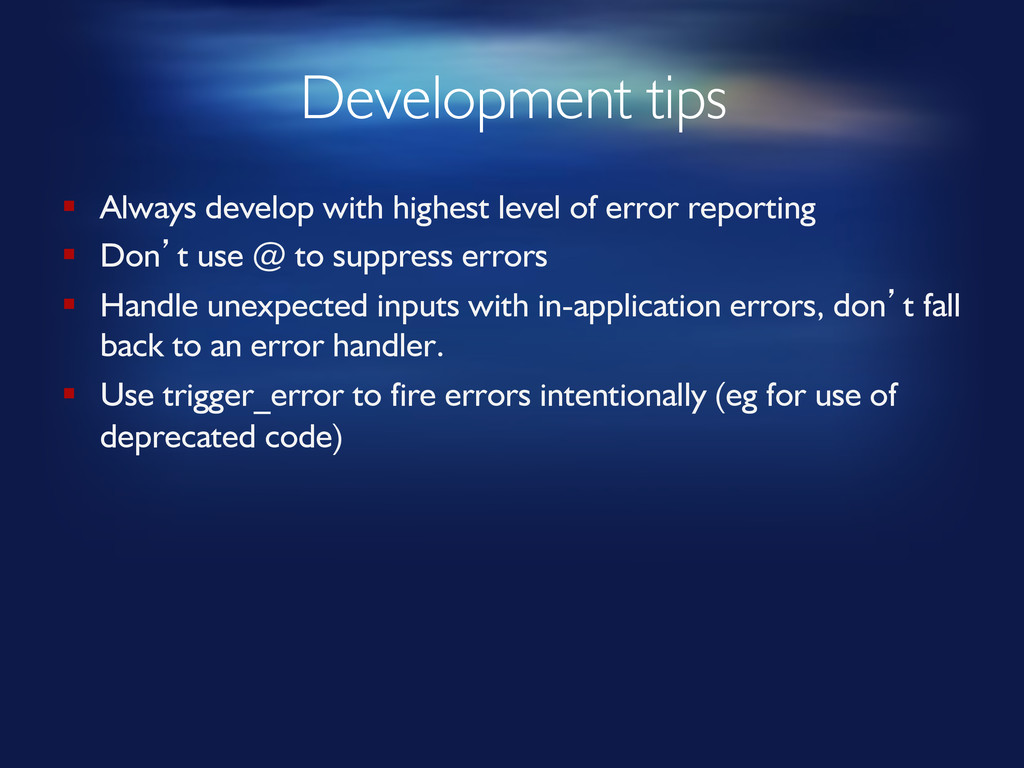
Development tips § Always develop with highest level of error
reporting § Don’t use @ to suppress errors § Handle unexpected inputs with in-application errors, don’t fall back to an error handler. § Use trigger_error to fire errors intentionally (eg for use of deprecated code) -
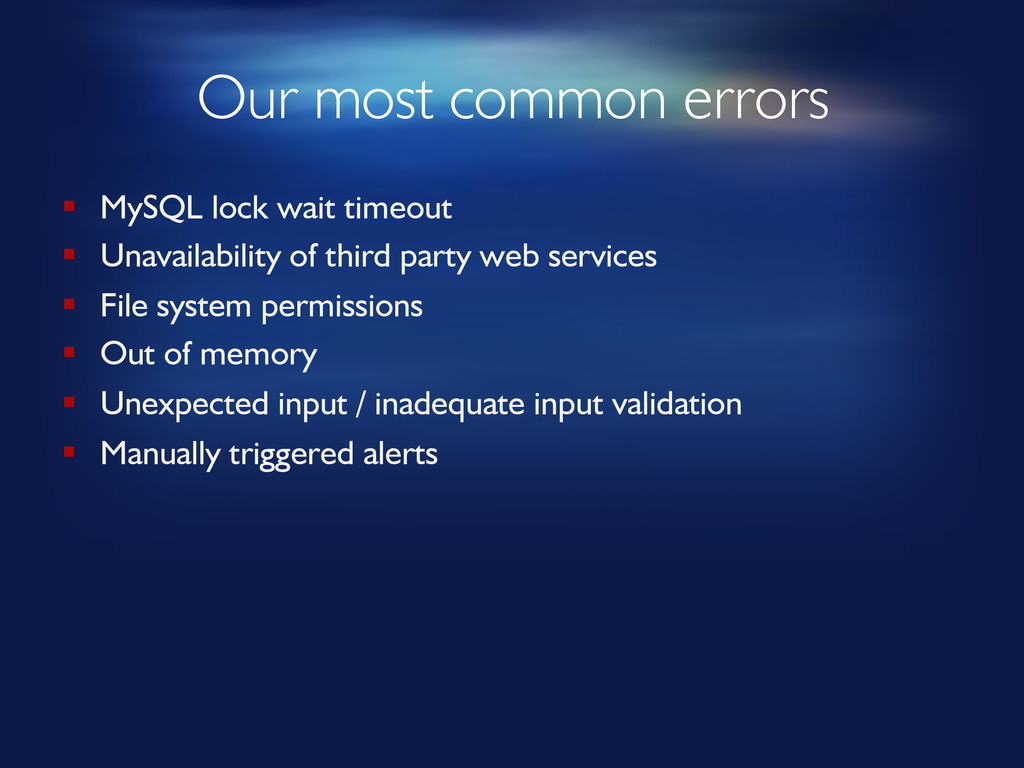
Our most common errors § MySQL lock wait timeout §
Unavailability of third party web services § File system permissions § Out of memory § Unexpected input / inadequate input validation § Manually triggered alerts