Upgrade to Pro
— share decks privately, control downloads, hide ads and more …
Speaker Deck
Features
Speaker Deck
PRO
Sign in
Sign up for free
Search
Search
Cmus
Search
Sponsored
·
Ship Features Fearlessly
Turn features on and off without deploys. Used by thousands of Ruby developers.
→
Matthias Günther
March 30, 2017
Technology
0
82
Cmus
Gave this talk at the 3 birthday of Emacs Berlin
Matthias Günther
March 30, 2017
Tweet
Share
More Decks by Matthias Günther
See All by Matthias Günther
copymatch_and_dadbod.pdf
wikimatze
0
660
devdocs - offline language programming support
wikimatze
0
430
Flog, a New Git Branch extension
wikimatze
0
670
cmus and vim
wikimatze
0
920
vimfest-2016-opening-keynote
wikimatze
0
73
Get productive with vimtex for LaTeX
wikimatze
0
700
Weechat - another IRC client
wikimatze
0
1.1k
Synchronize gitter and IRC
wikimatze
0
180
Vimfest
wikimatze
0
290
Other Decks in Technology
See All in Technology
AIと新時代を切り拓く。これからのSREとメルカリIBISの挑戦
0gm
2
3.1k
22nd ACRi Webinar - NTT Kawahara-san's slide
nao_sumikawa
0
100
ファインディの横断SREがTakumi byGMOと取り組む、セキュリティと開発スピードの両立
rvirus0817
1
1.6k
AIエージェントに必要なのはデータではなく文脈だった/ai-agent-context-graph-mybest
jonnojun
1
240
マネージャー視点で考えるプロダクトエンジニアの評価 / Evaluating Product Engineers from a Manager's Perspective
hiro_torii
0
180
Cloud Runでコロプラが挑む 生成AI×ゲーム『神魔狩りのツクヨミ』の裏側
colopl
0
140
OCI Database Management サービス詳細
oracle4engineer
PRO
1
7.4k
(技術的には)社内システムもOKなブラウザエージェントを作ってみた!
har1101
0
150
SREじゃなかった僕らがenablingを通じて「SRE実践者」になるまでのリアル / SRE Kaigi 2026
aeonpeople
6
2.5k
Why Organizations Fail: ノーベル経済学賞「国家はなぜ衰退するのか」から考えるアジャイル組織論
kawaguti
PRO
1
180
20260208_第66回 コンピュータビジョン勉強会
keiichiito1978
0
190
小さく始めるBCP ― 多プロダクト環境で始める最初の一歩
kekke_n
1
570
Featured
See All Featured
Everyday Curiosity
cassininazir
0
130
Jamie Indigo - Trashchat’s Guide to Black Boxes: Technical SEO Tactics for LLMs
techseoconnect
PRO
0
65
Leo the Paperboy
mayatellez
4
1.4k
Templates, Plugins, & Blocks: Oh My! Creating the theme that thinks of everything
marktimemedia
31
2.7k
SERP Conf. Vienna - Web Accessibility: Optimizing for Inclusivity and SEO
sarafernandez
1
1.3k
Visual Storytelling: How to be a Superhuman Communicator
reverentgeek
2
430
AI Search: Where Are We & What Can We Do About It?
aleyda
0
7k
Impact Scores and Hybrid Strategies: The future of link building
tamaranovitovic
0
200
SEO for Brand Visibility & Recognition
aleyda
0
4.2k
Highjacked: Video Game Concept Design
rkendrick25
PRO
1
290
How Fast Is Fast Enough? [PerfNow 2025]
tammyeverts
3
460
We Are The Robots
honzajavorek
0
170
Transcript
cmus Matthias Günther
cmus (1)
Benefits customizable instant startup, even with thousands of tracks easy
to use directory browser
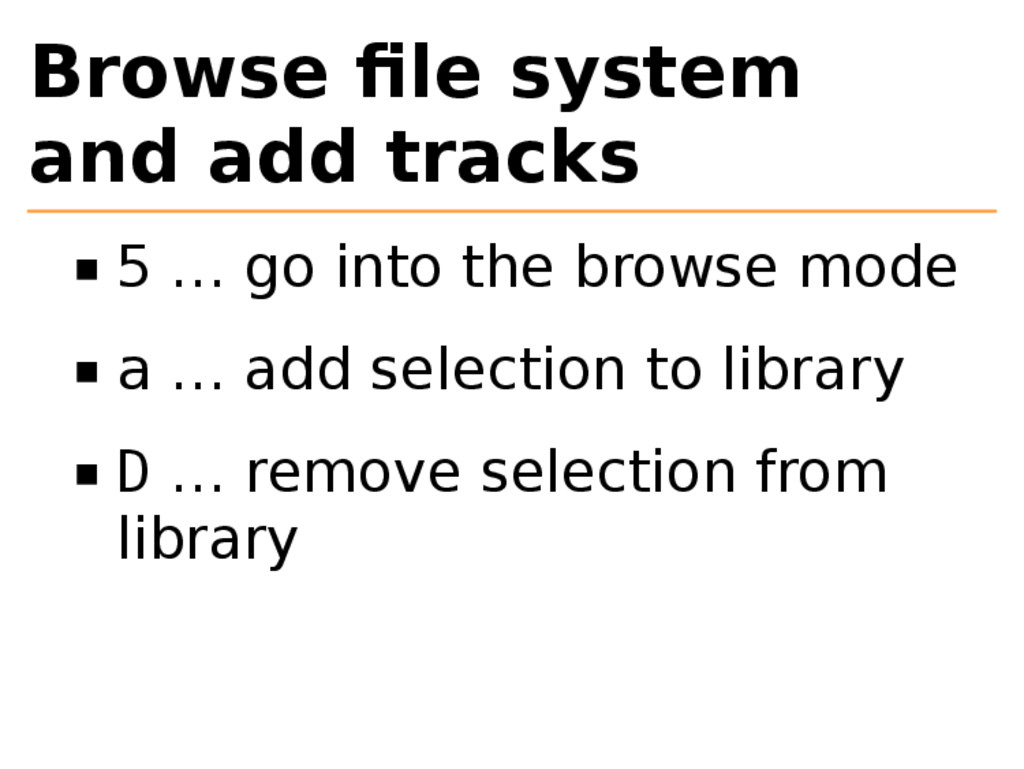
Browse file system and add tracks 5 … go into
the browse mode a … add selection to library D … remove selection from library
Artist view 1 … go into the mode <space> …
to see albums
Library view 2 … library view (sorted)
Play commands (2)
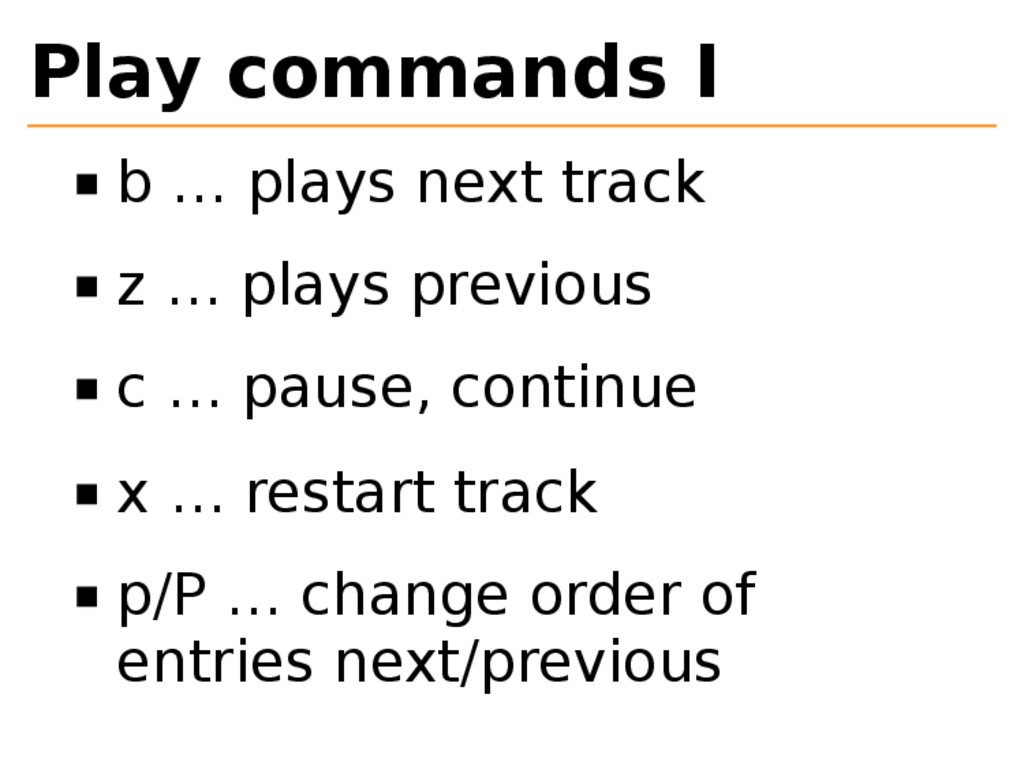
Play commands I b … plays next track z …
plays previous c … pause, continue x … restart track p/P … change order of entries next/previous
Play commands II +|- … increase, decrease sound C-f|C-b …
page-down,page- up C-r … repeat current track
Play commands statuschanges I m … cycle through play modus
(all, album artist) M … switch modes without interrupting the currently- playing song r … repeat the playlist when ended (R in statusline)
Play commands statuschanges II s … shuffle (S in statusline)
C … toggle continue playing the next song (C in statusline)
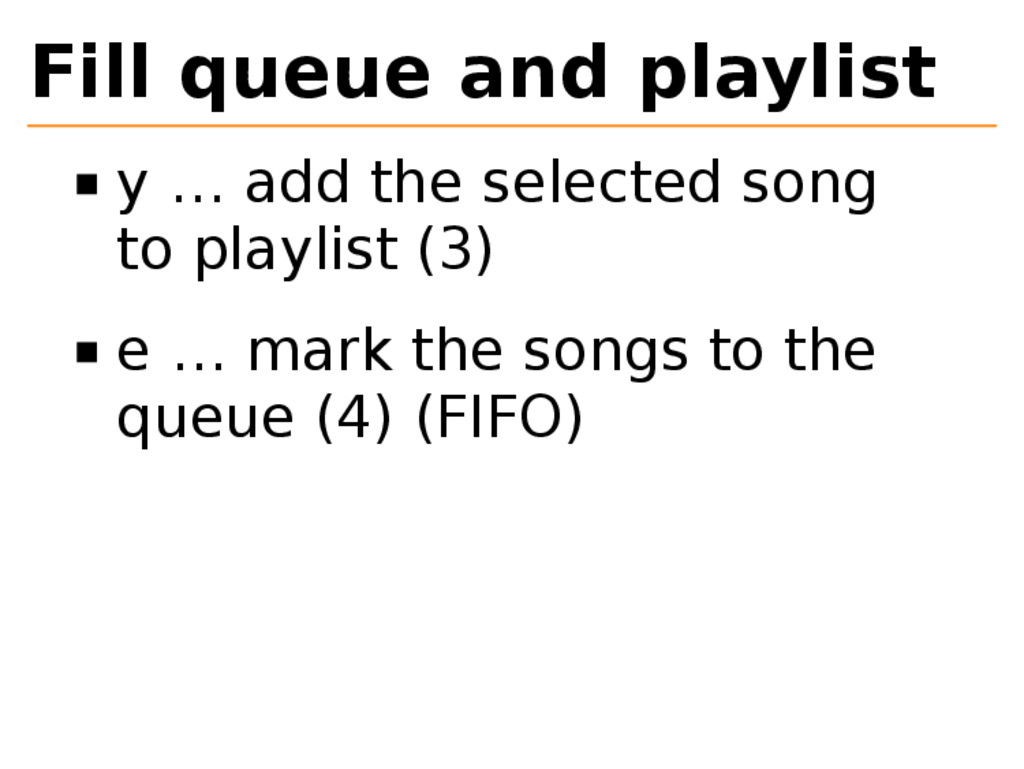
Fill queue and playlist y … add the selected song
to playlist (3) e … mark the songs to the queue (4) (FIFO)
Useful commands (3)
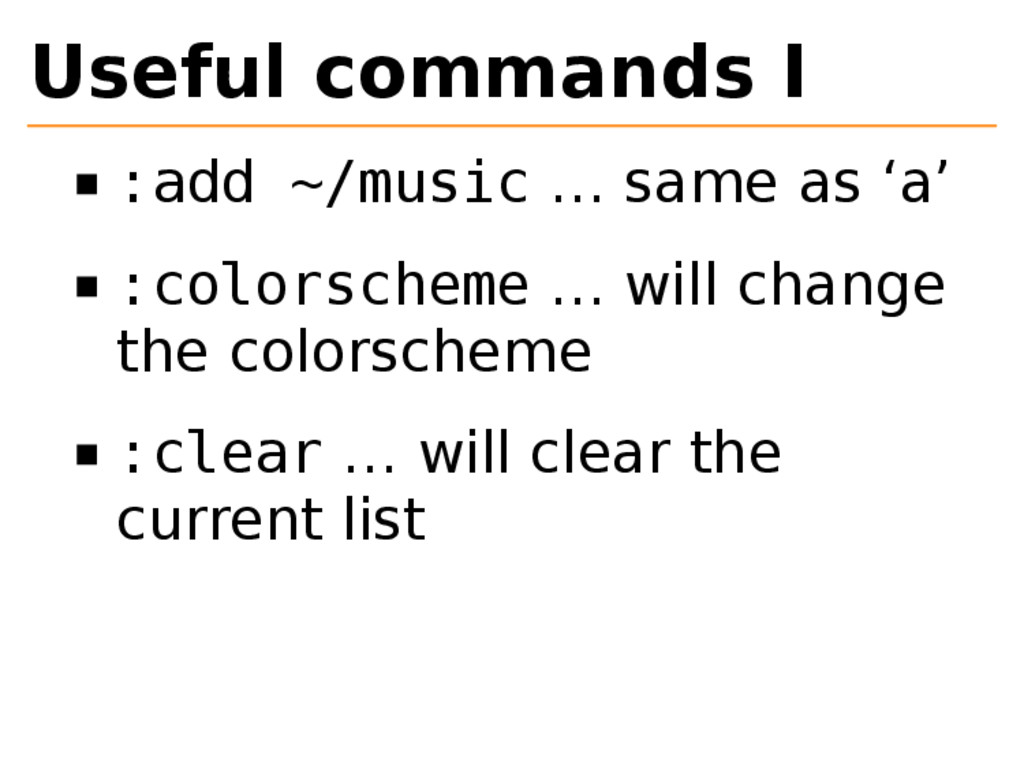
Useful commands I :add ~/music … same as ‘a’ :colorscheme
… will change the colorscheme :clear … will clear the current list
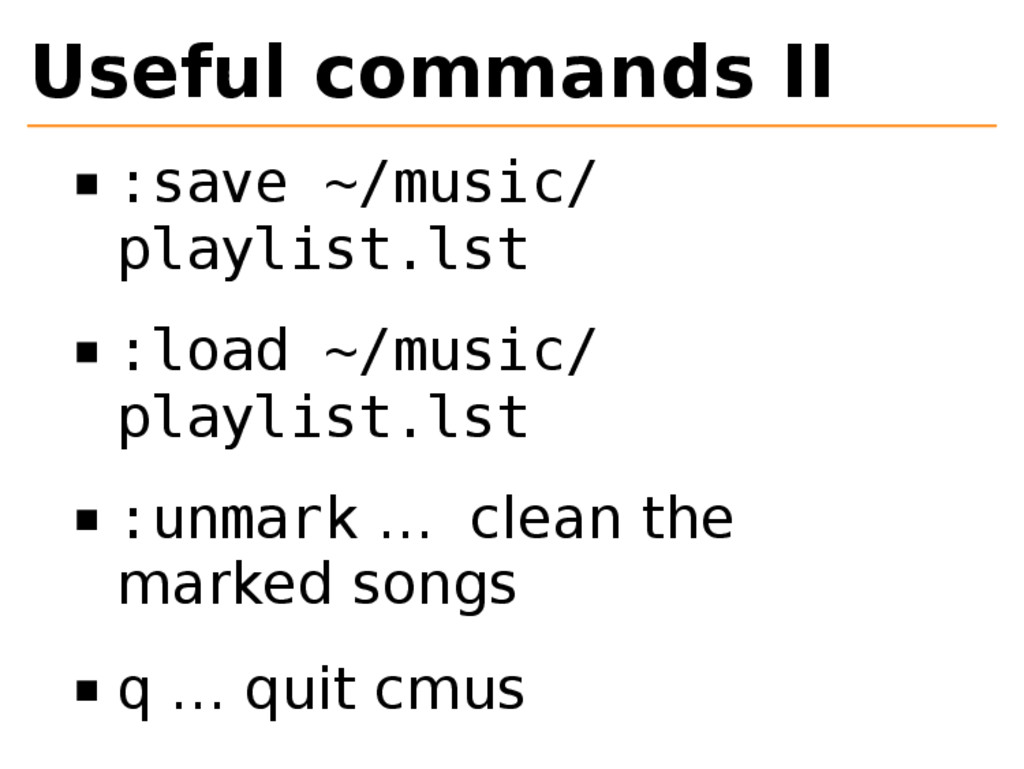
Useful commands II :save ~/music/ playlist.lst :load ~/music/ playlist.lst :unmark
… clean the marked songs q … quit cmus
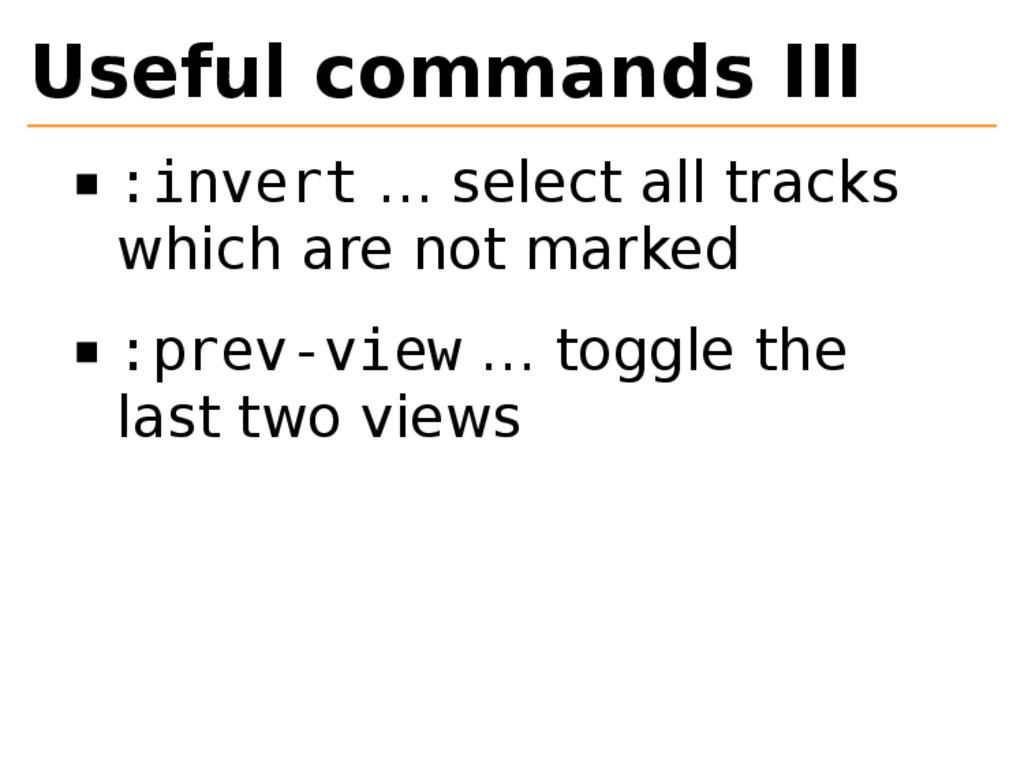
Useful commands III :invert … select all tracks which are
not marked :prev-view … toggle the last two views
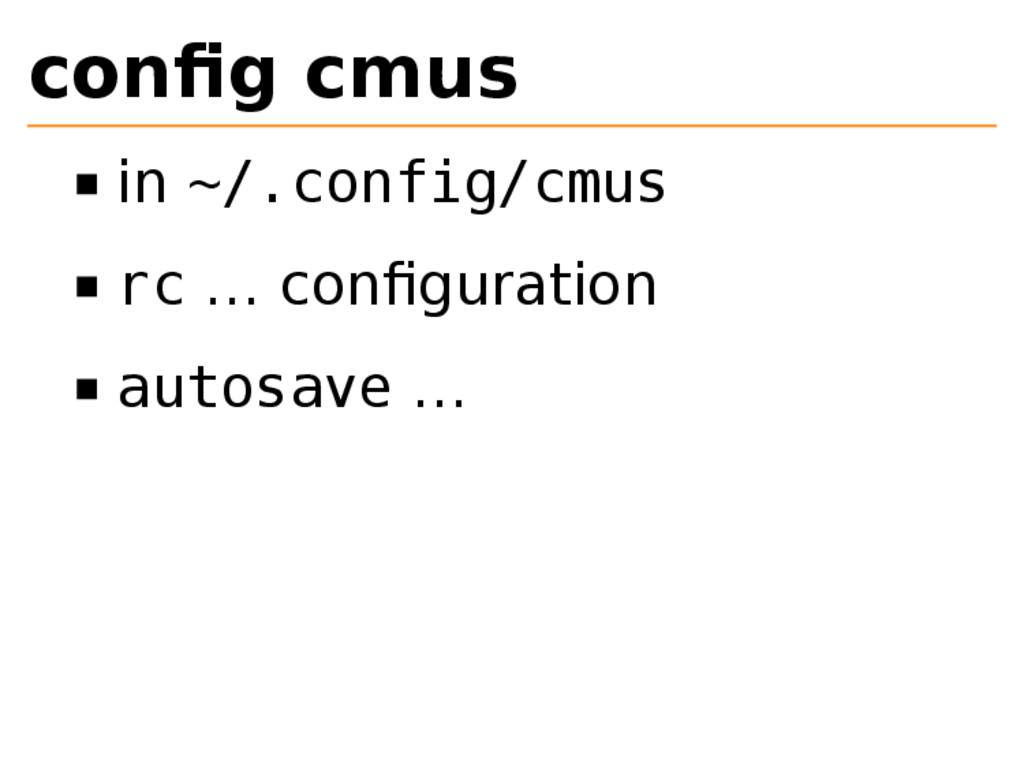
config cmus in ~/.config/cmus rc … configuration autosave …
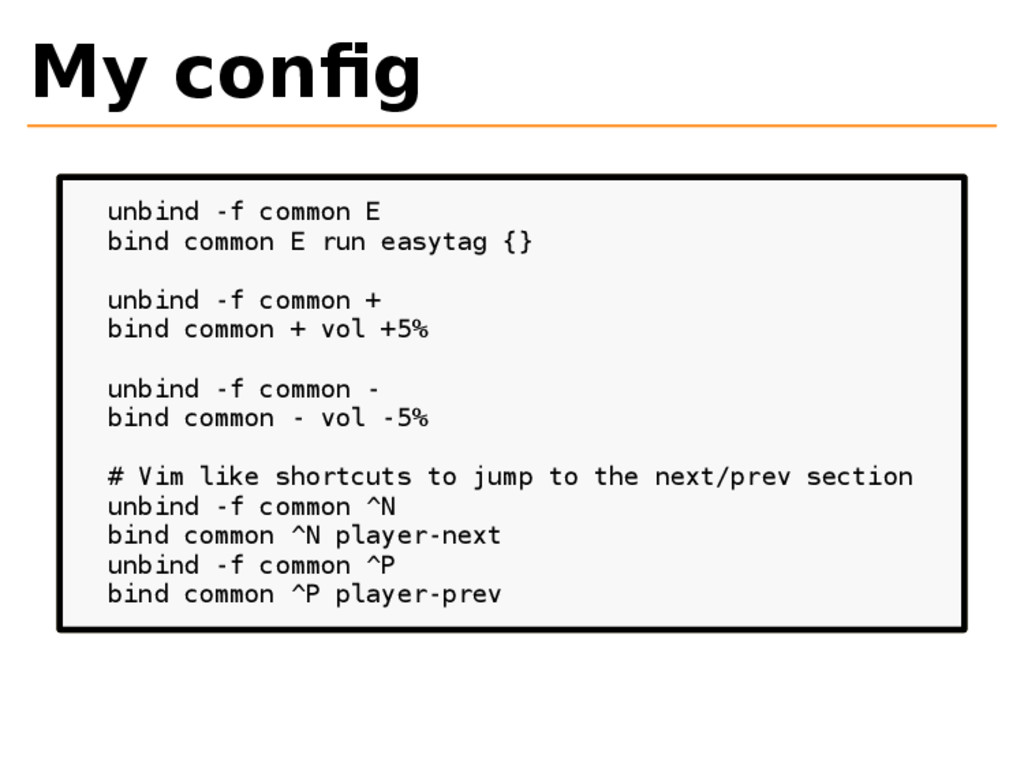
My config unbind -f common E bind common E run
easytag {} unbind -f common + bind common + vol +5% unbind -f common - bind common - vol -5% # Vim like shortcuts to jump to the next/prev section unbind -f common ^N bind common ^N player-next unbind -f common ^P bind common ^P player-prev
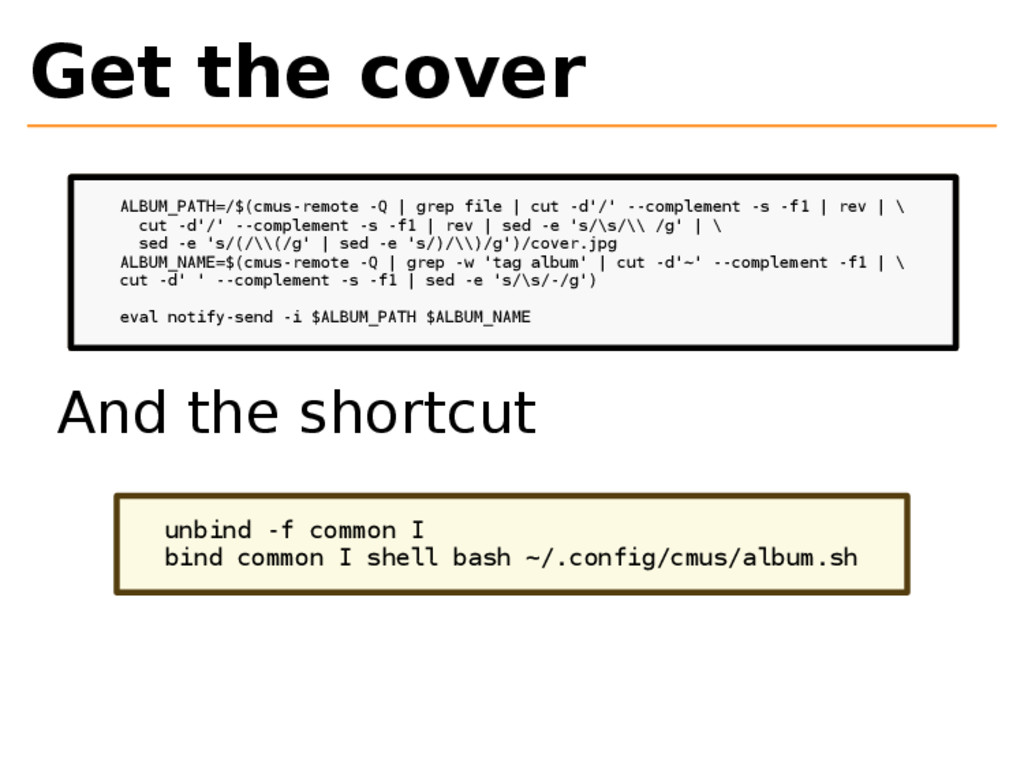
Get the cover ALBUM_PATH=/$(cmus-remote -Q | grep file | cut
-d'/' --complement -s -f1 | rev | \ cut -d'/' --complement -s -f1 | rev | sed -e 's/\s/\\ /g' | \ sed -e 's/(/\\(/g' | sed -e 's/)/\\)/g')/cover.jpg ALBUM_NAME=$(cmus-remote -Q | grep -w 'tag album' | cut -d'~' --complement -f1 | \ cut -d' ' --complement -s -f1 | sed -e 's/\s/-/g') eval notify-send -i $ALBUM_PATH $ALBUM_NAME And the shortcut unbind -f common I bind common I shell bash ~/.config/cmus/album.sh
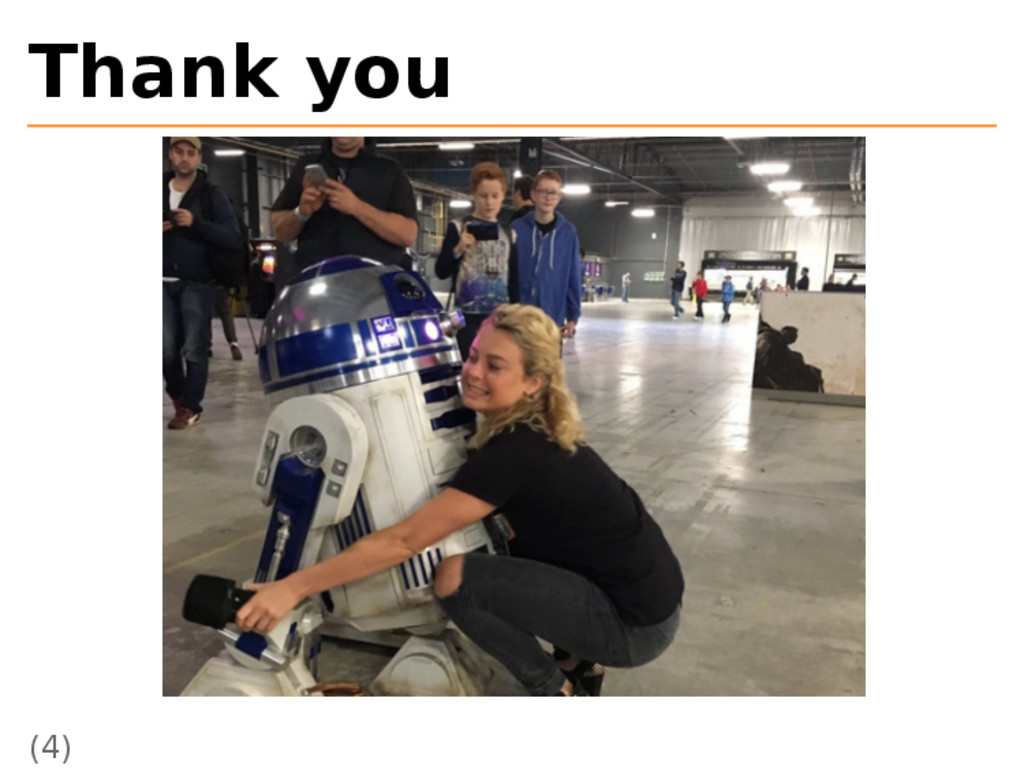
Thank you (4)
Images I (1): https://twitter.com/ gamesyouloved/ status/81790750591755468 8 (2): https://twitter.com/ realretroism/
status/81755907377634508 8
Images II (3): https://twitter.com/ gamesyouloved/ status/81679936420721869 4 (4): https://twitter.com/ gamesyouloved/
status/81622573839122022 4


 wikimatze
 0gm
0gm
 nao_sumikawa
 rvirus0817
 jonnojun
.jpg) hiro_torii
hiro_torii
 colopl
 oracle4engineer
 har1101
 aeonpeople
 kawaguti
 keiichiito1978
 kekke_n
 cassininazir
 techseoconnect
 mayatellez
 marktimemedia
 sarafernandez
 reverentgeek
 aleyda
 tamaranovitovic
 rkendrick25
 tammyeverts
 honzajavorek