Upgrade to Pro — share decks privately, control downloads, hide ads and more …

git

Sponsored · Your Podcast. Everywhere. Effortlessly. Share. Educate. Inspire. Entertain. You do you. We'll handle the rest.
Avatar for ynonperek ynonperek
March 06, 2012
830

 git

Avatar for ynonperek

ynonperek

March 06, 2012
Tweet

Transcript

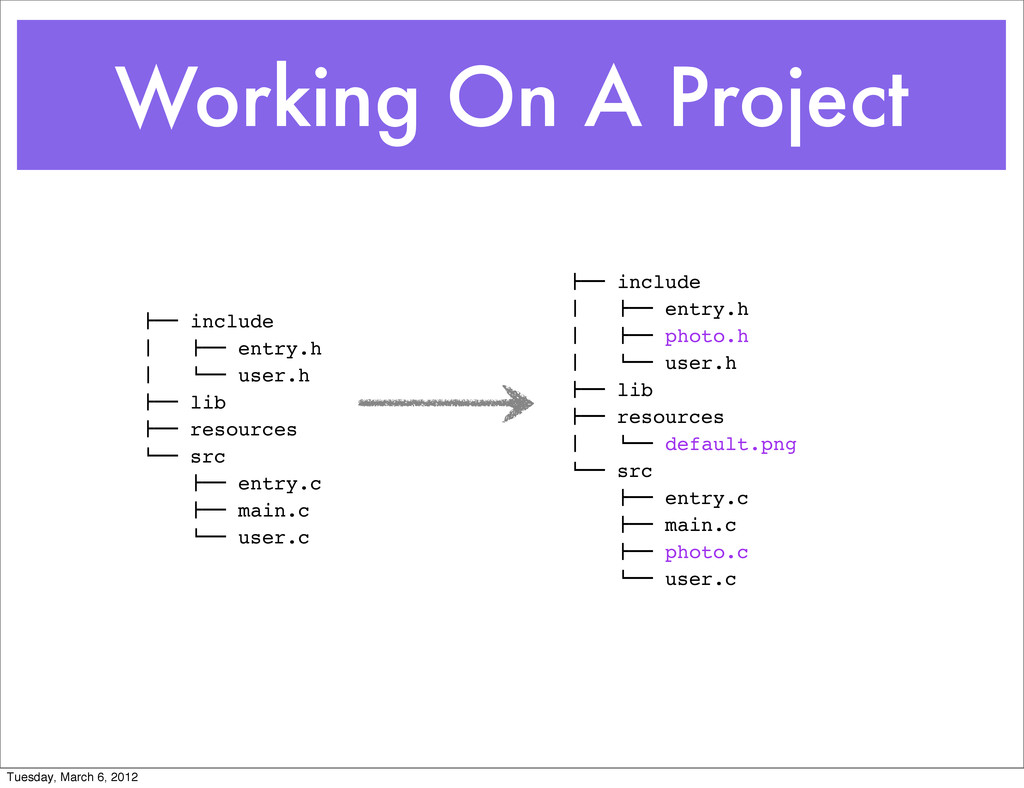
  1. Working On A Project !"" include # !"" entry.h #

    $"" user.h !"" lib !"" resources $"" src !"" entry.c !"" main.c $"" user.c !"" include # !"" entry.h # !"" photo.h # $"" user.h !"" lib !"" resources # $"" default.png $"" src !"" entry.c !"" main.c !"" photo.c $"" user.c Tuesday, March 6, 2012
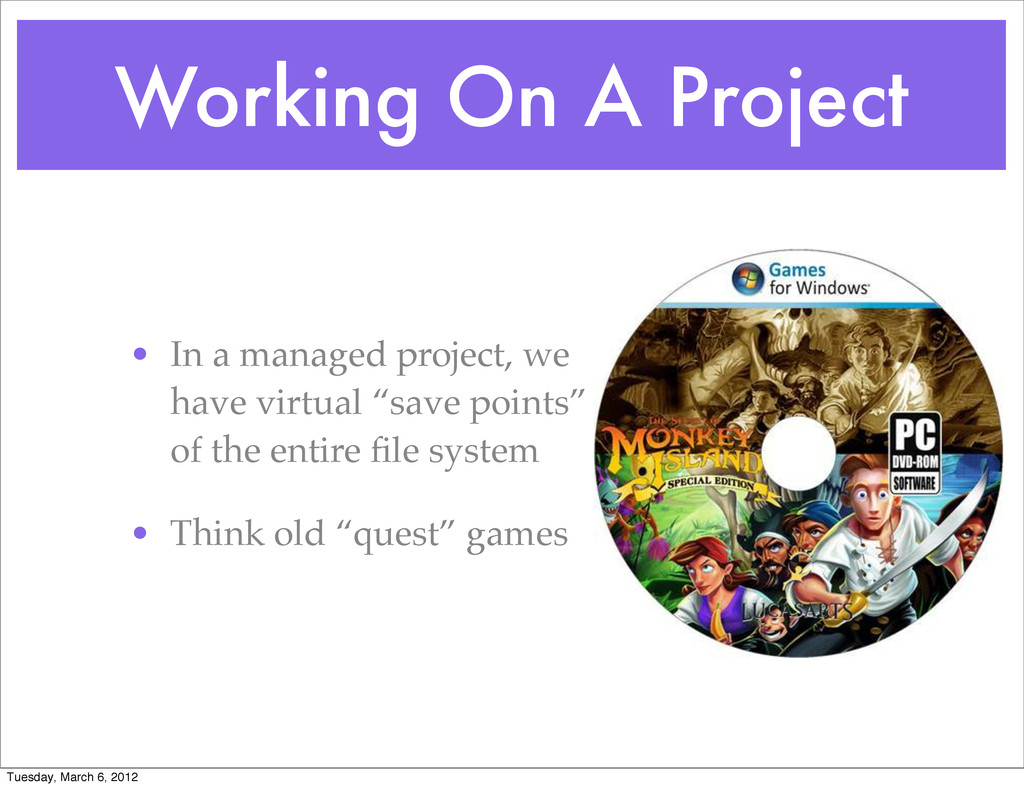
  2. Working On A Project • In a managed project, we

    have virtual “save points” of the entire file system • Think old “quest” games Tuesday, March 6, 2012
  3. Reasons For VCS • Go back to a better previous

    state • Backup everything • Change is your friend • Collaboration Tuesday, March 6, 2012
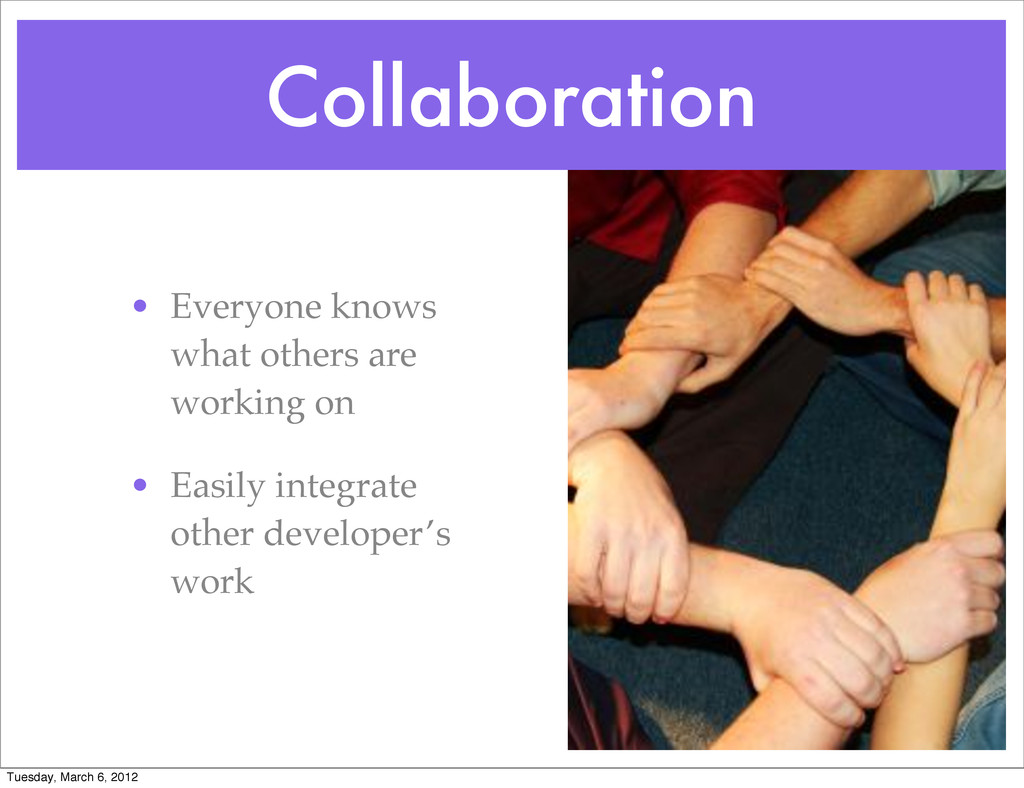
  4. Collaboration • Everyone knows what others are working on •

    Easily integrate other developer’s work Tuesday, March 6, 2012
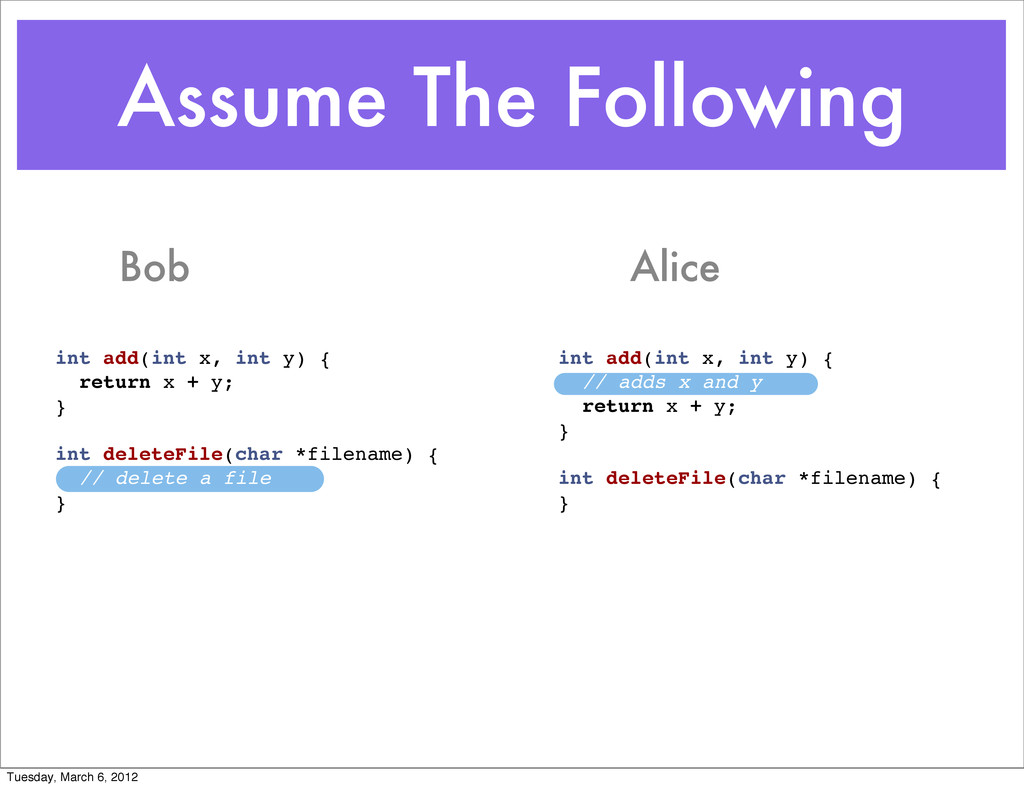
  5. Assume The Following int add(int x, int y) { return

    x + y; } int deleteFile(char *filename) { // delete a file } int add(int x, int y) { // adds x and y return x + y; } int deleteFile(char *filename) { } Bob Alice Tuesday, March 6, 2012
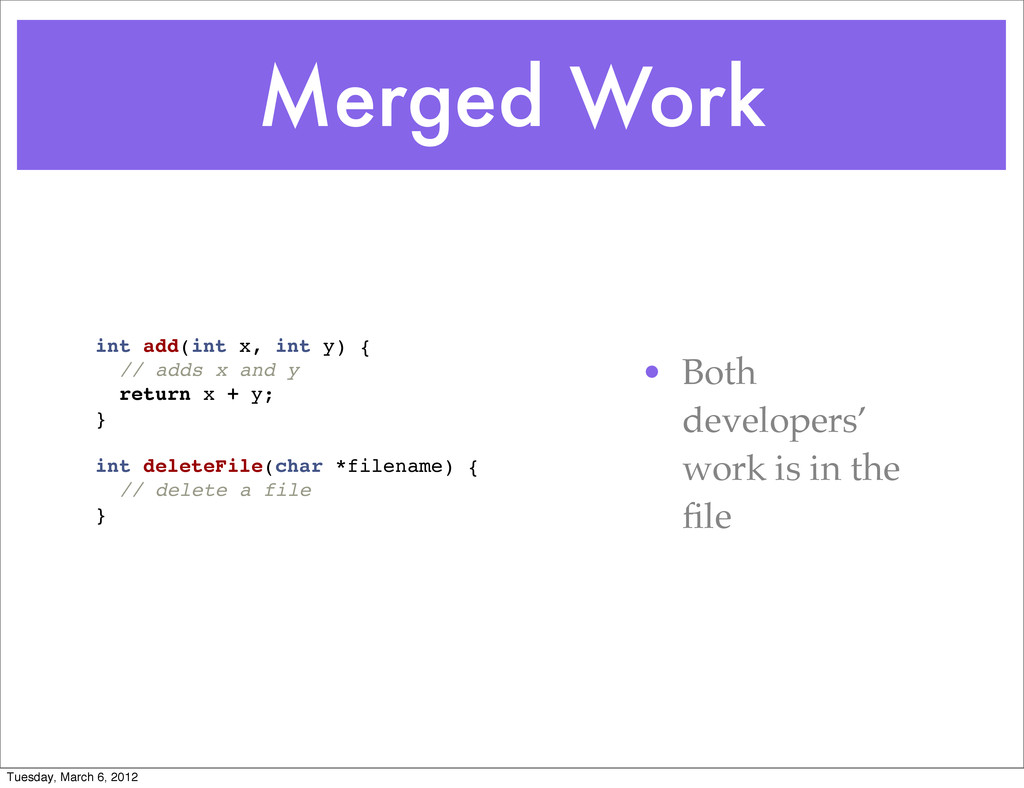
  6. Merged Work int add(int x, int y) { // adds

    x and y return x + y; } int deleteFile(char *filename) { // delete a file } • Both developers’ work is in the file Tuesday, March 6, 2012
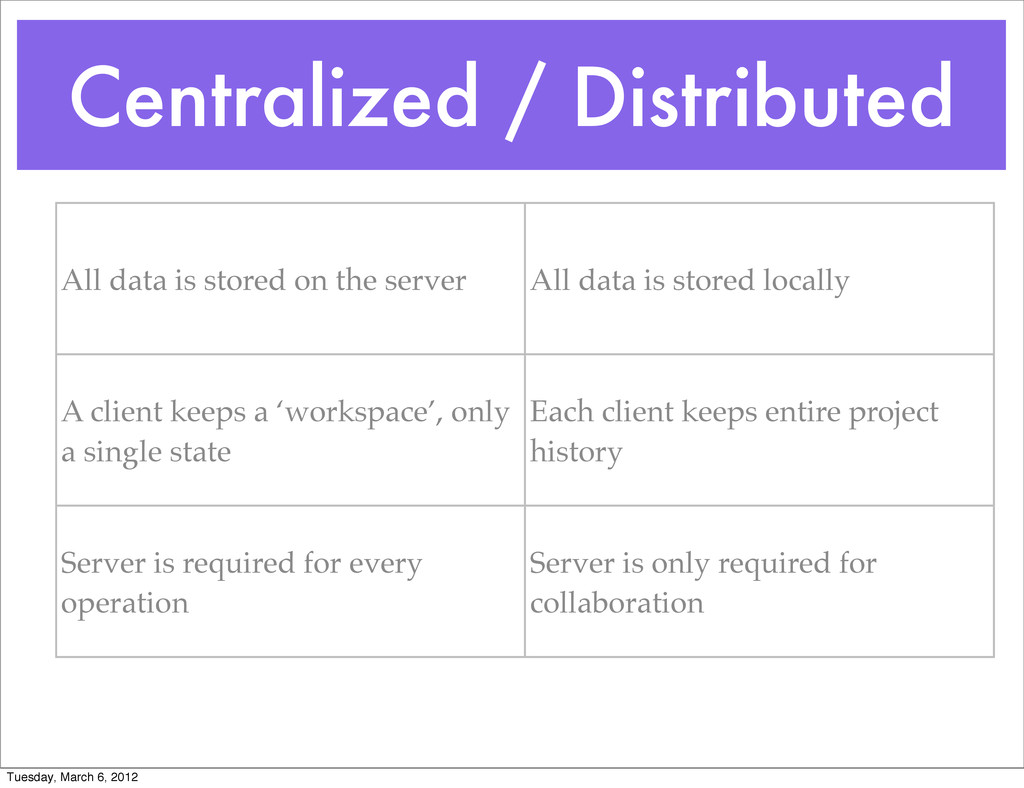
  7. Centralized / Distributed All data is stored on the server

    All data is stored locally A client keeps a ‘workspace’, only a single state Each client keeps entire project history Server is required for every operation Server is only required for collaboration Tuesday, March 6, 2012
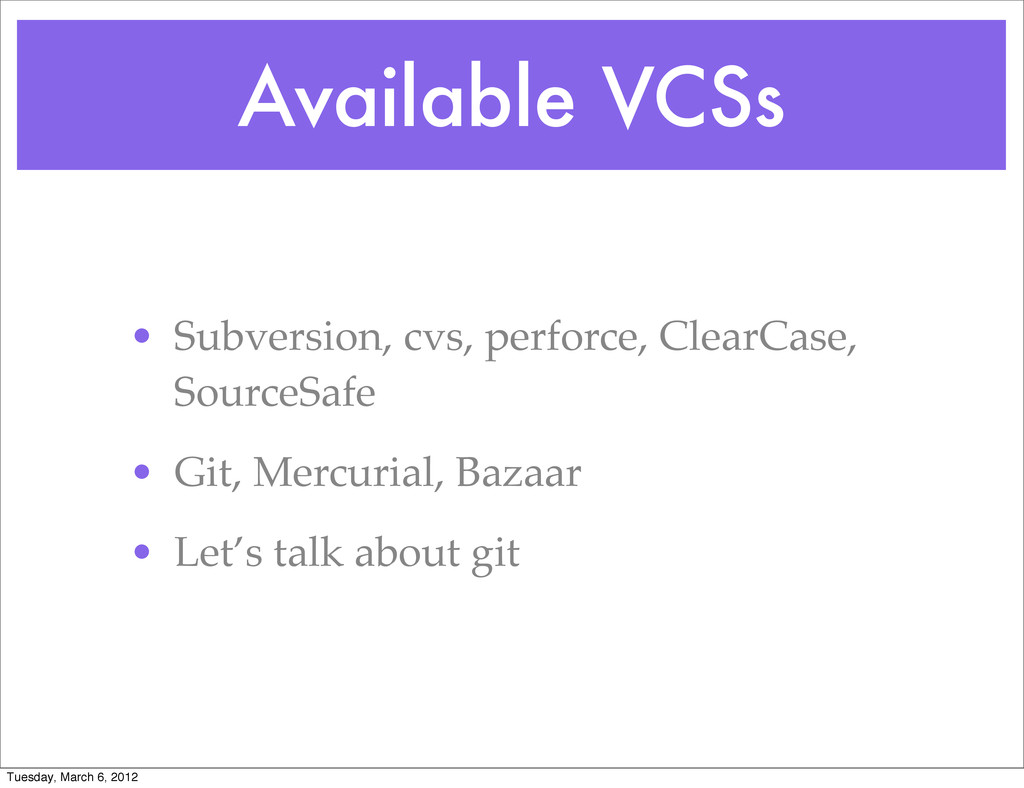
  8. Available VCSs • Subversion, cvs, perforce, ClearCase, SourceSafe • Git,

    Mercurial, Bazaar • Let’s talk about git Tuesday, March 6, 2012
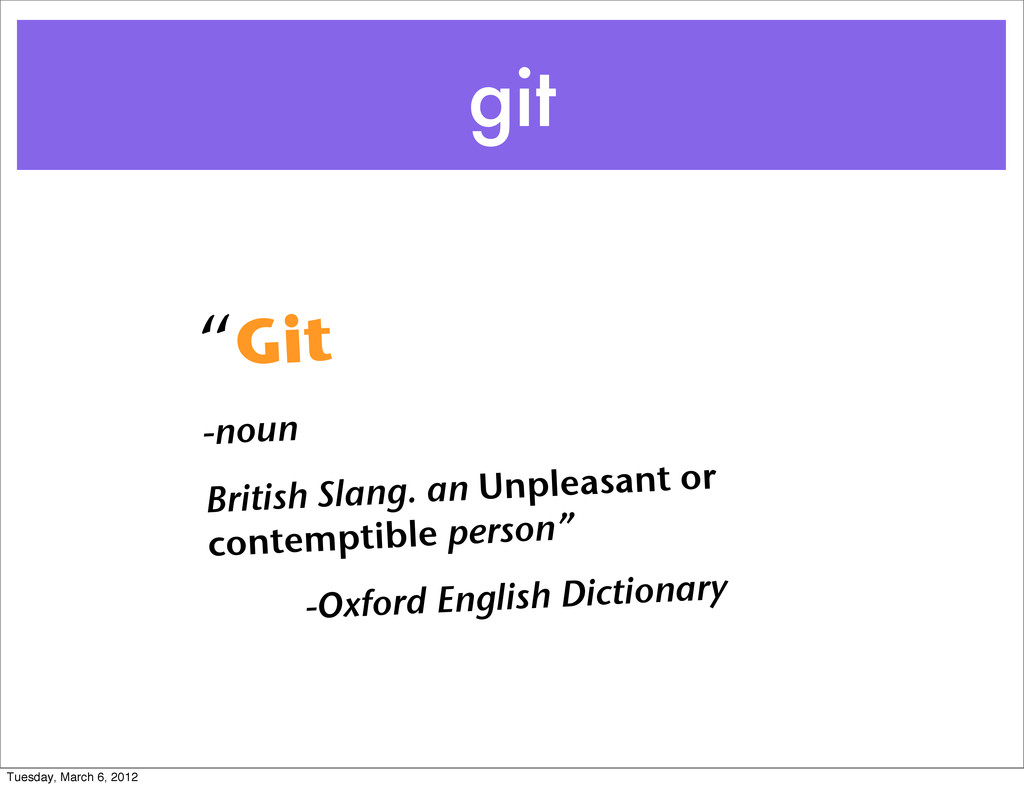
  9. git “Git -noun British Slang. an Unpleasant or contemptible person”

    -Oxford English Dictionary Tuesday, March 6, 2012
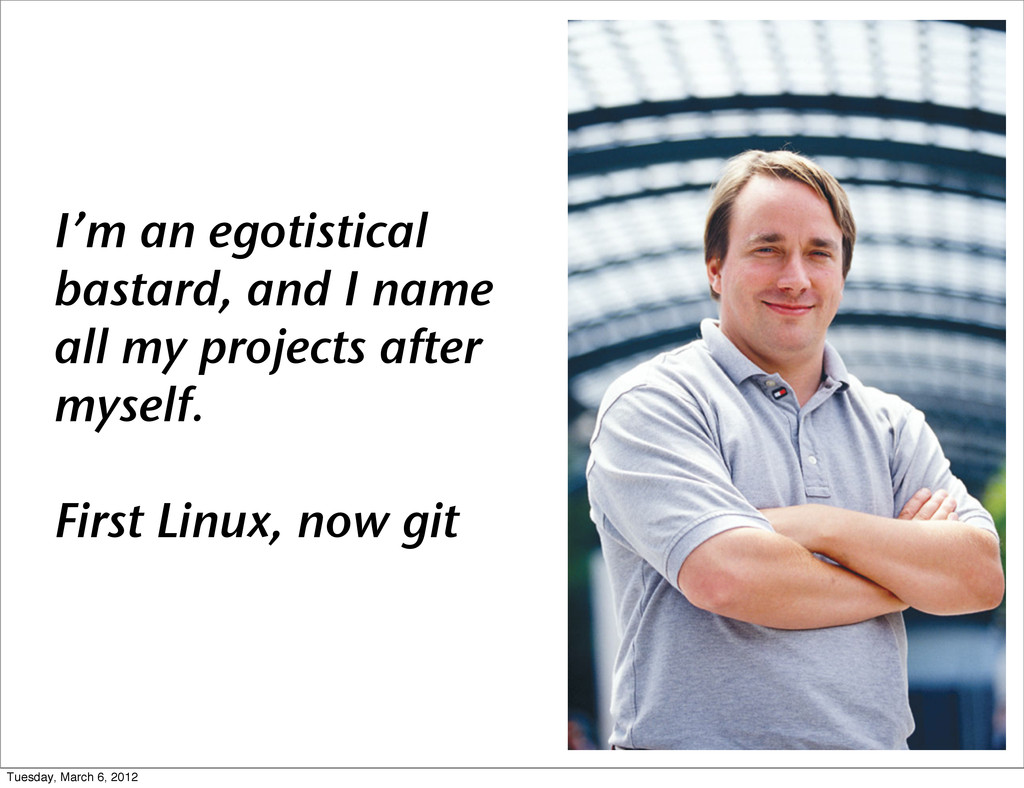
  10. I’m an egotistical bastard, and I name all my projects

    after myself. First Linux, now git Tuesday, March 6, 2012
  11. Working With Git • Set up a repository • Make

    changes and commit • Access and diff with past versions • Time Wraps (branching) • Collaboration Tuesday, March 6, 2012
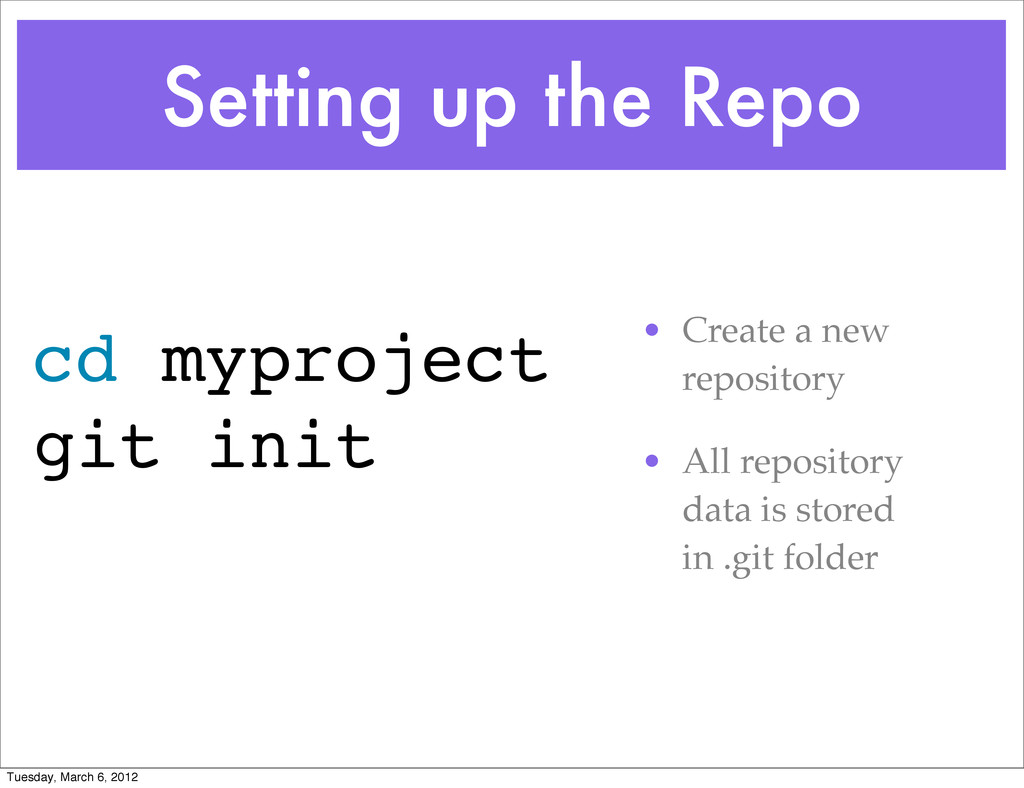
  12. Setting up the Repo • Create a new repository •

    All repository data is stored in .git folder cd myproject git init Tuesday, March 6, 2012
  13. Project Changelist • A change list represents changes in a

    project from state A to state B • Changes include: • New files • Deleted (removed) files • Modified files Tuesday, March 6, 2012
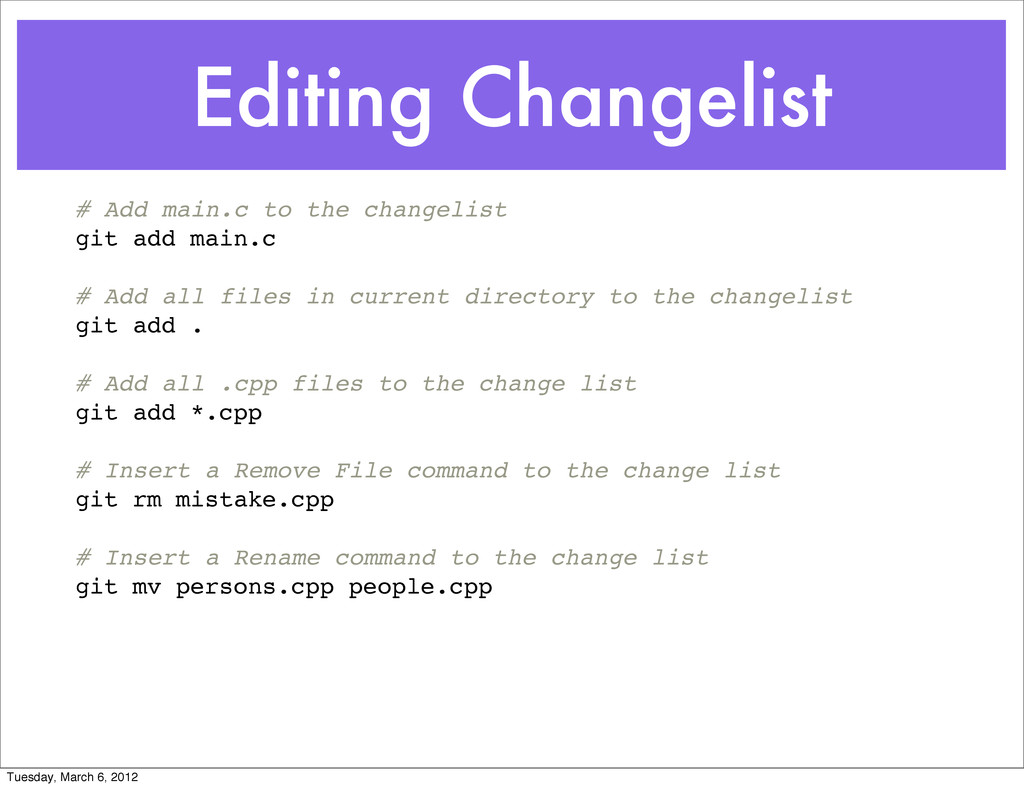
  14. Editing Changelist # Add main.c to the changelist git add

    main.c # Add all files in current directory to the changelist git add . # Add all .cpp files to the change list git add *.cpp # Insert a Remove File command to the change list git rm mistake.cpp # Insert a Rename command to the change list git mv persons.cpp people.cpp Tuesday, March 6, 2012
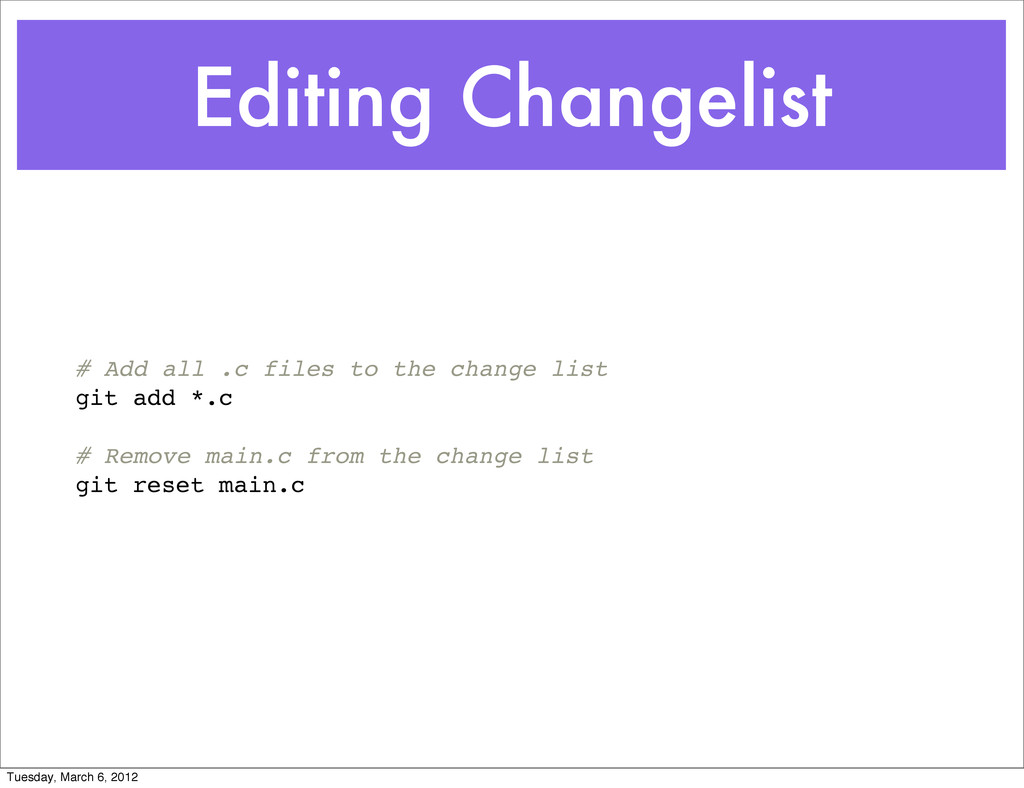
  15. Editing Changelist # Add all .c files to the change

    list git add *.c # Remove main.c from the change list git reset main.c Tuesday, March 6, 2012
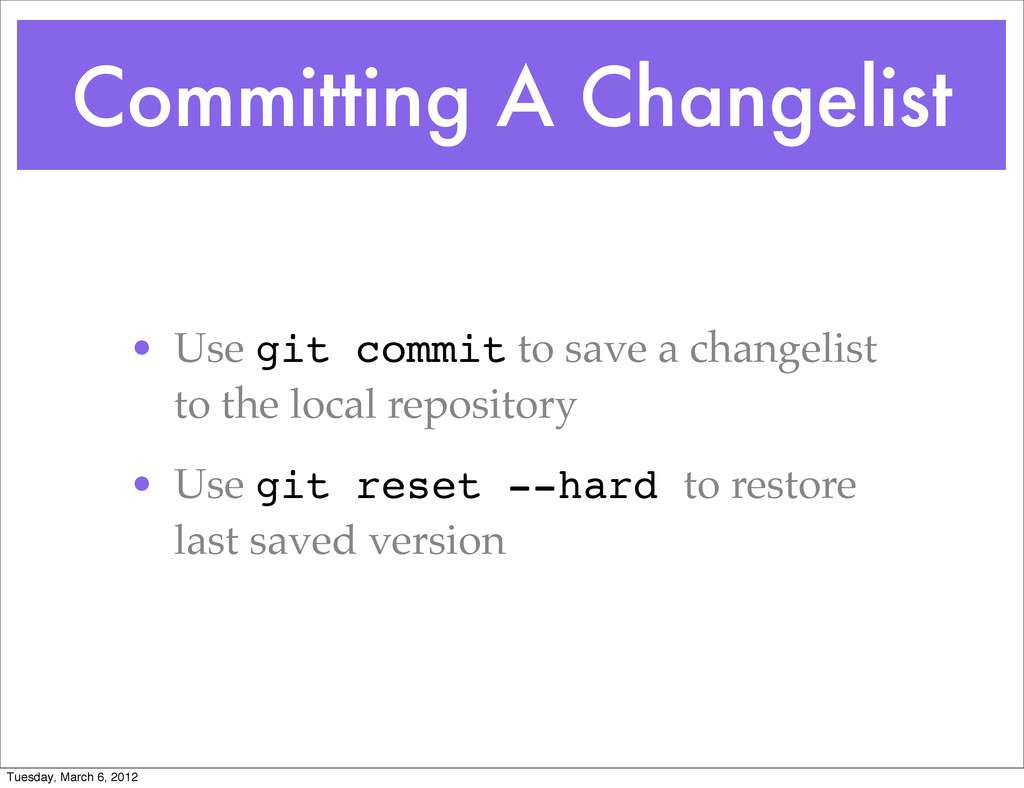
  16. Committing A Changelist • Use git commit to save a

    changelist to the local repository • Use git reset --hard to restore last saved version Tuesday, March 6, 2012
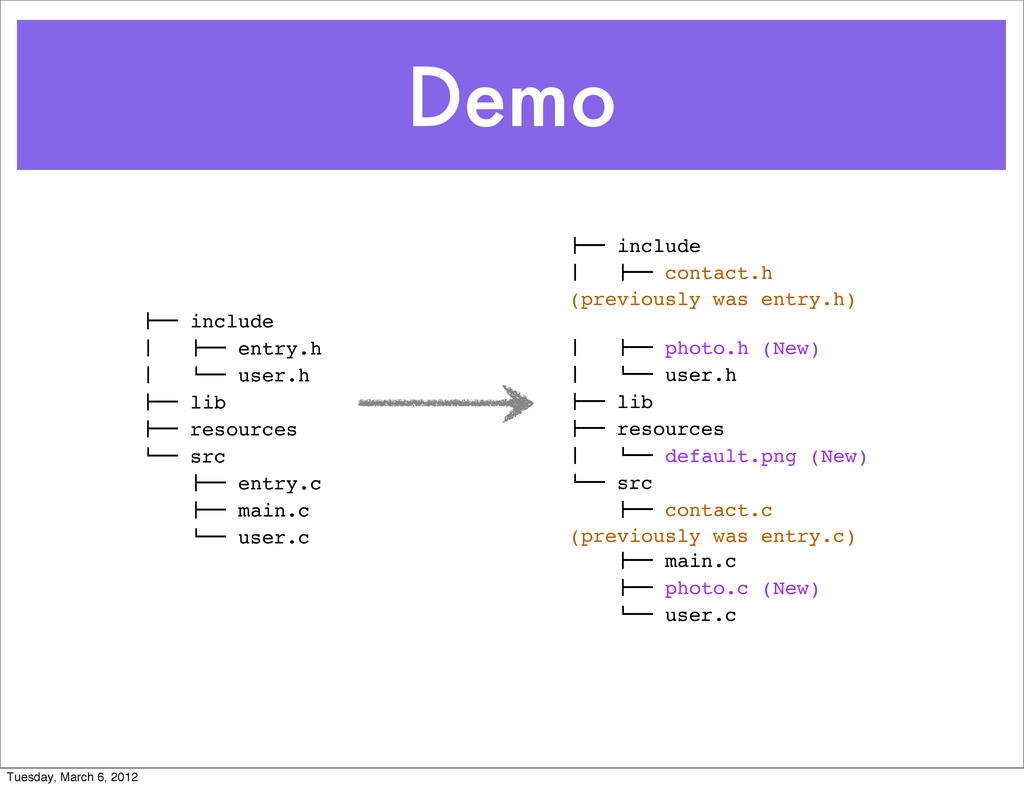
  17. Demo !"" include # !"" entry.h # $"" user.h !""

    lib !"" resources $"" src !"" entry.c !"" main.c $"" user.c !"" include # !"" contact.h (previously was entry.h) # !"" photo.h (New) # $"" user.h !"" lib !"" resources # $"" default.png (New) $"" src !"" contact.c (previously was entry.c) !"" main.c !"" photo.c (New) $"" user.c Tuesday, March 6, 2012
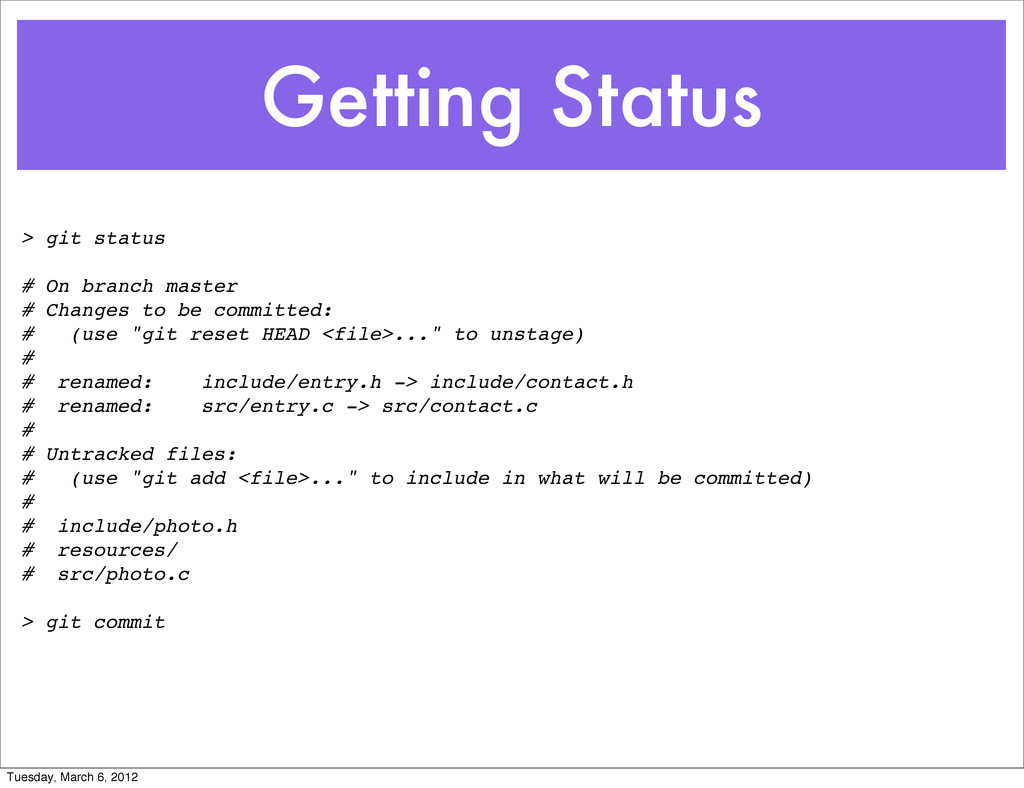
  18. Getting Status > git status # On branch master #

    Changes to be committed: # (use "git reset HEAD <file>..." to unstage) # #! renamed: include/entry.h -> include/contact.h #! renamed: src/entry.c -> src/contact.c # # Untracked files: # (use "git add <file>..." to include in what will be committed) # #! include/photo.h #! resources/ #! src/photo.c > git commit Tuesday, March 6, 2012
  19. Getting Status > git log commit 6a0cf56dfbbd8334c28a8ee5b2f88ced42cb8fa2 Author: ynonp <[email protected]>

    Date: Thu Feb 16 07:46:18 2012 +0200 New Feature: User photos commit d70f574d2f6a3a67de69ee58a2e27daff4c6b10e Author: ynonp <[email protected]> Date: Thu Feb 16 07:40:56 2012 +0200 First commit Tuesday, March 6, 2012
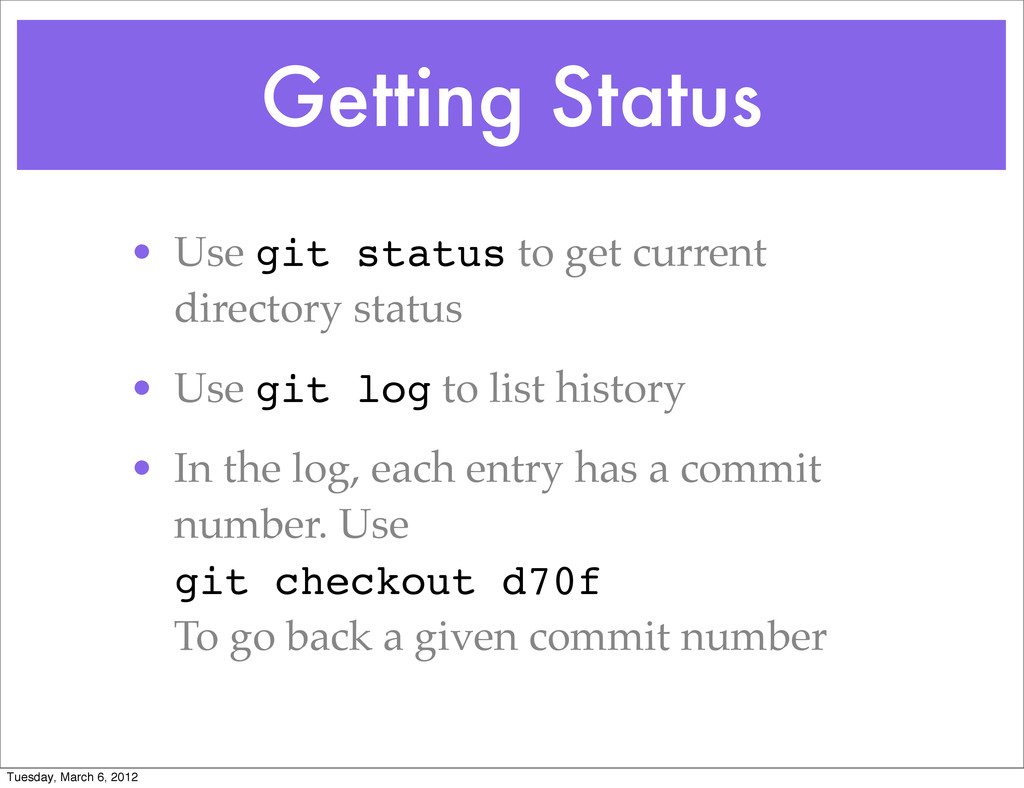
  20. Getting Status • Use git status to get current directory

    status • Use git log to list history • In the log, each entry has a commit number. Use git checkout d70f To go back a given commit number Tuesday, March 6, 2012
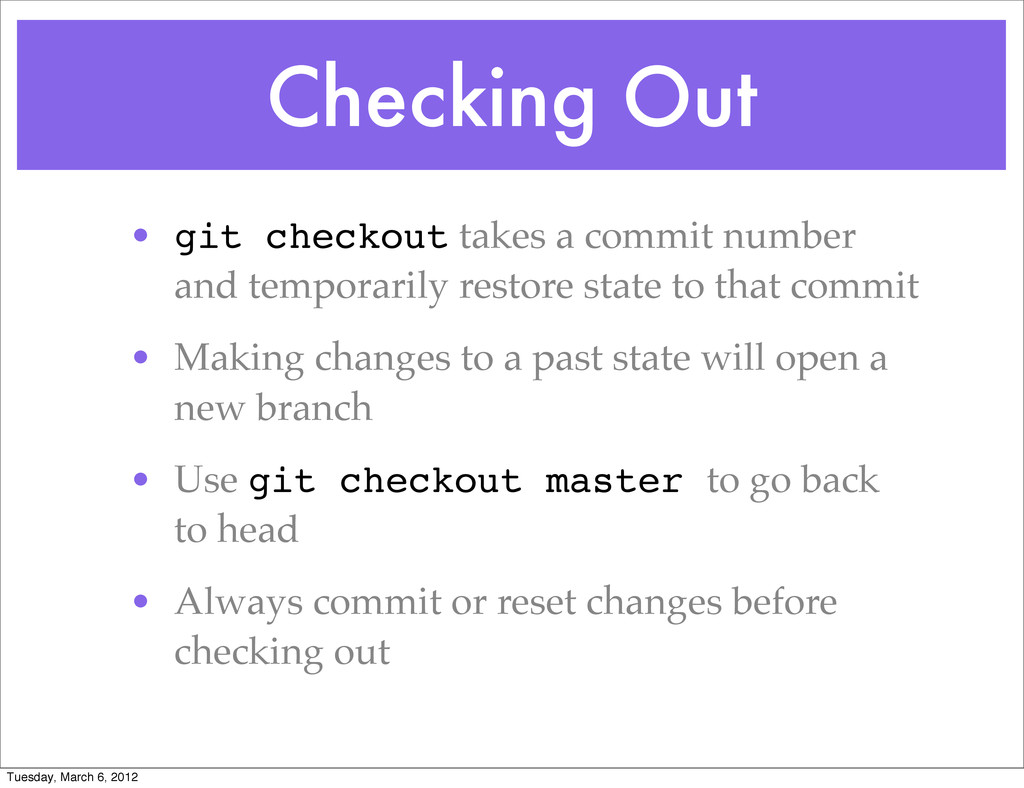
  21. Checking Out • git checkout takes a commit number and

    temporarily restore state to that commit • Making changes to a past state will open a new branch • Use git checkout master to go back to head • Always commit or reset changes before checking out Tuesday, March 6, 2012
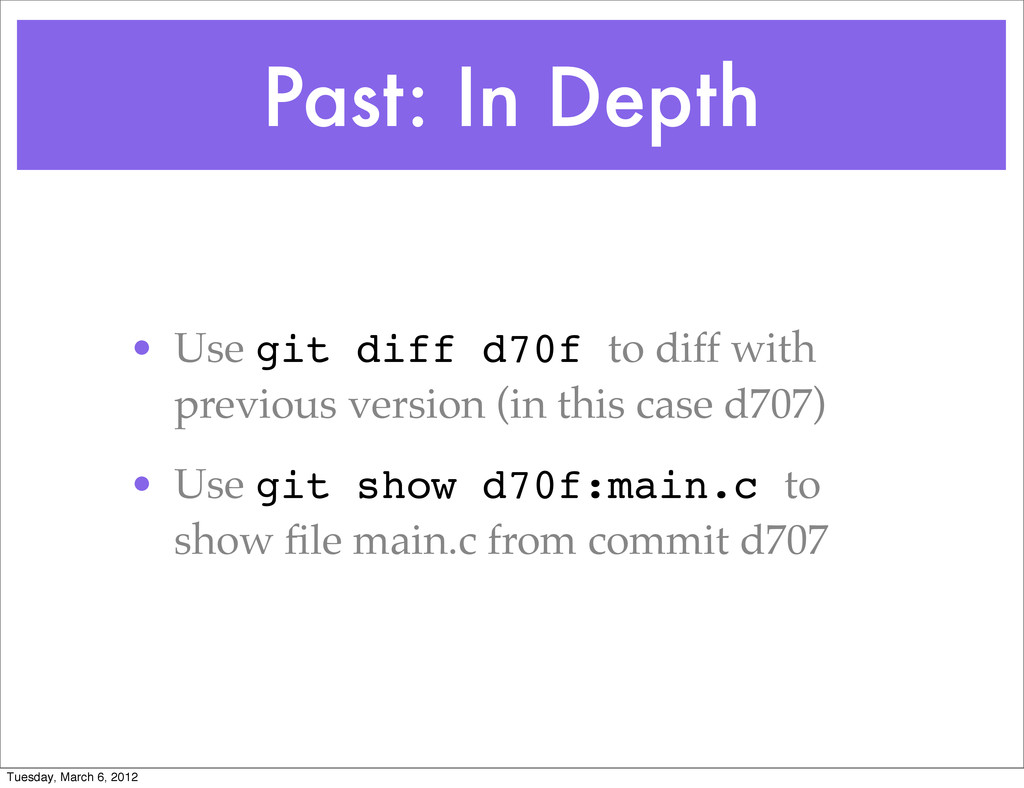
  22. Past: In Depth • Use git diff d70f to diff

    with previous version (in this case d707) • Use git show d70f:main.c to show file main.c from commit d707 Tuesday, March 6, 2012
  23. Q & A • Set up a repository • Make

    changes and commit • Access and diff with past versions • Time Wraps (branching) • Collaboration Tuesday, March 6, 2012
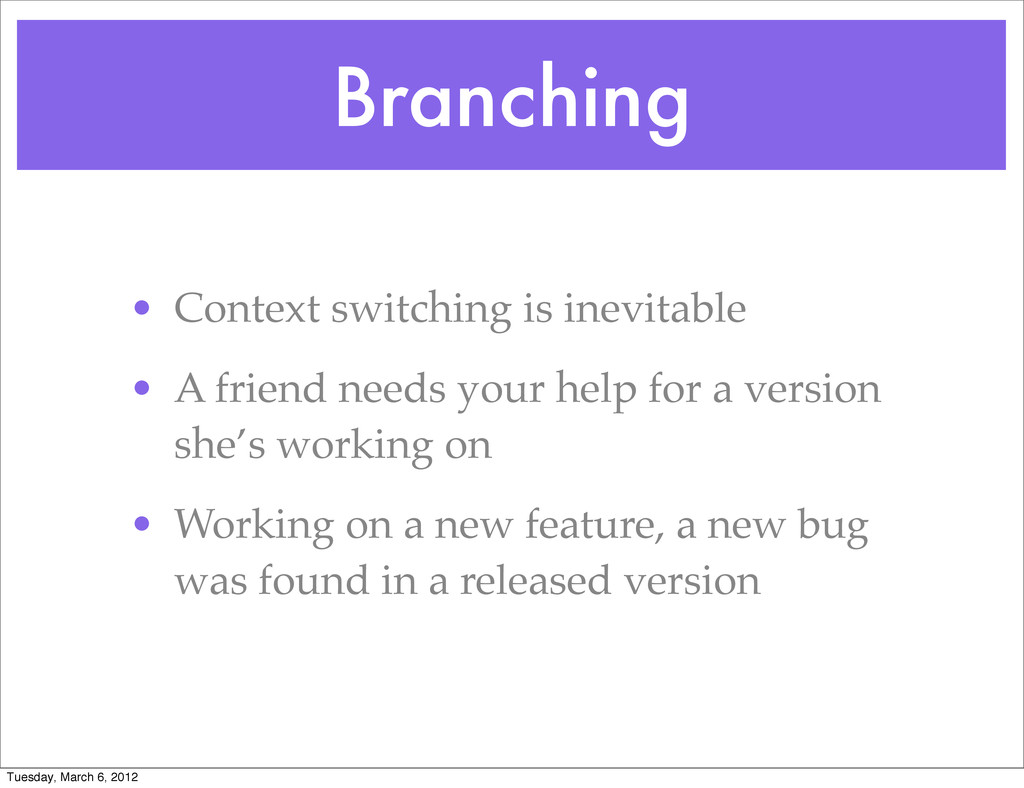
  24. Branching • Context switching is inevitable • A friend needs

    your help for a version she’s working on • Working on a new feature, a new bug was found in a released version Tuesday, March 6, 2012
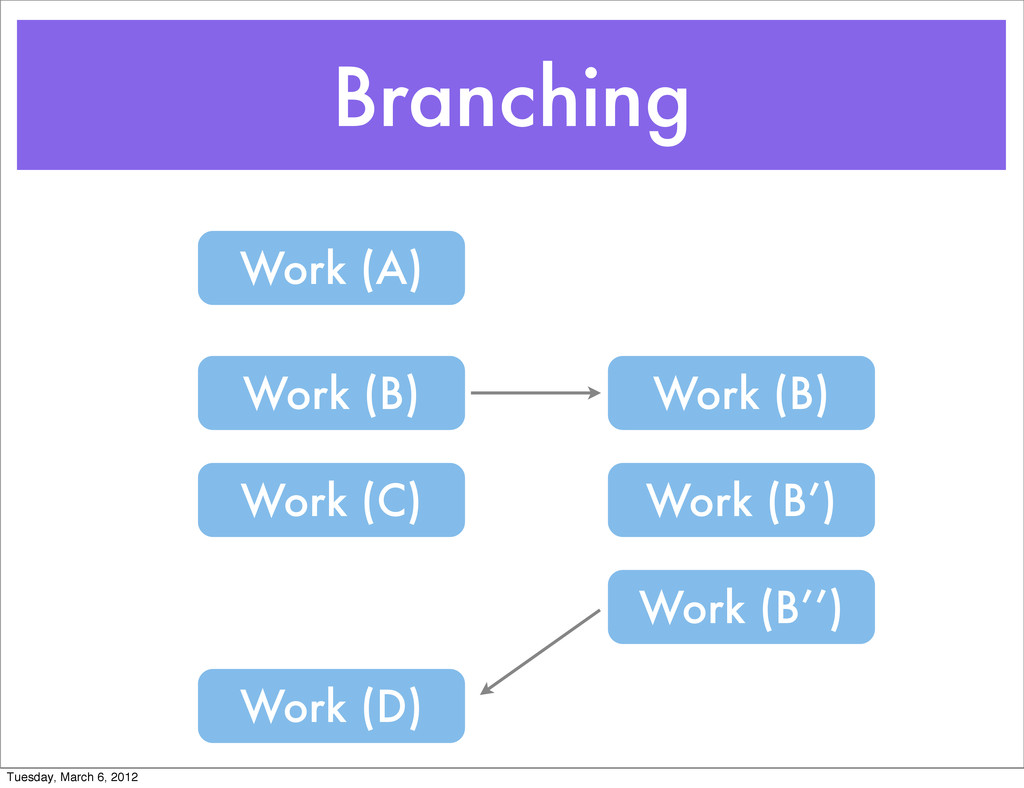
  25. Branching Work (A) Work (B) Work (C) Work (B) Work

    (B’) Work (B’’) Work (D) Tuesday, March 6, 2012
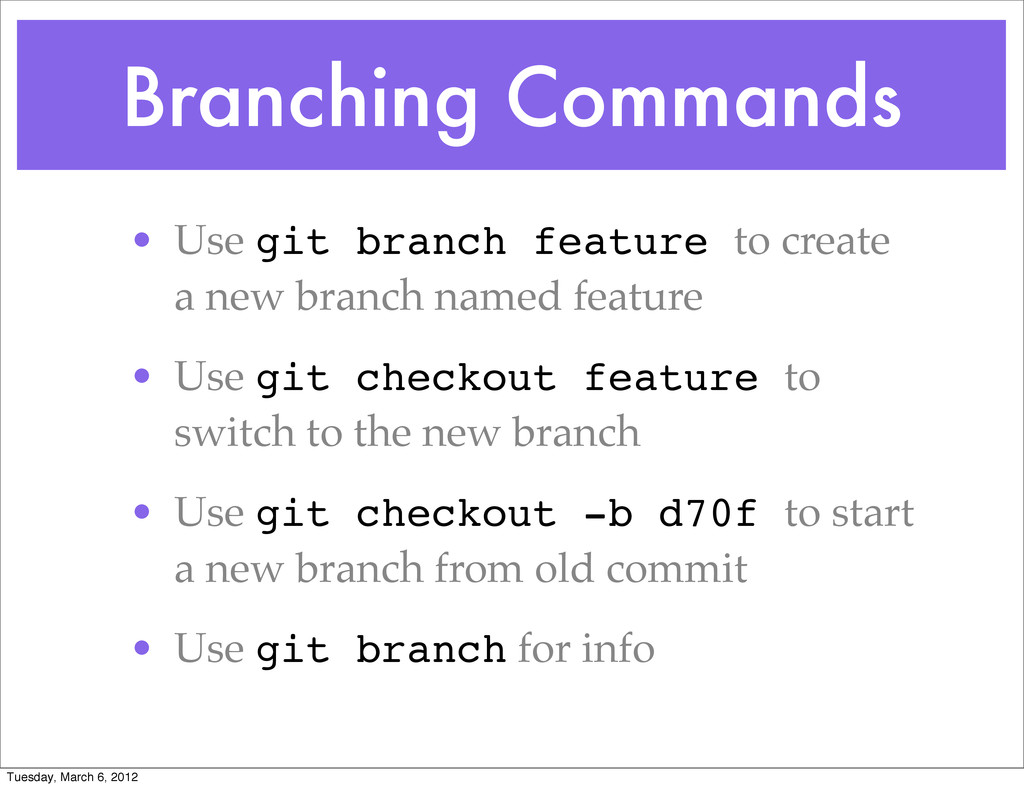
  26. Branching Commands • Use git branch feature to create a

    new branch named feature • Use git checkout feature to switch to the new branch • Use git checkout -b d70f to start a new branch from old commit • Use git branch for info Tuesday, March 6, 2012
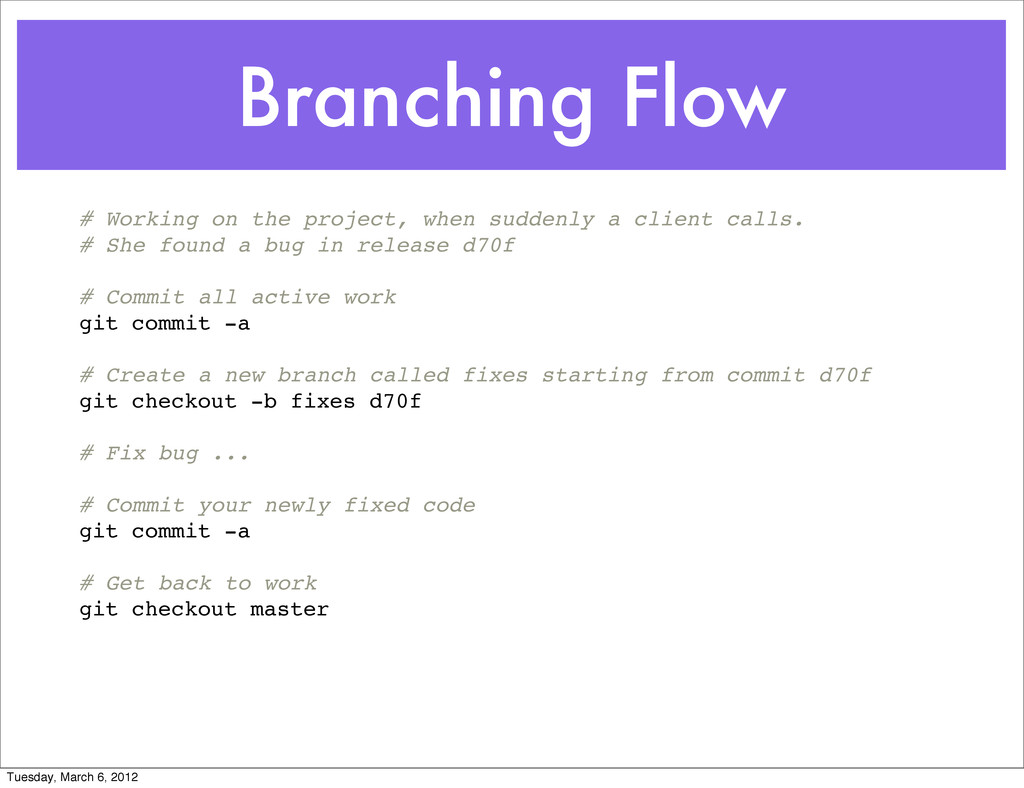
  27. Branching Flow # Working on the project, when suddenly a

    client calls. # She found a bug in release d70f # Commit all active work git commit -a # Create a new branch called fixes starting from commit d70f git checkout -b fixes d70f # Fix bug ... # Commit your newly fixed code git commit -a # Get back to work git checkout master Tuesday, March 6, 2012
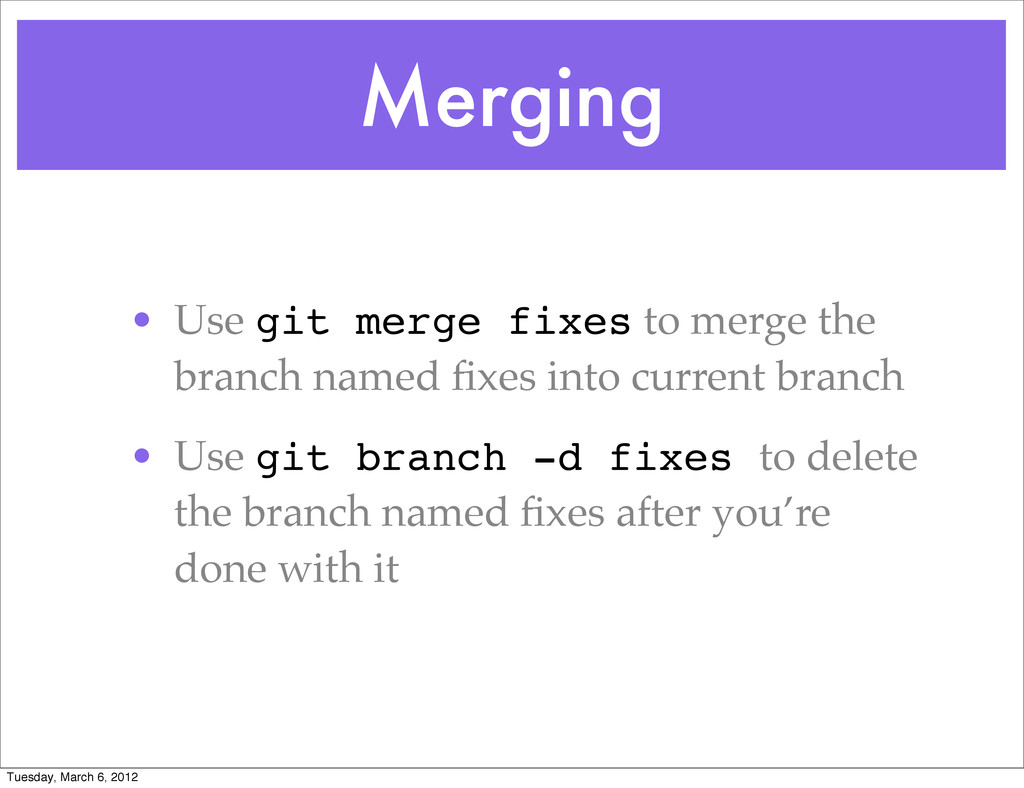
  28. Merging • Use git merge fixes to merge the branch

    named fixes into current branch • Use git branch -d fixes to delete the branch named fixes after you’re done with it Tuesday, March 6, 2012
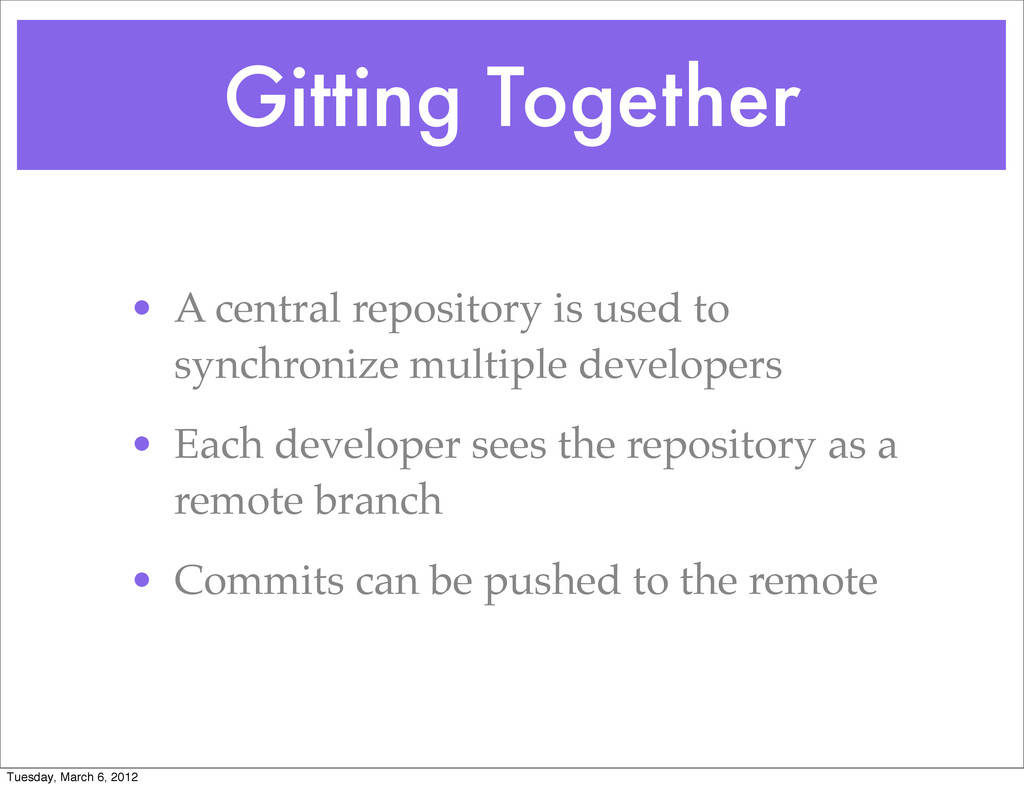
  29. Gitting Together • A central repository is used to synchronize

    multiple developers • Each developer sees the repository as a remote branch • Commits can be pushed to the remote Tuesday, March 6, 2012
  30. Gitting Together • Create an empty central repository • Fill

    it with some initial data • Have other devs clone the repository Tuesday, March 6, 2012