Upgrade to Pro
— share decks privately, control downloads, hide ads and more …
Speaker Deck
Features
Speaker Deck
PRO
Sign in
Sign up for free
Search
Search
ブラウザでテキストを読み上げる
Search
SAW
April 27, 2024
Programming
0
240
ブラウザでテキストを読み上げる
JavaScript/TypeScript 勉強会 in 神戸 の発表資料です。
SAW
April 27, 2024
Tweet
Share
More Decks by SAW
See All by SAW
React Hook Form と Zod によるフォームバリデーション
azuki
0
33
PHP で form-data を POST 以外のメソッドで受け取るには?
azuki
0
59
PHP で学ぶ OAuth 入門
azuki
2
1k
EditorConfig を使ってみよう
azuki
1
96
Symfony でサクッと作る REST API サーバー
azuki
1
220
Vite の Library Mode を使って Vue のコンポーネントをライブラリ化する
azuki
1
320
Laravel や Symfony で手っ取り早く OpenAPI のドキュメントを作成する
azuki
2
380
Provide/Inject で TypeScript の恩恵を受ける方法
azuki
3
170
GraphQL はいいぞ! ~Laravel で学ぶ GraphQL 入門~
azuki
1
400
Other Decks in Programming
See All in Programming
疑似コードによるプロンプト記述、どのくらい正確に実行される?
kokuyouwind
0
390
AIエージェント、”どう作るか”で差は出るか? / AI Agents: Does the "How" Make a Difference?
rkaga
4
2k
なるべく楽してバックエンドに型をつけたい!(楽とは言ってない)
hibiki_cube
0
140
Rust 製のコードエディタ “Zed” を使ってみた
nearme_tech
PRO
0
210
AIによる高速開発をどう制御するか? ガードレール設置で開発速度と品質を両立させたチームの事例
tonkotsuboy_com
7
2.4k
2026年 エンジニアリング自己学習法
yumechi
0
140
AIによるイベントストーミング図からのコード生成 / AI-powered code generation from Event Storming diagrams
nrslib
2
1.9k
HTTPプロトコル正しく理解していますか? 〜かわいい猫と共に学ぼう。ฅ^•ω•^ฅ ニャ〜
hekuchan
2
690
AI によるインシデント初動調査の自動化を行う AI インシデントコマンダーを作った話
azukiazusa1
1
750
Gemini for developers
meteatamel
0
100
izumin5210のプロポーザルのネタ探し #tskaigi_msup
izumin5210
1
140
開発者から情シスまで - 多様なユーザー層に届けるAPI提供戦略 / Postman API Night Okinawa 2026 Winter
tasshi
0
210
Featured
See All Featured
Marketing Yourself as an Engineer | Alaka | Gurzu
gurzu
0
130
CSS Pre-Processors: Stylus, Less & Sass
bermonpainter
359
30k
HDC tutorial
michielstock
1
390
Easily Structure & Communicate Ideas using Wireframe
afnizarnur
194
17k
It's Worth the Effort
3n
188
29k
Fireside Chat
paigeccino
41
3.8k
Designing for humans not robots
tammielis
254
26k
Building Flexible Design Systems
yeseniaperezcruz
330
40k
Dealing with People You Can't Stand - Big Design 2015
cassininazir
367
27k
The innovator’s Mindset - Leading Through an Era of Exponential Change - McGill University 2025
jdejongh
PRO
1
94
Data-driven link building: lessons from a $708K investment (BrightonSEO talk)
szymonslowik
1
920
The Limits of Empathy - UXLibs8
cassininazir
1
220
Transcript
ブラウザでテキストを読み上げる JavaScript/TypeScript 勉強会 in 神⼾ 2 0 2 4 /
0 4 / 2 7 SAW
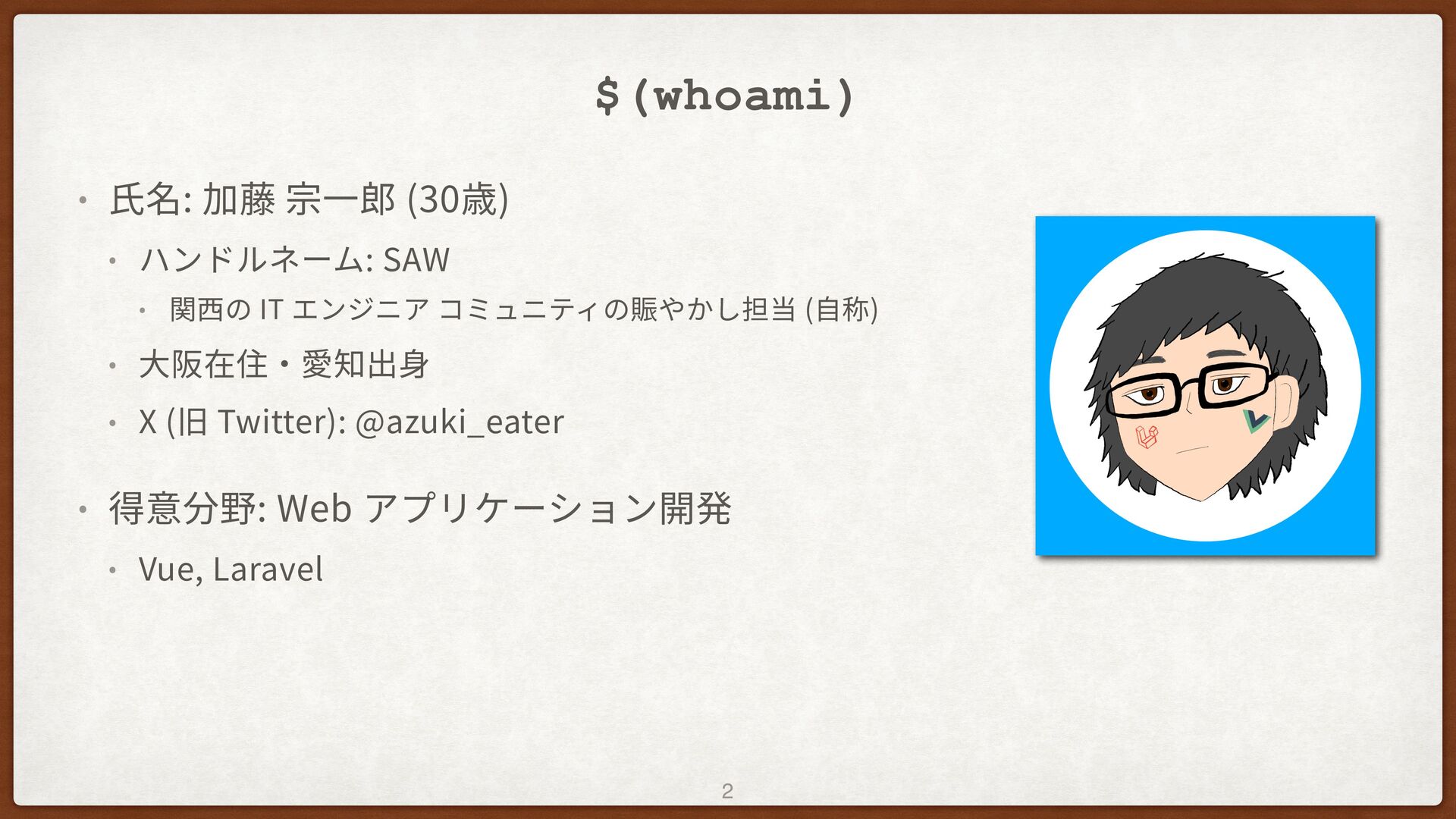
$(whoami) • ⽒名: 加藤 宗⼀郎 (30歳) • ハンドルネーム: SAW •
関⻄の IT エンジニア コミュニティの賑やかし担当 (⾃称) • ⼤阪在住‧愛知出⾝ • X (旧 Twitter): @azuki_eater • 得意分野: Web アプリケーション開発 • Vue, Laravel 2
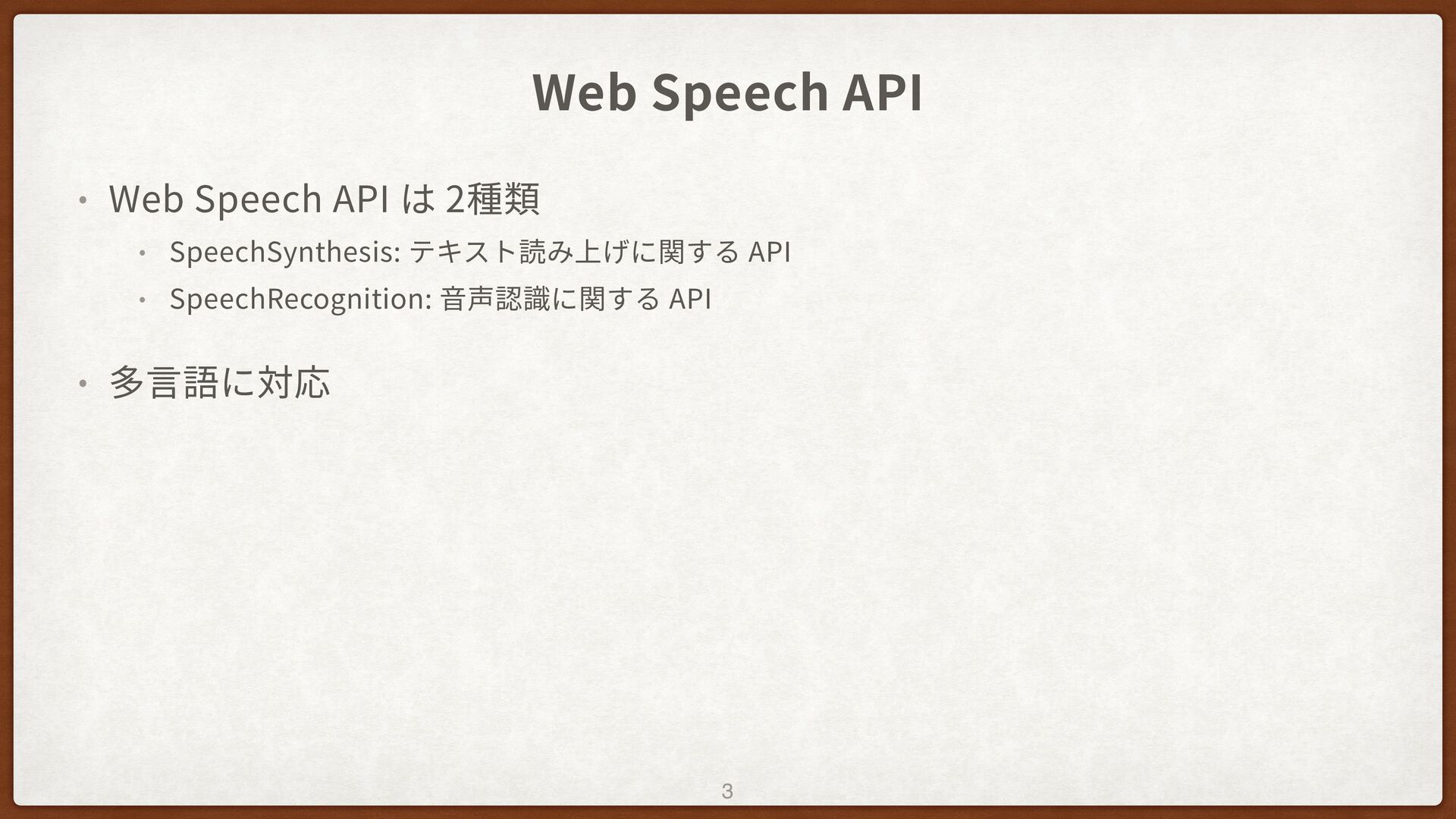
Web Speech API • Web Speech API は 2種類 •
SpeechSynthesis: テキスト読み上げに関する API • SpeechRecognition: ⾳声認識に関する API • 多⾔語に対応 3
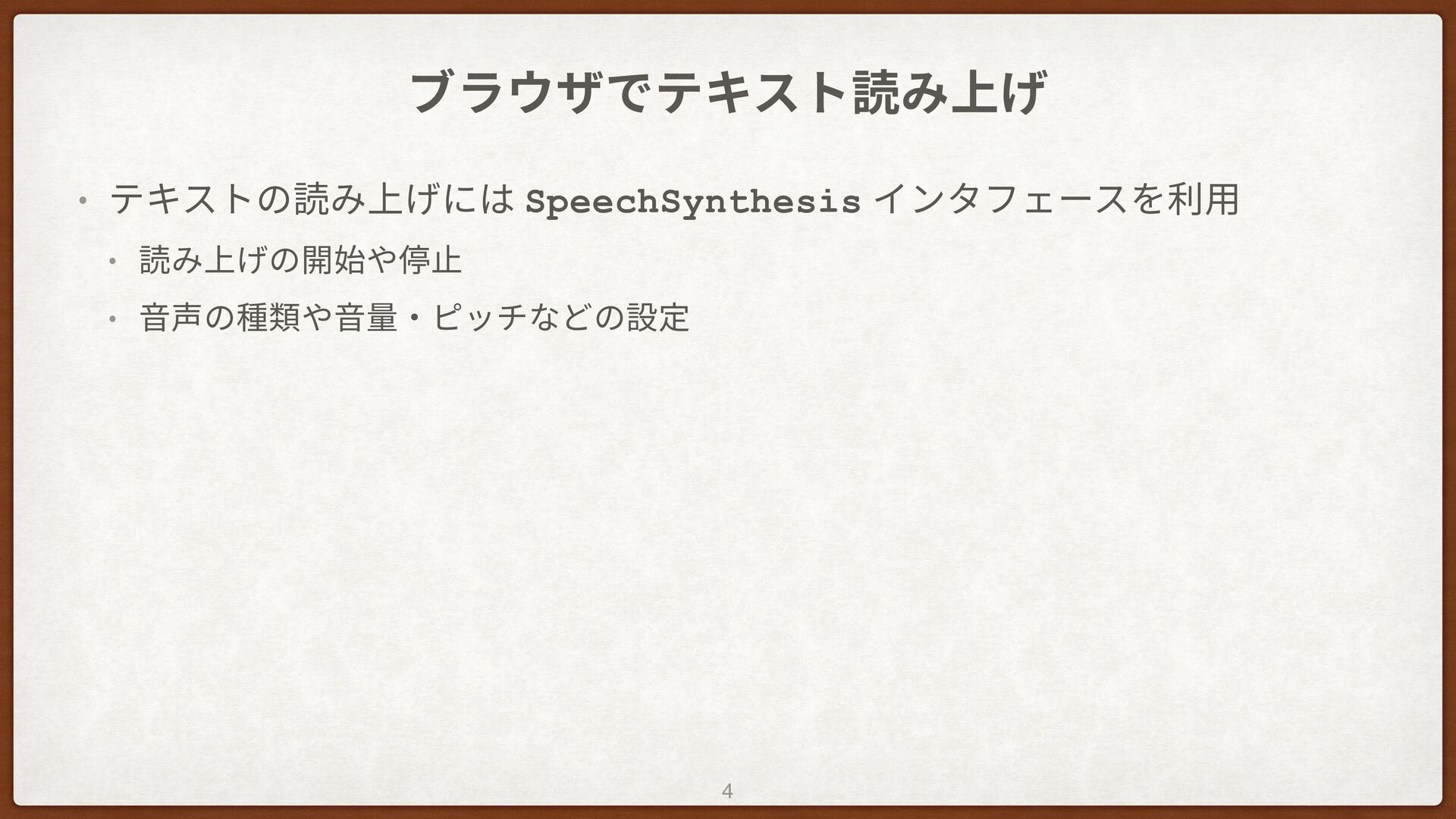
ブラウザでテキスト読み上げ • テキストの読み上げには SpeechSynthesis インタフェースを利⽤ • 読み上げの開始や停⽌ • ⾳声の種類や⾳量‧ピッチなどの設定 4
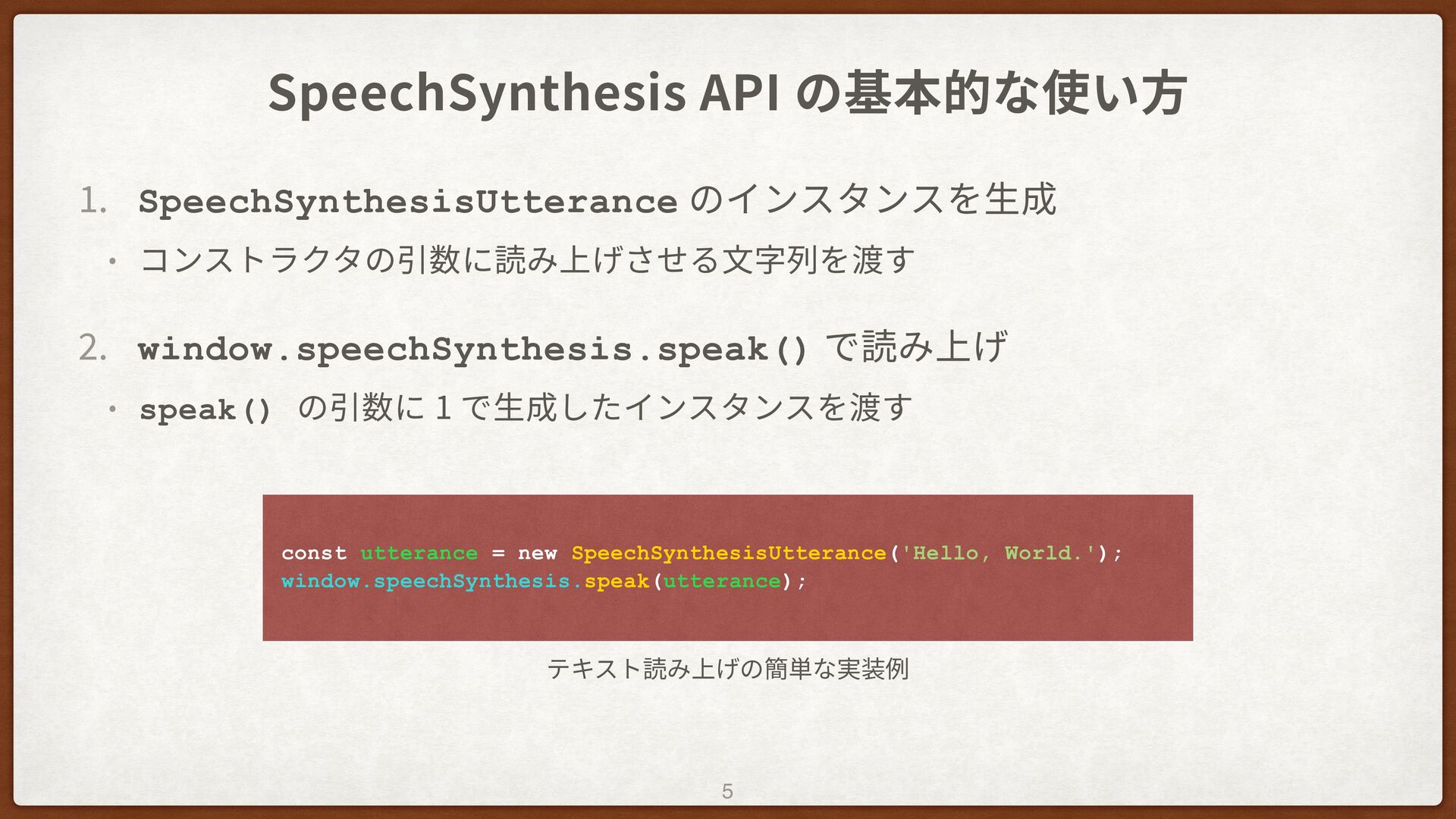
SpeechSynthesis API の基本的な使い⽅ 1 . SpeechSynthesisUtterance のインスタンスを⽣成 • コンストラクタの引数に読み上げさせる⽂字列を渡す 2
. window.speechSynthesis.speak() で読み上げ • speak() の引数に 1 で⽣成したインスタンスを渡す 5 const utterance = new SpeechSynthesisUtterance('Hello, World.'); window.speechSynthesis.speak(utterance); テキスト読み上げの簡単な実装例
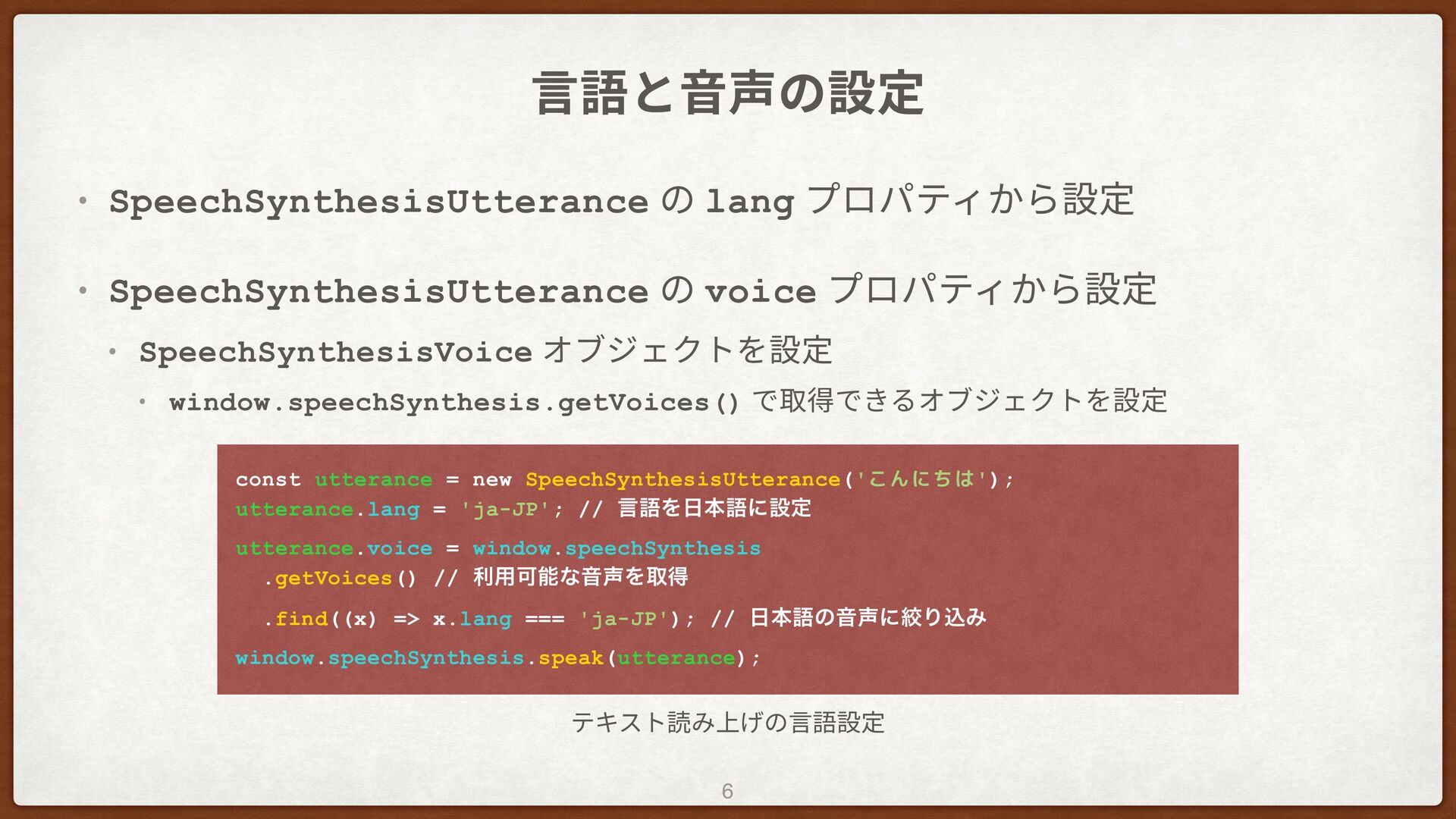
⾔語と⾳声の設定 • SpeechSynthesisUtterance の lang プロパティから設定 • SpeechSynthesisUtterance の voice
プロパティから設定 • SpeechSynthesisVoice オブジェクトを設定 • window.speechSynthesis.getVoices() で取得できるオブジェクトを設定 6 const utterance = new SpeechSynthesisUtterance('こんにちは'); utterance.lang = 'ja-JP'; // ݴޠΛຊޠʹઃఆ utterance.voice = window.speechSynthesis .getVoices() // ར༻ՄೳͳԻΛऔಘ .find((x) => x.lang === 'ja-JP'); // ຊޠͷԻʹߜΓࠐΈ window.speechSynthesis.speak(utterance); テキスト読み上げの⾔語設定
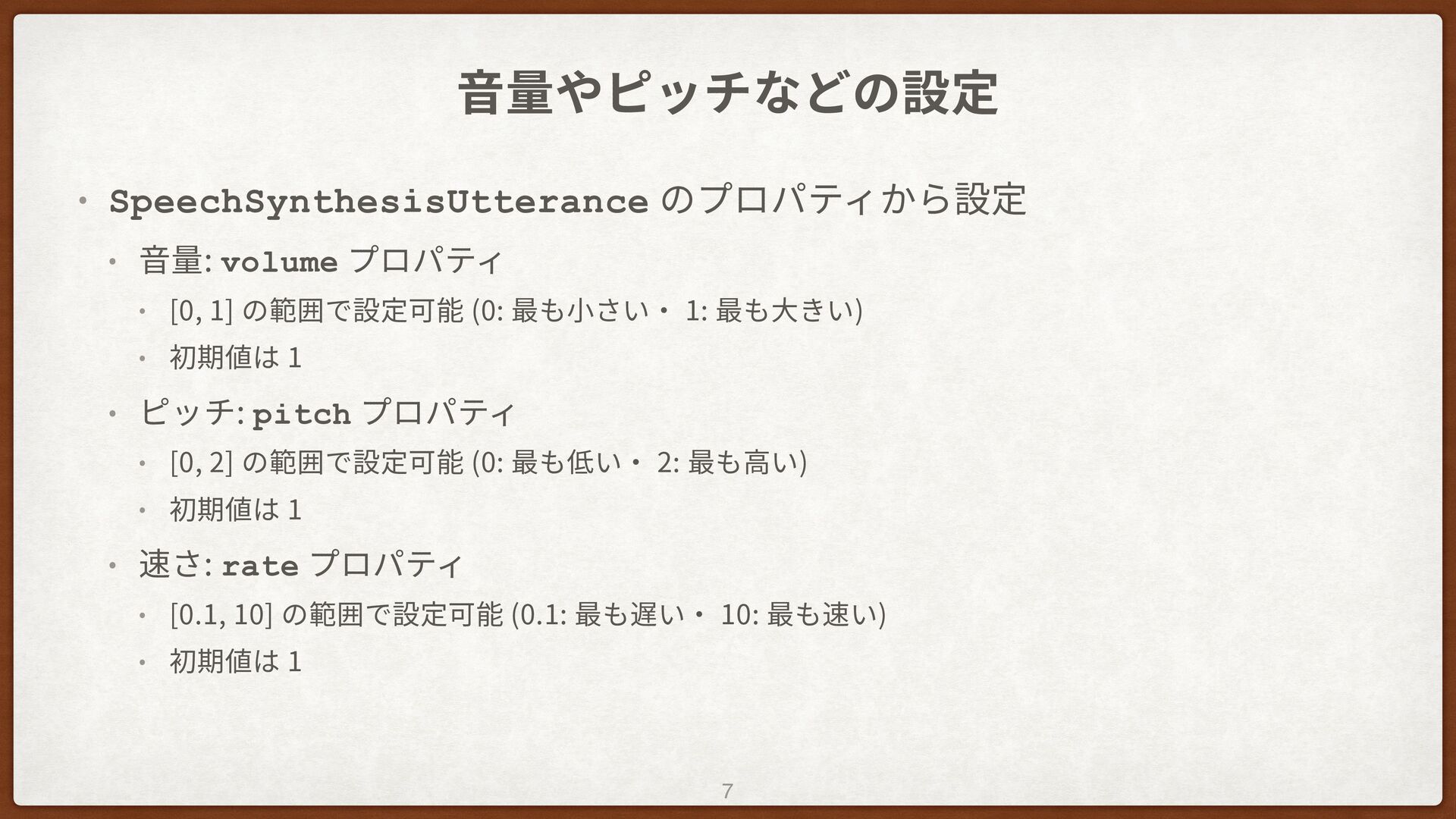
⾳量やピッチなどの設定 • SpeechSynthesisUtterance のプロパティから設定 • ⾳量: volume プロパティ • [0,
1] の範囲で設定可能 (0: 最も⼩さい‧ 1: 最も⼤きい) • 初期値は 1 • ピッチ: pitch プロパティ • [0, 2] の範囲で設定可能 (0: 最も低い‧ 2: 最も⾼い) • 初期値は 1 • 速さ: rate プロパティ • [0.1, 10] の範囲で設定可能 (0.1: 最も遅い‧ 10: 最も速い) • 初期値は 1 7
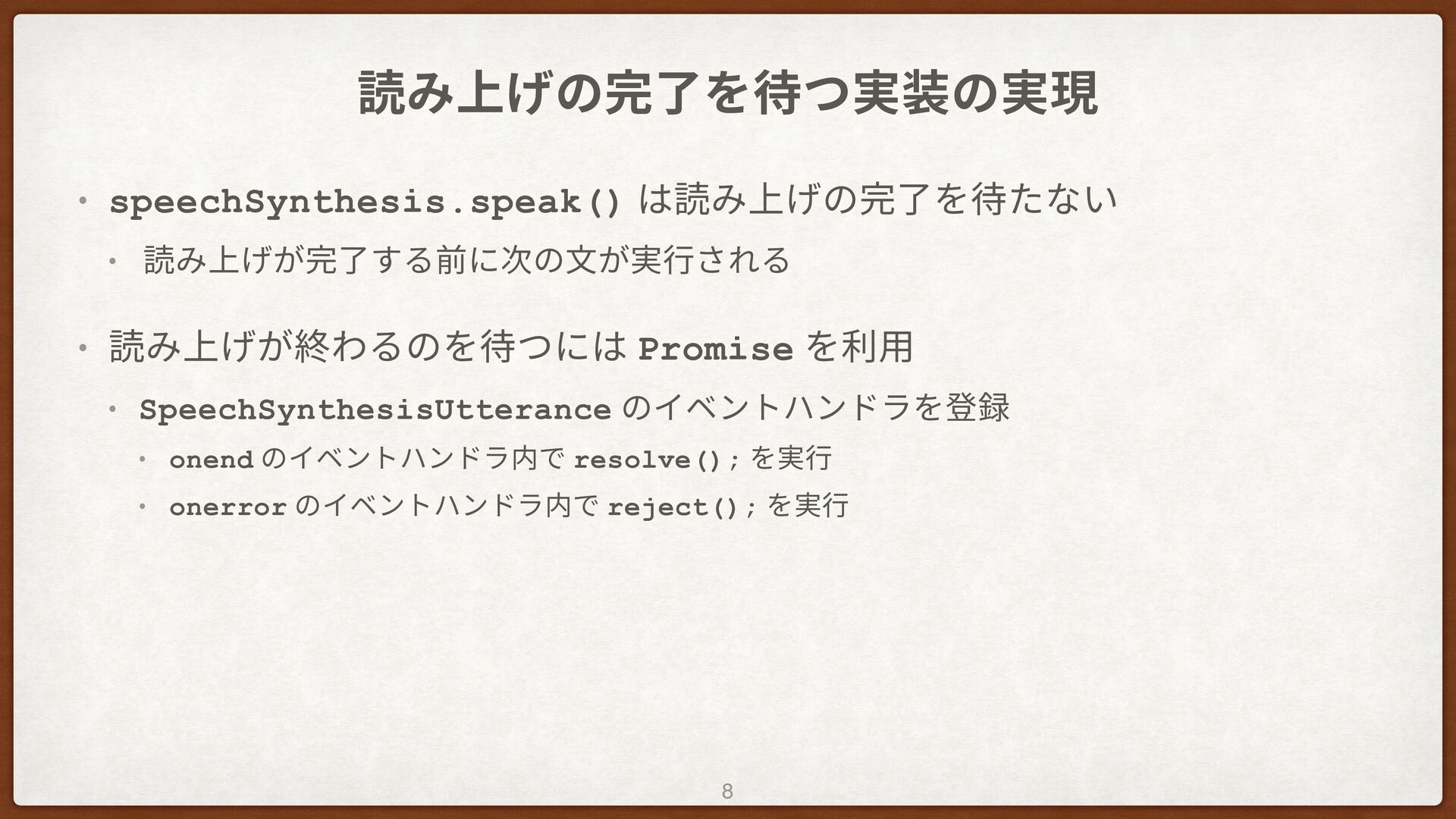
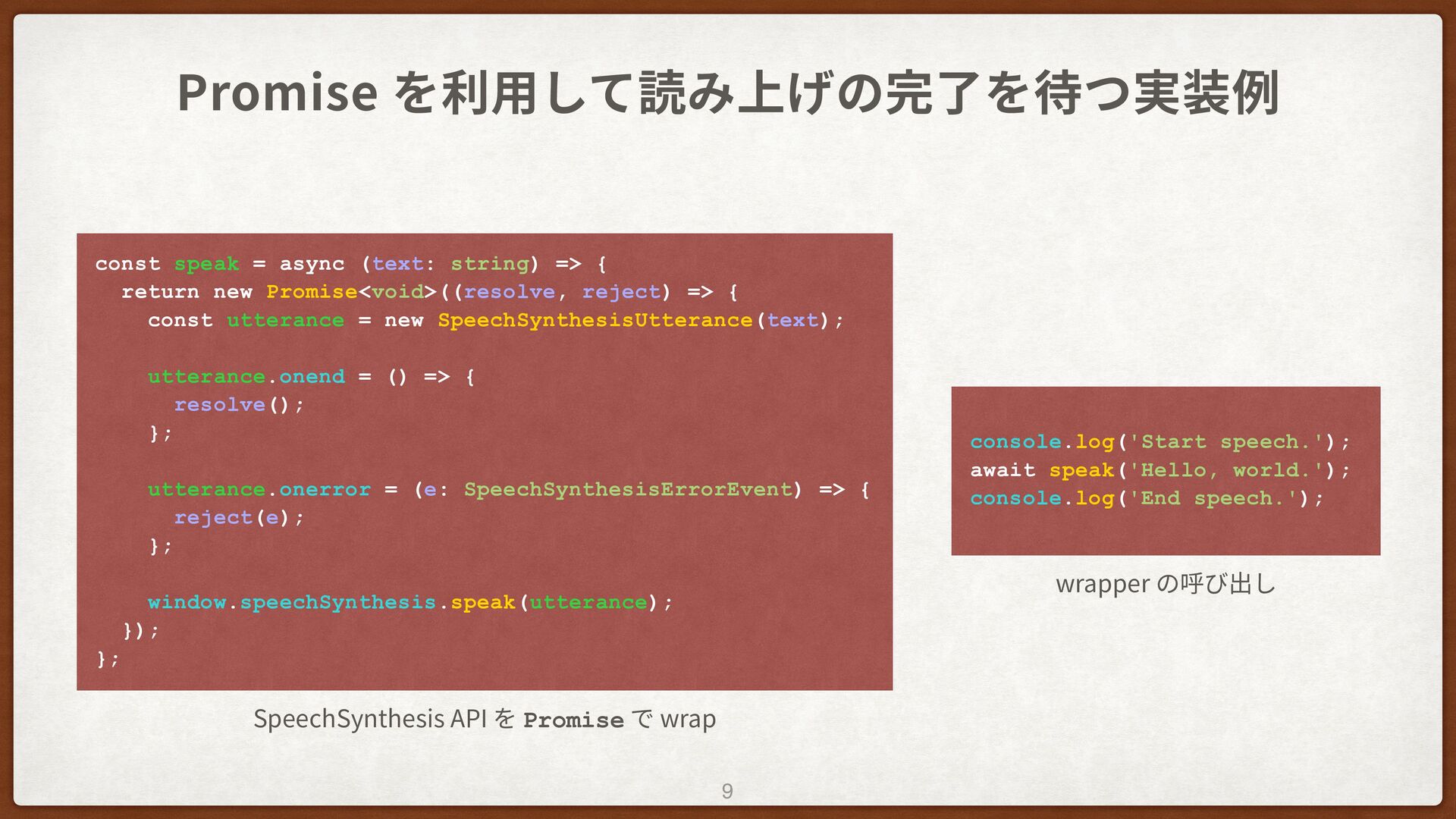
読み上げの完了を待つ実装の実現 • speechSynthesis.speak() は読み上げの完了を待たない • 読み上げが完了する前に次の⽂が実⾏される • 読み上げが終わるのを待つには Promise を利⽤
• SpeechSynthesisUtterance のイベントハンドラを登録 • onend のイベントハンドラ内で resolve(); を実⾏ • onerror のイベントハンドラ内で reject(); を実⾏ 8
Promise を利⽤して読み上げの完了を待つ実装例 9 const speak = async (text: string) =>
{ return new Promise<void>((resolve, reject) => { const utterance = new SpeechSynthesisUtterance(text); utterance.onend = () => { resolve(); }; utterance.onerror = (e: SpeechSynthesisErrorEvent) => { reject(e); }; window.speechSynthesis.speak(utterance); }); }; SpeechSynthesis API を Promise で wrap console.log('Start speech.'); await speak('Hello, world.'); console.log('End speech.'); wrapper の呼び出し
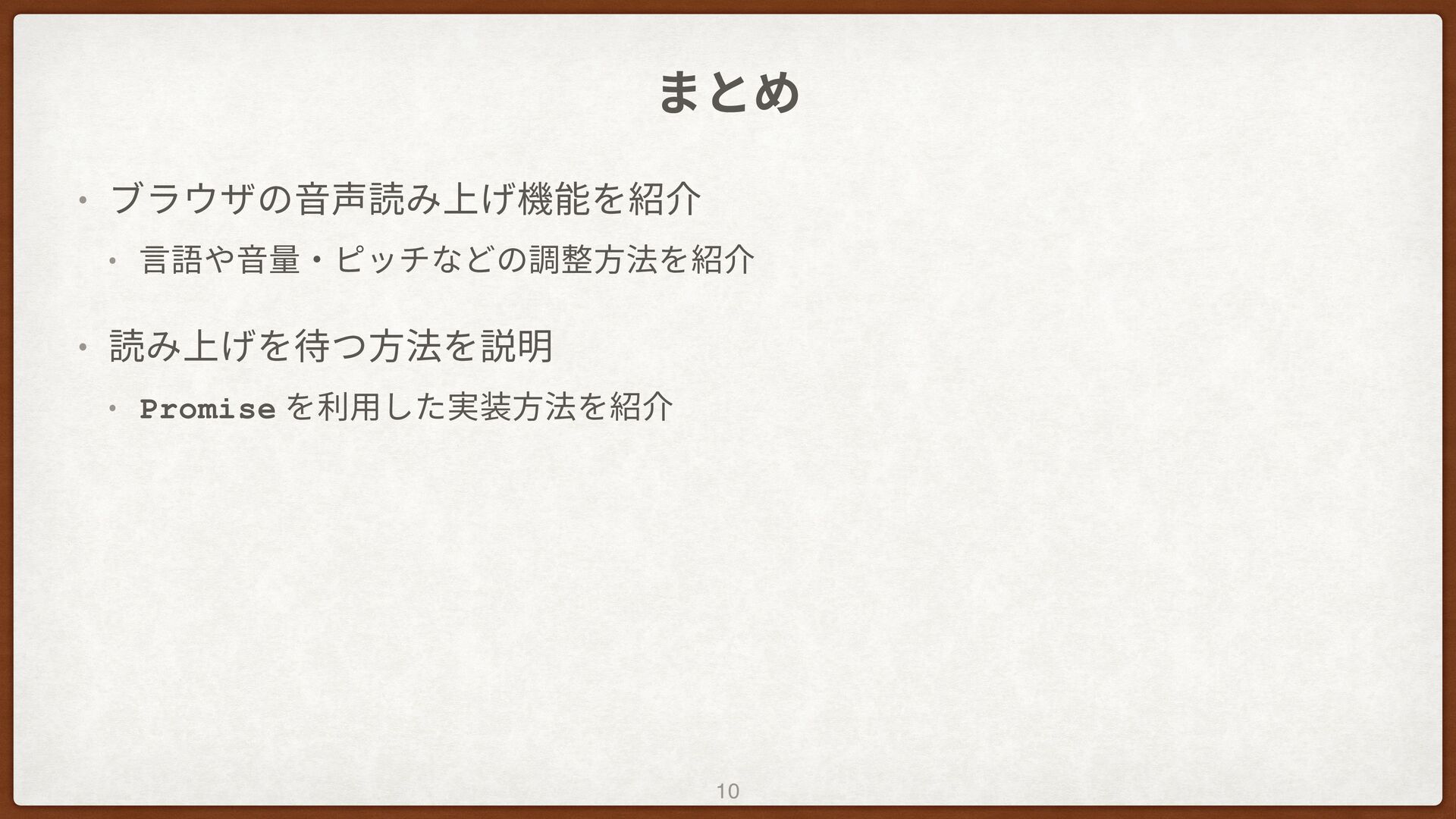
まとめ • ブラウザの⾳声読み上げ機能を紹介 • ⾔語や⾳量‧ピッチなどの調整⽅法を紹介 • 読み上げを待つ⽅法を説明 • Promise を利⽤した実装⽅法を紹介
10
ご清聴ありがとうございました


 azuki
azuki
 kokuyouwind
 rkaga
rkaga
 hibiki_cube
 nearme_tech
 tonkotsuboy_com
 yumechi
 nrslib
 hekuchan
 azukiazusa1
 meteatamel
 izumin5210
 tasshi
 gurzu
gurzu
 bermonpainter
 michielstock
 afnizarnur
 3n
3n
 paigeccino
 tammielis
 yeseniaperezcruz
 cassininazir
 jdejongh
 szymonslowik