Upgrade to Pro
— share decks privately, control downloads, hide ads and more …
Speaker Deck
Sign up for free
Menu
Search
Features
All features
Private URLs
Password Protection
Custom URLS
Scheduled publishing
Remove Branding
Restrict embedding
Deck Collections
Notes
Features
All features
Private URLs
Password Protection
Custom URLS
Scheduled publishing
Remove Branding
Restrict embedding
Deck Collections
Notes
Explore
Featured decks
Featured speakers
Programming
Technology
Storyboards
Explore
Featured decks
Featured speakers
Programming
Technology
Storyboards
Pricing
Search
Sign in
Sign up for free
Vim introduction
Search
Sponsored
·
Ship Features Fearlessly
Turn features on and off without deploys. Used by thousands of Ruby developers.
→
Dmitrijs Vrublevskis
July 12, 2014
Programming
140
1
Share
Embed
Copy iframe code
Copy JS code
Copy link
Start on current slide
Vim introduction
https://plus.google.com/events/cv8rtf625f5hc8jn6qmhpsb2nho
Dmitrijs Vrublevskis
July 12, 2014
More Decks by Dmitrijs Vrublevskis
See All by Dmitrijs Vrublevskis
Cypher Editor
fylmtm
0
170
Cypher in JetBrains IDE
fylmtm
0
220
Adopting Neo4j @ Enterprise scale
fylmtm
0
96
League of Graphs \w Neo4j
fylmtm
0
1.7k
Performance & Stability testing \w Gatling
fylmtm
0
240
Neo4j Magic Adventures
fylmtm
1
210
Google I/O 2014 - Web updates
fylmtm
0
160
Other Decks in Programming
See All in Programming
見えないものを探る要求要件定義に必要な基本的思考 / invisible-requirement-thinking
minodriven
15
8.8k
Railsバージョンを4倍にした話
optim
0
770
Lambda durable functionsでHuman in the Loopを楽に…楽に……
har1101
2
200
golang-bob.pdf
iwatsukayura
0
140
Web Framework Benchmark Battle 2026, Any%
a_matsuda
3
3k
Kotlinize Is Not Just Converting to Kotlin
chigichan24
1
200
Performance Optimization With LLMs
xleitix
0
210
Event is what happens
moro
2
1.7k
オーケストレーション記述言語 Katari
yukikurage
0
200
月間100万人のサービス刷新で、 技術選定をHonoに振り切った話
yutobara
8
7k
Zero-Tap Sign-In対応、結局何をすればいいの?
mitohato14
0
840
AI時代のシニアエンジニアとは
yosuke_furukawa
PRO
12
9.8k
Featured
See All Featured
So, you think you're a good person
axbom
PRO
2
2.2k
A brief & incomplete history of UX Design for the World Wide Web: 1989–2019
jct
2
540
Groundhog Day: Seeking Process in Gaming for Health
codingconduct
0
440
Into the Great Unknown - MozCon
thekraken
41
2.8k
The B2B funnel & how to create a winning content strategy
katarinadahlin
PRO
1
580
Visualization
eitanlees
153
17k
Claude Code のすすめ
schroneko
67
230k
What’s in a name? Adding method to the madness
productmarketing
PRO
24
4.2k
jQuery: Nuts, Bolts and Bling
dougneiner
66
8.6k
Optimizing for Happiness
mojombo
378
71k
ラッコキーワード サービス紹介資料
rakko
4
5.5M
How To Speak Unicorn (iThemes Webinar)
marktimemedia
1
610
Transcript
Vim introduction @Dmitrijs Vrublevskis
About me • Developer @ “Transact PRO” • Unhappy with
PHP • In love with Ruby • Believe in Linux
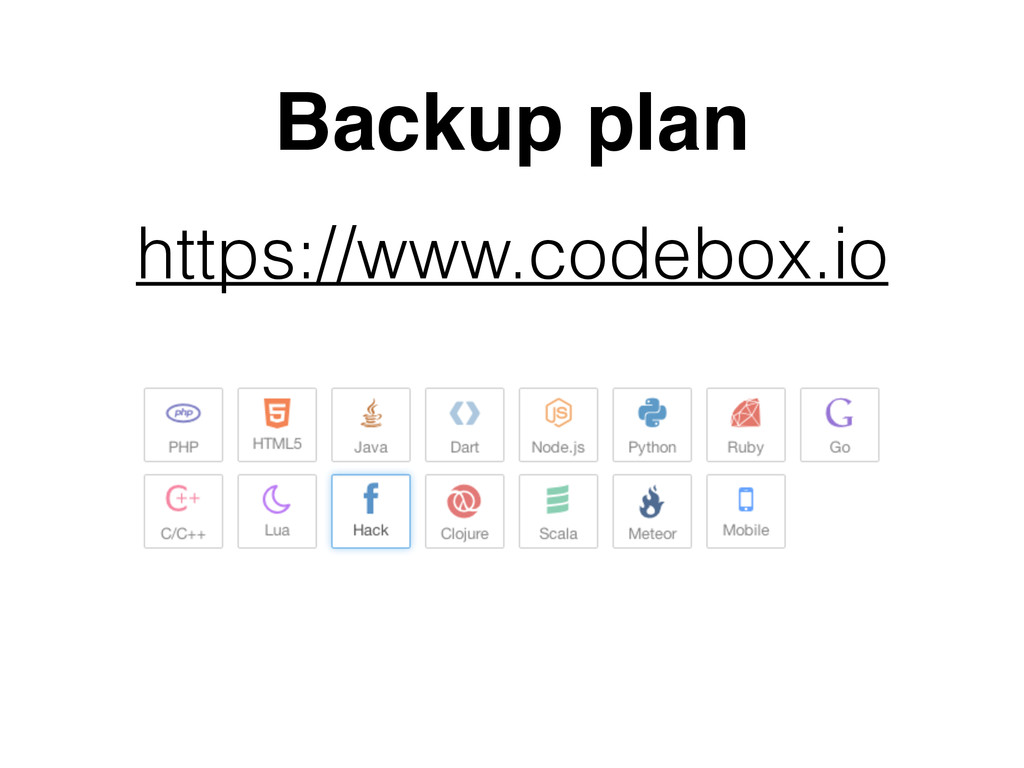
Backup plan https://www.codebox.io
Intro • Programmer's text editor • Released publicly in 1991
• Based on the vi editor • Vim is a tool, the use of which must be learned. • Shortcuts & no-mouse
My use cases • Ruby (Rails) development (sometimes) • One-time
source editing (bugfixes, types and etc) • Editing via SSH (nginx, apache, hosts and etc) • Diff (rarely) • Development (Intellij IDEA plugin)
$ vim file.txt § - command sequences for pro
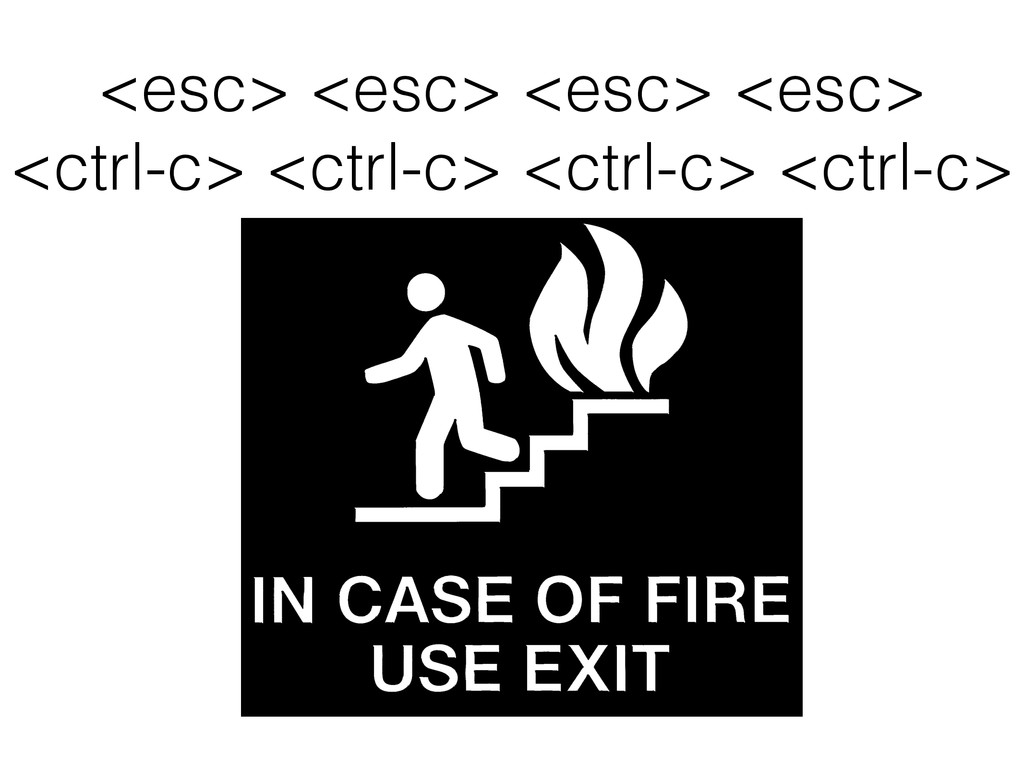
<esc> <esc> <esc> <esc> <ctrl-c> <ctrl-c> <ctrl-c> <ctrl-c>
Modes • Insert • Normal ! • Visual • Command
Modes[Insert] 1. Insert A. Cursor - <i> B. Append -
<a> C. On new line - <o> 2. Type text 3. Exit - <ctrl-c>
Modes[Normal] • Left - <h> - <left_arrow> • Right -
<l> - <right_arrow> • Down - <j> - <down_arrow> • Up - <k> - <up_arrow> ! • § 5l • § 2j
Modes[Normal] • Word - <w> • End word - <e>
• Back word - <b> • Find - <f><any_letter_to_find> ! • § F2e • § t”
Modes[Normal] • Delete under cursor - <x> • Replace -
<r><letter> • Delete - <d><motion> • Change - <c><motion> • Motion - <w>|<e>|<h> … ! • § d5k • § ca”
Modes[Visual] • Visual - <v> • Line visual - <shift-v>
• Block visual - <ctrl-v>
Modes[Command] • Write - <:><w> • Quit - <:><q> •
Write and quit - <:><w><q> • Write and quit - <:><x> • Quit without save - <:><q><!> • Search - </><pattern><enter> • Next / Prev - <n> / <N>
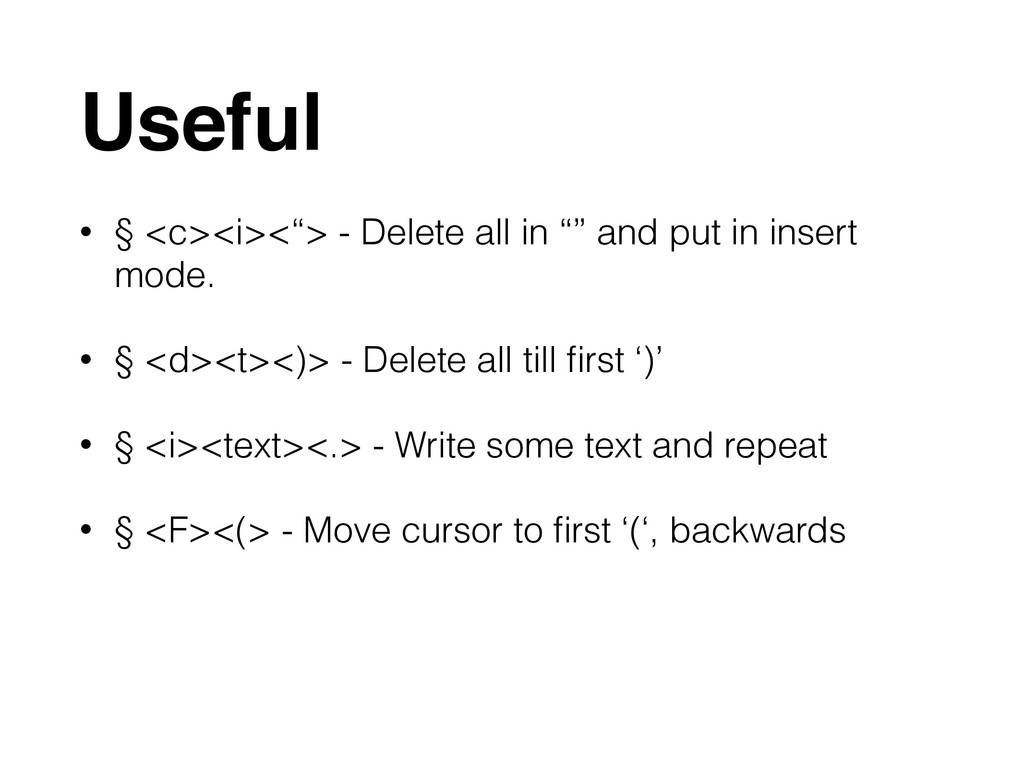
Useful • § <c><i><“> - Delete all in “” and
put in insert mode. • § <d><t><)> - Delete all till first ‘)’ • § <i><text><.> - Write some text and repeat • § <F><(> - Move cursor to first ‘(‘, backwards
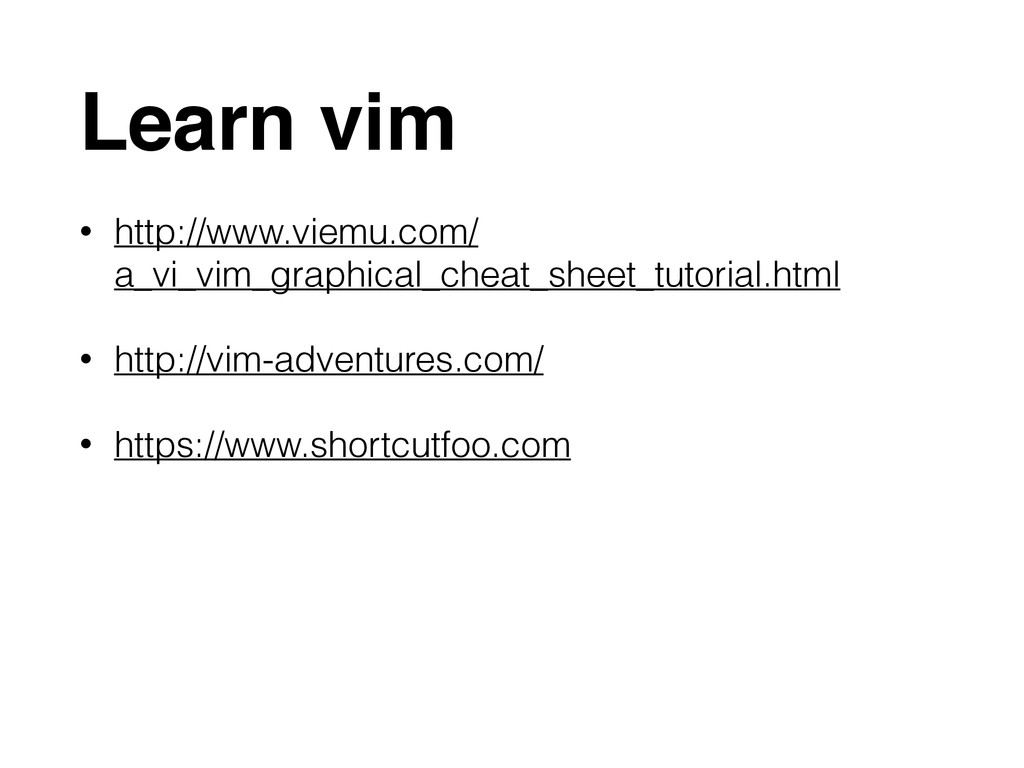
Learn vim • http://www.viemu.com/ a_vi_vim_graphical_cheat_sheet_tutorial.html • http://vim-adventures.com/ • https://www.shortcutfoo.com
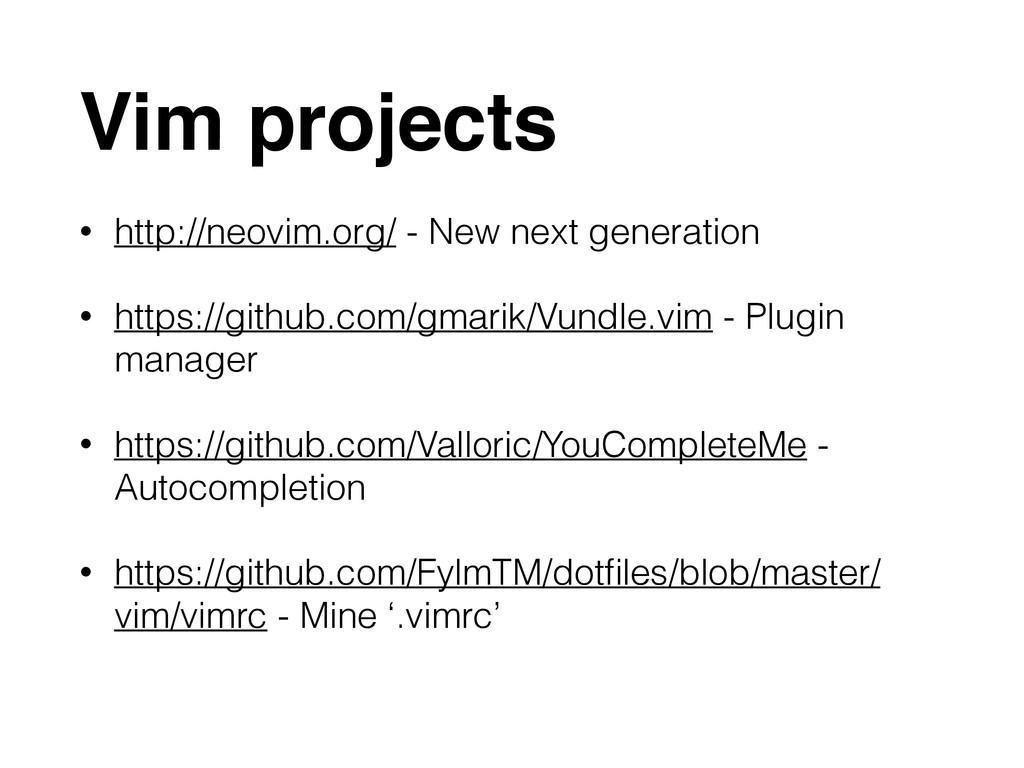
Vim projects • http://neovim.org/ - New next generation • https://github.com/gmarik/Vundle.vim
- Plugin manager • https://github.com/Valloric/YouCompleteMe - Autocompletion • https://github.com/FylmTM/dotfiles/blob/master/ vim/vimrc - Mine ‘.vimrc’
None


 fylmtm
 minodriven
 optim
optim
 har1101
 iwatsukayura
 a_matsuda
 chigichan24
 xleitix
 moro
moro
 yukikurage
 yutobara
 mitohato14
 yosuke_furukawa
 axbom
axbom
 jct
jct
 codingconduct
 thekraken
 katarinadahlin
 eitanlees
 schroneko
 productmarketing
 dougneiner
 mojombo
 rakko
rakko
 marktimemedia

![Modes[Insert] 1. Insert A. Cursor - <i> B. Append -](https://files.speakerdeck.com/presentations/bf354450ebcd0131a3ad1ab3eb21a189/slide_8.jpg)
![Modes[Normal] • Left - <h> - <left_arrow> • Right -](https://files.speakerdeck.com/presentations/bf354450ebcd0131a3ad1ab3eb21a189/slide_9.jpg)
![Modes[Normal] • Word - <w> • End word - <e>](https://files.speakerdeck.com/presentations/bf354450ebcd0131a3ad1ab3eb21a189/slide_10.jpg)
![Modes[Normal] • Delete under cursor - <x> • Replace -](https://files.speakerdeck.com/presentations/bf354450ebcd0131a3ad1ab3eb21a189/slide_11.jpg)
![Modes[Visual] • Visual - <v> • Line visual - <shift-v>](https://files.speakerdeck.com/presentations/bf354450ebcd0131a3ad1ab3eb21a189/slide_12.jpg)
![Modes[Command] • Write - <:><w> • Quit - <:><q> •](https://files.speakerdeck.com/presentations/bf354450ebcd0131a3ad1ab3eb21a189/slide_13.jpg)