Share
Embed
Web Directions Code 12: Drag and Drop
A little primer to native HTML5 drag and drop.
makenosound
May 24, 2012
Transcript
19 slides
-
WHY? Friday, 25 May 12 * Different user-interface models —
why are we bothering? * Can really make a graphical user interface feel alive. * Simple, but often overlooked. -
Friday, 25 May 12 * In web design we expose
the underlying structure of our applications. * Users don’t care. * Computer interfaces are abstractions. * Drag and drop takes some of the abstraction away. * Touch interfaces more intuitive because the separation between action and effect is small. -
Friday, 25 May 12 * All the major JavaScript libraries
have supporting plugins or UI libraries that include some sort of drag and drop components * jQuery UI * Dojo * Mootools * None of them use the native APIs. -
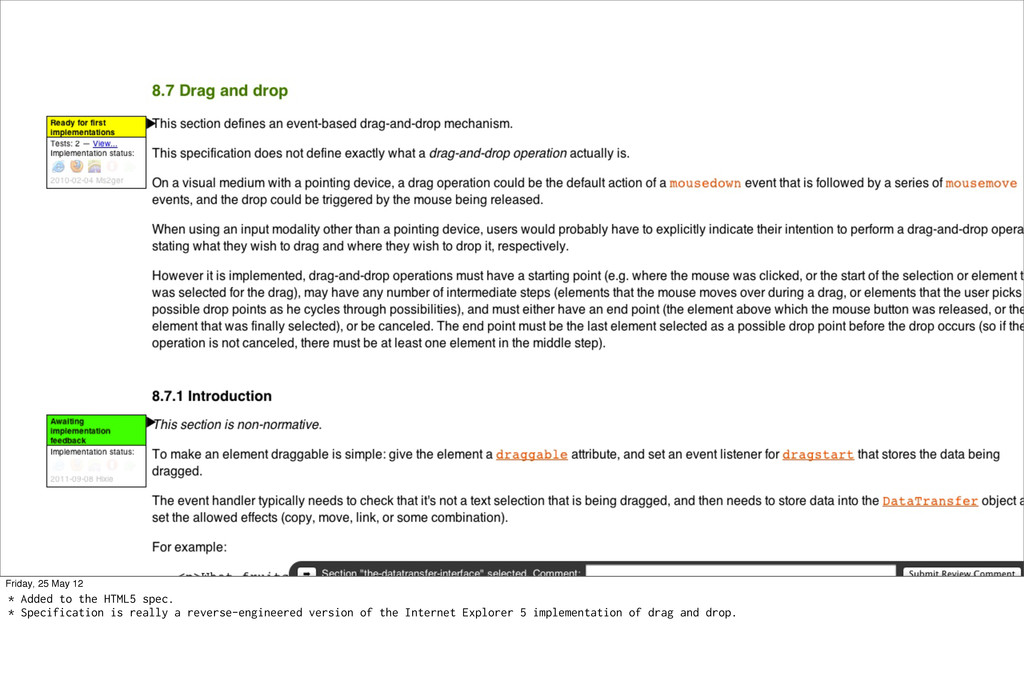
Friday, 25 May 12 * Added to the HTML5 spec.
* Specification is really a reverse-engineered version of the Internet Explorer 5 implementation of drag and drop. -
Friday, 25 May 12 * This is a Drag and
Drop tutorial from 2000 that is still relevant. -
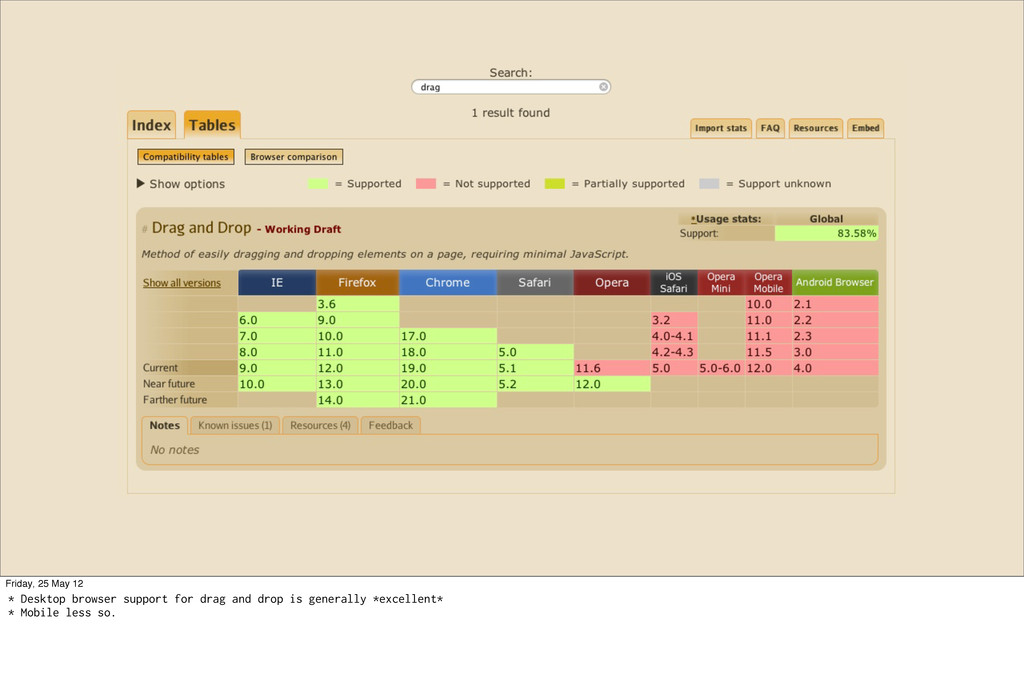
Friday, 25 May 12 * Desktop browser support for drag
and drop is generally *excellent* * Mobile less so. -
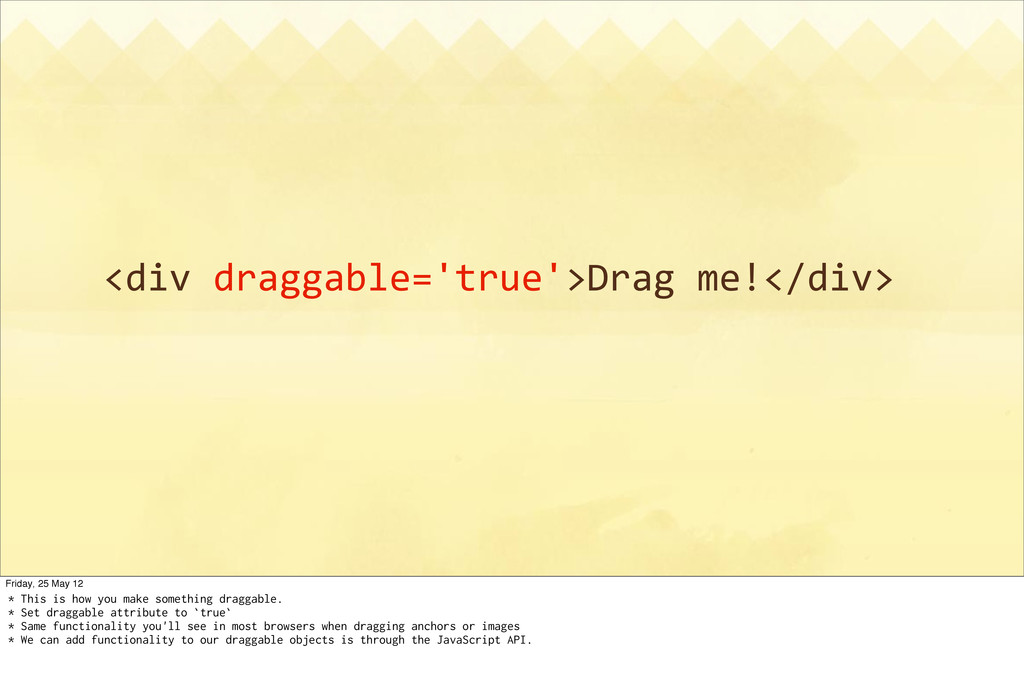
<div draggable='true'>Drag me!</div> Friday, 25 May 12 * This is
how you make something draggable. * Set draggable attribute to `true` * Same functionality you'll see in most browsers when dragging anchors or images * We can add functionality to our draggable objects is through the JavaScript API. -
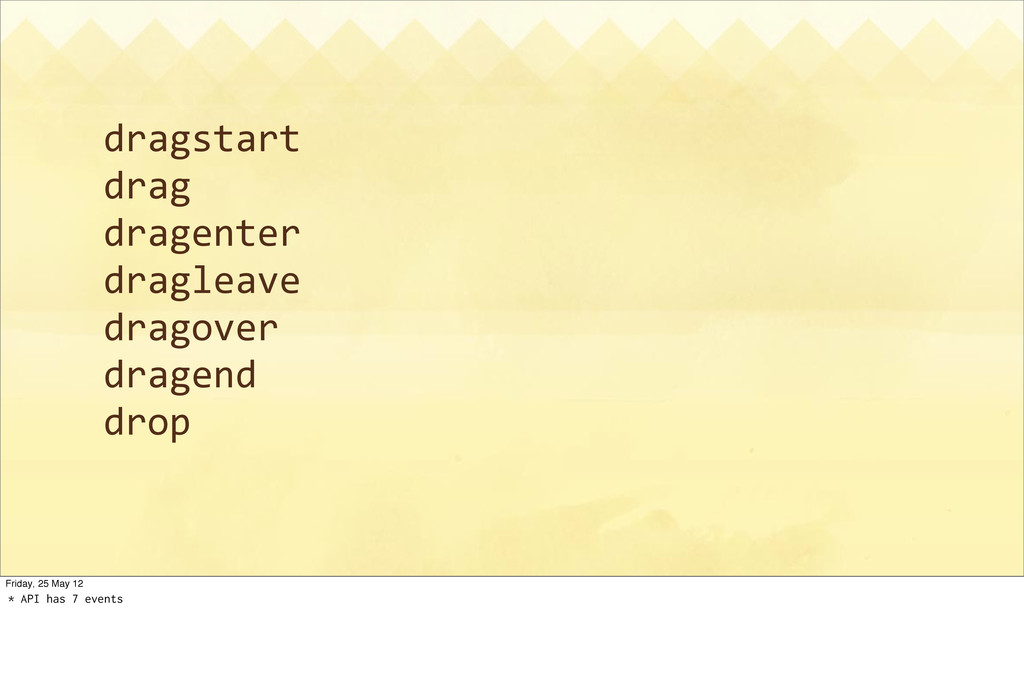
dragstart drag dragenter dragleave dragover dragend drop Friday, 25 May
12 * API has 7 events -
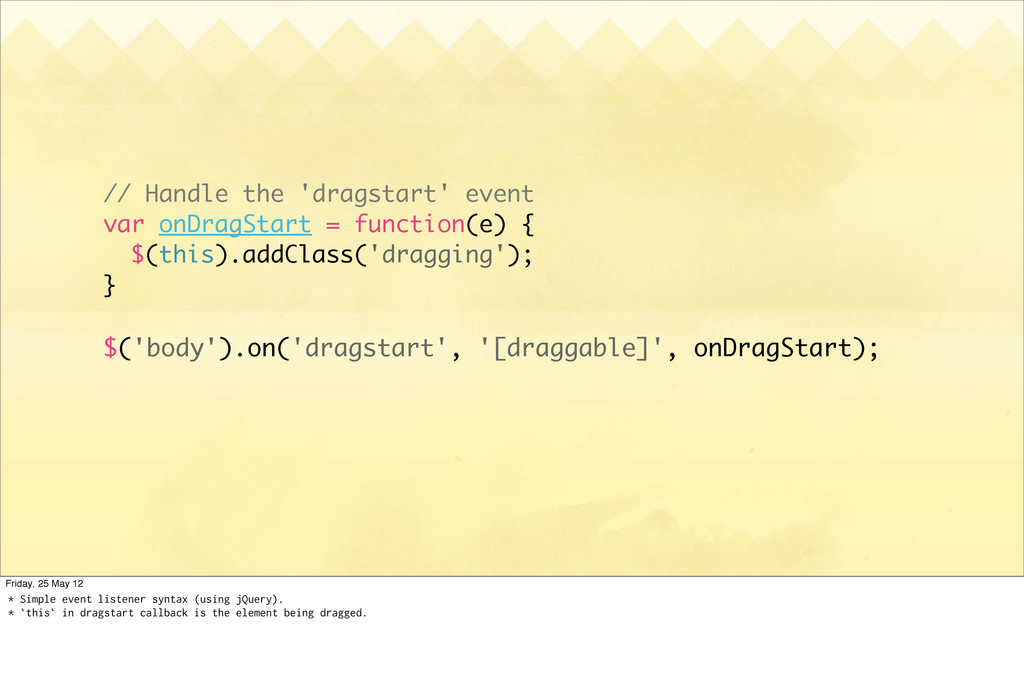
// Handle the 'dragstart' event var onDragStart = function(e) {
$(this).addClass('dragging'); } $('body').on('dragstart', '[draggable]', onDragStart); Friday, 25 May 12 * Simple event listener syntax (using jQuery). * `this` in dragstart callback is the element being dragged. -
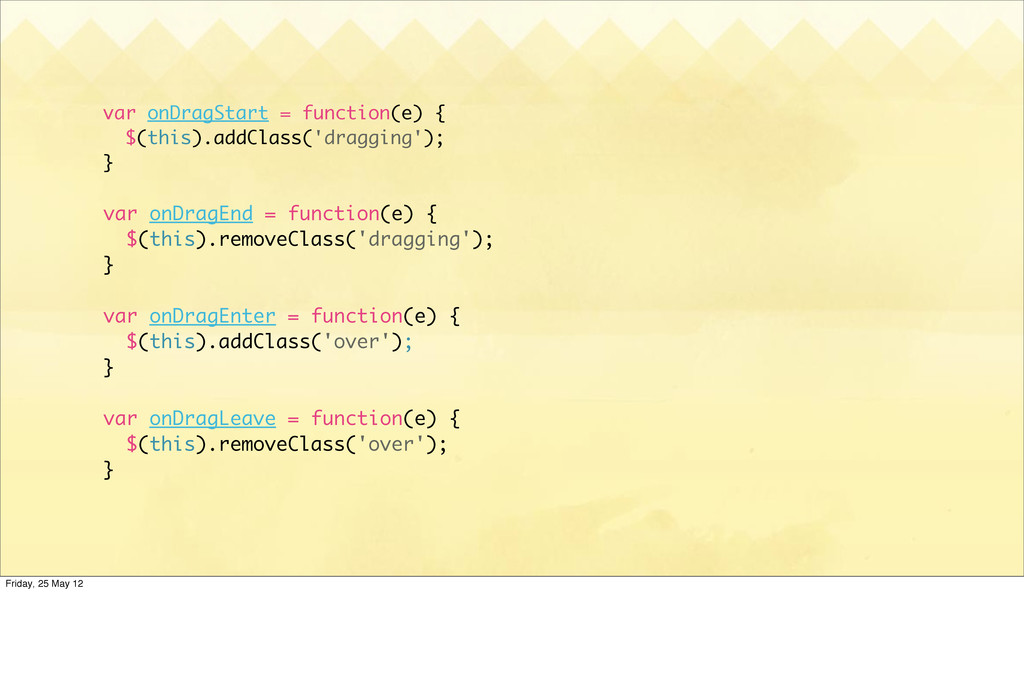
var onDragStart = function(e) { $(this).addClass('dragging'); } var onDragEnd =
function(e) { $(this).removeClass('dragging'); } var onDragEnter = function(e) { $(this).addClass('over'); } var onDragLeave = function(e) { $(this).removeClass('over'); } Friday, 25 May 12 -
Drop it like it’s hot Friday, 25 May 12 *
Default droppable targets in most browsers: inputs, textareas, and contenteditable regions. * The spec also includes a `dropzone` attribute. Only supported by Opera. * We can use the `drop` event. -
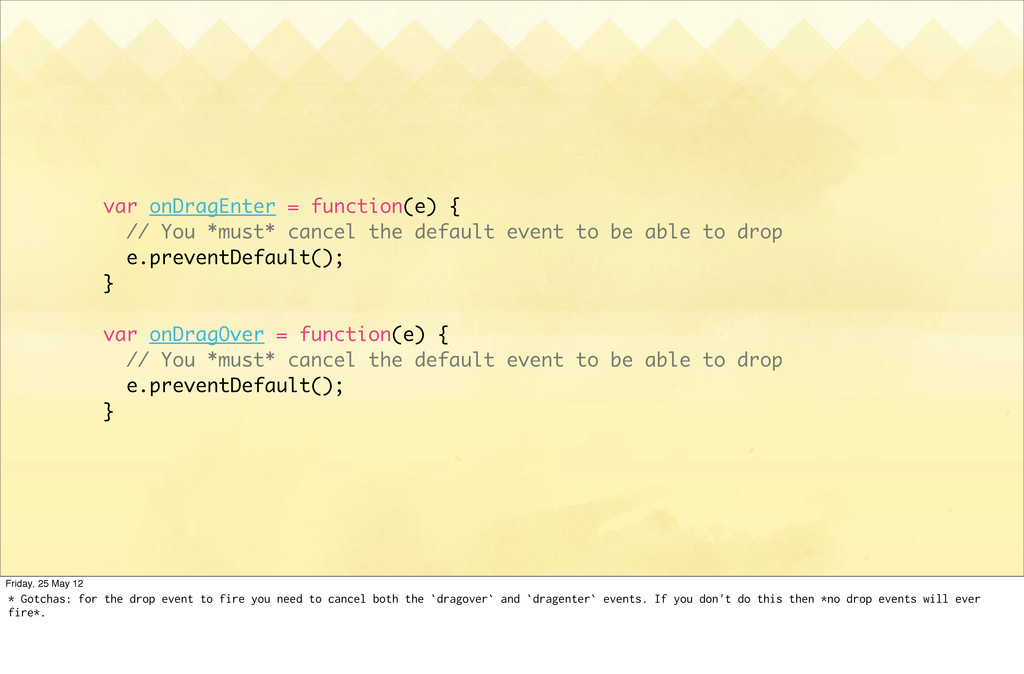
var onDragEnter = function(e) { // You *must* cancel the
default event to be able to drop e.preventDefault(); } var onDragOver = function(e) { // You *must* cancel the default event to be able to drop e.preventDefault(); } Friday, 25 May 12 * Gotchas: for the drop event to fire you need to cancel both the `dragover` and `dragenter` events. If you don't do this then *no drop events will ever fire*. -
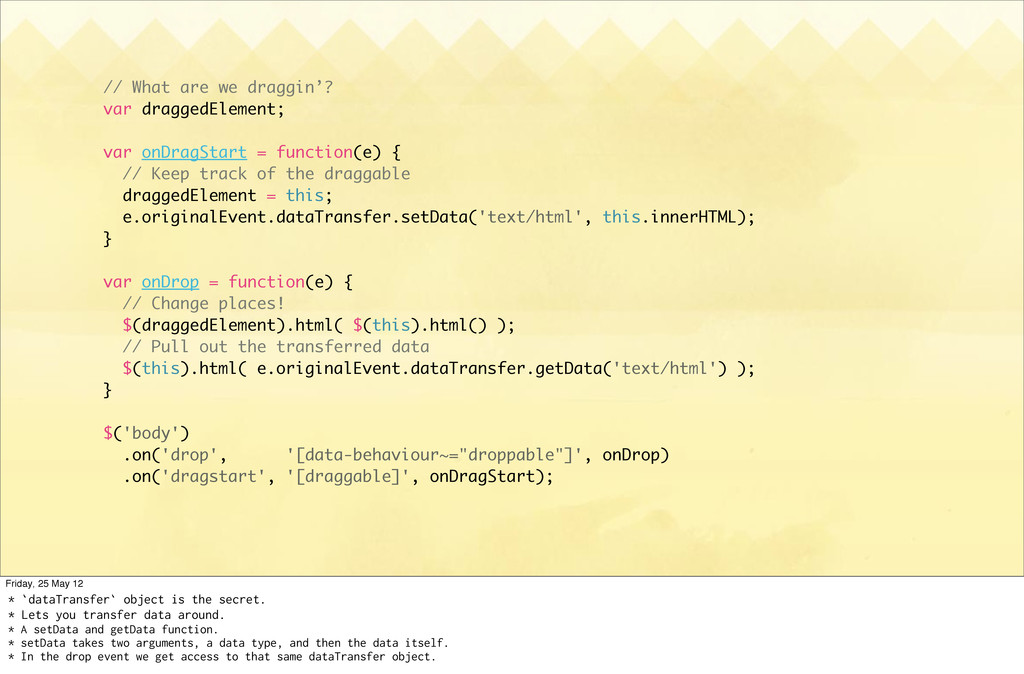
// What are we draggin’? var draggedElement; var onDragStart =
function(e) { // Keep track of the draggable draggedElement = this; e.originalEvent.dataTransfer.setData('text/html', this.innerHTML); } var onDrop = function(e) { // Change places! $(draggedElement).html( $(this).html() ); // Pull out the transferred data $(this).html( e.originalEvent.dataTransfer.getData('text/html') ); } $('body') .on('drop', '[data-behaviour~="droppable"]', onDrop) .on('dragstart', '[draggable]', onDragStart); Friday, 25 May 12 * `dataTransfer` object is the secret. * Lets you transfer data around. * A setData and getData function. * setData takes two arguments, a data type, and then the data itself. * In the drop event we get access to that same dataTransfer object. -
dataTransfer.dropEffect = 'copy' dataTransfer.effectAllowed = 'move' dataTransfer.setDragImage(element, x, y) dataTransfer.addElement(element)
Friday, 25 May 12 * The dataTransfer object has a other properties and methods. * Drop effect lets you specify the kind of operation: copy, move, or link elements. * Effect allowed lets dropabbles specify what kind of operation they'll handle. * Set drag image lets you use an image instead of the default draggable element as the "ghost" element. * Add element lets you do the same with an arbitrary DOM element. * Some of these are broken across browsers -
Friday, 25 May 12 * Drag and Drop isn't limited
to data that's in the page. * We can also drag files from the desktop and then manipulate that data. * Combine drag and drop with other HTML5 APIs like FileReader or FileList that allow us to parse and handle the dropped file data. -
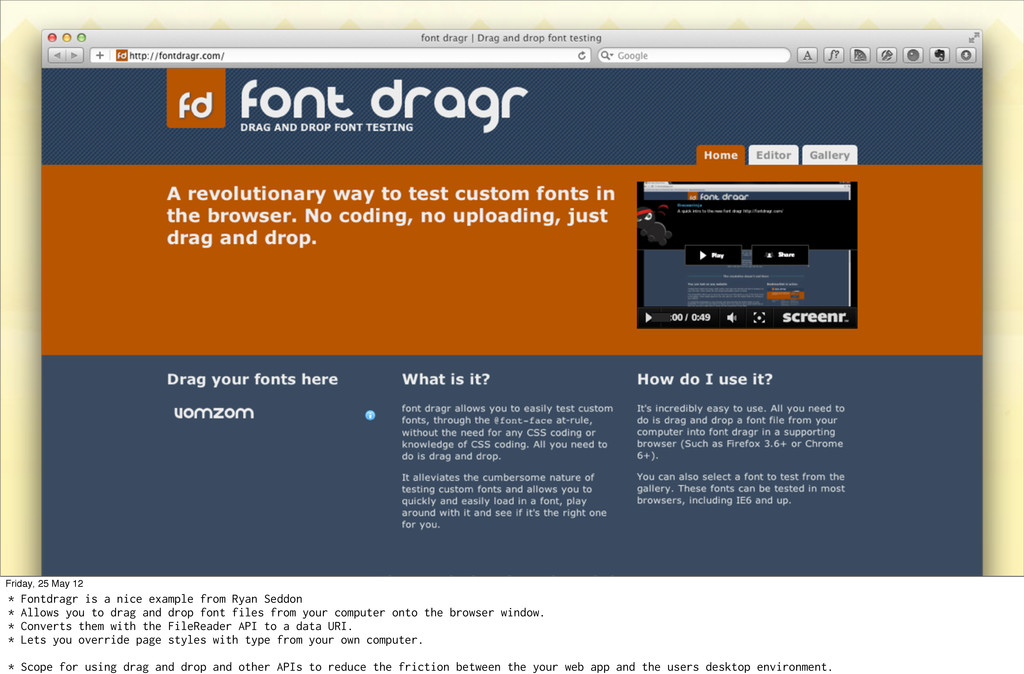
Friday, 25 May 12 * Fontdragr is a nice example
from Ryan Seddon * Allows you to drag and drop font files from your computer onto the browser window. * Converts them with the FileReader API to a data URI. * Lets you override page styles with type from your own computer. * Scope for using drag and drop and other APIs to reduce the friction between the your web app and the users desktop environment.