app using Webpack <> serverless-domain-manager – Add a custom domain (like api.myapp.com) {} serverless-offline – Test your functions on your own computer TS serverless-typescript – Use TypeScript in your cloud functions
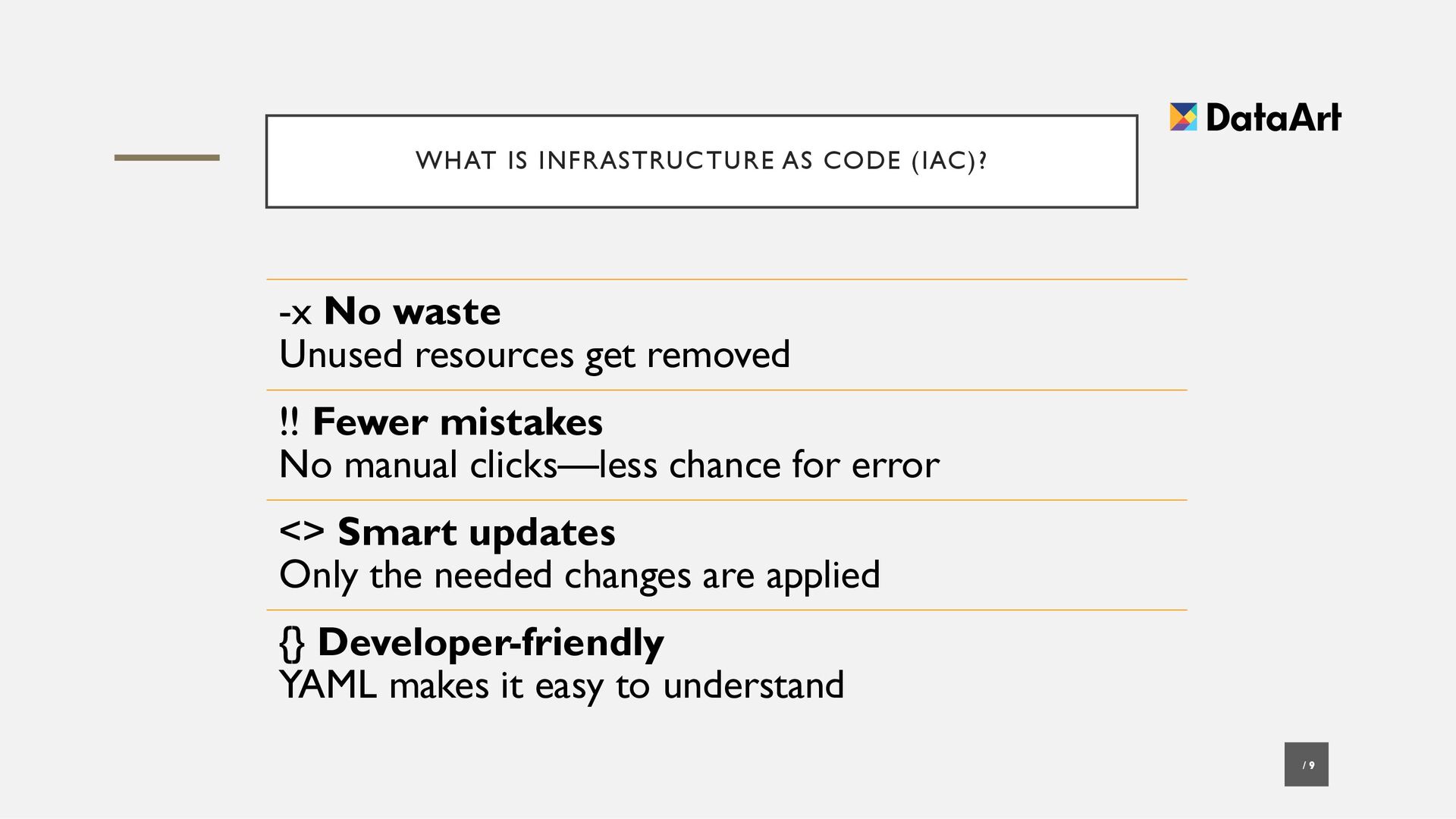
waste Unused resources get removed !! Fewer mistakes No manual clicks—less chance for error <> Smart updates Only the needed changes are applied {} Developer-friendly YAML makes it easy to understand
• What You Need to Do: • <> Create a New AWS User → Go to IAM (Identity and Access Management) in AWS → Click Users → Add User → Give it any name (e.g. todo-app-user) • [] Enable Access → Enable both: • Programmatic access (for CLI) • Console access (for web login)
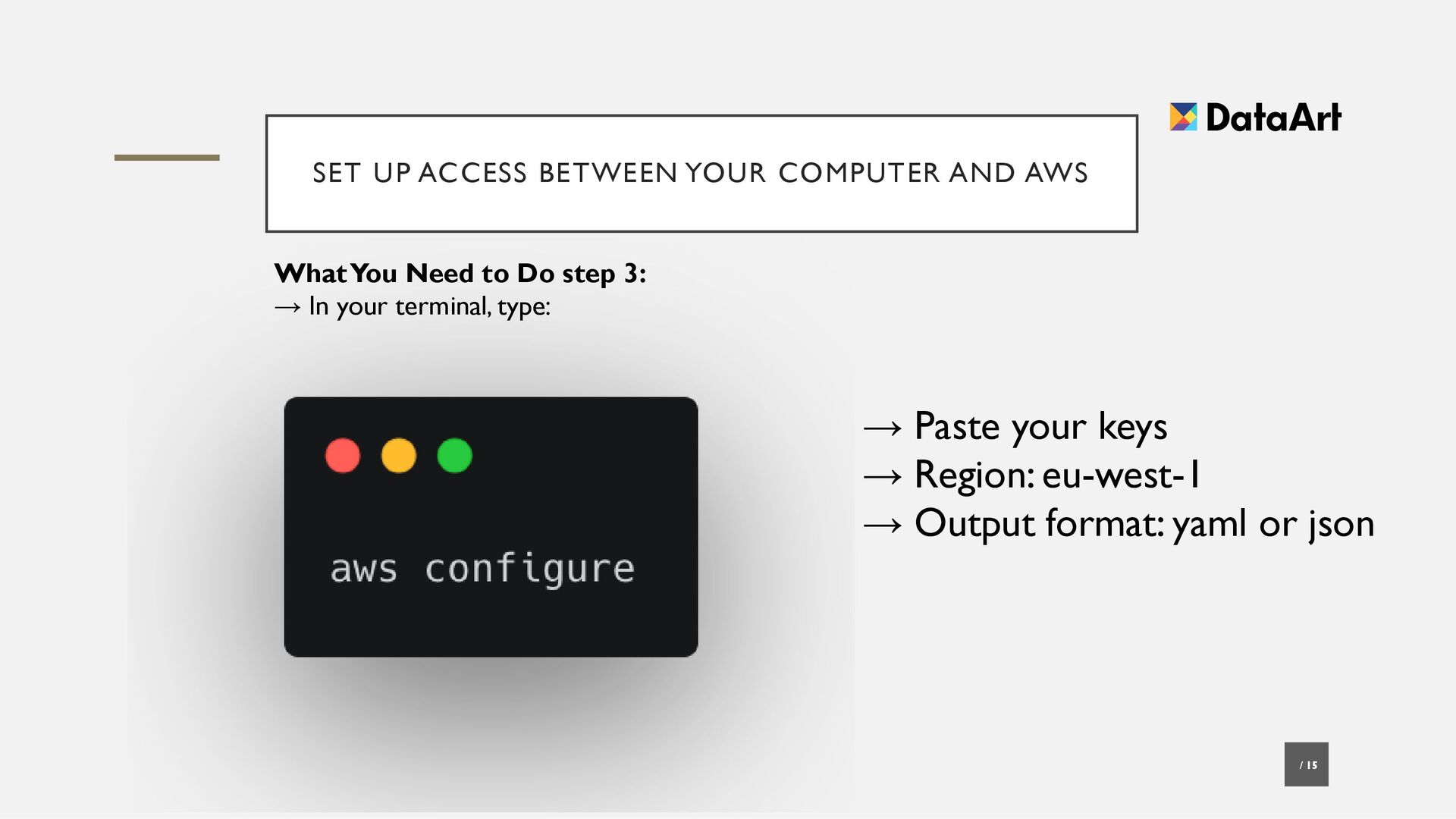
• What You Need to Do step 2: !! Give Permissions (Temporarily) → Attach the AdministratorAccess policy → (Okay for learning, not for production) • {} Save Credentials → Save the Access Key ID and Secret Access Key →You’ll use these with aws configure


 caitiem20
 colly
colly
 chriscoyier
 quramy
 yeseniaperezcruz
 marktimemedia
 shlominoach
 oripsolob
 keavy
keavy
 eileencodes
 helmedeiros
 geshan


![SERVERLESS FRAMEWORK PLUGINS / 8 [] serverless-webpack – Bundle your](https://files.speakerdeck.com/presentations/93bd2702b01447e395e5bb98ef65e34c/slide_7.jpg)
![YOUR APP BECOMES A CLOUD STACK / 10 [] CloudFormation](https://files.speakerdeck.com/presentations/93bd2702b01447e395e5bb98ef65e34c/slide_9.jpg)