Lock in $30 Savings on PRO—Offer Ends Soon! ⏳

top tools for content creation

Avatar for Attitude Academy Attitude Academy
October 15, 2025
0

top tools for content creation

Creating content doesn’t have to be complicated! With the right tools, anyone can design, write, and edit like a pro. From making eye-catching graphics to scheduling posts, these tools simplify your workflow and save time. Explore platforms like Canva for design, Grammarly for writing, CapCut for videos, Notion for planning, and Buffer for scheduling. These easy-to-use tools help you stay consistent, creative, and professional — even without technical skills.

Avatar for Attitude Academy

Attitude Academy

October 15, 2025
Tweet

Transcript

  1. preencoded.png Mastering Digital Marketing: Top Tools to Make Content Creation

    Easy Your guide to streamlining content creation and launching your digital marketing career
  2. preencoded.png Why Digital Marketing? Global Reach Digital marketing connects brands

    with millions of potential customers online, breaking geographical boundaries and creating endless opportunities. High-Demand Careers Learning digital marketing opens doors to creative, flexible, and well- paying careers in one of the fastest-growing industries worldwide. Content is King Great content drives engagement, builds trust, and converts audiences into loyal customers—making content creation your most valuable skill.
  3. preencoded.png The Challenge: Content Creation Hassles Time-Consuming Tasks Creating quality

    content can eat up hours of your day, from brainstorming ideas to final production— leaving you overwhelmed and exhausted. Skill Gaps Many students struggle with design principles, persuasive writing techniques, and video editing— feeling intimidated by the technical demands. The Solution The right tools can dramatically simplify these tasks, boost your creativity, and transform you from beginner to confident content creator.
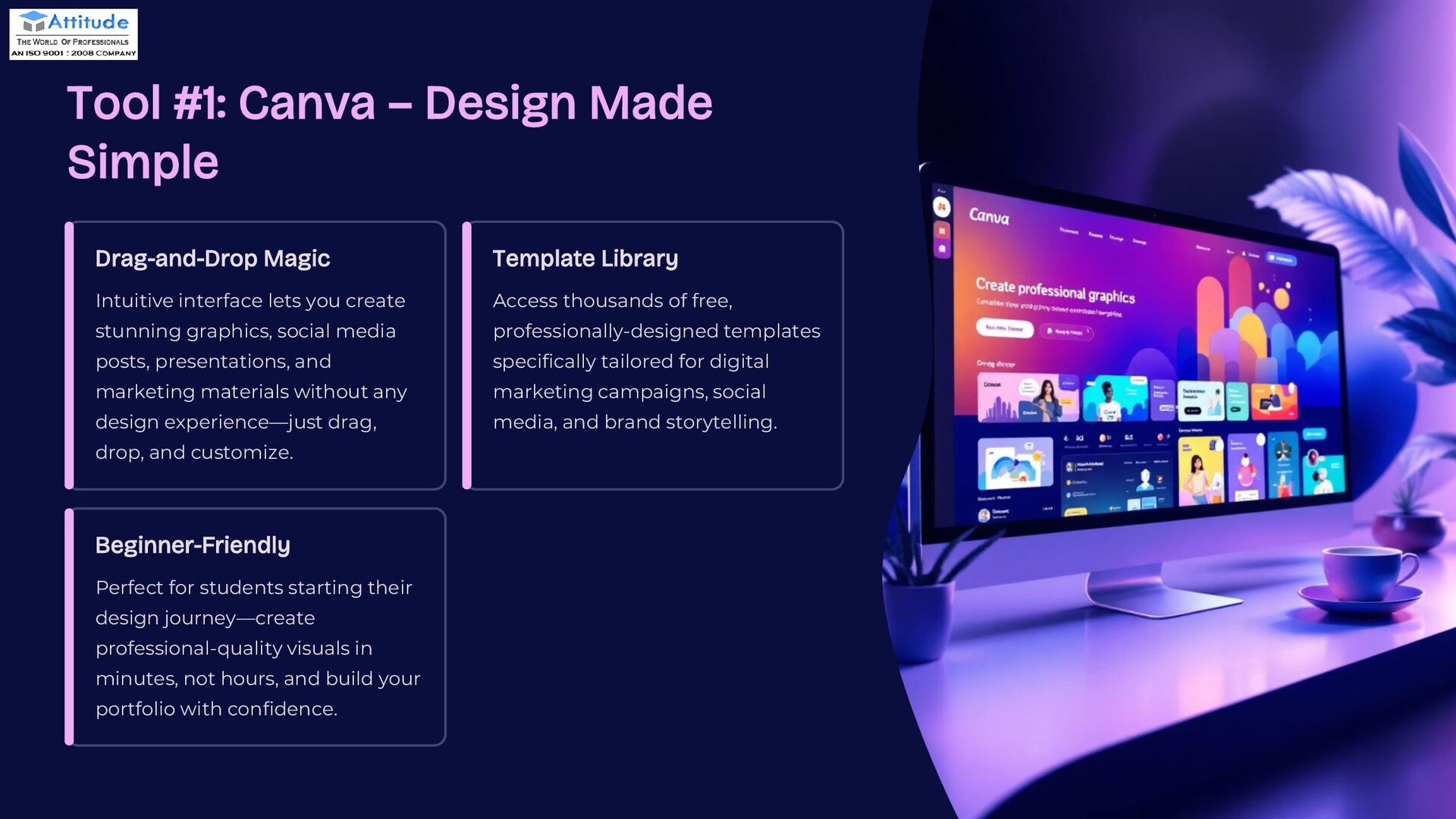
  4. preencoded.png Tool #1: Canva – Design Made Simple Drag-and-Drop Magic

    Intuitive interface lets you create stunning graphics, social media posts, presentations, and marketing materials without any design experience—just drag, drop, and customize. Template Library Access thousands of free, professionally-designed templates specifically tailored for digital marketing campaigns, social media, and brand storytelling. Beginner-Friendly Perfect for students starting their design journey—create professional-quality visuals in minutes, not hours, and build your portfolio with confidence.
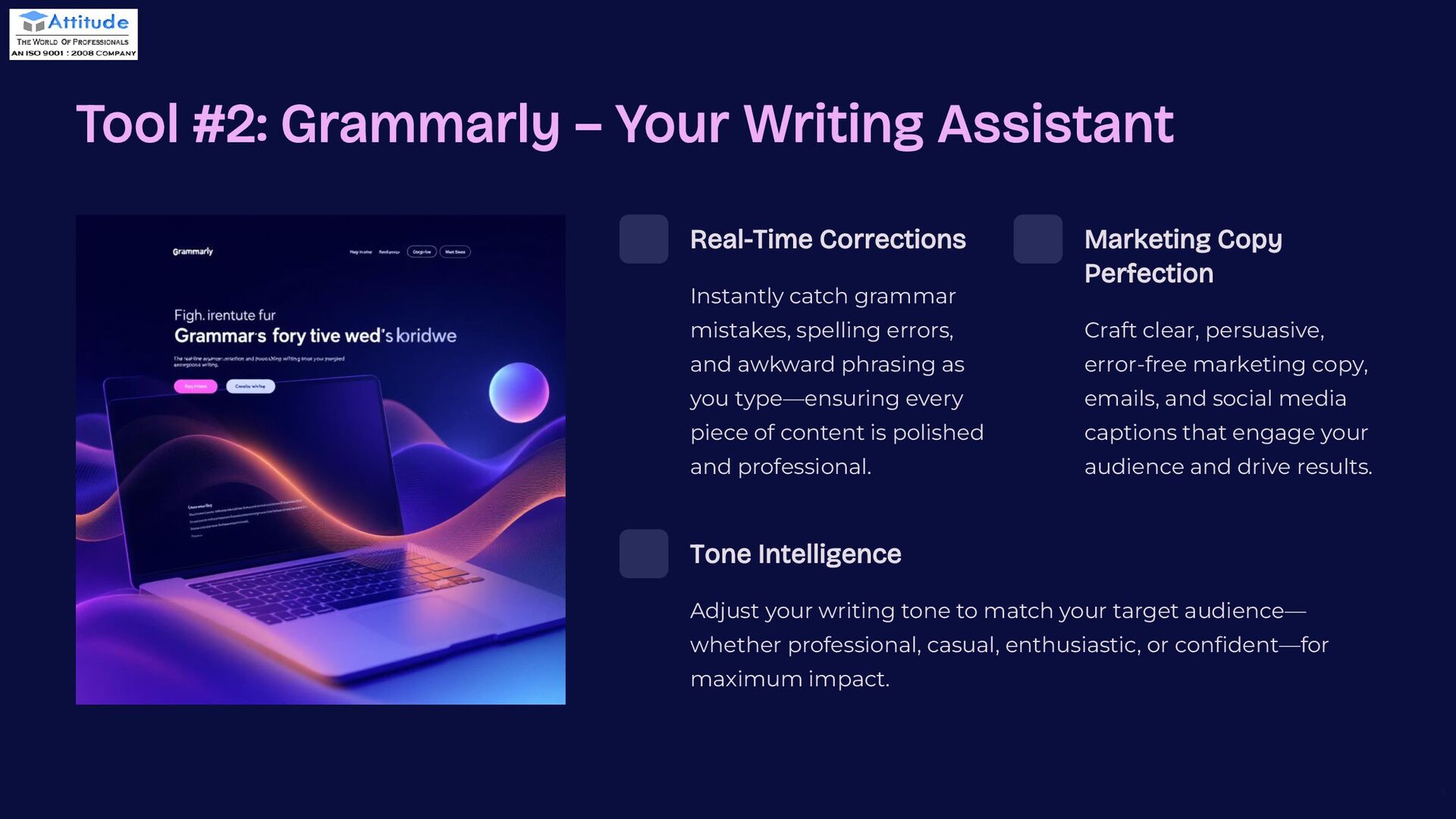
  5. preencoded.png Tool #2: Grammarly – Your Writing Assistant Real-Time Corrections

    Instantly catch grammar mistakes, spelling errors, and awkward phrasing as you type—ensuring every piece of content is polished and professional. Marketing Copy Perfection Craft clear, persuasive, error-free marketing copy, emails, and social media captions that engage your audience and drive results. Tone Intelligence Adjust your writing tone to match your target audience— whether professional, casual, enthusiastic, or confident—for maximum impact.
  6. preencoded.png Tool #3: Adobe Express – Visual Storytelling Dynamic Videos

    Create captivating videos with intuitive editing tools, animations, and transitions that bring your stories to life. Web Pages & Graphics Design stunning web pages and graphics that capture attention and communicate your brand message effectively. Brand Storytelling Perfect for creating cohesive social media campaigns and multimedia content that resonates with your audience.
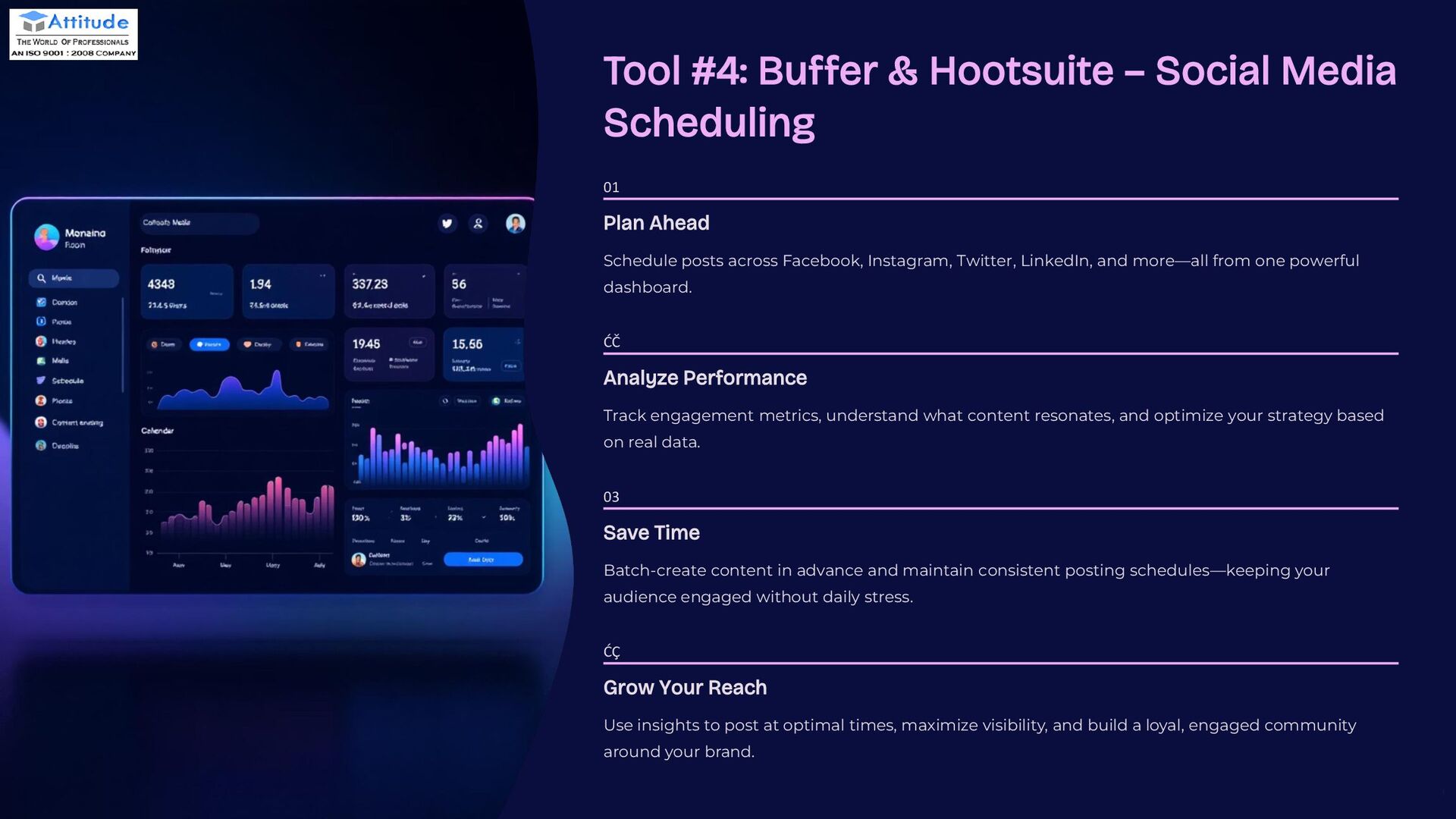
  7. preencoded.png Tool #4: Buffer & Hootsuite – Social Media Scheduling

    01 Plan Ahead Schedule posts across Facebook, Instagram, Twitter, LinkedIn, and more—all from one powerful dashboard. 02 Analyze Performance Track engagement metrics, understand what content resonates, and optimize your strategy based on real data. 03 Save Time Batch-create content in advance and maintain consistent posting schedules—keeping your audience engaged without daily stress. 04 Grow Your Reach Use insights to post at optimal times, maximize visibility, and build a loyal, engaged community around your brand.
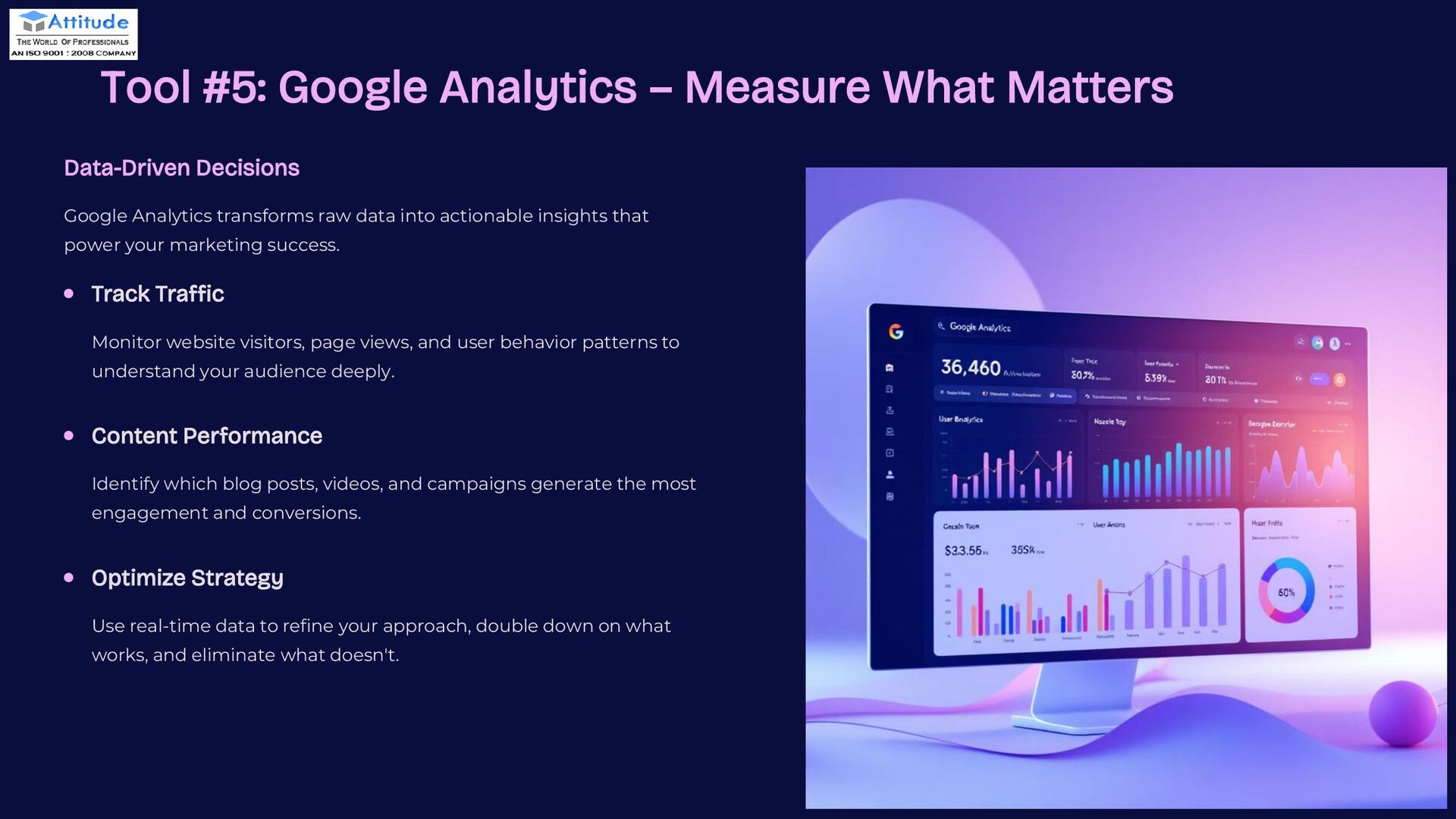
  8. preencoded.png Tool #5: Google Analytics – Measure What Matters Data-Driven

    Decisions Google Analytics transforms raw data into actionable insights that power your marketing success. Track Traffic Monitor website visitors, page views, and user behavior patterns to understand your audience deeply. Content Performance Identify which blog posts, videos, and campaigns generate the most engagement and conversions. Optimize Strategy Use real-time data to refine your approach, double down on what works, and eliminate what doesn't.
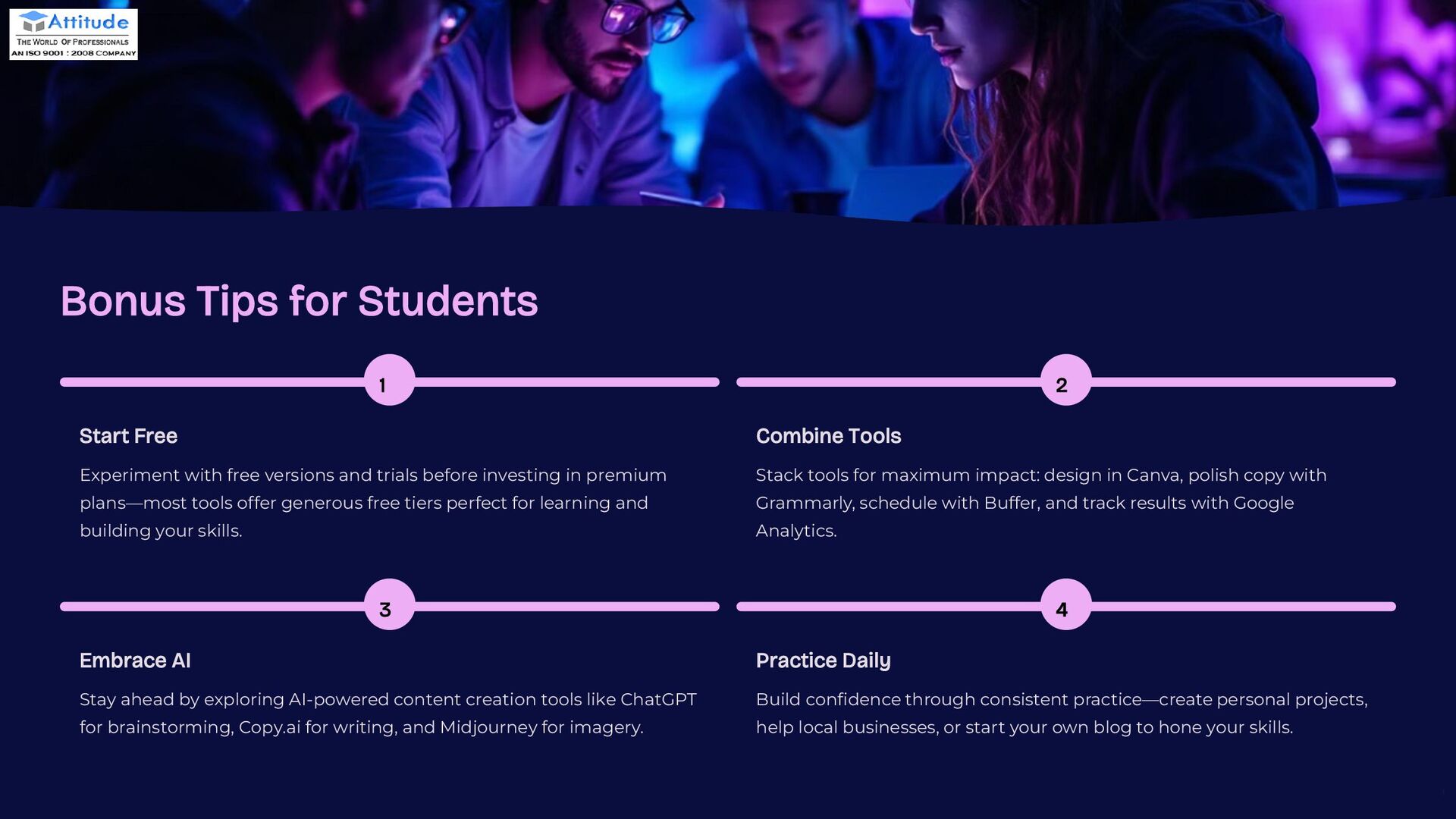
  9. preencoded.png Bonus Tips for Students 1 Start Free Experiment with

    free versions and trials before investing in premium plans—most tools offer generous free tiers perfect for learning and building your skills. 2 Combine Tools Stack tools for maximum impact: design in Canva, polish copy with Grammarly, schedule with Buffer, and track results with Google Analytics. 3 Embrace AI Stay ahead by exploring AI-powered content creation tools like ChatGPT for brainstorming, Copy.ai for writing, and Midjourney for imagery. 4 Practice Daily Build confidence through consistent practice—create personal projects, help local businesses, or start your own blog to hone your skills.
  10. preencoded.png THANK YOU Thank you for joining us today. We

    hope you found this presentation valuable. We wish you all the best. For more information, or visit our website:- Attitude Academy