$30 off During Our Annual Pro Sale. View Details »

Simple ways to beat common bugs

Simple ways to beat common bugs

Every programmer, especially beginners, faces coding bugs — they’re a natural part of learning to code! The trick is knowing how to handle them smartly. Start by reading error messages carefully, as they often point directly to the problem. Use debugging tools and test your code in small sections to find where things go wrong.

Avatar for Attitude Academy

Attitude Academy

October 10, 2025
Tweet

More Decks by Attitude Academy

Other Decks in Education

Transcript

  1. preencoded.png Simple Ways to Beat Common Coding Bugs for Beginners

    Your friendly guide to understanding, finding, and fixing those tricky coding errors that every developer encounters
  2. preencoded.png What Are Coding Bugs? Bugs are mistakes or errors

    in your code that cause unexpected results. They're like typos in a recipe that lead to a completely different dish! Even expert programmers face bugs daily — it's a completely normal part of learning to code and building software. Think of bugs like little puzzles waiting to be solved. Each one you fix makes you a better programmer.
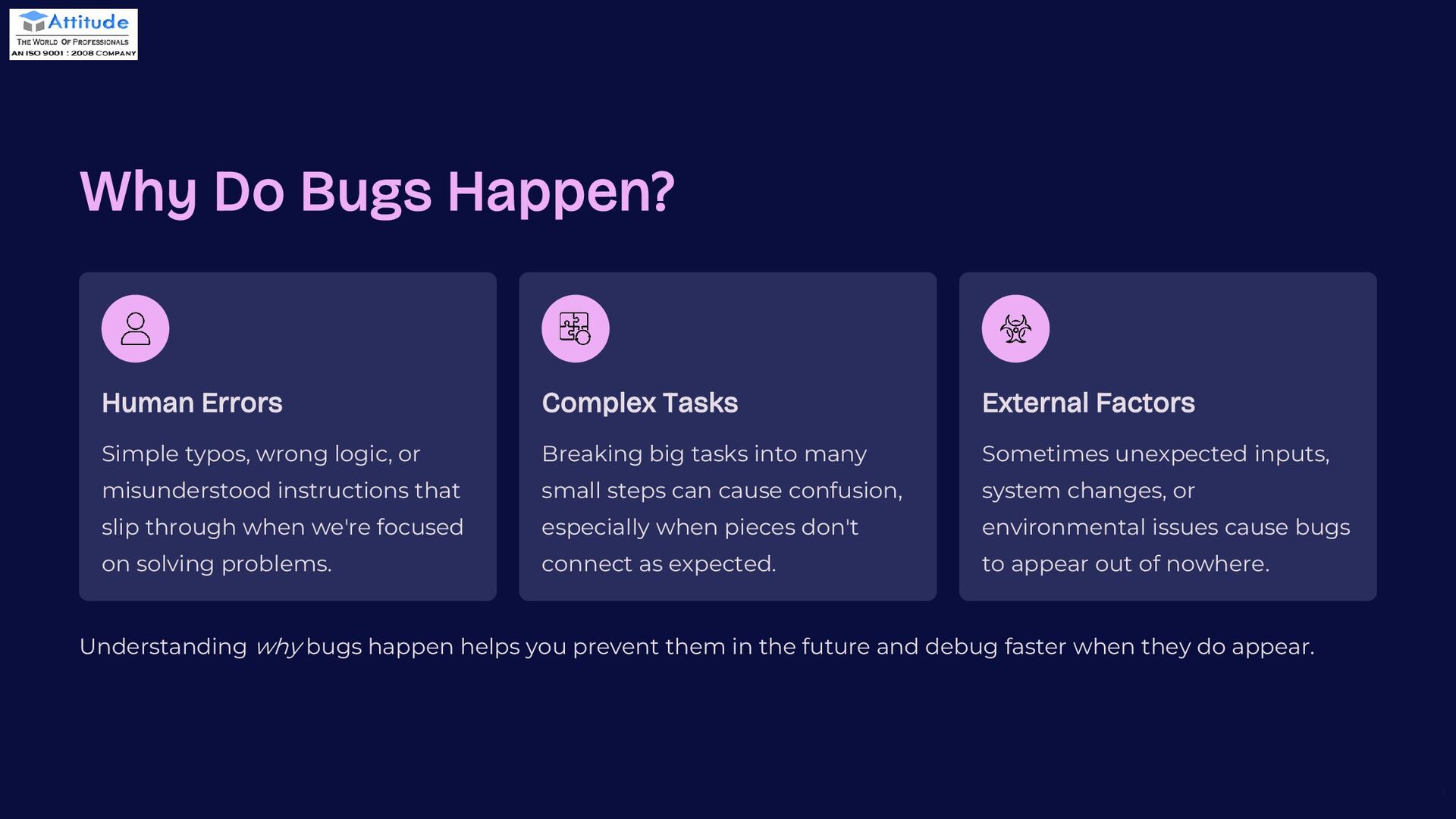
  3. preencoded.png Why Do Bugs Happen? Human Errors Simple typos, wrong

    logic, or misunderstood instructions that slip through when we're focused on solving problems. Complex Tasks Breaking big tasks into many small steps can cause confusion, especially when pieces don't connect as expected. External Factors Sometimes unexpected inputs, system changes, or environmental issues cause bugs to appear out of nowhere. Understanding why bugs happen helps you prevent them in the future and debug faster when they do appear.
  4. preencoded.png Common Types of Bugs Beginners Face 1 Syntax Bugs

    Mistakes in the code's spelling or grammar — like missing a semicolon, forgetting a closing bracket, or misspelling a keyword. These prevent your code from running at all. 2 Logical Bugs Code runs perfectly but gives wrong results. For example, adding numbers when you meant to multiply, or checking if a value is greater than when you meant less than. 3 Runtime Bugs Errors that happen when the program runs — like dividing by zero, accessing data that doesn't exist, or running out of memory. These crash your program mid-execution.
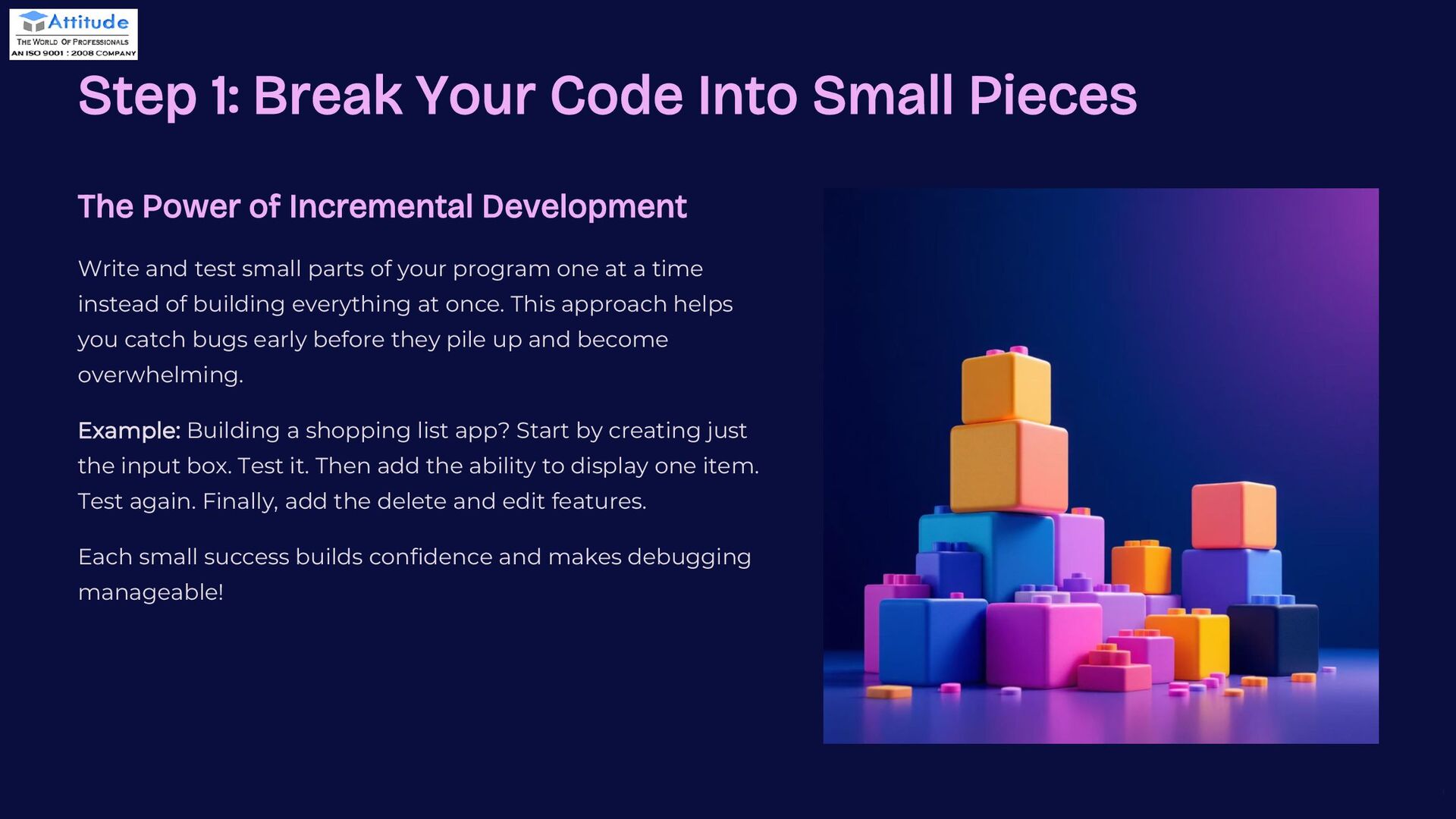
  5. preencoded.png Step 1: Break Your Code Into Small Pieces The

    Power of Incremental Development Write and test small parts of your program one at a time instead of building everything at once. This approach helps you catch bugs early before they pile up and become overwhelming. Example: Building a shopping list app? Start by creating just the input box. Test it. Then add the ability to display one item. Test again. Finally, add the delete and edit features. Each small success builds confidence and makes debugging manageable!
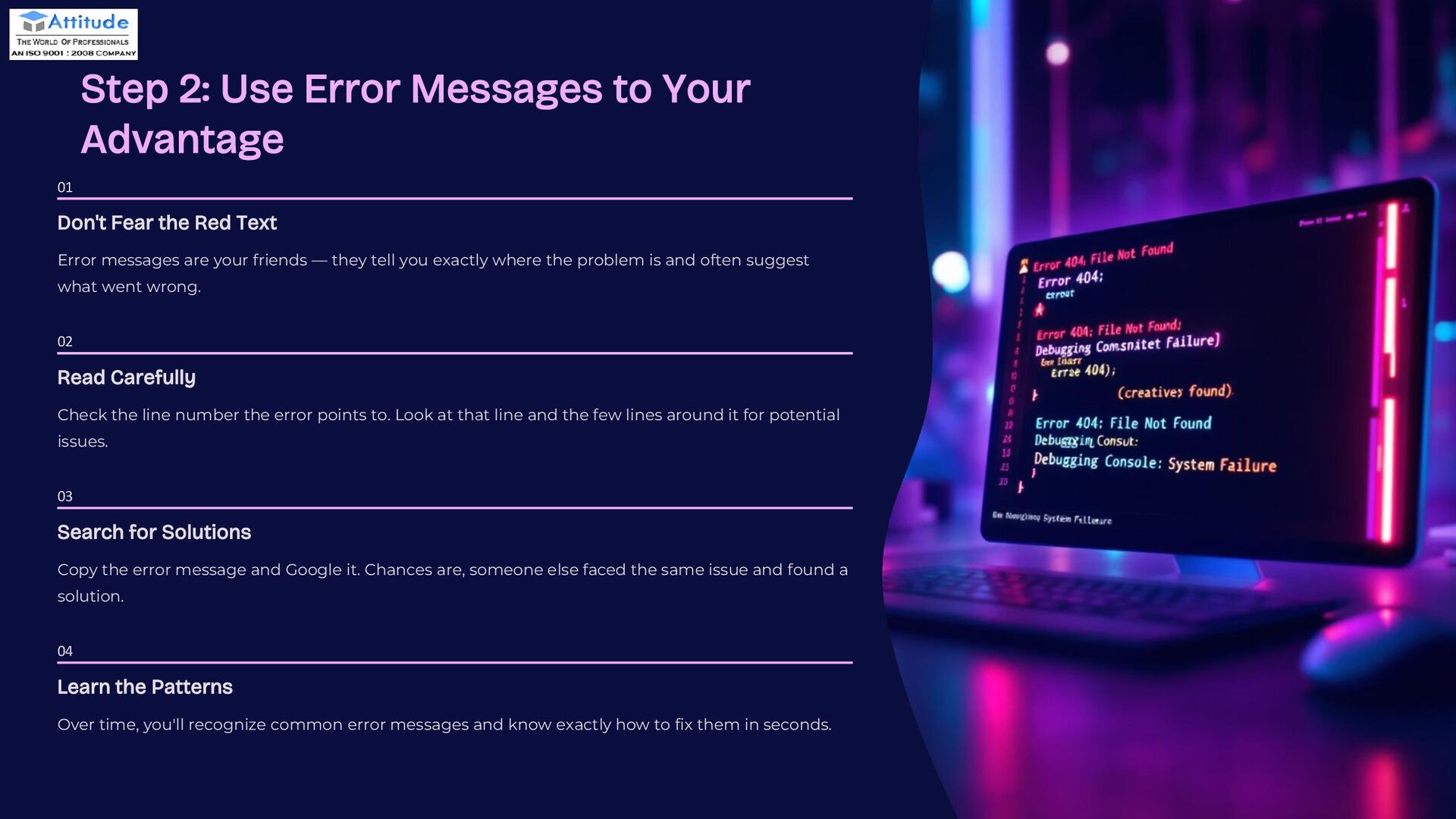
  6. preencoded.png Step 2: Use Error Messages to Your Advantage 01

    Don't Fear the Red Text Error messages are your friends — they tell you exactly where the problem is and often suggest what went wrong. 02 Read Carefully Check the line number the error points to. Look at that line and the few lines around it for potential issues. 03 Search for Solutions Copy the error message and Google it. Chances are, someone else faced the same issue and found a solution. 04 Learn the Patterns Over time, you'll recognize common error messages and know exactly how to fix them in seconds.
  7. preencoded.png Step 3: Debugging Techniques for Beginners Add Print Statements

    Check variable values step-by-step by printing them at key points. This shows exactly what's happening inside your code. Use Built-in Debuggers Modern code editors have powerful debuggers that let you pause execution and inspect variables in real-time. Rewrite When Needed Sometimes the best fix is starting fresh. If code is confusing or buggy, don't hesitate to rewrite it more clearly.
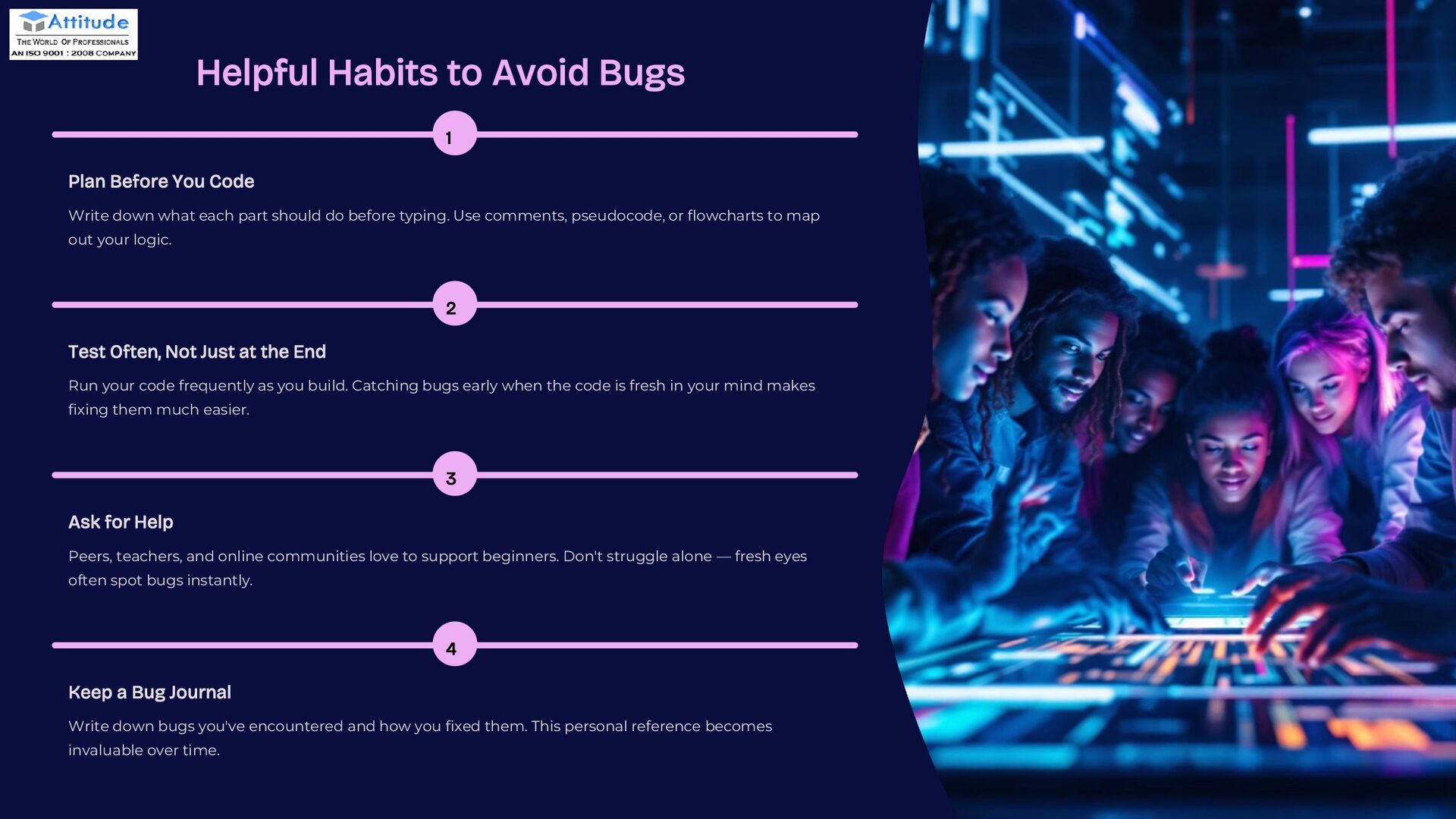
  8. preencoded.png Helpful Habits to Avoid Bugs 1 Plan Before You

    Code Write down what each part should do before typing. Use comments, pseudocode, or flowcharts to map out your logic. 2 Test Often, Not Just at the End Run your code frequently as you build. Catching bugs early when the code is fresh in your mind makes fixing them much easier. 3 Ask for Help Peers, teachers, and online communities love to support beginners. Don't struggle alone — fresh eyes often spot bugs instantly. 4 Keep a Bug Journal Write down bugs you've encountered and how you fixed them. This personal reference becomes invaluable over time.
  9. preencoded.png You've Got This! Bugs Are Challenges, Not Failures Every

    coder, from beginners to experts, faces bugs daily. They're opportunities to learn and improve. Practice Makes Perfect With patience and consistent practice, you'll get better at spotting and fixing bugs quickly. Enjoy the Journey Keep coding, keep learning, and celebrate every bug you squash on your path to becoming a great programmer!
  10. preencoded.png THANK YOU Thank you for joining us today. We

    hope you found this presentation valuable. We wish you all the best. For more information, or visit our website:- Attitude Academy