Upgrade to Pro — share decks privately, control downloads, hide ads and more …

How to kill test flake in appium

Sponsored · Ship Features Fearlessly Turn features on and off without deploys. Used by thousands of Ruby developers. →

How to kill test flake in appium

Whether you are a beginner learning the ways of writing UI automated tests or an experienced practitioner, you must have faced the below situation:

You write a test and it works perfectly in your local, happily you promote the tests to your CI environment and surely it passes initially, however after sometime the test starts failing sporadically. This phenomenon is described as Test flakiness and it’s a bummer for any engineer worth his salt. This can cause numerable side effects and doubts into the minds of software teams not trusting UI automation.

However, all hope is not lost. We all know a Tool is only as good as its master.

In this talk, I will cover the measures or patterns which you can implement to reduce the flakiness in your Appium tests as much as "humanly" possible and increase their speed and reliability.

Watch the talk: https://www.youtube.com/watch?v=yv9P0CCY5e8

Avatar for Gaurav Singh

Gaurav Singh

June 13, 2019

Other Decks in Technology

Transcript

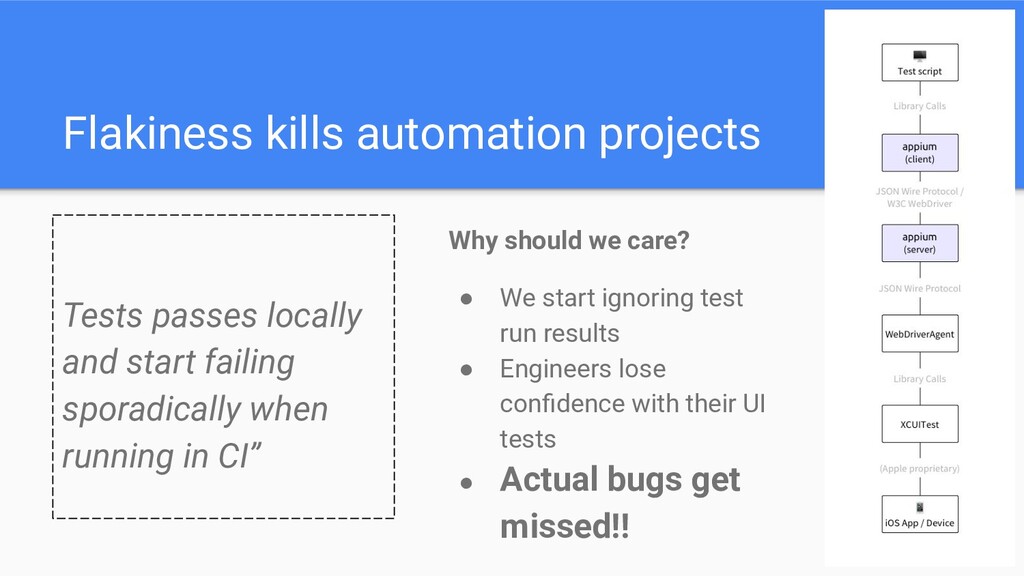
  1. Flakiness kills automation projects Tests passes locally and start failing

    sporadically when running in CI” Why should we care? • We start ignoring test run results • Engineers lose confidence with their UI tests • Actual bugs get missed!!
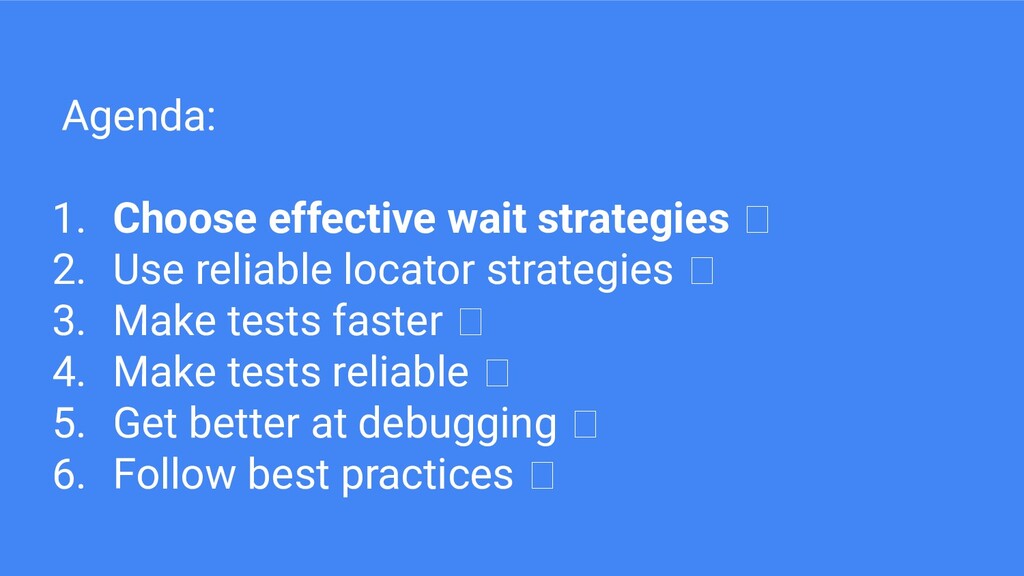
  2. Agenda: 1. Choose effective wait strategies 2. Use reliable locator

    strategies 3. Make tests faster 4. Make tests reliable 5. Get better at debugging 6. Follow best practices
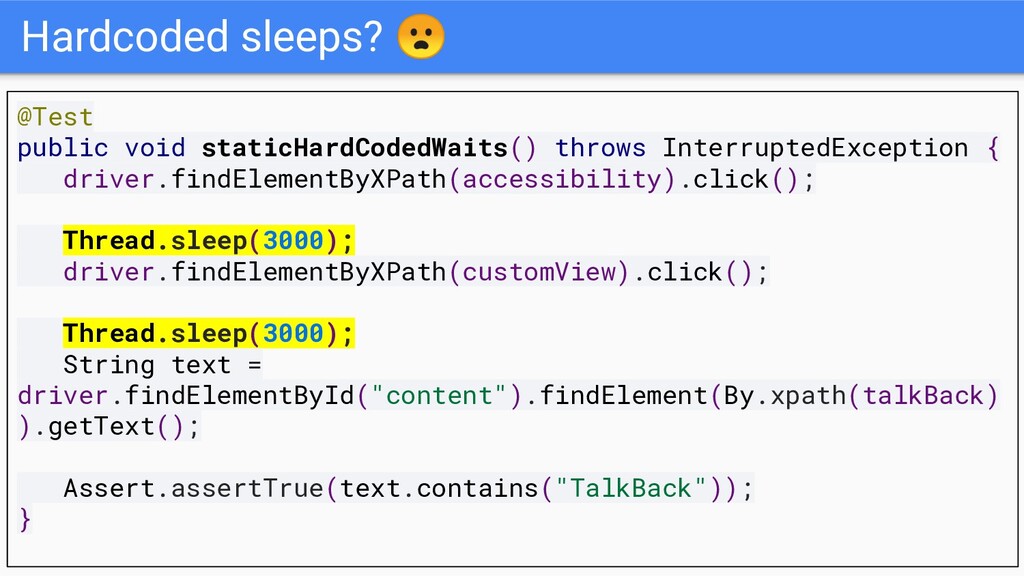
  3. Hardcoded sleeps? @Test public void staticHardCodedWaits() throws InterruptedException { driver.findElementByXPath(accessibility).click();

    Thread.sleep(3000); driver.findElementByXPath(customView).click(); Thread.sleep(3000); String text = driver.findElementById("content").findElement(By.xpath(talkBack) ).getText(); Assert.assertTrue(text.contains("TalkBack")); }
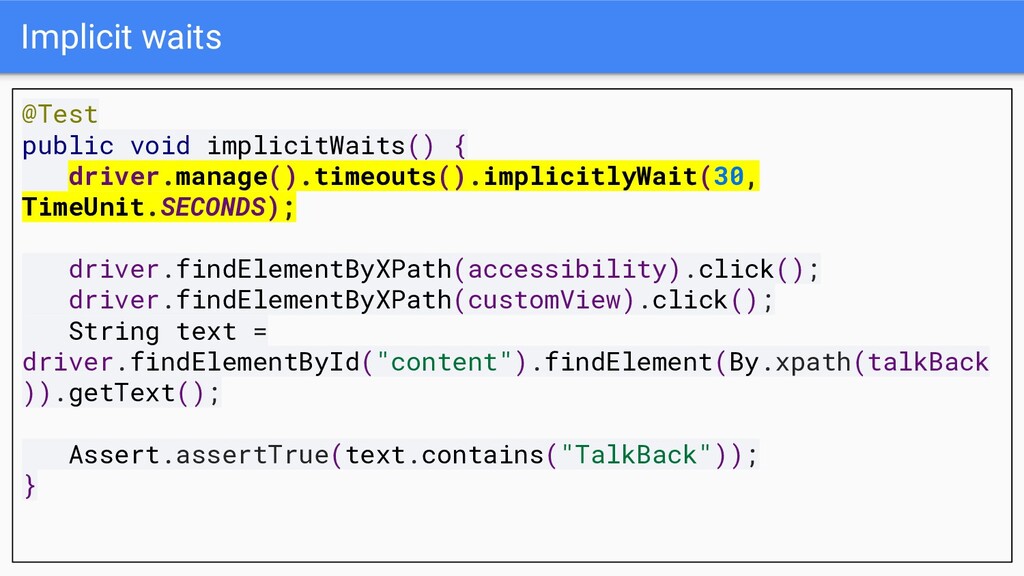
  4. Implicit waits @Test public void implicitWaits() { driver.manage().timeouts().implicitlyWait(30, TimeUnit.SECONDS); driver.findElementByXPath(accessibility).click();

    driver.findElementByXPath(customView).click(); String text = driver.findElementById("content").findElement(By.xpath(talkBack )).getText(); Assert.assertTrue(text.contains("TalkBack")); }
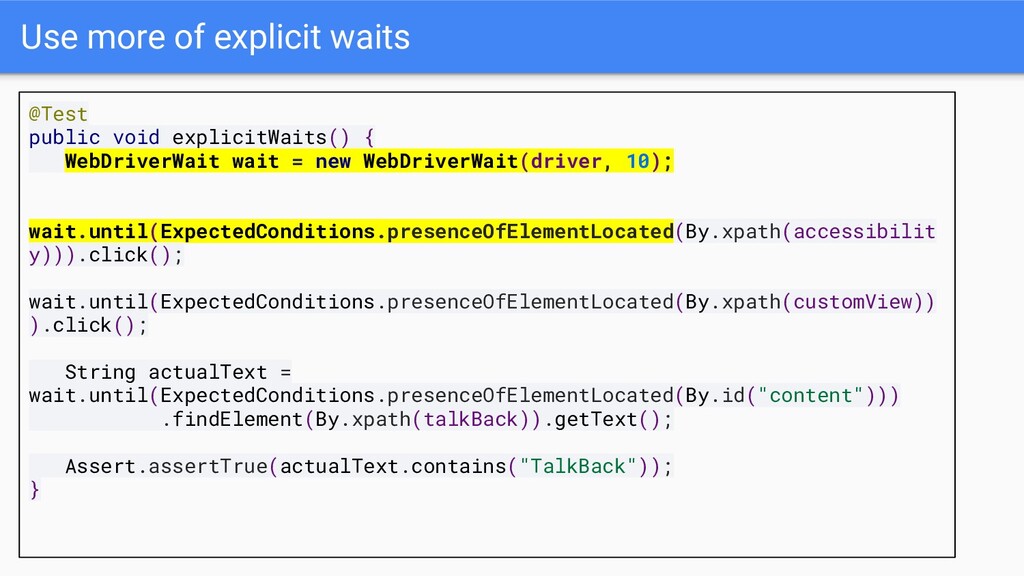
  5. Use more of explicit waits @Test public void explicitWaits() {

    WebDriverWait wait = new WebDriverWait(driver, 10); wait.until(ExpectedConditions.presenceOfElementLocated(By.xpath(accessibilit y))).click(); wait.until(ExpectedConditions.presenceOfElementLocated(By.xpath(customView)) ).click(); String actualText = wait.until(ExpectedConditions.presenceOfElementLocated(By.id("content"))) .findElement(By.xpath(talkBack)).getText(); Assert.assertTrue(actualText.contains("TalkBack")); }
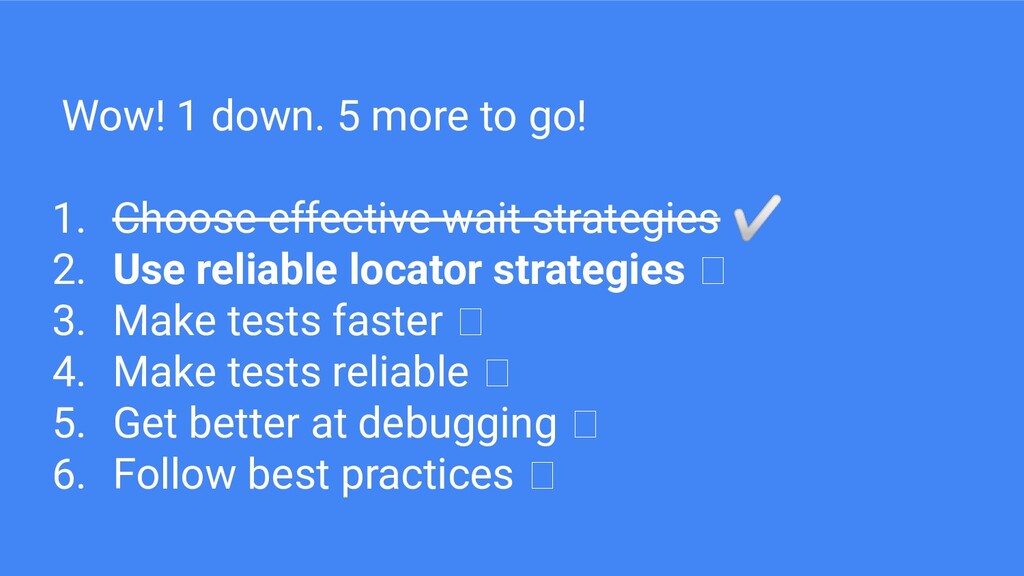
  6. Wow! 1 down. 5 more to go! 1. Choose effective

    wait strategies ✅ 2. Use reliable locator strategies 3. Make tests faster 4. Make tests reliable 5. Get better at debugging 6. Follow best practices
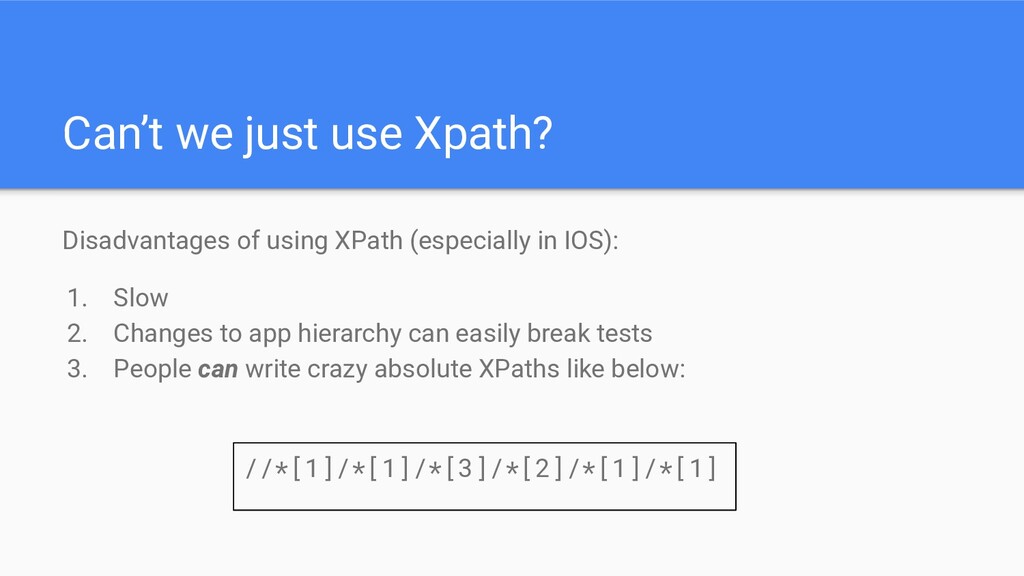
  7. Can’t we just use Xpath? Disadvantages of using XPath (especially

    in IOS): 1. Slow 2. Changes to app hierarchy can easily break tests 3. People can write crazy absolute XPaths like below: //*[1]/*[1]/*[3]/*[2]/*[1]/*[1]
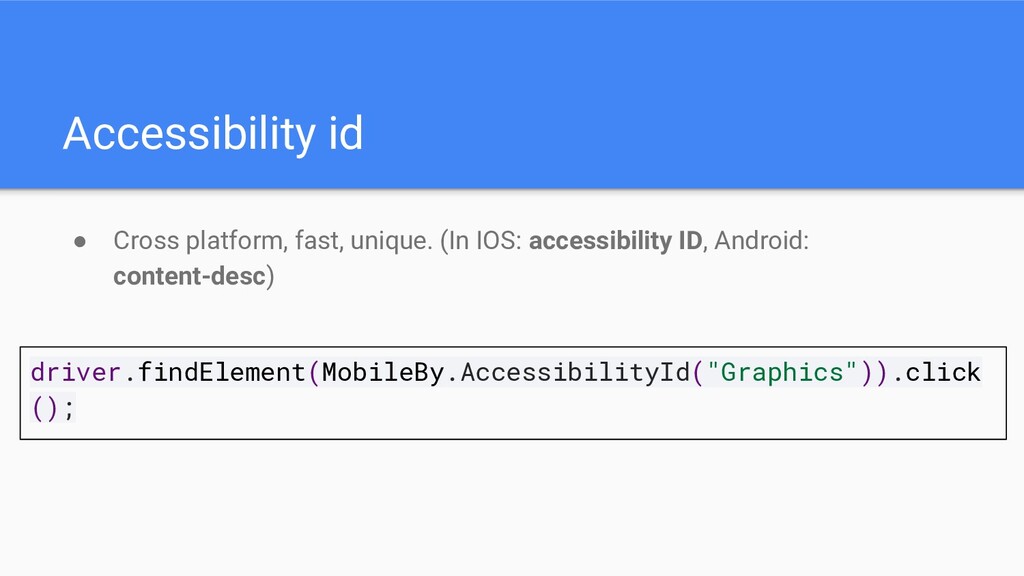
  8. Accessibility id • Cross platform, fast, unique. (In IOS: accessibility

    ID, Android: content-desc) driver.findElement(MobileBy.AccessibilityId("Graphics")).click ();
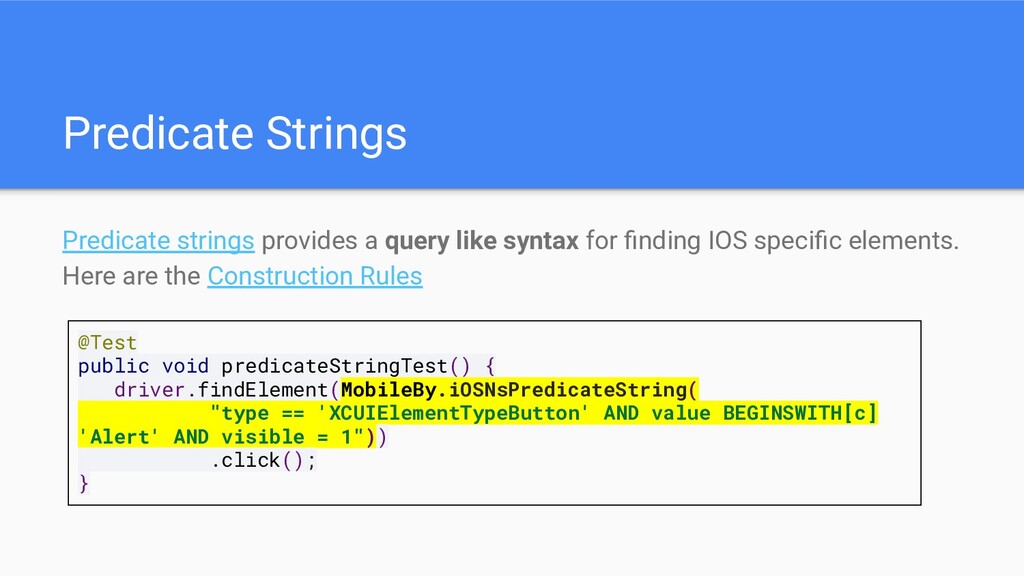
  9. Predicate Strings Predicate strings provides a query like syntax for

    finding IOS specific elements. Here are the Construction Rules @Test public void predicateStringTest() { driver.findElement(MobileBy.iOSNsPredicateString( "type == 'XCUIElementTypeButton' AND value BEGINSWITH[c] 'Alert' AND visible = 1")) .click(); }
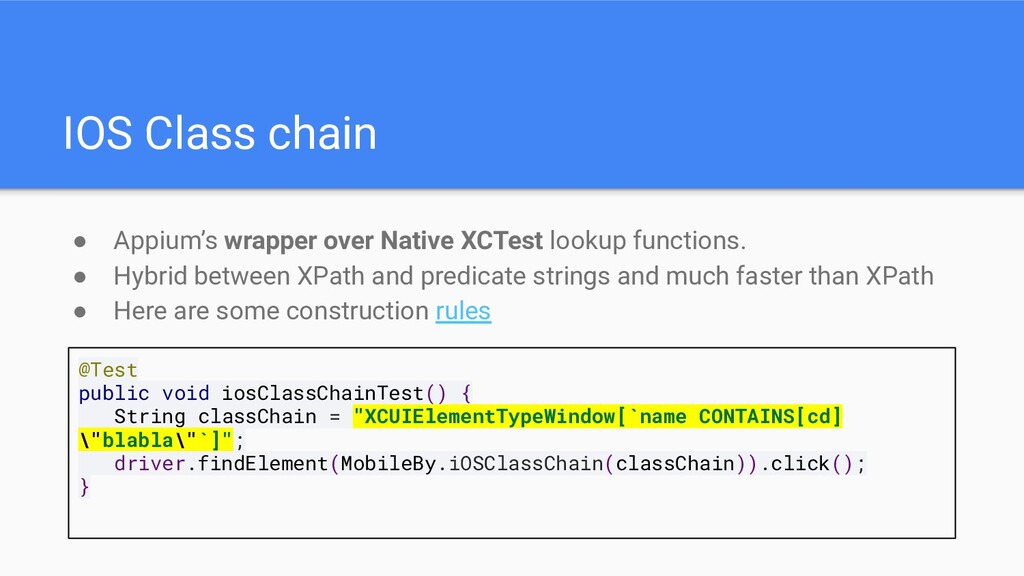
  10. IOS Class chain • Appium’s wrapper over Native XCTest lookup

    functions. • Hybrid between XPath and predicate strings and much faster than XPath • Here are some construction rules @Test public void iosClassChainTest() { String classChain = "XCUIElementTypeWindow[`name CONTAINS[cd] \"blabla\"`]"; driver.findElement(MobileBy.iOSClassChain(classChain)).click(); }
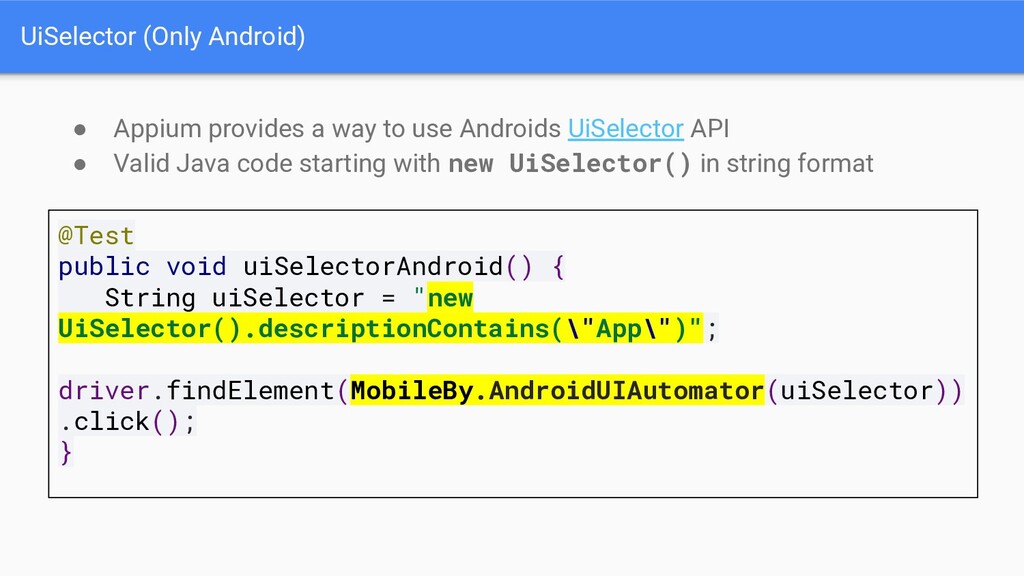
  11. UiSelector (Only Android) • Appium provides a way to use

    Androids UiSelector API • Valid Java code starting with new UiSelector() in string format @Test public void uiSelectorAndroid() { String uiSelector = "new UiSelector().descriptionContains(\"App\")"; driver.findElement(MobileBy.AndroidUIAutomator(uiSelector)) .click(); }
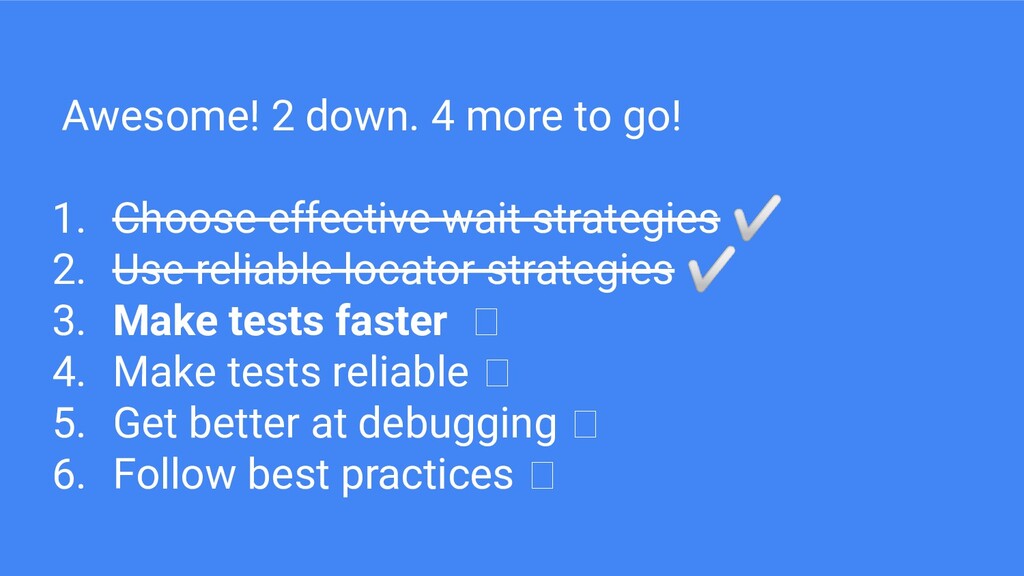
  12. Awesome! 2 down. 4 more to go! 1. Choose effective

    wait strategies ✅ 2. Use reliable locator strategies ✅ 3. Make tests faster 4. Make tests reliable 5. Get better at debugging 6. Follow best practices
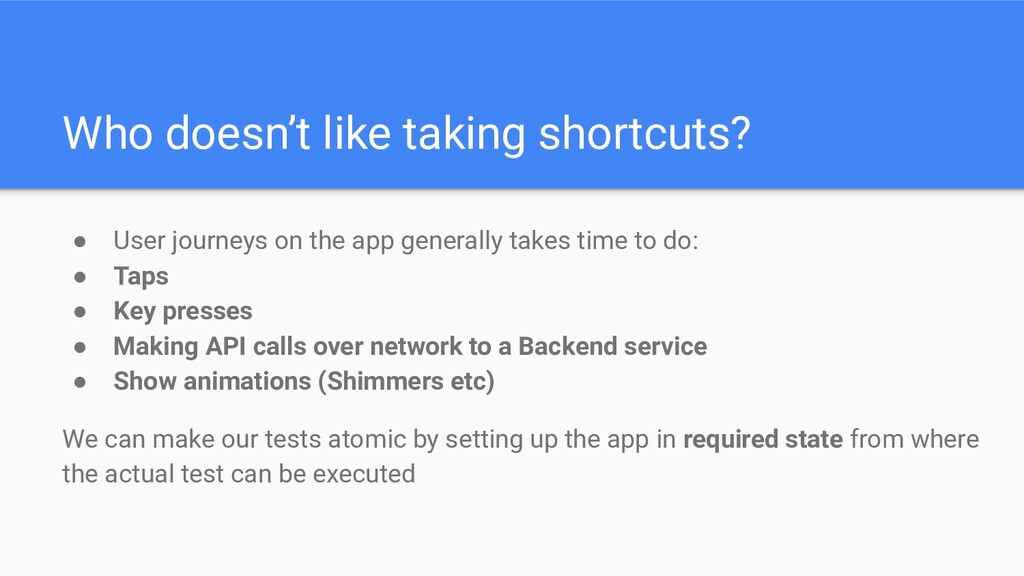
  13. Who doesn’t like taking shortcuts? • User journeys on the

    app generally takes time to do: • Taps • Key presses • Making API calls over network to a Backend service • Show animations (Shimmers etc) We can make our tests atomic by setting up the app in required state from where the actual test can be executed
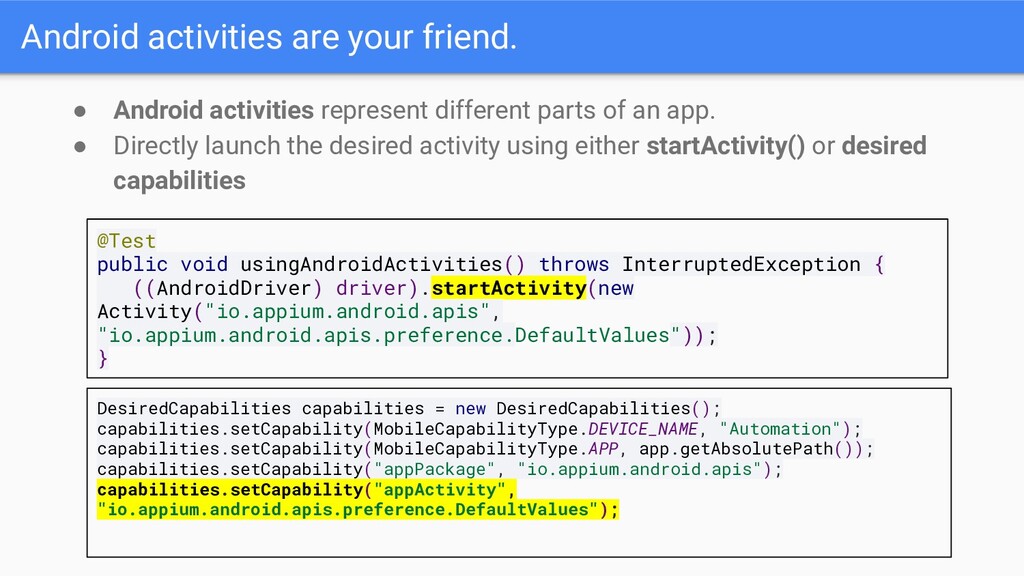
  14. Android activities are your friend. • Android activities represent different

    parts of an app. • Directly launch the desired activity using either startActivity() or desired capabilities @Test public void usingAndroidActivities() throws InterruptedException { ((AndroidDriver) driver).startActivity(new Activity("io.appium.android.apis", "io.appium.android.apis.preference.DefaultValues")); } DesiredCapabilities capabilities = new DesiredCapabilities(); capabilities.setCapability(MobileCapabilityType.DEVICE_NAME, "Automation"); capabilities.setCapability(MobileCapabilityType.APP, app.getAbsolutePath()); capabilities.setCapability("appPackage", "io.appium.android.apis"); capabilities.setCapability("appActivity", "io.appium.android.apis.preference.DefaultValues");
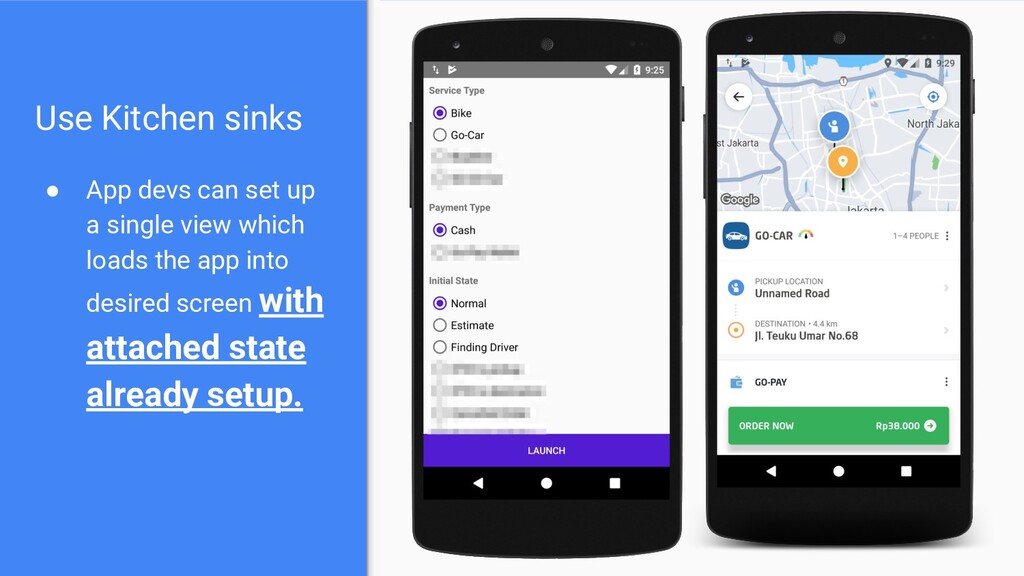
  15. Use Kitchen sinks • App devs can set up a

    single view which loads the app into desired screen with attached state already setup.
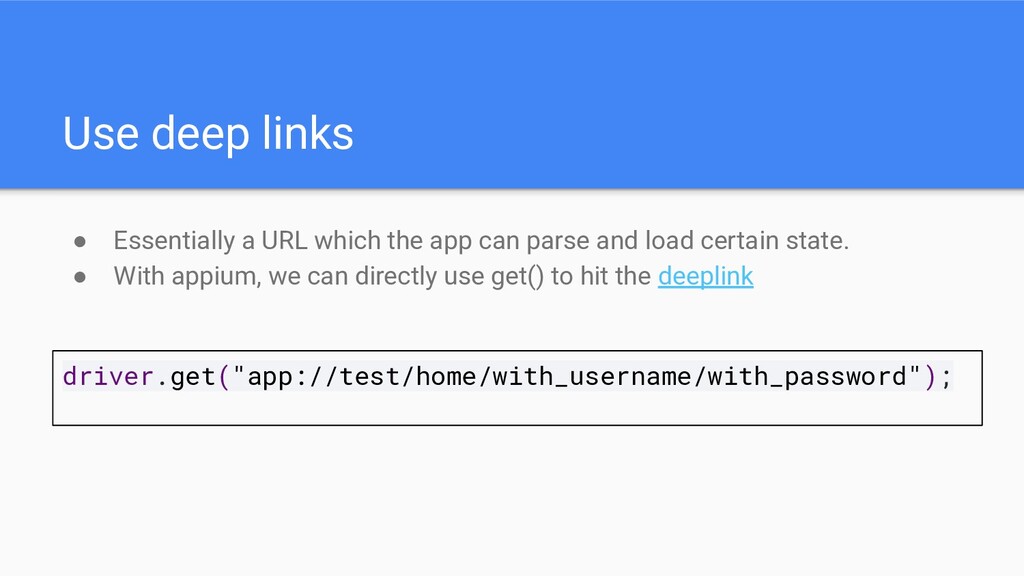
  16. Use deep links • Essentially a URL which the app

    can parse and load certain state. • With appium, we can directly use get() to hit the deeplink driver.get("app://test/home/with_username/with_password");
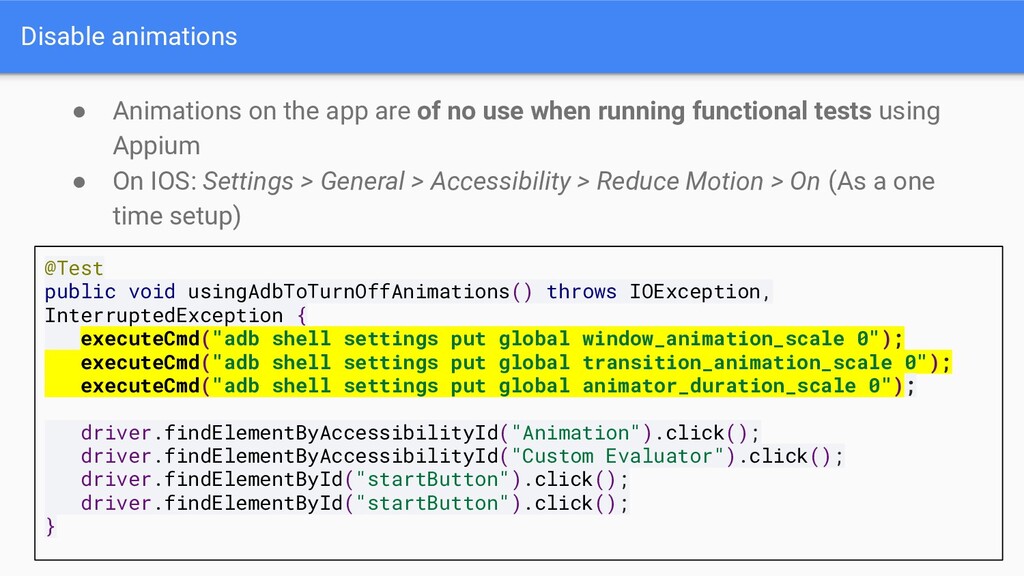
  17. Disable animations • Animations on the app are of no

    use when running functional tests using Appium • On IOS: Settings > General > Accessibility > Reduce Motion > On (As a one time setup) @Test public void usingAdbToTurnOffAnimations() throws IOException, InterruptedException { executeCmd("adb shell settings put global window_animation_scale 0"); executeCmd("adb shell settings put global transition_animation_scale 0"); executeCmd("adb shell settings put global animator_duration_scale 0"); driver.findElementByAccessibilityId("Animation").click(); driver.findElementByAccessibilityId("Custom Evaluator").click(); driver.findElementById("startButton").click(); driver.findElementById("startButton").click(); }
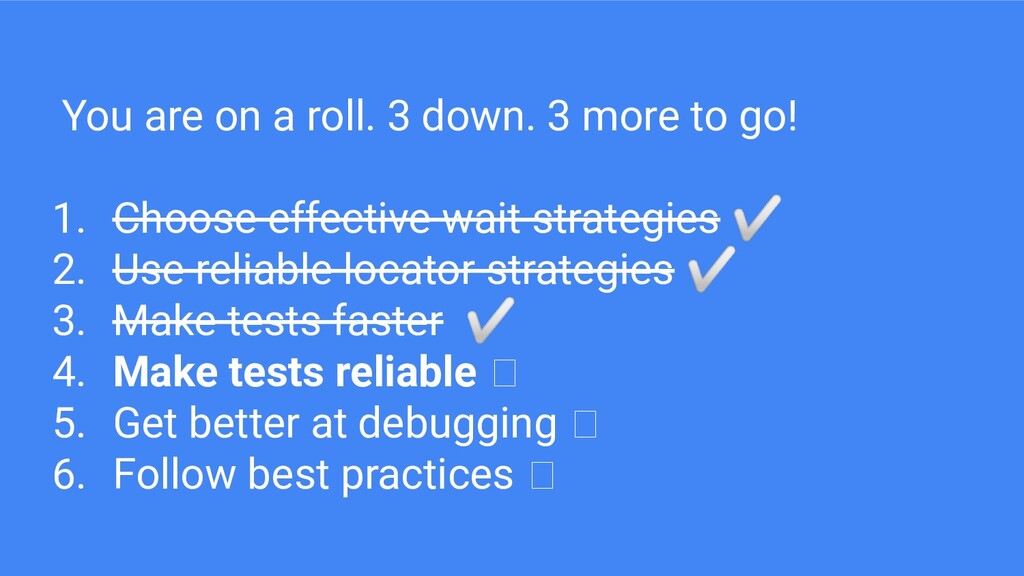
  18. You are on a roll. 3 down. 3 more to

    go! 1. Choose effective wait strategies ✅ 2. Use reliable locator strategies ✅ 3. Make tests faster ✅ 4. Make tests reliable 5. Get better at debugging 6. Follow best practices
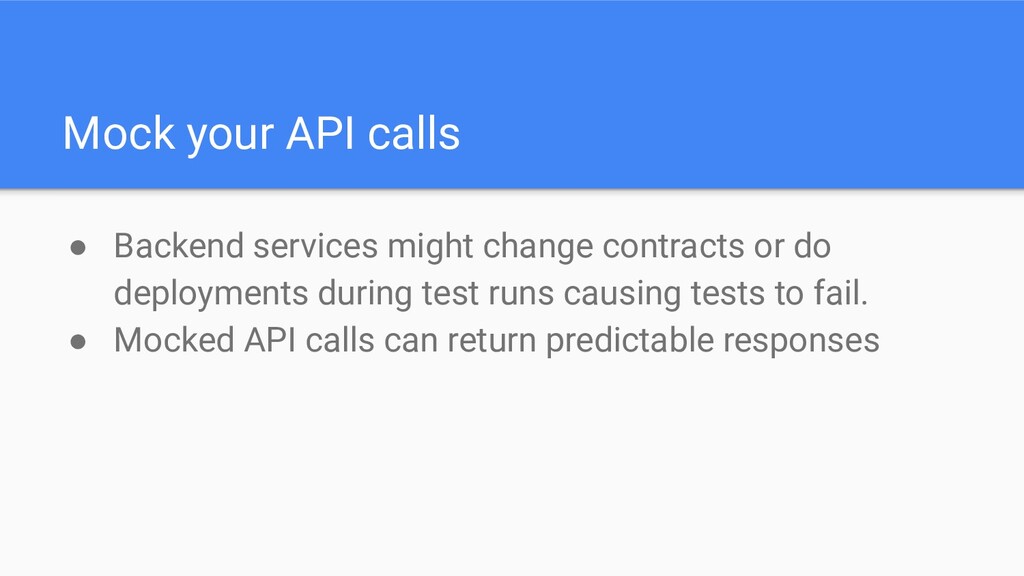
  19. Mock your API calls • Backend services might change contracts

    or do deployments during test runs causing tests to fail. • Mocked API calls can return predictable responses
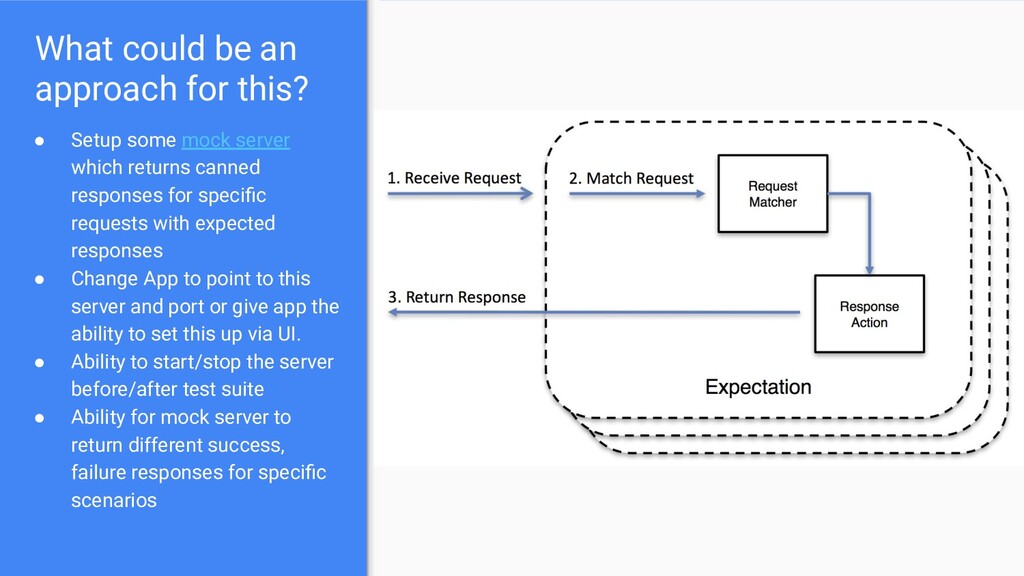
  20. What could be an approach for this? • Setup some

    mock server which returns canned responses for specific requests with expected responses • Change App to point to this server and port or give app the ability to set this up via UI. • Ability to start/stop the server before/after test suite • Ability for mock server to return different success, failure responses for specific scenarios
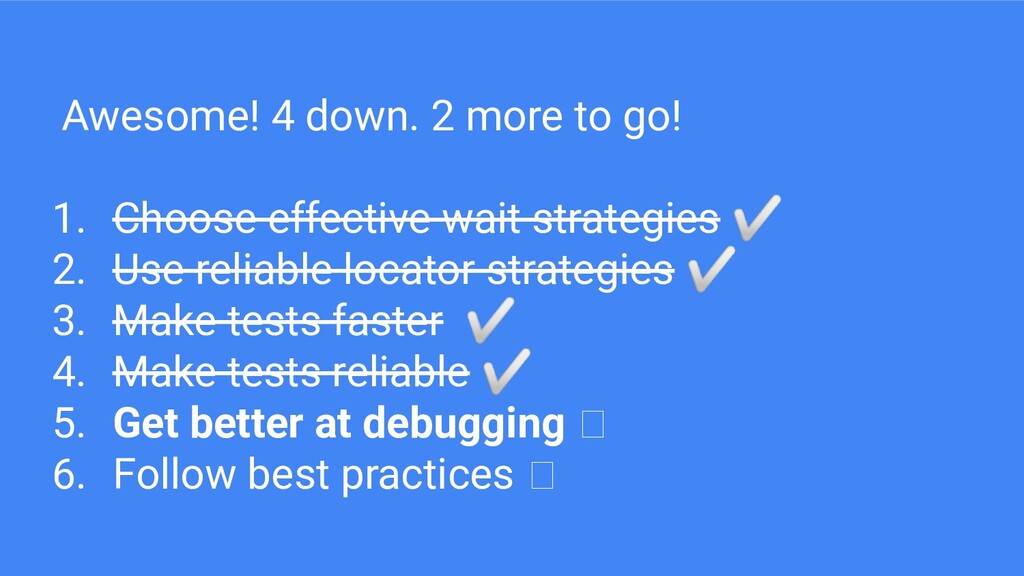
  21. Awesome! 4 down. 2 more to go! 1. Choose effective

    wait strategies ✅ 2. Use reliable locator strategies ✅ 3. Make tests faster ✅ 4. Make tests reliable ✅ 5. Get better at debugging 6. Follow best practices
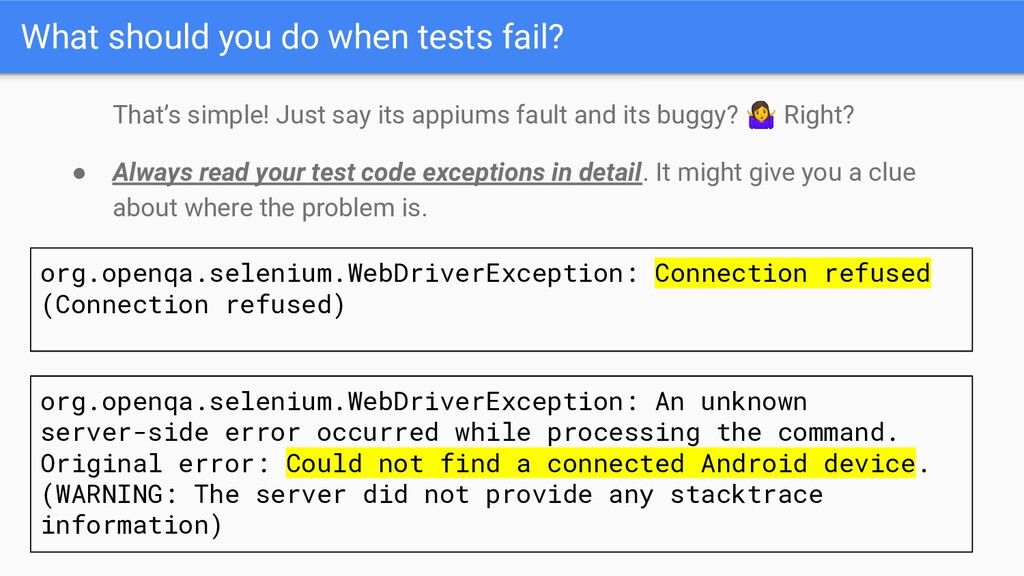
  22. What should you do when tests fail? That’s simple! Just

    say its appiums fault and its buggy? Right? • Always read your test code exceptions in detail. It might give you a clue about where the problem is. org.openqa.selenium.WebDriverException: Connection refused (Connection refused) org.openqa.selenium.WebDriverException: An unknown server-side error occurred while processing the command. Original error: Could not find a connected Android device. (WARNING: The server did not provide any stacktrace information)
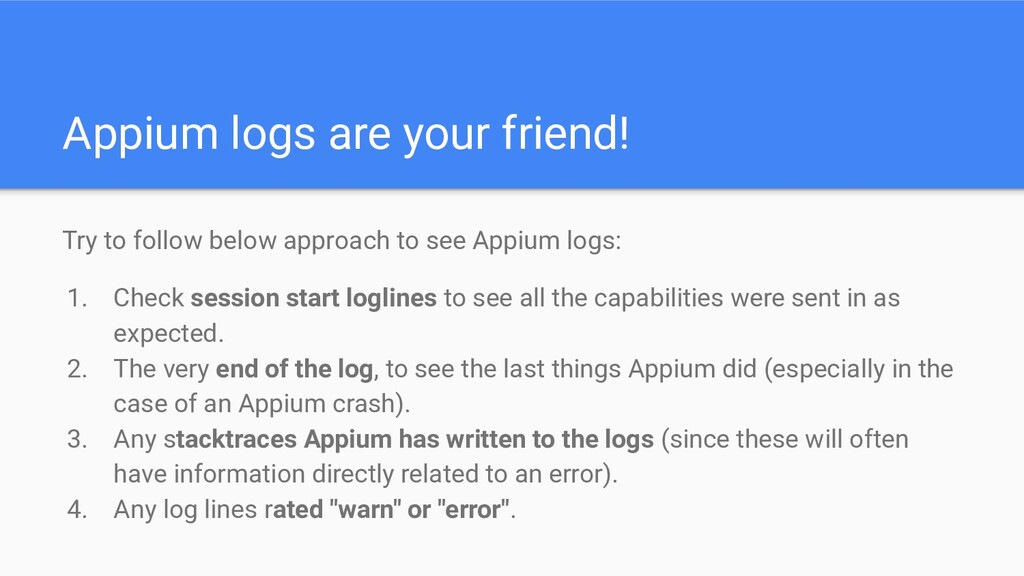
  23. Appium logs are your friend! Try to follow below approach

    to see Appium logs: 1. Check session start loglines to see all the capabilities were sent in as expected. 2. The very end of the log, to see the last things Appium did (especially in the case of an Appium crash). 3. Any stacktraces Appium has written to the logs (since these will often have information directly related to an error). 4. Any log lines rated "warn" or "error".
  24. 2019-05-26 07:34:21:637 - [debug] [ADB] Killing adb server on port

    5037 2019-05-26 07:34:21:846 - [debug] [ADB] Could not find devices, restarting adb server... 2019-05-26 07:34:21:846 - [debug] [ADB] Restarting adb 2019-05-26 07:34:21:846 - [debug] [ADB] Killing adb server on port 5037 2019-05-26 07:34:22:059 - [debug] [ADB] Could not find devices, restarting adb server... 2019-05-26 07:34:22:059 - [debug] [ADB] Restarting adb 2019-05-26 07:34:22:060 - [debug] [ADB] Killing adb server on port 5037 2019-05-26 07:34:22:271 - [debug] [AndroidDriver] Shutting down Android driver 2019-05-26 07:34:22:271 - [debug] [AndroidDriver] Called deleteSession but bootstrap wasn't active 2019-05-26 07:34:22:287 - [MJSONWP] Encountered internal error running command: Error: Could not find a connected Android device. at ADB.getDevices$ (/usr/local/lib/node_modules/appium/node_modules/appium-adb/lib/tools/system-calls.js:191:13) at tryCatch (/usr/local/lib/node_modules/appium/node_modules/babel-runtime/regenerator/runtime.js:67:40) at GeneratorFunctionPrototype.invoke [as _invoke] (/usr/local/lib/node_modules/appium/node_modules/babel-runtime/regenerator/runtime.js:315:22) at GeneratorFunctionPrototype.prototype.(anonymous function) [as next] (/usr/local/lib/node_modules/appium/node_modules/babel-runtime/regenerator/runtime.js:100:21) at invoke (/usr/local/lib/node_modules/appium/node_modules/babel-runtime/regenerator/runtime.js:136:37) at enqueueResult …… An example:
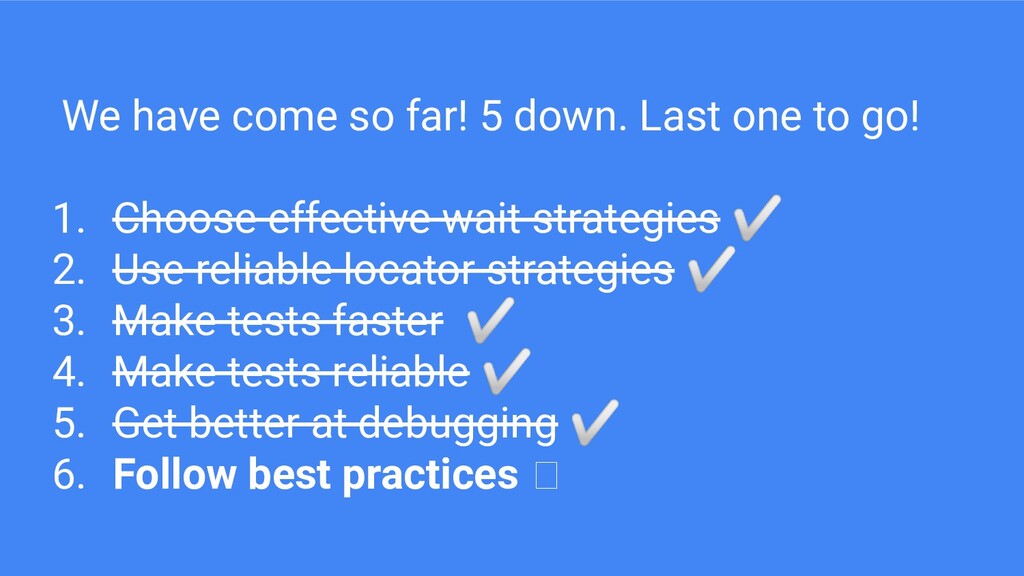
  25. We have come so far! 5 down. Last one to

    go! 1. Choose effective wait strategies ✅ 2. Use reliable locator strategies ✅ 3. Make tests faster ✅ 4. Make tests reliable ✅ 5. Get better at debugging ✅ 6. Follow best practices
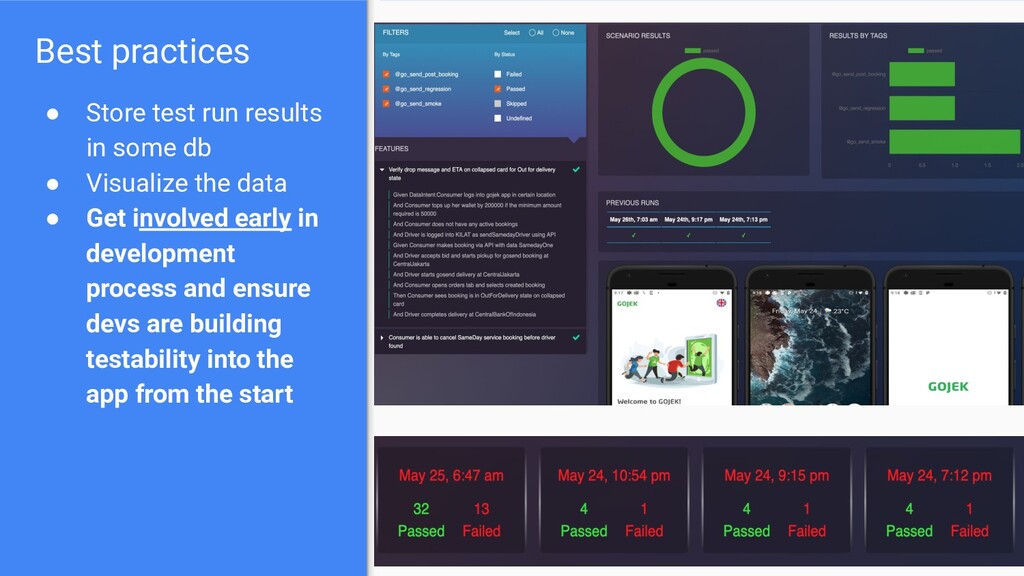
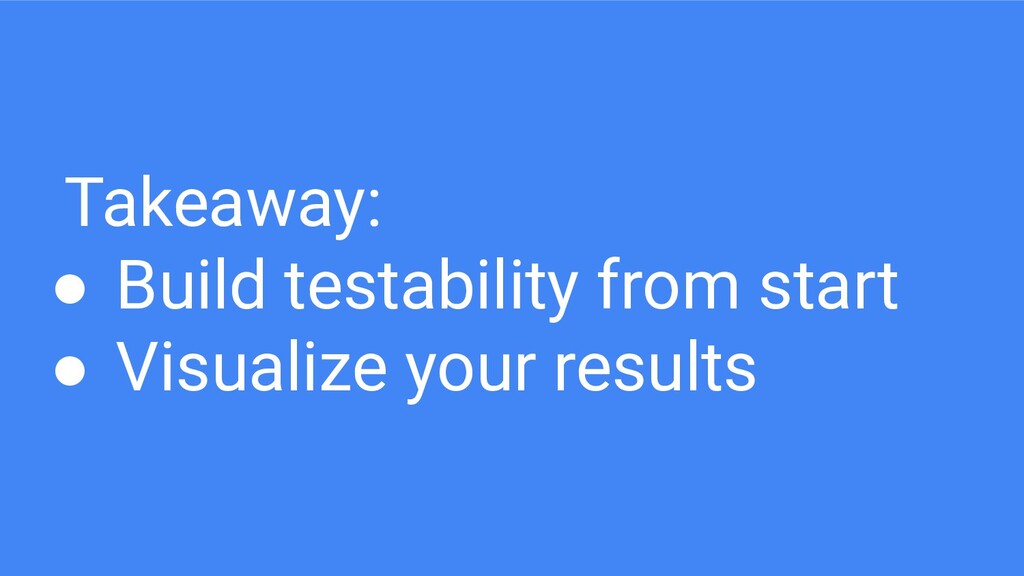
  26. Best practices • Store test run results in some db

    • Visualize the data • Get involved early in development process and ensure devs are building testability into the app from the start
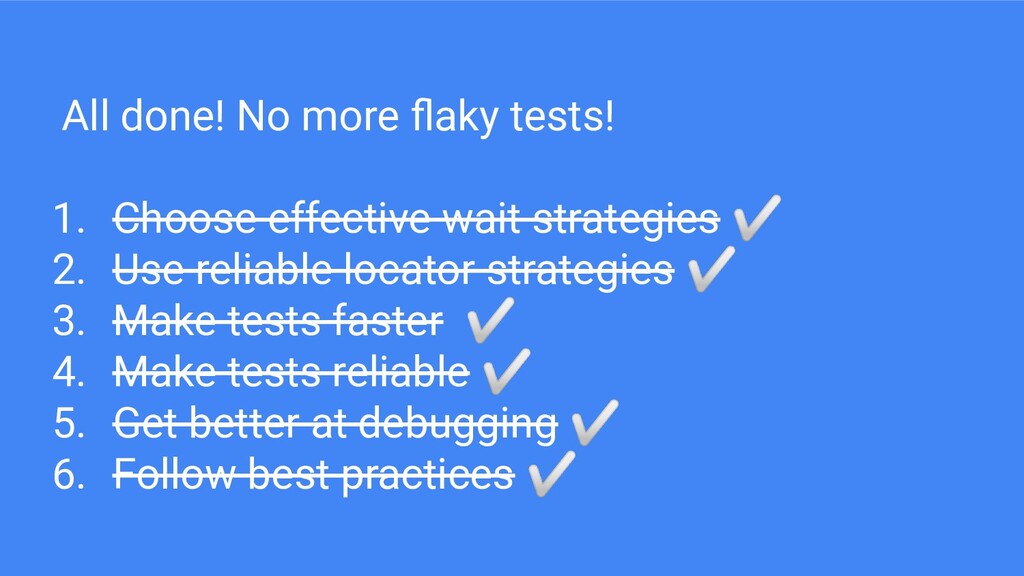
  27. All done! No more flaky tests! 1. Choose effective wait

    strategies ✅ 2. Use reliable locator strategies ✅ 3. Make tests faster ✅ 4. Make tests reliable ✅ 5. Get better at debugging ✅ 6. Follow best practices ✅
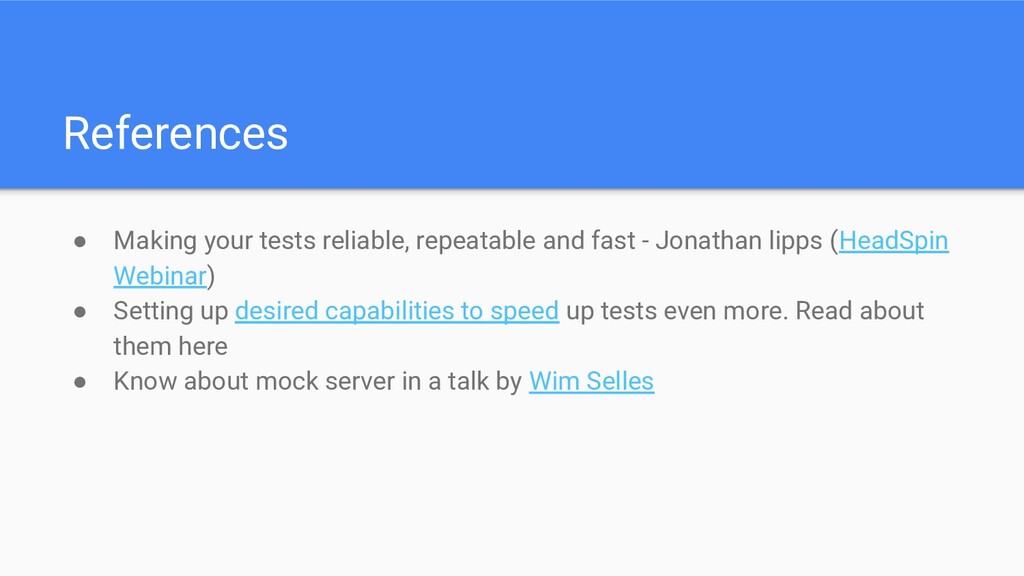
  28. References • Making your tests reliable, repeatable and fast -

    Jonathan lipps (HeadSpin Webinar) • Setting up desired capabilities to speed up tests even more. Read about them here • Know about mock server in a talk by Wim Selles