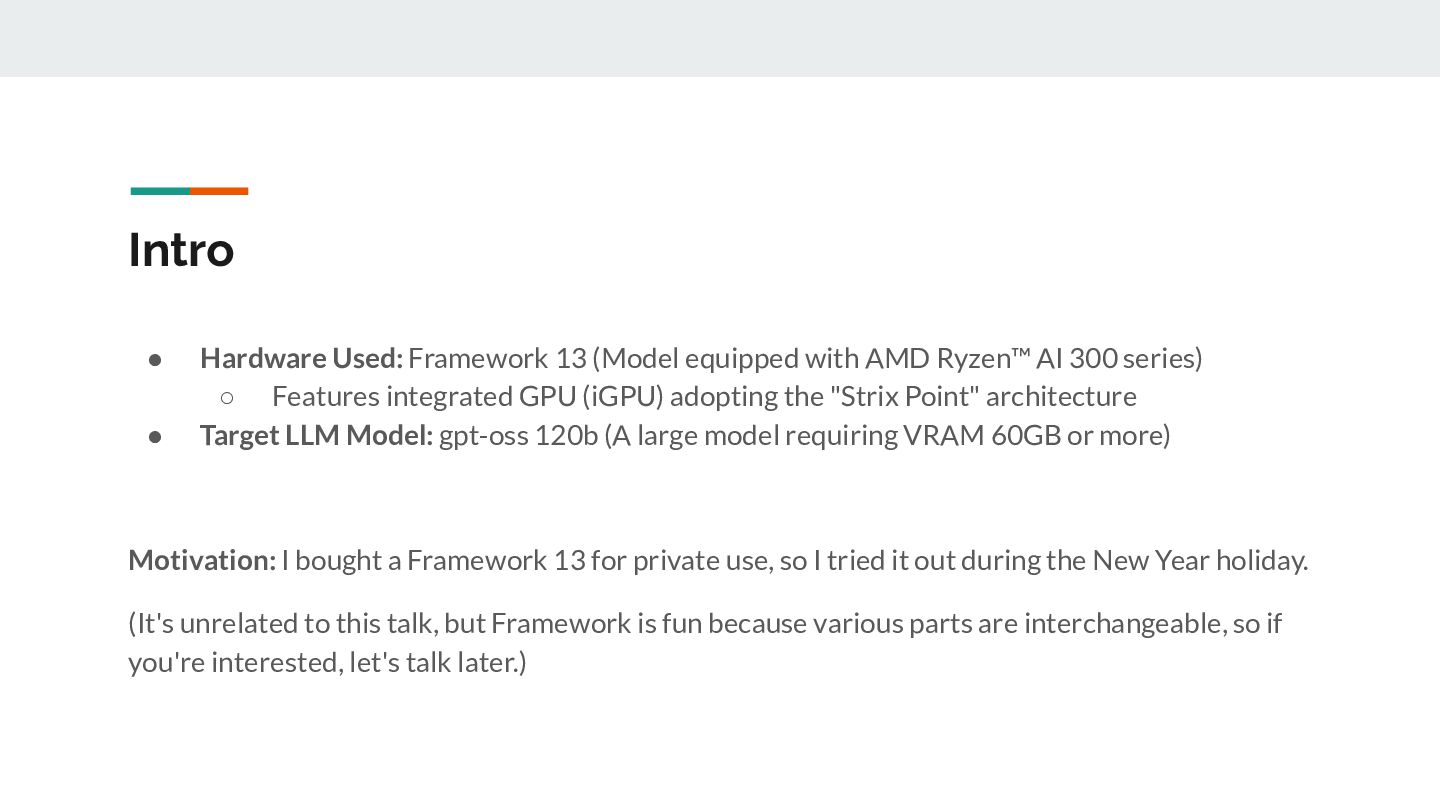
Ryzen™ AI 300 series) ◦ Features integrated GPU (iGPU) adopting the "Strix Point" architecture • Target LLM Model: gpt-oss 120b (A large model requiring VRAM 60GB or more) Motivation: I bought a Framework 13 for private use, so I tried it out during the New Year holiday. (It's unrelated to this talk, but Framework is fun because various parts are interchangeable, so if you're interested, let's talk later.)
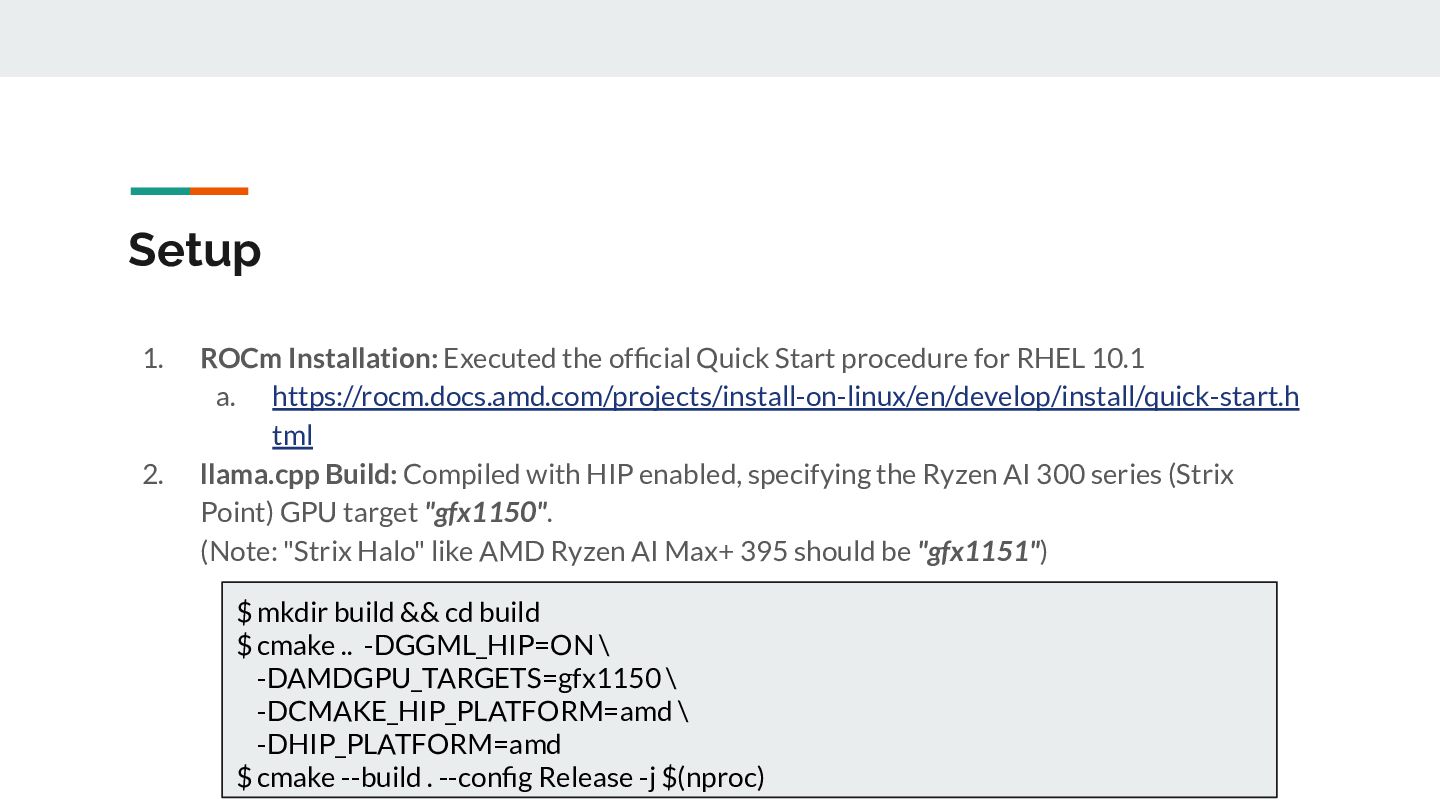
for RHEL 10.1 a. https://rocm.docs.amd.com/projects/install-on-linux/en/develop/install/quick-start.h tml 2. llama.cpp Build: Compiled with HIP enabled, specifying the Ryzen AI 300 series (Strix Point) GPU target "gfx1150". (Note: "Strix Halo" like AMD Ryzen AI Max+ 395 should be "gfx1151") $ mkdir build && cd build $ cmake .. -DGGML_HIP=ON \ -DAMDGPU_TARGETS=gfx1150 \ -DCMAKE_HIP_PLATFORM=amd \ -DHIP_PLATFORM=amd $ cmake --build . --config Release -j $(nproc)
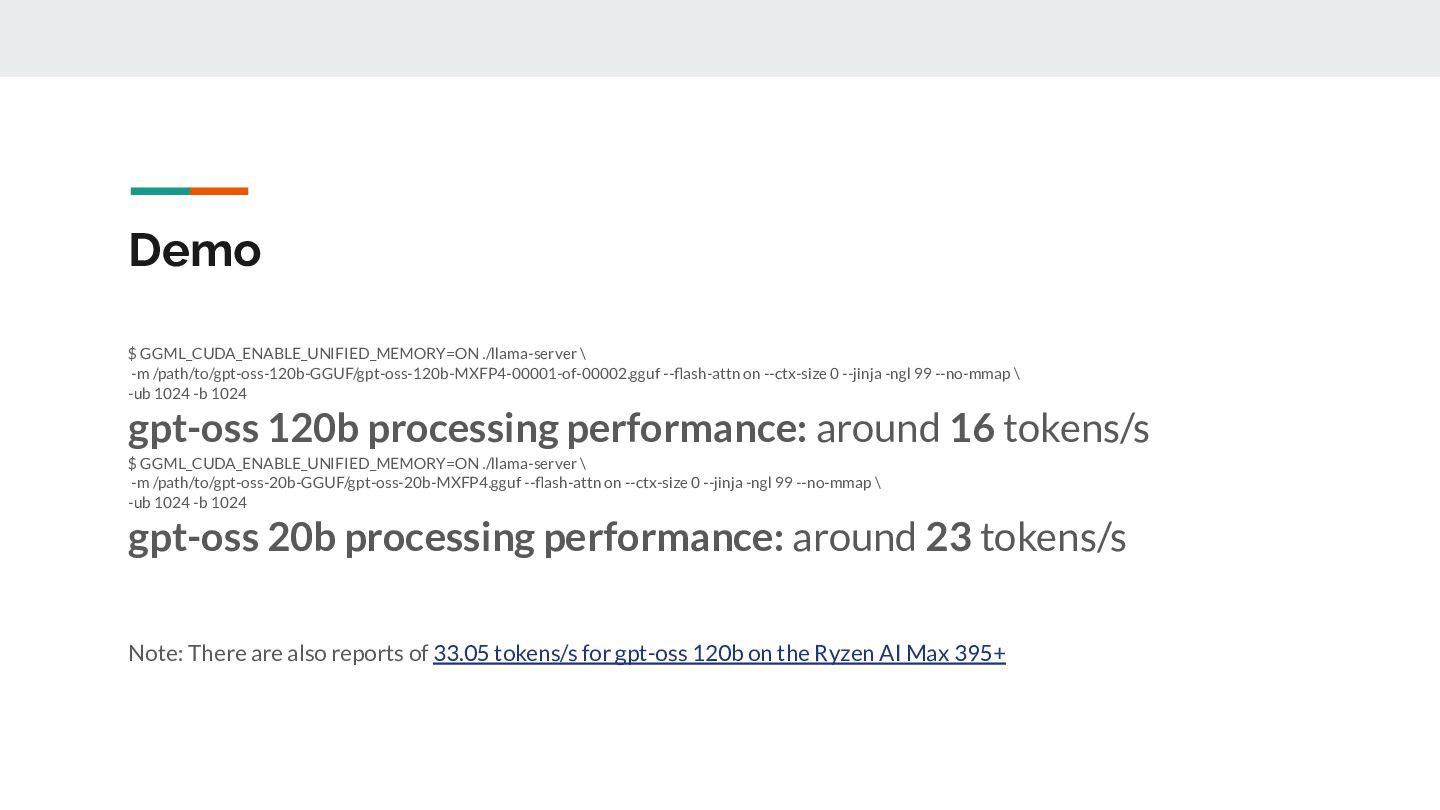
0 --jinja -ngl 99 --no-mmap \ -ub 1024 -b 1024 gpt-oss 120b processing performance: around 16 tokens/s $ GGML_CUDA_ENABLE_UNIFIED_MEMORY=ON ./llama-server \ -m /path/to/gpt-oss-20b-GGUF/gpt-oss-20b-MXFP4.gguf --flash-attn on --ctx-size 0 --jinja -ngl 99 --no-mmap \ -ub 1024 -b 1024 gpt-oss 20b processing performance: around 23 tokens/s Note: There are also reports of 33.05 tokens/s for gpt-oss 120b on the Ryzen AI Max 395+
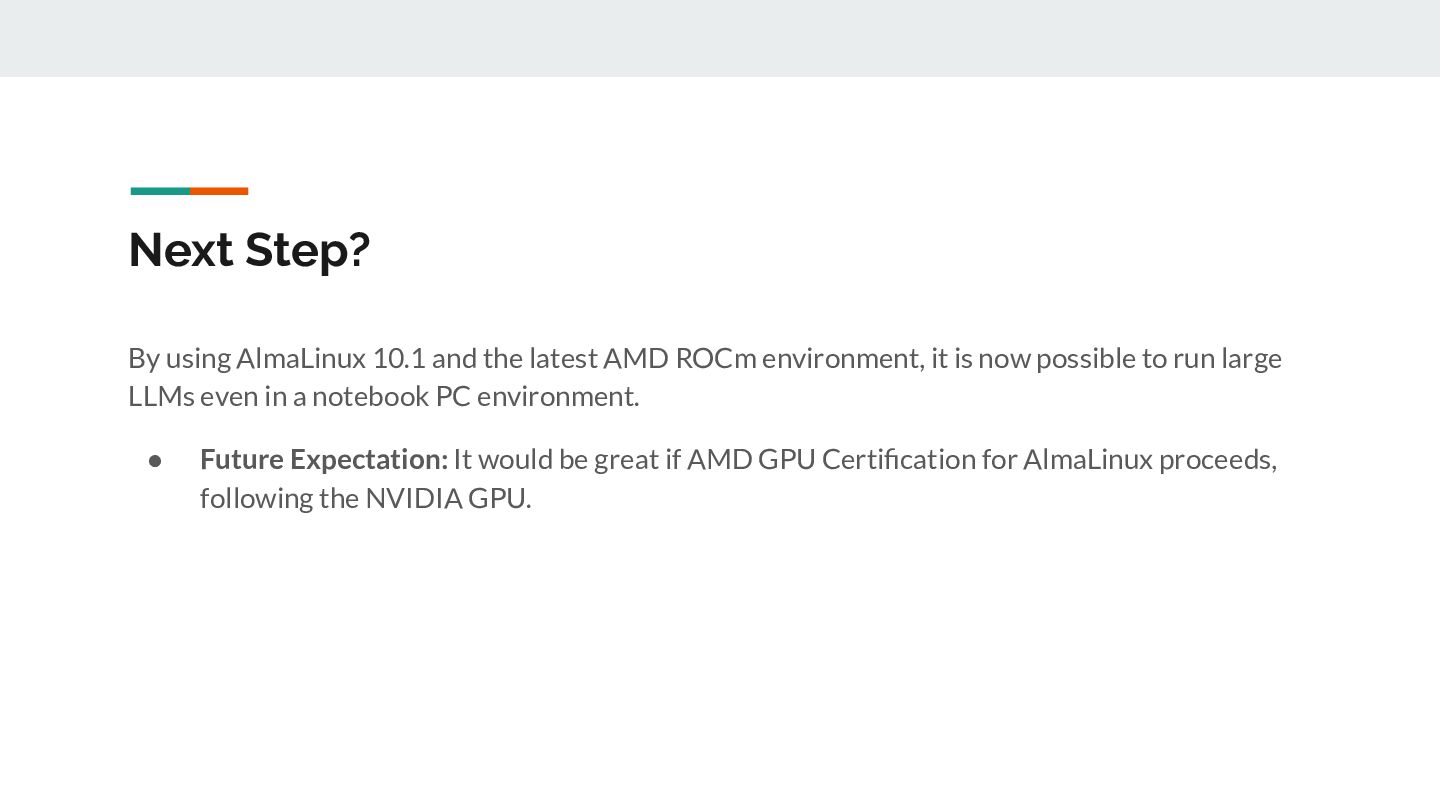
ROCm environment, it is now possible to run large LLMs even in a notebook PC environment. • Future Expectation: It would be great if AMD GPU Certification for AlmaLinux proceeds, following the NVIDIA GPU.


 blueskydetector
 codingconduct
 iamctodd
 minecr
 smashingmag
 rasagy
 techseoconnect
 marktimemedia
 tenderlove
 eileencodes
 ks91
ks91
 nwiizo