Networks Available World Wide • 60 Million Unique Visitors Per Month • Internationally Headquartered in Knoxville, TN About Scripps Networks Interactive
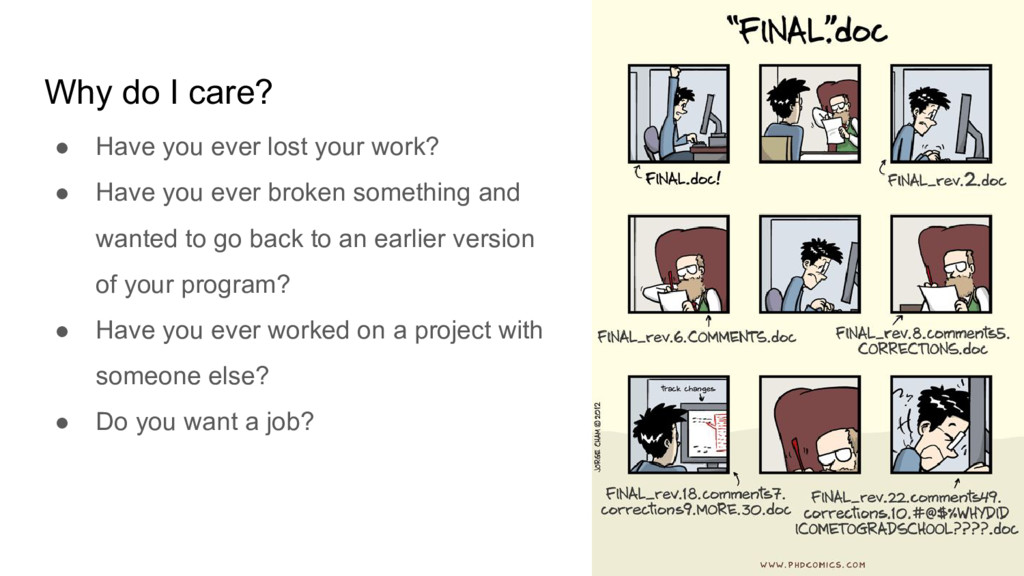
work? • Have you ever broken something and wanted to go back to an earlier version of your program? • Have you ever worked on a project with someone else? • Do you want a job?
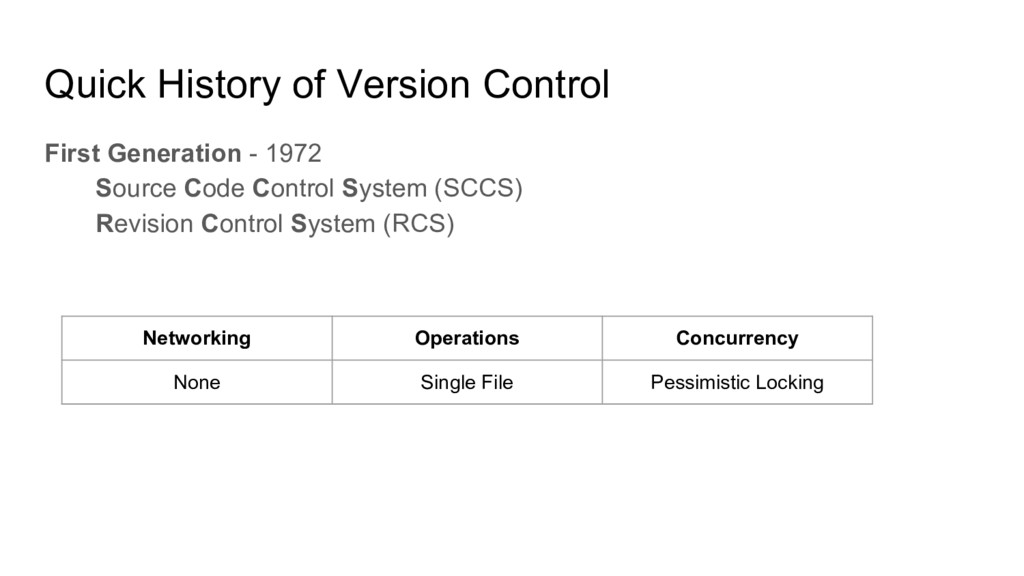
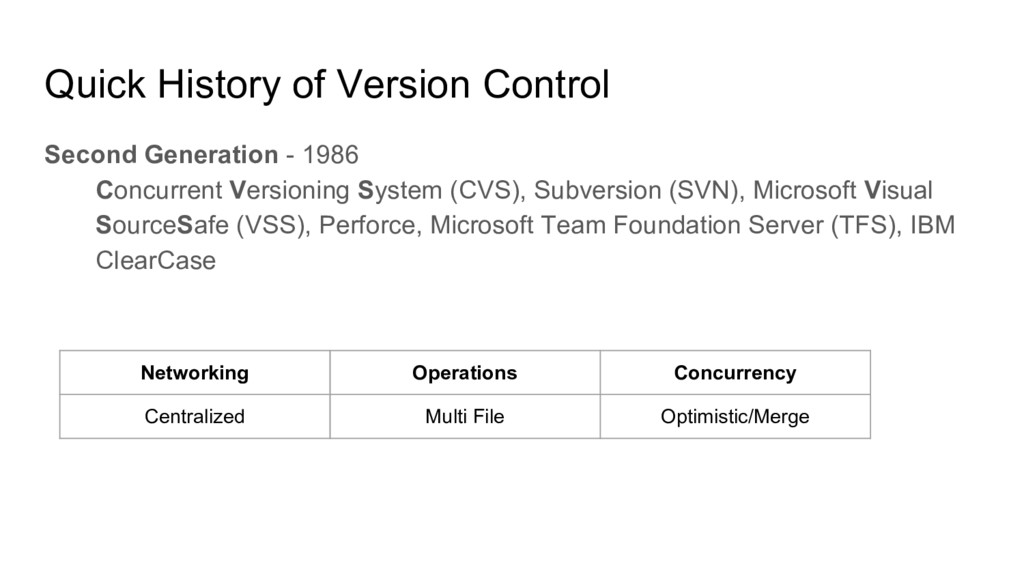
Microsoft Visual SourceSafe (VSS), Perforce, Microsoft Team Foundation Server (TFS), IBM ClearCase Quick History of Version Control Networking Operations Concurrency Centralized Multi File Optimistic/Merge
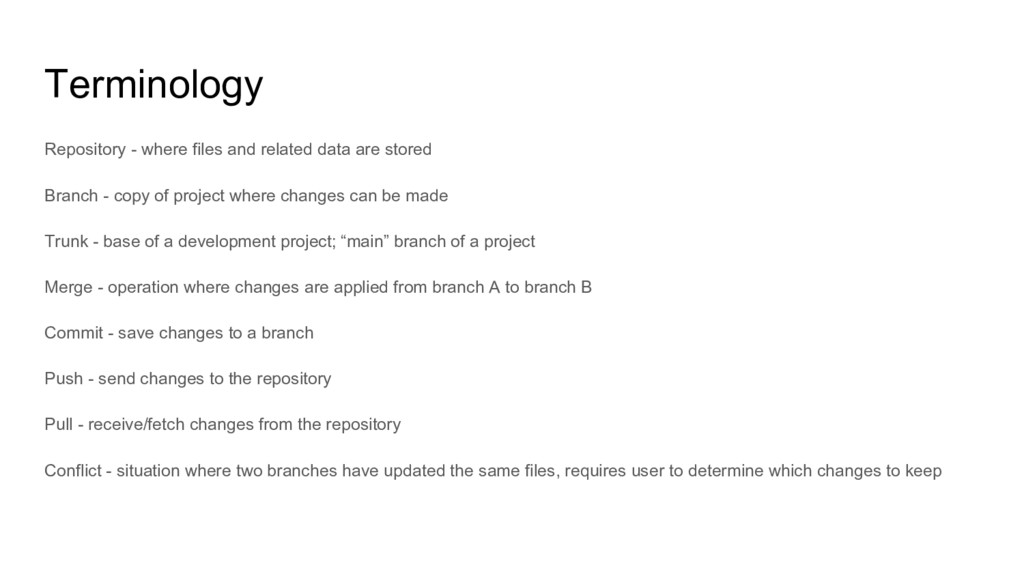
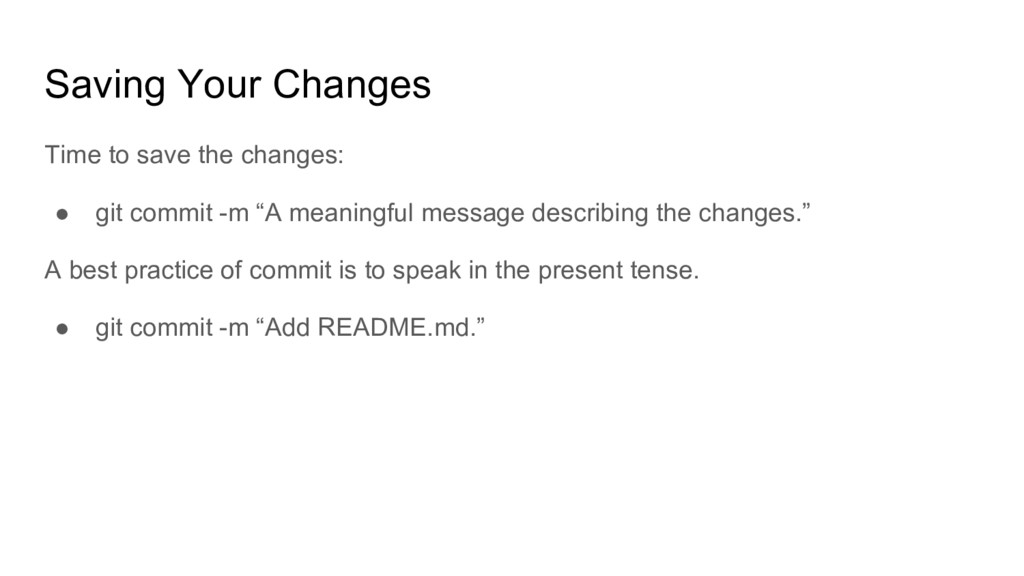
Branch - copy of project where changes can be made Trunk - base of a development project; “main” branch of a project Merge - operation where changes are applied from branch A to branch B Commit - save changes to a branch Push - send changes to the repository Pull - receive/fetch changes from the repository Conflict - situation where two branches have updated the same files, requires user to determine which changes to keep
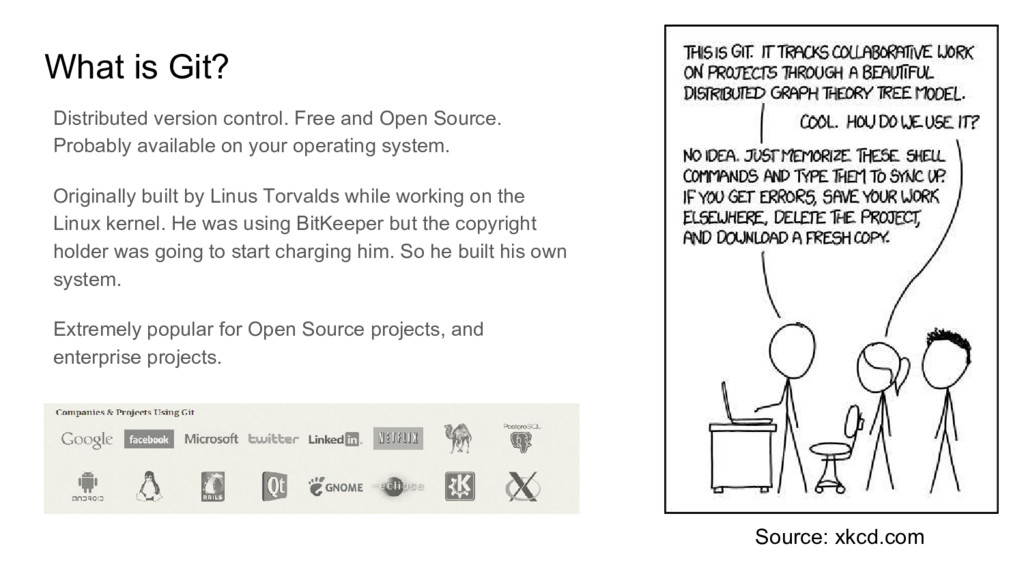
Probably available on your operating system. Originally built by Linus Torvalds while working on the Linux kernel. He was using BitKeeper but the copyright holder was going to start charging him. So he built his own system. Extremely popular for Open Source projects, and enterprise projects. Source: xkcd.com
repository. Enables collaboration and Social Coding. Web interface into your repository. Issue Tracking. Integrated Wiki. Gives your project a shareable URL.
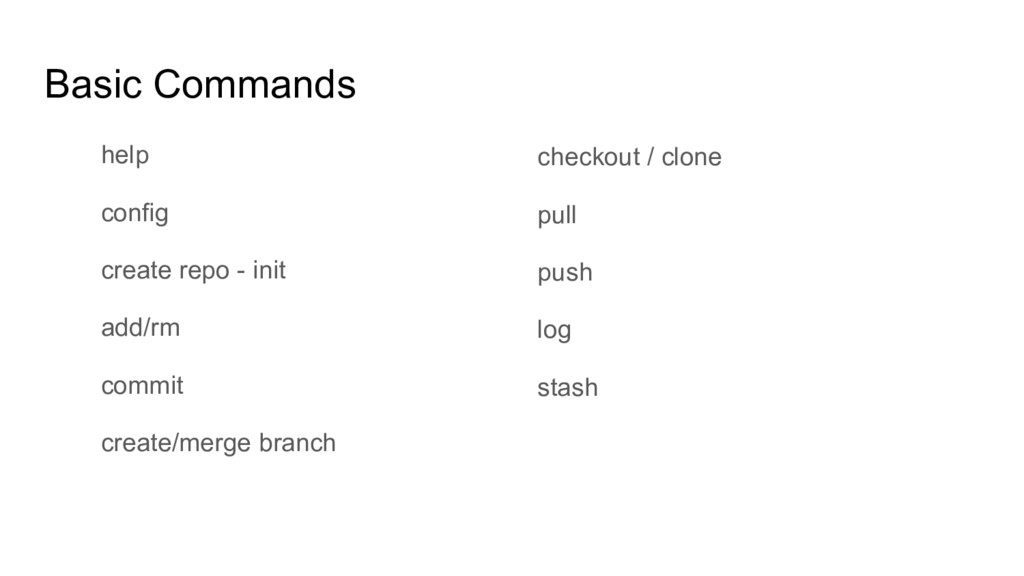
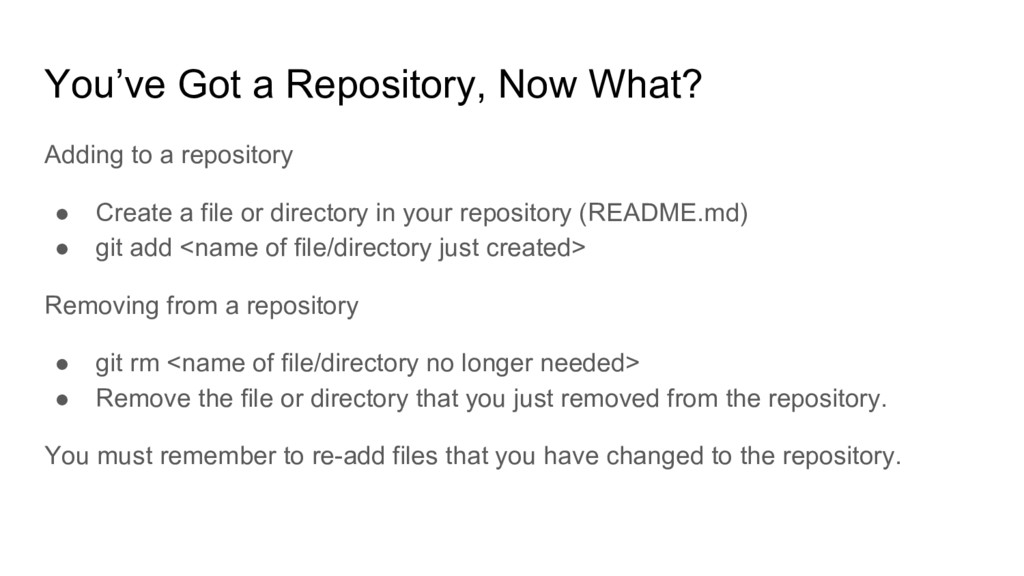
• Create a file or directory in your repository (README.md) • git add <name of file/directory just created> Removing from a repository • git rm <name of file/directory no longer needed> • Remove the file or directory that you just removed from the repository. You must remember to re-add files that you have changed to the repository.
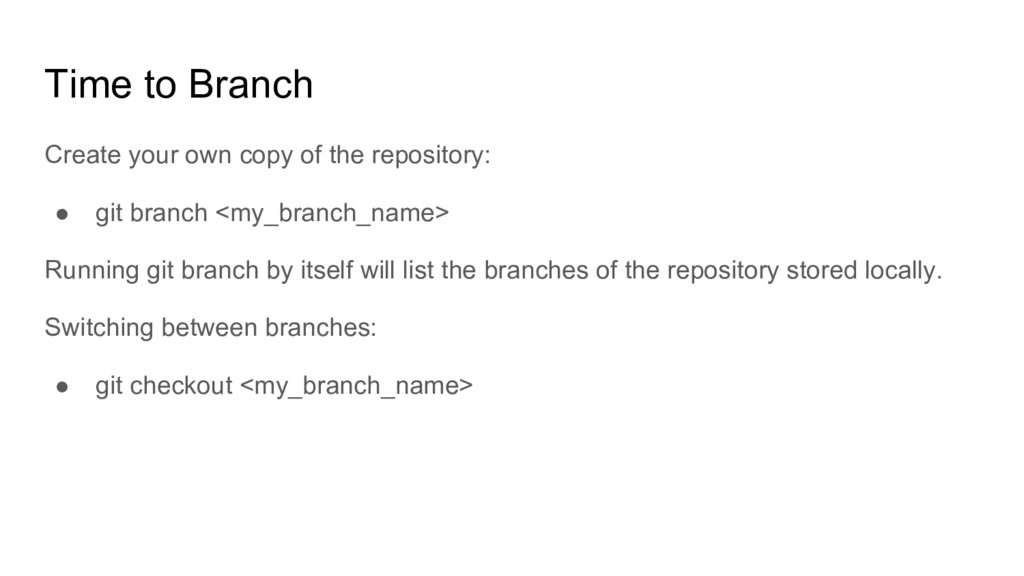
• git branch <my_branch_name> Running git branch by itself will list the branches of the repository stored locally. Switching between branches: • git checkout <my_branch_name>
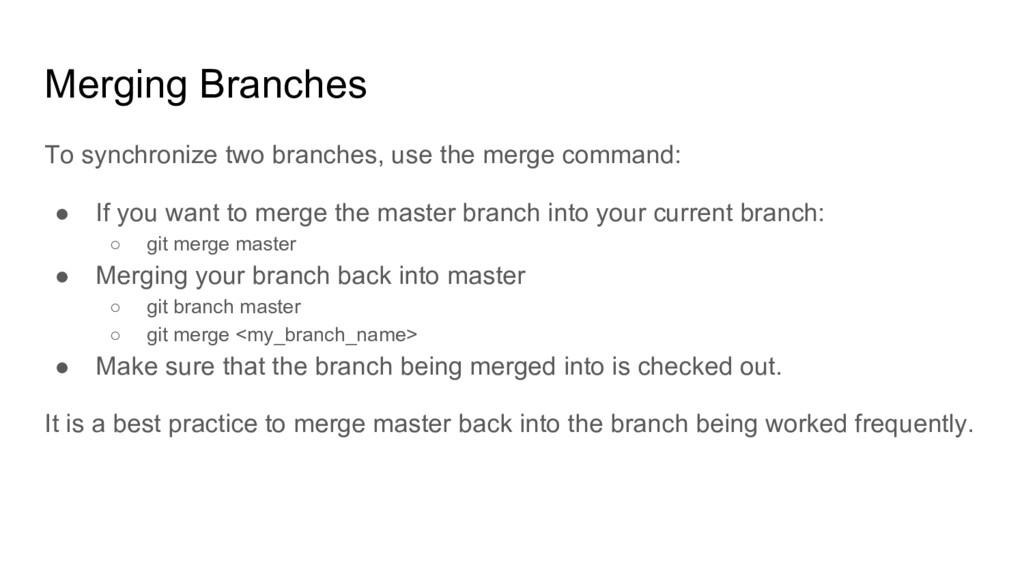
• If you want to merge the master branch into your current branch: ◦ git merge master • Merging your branch back into master ◦ git branch master ◦ git merge <my_branch_name> • Make sure that the branch being merged into is checked out. It is a best practice to merge master back into the branch being worked frequently.
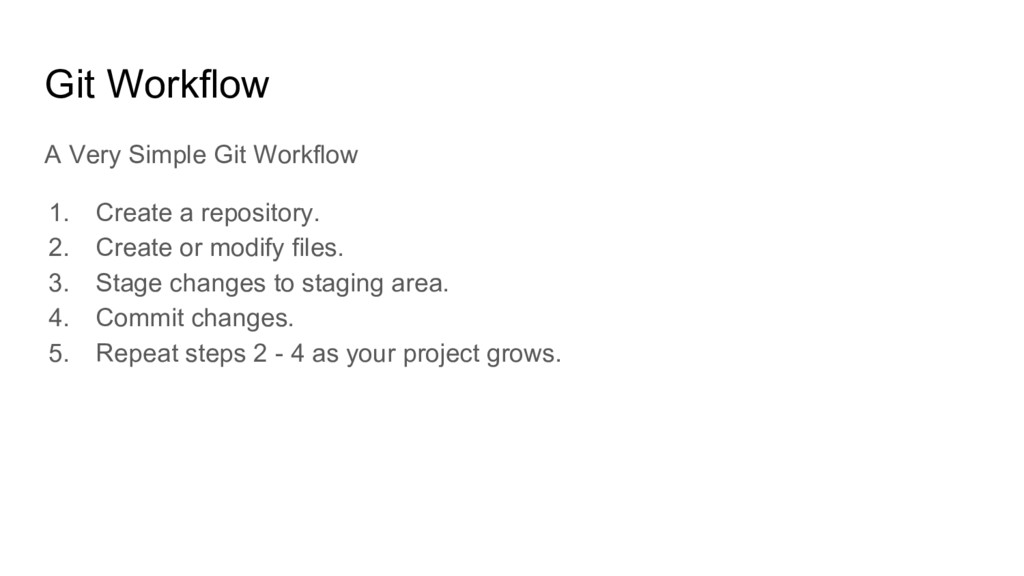
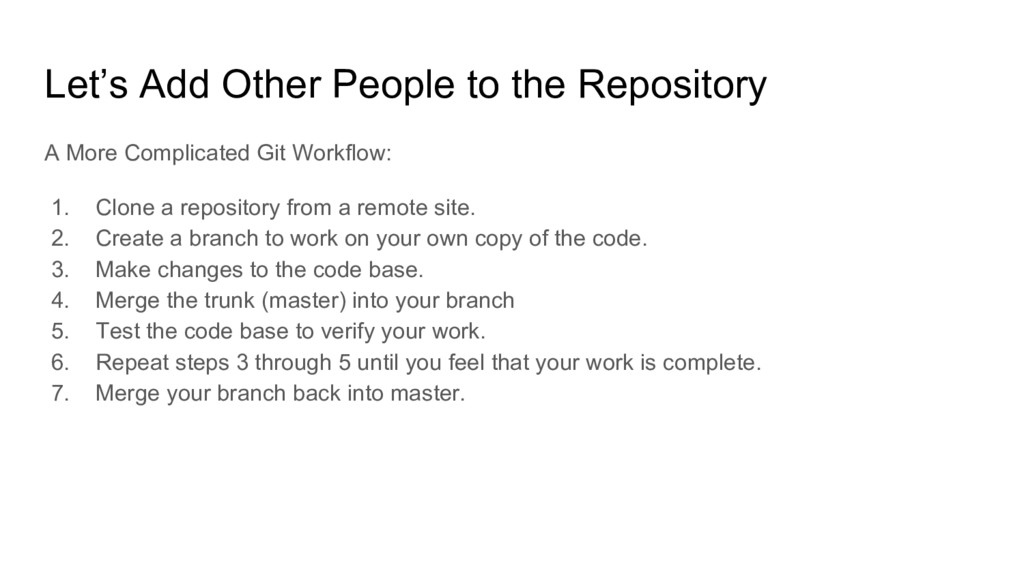
Git Workflow: 1. Clone a repository from a remote site. 2. Create a branch to work on your own copy of the code. 3. Make changes to the code base. 4. Merge the trunk (master) into your branch 5. Test the code base to verify your work. 6. Repeat steps 3 through 5 until you feel that your work is complete. 7. Merge your branch back into master.
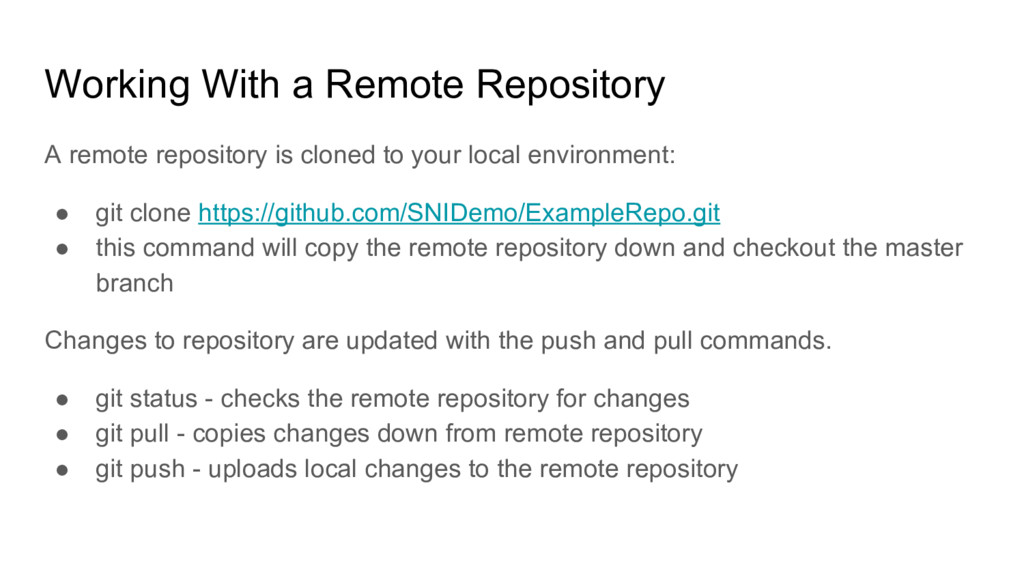
to your local environment: • git clone https://github.com/SNIDemo/ExampleRepo.git • this command will copy the remote repository down and checkout the master branch Changes to repository are updated with the push and pull commands. • git status - checks the remote repository for changes • git pull - copies changes down from remote repository • git push - uploads local changes to the remote repository
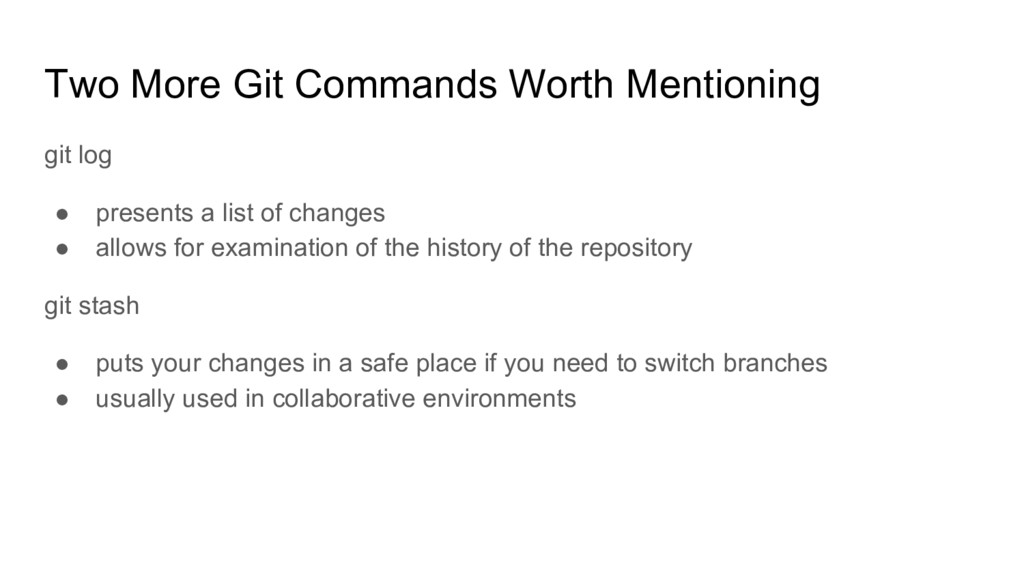
a list of changes • allows for examination of the history of the repository git stash • puts your changes in a safe place if you need to switch branches • usually used in collaborative environments


 christinejones
 bitkey
 tetsuya28
 nttcom
 rfdnxbro
 sansantech
 takanorip
 kakehashi
 carta_engineering
 tomokusaba
 kentarofujii
 daidaidai
 kaminashi
 jnunemaker
 axbom
axbom
 lemiorhan
 ipullrank
 portentint
 marktimemedia
 tamaranovitovic
 raygrieselhuber
 rabernat
 irinanazarova
 samanthasiow
 aki_iinuma