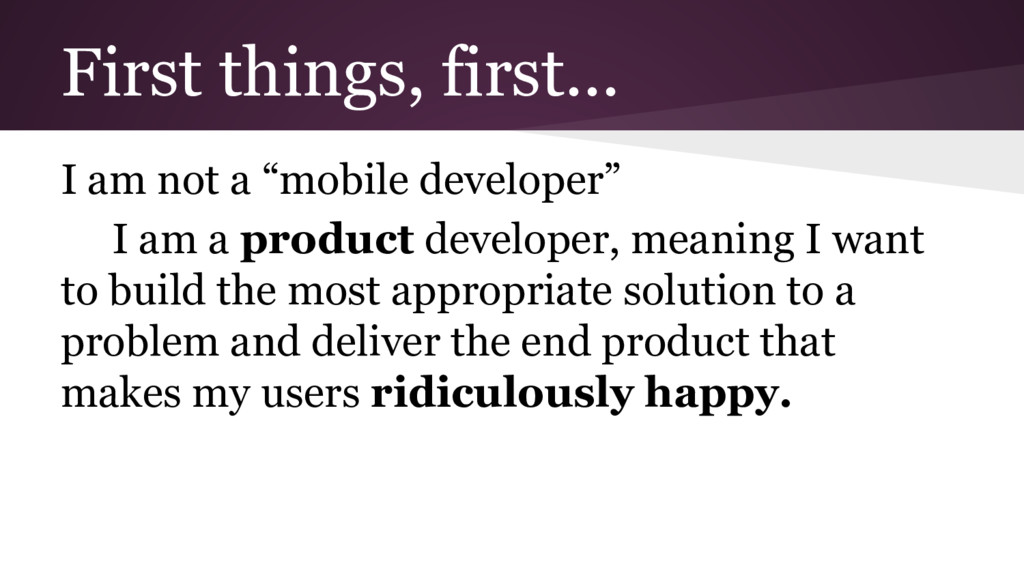
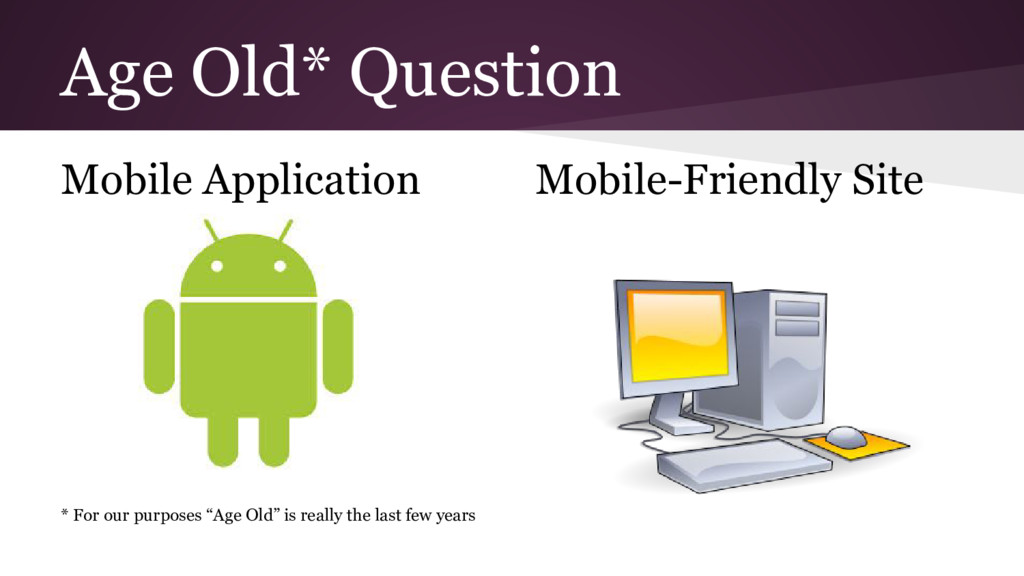
am a product developer, meaning I want to build the most appropriate solution to a problem and deliver the end product that makes my users ridiculously happy.
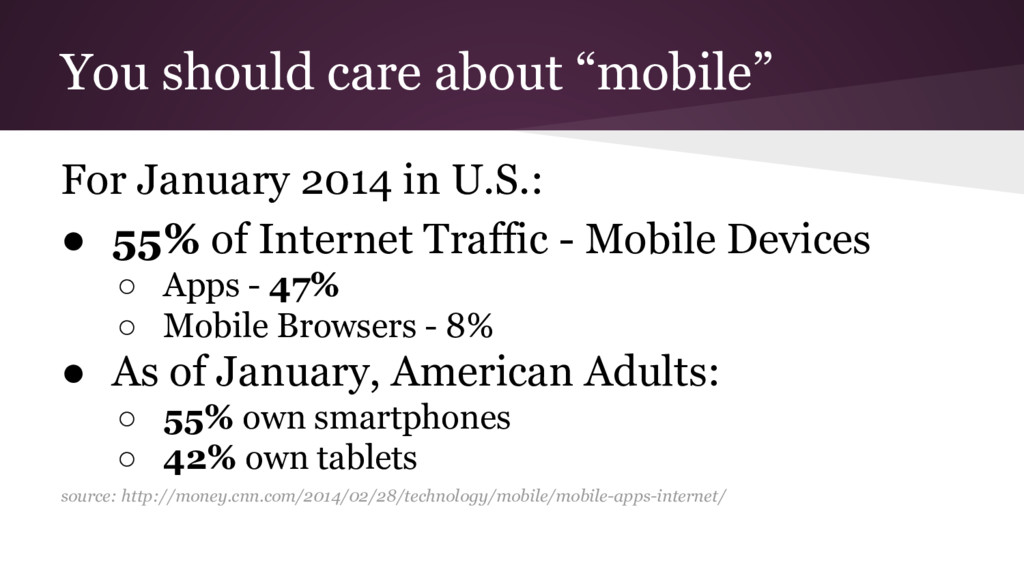
• 55% of Internet Traffic - Mobile Devices ◦ Apps - 47% ◦ Mobile Browsers - 8% • As of January, American Adults: ◦ 55% own smartphones ◦ 42% own tablets source: http://money.cnn.com/2014/02/28/technology/mobile/mobile-apps-internet/
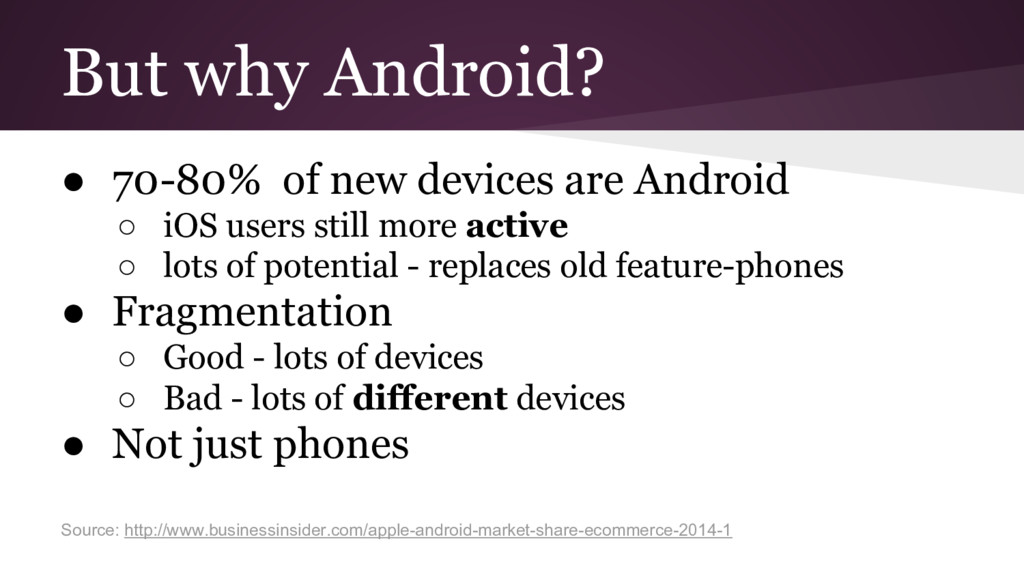
◦ iOS users still more active ◦ lots of potential - replaces old feature-phones • Fragmentation ◦ Good - lots of devices ◦ Bad - lots of different devices • Not just phones Source: http://www.businessinsider.com/apple-android-market-share-ecommerce-2014-1
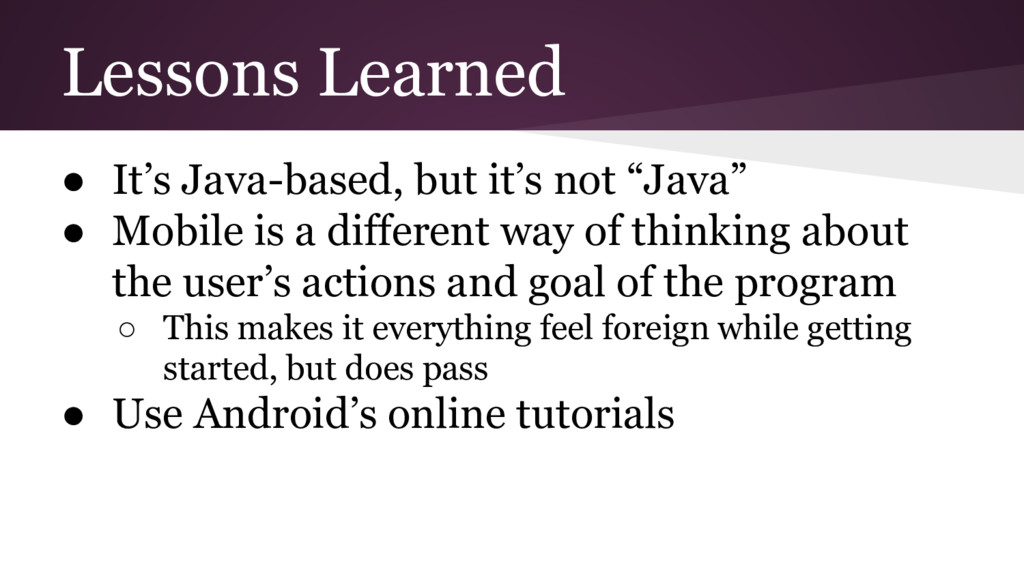
Mobile is a different way of thinking about the user’s actions and goal of the program ◦ This makes it everything feel foreign while getting started, but does pass • Use Android’s online tutorials


 christinejones
 namiki64
 sh_fk2
 endonanana
 jtakeda
 takuroabe
 ueponx
 takonda
 kaminashi
 pfn
pfn
 gionn
gionn
 satoshi7
 ludicmind
 dougneiner
 jonrohan
 michielstock
 swwweet
 katarinadahlin
 honzajavorek
 destraynor
 akihiro_kokubo
 uxyall
 tmiket
 rasmusluckow




![Any Questions? Contact Info: Twitter: @jonesc5 Email: [email protected]](https://files.speakerdeck.com/presentations/9e5e20082a824580a762f060ce101e1b/slide_26.jpg)