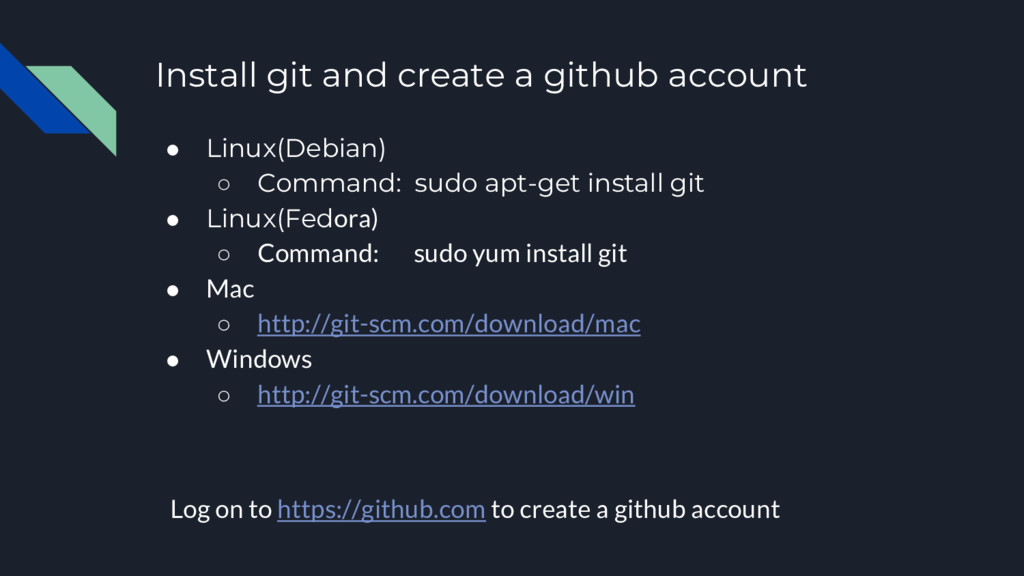
Command: sudo apt-get install git • Linux(Fedora) ◦ Command: sudo yum install git • Mac ◦ http://git-scm.com/download/mac • Windows ◦ http://git-scm.com/download/win Log on to https://github.com to create a github account
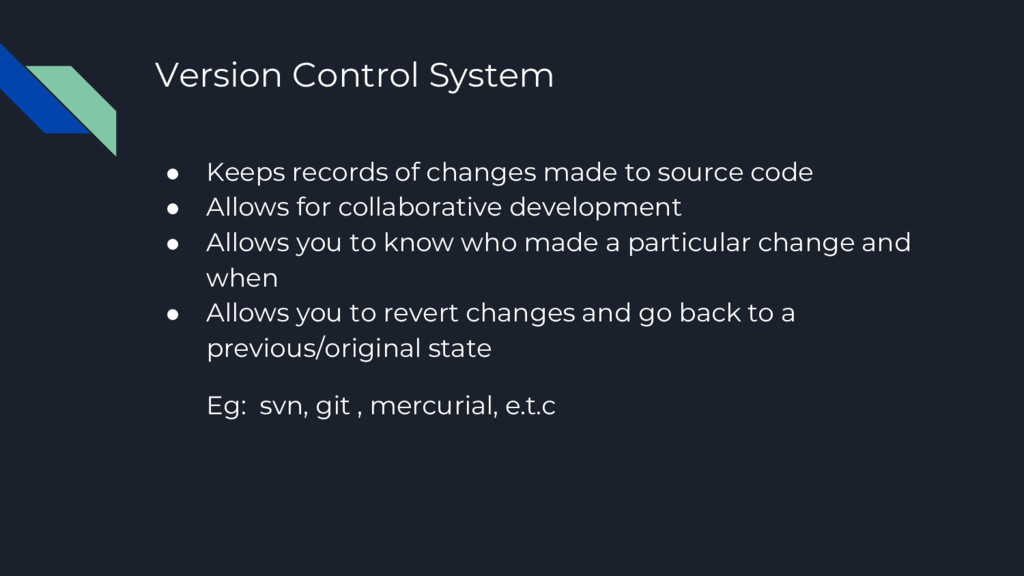
source code • Allows for collaborative development • Allows you to know who made a particular change and when • Allows you to revert changes and go back to a previous/original state Eg: svn, git , mercurial, e.t.c
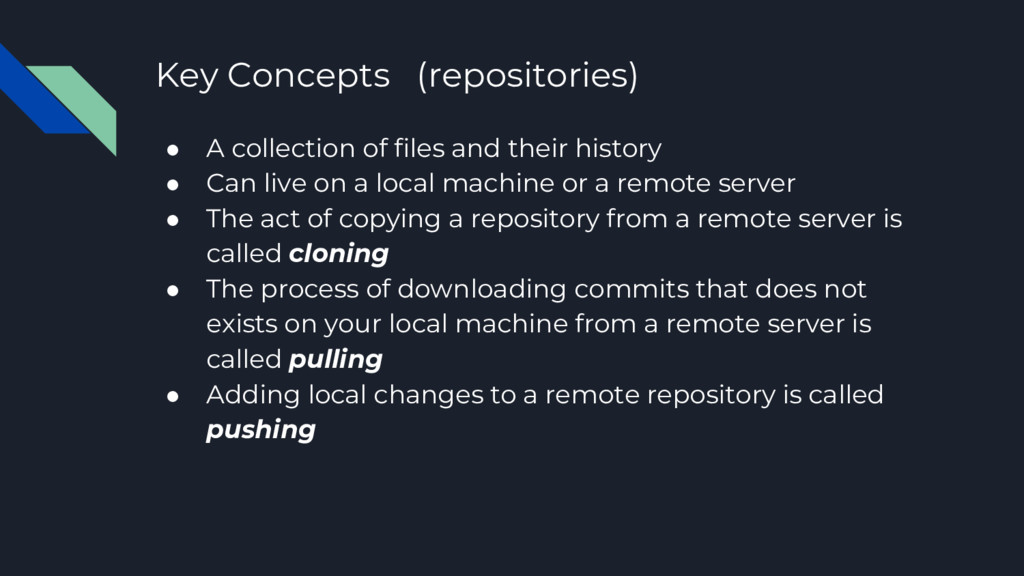
history • Can live on a local machine or a remote server • The act of copying a repository from a remote server is called cloning • The process of downloading commits that does not exists on your local machine from a remote server is called pulling • Adding local changes to a remote repository is called pushing
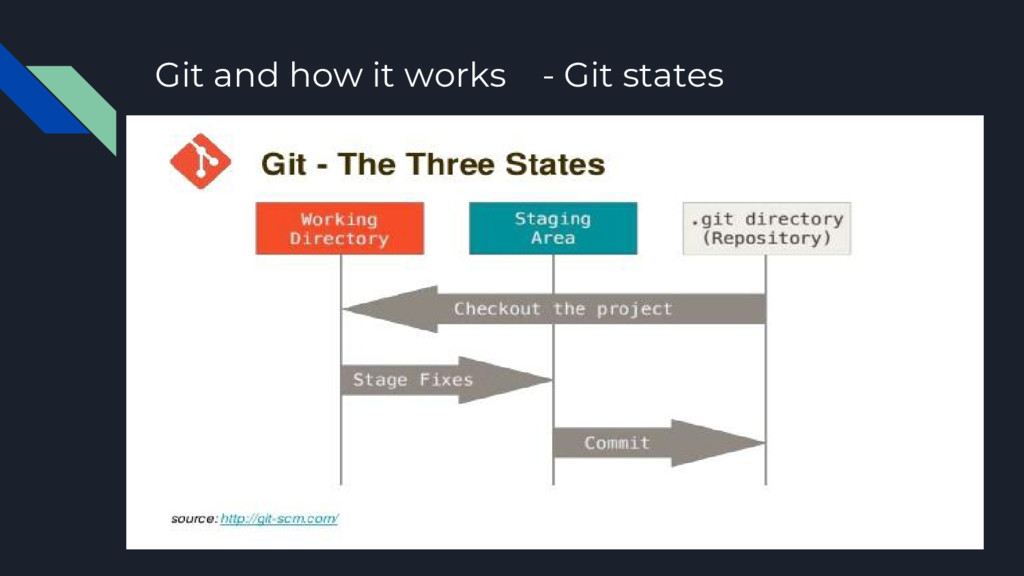
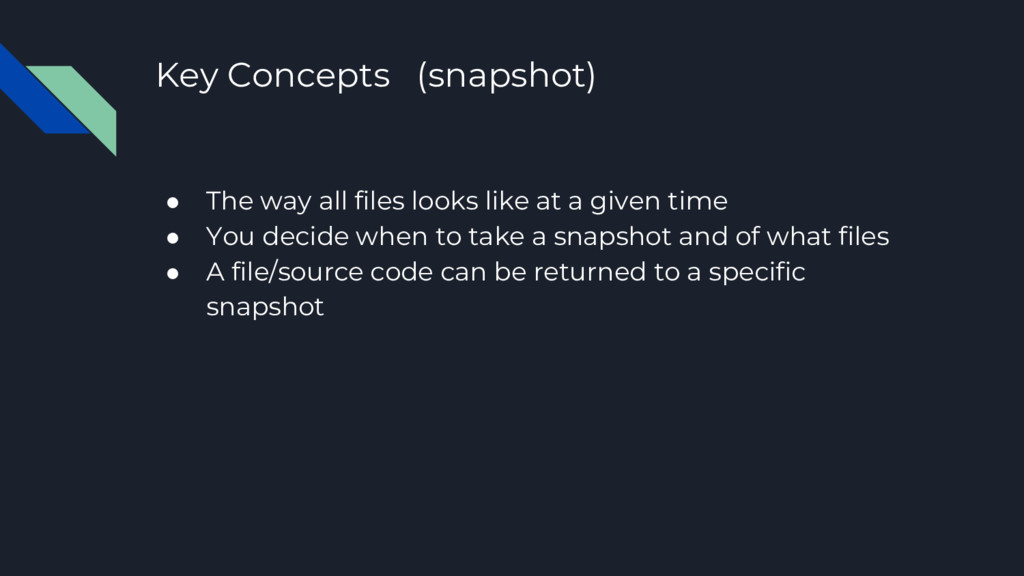
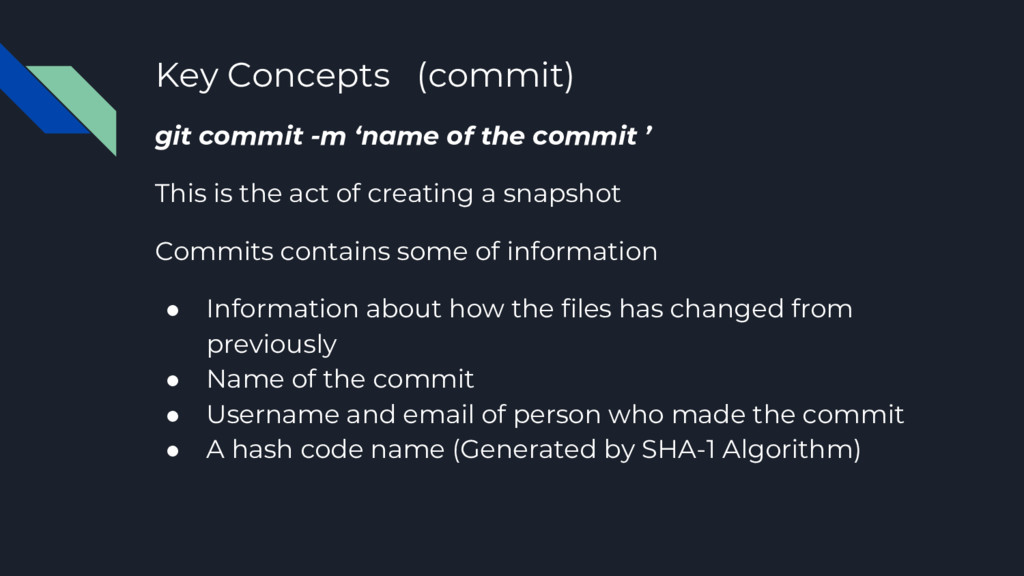
’ This is the act of creating a snapshot Commits contains some of information • Information about how the files has changed from previously • Name of the commit • Username and email of person who made the commit • A hash code name (Generated by SHA-1 Algorithm)
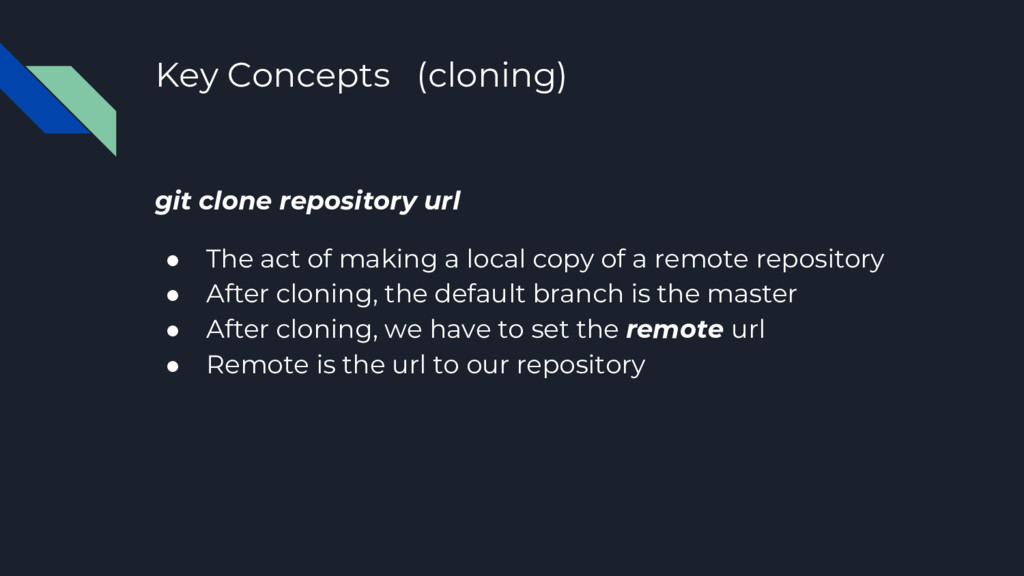
of making a local copy of a remote repository • After cloning, the default branch is the master • After cloning, we have to set the remote url • Remote is the url to our repository
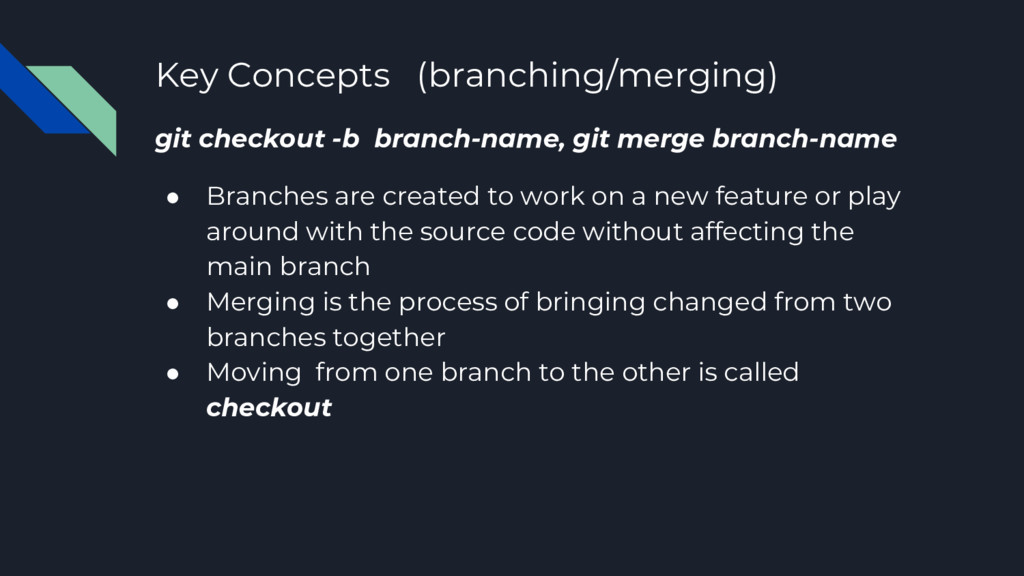
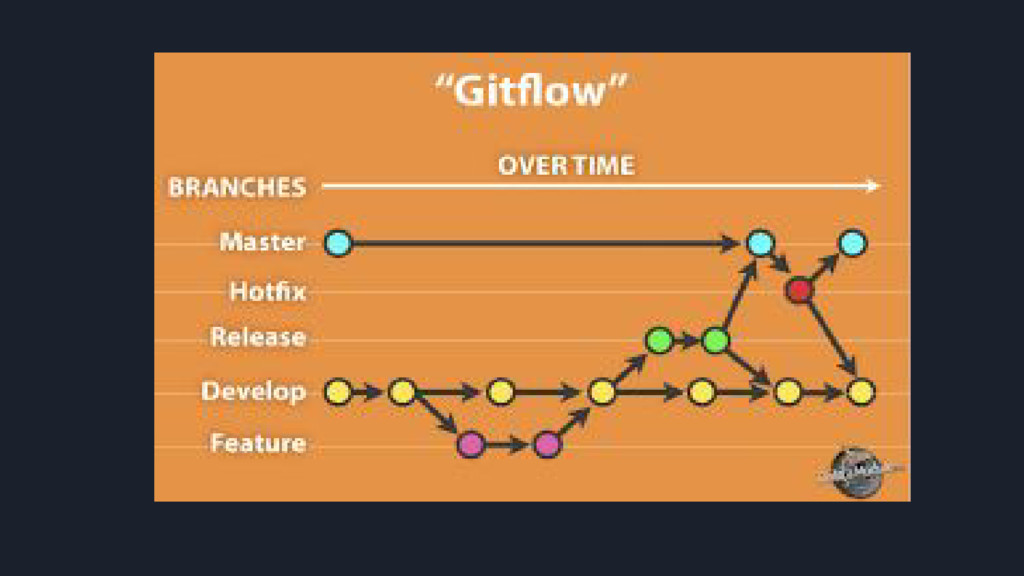
• Branches are created to work on a new feature or play around with the source code without affecting the main branch • Merging is the process of bringing changed from two branches together • Moving from one branch to the other is called checkout
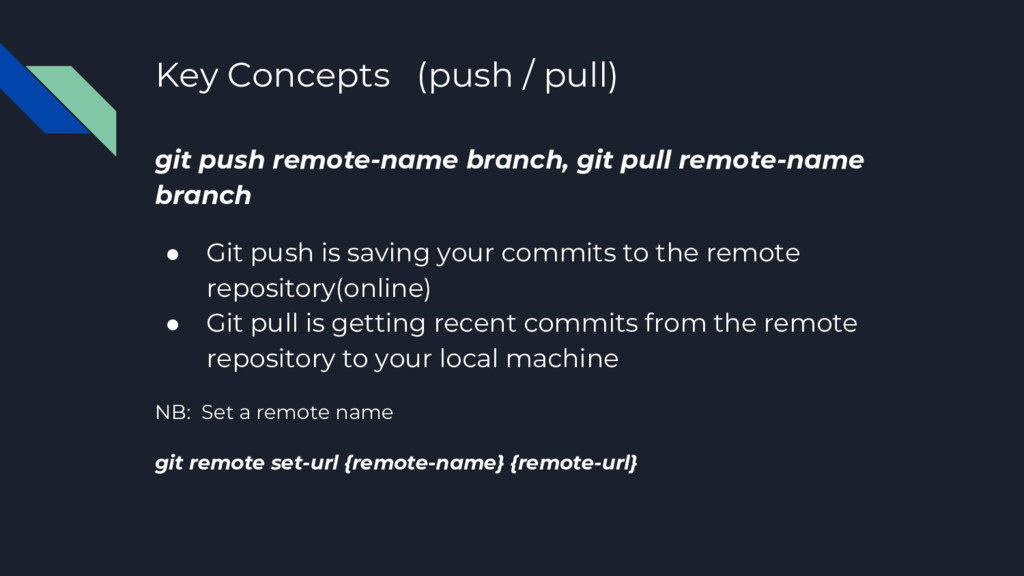
pull remote-name branch • Git push is saving your commits to the remote repository(online) • Git pull is getting recent commits from the remote repository to your local machine NB: Set a remote name git remote set-url {remote-name} {remote-url}


 kawashimo0
 rshindo
 y0hgi
y0hgi
 jame2408
 satoshi256kbyte
 akase244
 colorful12
 a_matsuda
 prota
prota
 texmeijin
 sylph01
 marcoroth
 sachag
 pedronauck
 mfonobong
 inesmontani
 jct
jct
 aleyda
 charlesmeaden
 danielanewman
 badams
 quramy
 jonoalderson