Upgrade to Pro — share decks privately, control downloads, hide ads and more …

Universal Windows Platform

Avatar for EShy EShy
May 05, 2015
61

Universal Windows Platform

Avatar for EShy

EShy

May 05, 2015

Transcript

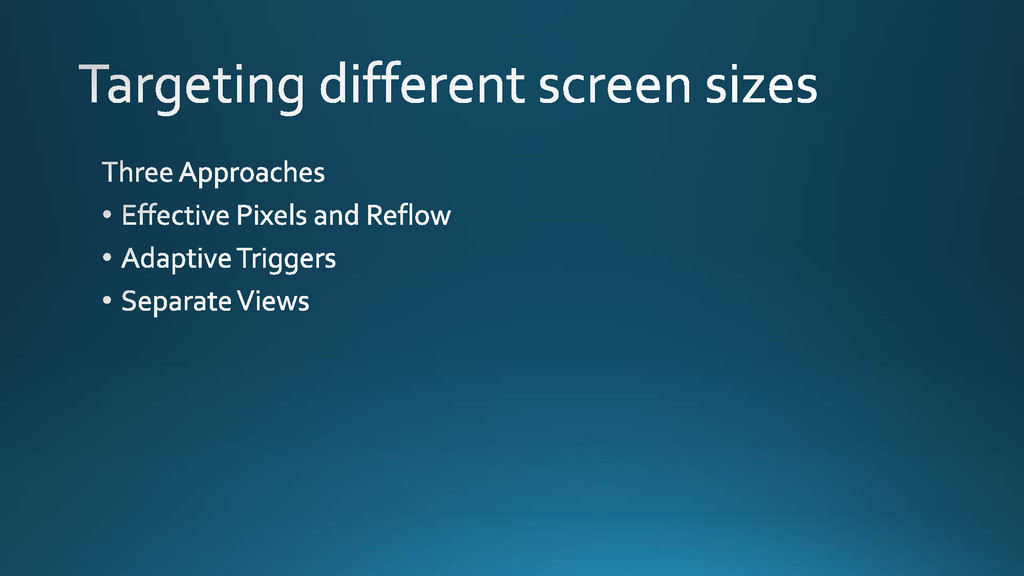
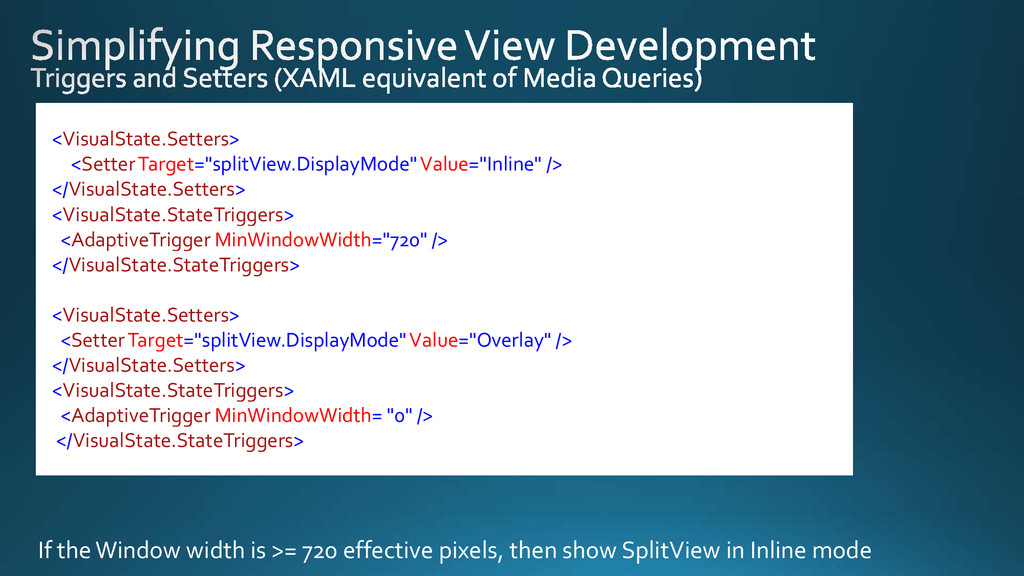
  1. <VisualState.Setters> <SetterTarget="splitView.DisplayMode"Value="Inline" /> </VisualState.Setters> <VisualState.StateTriggers> <AdaptiveTrigger MinWindowWidth="720" /> </VisualState.StateTriggers> <VisualState.Setters>

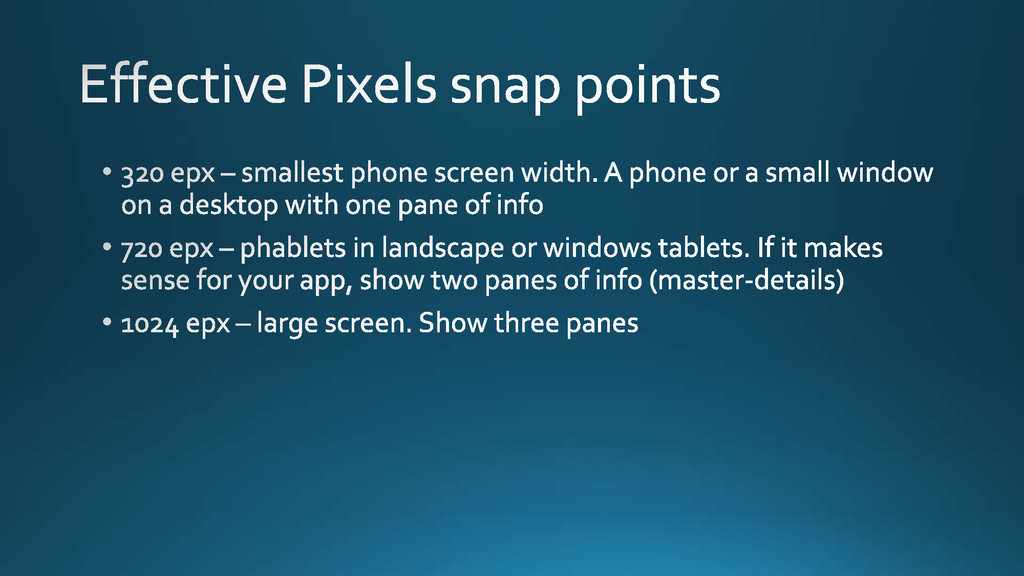
    <SetterTarget="splitView.DisplayMode"Value="Overlay" /> </VisualState.Setters> <VisualState.StateTriggers> <AdaptiveTrigger MinWindowWidth= "0" /> </VisualState.StateTriggers> If the Window width is >= 720 effective pixels, then show SplitView in Inline mode
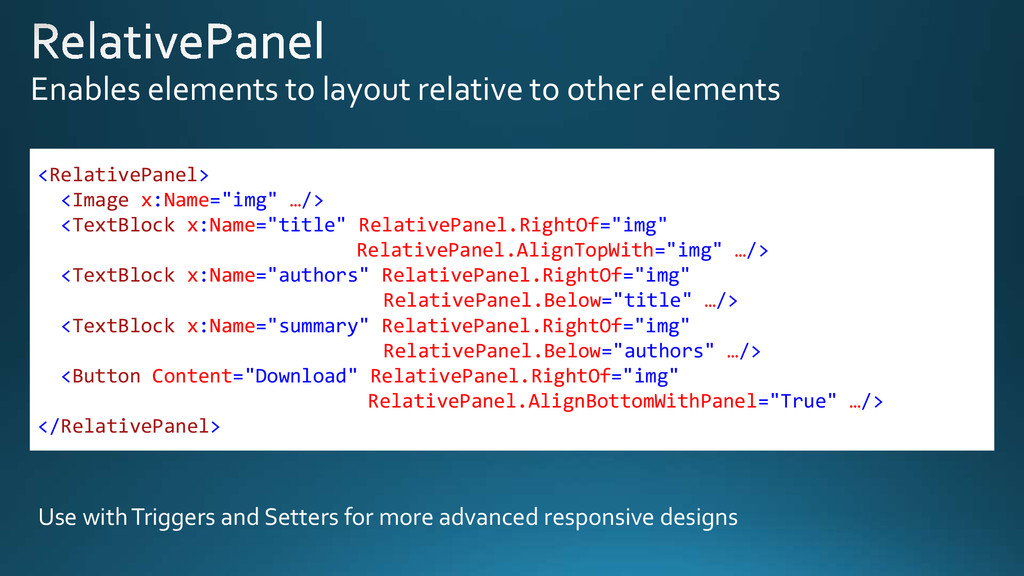
  2. Enables elements to layout relative to other elements <RelativePanel> <Image

    x:Name="img" …/> <TextBlock x:Name="title" RelativePanel.RightOf="img" RelativePanel.AlignTopWith="img" …/> <TextBlock x:Name="authors" RelativePanel.RightOf="img" RelativePanel.Below="title" …/> <TextBlock x:Name="summary" RelativePanel.RightOf="img" RelativePanel.Below="authors" …/> <Button Content="Download" RelativePanel.RightOf="img" RelativePanel.AlignBottomWithPanel="True" …/> </RelativePanel> Use with Triggers and Setters for more advanced responsive designs