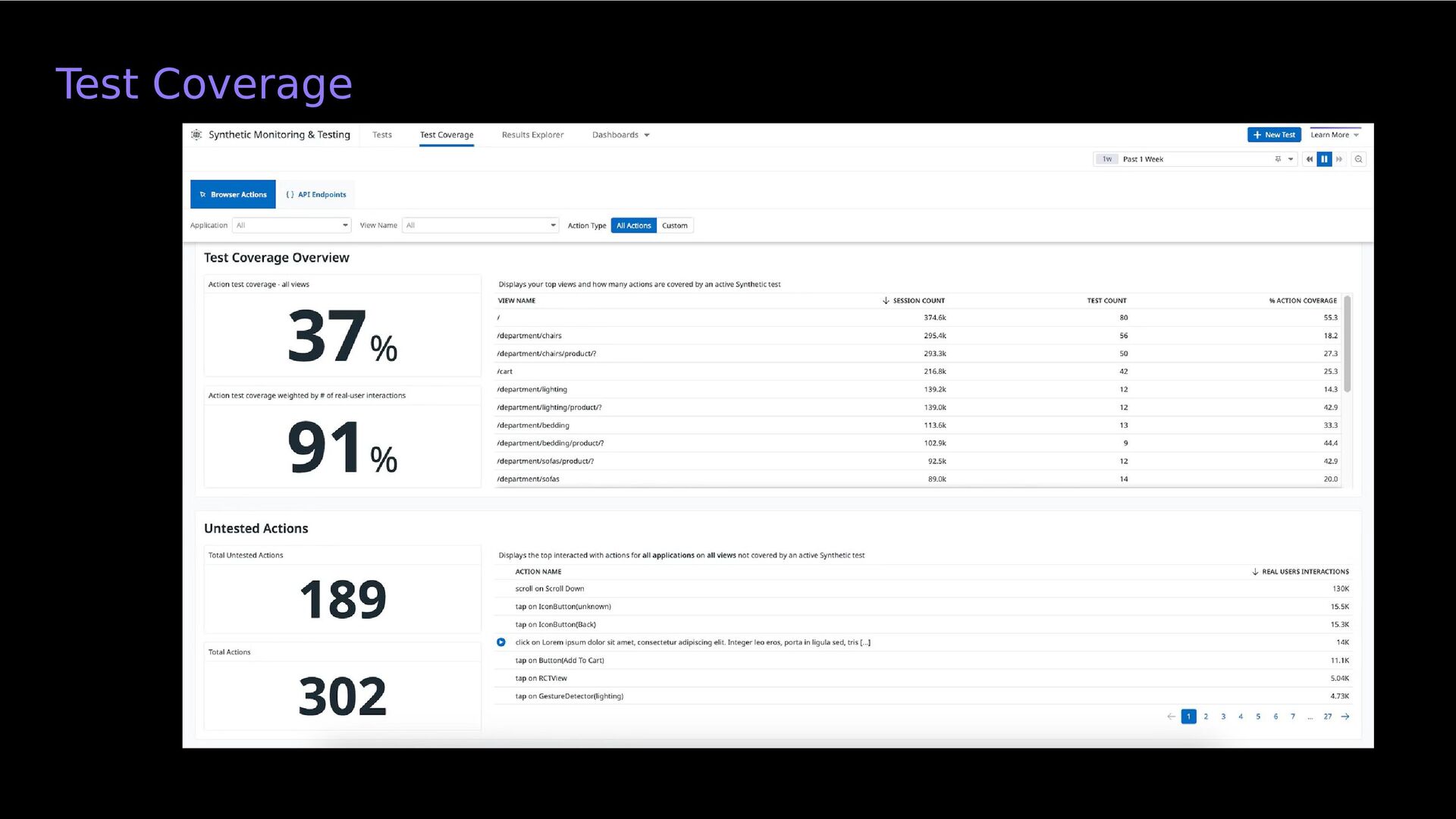
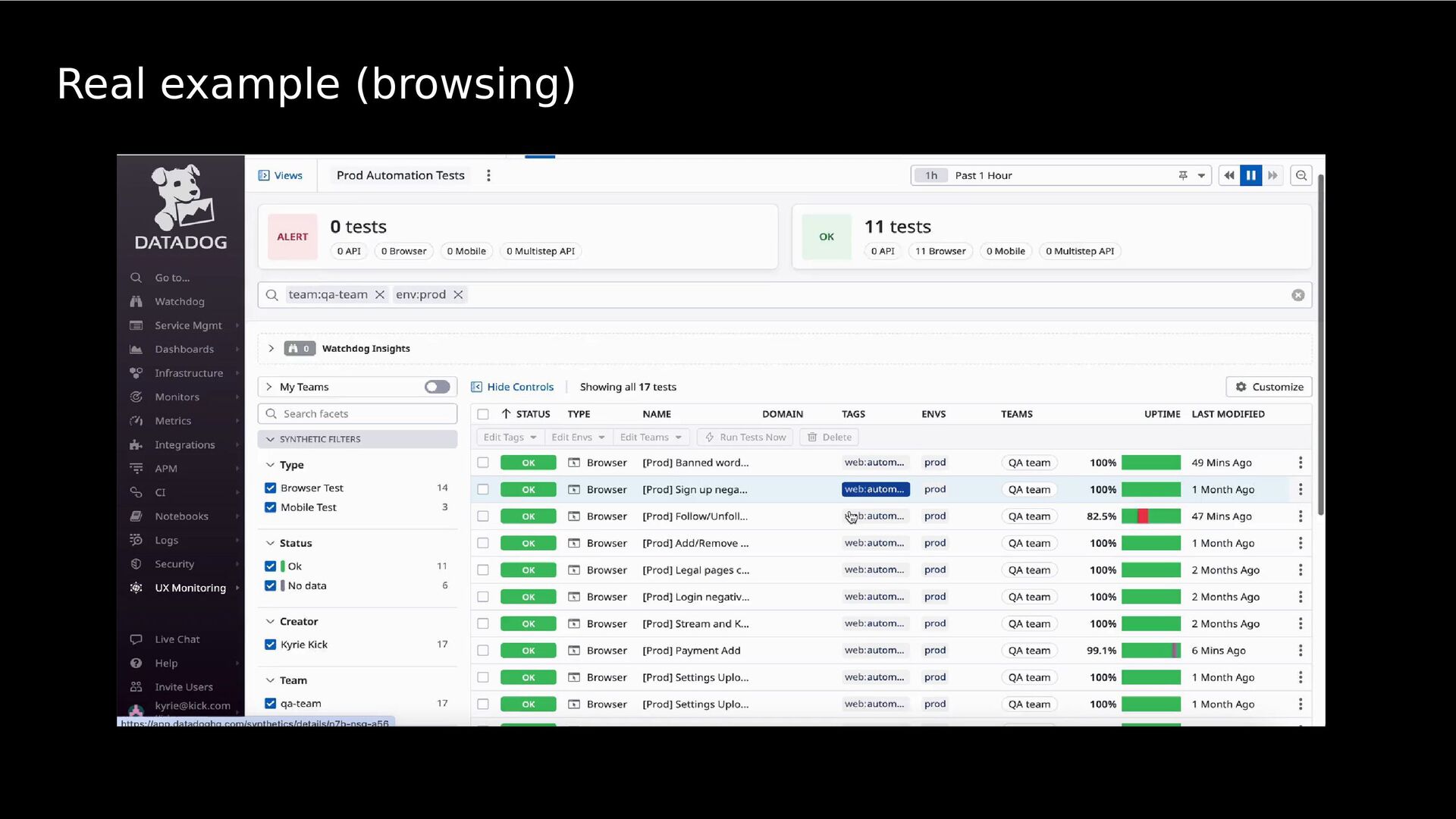
PERFORMANCE ISSUES BY SIMULATING REAL USER INTERACTION WITH THE SYSTEM. Synthetic tests mimic real user traffic by sending simulated requests to your applications and services from different browsers, devices, and locations around the world.
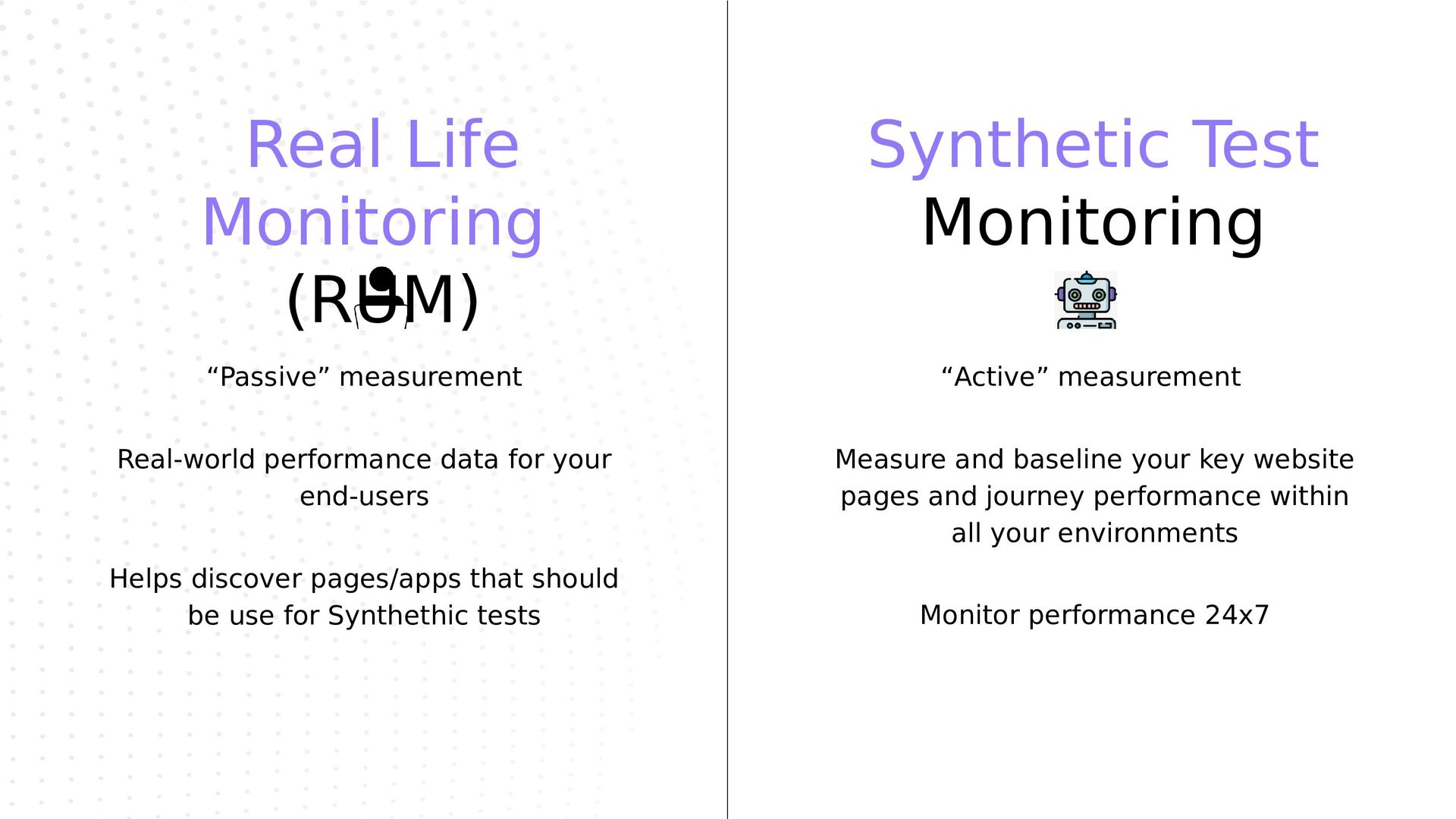
for your end-users “Passive” measurement Helps discover pages/apps that should be use for Synthethic tests Measure and baseline your key website pages and journey performance within all your environments “Active” measurement Monitor performance 24x7
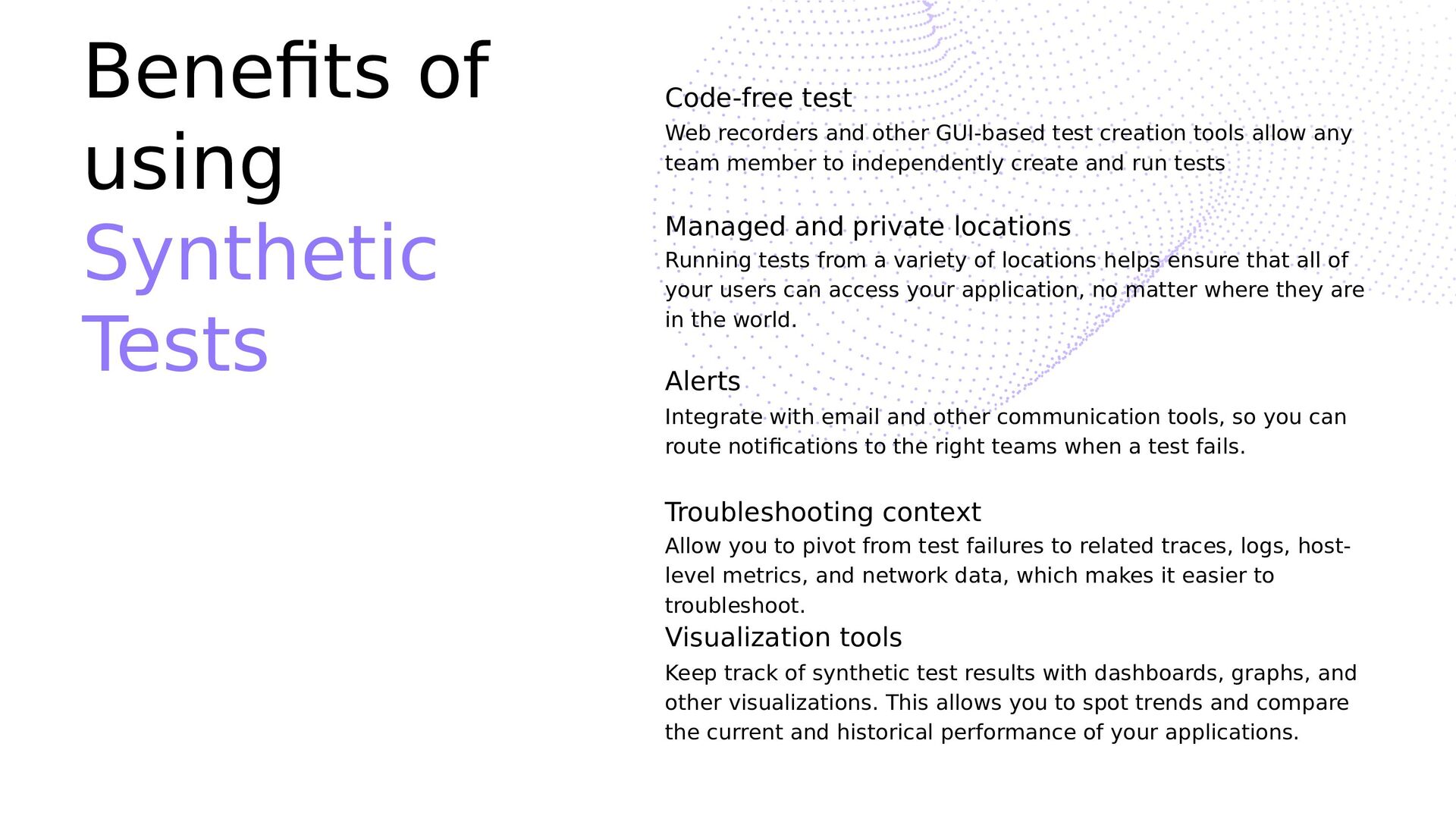
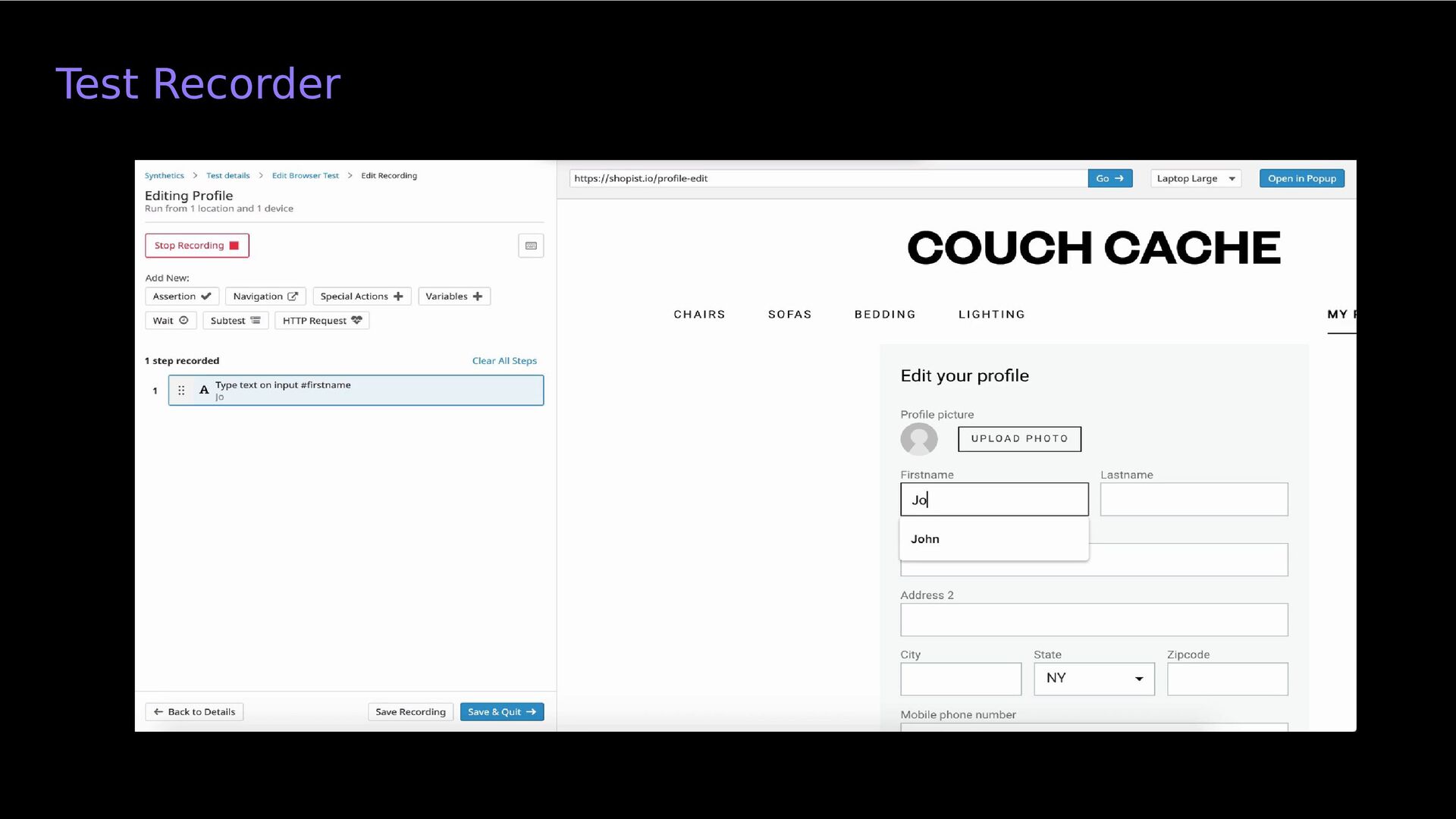
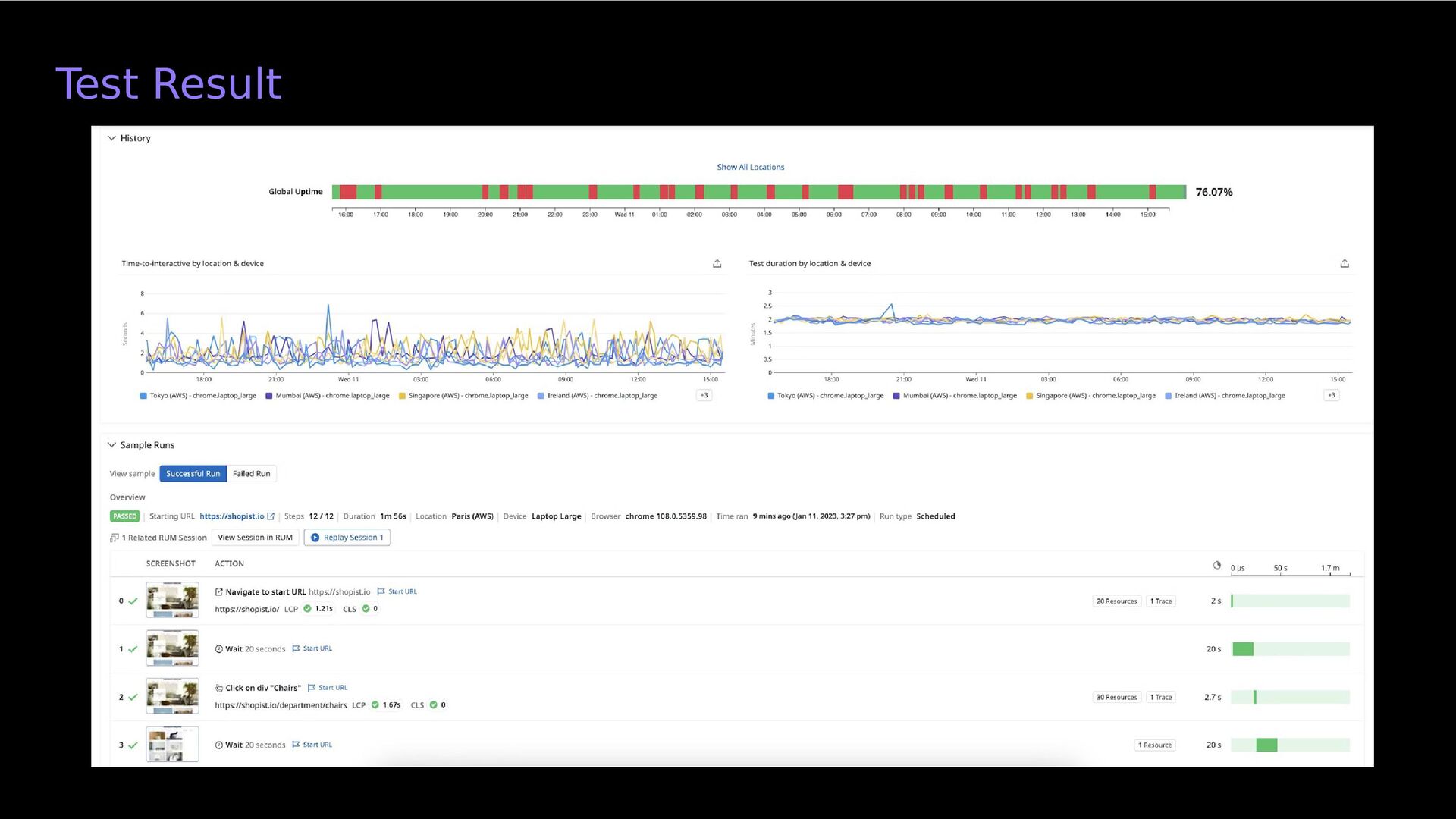
other GUI-based test creation tools allow any team member to independently create and run tests Managed and private locations Running tests from a variety of locations helps ensure that all of your users can access your application, no matter where they are in the world. Alerts Integrate with email and other communication tools, so you can route notifications to the right teams when a test fails. Troubleshooting context Allow you to pivot from test failures to related traces, logs, host- level metrics, and network data, which makes it easier to troubleshoot. Visualization tools Keep track of synthetic test results with dashboards, graphs, and other visualizations. This allows you to spot trends and compare the current and historical performance of your applications.


 japantestcommunity
 davidcarrasco
 andyhume
 reverentgeek
 62gerente
 ammeep
 denniskardys
 lfama
lfama
 tammyeverts
 codingconduct
 oripsolob
 honzajavorek
 addyosmani