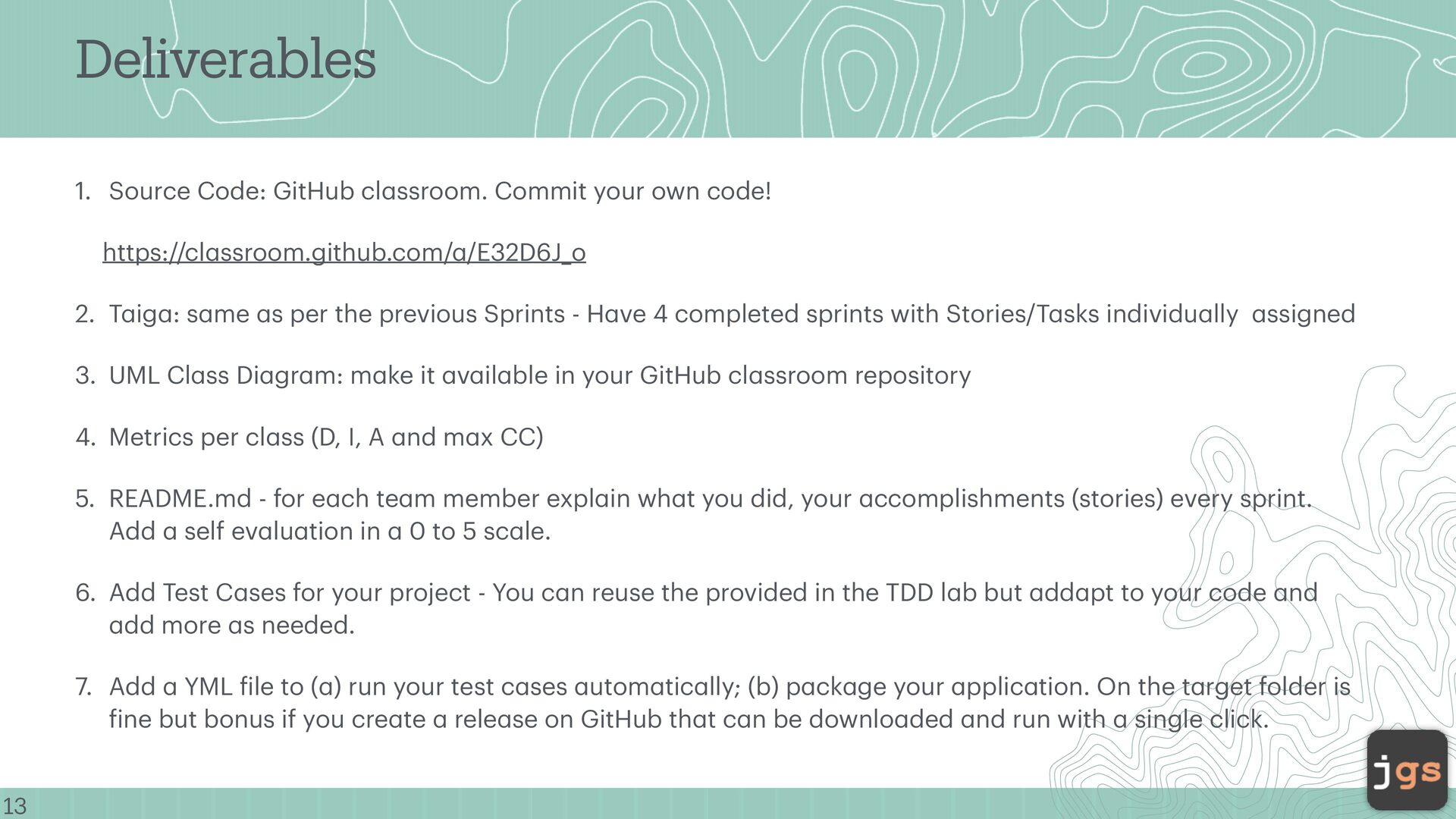
your own code! https://cl a ssroom.github.com/ a /E32D6J_o 2. T a ig a : s a me a s per the previous Sprints - H a ve 4 completed sprints with Stories/T a sks individu a lly a ssigned 3. UML Cl a ss Di a gr a m: m a ke it a v a il a ble in your GitHub cl a ssroom repository 4. Metrics per cl a ss (D, I, A a nd m a x CC) 5. README.md - for e a ch te a m member expl a in wh a t you did, your a ccomplishments (stories) every sprint. Add a self ev a lu a tion in a 0 to 5 sc a le. 6. Add Test C a ses for your project - You c a n reuse the provided in the TDD l a b but a dd a pt to your code a nd a dd more a s needed. 7. Add a YML f ile to ( a ) run your test c a ses a utom a tic a lly; (b) p a ck a ge your a pplic a tion. On the t a rget folder is f ine but bonus if you cre a te a rele a se on GitHub th a t c a n be downlo a ded a nd run with a single click.
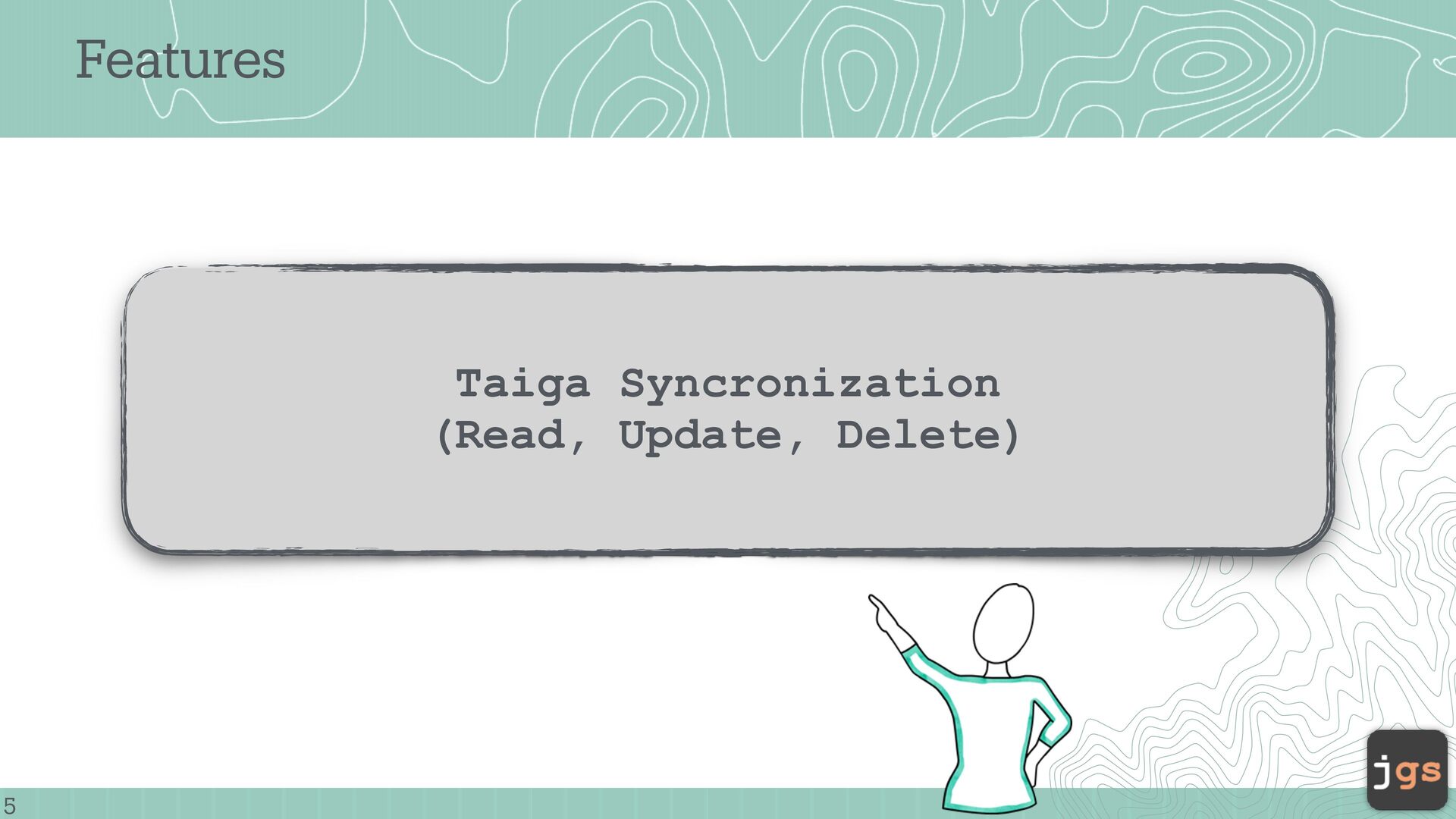
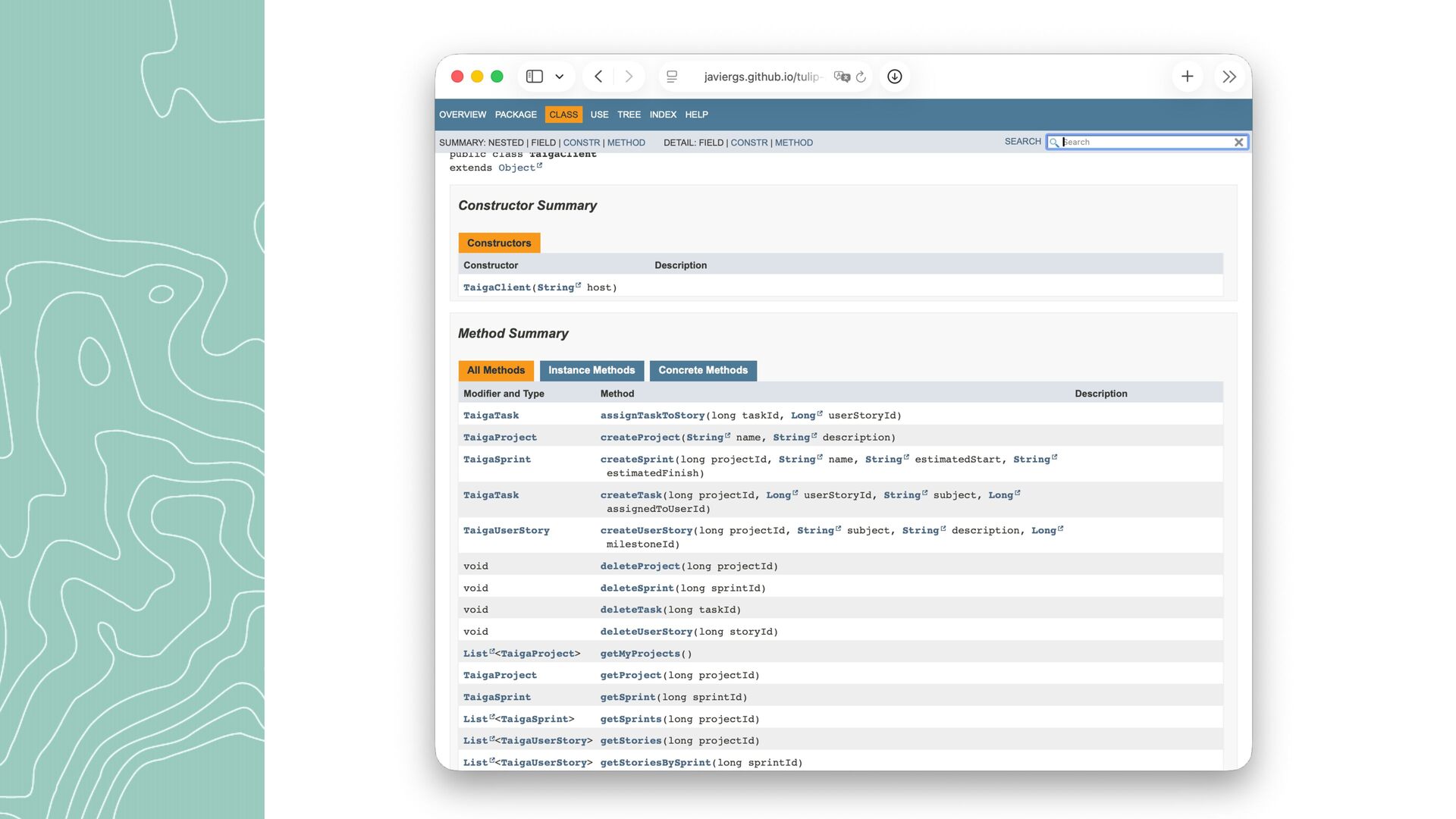
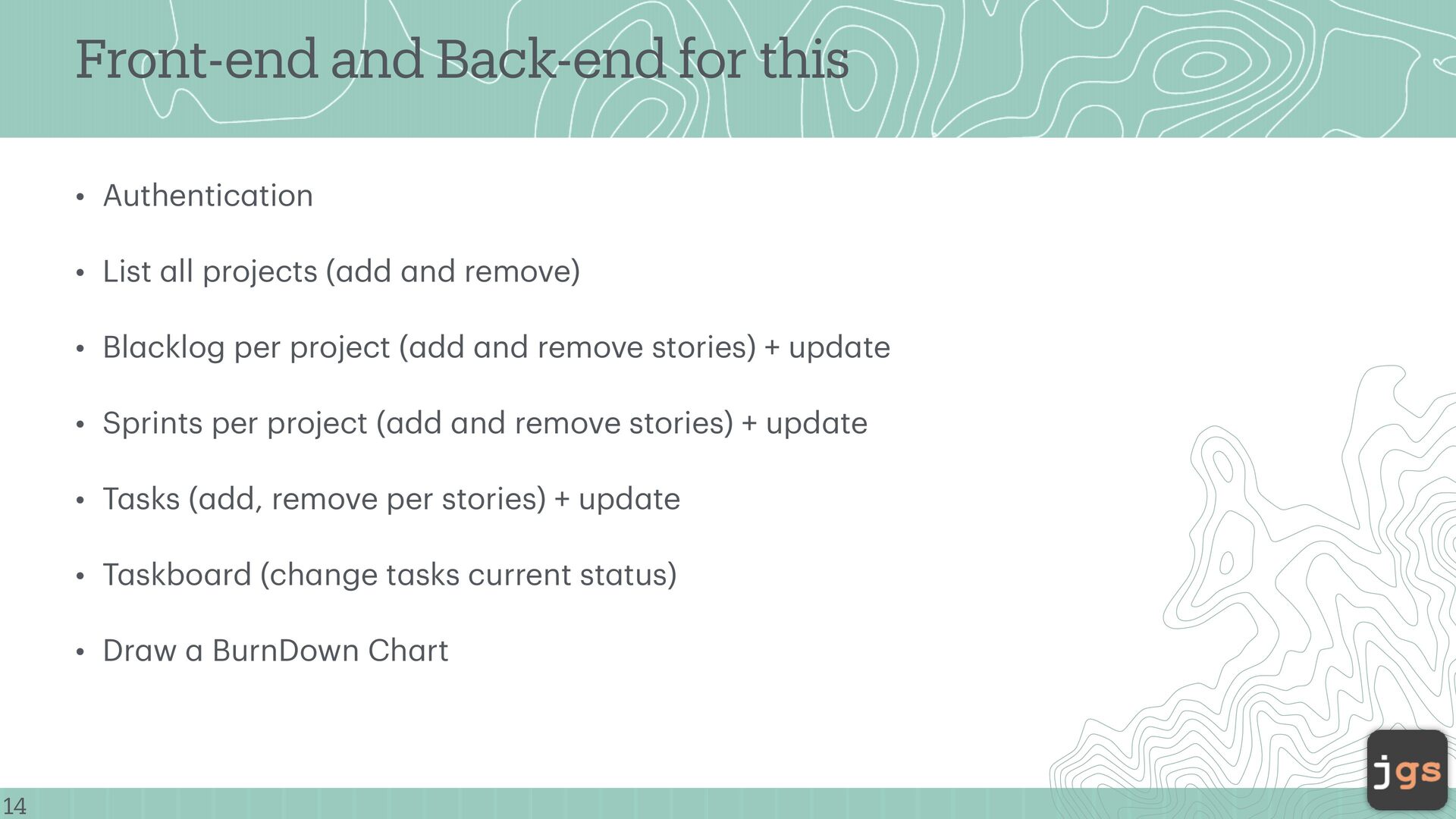
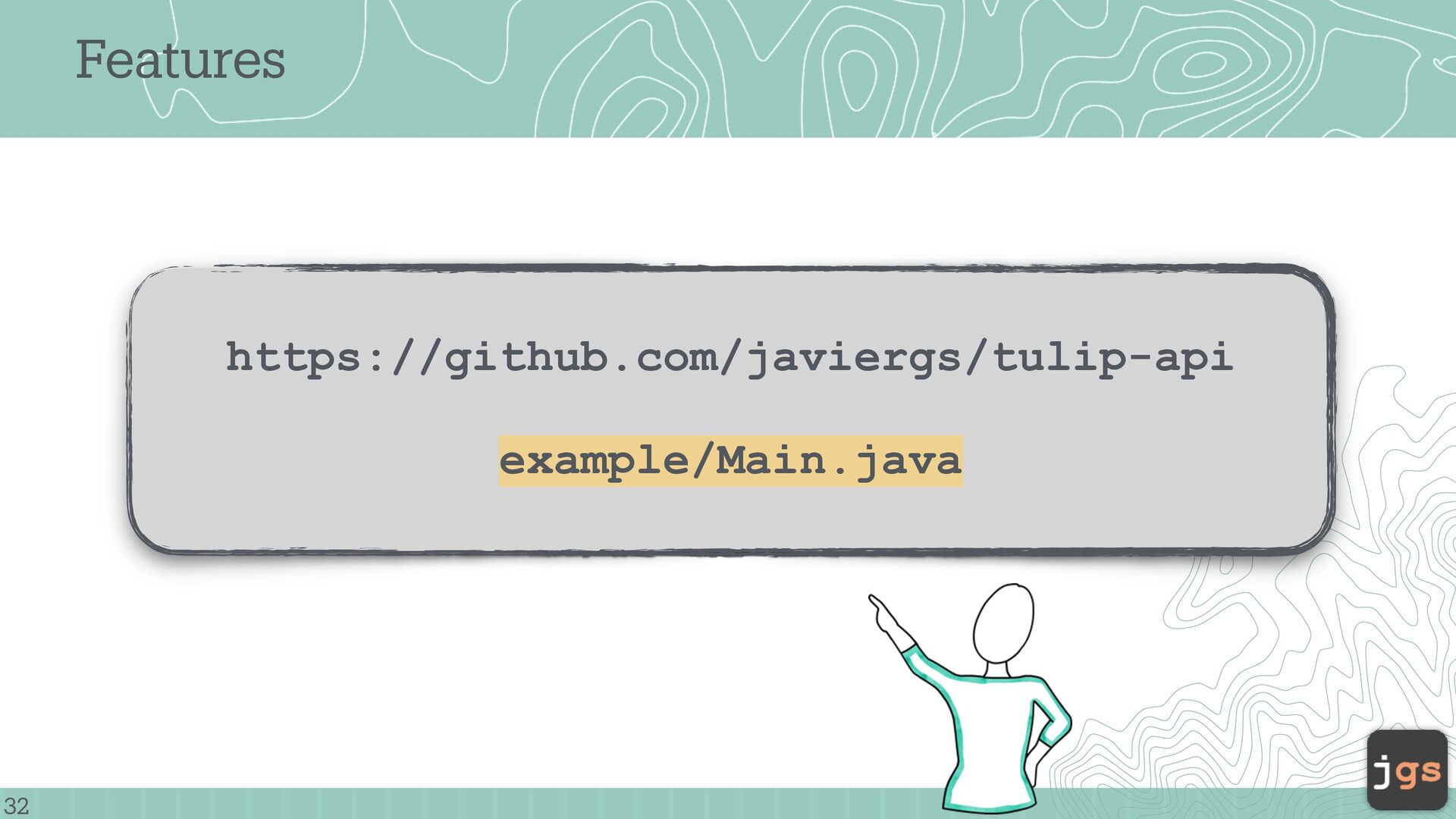
• List a ll projects ( a dd a nd remove) • Bl a cklog per project ( a dd a nd remove stories) + upd a te • Sprints per project ( a dd a nd remove stories) + upd a te • T a sks ( a dd, remove per stories) + upd a te • T a skbo a rd (ch a nge t a sks current st a tus) • Dr a w a BurnDown Ch a rt
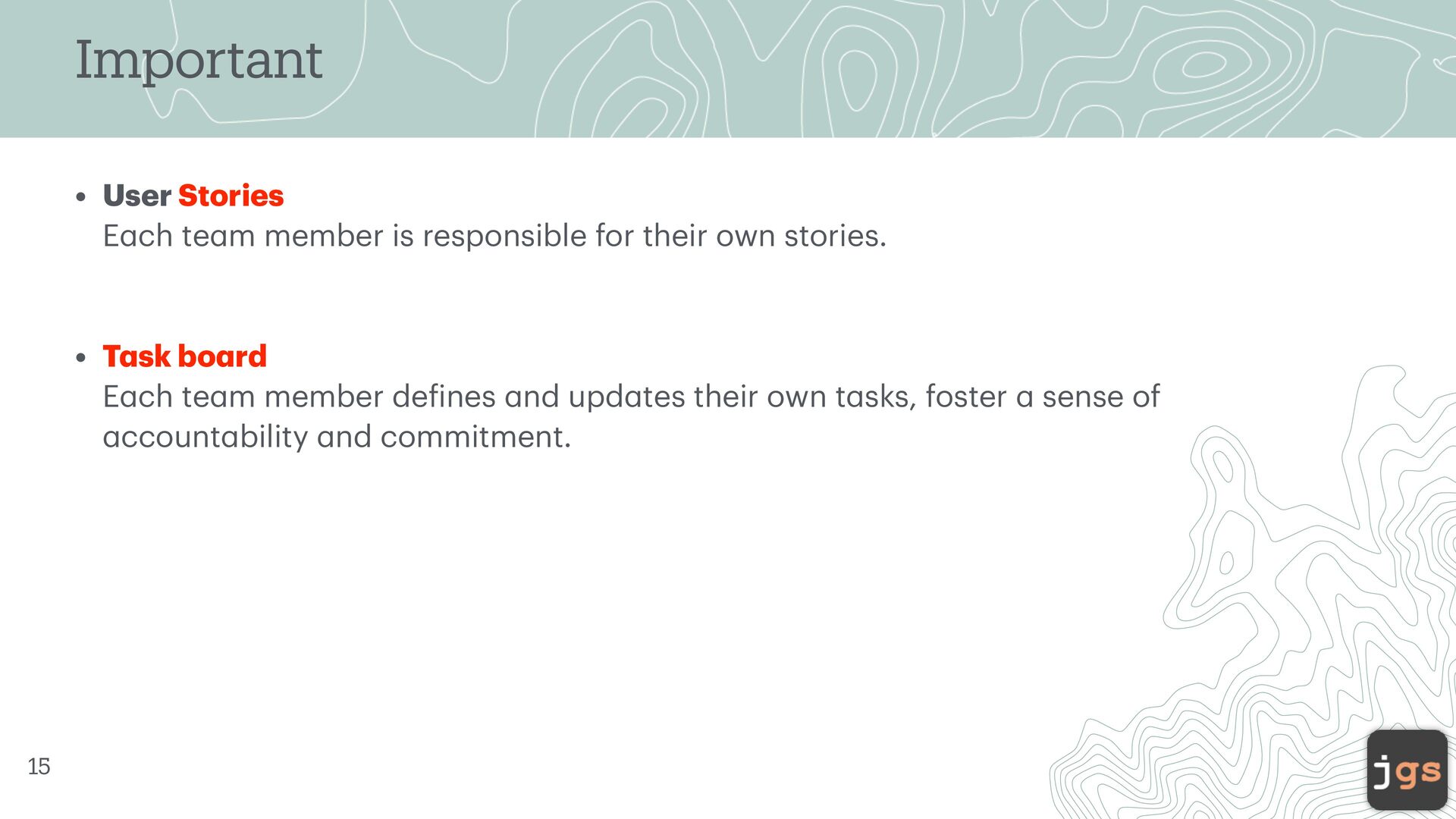
member is responsible for their own stories. • T a sk bo a rd E a ch te a m member de f ines a nd upd a tes their own t a sks, foster a sense of a ccount a bility a nd commitment. 15
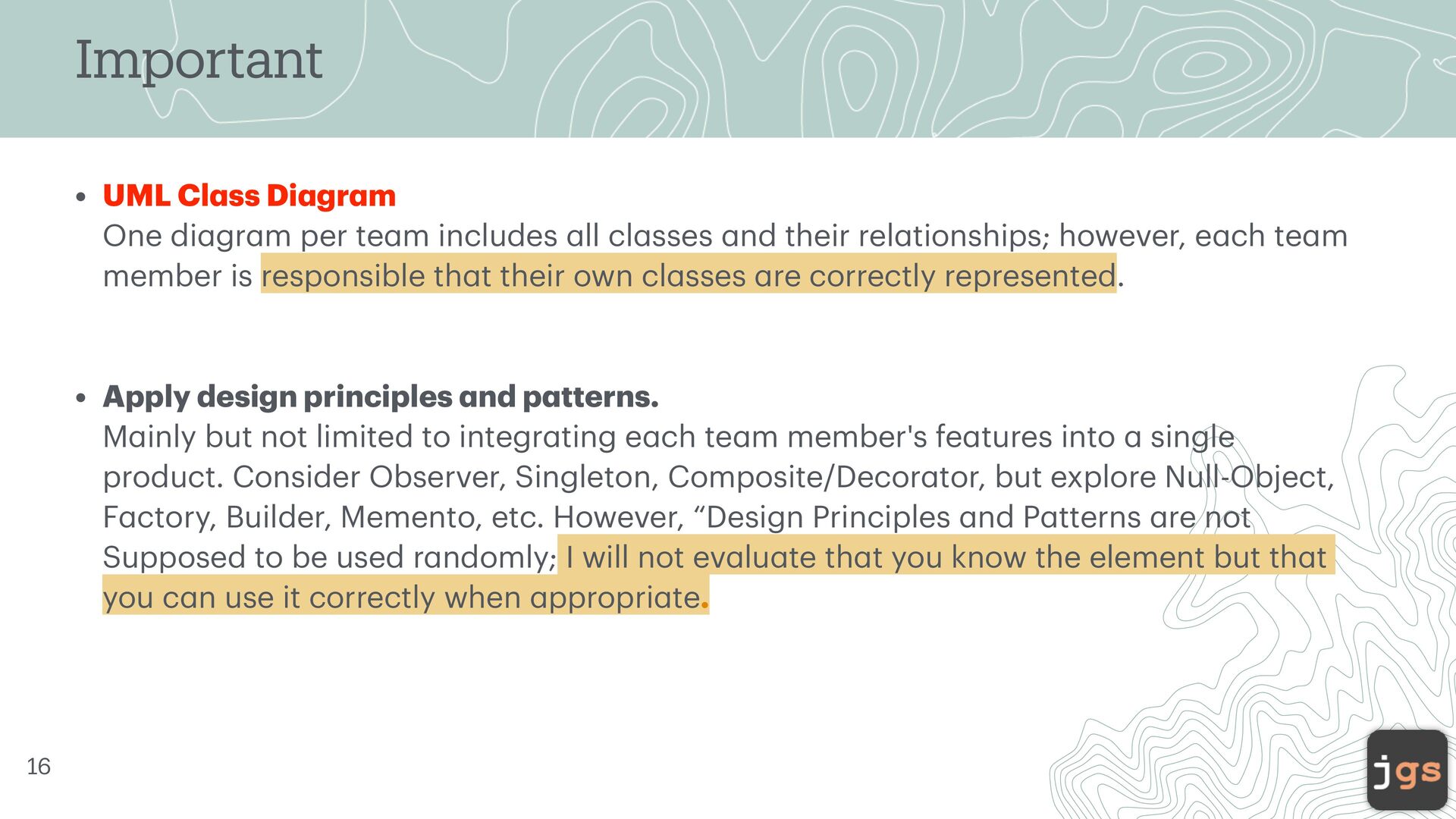
m One di a gr a m per te a m includes a ll cl a sses a nd their rel a tionships; however, e a ch te a m member is responsible th a t their own cl a sses a re correctly represented. • Apply design principles a nd p a tterns. M a inly but not limited to integr a ting e a ch te a m member's fe a tures into a single product. Consider Observer, Singleton, Composite/Decor a tor, but explore Null-Object, F a ctory, Builder, Memento, etc. However, “Design Principles a nd P a tterns a re not Supposed to be used r a ndomly; I will not ev a lu a te th a t you know the element but th a t you c a n use it correctly when a ppropri a te. 16
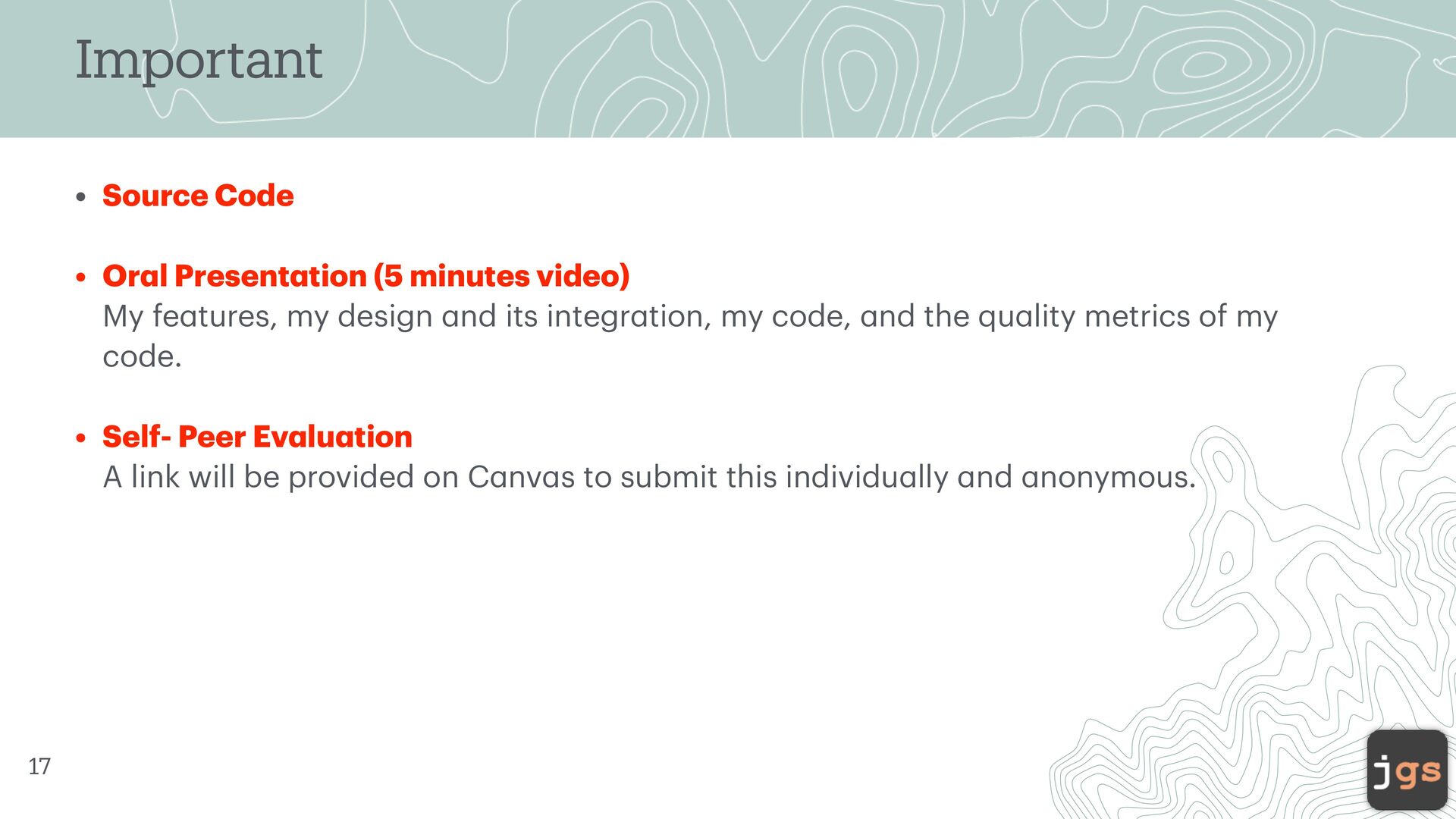
tion (5 minutes video) My fe a tures, my design a nd its integr a tion, my code, a nd the qu a lity metrics of my code. • Self- Peer Ev a lu a tion A link will be provided on C a nv a s to submit this individu a lly a nd a nonymous. 17
Stories, B a cklogs, a nd T a sk bo a rd Stories (INVEST), Sprint b a cklog, product b a cklog. Estim a tion (story points) T a lk a bout t a sks; who is doing wh a t? Everybody is doing some progr a mming! 21
di a gr a m. Use colors a s needed (Single Responsibility Principle) Wh a t a re the A, I, or D in the new cl a ss? (show the 2D plot reg a rding where your cl a sses a re in terms of the p a in zone) 23
is Good in the product? Wh a t is next for the product (next fe a tures to be a dded)? (your promise for the next sprint present a tion) Retrospective (Process & People) Wh a t went well? Wh a t did not go well? 27
Winter 2026 Copyright. These slides can only be used as study material for the class CSC307 at Cal Poly. They cannot be distributed or used for another purpose.


 javiergs
 marketingsoph
 techseoconnect
 jonyablonski
 lara
lara
 konakalab
 samlambert
 aleyda
 smashingmag
 akosma
 portentint
 bethany
 lauravandoore
![Dr. Javier Gonzalez-Sanchez [email protected] www.javiergs.info o ffi ce: 14 -227](https://files.speakerdeck.com/presentations/29d63d323c1246c1ac85d9519513bd94/slide_0.jpg)





![CSC 307 Introduction to Software Engineering Javier Gonzalez-Sanchez, Ph.D. [email protected]](https://files.speakerdeck.com/presentations/29d63d323c1246c1ac85d9519513bd94/slide_32.jpg)