Upgrade to Pro — share decks privately, control downloads, hide ads and more …

Secure Coding practices

Sponsored · Ship Features Fearlessly Turn features on and off without deploys. Used by thousands of Ruby developers.

Secure Coding practices

My slides for the september 16th CocoaHeadsNL.
Links mentioned in this presentation:
- *6th November*
A Swift Kickstart: Introducing the Swift Programming Language: http://training.xebia.com/mobile/a-swift-kickstart-introducing-the-swift-programming-language
- *7th November*
iOS 8 Quickstart: The fundamental pillars of iOS development: http://training.xebia.com/mobile/ios-8-quickstart-the-fundamental-pillars-of-ios-development

-Apple Secure Coding Guide:
https://developer.apple.com/library/mac/documentation/security/conceptual/SecureCodingGuide/Introduction.html

-ISEC PDF: https://www.isecpartners.com/media/12964/ios_secure_development_source_boston_2011.pdf

Avatar for Jeroen Leenarts (AppForce1)

Jeroen Leenarts (AppForce1)

September 16, 2014
Tweet

More Decks by Jeroen Leenarts (AppForce1)

Other Decks in Programming

Transcript

  1. Training • 6th November A Swift Kickstart: Introducing the Swift

    Programming Language • 7th November iOS 8 Quickstart: The fundamental pillars of iOS development
  2. Schedule • 17:00 - 18:00 entry • 18:00 - 19:00

    Indian Diner • 19:00 Secure Coding practices on iOS • 20:00 Today widgets on iOS
  3. Disclaimer These are my observations, I am not responsible for

    omissions on anything I present here or your own mistakes. This is not the end- all last word on iOS security.
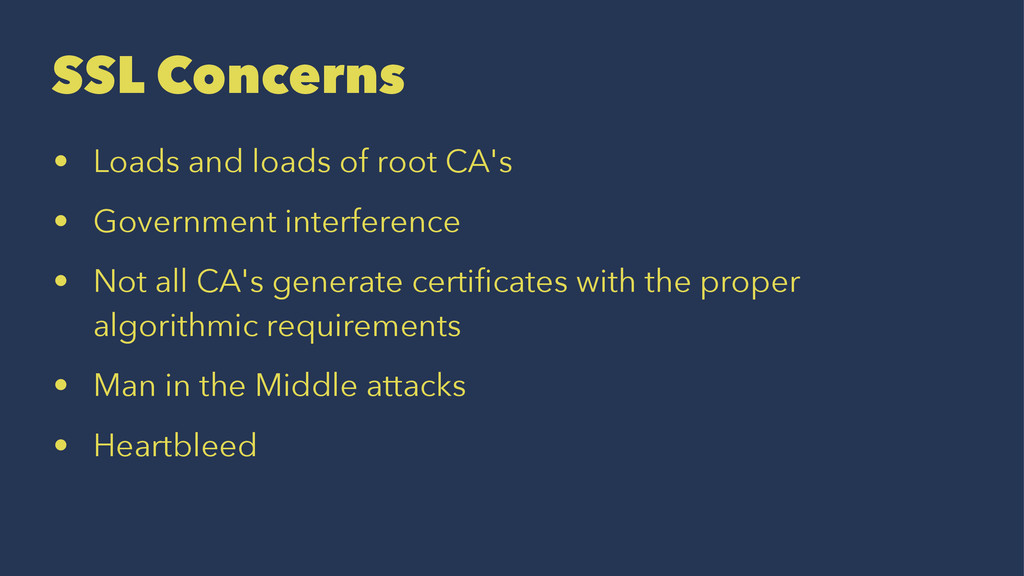
  4. SSL Concerns • Loads and loads of root CA's •

    Government interference • Not all CA's generate certificates with the proper algorithmic requirements • Man in the Middle attacks • Heartbleed
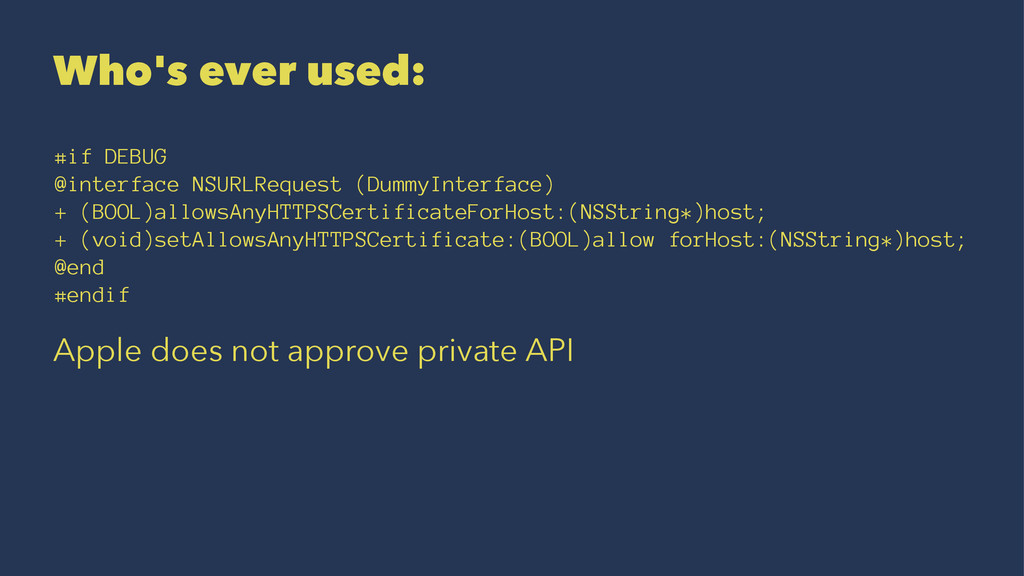
  5. Who's ever used: #if DEBUG @interface NSURLRequest (DummyInterface) + (BOOL)allowsAnyHTTPSCertificateForHost:(NSString*)host;

    + (void)setAllowsAnyHTTPSCertificate:(BOOL)allow forHost:(NSString*)host; @end #endif Apple does not approve private API
  6. The docs of sharedURLCache say: Applications that do not have

    special caching requirements or constraints should find the default shared cache instance acceptable. An application with more specific needs can create a custom NSURLCache object and set it as the shared cache instance using setSharedURLCache:. The application should do so before any calls to this method.
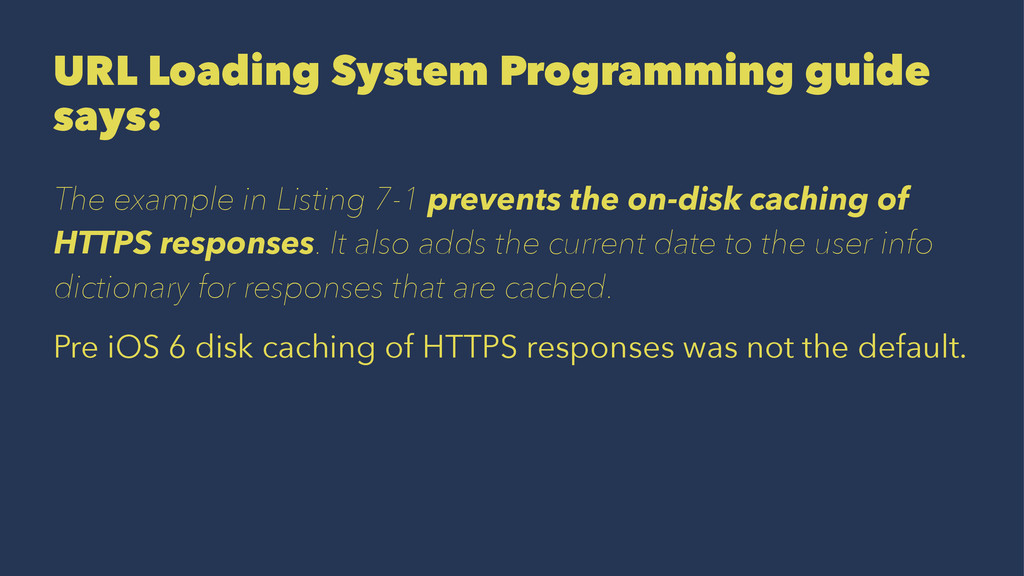
  7. URL Loading System Programming guide says: The example in Listing

    7-1 prevents the on-disk caching of HTTPS responses. It also adds the current date to the user info dictionary for responses that are cached. Pre iOS 6 disk caching of HTTPS responses was not the default.
  8. Why would you want to do SSL pinning? - Prevents

    MITM - Only allow one certificate or root CA - Some mitigation against crappy CA's - Requires a secure client
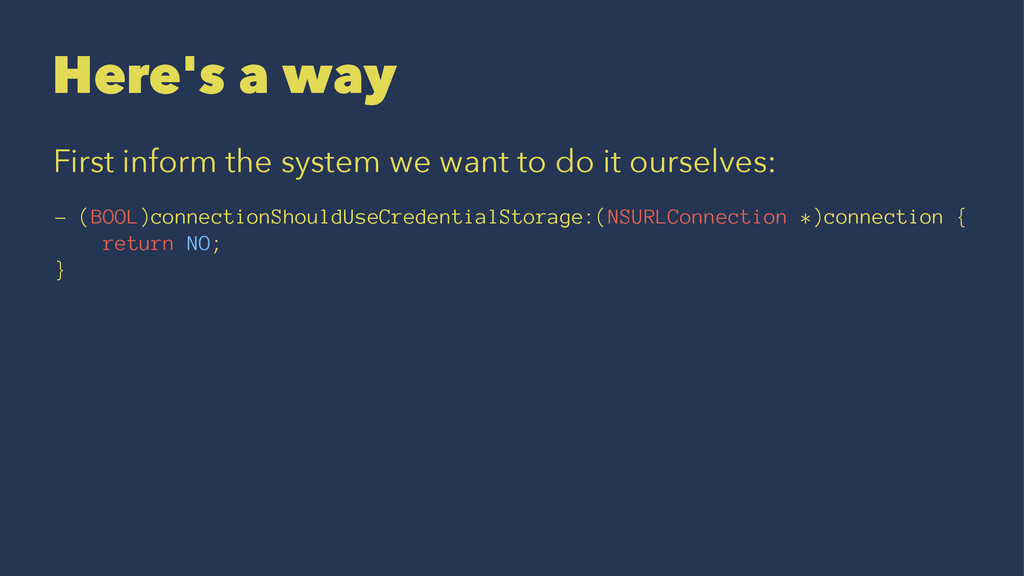
  9. Here's a way First inform the system we want to

    do it ourselves: - (BOOL)connectionShouldUseCredentialStorage:(NSURLConnection *)connection { return NO; }
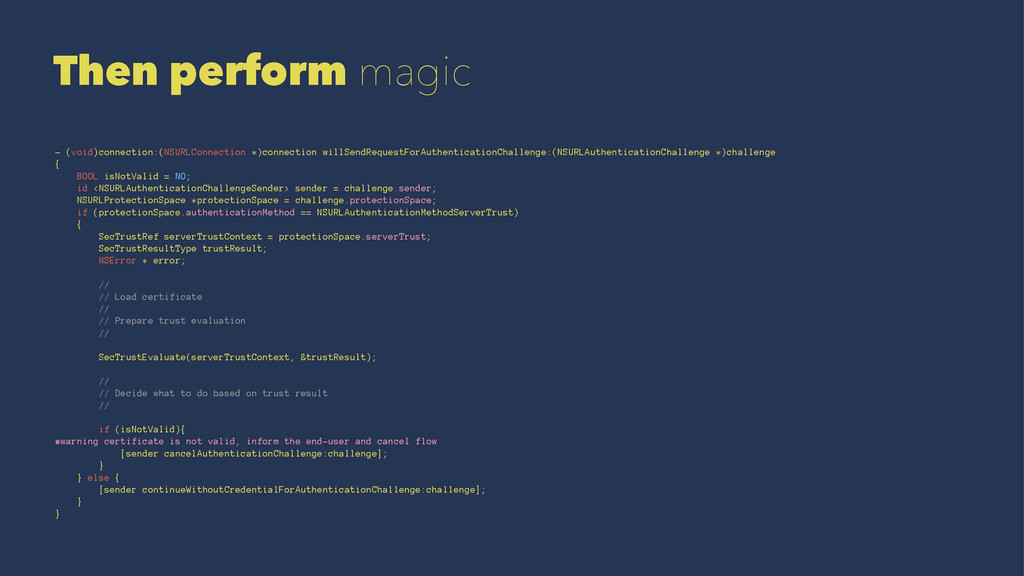
  10. Then perform magic - (void)connection:(NSURLConnection *)connection willSendRequestForAuthenticationChallenge:(NSURLAuthenticationChallenge *)challenge { BOOL

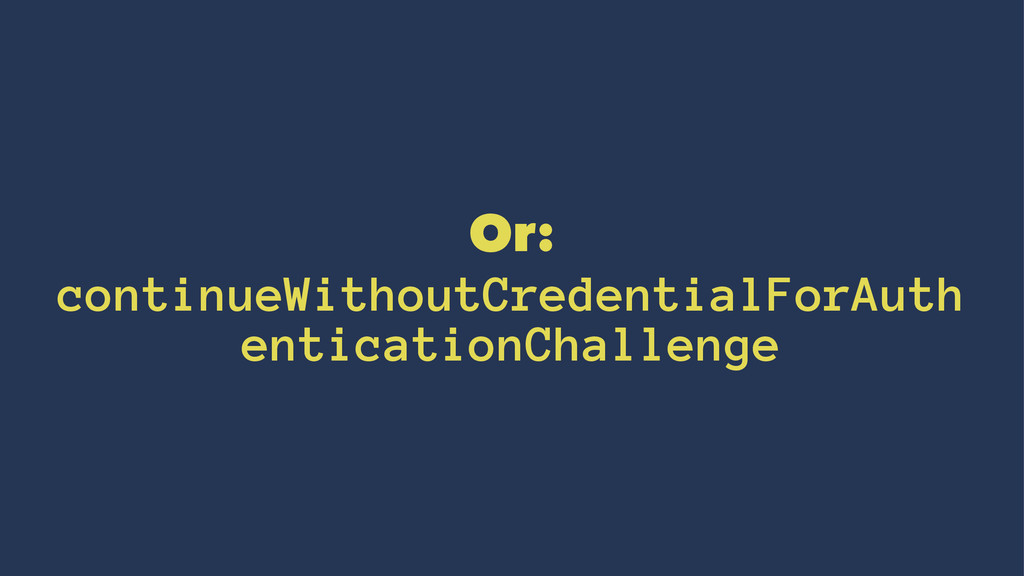
    isNotValid = NO; id <NSURLAuthenticationChallengeSender> sender = challenge.sender; NSURLProtectionSpace *protectionSpace = challenge.protectionSpace; if (protectionSpace.authenticationMethod == NSURLAuthenticationMethodServerTrust) { SecTrustRef serverTrustContext = protectionSpace.serverTrust; SecTrustResultType trustResult; NSError * error; // // Load certificate // // Prepare trust evaluation // SecTrustEvaluate(serverTrustContext, &trustResult); // // Decide what to do based on trust result // if (isNotValid){ #warning certificate is not valid, inform the end-user and cancel flow [sender cancelAuthenticationChallenge:challenge]; } } else { [sender continueWithoutCredentialForAuthenticationChallenge:challenge]; } }
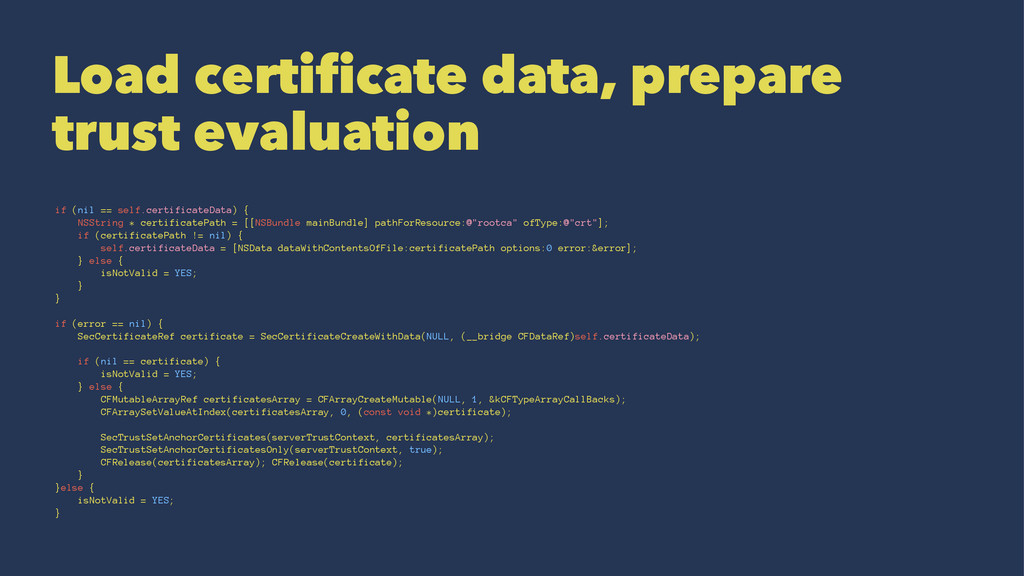
  11. Load certificate data, prepare trust evaluation if (nil == self.certificateData)

    { NSString * certificatePath = [[NSBundle mainBundle] pathForResource:@"rootca" ofType:@"crt"]; if (certificatePath != nil) { self.certificateData = [NSData dataWithContentsOfFile:certificatePath options:0 error:&error]; } else { isNotValid = YES; } } if (error == nil) { SecCertificateRef certificate = SecCertificateCreateWithData(NULL, (__bridge CFDataRef)self.certificateData); if (nil == certificate) { isNotValid = YES; } else { CFMutableArrayRef certificatesArray = CFArrayCreateMutable(NULL, 1, &kCFTypeArrayCallBacks); CFArraySetValueAtIndex(certificatesArray, 0, (const void *)certificate); SecTrustSetAnchorCertificates(serverTrustContext, certificatesArray); SecTrustSetAnchorCertificatesOnly(serverTrustContext, true); CFRelease(certificatesArray); CFRelease(certificate); } }else { isNotValid = YES; }
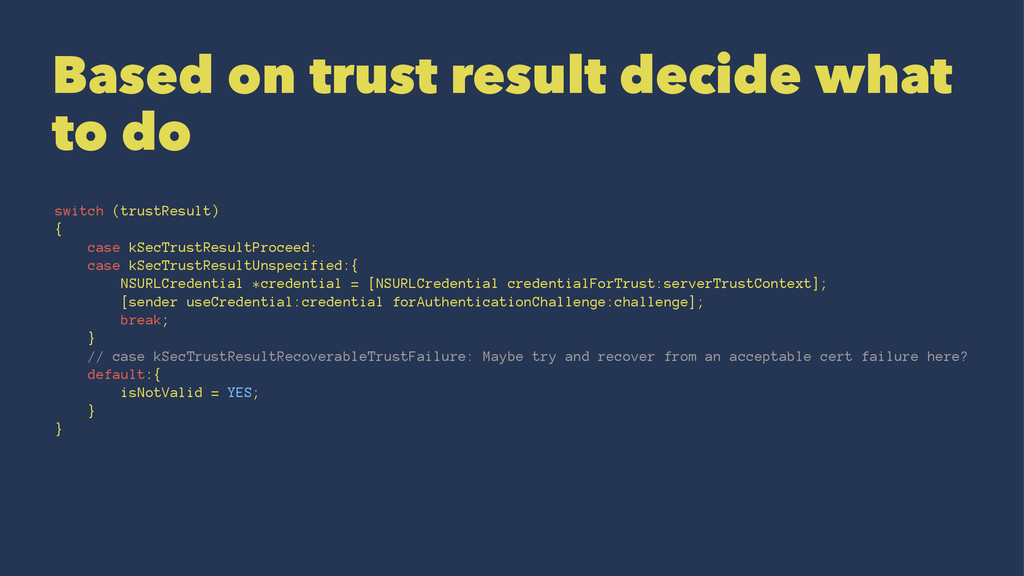
  12. Based on trust result decide what to do switch (trustResult)

    { case kSecTrustResultProceed: case kSecTrustResultUnspecified:{ NSURLCredential *credential = [NSURLCredential credentialForTrust:serverTrustContext]; [sender useCredential:credential forAuthenticationChallenge:challenge]; break; } // case kSecTrustResultRecoverableTrustFailure: Maybe try and recover from an acceptable cert failure here? default:{ isNotValid = YES; } }
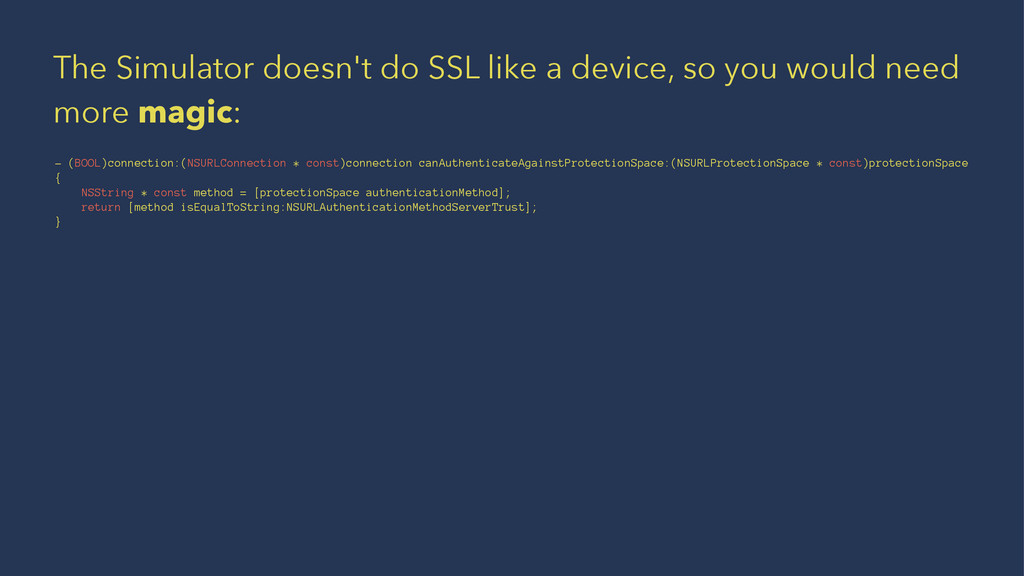
  13. The Simulator doesn't do SSL like a device, so you

    would need more magic: - (BOOL)connection:(NSURLConnection * const)connection canAuthenticateAgainstProtectionSpace:(NSURLProtectionSpace * const)protectionSpace { NSString * const method = [protectionSpace authenticationMethod]; return [method isEqualToString:NSURLAuthenticationMethodServerTrust]; }
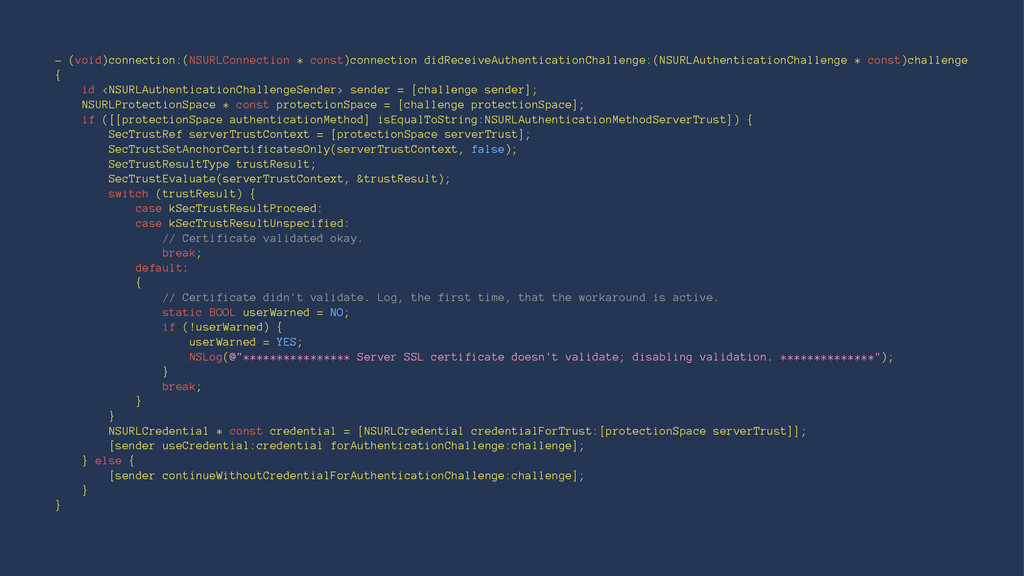
  14. - (void)connection:(NSURLConnection * const)connection didReceiveAuthenticationChallenge:(NSURLAuthenticationChallenge * const)challenge { id <NSURLAuthenticationChallengeSender>

    sender = [challenge sender]; NSURLProtectionSpace * const protectionSpace = [challenge protectionSpace]; if ([[protectionSpace authenticationMethod] isEqualToString:NSURLAuthenticationMethodServerTrust]) { SecTrustRef serverTrustContext = [protectionSpace serverTrust]; SecTrustSetAnchorCertificatesOnly(serverTrustContext, false); SecTrustResultType trustResult; SecTrustEvaluate(serverTrustContext, &trustResult); switch (trustResult) { case kSecTrustResultProceed: case kSecTrustResultUnspecified: // Certificate validated okay. break; default: { // Certificate didn't validate. Log, the first time, that the workaround is active. static BOOL userWarned = NO; if (!userWarned) { userWarned = YES; NSLog(@"**************** Server SSL certificate doesn't validate; disabling validation. **************"); } break; } } NSURLCredential * const credential = [NSURLCredential credentialForTrust:[protectionSpace serverTrust]]; [sender useCredential:credential forAuthenticationChallenge:challenge]; } else { [sender continueWithoutCredentialForAuthenticationChallenge:challenge]; } }
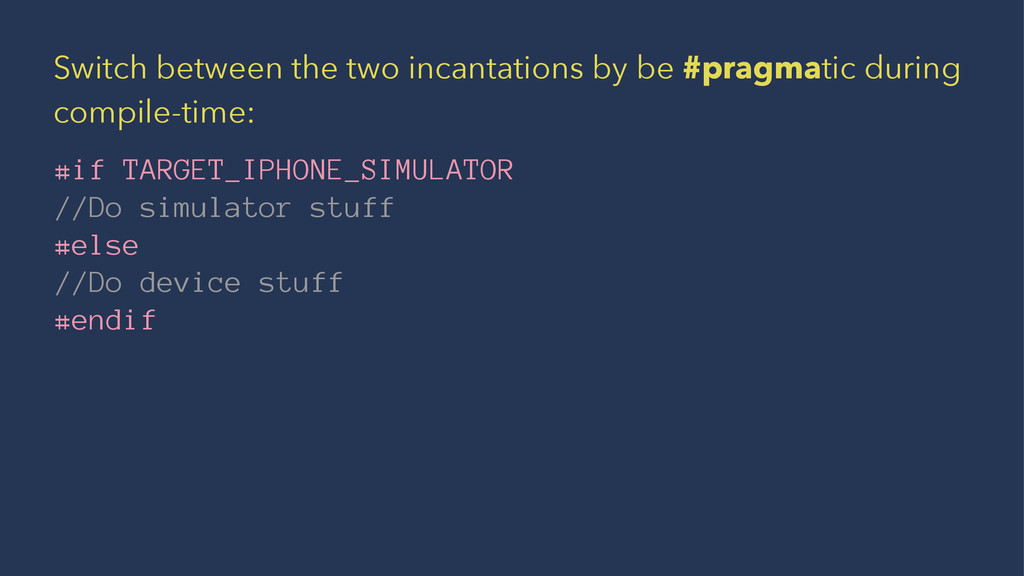
  15. Switch between the two incantations by be #pragmatic during compile-time:

    #if TARGET_IPHONE_SIMULATOR //Do simulator stuff #else //Do device stuff #endif
  16. A self generated Root CA certificate can be installed with

    Apple Configurator on your test devices. All certificate checks then behave as if the certificate is a regular CA.
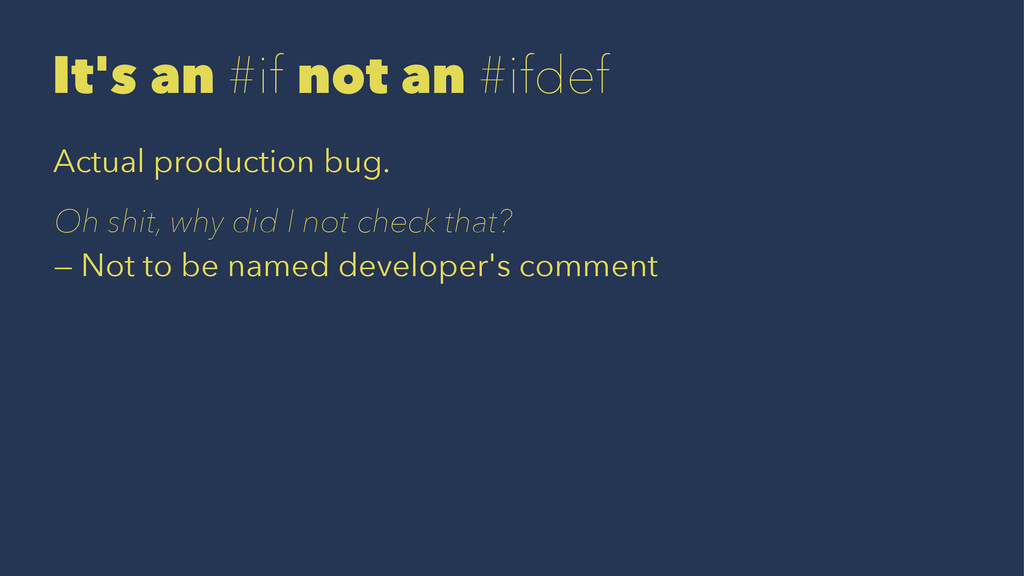
  17. It's an #if not an #ifdef Actual production bug. Oh

    shit, why did I not check that? — Not to be named developer's comment
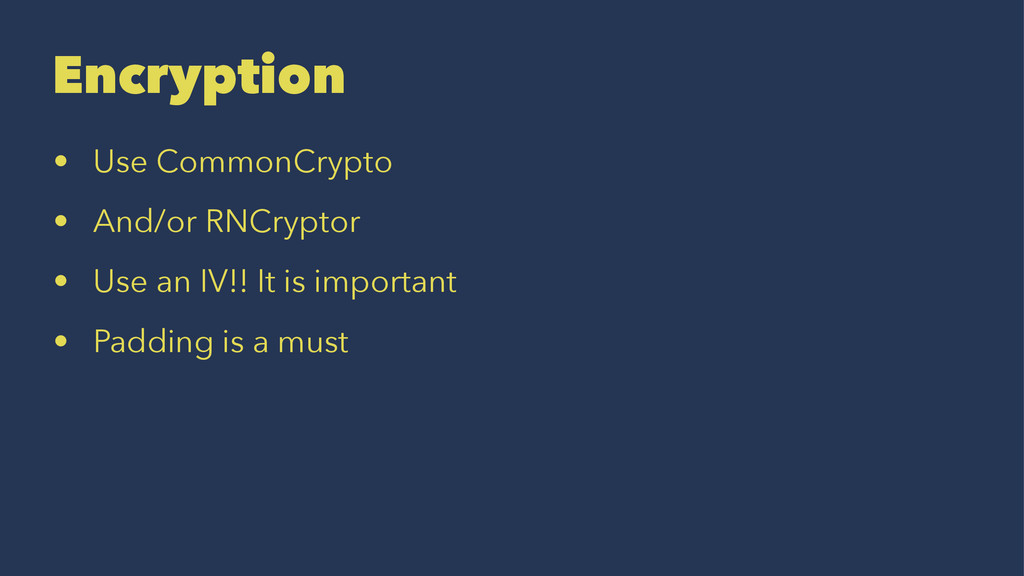
  18. Encryption • Use CommonCrypto • And/or RNCryptor • Use an

    IV!! It is important • Padding is a must
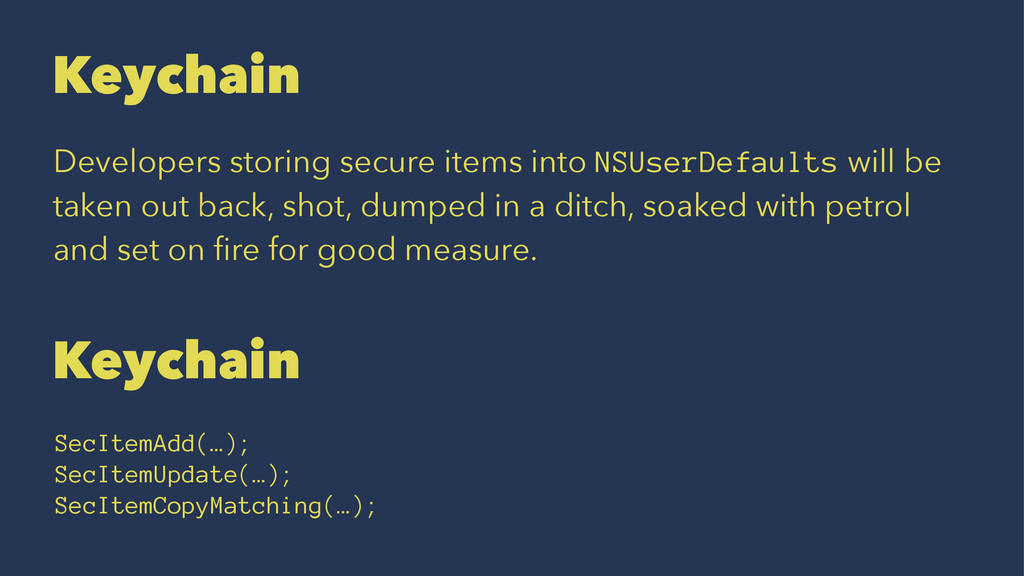
  19. Keychain Developers storing secure items into NSUserDefaults will be taken

    out back, shot, dumped in a ditch, soaked with petrol and set on fire for good measure. Keychain SecItemAdd(…); SecItemUpdate(…); SecItemCopyMatching(…);
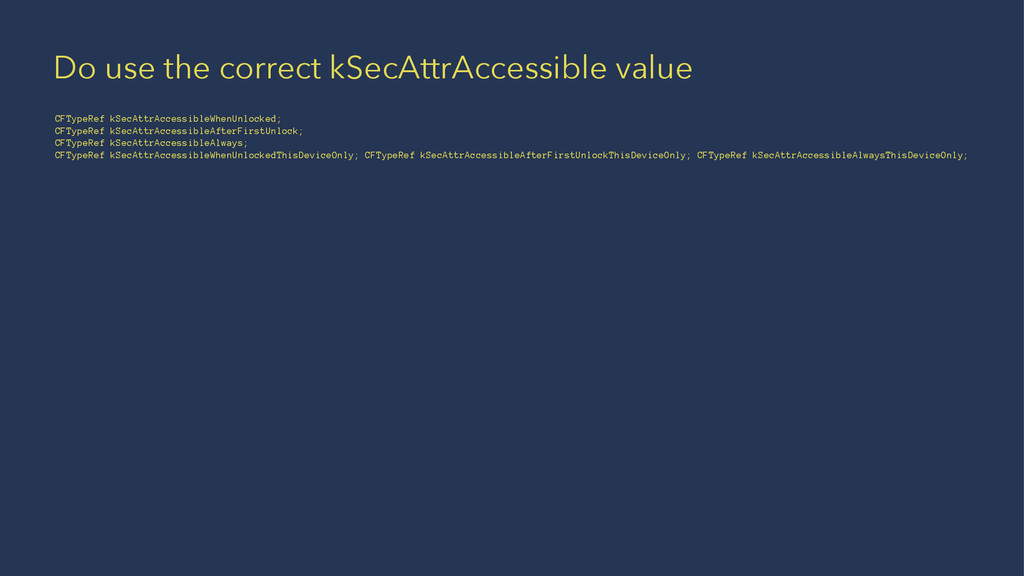
  20. Do use the correct kSecAttrAccessible value CFTypeRef kSecAttrAccessibleWhenUnlocked; CFTypeRef kSecAttrAccessibleAfterFirstUnlock;

    CFTypeRef kSecAttrAccessibleAlways; CFTypeRef kSecAttrAccessibleWhenUnlockedThisDeviceOnly; CFTypeRef kSecAttrAccessibleAfterFirstUnlockThisDeviceOnly; CFTypeRef kSecAttrAccessibleAlwaysThisDeviceOnly;
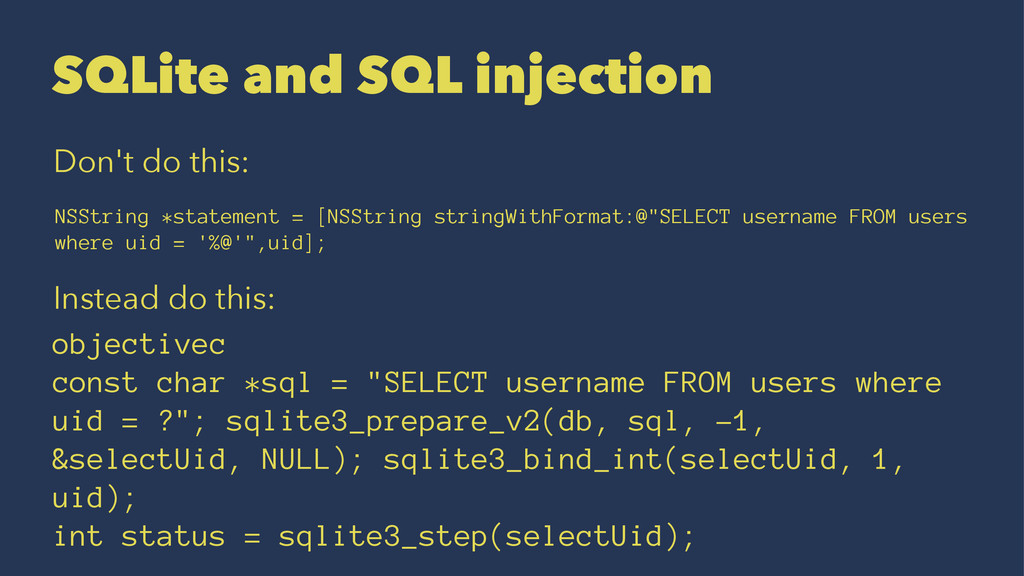
  21. SQLite and SQL injection Don't do this: NSString *statement =

    [NSString stringWithFormat:@"SELECT username FROM users where uid = '%@'",uid]; Instead do this: objectivec const char *sql = "SELECT username FROM users where uid = ?"; sqlite3_prepare_v2(db, sql, -1, &selectUid, NULL); sqlite3_bind_int(selectUid, 1, uid); int status = sqlite3_step(selectUid);