The intro slides for the "Analyzing Paleoecological Data" workshop at the International Biogeography Society Biennial Meeting in Tucson, AZ, January 2017
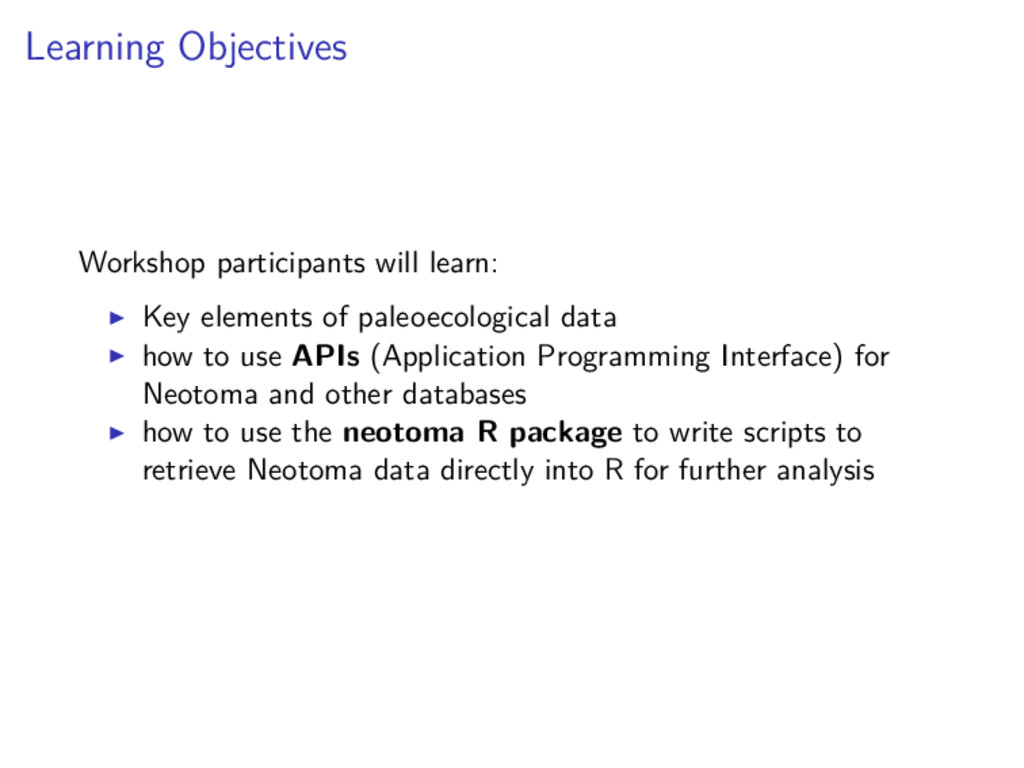
data how to use APIs (Application Programming Interface) for Neotoma and other databases how to use the neotoma R package to write scripts to retrieve Neotoma data directly into R for further analysis
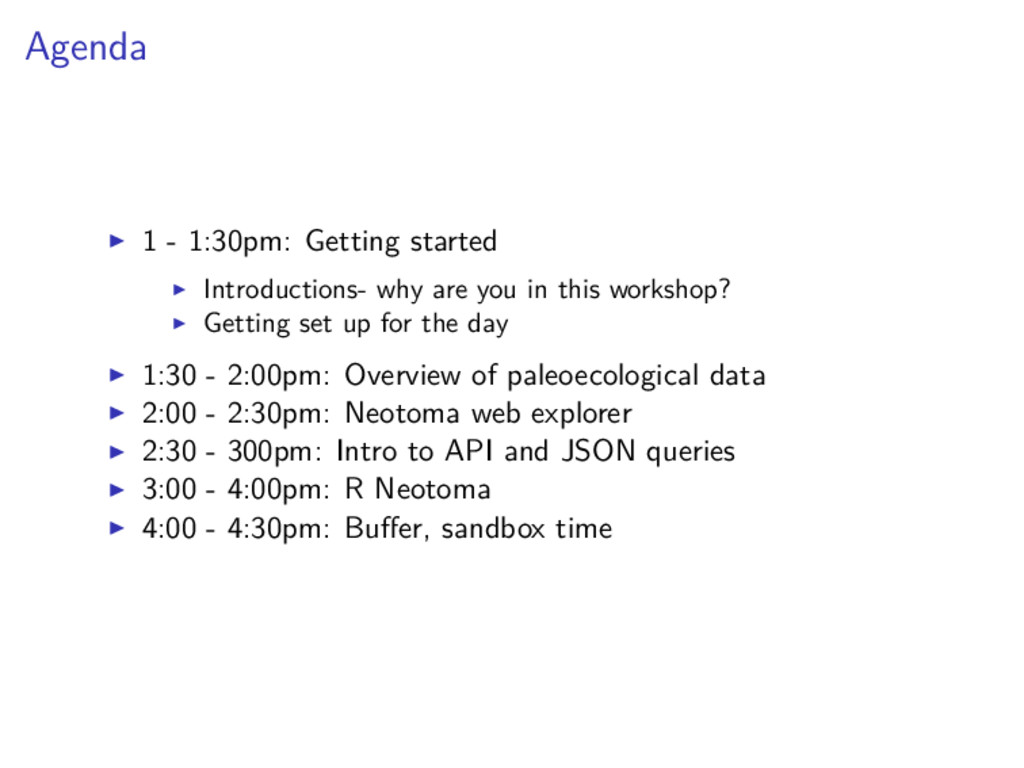
in this workshop? Getting set up for the day 1:30 - 2:00pm: Overview of paleoecological data 2:00 - 2:30pm: Neotoma web explorer 2:30 - 300pm: Intro to API and JSON queries 3:00 - 4:00pm: R Neotoma 4:00 - 4:30pm: Buffer, sandbox time
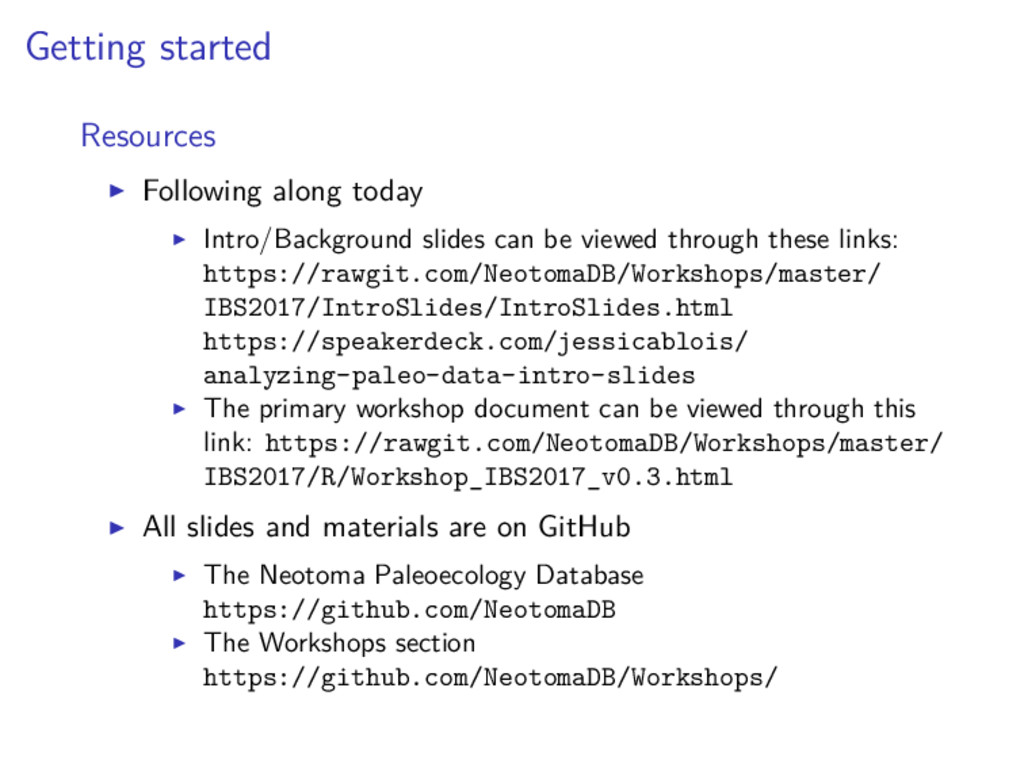
viewed through these links: https://rawgit.com/NeotomaDB/Workshops/master/ IBS2017/IntroSlides/IntroSlides.html https://speakerdeck.com/jessicablois/ analyzing-paleo-data-intro-slides The primary workshop document can be viewed through this link: https://rawgit.com/NeotomaDB/Workshops/master/ IBS2017/R/Workshop_IBS2017_v0.3.html All slides and materials are on GitHub The Neotoma Paleoecology Database https://github.com/NeotomaDB The Workshops section https://github.com/NeotomaDB/Workshops/
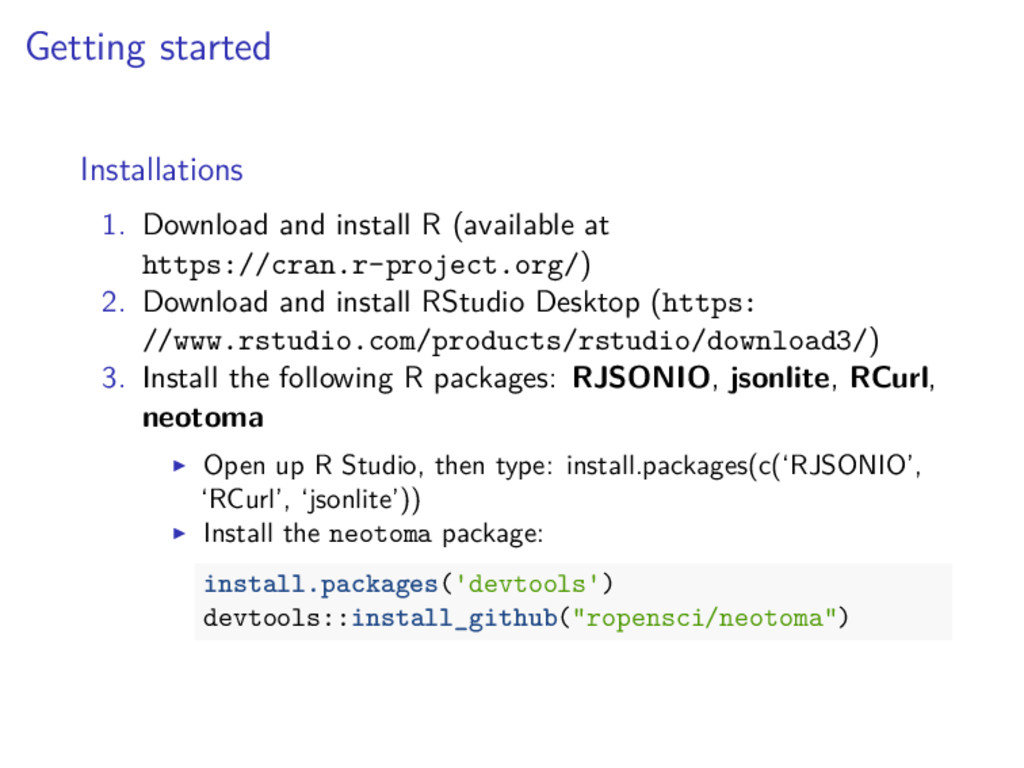
https://cran.r-project.org/) 2. Download and install RStudio Desktop (https: //www.rstudio.com/products/rstudio/download3/) 3. Install the following R packages: RJSONIO, jsonlite, RCurl, neotoma Open up R Studio, then type: install.packages(c(‘RJSONIO’, ‘RCurl’, ‘jsonlite’)) Install the neotoma package: install.packages( devtools ) devtools::install_github("ropensci/neotoma")
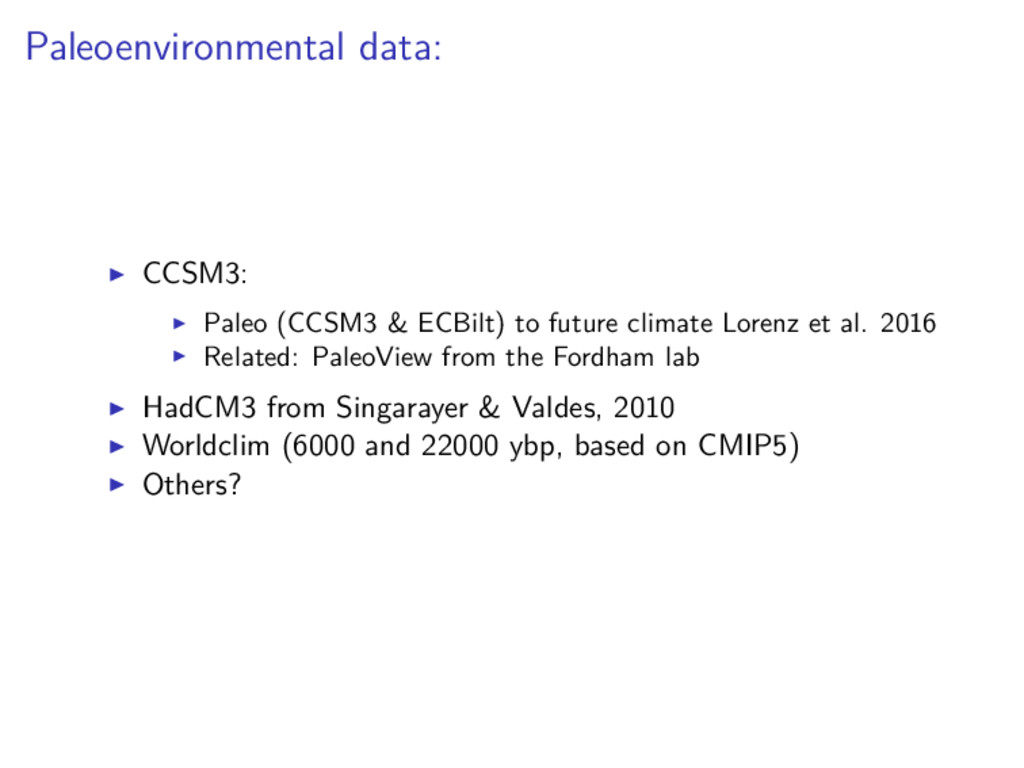
Lorenz et al. 2016 Related: PaleoView from the Fordham lab HadCM3 from Singarayer & Valdes, 2010 Worldclim (6000 and 22000 ybp, based on CMIP5) Others?
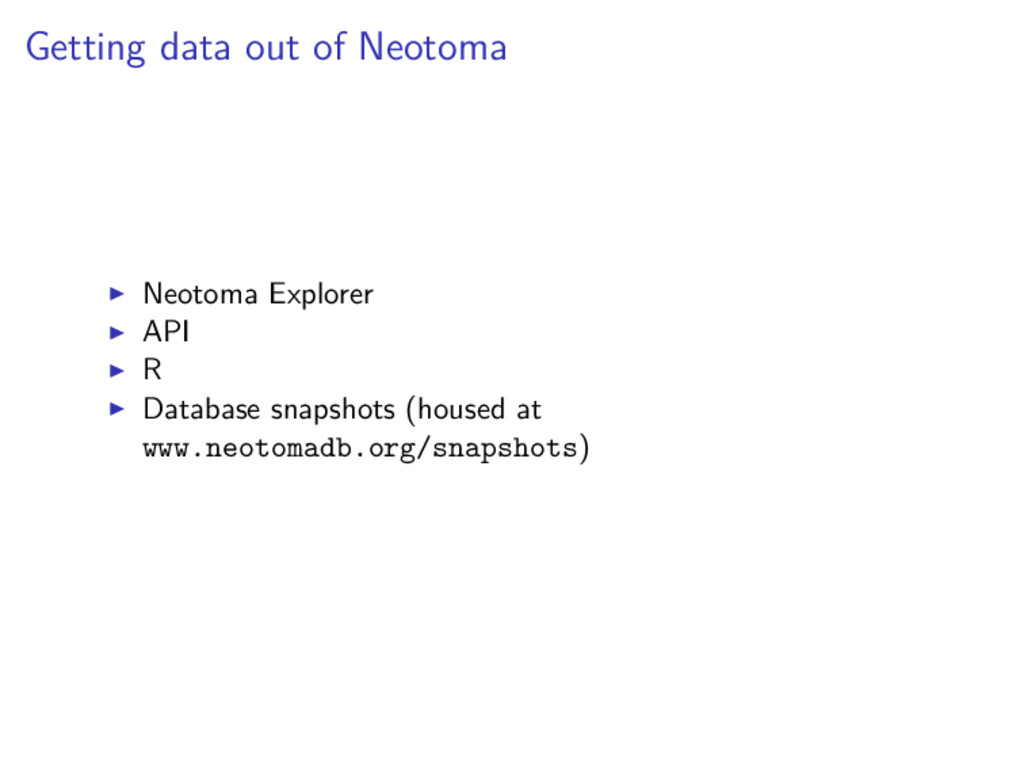
attributes of paleo data in the context of Neotoma (www.neotomadb.org), a database that houses different data from the more recent periods of Earth history
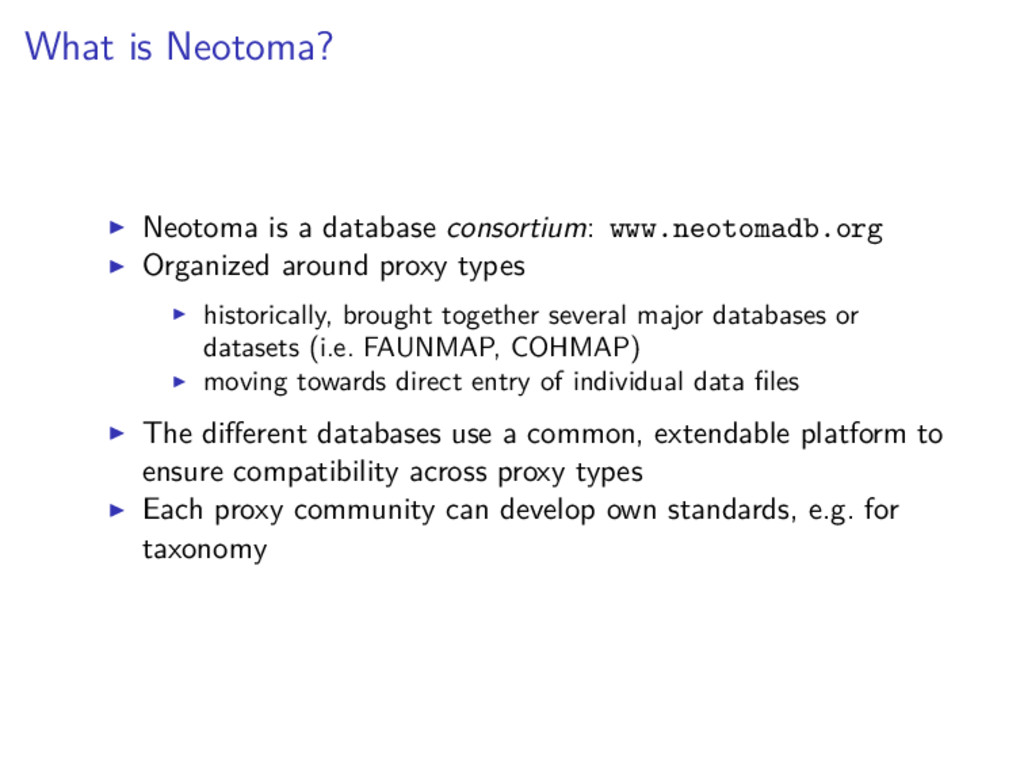
around proxy types historically, brought together several major databases or datasets (i.e. FAUNMAP, COHMAP) moving towards direct entry of individual data files The different databases use a common, extendable platform to ensure compatibility across proxy types Each proxy community can develop own standards, e.g. for taxonomy
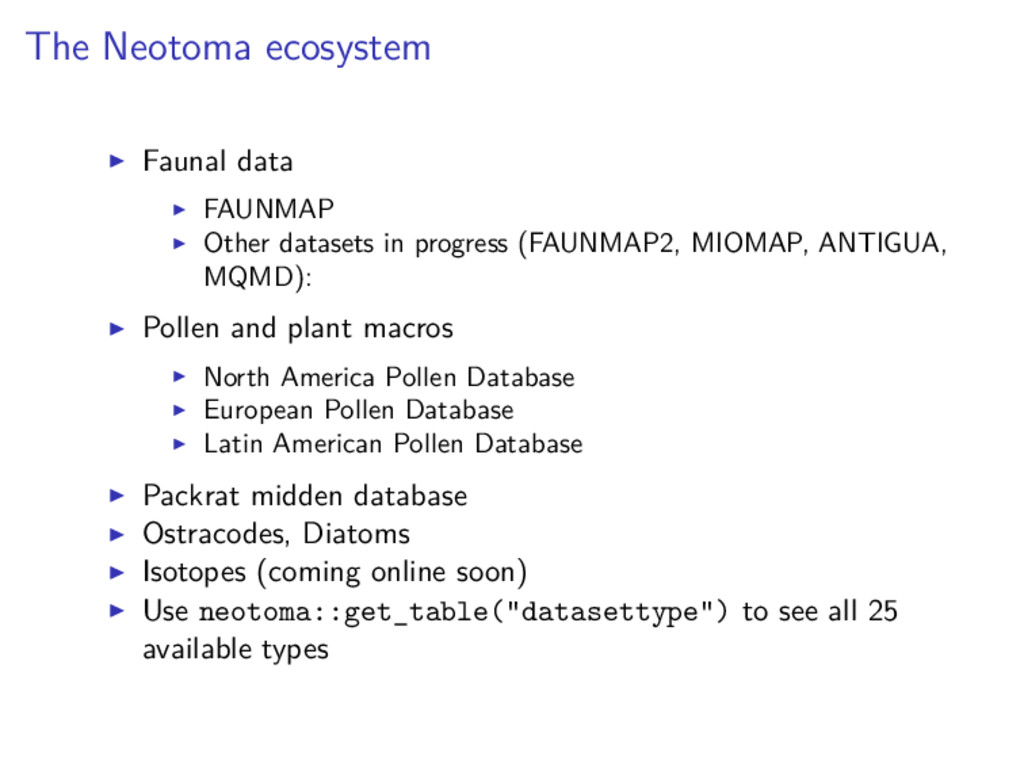
(FAUNMAP2, MIOMAP, ANTIGUA, MQMD): Pollen and plant macros North America Pollen Database European Pollen Database Latin American Pollen Database Packrat midden database Ostracodes, Diatoms Isotopes (coming online soon) Use neotoma::get_table("datasettype") to see all 25 available types
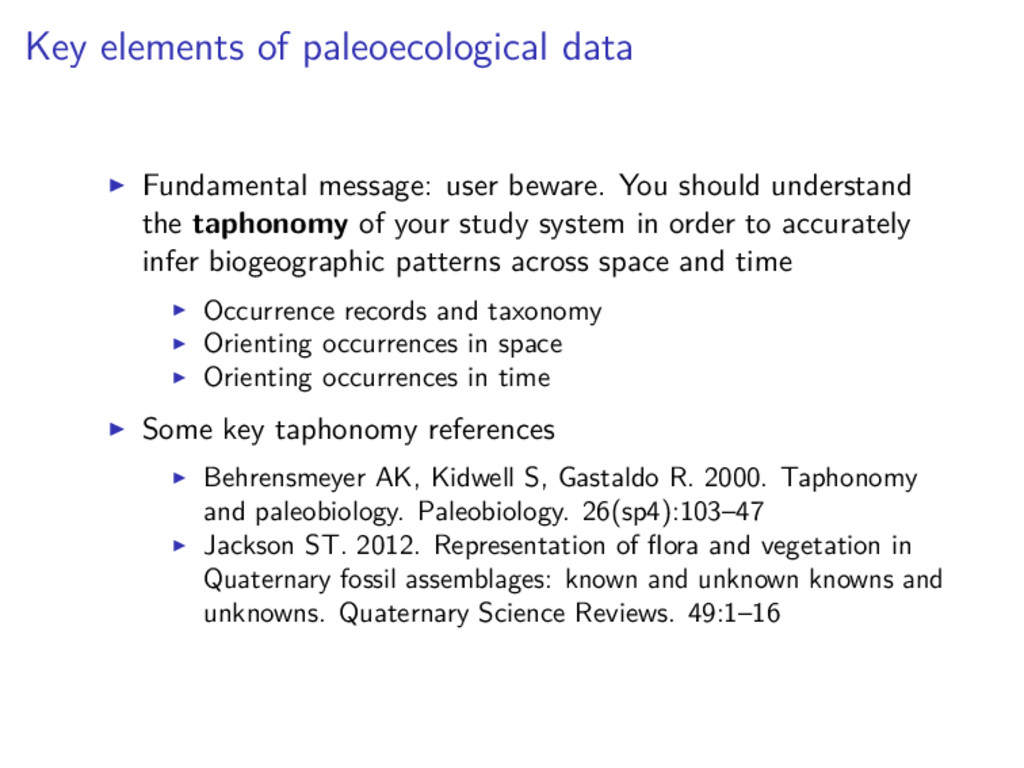
should understand the taphonomy of your study system in order to accurately infer biogeographic patterns across space and time Occurrence records and taxonomy Orienting occurrences in space Orienting occurrences in time Some key taphonomy references Behrensmeyer AK, Kidwell S, Gastaldo R. 2000. Taphonomy and paleobiology. Paleobiology. 26(sp4):103–47 Jackson ST. 2012. Representation of flora and vegetation in Quaternary fossil assemblages: known and unknown knowns and unknowns. Quaternary Science Reviews. 49:1–16
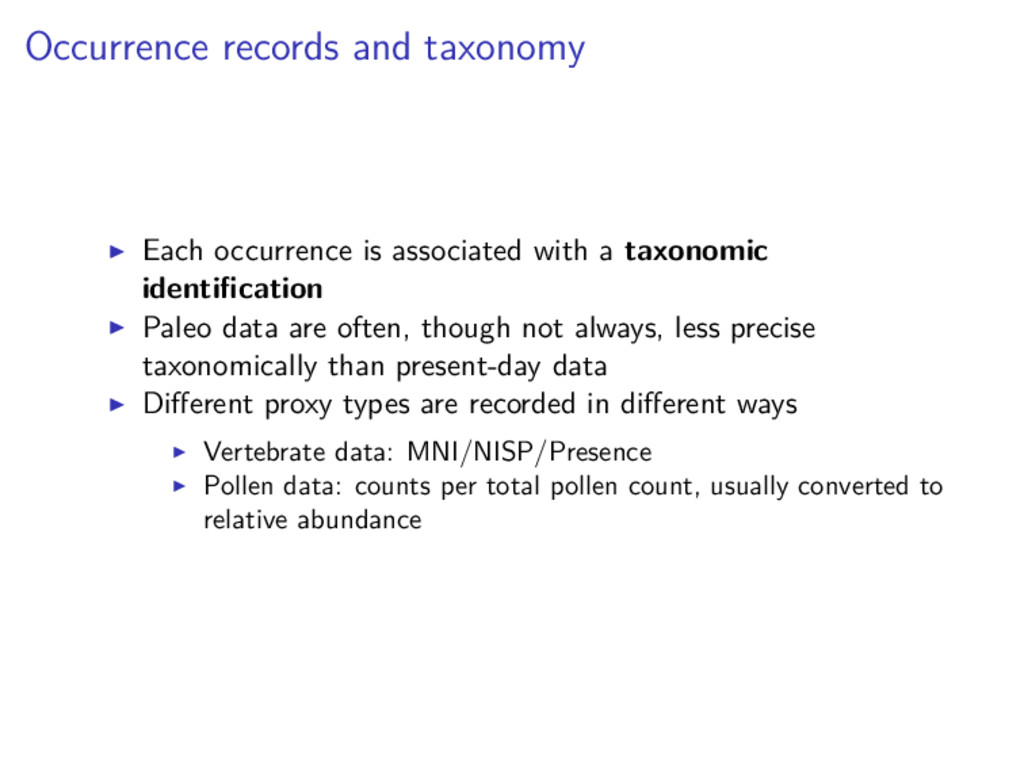
taxonomic identification Paleo data are often, though not always, less precise taxonomically than present-day data Different proxy types are recorded in different ways Vertebrate data: MNI/NISP/Presence Pollen data: counts per total pollen count, usually converted to relative abundance
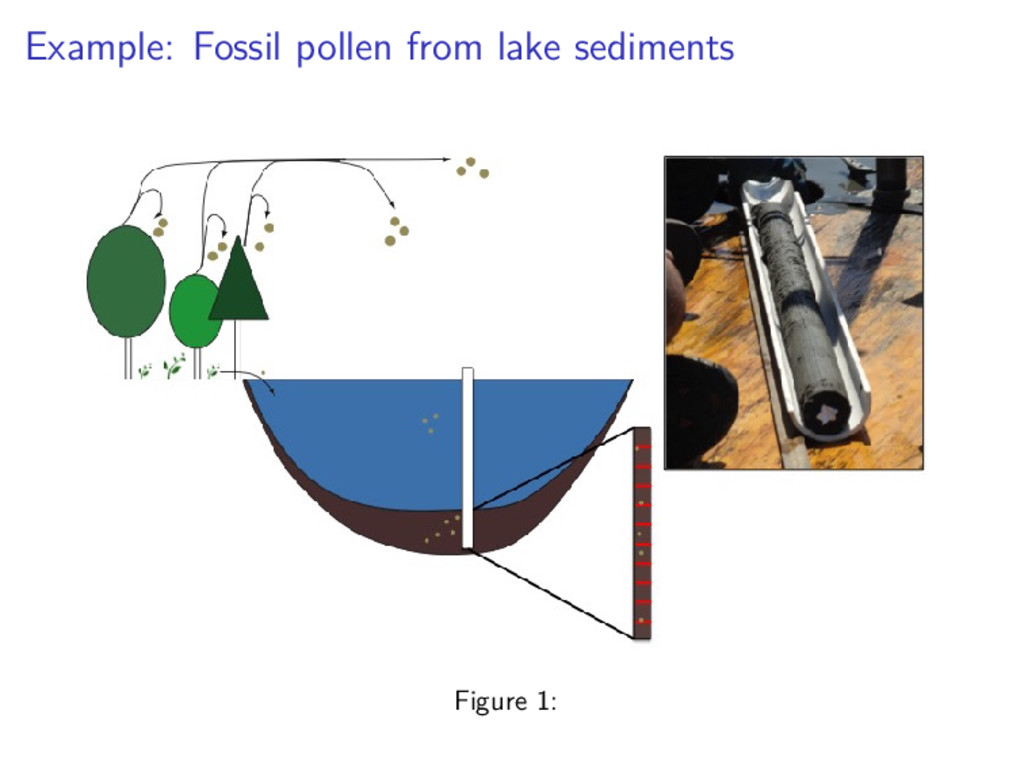
types, different taxa, and different depositional environments record different levels of spatial precision Plant macrofossils vs. pollen Cave deposits vs. fluvial deposits
the time the organism died There are different dating methods, each with their own assumptions and associated strengths and weaknesses Different proxy types and depositional environments will be associated with different amounts of time-averaging
the data may not be stored in the database new dates, changes in taxonomy, etc. “Garbage in, garbage out” Many of the original databases like FAUNMAP and COHMAP convened a group of experts to assess various aspects of data quality. We need to keep applying that same lens to new datasets Data without associated metadata can only go so far Note: What is considered “good metadata” changes through time! When in doubt, record and store as much information as possible. *for Neotoma and all other databases!
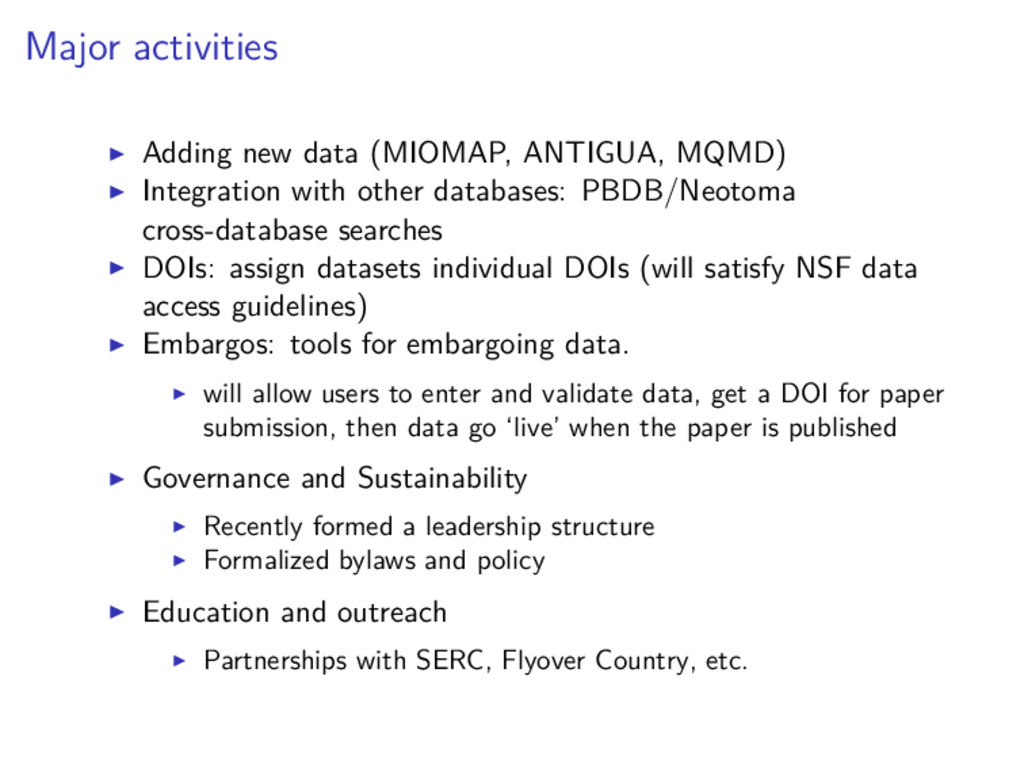
other databases: PBDB/Neotoma cross-database searches DOIs: assign datasets individual DOIs (will satisfy NSF data access guidelines) Embargos: tools for embargoing data. will allow users to enter and validate data, get a DOI for paper submission, then data go ‘live’ when the paper is published Governance and Sustainability Recently formed a leadership structure Formalized bylaws and policy Education and outreach Partnerships with SERC, Flyover Country, etc.


 jdejongh
 eileencodes
 michaelherold
 aarron
 davetheseo
 mayunak
 tmiket
 katarinadahlin
 jct
jct
 bryan
bryan
 joshbly
 davidcarrasco