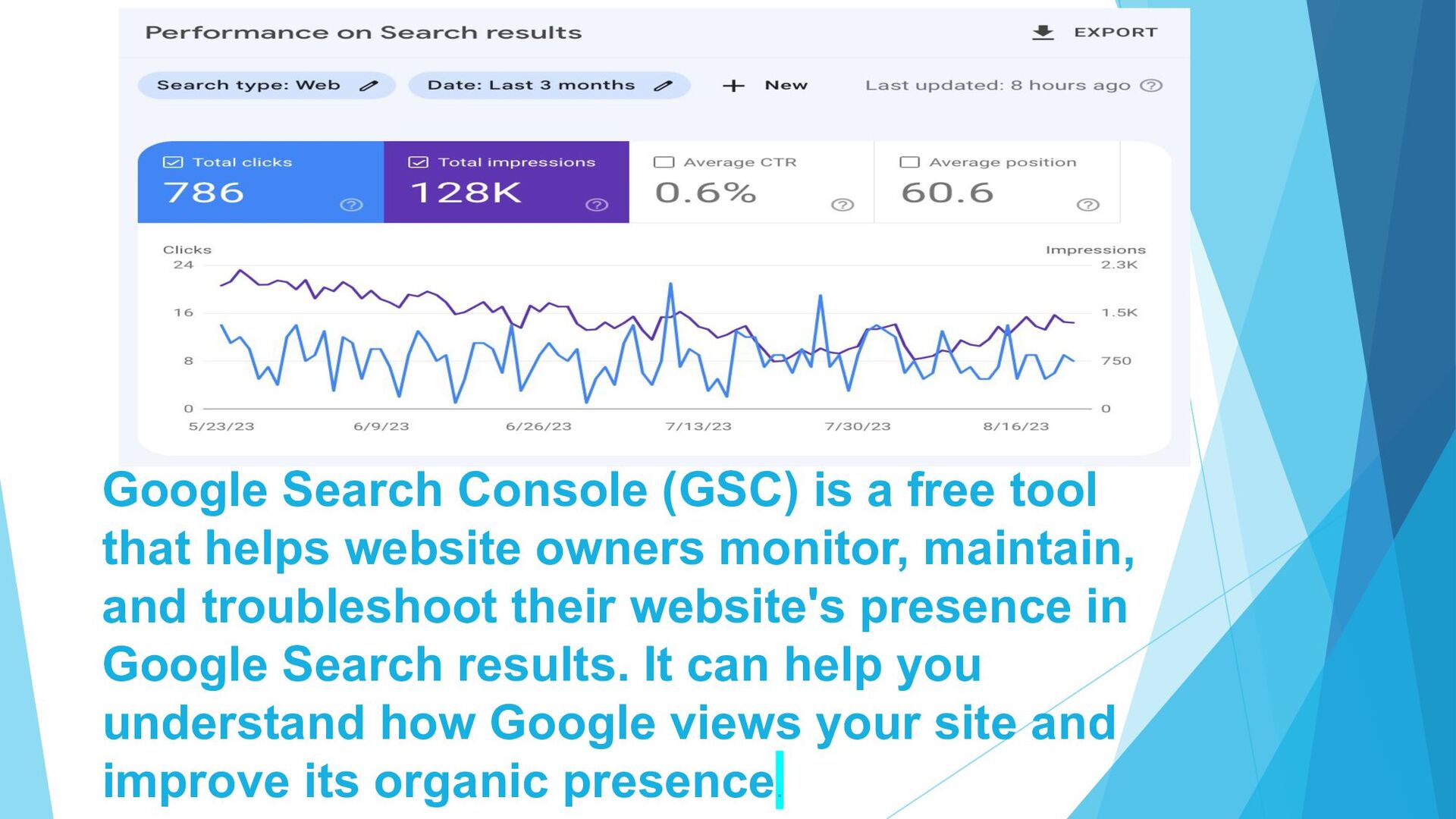
website owners monitor, maintain, and troubleshoot their website's presence in Google Search results. It can help you understand how Google views your site and improve its organic presence.
with tasks such as: A. Confirming Google can find and crawl your site B. Fixing indexing problems C. Requesting re-indexing of new or updated content D. Viewing Google Search traffic data E. Receiving alerts when Google encounters issues F. Seeing which sites link to your website G. Submitting sitemaps and individual URLs for crawling H. Reviewing your index coverage I. Understanding how Google Search sees your pages J.
Search Analytics: It Helps optimize your content URL Inspection tool: Provides detailed information about your pages' crawl, index, and serving Performance Data: Provides data on how often your website appears in Google search results, the number of clicks, impressions, click-through rates (CTR), and average position for specific queries and pages Index Coverage: Helps you identify and fix issues that might prevent Google from indexing your web pages correctly Mobile Usability: Helps you see if your site is optimized for mobile Page positioning: Helps you see where each page of your site ranks for specific keywords
Search Console: 1.Log in to Google Search Console with the same Google account that has edit access to your property in Google Analytics 2.Add a property 3.Select the property type 4.Verify domain ownership 5.Click Verify 6.Wait a few days for data to appear in the dashboard
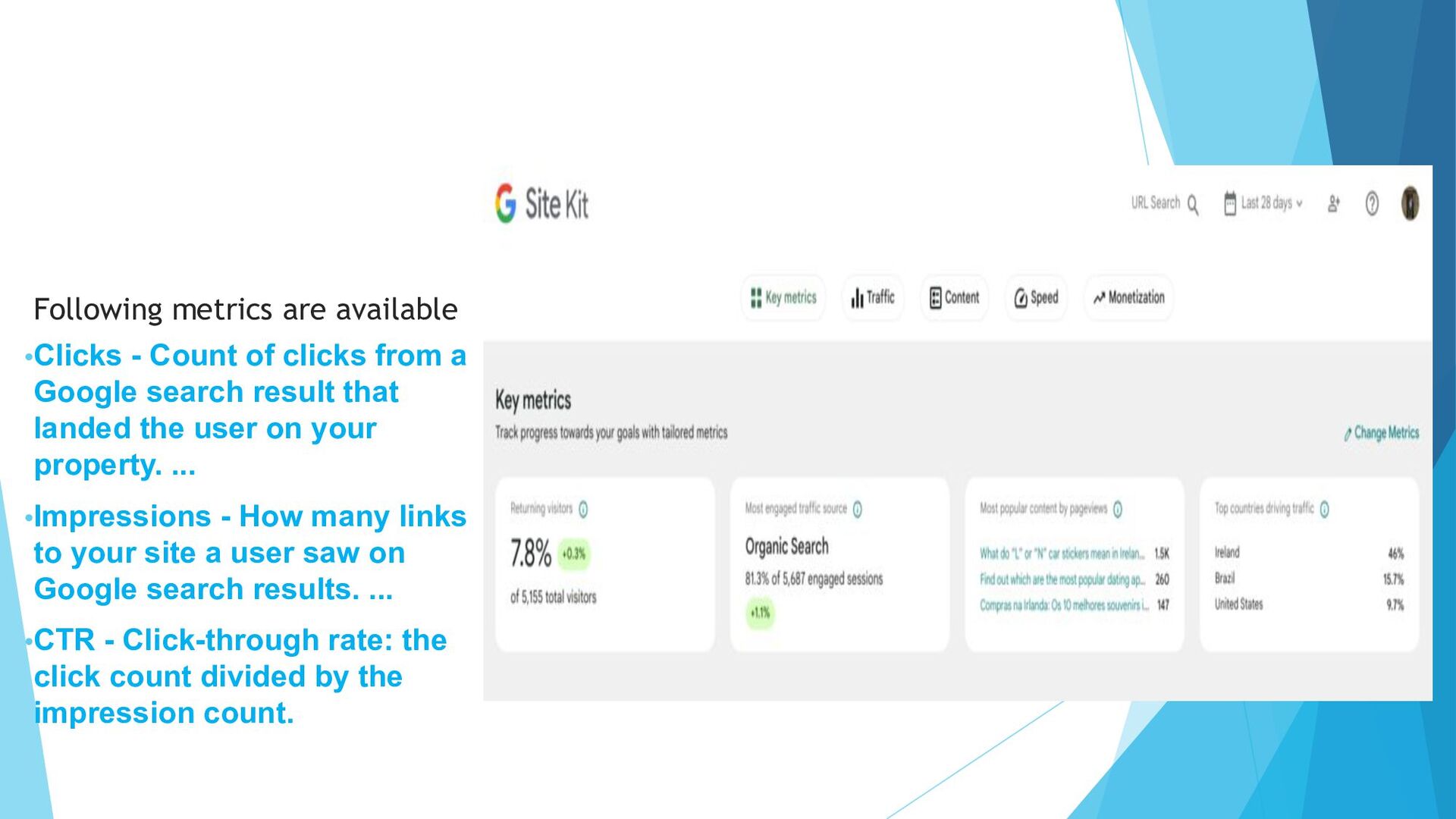
a Google search result that landed the user on your property. ... •Impressions - How many links to your site a user saw on Google search results. ... •CTR - Click-through rate: the click count divided by the impression count.
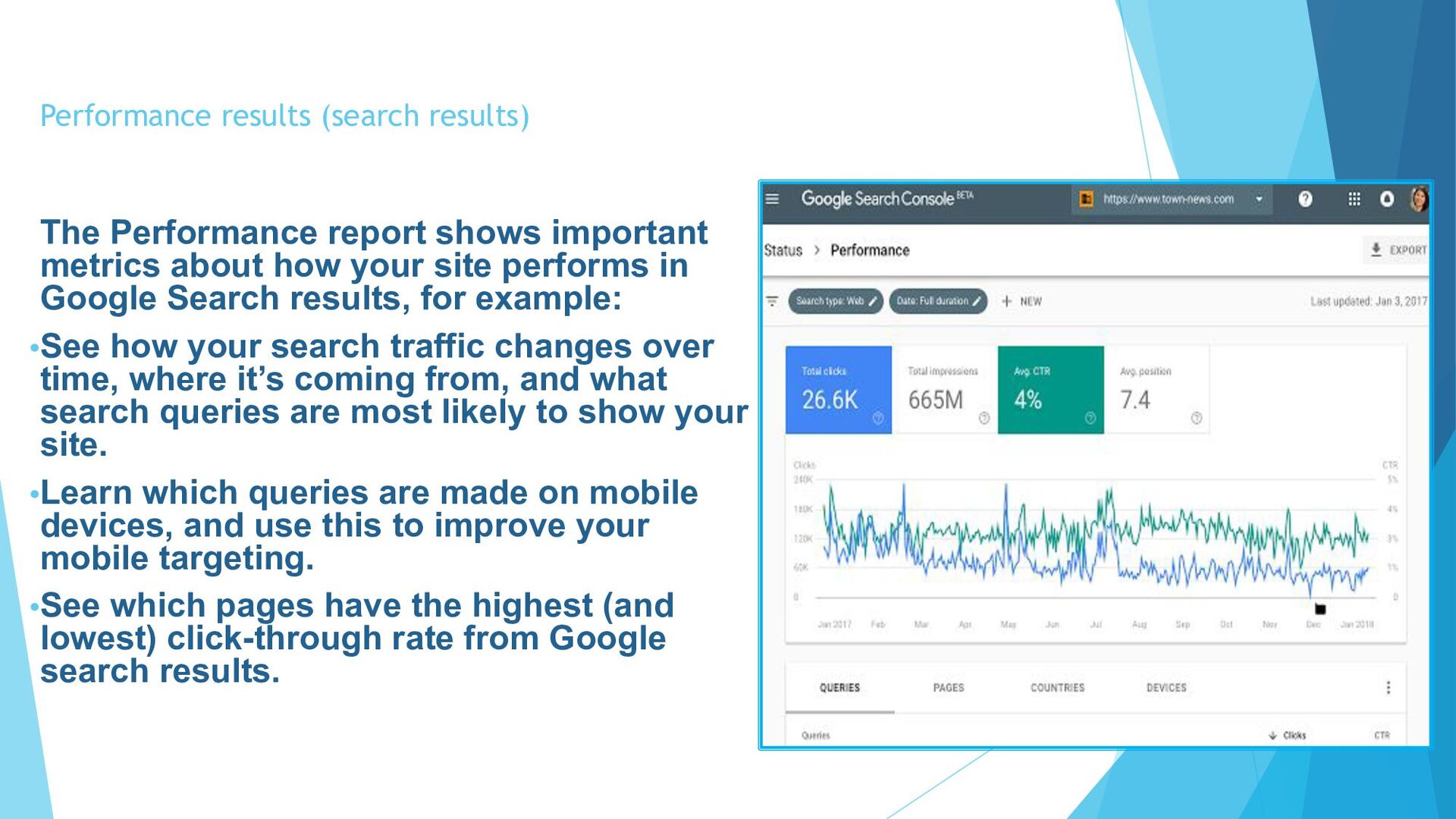
about how your site performs in Google Search results, for example: •See how your search traffic changes over time, where it’s coming from, and what search queries are most likely to show your site. •Learn which queries are made on mobile devices, and use this to improve your mobile targeting. •See which pages have the highest (and lowest) click-through rate from Google search results.
the issues ► Getting started with the URL Inspection tool ► Search Console's URL Inspection tool shows what Google knows about a specific page on your site. It also enables you to test the live version of a page against many requirements for appearing on Google, which is useful when fixing indexing issues for a specific page. ► Most common uses of URL Inspection: • To troubleshoot why a page isn't on Google. • To confirm that you have fixed an issue reported by Google on a specific page. • Requesting indexing for a single page.
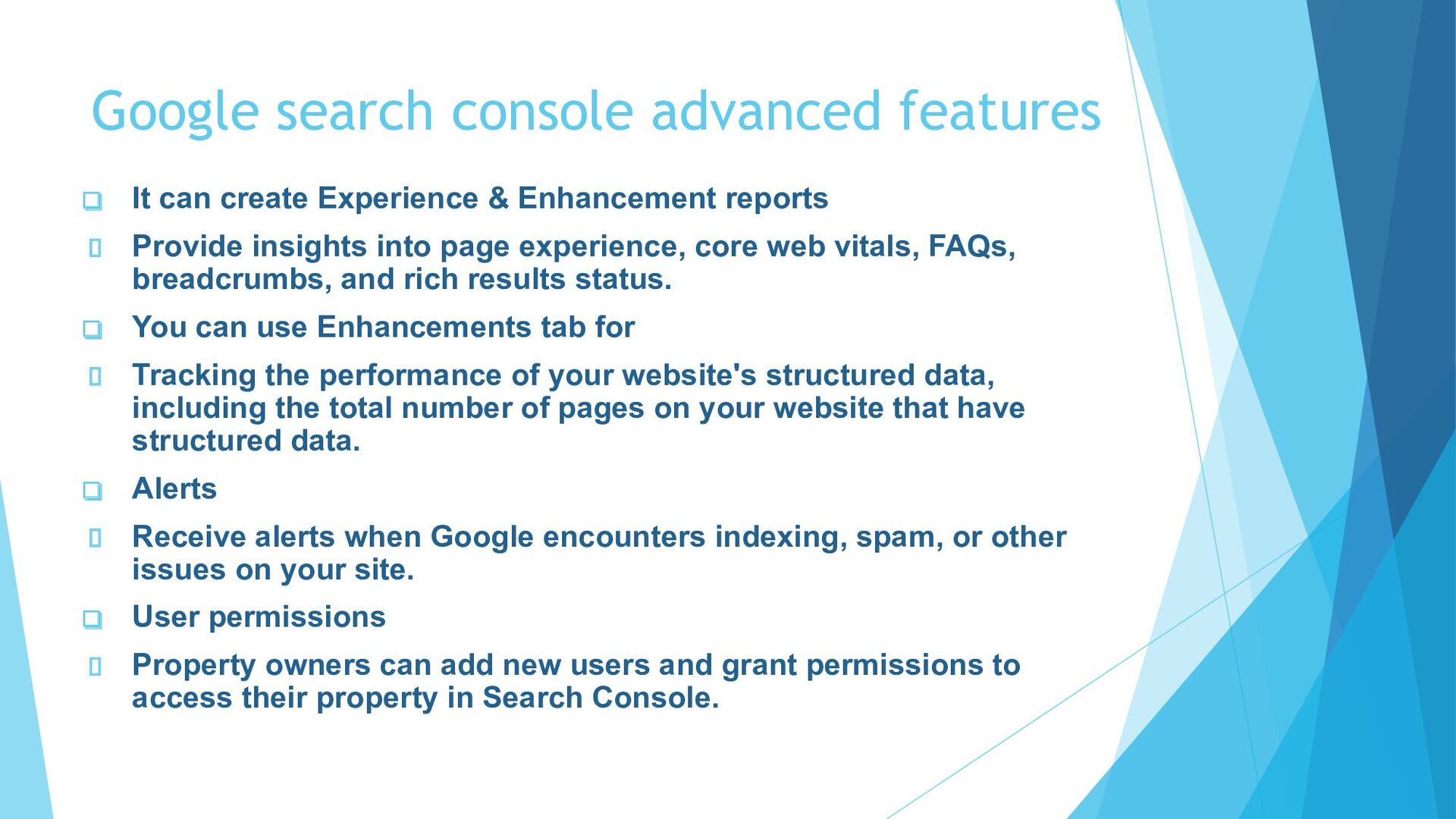
& Enhancement reports Provide insights into page experience, core web vitals, FAQs, breadcrumbs, and rich results status. ❑ You can use Enhancements tab for Tracking the performance of your website's structured data, including the total number of pages on your website that have structured data. ❑ Alerts Receive alerts when Google encounters indexing, spam, or other issues on your site. ❑ User permissions Property owners can add new users and grant permissions to access their property in Search Console.
owners and marketers improve their online presence and organic traffic. It provides insights and tools to monitor website performance, identify optimization opportunities, and address technical issues.YOU CAN LEARN MORE ABOUT IT AT DIGITAL PUNDIT


 cassininazir
 katarinadahlin
 rakko
rakko
 kristinabergwall1
 dugsong
 michaelherold
 ipullrank
 techseoconnect
 reverentgeek
 lemiorhan