co-founders of AgencyBloc. AgencyBloc helps life and health insurance agencies grow their business by organizing and automating their operations using a combination of an industry- specific CRM, commissions processing, and integrated marketing automation. Follow us at @agencybloc and on Facebook & LinkedIn. Hello! 9/30/2015 |
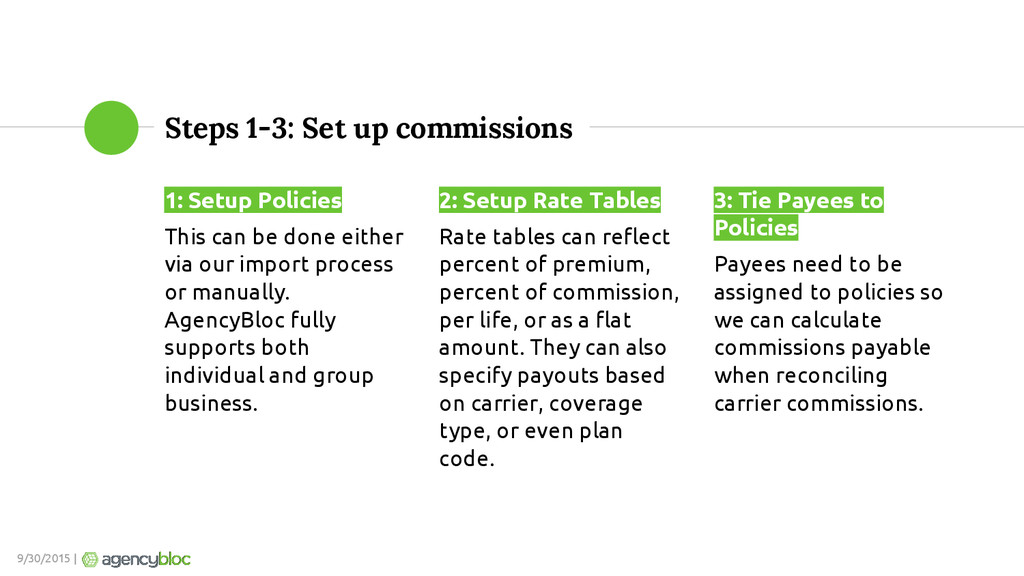
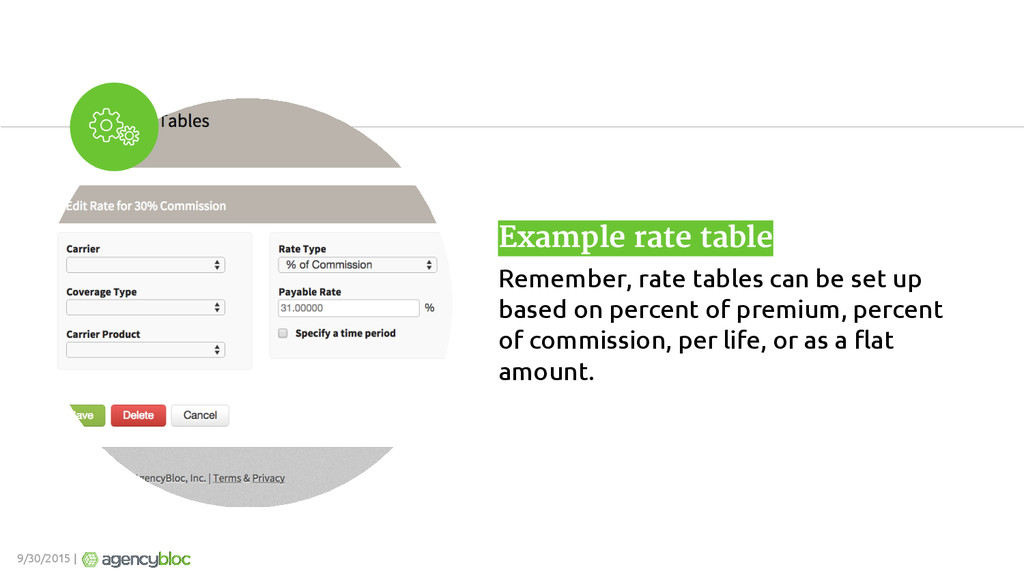
be done either via our import process or manually. AgencyBloc fully supports both individual and group business. 2: Setup Rate Tables Rate tables can reflect percent of premium, percent of commission, per life, or as a flat amount. They can also specify payouts based on carrier, coverage type, or even plan code. 3: Tie Payees to Policies Payees need to be assigned to policies so we can calculate commissions payable when reconciling carrier commissions. 9/30/2015 |
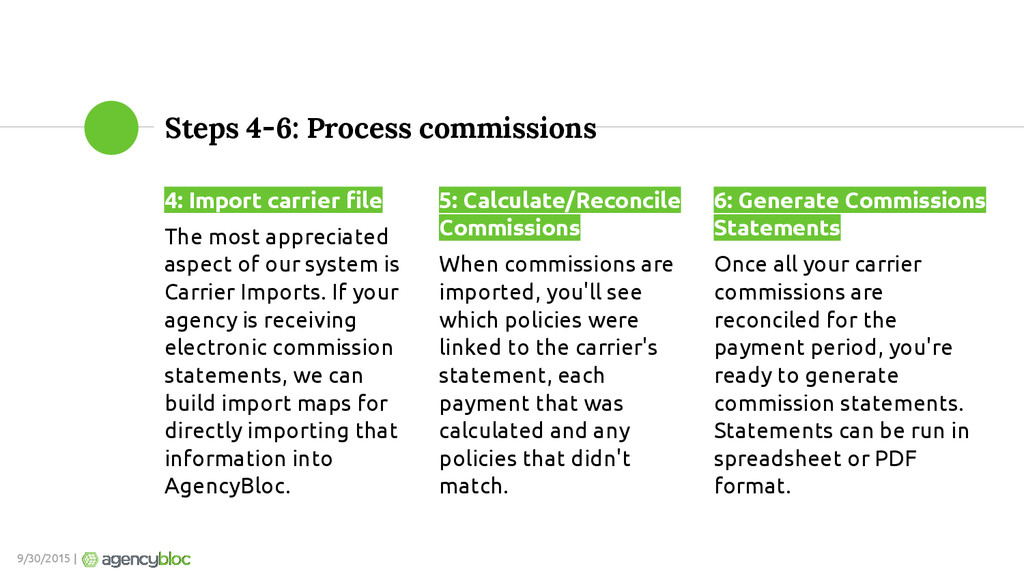
appreciated aspect of our system is Carrier Imports. If your agency is receiving electronic commission statements, we can build import maps for directly importing that information into AgencyBloc. 5: Calculate/Reconcile Commissions When commissions are imported, you'll see which policies were linked to the carrier's statement, each payment that was calculated and any policies that didn't match. 6: Generate Commissions Statements Once all your carrier commissions are reconciled for the payment period, you're ready to generate commission statements. Statements can be run in spreadsheet or PDF format. 9/30/2015 |
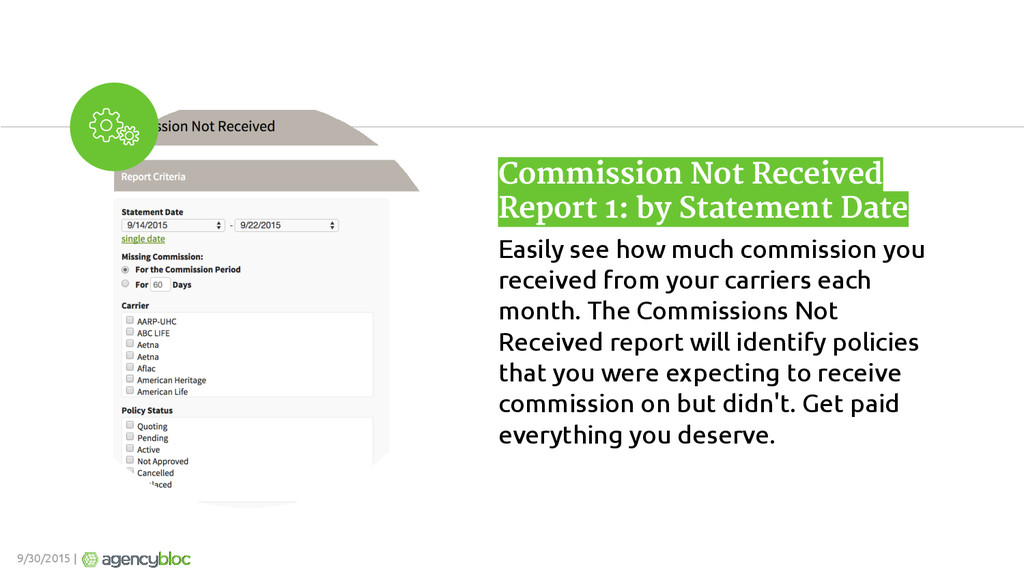
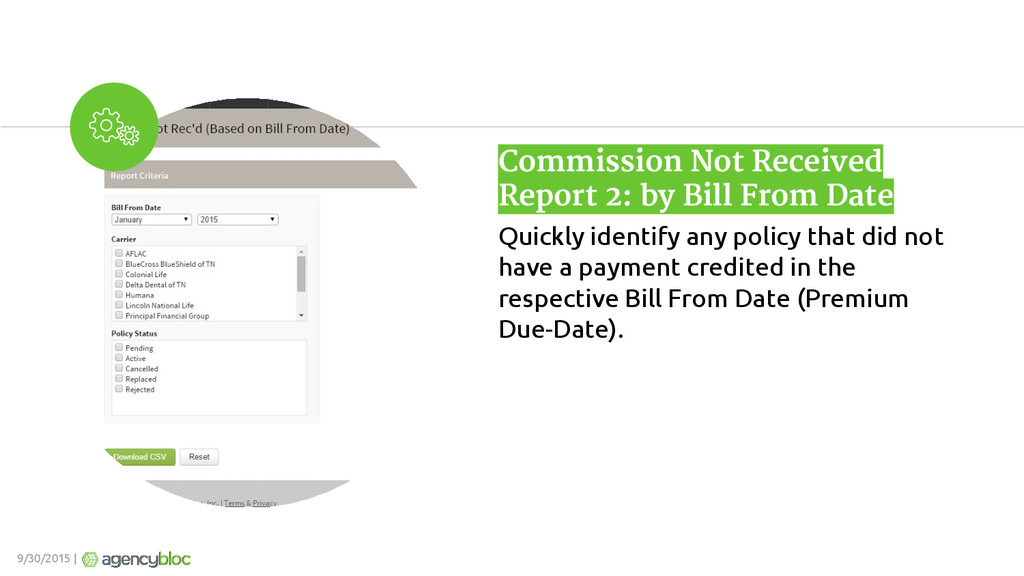
how much commission you received from your carriers each month. The Commissions Not Received report will identify policies that you were expecting to receive commission on but didn't. Get paid everything you deserve. 9/30/2015 |


 ipullrank
 pwiseman
 aemeredith
 katiecoart
 427marketing
 badams
 aleyda
 malarkey
 ianozsvald
 lfama
lfama
 hannesfritz
 garrettdimon