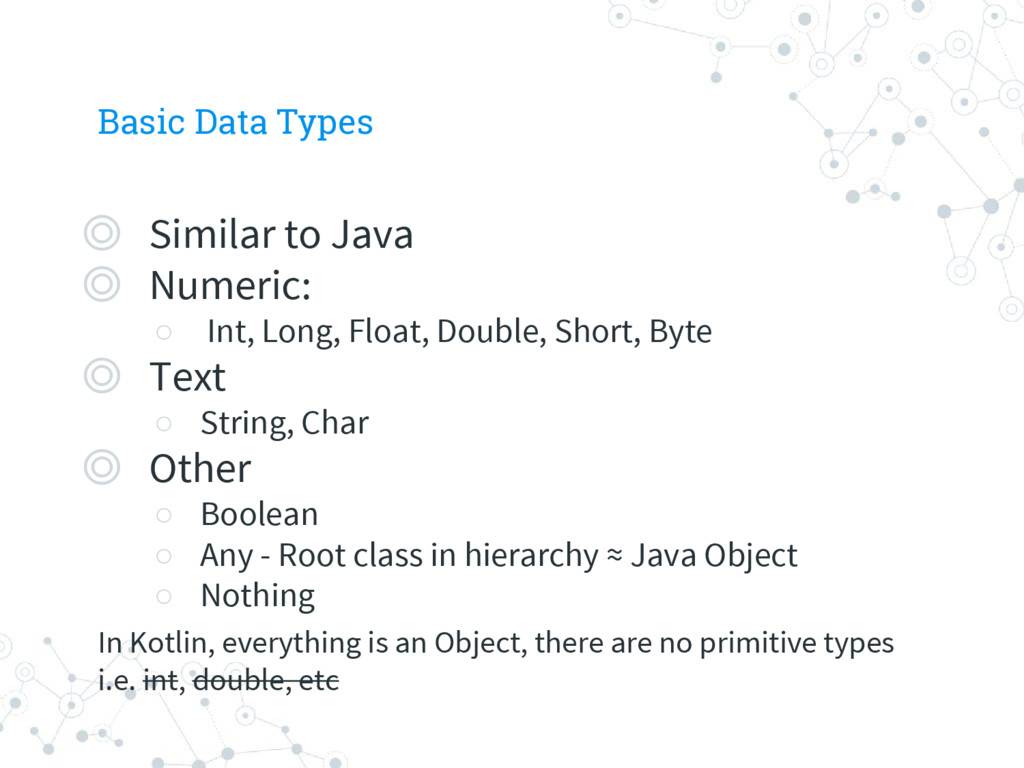
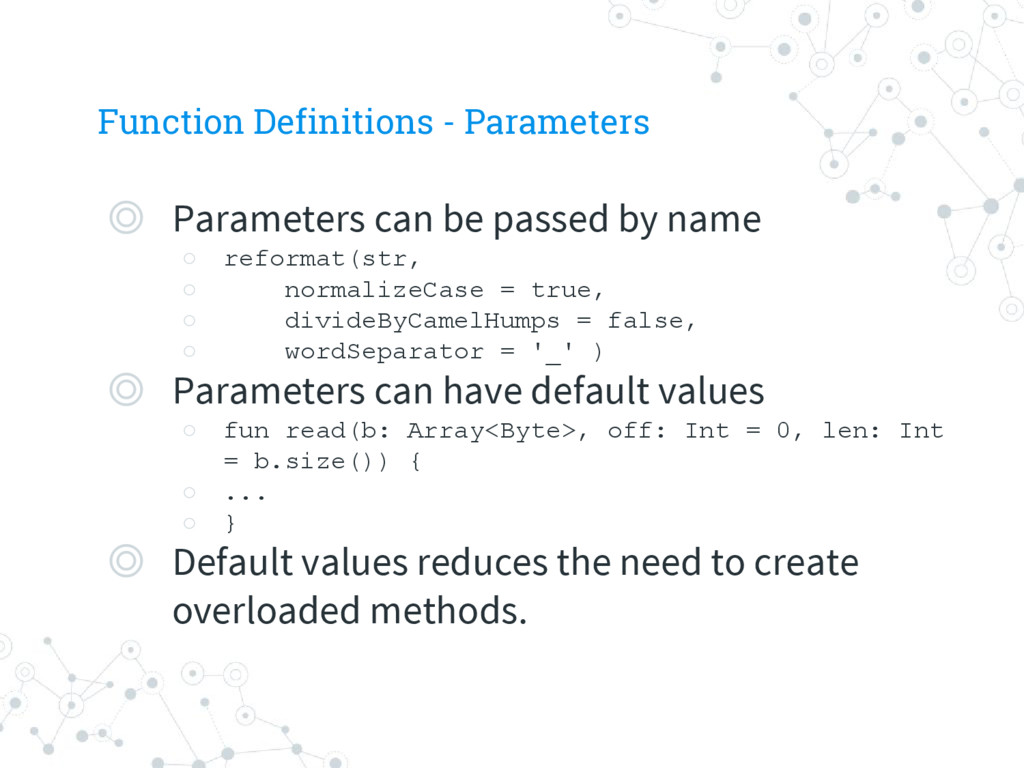
Int, Long, Float, Double, Short, Byte ◎ Text ◦ String, Char ◎ Other ◦ Boolean ◦ Any - Root class in hierarchy ≈ Java Object ◦ Nothing In Kotlin, everything is an Object, there are no primitive types i.e. int, double, etc
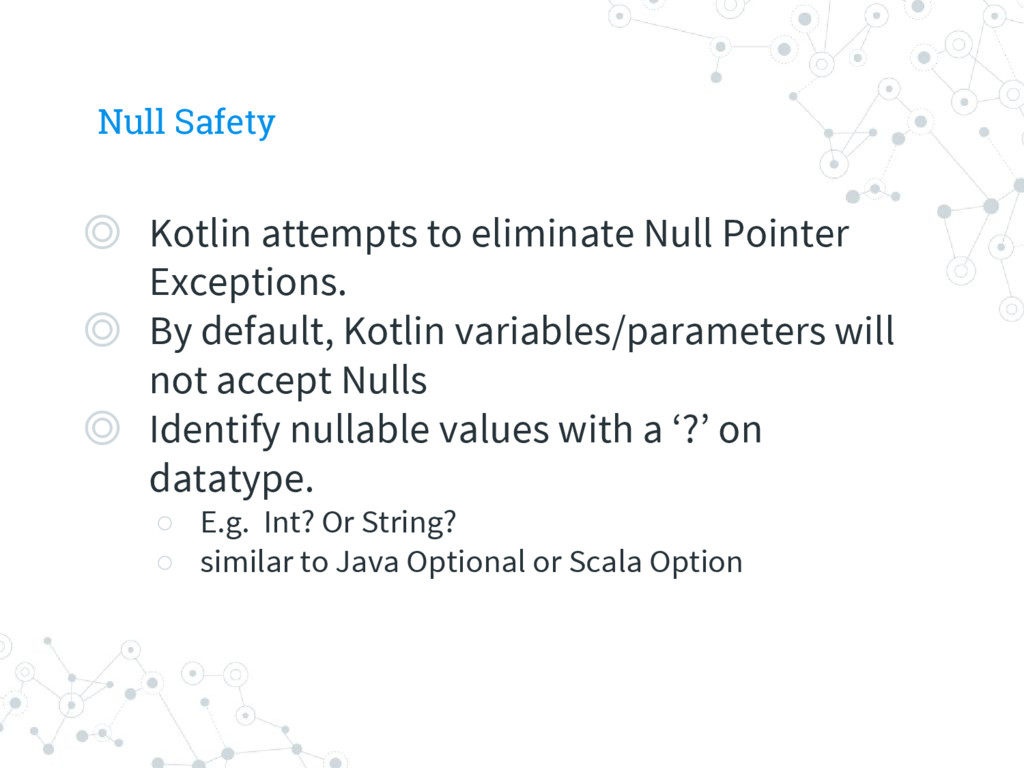
◎ By default, Kotlin variables/parameters will not accept Nulls ◎ Identify nullable values with a ‘?’ on datatype. ◦ E.g. Int? Or String? ◦ similar to Java Optional or Scala Option
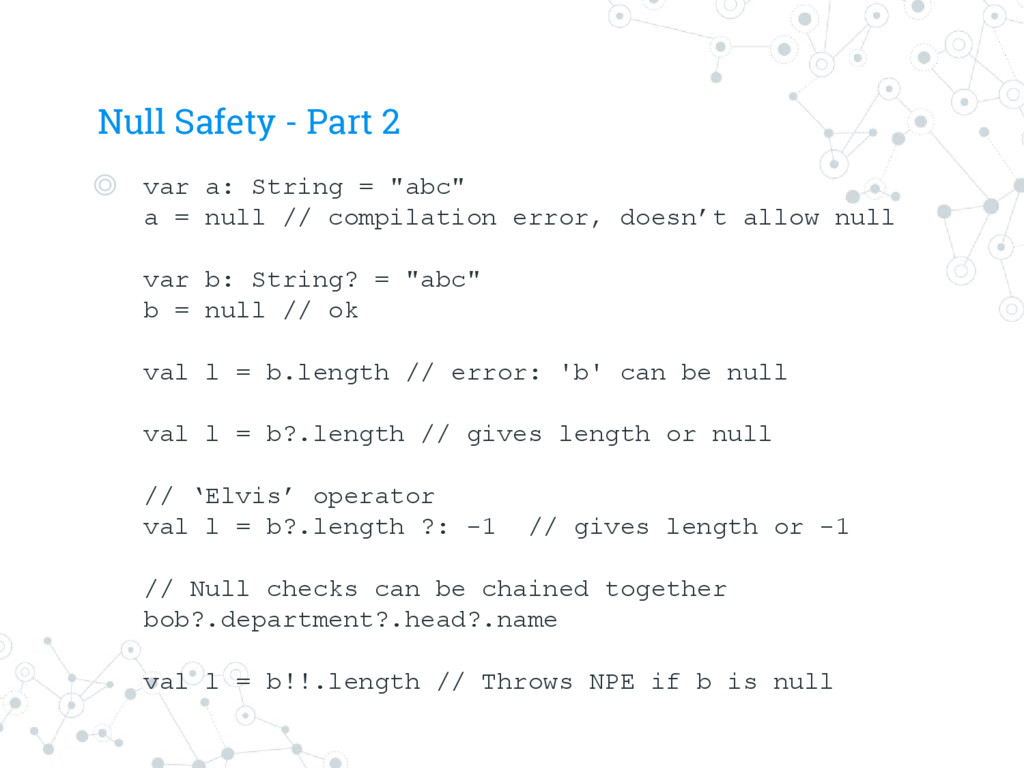
"abc" a = null // compilation error, doesn’t allow null var b: String? = "abc" b = null // ok val l = b.length // error: 'b' can be null val l = b?.length // gives length or null // ‘Elvis’ operator val l = b?.length ?: -1 // gives length or -1 // Null checks can be chained together bob?.department?.head?.name val l = b!!.length // Throws NPE if b is null
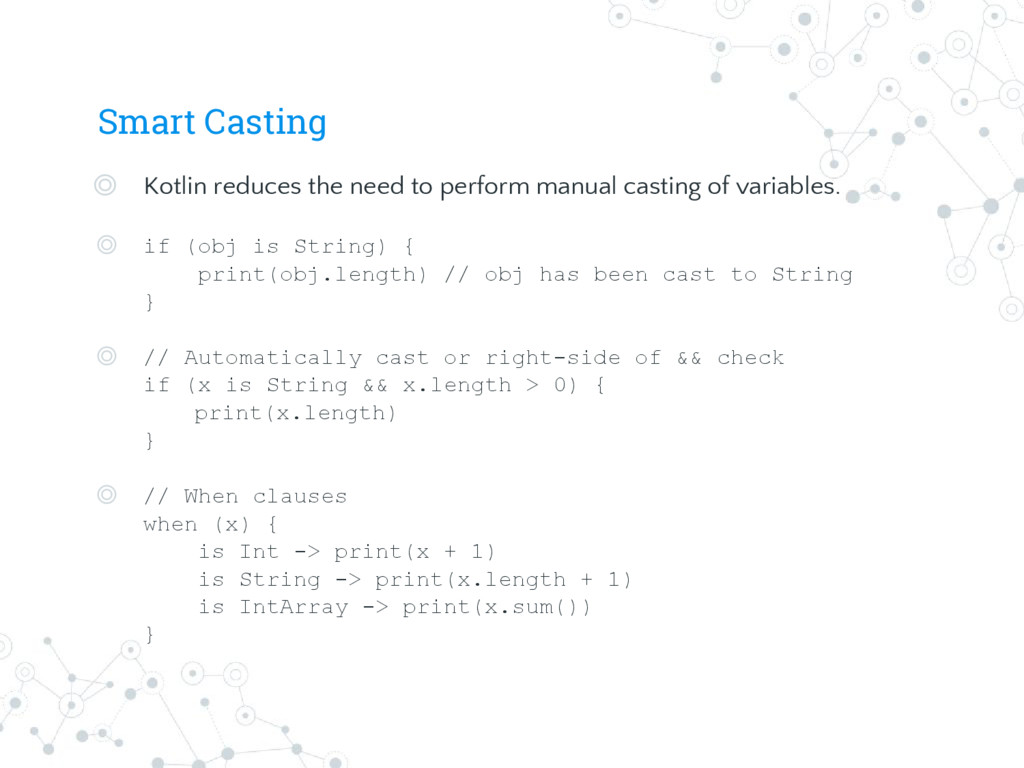
casting of variables. ◎ if (obj is String) { print(obj.length) // obj has been cast to String } ◎ // Automatically cast or right-side of && check if (x is String && x.length > 0) { print(x.length) } ◎ // When clauses when (x) { is Int -> print(x + 1) is String -> print(x.length + 1) is IntArray -> print(x.sum()) }
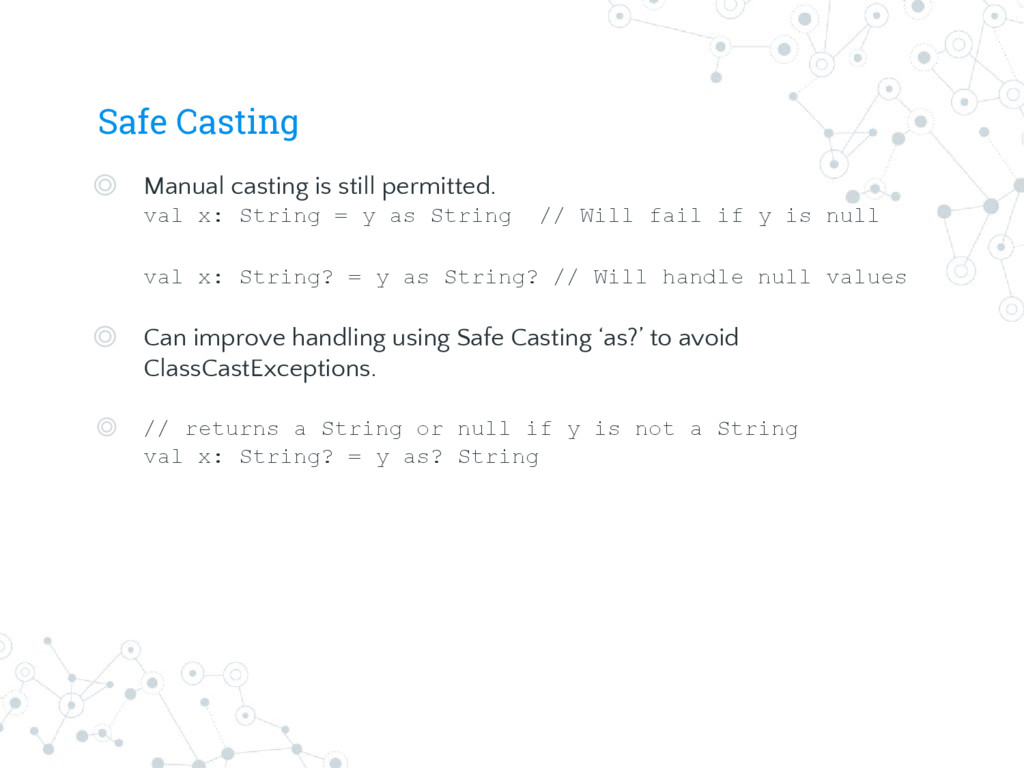
String = y as String // Will fail if y is null val x: String? = y as String? // Will handle null values ◎ Can improve handling using Safe Casting ‘as?’ to avoid ClassCastExceptions. ◎ // returns a String or null if y is not a String val x: String? = y as? String
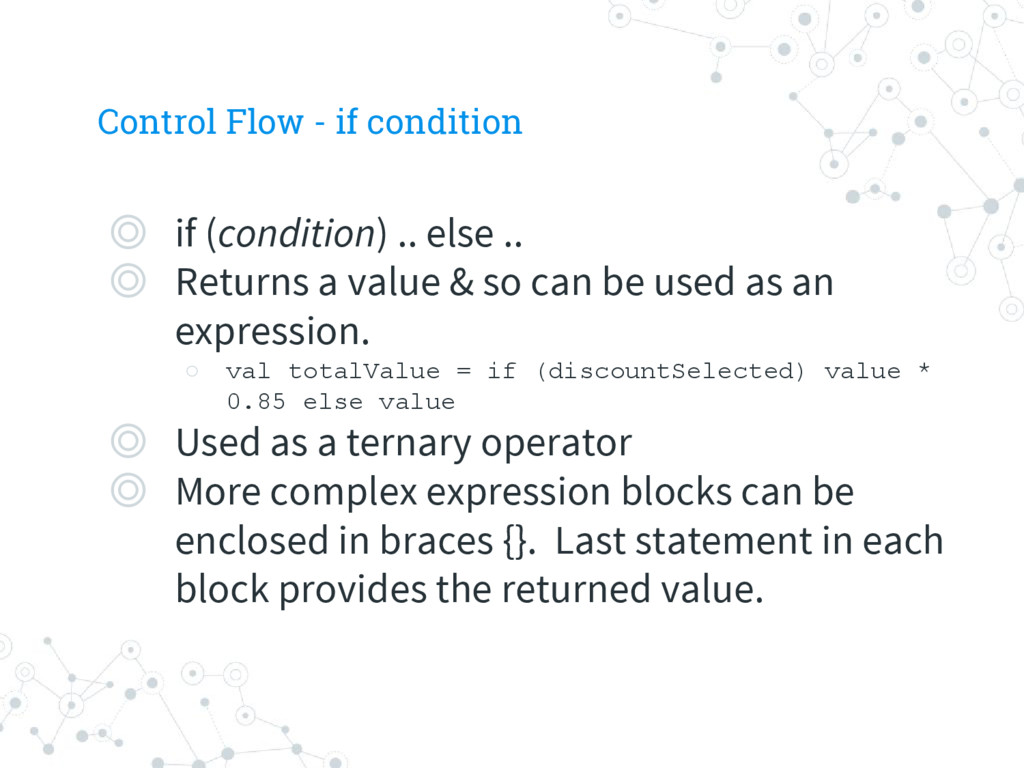
.. ◎ Returns a value & so can be used as an expression. ◦ val totalValue = if (discountSelected) value * 0.85 else value ◎ Used as a ternary operator ◎ More complex expression blocks can be enclosed in braces {}. Last statement in each block provides the returned value.
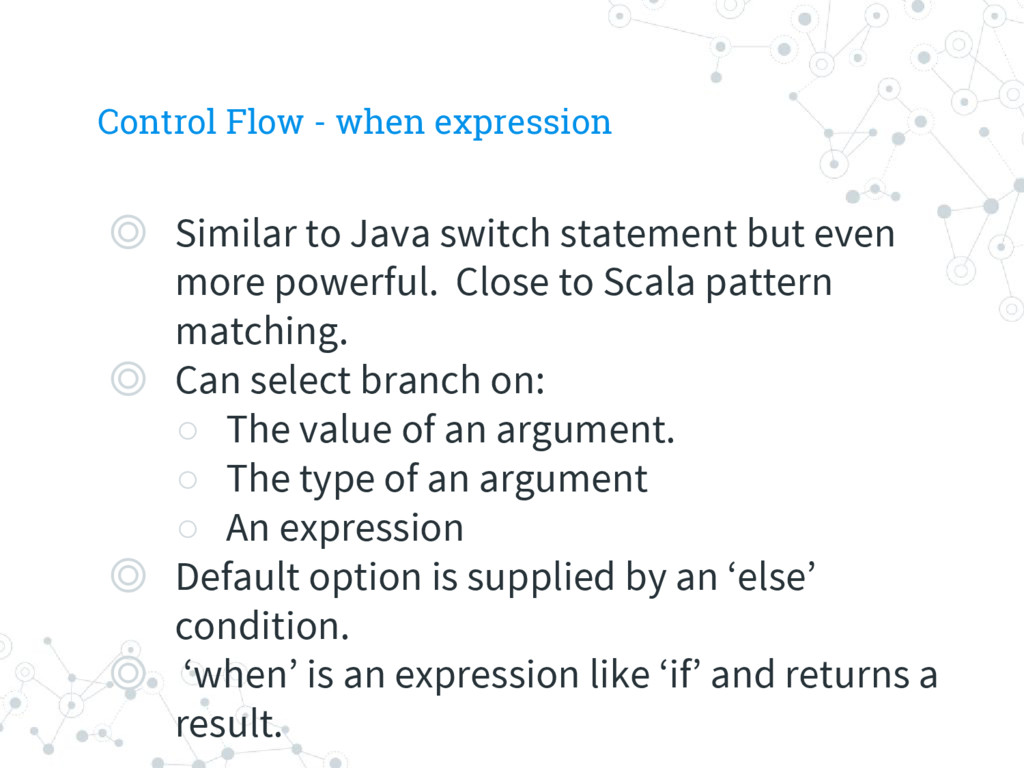
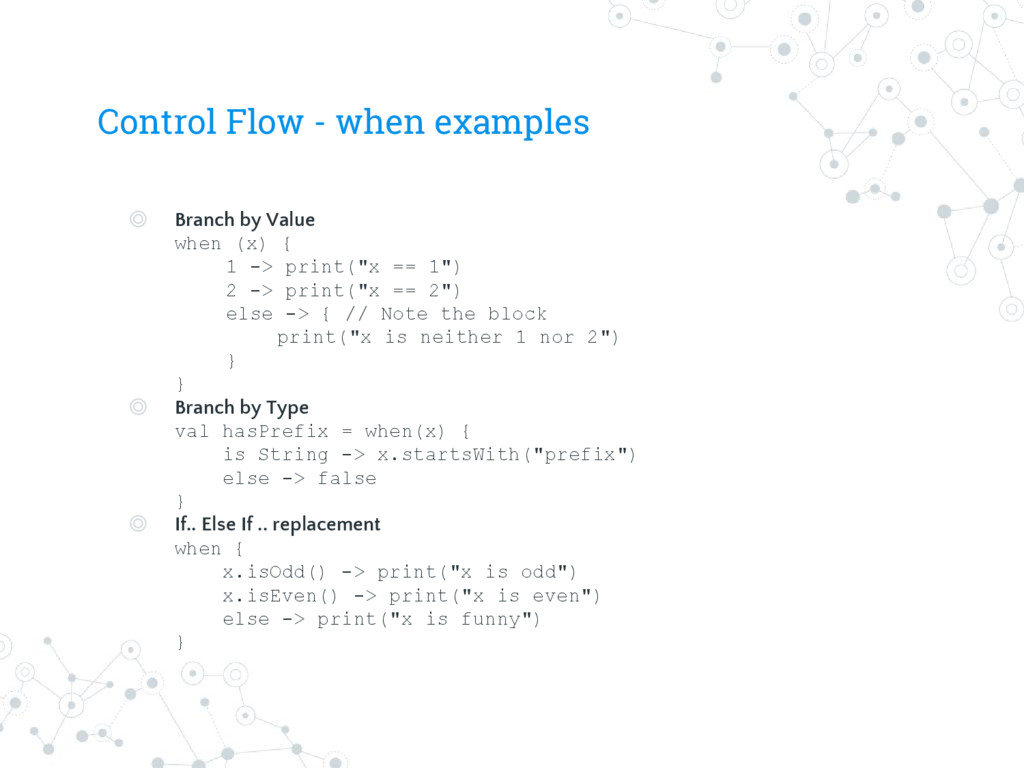
statement but even more powerful. Close to Scala pattern matching. ◎ Can select branch on: ◦ The value of an argument. ◦ The type of an argument ◦ An expression ◎ Default option is supplied by an ‘else’ condition. ◎ ‘when’ is an expression like ‘if’ and returns a result.
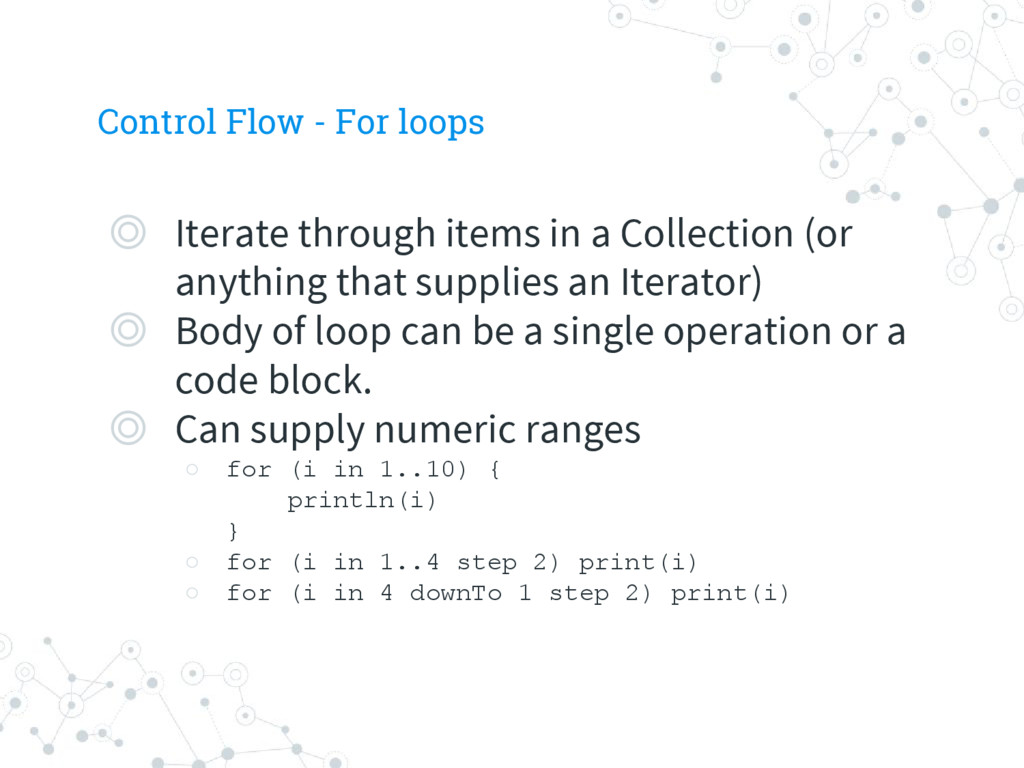
a Collection (or anything that supplies an Iterator) ◎ Body of loop can be a single operation or a code block. ◎ Can supply numeric ranges ◦ for (i in 1..10) { println(i) } ◦ for (i in 1..4 step 2) print(i) ◦ for (i in 4 downTo 1 step 2) print(i)
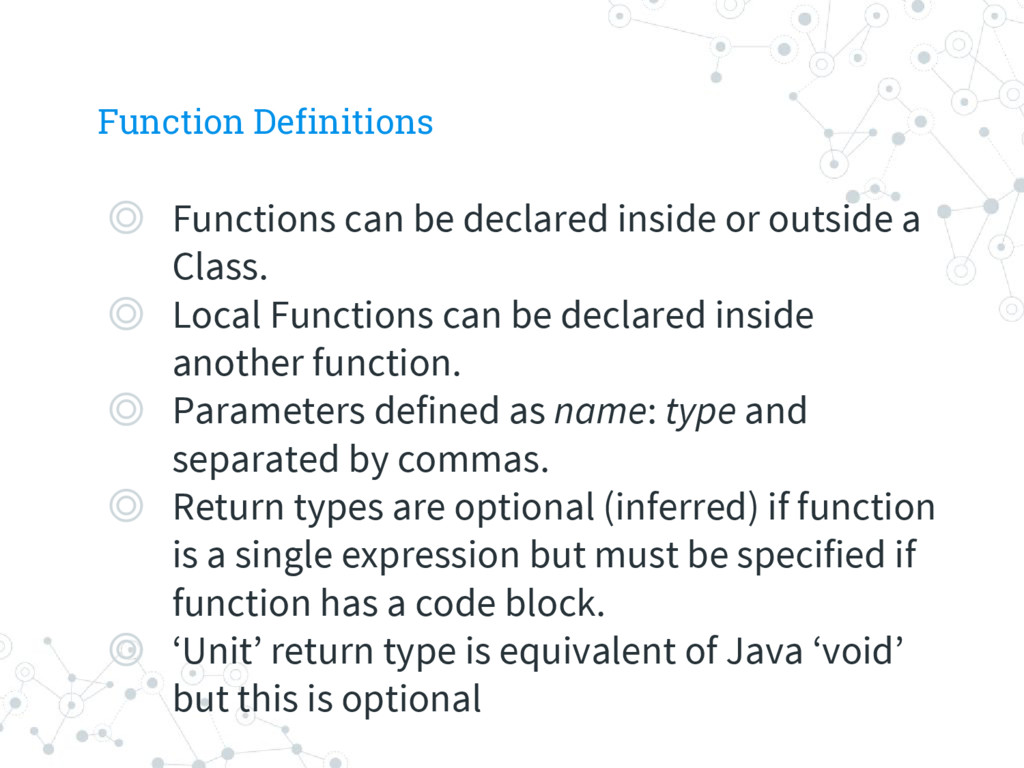
a Class. ◎ Local Functions can be declared inside another function. ◎ Parameters defined as name: type and separated by commas. ◎ Return types are optional (inferred) if function is a single expression but must be specified if function has a code block. ◎ ‘Unit’ return type is equivalent of Java ‘void’ but this is optional
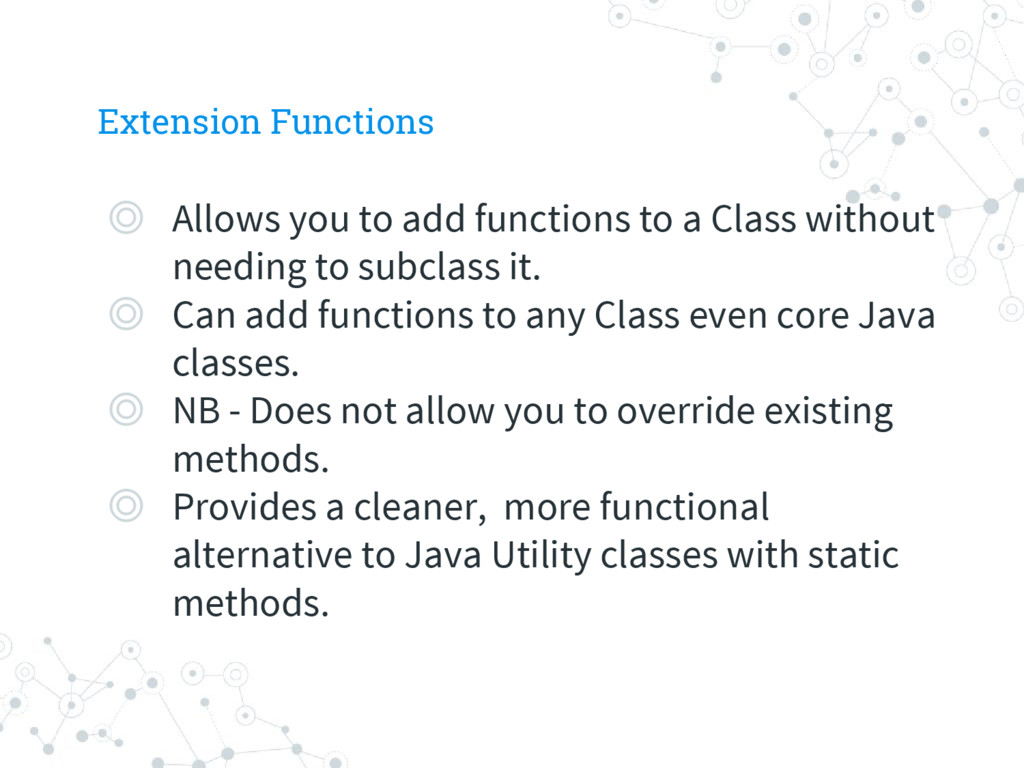
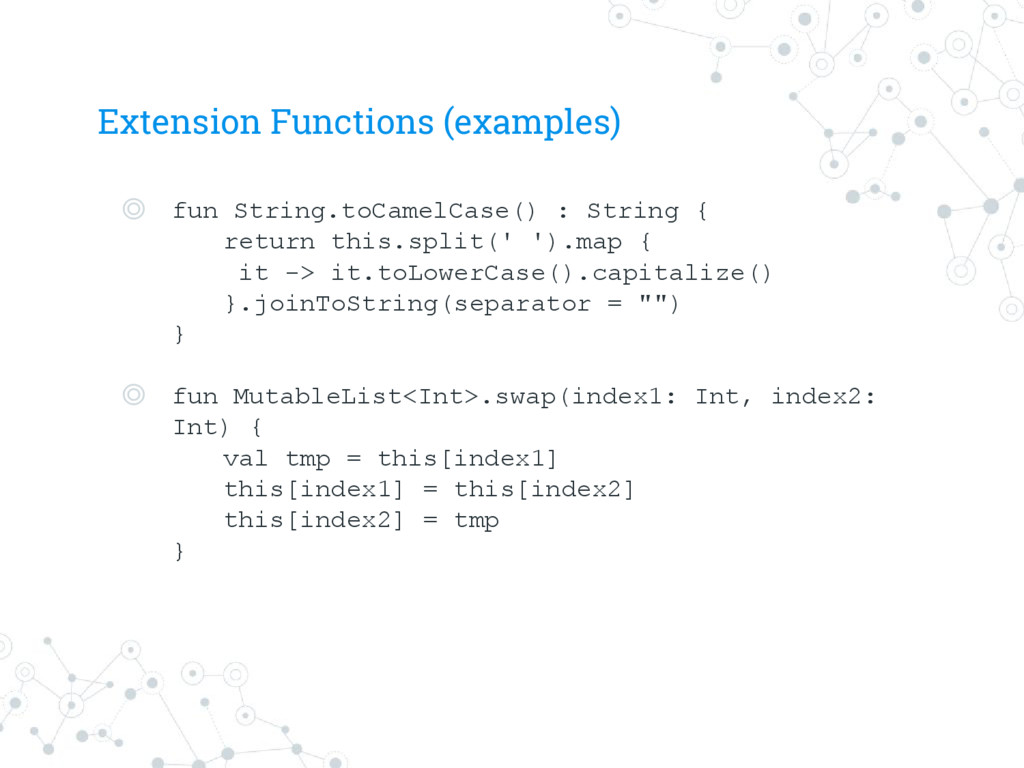
Class without needing to subclass it. ◎ Can add functions to any Class even core Java classes. ◎ NB - Does not allow you to override existing methods. ◎ Provides a cleaner, more functional alternative to Java Utility classes with static methods.
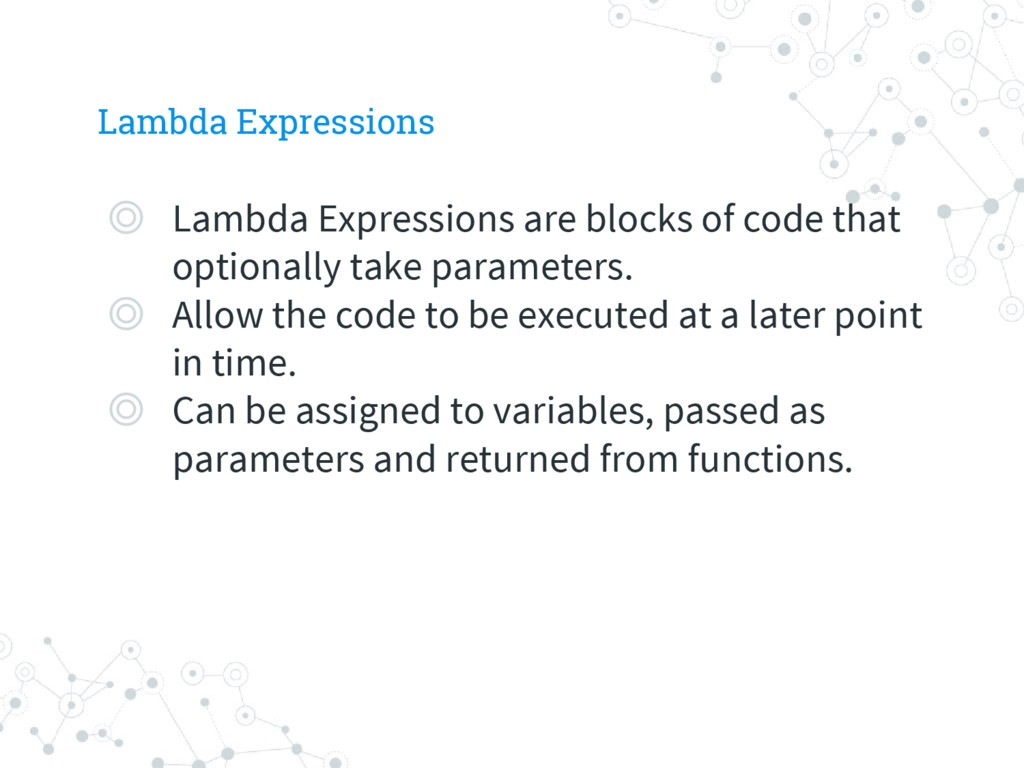
optionally take parameters. ◎ Allow the code to be executed at a later point in time. ◎ Can be assigned to variables, passed as parameters and returned from functions.
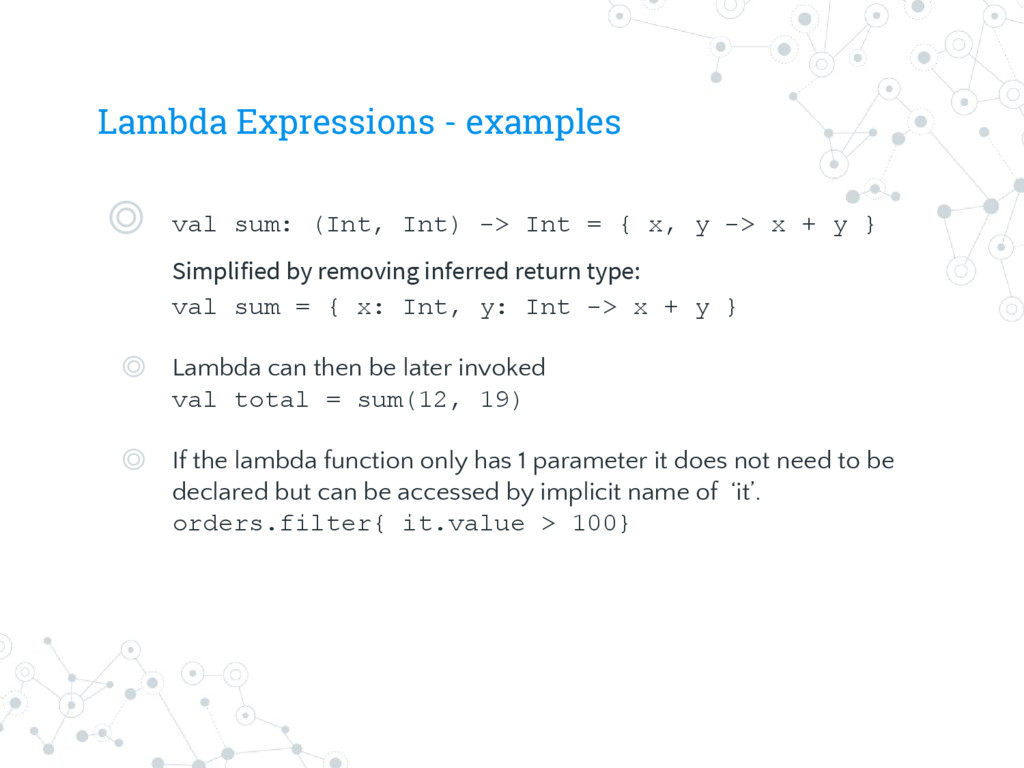
Int = { x, y -> x + y } Simplified by removing inferred return type: val sum = { x: Int, y: Int -> x + y } ◎ Lambda can then be later invoked val total = sum(12, 19) ◎ If the lambda function only has 1 parameter it does not need to be declared but can be accessed by implicit name of ‘it’. orders.filter{ it.value > 100}
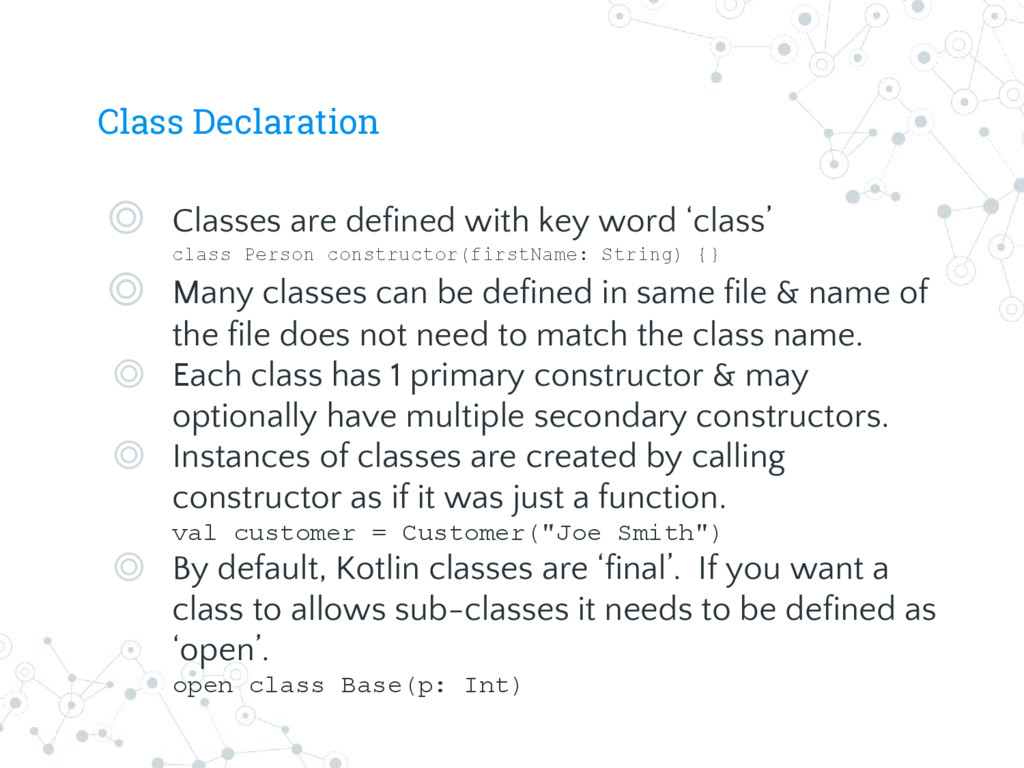
class Person constructor(firstName: String) {} ◎ Many classes can be defined in same file & name of the file does not need to match the class name. ◎ Each class has 1 primary constructor & may optionally have multiple secondary constructors. ◎ Instances of classes are created by calling constructor as if it was just a function. val customer = Customer("Joe Smith") ◎ By default, Kotlin classes are ‘final’. If you want a class to allows sub-classes it needs to be defined as ‘open’. open class Base(p: Int)
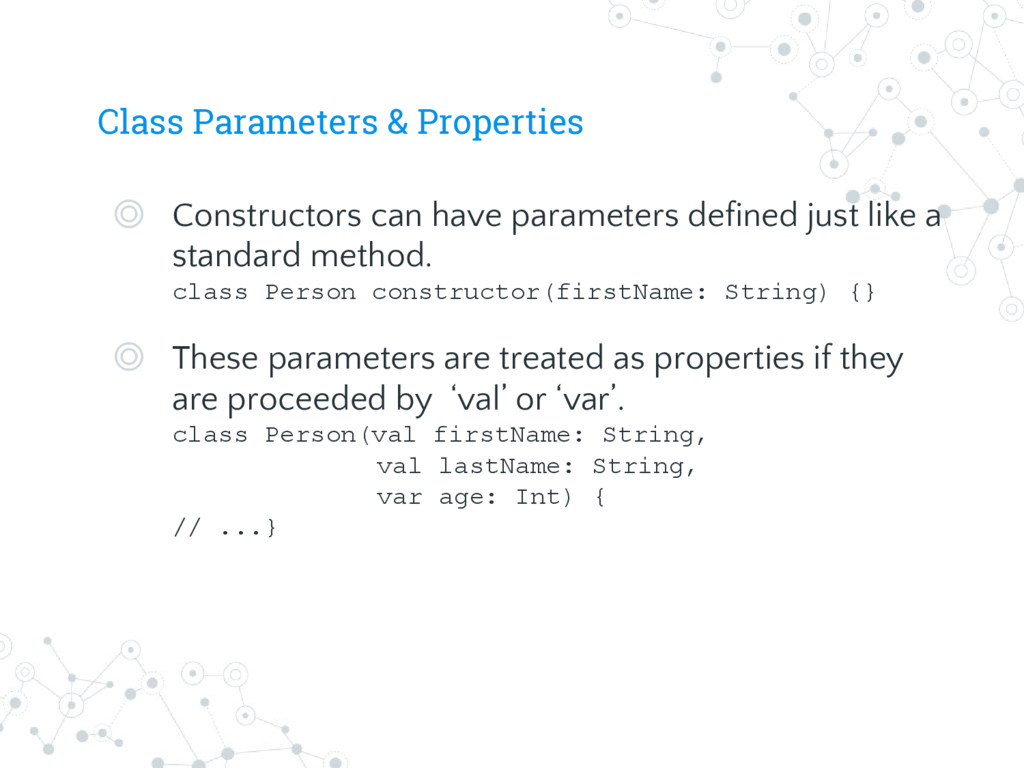
just like a standard method. class Person constructor(firstName: String) {} ◎ These parameters are treated as properties if they are proceeded by ‘val’ or ‘var’. class Person(val firstName: String, val lastName: String, var age: Int) { // ...}
classes. data class User(val name: String, val age: Int) ◎ Automatically generates the following methods at compile time: ◦ getter/setter for each property ◦ equals ◦ hashCode ◦ toString ◎ Dramatically reduces the amount of boilerplate code, even if that can be generated by the IDE.
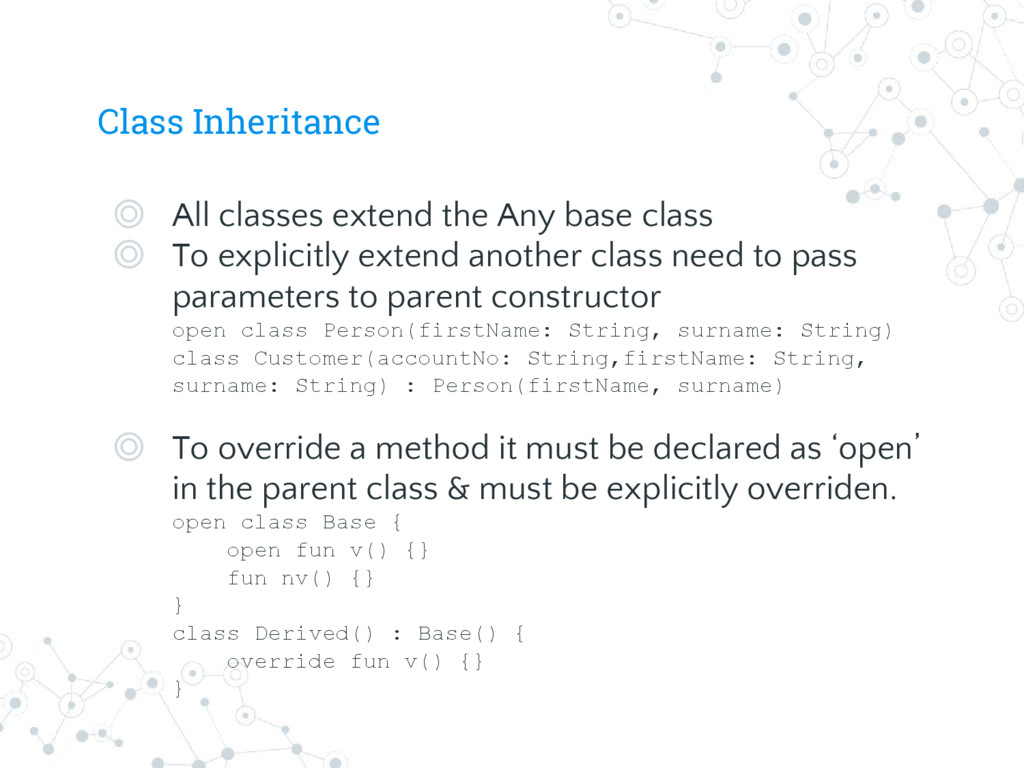
◎ To explicitly extend another class need to pass parameters to parent constructor open class Person(firstName: String, surname: String) class Customer(accountNo: String,firstName: String, surname: String) : Person(firstName, surname) ◎ To override a method it must be declared as ‘open’ in the parent class & must be explicitly overriden. open class Base { open fun v() {} fun nv() {} } class Derived() : Base() { override fun v() {} }
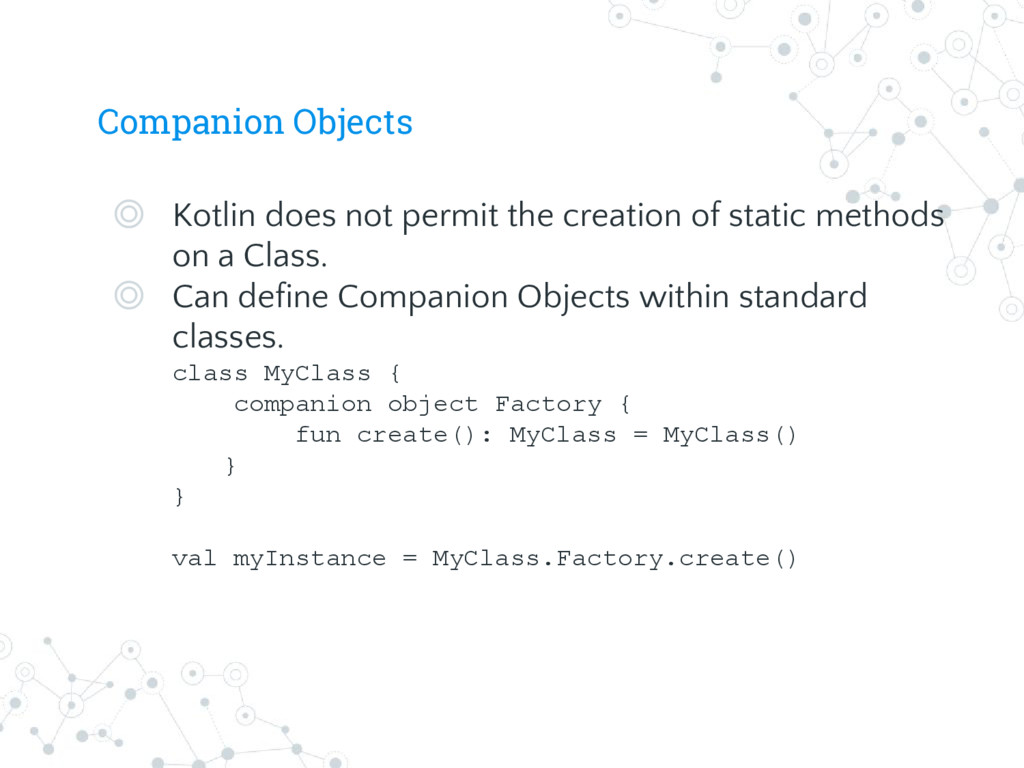
static methods on a Class. ◎ Can define Companion Objects within standard classes. class MyClass { companion object Factory { fun create(): MyClass = MyClass() } } val myInstance = MyClass.Factory.create()
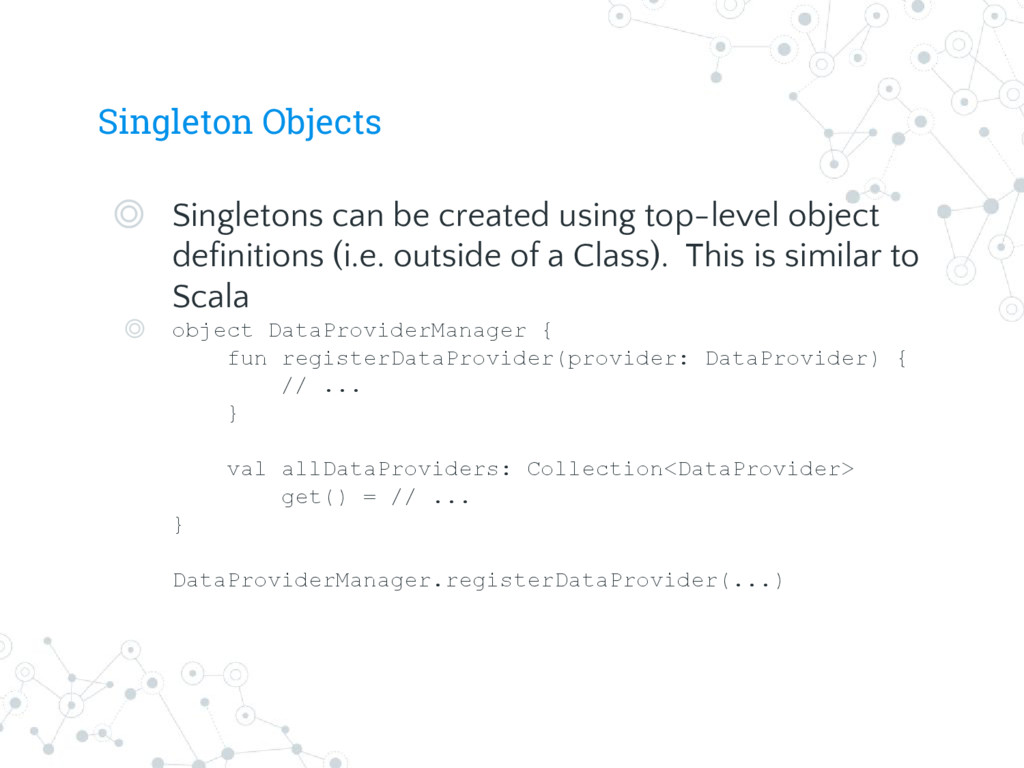
definitions (i.e. outside of a Class). This is similar to Scala ◎ object DataProviderManager { fun registerDataProvider(provider: DataProvider) { // ... } val allDataProviders: Collection<DataProvider> get() = // ... } DataProviderManager.registerDataProvider(...)


 andybowes
 muziyoshiz
 kentosuzuki
 atalie2m
 inariku
 torounit
 bengo4com
 henryofficial
 bulbulpaul
 iwamot
 mlcsv
 notwaldorf
 3n
 joshbly
 baasie
 helenjbeal
 skoyamalab
 geoffreycrofte
 bethany
 codingconduct
 palkan
 reverentgeek