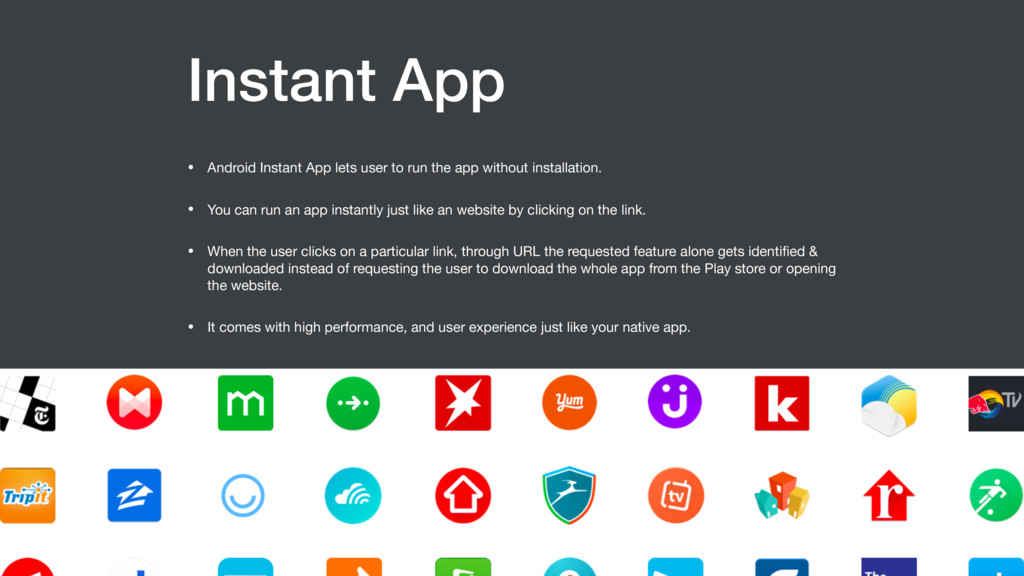
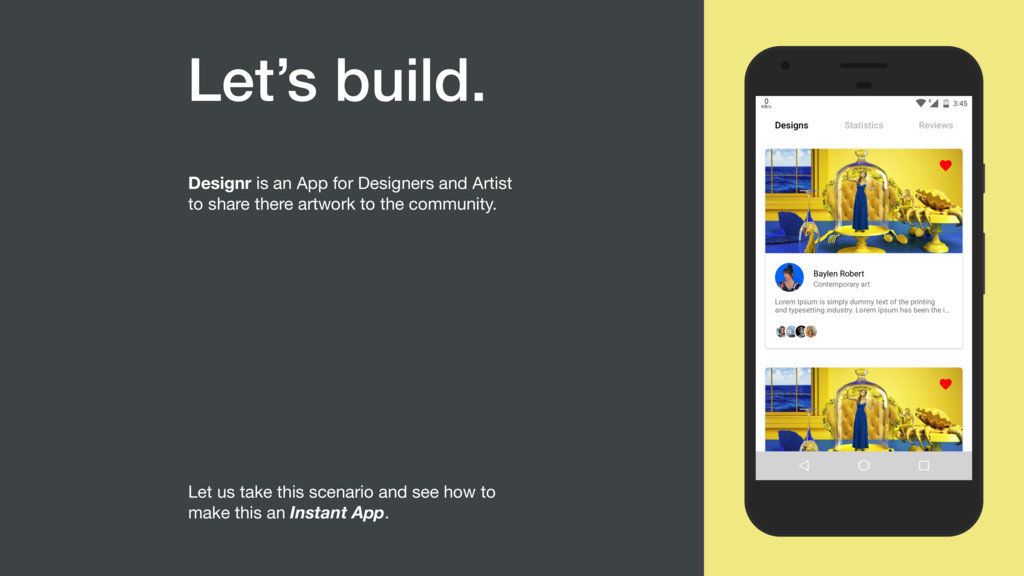
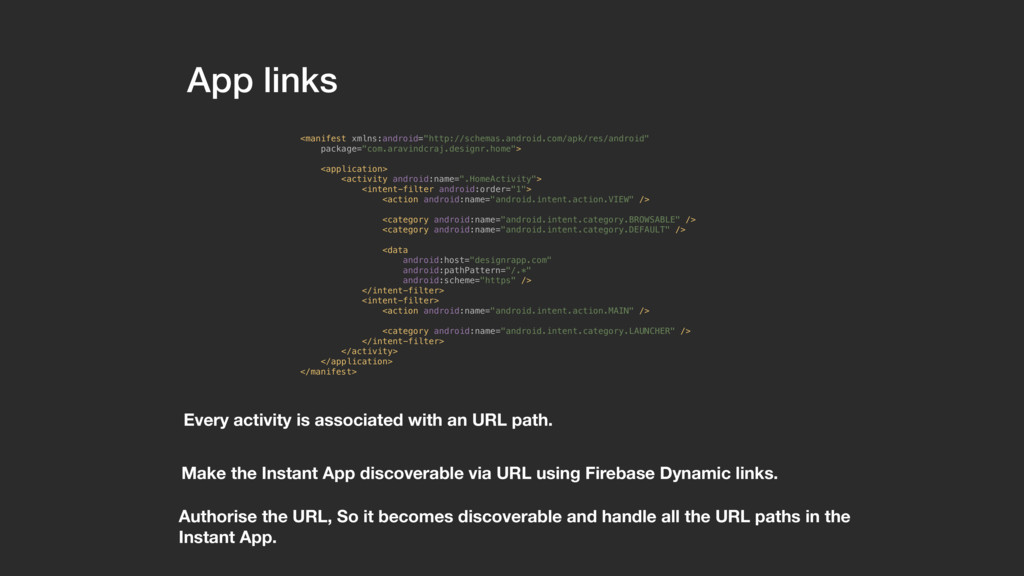
the app without installation. • You can run an app instantly just like an website by clicking on the link. • When the user clicks on a particular link, through URL the requested feature alone gets identified & downloaded instead of requesting the user to download the whole app from the Play store or opening the website. • It comes with high performance, and user experience just like your native app.
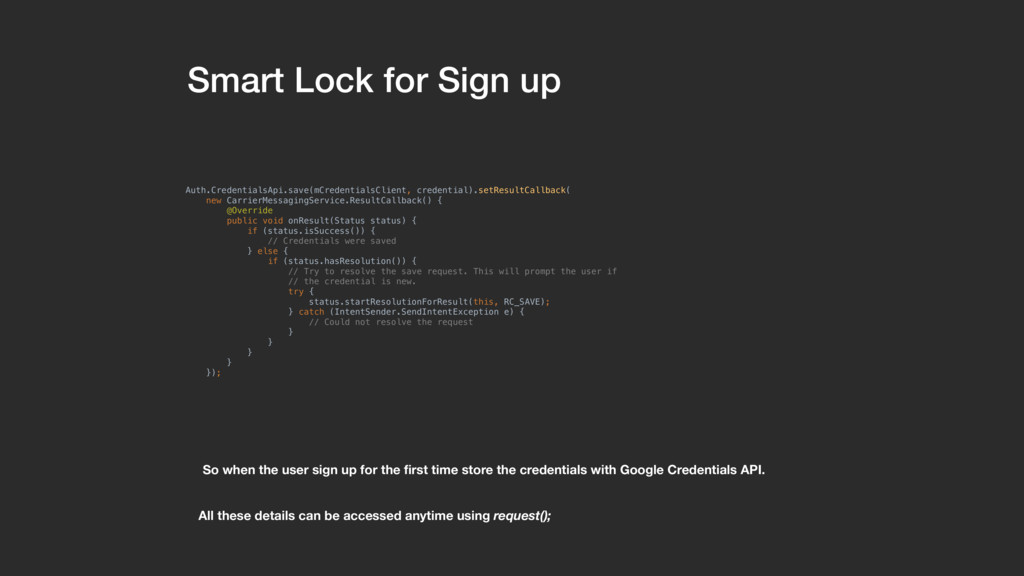
up for the first time store the credentials with Google Credentials API. Auth.CredentialsApi.save(mCredentialsClient, credential).setResultCallback( new CarrierMessagingService.ResultCallback() { @Override public void onResult(Status status) { if (status.isSuccess()) { // Credentials were saved } else { if (status.hasResolution()) { // Try to resolve the save request. This will prompt the user if // the credential is new. try { status.startResolutionForResult(this, RC_SAVE); } catch (IntentSender.SendIntentException e) { // Could not resolve the request } } } } }); All these details can be accessed anytime using request();
user opens the app we request for the stored credentials through Credentials API. Auth.CredentialsApi.request(mCredentialsClient, mCredentialRequest).setResultCallback( new CarrierMessagingService.ResultCallback() { @Override public void onResult (CredentialRequestResult credentialRequestResult){ if (credentialRequestResult.getStatus().isSuccess()) { // Handle successful credential requests } else { // Handle unsuccessful and incomplete credential requests } } }); We either login using credentials directly or fill the credentials for the user.
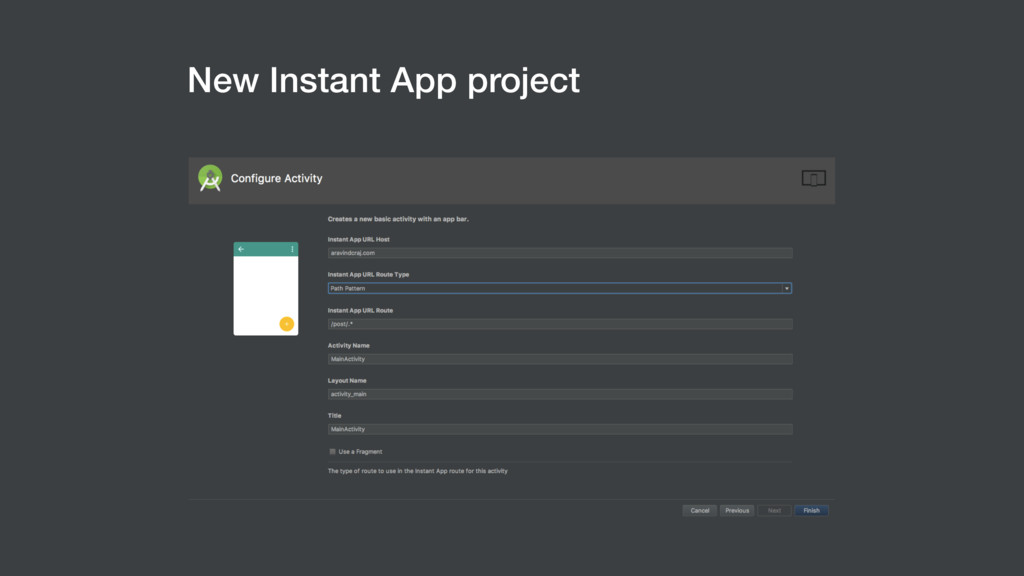
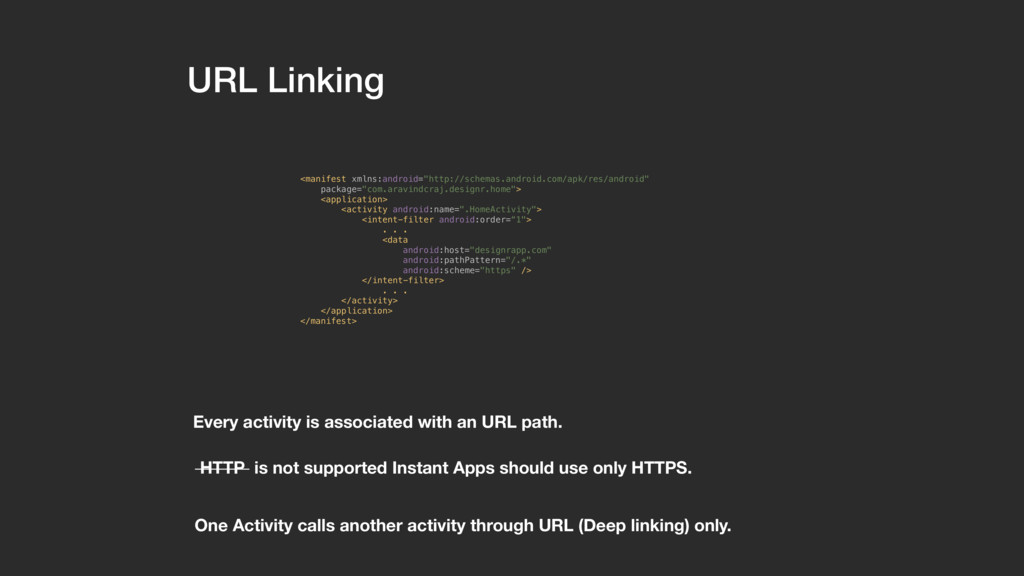
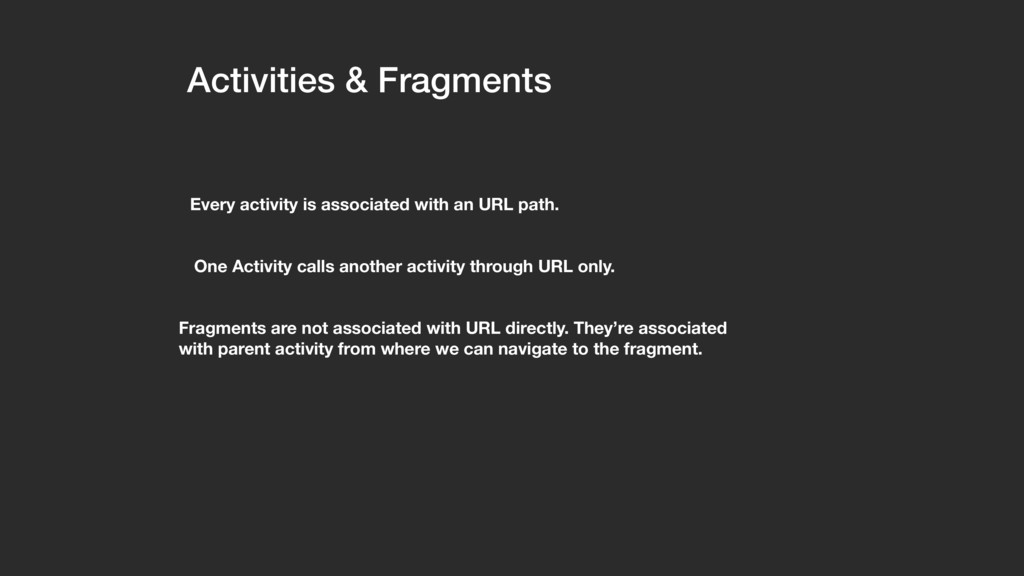
path. One Activity calls another activity through URL only. Fragments are not associated with URL directly. They’re associated with parent activity from where we can navigate to the fragment.
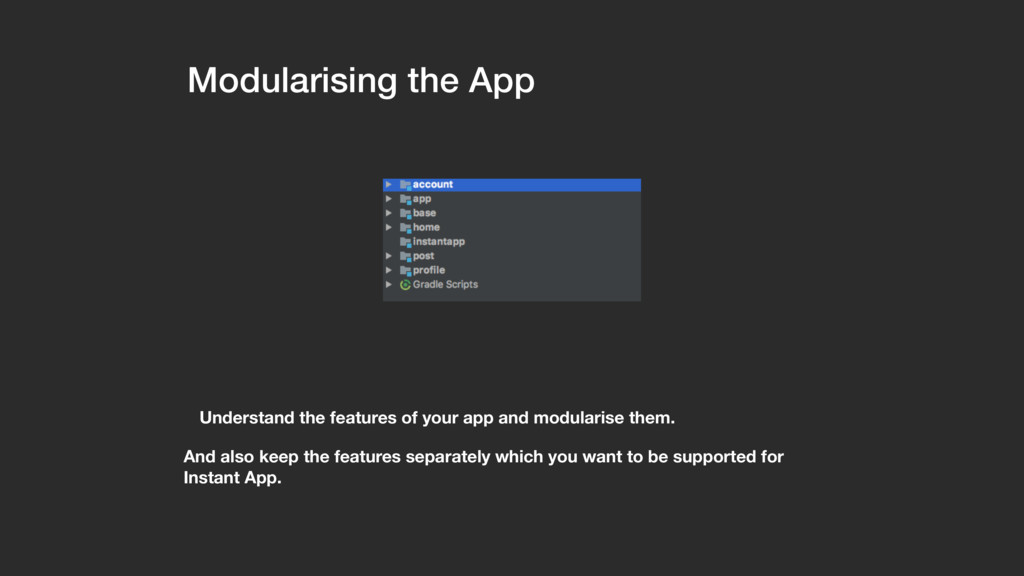
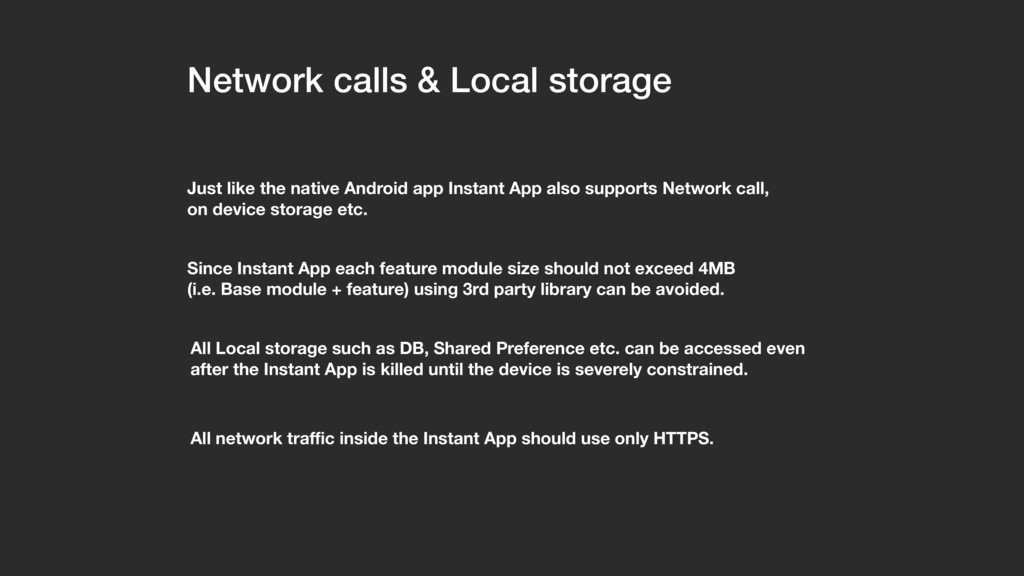
app Instant App also supports Network call, on device storage etc. Since Instant App each feature module size should not exceed 4MB (i.e. Base module + feature) using 3rd party library can be avoided. All Local storage such as DB, Shared Preference etc. can be accessed even after the Instant App is killed until the device is severely constrained. All network traffic inside the Instant App should use only HTTPS.
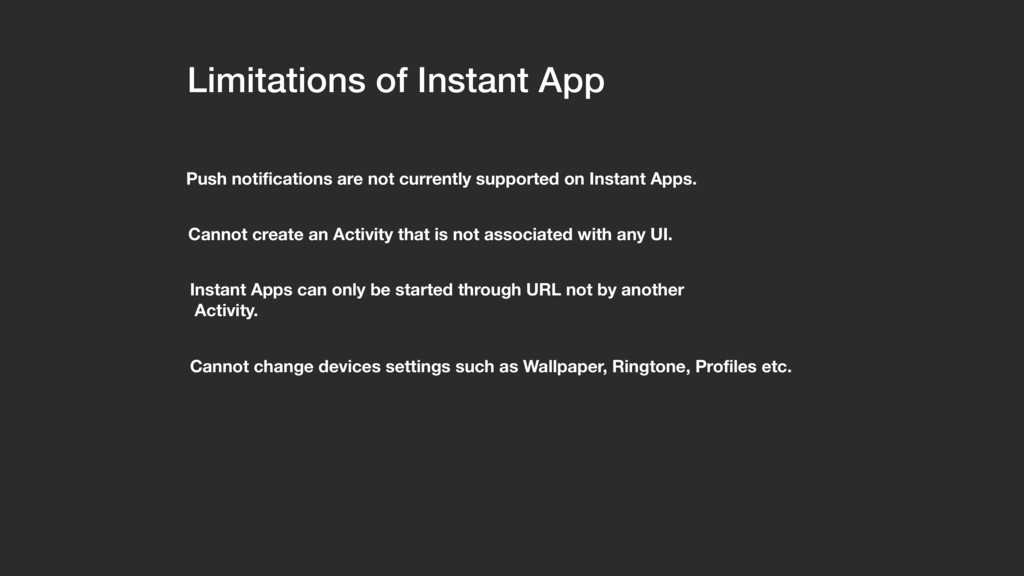
on Instant Apps. Cannot create an Activity that is not associated with any UI. Instant Apps can only be started through URL not by another Activity. Cannot change devices settings such as Wallpaper, Ringtone, Profiles etc.


 occhi
occhi
 shumei_ito
 takonda
.png) codatum
codatum
 akhino
 namiki64
 camiha
 grimoh
 terurou
 sudoakiy
 shugo
shugo
 keeg
keeg
 reverentgeek
 cassininazir
 skipperchong
 brettharned
 tammyeverts
 morganepeng
 mlcsv
mlcsv
 baasie
 twada
twada
 ammeep
 livdayseo
 marktimemedia