Upgrade to Pro — share decks privately, control downloads, hide ads and more …

AJAX on Moovweb

Sponsored · Your Podcast. Everywhere. Effortlessly. Share. Educate. Inspire. Entertain. You do you. We'll handle the rest. →
Avatar for benbayard benbayard
July 01, 2014
170

AJAX on Moovweb

Avatar for benbayard

benbayard

July 01, 2014

Transcript

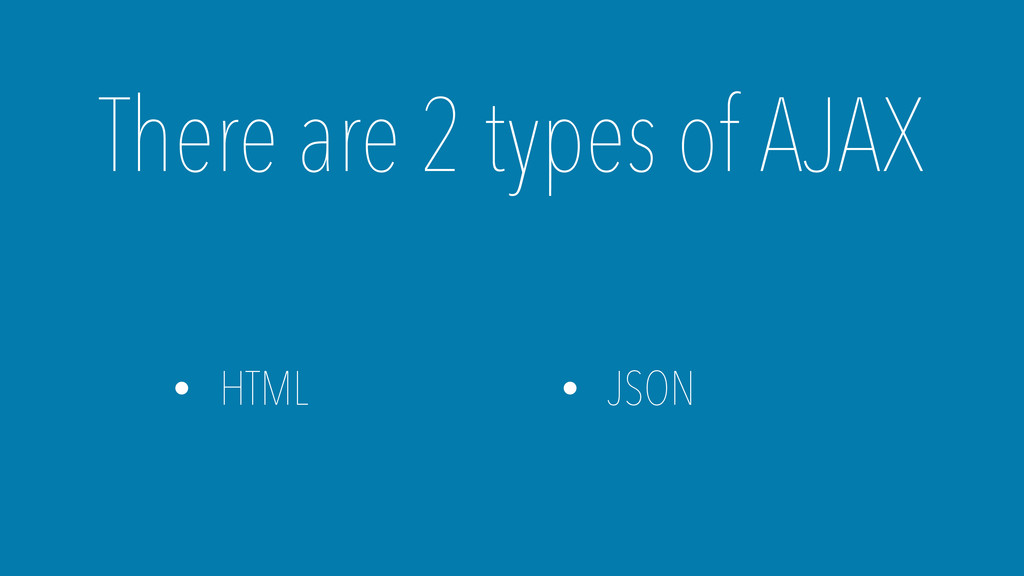
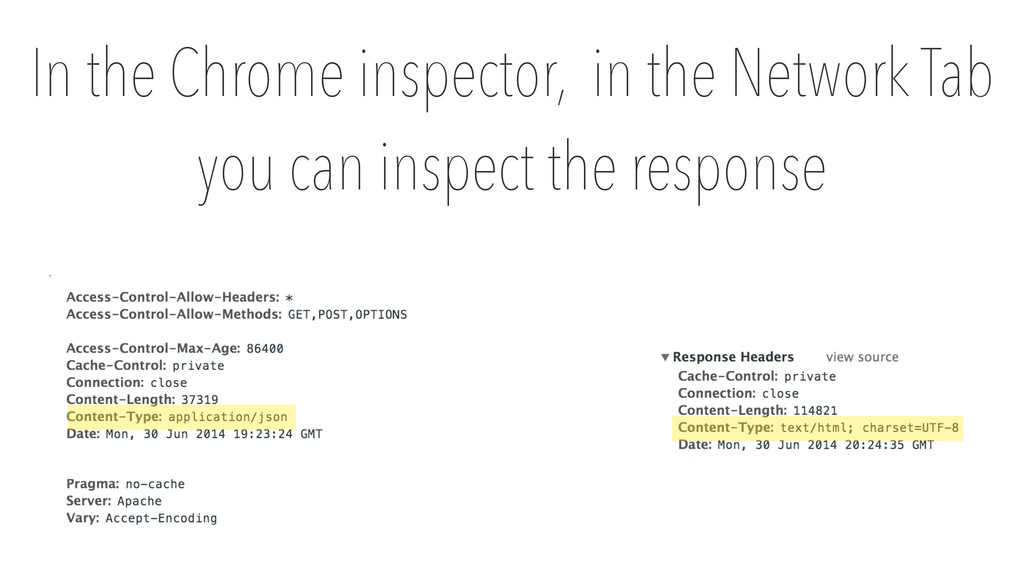
  1. The way you respond to each is unique, so it

    is important to know which you are getting
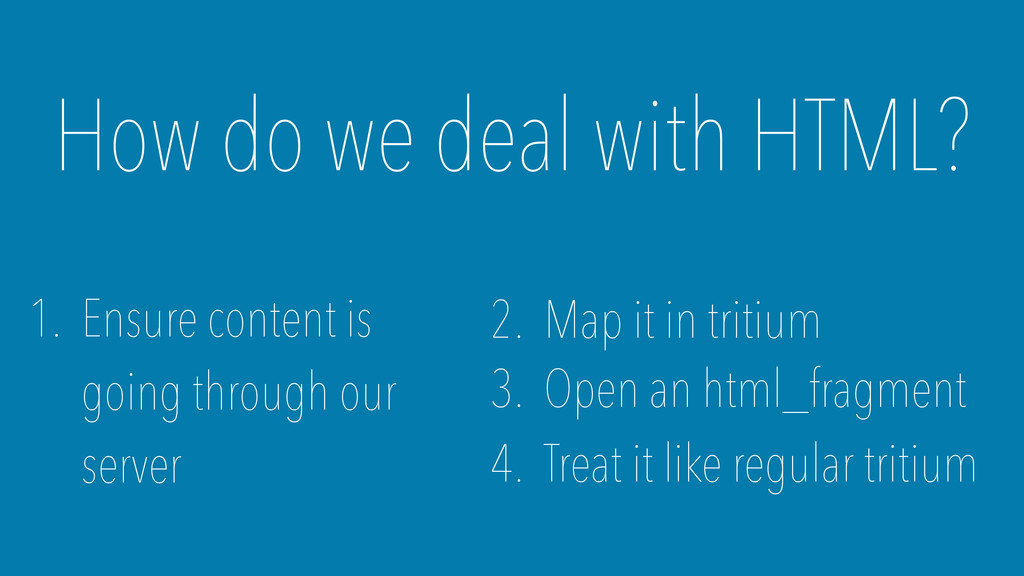
  2. How do we deal with HTML? 1. Ensure content is

    going through our server 2. Map it in tritium 3. Open an html_fragment 4. Treat it like regular tritium
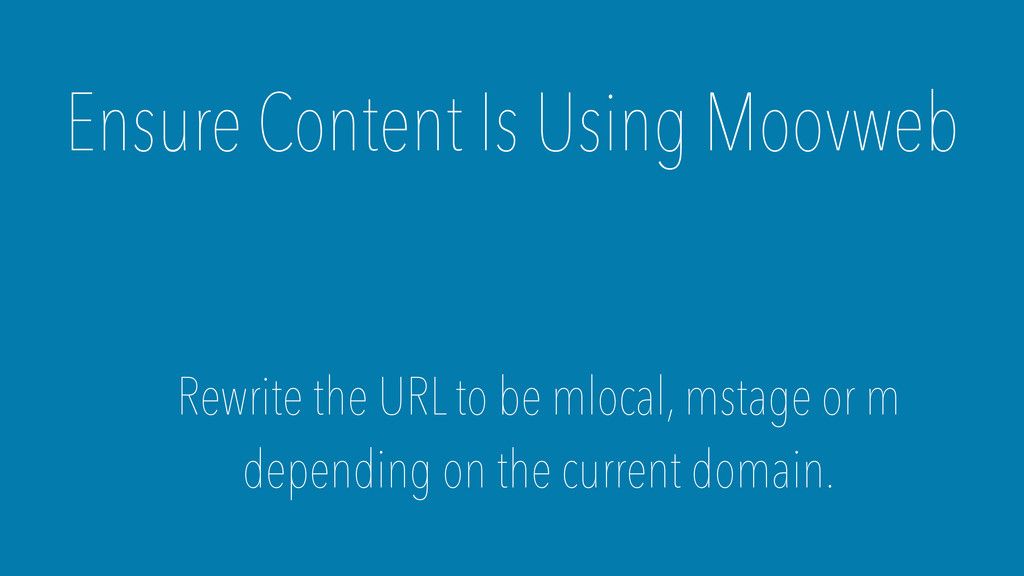
  3. Ensure Content Is Using Moovweb Rewrite the URL to be

    mlocal, mstage or m depending on the current domain.
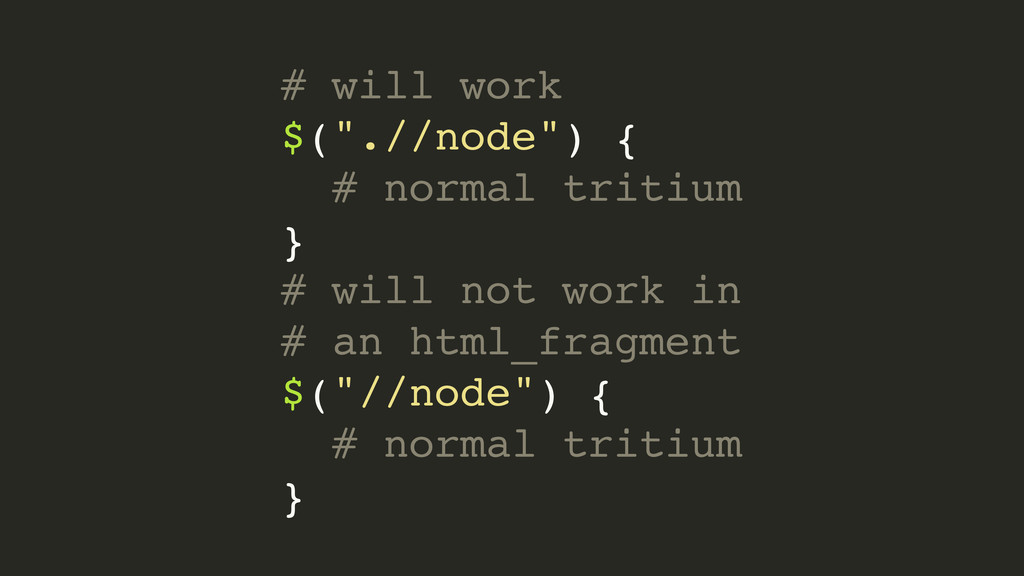
  4. # will work $(".//node") { # normal tritium } #

    will not work in # an html_fragment $("//node") { # normal tritium }
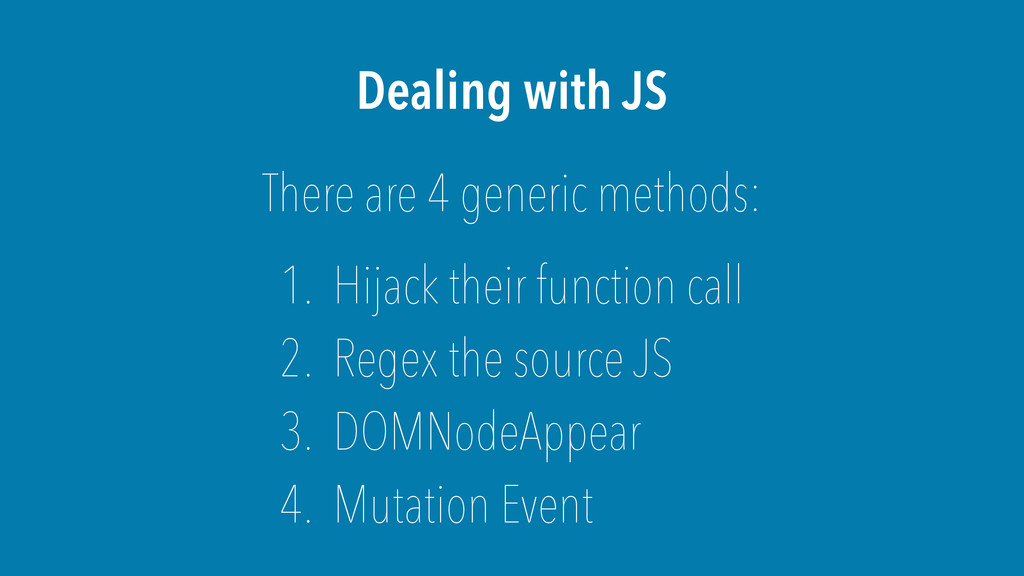
  5. Dealing with JS There are 4 generic methods: 1. Hijack

    their function call 2. Regex the source JS 3. DOMNodeAppear 4. Mutation Event
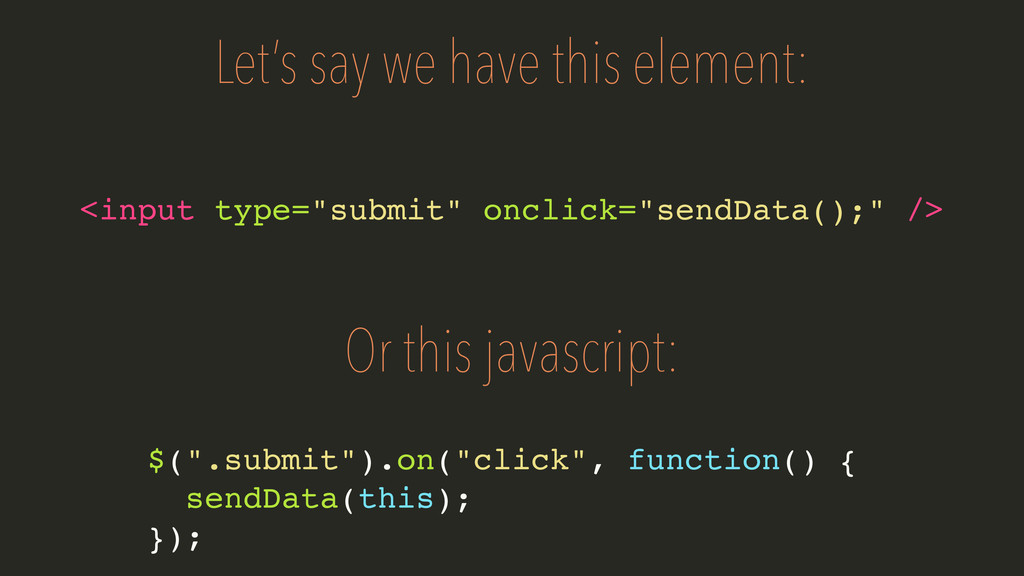
  6. Let’s say we have this element: <input type="submit" onclick="sendData();" />

    Or this javascript: $(".submit").on("click", function() { sendData(this); });
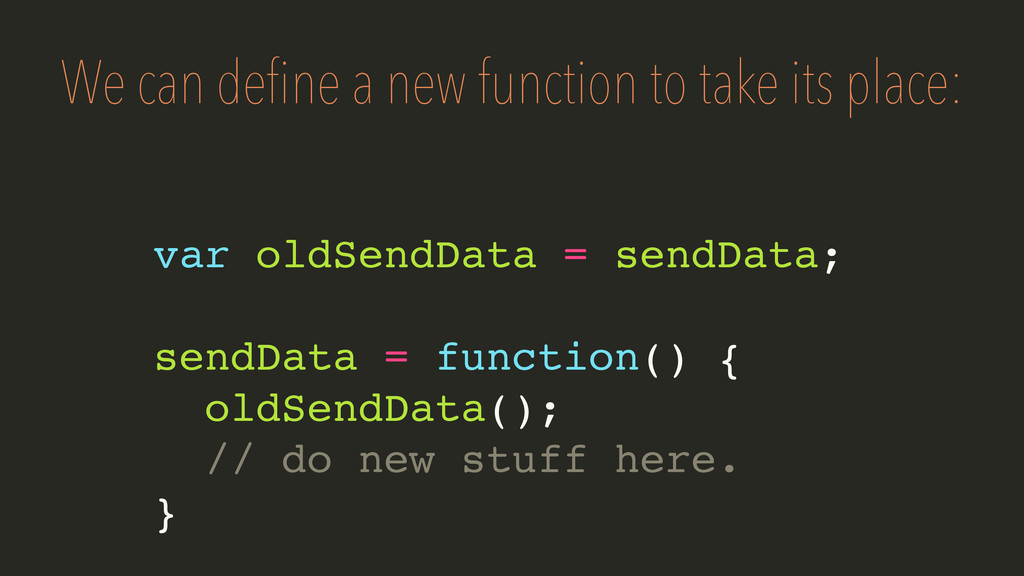
  7. We can define a new function to take its place:

    var oldSendData = sendData; sendData = function() { oldSendData(); // do new stuff here. }
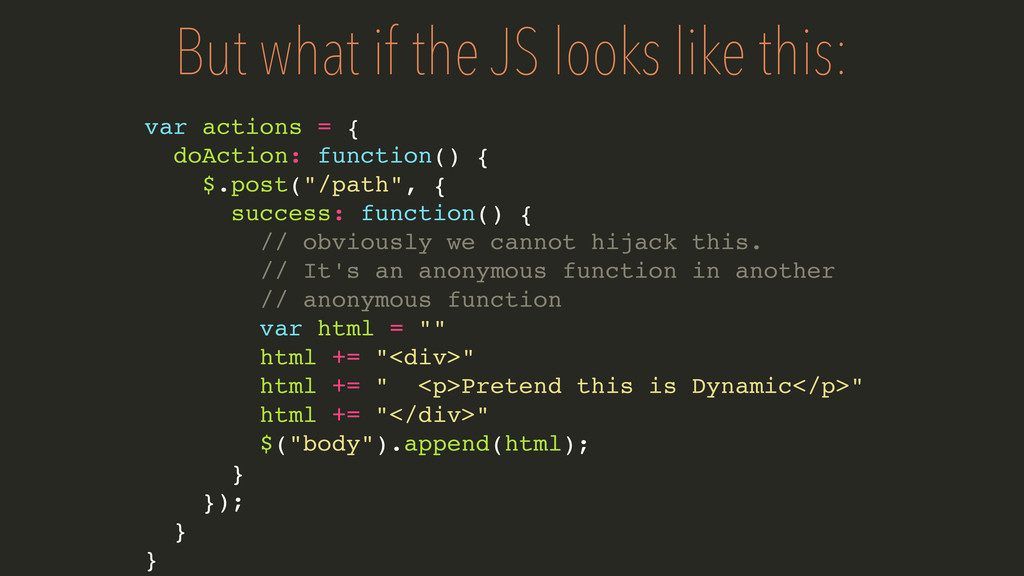
  8. But what if the JS looks like this: var actions

    = { doAction: function() { $.post("/path", { success: function() { // obviously we cannot hijack this. // It's an anonymous function in another // anonymous function var html = "" html += "<div>" html += " <p>Pretend this is Dynamic</p>" html += "</div>" $("body").append(html); } }); } }
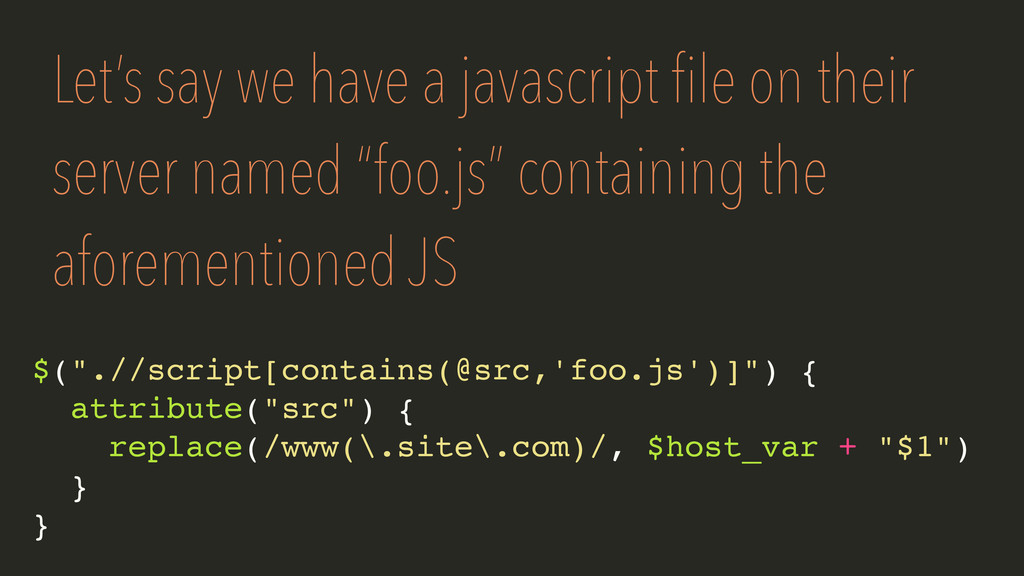
  9. Let’s say we have a javascript file on their server

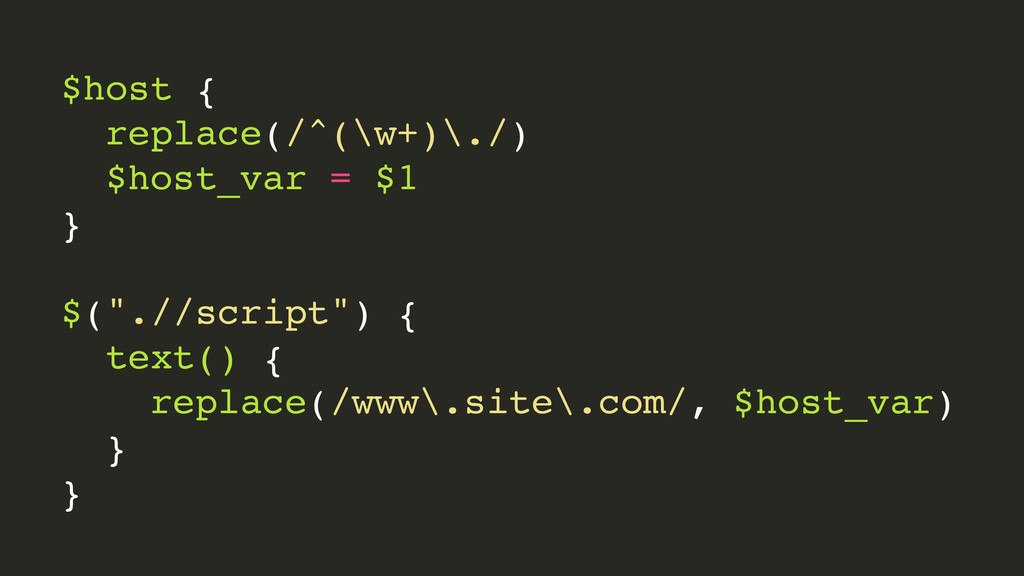
    named “foo.js” containing the aforementioned JS $(".//script[contains(@src,'foo.js')]") { attribute("src") { replace(/www(\.site\.com)/, $host_var + "$1") } }
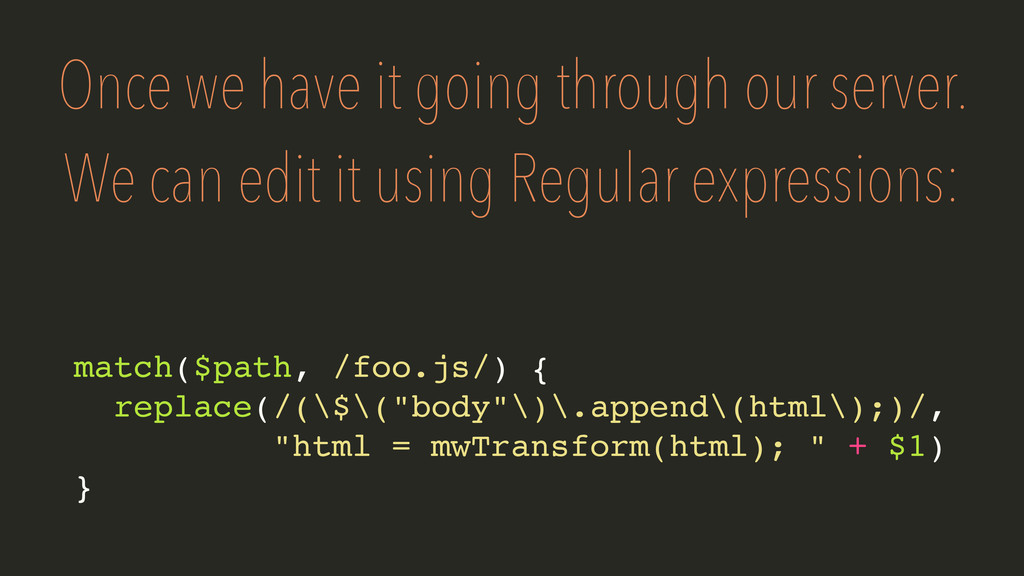
  10. Once we have it going through our server. We can

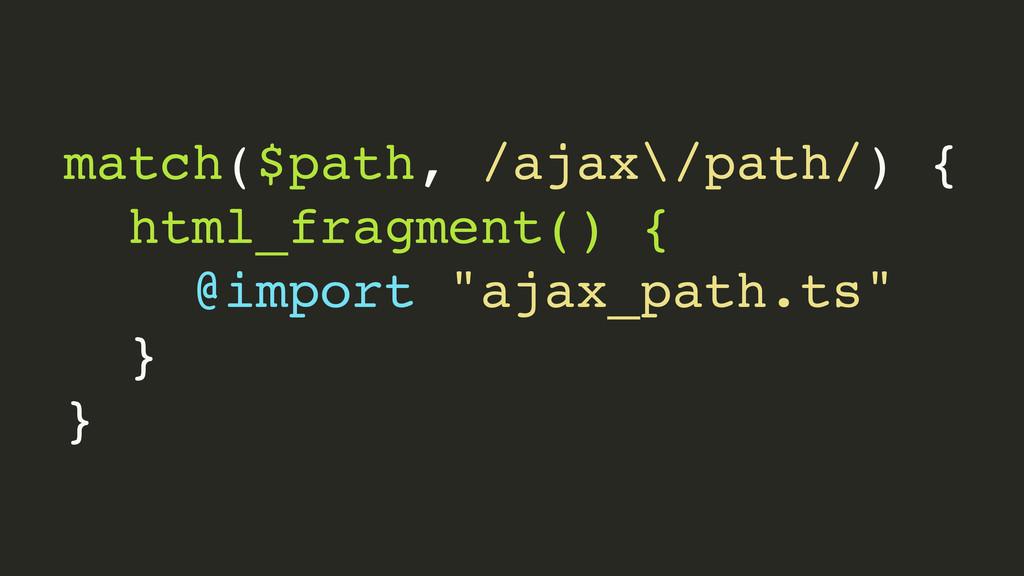
    edit it using Regular expressions: match($path, /foo.js/) { replace(/(\$\("body"\)\.append\(html\);)/, "html = mwTransform(html); " + $1) }
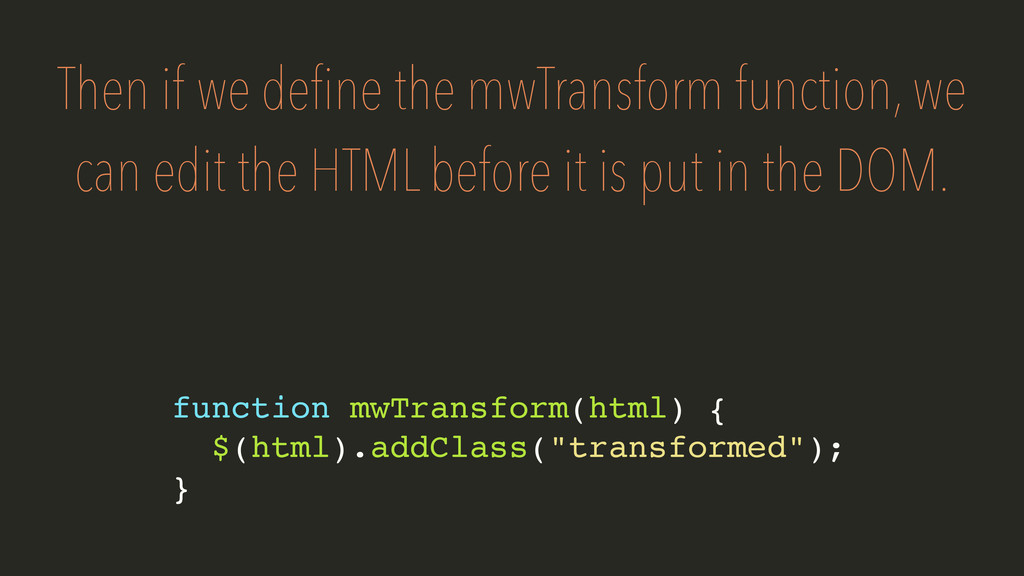
  11. Then if we define the mwTransform function, we can edit

    the HTML before it is put in the DOM. function mwTransform(html) { $(html).addClass("transformed"); }
  12. If you cannot hijack or regex the source for any

    reason, we must resort to “less than ideal” means.
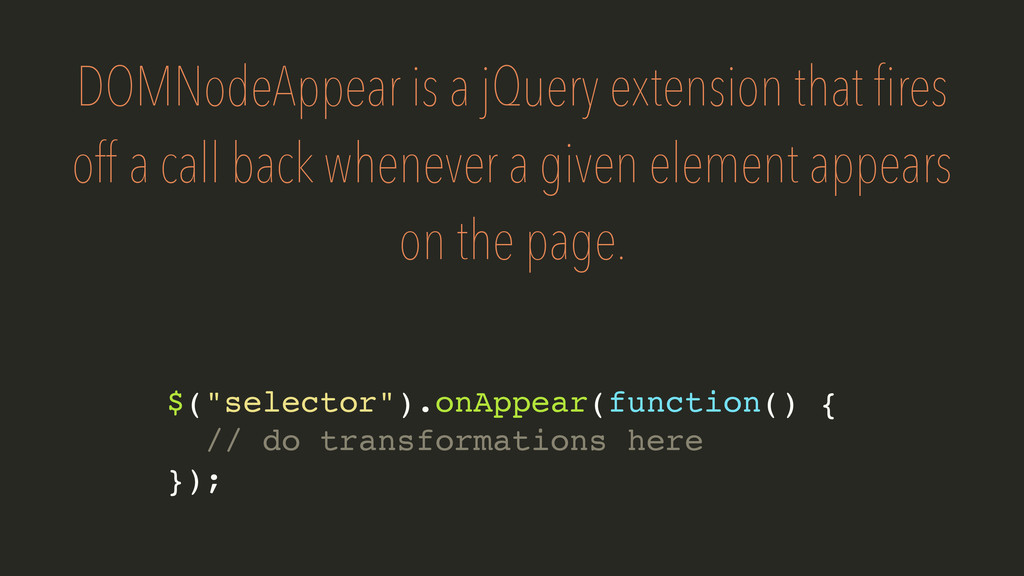
  13. DOMNodeAppear is a jQuery extension that fires off a call

    back whenever a given element appears on the page. $("selector").onAppear(function() { // do transformations here });
  14. It is highly performant and easy to use! Here is

    the documentation for DOMNodeAppear: https://github.com/liamdanger/ jQuery.DOMNodeAppear
  15. The problem with DOMNodeAppear is that it only works if

    you have jQuery and if something is visible on the page
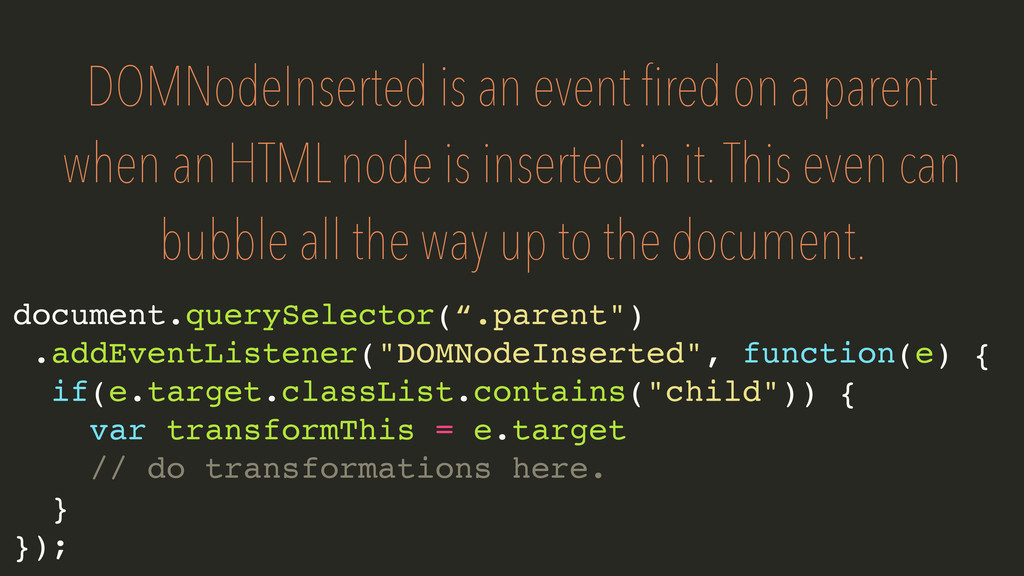
  16. DOMNodeInserted is an event fired on a parent when an

    HTML node is inserted in it. This even can bubble all the way up to the document. document.querySelector(“.parent") .addEventListener("DOMNodeInserted", function(e) { if(e.target.classList.contains("child")) { var transformThis = e.target // do transformations here. } });
  17. The Problem with DOMNodeInserted is that it leads to lots

    of code redundancy and spaghetti code. Not to mention it is significantly less performant than DOMNodeAppear
  18. I hope this has been effective at showing how we

    can handle AJAX on the Moovweb platform.