Upgrade to Pro
— share decks privately, control downloads, hide ads and more …
Speaker Deck
Sign up for free
Menu
Search
Features
All features
Private URLs
Password Protection
Custom URLS
Scheduled publishing
Remove Branding
Restrict embedding
Deck Collections
Notes
Features
All features
Private URLs
Password Protection
Custom URLS
Scheduled publishing
Remove Branding
Restrict embedding
Deck Collections
Notes
Explore
Featured decks
Featured speakers
Programming
Technology
Storyboards
Explore
Featured decks
Featured speakers
Programming
Technology
Storyboards
Pricing
Search
Sign in
Sign up for free
Advanced XPath
Search
benbayard
August 21, 2014
Programming
88
0
Share
Embed
Copy iframe code
Copy JS code
Copy link
Start on current slide
Advanced XPath
benbayard
August 21, 2014
More Decks by benbayard
See All by benbayard
AJAX on Moovweb
benbayard
0
170
How To Train Your Moovweb
benbayard
0
100
Other Decks in Programming
See All in Programming
Herb in Rails 8.2: Your ERB views, now HTML-aware @ Rails World 2026, Austin, Texas
marcoroth
0
220
Starting & Sustaining Code-Based E2E Testing for Non-Coding QA Teams( #jasstniigata )
teyamagu
PRO
1
1k
AIに “答え“を書かせるのを やめてみた
___akari11
0
120
ActionController meets Protocol Buffers
sorah
0
530
Domain-Driven Transformation
hschwentner
2
2.3k
見えないものを探る要求要件定義に必要な基本的思考 / invisible-requirement-thinking
minodriven
15
8.5k
The Rails Doctrine Decade
koic
2
590
パズルゲームの作り方 / how to make puzzle games
kaityo256
PRO
2
290
3回つくってわかった、 定期実行ジョブ基盤の本質情報
takai
0
470
GemmaをJevのように使ってみる / Use Gemma like Jev
kishida
5
790
[ハンズオン]AIへの指示だけで「五目並べ」を作ってみよう
satoshi256kbyte
1
380
[JA] Domain Modeling with Vanilla Rails: 「操作」から再考するRailsの設計論
yasaichi
0
140
Featured
See All Featured
Designing Powerful Visuals for Engaging Learning
tmiket
1
610
How to optimise 3,500 product descriptions for ecommerce in one day using ChatGPT
katarinadahlin
PRO
3
3.9k
Typedesign – Prime Four
hannesfritz
42
3.2k
Building Applications with DynamoDB
mza
96
7.2k
So, you think you're a good person
axbom
PRO
2
2.2k
Navigating the Design Leadership Dip - Product Design Week Design Leaders+ Conference 2024
apolaine
2
480
ReactJS: Keep Simple. Everything can be a component!
pedronauck
666
130k
The browser strikes back
jonoalderson
0
1.8k
Sharpening the Axe: The Primacy of Toolmaking
bcantrill
46
3k
The Impact of AI in SEO - AI Overviews June 2024 Edition
aleyda
6
1.2k
jQuery: Nuts, Bolts and Bling
dougneiner
66
8.6k
Mozcon NYC 2025: Stop Losing SEO Traffic
samtorres
1
580
Transcript
Learning Together Advanced XPath & Tritium
As You Know, XPath lets you treat the DOM as
a TREE
This allows us to move around the tree in a
given context. If we know our current node, we can utilize that to tell use information about parents, siblings, and even children.
The name of the tool to do this are collectively
called XPath Axes
You Use Them Like this: axisname::node[thathas]
Let’s See them in Action!
ancestor::*
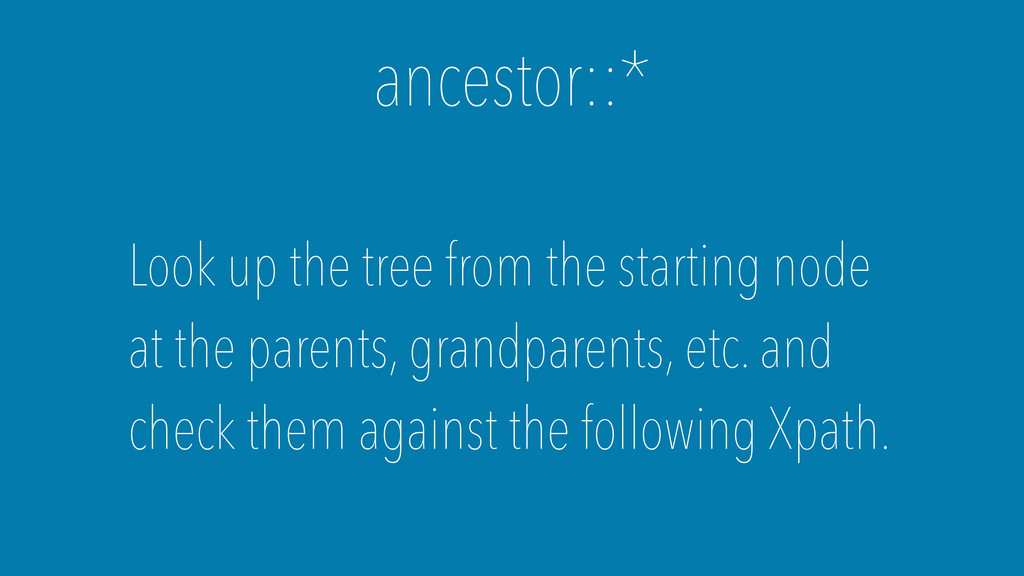
ancestor::* Look up the tree from the starting node at
the parents, grandparents, etc. and check them against the following Xpath.
Example: http://tester.tritium.io/a6ada7f98f283432e0a3dd92b05084967b271272
self::*
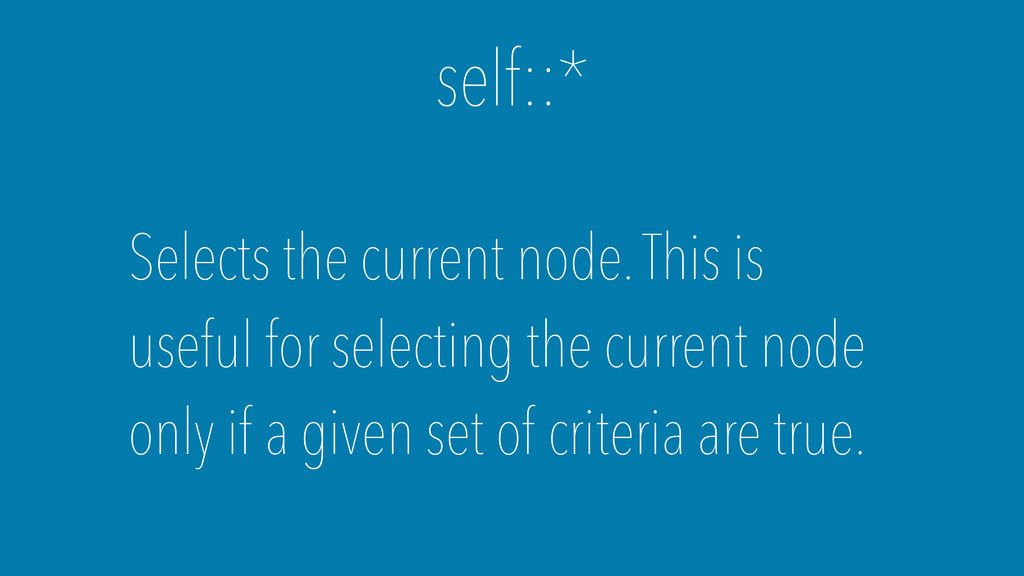
self::* Selects the current node. This is useful for selecting
the current node only if a given set of criteria are true.
Example: http://tester.tritium.io/facd7926fa351eef2453ad7af052c94eb6771d21
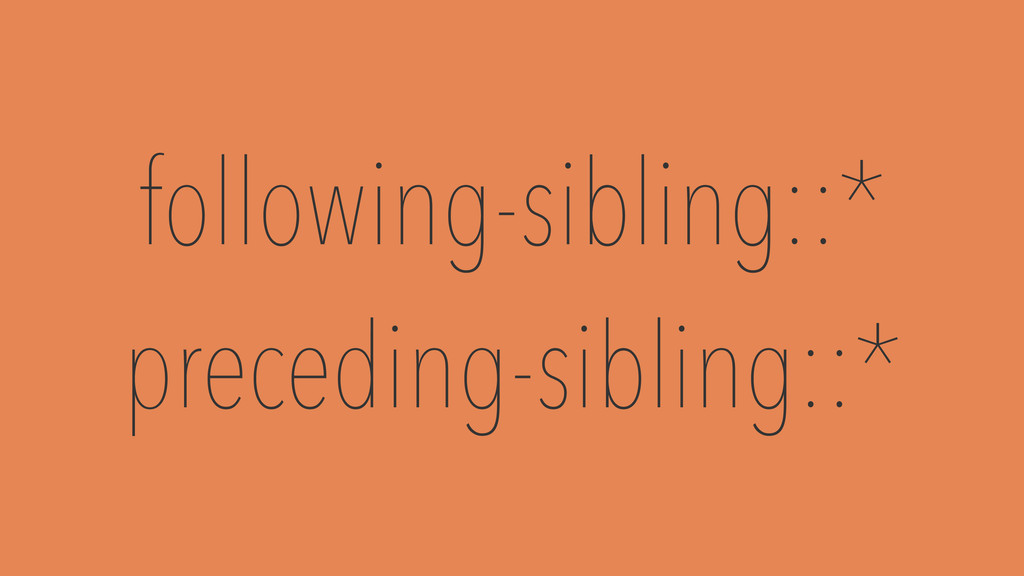
following-sibling::* preceding-sibling::*
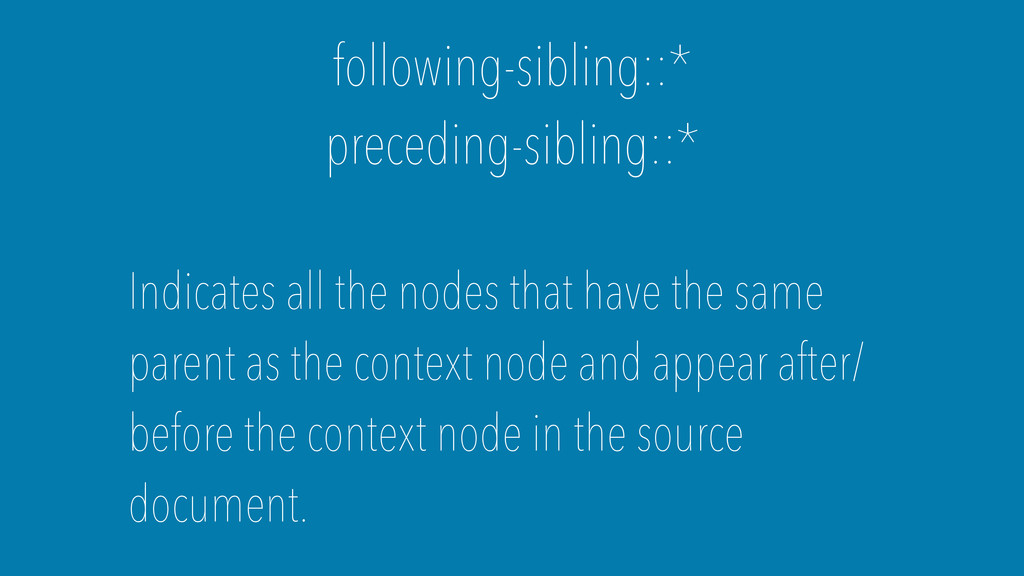
following-sibling::* preceding-sibling::* Indicates all the nodes that have the same
parent as the context node and appear after/ before the context node in the source document.
Example: http://tester.tritium.io/2e5c2cb2207f8f1e46358c441d6fbfa6a8354c8c
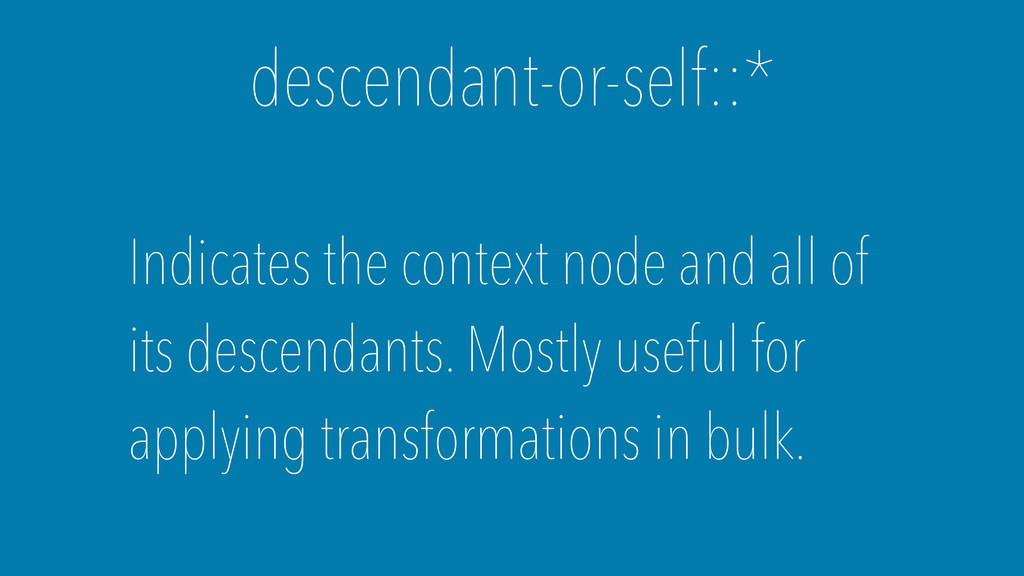
descendant-or-self::*
descendant-or-self::* Indicates the context node and all of its descendants.
Mostly useful for applying transformations in bulk.
Example: http://tester.tritium.io/ac3f5e0b6103ef41d8ba5360c46e101248edb822
Nested Selectors
A nested selector allows you to select a node based
on its children
It looks something like this: ./div[@class='parent' and ./li[@class='other-class']]
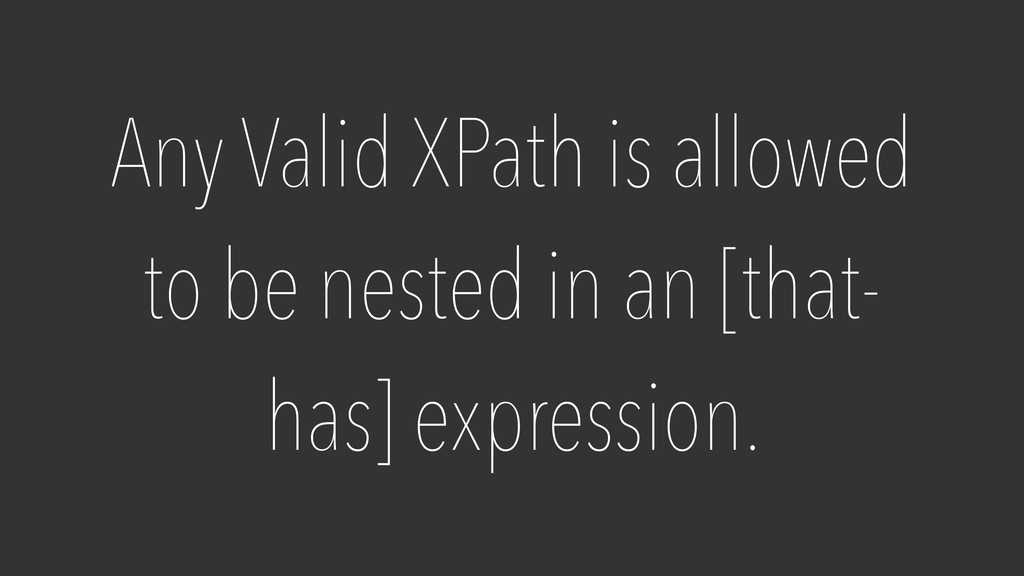
Any Valid XPath is allowed to be nested in an
[that- has] expression.
Try it out: http://tester.tritium.io/26fb89058fbc28cb7ccd91f90aee3ef2e42127dd
XPath functions
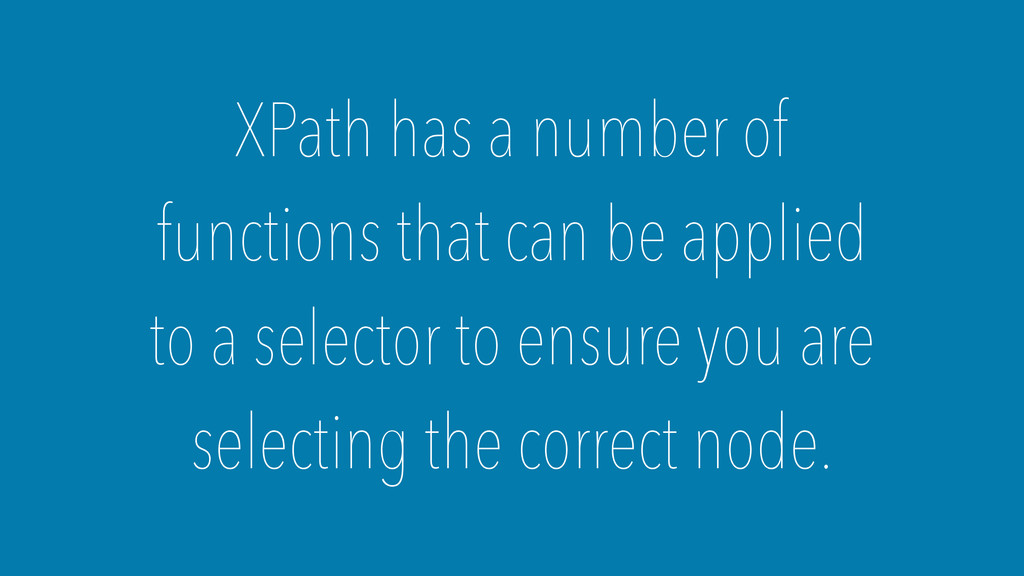
XPath has a number of functions that can be applied
to a selector to ensure you are selecting the correct node.
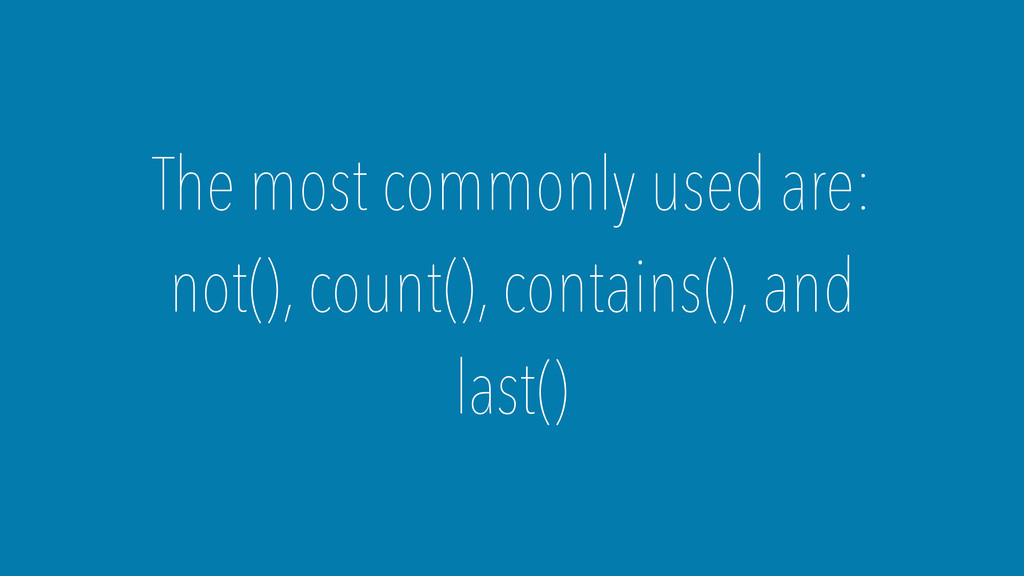
The most commonly used are: not(), count(), contains(), and last()
A function performs an action that can affect a selector.
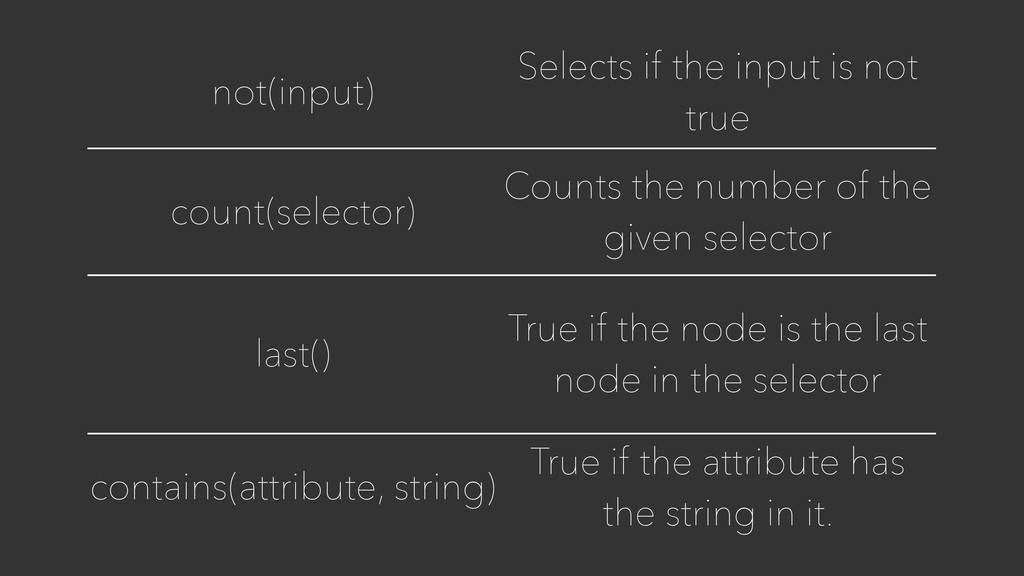
not(input) Selects if the input is not true count(selector) Counts
the number of the given selector last() True if the node is the last node in the selector contains(attribute, string) True if the attribute has the string in it.
Example: http://tester.tritium.io/d105fbd4b87948913cd3853575fa6a6d1cfec9e5
Q & A


 benbayard
 marcoroth
 teyamagu
 ___akari11
 sorah
sorah
 hschwentner
 minodriven
 koic
koic
 kaityo256
 takai
takai
 kishida
 satoshi256kbyte
 yasaichi
 tmiket
 katarinadahlin
 hannesfritz
 mza
mza
 axbom
axbom
 apolaine
 pedronauck
 jonoalderson
 bcantrill
 aleyda
 dougneiner
 samtorres

![You Use Them Like this: axisname::node[thathas]](https://files.speakerdeck.com/presentations/a03a92000b8e013275ac52f74ffd8446/slide_4.jpg)



![It looks something like this: ./div[@class='parent' and ./li[@class='other-class']]](https://files.speakerdeck.com/presentations/a03a92000b8e013275ac52f74ffd8446/slide_20.jpg)