Upgrade to Pro
— share decks privately, control downloads, hide ads and more …
Speaker Deck
Sign up for free
Menu
Search
Features
All features
Private URLs
Password Protection
Custom URLS
Scheduled publishing
Remove Branding
Restrict embedding
Deck Collections
Notes
Features
All features
Private URLs
Password Protection
Custom URLS
Scheduled publishing
Remove Branding
Restrict embedding
Deck Collections
Notes
Explore
Featured decks
Featured speakers
Programming
Technology
Storyboards
Explore
Featured decks
Featured speakers
Programming
Technology
Storyboards
Pricing
Search
Sign in
Sign up for free
How To Train Your Moovweb
Search
benbayard
June 17, 2014
100
0
Share
Embed
Copy iframe code
Copy JS code
Copy link
Start on current slide
How To Train Your Moovweb
benbayard
June 17, 2014
More Decks by benbayard
See All by benbayard
Advanced XPath
benbayard
0
88
AJAX on Moovweb
benbayard
0
170
Featured
See All Featured
The untapped power of vector embeddings
frankvandijk
2
1.9k
Fantastic passwords and where to find them - at NoRuKo
philnash
53
4k
Ethics towards AI in product and experience design
skipperchong
2
430
Done Done
chrislema
187
17k
Everyday Curiosity
cassininazir
0
350
Documentation Writing (for coders)
carmenintech
77
5.6k
The Anti-SEO Checklist Checklist. Pubcon Cyber Week
ryanjones
0
270
ピンチをチャンスに:未来をつくるプロダクトロードマップ #pmconf2020
aki_iinuma
128
56k
The Curious Case for Waylosing
cassininazir
1
570
Building Flexible Design Systems
yeseniaperezcruz
330
41k
Gemini Prompt Engineering: Practical Techniques for Tangible AI Outcomes
mfonobong
2
590
4 Signs Your Business is Dying
shpigford
187
23k
Transcript
Welcome To Moovweb! A Quick Getting Started Guide
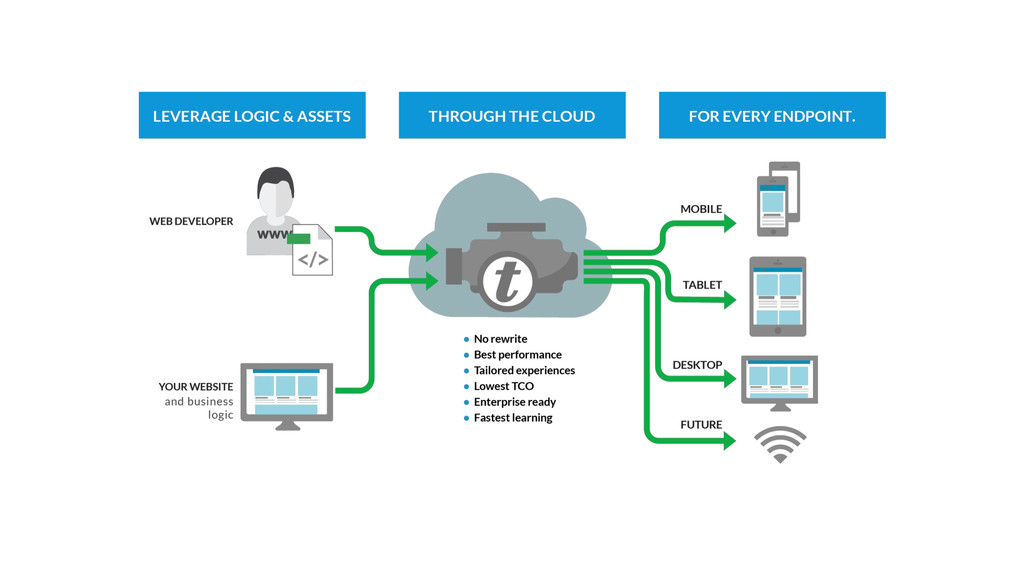
How does Moovweb Work?
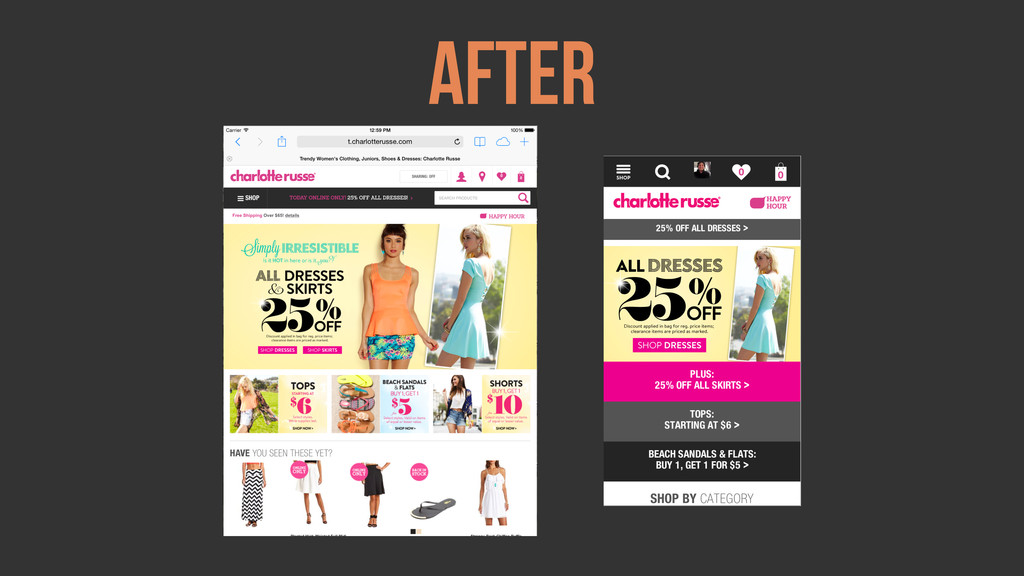
How does Moovweb Work? Moovweb transforms assets from an existing
source into something else. In our case, a mobile site.
None
Before
After
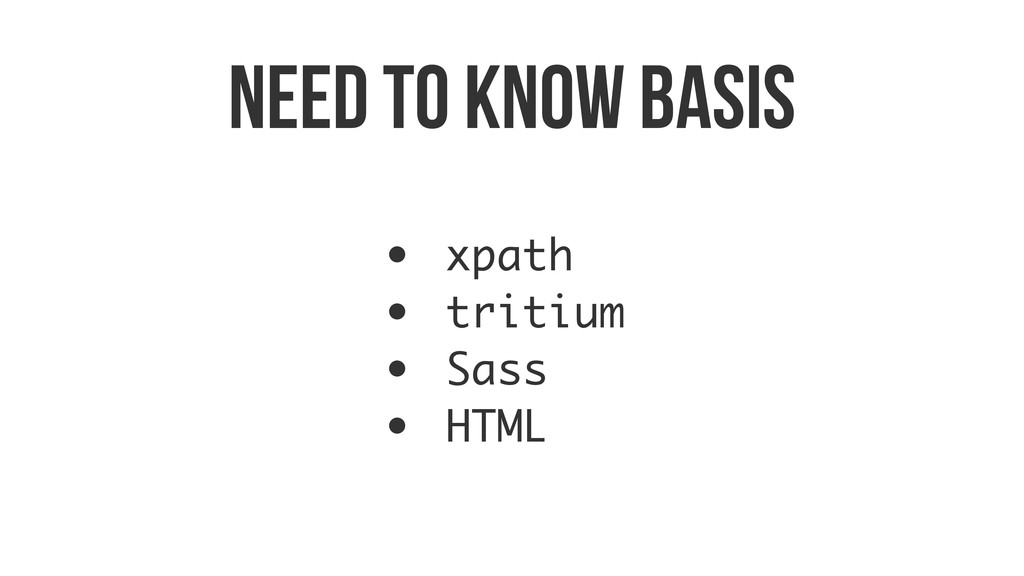
As a developer What do I need to know?
Need to know basis • xpath • tritium • Sass
• HTML
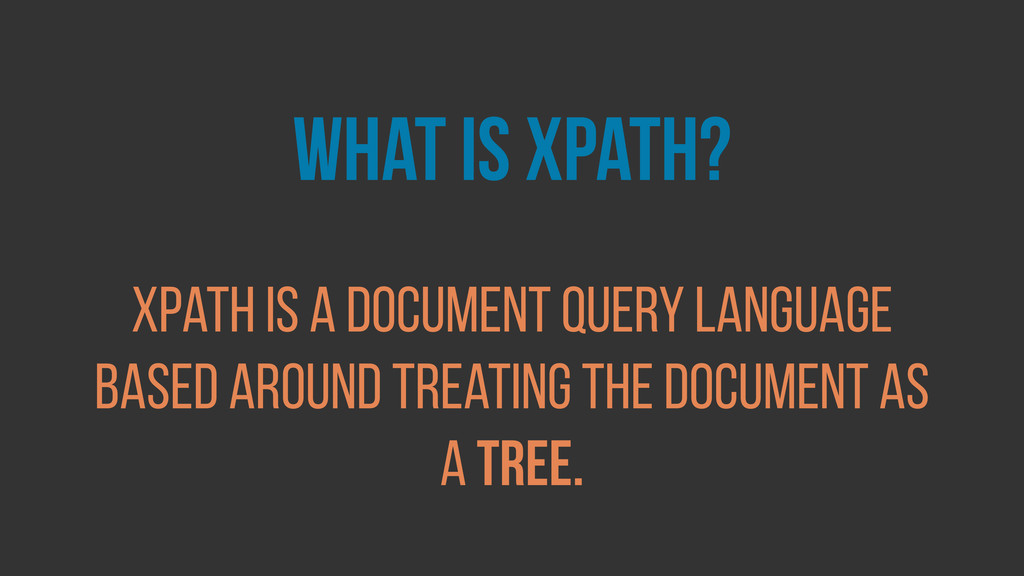
what is xpath? xpath is a document query language based
around Treating the document as a tree.
//node[@class=‘header’] This is xpath:
//node[@class=‘header’] This is xpath: { Select all Child Elements
//node[@class=‘header’] This is xpath: { That are of type “node”
//node[@class=‘header’] This is xpath: { And whose class is equal
to ‘header’
//node[@class=‘header’] Select all nodes that have a class attribute equal
to header Simply Put:
//element[specification] Select all elements that have these specifications Simply Put:
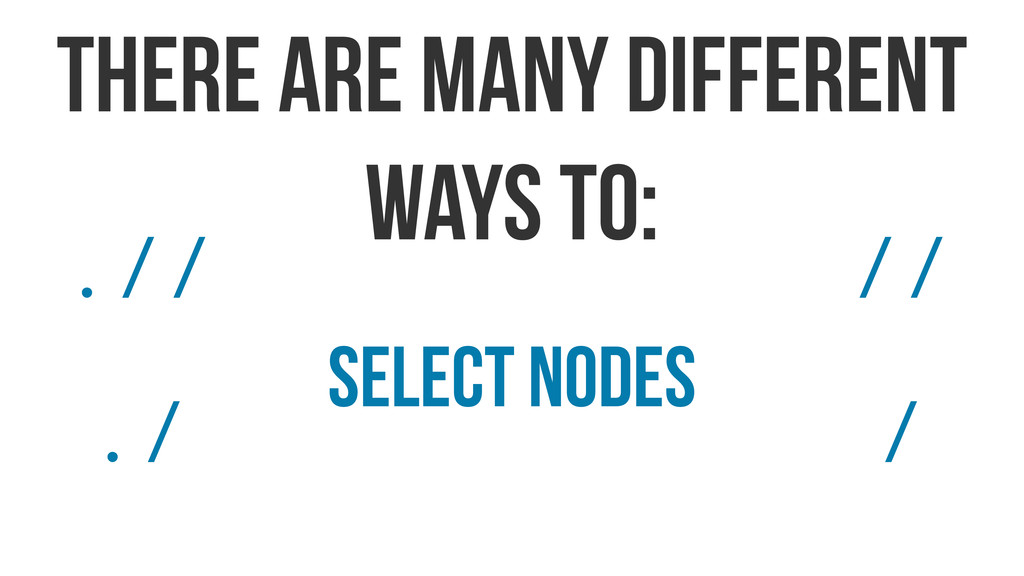
select nodes there are many different ways to: ./ .//
// /
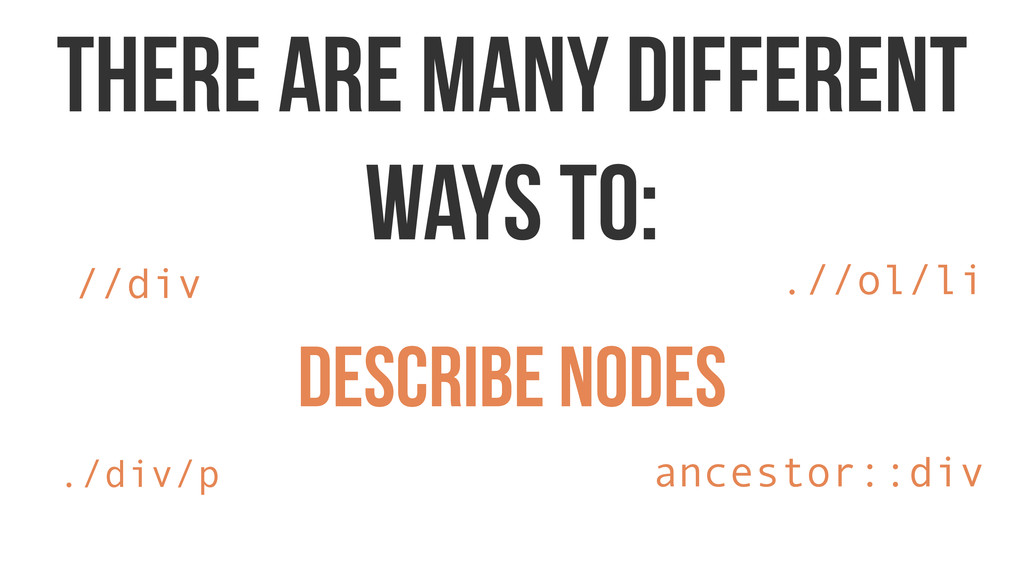
describe nodes there are many different ways to: //div ./div/p
.//ol/li ancestor::div
refine nodes there are many different ways to: div[contains(@class, ’class’)]
nav[@style and ./p]
But for now, let’s look at how we use xpath
in tritium
Tritium takes as input HTML documents and outputs HTML that
has been transformed according the rules defined in the Tritium script.
Like jQuery, idiomatic Tritium code is structured around selecting a
collection of elements via a CSS or XPath selector and then chaining a series of operations on them.
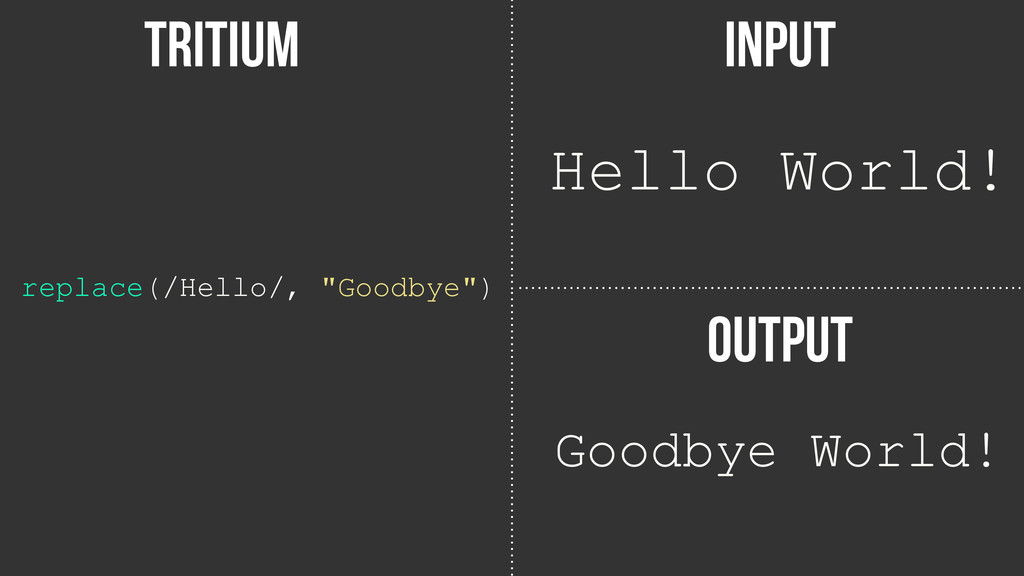
input tritium OutpuT Hello World! replace(/Hello/, "Goodbye") Goodbye World!
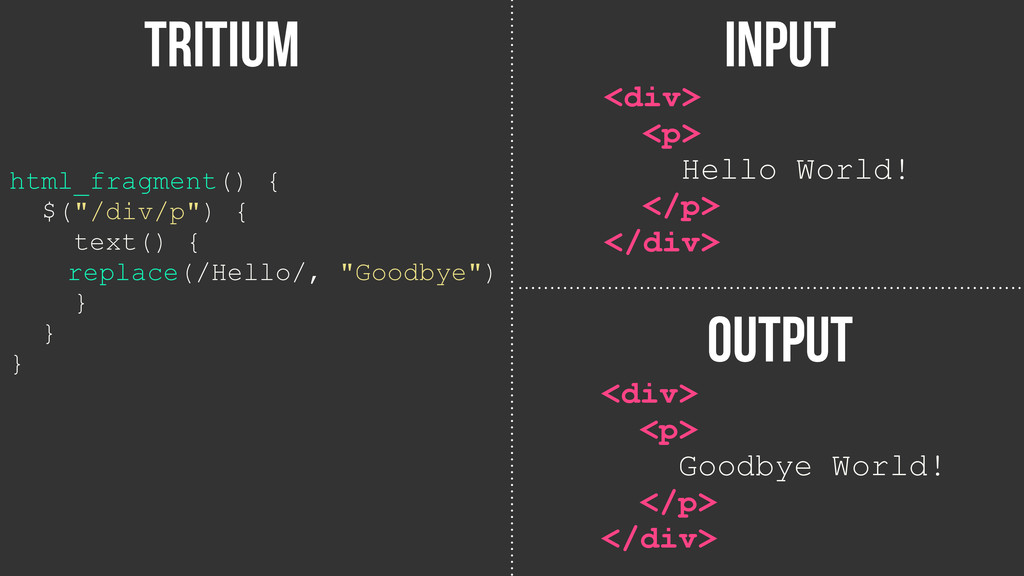
input tritium OutpuT html_fragment() { $("/div/p") { text() { replace(/Hello/,
"Goodbye") } } } <div> <p> Hello World! </p> </div> <div> <p> Goodbye World! </p> </div>
Let’s tie it all together!
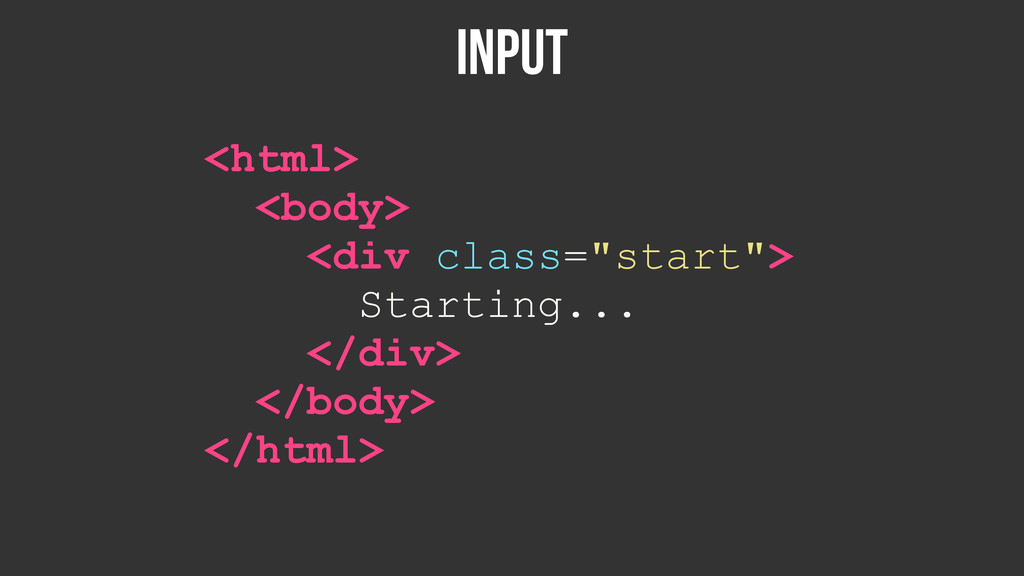
INPUT <html> <body> <div class="start"> Starting... </div> </body> </html>
tritium html() { $(".//div[@class='start']") { add_class("selected-with-xpath") insert("p", "...Middle...") wrap_text_children("p") }
$$(".start") { add_class("selected-with-css") insert("p", "...Ending") } }
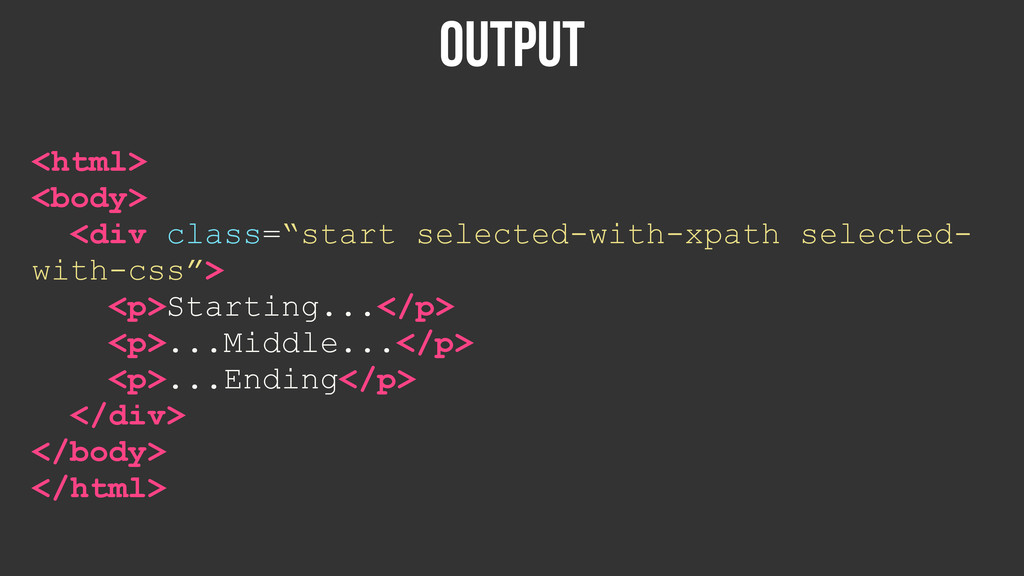
Output <html> <body> <div class=“start selected-with-xpath selected- with-css”> <p>Starting...</p> <p>...Middle...</p>
<p>...Ending</p> </div> </body> </html>
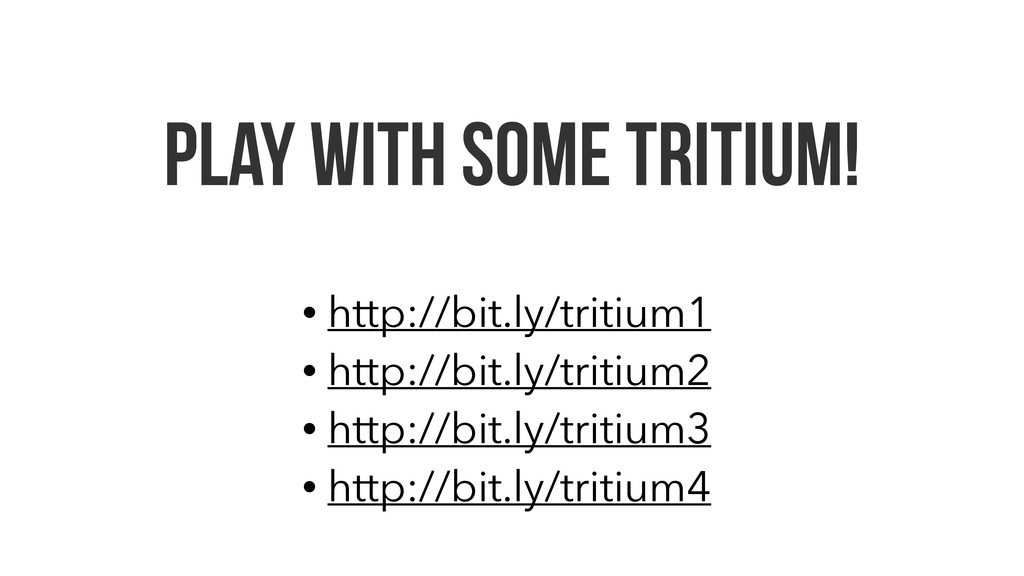
Play with some tritium! • http://bit.ly/tritium1 • http://bit.ly/tritium2 • http://bit.ly/tritium3
• http://bit.ly/tritium4
Coding Standards: Opening scopes
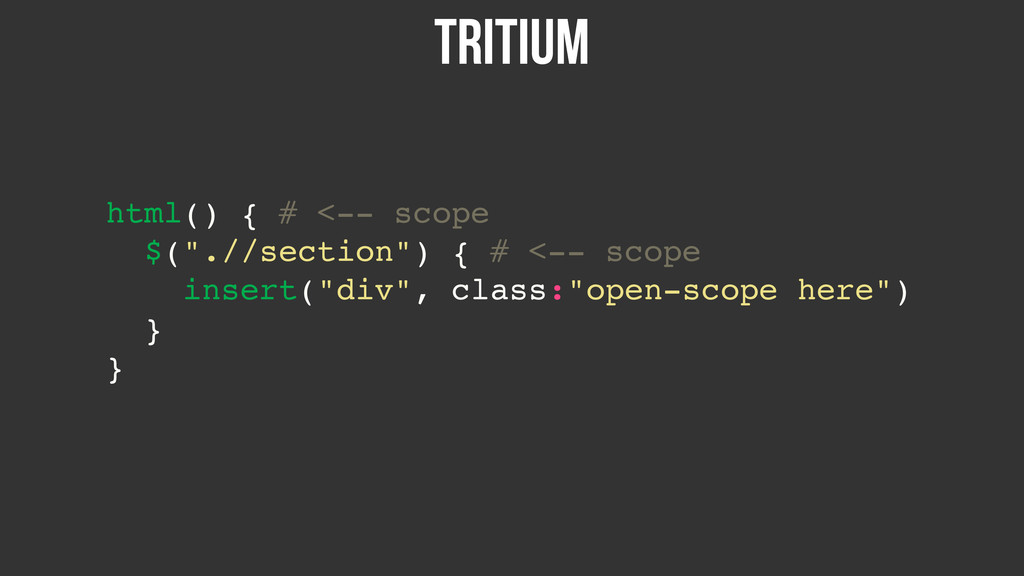
In tritium most standard functions allow you to open a
scope. The context of this scope is related to whichever element the function decides to return
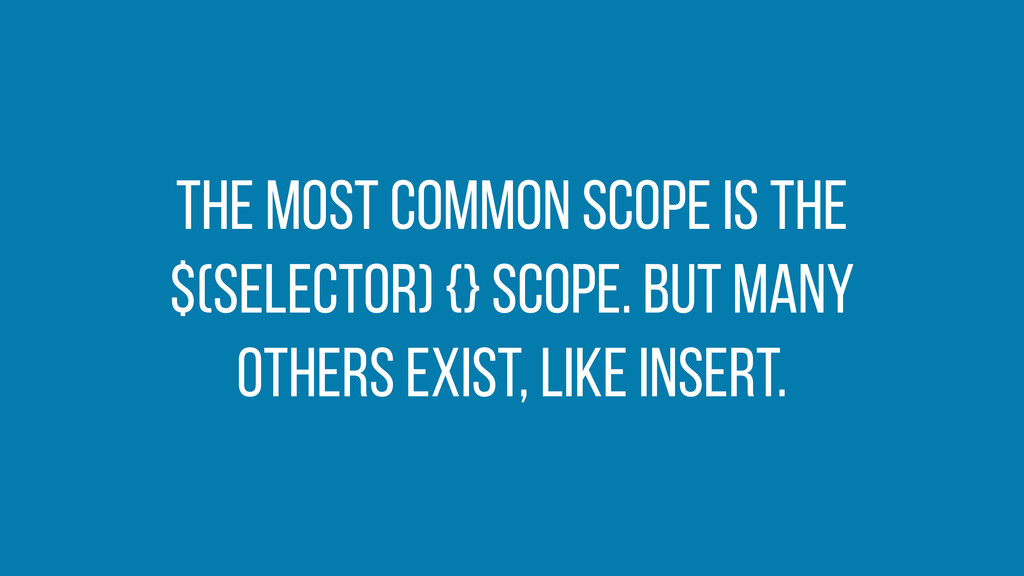
The most common scope is the $(selector) {} scope. But
many others exist, like insert.
tritium html() { # <-- scope $(".//section") { # <--
scope insert("div", class:"open-scope here") } }
Bad tritium html() { $(".//section") { insert("div", class:"open-scope") $(“./div[@class=‘open-scope’]”) {
move_here("//div[@class='other-div']") } } }
Bad tritium html() { $(".//section") { insert("div", class:"open-scope") $(“./div[@class=‘open-scope’]”) {
move_here("//div[@class='other-div']") } } }
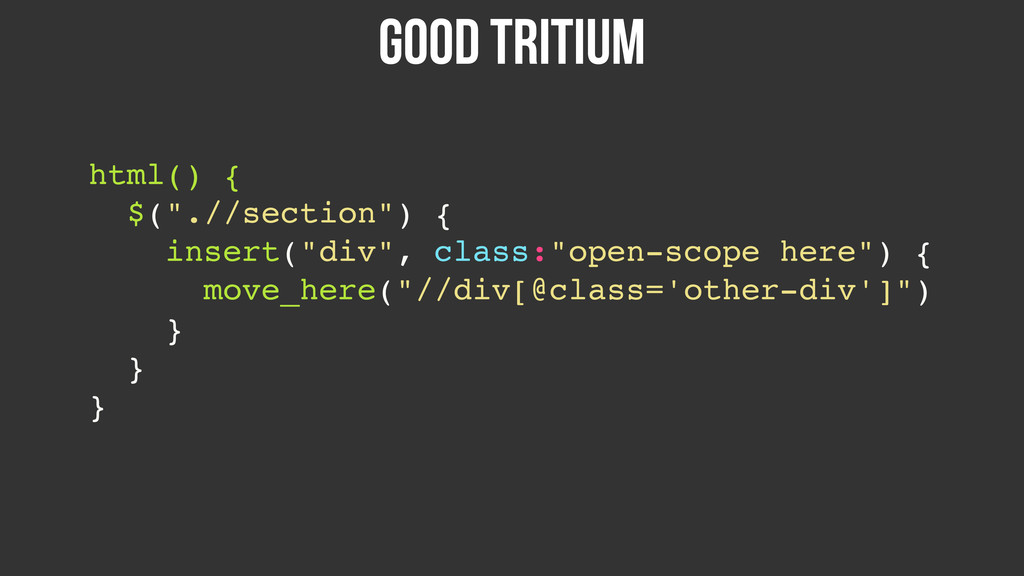
good tritium html() { $(".//section") { insert("div", class:"open-scope here") {
move_here("//div[@class='other-div']") } } }
Coding Standards: Functions
If you notice yourself copy- pasting code or doing the
same actions all the time, try reusing that functionality in a function!
Bad tritium html() { $(".//div[contains(@class,'thing')]") { add_class("thing-again") $("./ul") { add_class("thing-double")
$("./li") { add_class("last-thing") } } } }
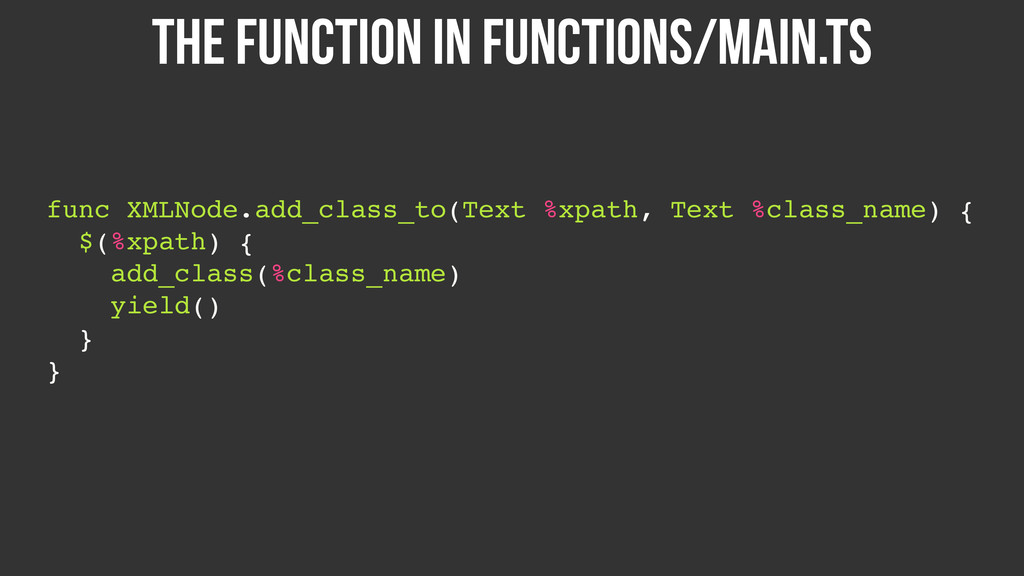
The function in functions/main.ts func XMLNode.add_class_to(Text %xpath, Text %class_name) {
$(%xpath) { add_class(%class_name) yield() } }
good tritium html() { add_class_to(“.//div[@class='thing']", "thing-again") { add_class_to("./ul", "thing-double") {
add_class_to("./li", "last-thing") } } }


 benbayard
 frankvandijk
 philnash
 skipperchong
 chrislema
 cassininazir
 carmenintech
 ryanjones
 aki_iinuma
 yeseniaperezcruz
 mfonobong
 shpigford





![//node[@class=‘header’] This is xpath:](https://files.speakerdeck.com/presentations/979d34a0d7e60131c71c7688a83edbce/slide_9.jpg)
![//node[@class=‘header’] This is xpath: { Select all Child Elements](https://files.speakerdeck.com/presentations/979d34a0d7e60131c71c7688a83edbce/slide_10.jpg)
![//node[@class=‘header’] This is xpath: { That are of type “node”](https://files.speakerdeck.com/presentations/979d34a0d7e60131c71c7688a83edbce/slide_11.jpg)
![//node[@class=‘header’] This is xpath: { And whose class is equal](https://files.speakerdeck.com/presentations/979d34a0d7e60131c71c7688a83edbce/slide_12.jpg)
![//node[@class=‘header’] Select all nodes that have a class attribute equal](https://files.speakerdeck.com/presentations/979d34a0d7e60131c71c7688a83edbce/slide_13.jpg)
![//element[specification] Select all elements that have these specifications Simply Put:](https://files.speakerdeck.com/presentations/979d34a0d7e60131c71c7688a83edbce/slide_14.jpg)
![refine nodes there are many different ways to: div[contains(@class, ’class’)]](https://files.speakerdeck.com/presentations/979d34a0d7e60131c71c7688a83edbce/slide_17.jpg)

![tritium html() { $(".//div[@class='start']") { add_class("selected-with-xpath") insert("p", "...Middle...") wrap_text_children("p") }](https://files.speakerdeck.com/presentations/979d34a0d7e60131c71c7688a83edbce/slide_25.jpg)
![Bad tritium html() { $(".//section") { insert("div", class:"open-scope") $(“./div[@class=‘open-scope’]”) {](https://files.speakerdeck.com/presentations/979d34a0d7e60131c71c7688a83edbce/slide_32.jpg)
![Bad tritium html() { $(".//section") { insert("div", class:"open-scope") $(“./div[@class=‘open-scope’]”) {](https://files.speakerdeck.com/presentations/979d34a0d7e60131c71c7688a83edbce/slide_33.jpg)

![Bad tritium html() { $(".//div[contains(@class,'thing')]") { add_class("thing-again") $("./ul") { add_class("thing-double")](https://files.speakerdeck.com/presentations/979d34a0d7e60131c71c7688a83edbce/slide_37.jpg)
![good tritium html() { add_class_to(“.//div[@class='thing']", "thing-again") { add_class_to("./ul", "thing-double") {](https://files.speakerdeck.com/presentations/979d34a0d7e60131c71c7688a83edbce/slide_39.jpg)