Upgrade to Pro
— share decks privately, control downloads, hide ads and more …
Speaker Deck
Sign up for free
Menu
Search
Features
All features
Private URLs
Password Protection
Custom URLS
Scheduled publishing
Remove Branding
Restrict embedding
Deck Collections
Notes
Features
All features
Private URLs
Password Protection
Custom URLS
Scheduled publishing
Remove Branding
Restrict embedding
Deck Collections
Notes
Explore
Featured decks
Featured speakers
Programming
Technology
Storyboards
Explore
Featured decks
Featured speakers
Programming
Technology
Storyboards
Pricing
Search
Sign in
Sign up for free
Deploying Django
Search
Brian Riley
February 22, 2012
860
12
Share
Embed
Copy iframe code
Copy JS code
Copy link
Start on current slide
Deploying Django
Presenting my setup at LA Django Meetup Feb. 21, 2012.
Brian Riley
February 22, 2012
More Decks by Brian Riley
See All by Brian Riley
Python for the Ruby Programmer
brianriley
0
240
Debugging your gunicorns
brianriley
2
170
Featured
See All Featured
The Hidden Cost of Media on the Web [PixelPalooza 2025]
tammyeverts
2
530
DBのスキルで生き残る技術 - AI時代におけるテーブル設計の勘所
soudai
PRO
68
59k
sira's awesome portfolio website redesign presentation
elsirapls
0
460
Practical Orchestrator
shlominoach
192
12k
Building Experiences: Design Systems, User Experience, and Full Site Editing
marktimemedia
1
640
Faster Mobile Websites
deanohume
310
32k
[RailsConf 2023 Opening Keynote] The Magic of Rails
eileencodes
31
10k
Navigating Team Friction
lara
192
16k
Public Speaking Without Barfing On Your Shoes - THAT 2023
reverentgeek
1
610
<Decoding/> the Language of Devs - We Love SEO 2024
nikkihalliwell
1
360
SERP Conf. Vienna - Web Accessibility: Optimizing for Inclusivity and SEO
sarafernandez
2
1.6k
SEO in 2025: How to Prepare for the Future of Search
ipullrank
3
3.9k
Transcript
DEPLOYING DJANGO Brian Riley @btriley
DEPLOYING DJANGO or, you could just use Heroku Brian Riley
@btriley
WHO AM I? • been working with Django since 2006
• put Django into production many times, using just about every setup • work at EdgeCast
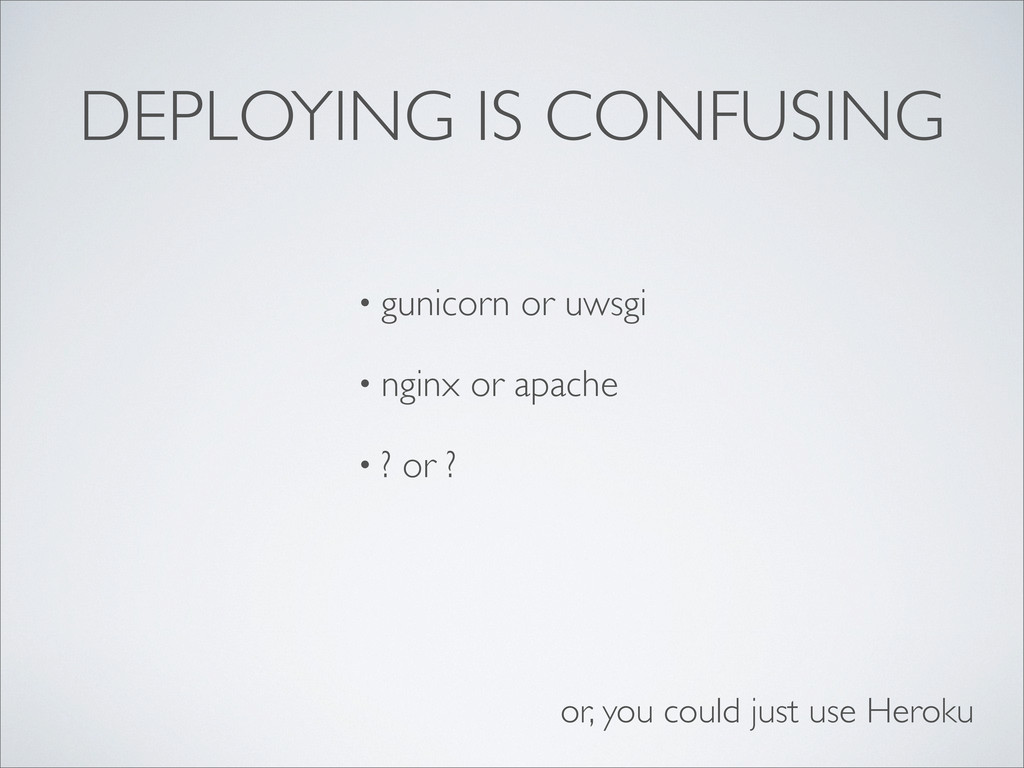
DEPLOYING IS CONFUSING • gunicorn or uwsgi • nginx or
apache • ? or ? or, you could just use Heroku
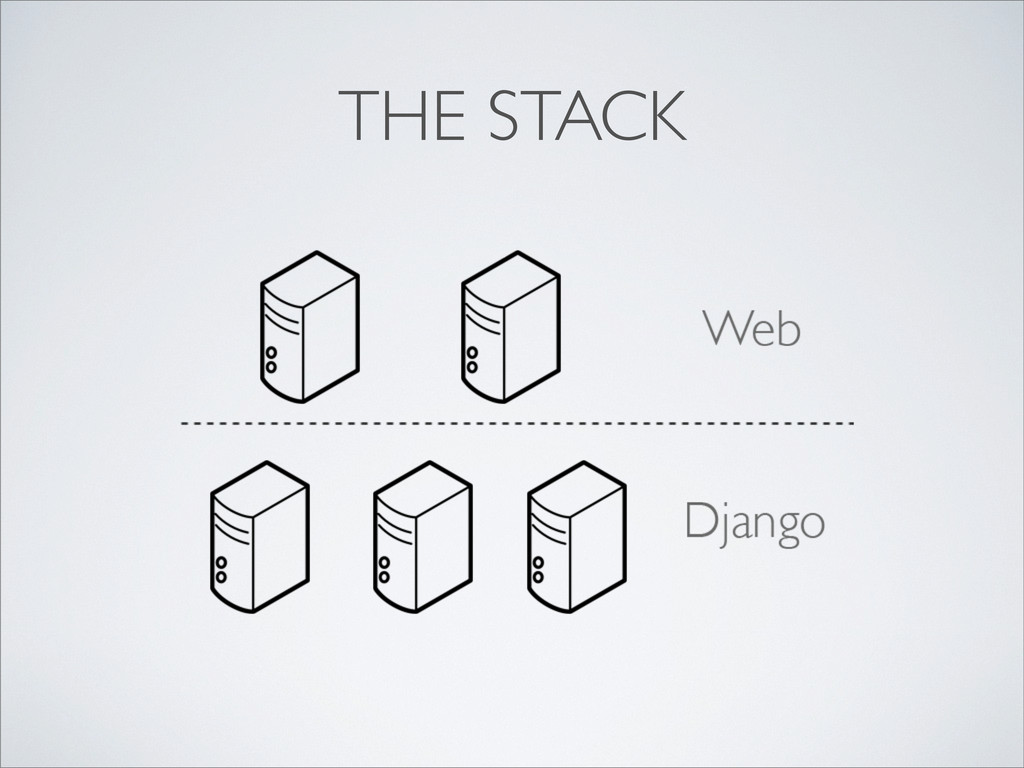
THE STACK
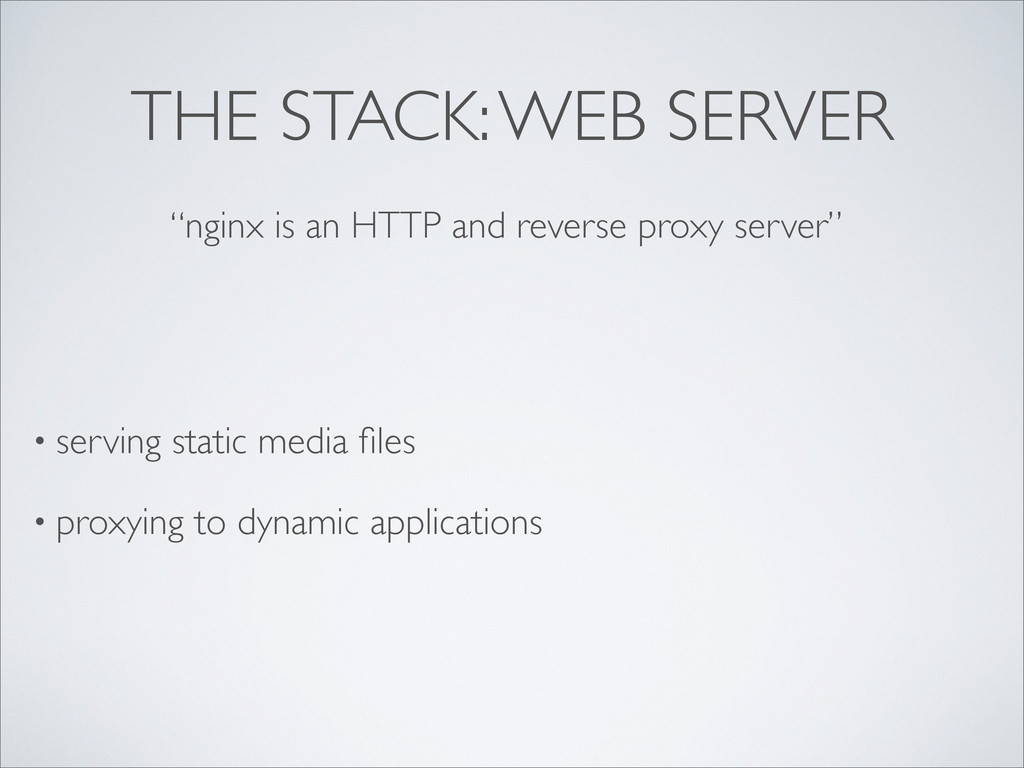
THE STACK: WEB SERVER • serving static media files •
proxying to dynamic applications “nginx is an HTTP and reverse proxy server”
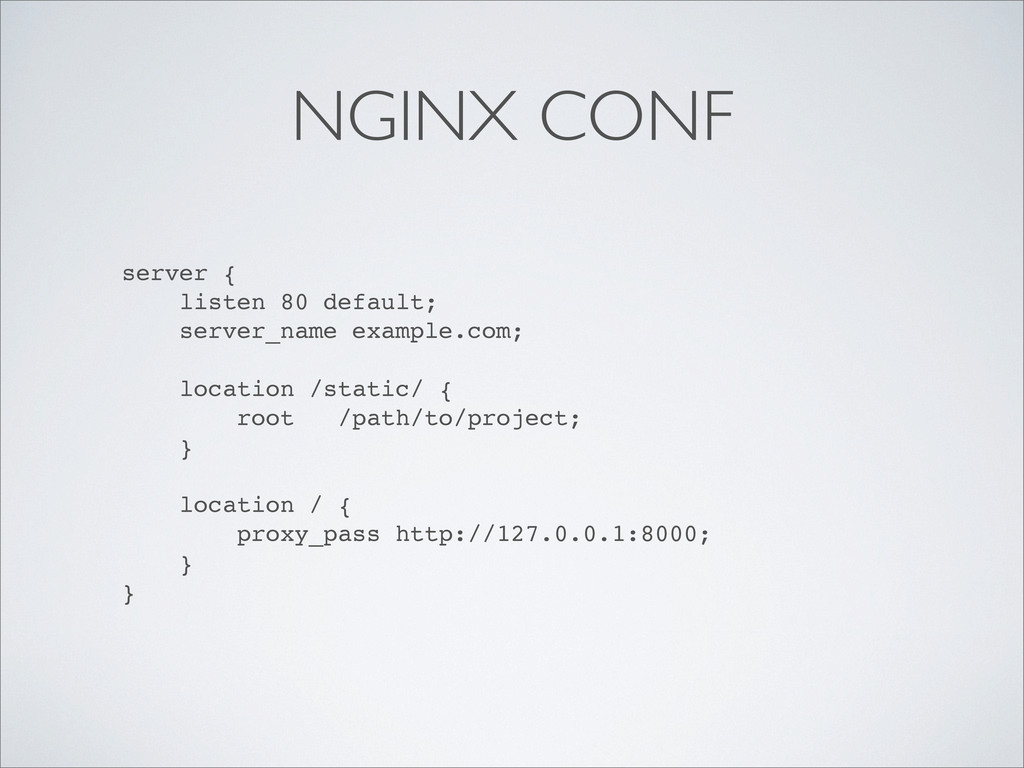
NGINX CONF server { listen 80 default; server_name example.com; location
/static/ { root /path/to/project; } location / { proxy_pass http://127.0.0.1:8000; } }
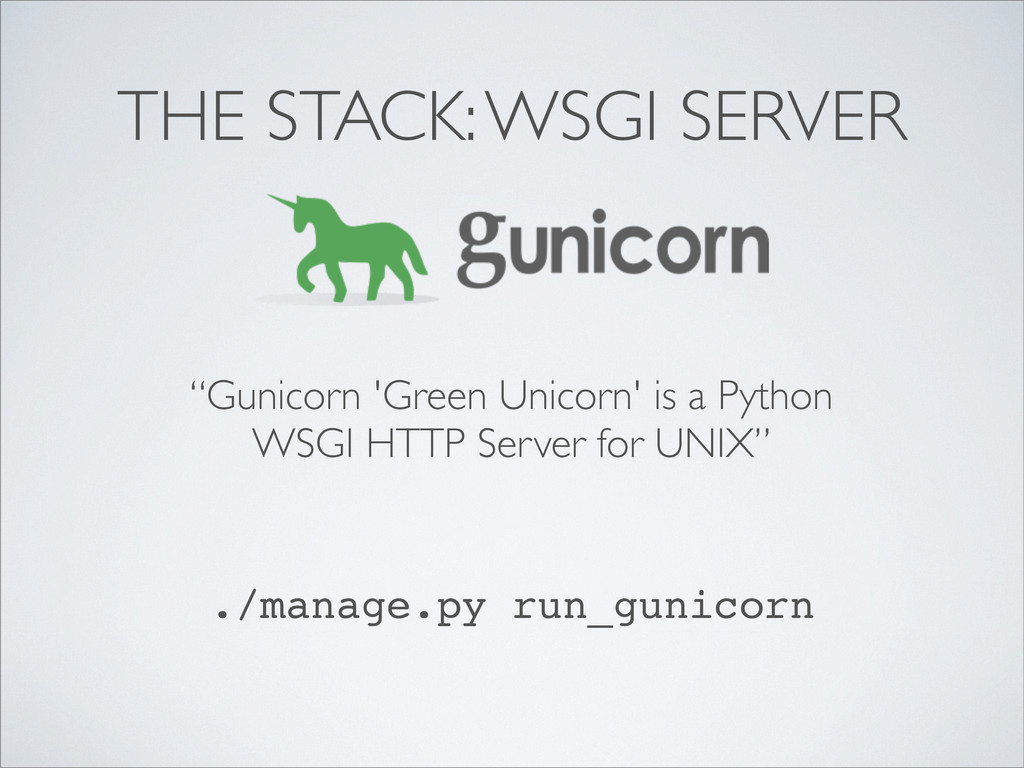
THE STACK: WSGI SERVER “Gunicorn 'Green Unicorn' is a Python
WSGI HTTP Server for UNIX” ./manage.py run_gunicorn
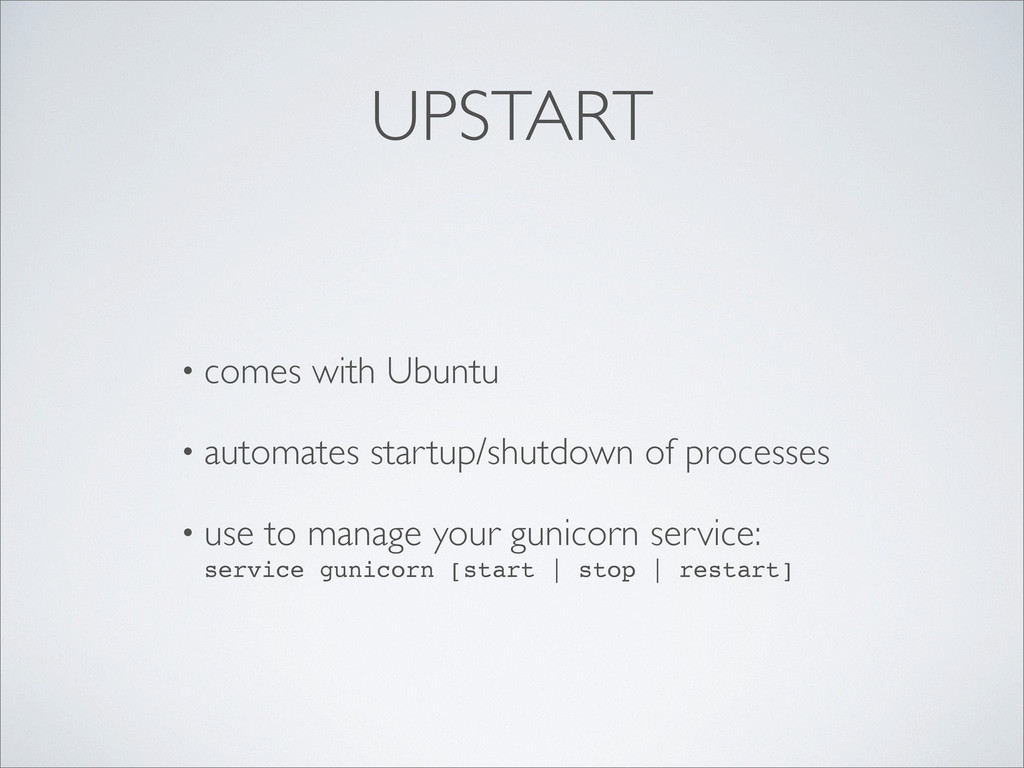
UPSTART • comes with Ubuntu • automates startup/shutdown of processes
• use to manage your gunicorn service: service gunicorn [start | stop | restart]
description "Gunicorn for my Django application" start on runlevel [2345]
stop on runlevel [!2345] #Send KILL after 5 seconds kill timeout 5 respawn env PROJECT_ROOT="/opt/my_django_app" script exec python $PROJECT_ROOT/portal/manage.py run_gunicorn -- settings=settings.production --preload -w 16 --log-level debug --log- file /var/log/my_django_app/gunicorn.log -p /var/run/gunicorn.pid end script /etc/init/gunicorn.conf
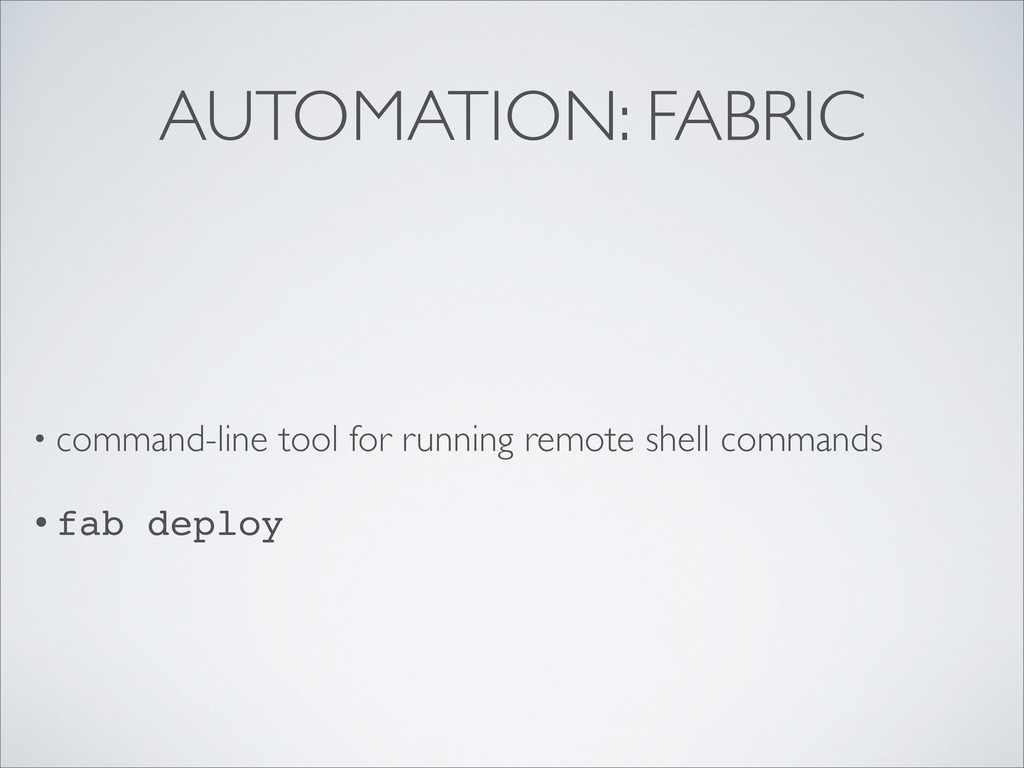
AUTOMATION: FABRIC • command-line tool for running remote shell commands
• fab deploy
QUESTIONS? @btriley yes, you could just use Heroku


 brianriley
 tammyeverts
 soudai
 elsirapls
 shlominoach
 marktimemedia
 deanohume
 eileencodes
 lara
lara
 reverentgeek
 nikkihalliwell
 sarafernandez
 ipullrank

![description "Gunicorn for my Django application" start on runlevel [2345]](https://files.speakerdeck.com/presentations/4f453505f91a24002200024d/slide_9.jpg)