$30 off During Our Annual Pro Sale. View Details »

Java Performance on Kubernetes

Java Performance on Kubernetes

Many organisations are migrating their existing Java applications or developing new ones with Kubernetes as the target platform. However, sooner or later they find out there is a lot of fine tuning on production.

Many teams are confronted with some issues that keep their Java applications from running smoothly on Kubernetes like high memory consumption, high latency and slow startup times. In this session I would like to talk about some of these issues and how to tackle them based on real project experience.

Furthermore I would like to talk about the advantages of choosing Java Frameworks that are better suited for the cloud. I will show you a small demo to highlight the difference among three very popular Java frameworks: Spring Boot, Quarkus and Micronaut.

Avatar for Carlos Barragan

Carlos Barragan

July 13, 2023
Tweet

Other Decks in Technology

Transcript

  1. Who am I? 2 Carlos Barragan Chief Technologist @ Novatec
    👨💻 Software developer 🏠 Architect 🗣 Speaker @barraganc carlosbarragan-hdz
  2. This talk is about useful information I have found over

    the years & experience in several projects. 3
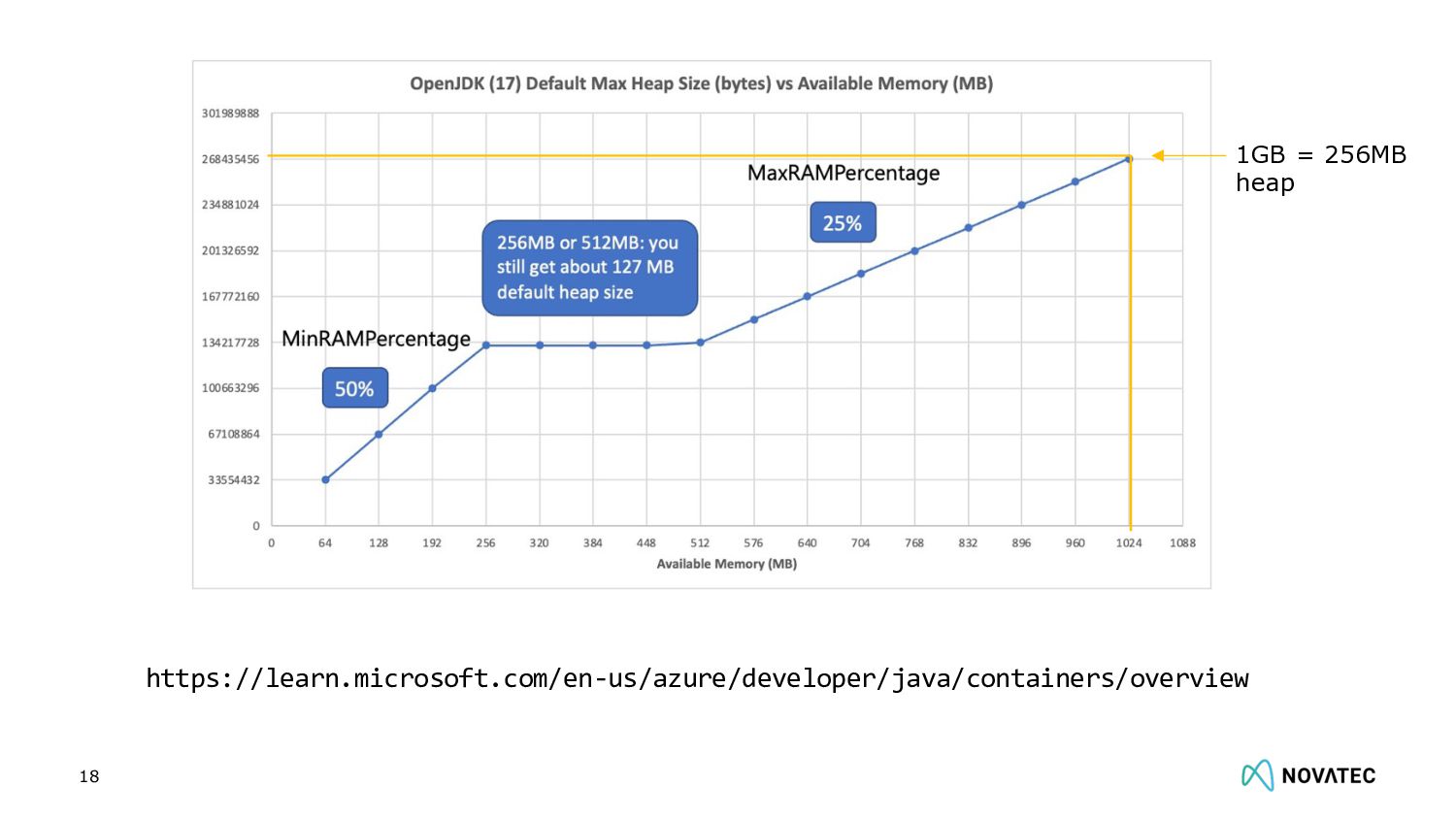
  3. Which GC and how much max heap is your app

    using with 1 GB and 1 CPU? 10
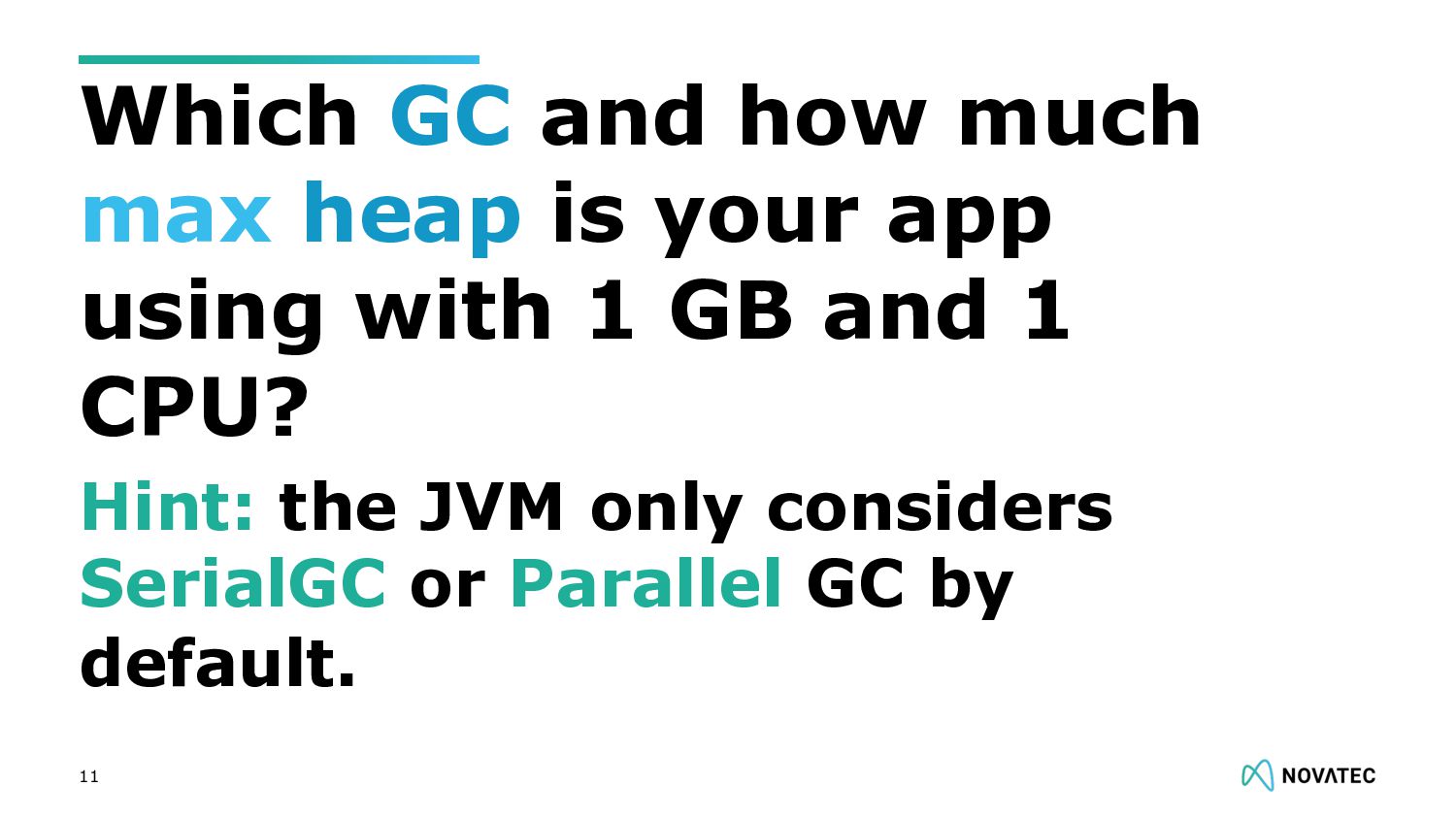
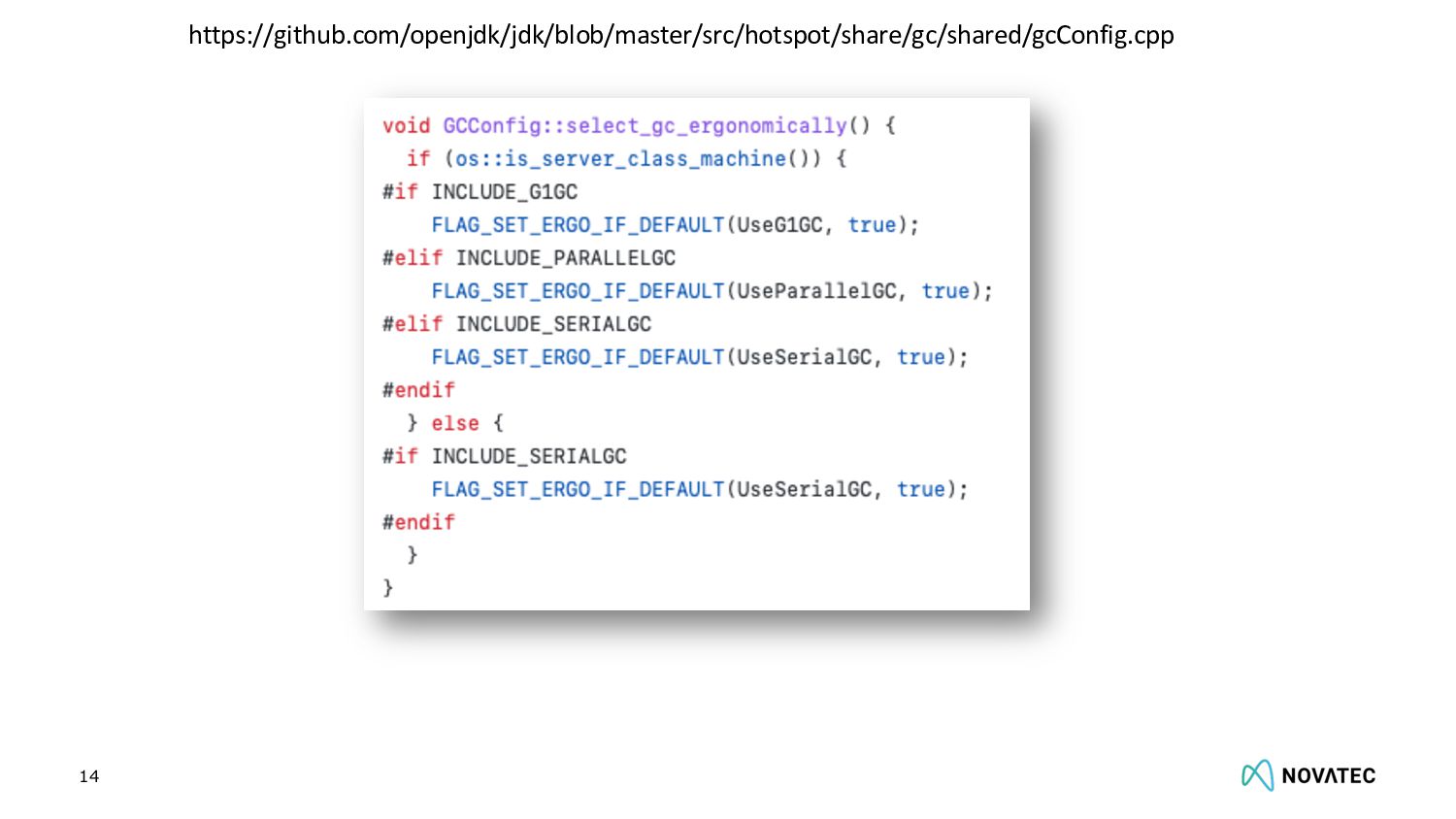
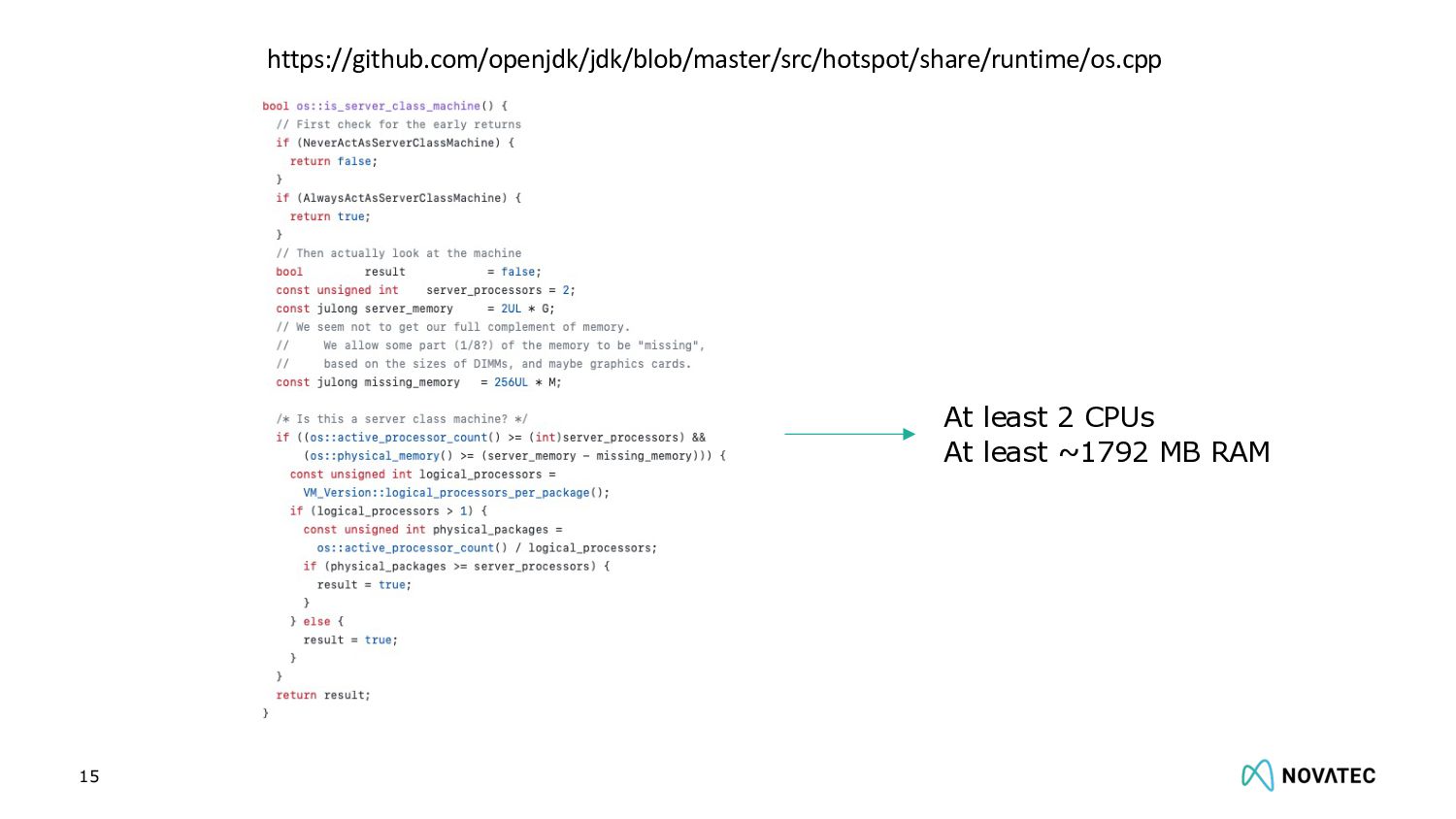
  4. Hint: the JVM only considers SerialGC or Parallel GC by

    default. 11 Which GC and how much max heap is your app using with 1 GB and 1 CPU?
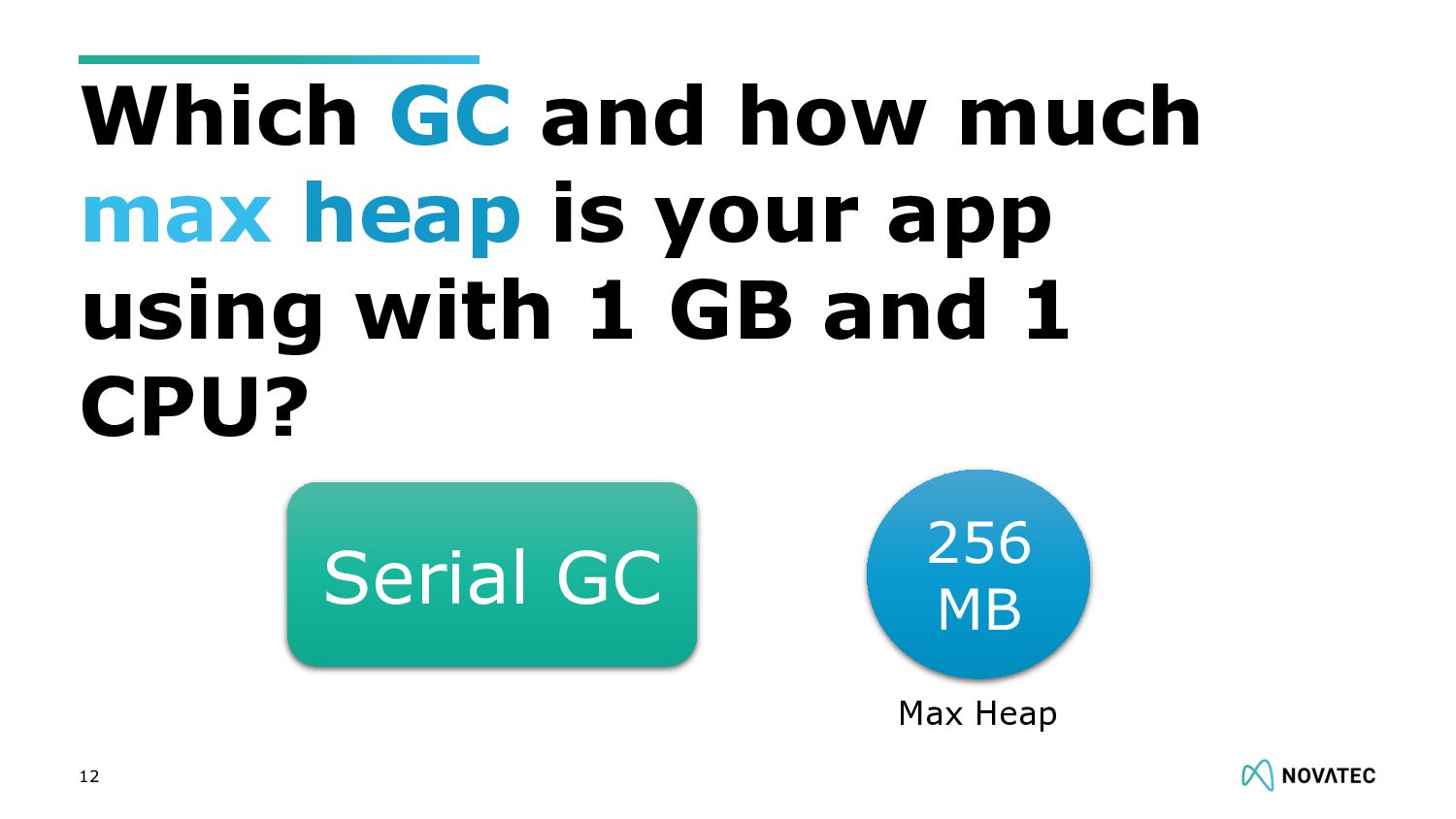
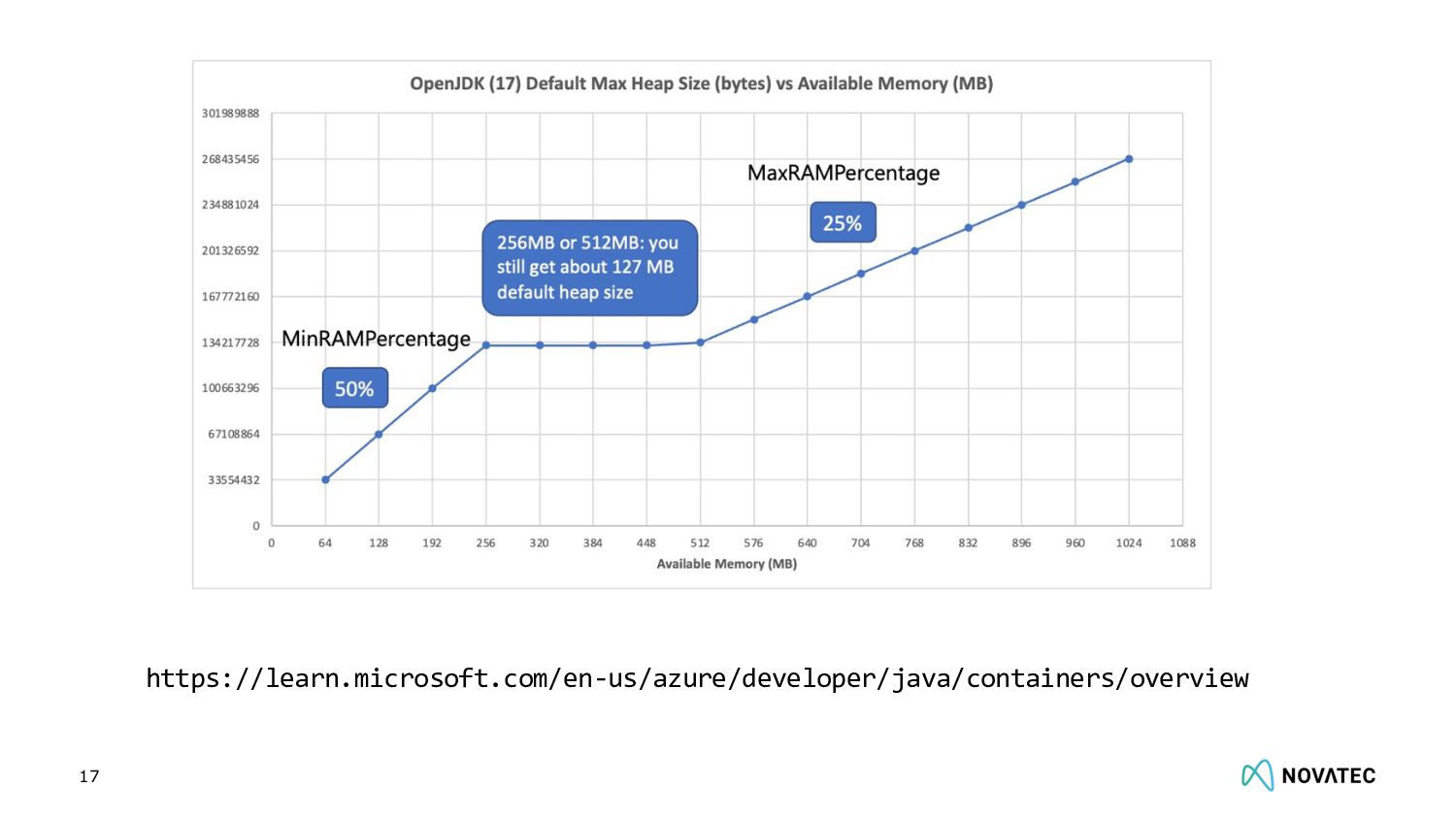
  5. 12 Which GC and how much max heap is your

    app using with 1 GB and 1 CPU? 256 MB Serial GC Max Heap
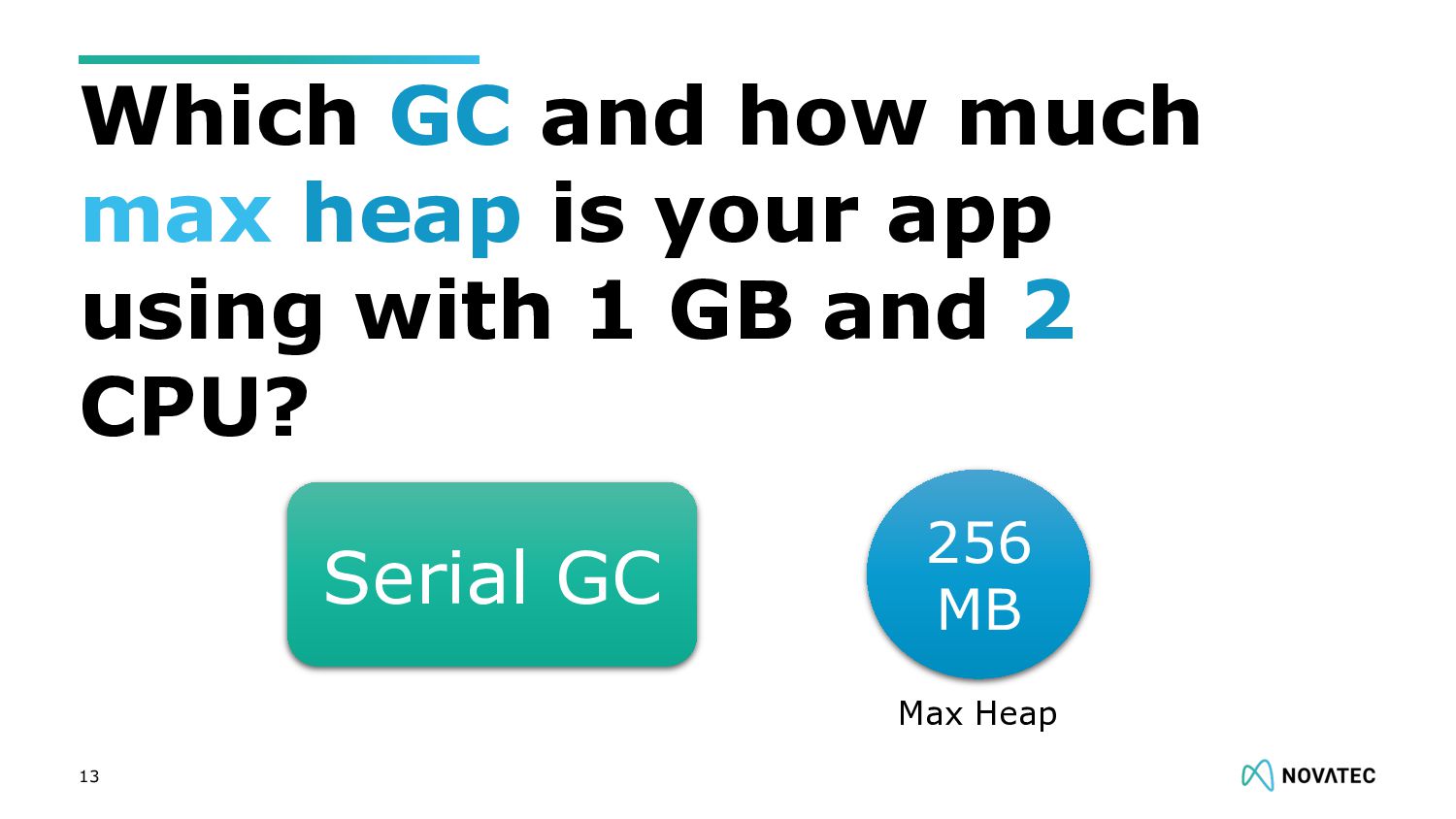
  6. 13 Which GC and how much max heap is your

    app using with 1 GB and 2 CPU? 256 MB Serial GC Max Heap
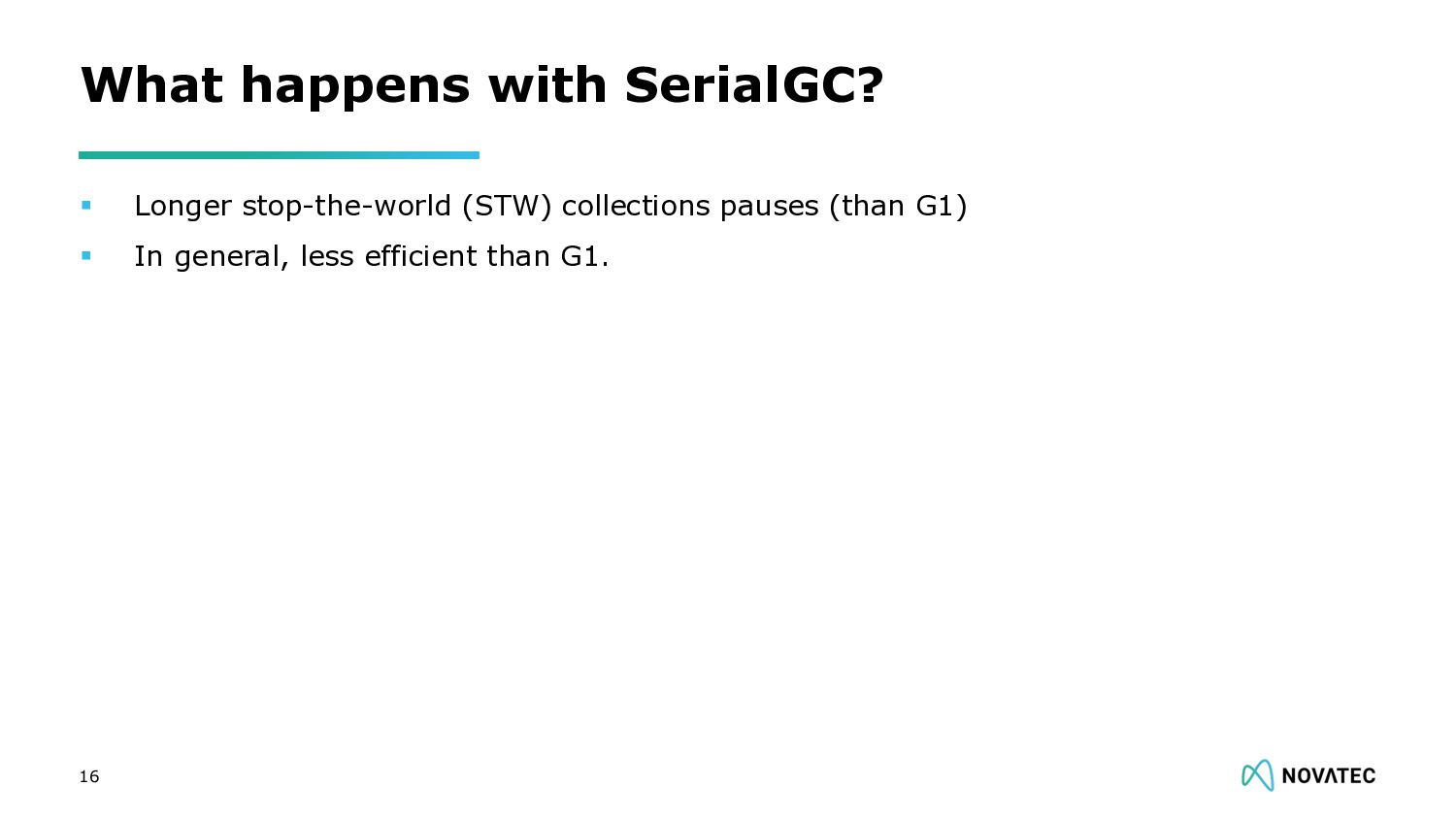
  7. § Longer stop-the-world (STW) collections pauses (than G1) § In

    general, less efficient than G1. What happens with SerialGC? 16
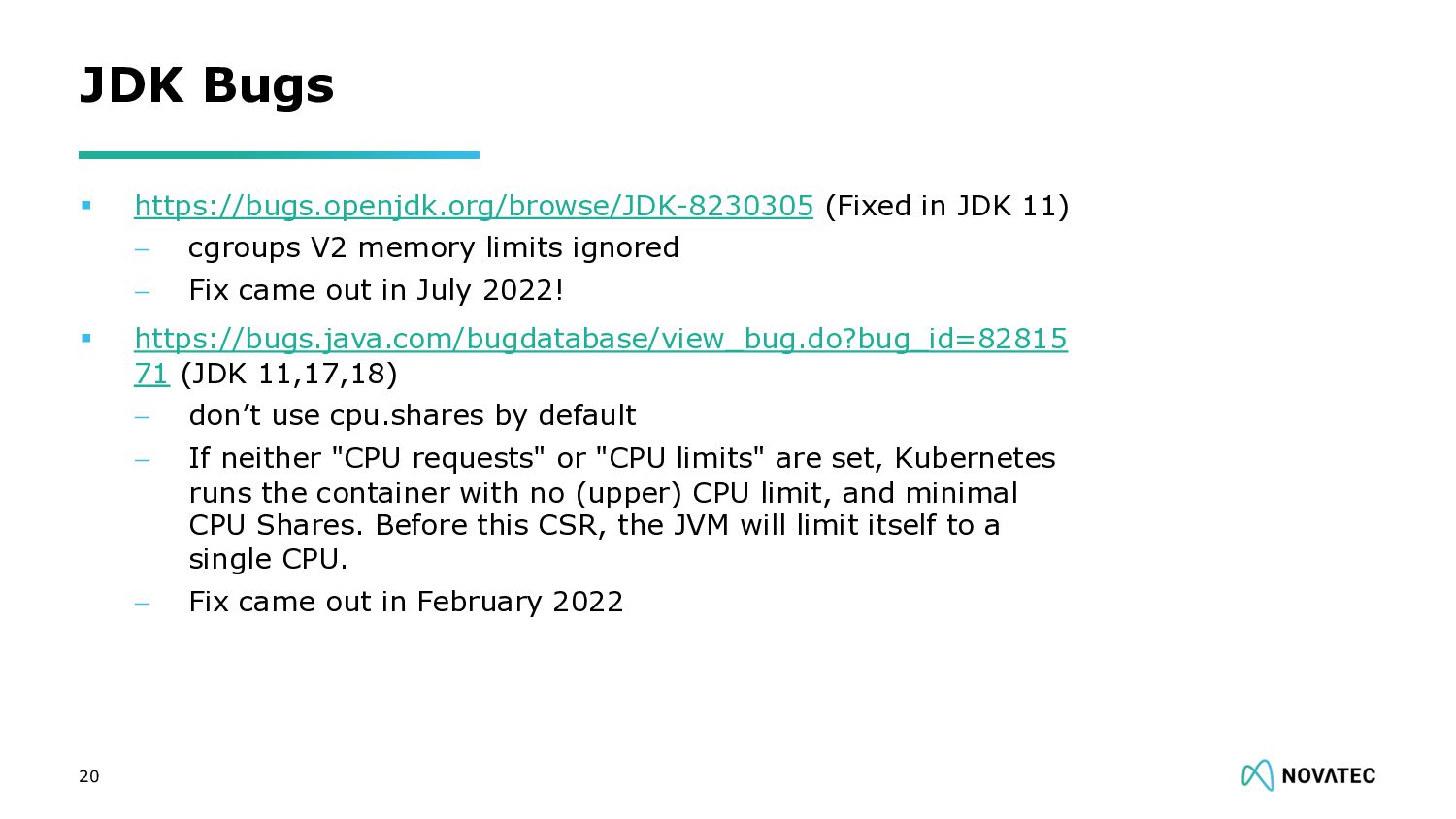
  8. § https://bugs.openjdk.org/browse/JDK-8230305 (Fixed in JDK 11) - cgroups V2 memory

    limits ignored - Fix came out in July 2022! § https://bugs.java.com/bugdatabase/view_bug.do?bug_id=82815 71 (JDK 11,17,18) - don’t use cpu.shares by default - If neither "CPU requests" or "CPU limits" are set, Kubernetes runs the container with no (upper) CPU limit, and minimal CPU Shares. Before this CSR, the JVM will limit itself to a single CPU. - Fix came out in February 2022 JDK Bugs 20
  9. The JVM, as many frameworks, relies on the number of

    CPUs to size its thread pools. 21
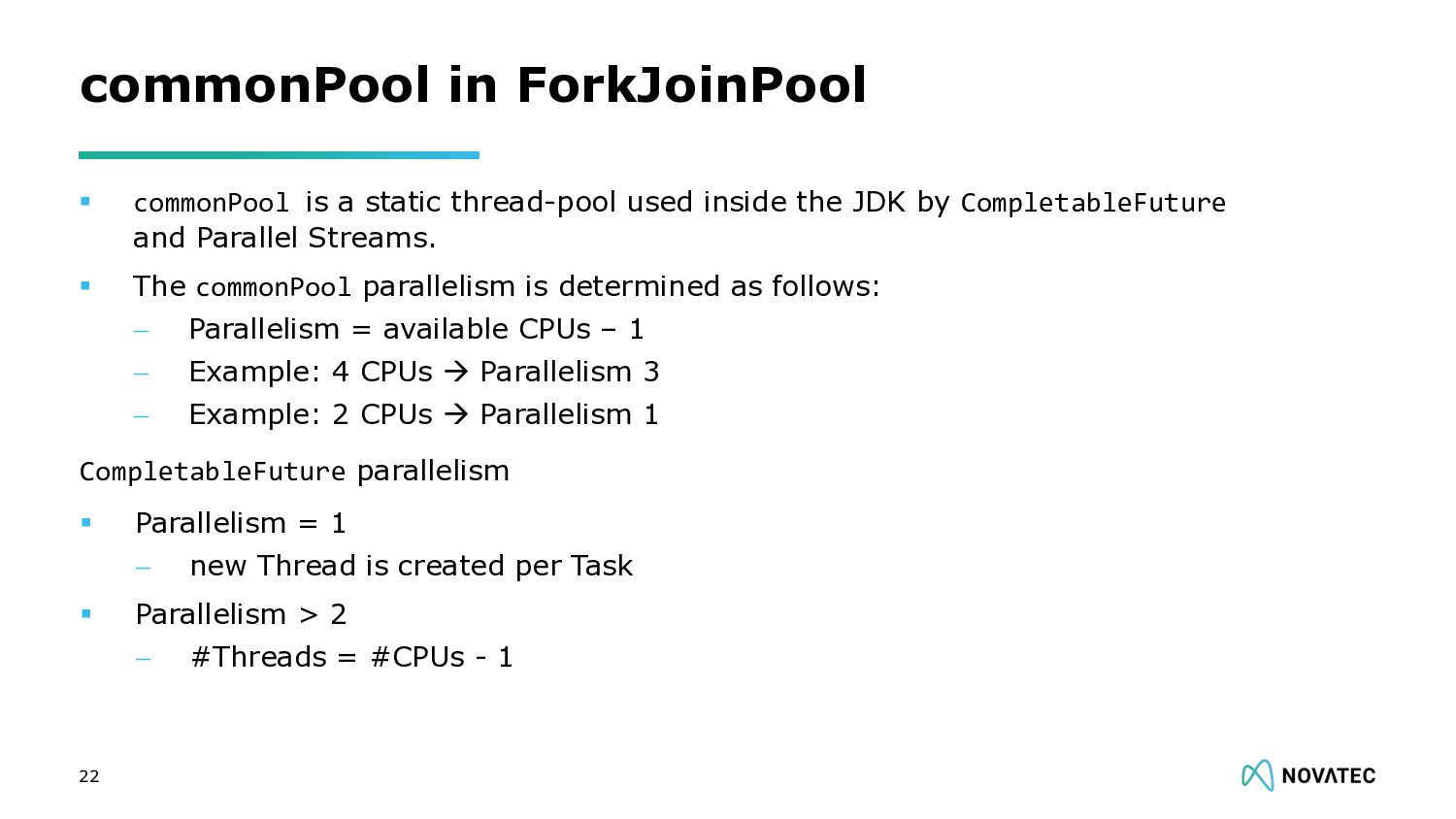
  10. § commonPool is a static thread-pool used inside the JDK

    by CompletableFuture and Parallel Streams. § The commonPool parallelism is determined as follows: - Parallelism = available CPUs – 1 - Example: 4 CPUs à Parallelism 3 - Example: 2 CPUs à Parallelism 1 commonPool in ForkJoinPool 22 CompletableFuture parallelism § Parallelism = 1 - new Thread is created per Task § Parallelism > 2 - #Threads = #CPUs - 1
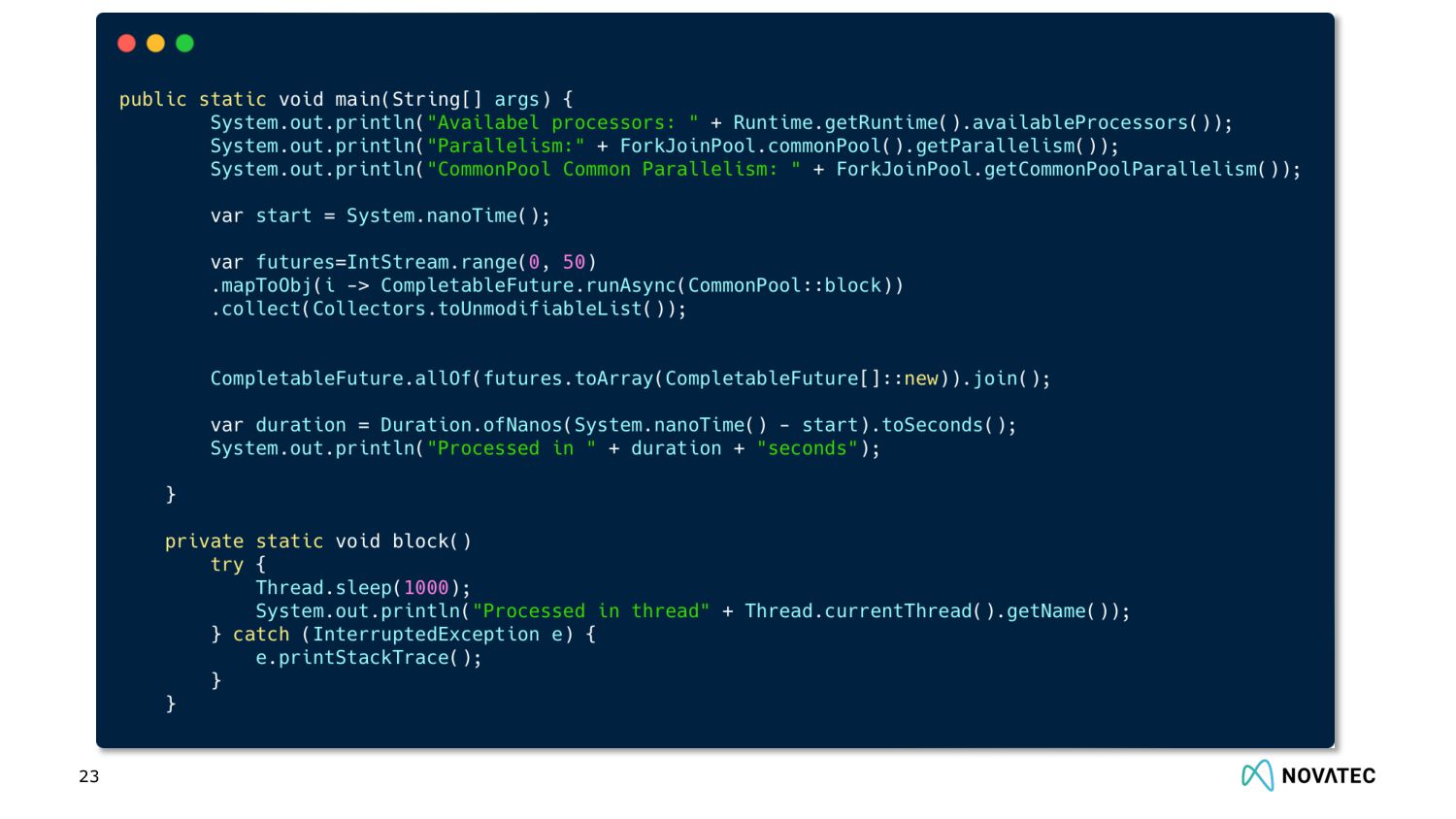
  11. 23

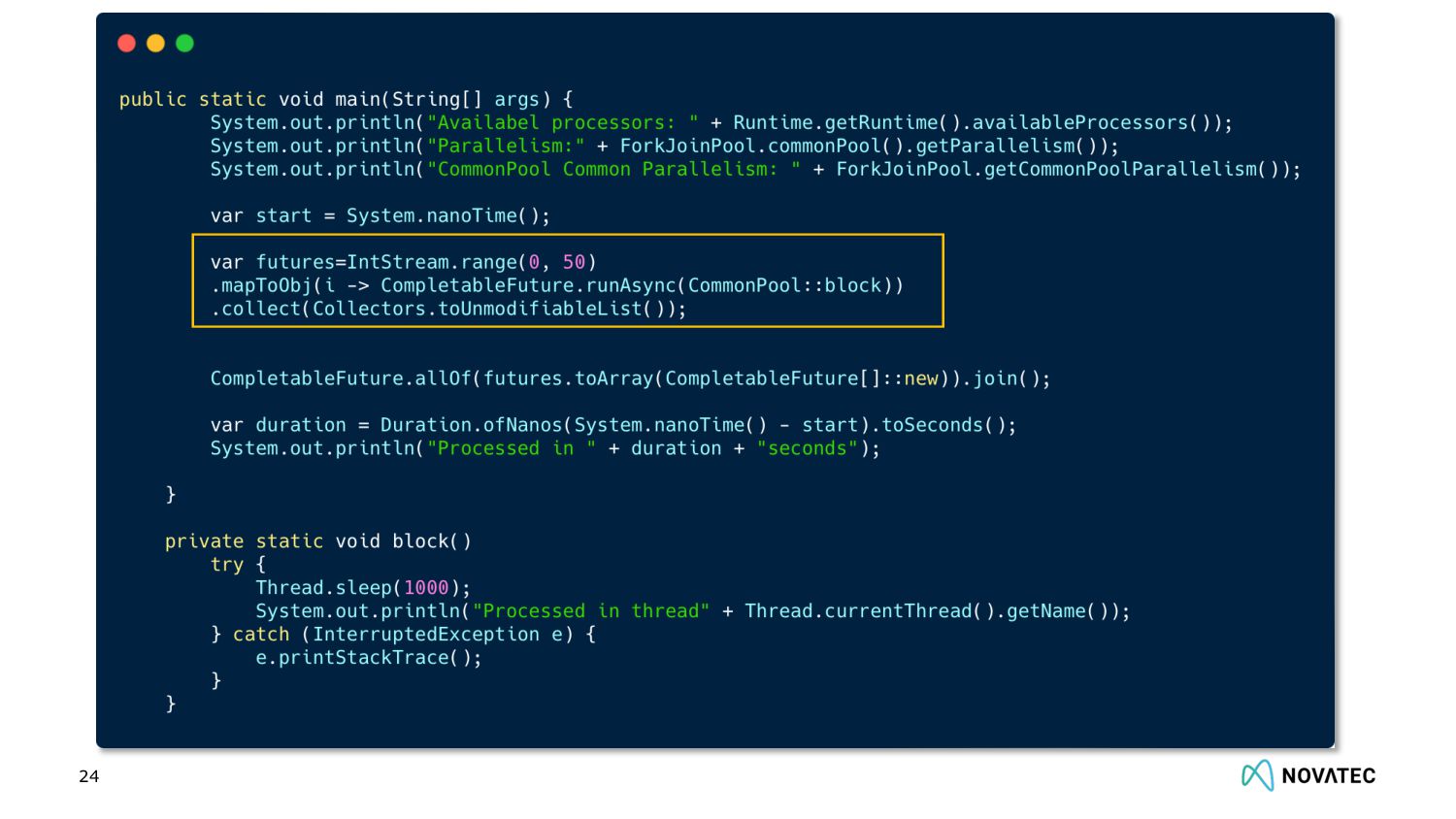
  12. 24

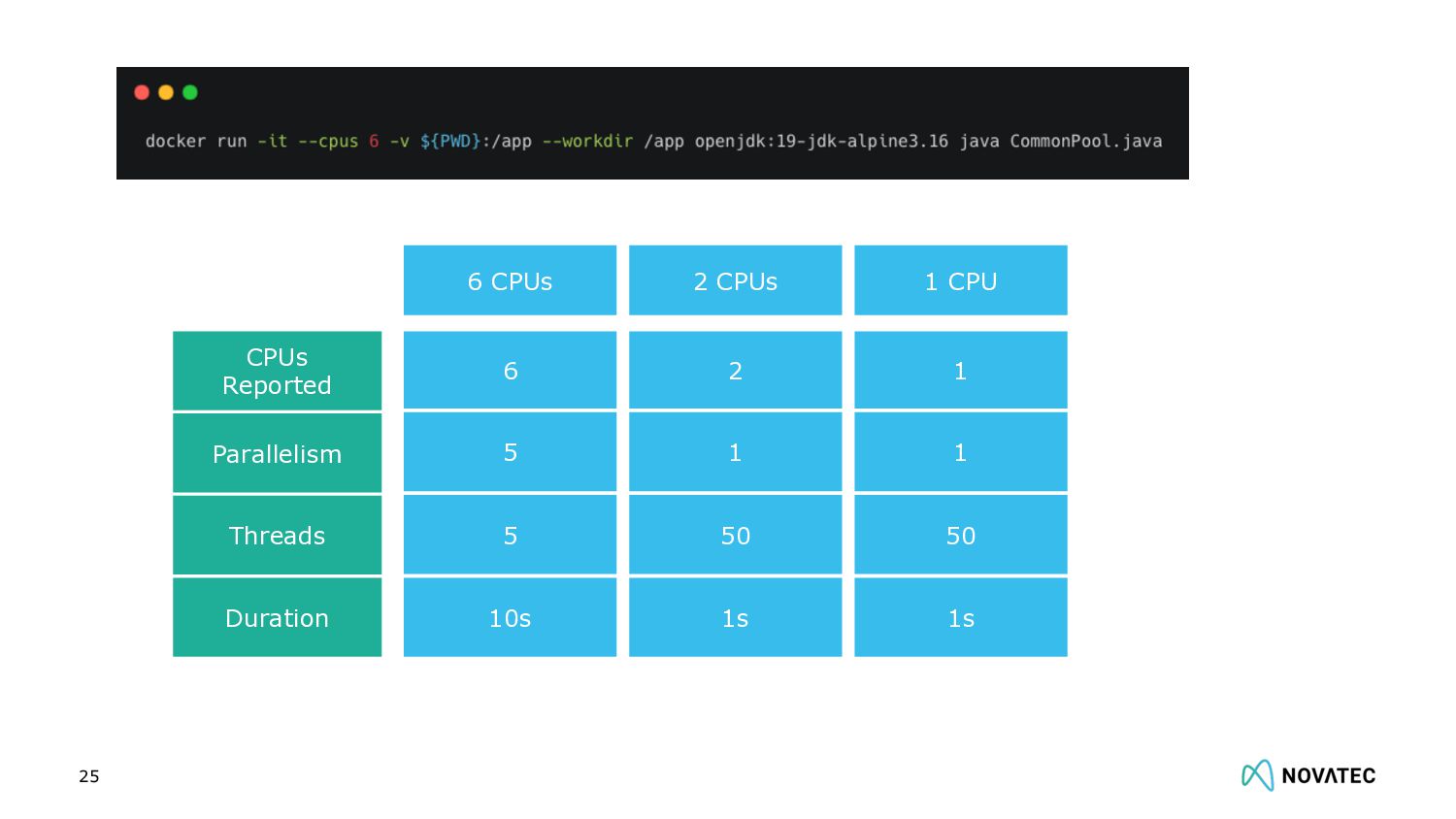
  13. 25 CPUs Reported Parallelism Threads Duration 6 CPUs 6 5

    5 10s 2 CPUs 2 1 50 1s 1 CPU 1 1 50 1s
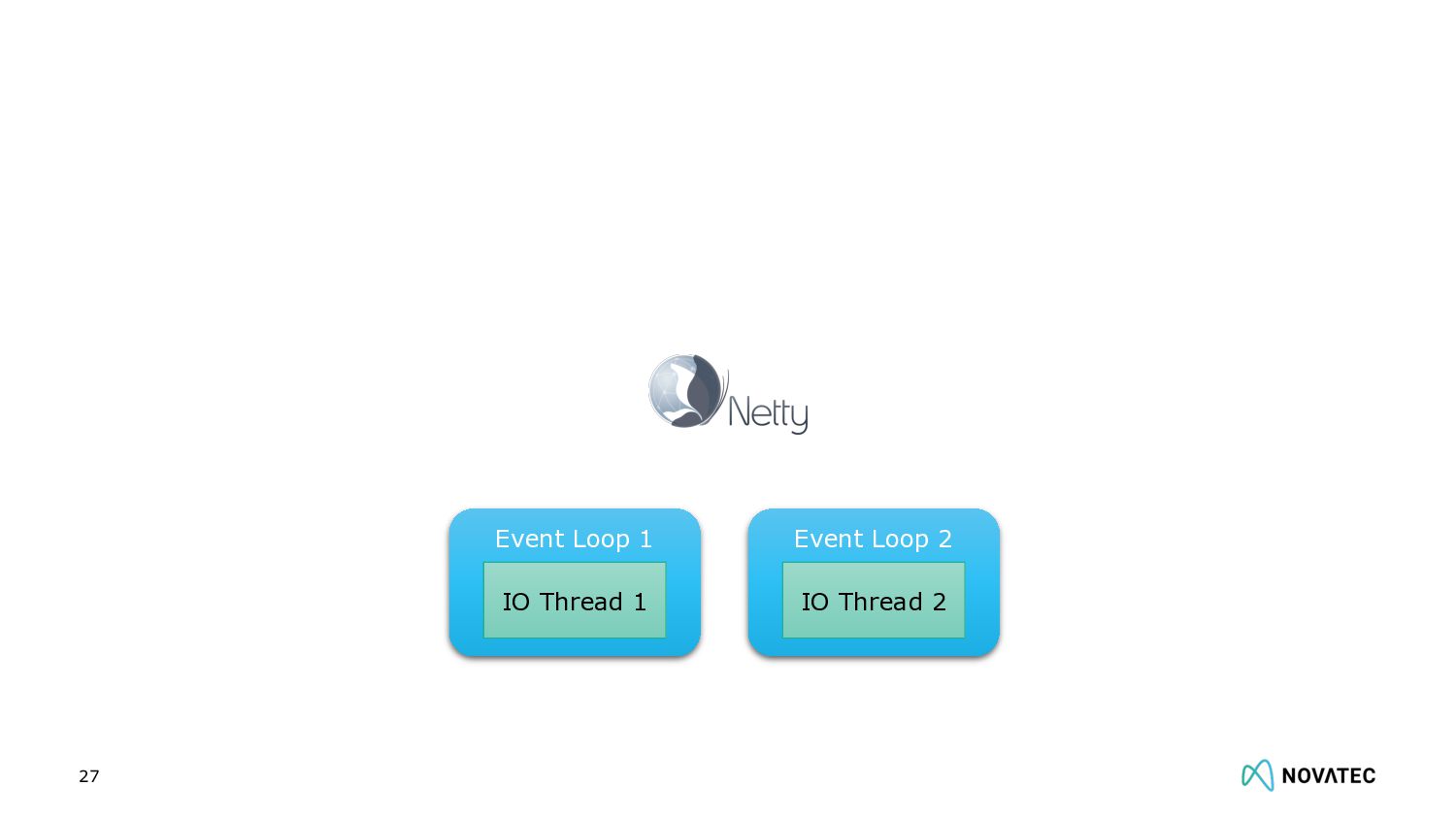
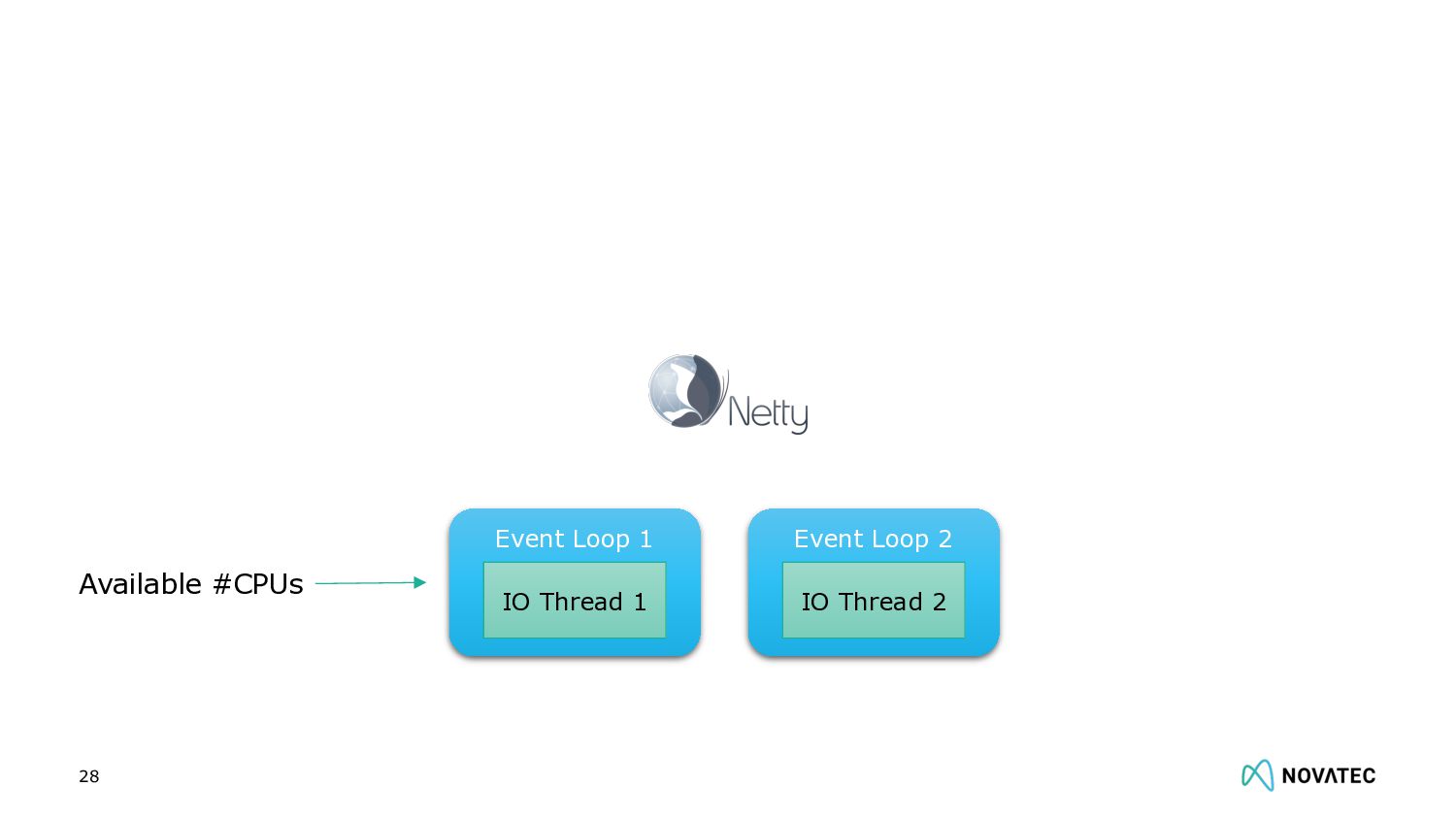
  14. 28 Event Loop 1 IO Thread 1 Event Loop 2

    IO Thread 2 Available #CPUs
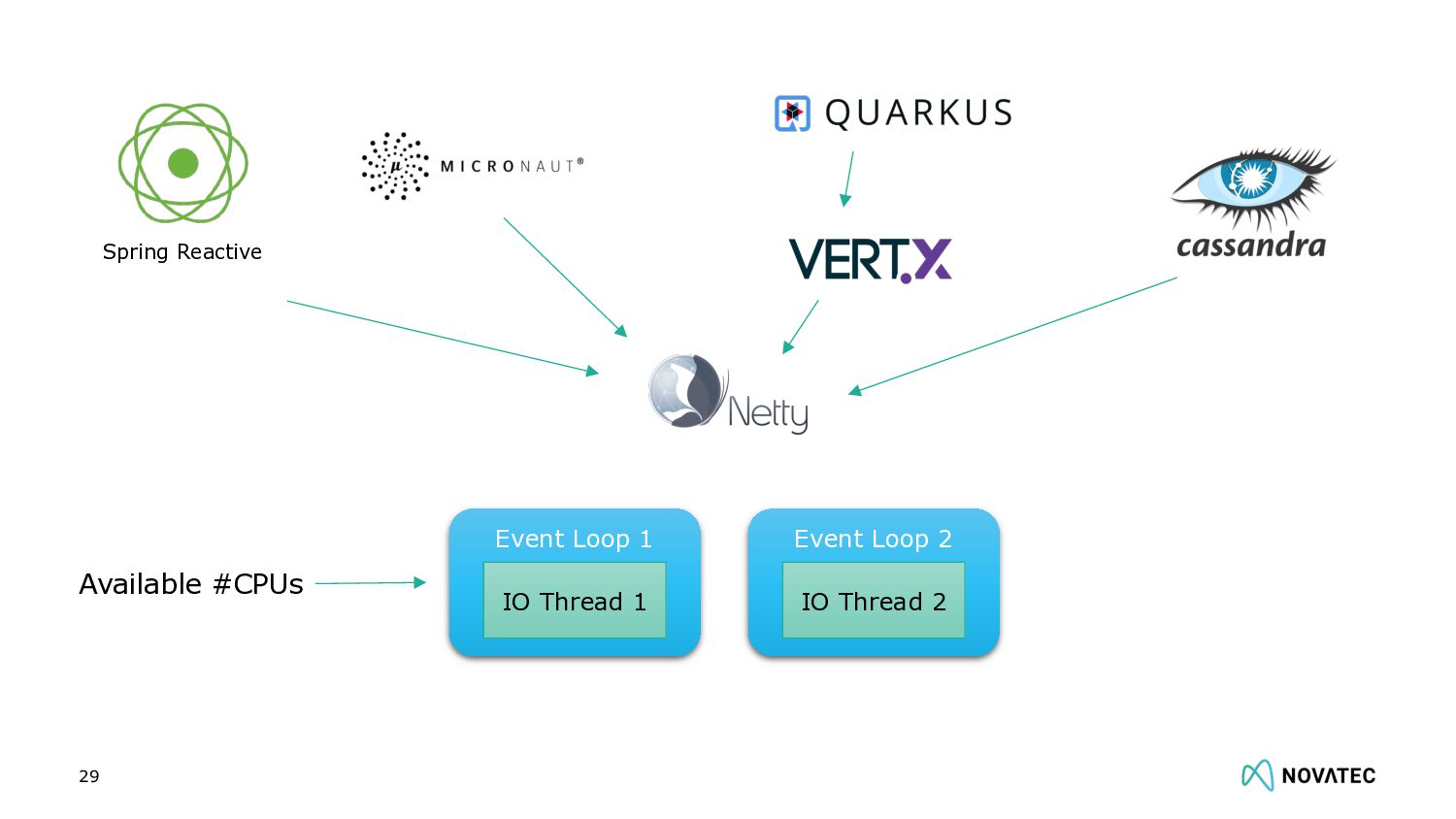
  15. 29 Event Loop 1 IO Thread 1 Event Loop 2

    IO Thread 2 Available #CPUs Spring Reactive
  16. 39

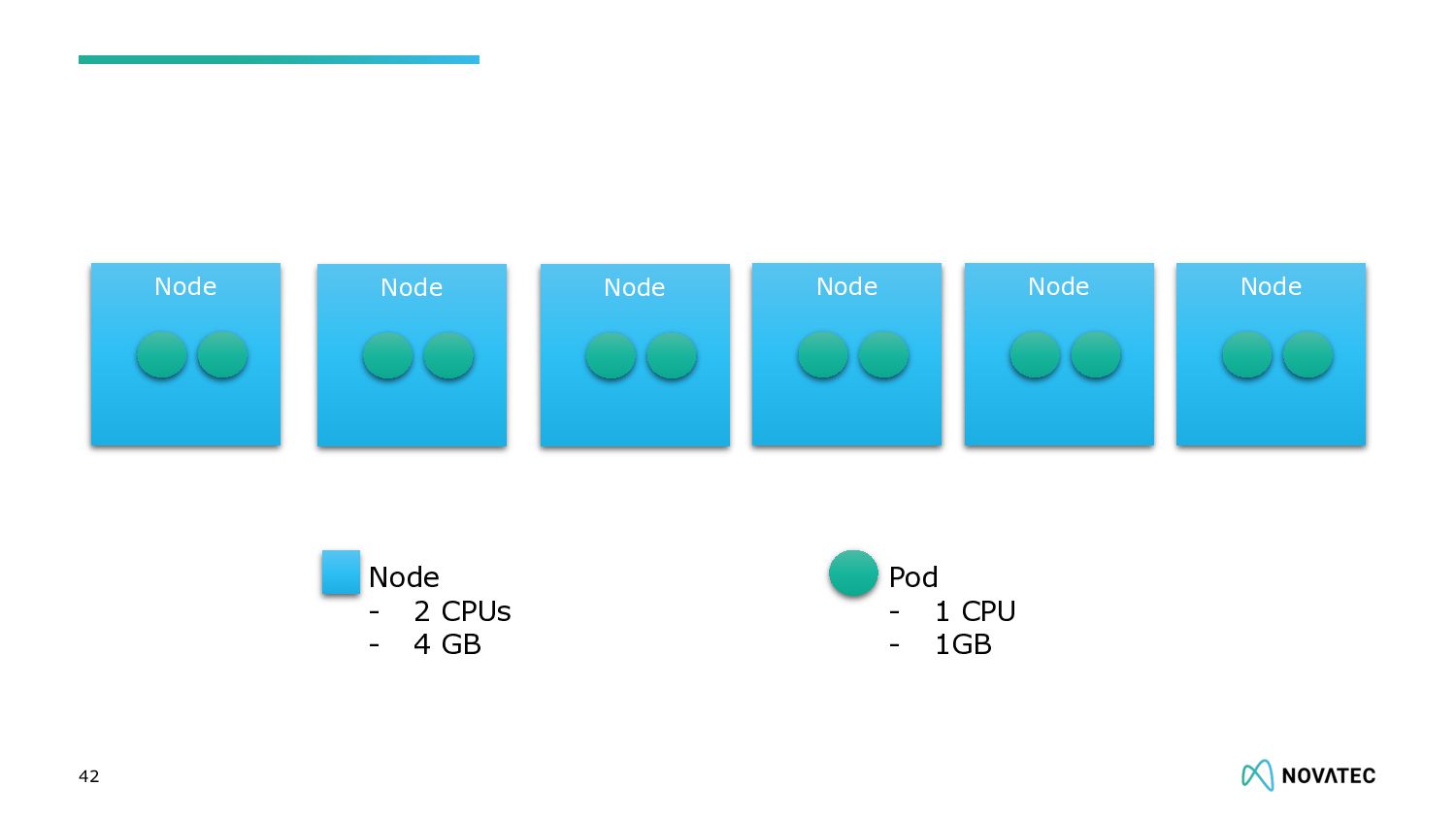
  17. 42 Node Pod - 1 CPU - 1GB Node -

    2 CPUs - 4 GB Node Node Node Node Node
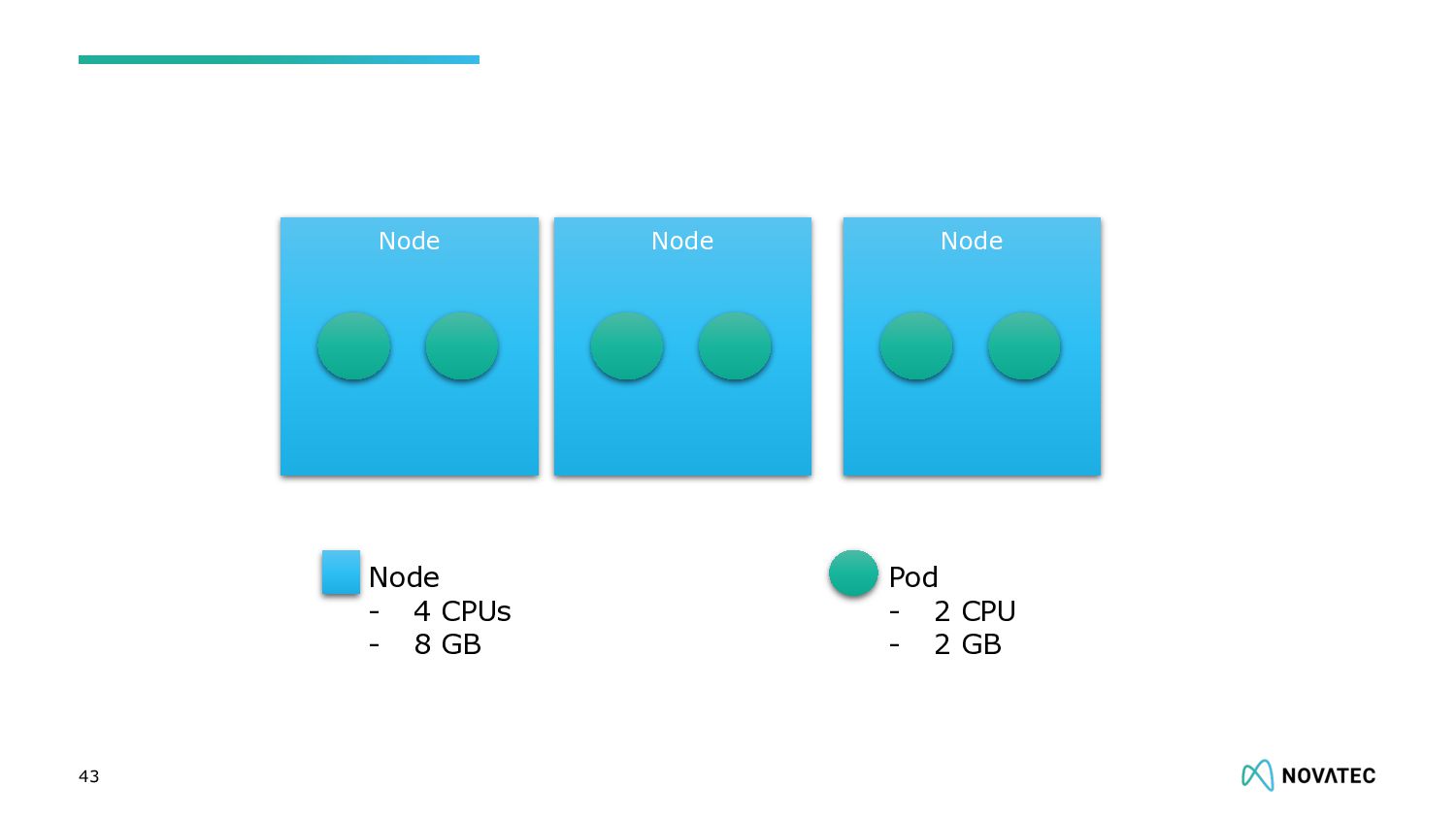
  18. 43 Pod - 2 CPU - 2 GB Node -

    4 CPUs - 8 GB Node Node Node
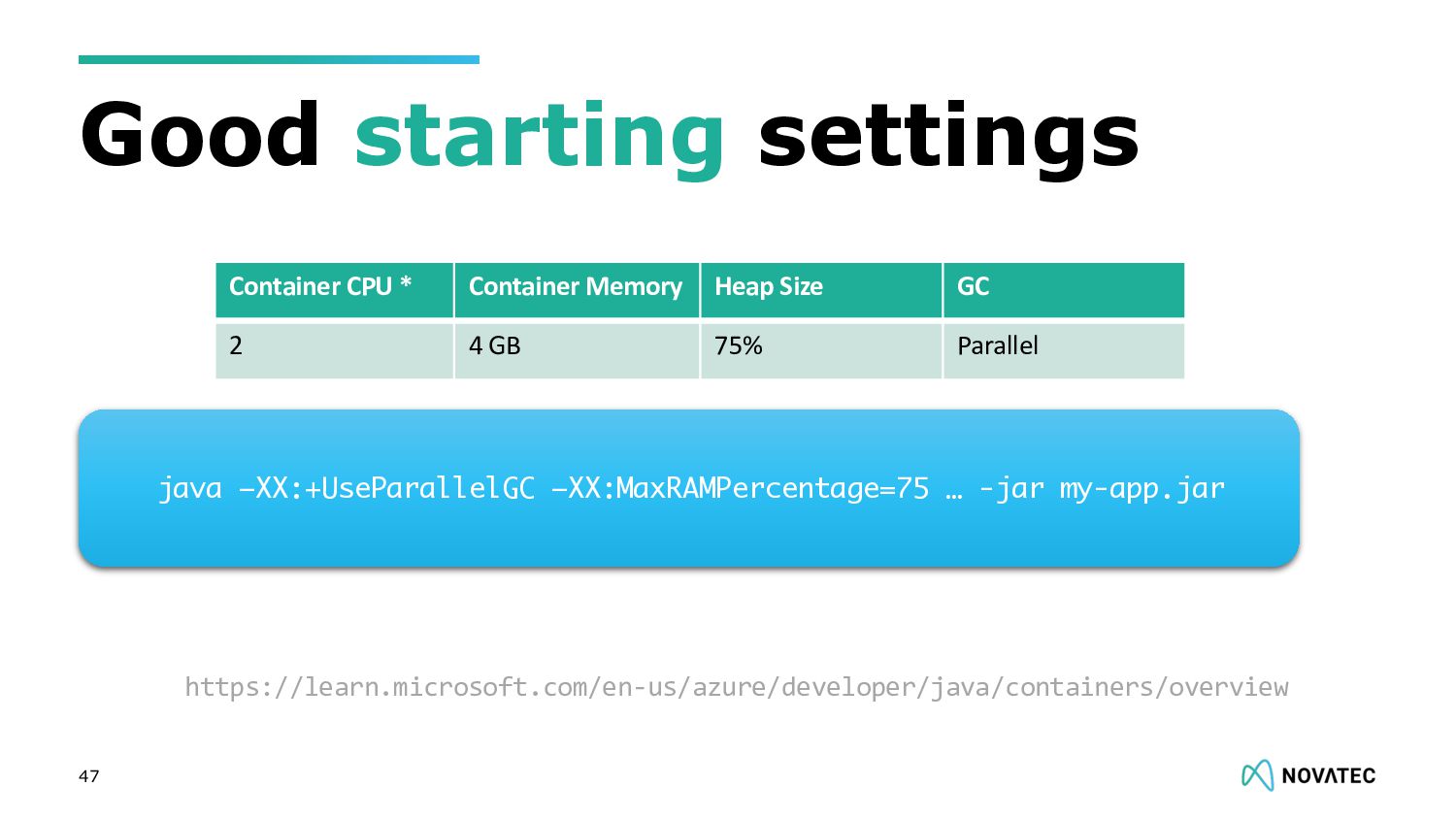
  19. Good starting settings 47 Container CPU * Container Memory Heap

    Size GC 2 4 GB 75% Parallel java –XX:+UseParallelGC –XX:MaxRAMPercentage=75 … -jar my-app.jar https://learn.microsoft.com/en-us/azure/developer/java/containers/overview