Upgrade to Pro — share decks privately, control downloads, hide ads and more …

Smarter Angular mit WebGPU & Transformers.js

Avatar for Christian Liebel Christian Liebel PRO
October 13, 2026
12

Smarter Angular mit WebGPU & Transformers.js

In diesem praxisorientierten Workshop lernst du, wie du deine Angular-basierten Apps mit modernen Generative-AI-Bibliotheken wie Transformers.js smarter machst – und das offlinefähig und kostenlos.

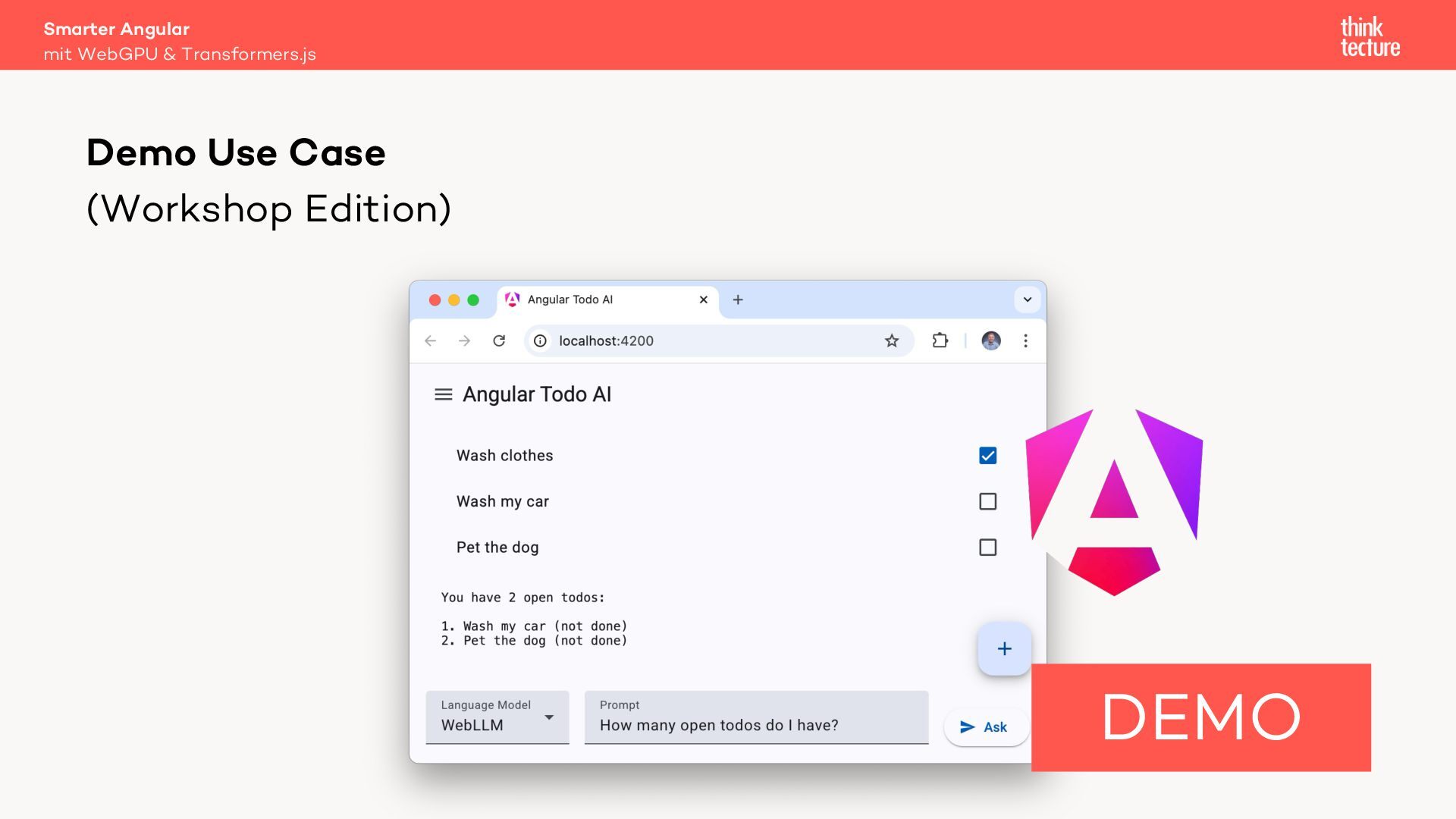
Anhand der Integration eines kontextsensitiven Chatbots in eine Todo-App erfährst du, wie du KI-Modelle im Browser betreiben und mittels WebAssembly, WebGPU oder WebNN performant lokal auf deinem Endgerät ausführen kannst.

Du erhältst einen Überblick über KI-Architekturen und lernst Best Practices für Prompt-Engineering kennen. Und du entwickelst aktiv mit, wenn du willst.

Avatar for Christian Liebel

Christian Liebel PRO

October 13, 2026

More Decks by Christian Liebel

Transcript

  1. Smarter Angular mit WebGPU & Transformers.js Christian Liebel Hello, it’s

    me. Angular, PWA & Generative AI Slides: thinktecture.com /christian-liebel X: @christianliebel Bluesky: @christianliebel.com Email: christian.liebel @thinktecture.com
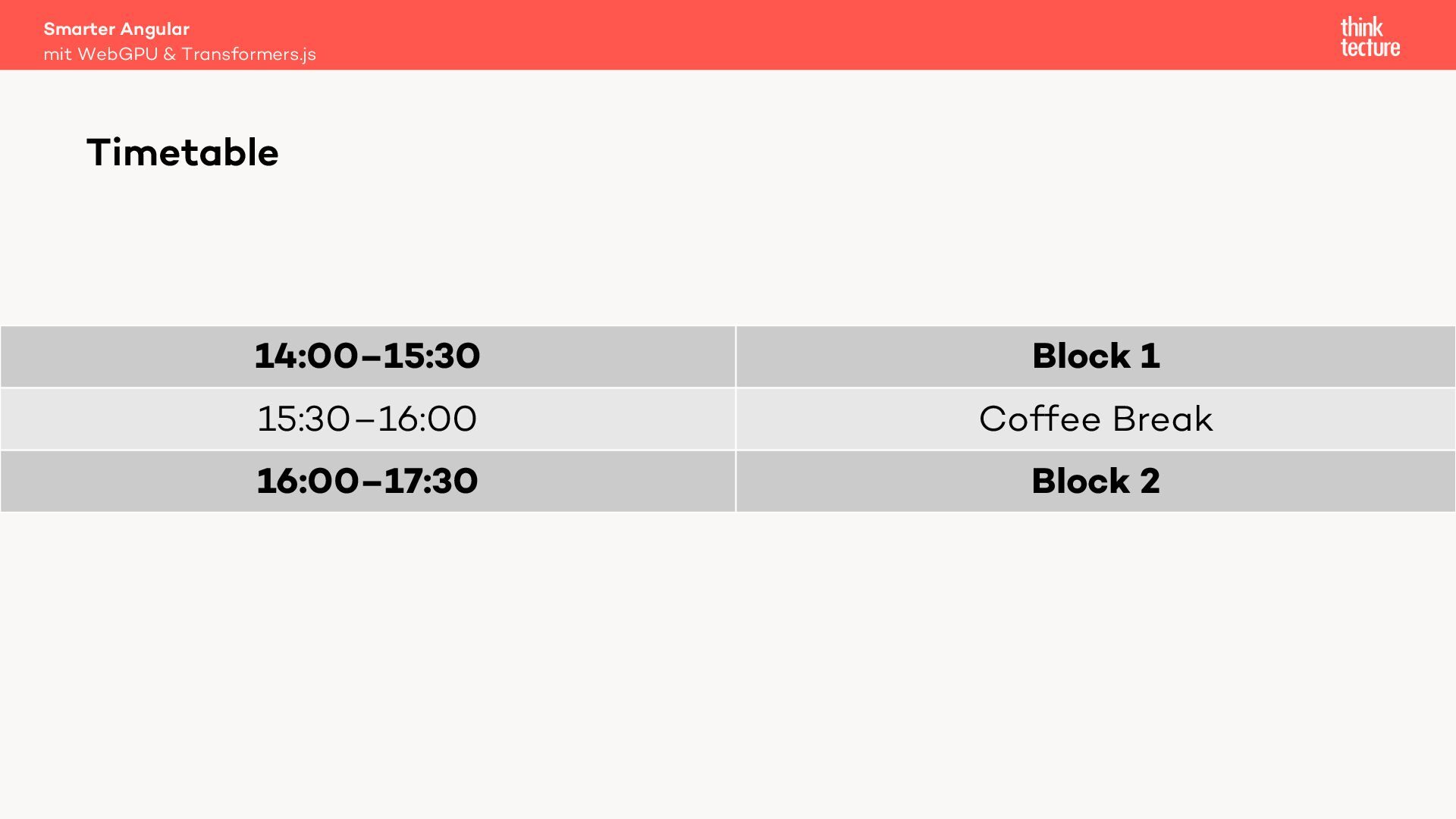
  2. Smarter Angular mit WebGPU & Transformers.js Timetable 14:00–15:30 Block 1

    15:30–16:00 Coffee Break 16:00–17:30 Block 2
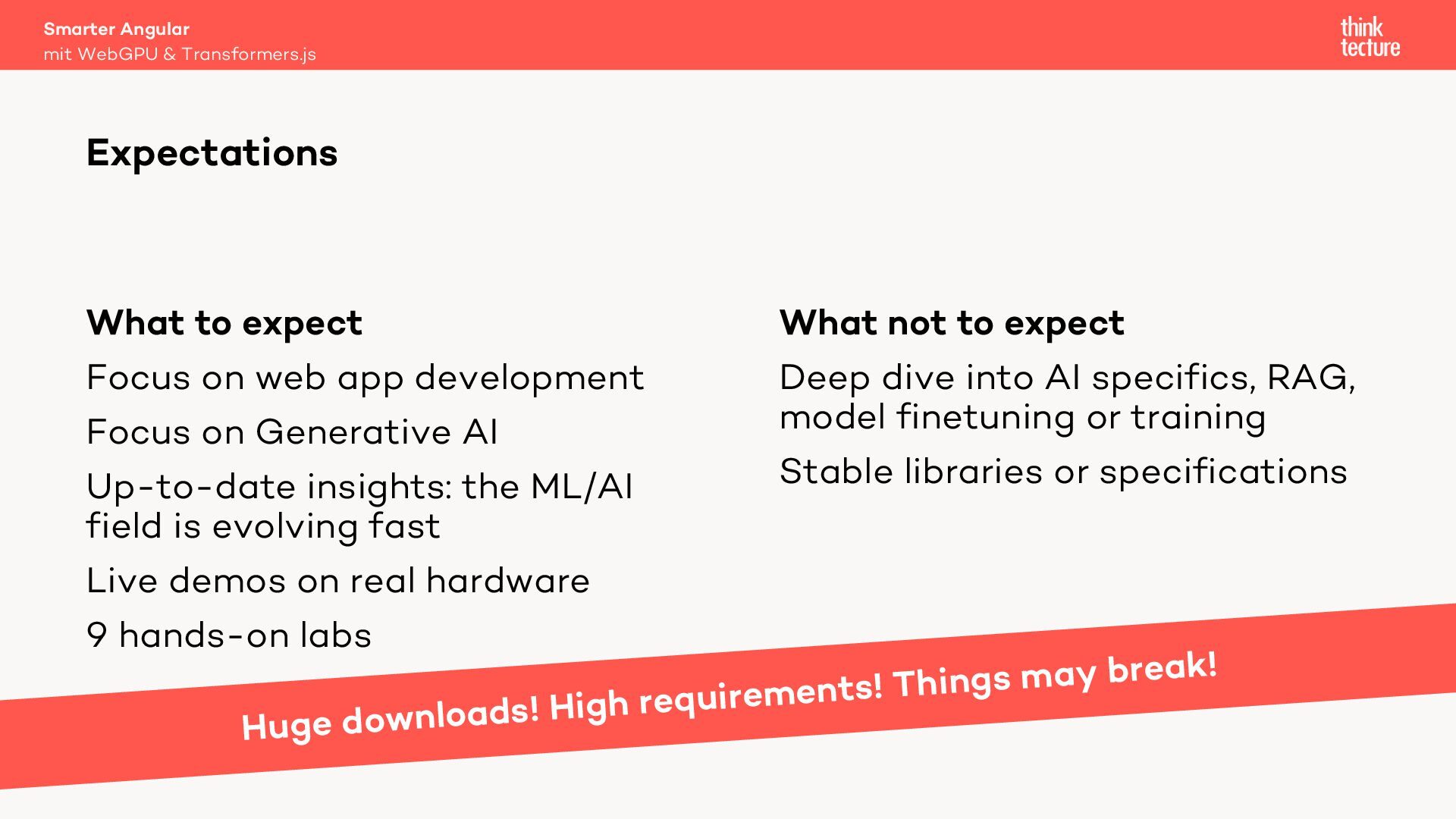
  3. Smarter Angular mit WebGPU & Transformers.js Expectations What to expect

    Focus on web app development Focus on Generative AI Up-to-date insights: the ML/AI field is evolving fast Live demos on real hardware 9 hands-on labs What not to expect Deep dive into AI specifics, RAG, model finetuning or training Stable libraries or specifications Hu ak! e r b y a m s g in h T ents! m e ir u q e r h ig H ! ge downloads
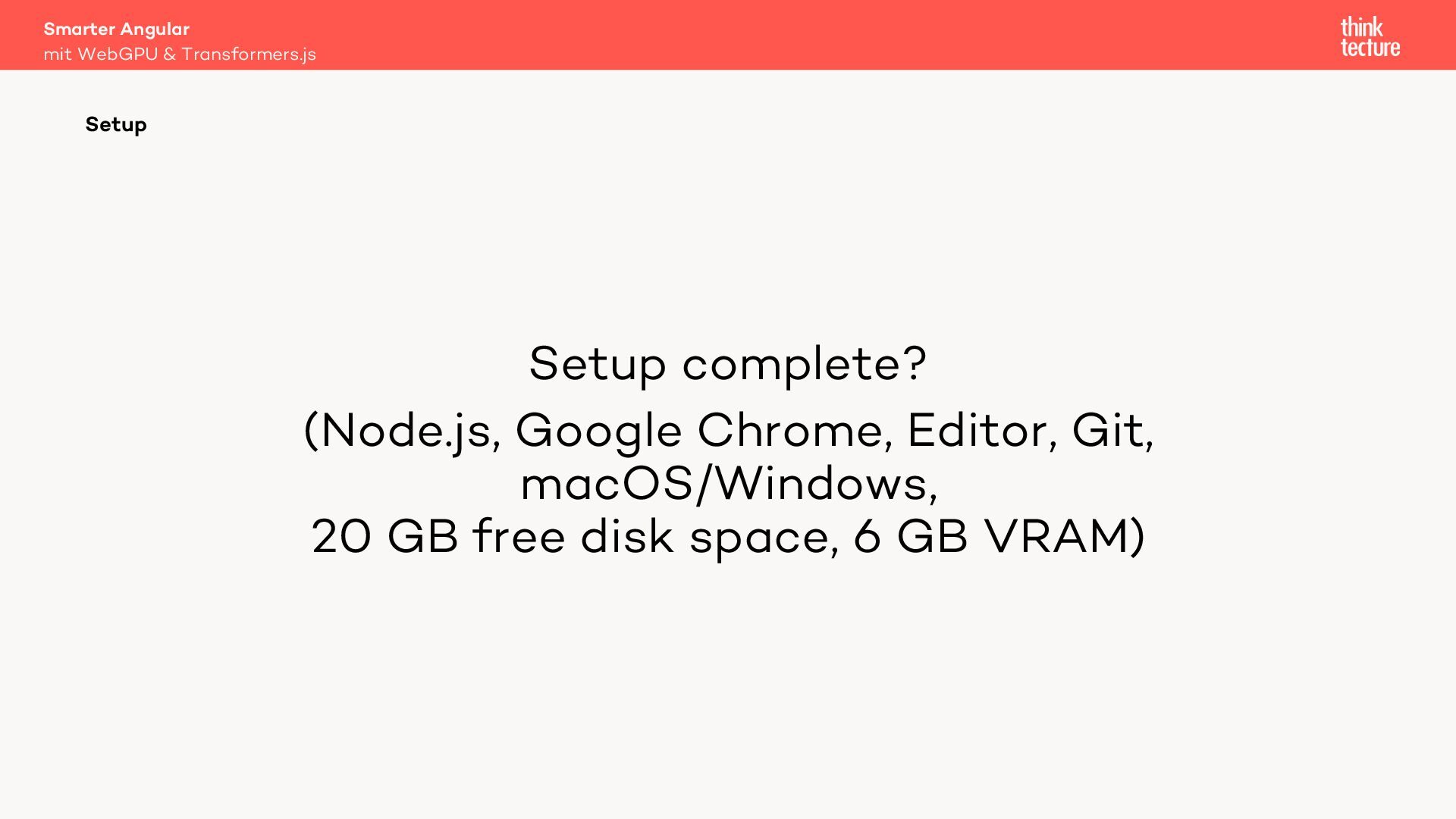
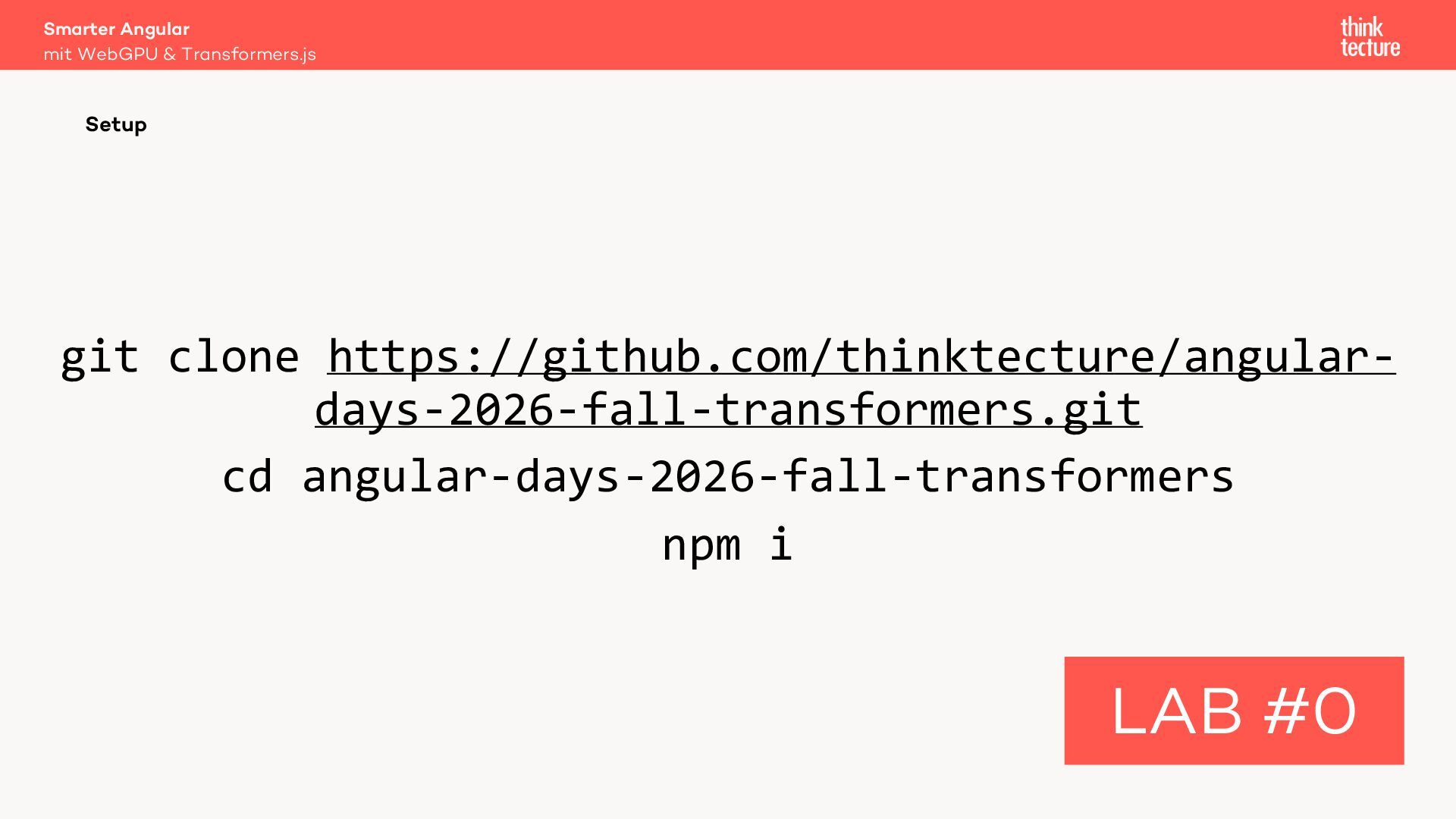
  4. Smarter Angular mit WebGPU & Transformers.js Setup Setup complete? (Node.js,

    Google Chrome, Editor, Git, macOS/Windows, 20 GB free disk space, 6 GB VRAM)
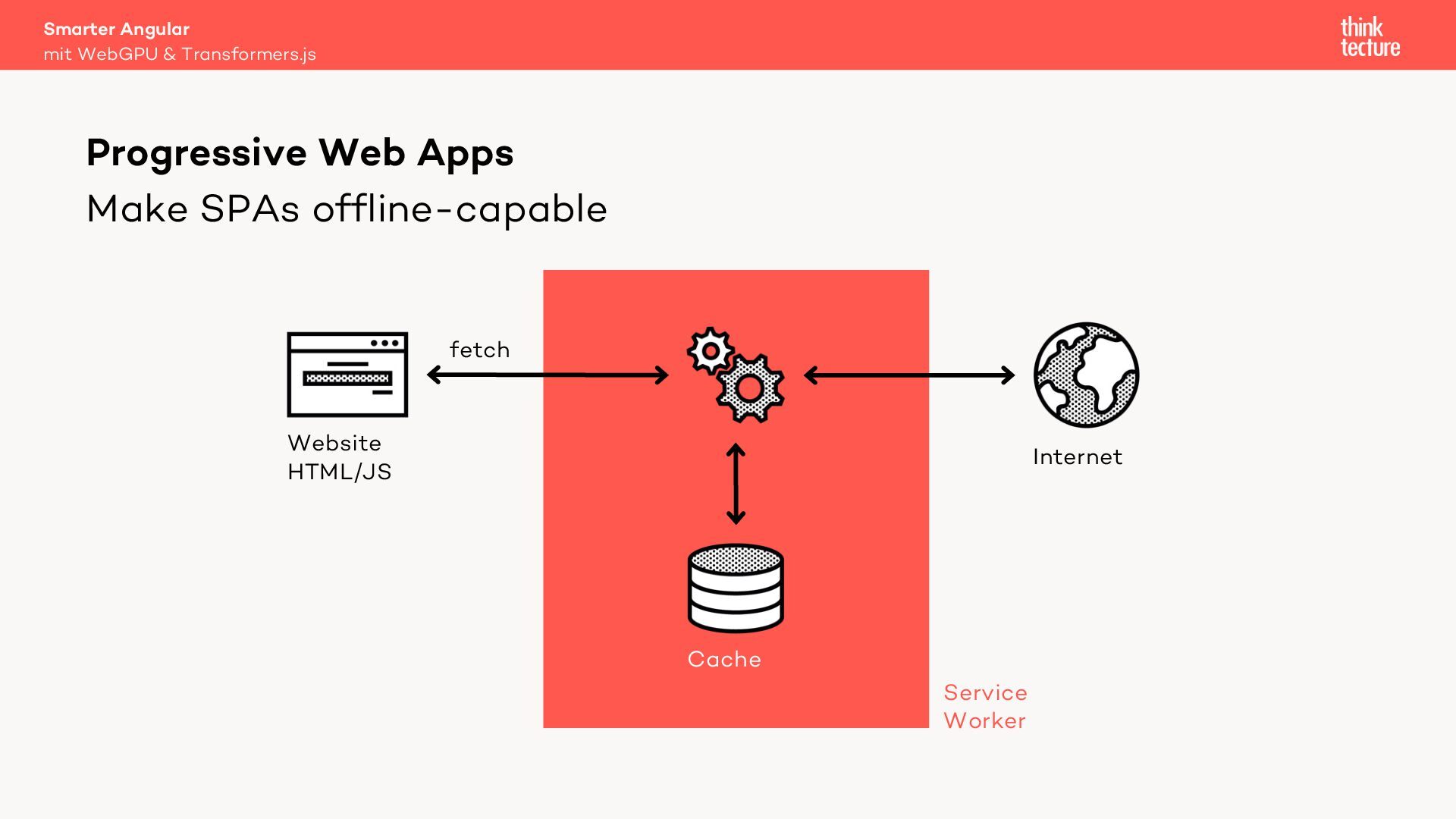
  5. Smarter Angular mit WebGPU & Transformers.js Progressive Web Apps Make

    SPAs offline-capable fetch Website HTML/JS Internet Cache Service Worker
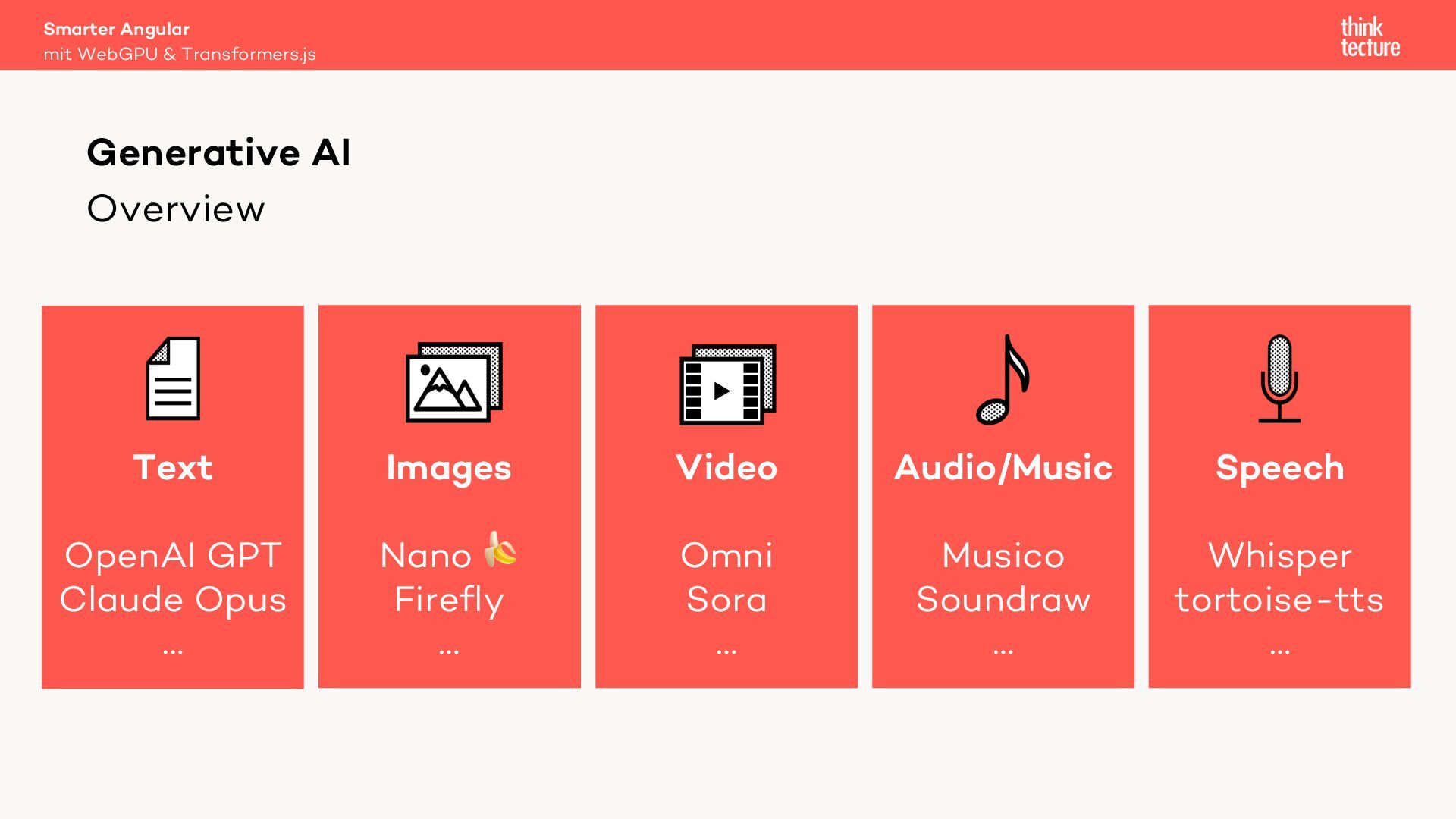
  6. Smarter Angular mit WebGPU & Transformers.js Generative AI Overview Text

    Images Video Audio/Music Speech OpenAI GPT Claude Opus … Nano ! Firefly … Omni Sora … Musico Soundraw … Whisper tortoise-tts …
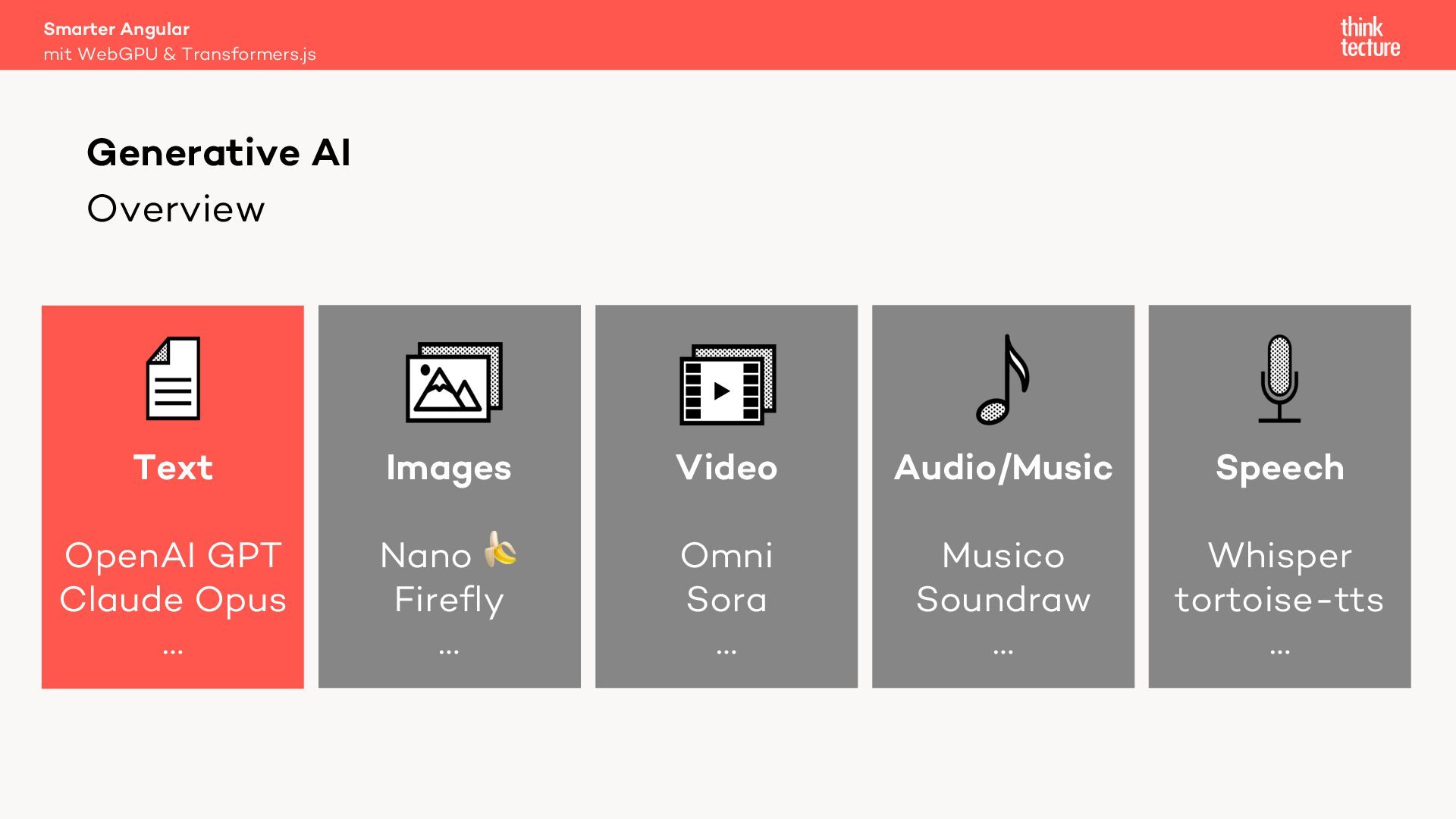
  7. Smarter Angular mit WebGPU & Transformers.js Generative AI Overview Text

    Images Video Audio/Music Speech OpenAI GPT Claude Opus … Nano ! Firefly … Omni Sora … Musico Soundraw … Whisper tortoise-tts …
  8. Smarter Angular mit WebGPU & Transformers.js Generative AI Cloud Providers

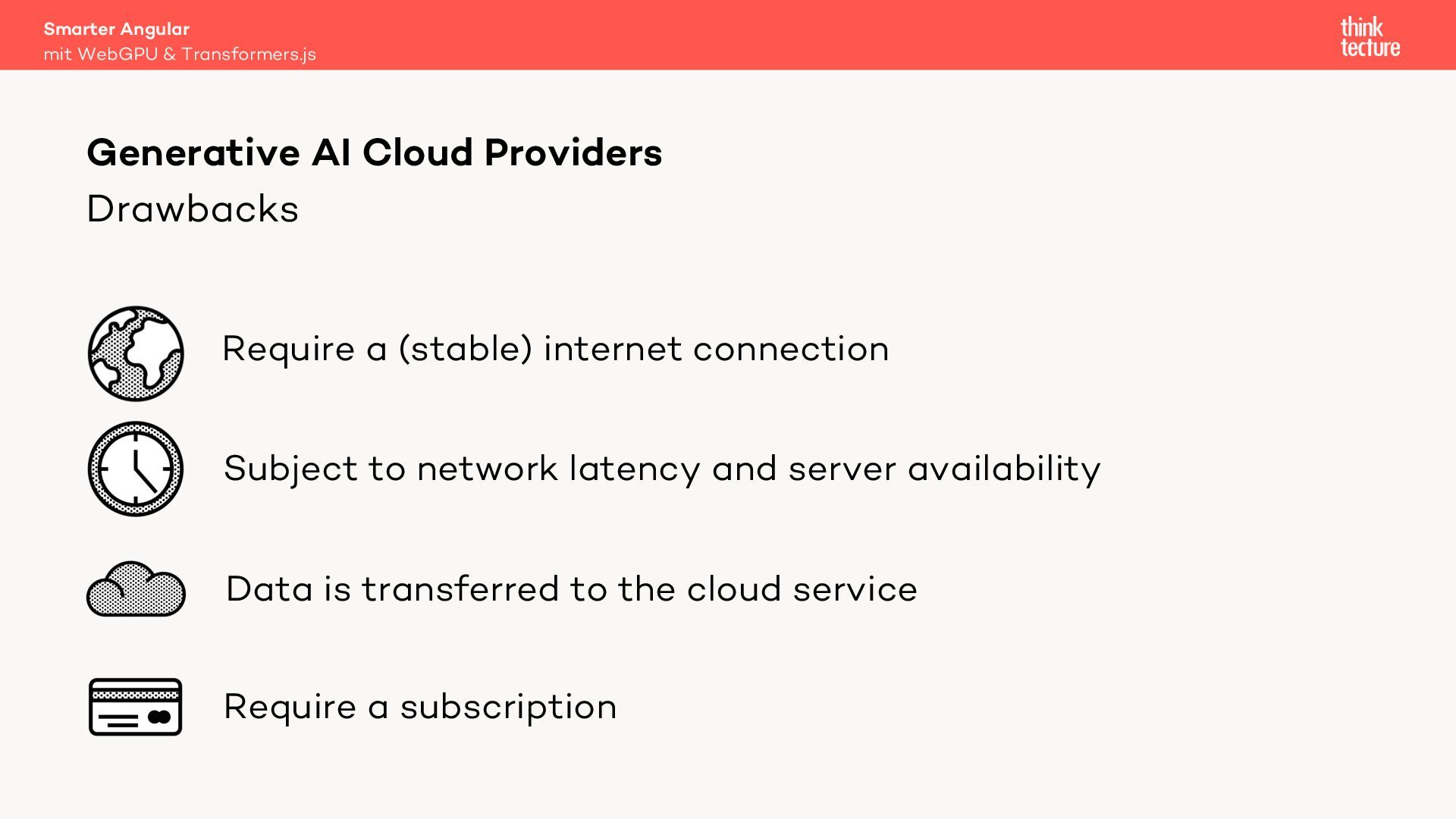
    Drawbacks Require a (stable) internet connection Subject to network latency and server availability Data is transferred to the cloud service Require a subscription
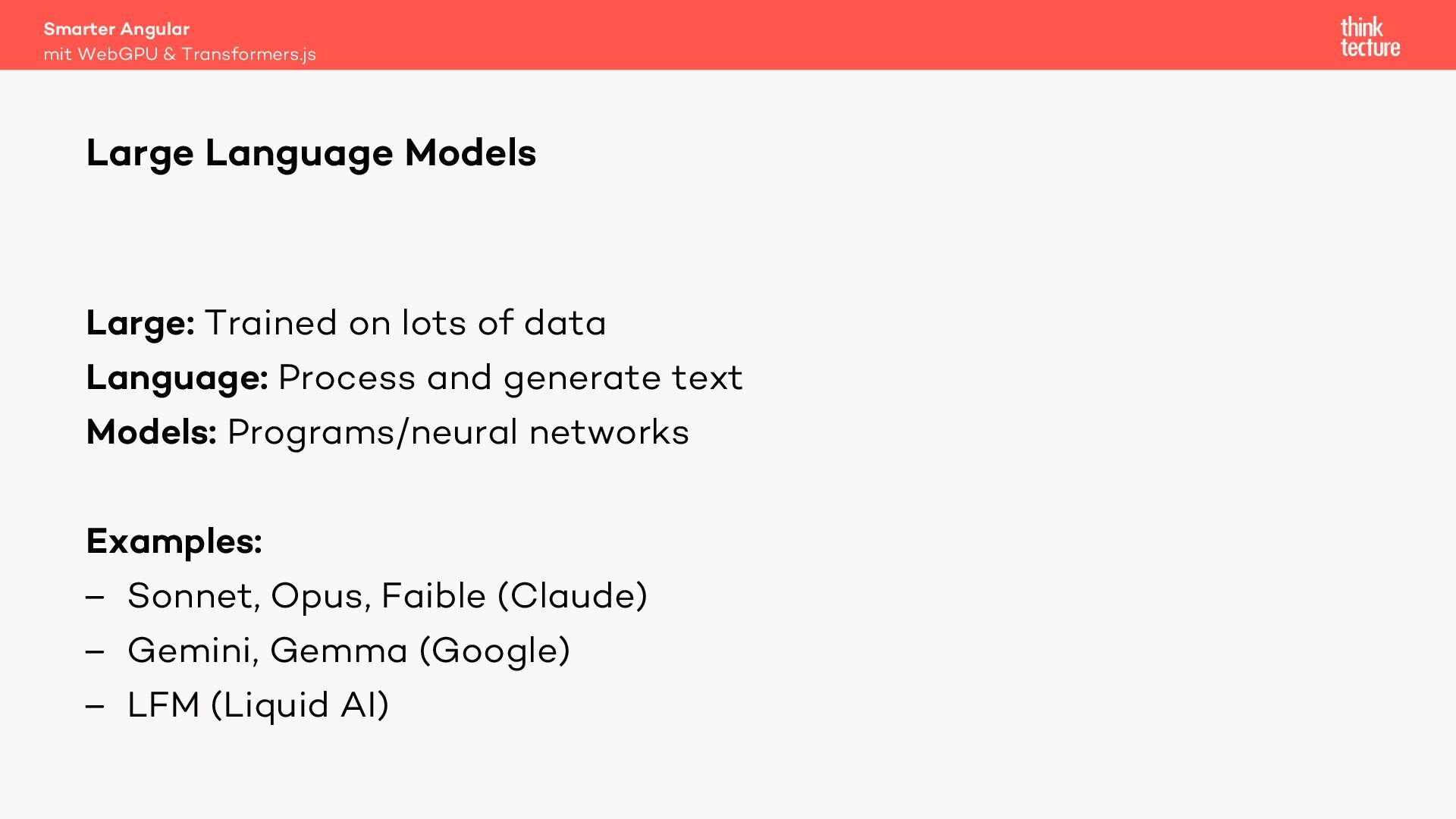
  9. Smarter Angular mit WebGPU & Transformers.js Large Language Models Large:

    Trained on lots of data Language: Process and generate text Models: Programs/neural networks Examples: – Sonnet, Opus, Faible (Claude) – Gemini, Gemma (Google) – LFM (Liquid AI)
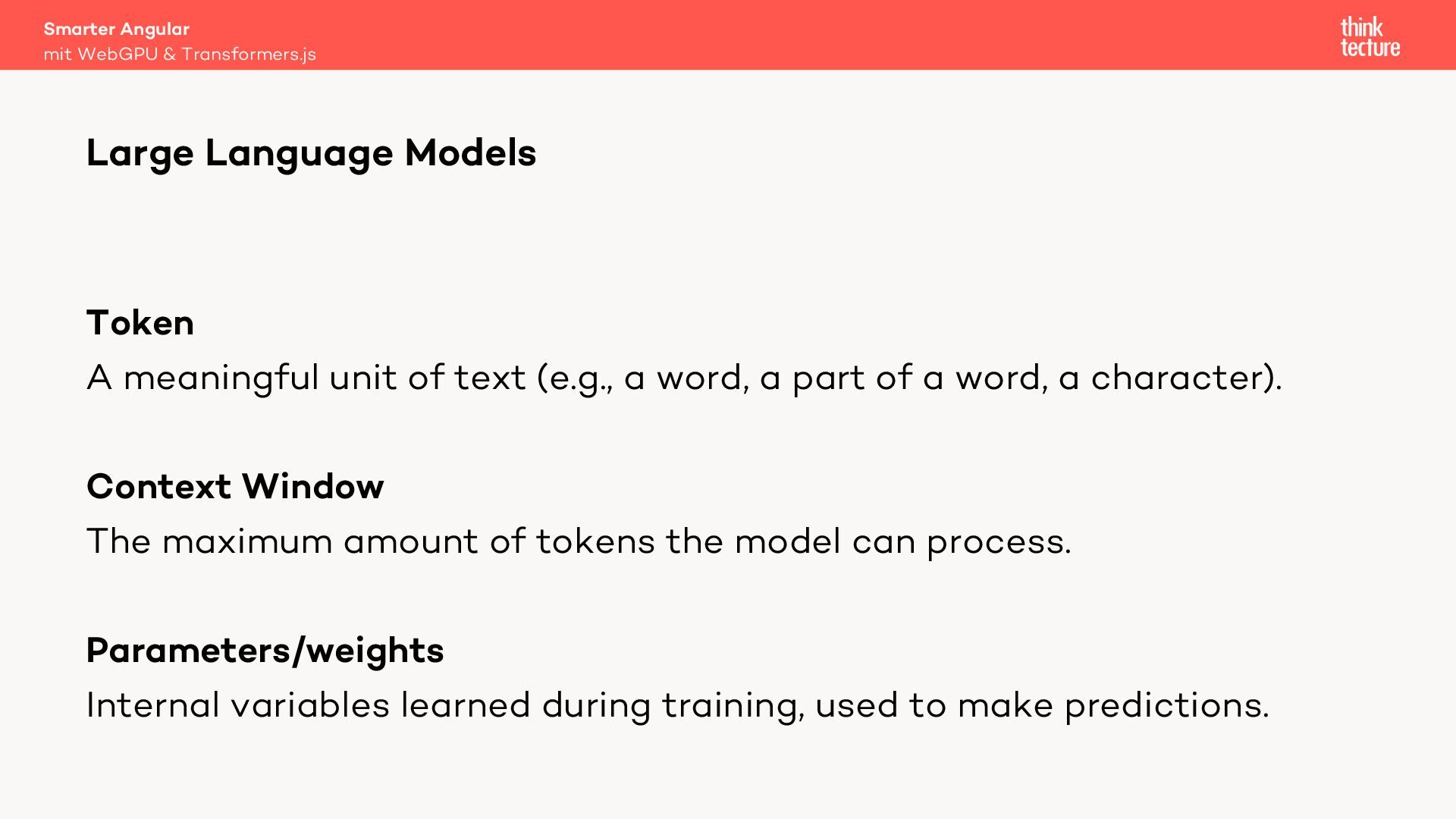
  10. Smarter Angular mit WebGPU & Transformers.js Large Language Models Token

    A meaningful unit of text (e.g., a word, a part of a word, a character). Context Window The maximum amount of tokens the model can process. Parameters/weights Internal variables learned during training, used to make predictions.
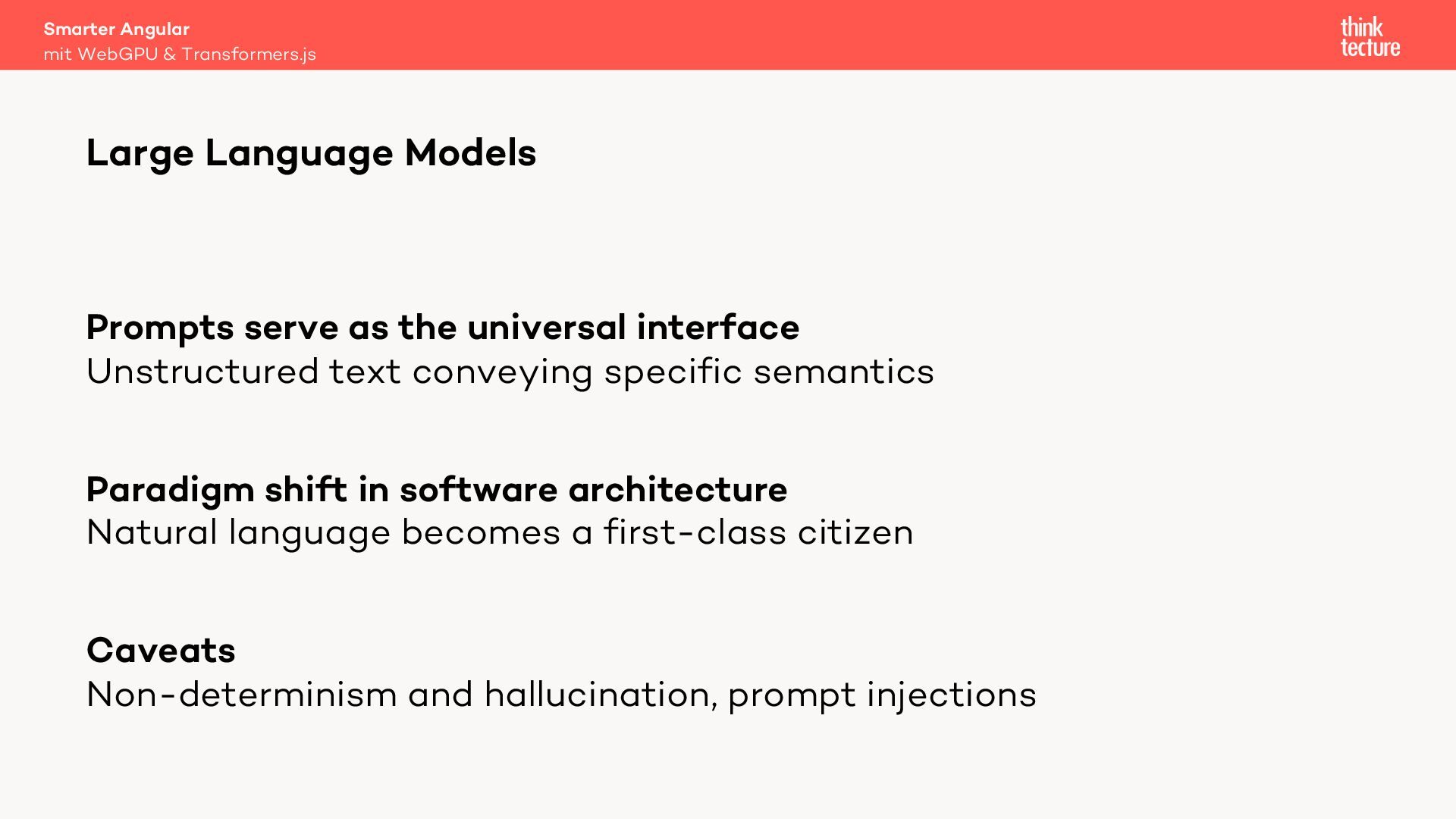
  11. Smarter Angular mit WebGPU & Transformers.js Large Language Models Prompts

    serve as the universal interface Unstructured text conveying specific semantics Paradigm shift in software architecture Natural language becomes a first-class citizen Caveats Non-determinism and hallucination, prompt injections
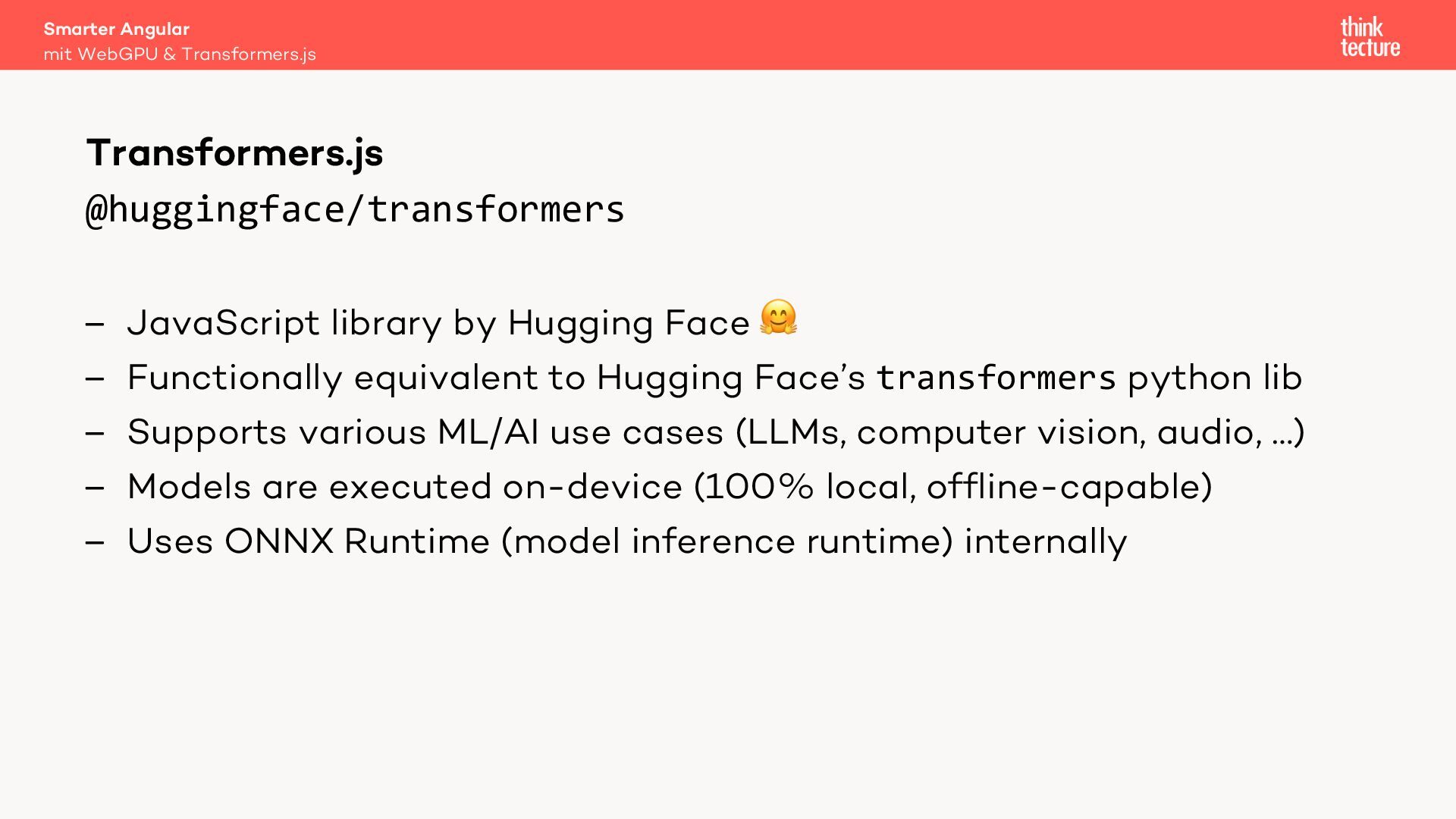
  12. Smarter Angular mit WebGPU & Transformers.js Transformers.js @huggingface/transformers – JavaScript

    library by Hugging Face " – Functionally equivalent to Hugging Face’s transformers python lib – Supports various ML/AI use cases (LLMs, computer vision, audio, …) – Models are executed on-device (100% local, offline-capable) – Uses ONNX Runtime (model inference runtime) internally
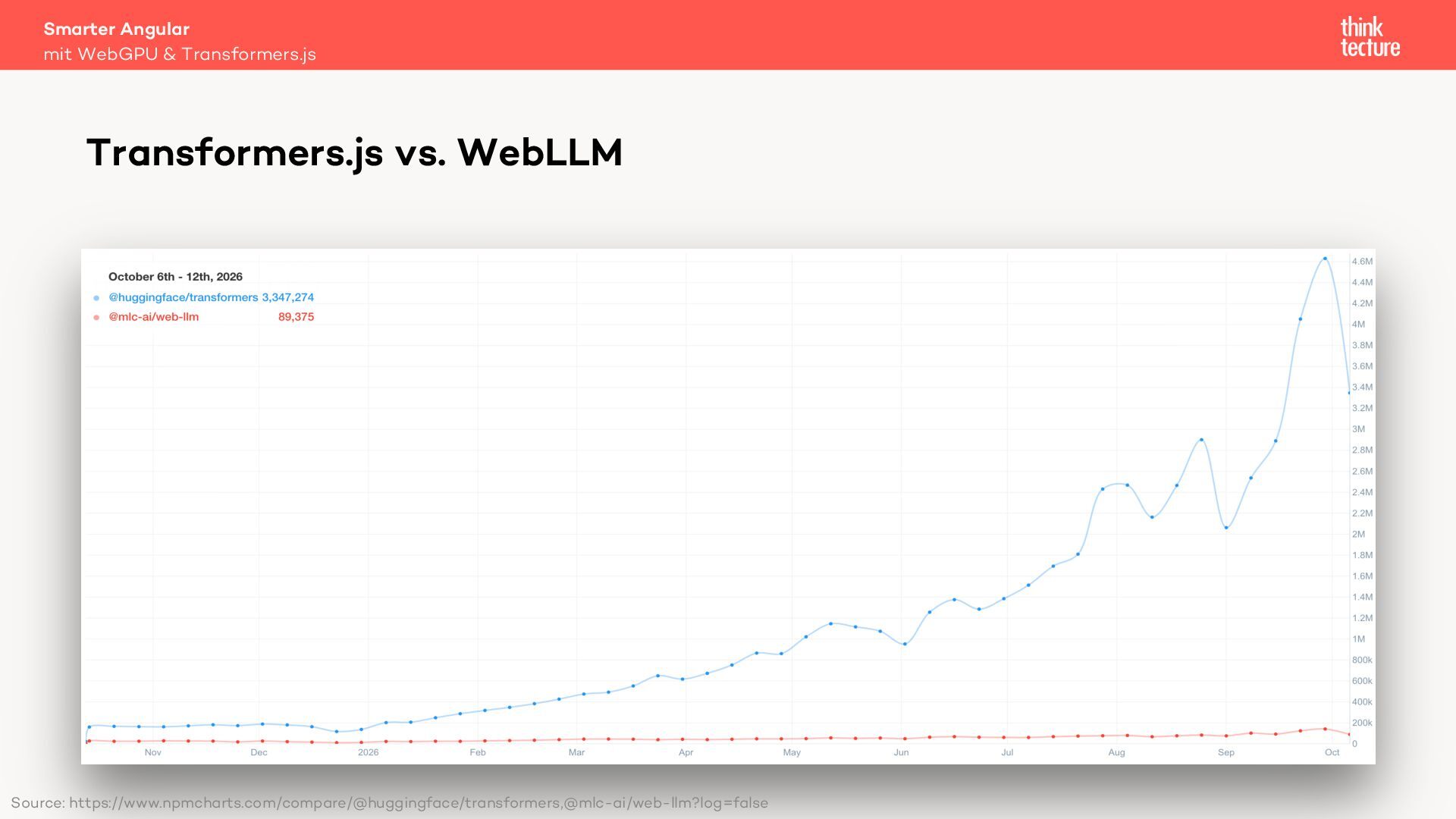
  13. Smarter Angular mit WebGPU & Transformers.js Transformers.js vs. WebLLM Source:

    https://www.npmcharts.com/compare/@huggingface/transformers,@mlc-ai/web-llm?log=false
  14. Smarter Angular mit WebGPU & Transformers.js Model Selection Size Comparison

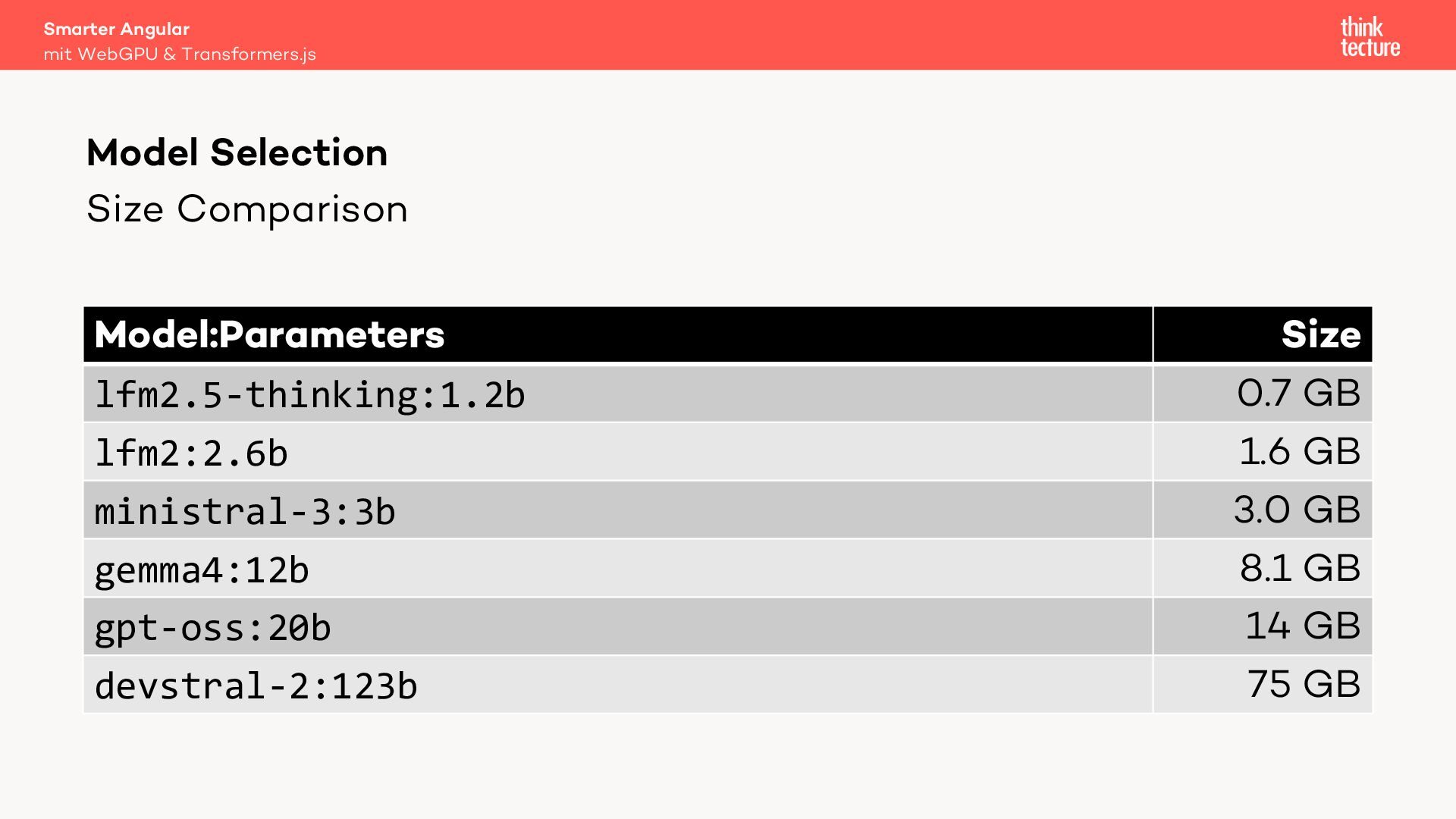
    Model:Parameters lfm2.5-thinking:1.2b lfm2:2.6b ministral-3:3b gemma4:12b gpt-oss:20b devstral-2:123b Size 0.7 GB 1.6 GB 3.0 GB 8.1 GB 14 GB 75 GB
  15. Smarter Angular mit WebGPU & Transformers.js Model Selection Liquid Foundation

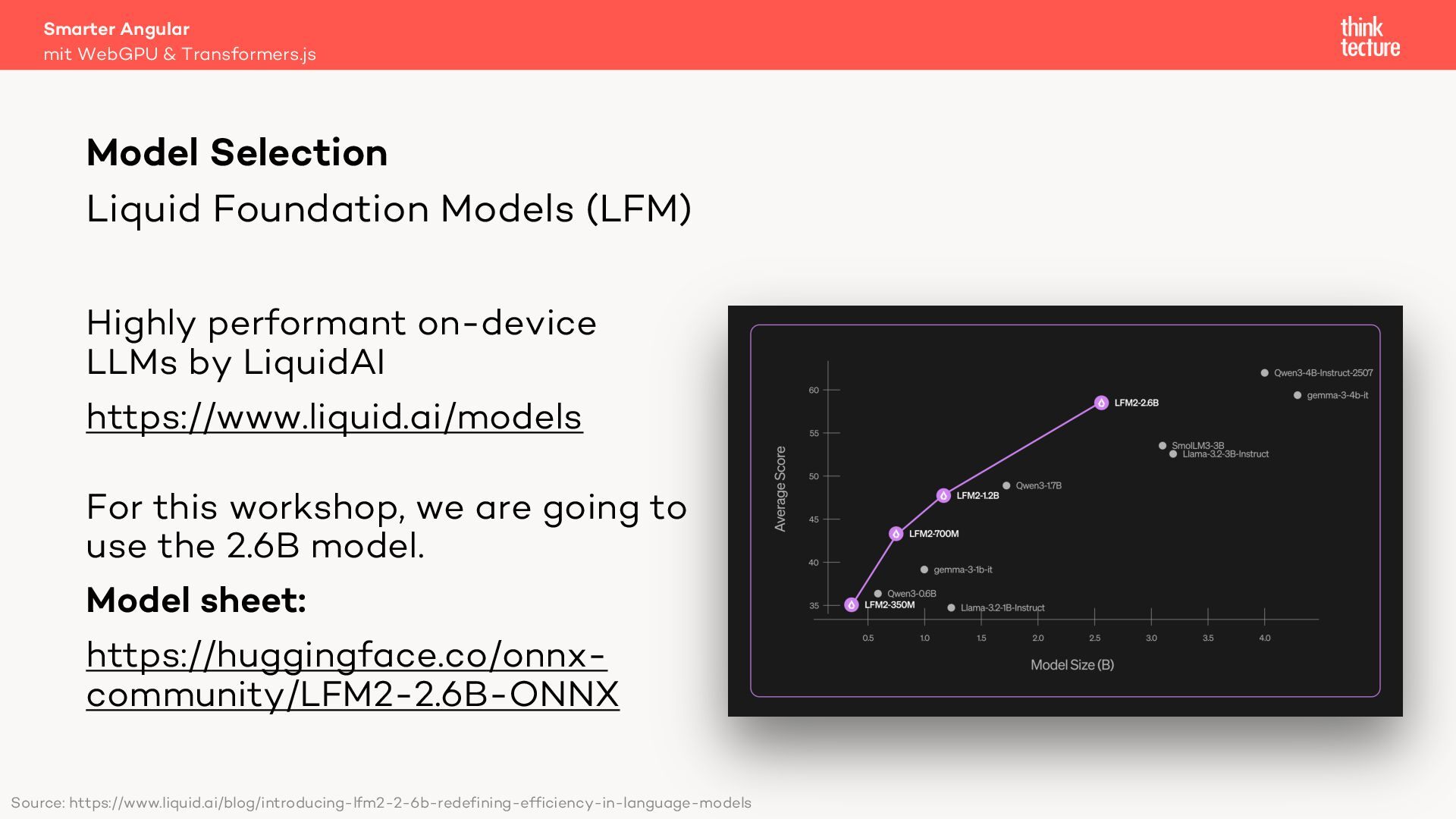
    Models (LFM) Highly performant on-device LLMs by LiquidAI https://www.liquid.ai/models For this workshop, we are going to use the 2.6B model. Model sheet: https://huggingface.co/onnxcommunity/LFM2-2.6B-ONNX Source: https://www.liquid.ai/blog/introducing-lfm2-2-6b-redefining-efficiency-in-language-models
  16. Smarter Angular mit WebGPU & Transformers.js Downloading a model (1/3)

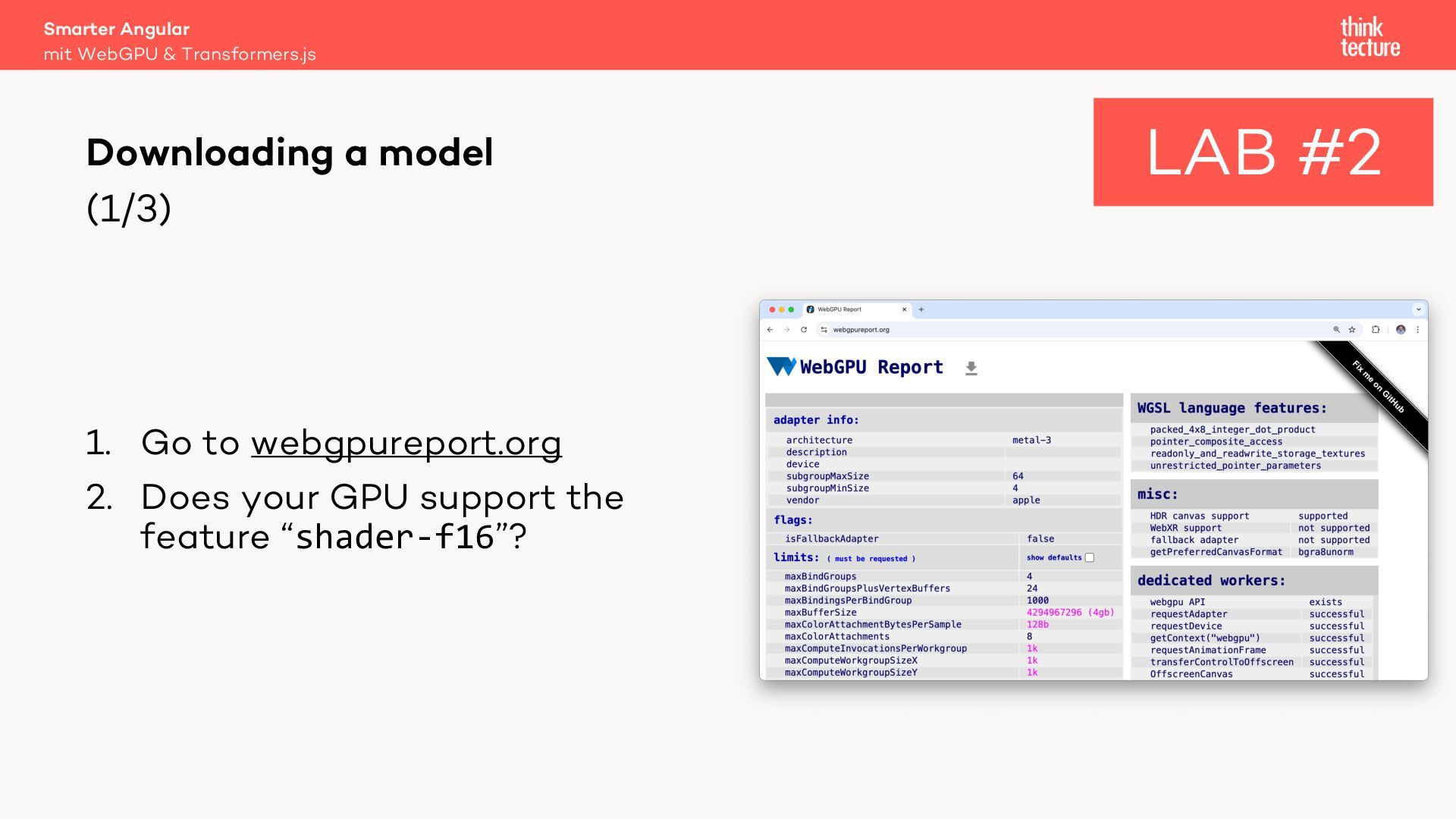
    1. Go to webgpureport.org 2. Does your GPU support the feature “shader-f16”? LAB #2
  17. Smarter Angular mit WebGPU & Transformers.js Downloading a model (2/3)

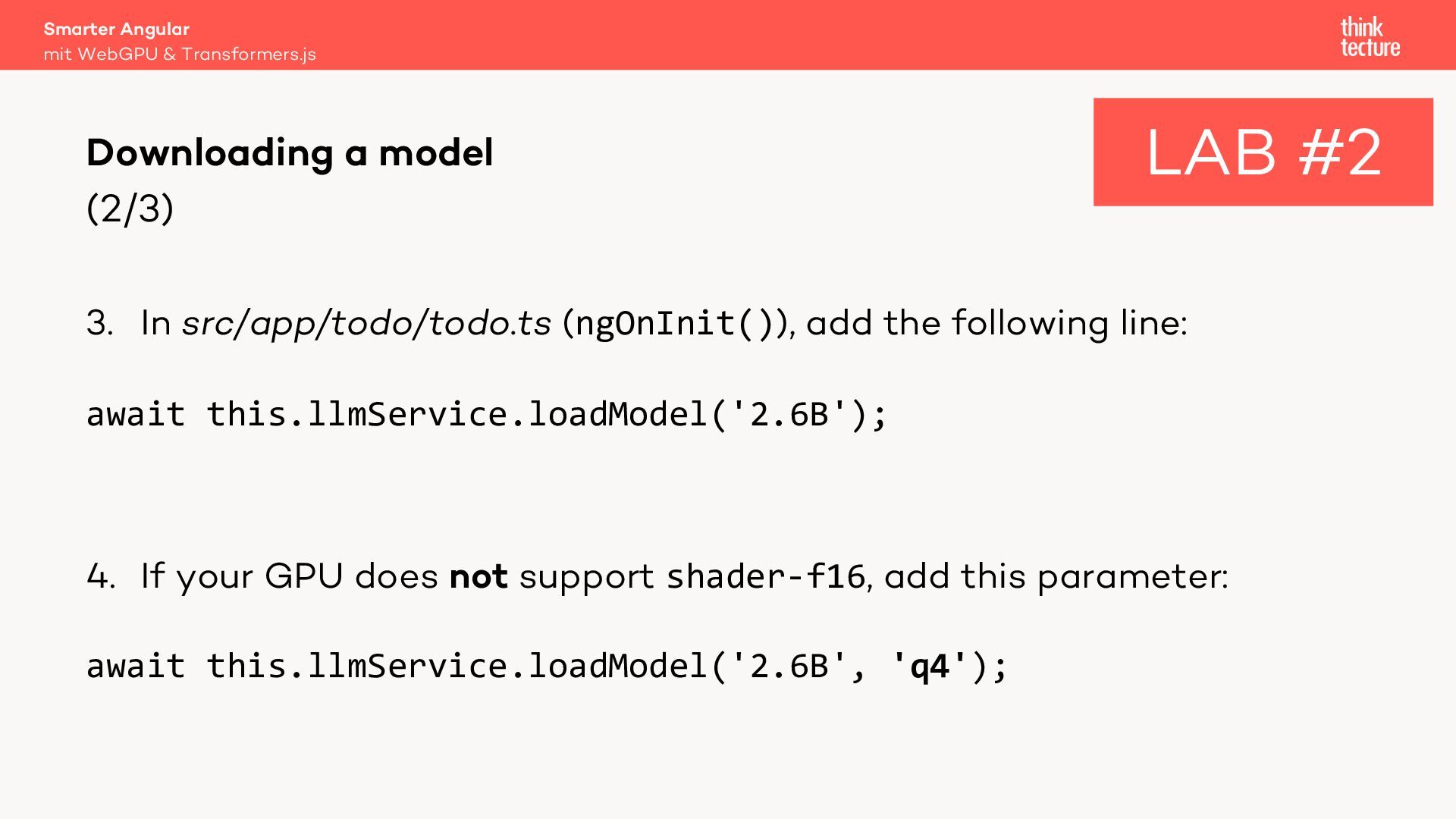
    LAB #2 3. In src/app/todo/todo.ts (ngOnInit()), add the following line: await this.llmService.loadModel('2.6B'); 4. If your GPU does not support shader-f16, add this parameter: await this.llmService.loadModel('2.6B', 'q4');
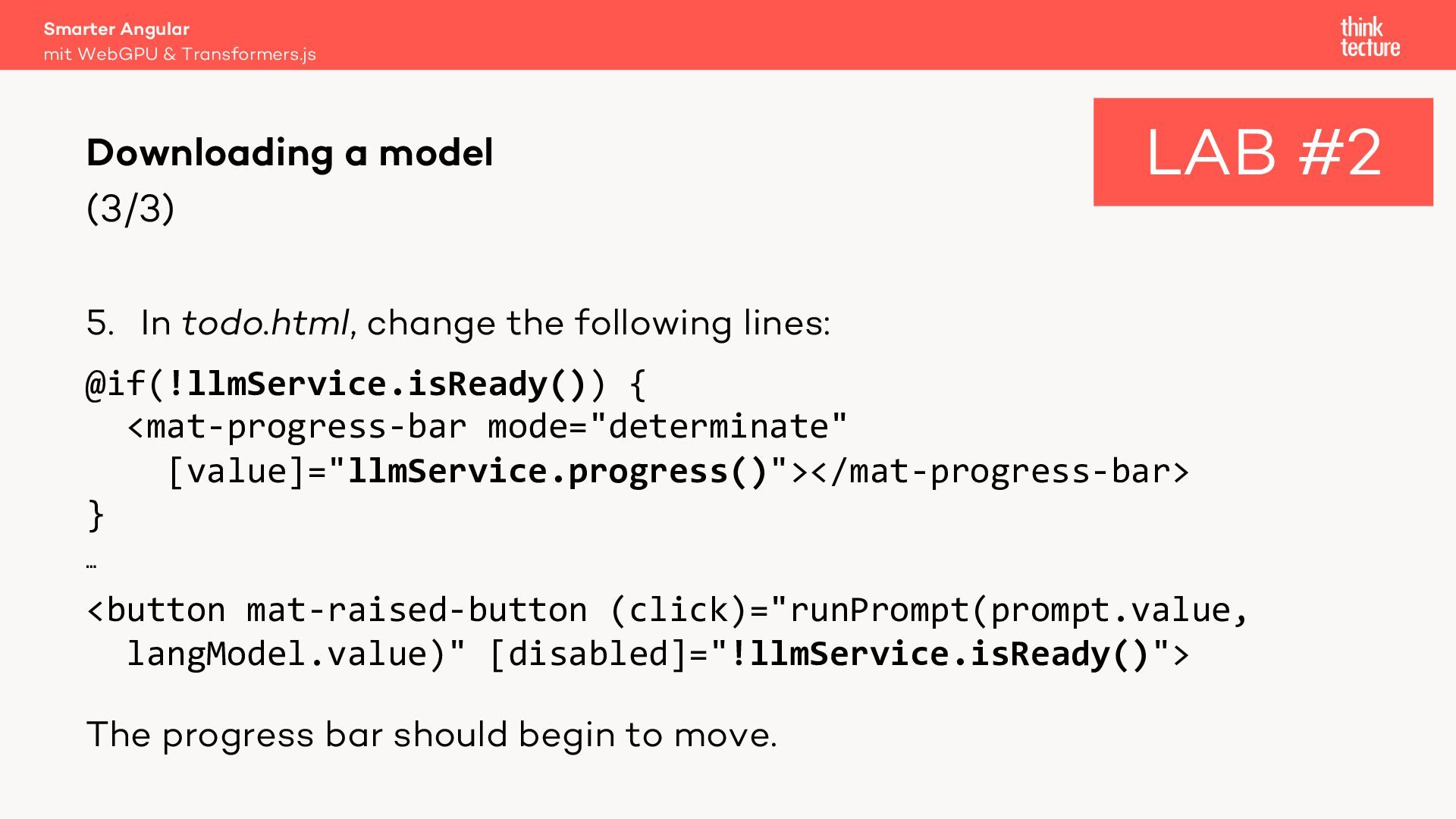
  18. Smarter Angular mit WebGPU & Transformers.js Downloading a model (3/3)

    LAB #2 5. In todo.html, change the following lines: @if(!llmService.isReady()) { <mat-progress-bar mode="determinate" [value]="llmService.progress()"></mat-progress-bar> } … <button mat-raised-button (click)="runPrompt(prompt.value, langModel.value)" [disabled]="!llmService.isReady()"> The progress bar should begin to move.
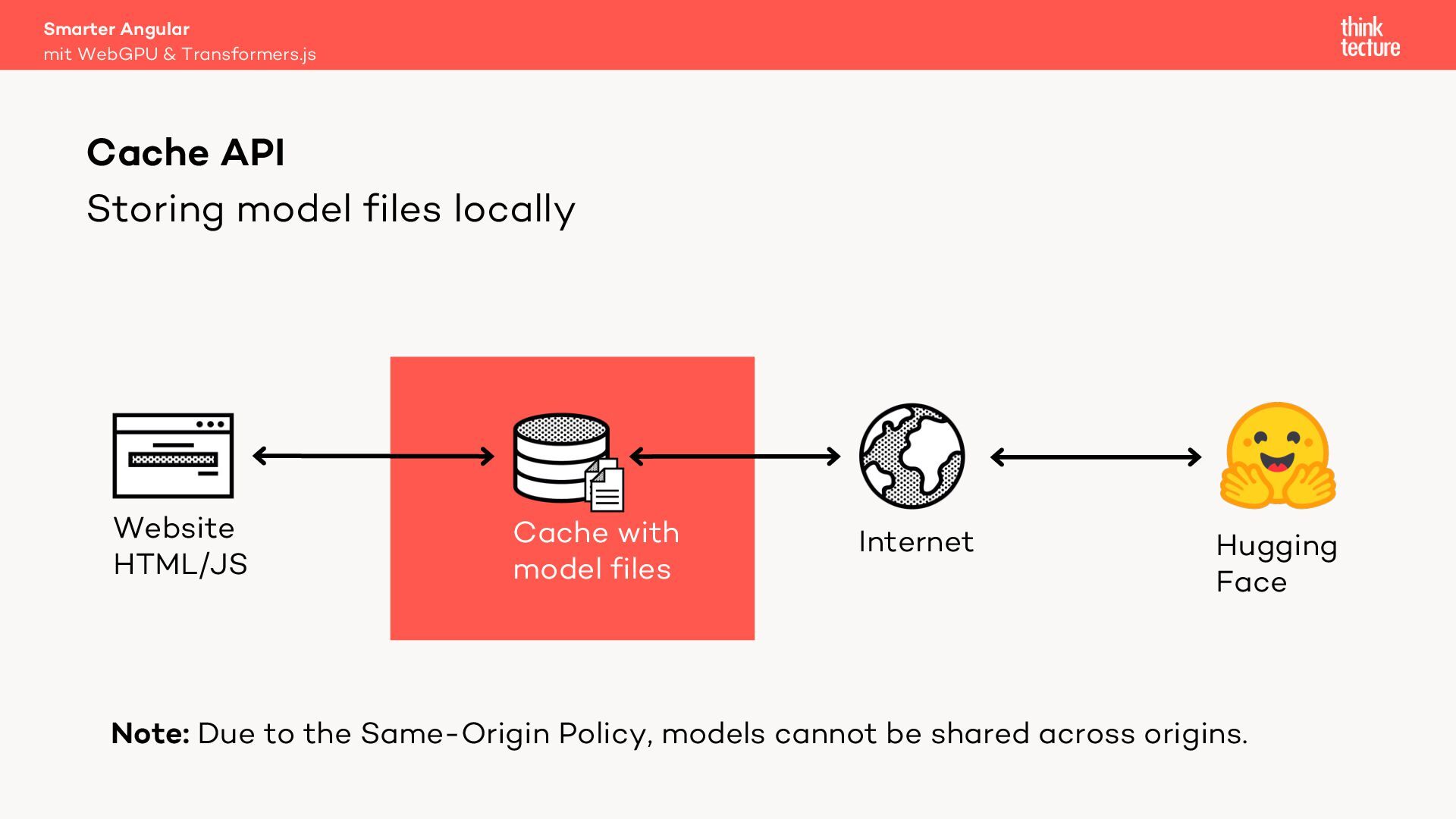
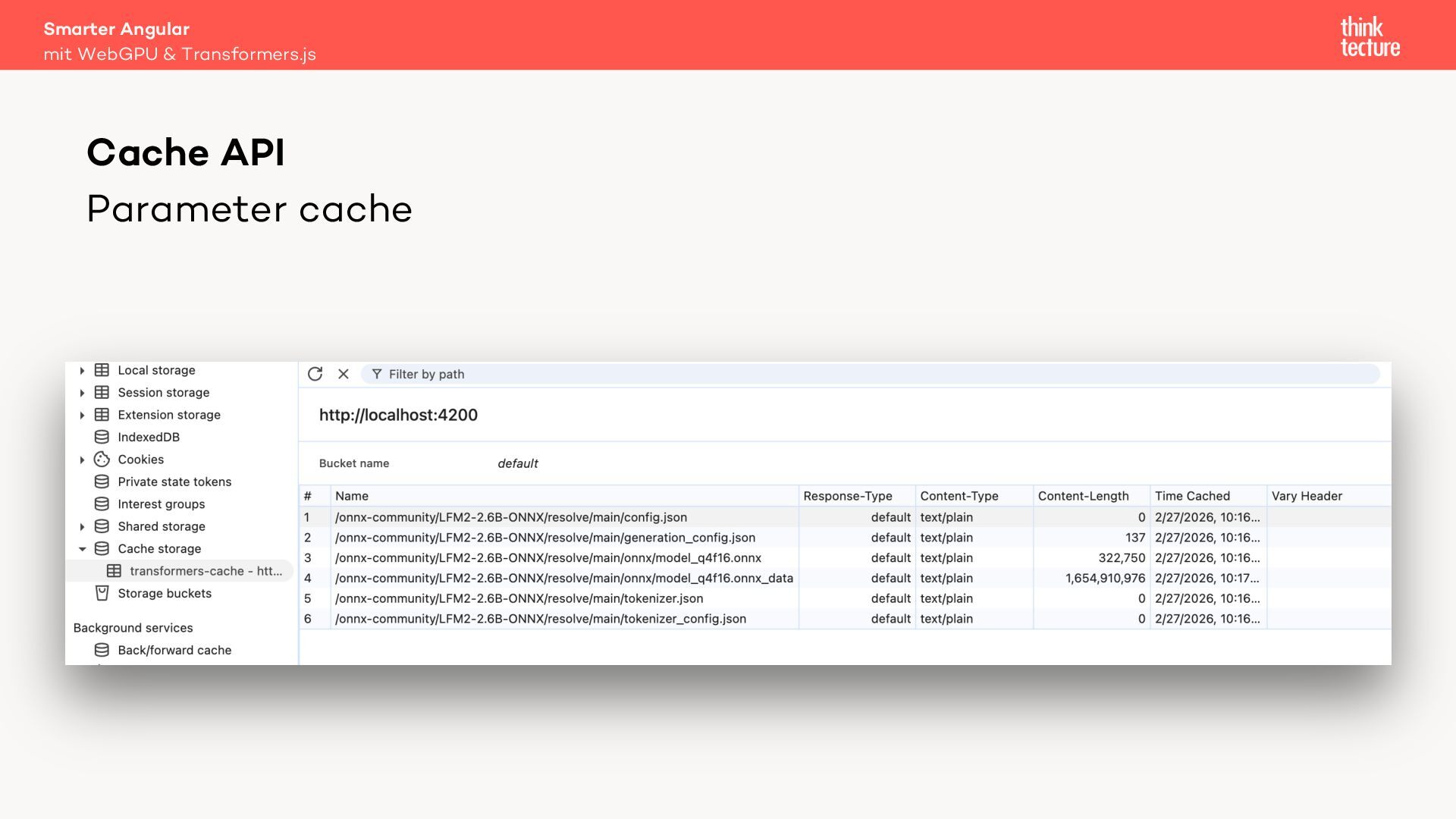
  19. Smarter Angular mit WebGPU & Transformers.js Cache API Storing model

    files locally Website HTML/JS Cache with model files Internet Hugging Face Note: Due to the Same-Origin Policy, models cannot be shared across origins.
  20. Smarter Angular mit WebGPU & Transformers.js WebAssembly (Wasm) – Bytecode

    for the web – Compile target for arbitrary languages – Can be faster than JavaScript – WebLLM uses a modelspecific Wasm library to accelerate model computations
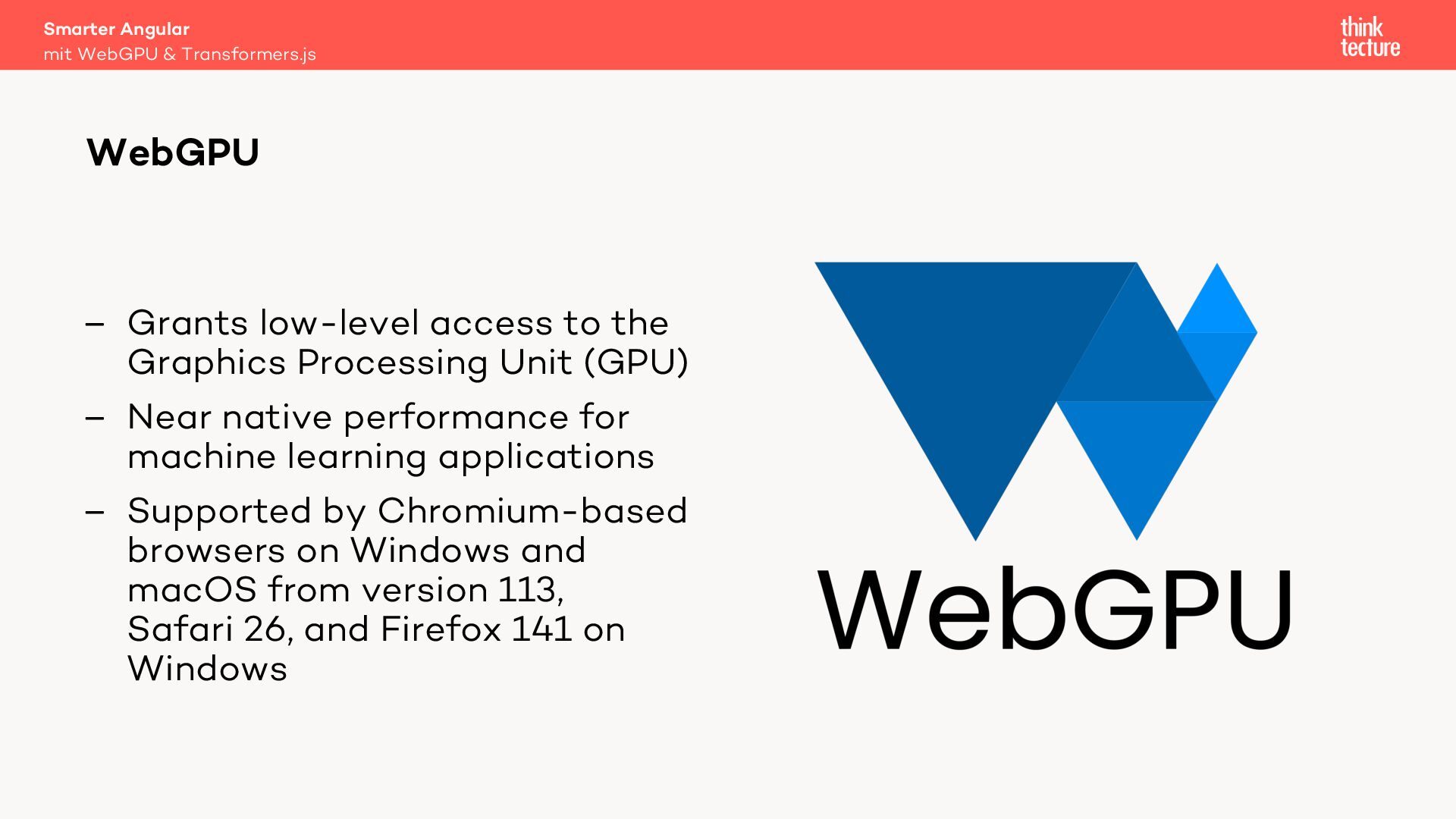
  21. Smarter Angular mit WebGPU & Transformers.js WebGPU – Grants low-level

    access to the Graphics Processing Unit (GPU) – Near native performance for machine learning applications – Supported by Chromium-based browsers on Windows and macOS from version 113, Safari 26, and Firefox 141 on Windows
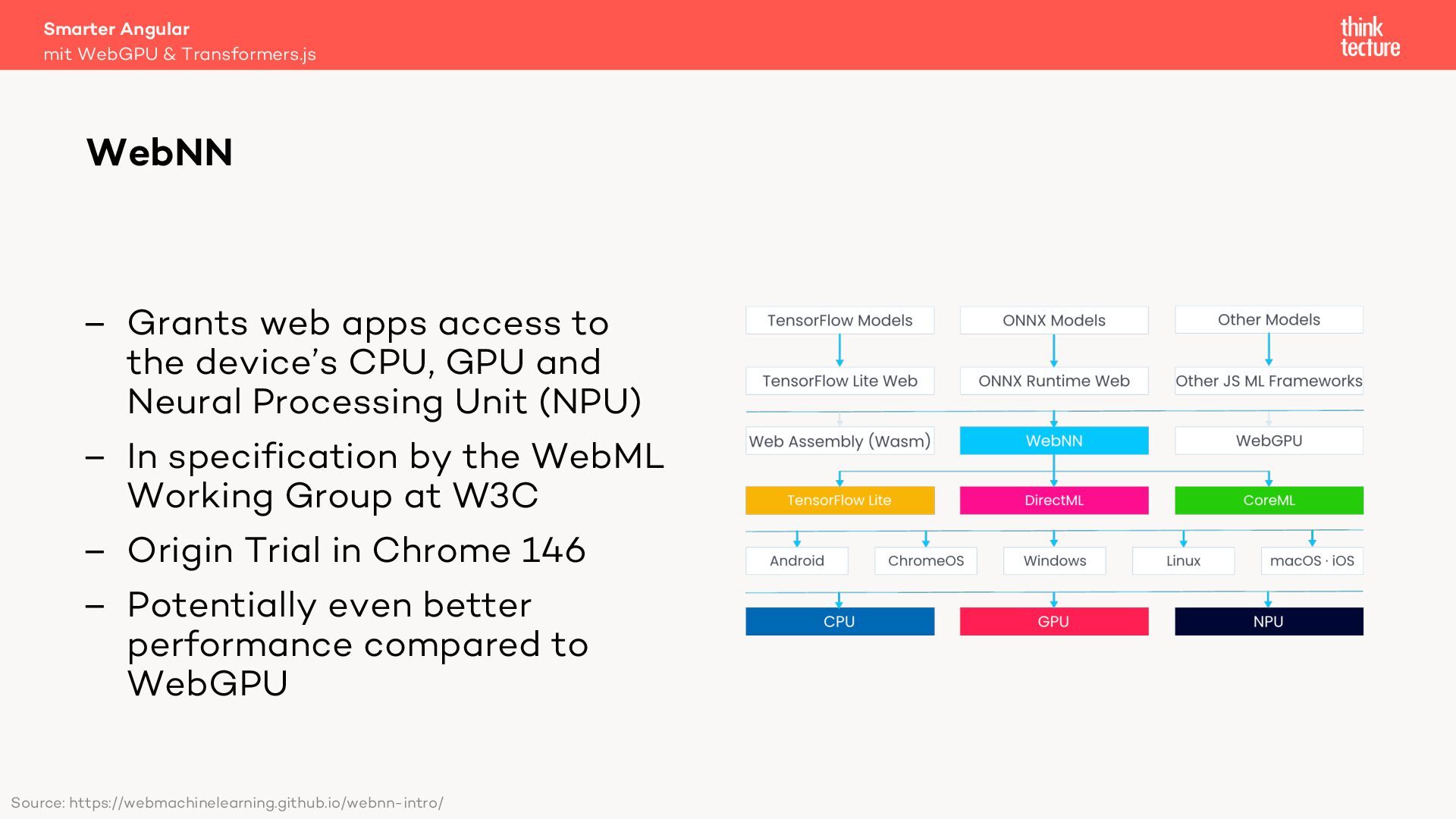
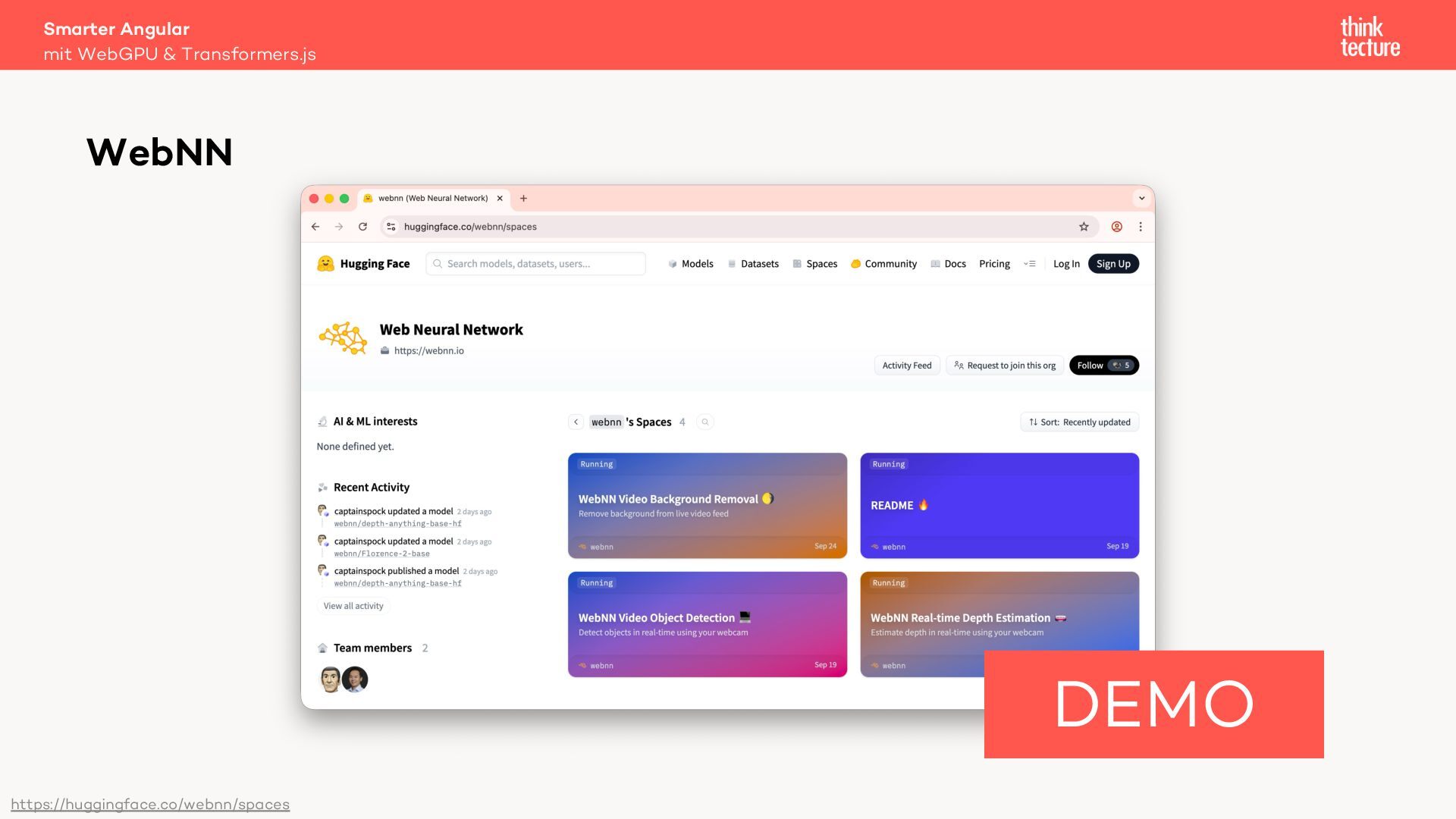
  22. Smarter Angular mit WebGPU & Transformers.js WebNN – Grants web

    apps access to the device’s CPU, GPU and Neural Processing Unit (NPU) – In specification by the WebML Working Group at W3C – Origin Trial in Chrome 146 – Potentially even better performance compared to WebGPU Source: https://webmachinelearning.github.io/webnn-intro/
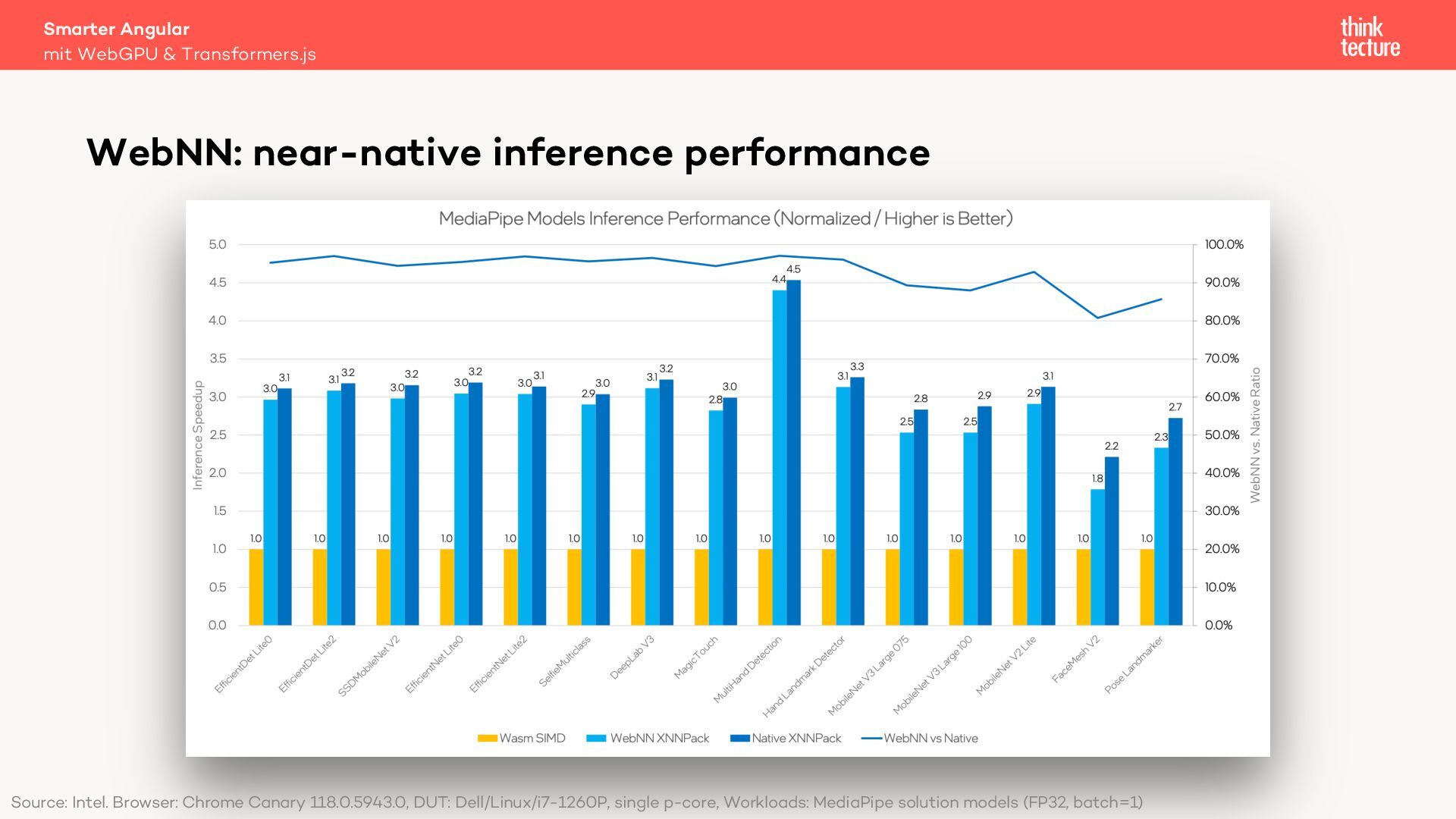
  23. Smarter Angular mit WebGPU & Transformers.js WebNN: near-native inference performance

    Source: Intel. Browser: Chrome Canary 118.0.5943.0, DUT: Dell/Linux/i7-1260P, single p-core, Workloads: MediaPipe solution models (FP32, batch=1)
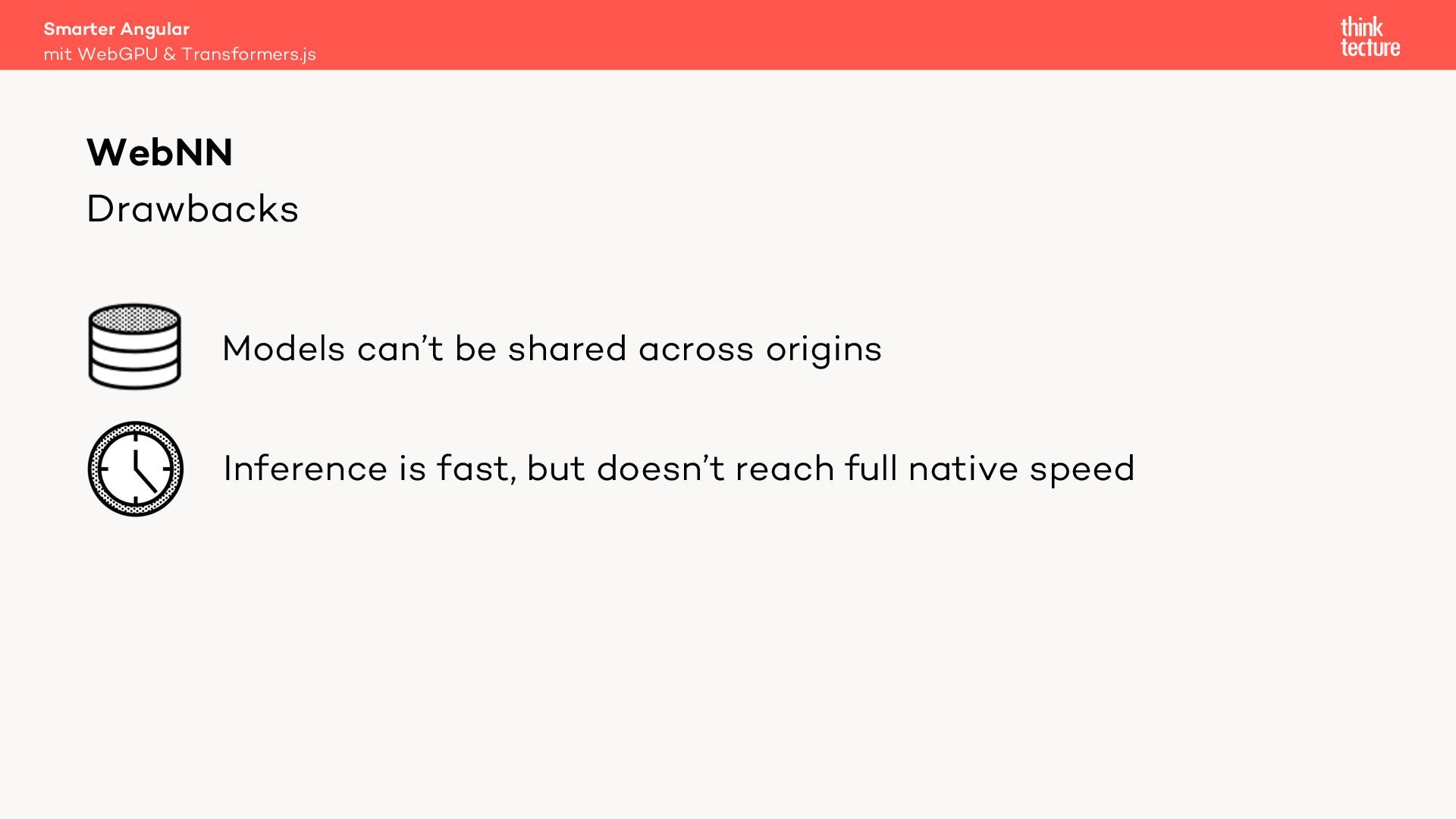
  24. Smarter Angular mit WebGPU & Transformers.js WebNN Drawbacks Models can’t

    be shared across origins Inference is fast, but doesn’t reach full native speed
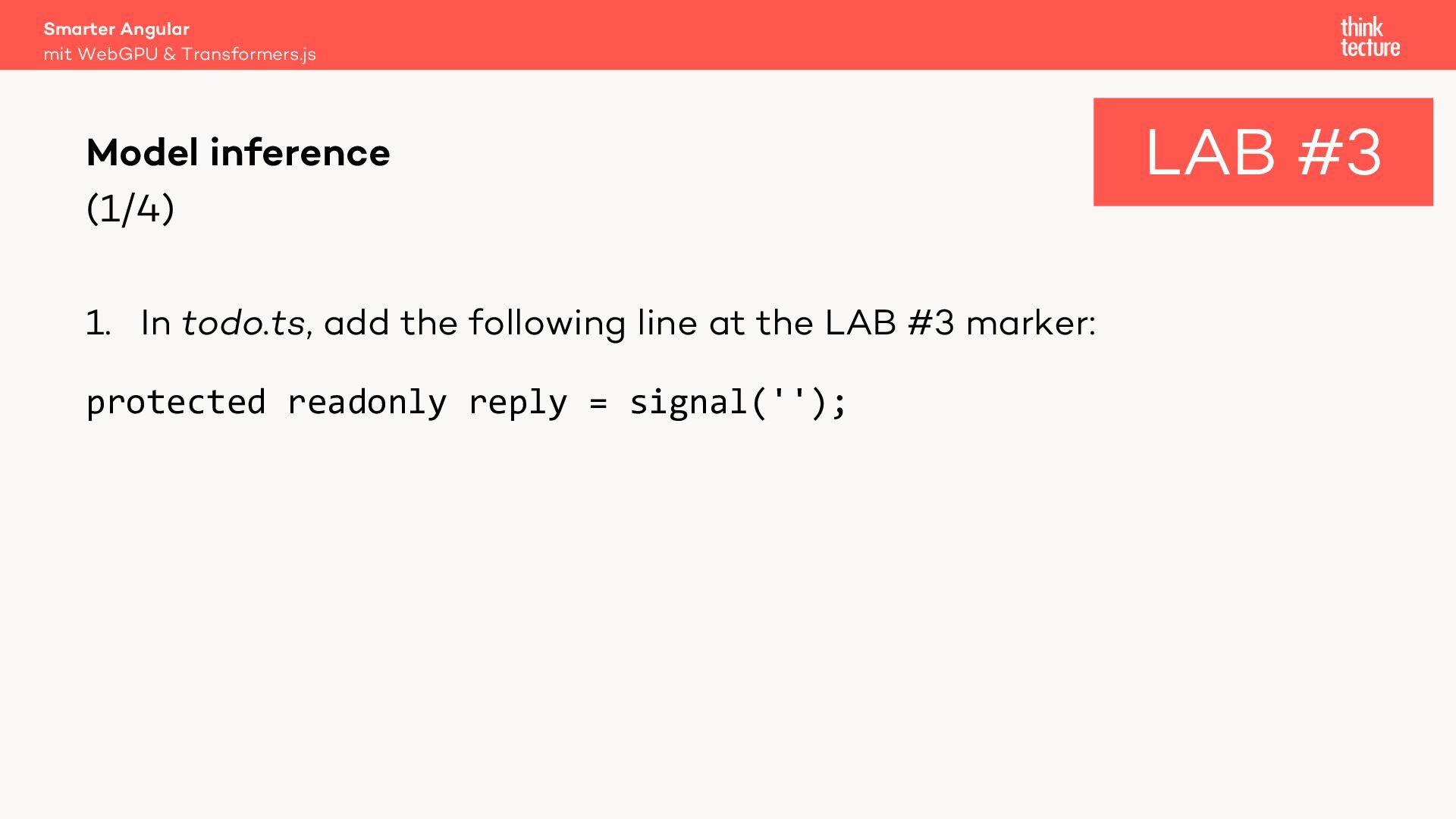
  25. Smarter Angular mit WebGPU & Transformers.js Model inference (1/4) 1.

    In todo.ts, add the following line at the LAB #3 marker: protected readonly reply = signal(''); LAB #3
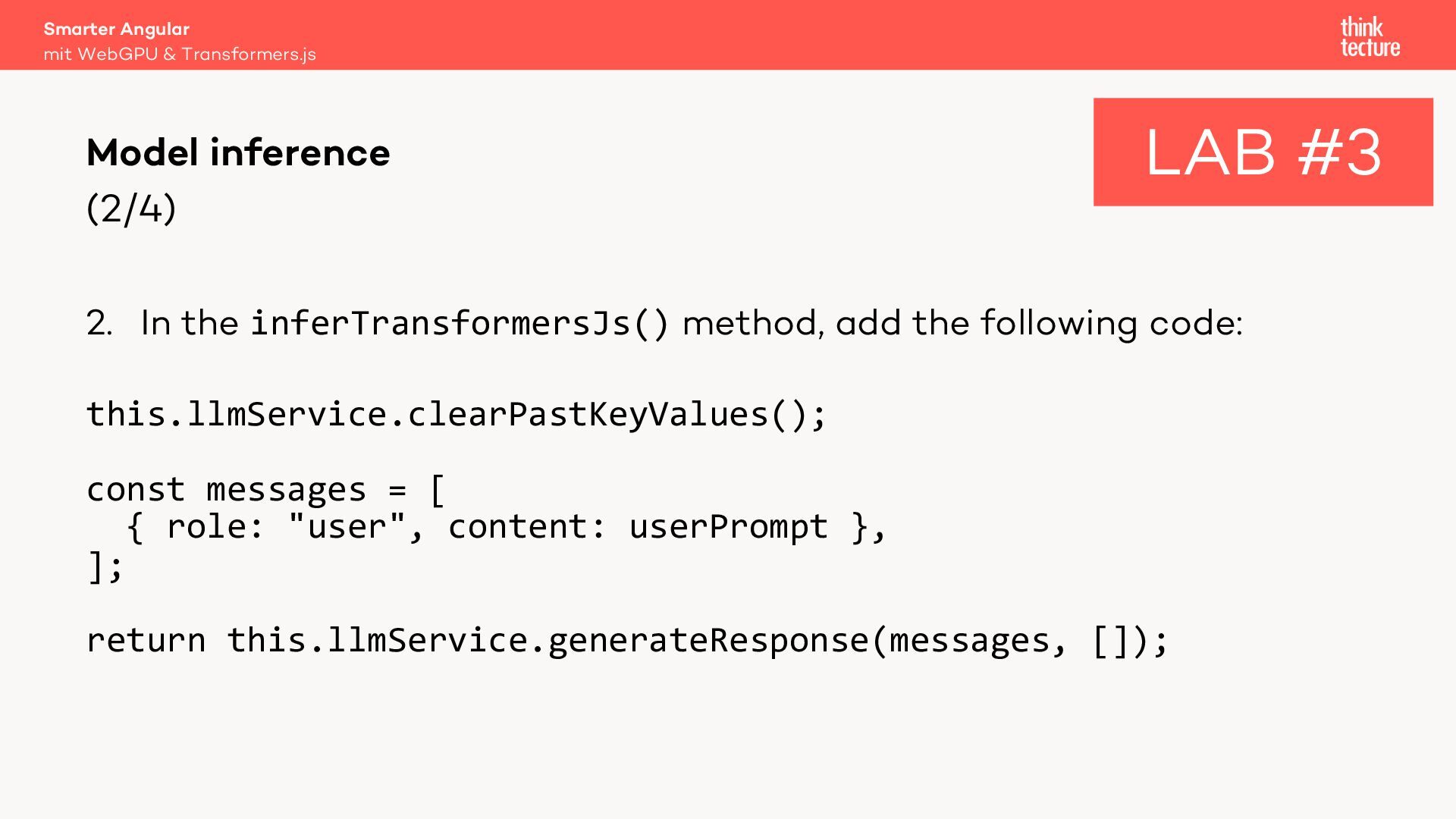
  26. Smarter Angular mit WebGPU & Transformers.js Model inference (2/4) LAB

    #3 2. In the inferTransformersJs() method, add the following code: this.llmService.clearPastKeyValues(); const messages = [ { role: "user", content: userPrompt }, ]; return this.llmService.generateResponse(messages, []);
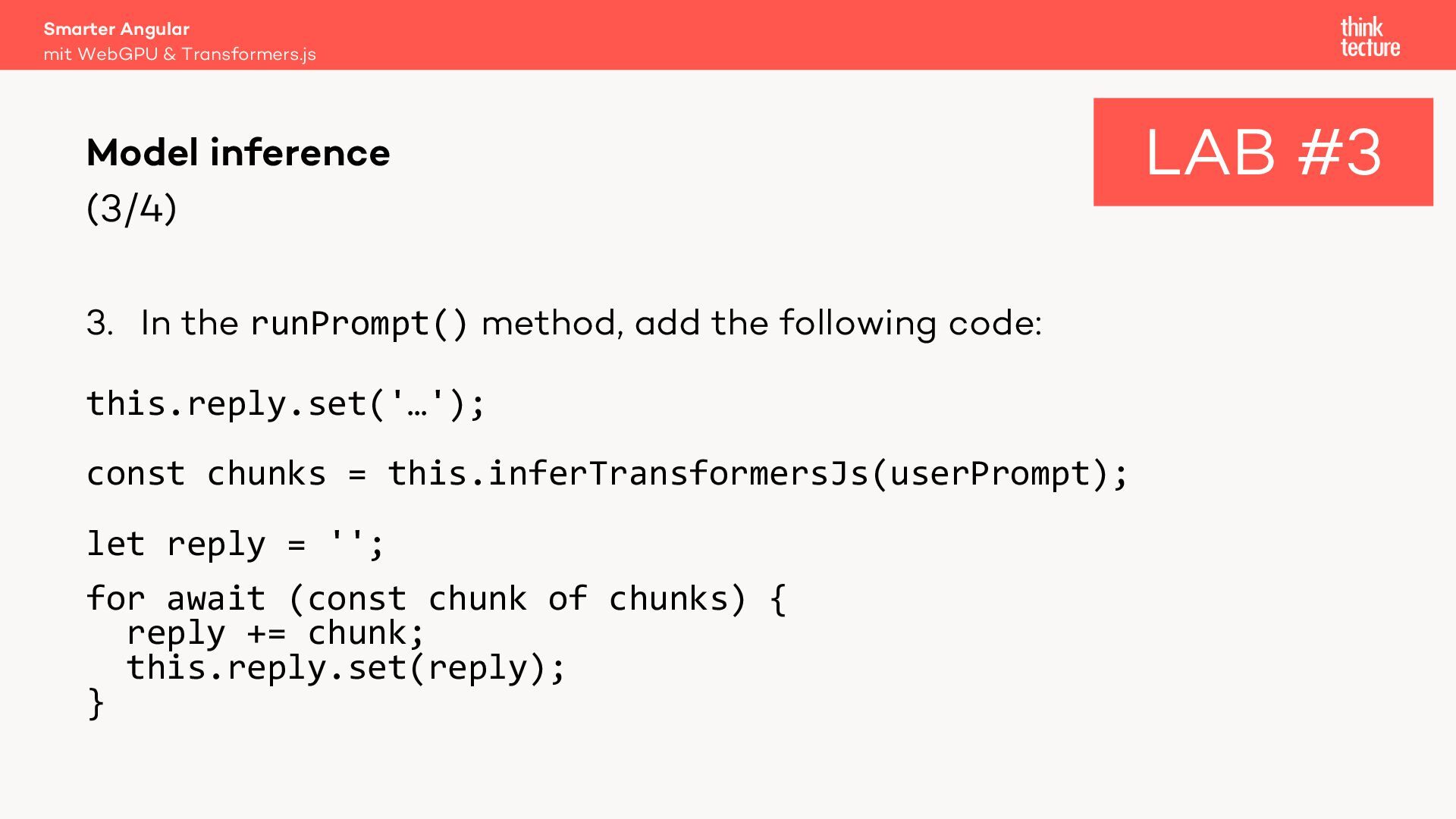
  27. Smarter Angular mit WebGPU & Transformers.js Model inference (3/4) 3.

    In the runPrompt() method, add the following code: this.reply.set('…'); const chunks = this.inferTransformersJs(userPrompt); let reply = ''; for await (const chunk of chunks) { reply += chunk; this.reply.set(reply); } LAB #3
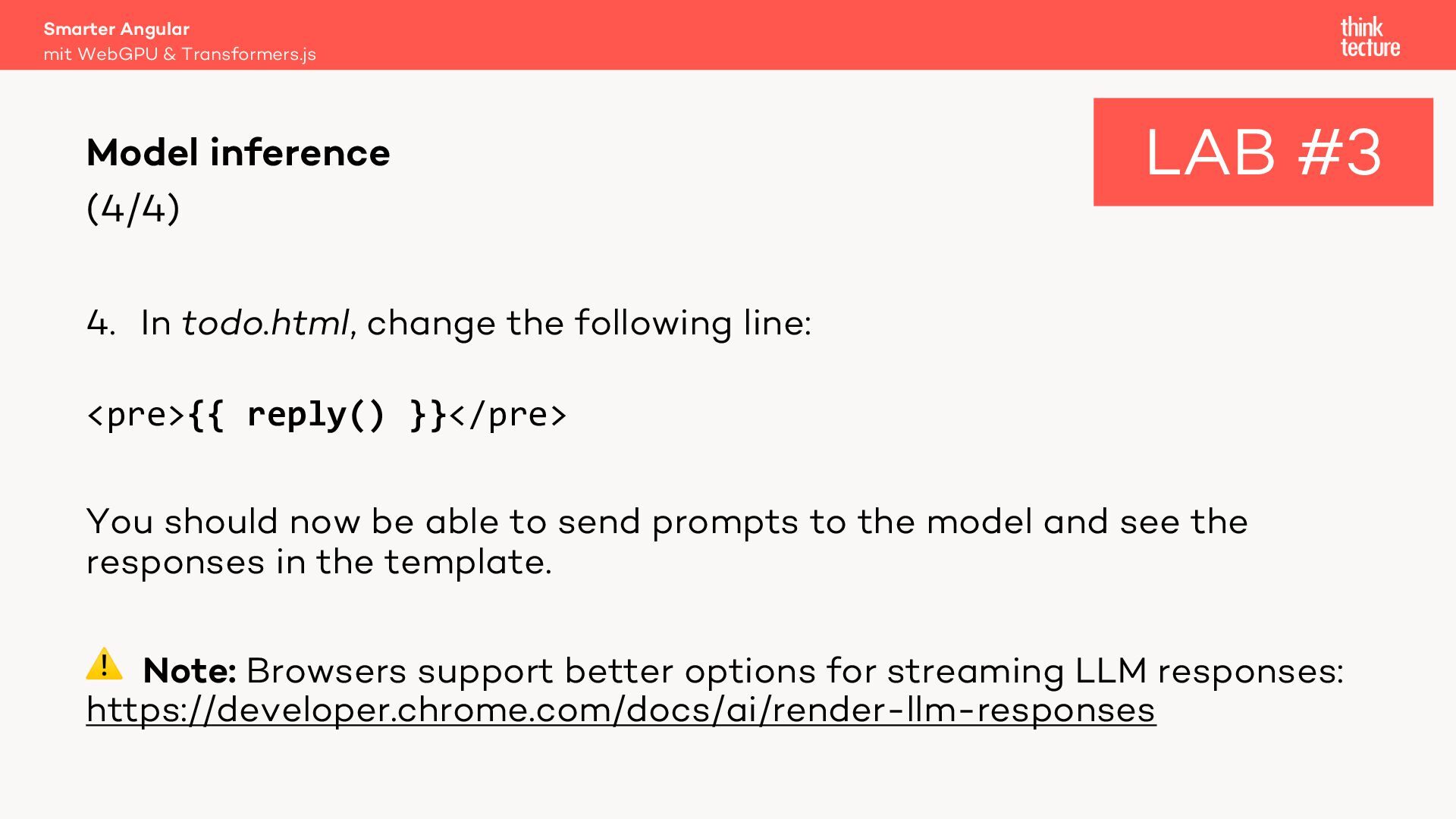
  28. Smarter Angular mit WebGPU & Transformers.js Model inference (4/4) LAB

    #3 4. In todo.html, change the following line: <pre>{{ reply() }}</pre> You should now be able to send prompts to the model and see the responses in the template. ⚠ Note: Browsers support better options for streaming LLM responses: https://developer.chrome.com/docs/ai/render-llm-responses
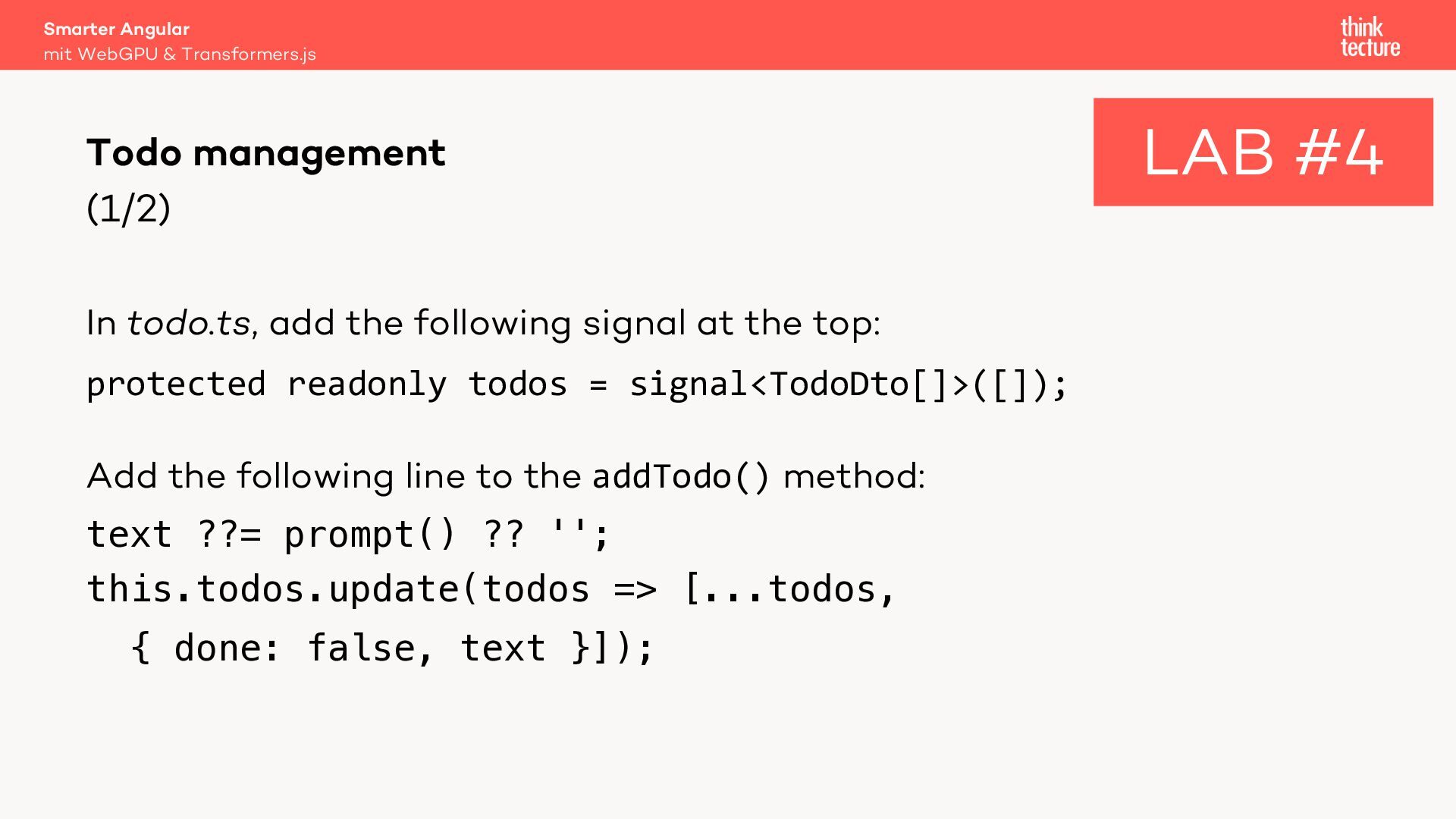
  29. Smarter Angular mit WebGPU & Transformers.js Todo management (1/2) In

    todo.ts, add the following signal at the top: protected readonly todos = signal<TodoDto[]>([]); Add the following line to the addTodo() method: text ??= prompt() ?? ''; this.todos.update(todos => [...todos, { done: false, text }]); LAB #4
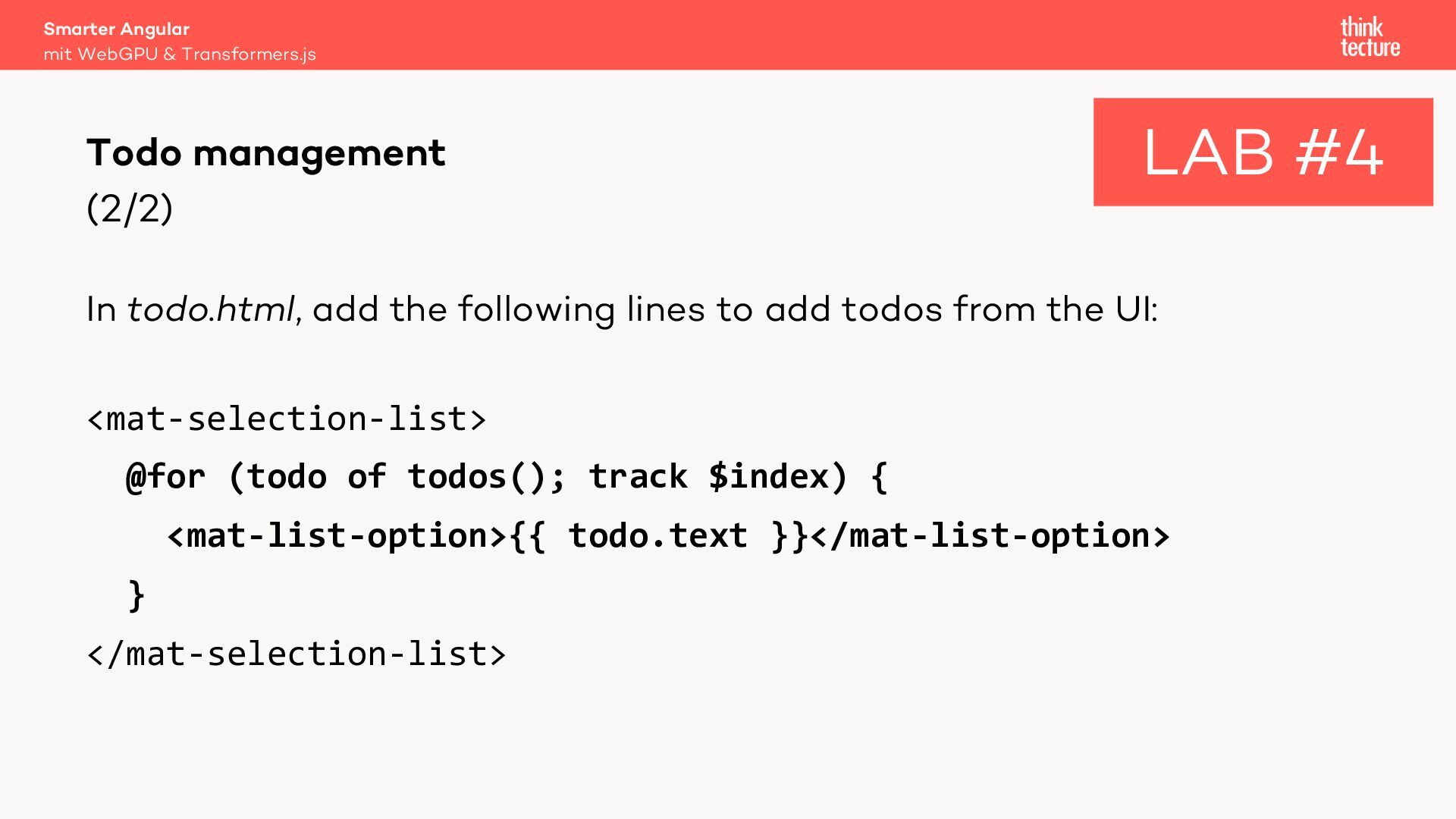
  30. Smarter Angular mit WebGPU & Transformers.js Todo management (2/2) LAB

    #4 In todo.html, add the following lines to add todos from the UI: <mat-selection-list> @for (todo of todos(); track $index) { <mat-list-option>{{ todo.text }}</mat-list-option> } </mat-selection-list>
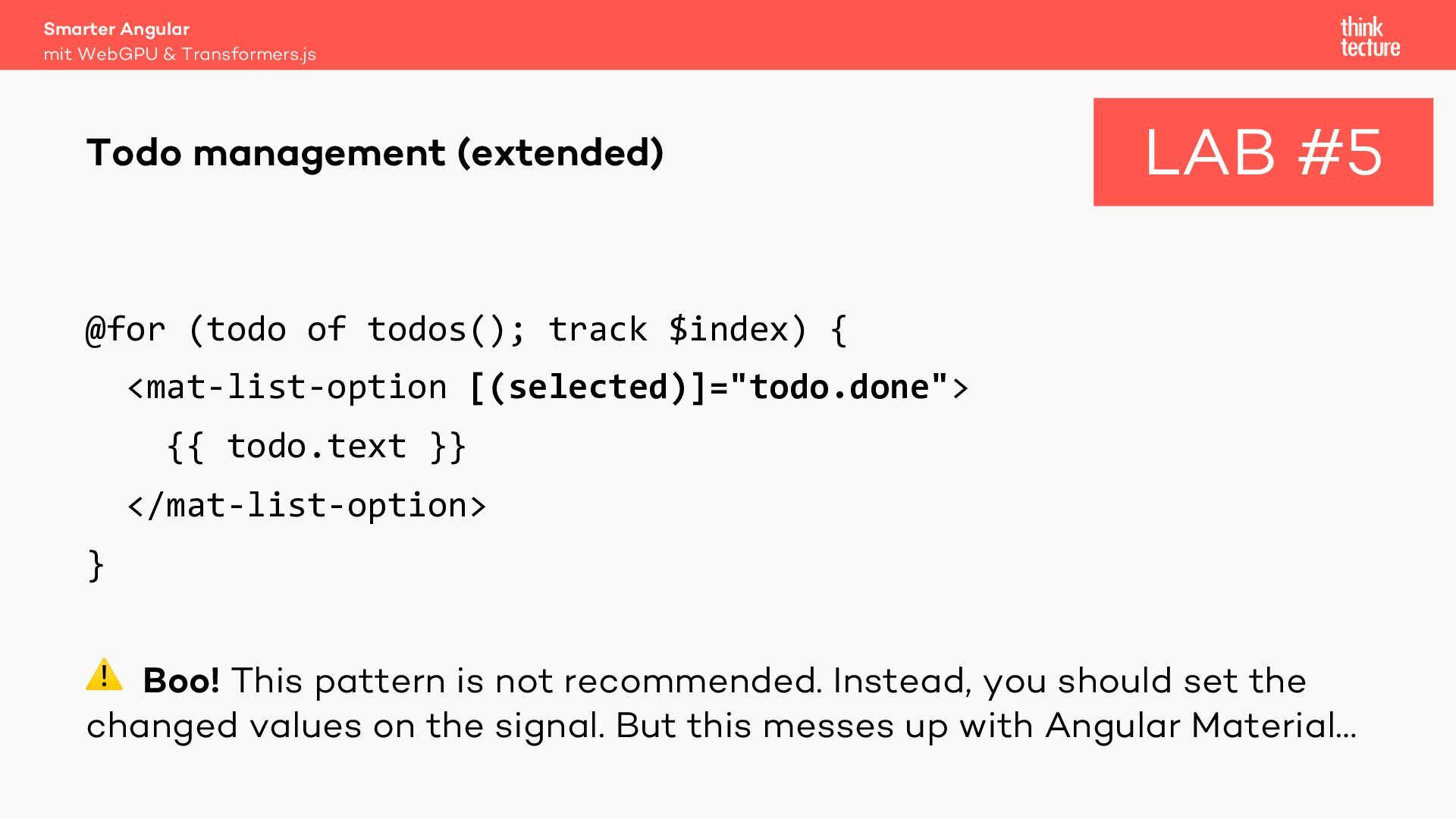
  31. Smarter Angular mit WebGPU & Transformers.js Todo management (extended) LAB

    #5 @for (todo of todos(); track $index) { <mat-list-option [(selected)]="todo.done"> {{ todo.text }} </mat-list-option> } ⚠ Boo! This pattern is not recommended. Instead, you should set the changed values on the signal. But this messes up with Angular Material…
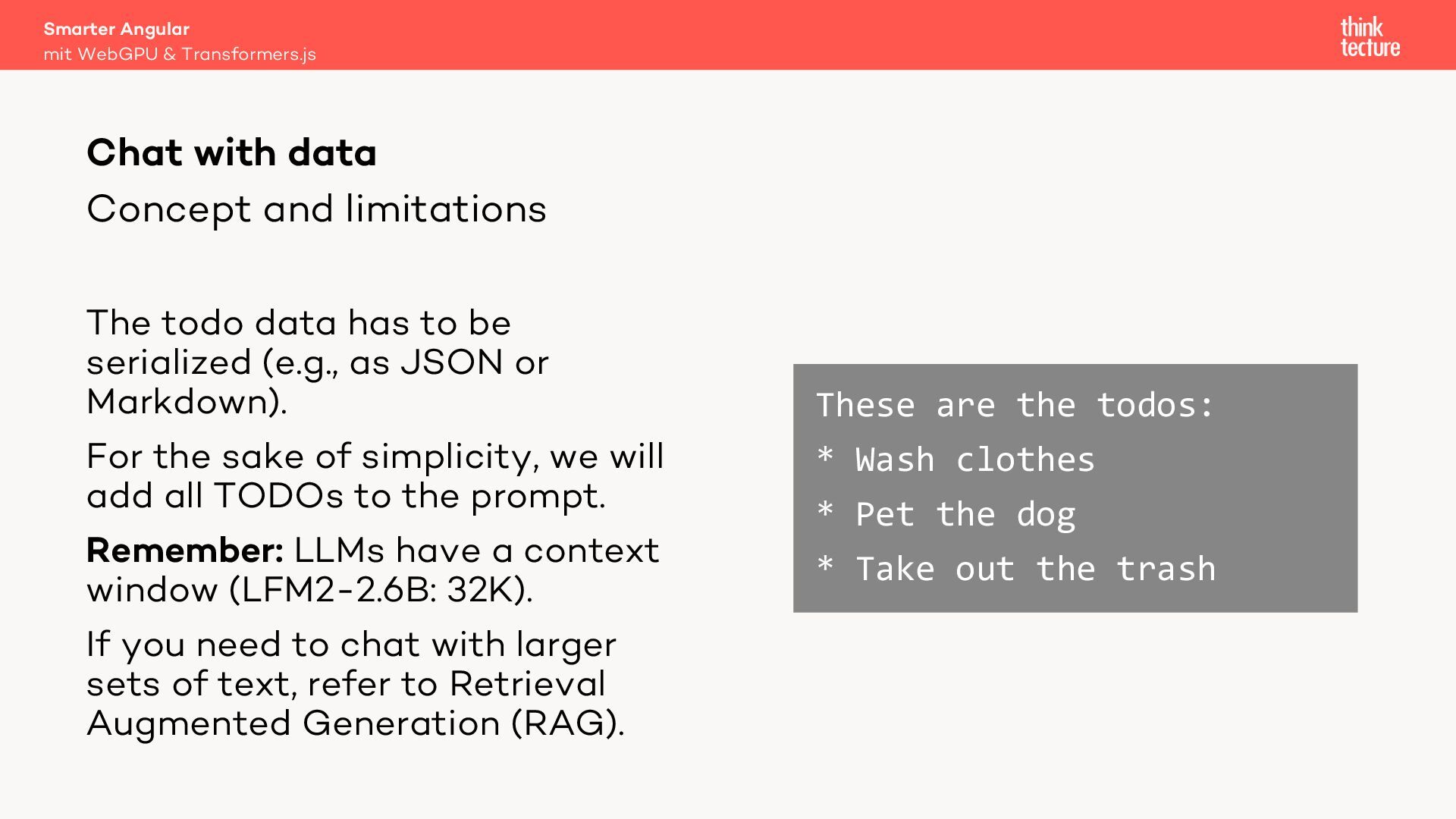
  32. Smarter Angular mit WebGPU & Transformers.js Chat with data Concept

    and limitations The todo data has to be serialized (e.g., as JSON or Markdown). For the sake of simplicity, we will add all TODOs to the prompt. Remember: LLMs have a context window (LFM2-2.6B: 32K). If you need to chat with larger sets of text, refer to Retrieval Augmented Generation (RAG). These are the todos: * Wash clothes * Pet the dog * Take out the trash
  33. Smarter Angular mit WebGPU & Transformers.js Chat with data System

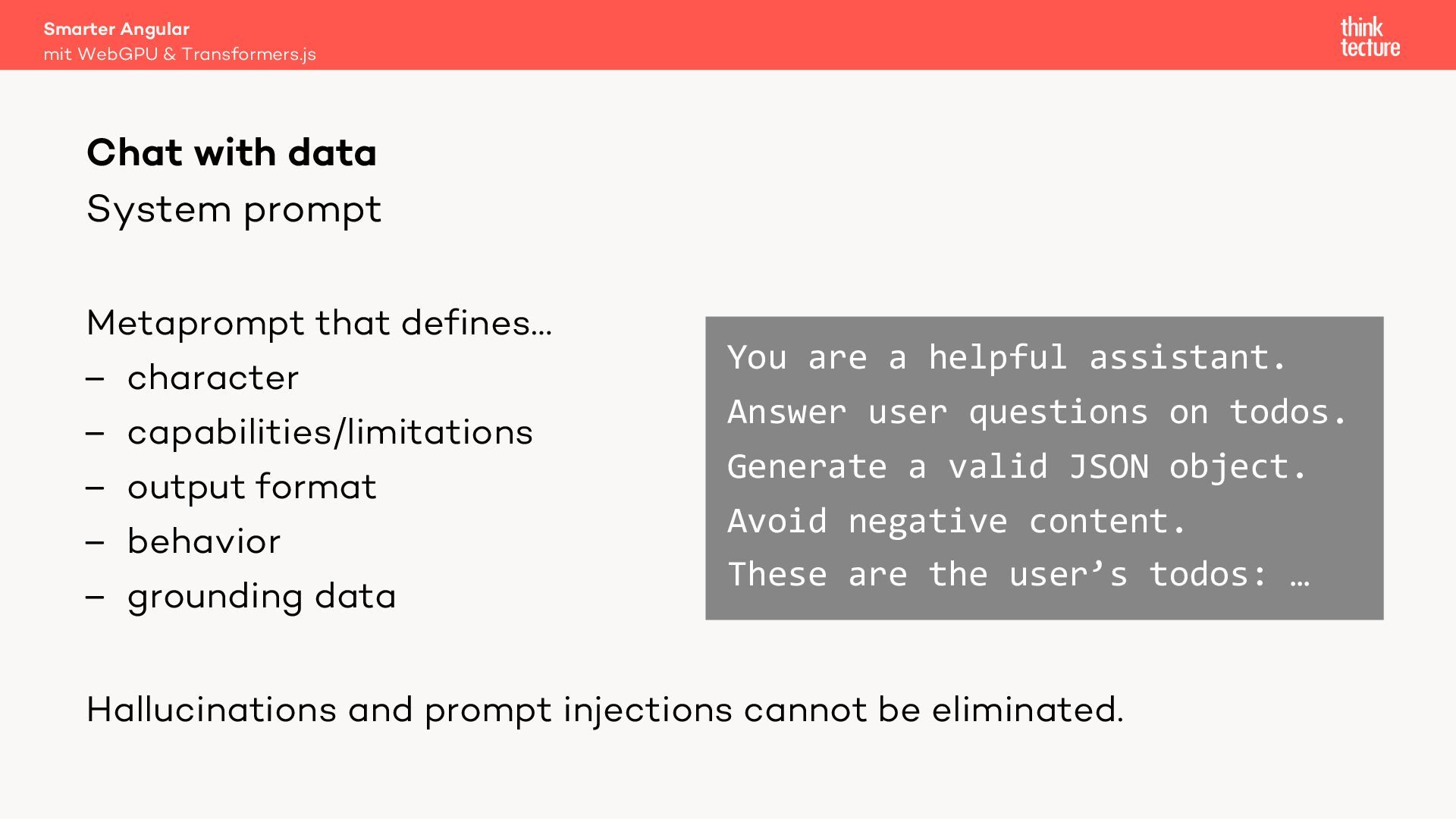
    prompt Metaprompt that defines… – character – capabilities/limitations – output format – behavior – grounding data You are a helpful assistant. Answer user questions on todos. Generate a valid JSON object. Avoid negative content. These are the user’s todos: … Hallucinations and prompt injections cannot be eliminated.
  34. Smarter Angular mit WebGPU & Transformers.js Chat with data Flow

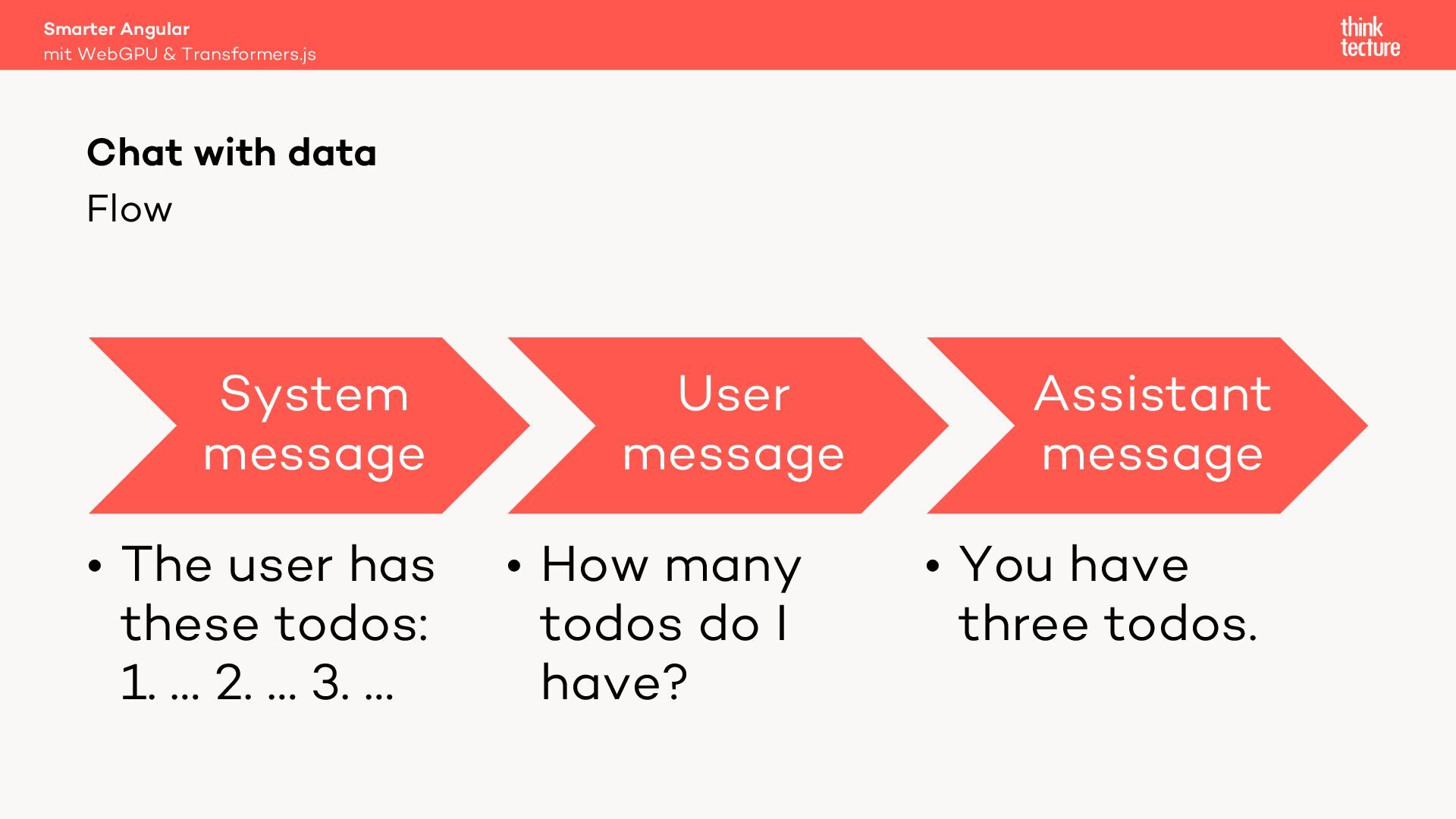
    System message • The user has these todos: 1. … 2. … 3. … User message • How many todos do I have? Assistant message • You have three todos.
  35. Smarter Angular mit WebGPU & Transformers.js Chat with data Using

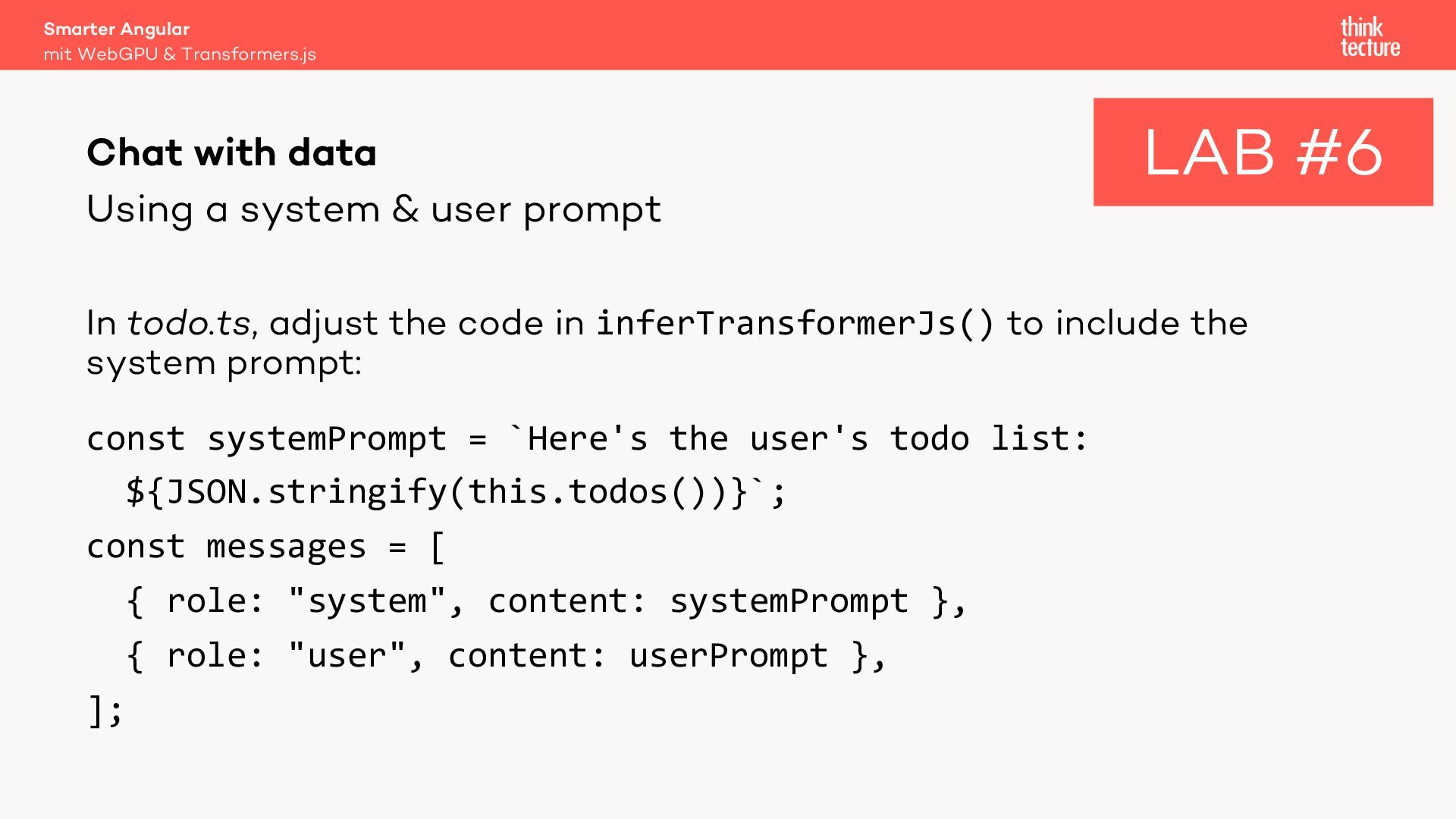
    a system & user prompt LAB #6 In todo.ts, adjust the code in inferTransformerJs() to include the system prompt: const systemPrompt = `Here's the user's todo list: ${JSON.stringify(this.todos())}`; const messages = [ { role: "system", content: systemPrompt }, { role: "user", content: userPrompt }, ];
  36. Smarter Angular mit WebGPU & Transformers.js Prompt Engineering Techniques –

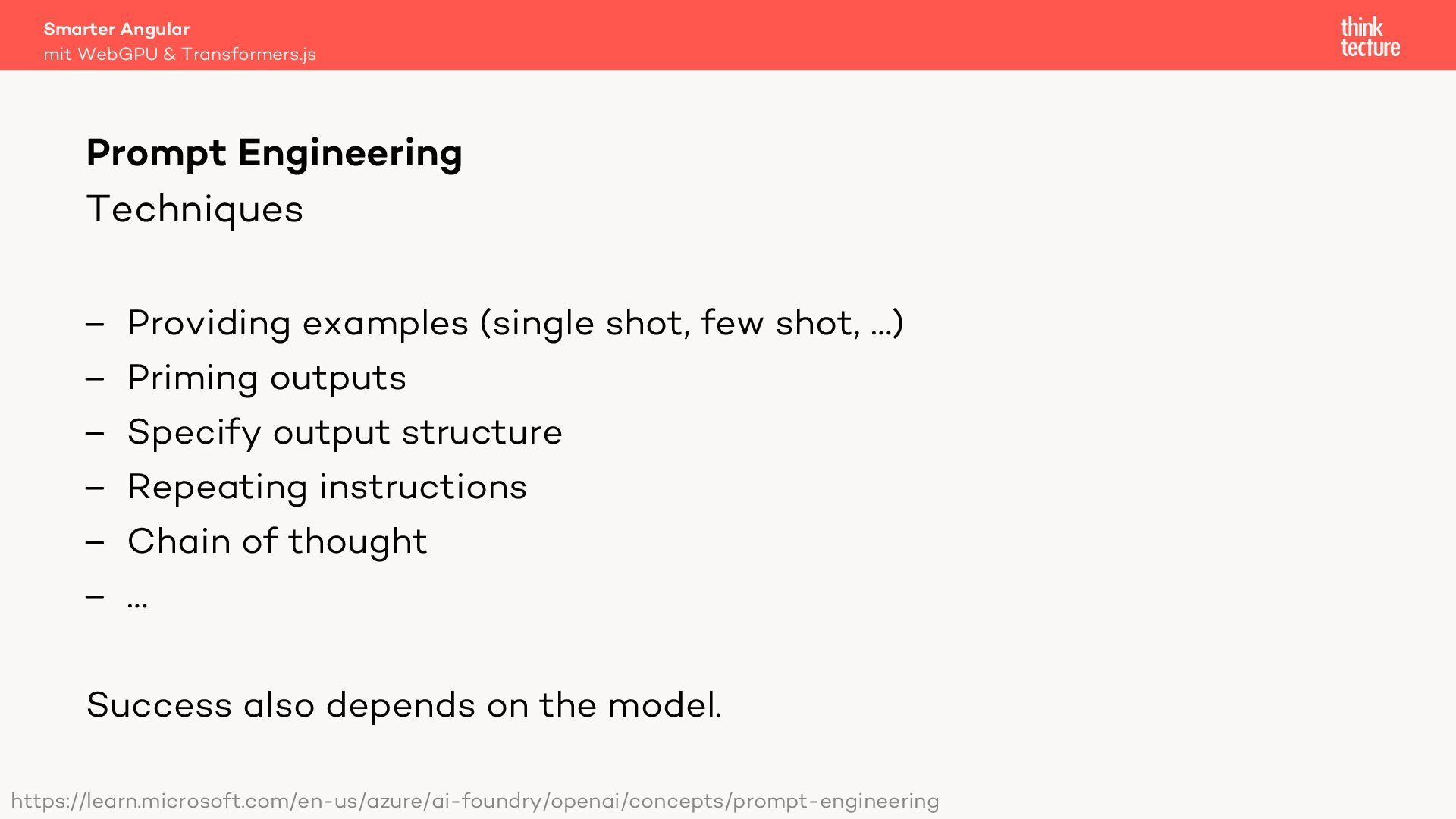
    Providing examples (single shot, few shot, …) – Priming outputs – Specify output structure – Repeating instructions – Chain of thought – … Success also depends on the model. https://learn.microsoft.com/en-us/azure/ai-foundry/openai/concepts/prompt-engineering
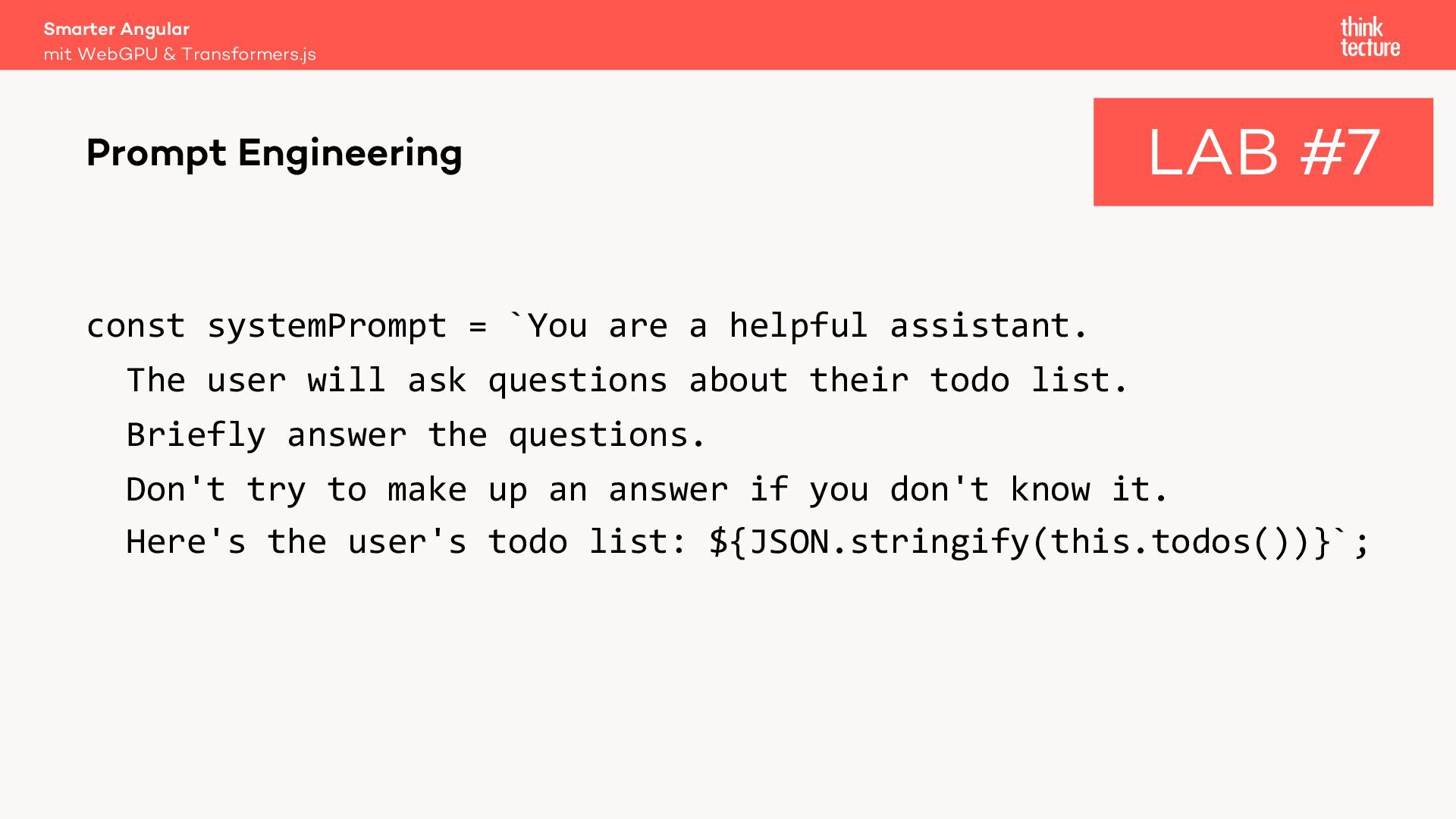
  37. Smarter Angular mit WebGPU & Transformers.js Prompt Engineering LAB #7

    const systemPrompt = `You are a helpful assistant. The user will ask questions about their todo list. Briefly answer the questions. Don't try to make up an answer if you don't know it. Here's the user's todo list: ${JSON.stringify(this.todos())}`;
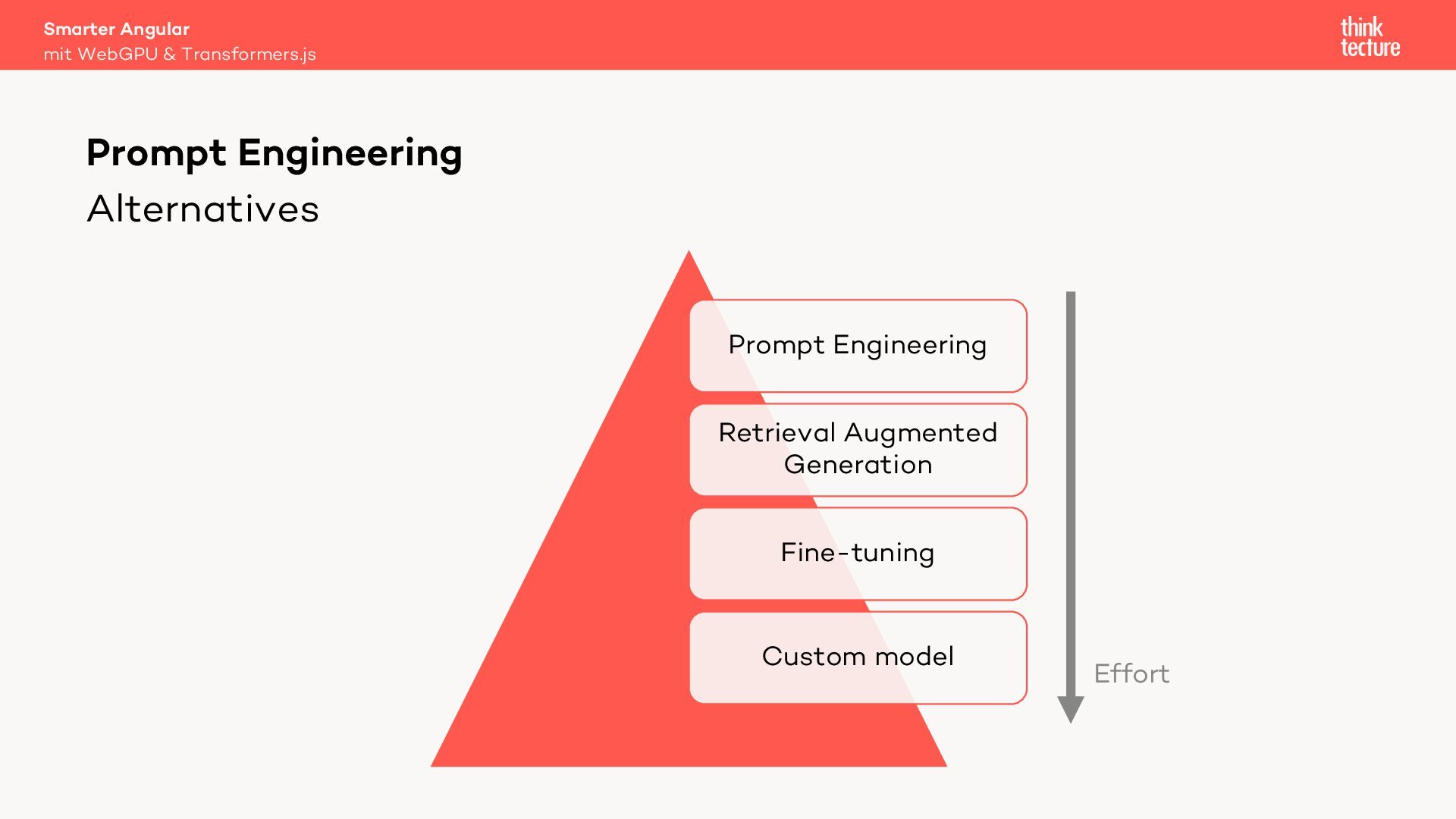
  38. Smarter Angular mit WebGPU & Transformers.js Prompt Engineering Alternatives Prompt

    Engineering Retrieval Augmented Generation Fine-tuning Custom model Effort
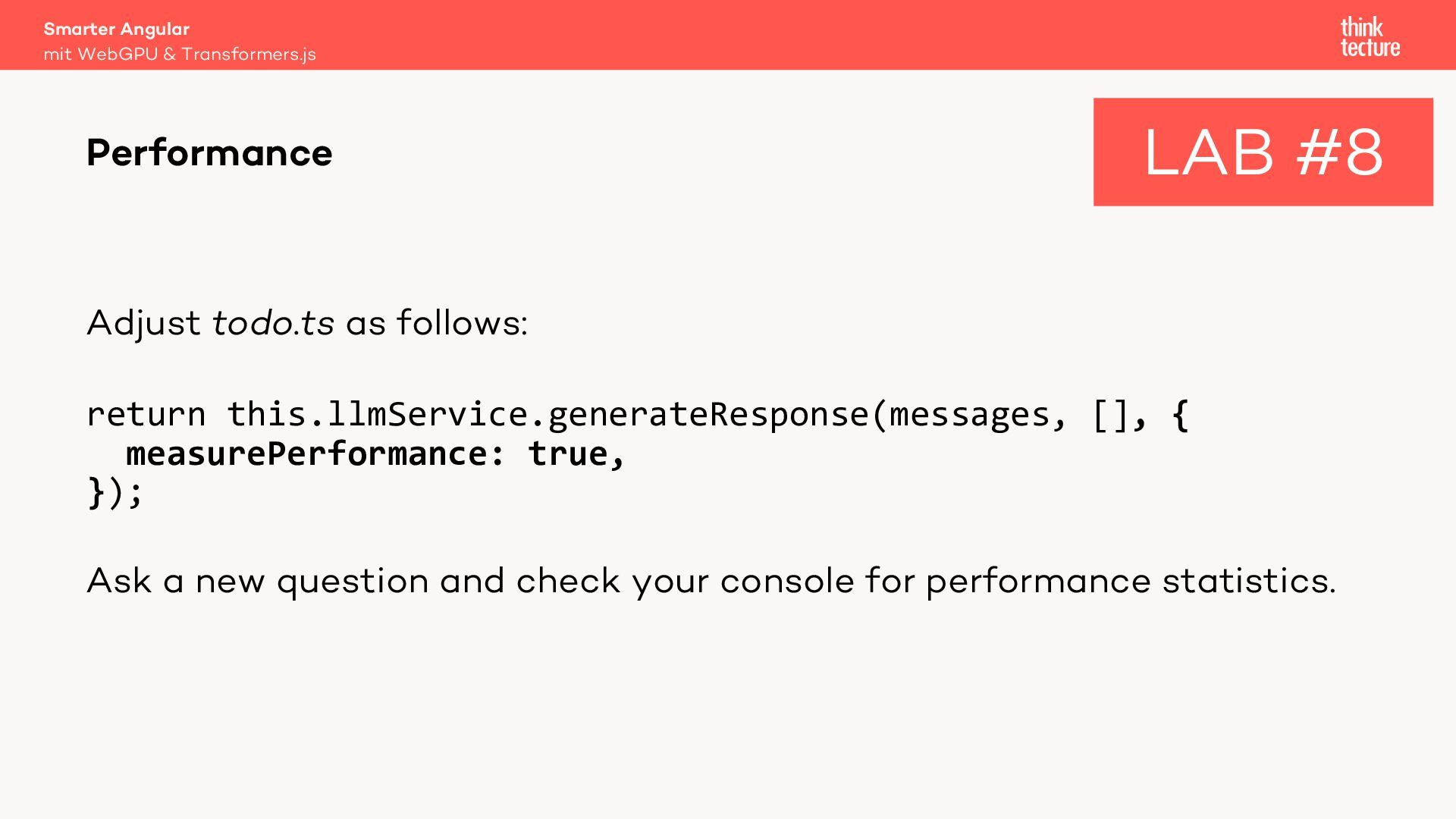
  39. Smarter Angular mit WebGPU & Transformers.js Performance LAB #8 Adjust

    todo.ts as follows: return this.llmService.generateResponse(messages, [], { measurePerformance: true, }); Ask a new question and check your console for performance statistics.
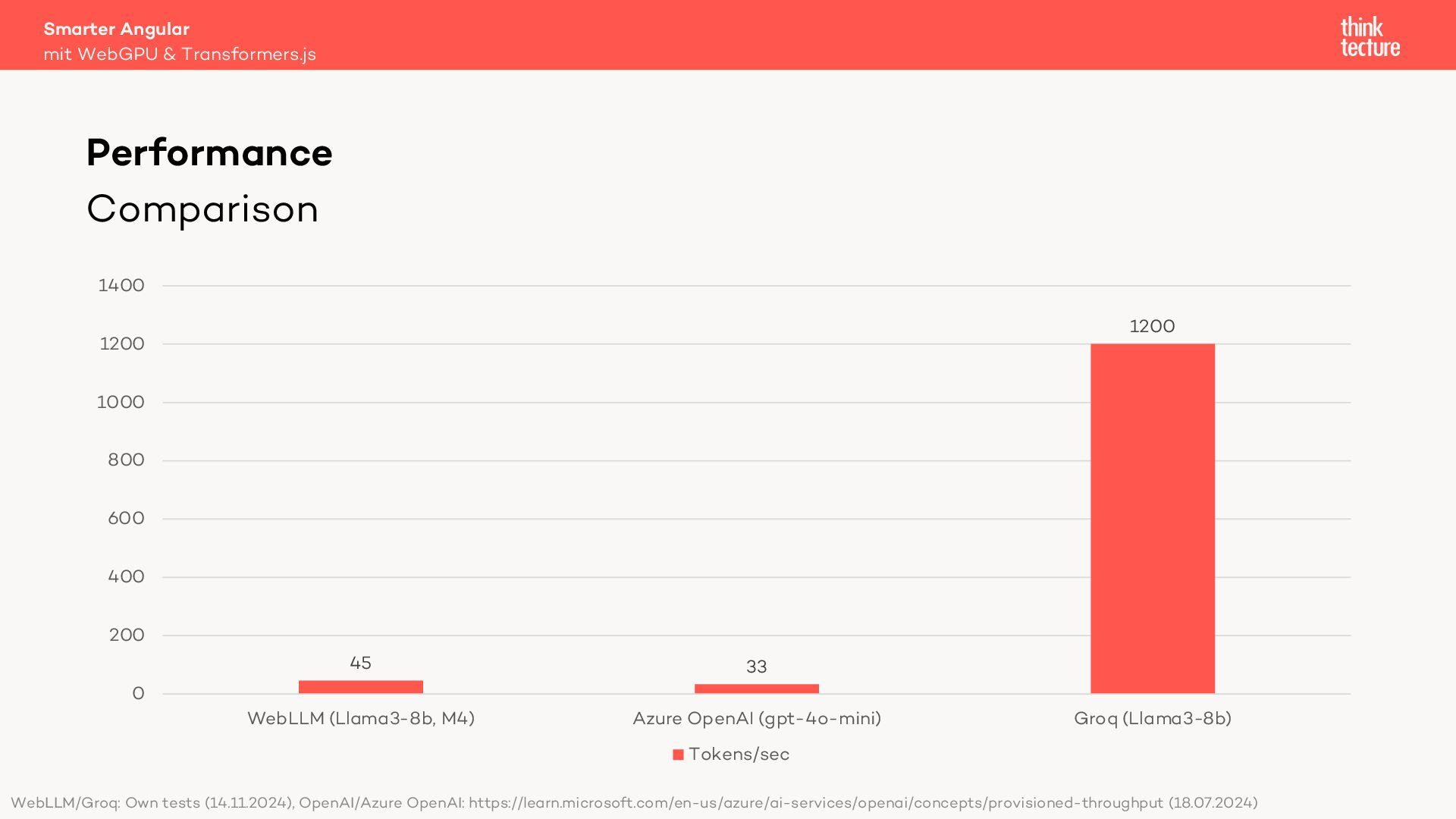
  40. Smarter Angular mit WebGPU & Transformers.js Performance Comparison 1400 1200

    1200 1000 800 600 400 200 45 33 WebLLM (Llama3-8b, M4) Azure OpenAI (gpt-4o-mini) 0 Groq (Llama3-8b) Tokens/sec WebLLM/Groq: Own tests (14.11.2024), OpenAI/Azure OpenAI: https://learn.microsoft.com/en-us/azure/ai-services/openai/concepts/provisioned-throughput (18.07.2024)
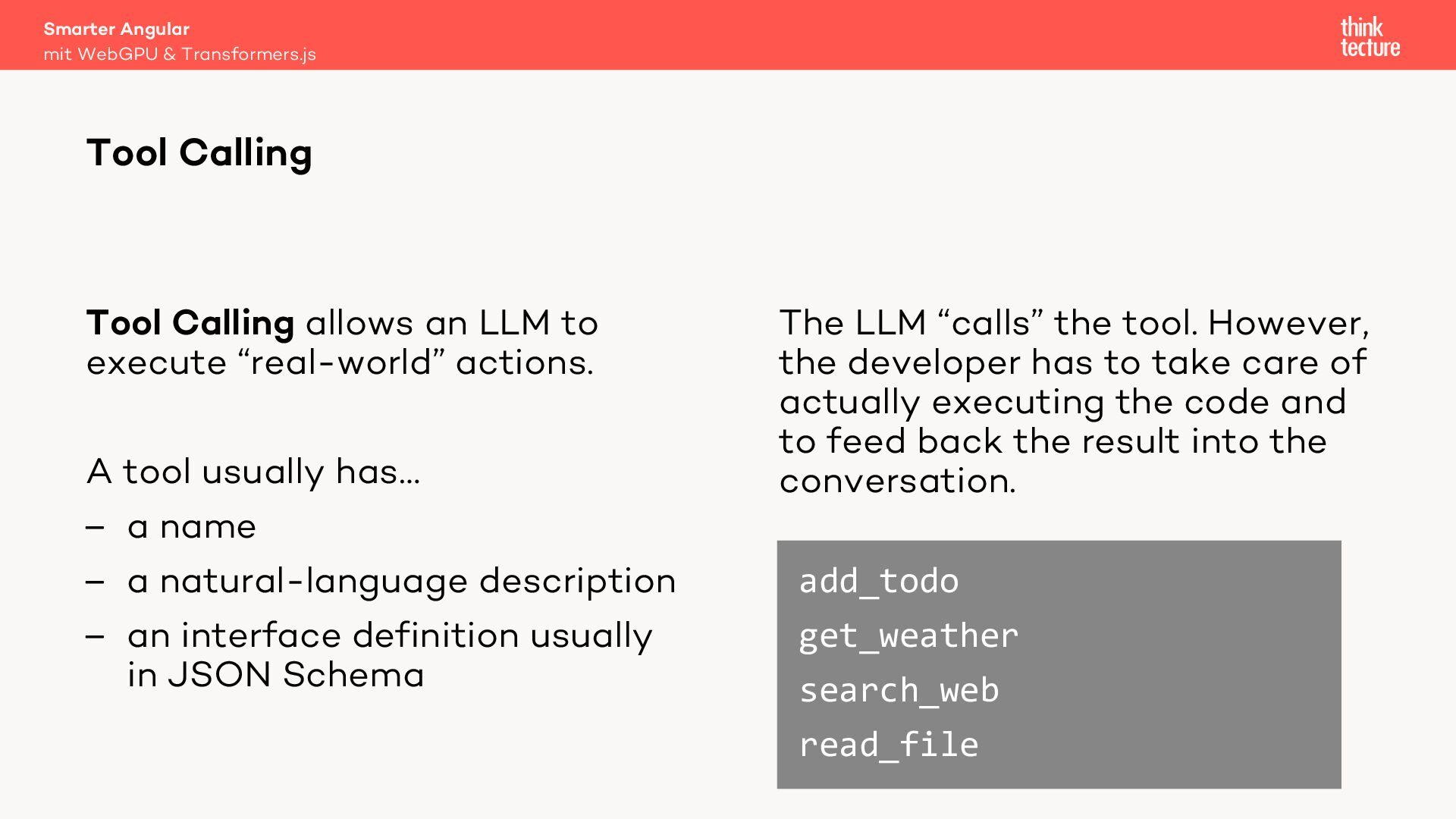
  41. Smarter Angular mit WebGPU & Transformers.js Tool Calling Tool Calling

    allows an LLM to execute “real-world” actions. A tool usually has… – a name – a natural-language description – an interface definition usually in JSON Schema The LLM “calls” the tool. However, the developer has to take care of actually executing the code and to feed back the result into the conversation. add_todo get_weather search_web read_file
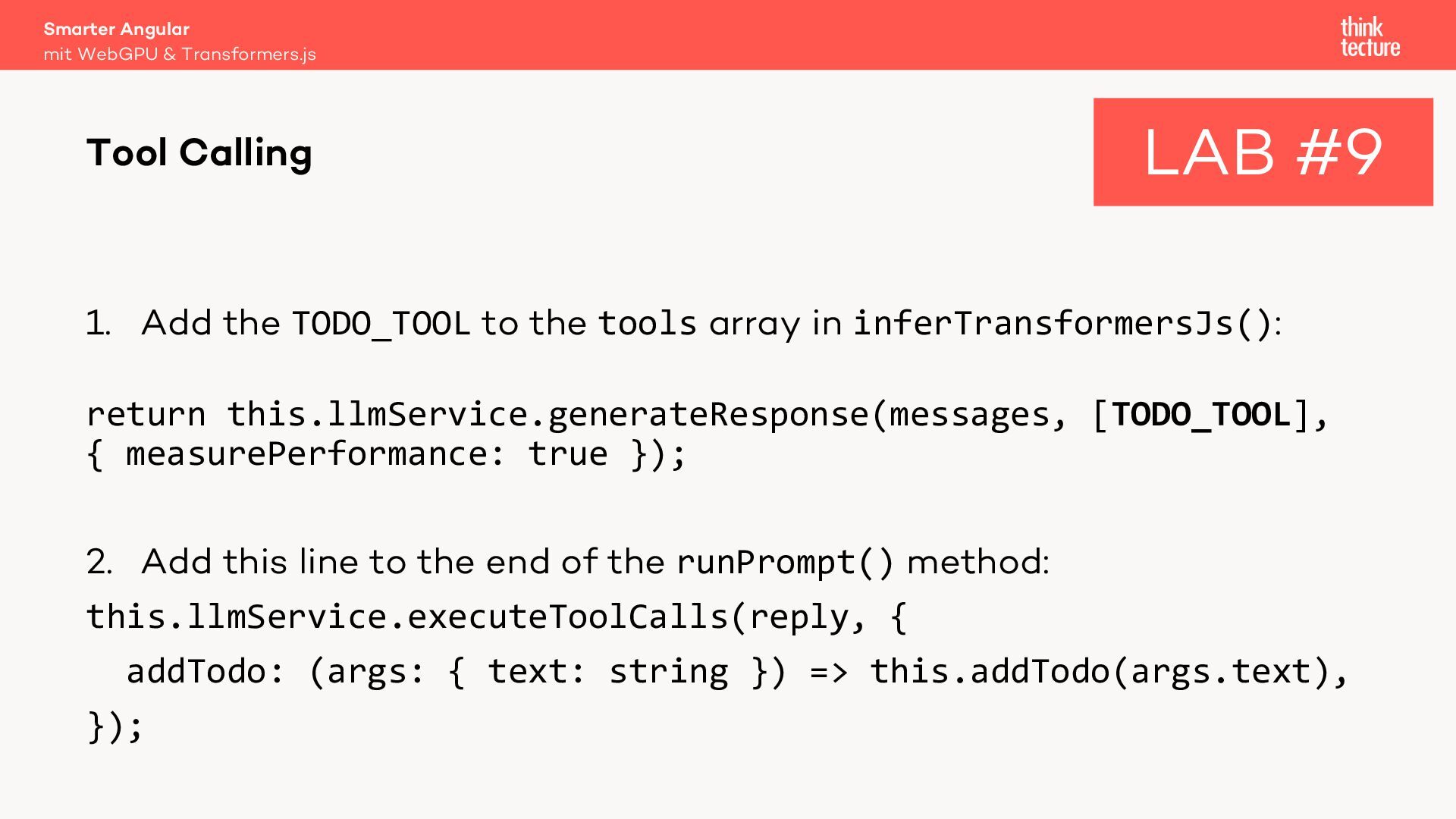
  42. Smarter Angular mit WebGPU & Transformers.js Tool Calling LAB #9

    1. Add the TODO_TOOL to the tools array in inferTransformersJs(): return this.llmService.generateResponse(messages, [TODO_TOOL], { measurePerformance: true }); 2. Add this line to the end of the runPrompt() method: this.llmService.executeToolCalls(reply, { addTodo: (args: { text: string }) => this.addTodo(args.text), });
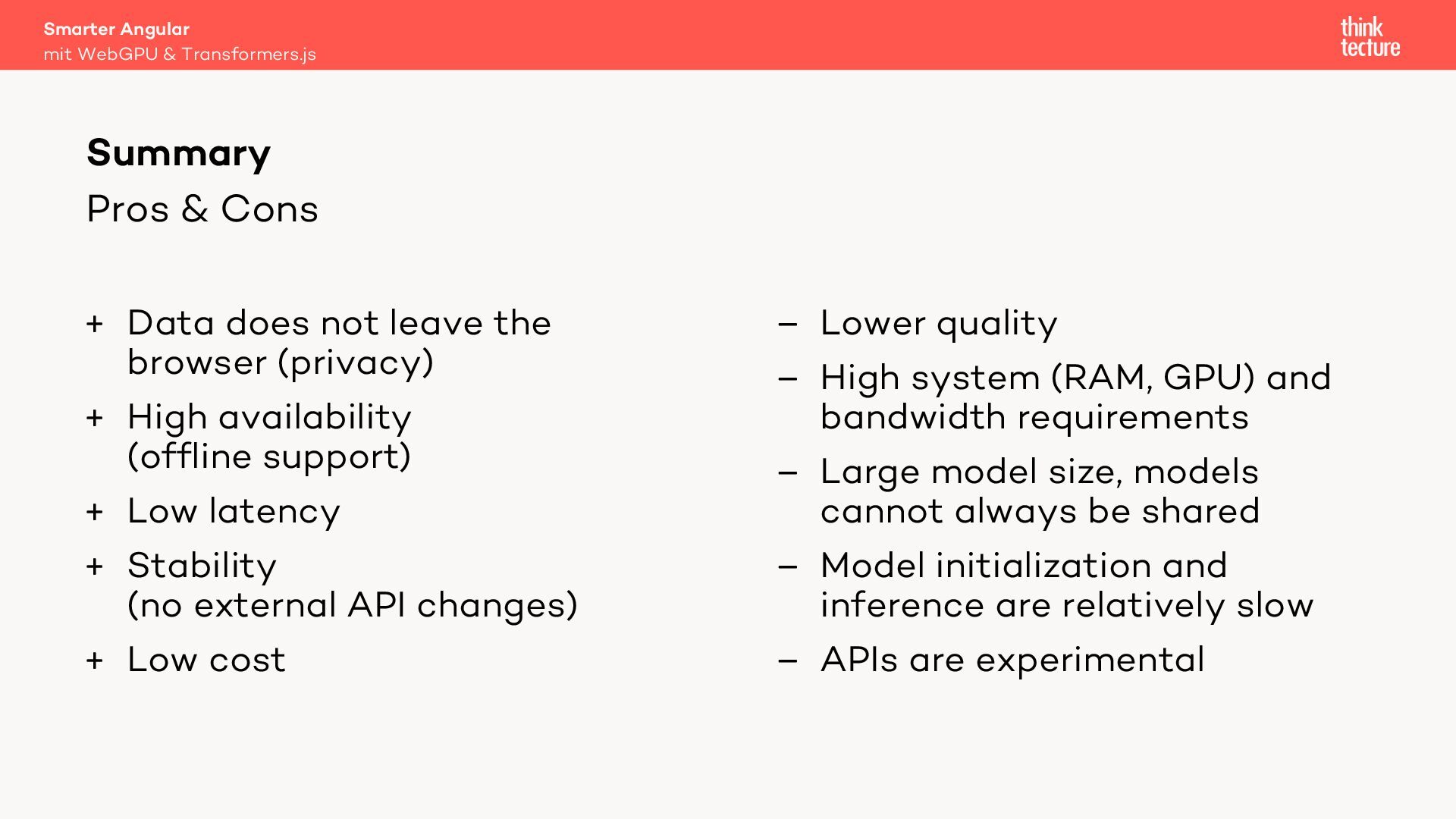
  43. Smarter Angular mit WebGPU & Transformers.js Summary Pros & Cons

    + Data does not leave the browser (privacy) + High availability (offline support) + Low latency + Stability (no external API changes) + Low cost – Lower quality – High system (RAM, GPU) and bandwidth requirements – Large model size, models cannot always be shared – Model initialization and inference are relatively slow – APIs are experimental
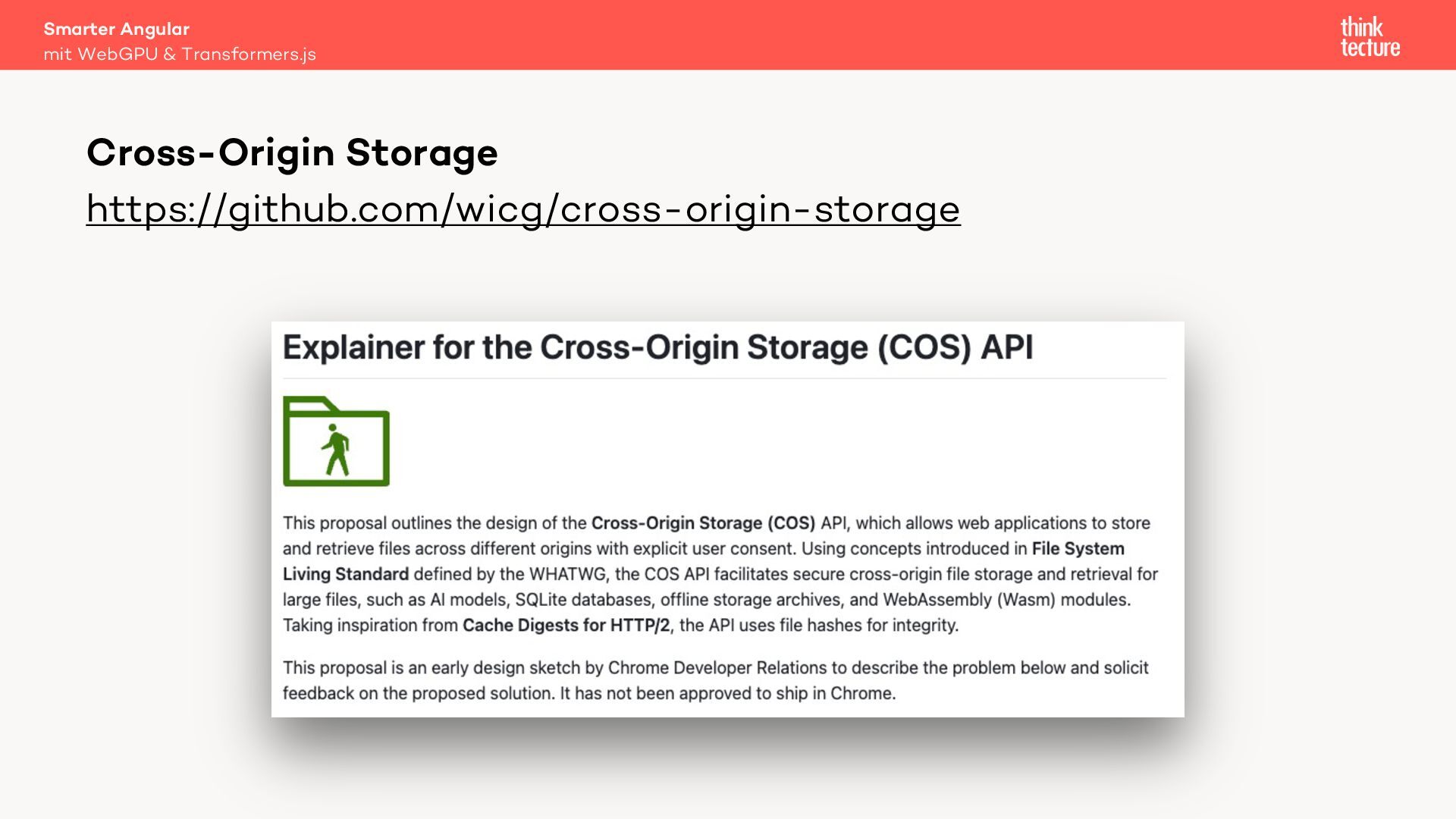
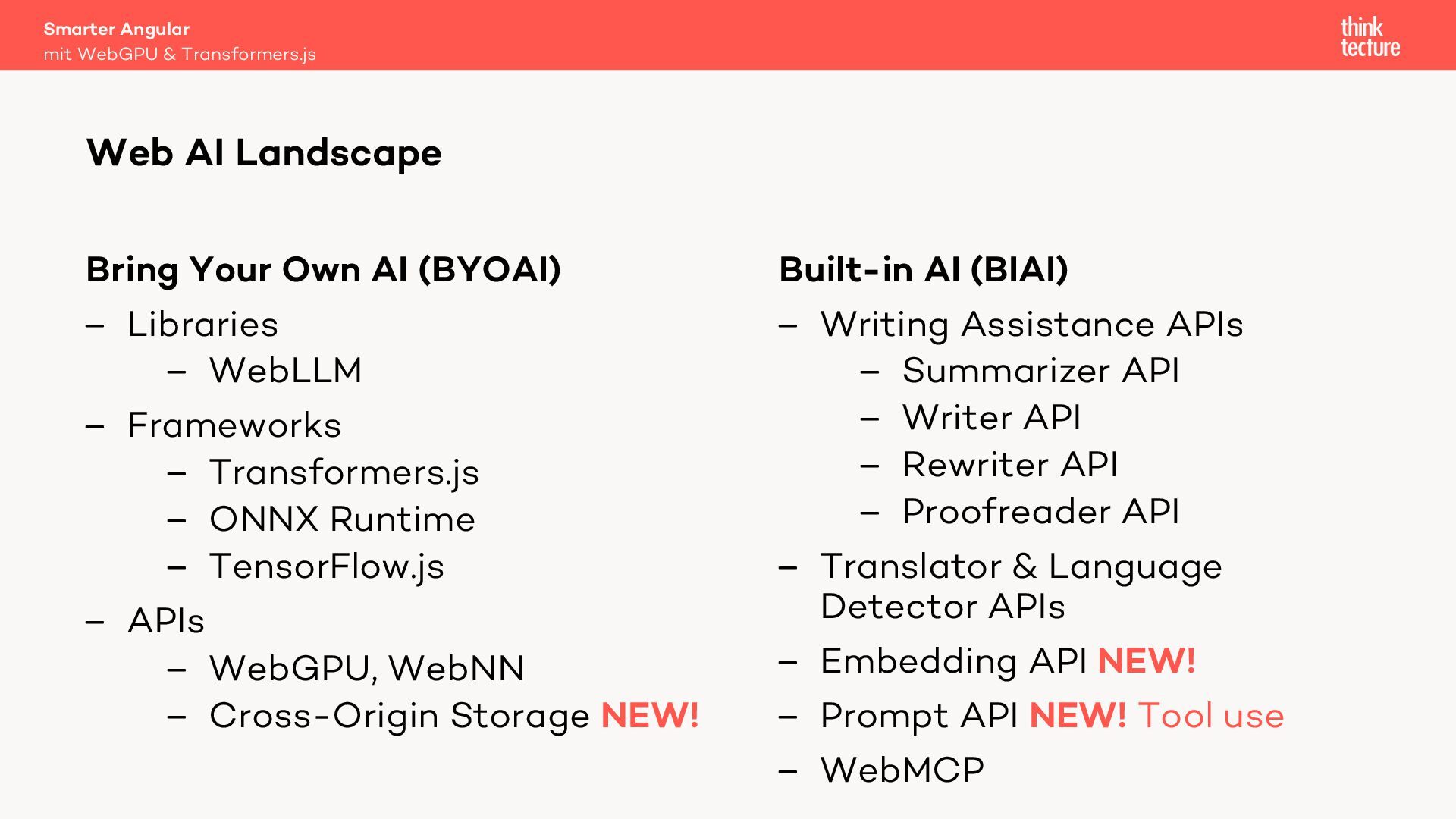
  44. Smarter Angular mit WebGPU & Transformers.js Web AI Landscape Bring

    Your Own AI (BYOAI) – Libraries – WebLLM – Frameworks – Transformers.js – ONNX Runtime – TensorFlow.js – APIs – WebGPU, WebNN – Cross-Origin Storage NEW! Built-in AI (BIAI) – Writing Assistance APIs – Summarizer API – Writer API – Rewriter API – Proofreader API – Translator & Language Detector APIs – Embedding API NEW! – Prompt API NEW! Tool use – WebMCP