Upgrade to Pro
— share decks privately, control downloads, hide ads and more …
Speaker Deck
Sign up for free
Menu
Search
Features
All features
Private URLs
Password Protection
Custom URLS
Scheduled publishing
Remove Branding
Restrict embedding
Deck Collections
Notes
Features
All features
Private URLs
Password Protection
Custom URLS
Scheduled publishing
Remove Branding
Restrict embedding
Deck Collections
Notes
Explore
Featured decks
Featured speakers
Programming
Technology
Storyboards
Explore
Featured decks
Featured speakers
Programming
Technology
Storyboards
Pricing
Search
Sign in
Sign up for free
You already git started. Now... what?
Search
Sponsored
·
Ship Features Fearlessly
Turn features on and off without deploys. Used by thousands of Ruby developers.
→
delucas
October 24, 2014
Technology
150
3
Share
Embed
Copy iframe code
Copy JS code
Copy link
Start on current slide
You already git started. Now... what?
Talk given at RubyConf Argentina 2014. A journey through the four main git workflows.
delucas
October 24, 2014
More Decks by delucas
See All by delucas
TBD - Too Busy Disorder
delucas
0
580
Gamification
delucas
1
130
Pedacitos de rubí
delucas
0
84
¿Aún no usás git y GitHub?
delucas
0
63
Desarrollo de Aplicaciones Móviles - Maestría en Informática
delucas
0
150
TDD IRL reloaded
delucas
0
100
Adaptación de una plataforma de e-learning a nuevos entornos
delucas
0
280
TDD IRL
delucas
1
140
Introducción wecode.io
delucas
0
80
Other Decks in Technology
See All in Technology
JAWS-UGグッズ職人仕事の流儀
kentapapa
0
100
1つのリクエストを追って理解する - llm-dのP/D分離
akhino
1
160
Metadata - Section 1: HTML Basics
mohab1
0
120
Active Record Connection Adaptersにおける長年の課題に再び取り組む
yahonda
0
150
今さら理解するウェブフォントver.2026
takanorip
3
770
Benchmarking Disaggregated Serving on vLLM + Dynamo with a Real Coding-Agent Workload
nttcom
1
190
ブラウザとサーバーから考えるAI時代のフロントエンド監視
shogo4131
3
940
AI コーディングと人間の認知スループット / CTO Night & Day 2026 Morning Session / AI Coding and Human Cognitive Throughput
prog893
4
1k
分析の民主化を支えるメタデータ整備の実践
kakehashi
PRO
4
1.4k
フロントエンドカンファレンス関西2026 - 速すぎるUIに、待ち時間を
teamlab
PRO
0
130
⾮構造化データを価値に変える AI エージェント基盤とその組織
ivry_presentationmaterials
0
190
AI導入は済んだ。次は統制を作り替える番だ_AI×開発組織 Summit 2026
techtekt
PRO
0
210
Featured
See All Featured
StorybookのUI Testing Handbookを読んだ
zakiyama
31
7k
Context Engineering - Making Every Token Count
addyosmani
9
1.2k
Why Our Code Smells
bkeepers
PRO
340
58k
We Analyzed 250 Million AI Search Results: Here's What I Found
joshbly
2
2k
The #1 spot is gone: here's how to win anyway
tamaranovitovic
4
1.2k
The B2B funnel & how to create a winning content strategy
katarinadahlin
PRO
1
570
The Director’s Chair: Orchestrating AI for Truly Effective Learning
tmiket
1
330
Everyday Curiosity
cassininazir
0
350
Site-Speed That Sticks
csswizardry
13
1.6k
Measuring Dark Social's Impact On Conversion and Attribution
stephenakadiri
2
310
HU Berlin: Industrial-Strength Natural Language Processing with spaCy and Prodigy
inesmontani
PRO
0
750
The agentic SEO stack - context over prompts
schlessera
0
970
Transcript
You already git started. Now... what?
git is simple
git can take whichever form you need
git can take whichever form you want
a journey into git workflows
wecode.io Lucas Videla @luke_ar github.com/delucas
Setting expectations • git intermediate • some known knowns •
98 slides • 20 minutes • 4 workflows
#1 Centralized Workflow
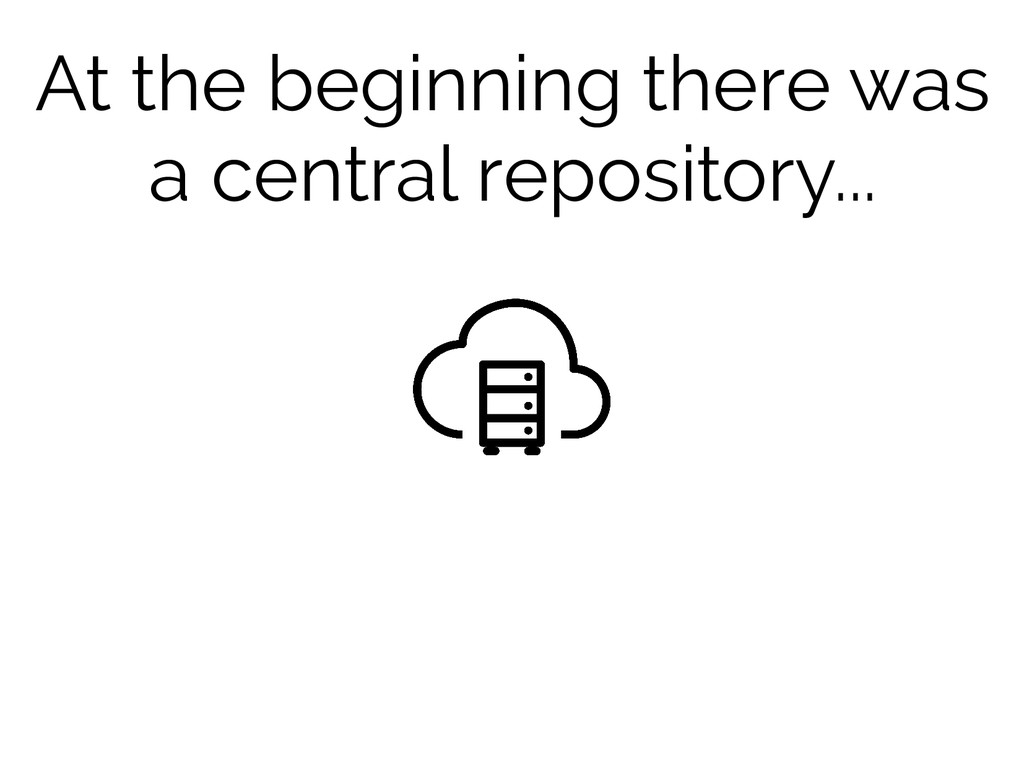
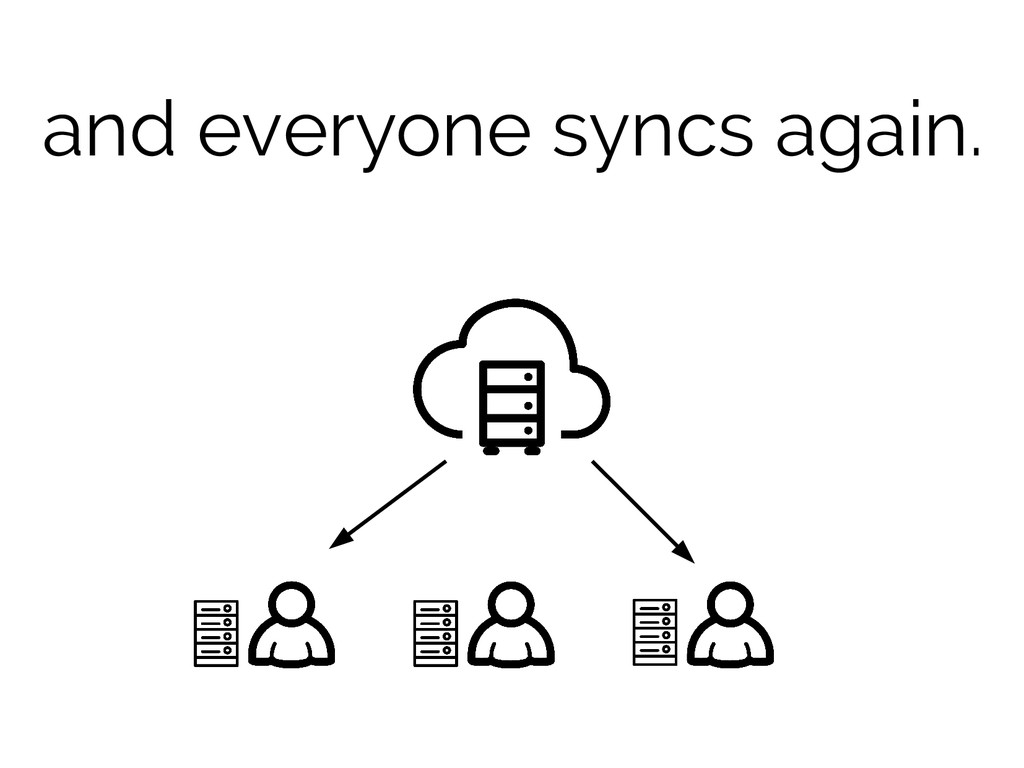
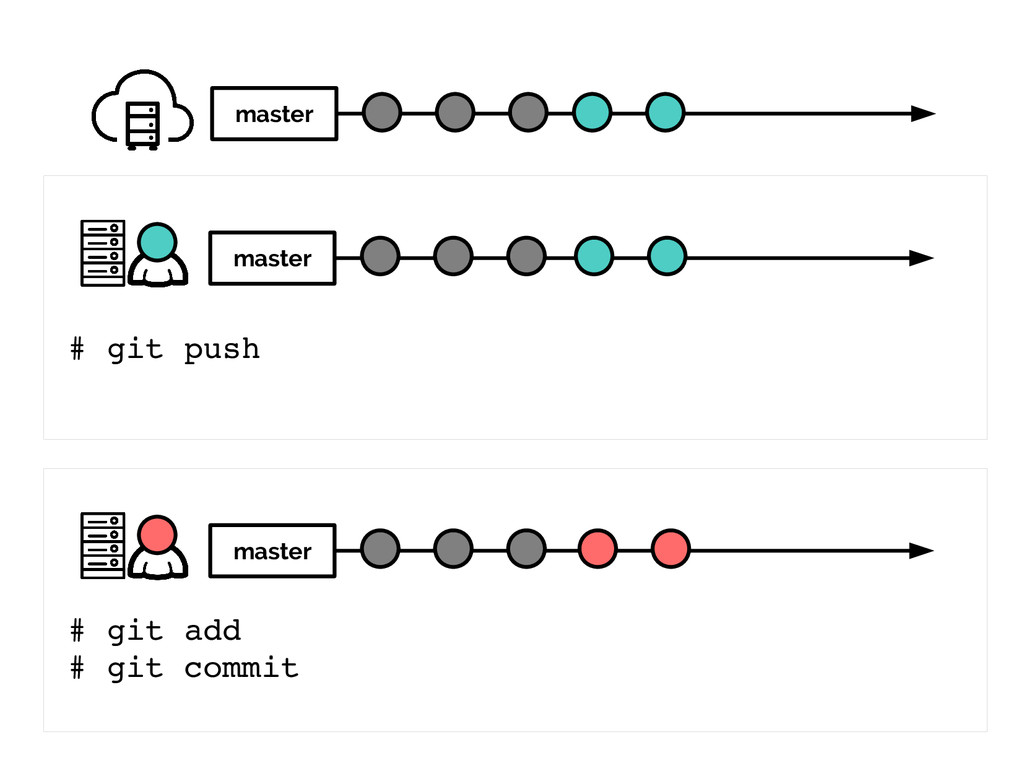
At the beginning there was a central repository...
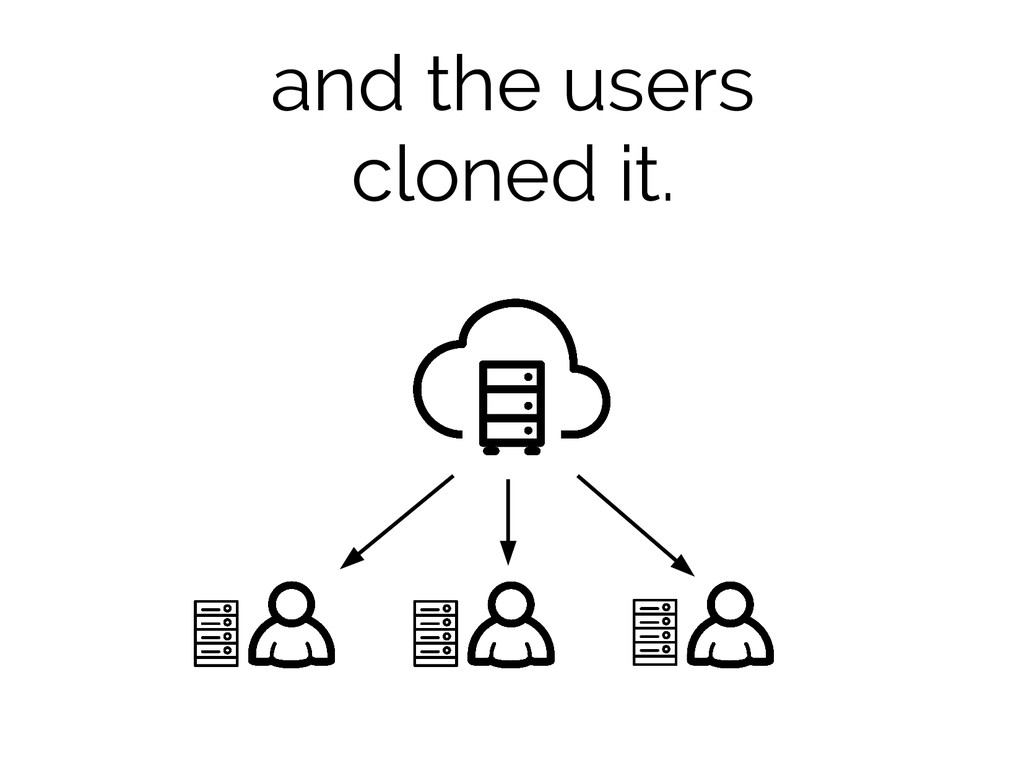
and the users cloned it.
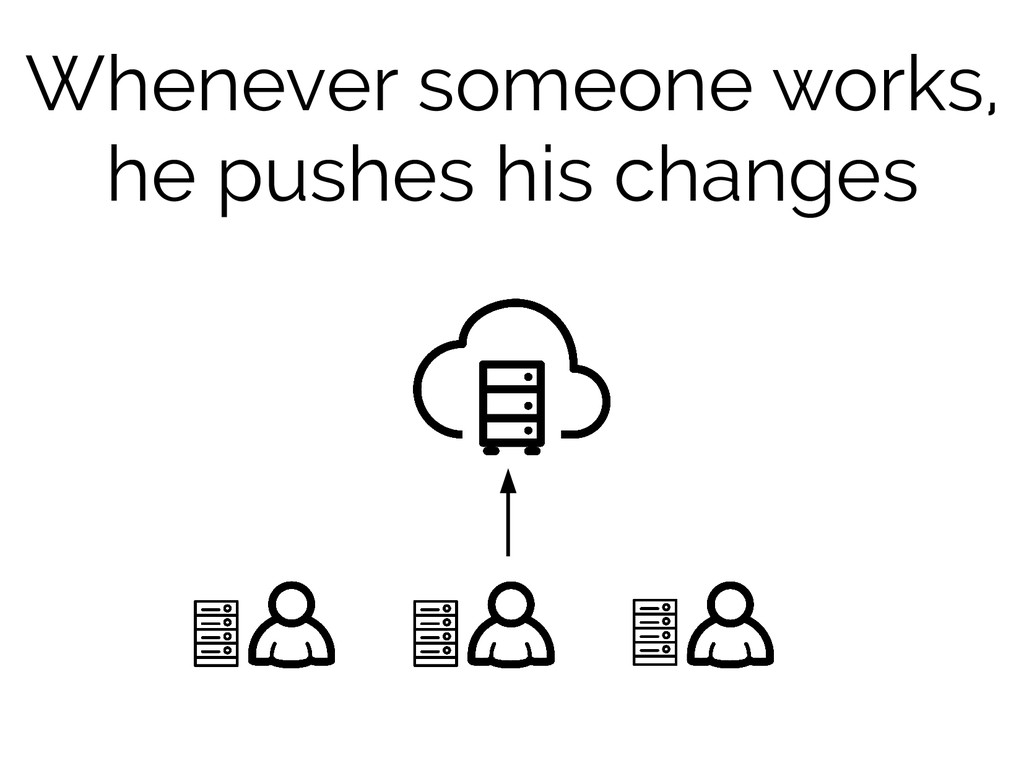
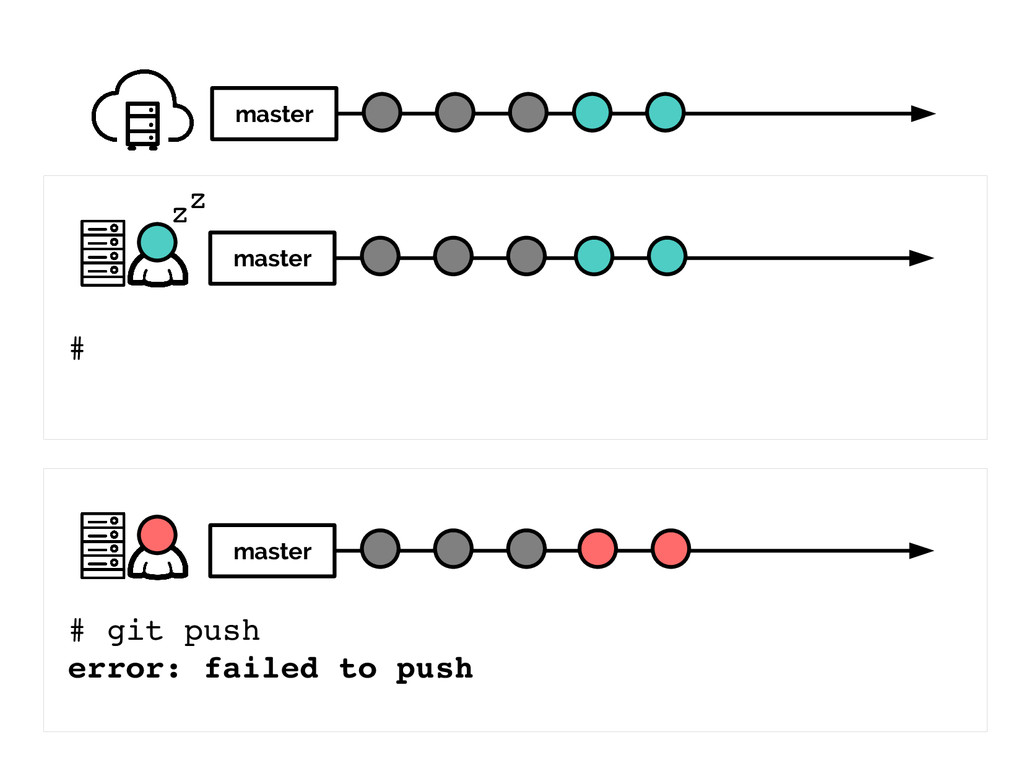
Whenever someone works, he pushes his changes
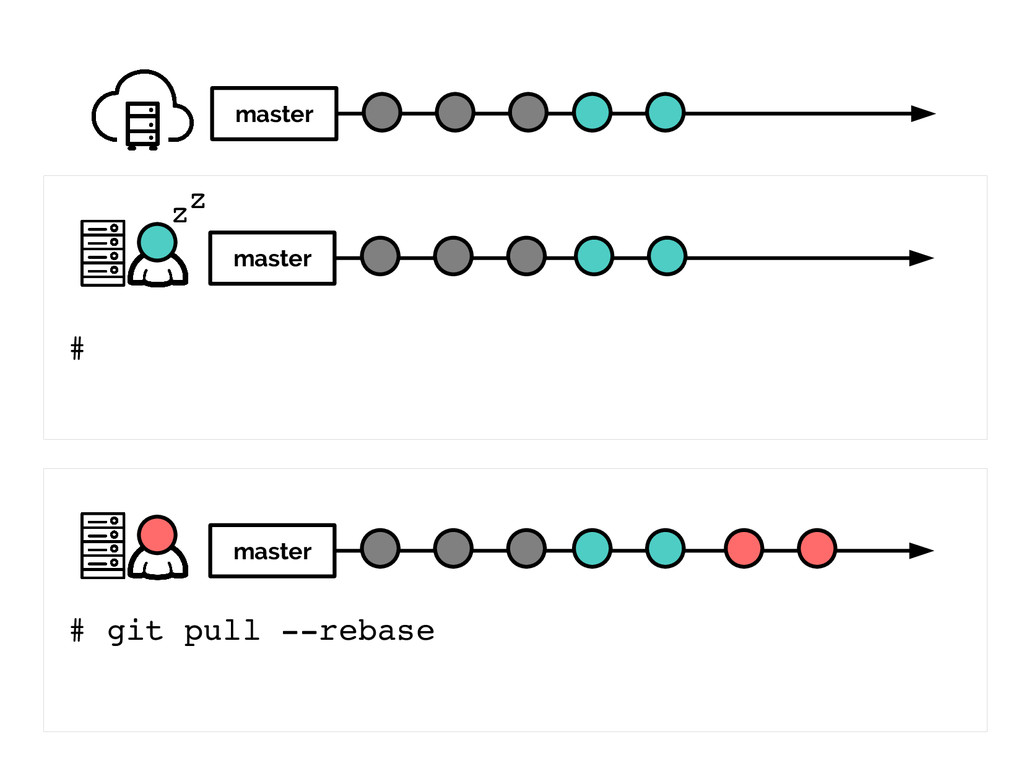
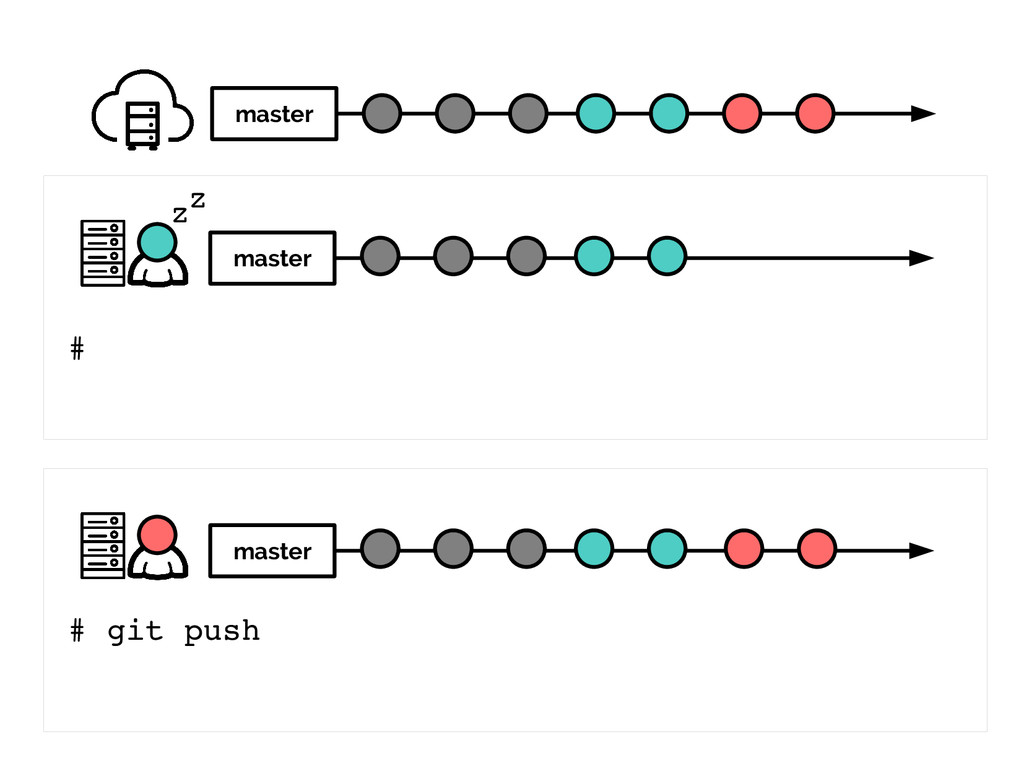
and everyone syncs again.
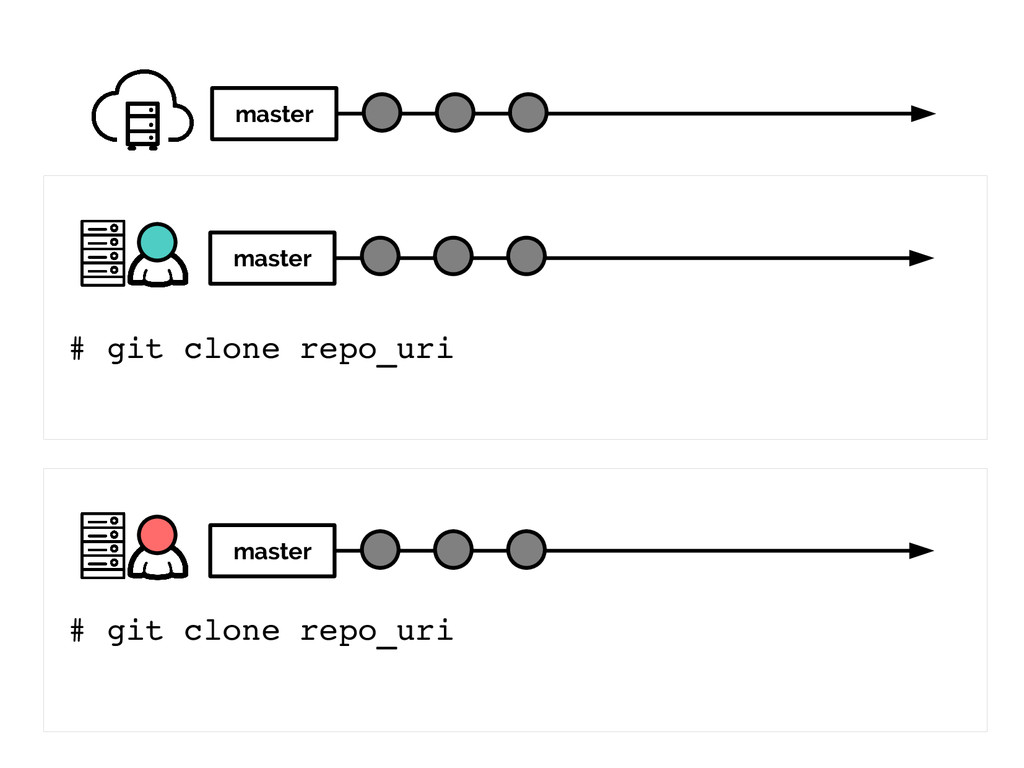
an example would be handy here
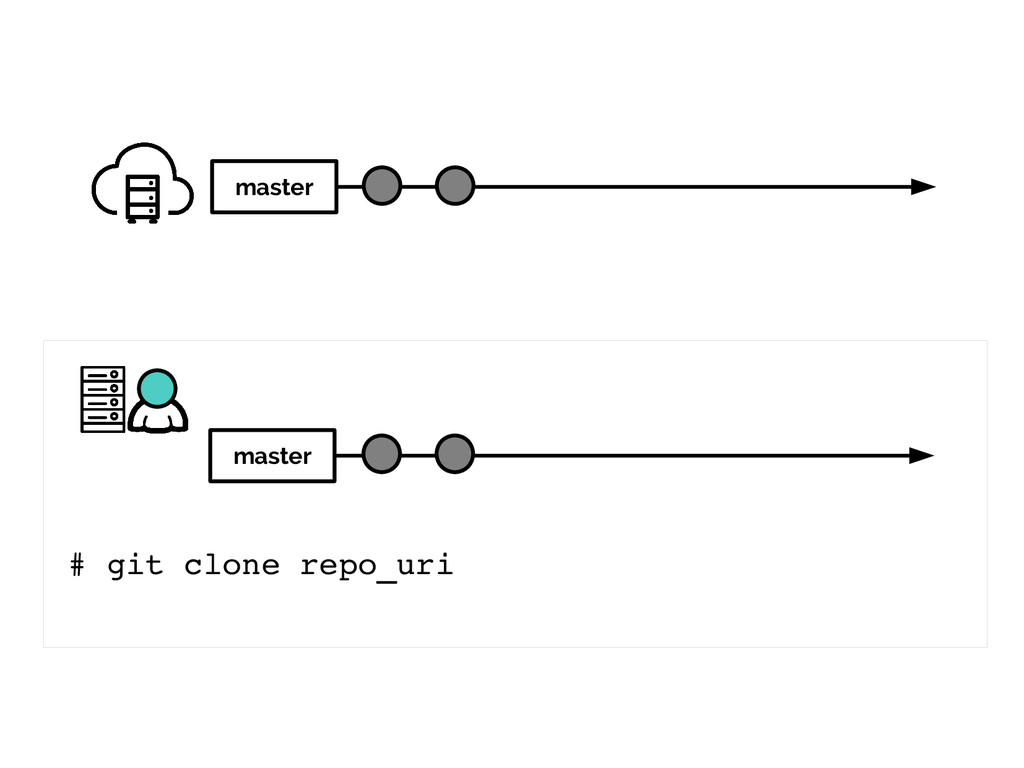
master master master # git clone repo_uri # git clone
repo_uri
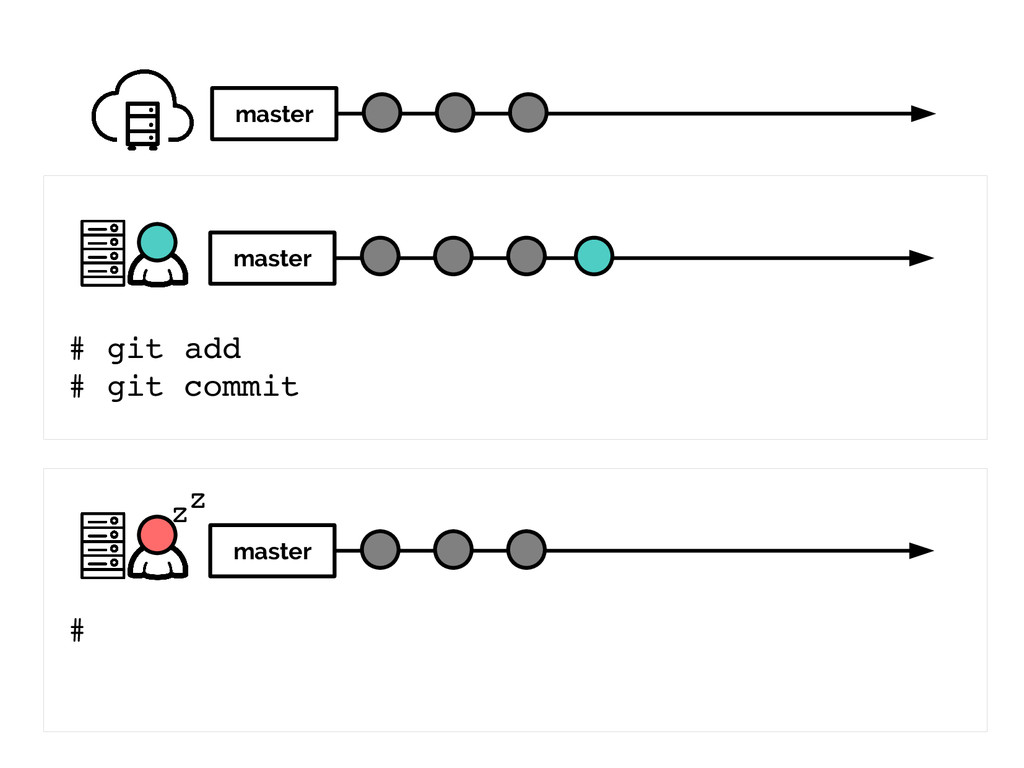
master master master # git add # git commit #
zz
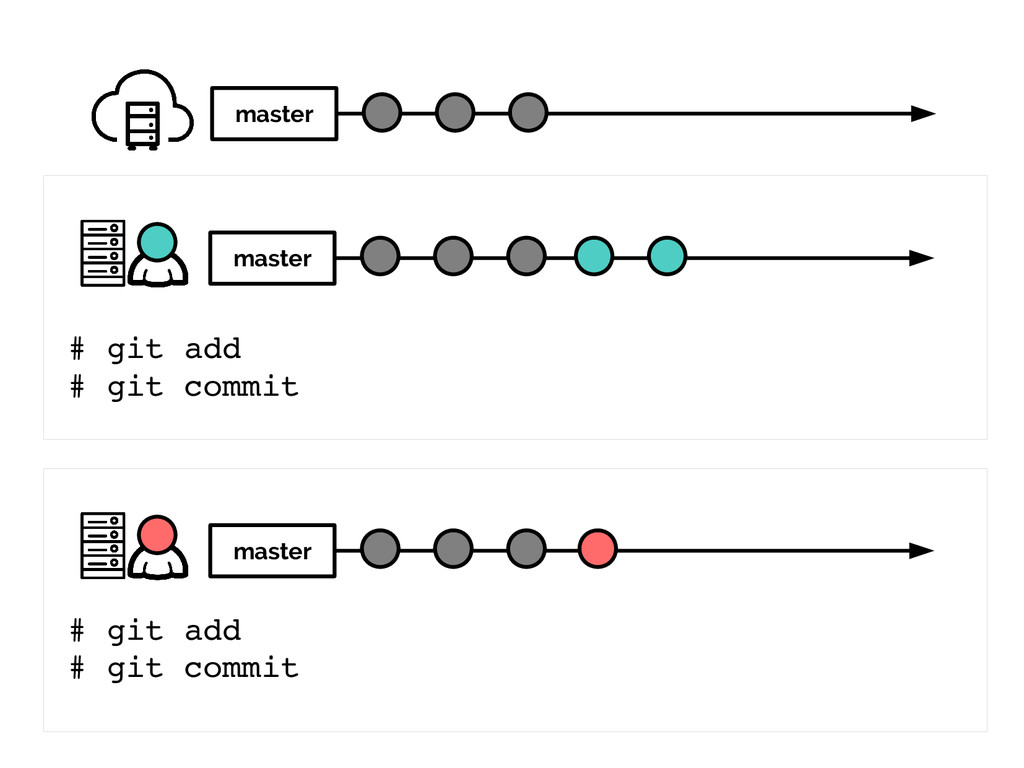
master master master # git add # git commit #
git add # git commit
master master master # git push # git add #
git commit
master master master # # git push error: failed to
push zz
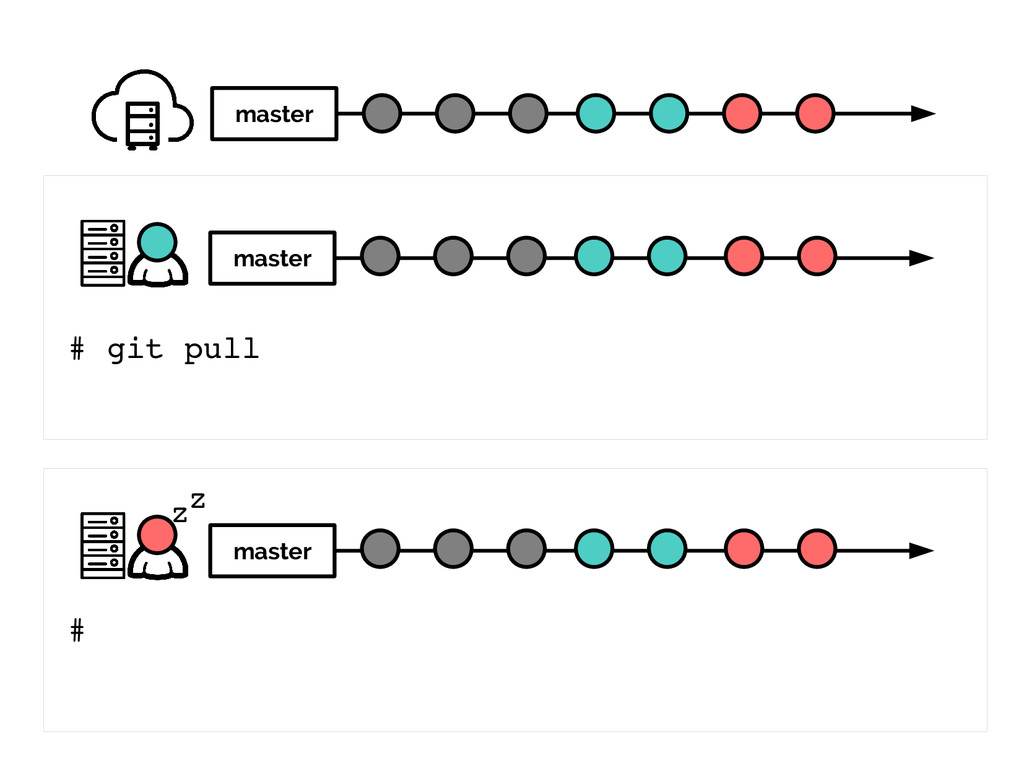
master master master # # git pull rebase zz
master master master # # git push zz
master master master # git pull # zz
Centralized Workflow onboarding local env
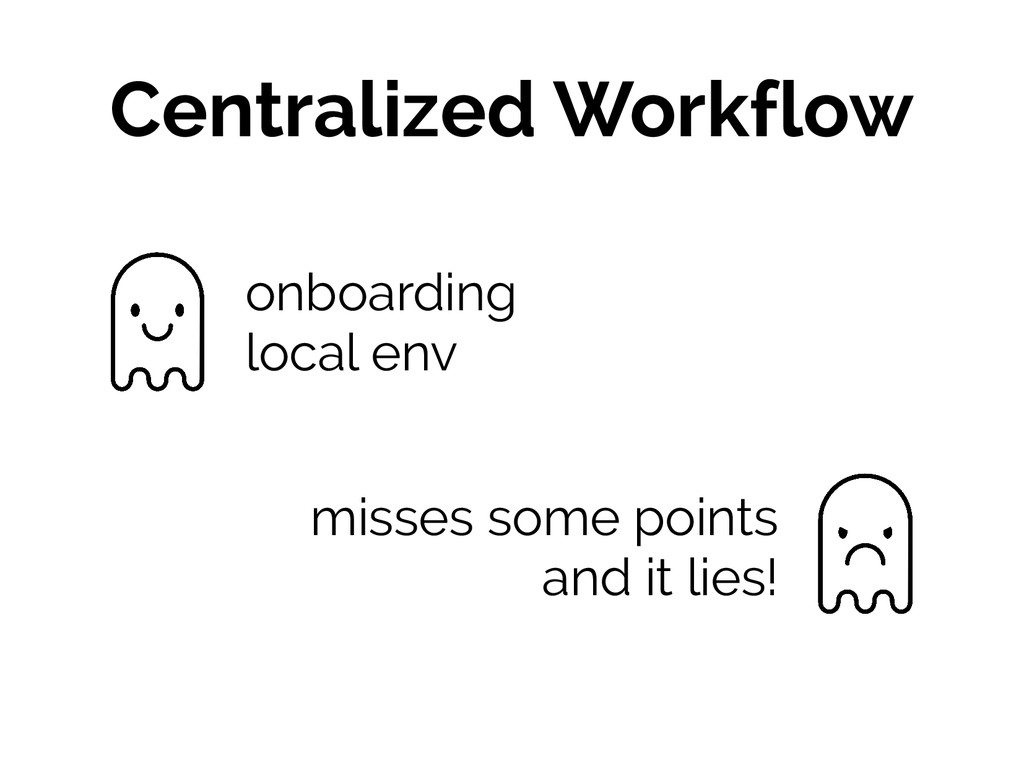
Centralized Workflow onboarding local env misses some points and it
lies!
#2 Feature Branch Workflow
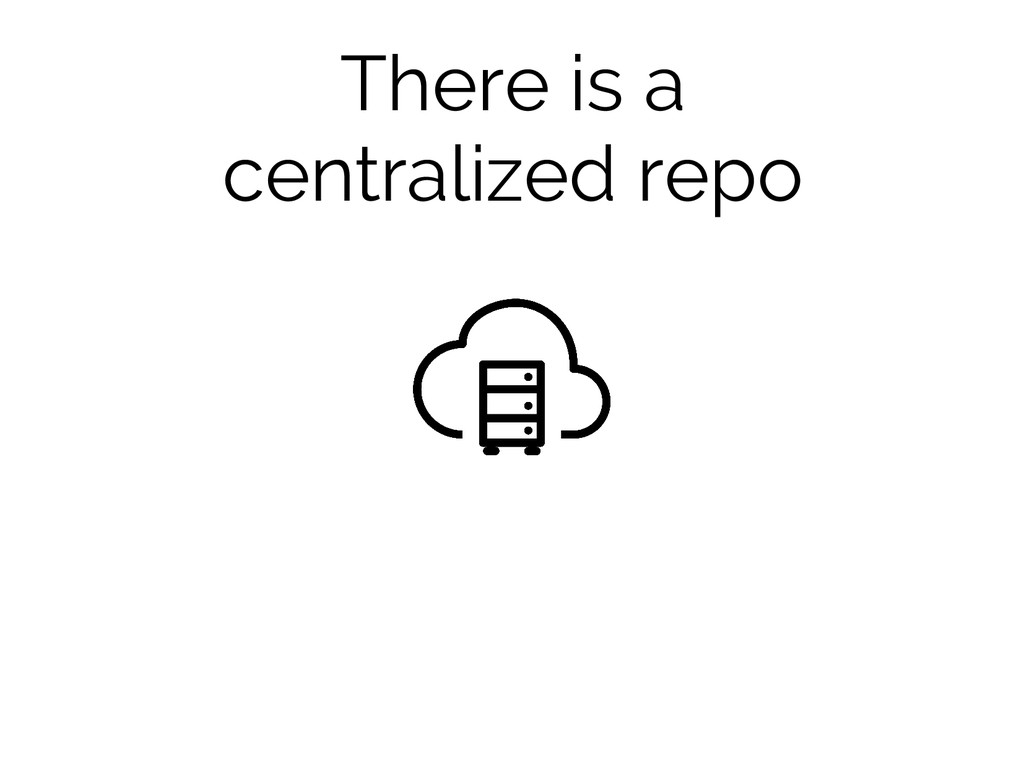
There is a centralized repo
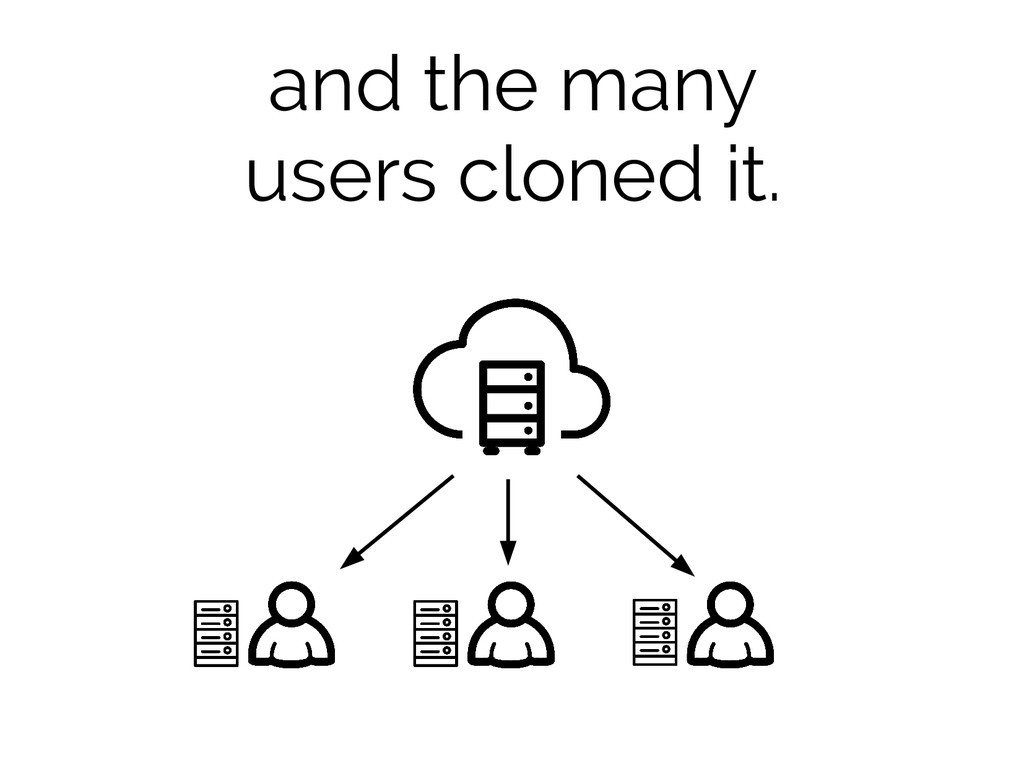
and the many users cloned it.
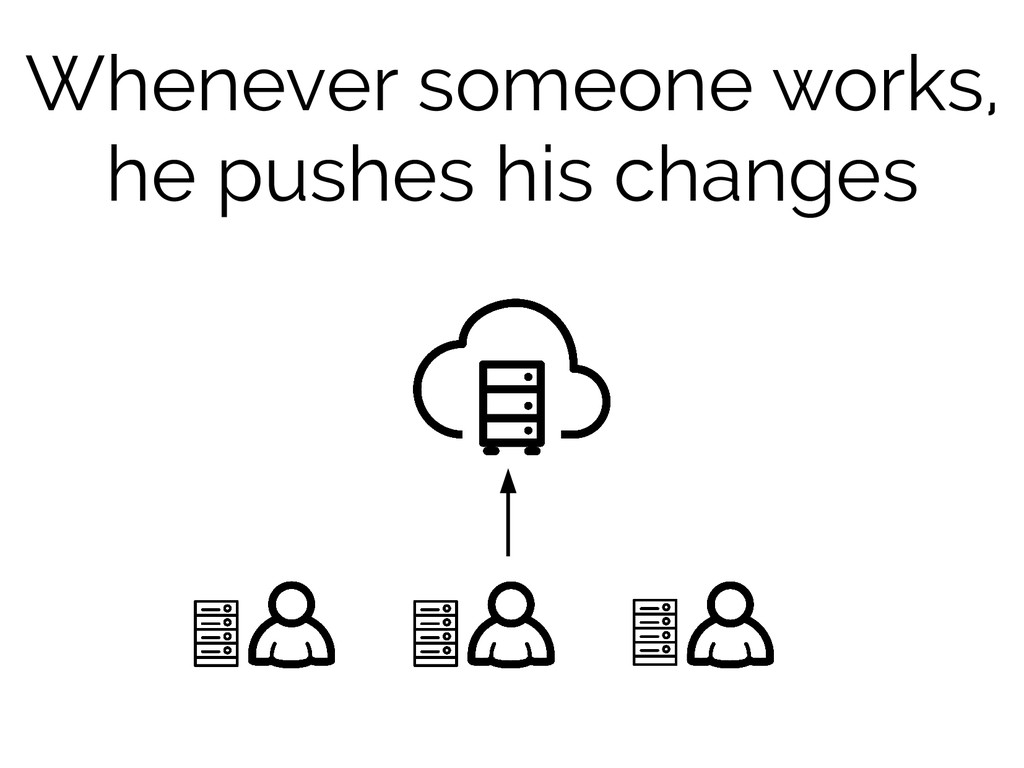
Whenever someone works, he pushes his changes
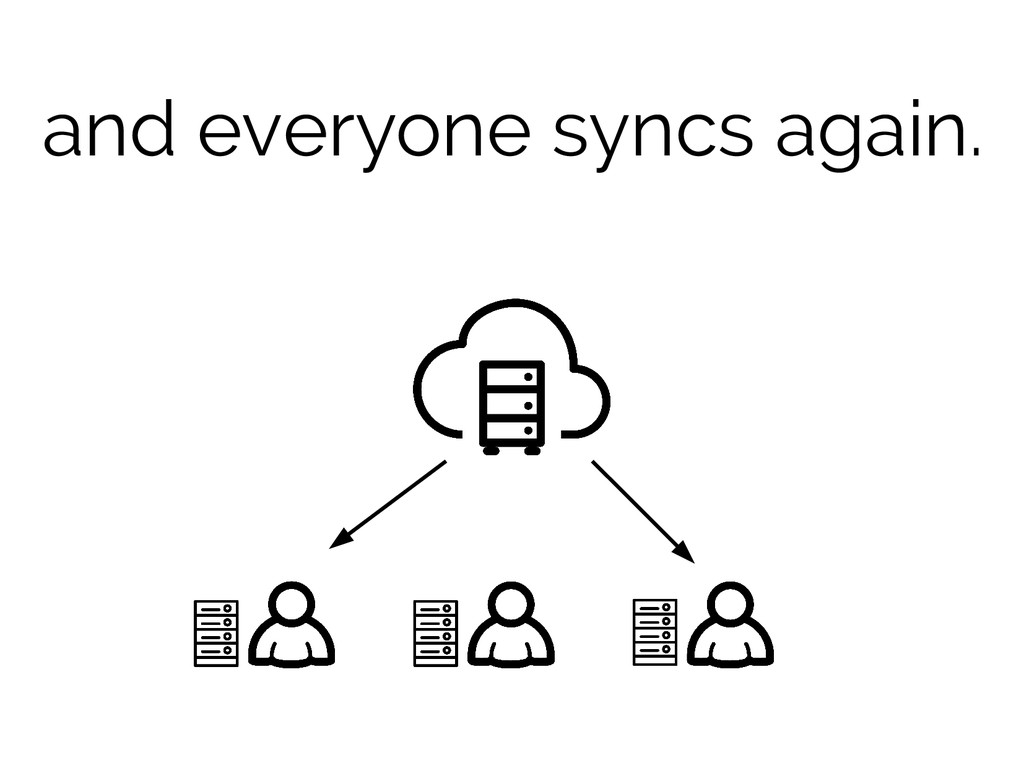
and everyone syncs again.
So... what's the difference?
the use of branches
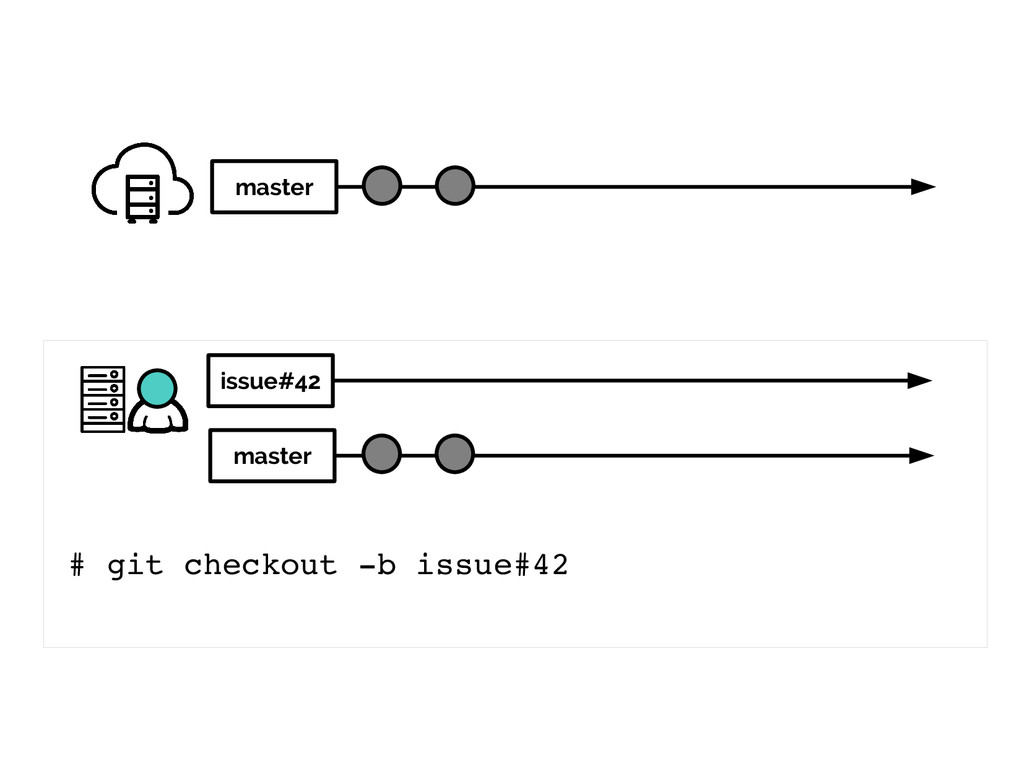
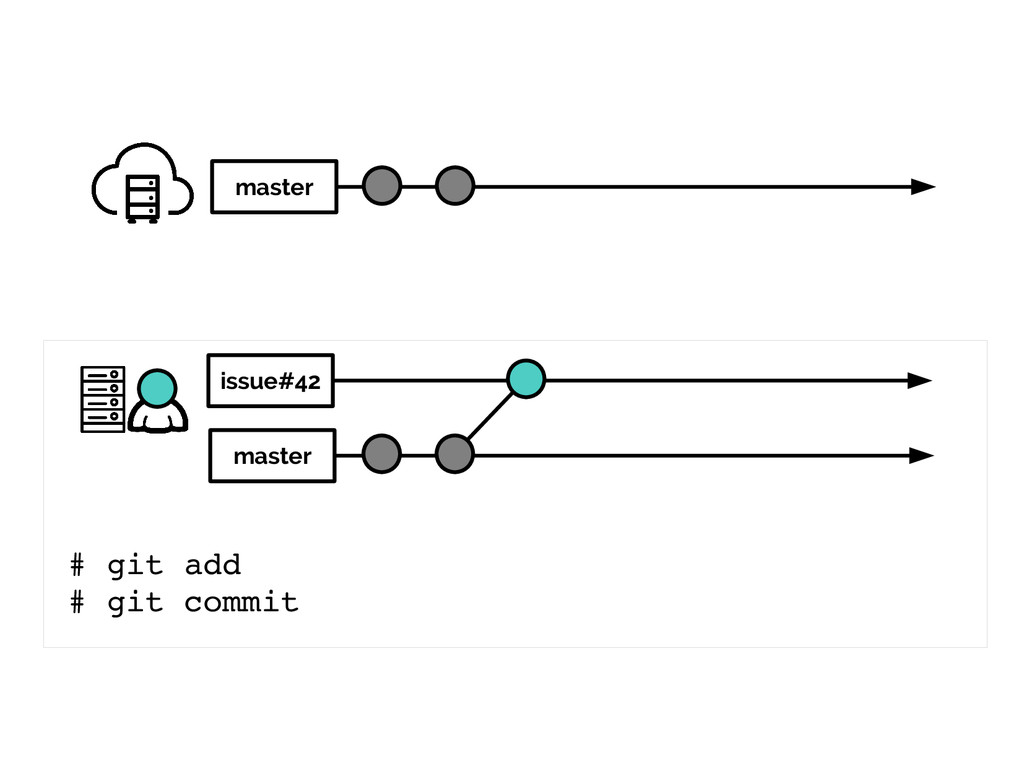
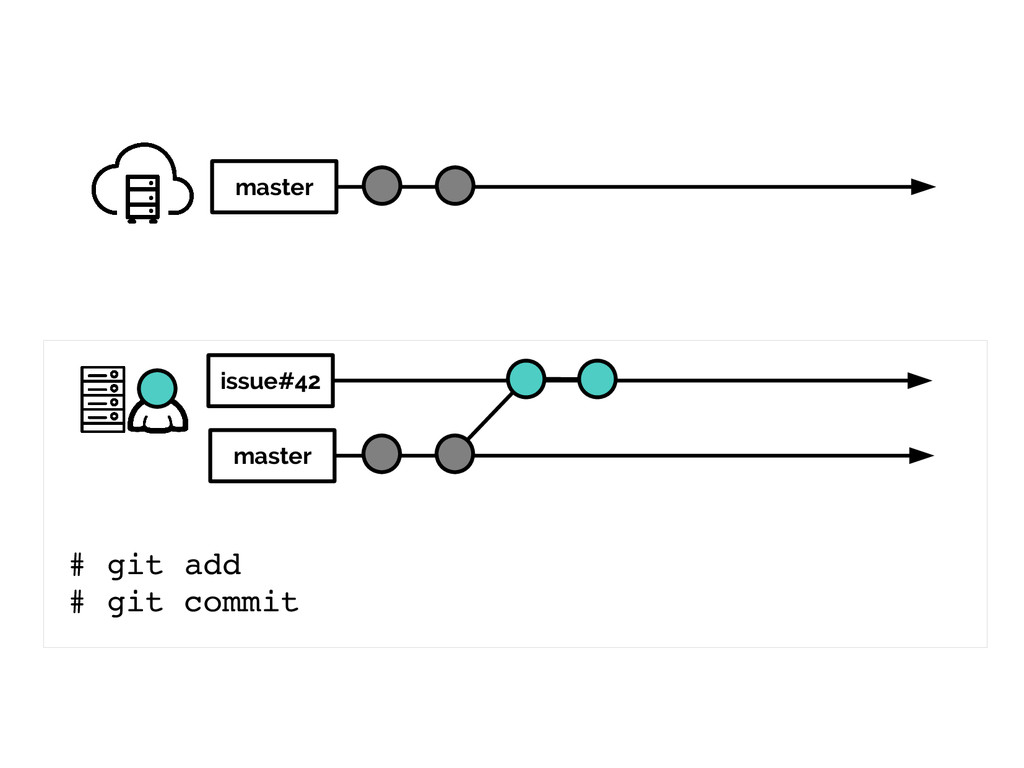
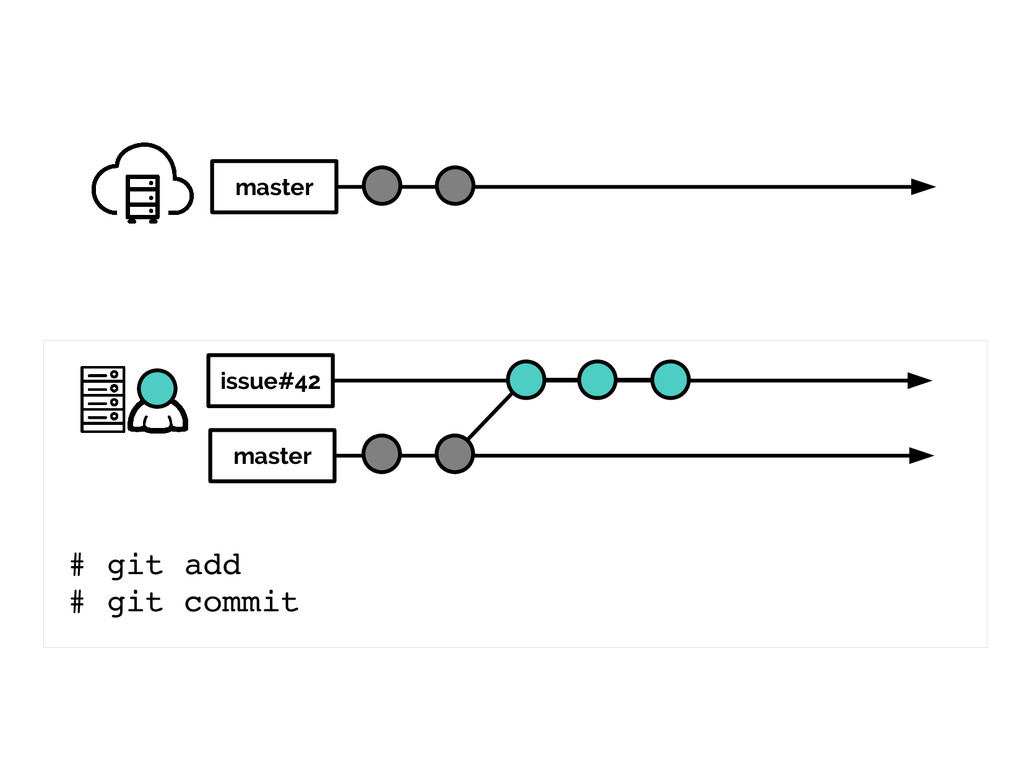
another example would be handy here
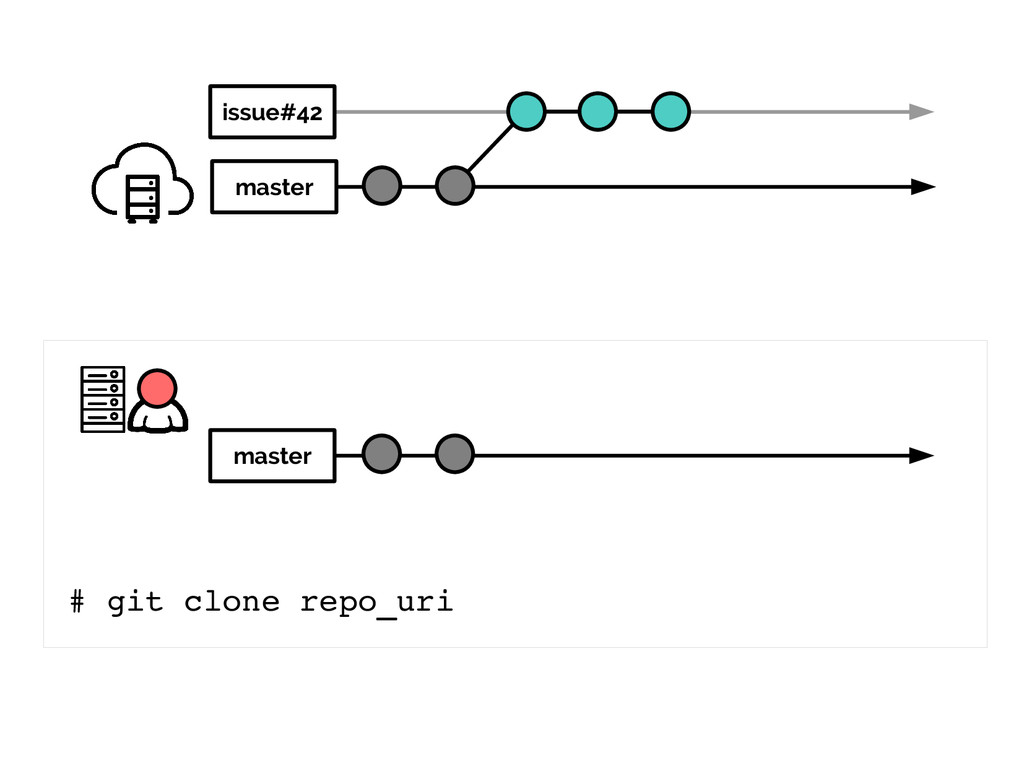
master # git clone repo_uri master
master # git checkout b issue#42 master issue#42
master # git add # git commit master issue#42
master # git add # git commit master issue#42
master # git add # git commit master issue#42
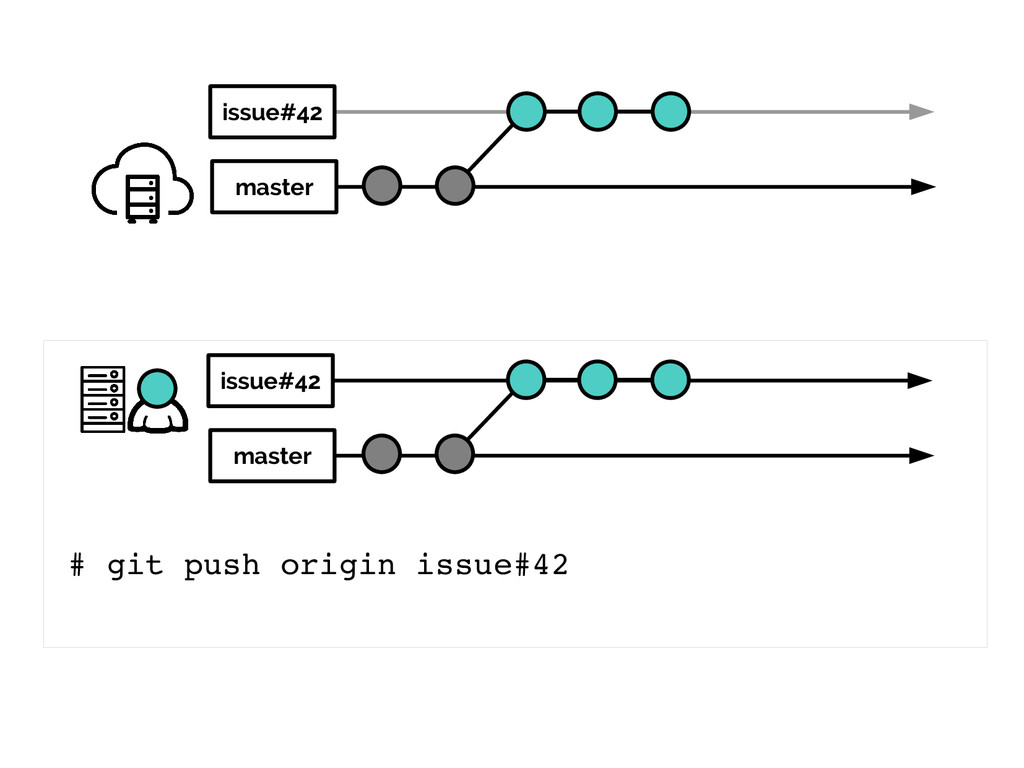
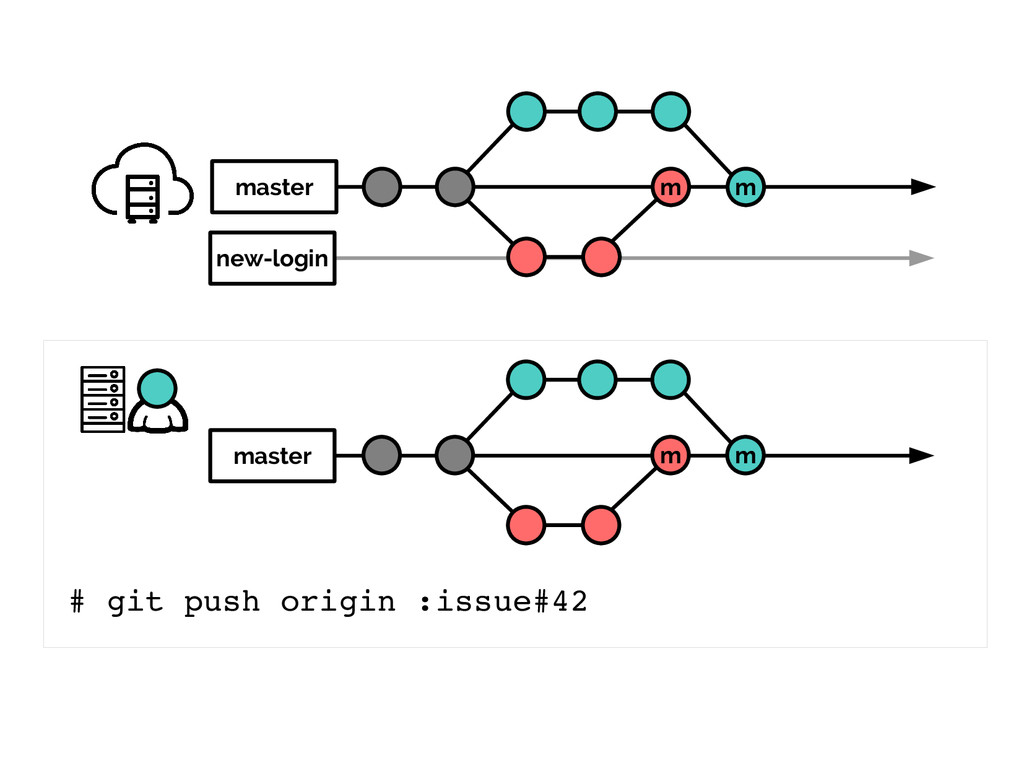
master # git push origin issue#42 issue#42 master issue#42
master # git clone repo_uri issue#42 master
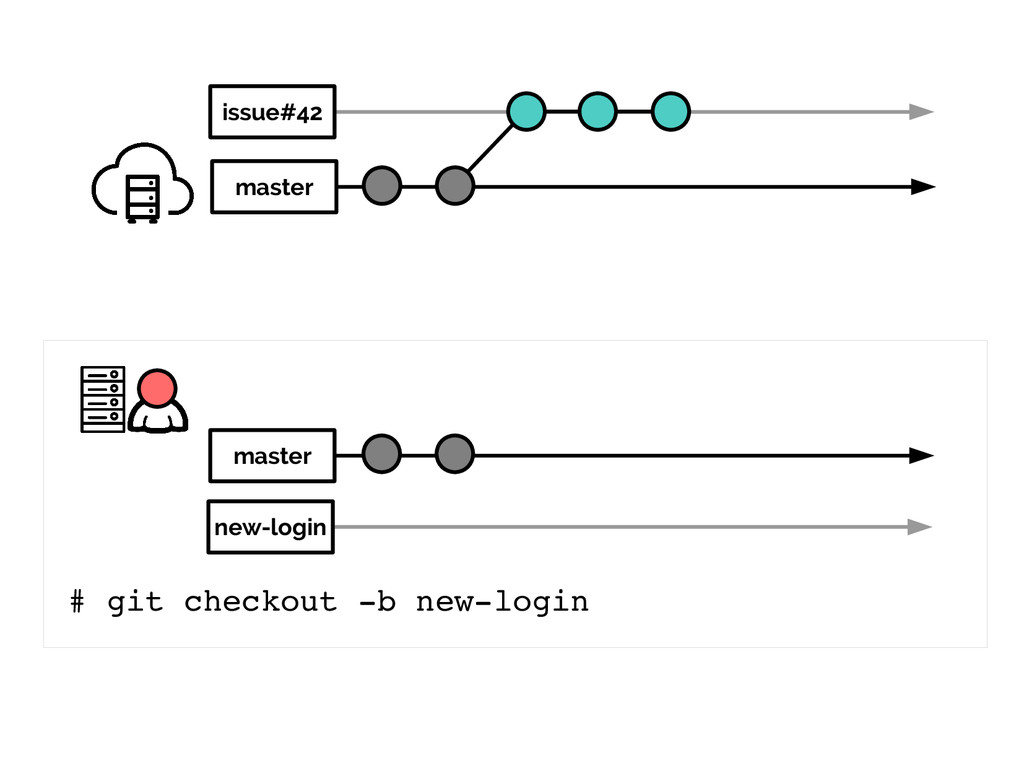
master # git checkout b newlogin issue#42 master new-login
master # (after two commits) issue#42 master new-login
master # git push origin newlogin issue#42 master new-login new-login
master # git checkout master new-login issue#42 master new-login
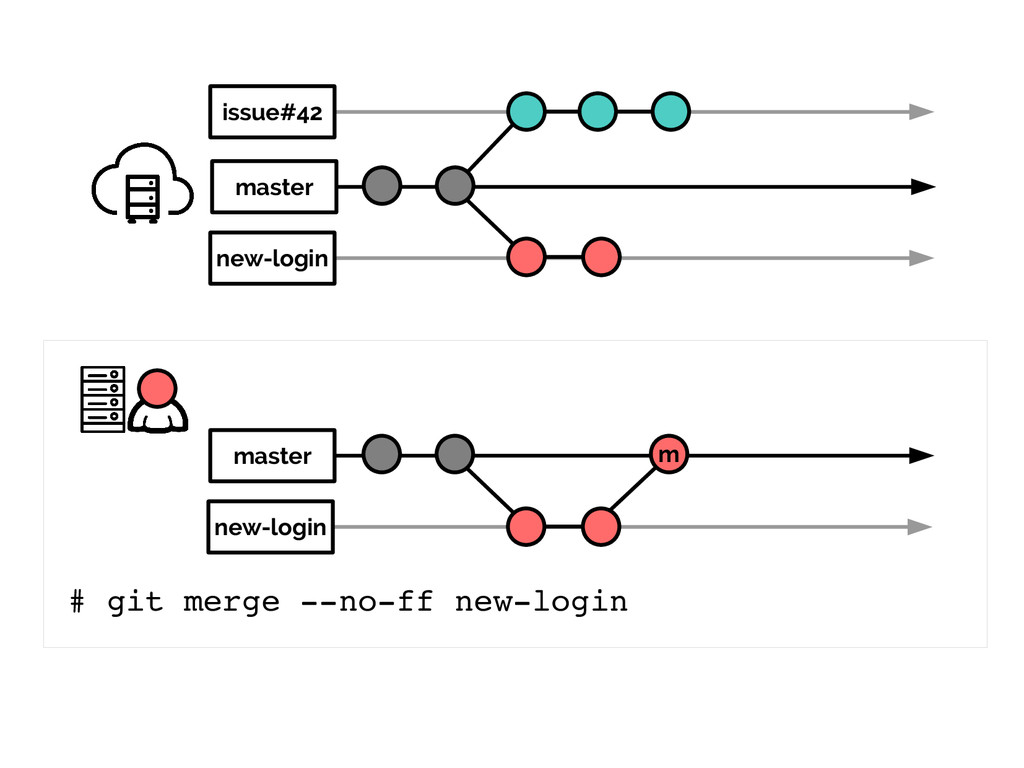
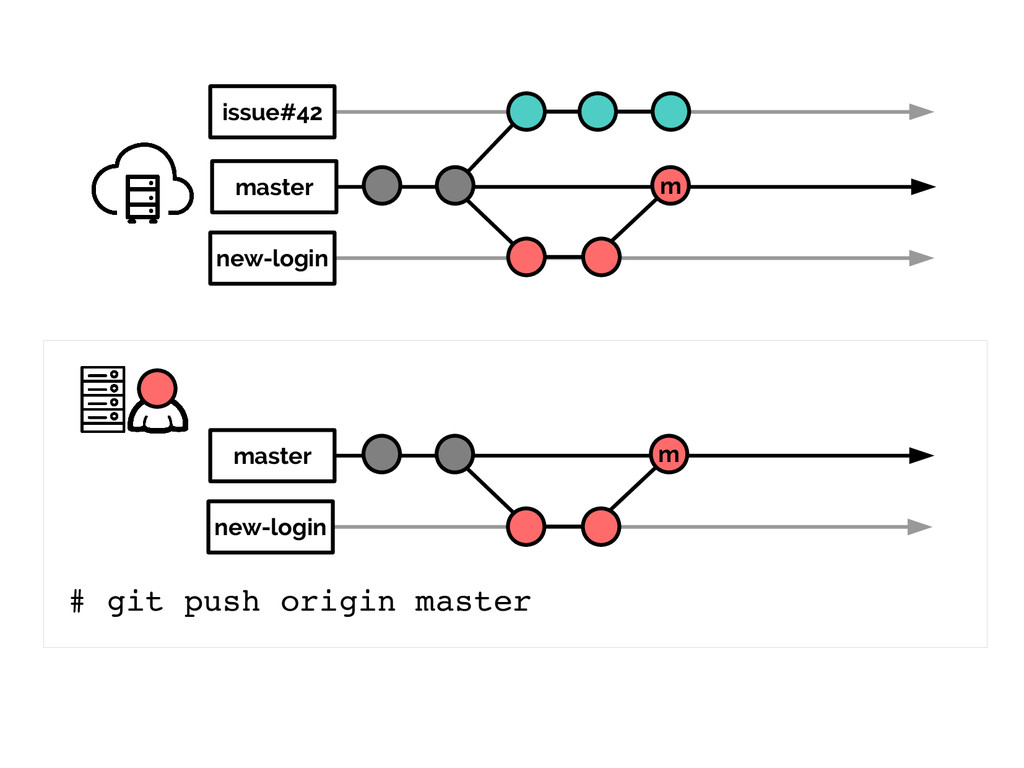
m master # git merge noff newlogin new-login issue#42 master
new-login
m master # git push origin master new-login issue#42 master
new-login m
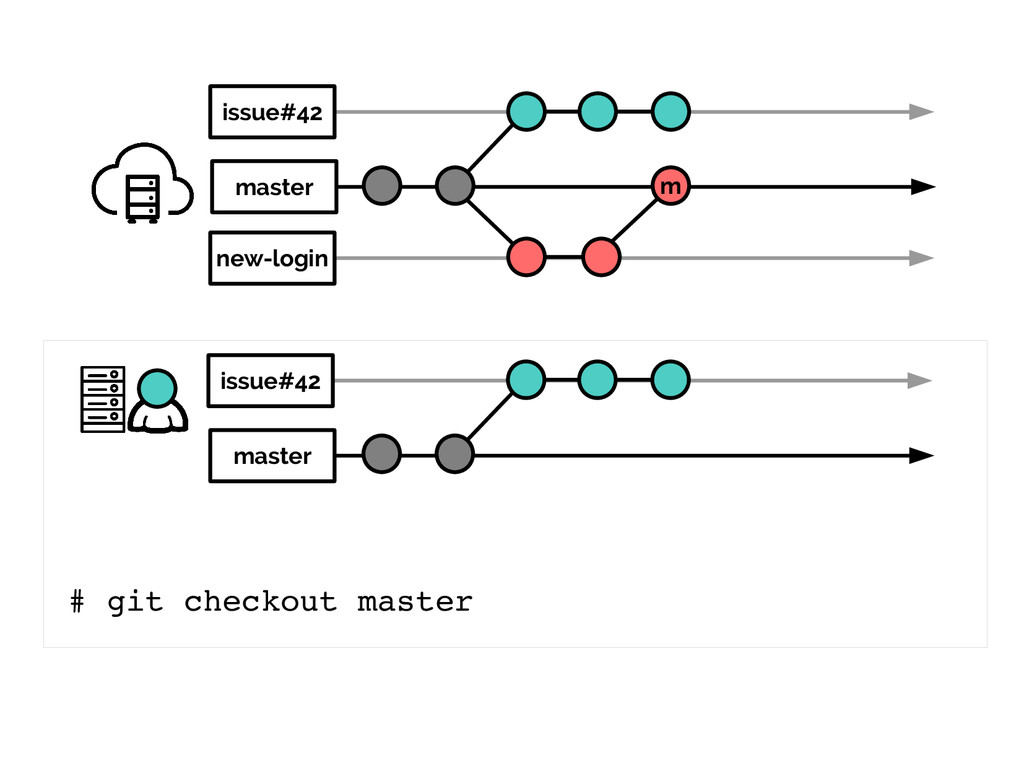
master # git checkout master new-login issue#42 m master issue#42
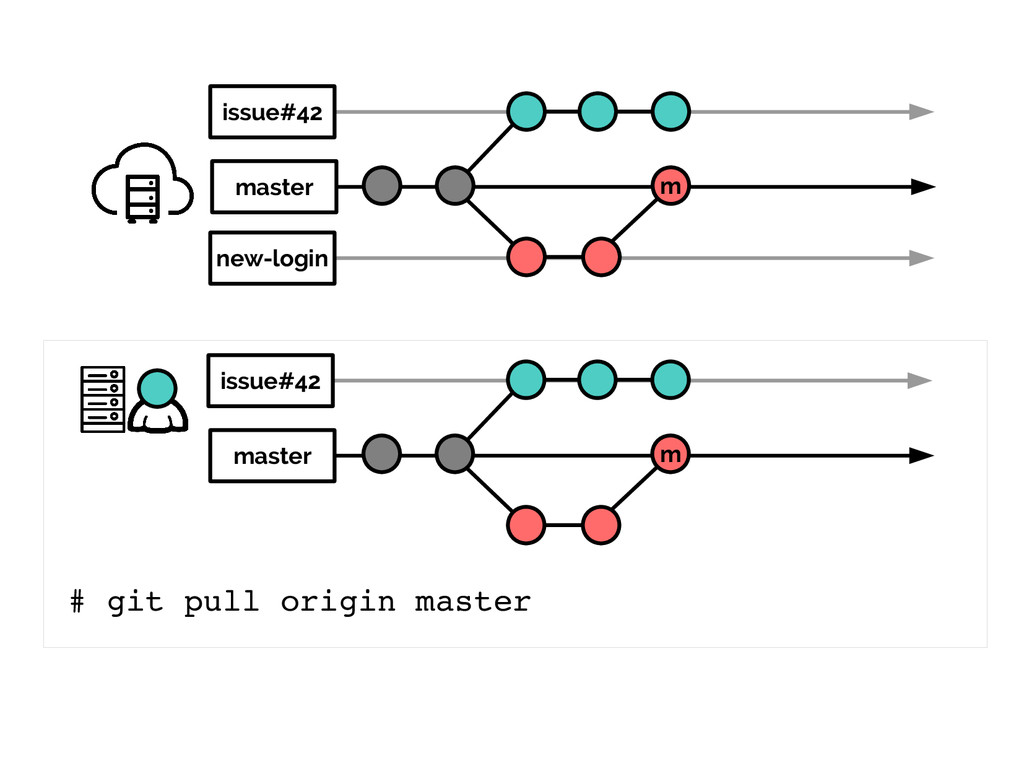
master # git pull origin master new-login issue#42 m master
issue#42 m
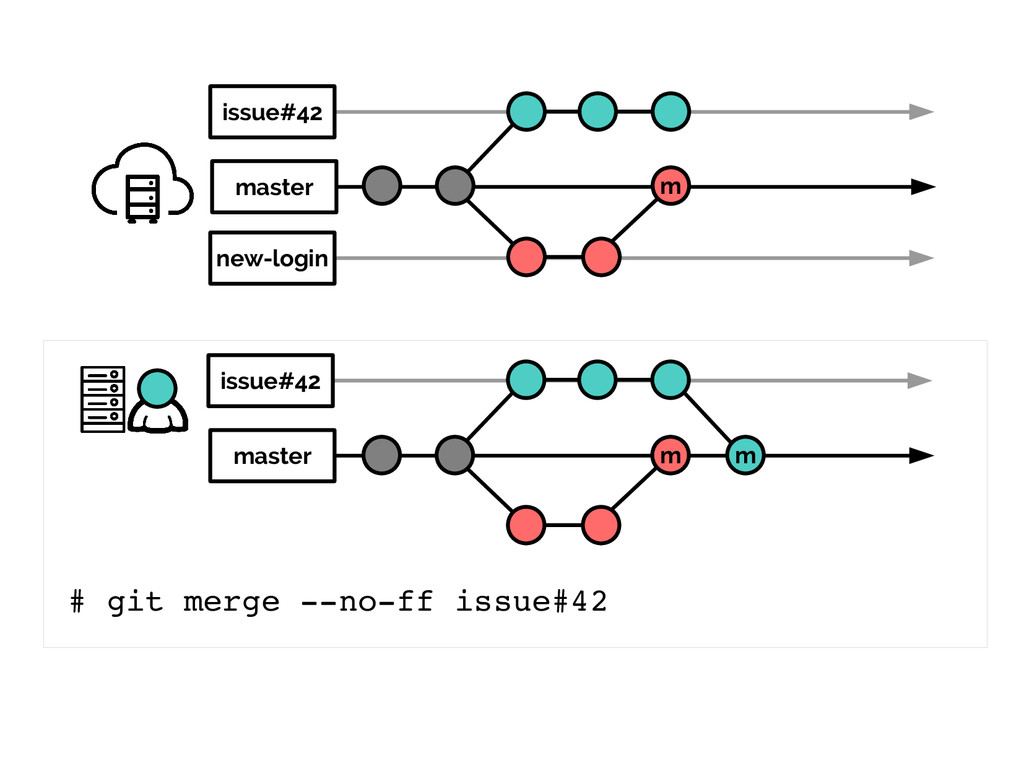
master # git merge noff issue#42 new-login issue#42 m master
issue#42 m m
master # git push origin master new-login issue#42 m m
master issue#42 m m
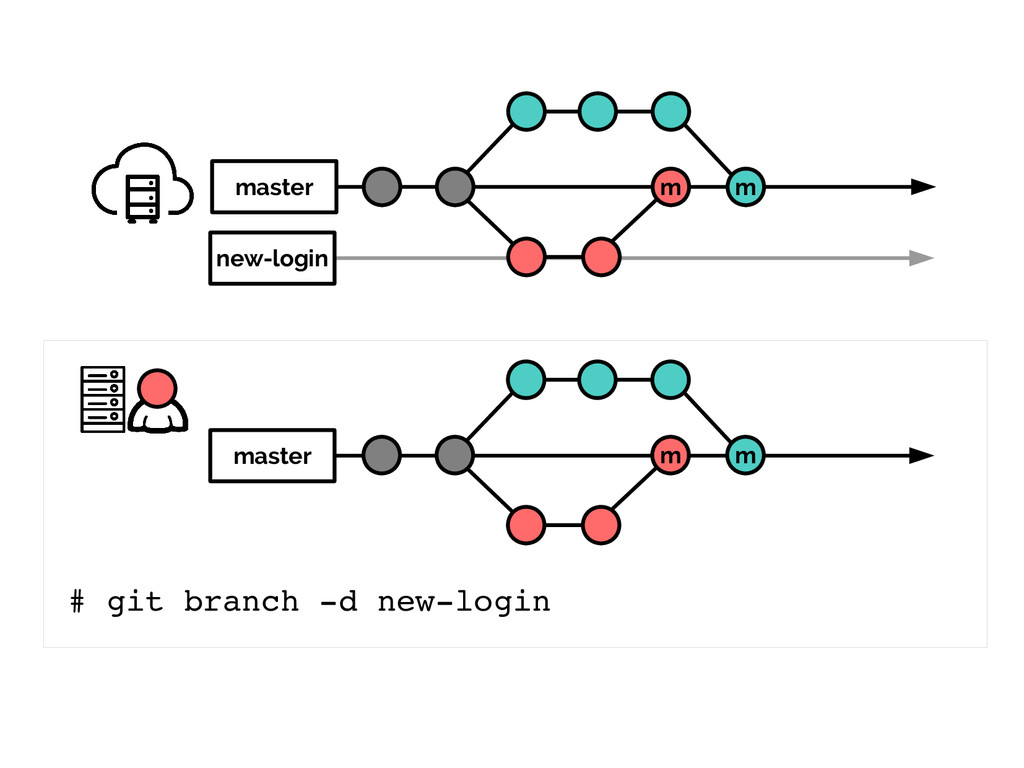
master # git branch d issue#42 new-login issue#42 m m
master m m
master # git push origin :issue#42 new-login m m master
m m
new-login master # new-login m m master m zz
new-login master # git pull origin master new-login m m
master m m
master # git branch d newlogin new-login m m master
m m
master # git push origin :newlogin m m master m
m
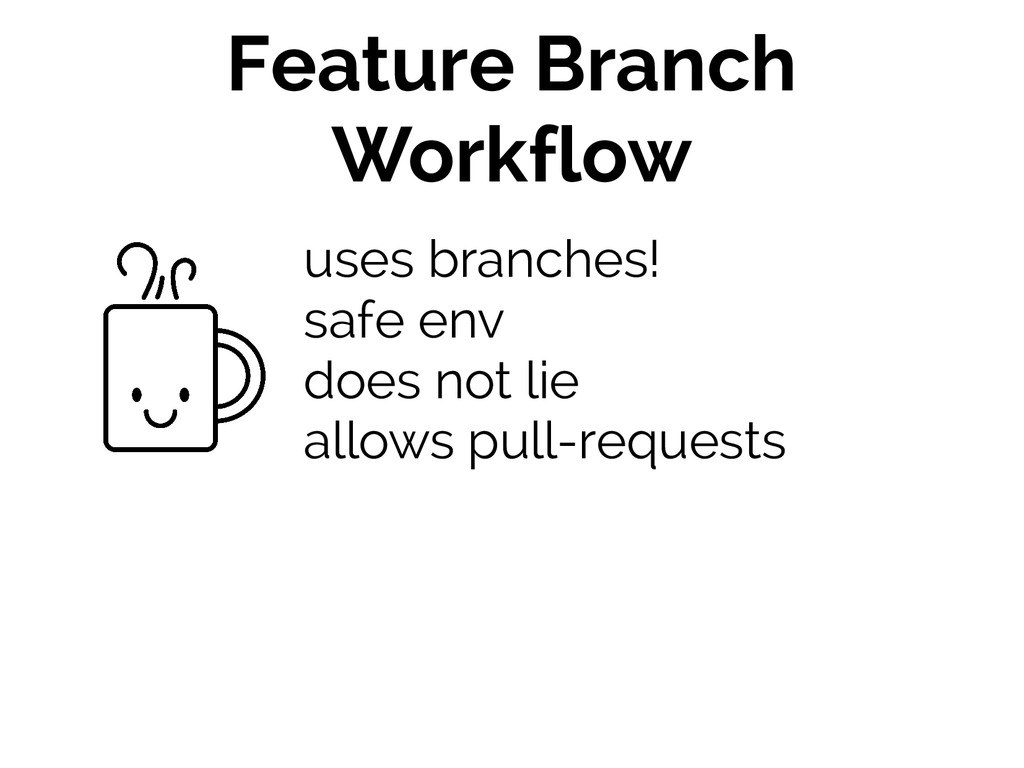
Feature Branch Workflow uses branches! safe env does not lie
allows pull-requests
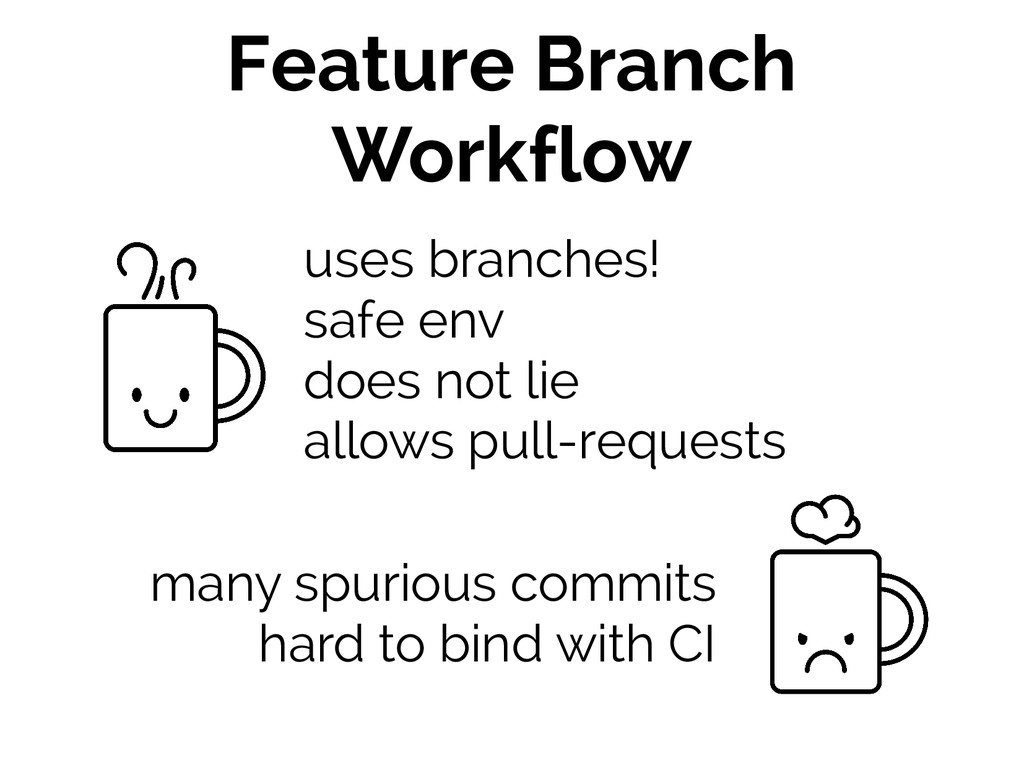
Feature Branch Workflow uses branches! safe env does not lie
allows pull-requests many spurious commits hard to bind with CI
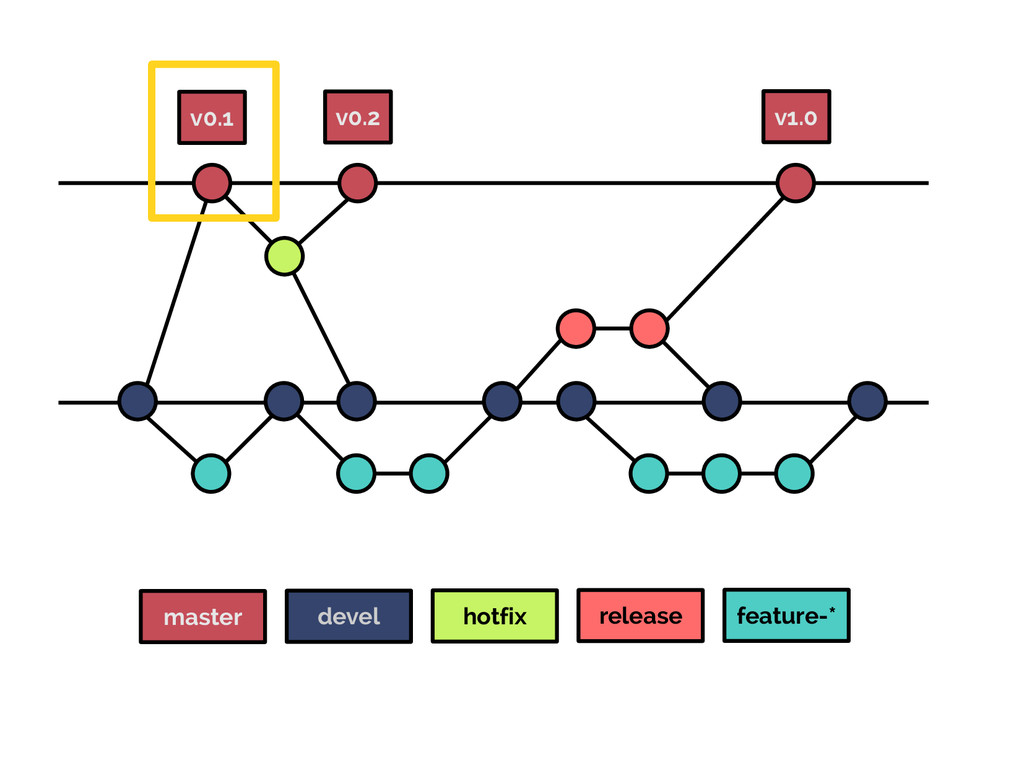
#3 Gitflow Workflow
more robust
more strict
relies on CoC nvie.com/posts/a-successful-git-branching-model
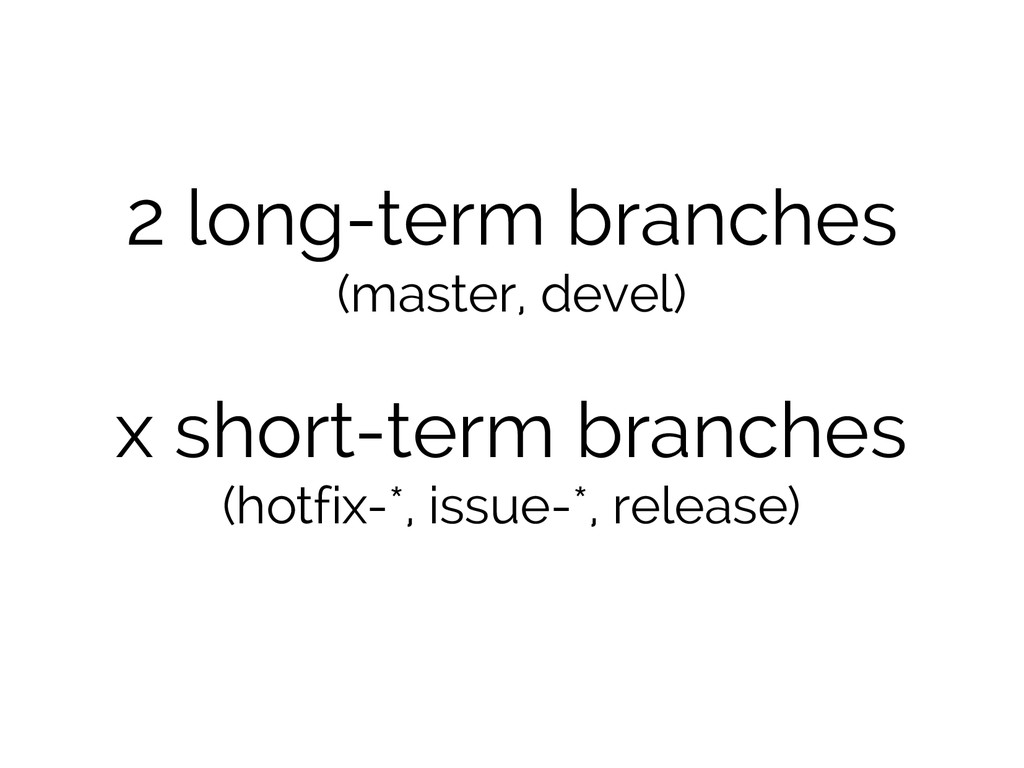
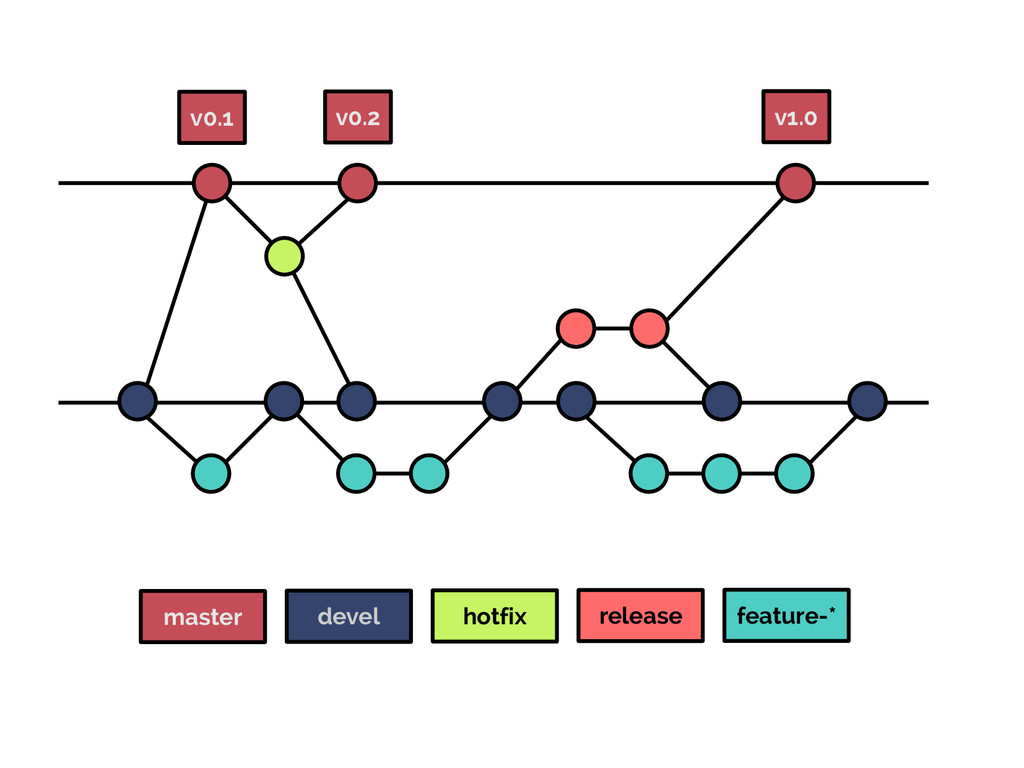
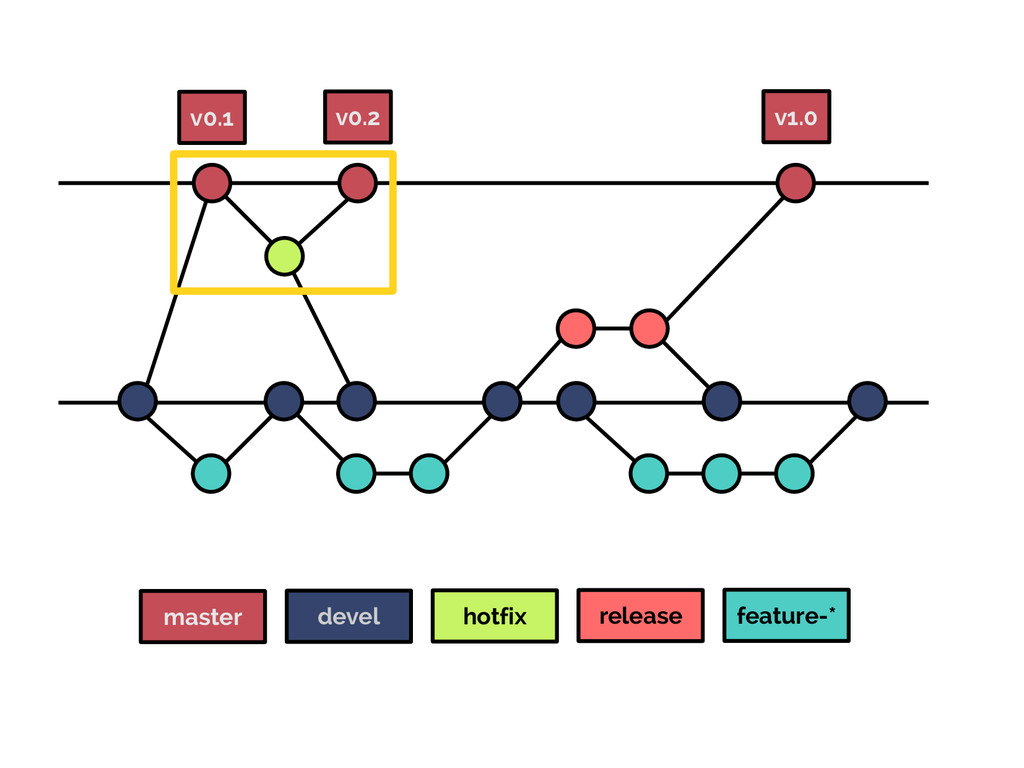
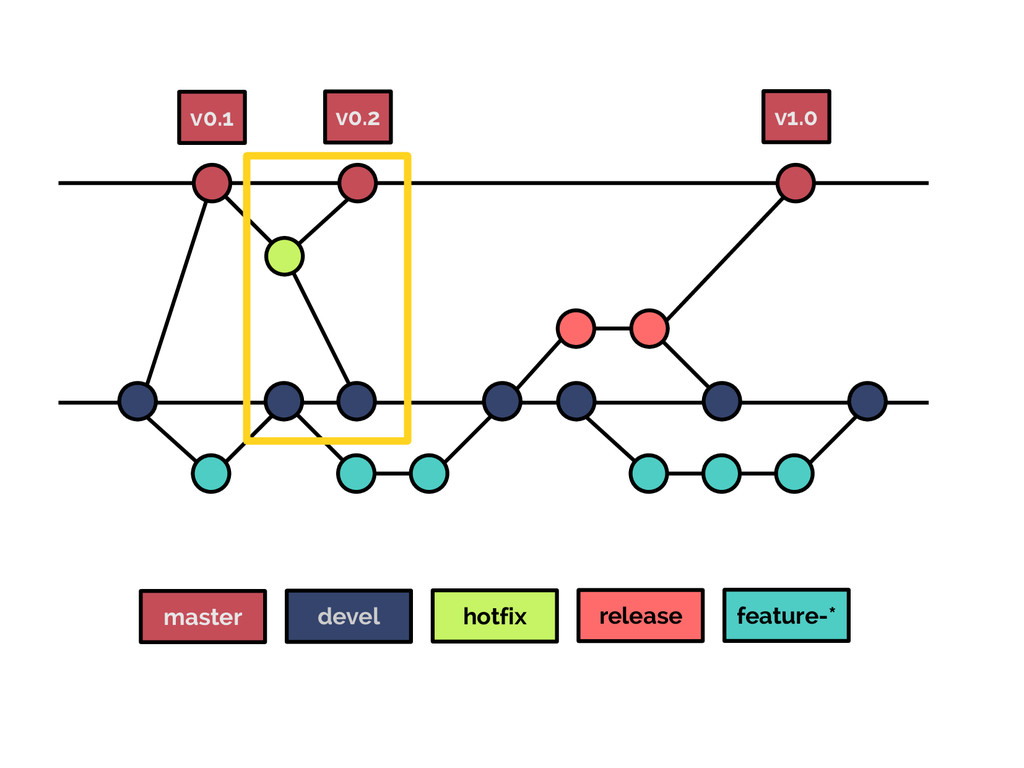
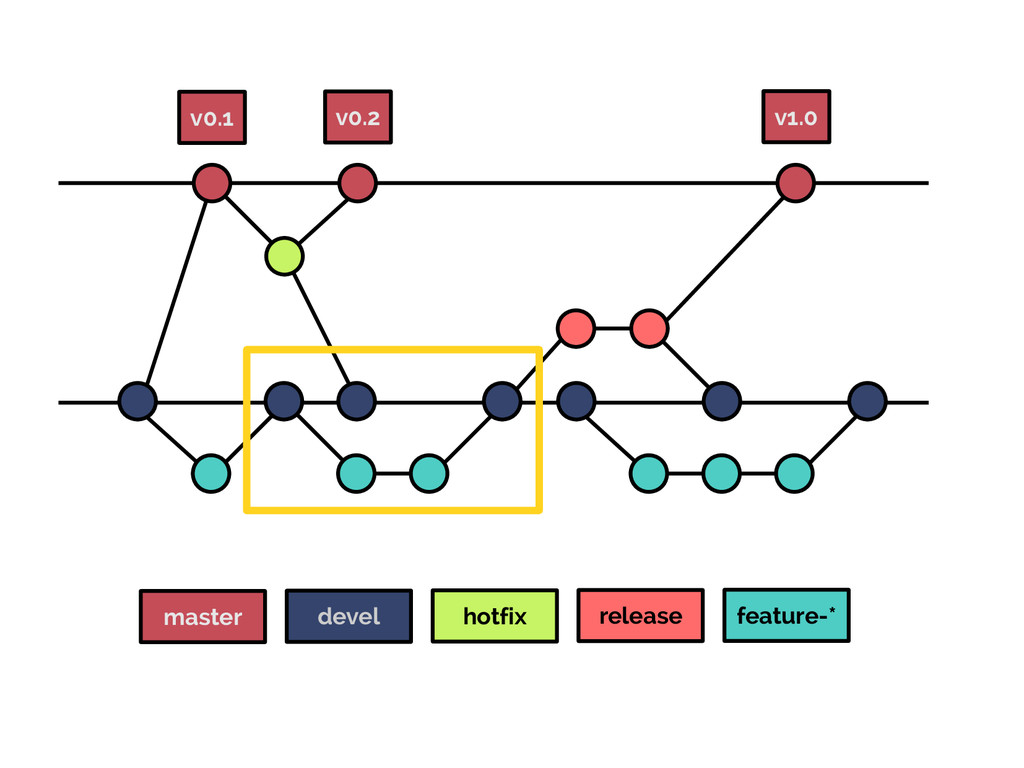
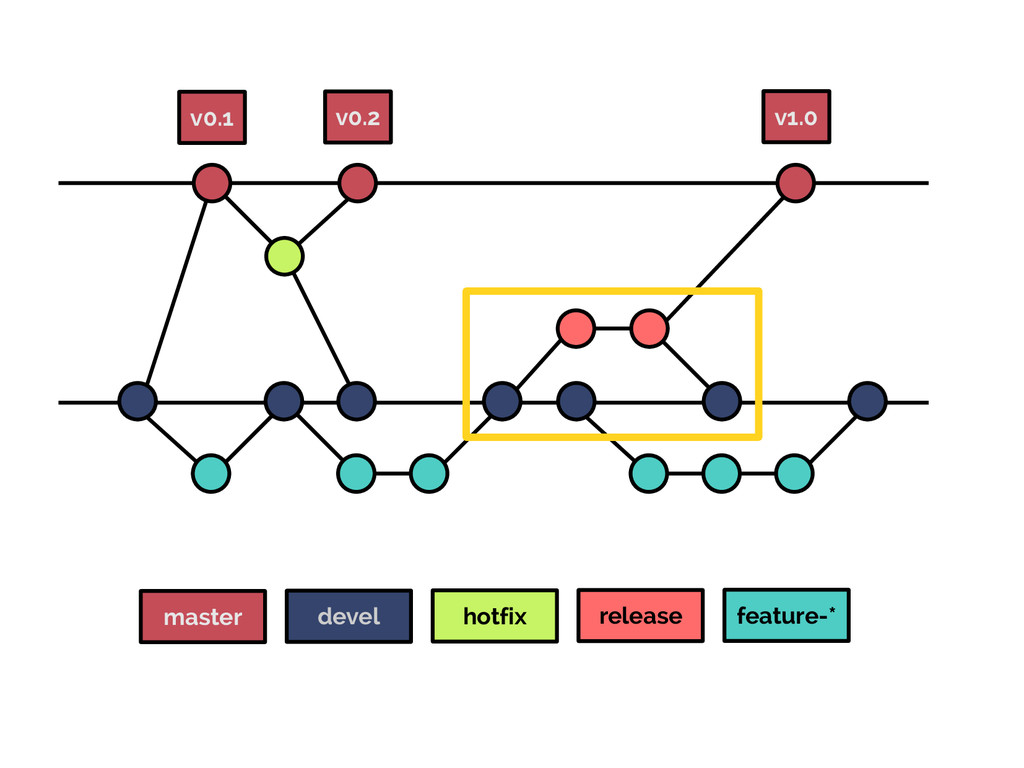
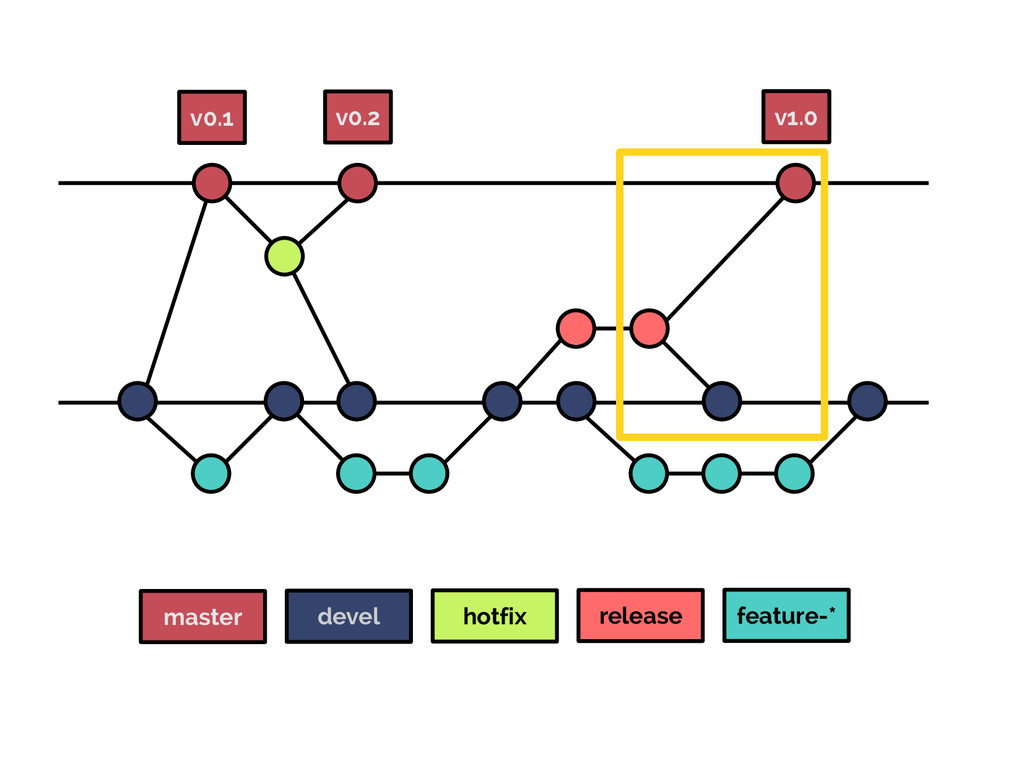
2 long-term branches (master, devel) x short-term branches (hotfix-*, issue-*,
release)
asking for an example? (let's speed up things a little)
master devel hotfix release feature-* v0.1 v0.2 v1.0
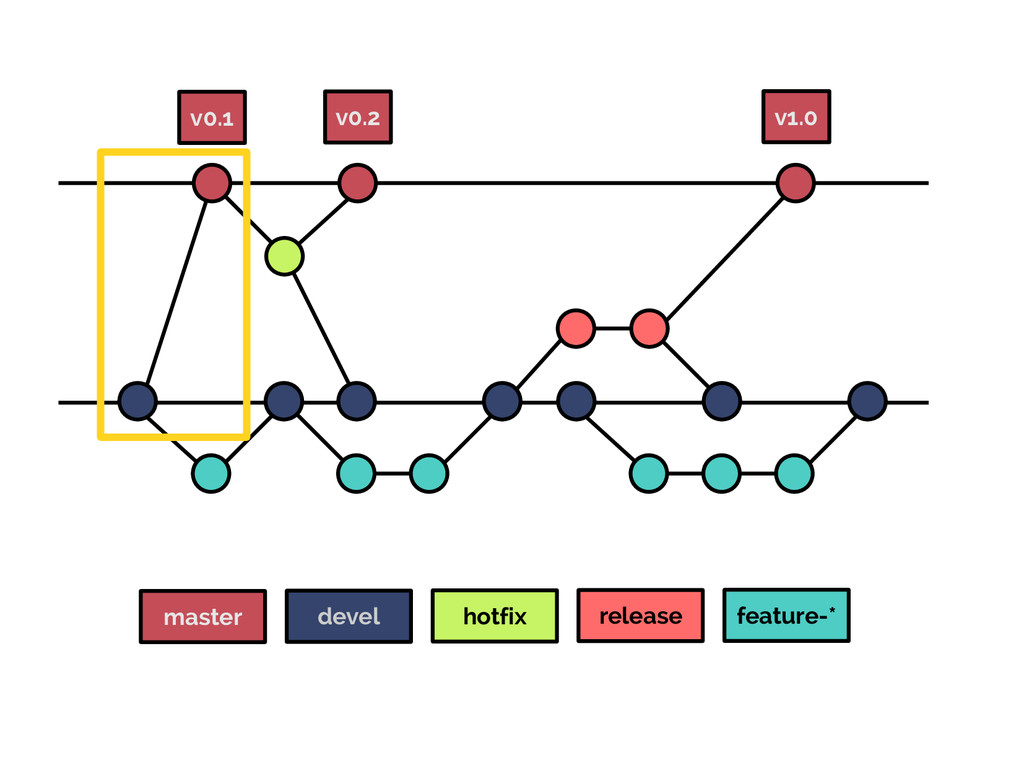
master devel hotfix release feature-* v0.1 v0.2 v1.0
master devel hotfix release feature-* v0.1 v0.2 v1.0
master devel hotfix release feature-* v0.1 v0.2 v1.0
master devel hotfix release feature-* v0.1 v0.2 v1.0
master devel hotfix release feature-* v0.1 v0.2 v1.0
master devel hotfix release feature-* v0.1 v0.2 v1.0
master devel hotfix release feature-* v0.1 v0.2 v1.0
master devel hotfix release feature-* v0.1 v0.2 v1.0
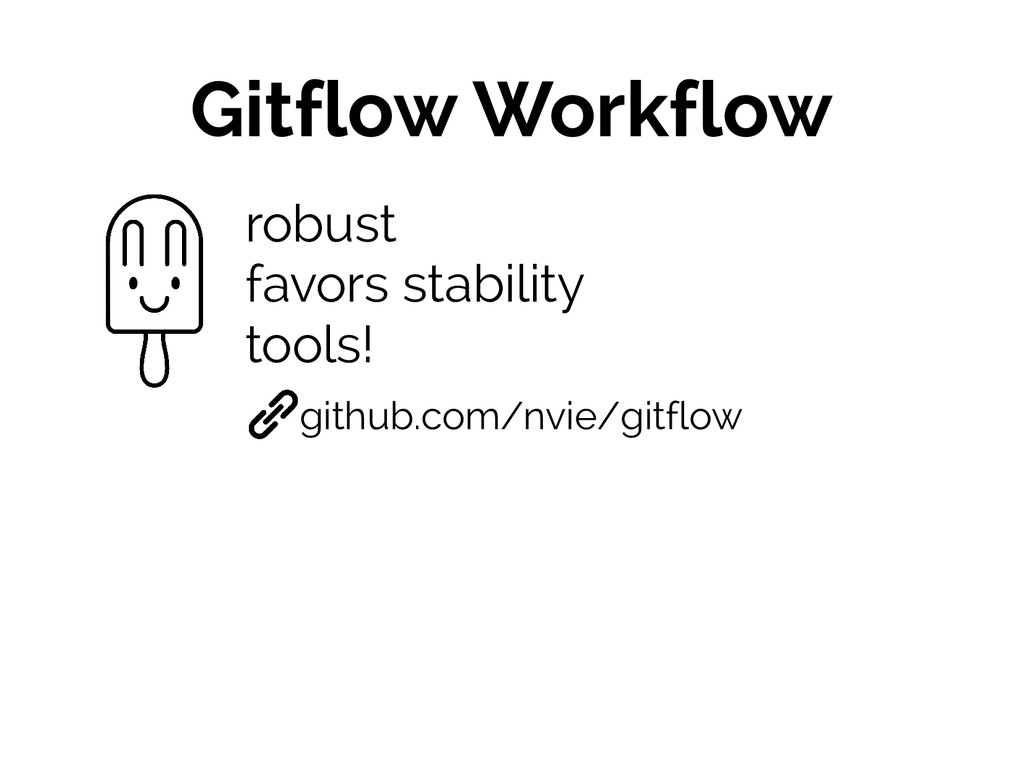
Gitflow Workflow robust favors stability tools! github.com/nvie/gitflow
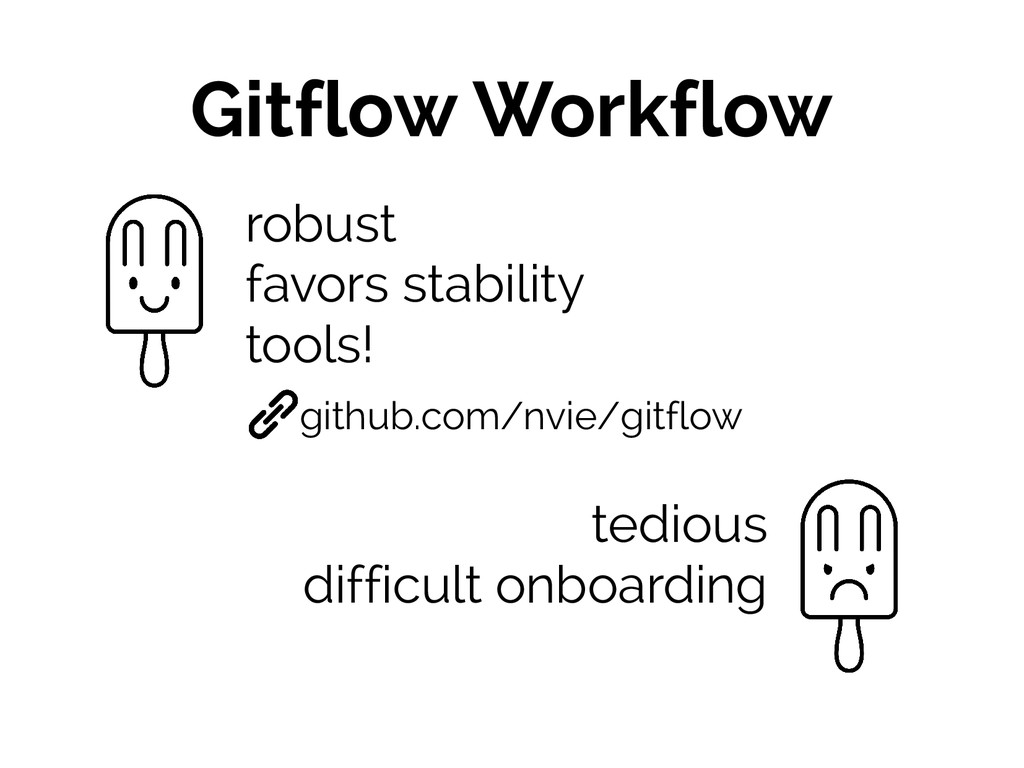
Gitflow Workflow robust favors stability tools! tedious difficult onboarding github.com/nvie/gitflow
#4 Forking Workflow
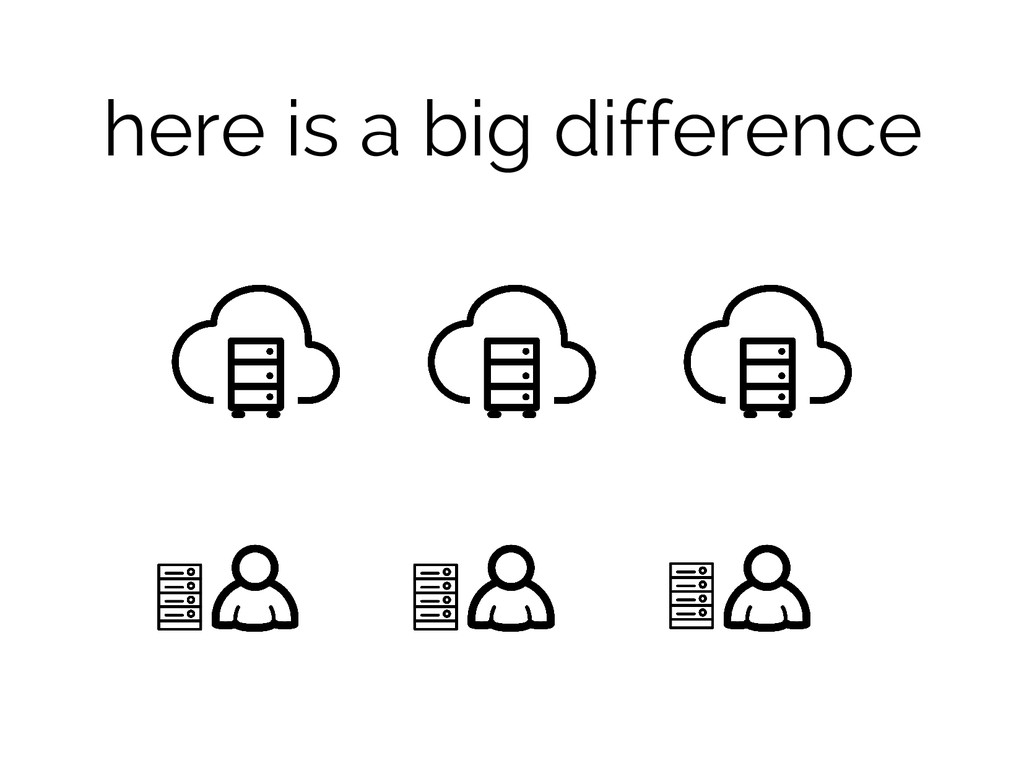
here is a big difference
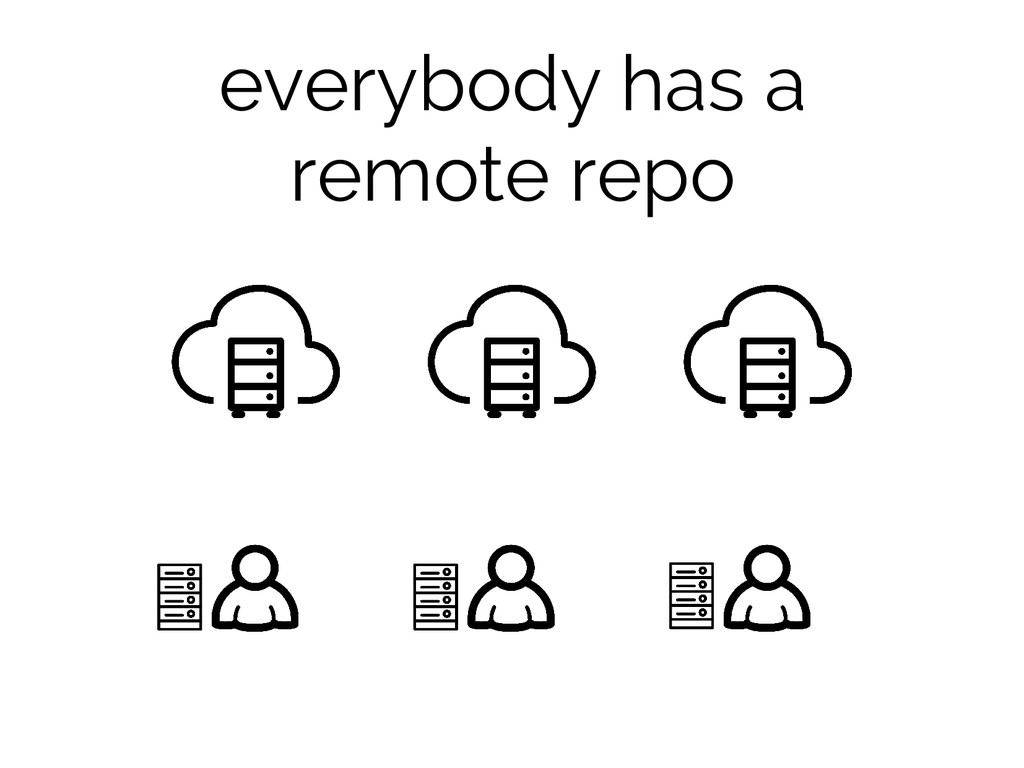
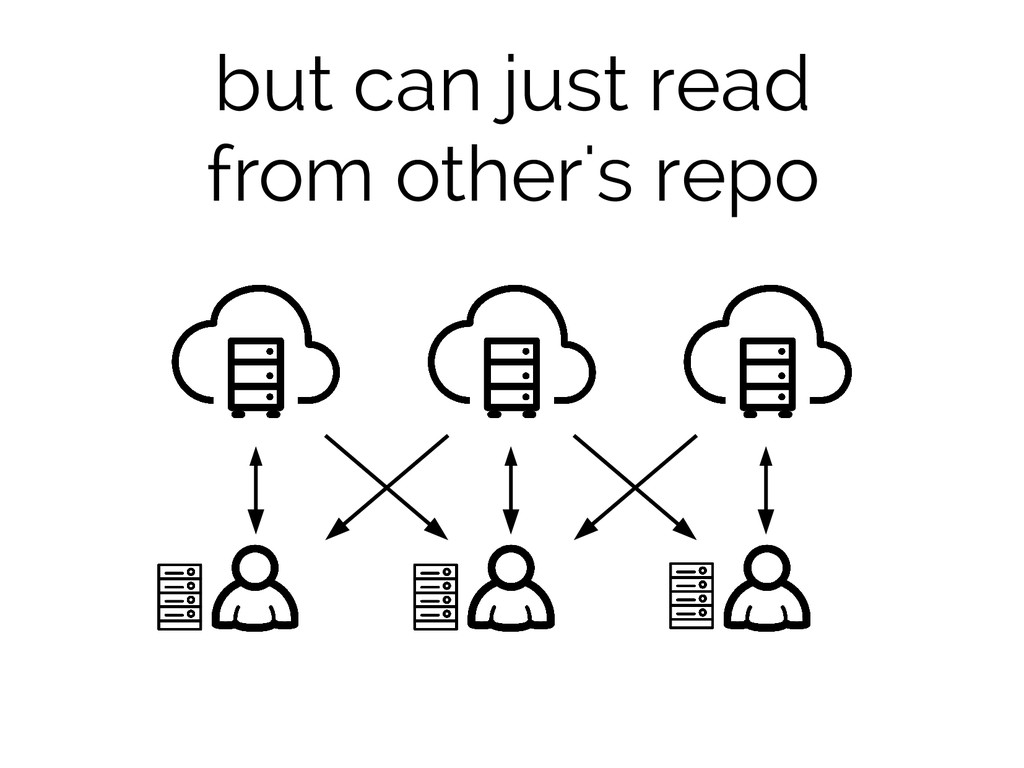
everybody has a remote repo
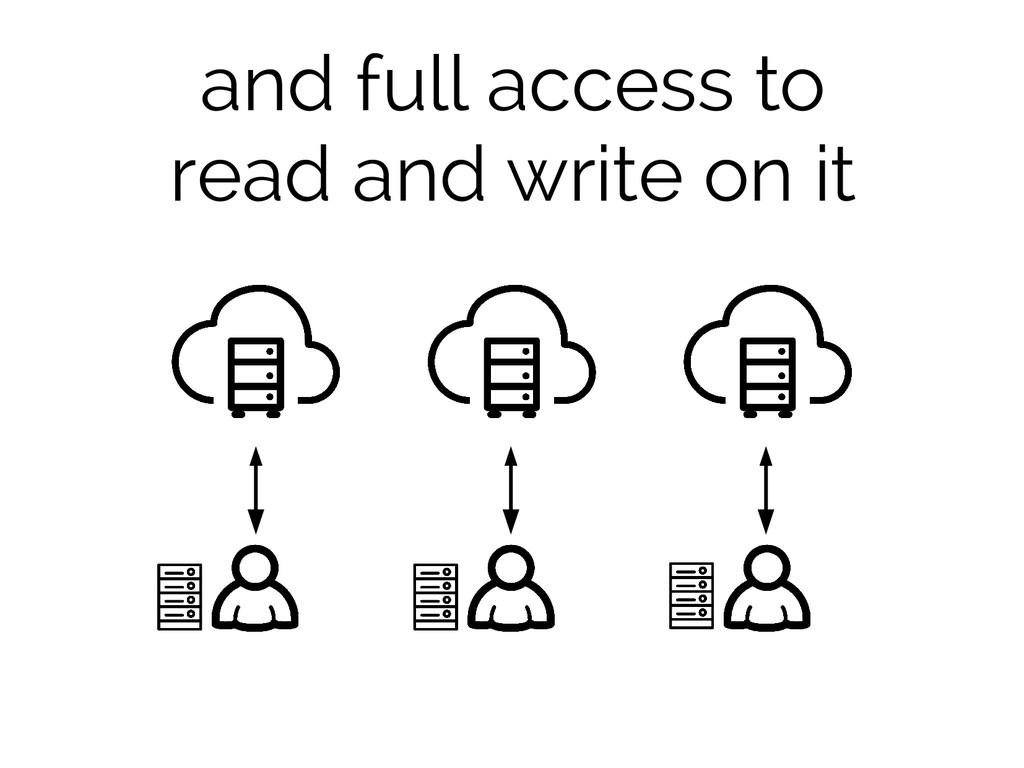
and full access to read and write on it
but can just read from other's repo
more secure
favors collaboration
open source
how does it work?
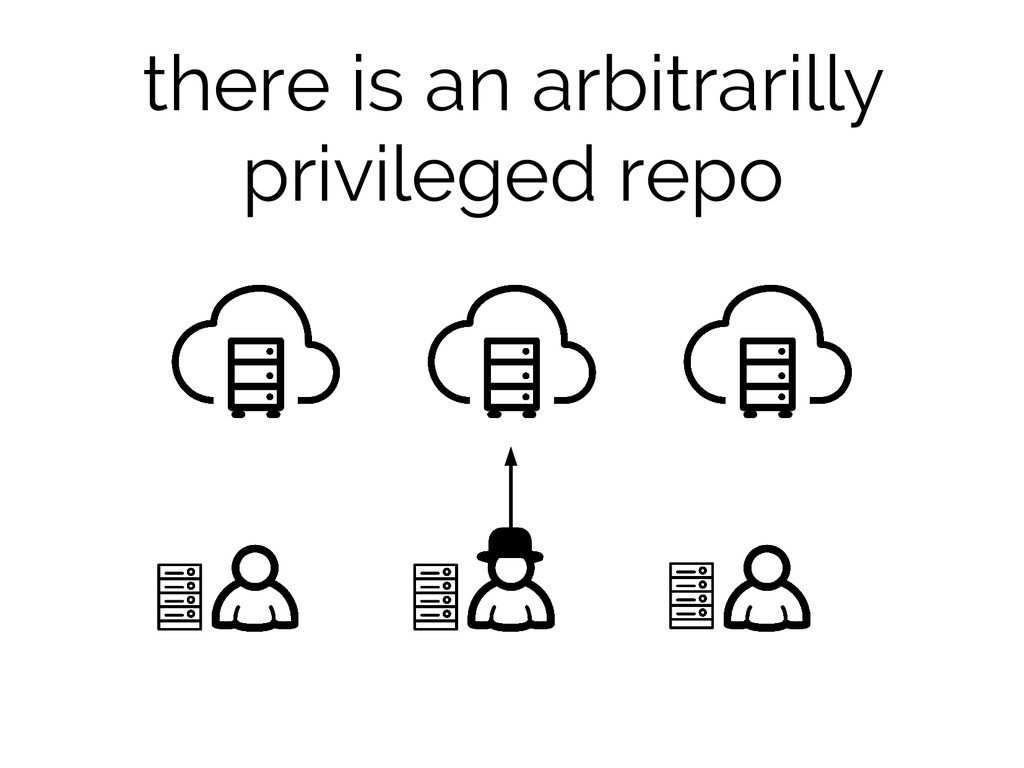
there is an arbitrarilly privileged repo
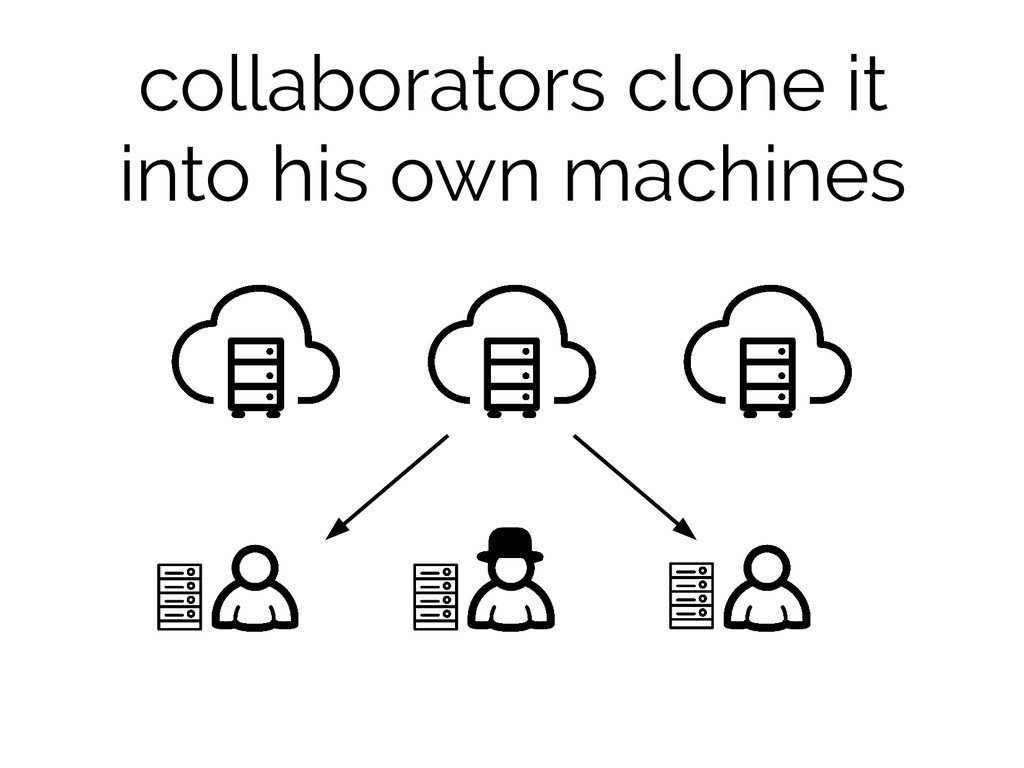
collaborators clone it into his own machines
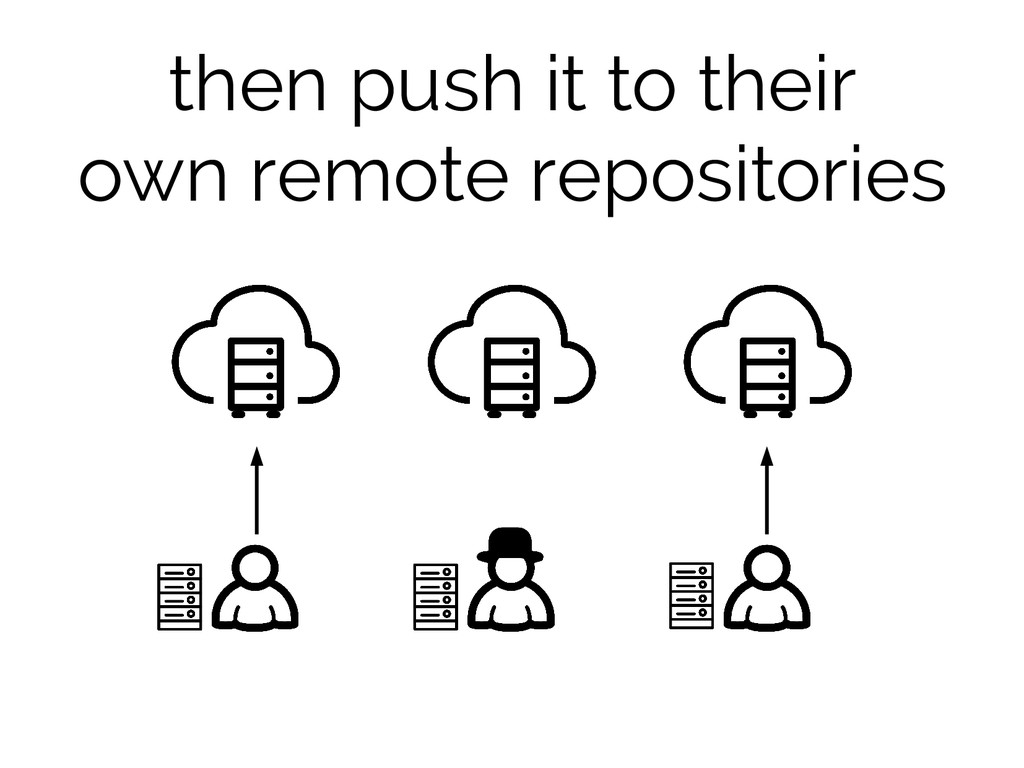
then push it to their own remote repositories
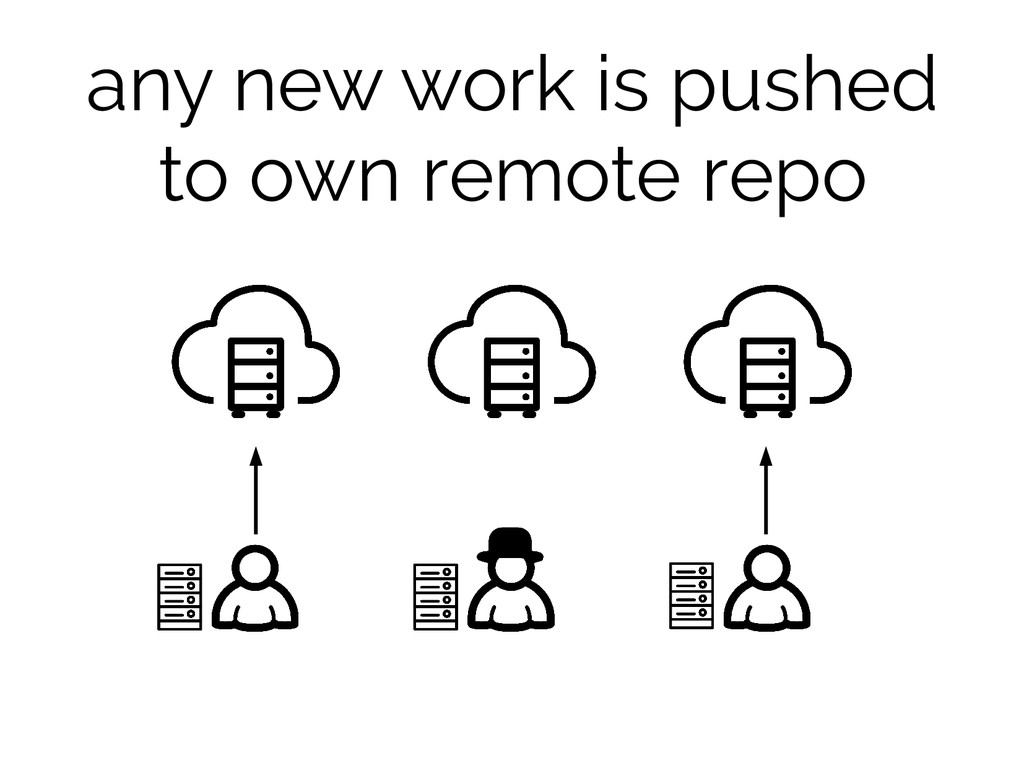
any new work is pushed to own remote repo
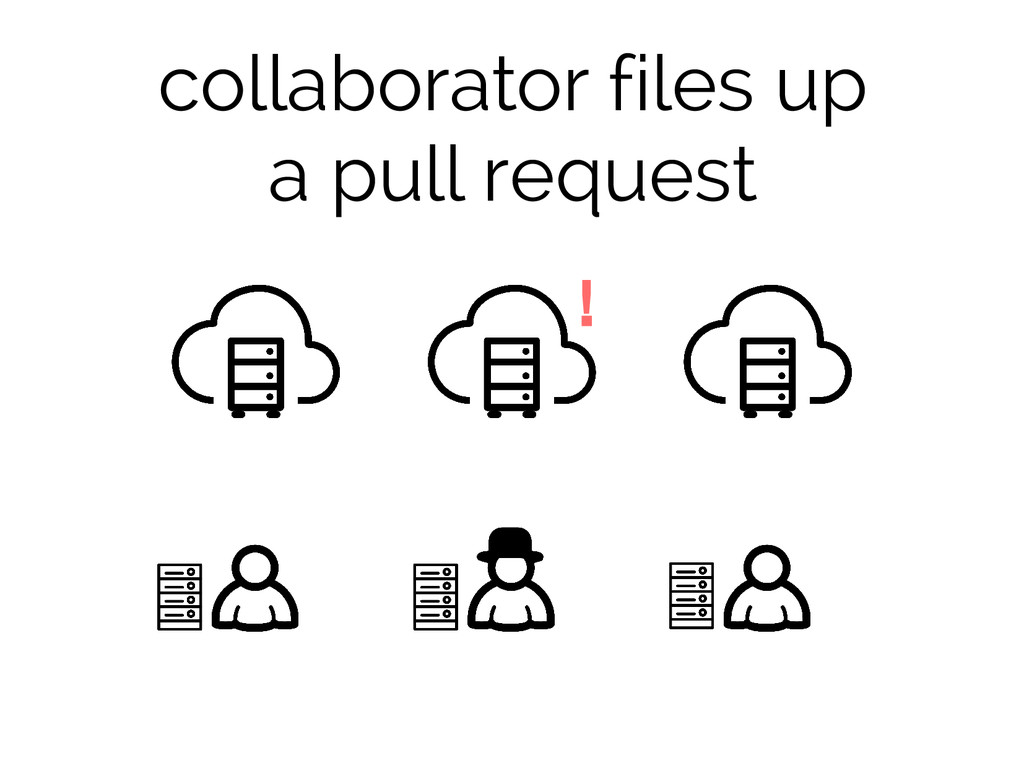
collaborator files up a pull request !
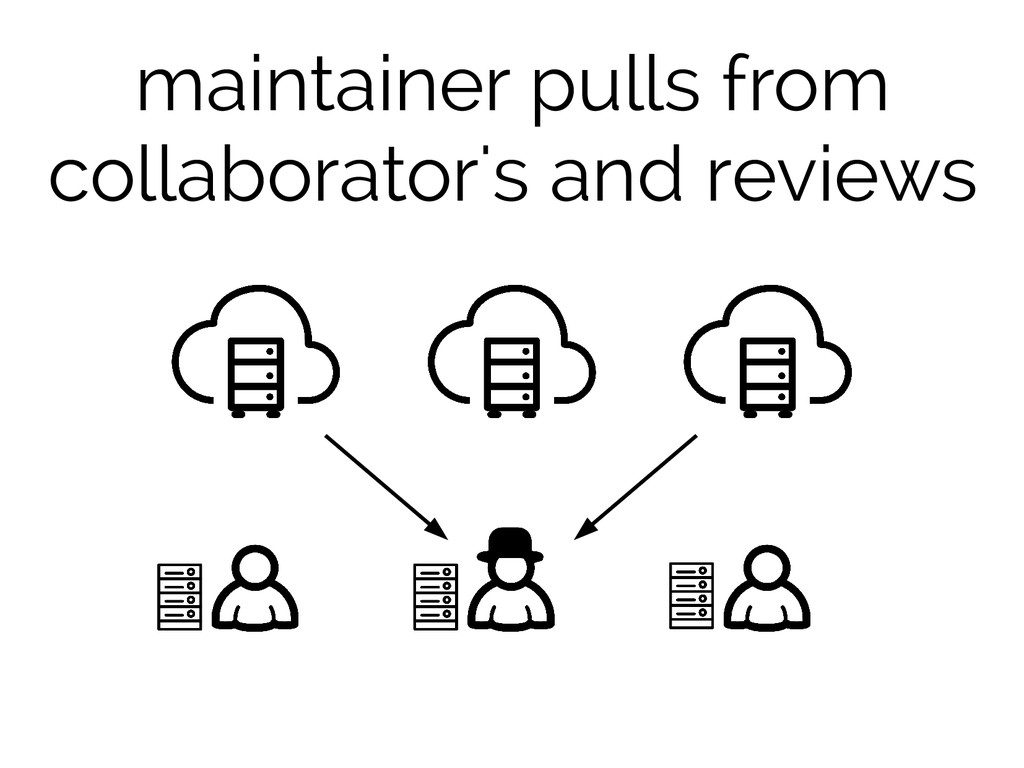
maintainer pulls from collaborator's and reviews
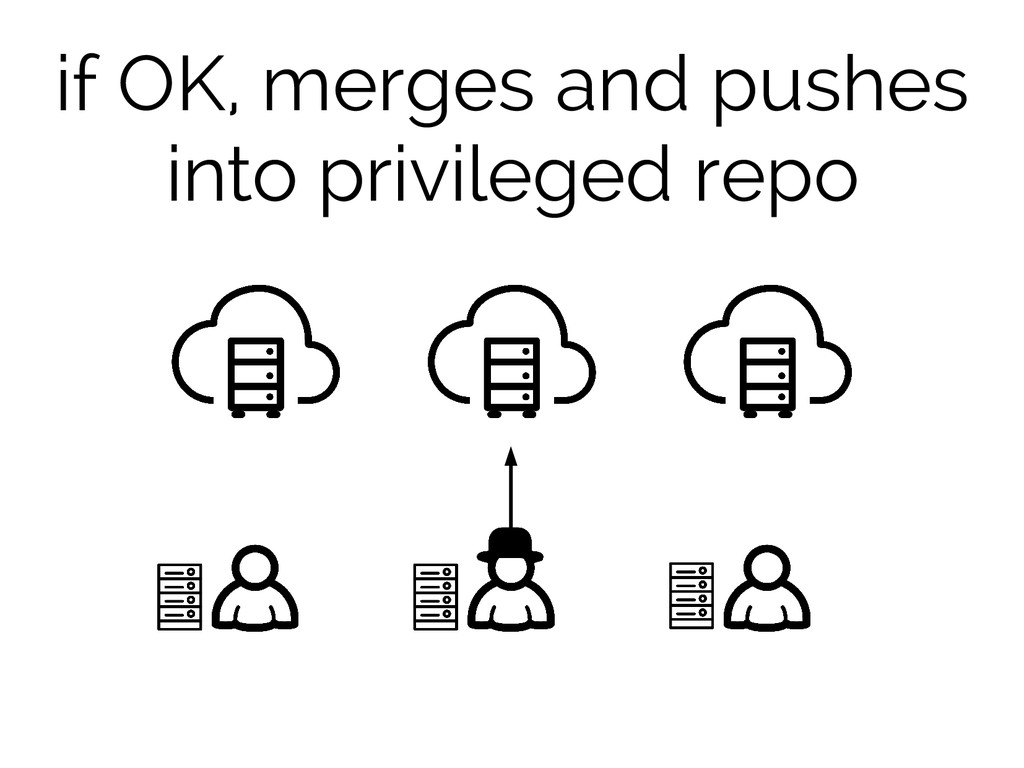
if OK, merges and pushes into privileged repo
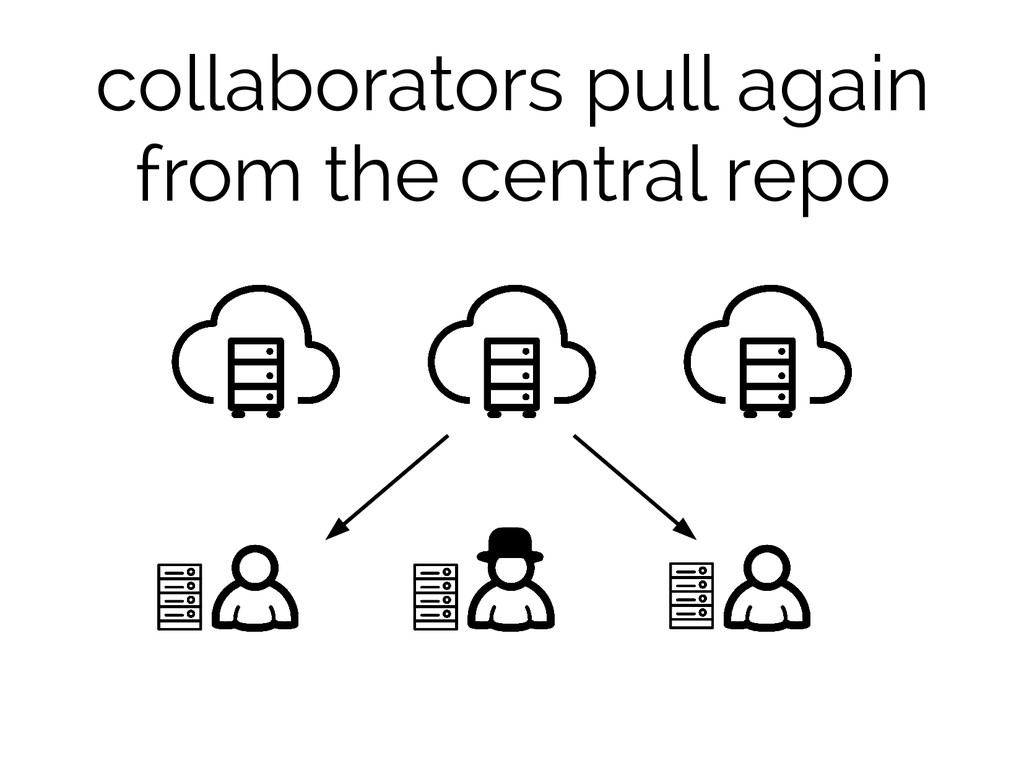
collaborators pull again from the central repo
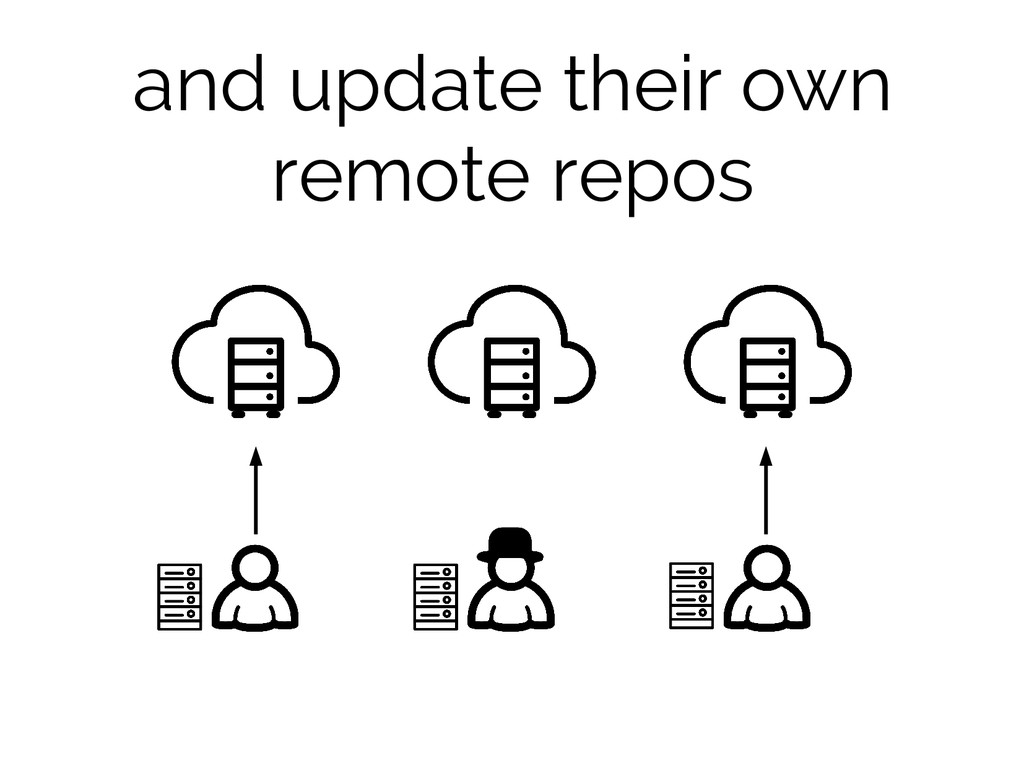
and update their own remote repos
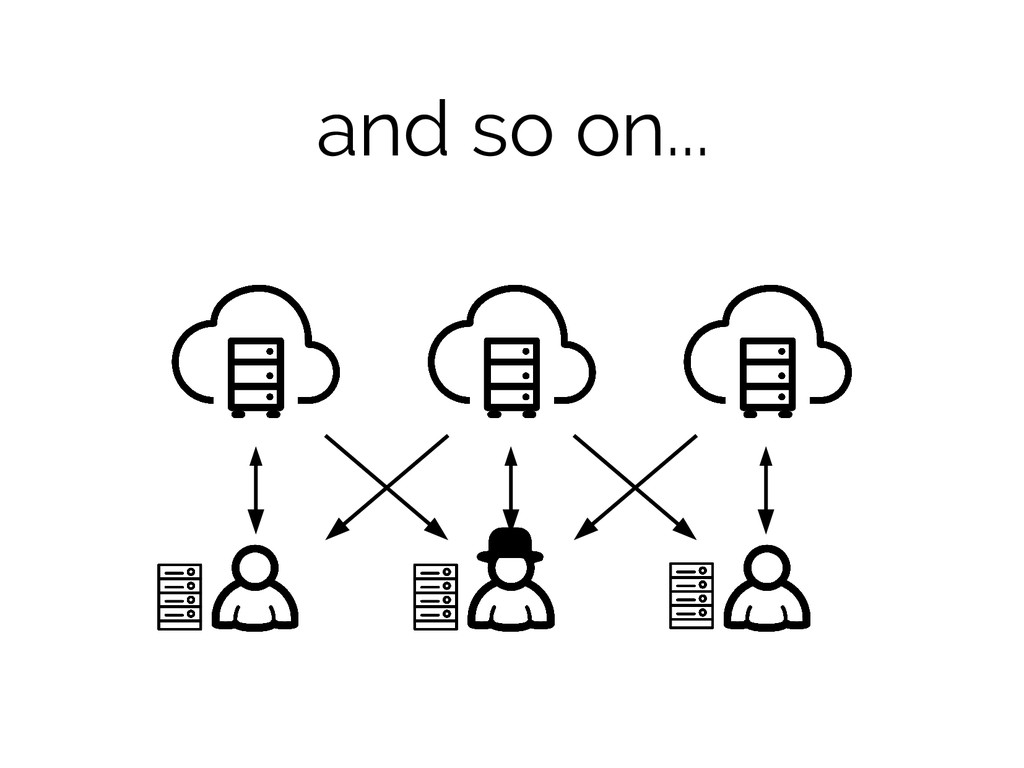
and so on...
Forking Workflow scalable open source <3
Forking Workflow scalable open source <3 another paradigm YAGNI
Final Thoughts
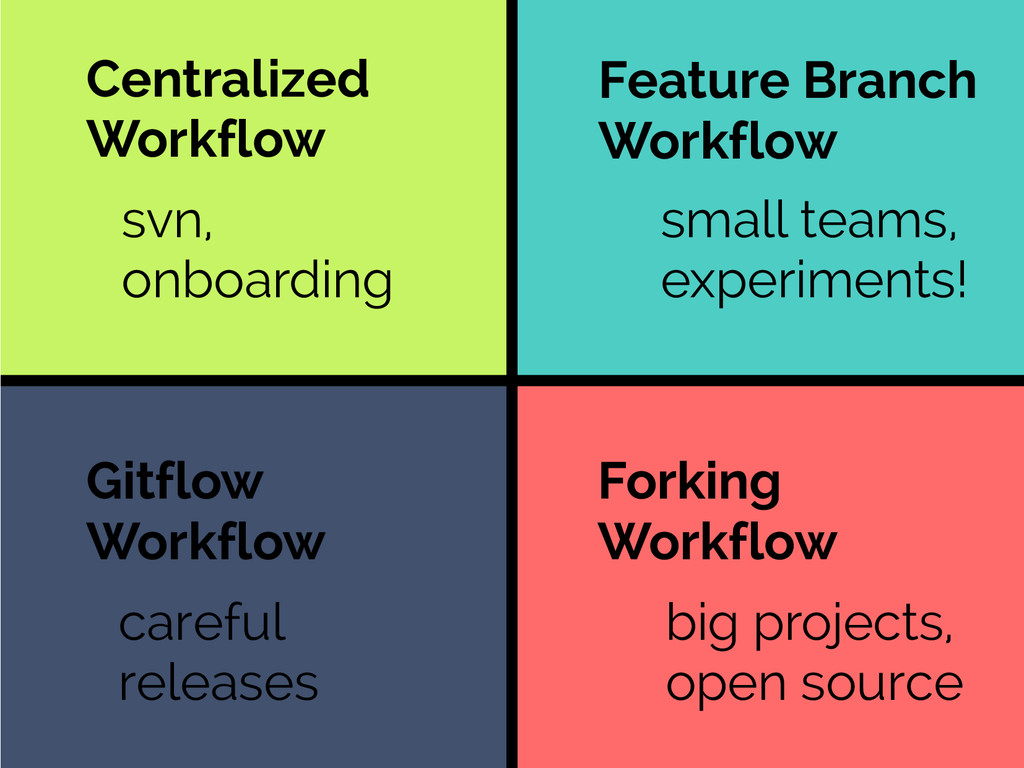
Forking Workflow Gitflow Workflow Feature Branch Workflow Centralized Workflow svn,
onboarding small teams, experiments! careful releases big projects, open source
Questions?
Thank you! Icons thenounproject.com Thomas Le Bas, James Fenton, ARudmann,
Julien Deveaux, Norbert Kucsera and im icons Palette colourlovers.com “cheer up emo kid”, by electrikmonk Fonts fontsquirrel.com and ufonts.com Raleway and Rockwell @luke_ar


 delucas
 kentapapa
 akhino
 mohab1
 yahonda
 takanorip
 nttcom
 shogo4131
 prog893
 kakehashi
 teamlab
 ivry_presentationmaterials
 techtekt
 zakiyama
 addyosmani
 bkeepers
 joshbly
 tamaranovitovic
 katarinadahlin
 tmiket
 cassininazir
 csswizardry
 stephenakadiri
 inesmontani
 schlessera