Upgrade to Pro
— share decks privately, control downloads, hide ads and more …
Speaker Deck
Sign up for free
Menu
Search
Features
All features
Private URLs
Password Protection
Custom URLS
Scheduled publishing
Remove Branding
Restrict embedding
Deck Collections
Notes
Features
All features
Private URLs
Password Protection
Custom URLS
Scheduled publishing
Remove Branding
Restrict embedding
Deck Collections
Notes
Explore
Featured decks
Featured speakers
Programming
Technology
Storyboards
Explore
Featured decks
Featured speakers
Programming
Technology
Storyboards
Pricing
Search
Sign in
Sign up for free
Alteryx Designer Advanced試験で勉強してみた
Search
kariya
September 11, 2024
850
0
Share
Embed
Copy iframe code
Copy JS code
Copy link
Start on current slide
Alteryx Designer Advanced試験で勉強してみた
東京Alteryxユーザーグループミーティング第20回の発表資料
kariya
September 11, 2024
Featured
See All Featured
A better future with KSS
kneath
240
18k
Optimising Largest Contentful Paint
csswizardry
37
4k
Thoughts on Productivity
jonyablonski
76
5.4k
VelocityConf: Rendering Performance Case Studies
addyosmani
331
25k
Chasing Engaging Ingredients in Design
codingconduct
0
380
JAMstack: Web Apps at Ludicrous Speed - All Things Open 2022
reverentgeek
1
670
<Decoding/> the Language of Devs - We Love SEO 2024
nikkihalliwell
1
380
Embracing the Ebb and Flow
colly
88
5.2k
Fight the Zombie Pattern Library - RWD Summit 2016
marcelosomers
234
18k
How To Stay Up To Date on Web Technology
chriscoyier
790
250k
Imperfection Machines: The Place of Print at Facebook
scottboms
270
14k
Mozcon NYC 2025: Stop Losing SEO Traffic
samtorres
1
600
Transcript
Designer Advanced試験「で」勉強してみた S E P T E M B E
R 0 5 , 2 0 2 4 假家 大輔 / クラスメソッド データ事業本部
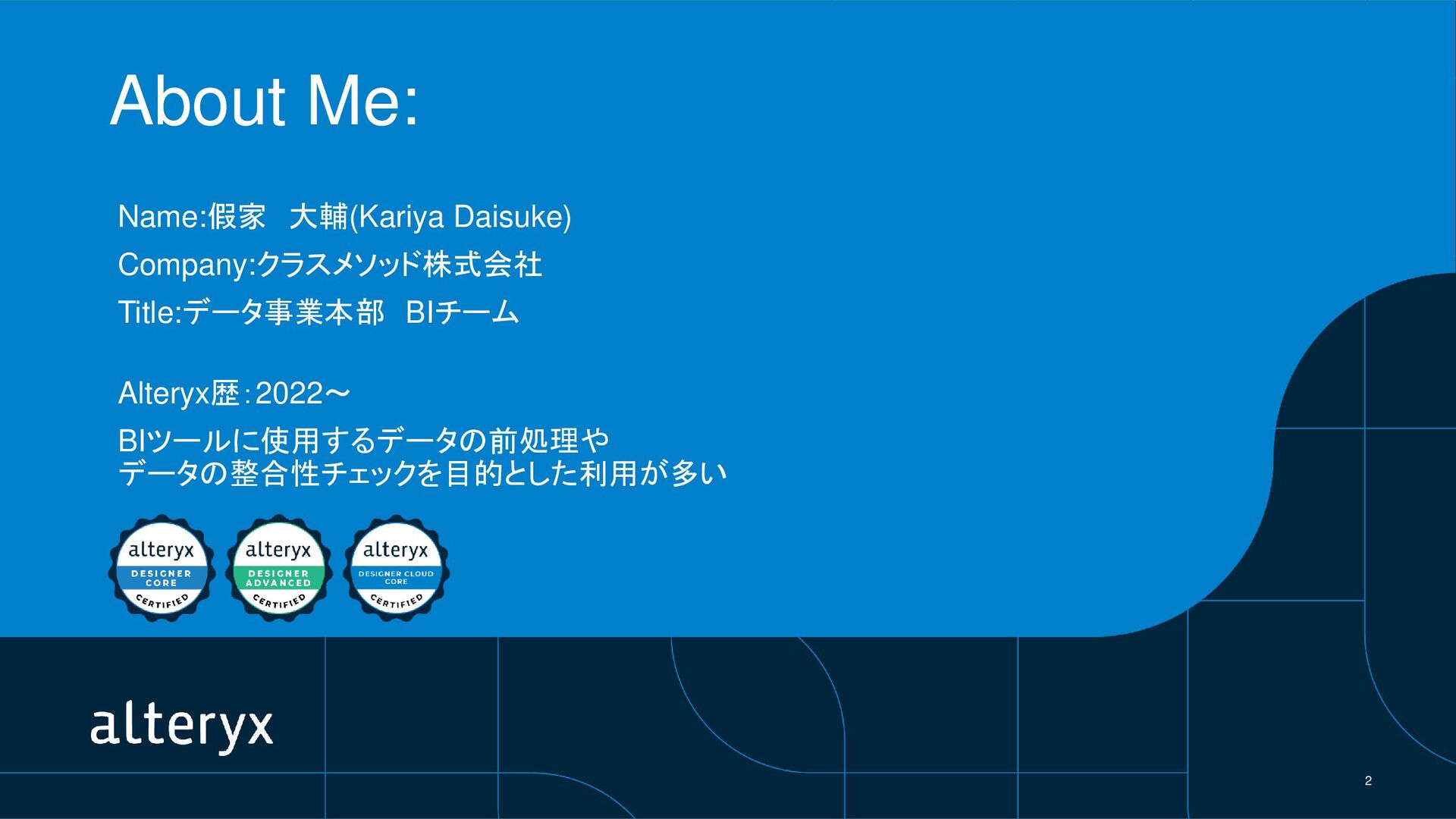
2 About Me: Name:假家 大輔(Kariya Daisuke) Company:クラスメソッド株式会社 Title:データ事業本部 BIチーム Alteryx歴:2022~
BIツールに使用するデータの前処理や データの整合性チェックを目的とした利用が多い
3 受験のハードルを 限りなく下げること このLTの目的
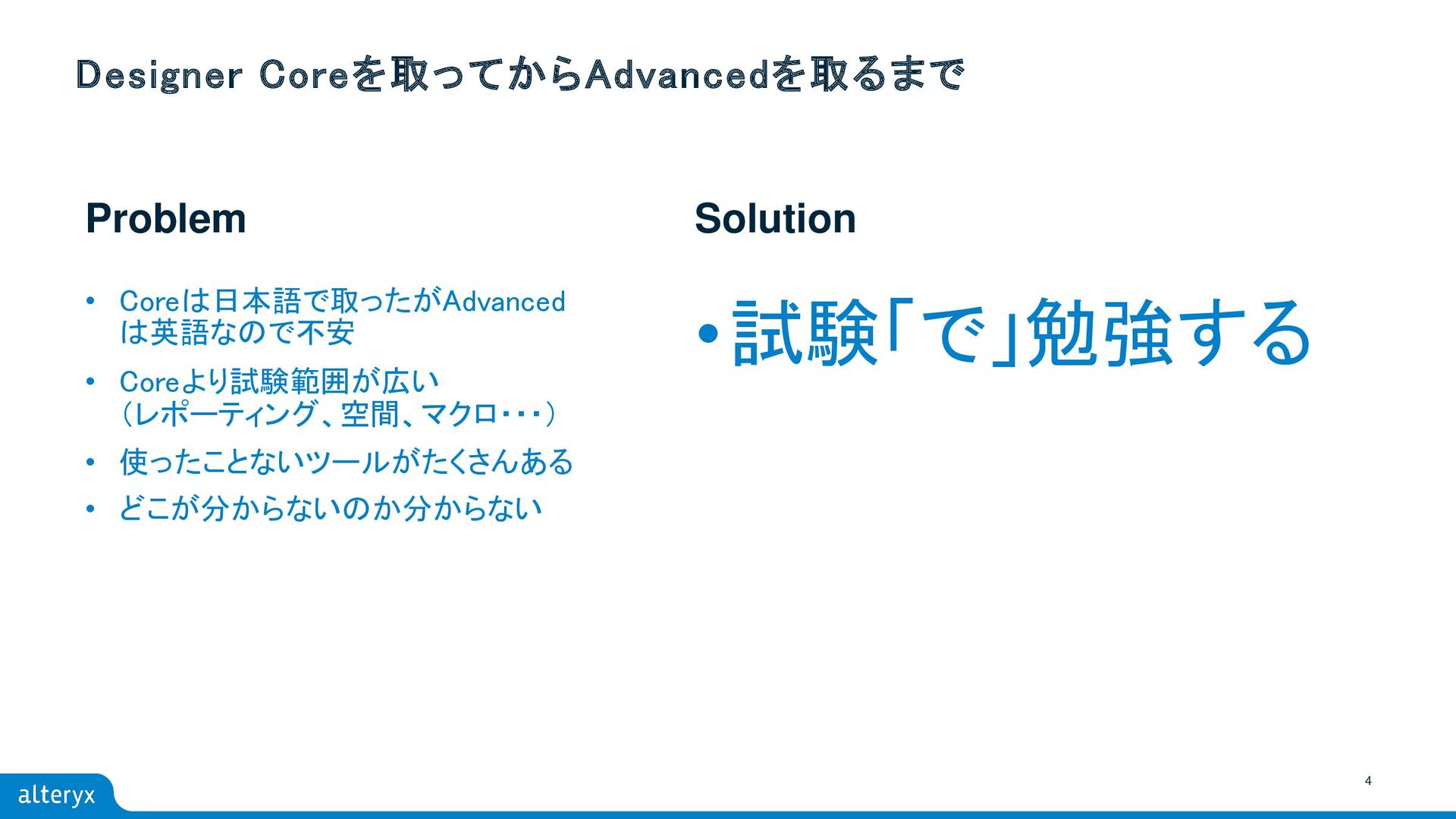
4 Problem Solution Designer Coreを取ってからAdvancedを取るまで • Coreは日本語で取ったがAdvanced は英語なので不安 • Coreより試験範囲が広い
(レポーティング、空間、マクロ・・・) • 使ったことないツールがたくさんある • どこが分からないのか分からない •試験「で」勉強する
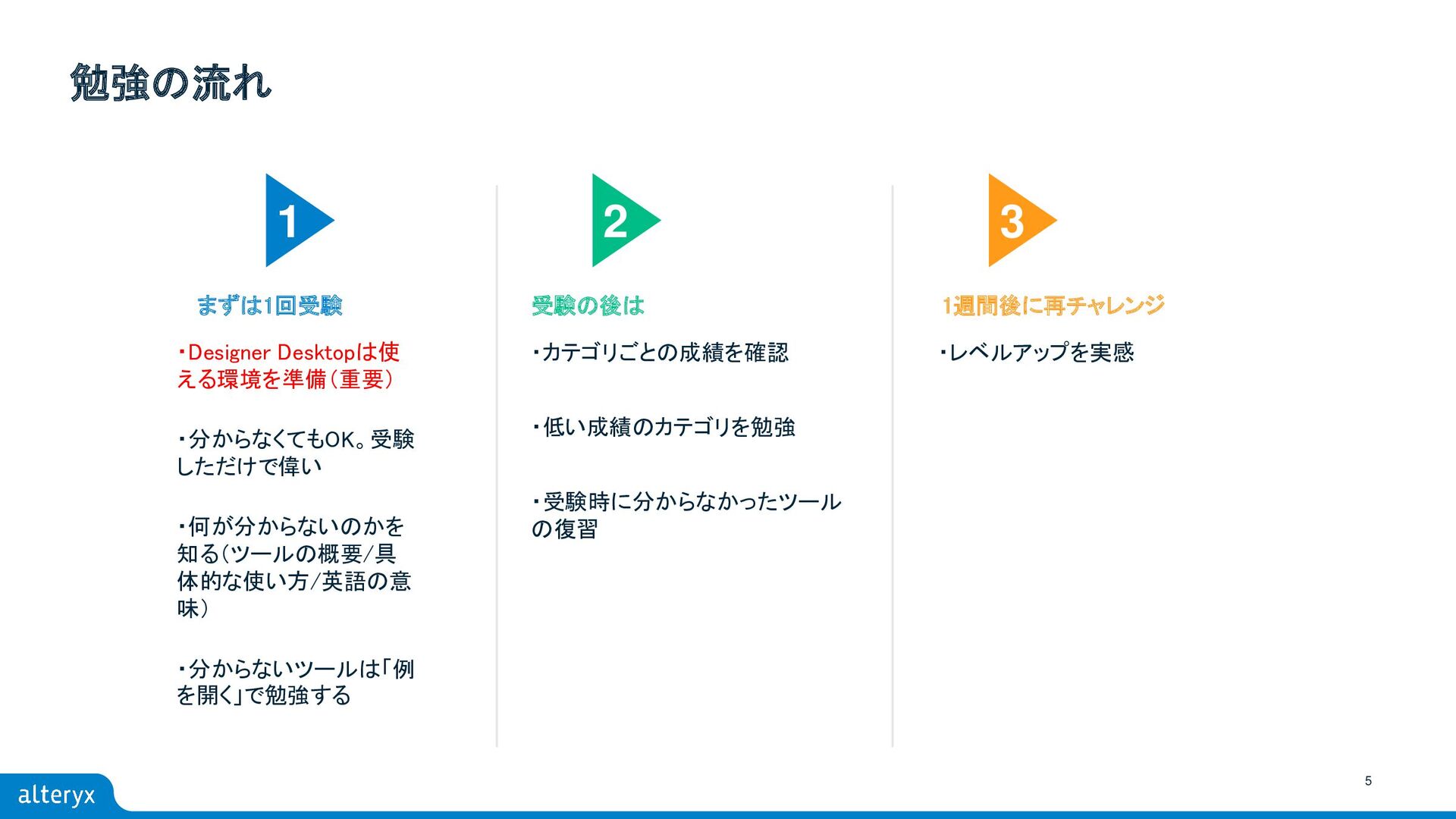
5 勉強の流れ ・Designer Desktopは使 える環境を準備(重要) ・分からなくてもOK。受験 しただけで偉い ・何が分からないのかを 知る(ツールの概要/具 体的な使い方/英語の意
味) ・分からないツールは「例 を開く」で勉強する ・カテゴリごとの成績を確認 ・低い成績のカテゴリを勉強 ・受験時に分からなかったツール の復習 ・レベルアップを実感 1 2 3 まずは1回受験 受験の後は 1週間後に再チャレンジ
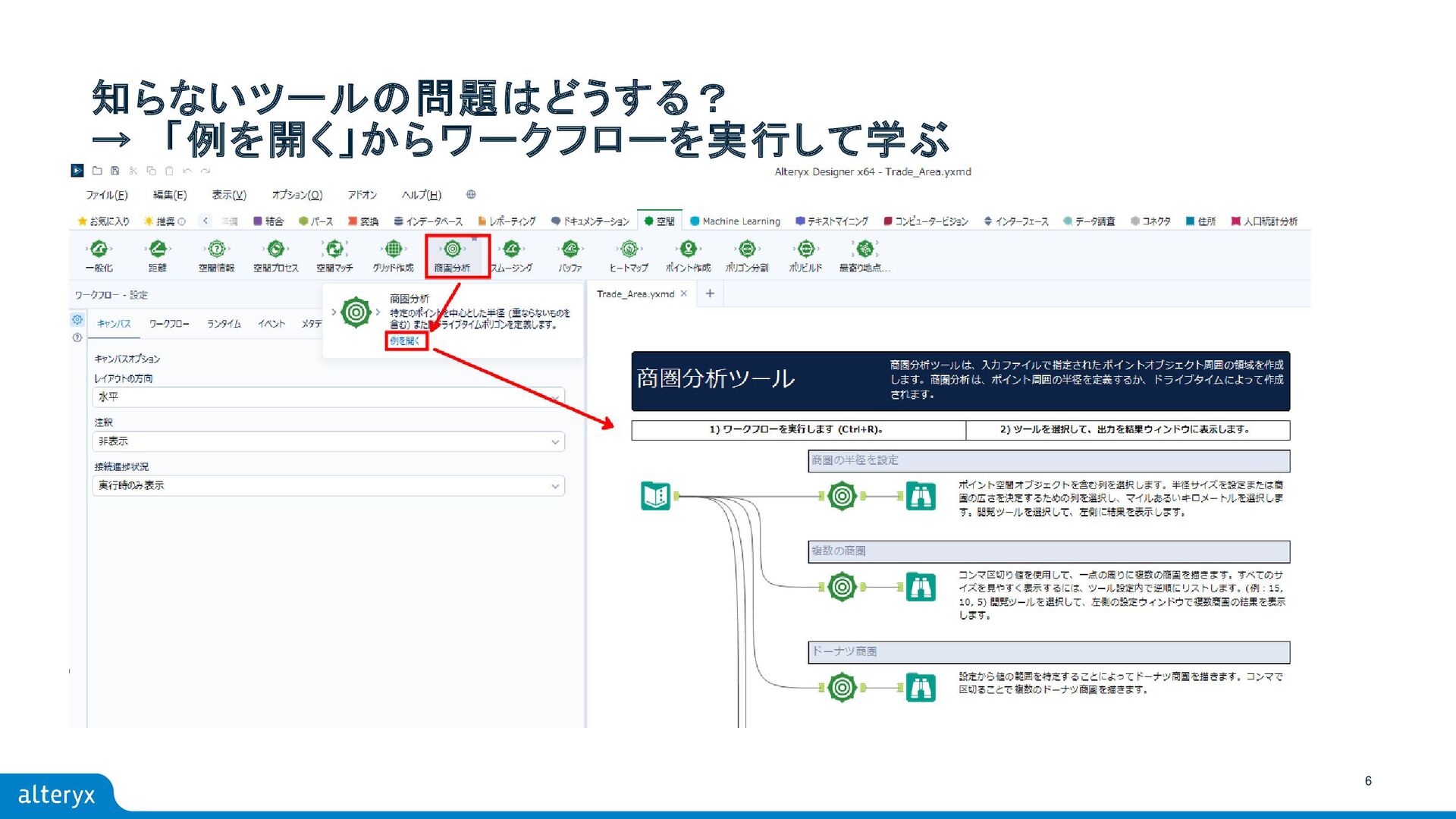
6 知らないツールの問題はどうする? → 「例を開く」からワークフローを実行して学ぶ
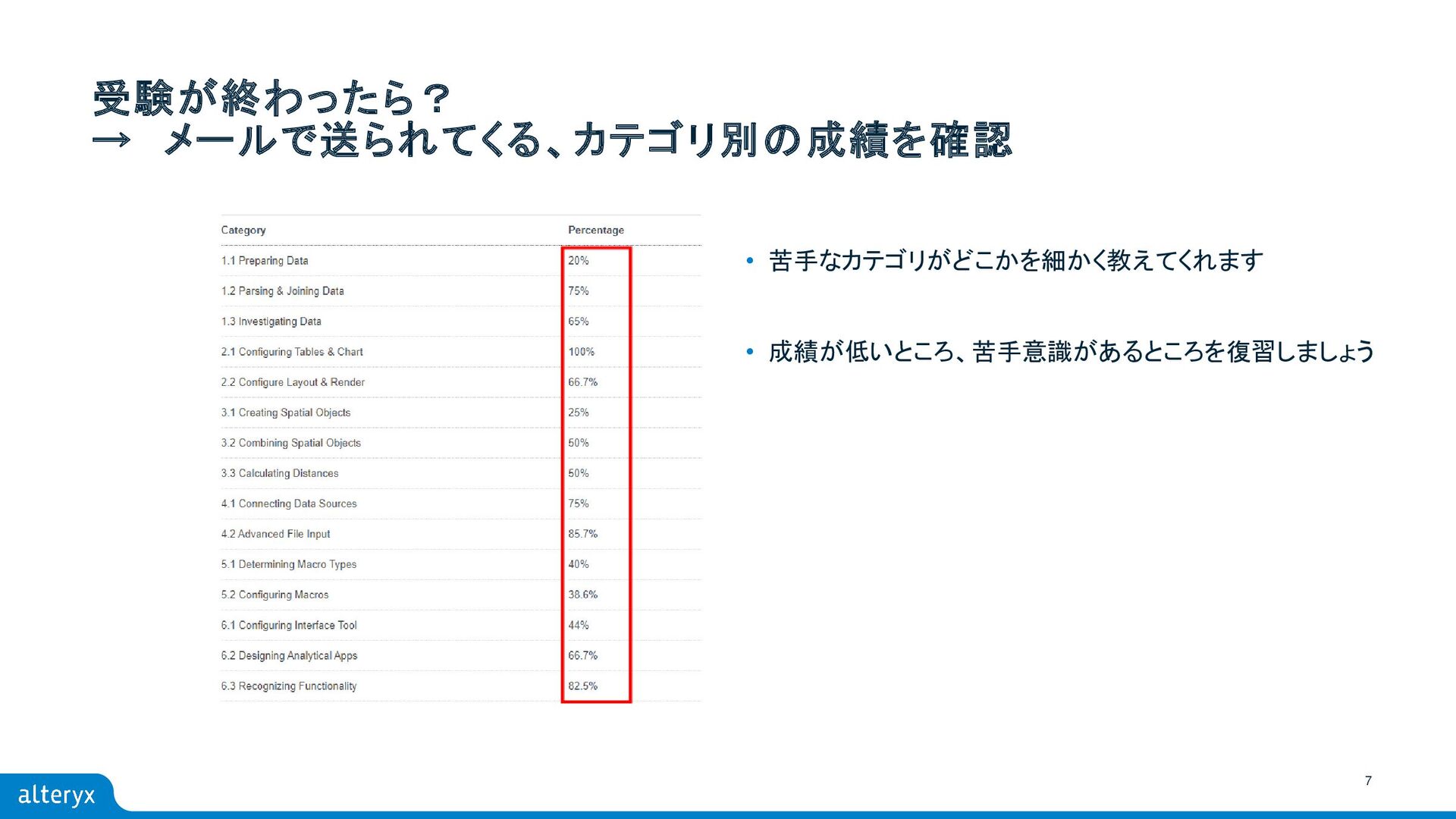
7 受験が終わったら? → メールで送られてくる、カテゴリ別の成績を確認 • 苦手なカテゴリがどこかを細かく教えてくれます • 成績が低いところ、苦手意識があるところを復習しましょう
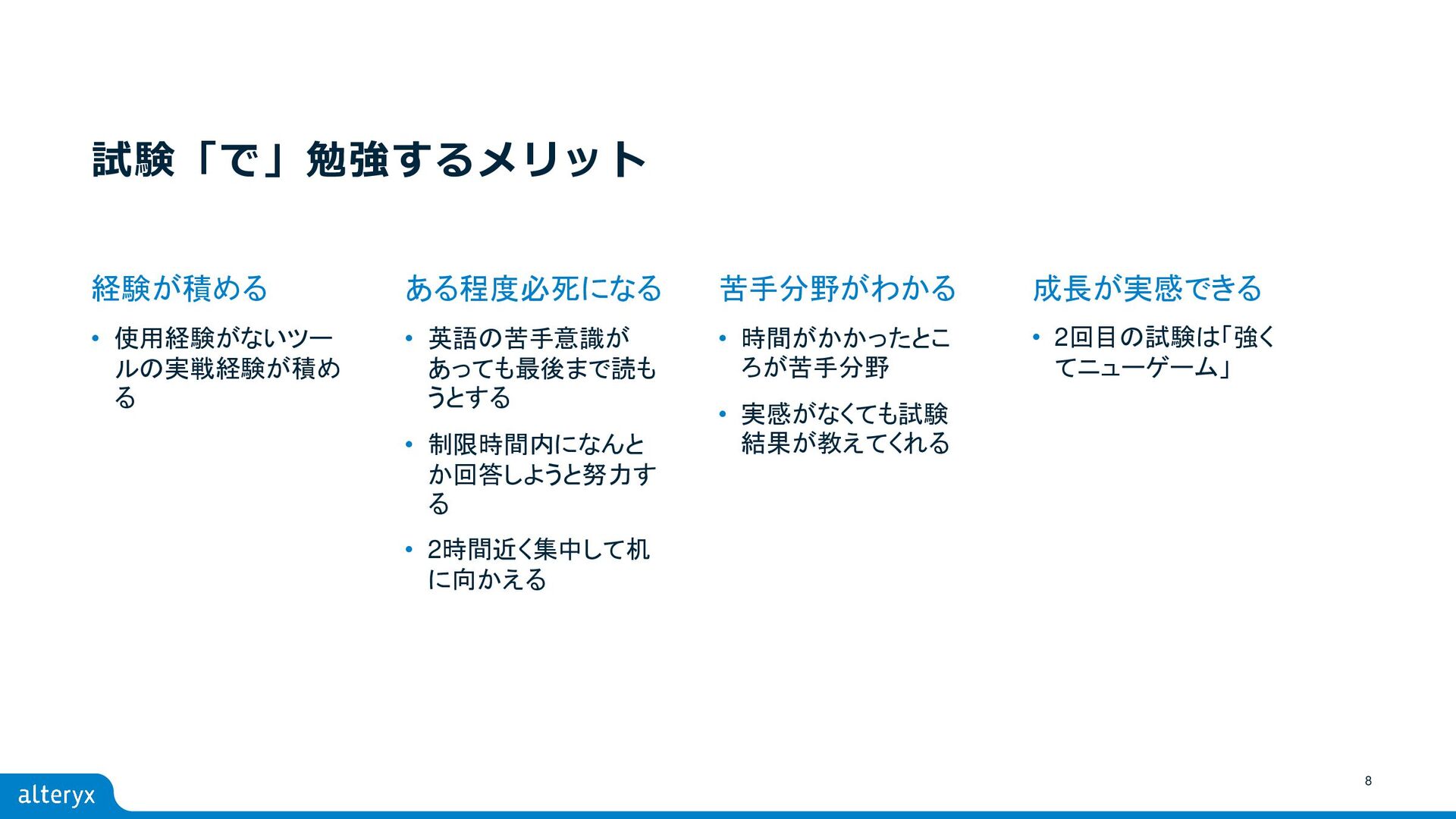
試験「で」勉強するメリット 経験が積める • 使用経験がないツー ルの実戦経験が積め る ある程度必死になる • 英語の苦手意識が あっても最後まで読も
うとする • 制限時間内になんと か回答しようと努力す る • 2時間近く集中して机 に向かえる 苦手分野がわかる • 時間がかかったとこ ろが苦手分野 • 実感がなくても試験 結果が教えてくれる 成長が実感できる • 2回目の試験は「強く てニューゲーム」 8
9 ぜひ試験「で」勉強してみましょう! ハードルは下がりましたか?
THANK YOU


 kneath
 csswizardry
 jonyablonski
 addyosmani
 codingconduct
 reverentgeek
 nikkihalliwell
 colly
colly
 marcelosomers
 chriscoyier
 scottboms
 samtorres