Upgrade to Pro — share decks privately, control downloads, hide ads and more …

Communicating with Graphs

Avatar for Frankie Roberto Frankie Roberto
October 17, 2013
29

Communicating with Graphs

Avatar for Frankie Roberto

Frankie Roberto

October 17, 2013

Transcript

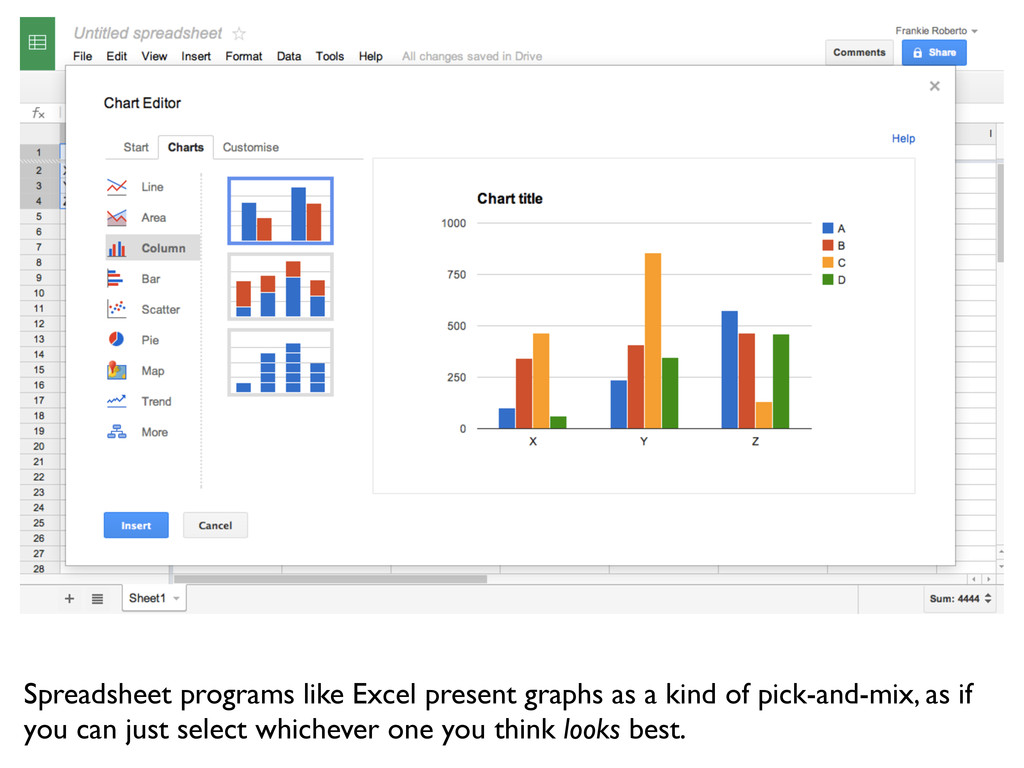
  1. Spreadsheet programs like Excel present graphs as a kind of

    pick-and-mix, as if you can just select whichever one you think looks best.
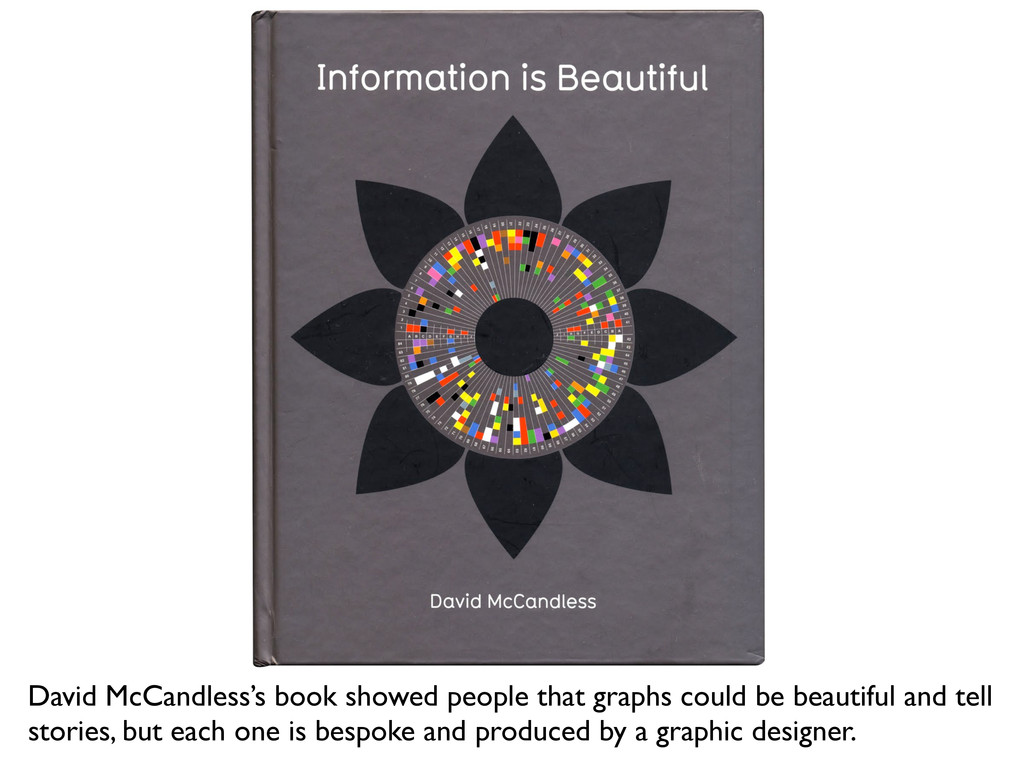
  2. David McCandless’s book showed people that graphs could be beautiful

    and tell stories, but each one is bespoke and produced by a graphic designer.
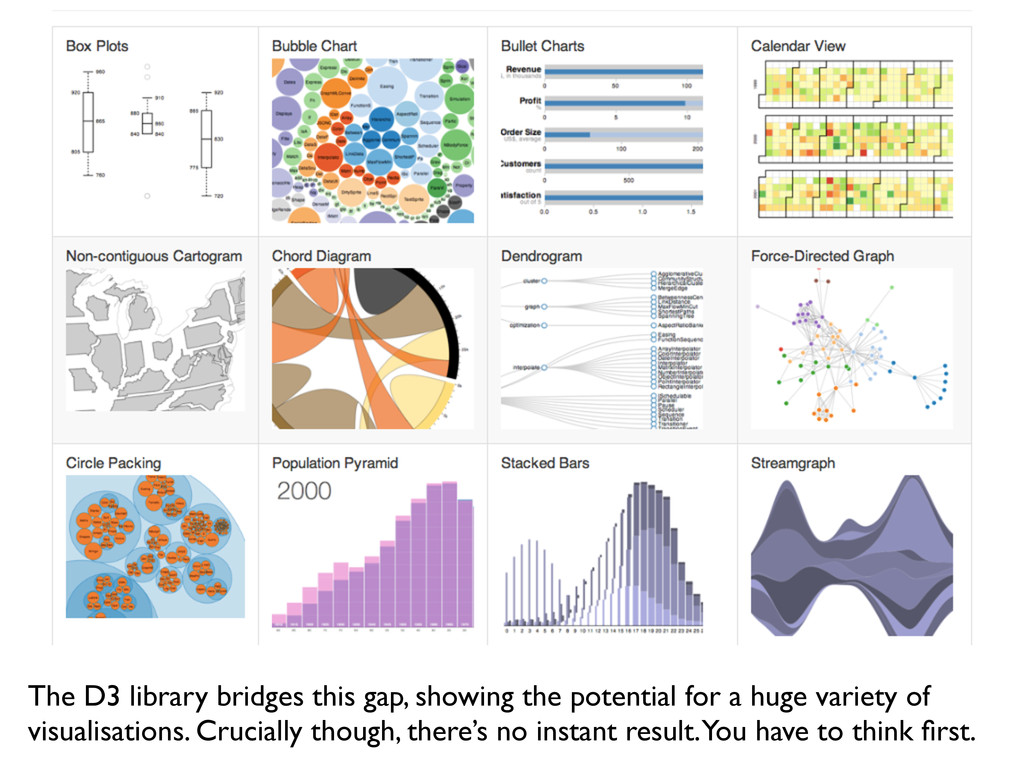
  3. The D3 library bridges this gap, showing the potential for

    a huge variety of visualisations. Crucially though, there’s no instant result. You have to think first.
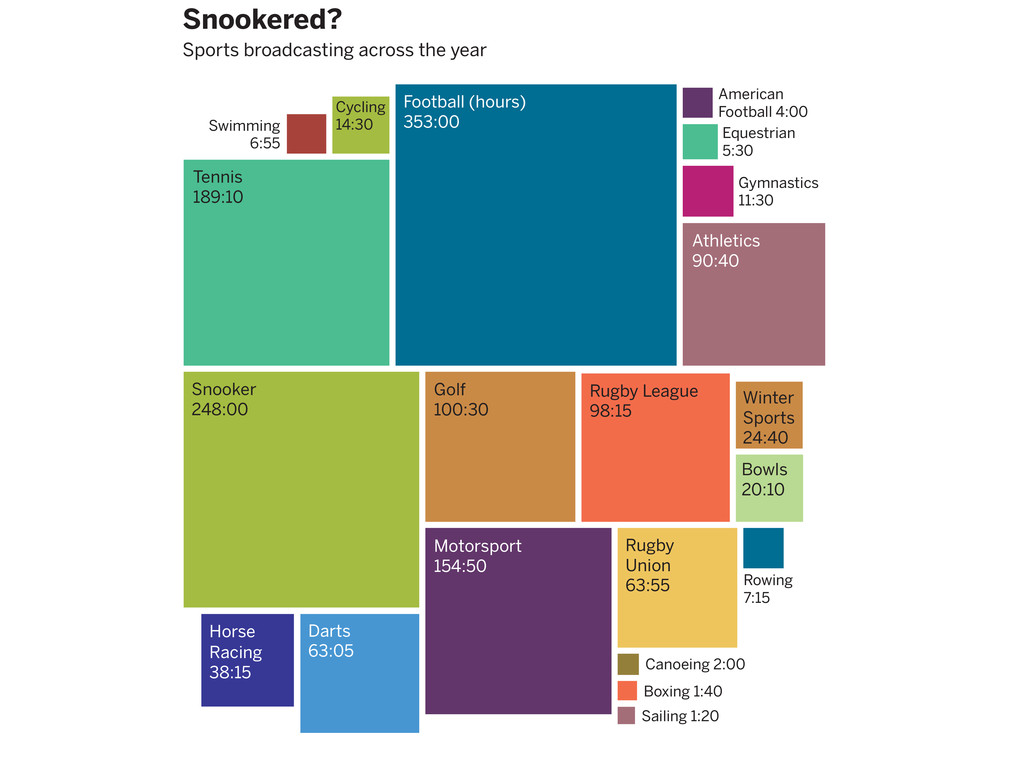
  4. Snookered? Sports broadcasting across the year Golf 100:30 Rugby League

    98:15 Athletics 90:40 Rugby Union 63:55 Darts 63:05 Horse Racing 38:15 Cycling 14:30 Gymnastics 11:30 Rowing 7:15 Swimming 6:55 Football (hours) 353:00 Snooker 248:00 Motorsport 154:50 Tennis 189:10 Canoeing 2:00 Boxing 1:40 Sailing 1:20 Equestrian 5:30 American Football 4:00 Bowls 20:10 Winter Sports 24:40
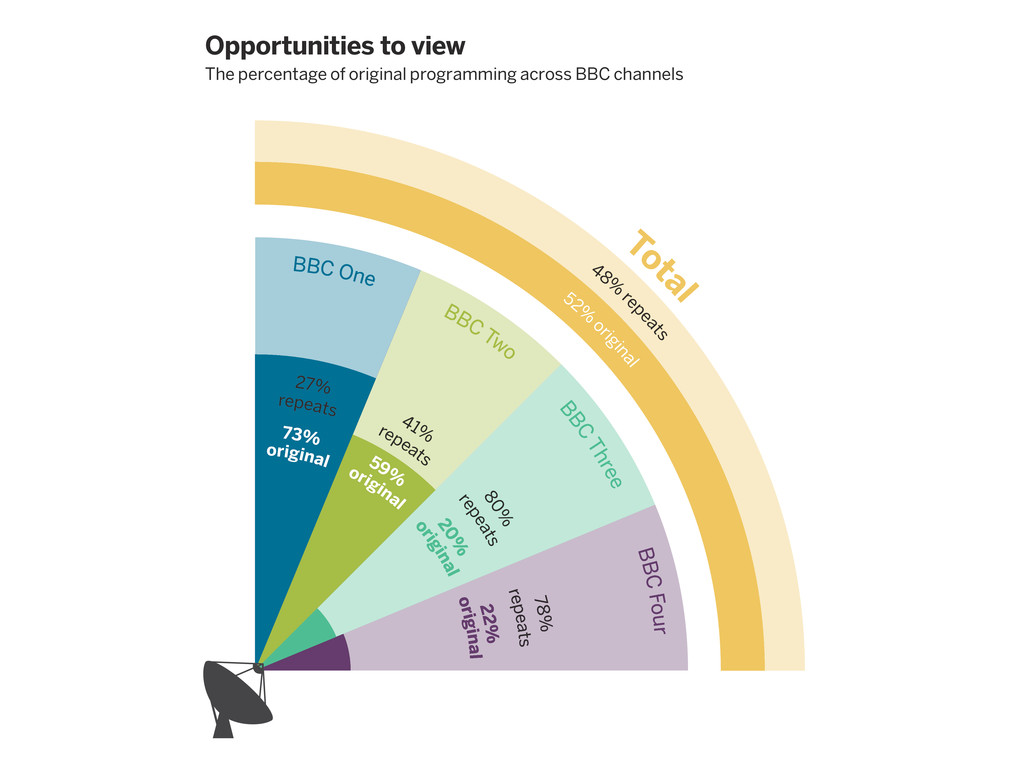
  5. Opportunities to view The percentage of original programming across BBC

    channels BBC Two BBC One BBC Four BBC Three repeats repeats repeats 41% 78% 80% original original 48% re peats Tot al 59% 22% 20% original repeats 27% 73% original 52% o riginal
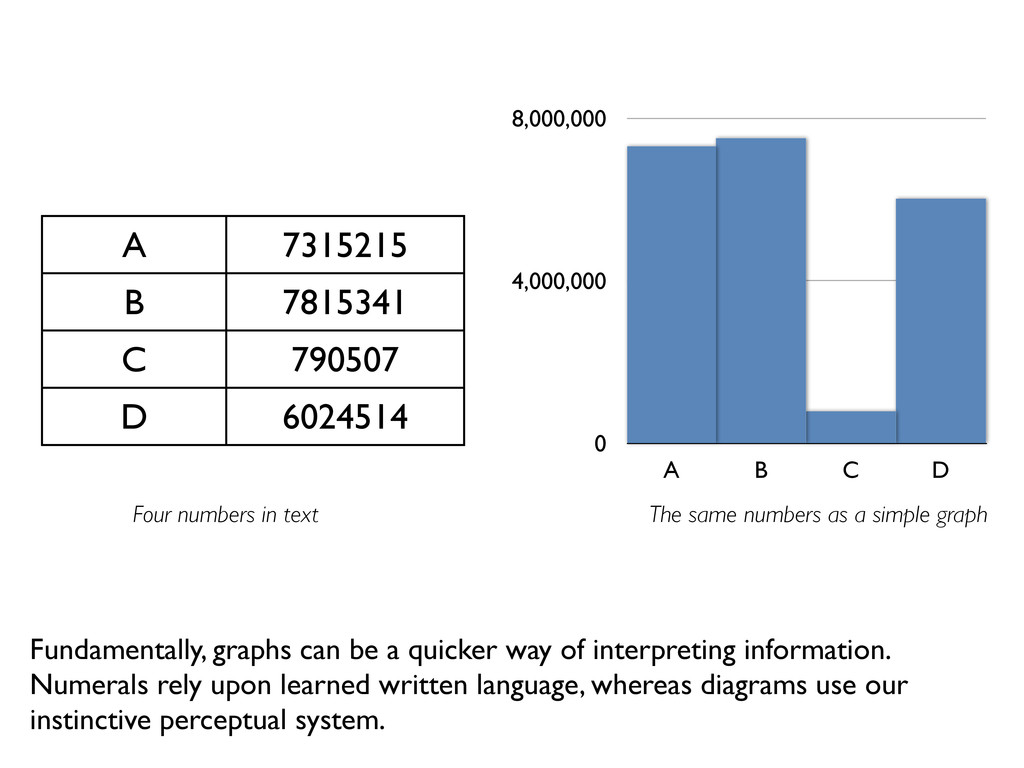
  6. A 7315215 B 7815341 C 790507 D 6024514 0 4,000,000

    8,000,000 A B C D Fundamentally, graphs can be a quicker way of interpreting information. Numerals rely upon learned written language, whereas diagrams use our instinctive perceptual system. Four numbers in text The same numbers as a simple graph
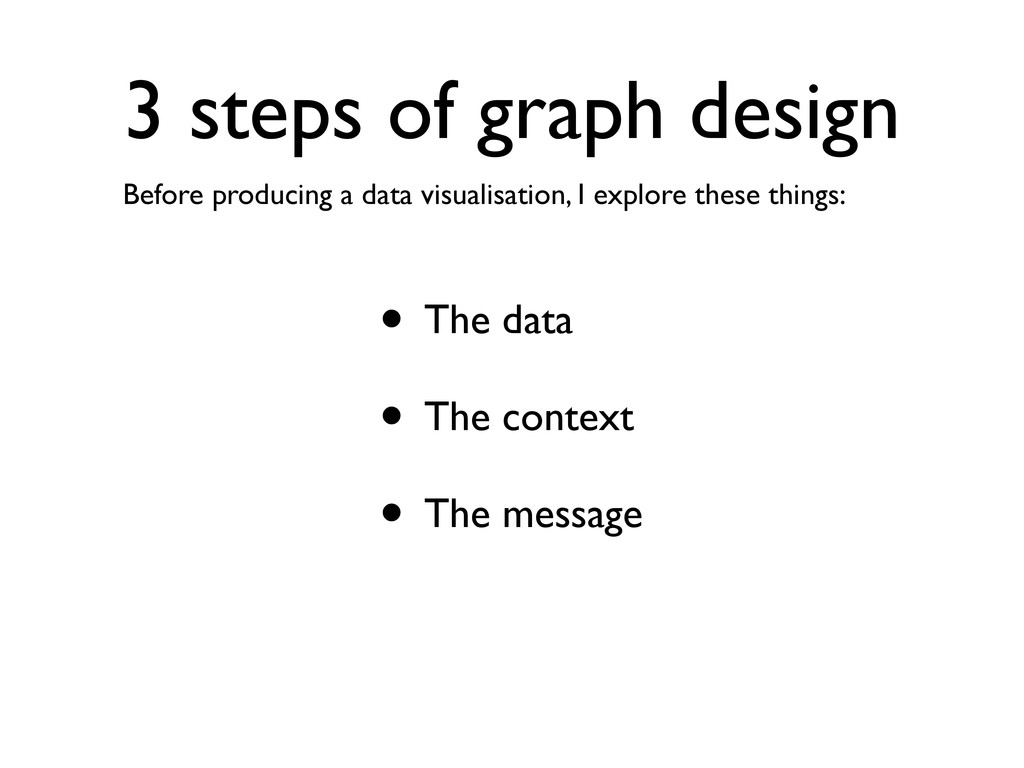
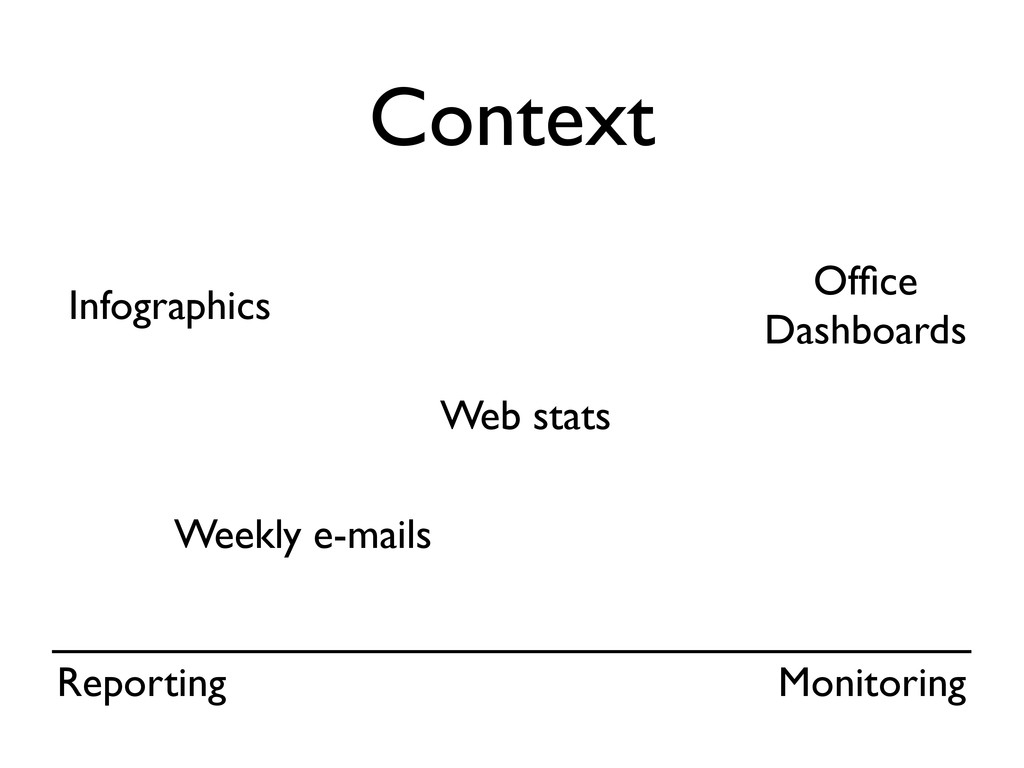
  7. • The data • The context • The message 3

    steps of graph design Before producing a data visualisation, I explore these things:
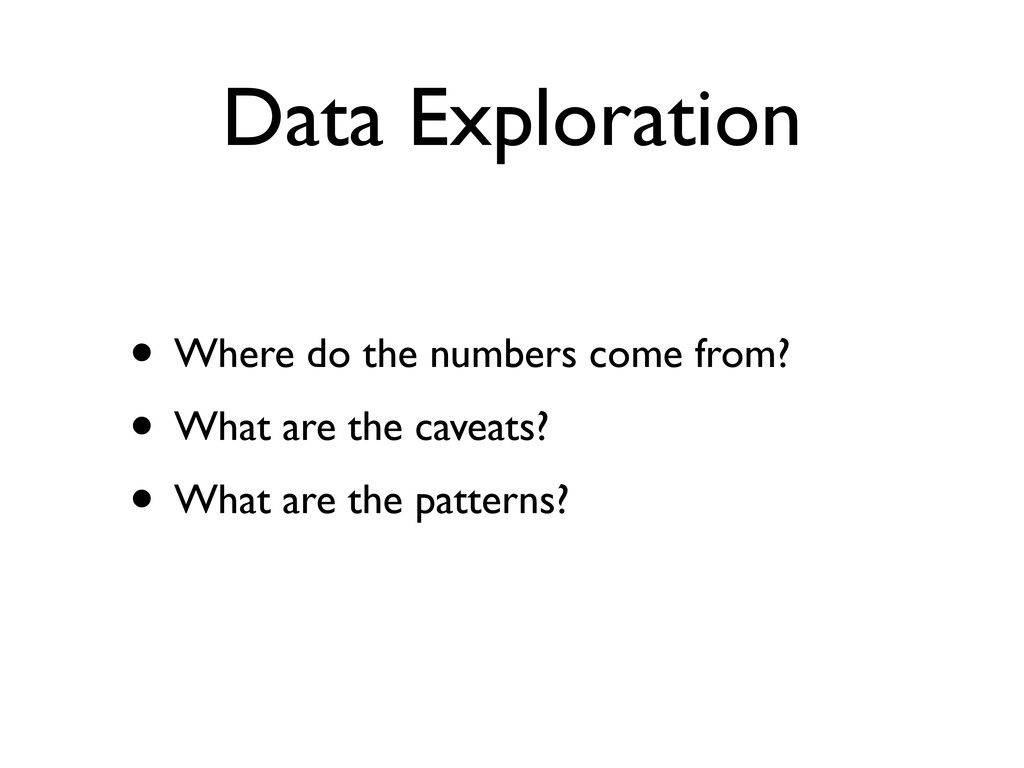
  8. Data Exploration • Where do the numbers come from? •

    What are the caveats? • What are the patterns?
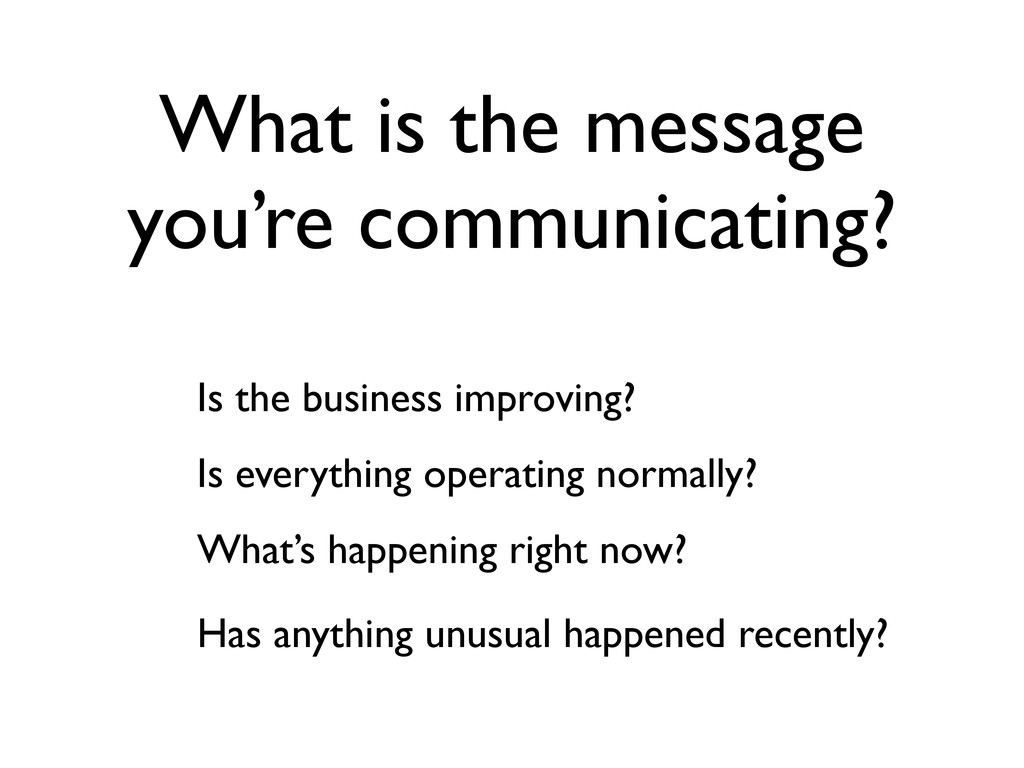
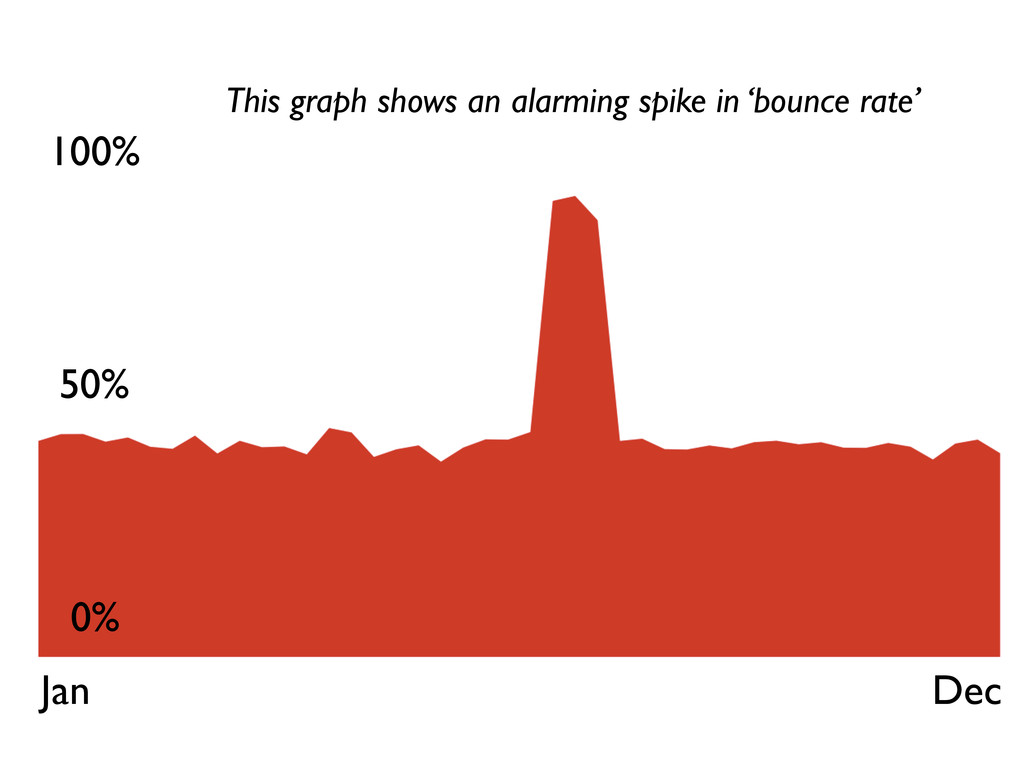
  9. What is the message you’re communicating? Is the business improving?

    Is everything operating normally? What’s happening right now? Has anything unusual happened recently?
  10. Dimensionality • Dimensions are the meaningful ways that the data

    changes. • The same underlying data can have multiple dimensions, but you might not show them all, depending upon the context and the message.
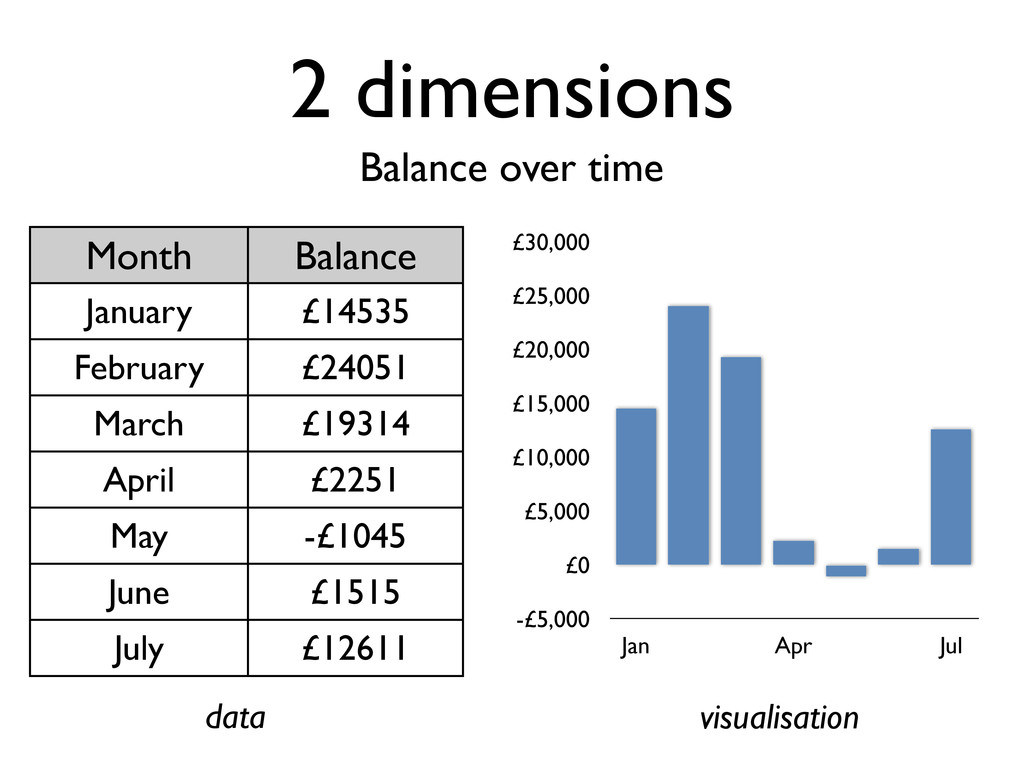
  11. 2 dimensions Balance over time Month Balance January £14535 February

    £24051 March £19314 April £2251 May -£1045 June £1515 July £12611 -£5,000 £0 £5,000 £10,000 £15,000 £20,000 £25,000 £30,000 Jan Apr Jul data visualisation
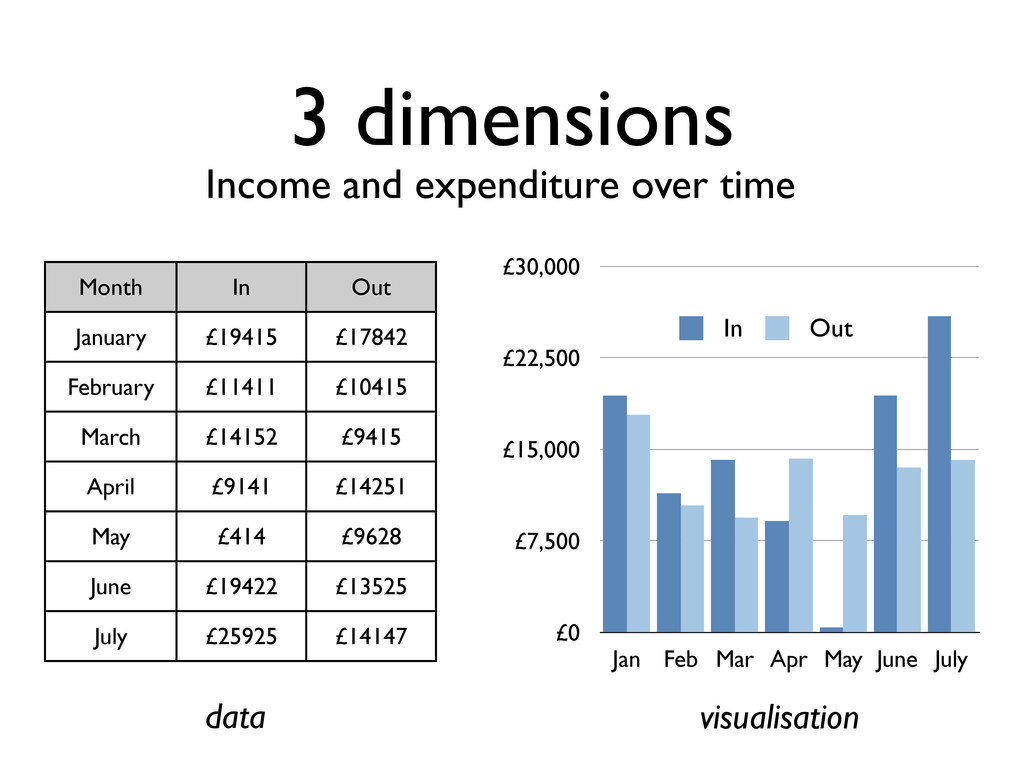
  12. 3 dimensions Income and expenditure over time Month In Out

    January £19415 £17842 February £11411 £10415 March £14152 £9415 April £9141 £14251 May £414 £9628 June £19422 £13525 July £25925 £14147 £0 £7,500 £15,000 £22,500 £30,000 Jan Feb Mar Apr May June July In Out data visualisation
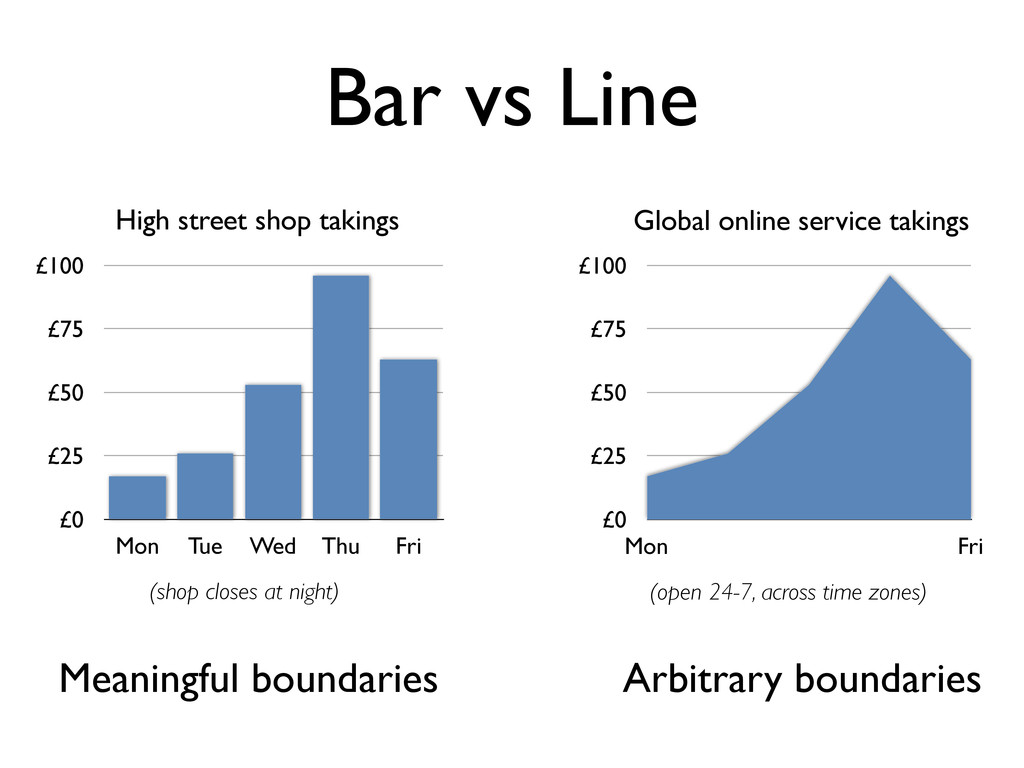
  13. Bar vs Line Meaningful boundaries Arbitrary boundaries £0 £25 £50

    £75 £100 Mon Tue Wed Thu Fri £0 £25 £50 £75 £100 Mon Fri High street shop takings Global online service takings (shop closes at night) (open 24-7, across time zones)
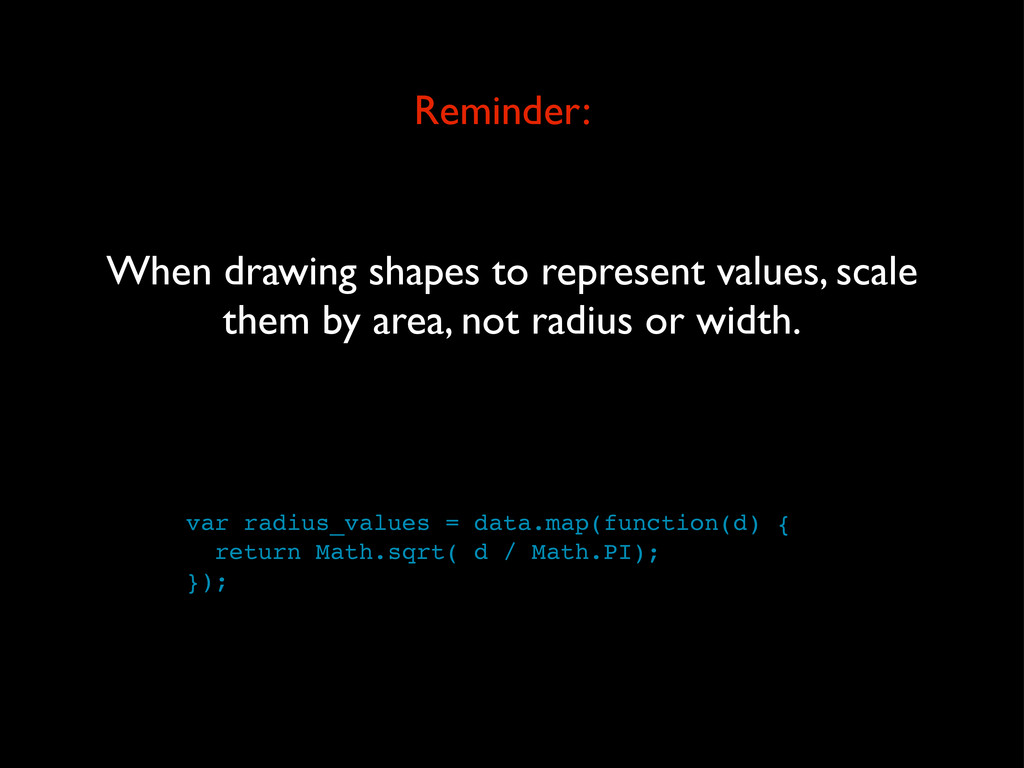
  14. var radius_values = data.map(function(d) { return Math.sqrt( d / Math.PI);

    }); Reminder: When drawing shapes to represent values, scale them by area, not radius or width.
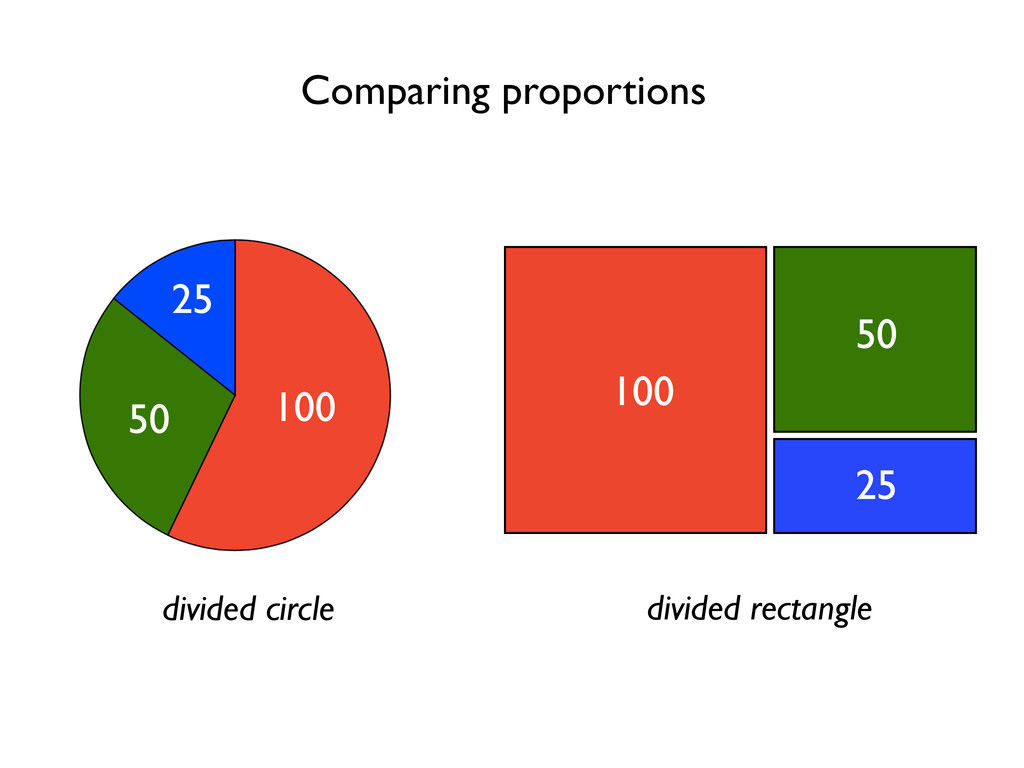
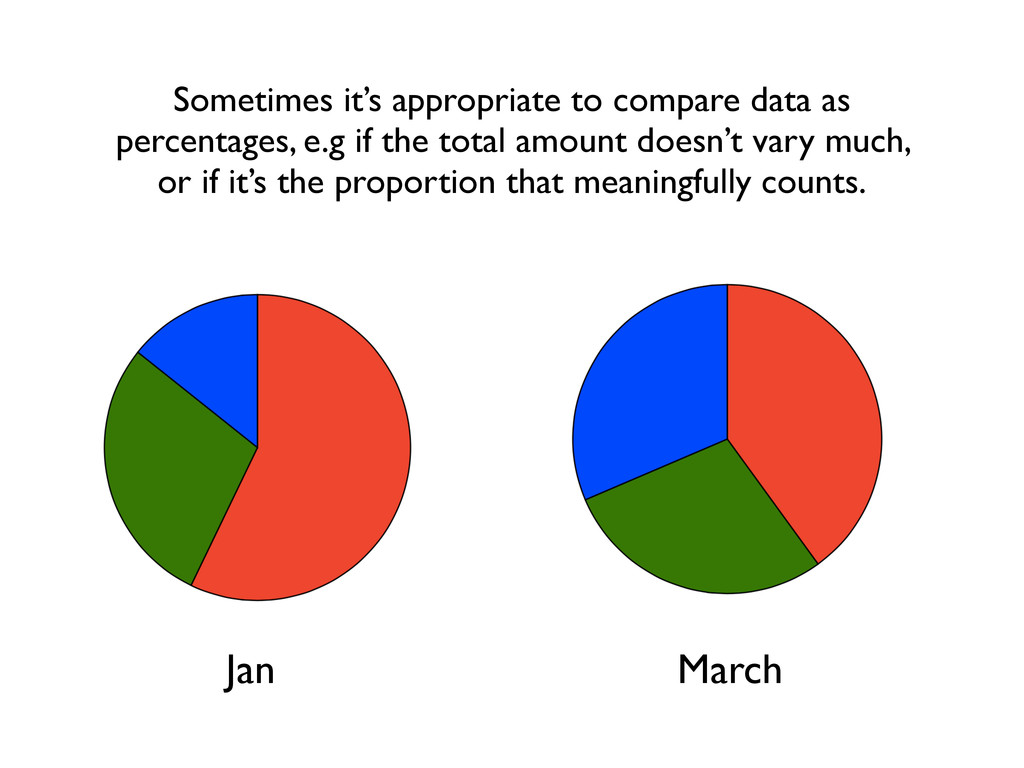
  15. Jan March Sometimes it’s appropriate to compare data as percentages,

    e.g if the total amount doesn’t vary much, or if it’s the proportion that meaningfully counts.
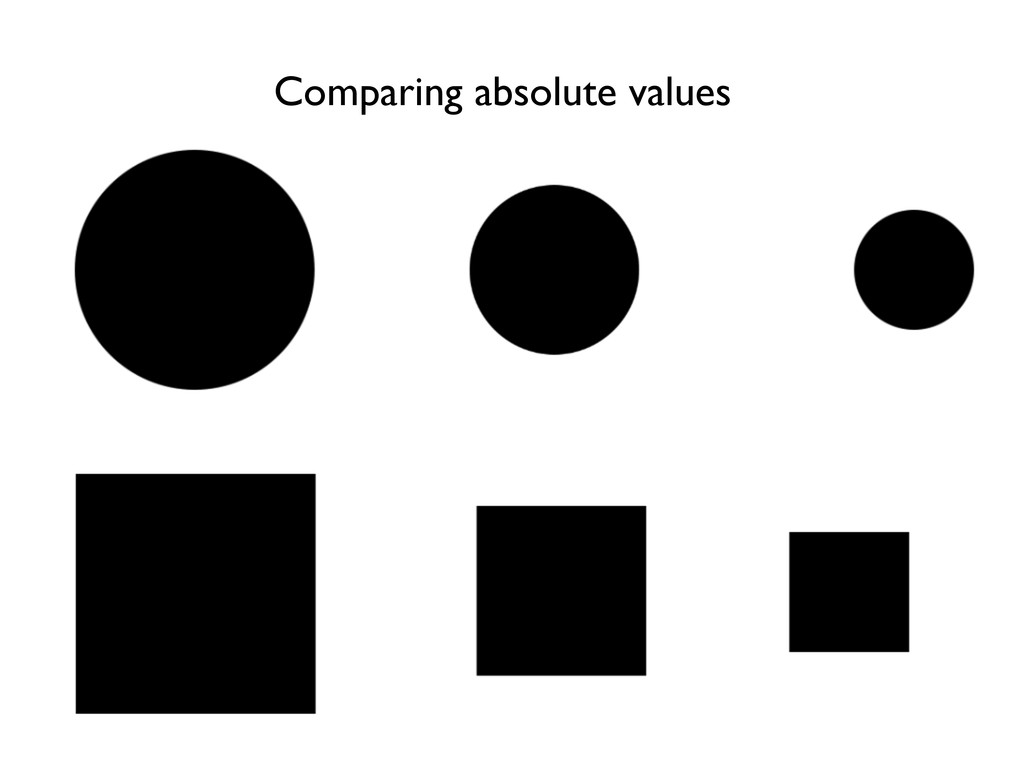
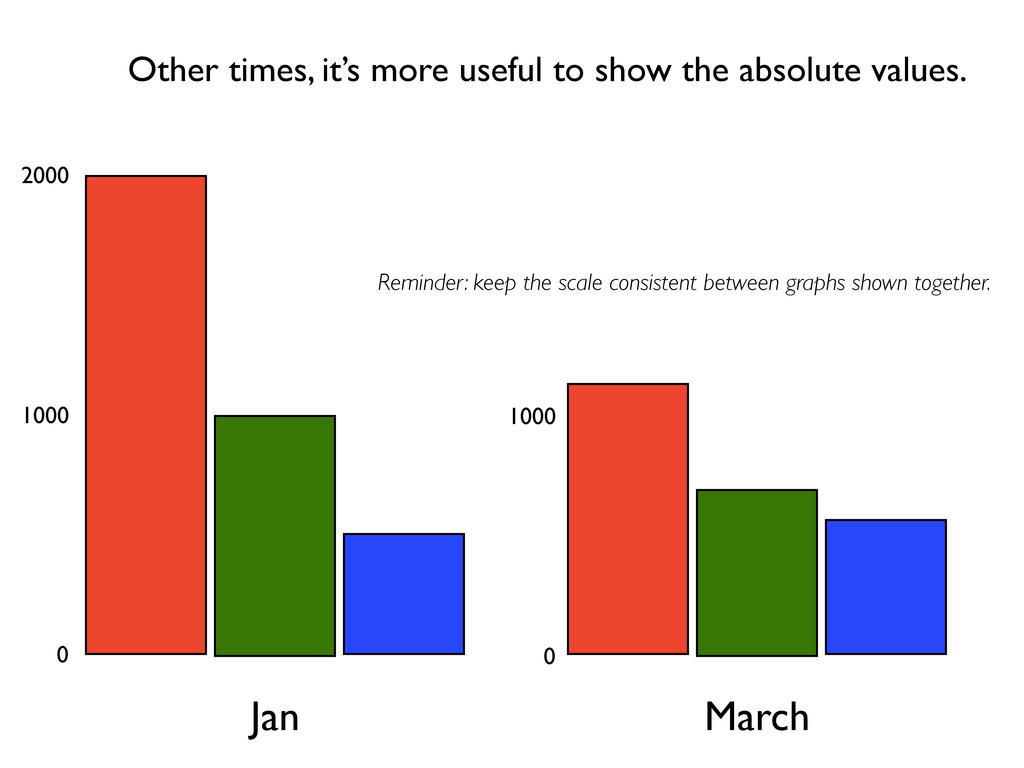
  16. Jan March Other times, it’s more useful to show the

    absolute values. Reminder: keep the scale consistent between graphs shown together. 0 2000 1000 0 1000
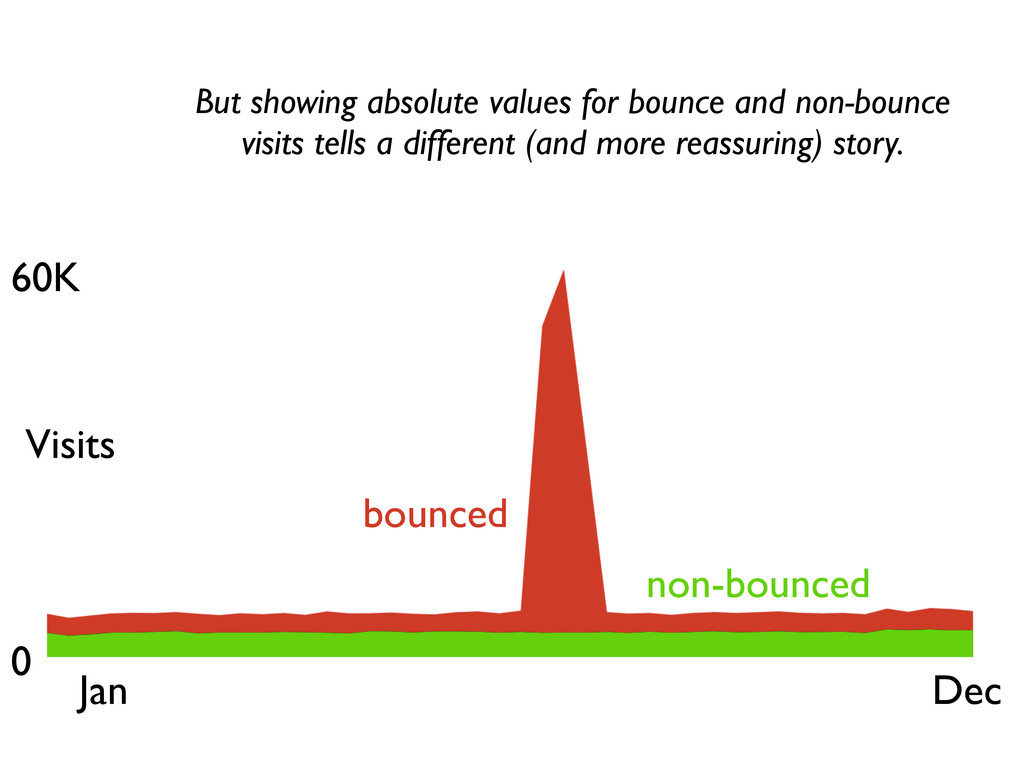
  17. 60K 0 Jan Dec Visits bounced non-bounced But showing absolute

    values for bounce and non-bounce visits tells a different (and more reassuring) story.
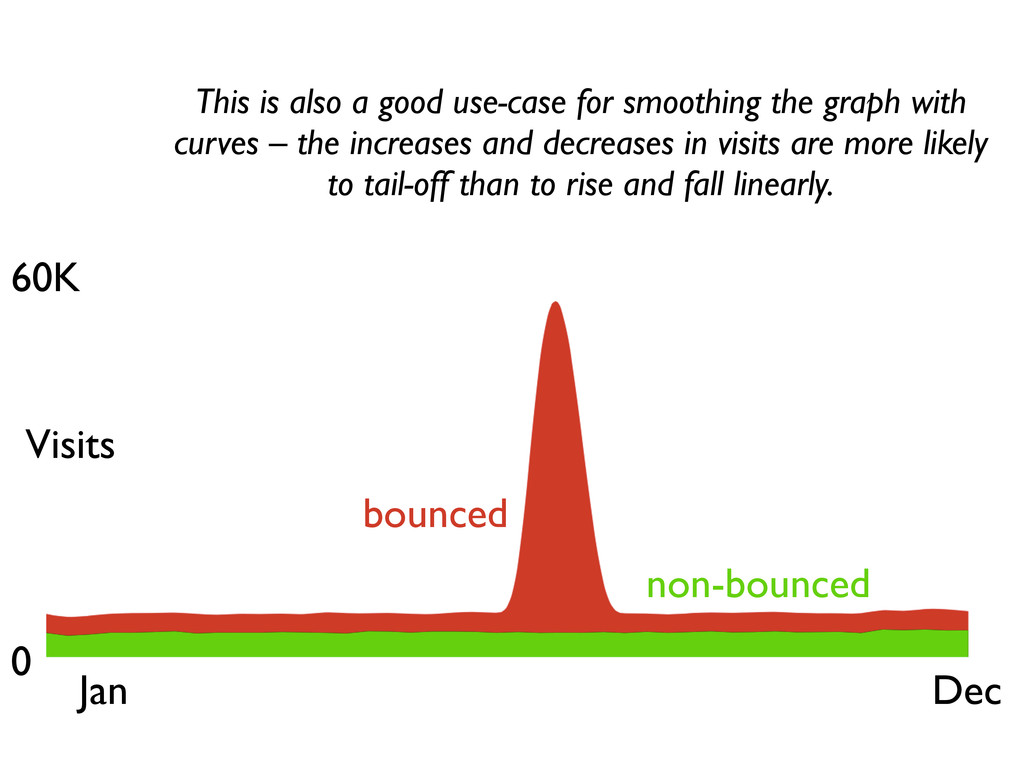
  18. 60K 0 Jan Dec Visits bounced non-bounced This is also

    a good use-case for smoothing the graph with curves – the increases and decreases in visits are more likely to tail-off than to rise and fall linearly.
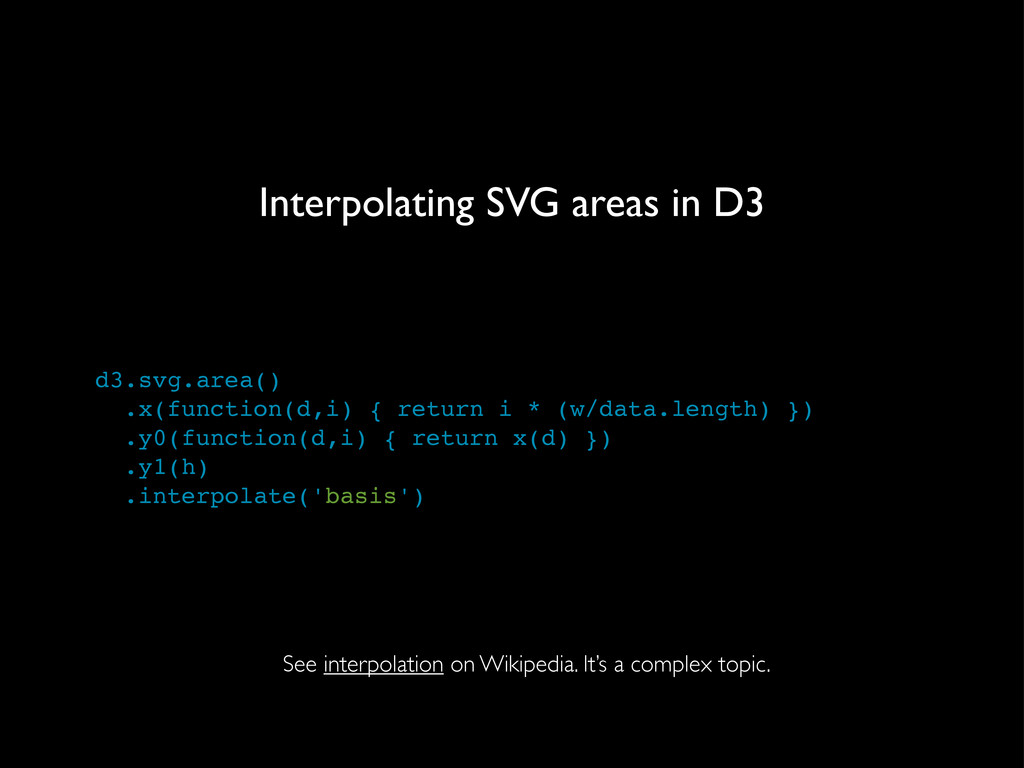
  19. Interpolating SVG areas in D3 d3.svg.area() .x(function(d,i) { return i

    * (w/data.length) }) .y0(function(d,i) { return x(d) }) .y1(h) .interpolate('basis') See interpolation on Wikipedia. It’s a complex topic.
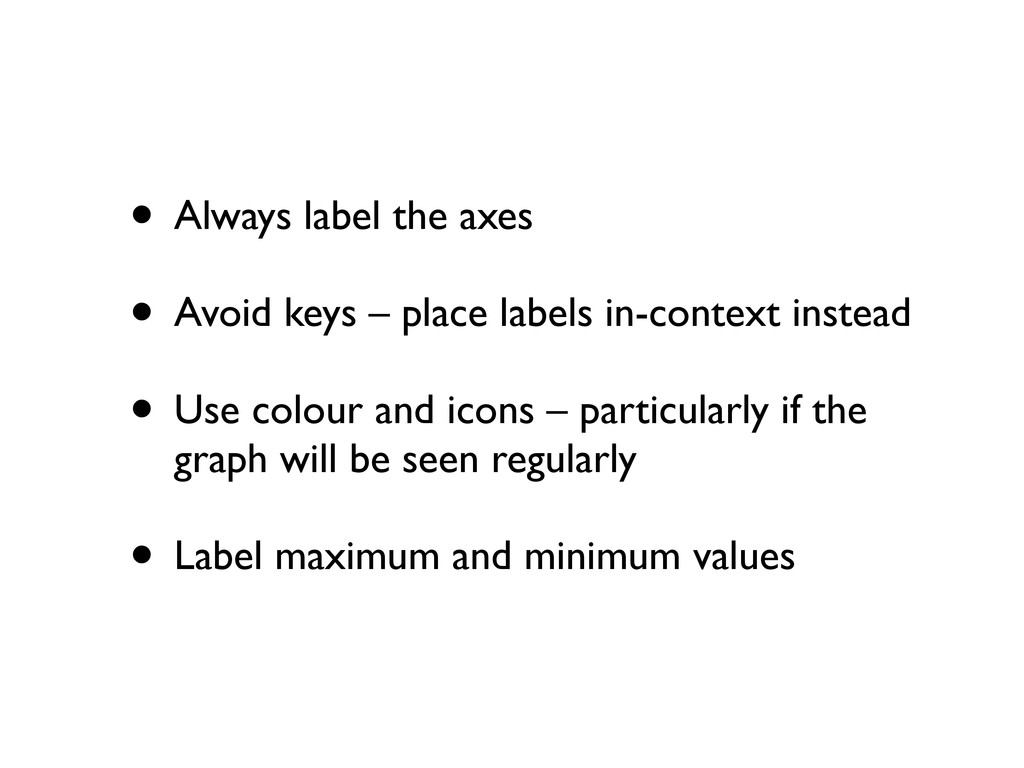
  20. • Always label the axes • Avoid keys – place

    labels in-context instead • Use colour and icons – particularly if the graph will be seen regularly • Label maximum and minimum values