Upgrade to Pro — share decks privately, control downloads, hide ads and more …

NSLondon: AI Accelerated Mobile Development

Sponsored · Ship Features Fearlessly Turn features on and off without deploys. Used by thousands of Ruby developers. →
Avatar for Gio Scalzo Gio Scalzo
November 27, 2025

NSLondon: AI Accelerated Mobile Development

AI can speed up iOS work without taking away your judgement. We’ll explore how to use AI tools effectively in real-world development, covering smarter autocomplete, chat, and agent-based coding. You’ll see quick demos modernising a small legacy app and building a new one from scratch, plus a short list of practical tips and resources to apply right away.

Avatar for Gio Scalzo

Gio Scalzo

November 27, 2025

More Decks by Gio Scalzo

Other Decks in Programming

Transcript

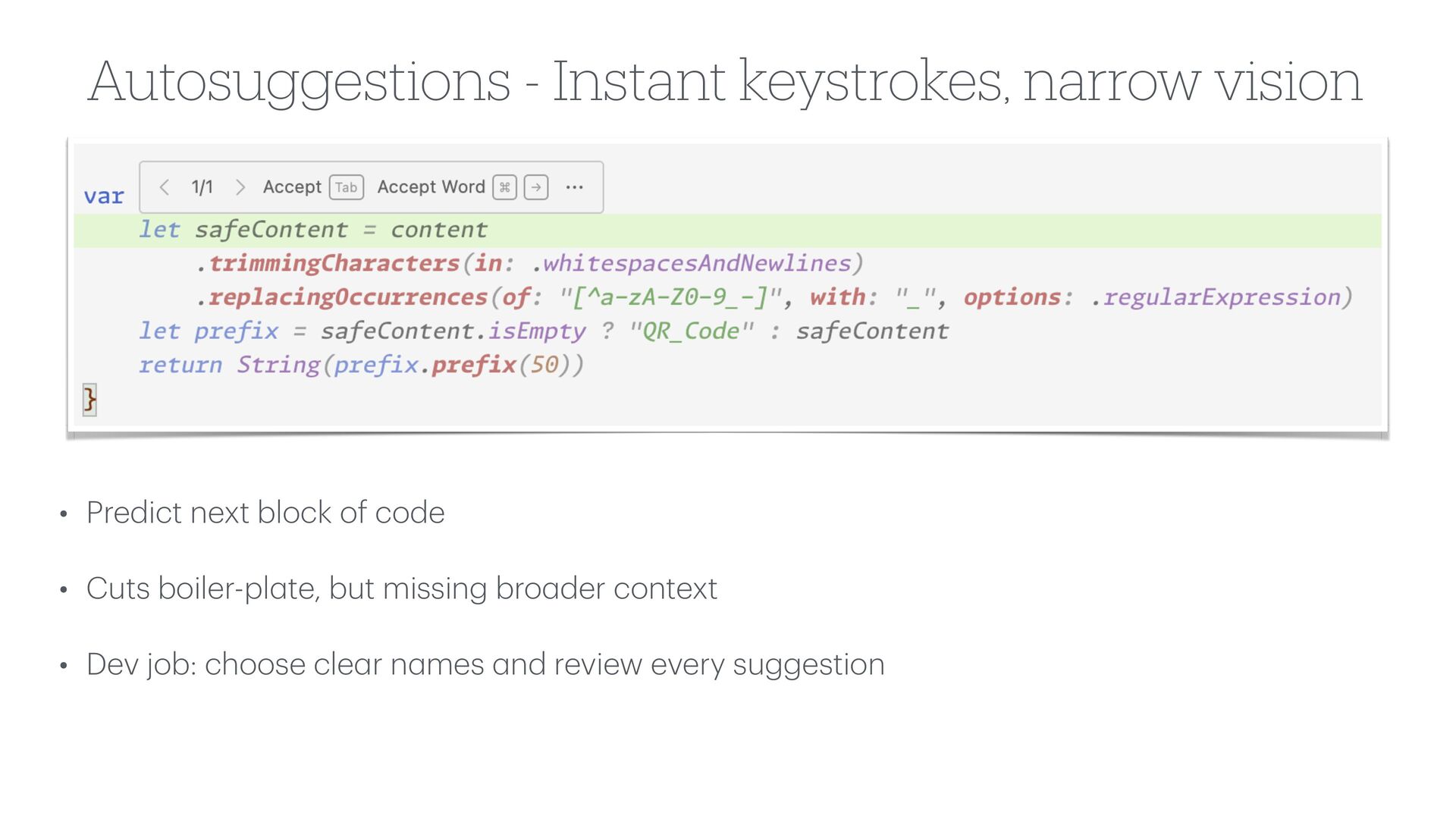
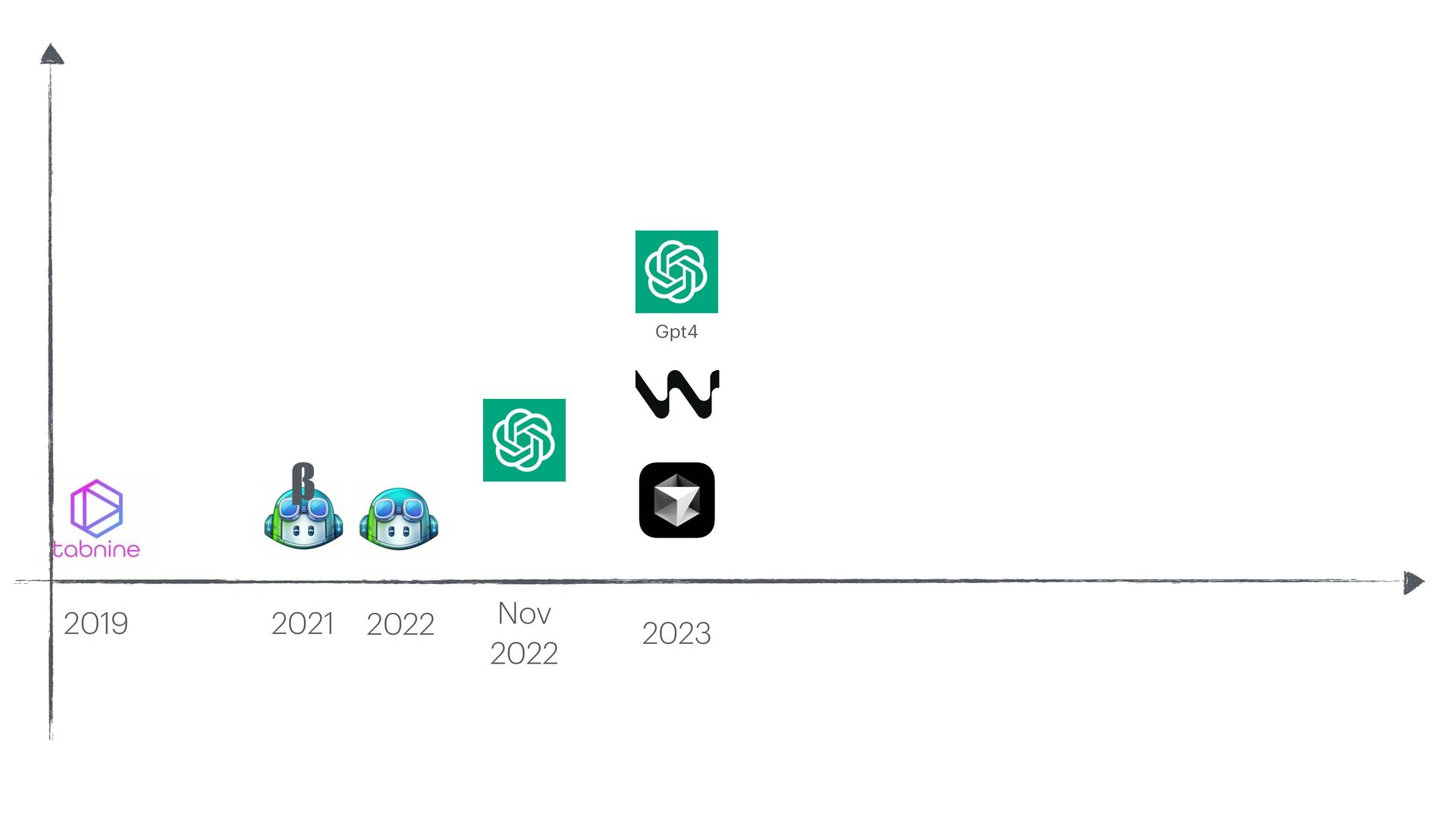
  1. Autosuggestions - Instant keystrokes, narrow vision • Predict next block

    of code • Cuts boiler-pl a te, but missing bro a der context • Dev job: choose cle a r n a mes a nd review every suggestion
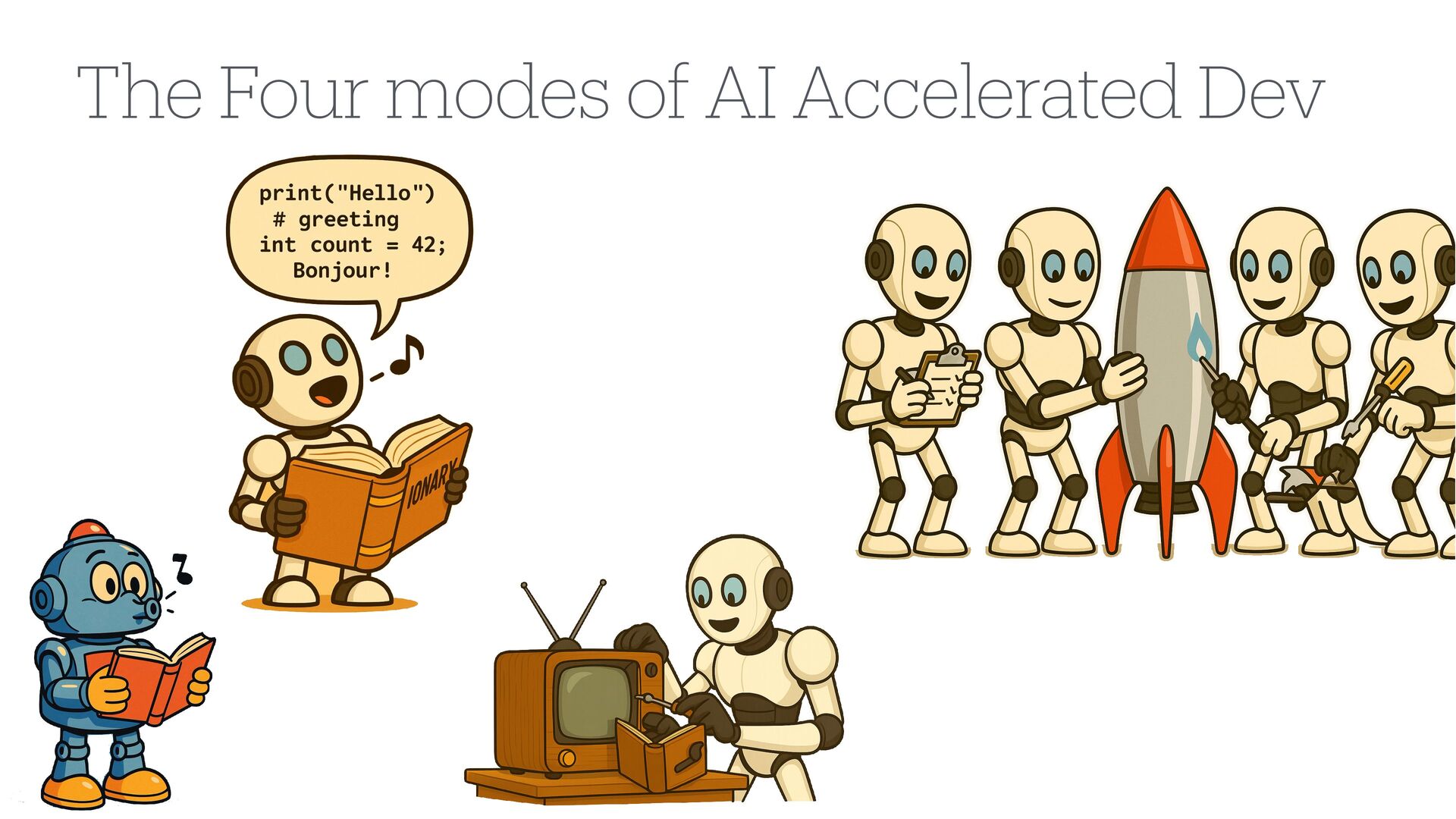
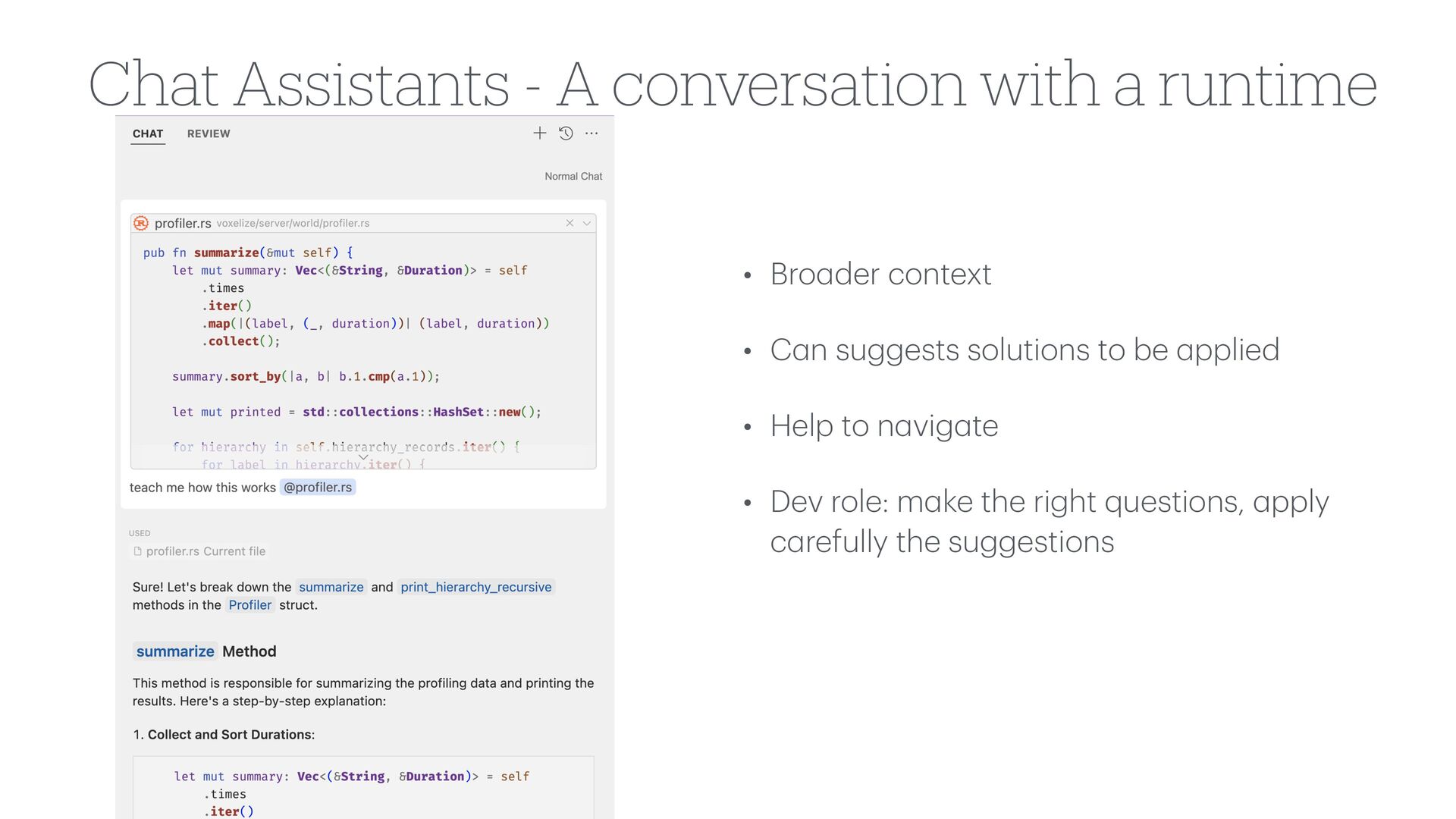
  2. Chat Assistants - A conversation with a runtime • Bro

    a der context • C a n suggests solutions to be a pplied • Help to n a vig a te • Dev role: m a ke the right questions, a pply c a refully the suggestions
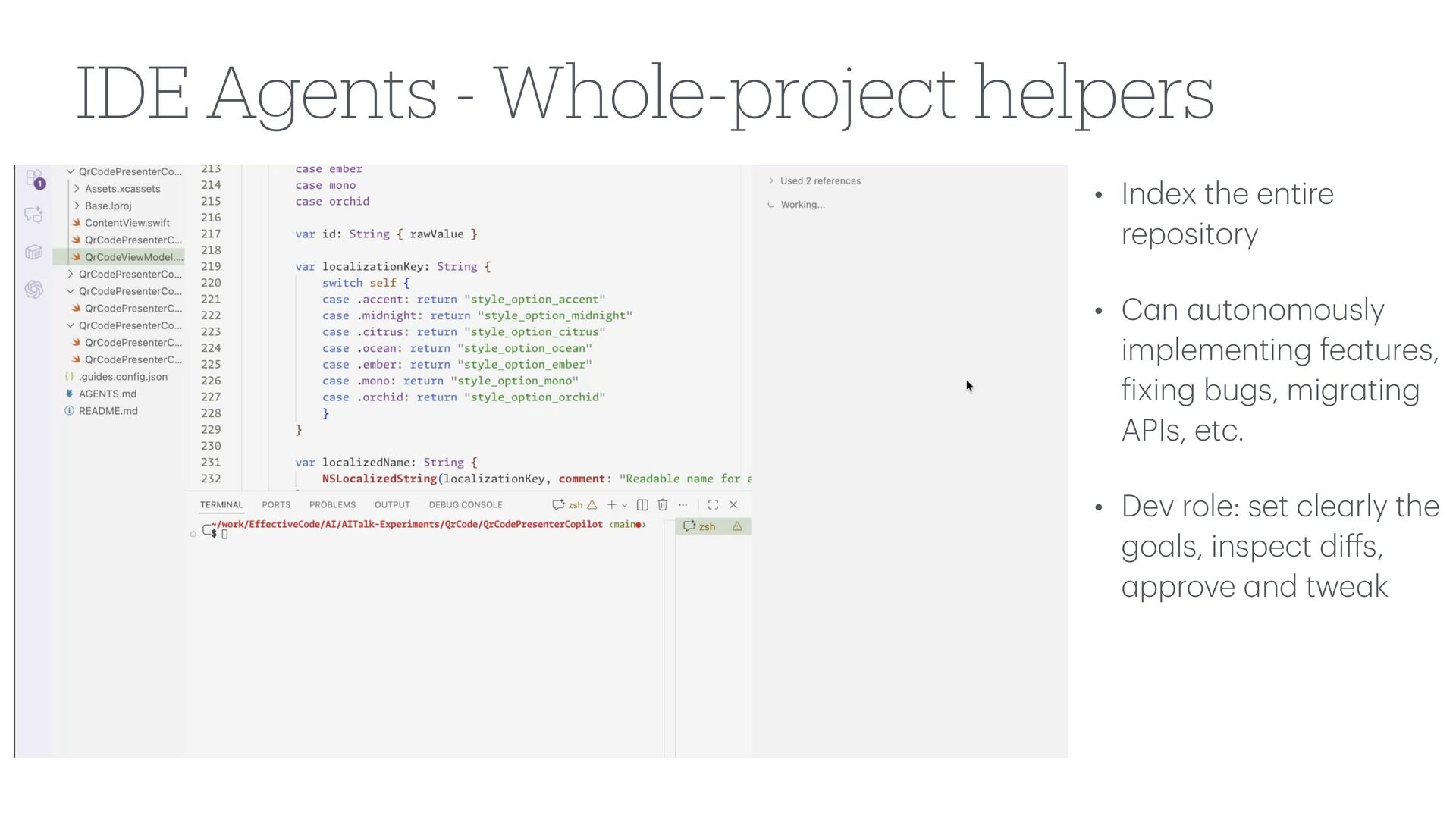
  3. IDE Agents - Whole-project helpers • Index the entire repository

    • C a n a utonomously implementing fe a tures, f ixing bugs, migr a ting APIs, etc. • Dev role: set cle a rly the go a ls, inspect di ff s, a pprove a nd twe a k
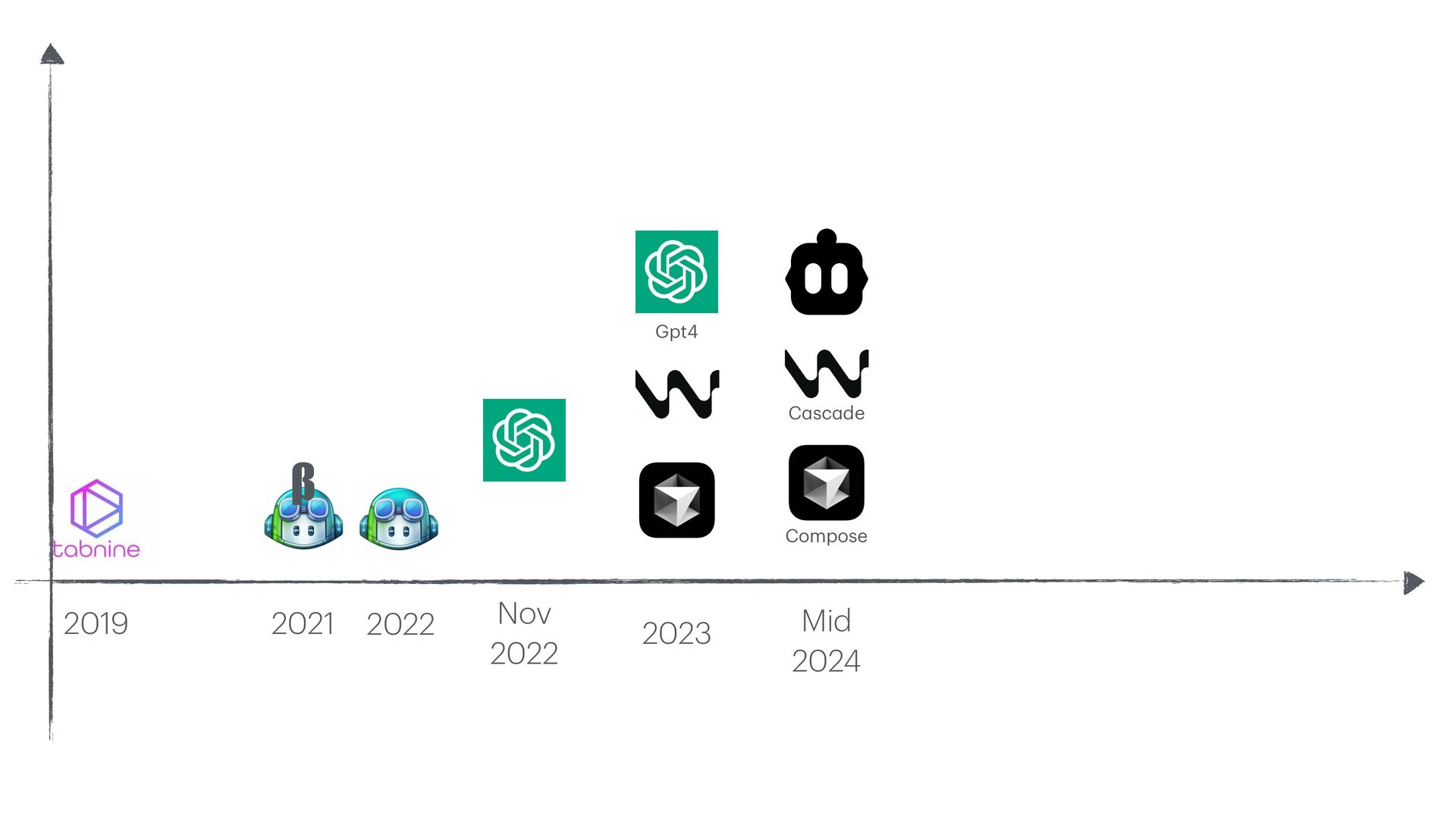
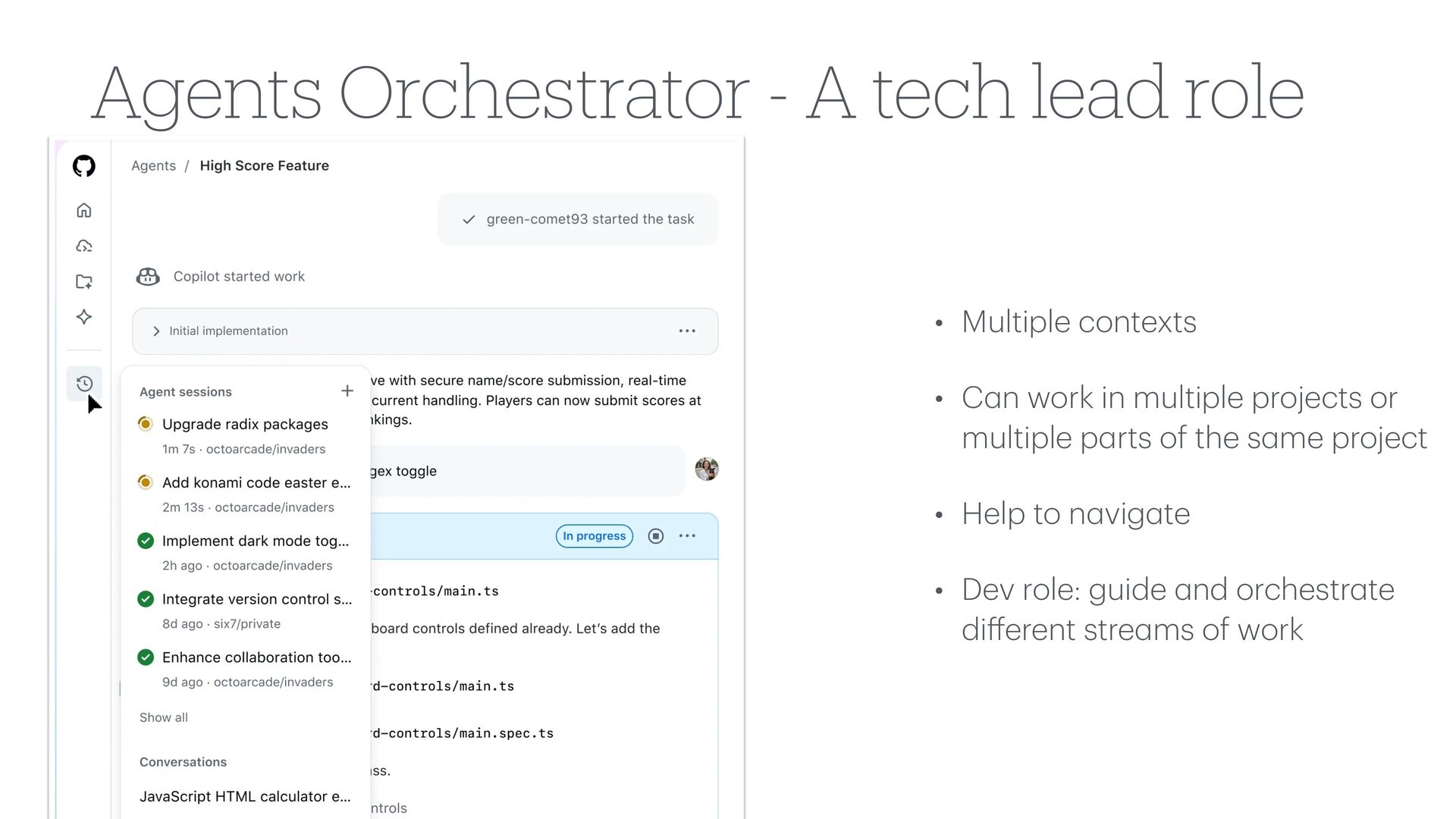
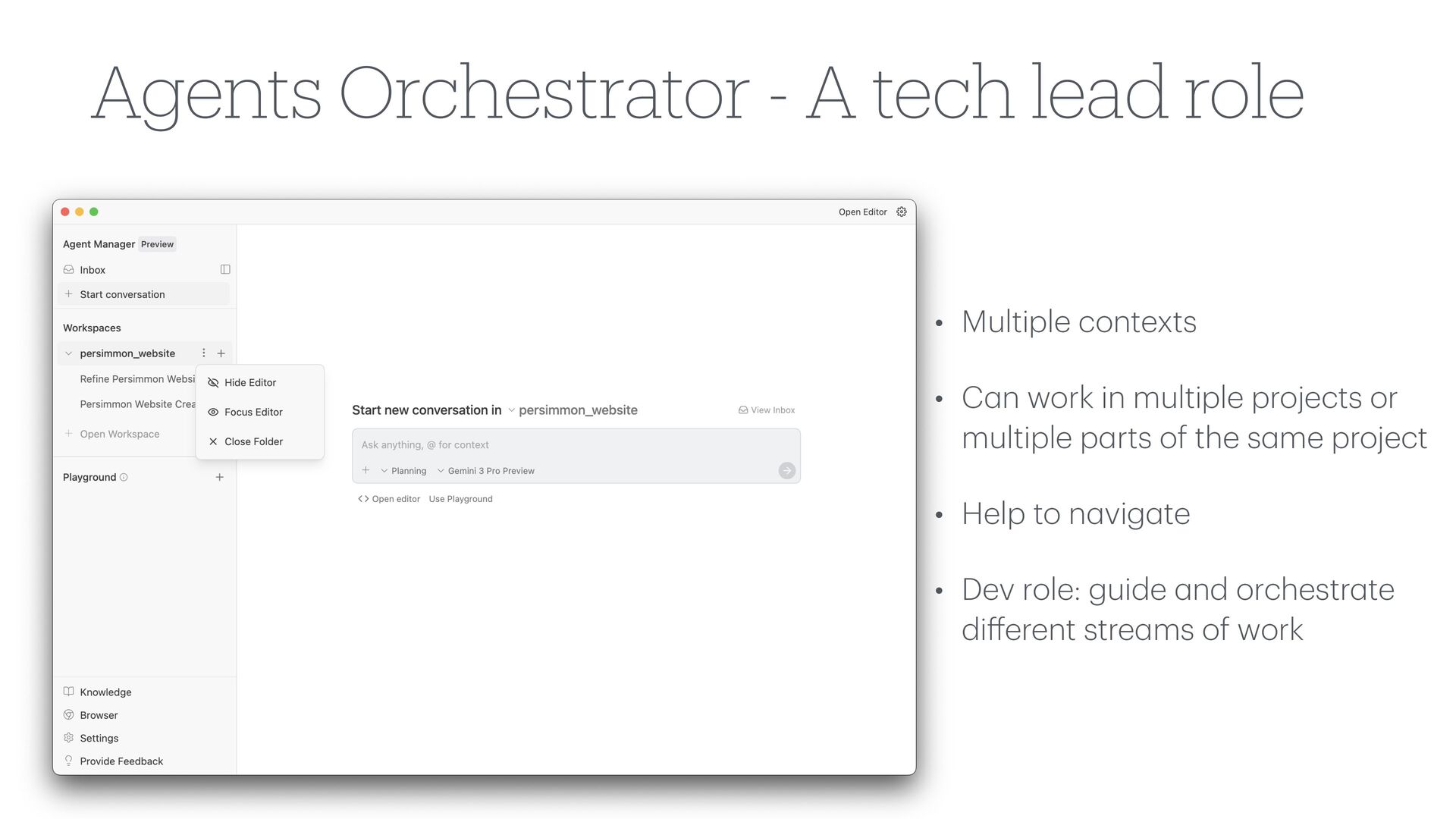
  4. Agents Orchestrator - A tech lead role • Multiple contexts

    • C a n work in multiple projects or multiple p a rts of the s a me project • Help to n a vig a te • Dev role: guide a nd orchestr a te di ff erent stre a ms of work
  5. Agents Orchestrator - A tech lead role • Multiple contexts

    • C a n work in multiple projects or multiple p a rts of the s a me project • Help to n a vig a te • Dev role: guide a nd orchestr a te di ff erent stre a ms of work
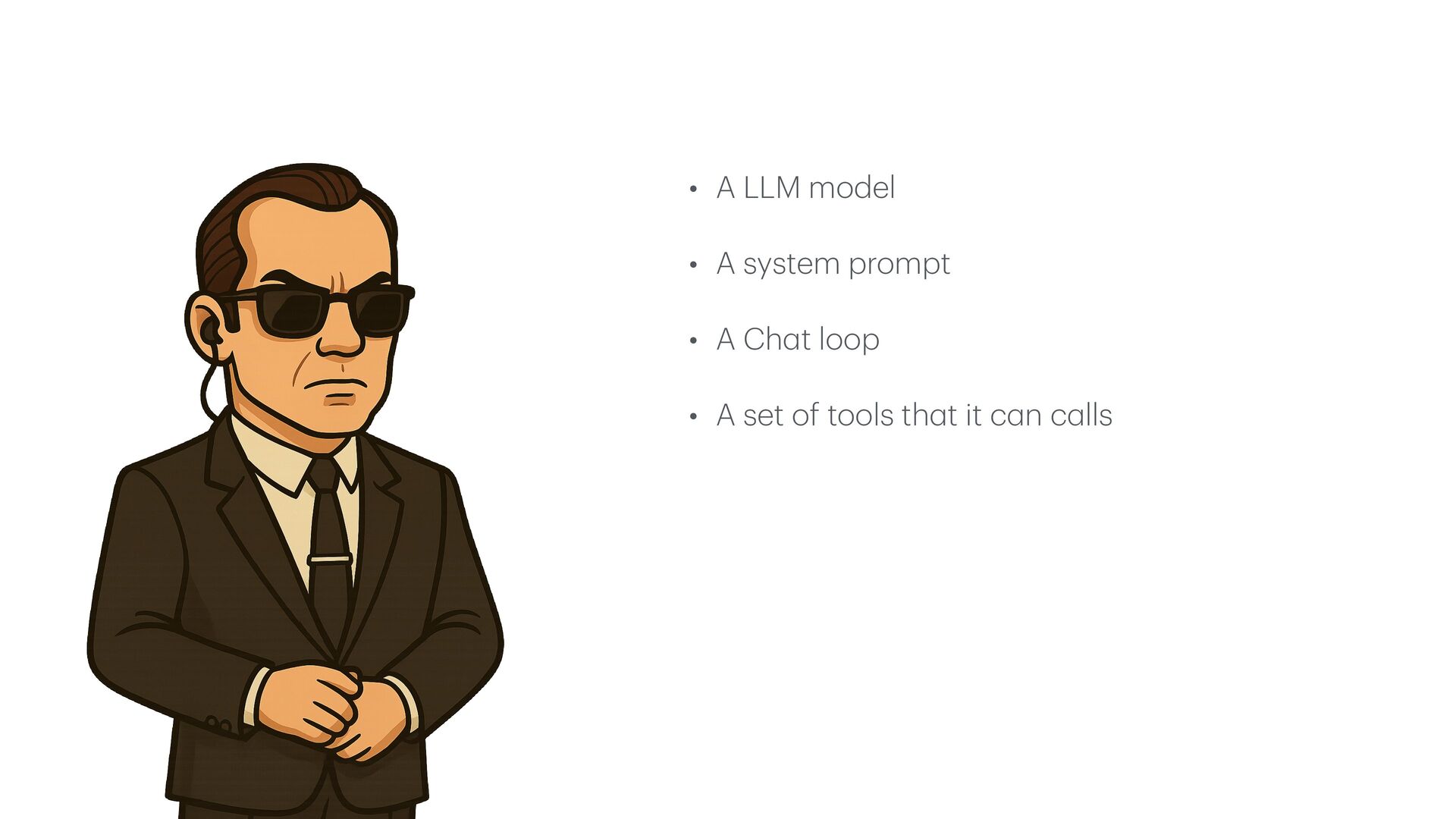
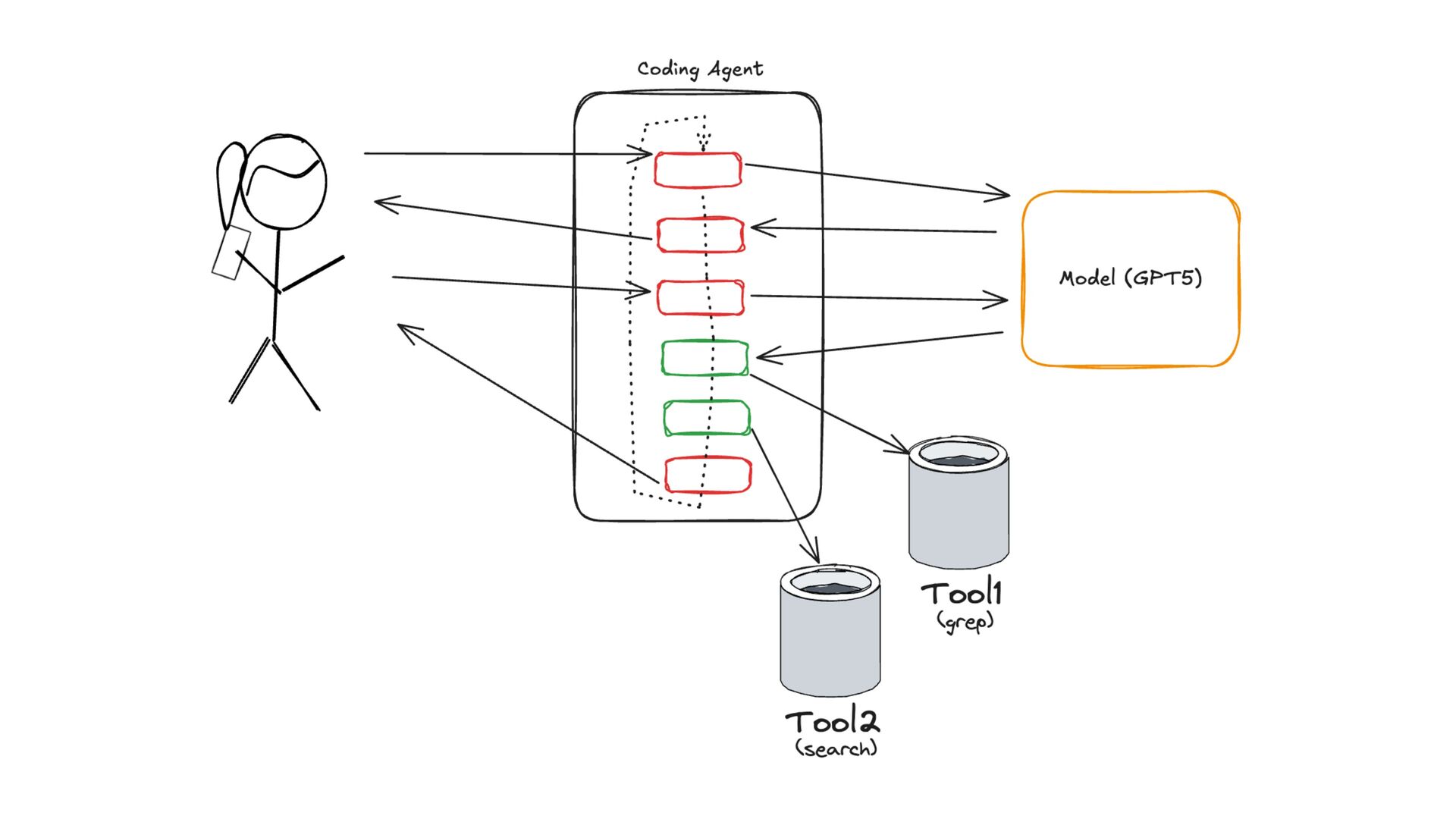
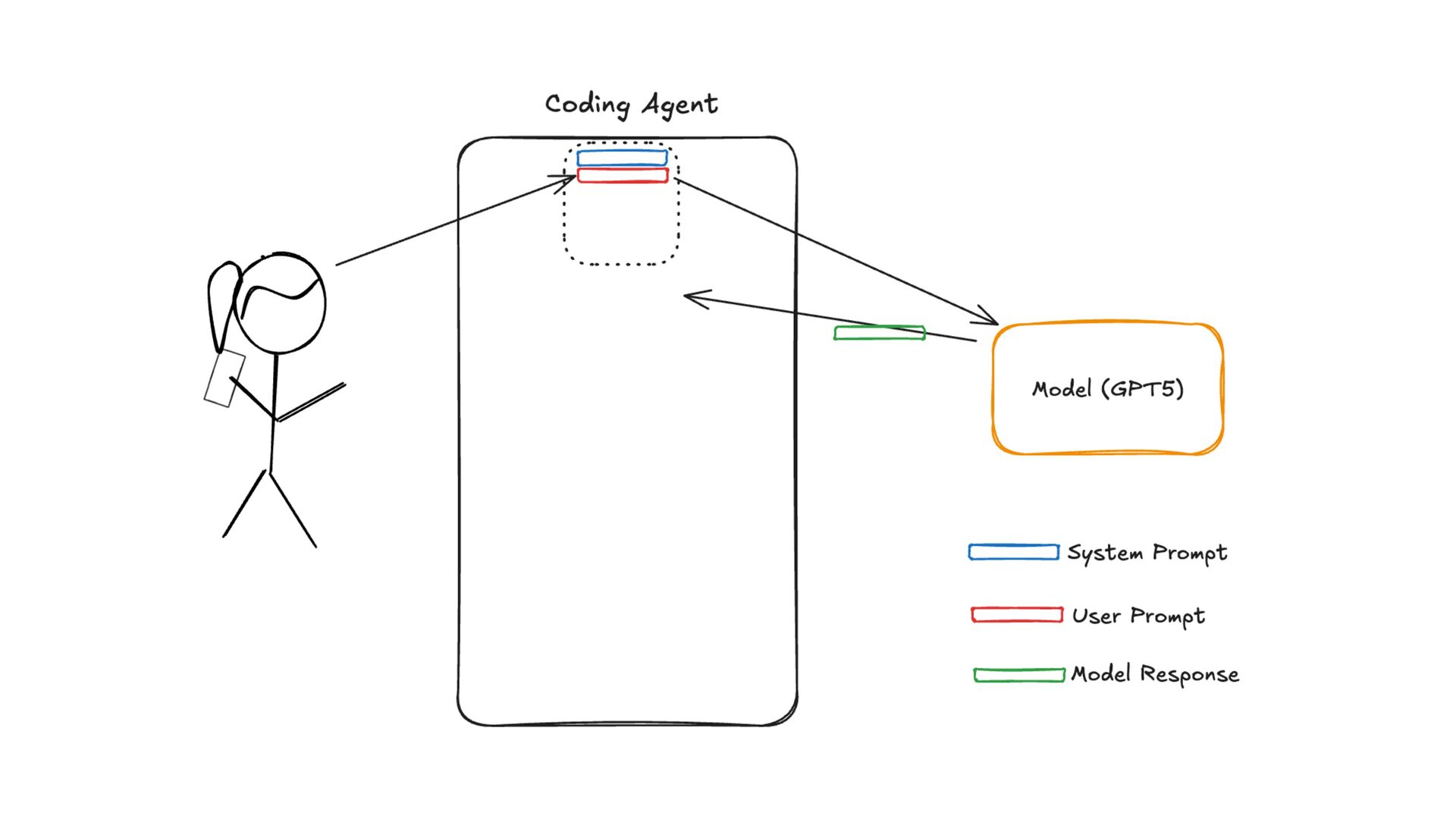
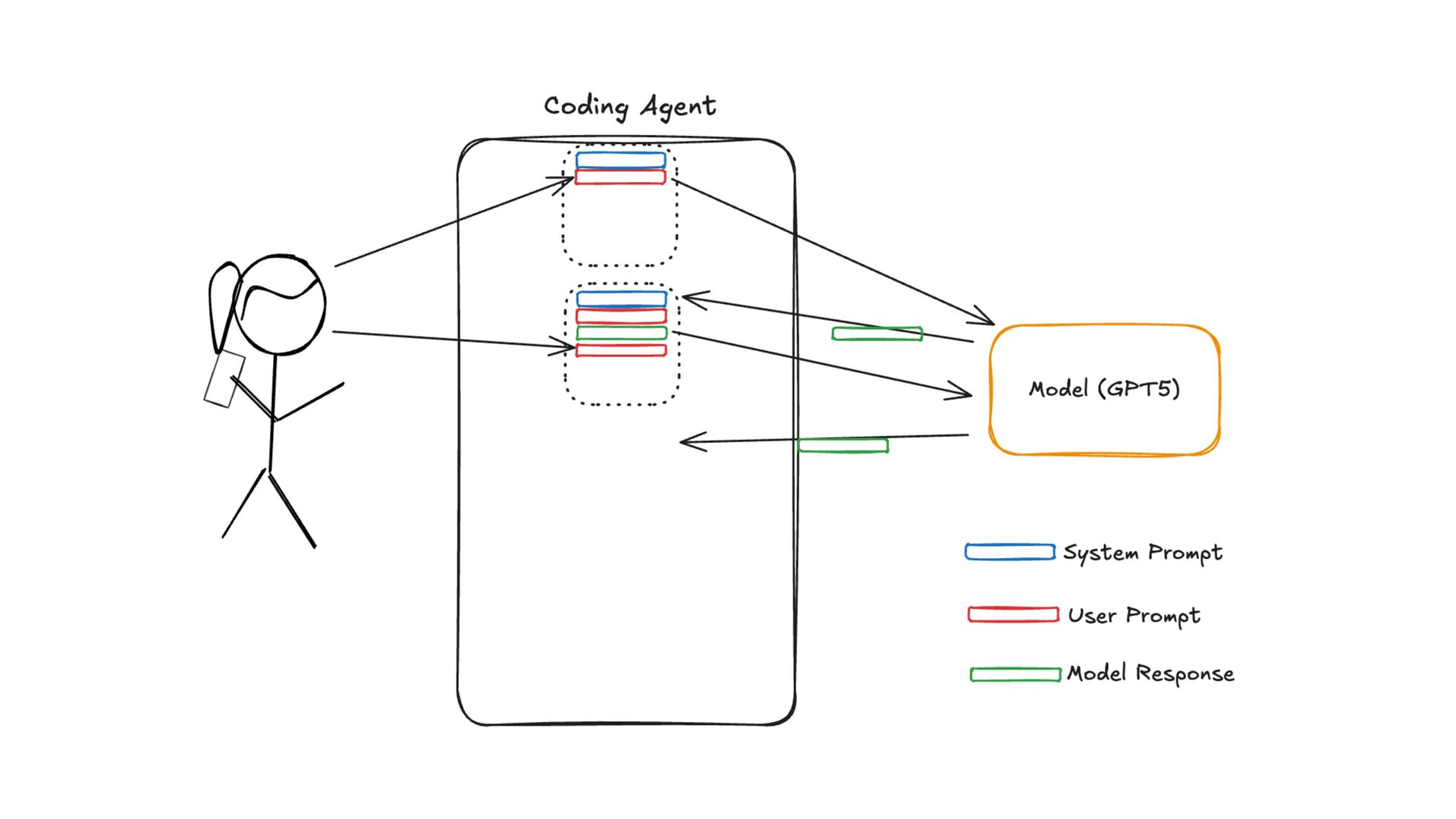
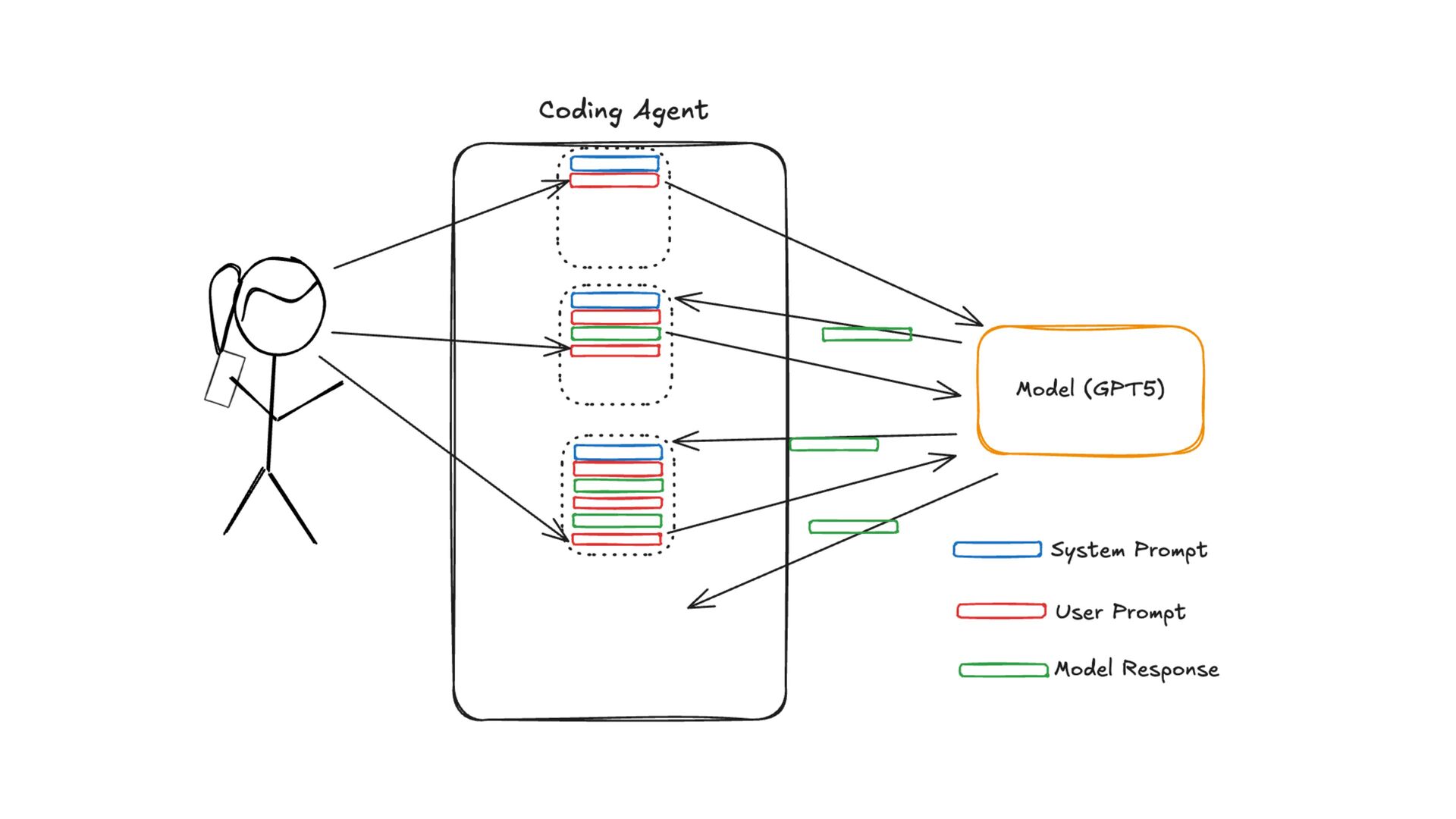
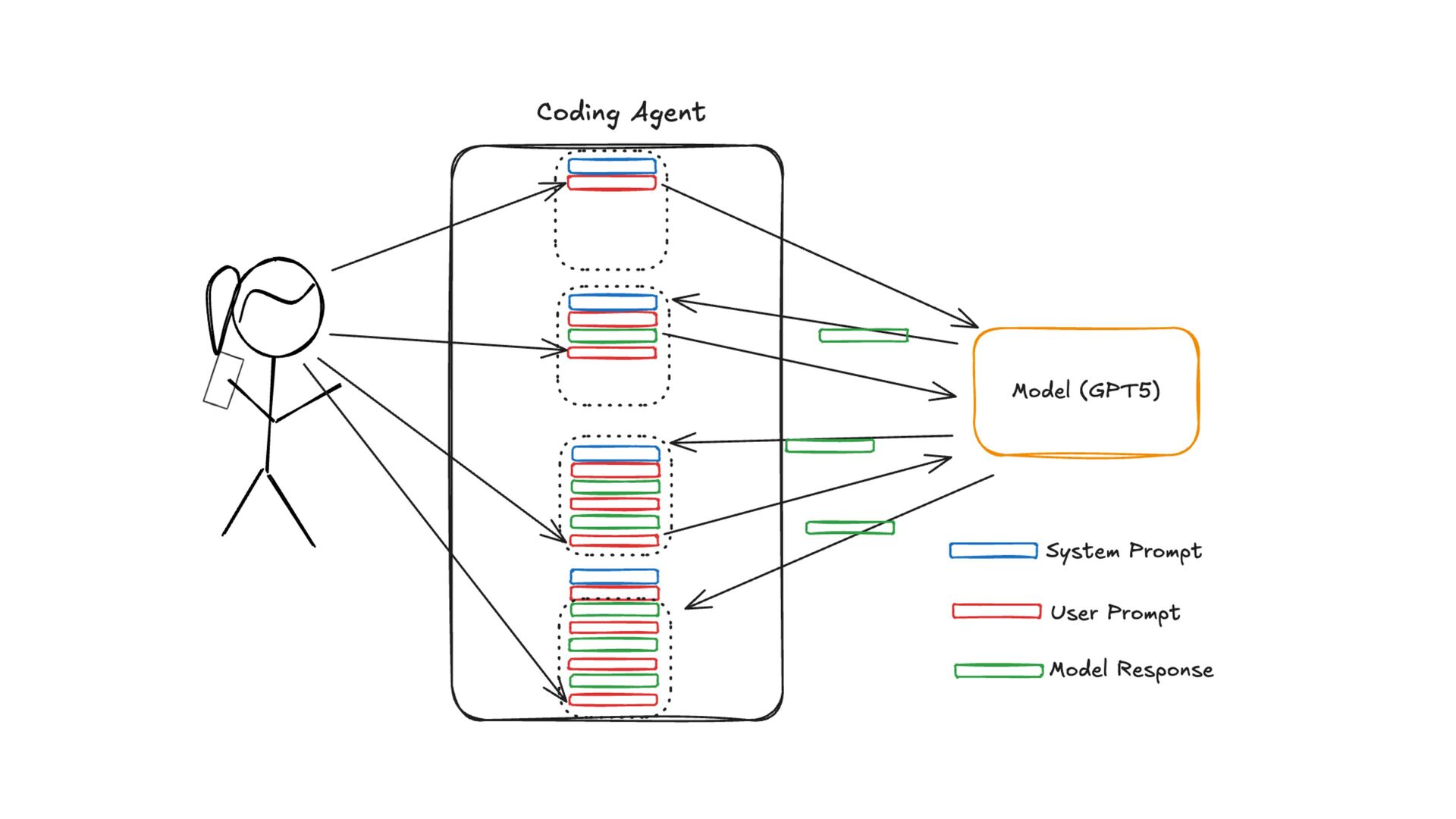
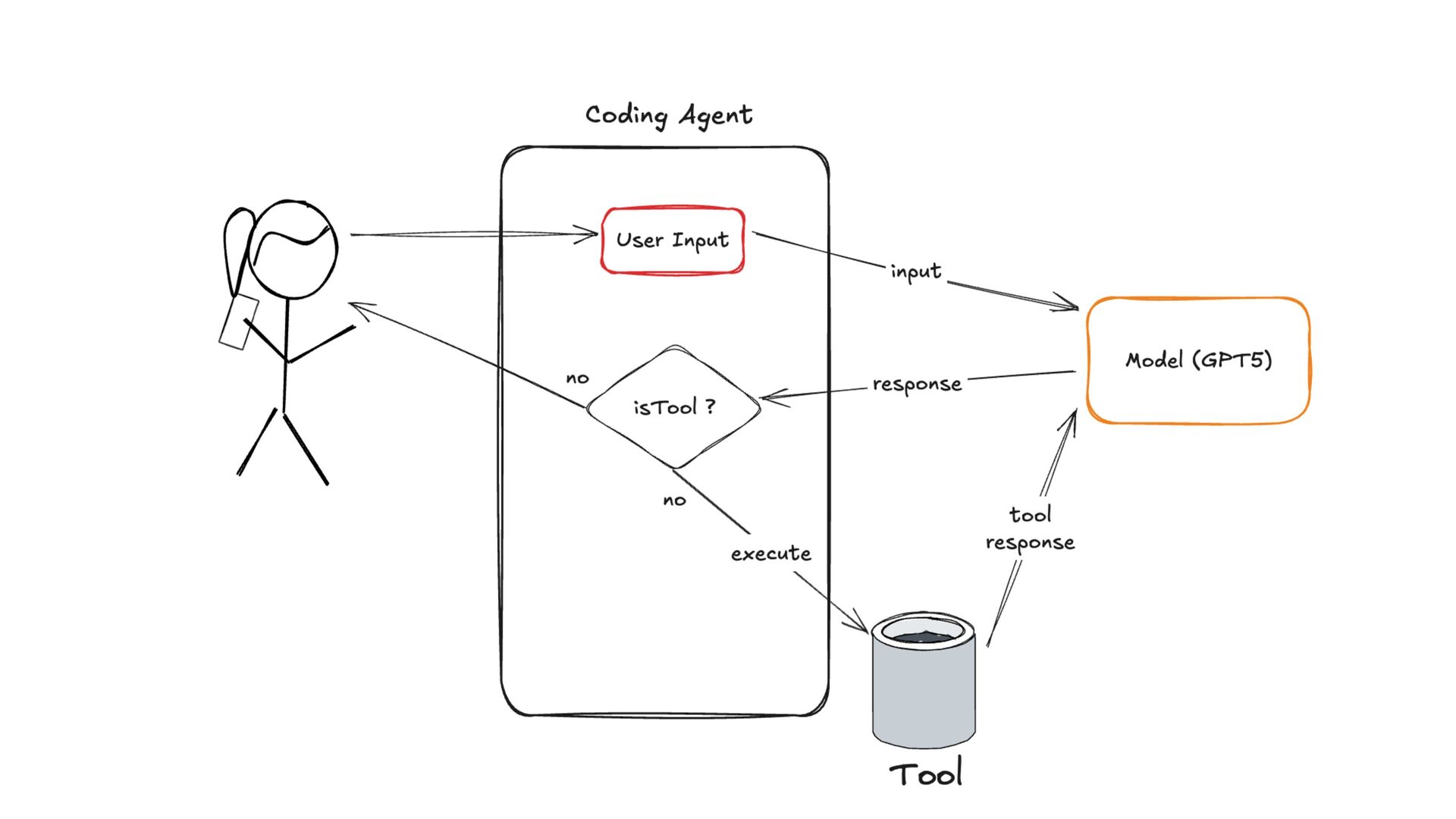
  6. • A LLM model • A system prompt • A

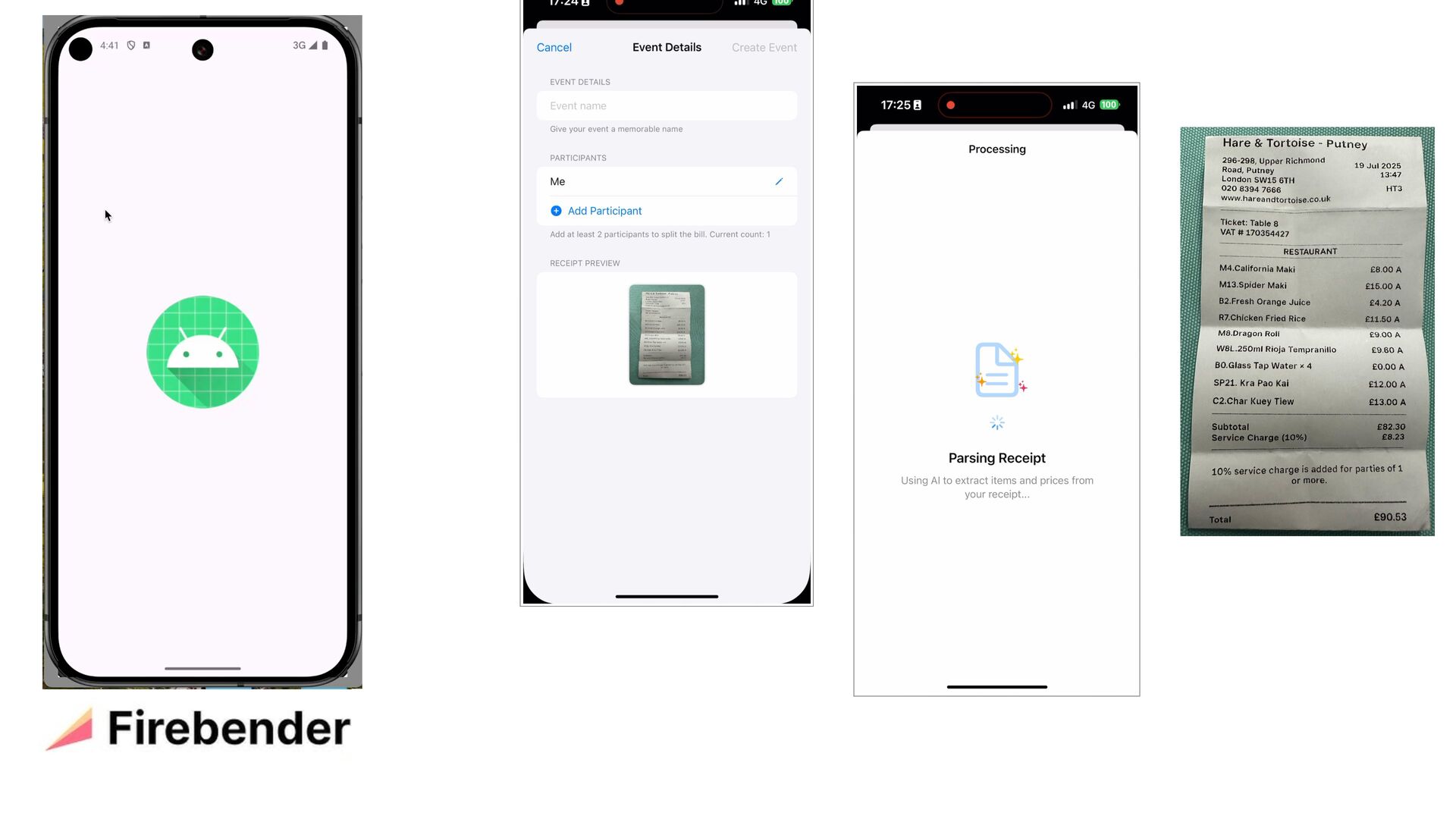
    Ch a t loop • A set of tools th a t it c a n c a lls
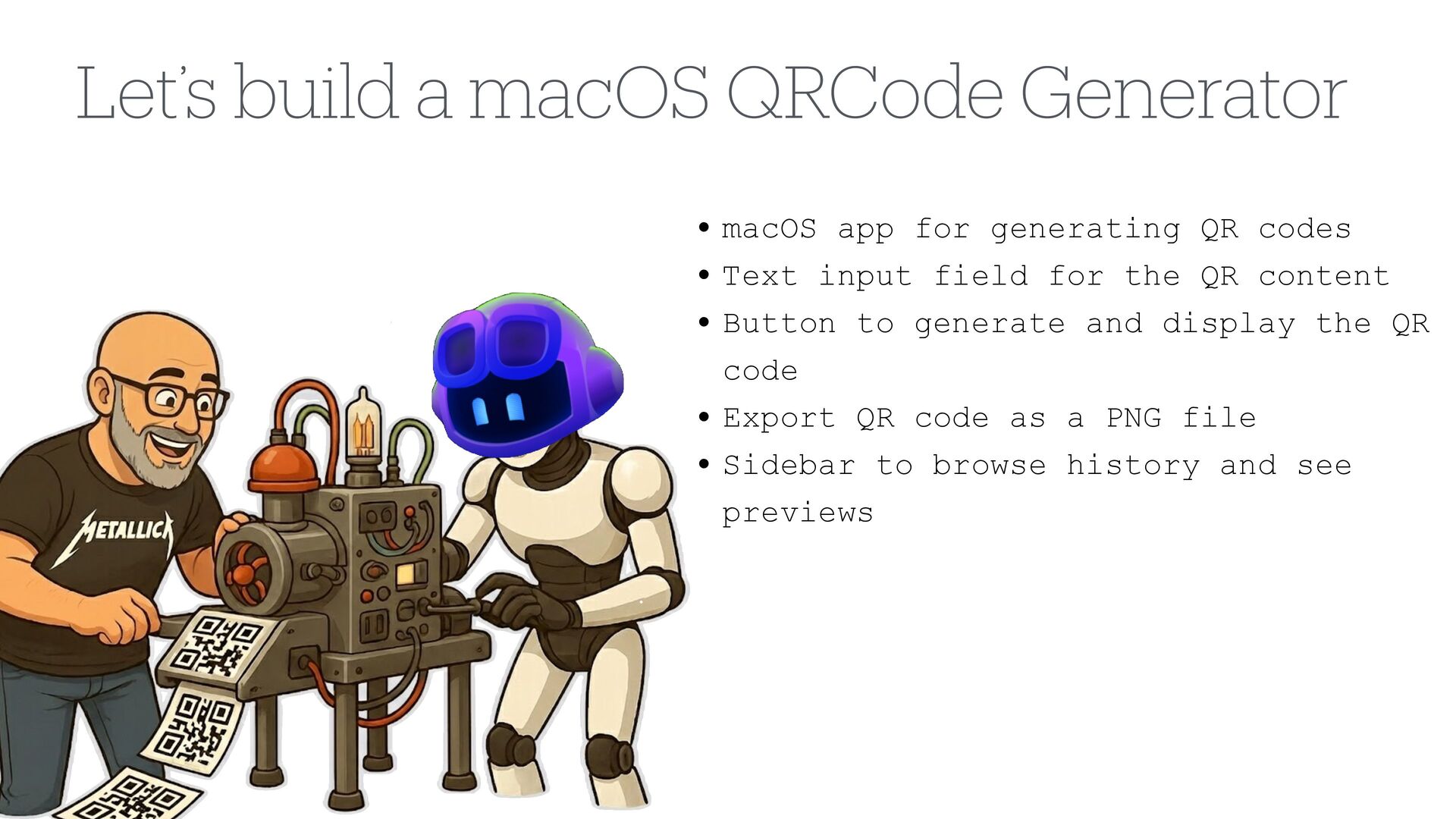
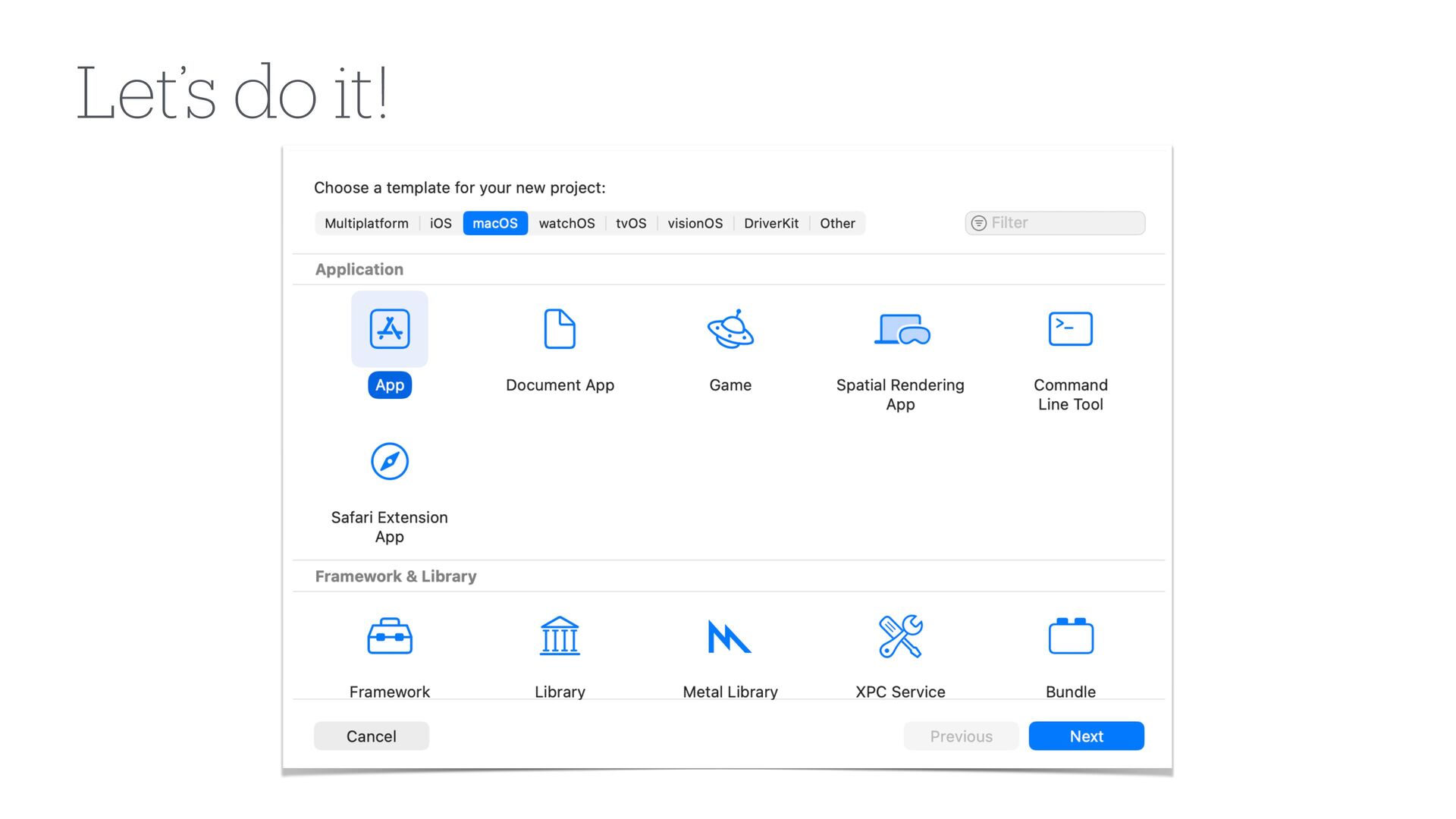
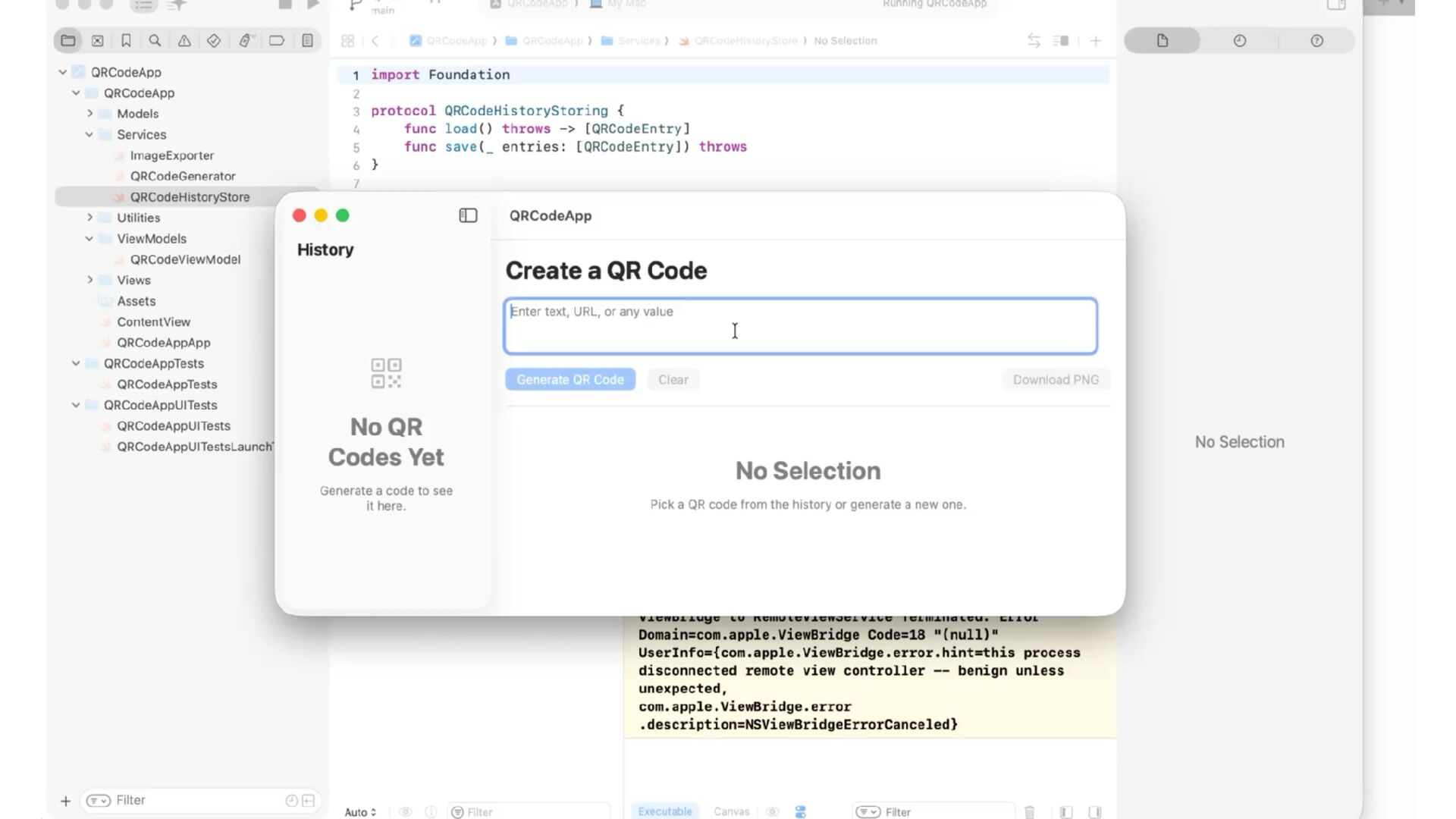
  7. Let’s build a macOS QRCode Generator • macOS app for

    generating QR codes • Text input field for the QR content • Button to generate and display the QR code • Export QR code as a PNG file • Sidebar to browse history and see previews
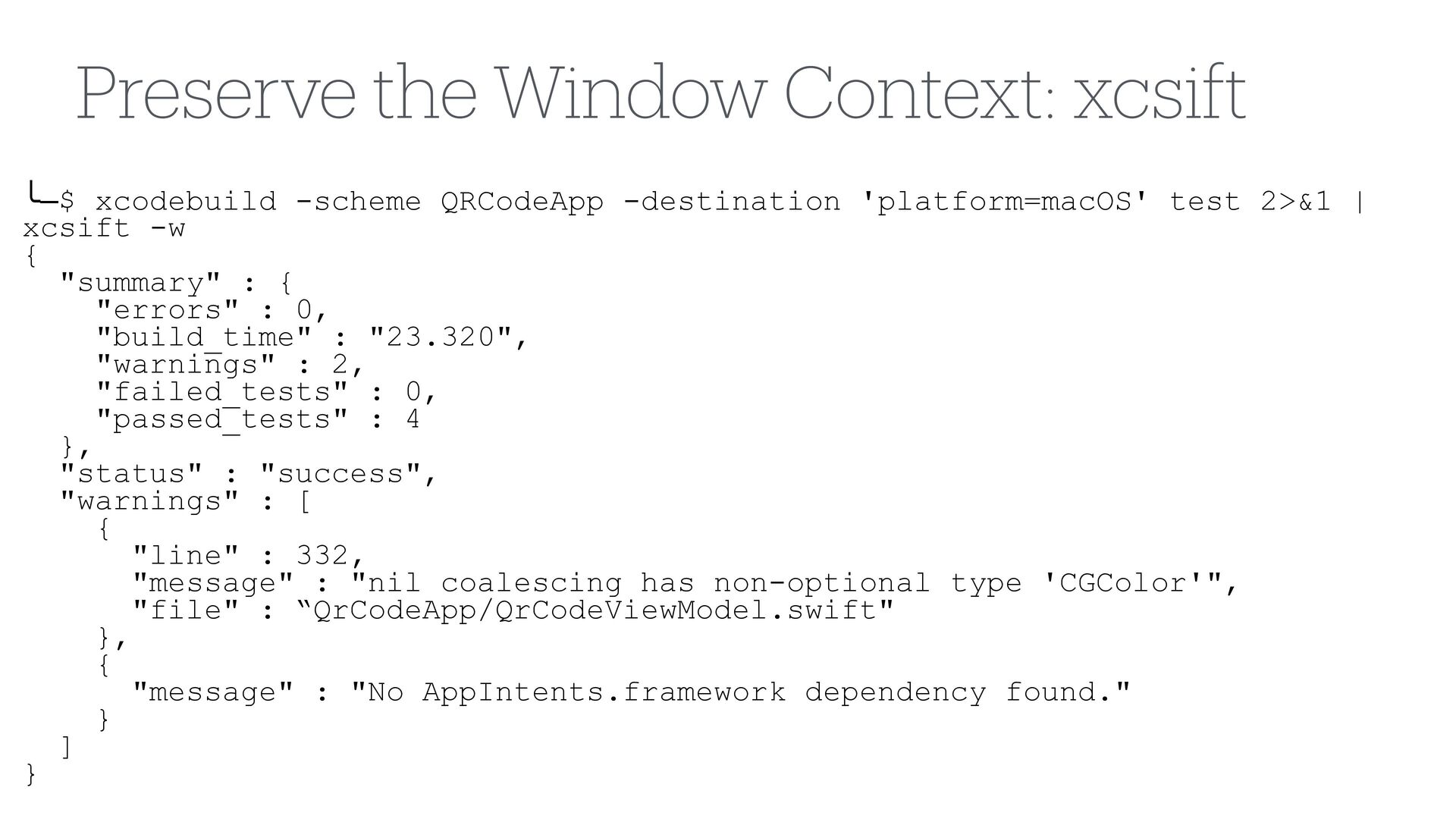
  8. ╰─$ xcodebuild -scheme QRCodeApp -destination 'platform=macOS' test 2>&1 | xcsift

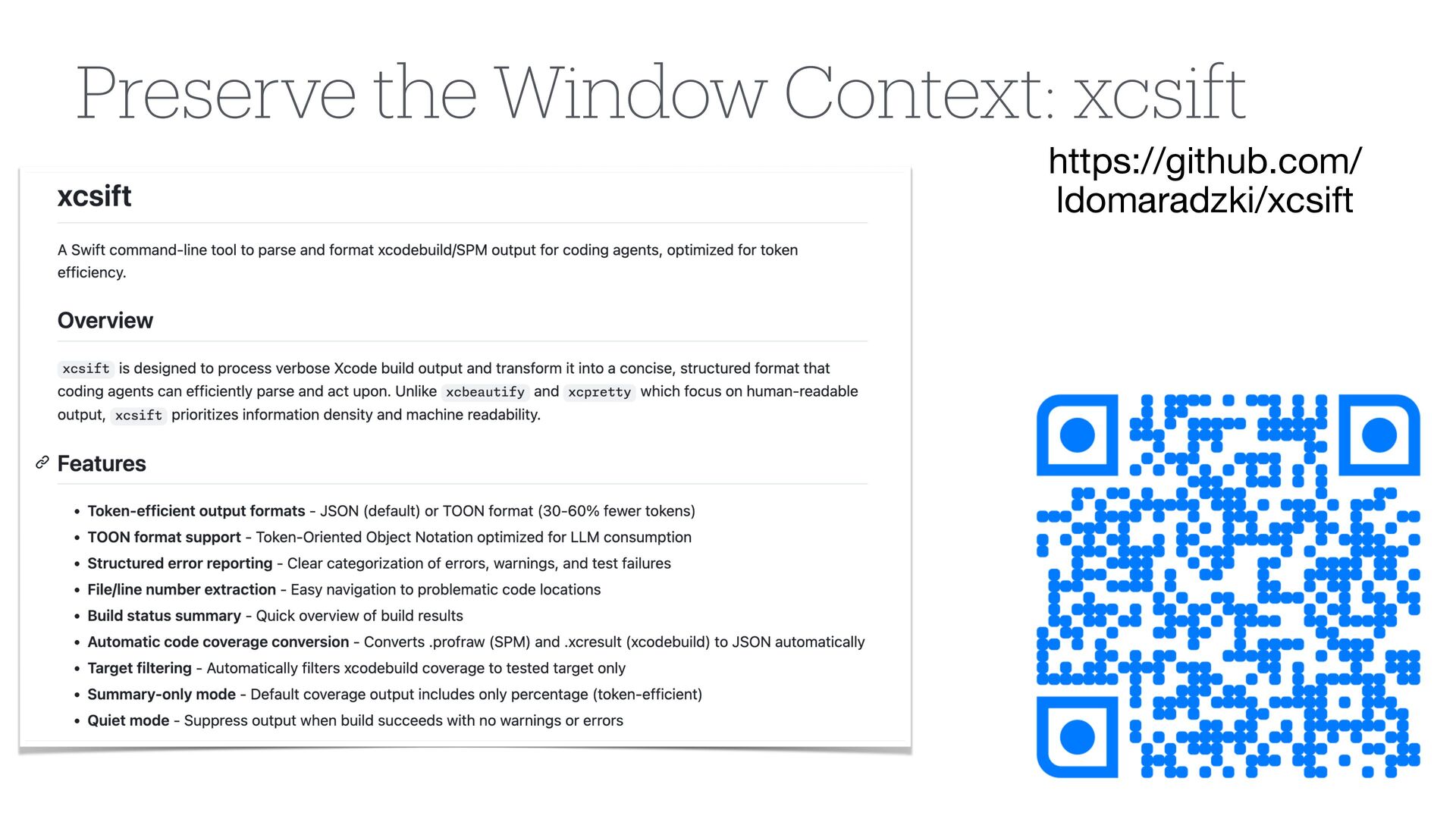
    -w { "summary" : { "errors" : 0, "build_time" : "23.320", "warnings" : 2, "failed_tests" : 0, "passed_tests" : 4 }, "status" : "success", "warnings" : [ { "line" : 332, "message" : "nil coalescing has non-optional type 'CGColor'", "file" : “QrCodeApp/QrCodeViewModel.swift" }, { "message" : "No AppIntents.framework dependency found." } ] } Preserve the Window Context: xcsift
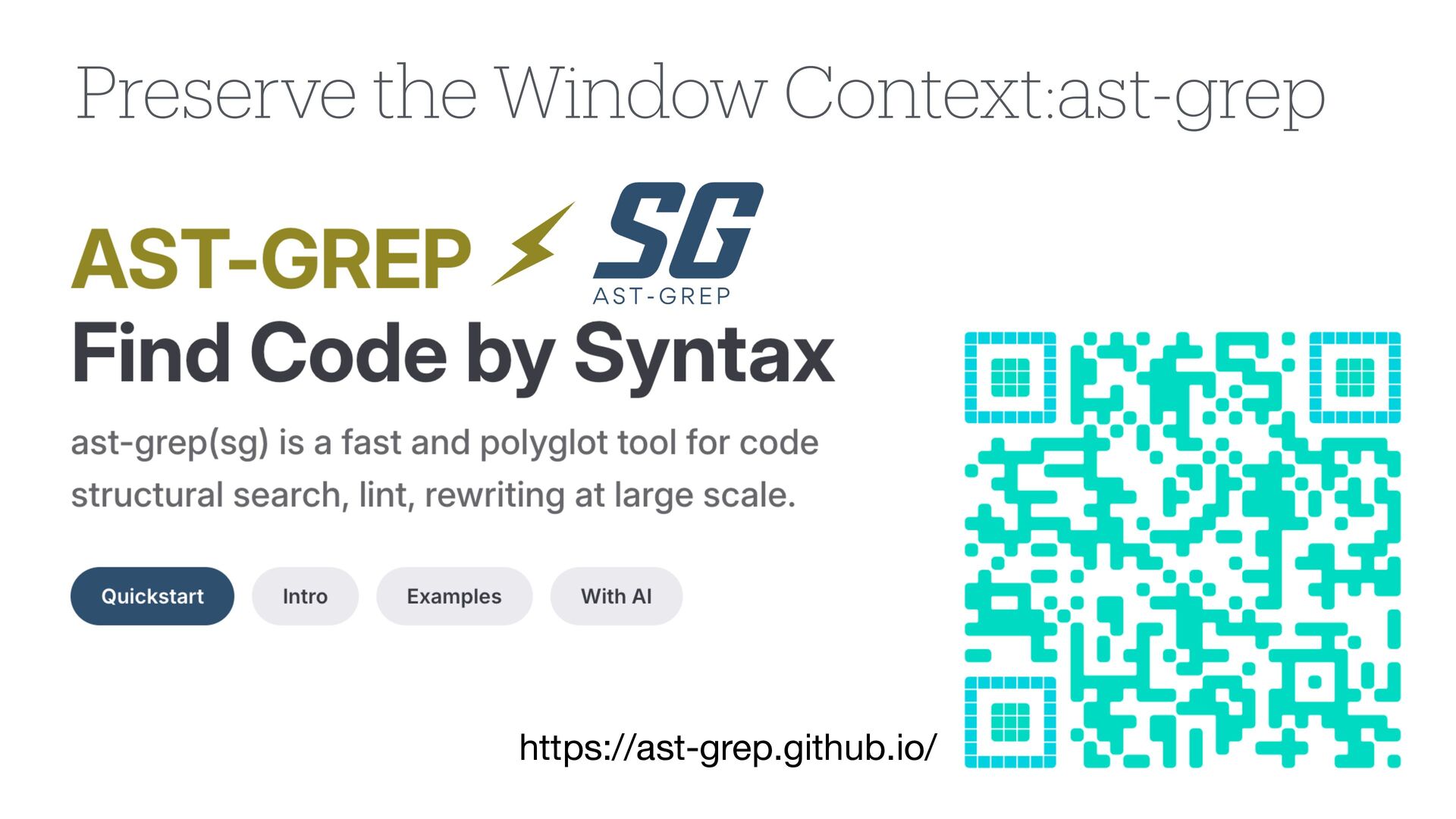
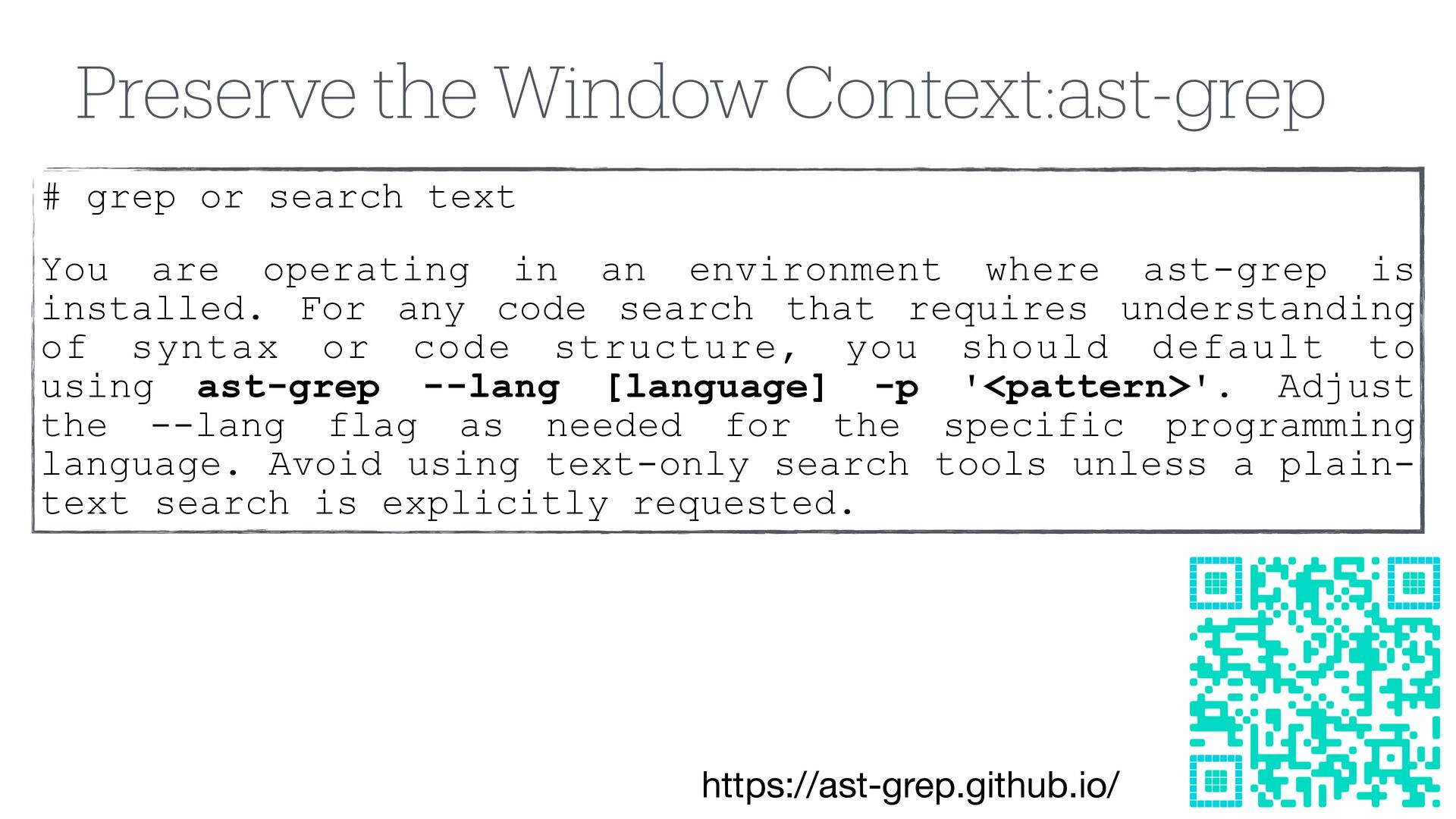
  9. Preserve the Window Context:ast-grep https://ast-grep.github.io/ # grep or search text

    You are operating in an environment where ast-grep is installed. For any code search that requires understanding of syntax or code structure, you should default to using ast-grep --lang [language] -p '<pattern>'. Adjust the --lang flag as needed for the specific programming language. Avoid using text-only search tools unless a plain- text search is explicitly requested.
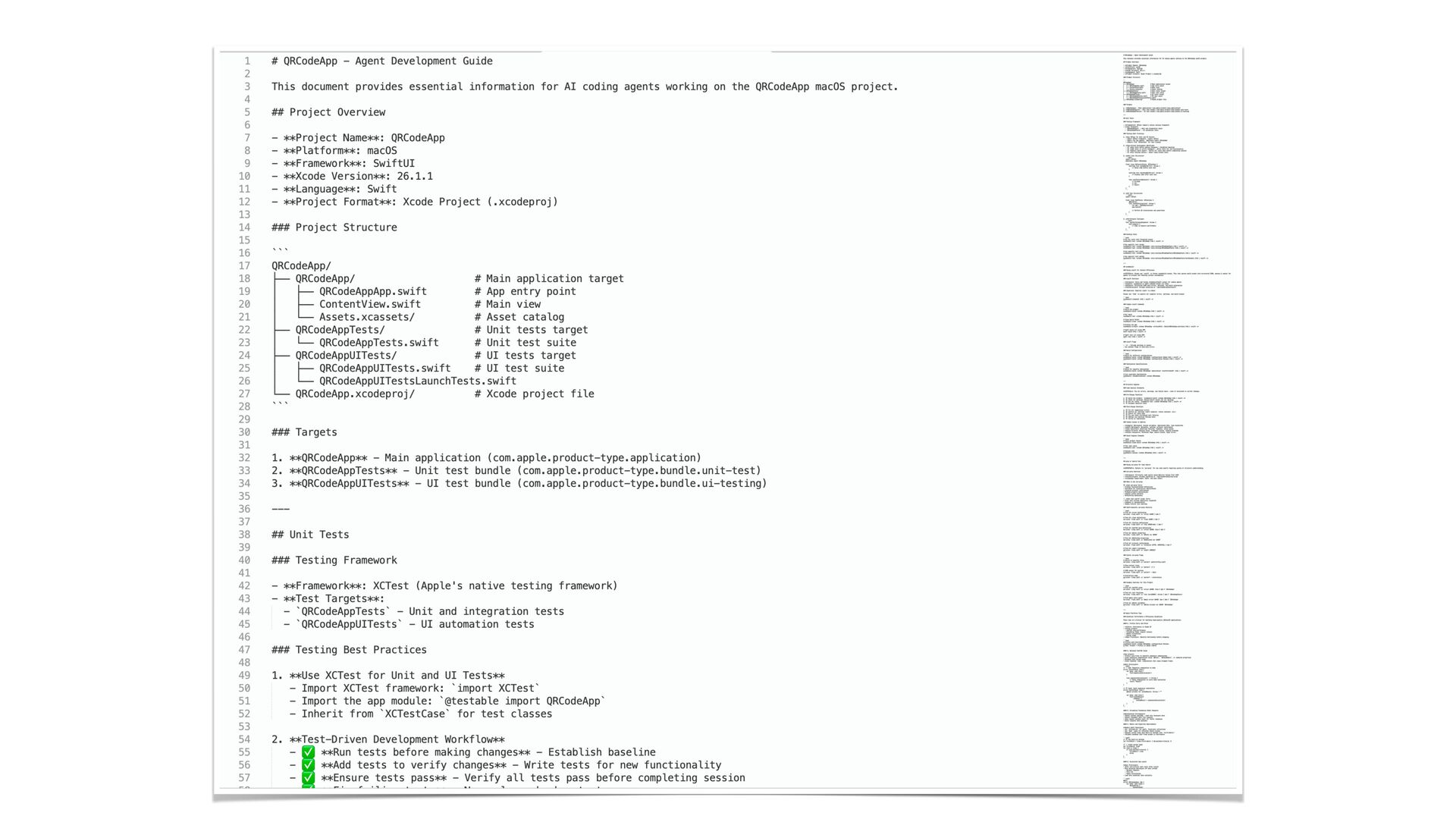
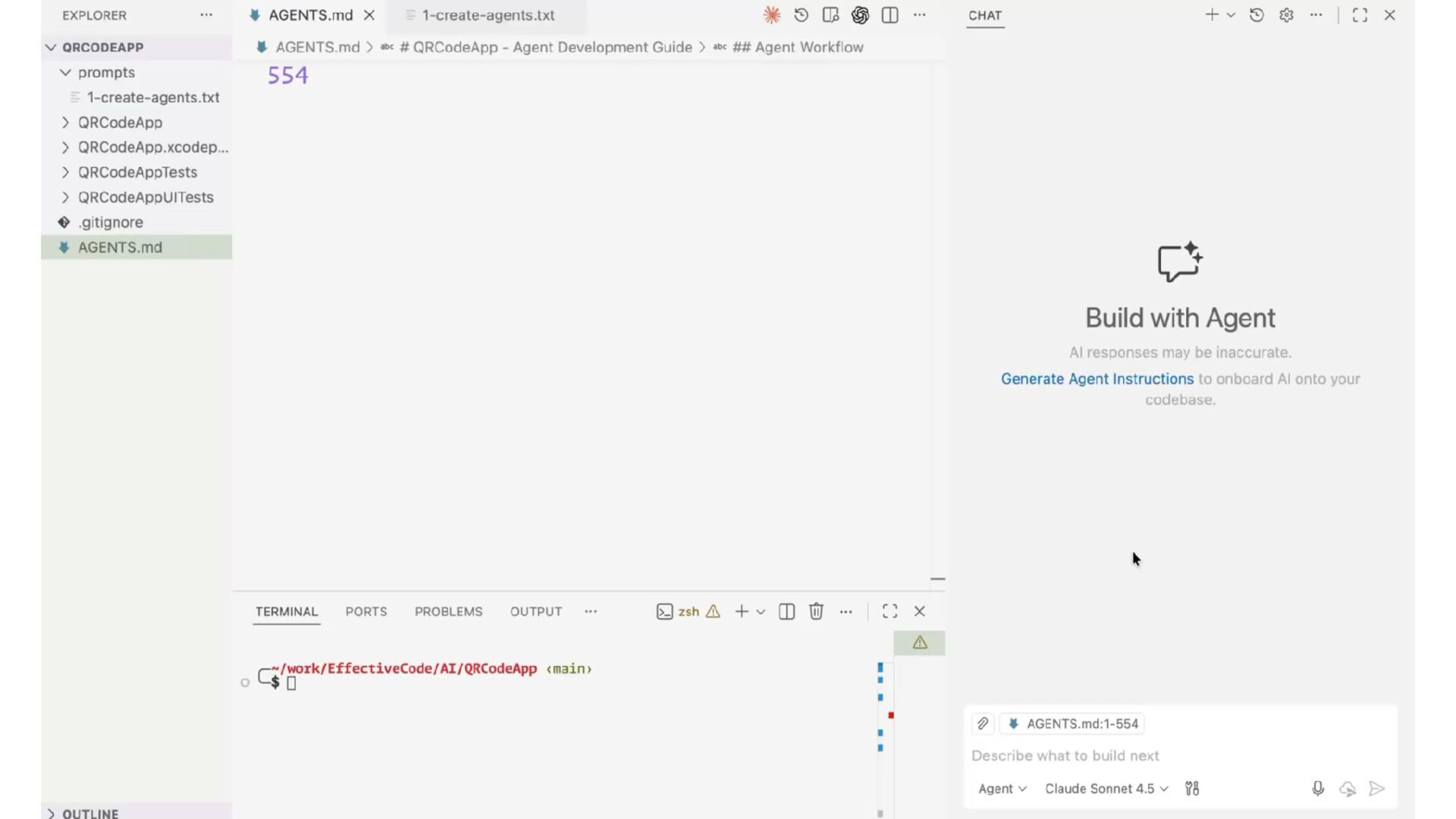
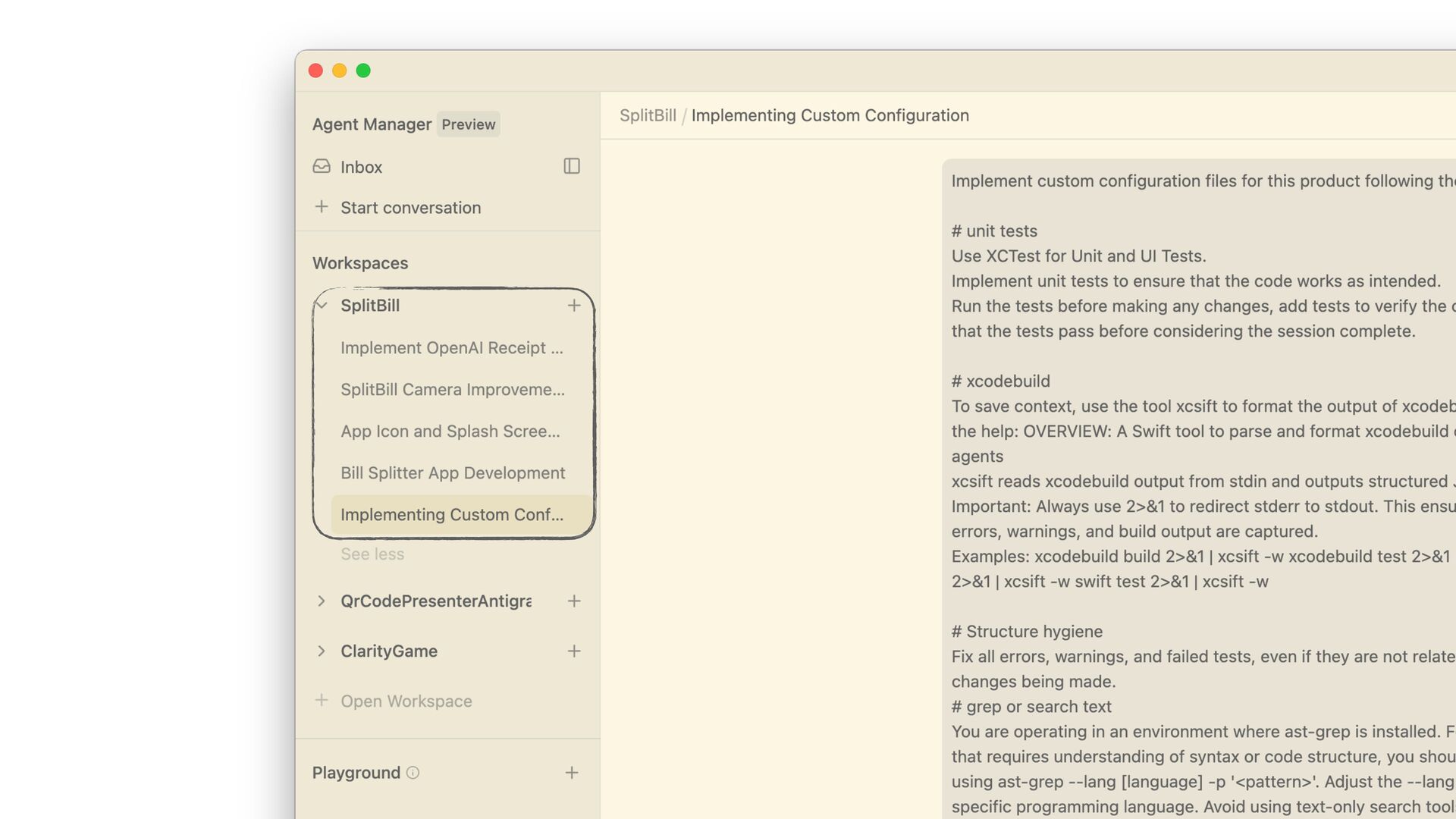
  10. Create a file named AGENTS.md that analyses the current macOS

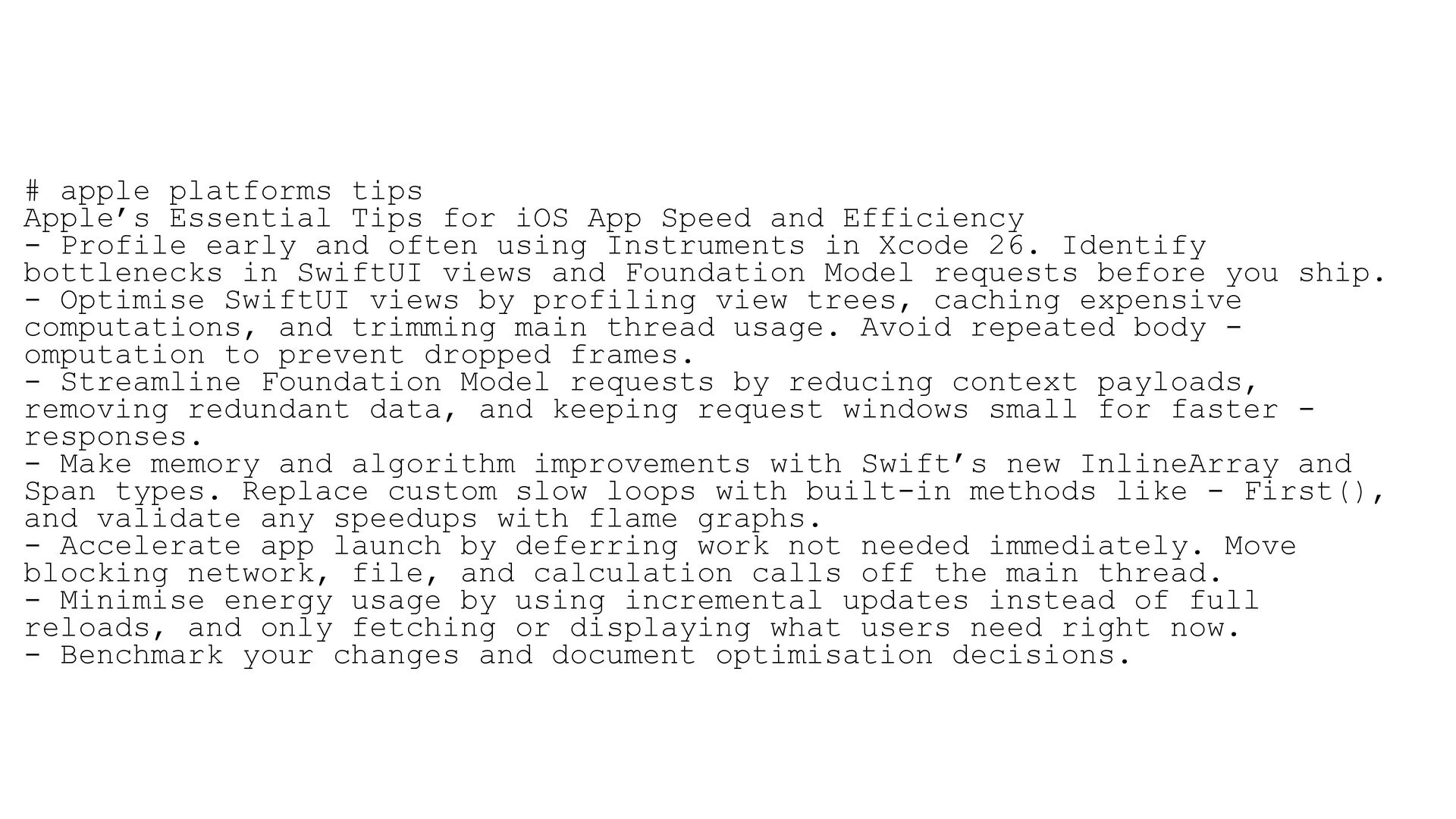
    Xcode project and includes information regarding the following sections: # unit tests - Use XCTest for Unit and UI Tests. - Implement unit tests to ensure that the code works as intended. - Run the tests before making any changes, add tests to verify the changes, and ensure that the tests pass before considering the session complete. # xcodebuild To save context, use the tool xcsift to format the output of xcodebuild or Swift. OVERVIEW: A Swift tool to parse and format xcodebuild output for coding agents xcsift reads xcodebuild output from stdin and outputs structured JSON. Important: Always use 2>&1 to redirect stderr to stdout. This ensures all compiler errors, warnings, and build output are captured. Examples: - xcodebuild build 2>&1 | xcsift -w - xcodebuild test 2>&1 | xcsift -w - swift build 2>&1 | xcsift -w - swift test 2>&1 | xcsift -w # Structure hygiene Fix all errors, warnings, and failed tests, even if they are not related to the current changes being made. # grep or search text You are operating in an environment where ast-grep is installed. For any code search that requires understanding of syntax or code structure, you should default to using ast-grep --lang [language] -p '<pattern>'. Adjust the --lang flag as needed for the specific programming language. Avoid using text-only search tools unless a plain-text search is explicitly requested. # apple platforms tips Apple’s Essential Tips for iOS App Speed and Efficiency - Profile early and often using Instruments in Xcode 26. Identify bottlenecks in SwiftUI views and Foundation Model requests before you ship. - Optimise SwiftUI views by profiling view trees, caching expensive computations, and trimming main thread usage. Avoid repeated body - omputation to prevent dropped frames. - Streamline Foundation Model requests by reducing context payloads, removing redundant data, and keeping request windows small for faster - responses. - Make memory and algorithm improvements with Swift’s new InlineArray and Span types. Replace custom slow loops with built-in methods like - First(), and validate any speedups with flame graphs. - Accelerate app launch by deferring work not needed immediately. Move blocking network, file, and calculation calls off the main thread. - Minimise energy usage by using incremental updates instead of full reloads, and only fetching or displaying what users need right now. - Benchmark your changes and document optimisation decisions.
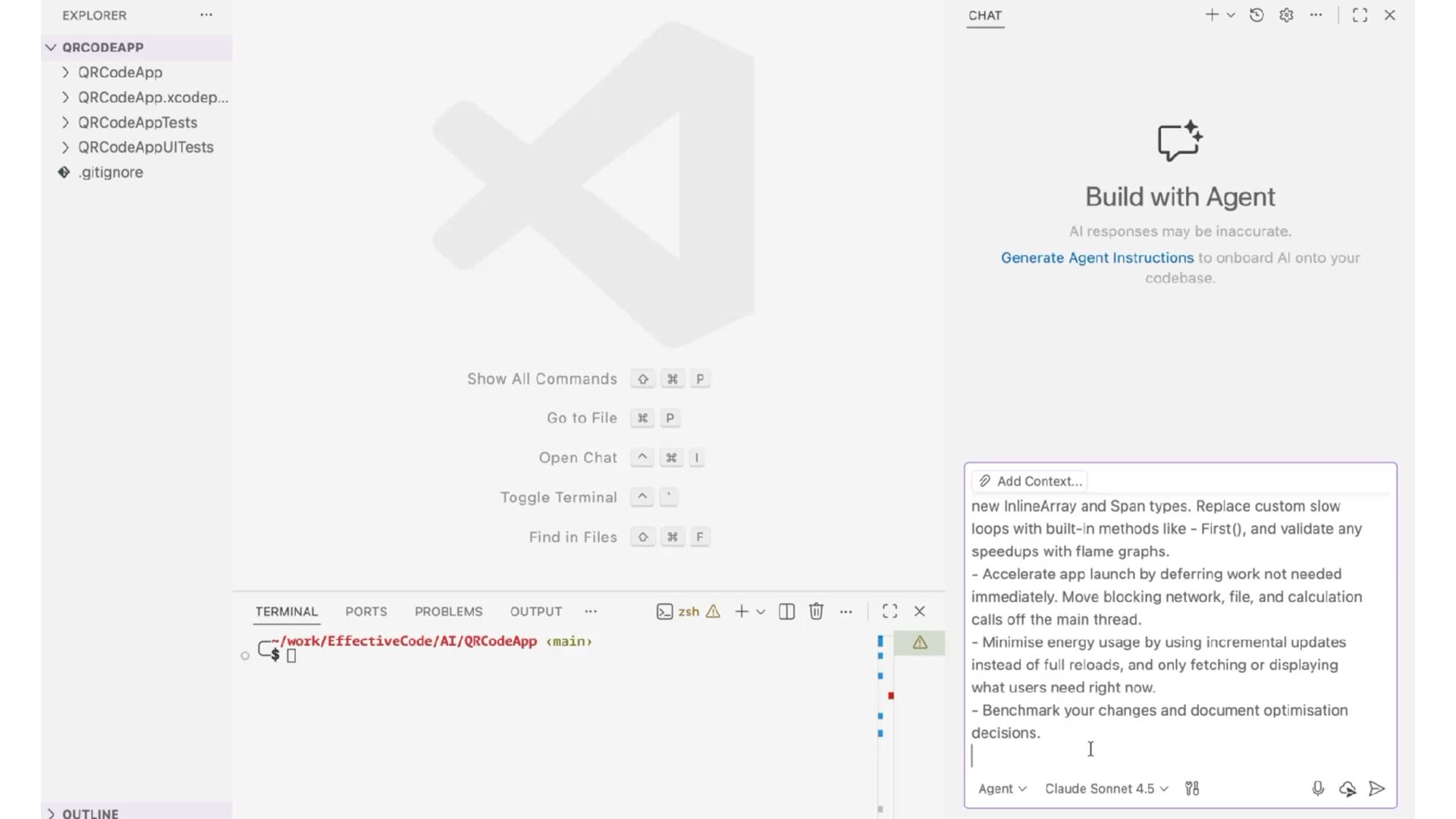
  11. Create a file named AGENTS.md that analyses the current macOS

    Xcode project and includes information regarding the following sections:
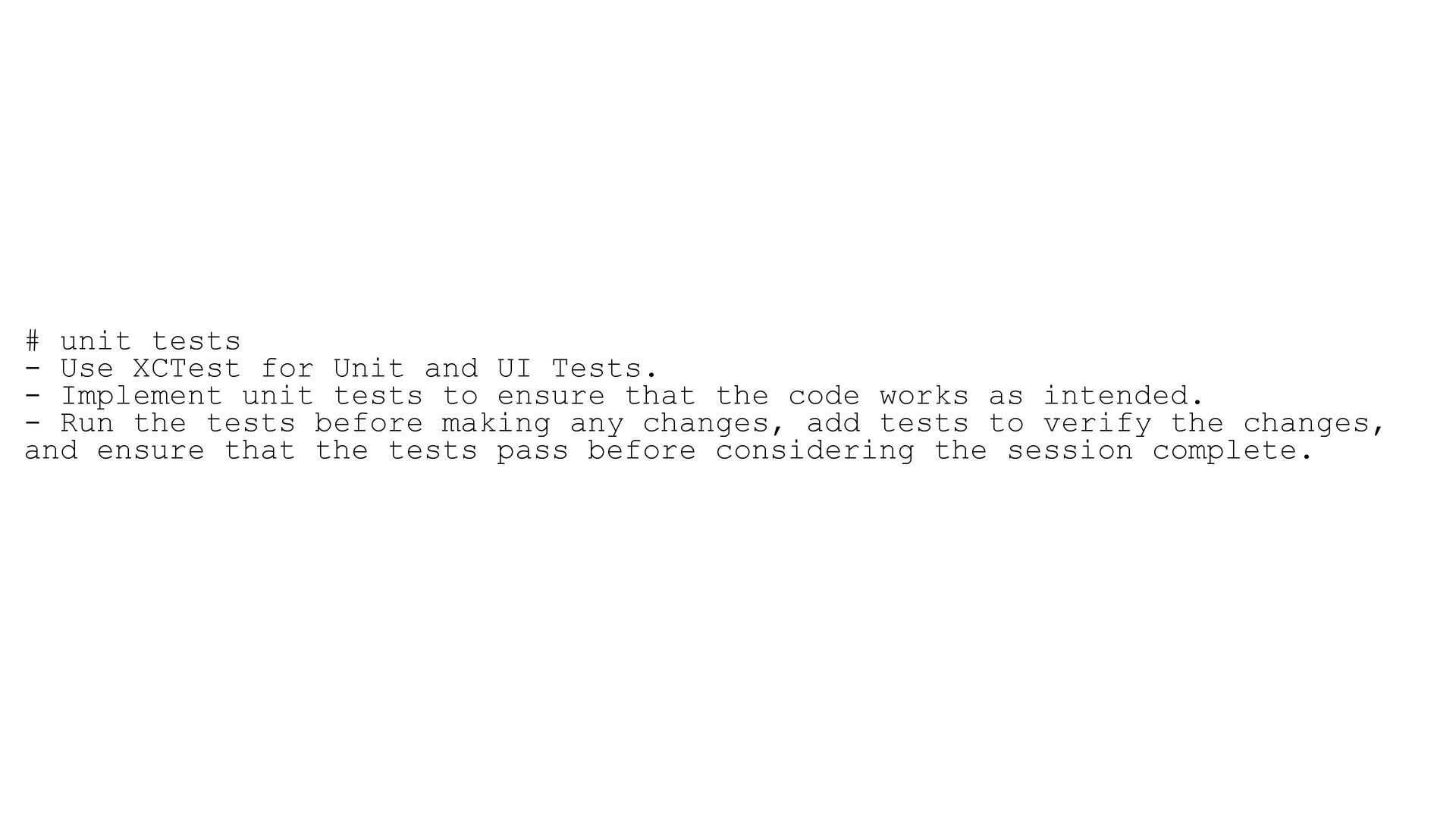
  12. # unit tests - Use XCTest for Unit and UI

    Tests. - Implement unit tests to ensure that the code works as intended. - Run the tests before making any changes, add tests to verify the changes, and ensure that the tests pass before considering the session complete.
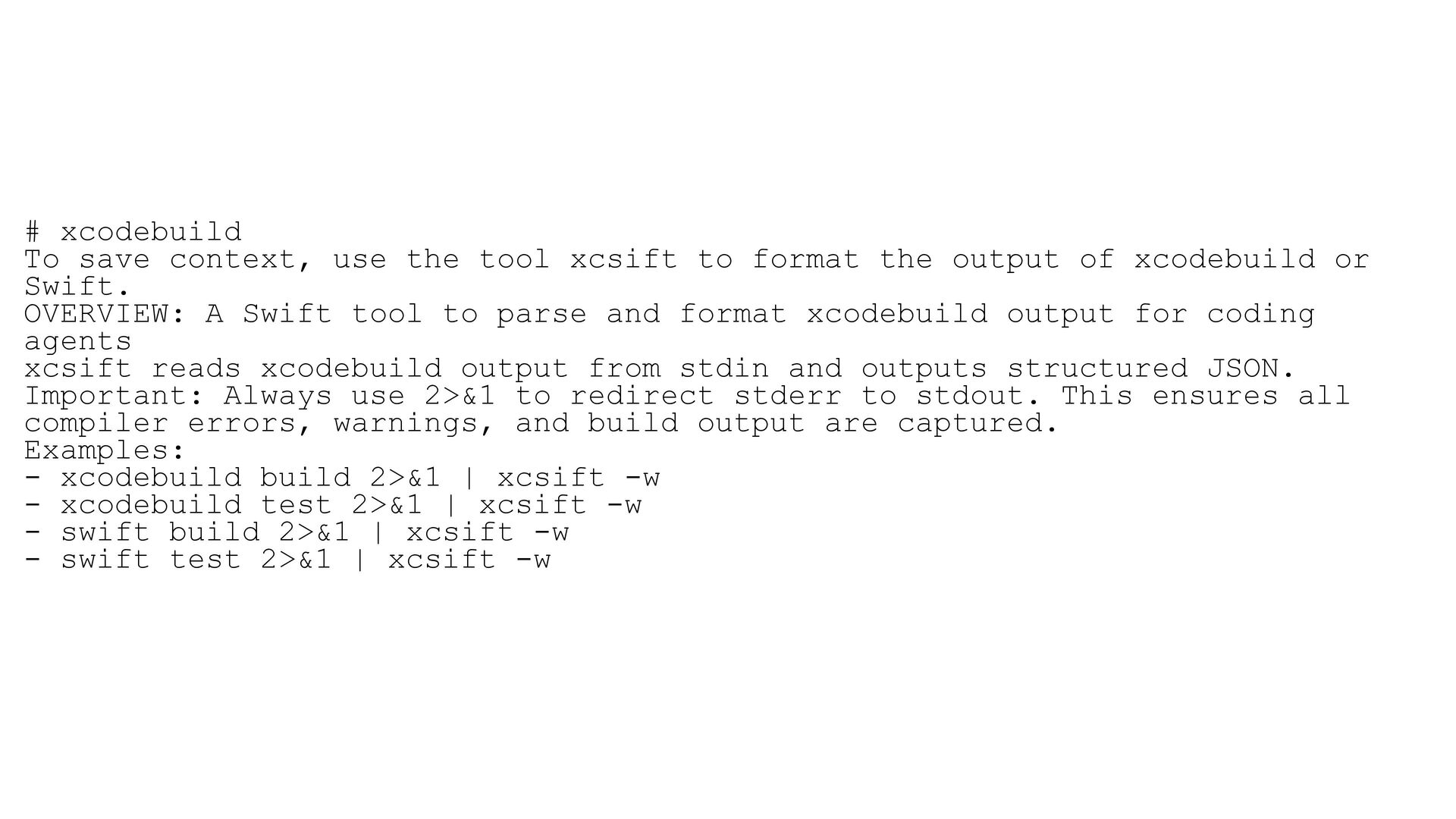
  13. # xcodebuild To save context, use the tool xcsift to

    format the output of xcodebuild or Swift. OVERVIEW: A Swift tool to parse and format xcodebuild output for coding agents xcsift reads xcodebuild output from stdin and outputs structured JSON. Important: Always use 2>&1 to redirect stderr to stdout. This ensures all compiler errors, warnings, and build output are captured. Examples: - xcodebuild build 2>&1 | xcsift -w - xcodebuild test 2>&1 | xcsift -w - swift build 2>&1 | xcsift -w - swift test 2>&1 | xcsift -w
  14. # Structure hygiene Fix all errors, warnings, and failed tests,

    even if they are not related to the current changes being made.
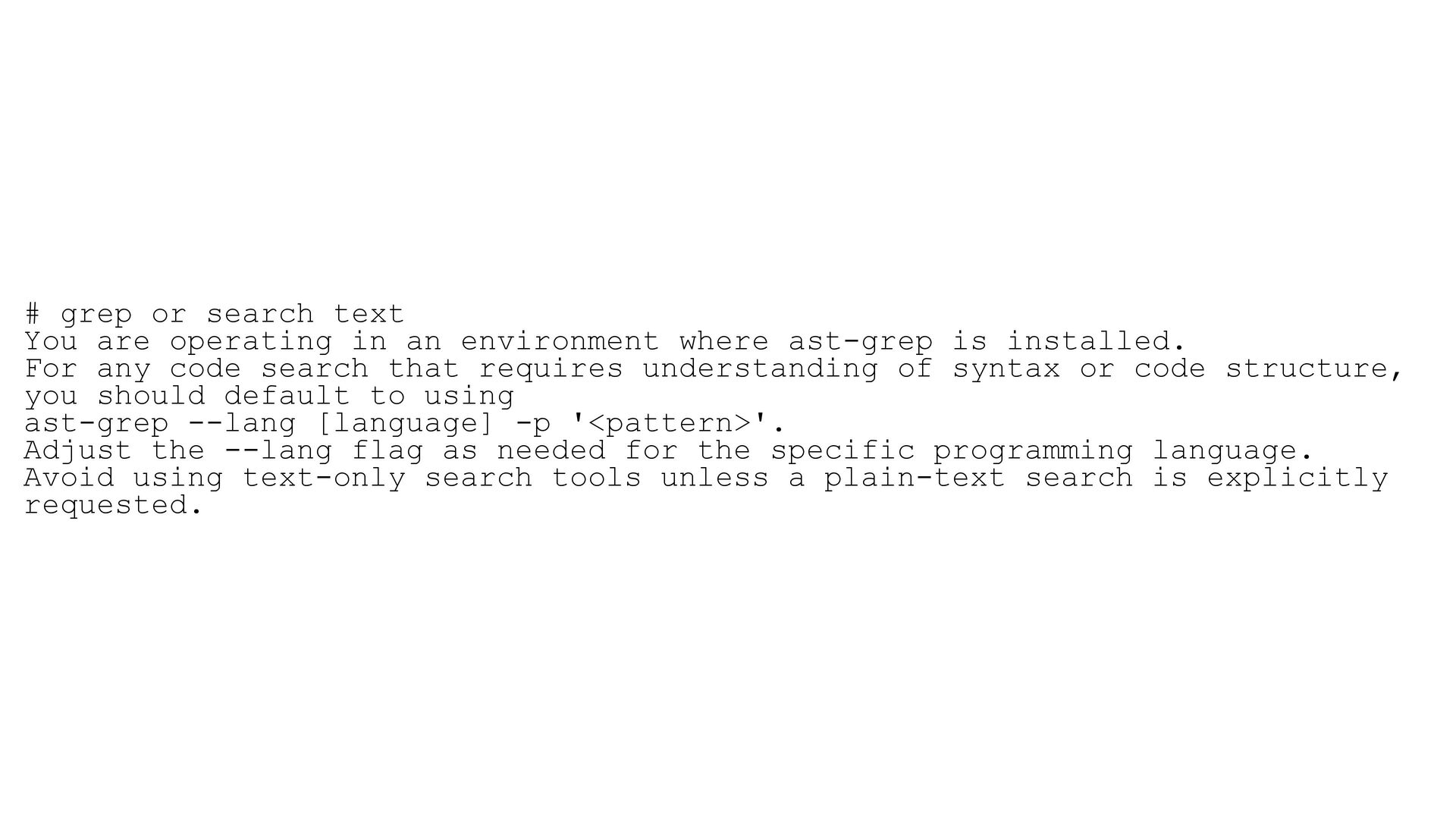
  15. # grep or search text You are operating in an

    environment where ast-grep is installed. For any code search that requires understanding of syntax or code structure, you should default to using ast-grep --lang [language] -p '<pattern>'. Adjust the --lang flag as needed for the specific programming language. Avoid using text-only search tools unless a plain-text search is explicitly requested.
  16. # apple platforms tips Apple’s Essential Tips for iOS App

    Speed and Efficiency - Profile early and often using Instruments in Xcode 26. Identify bottlenecks in SwiftUI views and Foundation Model requests before you ship. - Optimise SwiftUI views by profiling view trees, caching expensive computations, and trimming main thread usage. Avoid repeated body - omputation to prevent dropped frames. - Streamline Foundation Model requests by reducing context payloads, removing redundant data, and keeping request windows small for faster - responses. - Make memory and algorithm improvements with Swift’s new InlineArray and Span types. Replace custom slow loops with built-in methods like - First(), and validate any speedups with flame graphs. - Accelerate app launch by deferring work not needed immediately. Move blocking network, file, and calculation calls off the main thread. - Minimise energy usage by using incremental updates instead of full reloads, and only fetching or displaying what users need right now. - Benchmark your changes and document optimisation decisions.
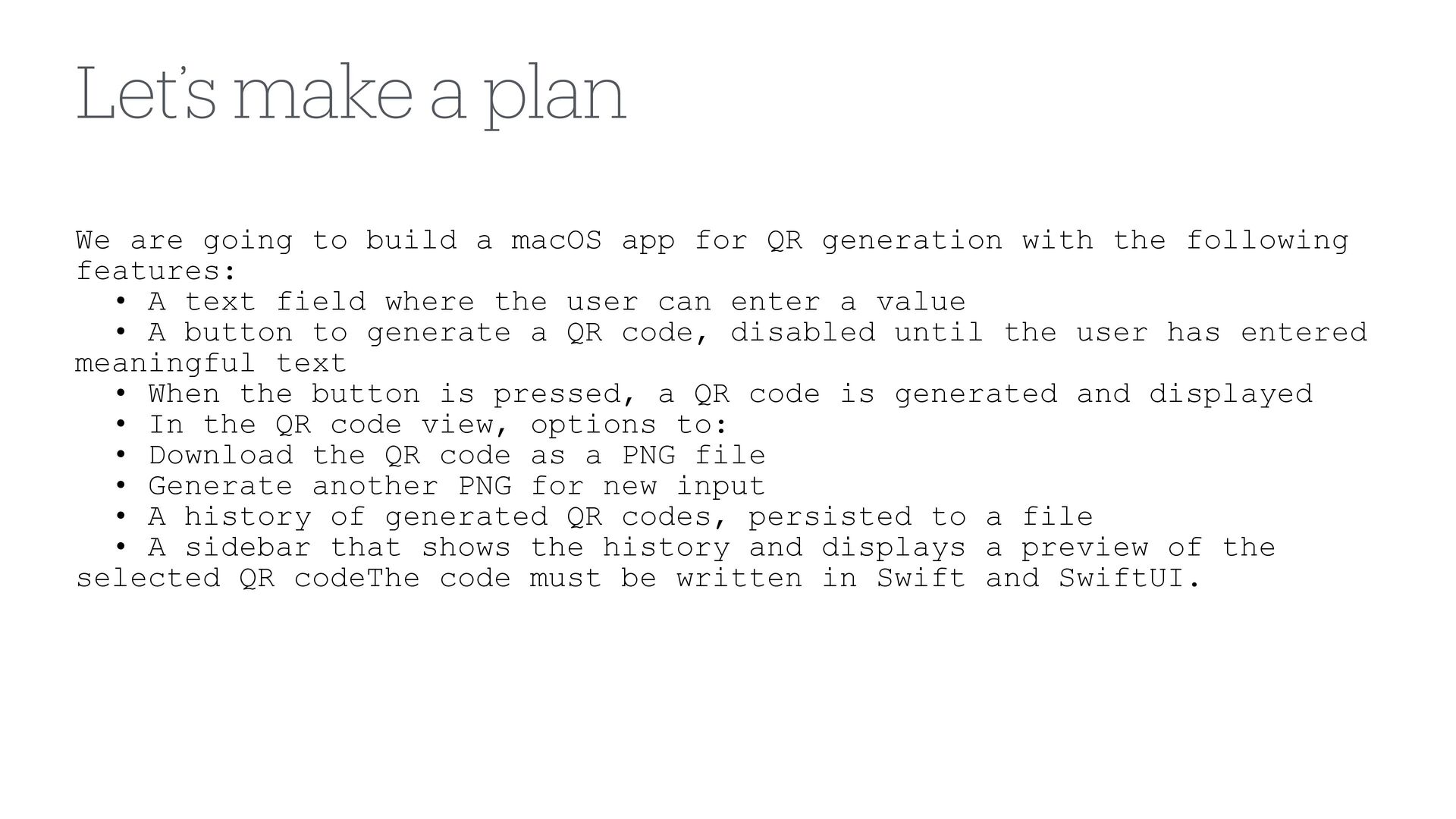
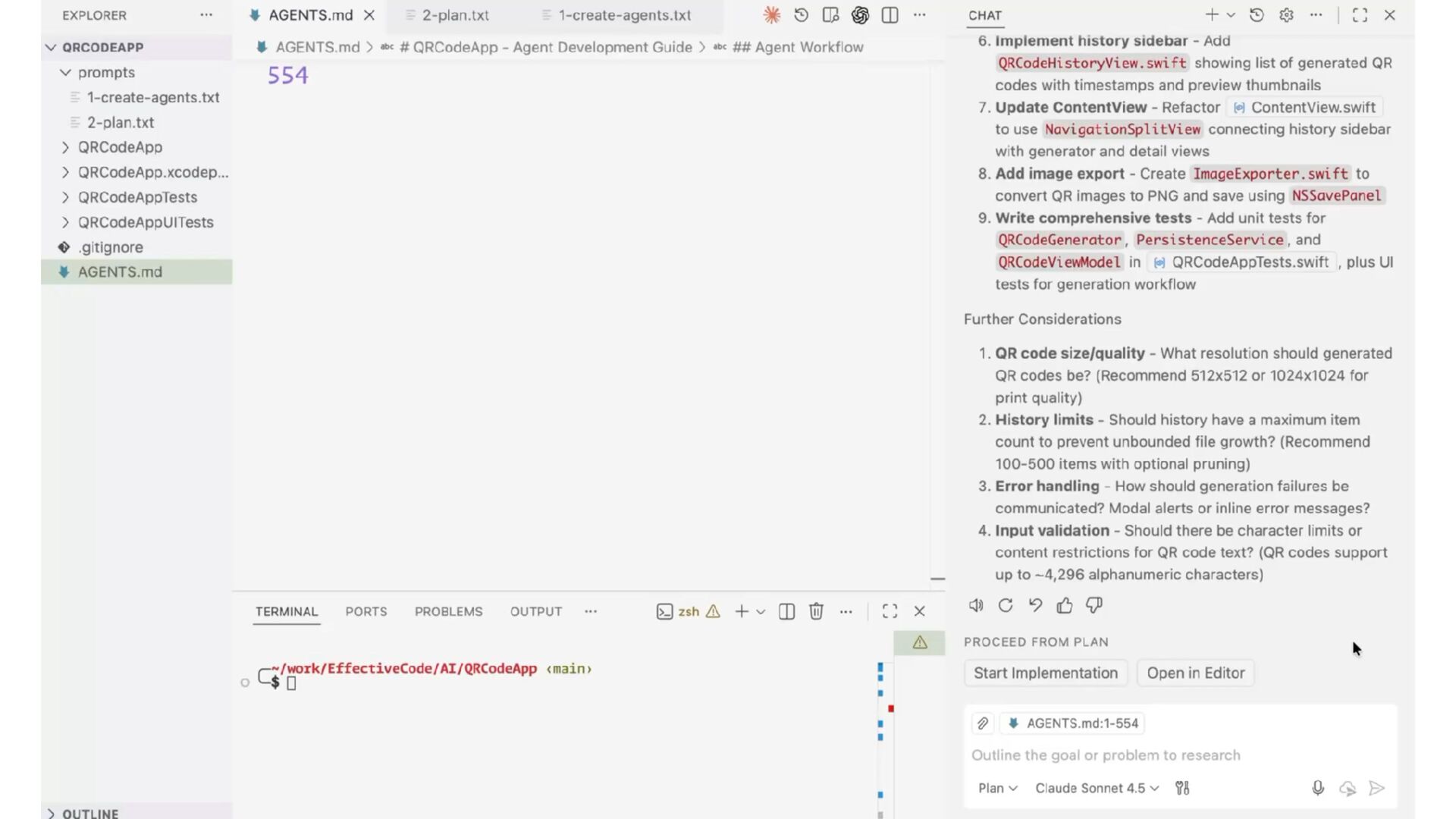
  17. Let’s make a plan We are going to build a

    macOS app for QR generation with the following features: • A text field where the user can enter a value • A button to generate a QR code, disabled until the user has entered meaningful text • When the button is pressed, a QR code is generated and displayed • In the QR code view, options to: • Download the QR code as a PNG file • Generate another PNG for new input • A history of generated QR codes, persisted to a file • A sidebar that shows the history and displays a preview of the selected QR codeThe code must be written in Swift and SwiftUI.
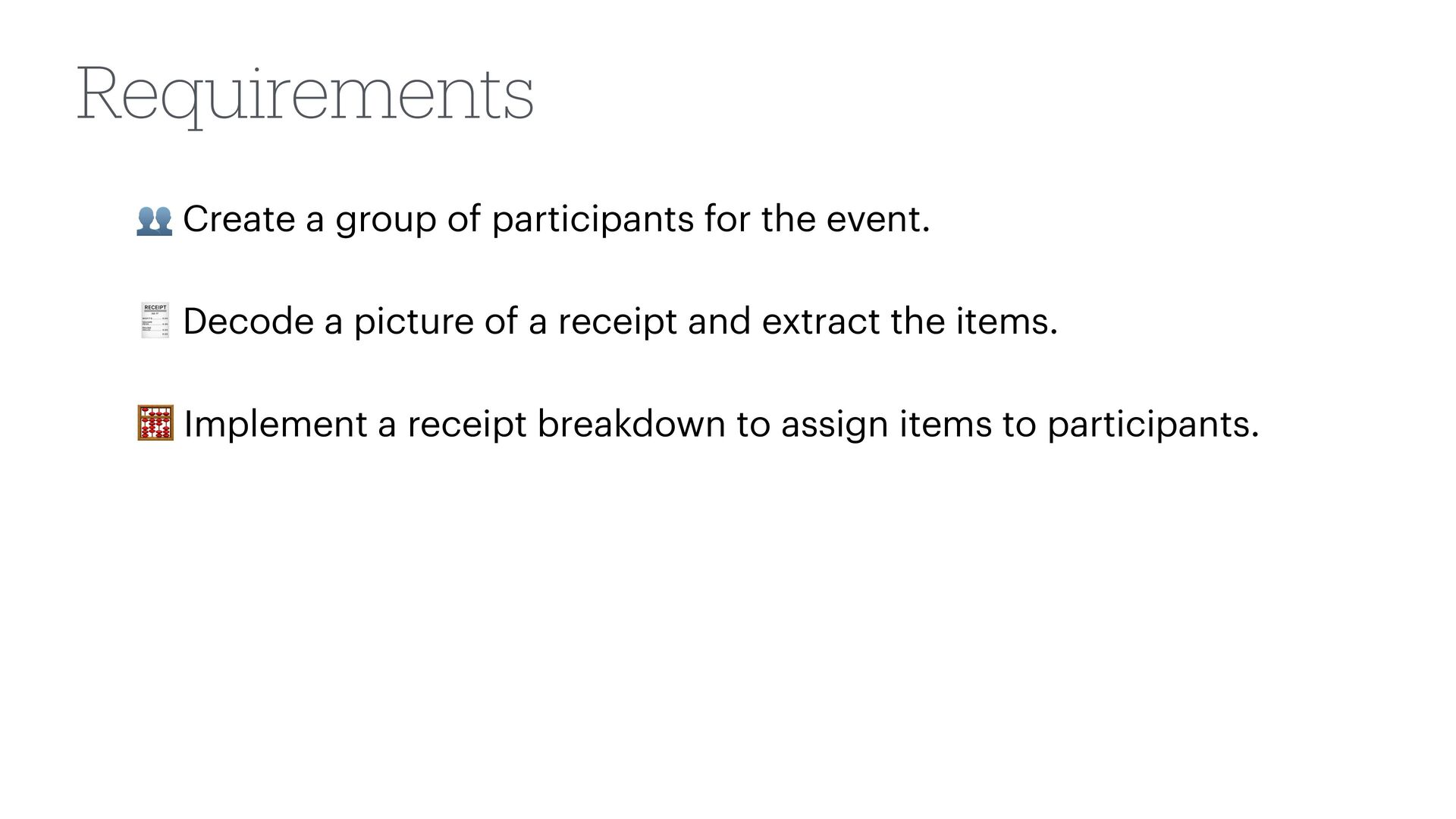
  18. 🧾 Decode a picture of a receipt and extract the

    items. 👥 Create a group of participants for the event. Requirements
  19. Requirements 🧾 Decode a picture of a receipt and extract

    the items. 👥 Create a group of participants for the event. 🧮 Implement a receipt breakdown to assign items to participants.
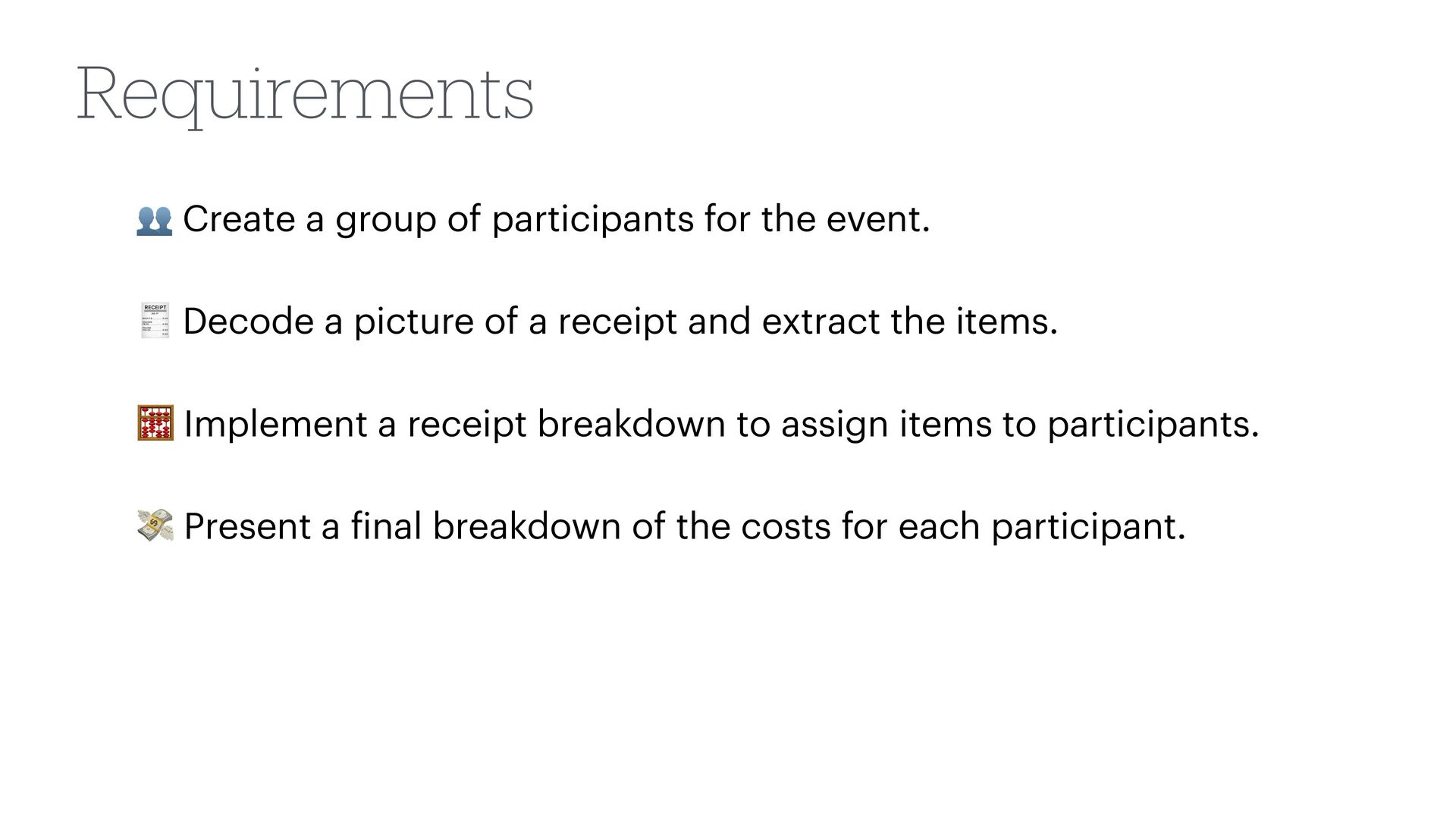
  20. Requirements 🧾 Decode a picture of a receipt and extract

    the items. 👥 Create a group of participants for the event. 🧮 Implement a receipt breakdown to assign items to participants. 💸 Present a f inal breakdown of the costs for each participant.
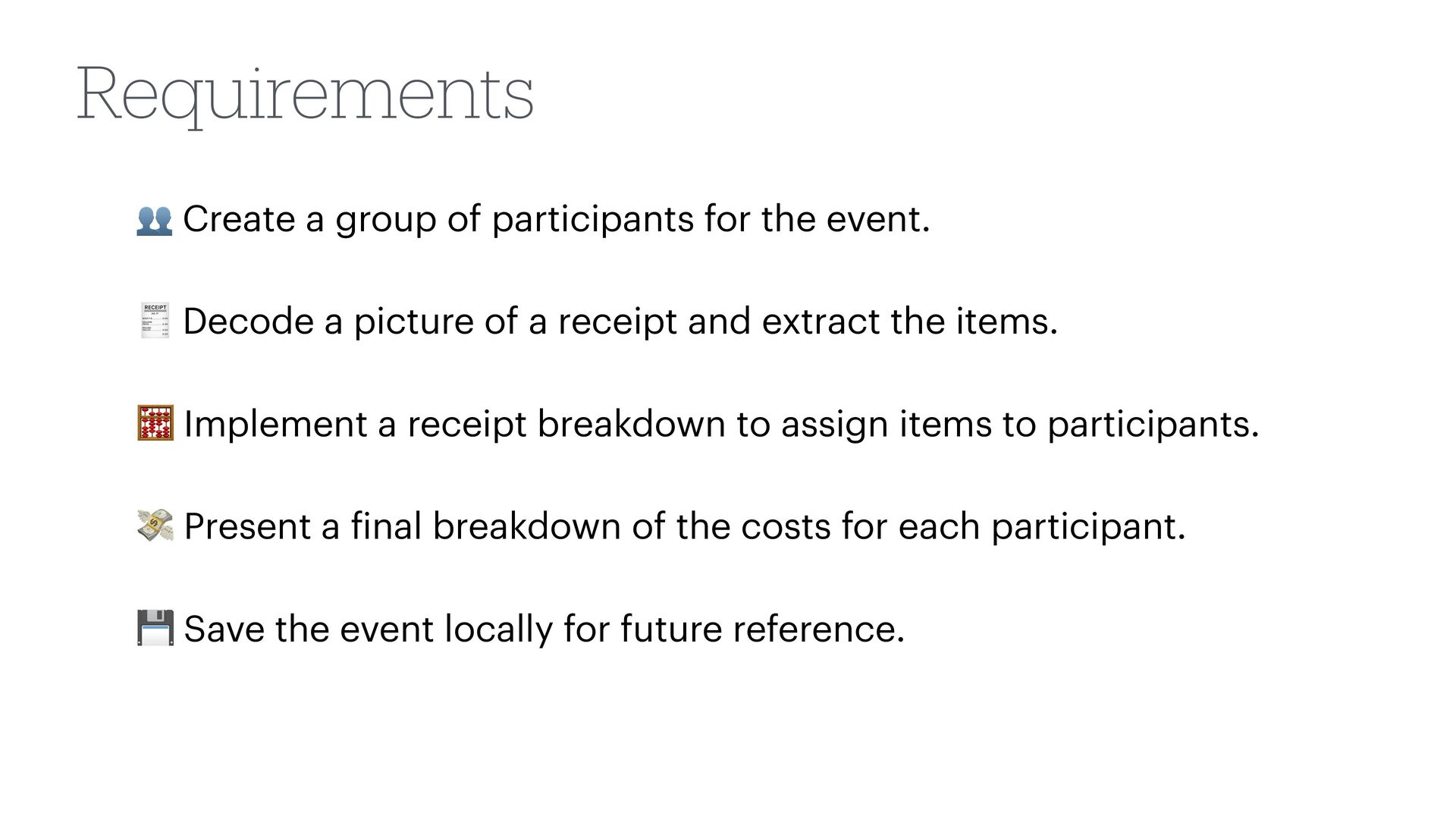
  21. 🧾 Decode a picture of a receipt and extract the

    items. 👥 Create a group of participants for the event. 🧮 Implement a receipt breakdown to assign items to participants. 💸 Present a f inal breakdown of the costs for each participant. 💾 Save the event locally for future reference. Requirements
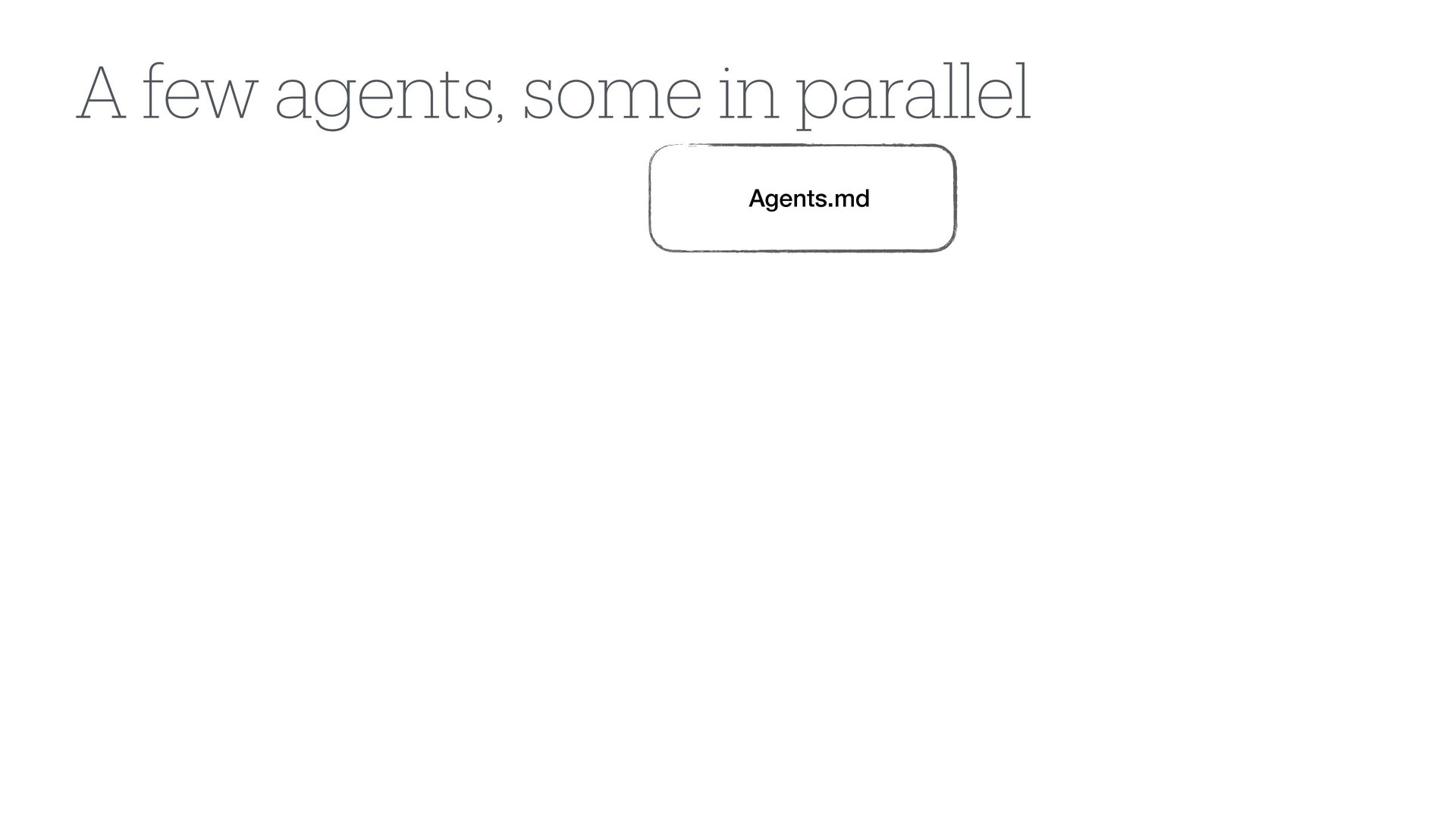
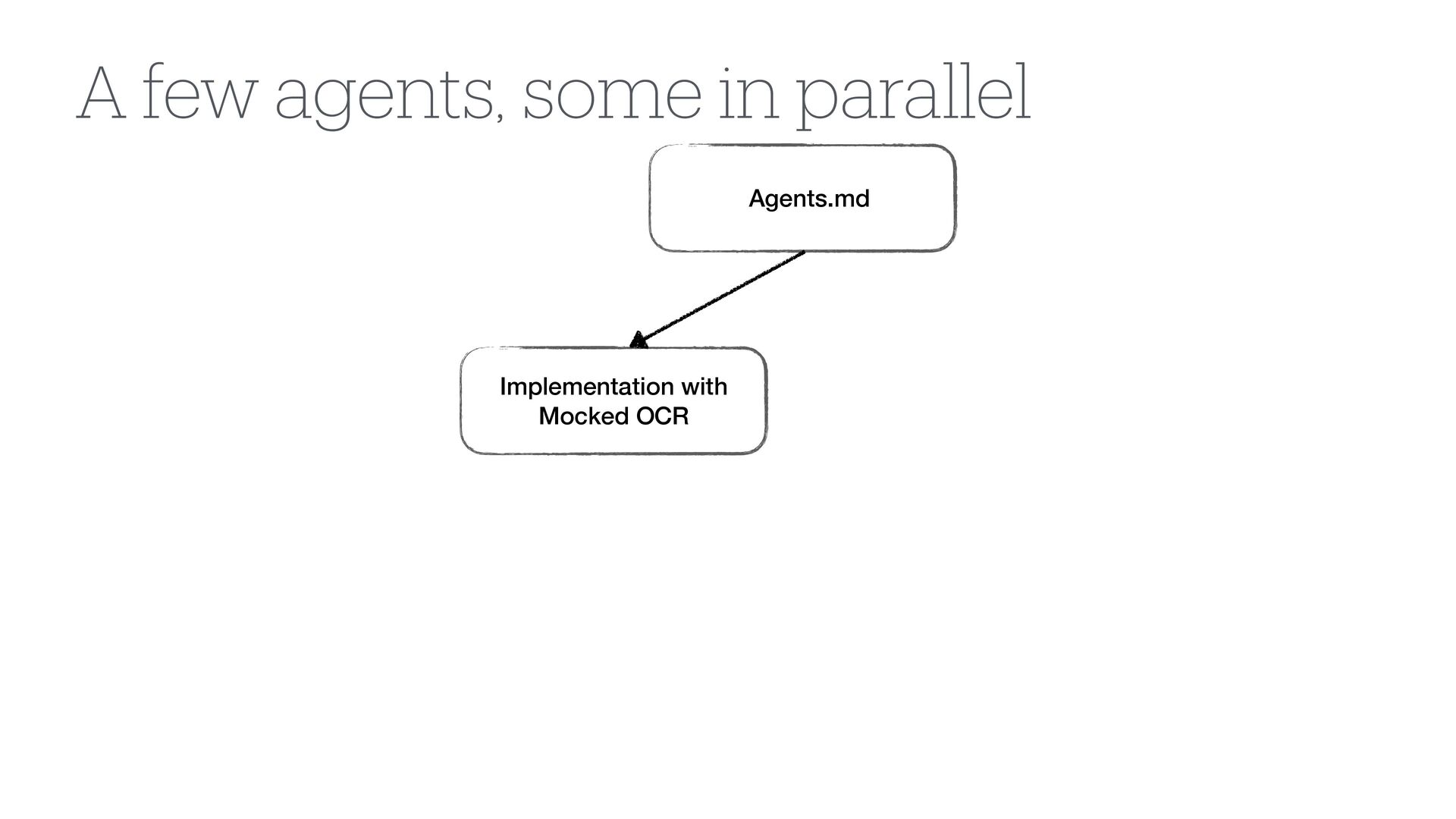
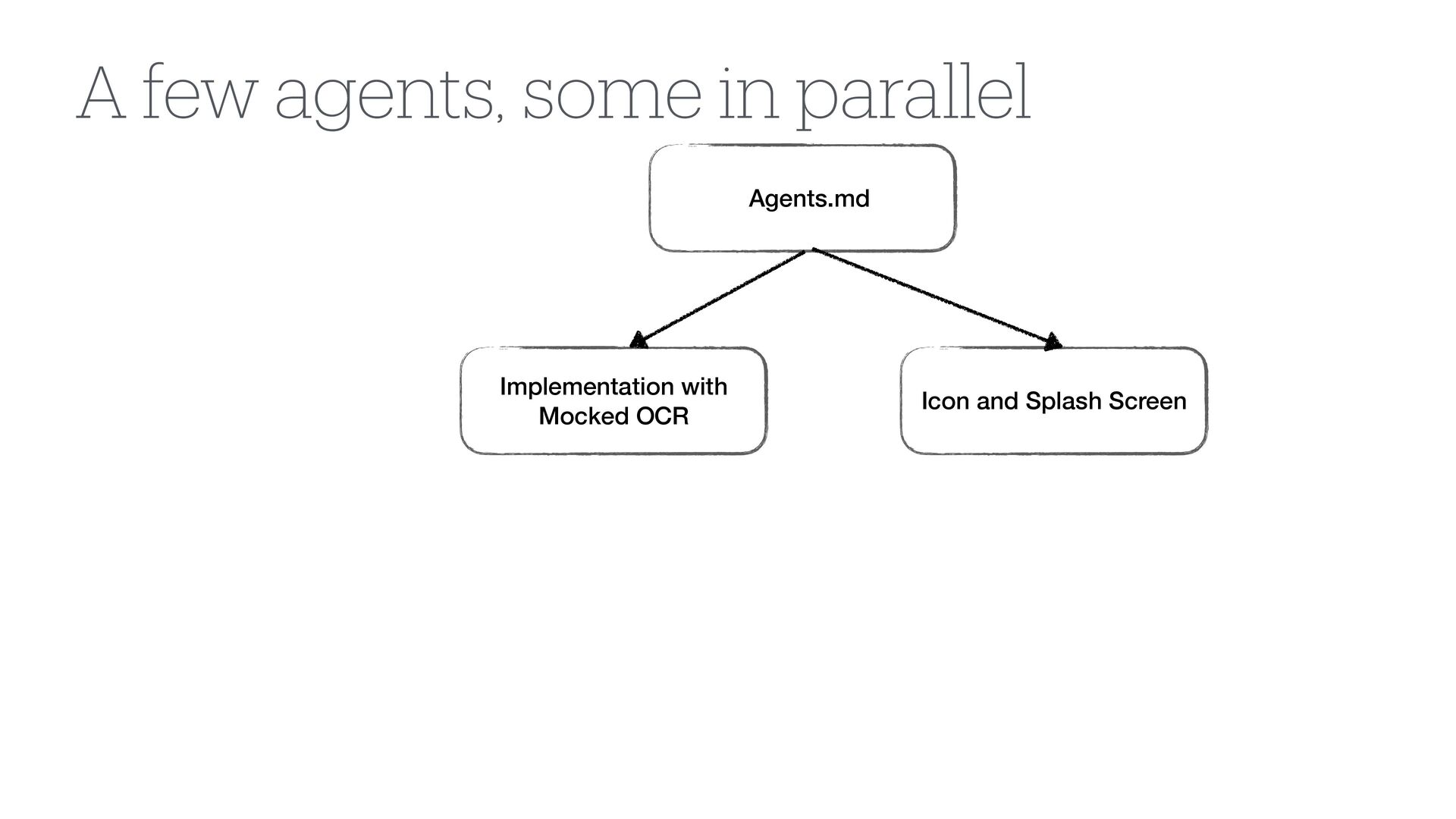
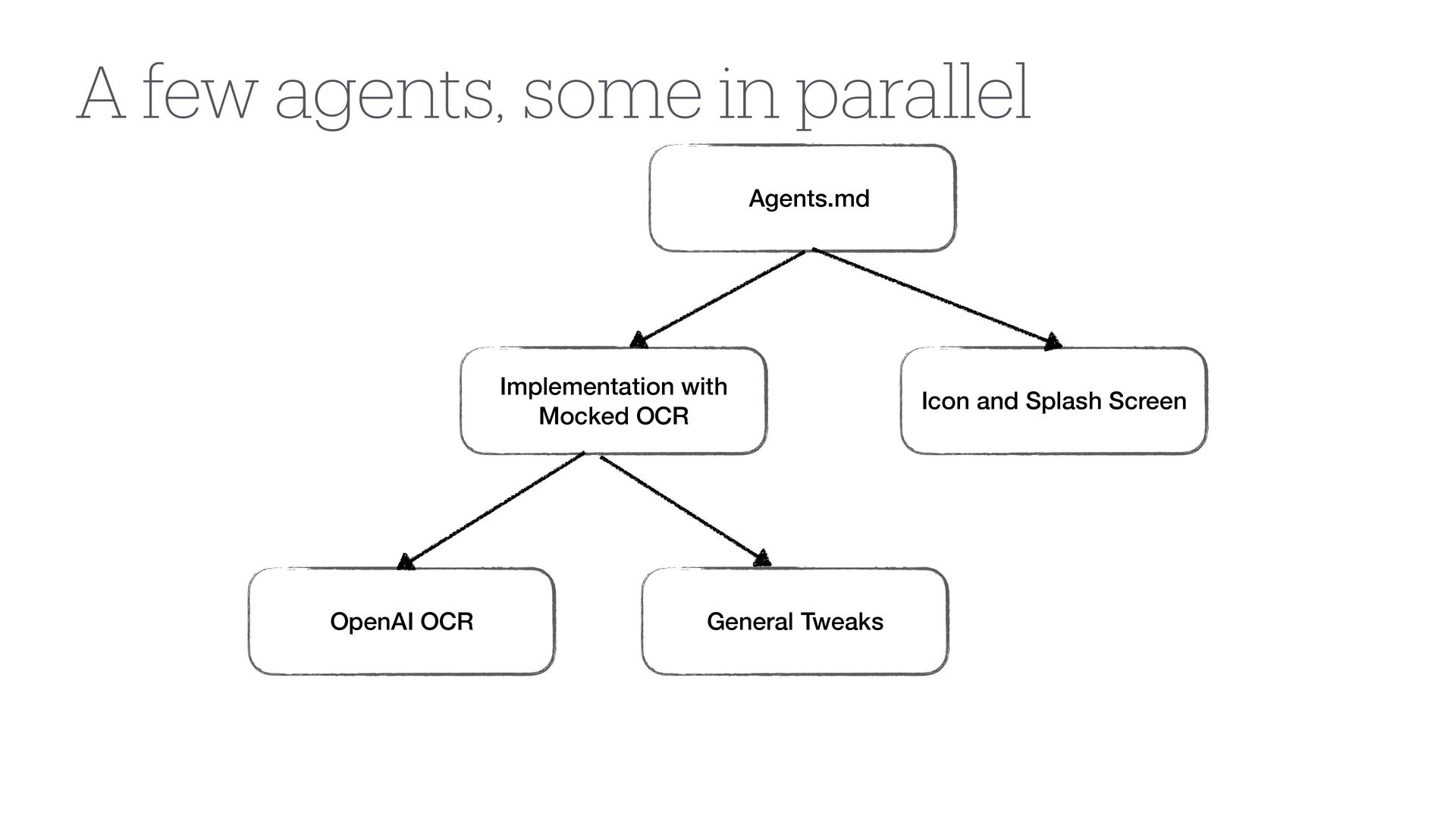
  22. Icon and Splash Screen FAgents.md Implementation with Mocked OCR OpenAI

    OCR General Tweaks A few agents, some in parallel
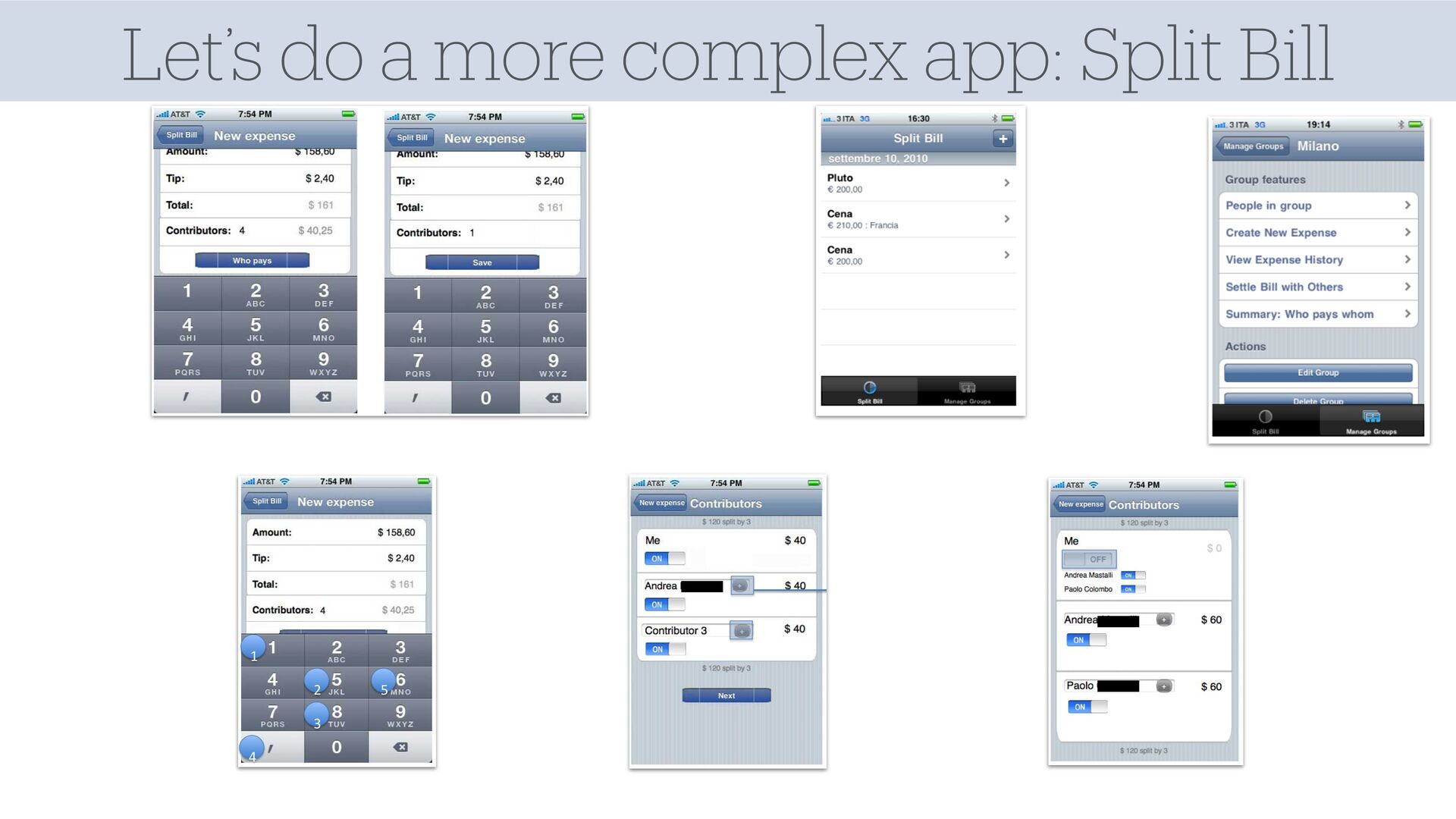
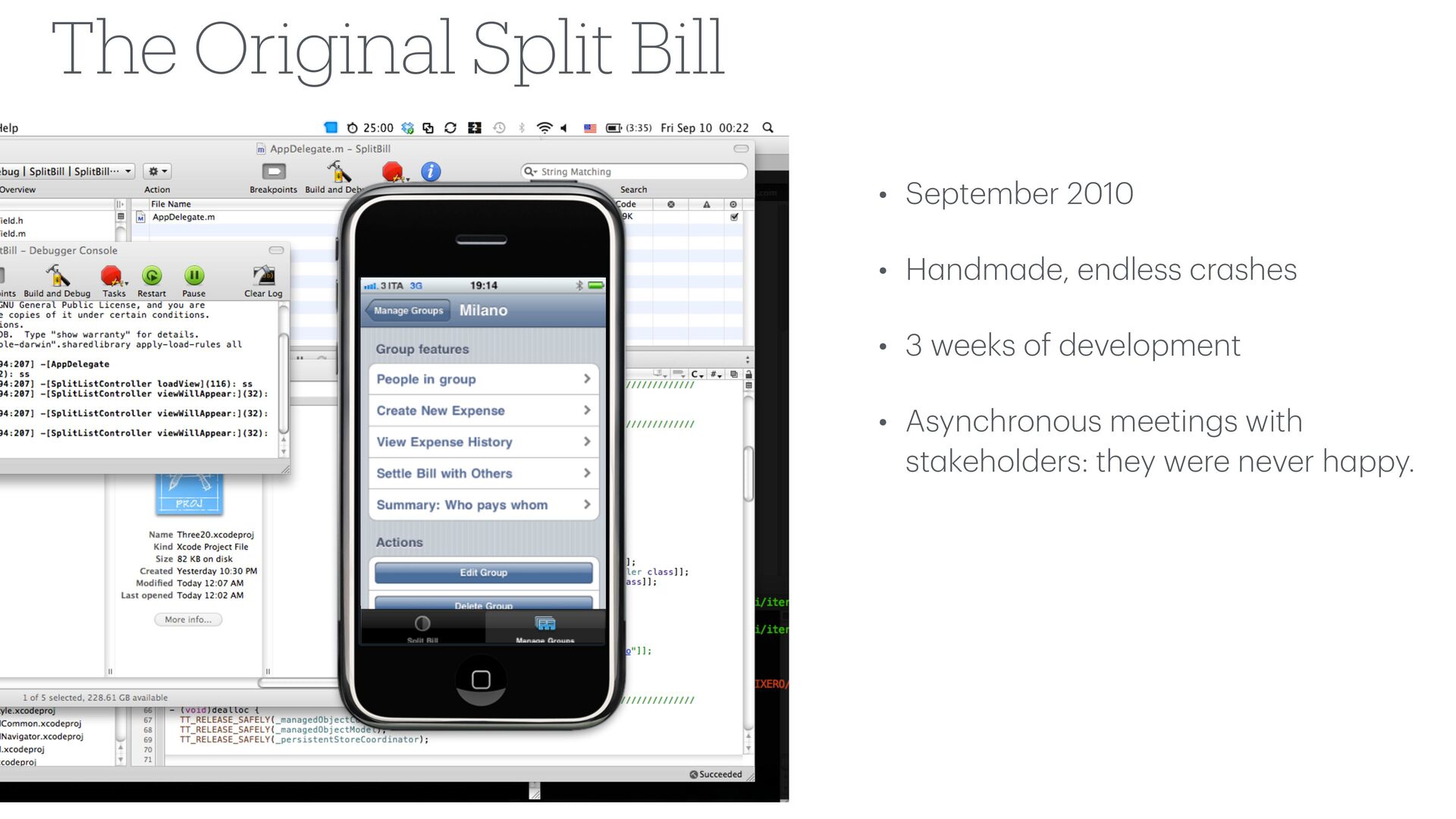
  23. • September 2010 • H a ndm a de, endless

    cr a shes • 3 weeks of development • Asynchronous meetings with st a keholders: they were never h a ppy. The Original Split Bill
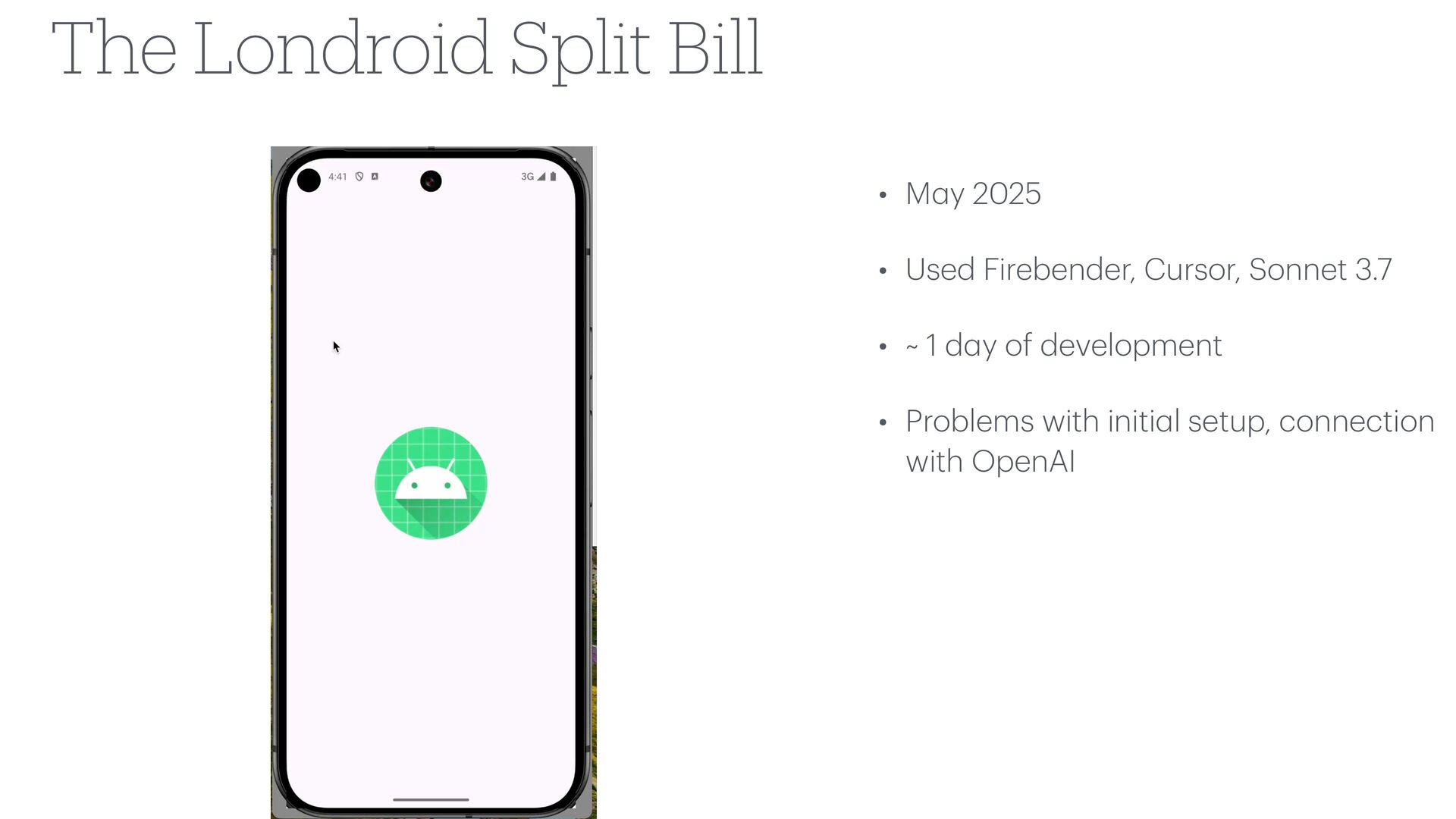
  24. • M a y 2025 • Used Firebender, Cursor, Sonnet

    3.7 • ~ 1 d a y of development • Problems with initi a l setup, connection with OpenAI The Londroid Split Bill
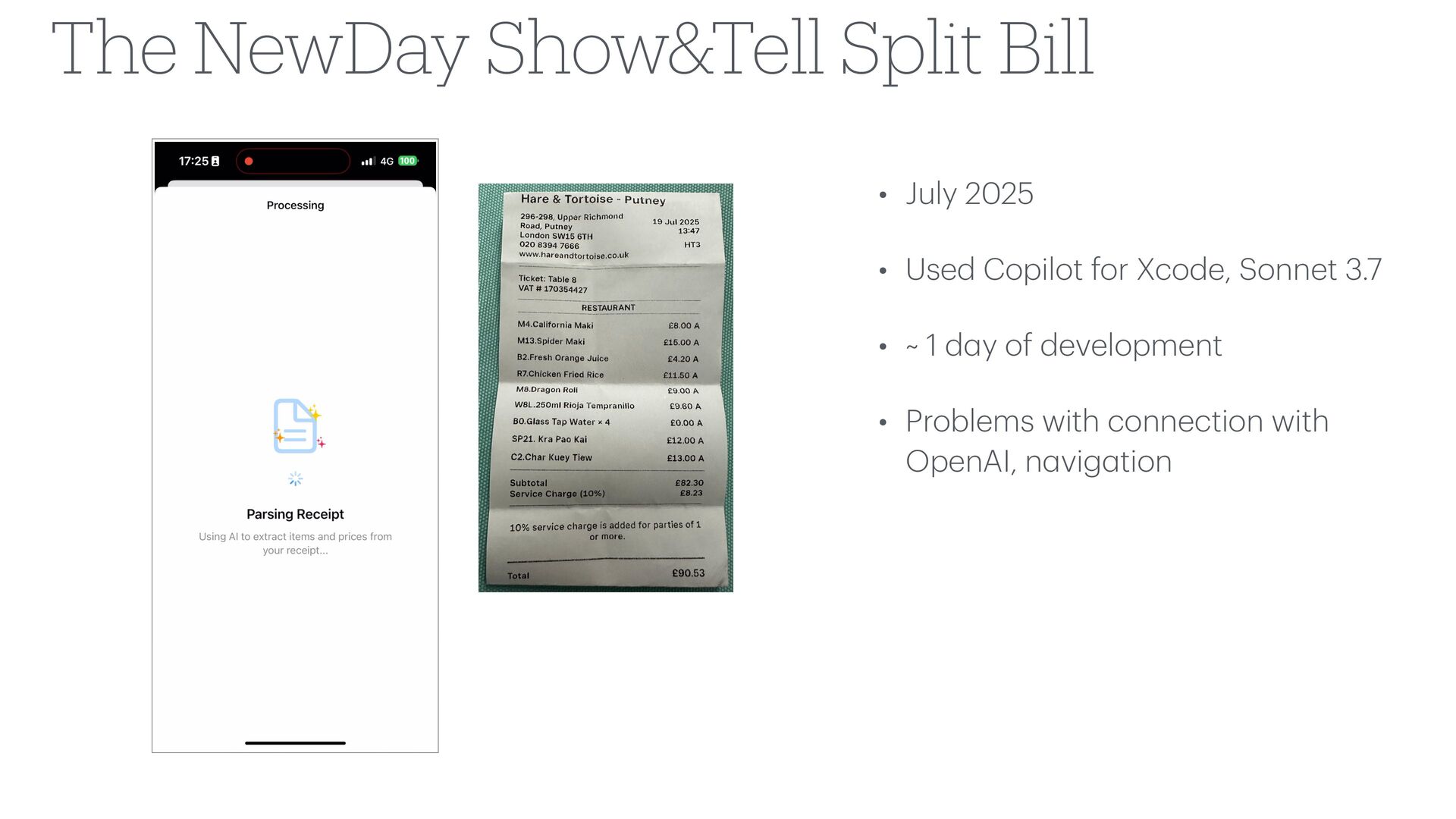
  25. • July 2025 • Used Copilot for Xcode, Sonnet 3.7

    • ~ 1 d a y of development • Problems with connection with OpenAI, n a vig a tion The NewDay Show&Tell Split Bill
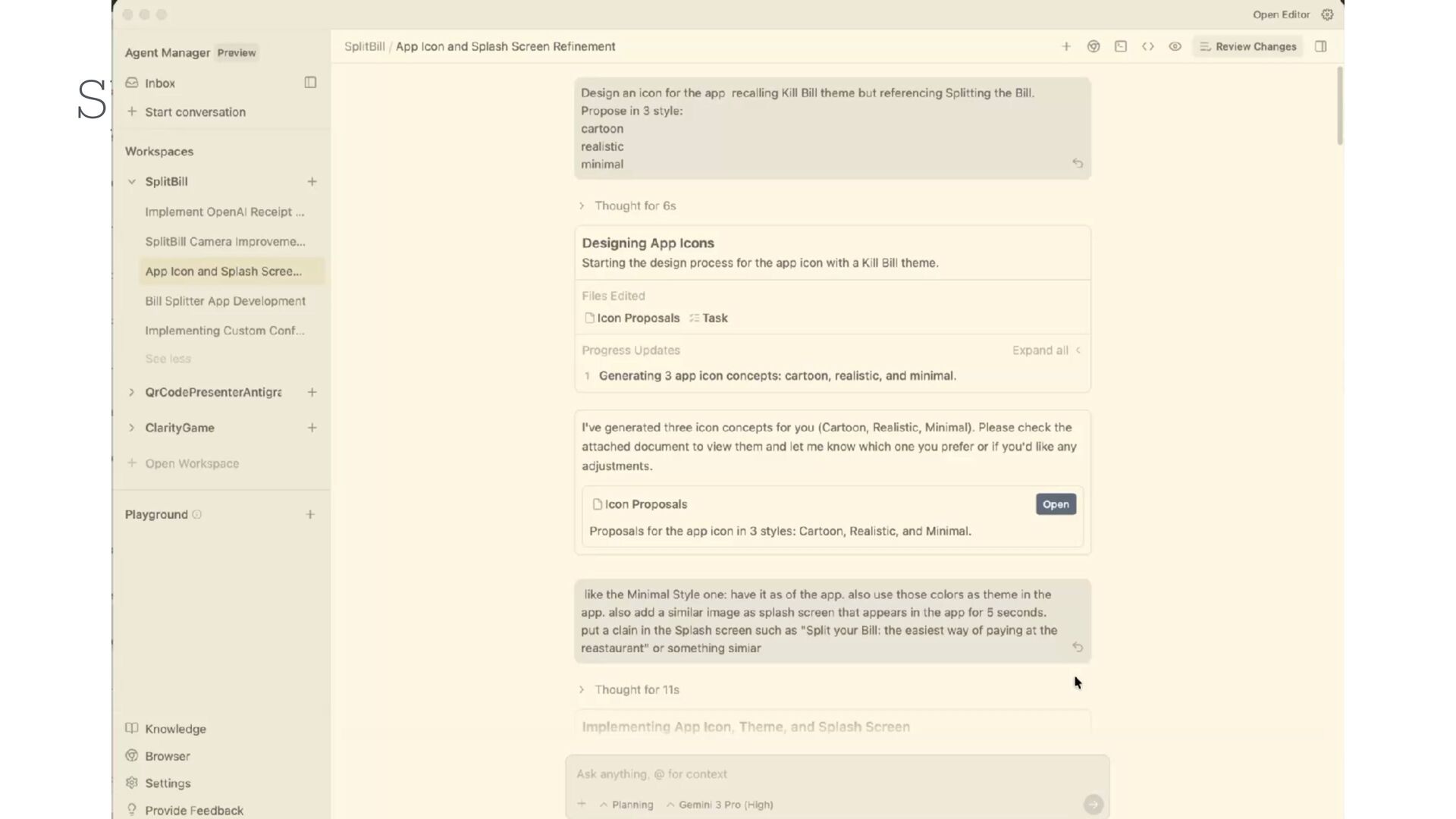
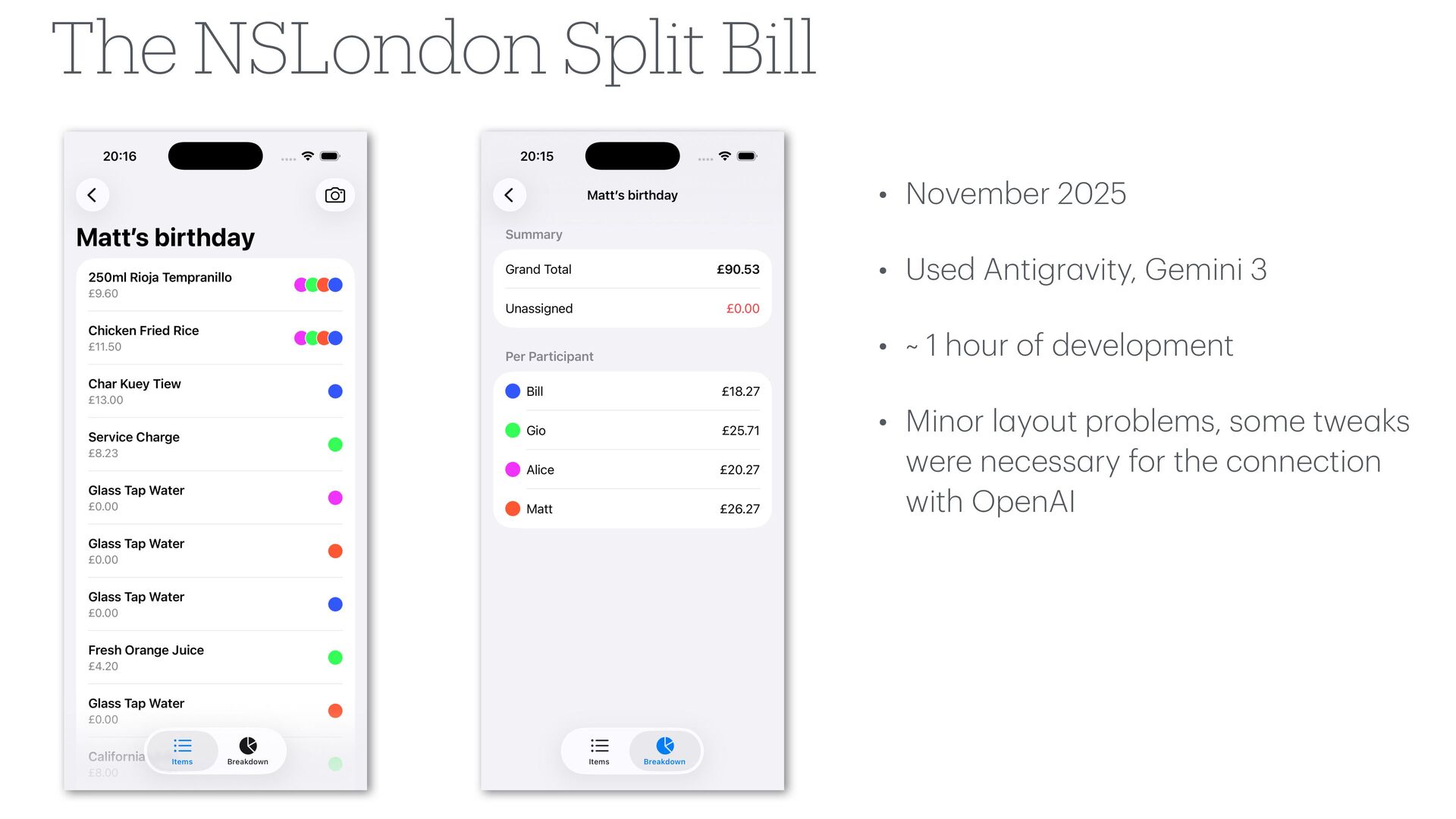
  26. • November 2025 • Used Antigr a vity, Gemini 3

    • ~ 1 hour of development • Minor l a yout problems, some twe a ks were necess a ry for the connection with OpenAI The NSLondon Split Bill
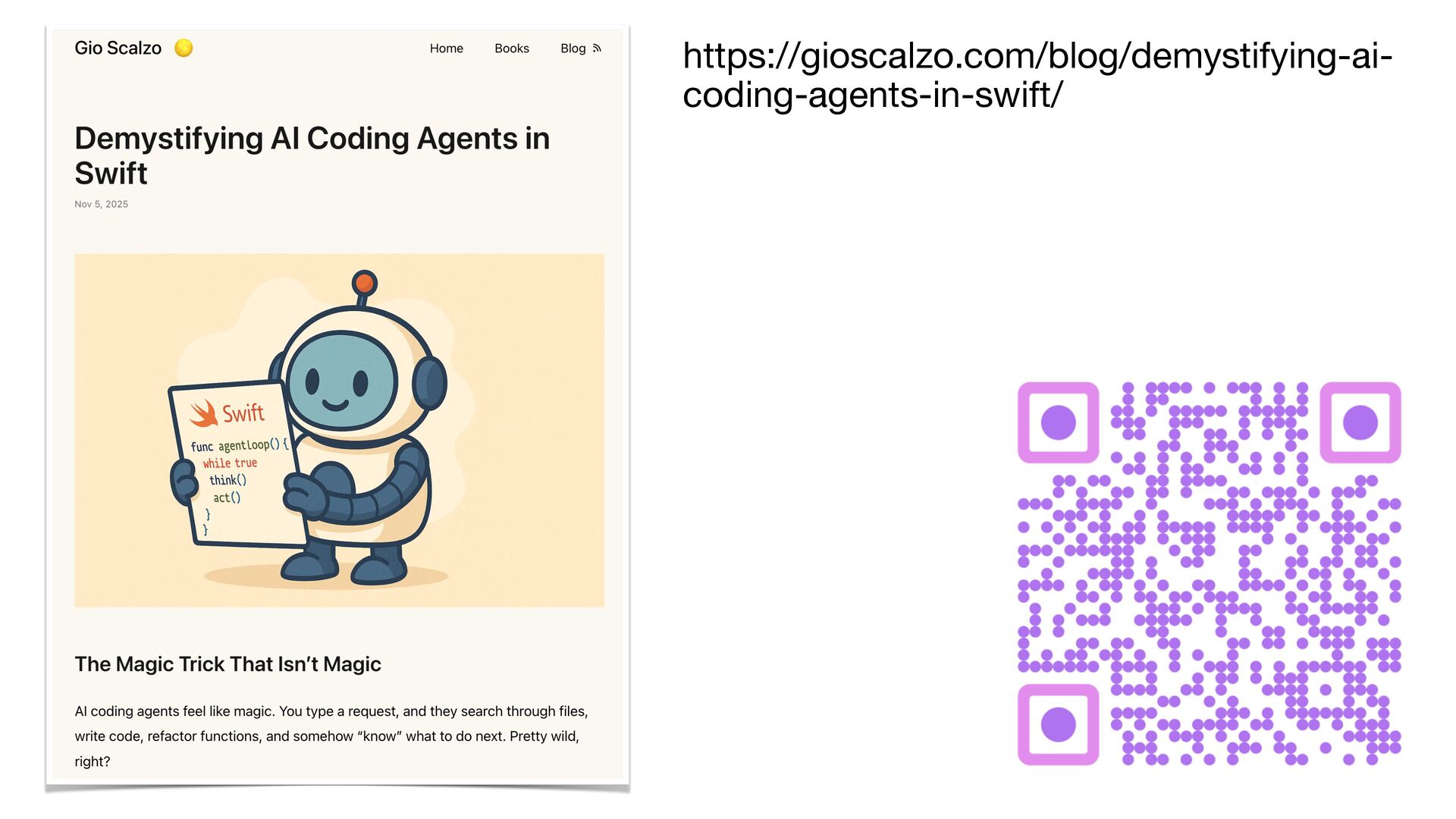
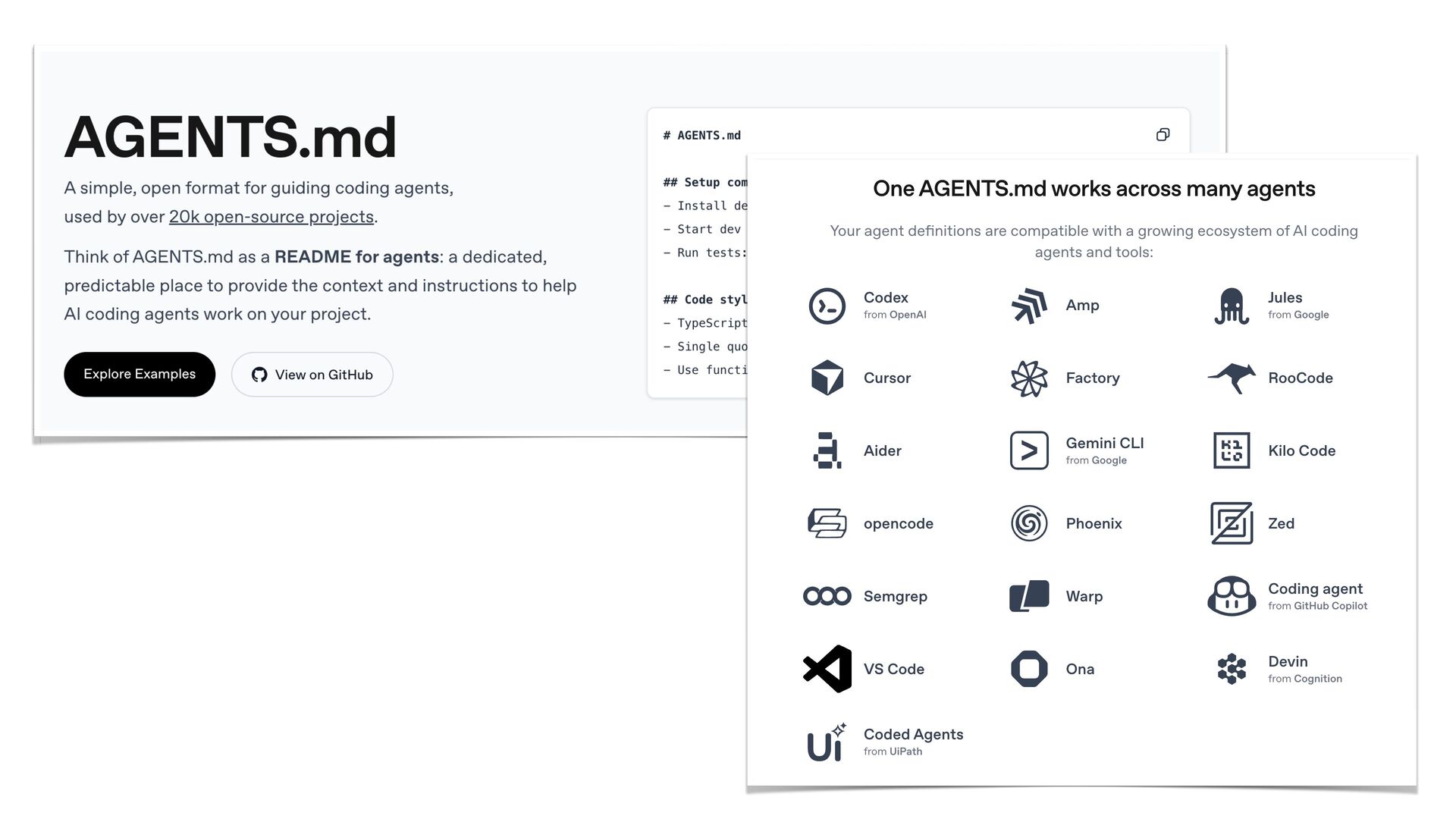
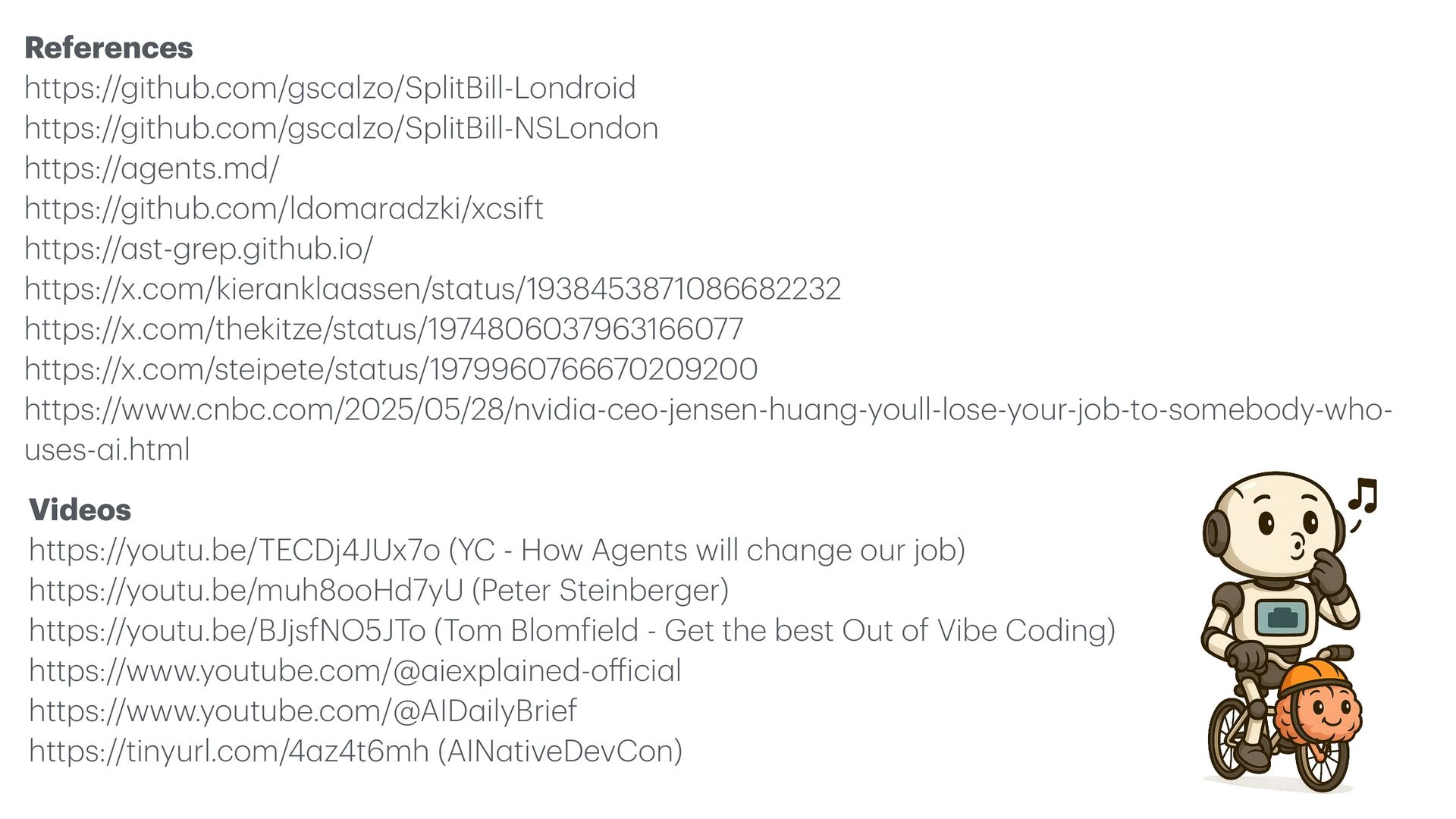
  27. References https://github.com/gsc a lzo/SplitBill-Londroid https://github.com/gsc a lzo/SplitBill-NSLondon https:// a gents.md/

    https://github.com/ldom a r a dzki/xcsift https:// a st-grep.github.io/ https://x.com/kier a nkl a a ssen/st a tus/1938453871086682232 https://x.com/thekitze/st a tus/1974806037963166077 https://x.com/steipete/st a tus/1979960766670209200 https://www.cnbc.com/2025/05/28/nvidi a -ceo-jensen-hu a ng-youll-lose-your-job-to-somebody-who- uses- a i.html Videos https://youtu.be/TECDj4JUx7o (YC - How Agents will ch a nge our job) https://youtu.be/muh8ooHd7yU (Peter Steinberger) https://youtu.be/BJjsfNO5JTo (Tom Blom f ield - Get the best Out of Vibe Coding) https://www.youtube.com/@ a iexpl a ined-o ff ici a l https://www.youtube.com/@AID a ilyBrief https://tinyurl.com/4 a z4t6mh (AIN a tiveDevCon)