Upgrade to Pro — share decks privately, control downloads, hide ads and more …

Driving Mobile Applications with Appium for Aut...

Avatar for Ian Downard Ian Downard
September 16, 2014

Driving Mobile Applications with Appium for Automated Testing

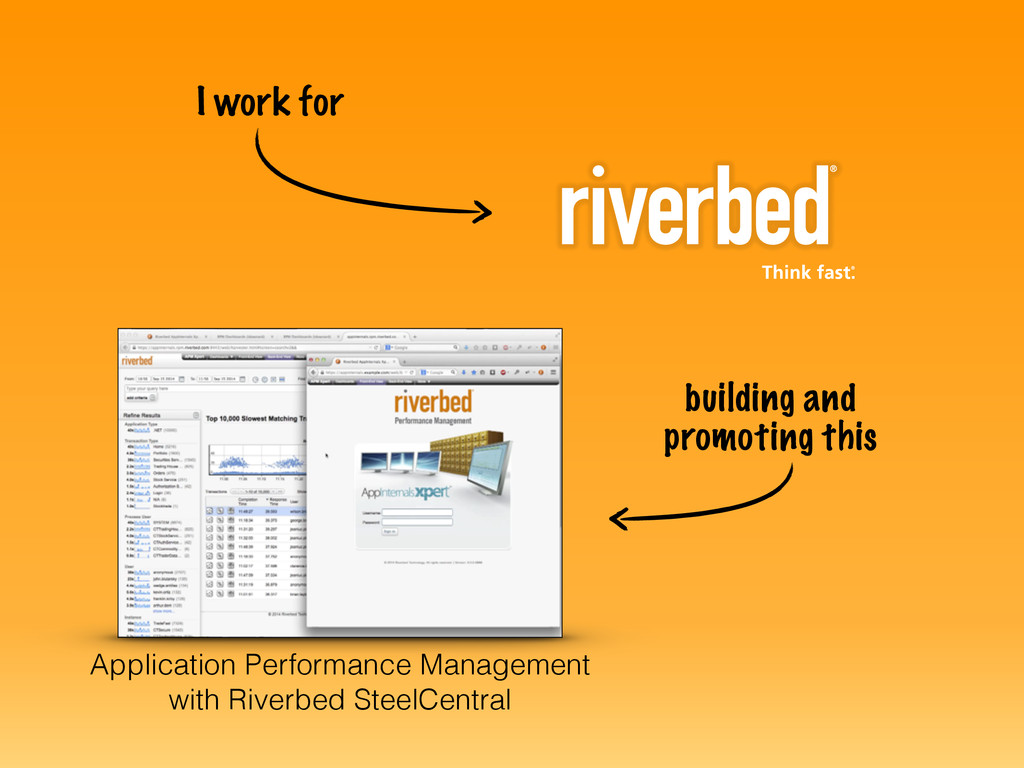
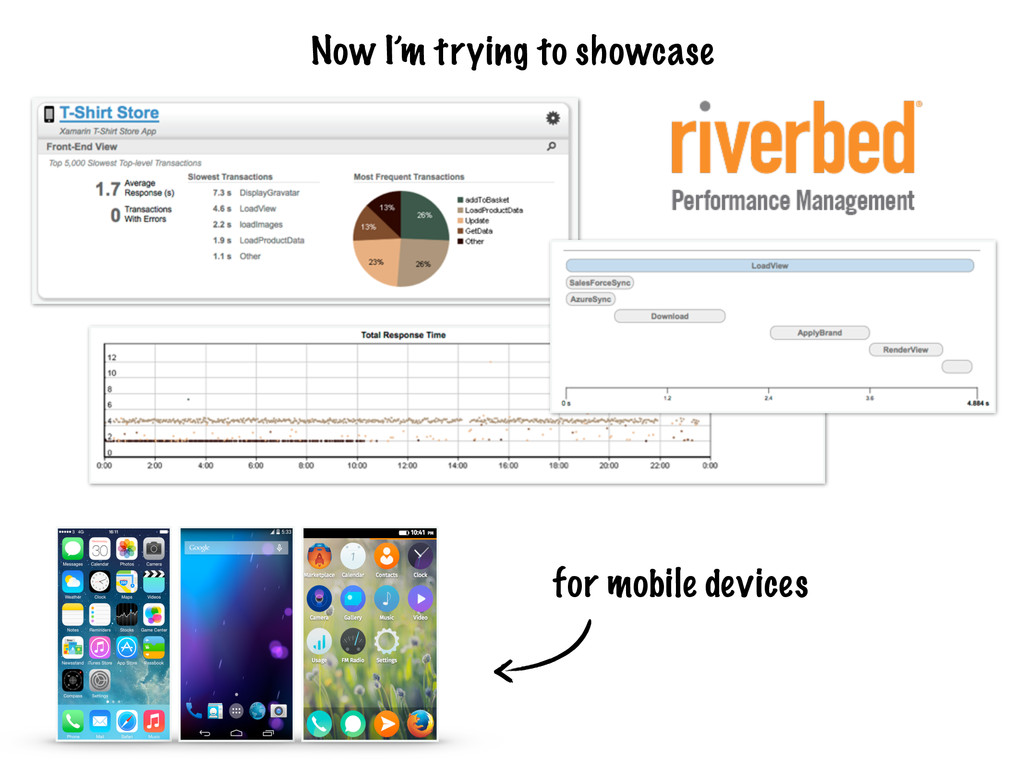
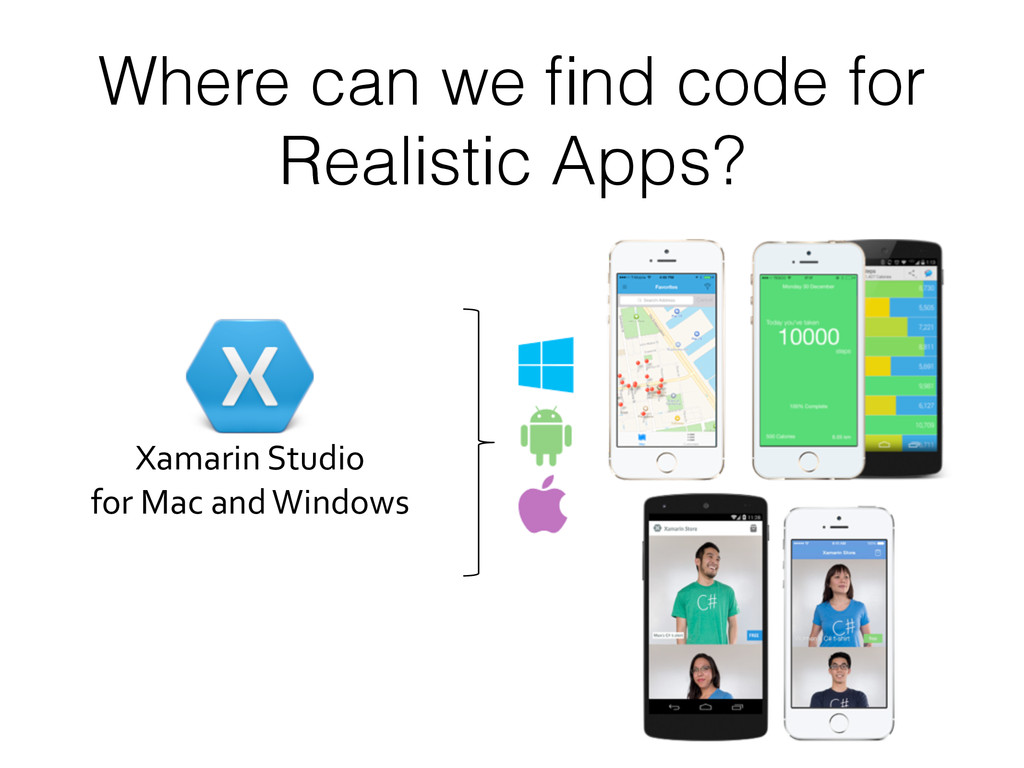
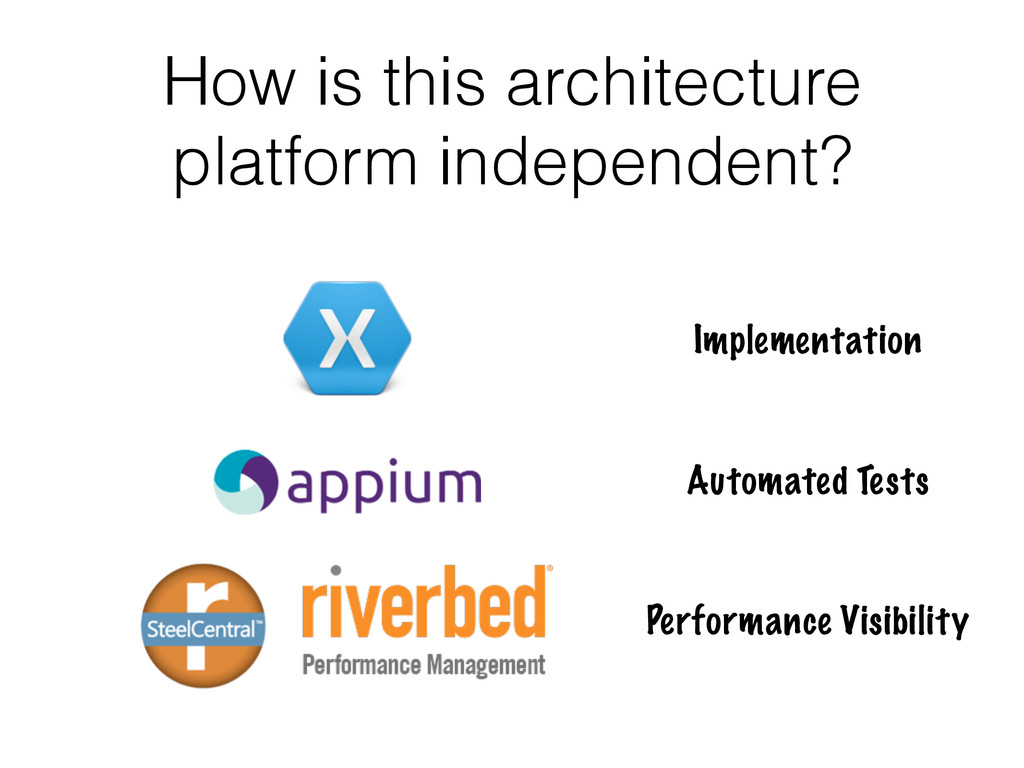
The objective of this talk is to gain familiarization with Appium - a selenium-based tool for testing mobile applications. We'll discuss automation techniques for functional and performance testing of Android and iOS apps using Appium's Java API. We will also see a couple of other platform independent tools that can be useful for developing and testing mobile apps, including Xamarin Studio and Riverbed SteelCentral.

Avatar for Ian Downard

Ian Downard

September 16, 2014

Other Decks in Technology

Transcript

  1. Driving Mobile Applications with
 
 for Automated Testing Presented to

    the Portland Java Users Group
 by @iandownard on 08/16/2014
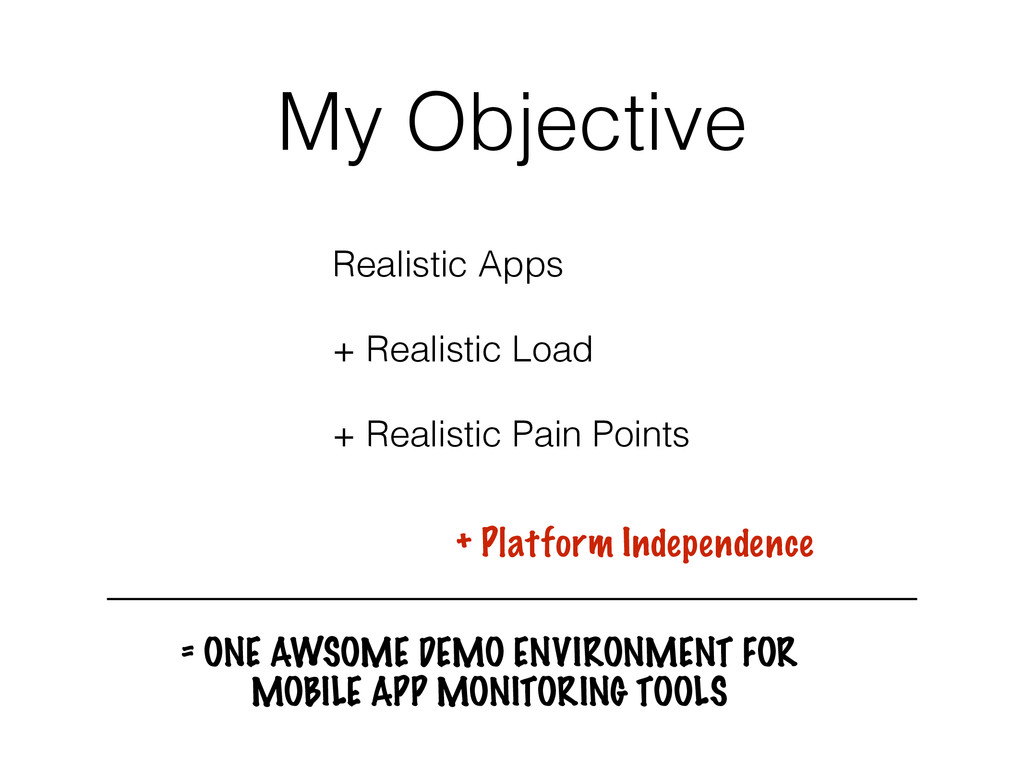
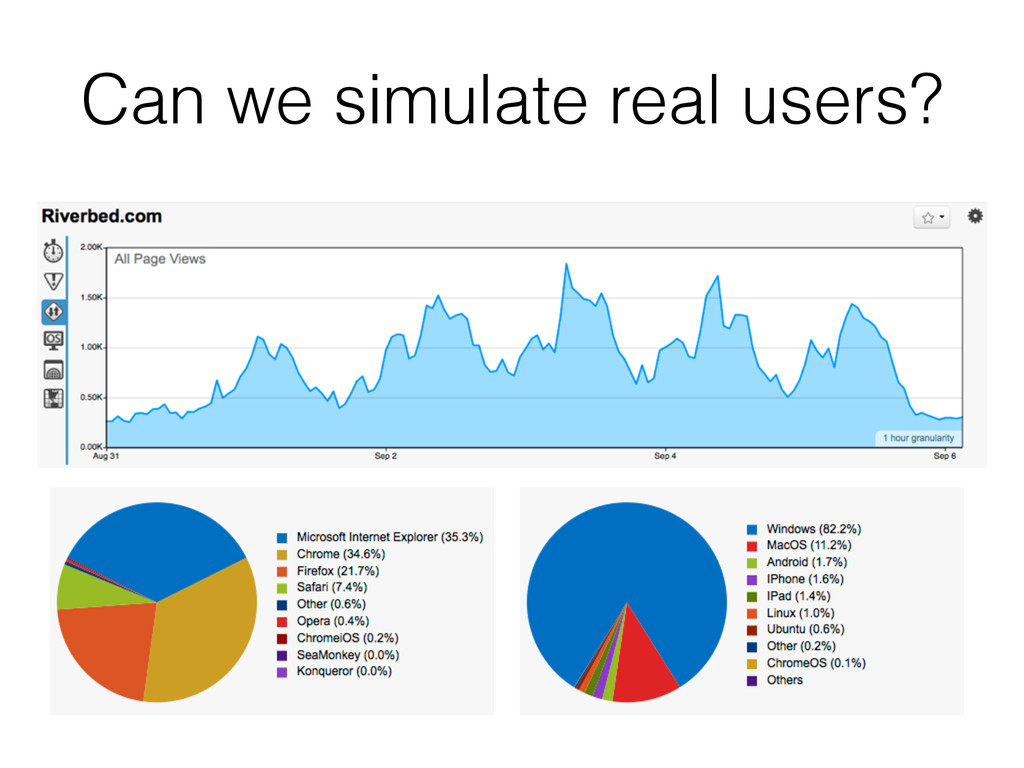
  2. My Objective + Platform Independence = ONE AWSOME DEMO ENVIRONMENT

    FOR
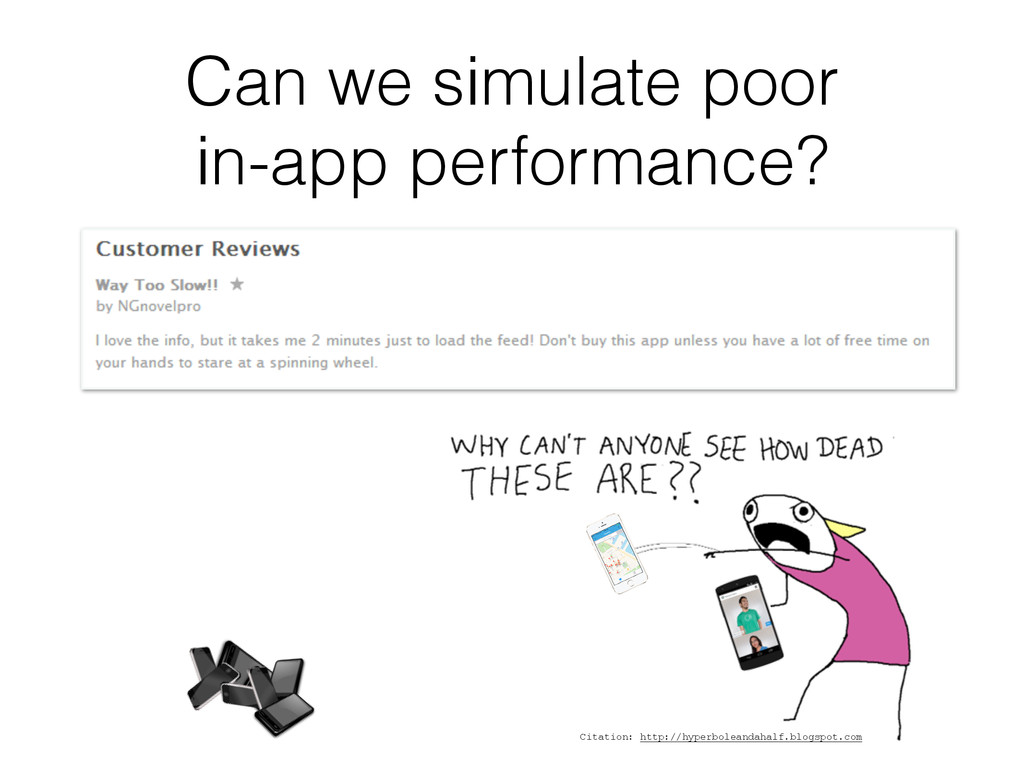
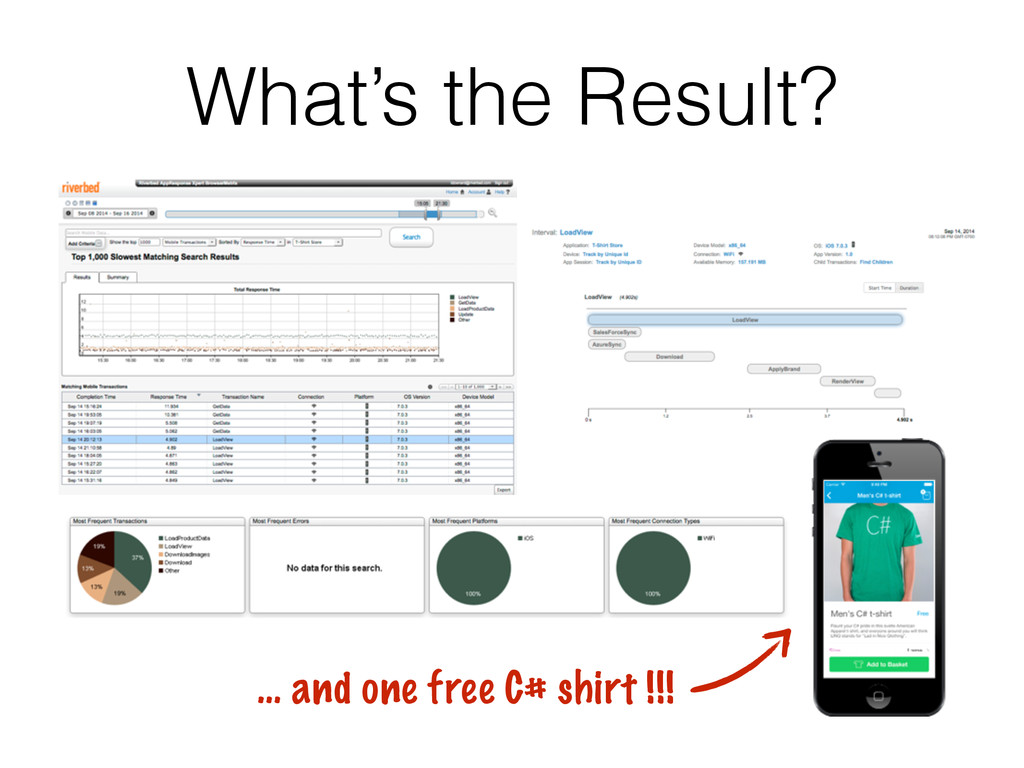
 MOBILE APP MONITORING TOOLS Realistic Apps + Realistic Load + Realistic Pain Points
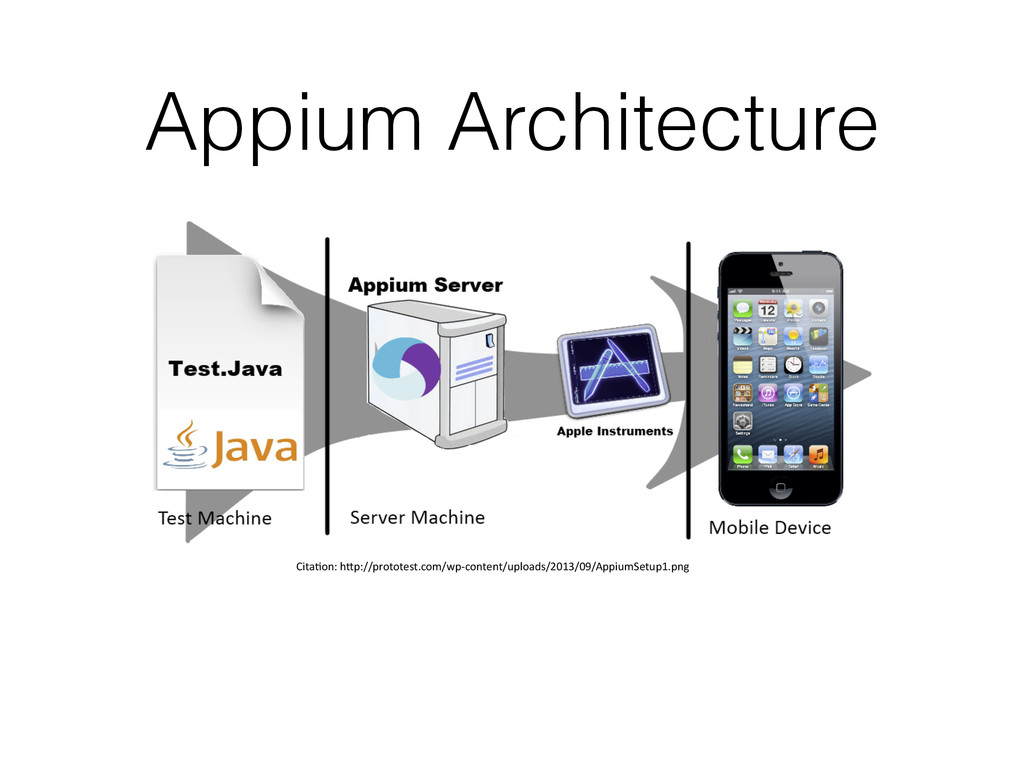
  3. What is • Created by Sauce Labs • Based on

    Selenium WebDriver • Strives to provide a standard API for testing on multiple mobile platforms.
 

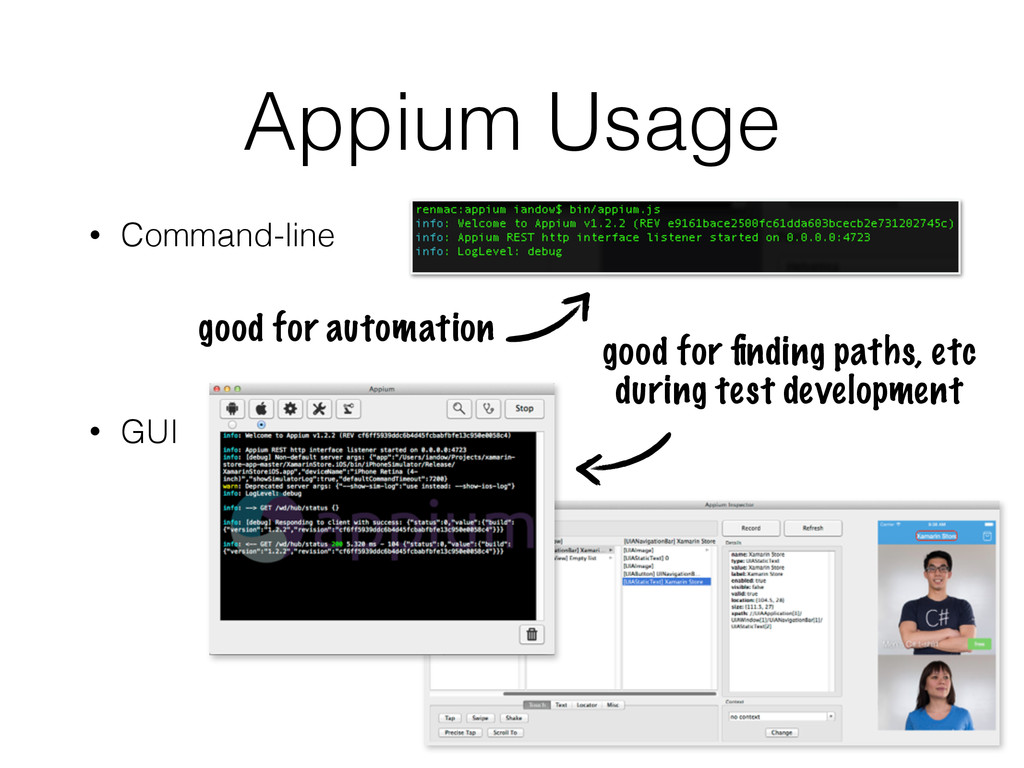
  4. Appium Usage • Command-line
 ! • GUI


 good for finding paths, etc 
 during test development good for automation
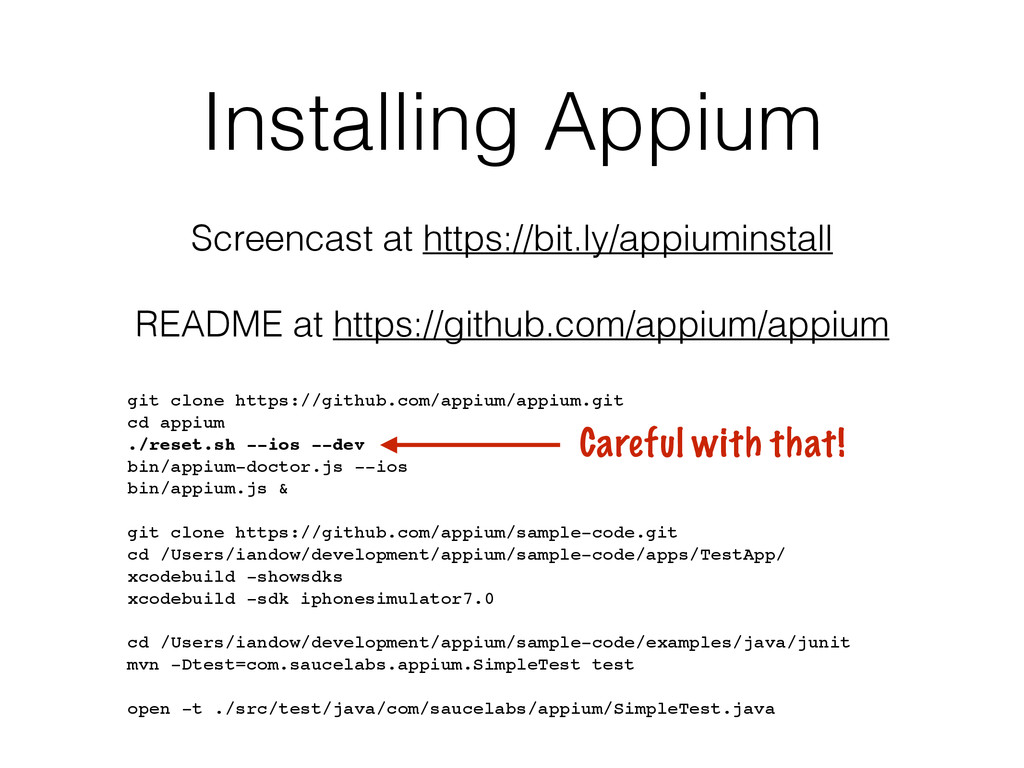
  5. Installing Appium Screencast at https://bit.ly/appiuminstall
 
 README at https://github.com/appium/appium git

    clone https://github.com/appium/appium.git! cd appium! ./reset.sh --ios --dev! bin/appium-doctor.js --ios! bin/appium.js &! ! git clone https://github.com/appium/sample-code.git! cd /Users/iandow/development/appium/sample-code/apps/TestApp/! xcodebuild -showsdks! xcodebuild -sdk iphonesimulator7.0! ! cd /Users/iandow/development/appium/sample-code/examples/java/junit! mvn -Dtest=com.saucelabs.appium.SimpleTest test! ! open -t ./src/test/java/com/saucelabs/appium/SimpleTest.java Careful with that!
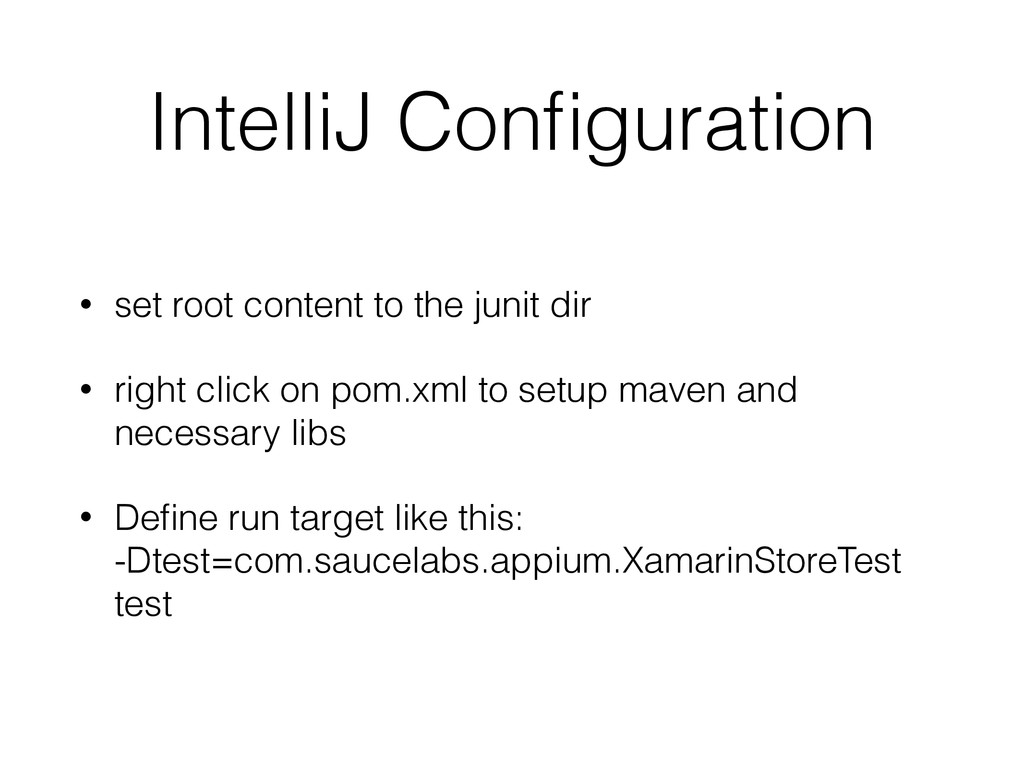
  6. IntelliJ Configuration • set root content to the junit dir

    • right click on pom.xml to setup maven and necessary libs • Define run target like this:
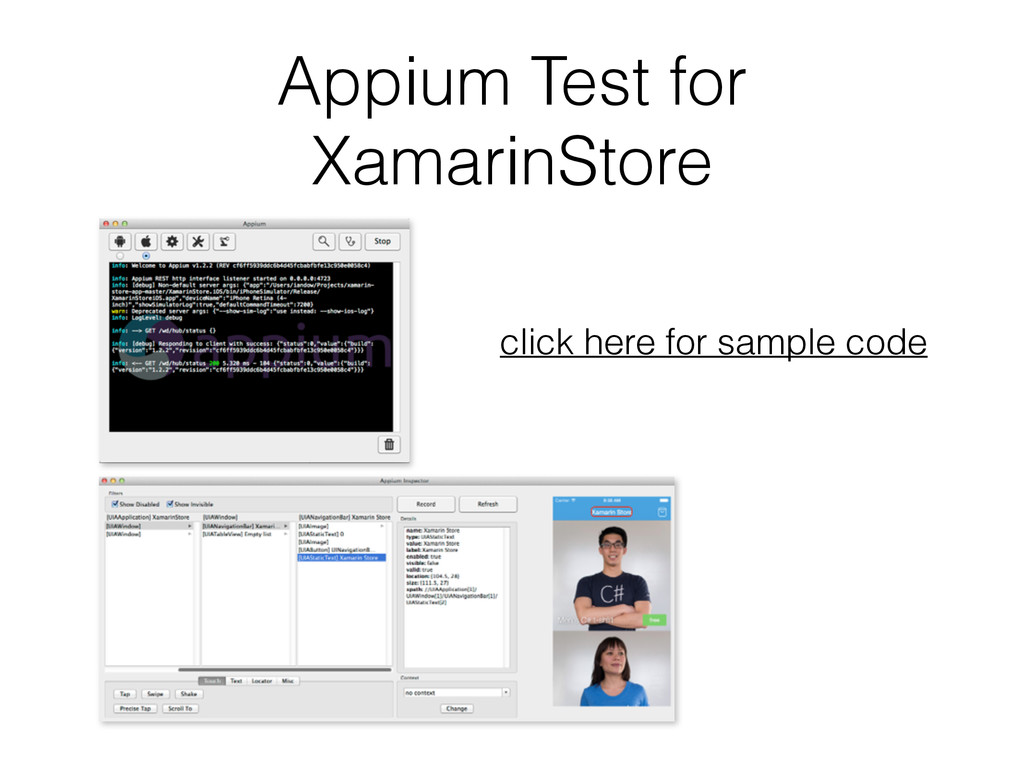
 -Dtest=com.saucelabs.appium.XamarinStoreTest test
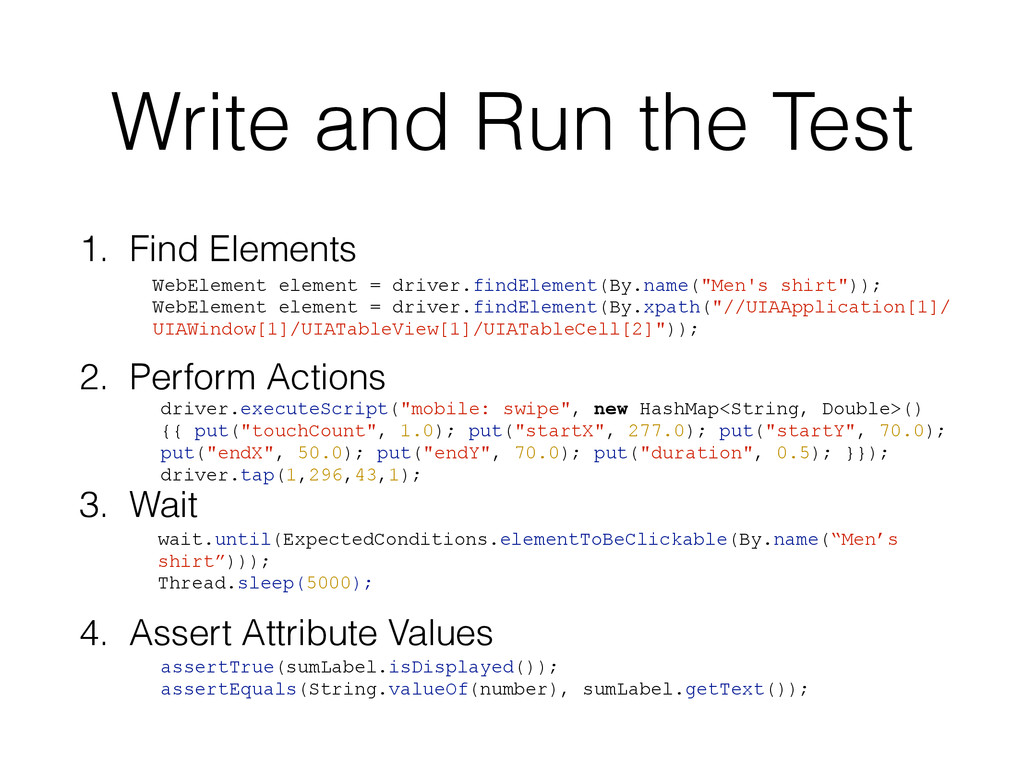
  7. Write and Run the Test 1. Find Elements
 2. Perform

    Actions
 3. Wait
 4. Assert Attribute Values wait.until(ExpectedConditions.elementToBeClickable(By.name(“Men’s shirt”))); Thread.sleep(5000); WebElement element = driver.findElement(By.name("Men's shirt")); WebElement element = driver.findElement(By.xpath("//UIAApplication[1]/ UIAWindow[1]/UIATableView[1]/UIATableCell[2]")); assertTrue(sumLabel.isDisplayed()); assertEquals(String.valueOf(number), sumLabel.getText()); driver.executeScript("mobile: swipe", new HashMap<String, Double>() {{ put("touchCount", 1.0); put("startX", 277.0); put("startY", 70.0); put("endX", 50.0); put("endY", 70.0); put("duration", 0.5); }}); driver.tap(1,296,43,1);
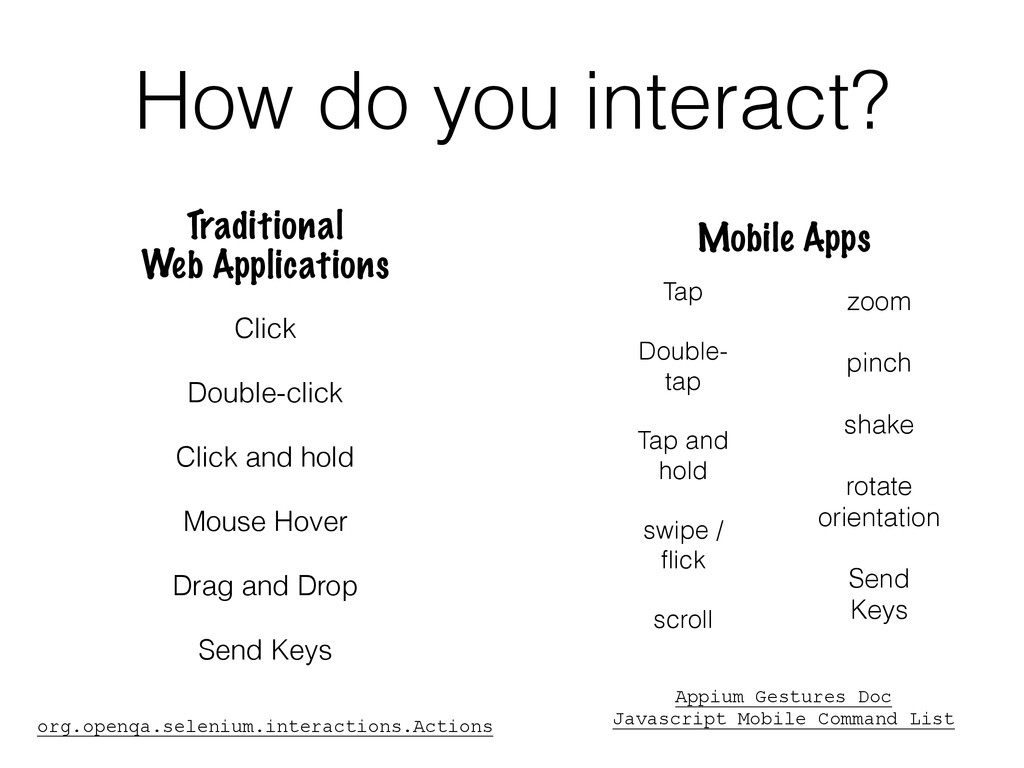
  8. How do you interact? Click Double-click Click and hold Mouse

    Hover Drag and Drop Send Keys Traditional
 Web Applications Mobile Apps ! ! org.openqa.selenium.interactions.Actions ! ! ! Appium Gestures Doc Javascript Mobile Command List ! zoom pinch shake rotate orientation Send Keys Tap Double- tap Tap and hold swipe / flick scroll
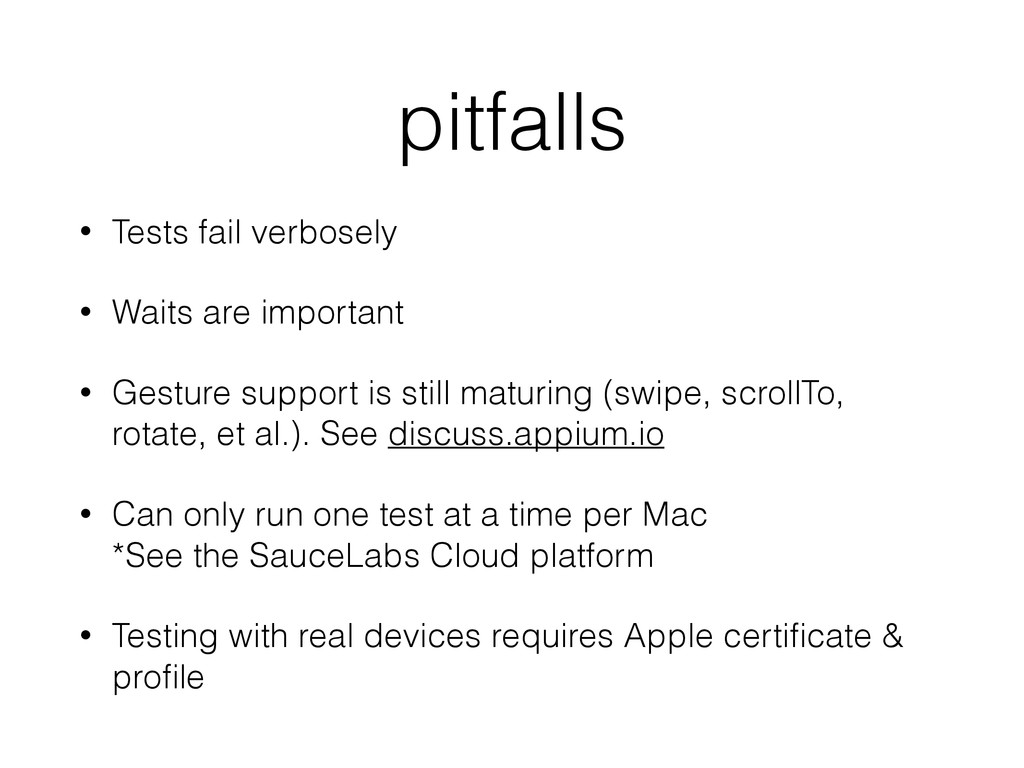
  9. pitfalls • Tests fail verbosely • Waits are important •

    Gesture support is still maturing (swipe, scrollTo, rotate, et al.). See discuss.appium.io • Can only run one test at a time per Mac
 *See the SauceLabs Cloud platform • Testing with real devices requires Apple certificate & profile
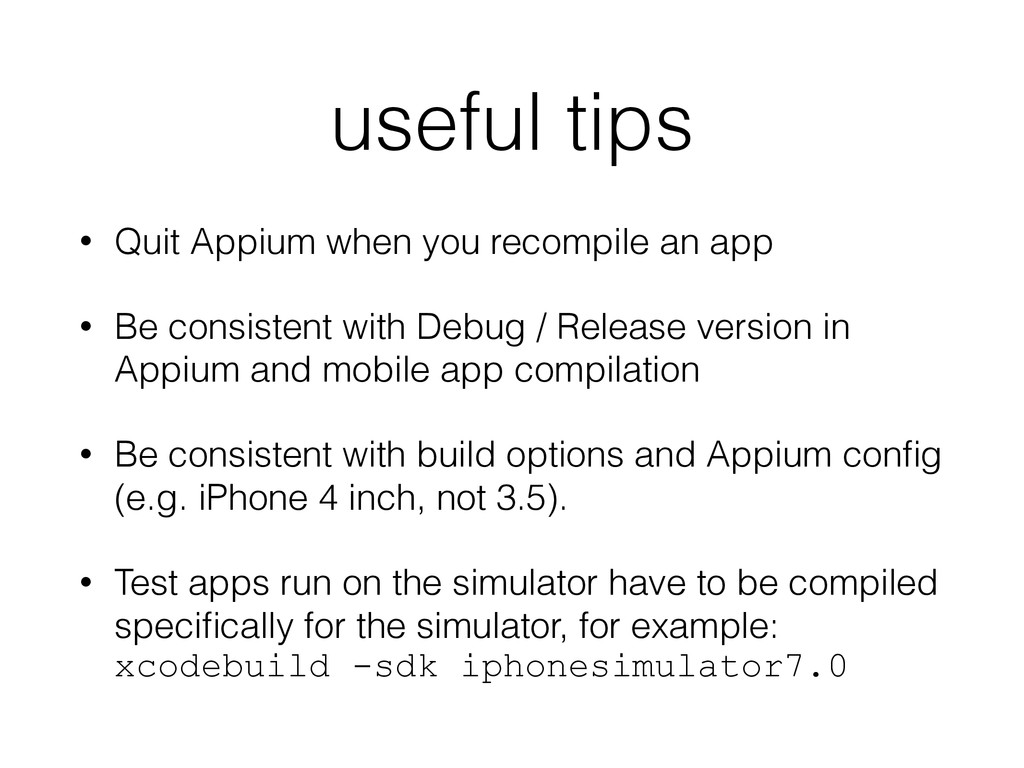
  10. useful tips • Quit Appium when you recompile an app

    • Be consistent with Debug / Release version in Appium and mobile app compilation • Be consistent with build options and Appium config (e.g. iPhone 4 inch, not 3.5). • Test apps run on the simulator have to be compiled specifically for the simulator, for example:
 xcodebuild -sdk iphonesimulator7.0
  11. references Appium Install Guide and Screencast Video Appium Guide to

    Running Tests Appium Gestures Doc Appium Mobile Command List Appium Java API Riverbed Application Performance Management