Upgrade to Pro — share decks privately, control downloads, hide ads and more …

Threat Modeling on the Run

Threat Modeling on the Run

Threat modeling feels like a foreign concept to many people, but it’s something we do on a daily basis. If you are standing on a curb looking at traffic and trying to decide whether or not you can cross the street before that car gets to you, you are threat modeling. The driver is a threat actor, and you are trying to determine their capabilities and intent; along with assessing your ability to defend or evade them. Threat modeling in an Agile environment is more about having the right mindset and asking the right questions. Spending a little time to think through features from a security perspective can save hours or days of work and rework. Ensuring the proper controls are considered in the early stages greatly increases the chances that the software designed and developed will have fewer vulnerabilities and thus reduce risk to the organization. In this talk, we will discuss the main areas for focus while performing a threat model in an agile environment. By the end of the talk, the audience should have a good understanding of what types of threat modeling can be performed at certain stages of Agile development.

Avatar for Brian Glas

Brian Glas

May 22, 2019

Other Decks in Technology

Transcript

  1. Threat Modeling on the Run Brian Glas Assistant Professor, Union

    University Founding Advisor, PG Security Advisors
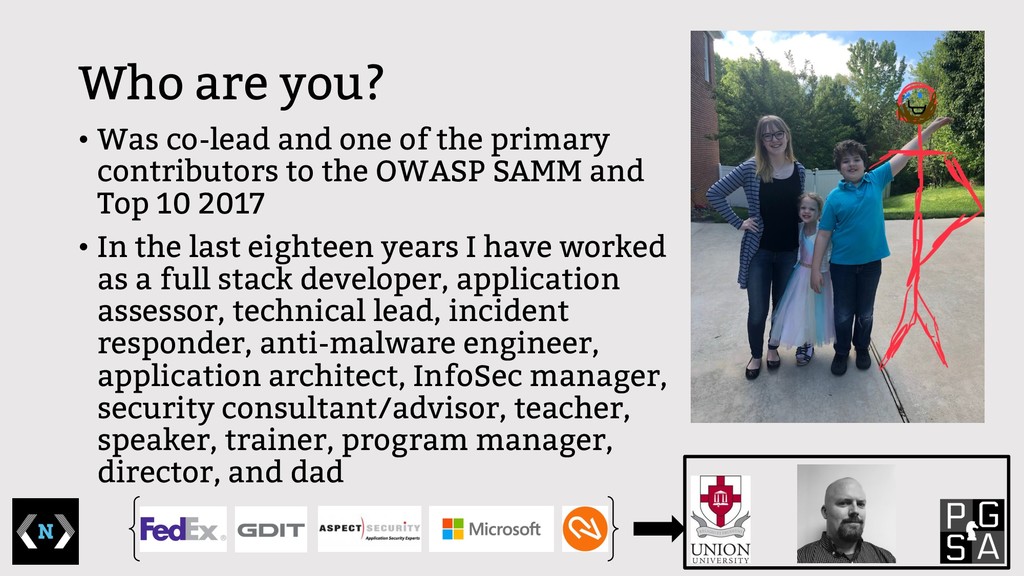
  2. Who are you? • Was co-lead and one of the

    primary contributors to the OWASP SAMM and Top 10 2017 • In the last eighteen years I have worked as a full stack developer, application assessor, technical lead, incident responder, anti-malware engineer, application architect, InfoSec manager, security consultant/advisor, teacher, speaker, trainer, program manager, director, and dad
  3. What is a Threat Model? • It’s the process of

    thinking through a design or scenario to try and understand what possible threats and risks are applicable and determine what security controls are needed to manage the risk. • It can be really complicated. • It can be pretty simple.
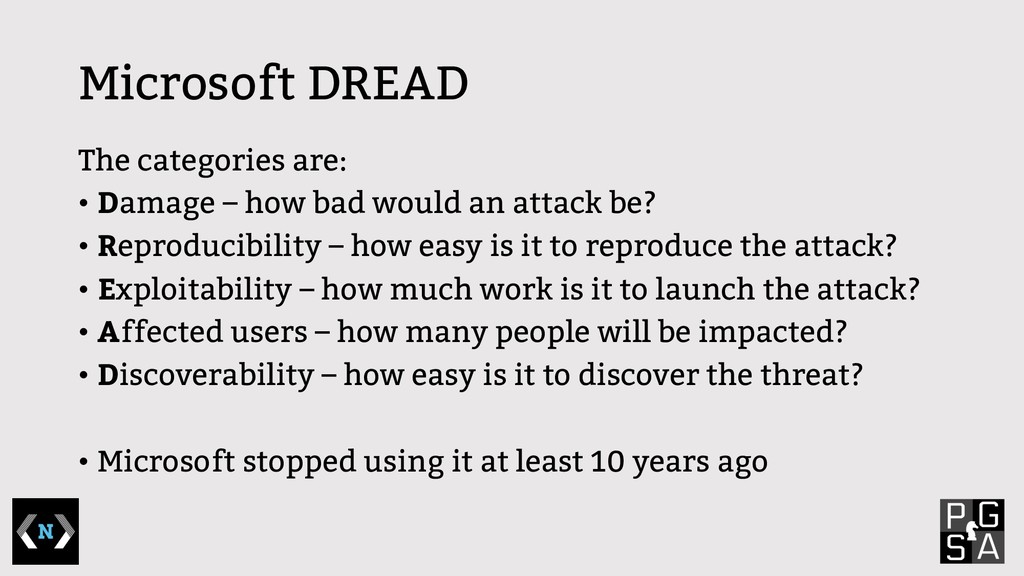
  4. Microsoft DREAD The categories are: • Damage – how bad

    would an attack be? • Reproducibility – how easy is it to reproduce the attack? • Exploitability – how much work is it to launch the attack? • Affected users – how many people will be impacted? • Discoverability – how easy is it to discover the threat? • Microsoft stopped using it at least 10 years ago
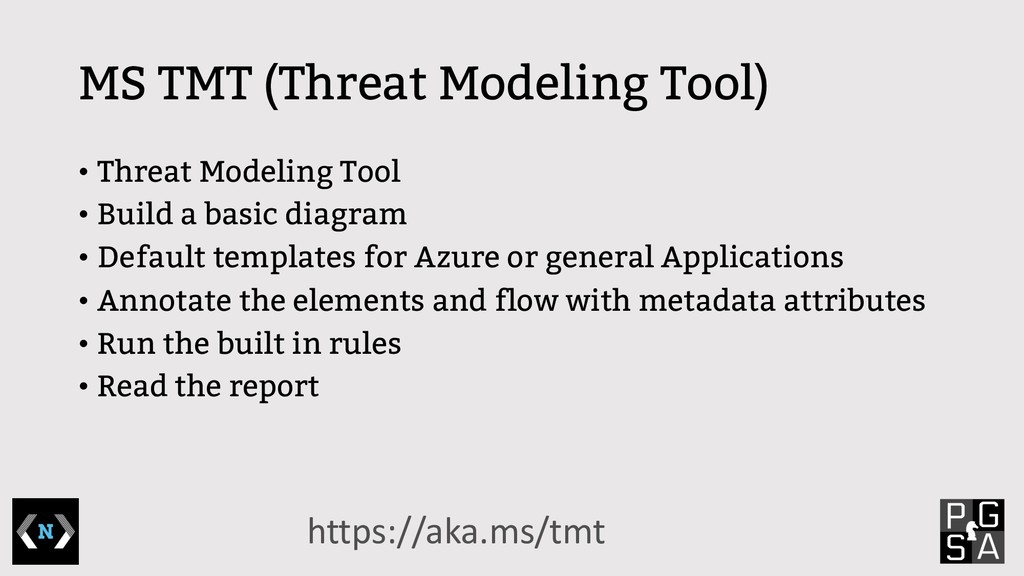
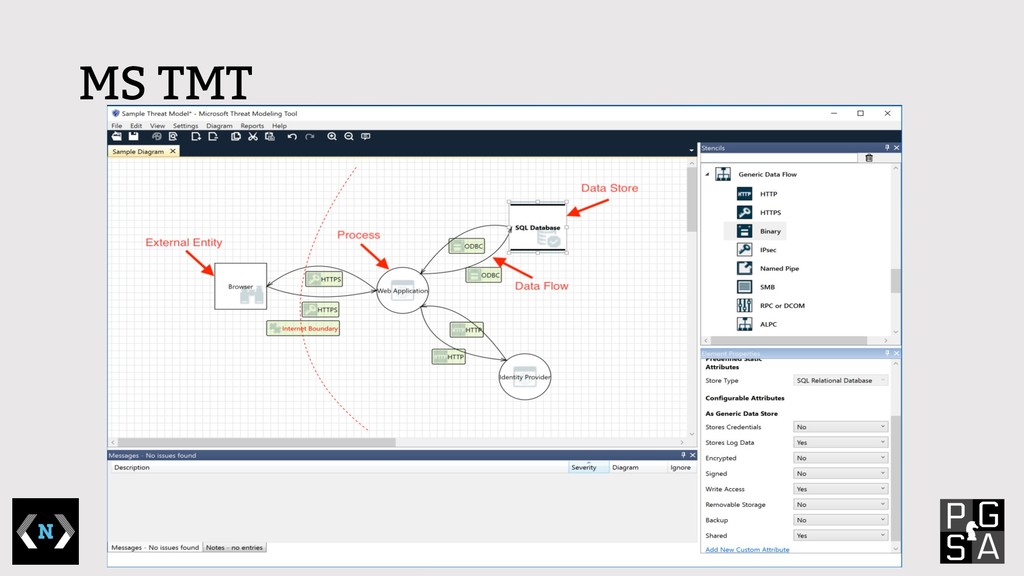
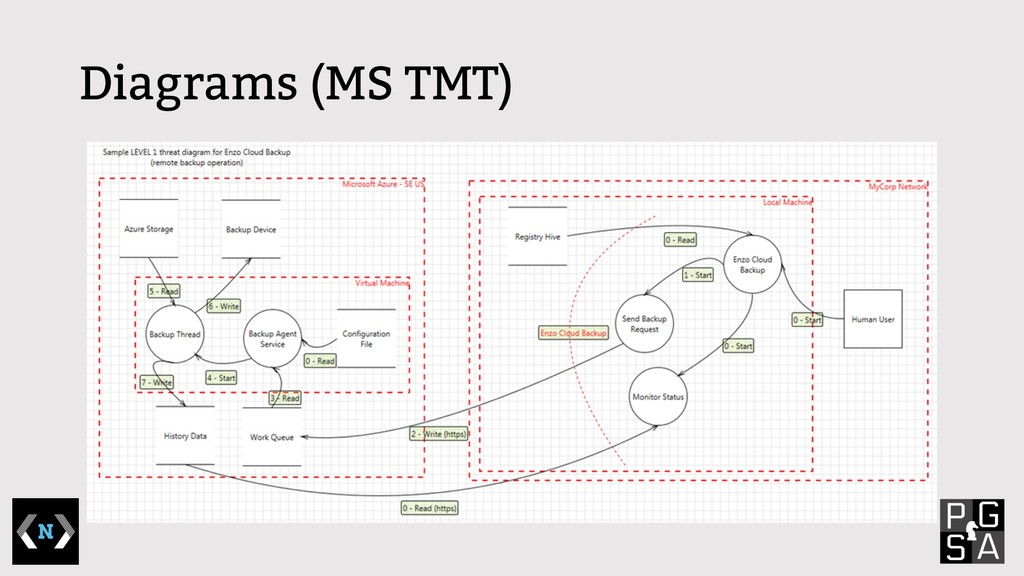
  5. MS TMT (Threat Modeling Tool) • Threat Modeling Tool •

    Build a basic diagram • Default templates for Azure or general Applications • Annotate the elements and flow with metadata attributes • Run the built in rules • Read the report https://aka.ms/tmt
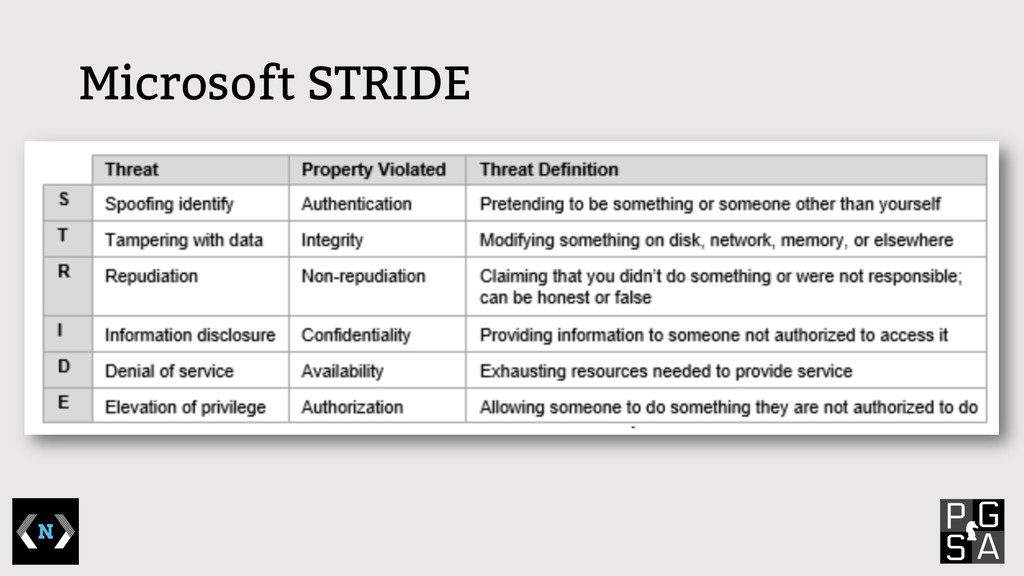
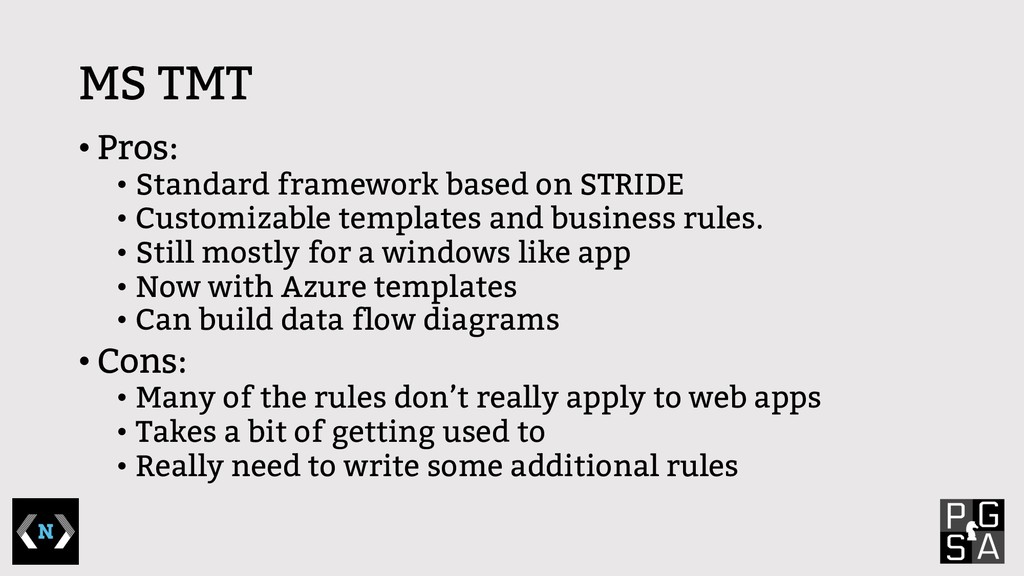
  6. MS TMT • Pros: • Standard framework based on STRIDE

    • Customizable templates and business rules. • Still mostly for a windows like app • Now with Azure templates • Can build data flow diagrams • Cons: • Many of the rules don’t really apply to web apps • Takes a bit of getting used to • Really need to write some additional rules
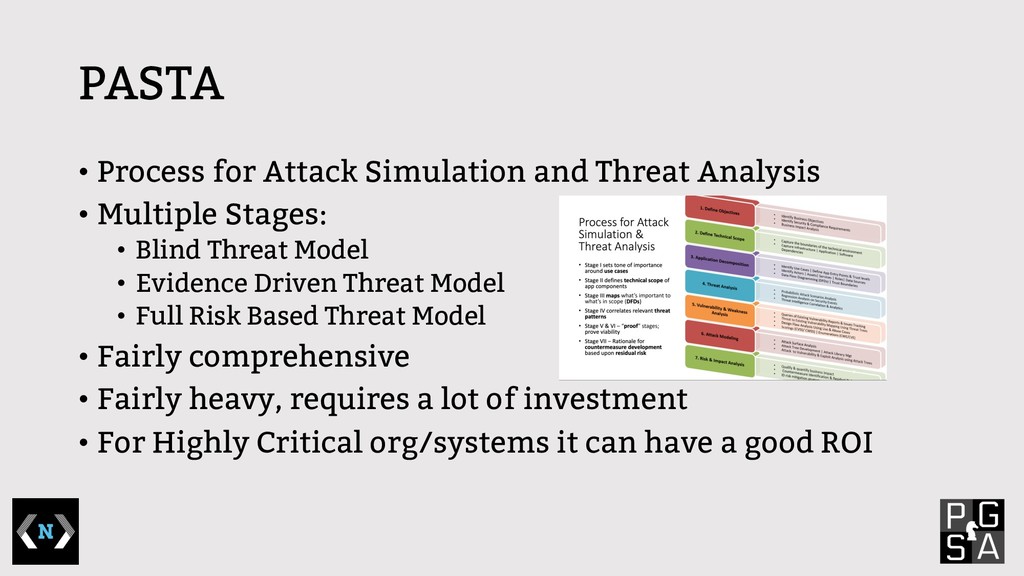
  7. PASTA • Process for Attack Simulation and Threat Analysis •

    Multiple Stages: • Blind Threat Model • Evidence Driven Threat Model • Full Risk Based Threat Model • Fairly comprehensive • Fairly heavy, requires a lot of investment • For Highly Critical org/systems it can have a good ROI
  8. Previous Attempts • OWASP Threat Dragon • Mozilla SeaSponge •

    Trike • OCTAVE (Operationally Critical Threat, Asset, and Vulnerability Evaluation)
  9. Third Party Threat Model • Larger scope/Full system • Many

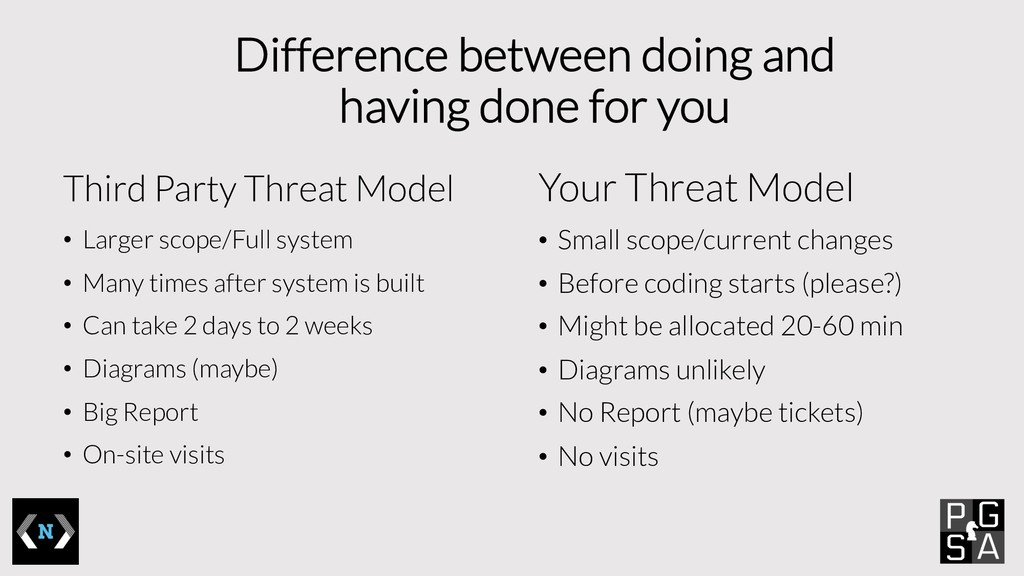
    times after system is built • Can take 2 days to 2 weeks • Diagrams (maybe) • Big Report • On-site visits Difference between doing and having done for you Your Threat Model • Small scope/current changes • Before coding starts (please?) • Might be allocated 20-60 min • Diagrams unlikely • No Report (maybe tickets) • No visits
  10. • Architecture patterns • Development methodologies have changed • The

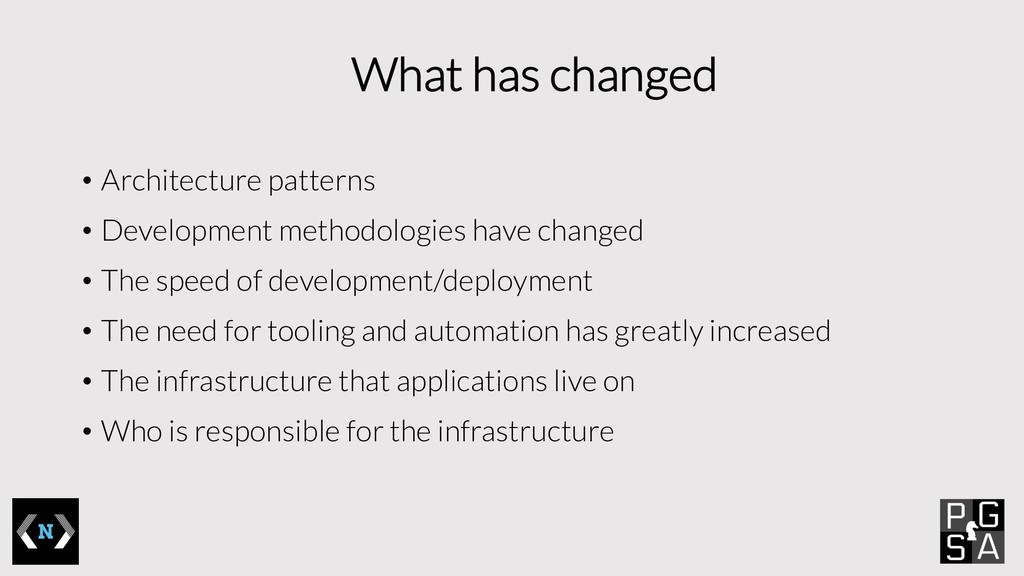
    speed of development/deployment • The need for tooling and automation has greatly increased • The infrastructure that applications live on • Who is responsible for the infrastructure What has changed
  11. Agile Threat Modeling • Little different approach; lighter, but not

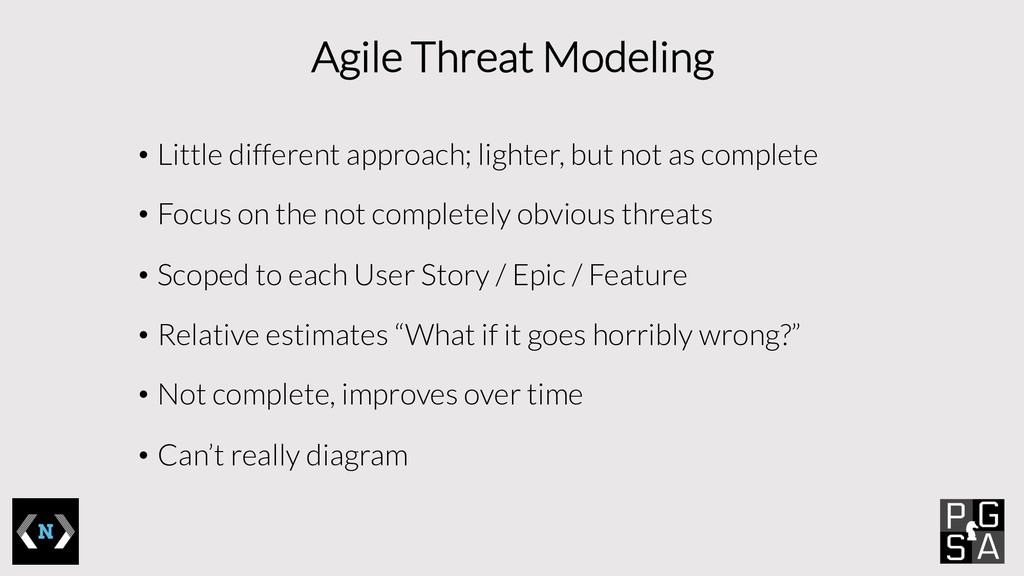
    as complete • Focus on the not completely obvious threats • Scoped to each User Story / Epic / Feature • Relative estimates “What if it goes horribly wrong?” • Not complete, improves over time • Can’t really diagram
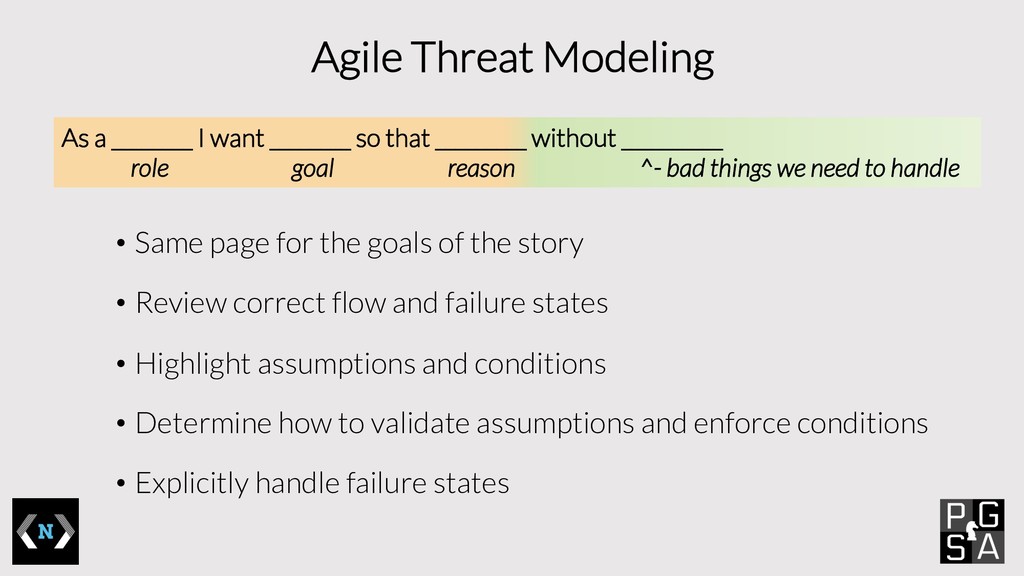
  12. Agile Threat Modeling • Same page for the goals of

    the story • Review correct flow and failure states • Highlight assumptions and conditions • Determine how to validate assumptions and enforce conditions • Explicitly handle failure states As a ________ I want ________ so that _________ without __________ role goal reason ^- bad things we need to handle
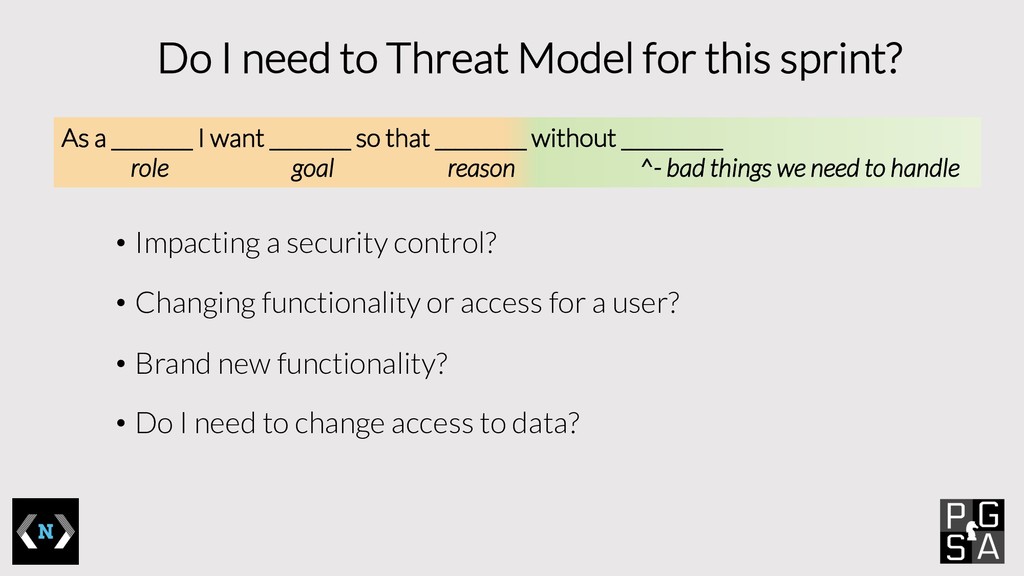
  13. Do I need to Threat Model for this sprint? •

    Impacting a security control? • Changing functionality or access for a user? • Brand new functionality? • Do I need to change access to data? As a ________ I want ________ so that _________ without __________ role goal reason ^- bad things we need to handle
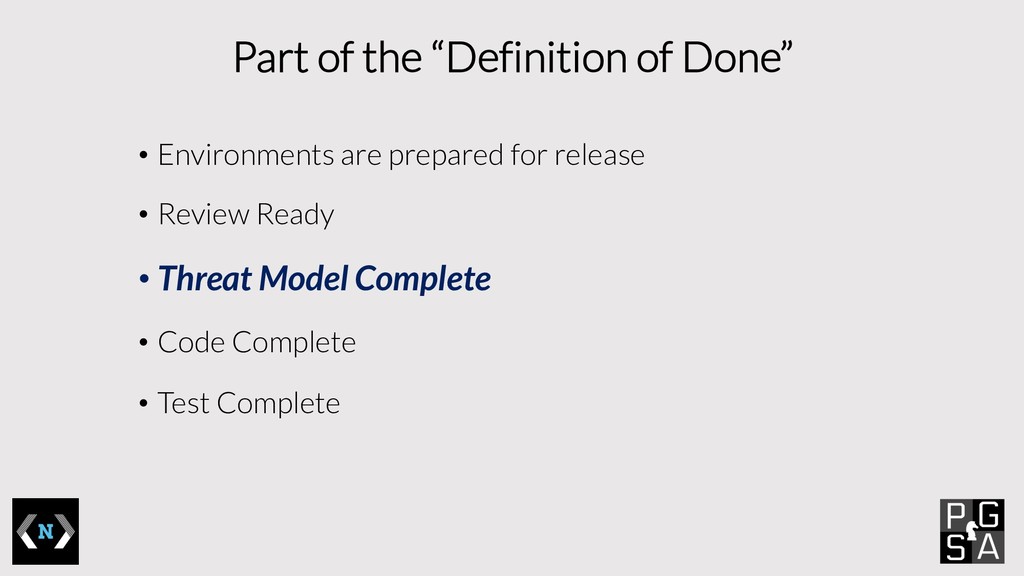
  14. Part of the “Definition of Done” • Environments are prepared

    for release • Review Ready • Threat Model Complete • Code Complete • Test Complete
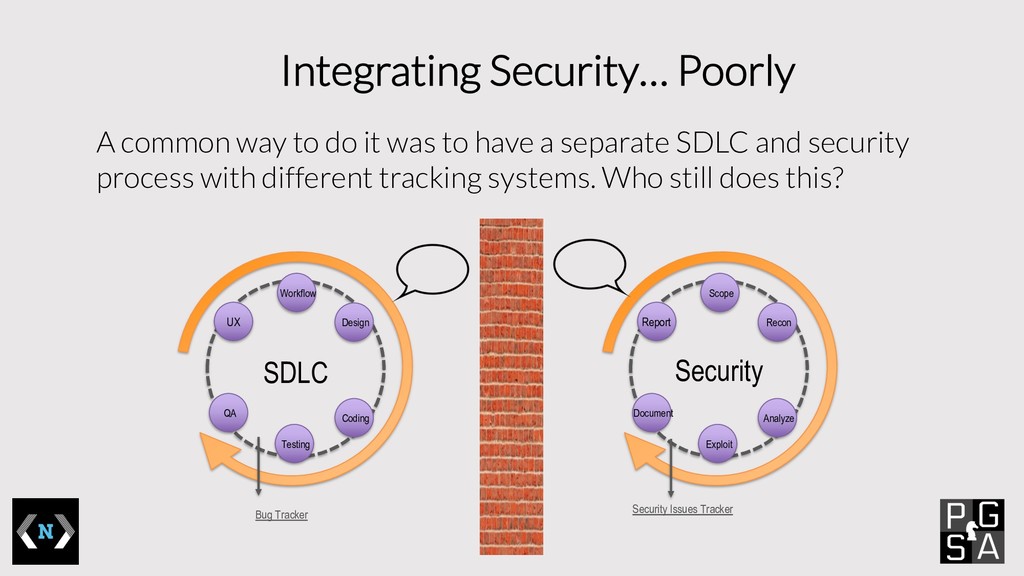
  15. Integrating Security… Poorly A common way to do it was

    to have a separate SDLC and security process with different tracking systems. Who still does this? UX Workflow Design Coding Testing QA SDLC Bug Tracker Report Scope Recon Analyze Exploit Document Security Security Issues Tracker
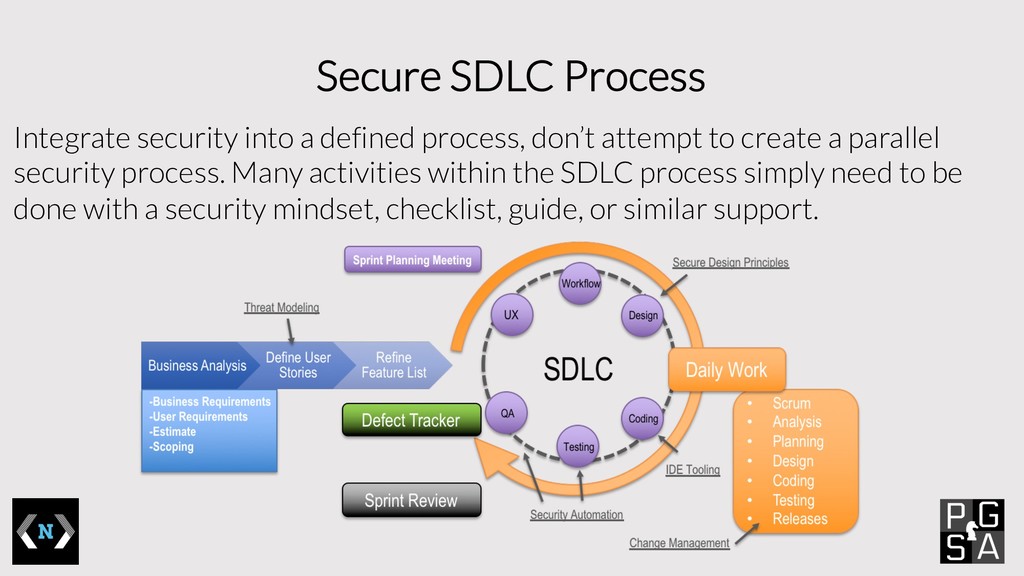
  16. Secure SDLC Process Integrate security into a defined process, don’t

    attempt to create a parallel security process. Many activities within the SDLC process simply need to be done with a security mindset, checklist, guide, or similar support.