SiteGround - Reliable hosting with speed, security, and support you can count on.
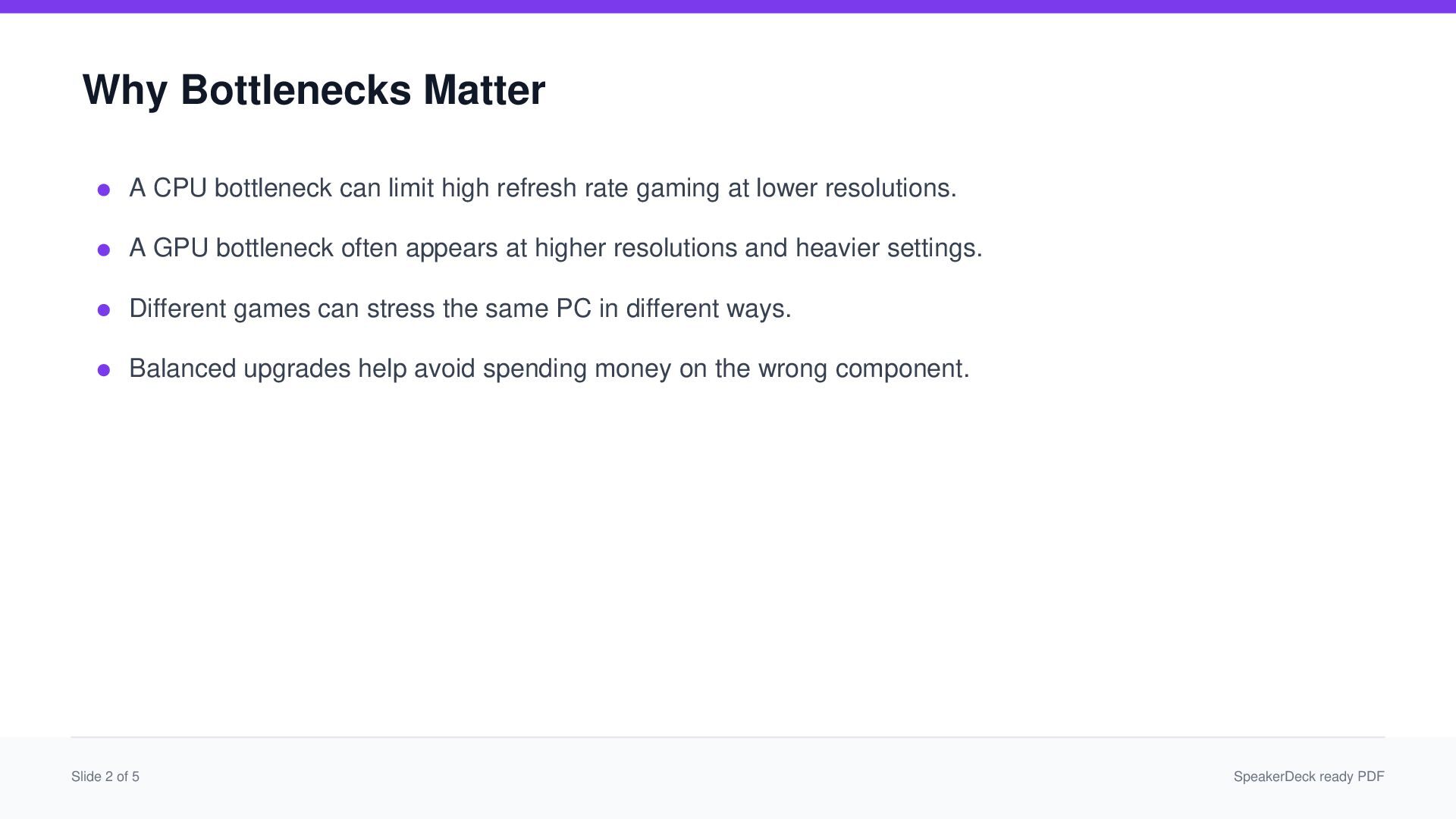
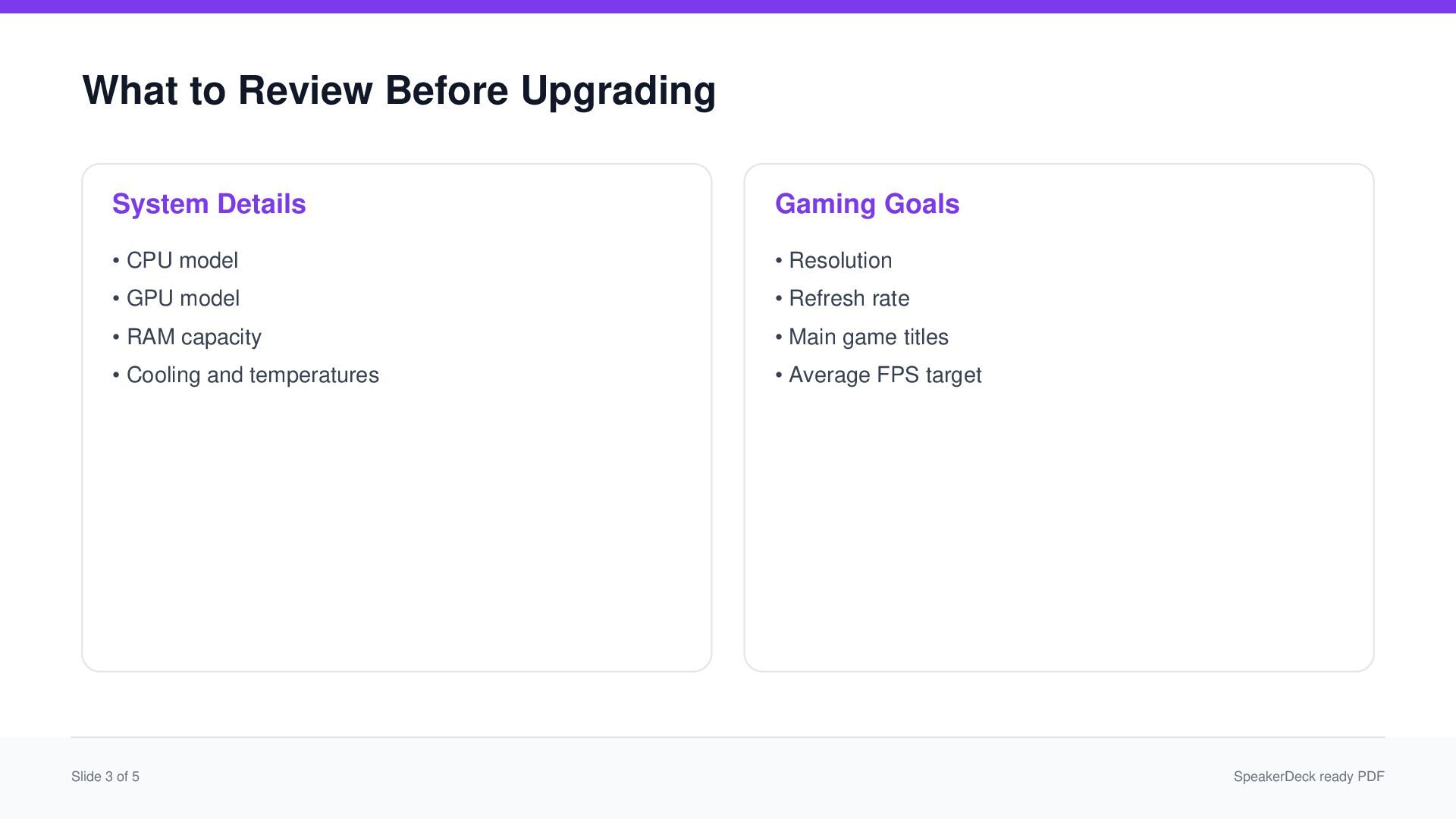
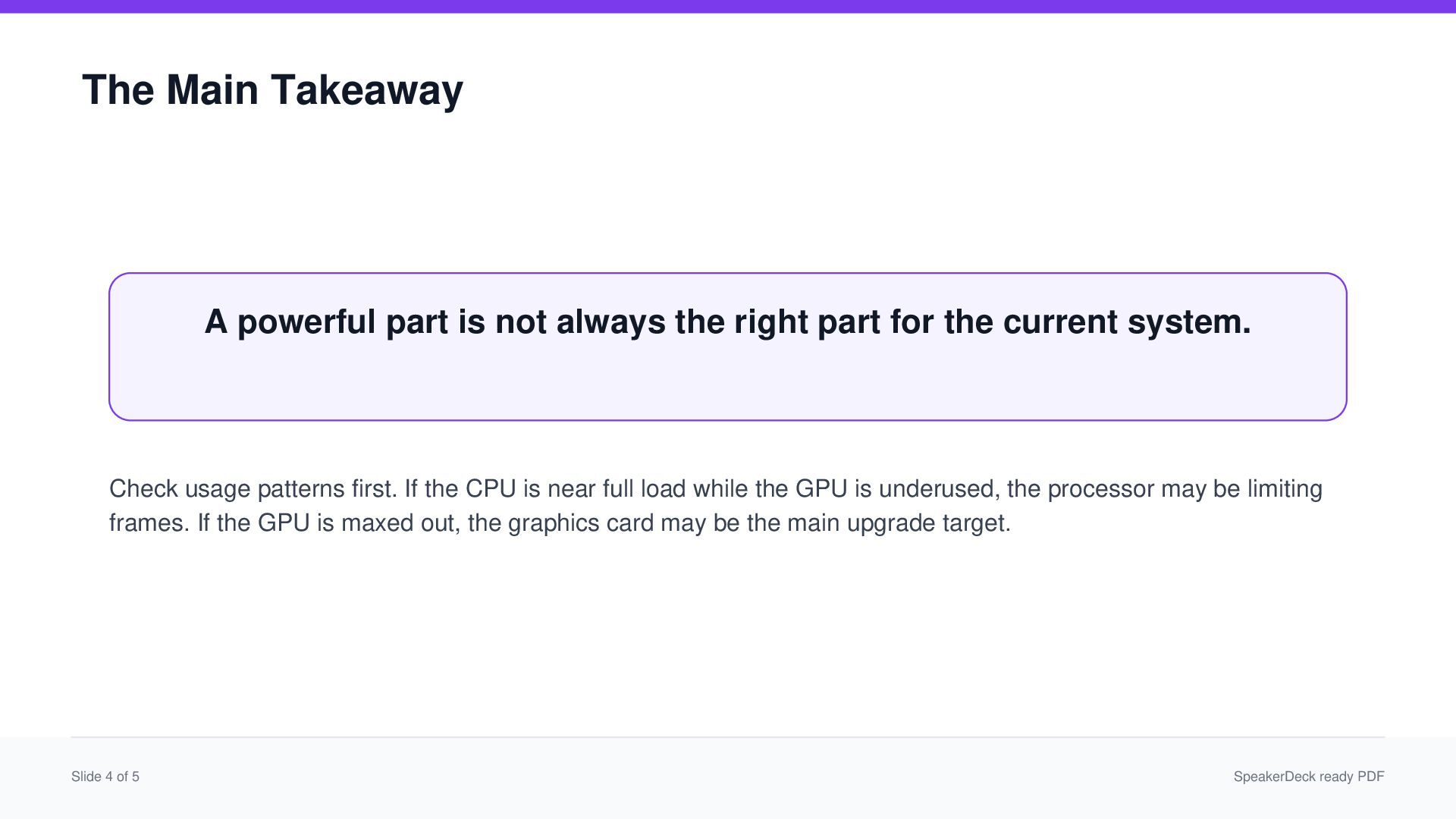
A clear visual guide for PC builders and gamers who want better performance without wasting money on the wrong upgrade. This presentation explains CPU and GPU balance, FPS limits, system bottlenecks, and smarter part comparison.


 john92
 rfdnxbro
 sansantech
 takonda
 onk
onk
 ivry_presentationmaterials
 shuta13
 gogutan
 tomokusaba
 gionn
gionn
 pfn
pfn
 akhino
 kaminashi
 raygrieselhuber
 codingconduct
 jonoalderson
 kristinabergwall1
 bermonpainter
 sugarenia
 leimatthew05
 tmiket
 lara
lara
 jakevdp
 pwiseman
 rkaga
rkaga