Want to know about Google search console? just click here.
Here we describe all points of Google search console in detail according to current market demands. Described points with images. If you want to learn latest points of google search console, must watch this PDF.
monitor and in some cases resolve server errors, site load issues like hacking and malware. All results are based on search engine page results not google analytical. With Search engine console you can male sure that Google find oyur business and shoe it for the correct search queries. Google Search console also known as Google web master.
Google webmaster tools) is a free service offered by Google to help monitor, maintain and troubleshoot your site’s presence in google search results. Formally known as Webmaster tools (Webmaster tools = Search console)
professionals understand how their site is performing on Google search engine. Use Search console for keyword research. Check your average position for specific queries. Check for Website coverage issues. Identify Crawl errors and unindexable pages. Optimize your website pages for mobile search. Check your backlink profile.
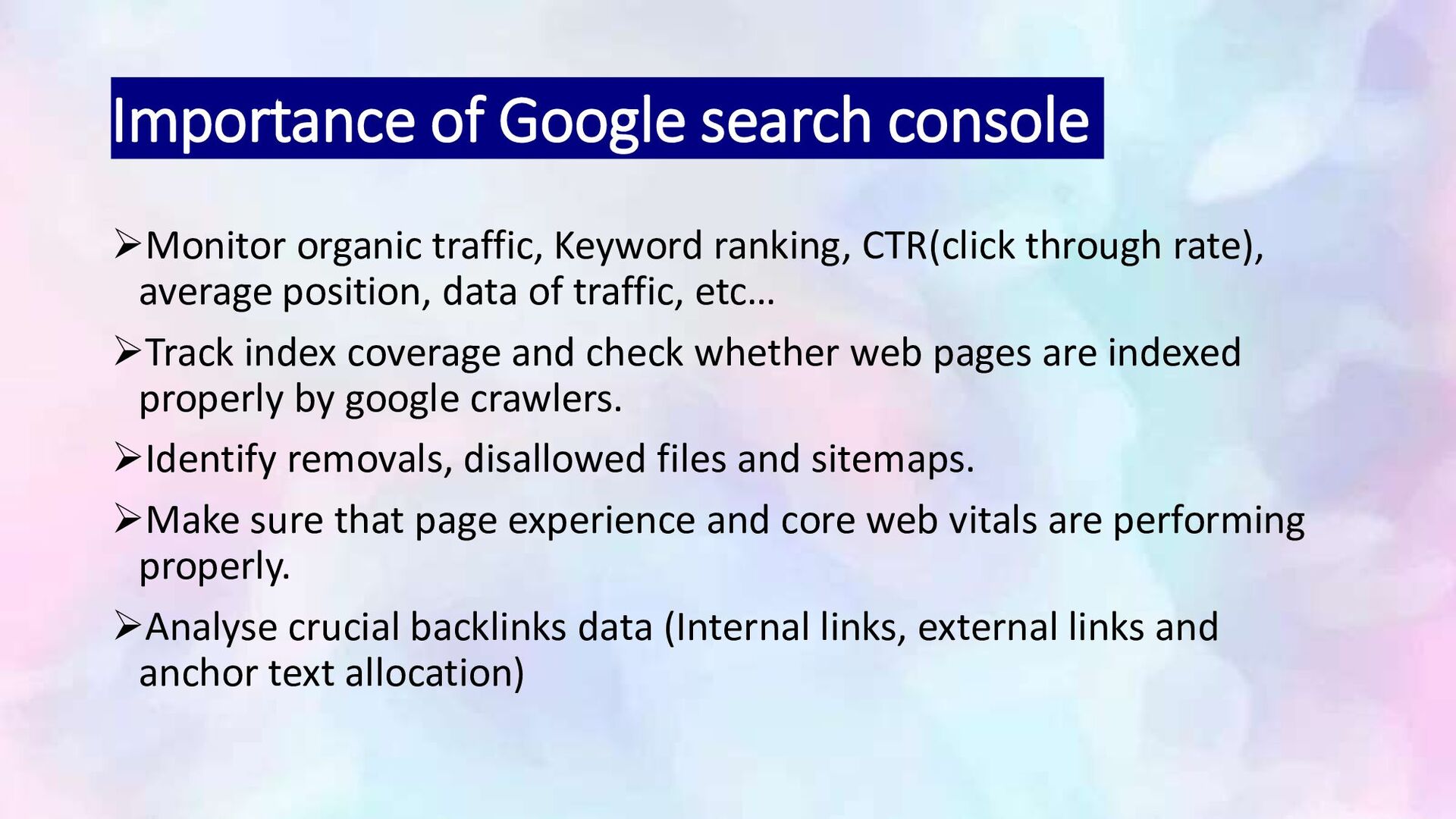
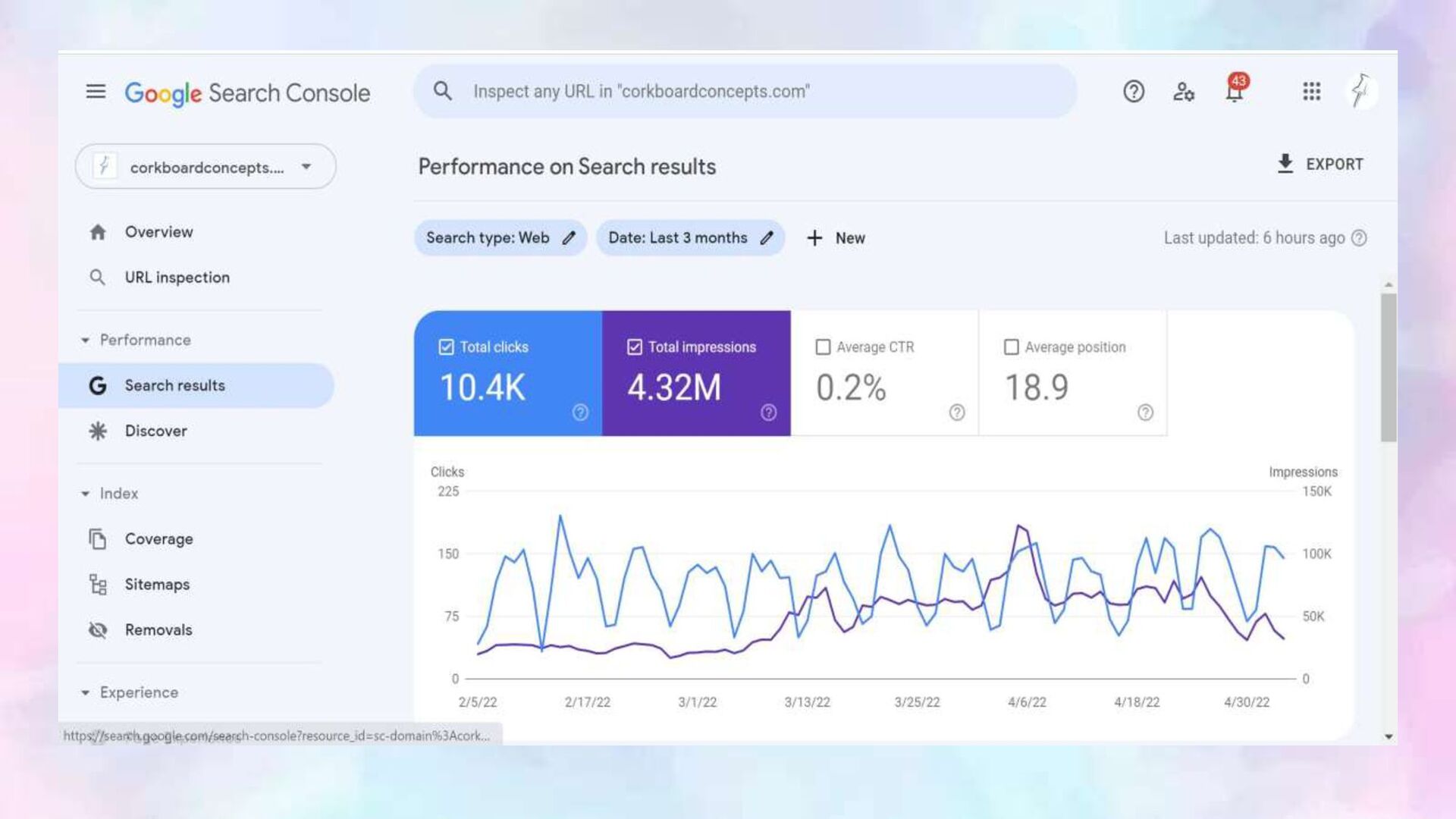
CTR(click through rate), average position, data of traffic, etc… Track index coverage and check whether web pages are indexed properly by google crawlers. Identify removals, disallowed files and sitemaps. Make sure that page experience and core web vitals are performing properly. Analyse crucial backlinks data (Internal links, external links and anchor text allocation)
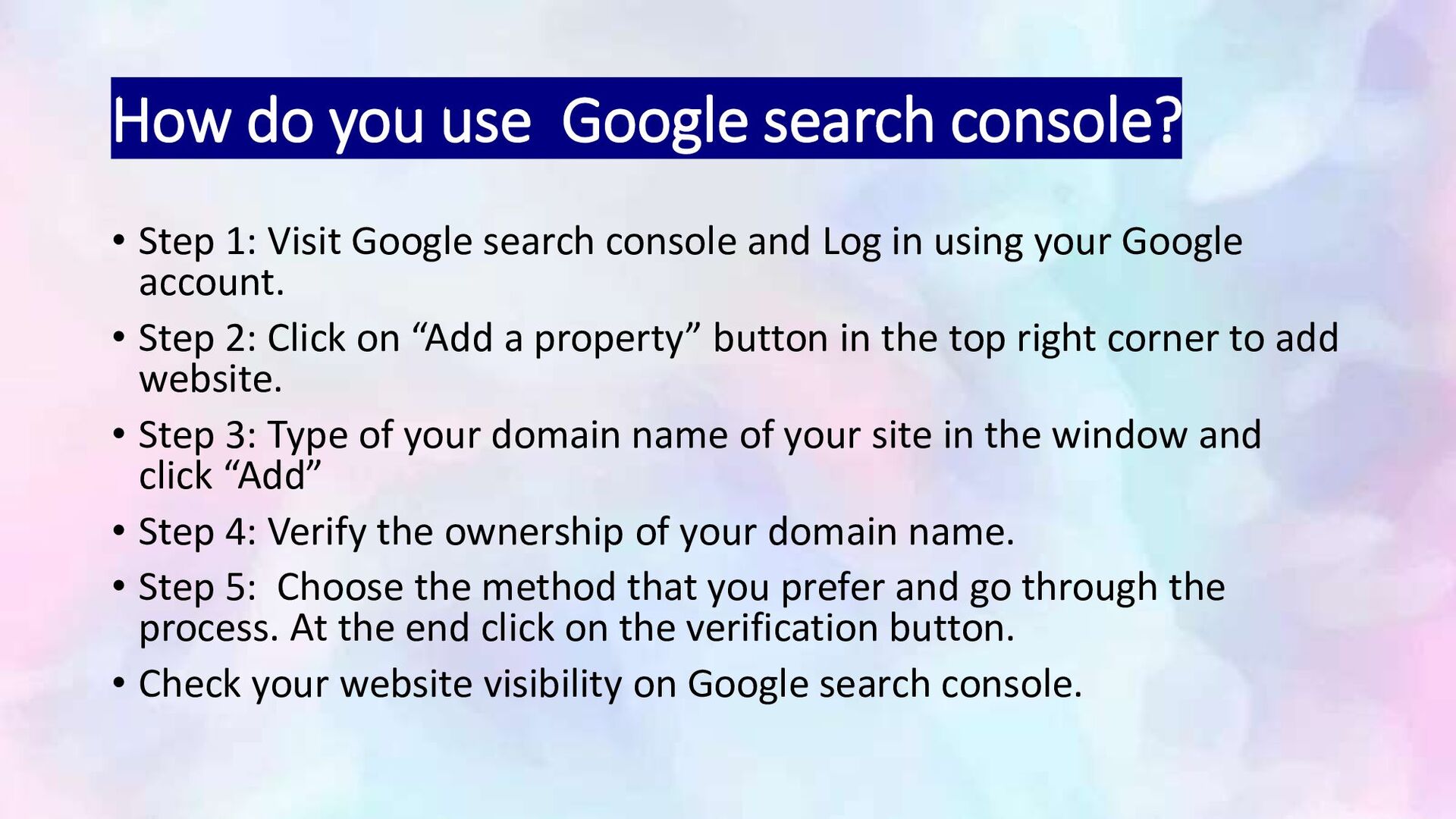
Visit Google search console and Log in using your Google account. • Step 2: Click on “Add a property” button in the top right corner to add website. • Step 3: Type of your domain name of your site in the window and click “Add” • Step 4: Verify the ownership of your domain name. • Step 5: Choose the method that you prefer and go through the process. At the end click on the verification button. • Check your website visibility on Google search console.
and position on google search. Submit sitemaps and individual URLs for crawling. Review your index coverage to make sure that google has the freshest view of your site. Receive email alerts when google identifies issue on your site.
website owner should use Google search console for boosting your website’s performance in Google search, identifying technical issues and to understand your audience’s behaviour. Helps you to measure your site’s search traffic and performance, fix issues and make your site on the top position in Google search results.


 tammyeverts
 aarron
 kastner
 ammeep
 cassininazir
 katiecoart
 427marketing
 geshan
 baasie
 shlominoach
 tomoyanonymous
 reverentgeek