Upgrade to Pro — share decks privately, control downloads, hide ads and more …

Getting WordPress Help

Sponsored · Your Podcast. Everywhere. Effortlessly. Share. Educate. Inspire. Entertain. You do you. We'll handle the rest.
Avatar for Kevin Marsden Kevin Marsden
September 03, 2014
75

Getting WordPress Help

How to Create a Great Support Request

Avatar for Kevin Marsden

Kevin Marsden

September 03, 2014
Tweet

Transcript

  1. Getting WordPress Help How to Create a Great Support Request

    Kevin Marsden! @kevincmarsden speakerdeck.com/kevmarsden
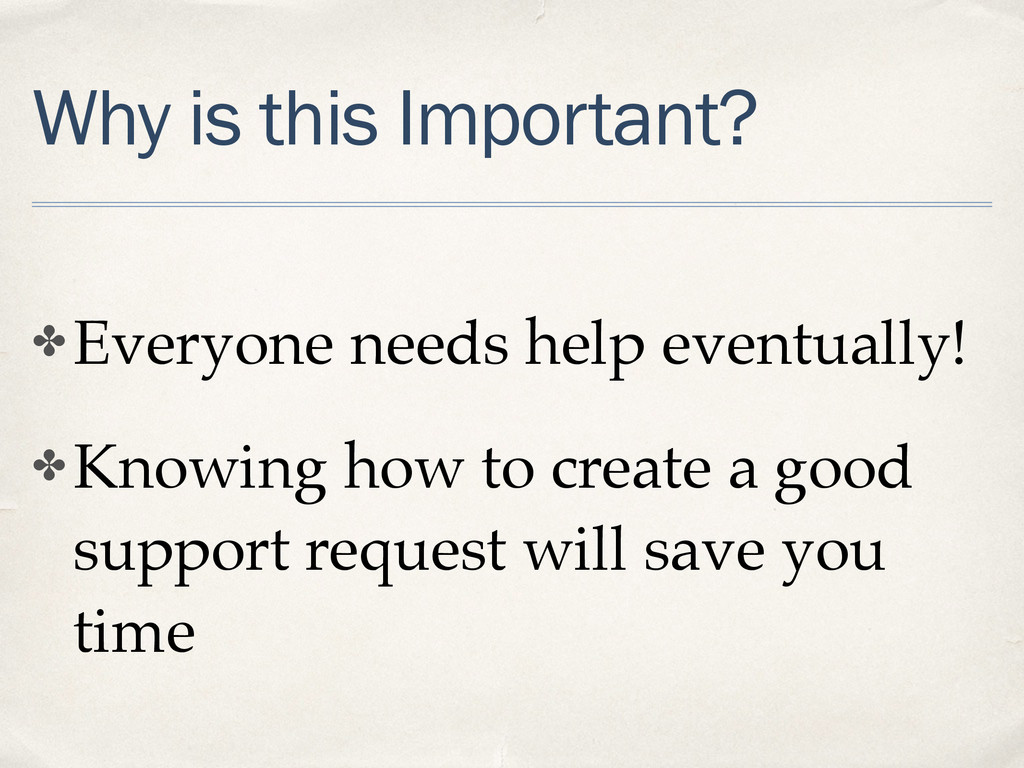
  2. Why is this Important? ✤ Everyone needs help eventually!! ✤

    Knowing how to create a good support request will save you time
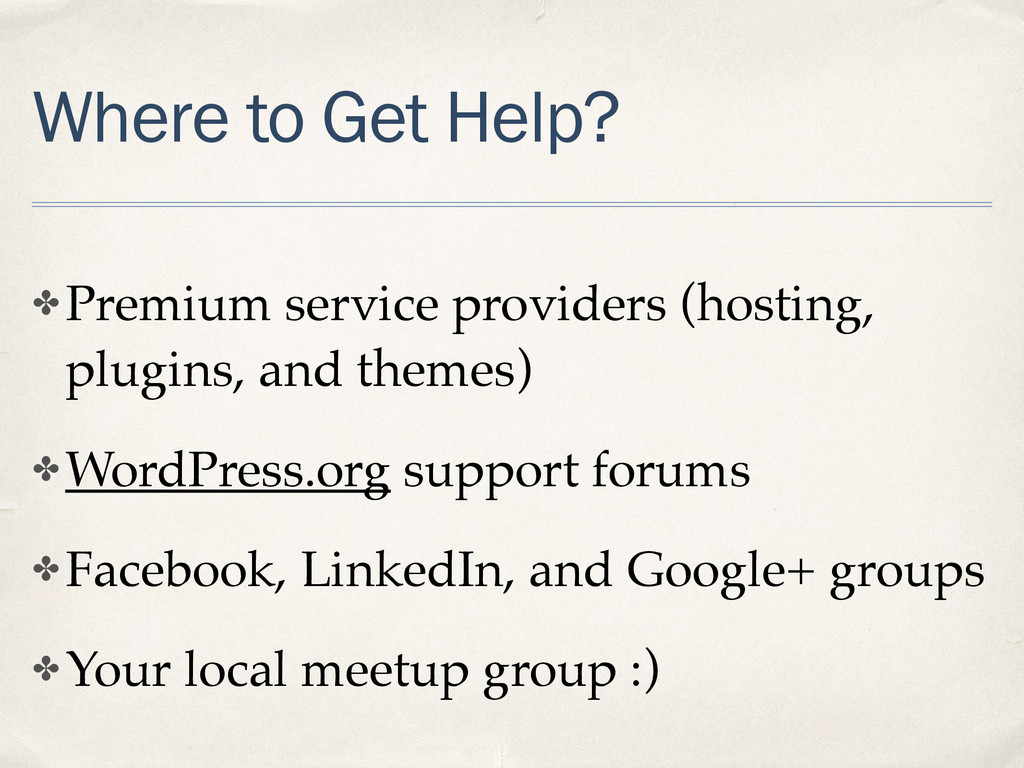
  3. Where to Get Help? ✤ Premium service providers (hosting, plugins,

    and themes)! ✤ WordPress.org support forums! ✤ Facebook, LinkedIn, and Google+ groups! ✤ Your local meetup group :)
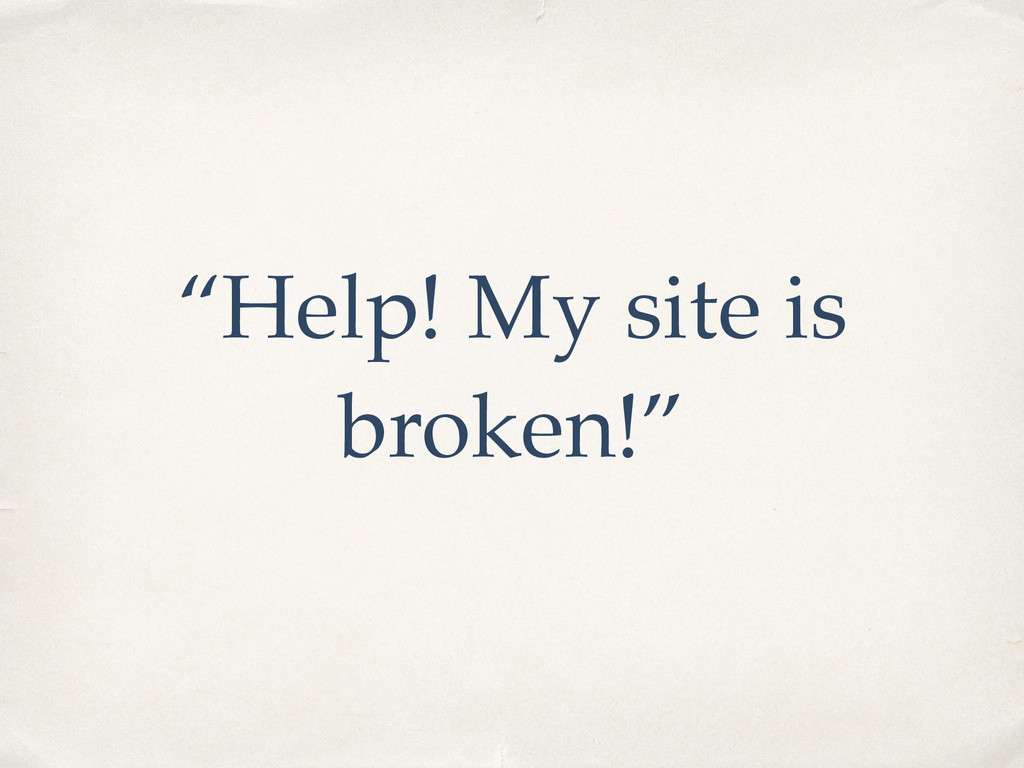
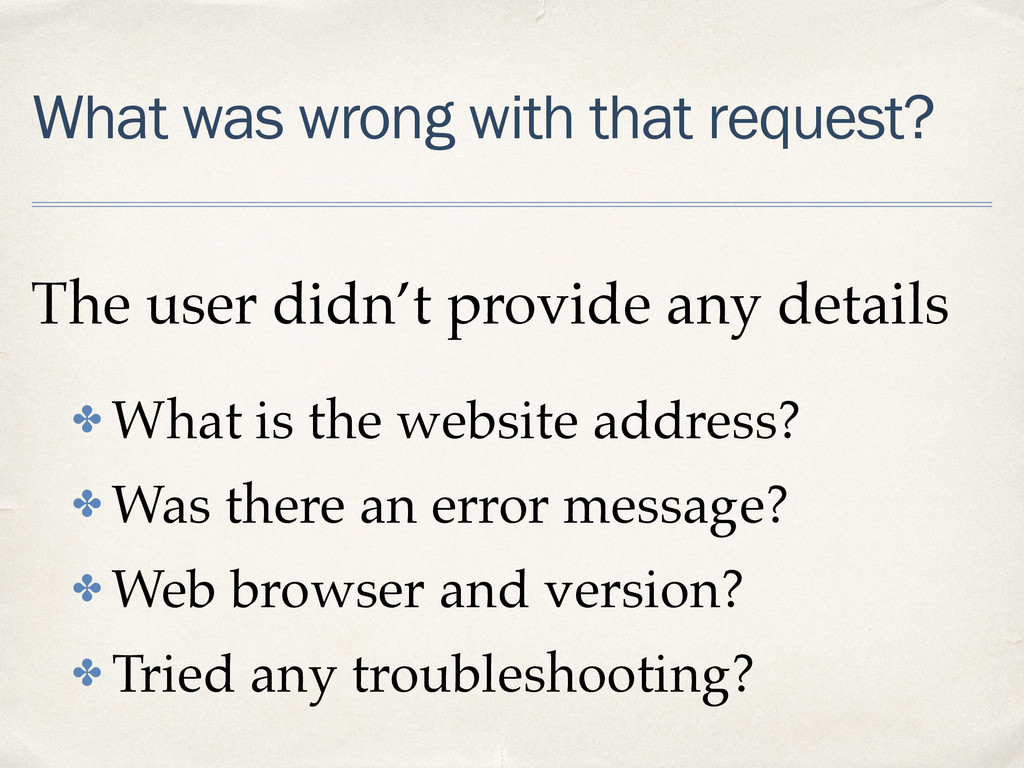
  4. What was wrong with that request? The user didn’t provide

    any details! ✤ What is the website address?! ✤ Was there an error message?! ✤ Web browser and version? ! ✤ Tried any troubleshooting?
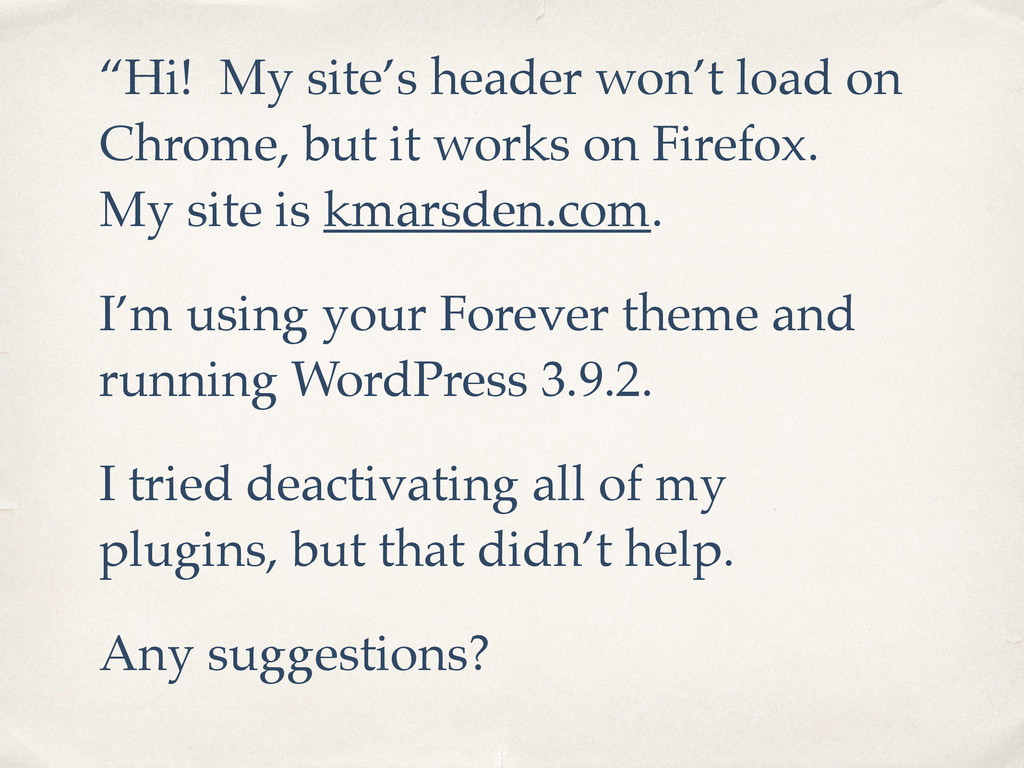
  5. “Hi! My site’s header won’t load on Chrome, but it

    works on Firefox. My site is kmarsden.com. ! I’m using your Forever theme and running WordPress 3.9.2. ! I tried deactivating all of my plugins, but that didn’t help.! Any suggestions?
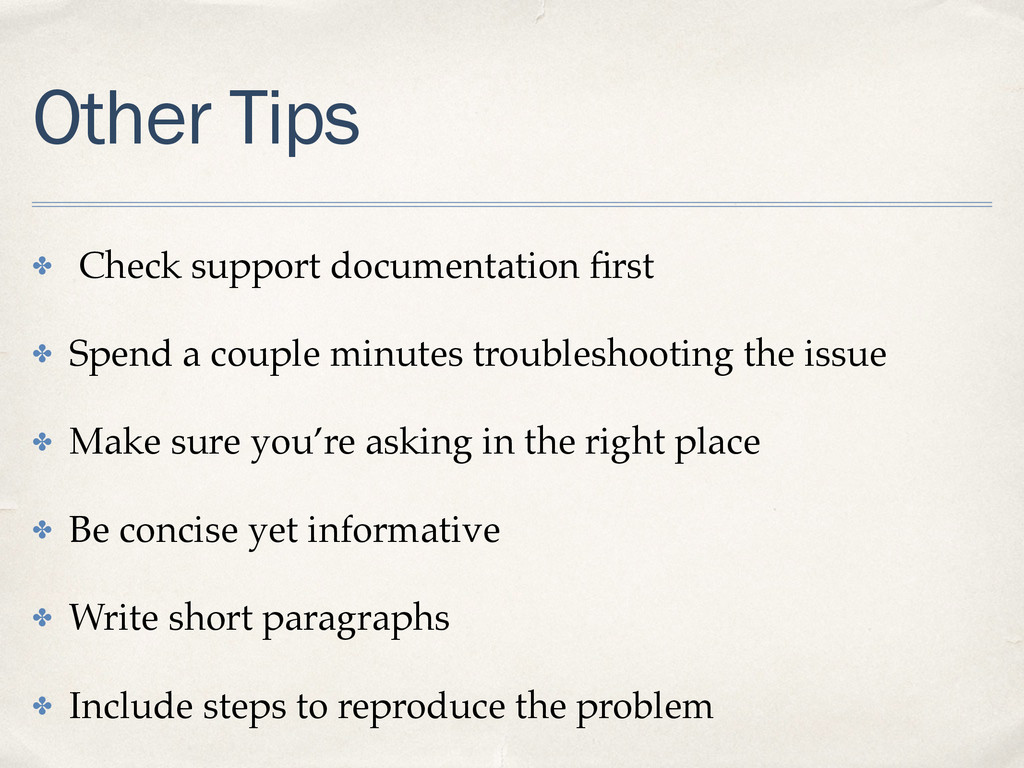
  6. Other Tips ✤ Check support documentation first! ✤ Spend a

    couple minutes troubleshooting the issue! ✤ Make sure you’re asking in the right place! ✤ Be concise yet informative! ✤ Write short paragraphs! ✤ Include steps to reproduce the problem
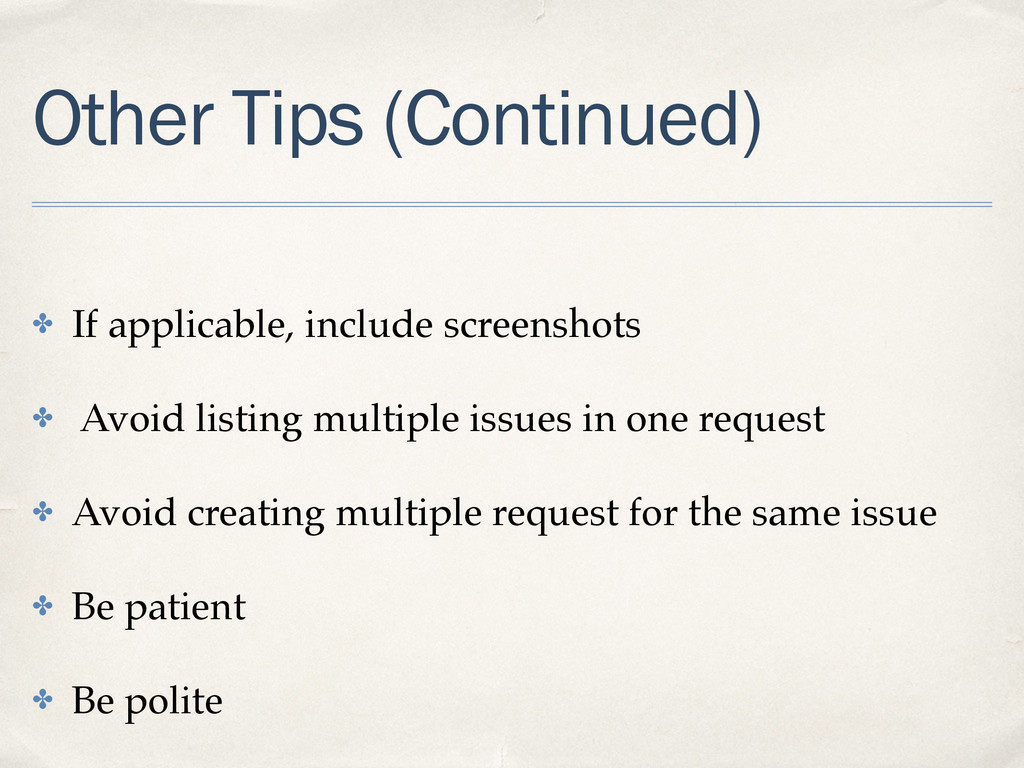
  7. Other Tips (Continued) ! ✤ If applicable, include screenshots! ✤

    Avoid listing multiple issues in one request ! ✤ Avoid creating multiple request for the same issue! ✤ Be patient ! ✤ Be polite
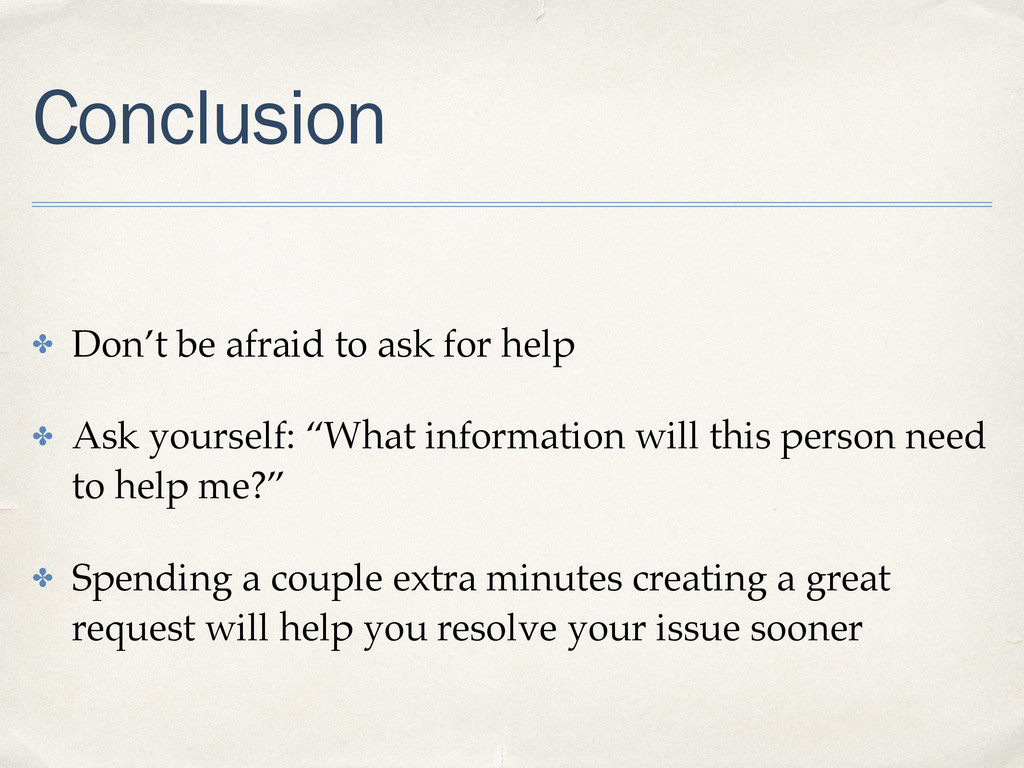
  8. Conclusion ✤ Don’t be afraid to ask for help! ✤

    Ask yourself: “What information will this person need to help me?”! ✤ Spending a couple extra minutes creating a great request will help you resolve your issue sooner