Upgrade to Pro
— share decks privately, control downloads, hide ads and more …
Speaker Deck
Sign up for free
Menu
Search
Features
All features
Private URLs
Password Protection
Custom URLS
Scheduled publishing
Remove Branding
Restrict embedding
Deck Collections
Notes
Features
All features
Private URLs
Password Protection
Custom URLS
Scheduled publishing
Remove Branding
Restrict embedding
Deck Collections
Notes
Explore
Featured decks
Featured speakers
Programming
Technology
Storyboards
Explore
Featured decks
Featured speakers
Programming
Technology
Storyboards
Pricing
Search
Sign in
Sign up for free
Developing cross-platform application with rich...
Search
Victor Kropp
January 26, 2017
Programming
110
0
Share
Embed
Copy iframe code
Copy JS code
Copy link
Start on current slide
Developing cross-platform application with rich GUI using QtWebEngine
Qt Munich Meetup, January 2017
Victor Kropp
January 26, 2017
Other Decks in Programming
See All in Programming
現場と育てるRailsモデリング 〜Spreadsheetから始めたモデル設計〜
siroemk
2
610
KiroのSpecで「五目並べ」を作ってみる
satoshi256kbyte
1
380
AmebaブログはKMPから卒業します
kmars0605
0
200
全ての永続トークンを、生まれる前に消し去りたい!
sylph01
2
940
當我們開始不讀 Code - AI Agent 時代,Code Review 與 Clean Code 還剩下什麼?
jame2408
1
240
自サークルのIdPからログアウトできるようになるまで
taiseiue
1
140
残高管理から台帳サービスへの進化
artoy
1
200
GemmaをJevのように使ってみる / Use Gemma like Jev
kishida
5
790
sbt 2.0: takeoff
eed3si9n
0
160
RAG の “R” を Swift で覗いてみる 〜「意味から探す」検索の仕組み〜
nao_randd
0
160
phperだってパンチカードでコーディングしたい
o0h
PRO
0
340
re:Inventに行く前に知っておきたい現地参加のノウハウ
nokomoro3
0
430
Featured
See All Featured
The AI Search Optimization Roadmap by Aleyda Solis
aleyda
2
6.3k
Building Experiences: Design Systems, User Experience, and Full Site Editing
marktimemedia
1
630
A designer walks into a library…
pauljervisheath
211
25k
Jamie Indigo - Trashchat’s Guide to Black Boxes: Technical SEO Tactics for LLMs
techseoconnect
PRO
0
710
BBQ
matthewcrist
90
10k
Optimising Largest Contentful Paint
csswizardry
37
4k
AI: The stuff that nobody shows you
jnunemaker
PRO
10
1.2k
Conquering PDFs: document understanding beyond plain text
inesmontani
PRO
4
3.2k
Unsuck your backbone
ammeep
672
58k
How to Build an AI Search Optimization Roadmap - Criteria and Steps to Take #SEOIRL
aleyda
1
2.2k
Thoughts on Productivity
jonyablonski
76
5.4k
Design of three-dimensional binary manipulators for pick-and-place task avoiding obstacles (IECON2024)
konakalab
0
620
Transcript
Developing cross-platform application with rich GUI using QtWebEngine _ Victor
Kropp @kropp Qt Munich Meetup January 26, 2017
None
jetbrains.com
3 major releases per year 2-3 minor updates each up
to 10 early preview builds
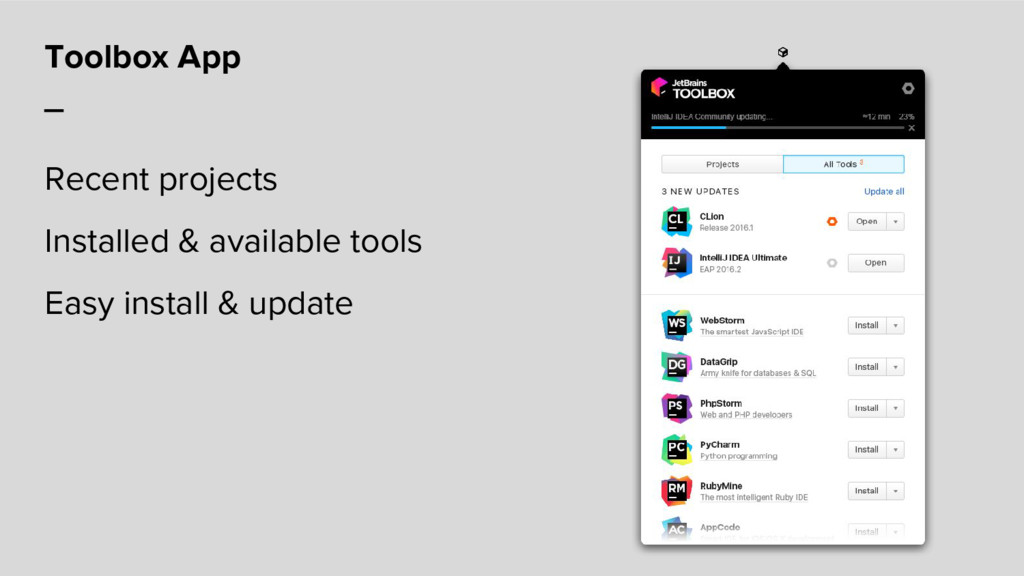
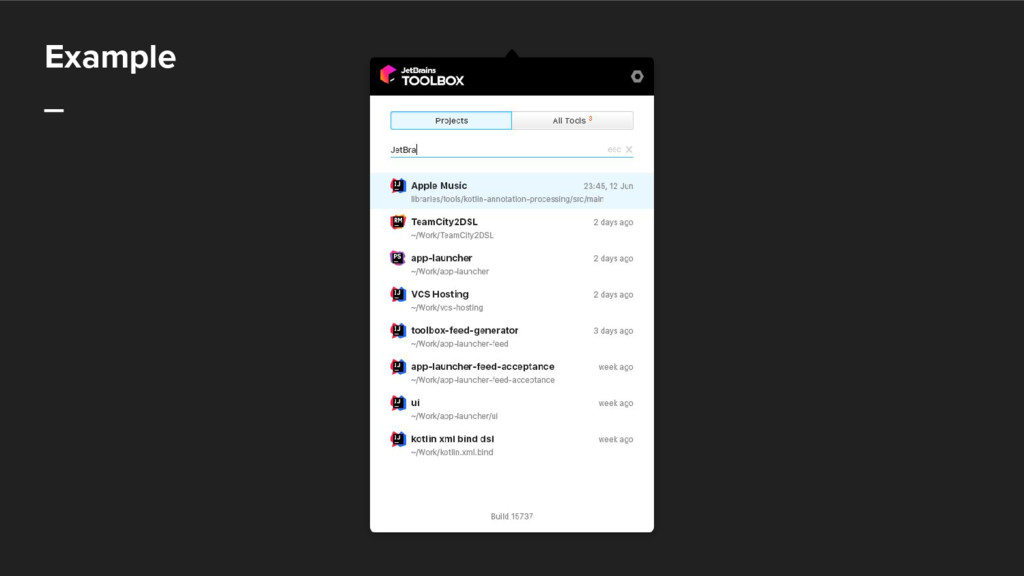
Toolbox App _ Recent projects Installed & available tools Easy
install & update
Hackathon _ Held annually 48 hours Do whatever you want
Mixed teams
Team _ UX Designer UI Developer Platform Developer 3 ×
Core Developers: Mac OS X, Windows & Linux
Disclaimer _ This is our first experience in Qt in
HTML/CSS/JS UI in Desktop application
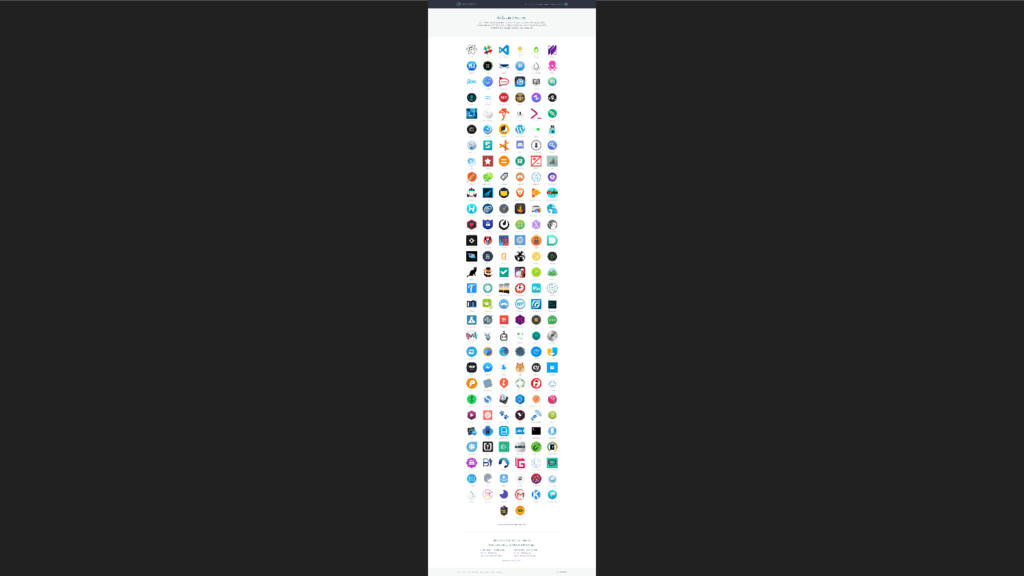
HTML/JS Desktop Applications _ Chrome Web Apps (discontinued) Electron-based apps
http://electron.atom.io/apps/
None
Why not Electron? _ We didn’t want to write that
much JS code
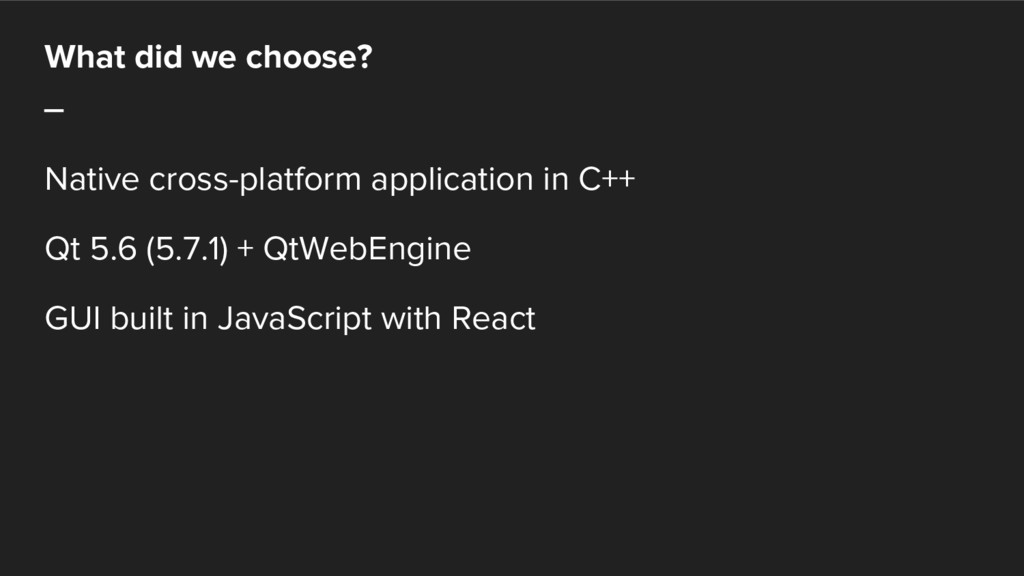
What did we choose? _ Native cross-platform application in C++
Qt 5.6 (5.7.1) + QtWebEngine GUI built in JavaScript with React
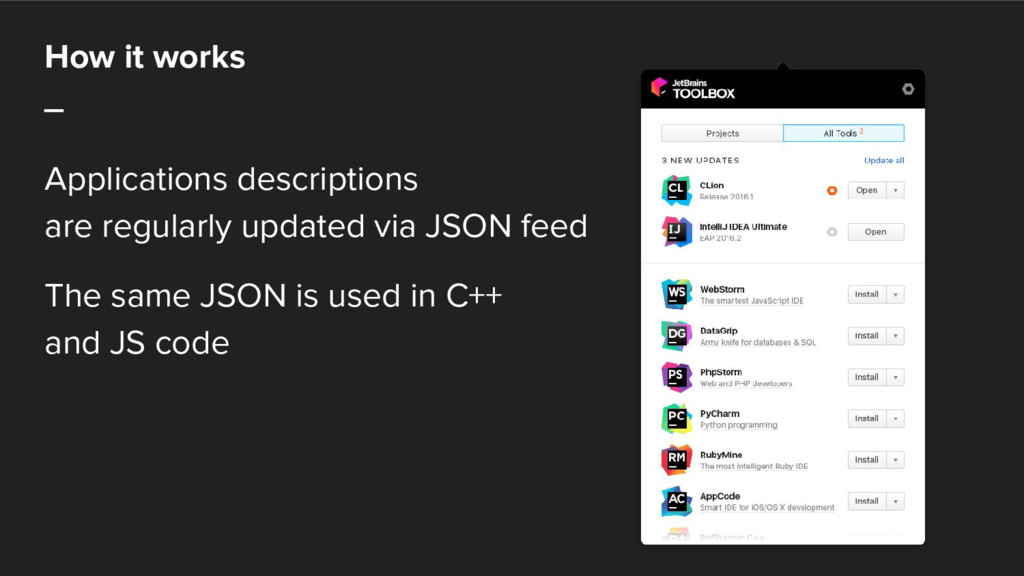
How it works _ Applications descriptions are regularly updated via
JSON feed The same JSON is used in C++ and JS code
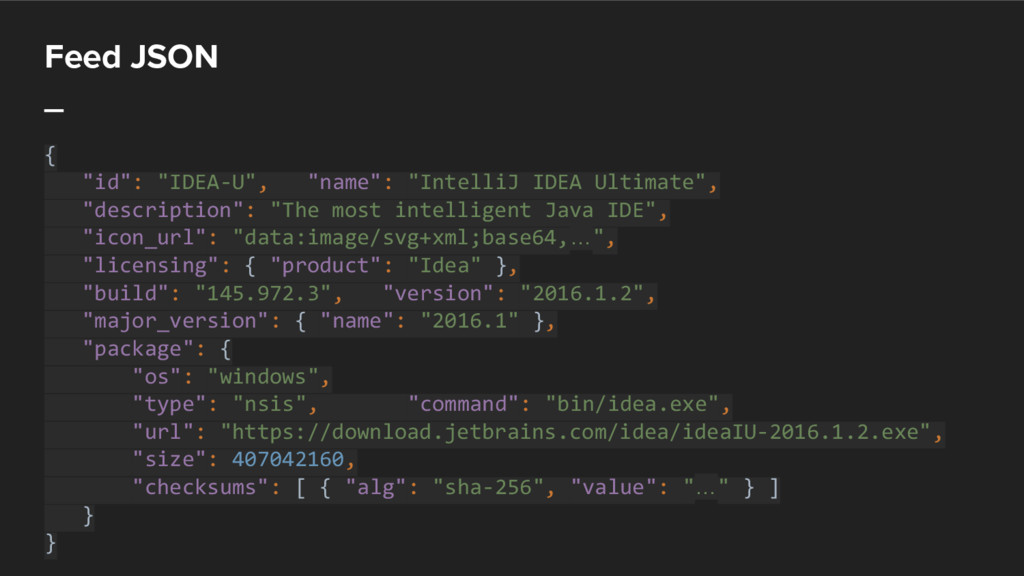
Feed JSON _ { "id": "IDEA-U", "name": "IntelliJ IDEA Ultimate",
"description": "The most intelligent Java IDE", "icon_url": "data:image/svg+xml;base64,…", "licensing": { "product": "Idea" }, "build": "145.972.3", "version": "2016.1.2", "major_version": { "name": "2016.1" }, "package": { "os": "windows", "type": "nsis", "command": "bin/idea.exe", "url": "https://download.jetbrains.com/idea/ideaIU-2016.1.2.exe", "size": 407042160, "checksums": [ { "alg": "sha-256", "value": "…" } ] } }
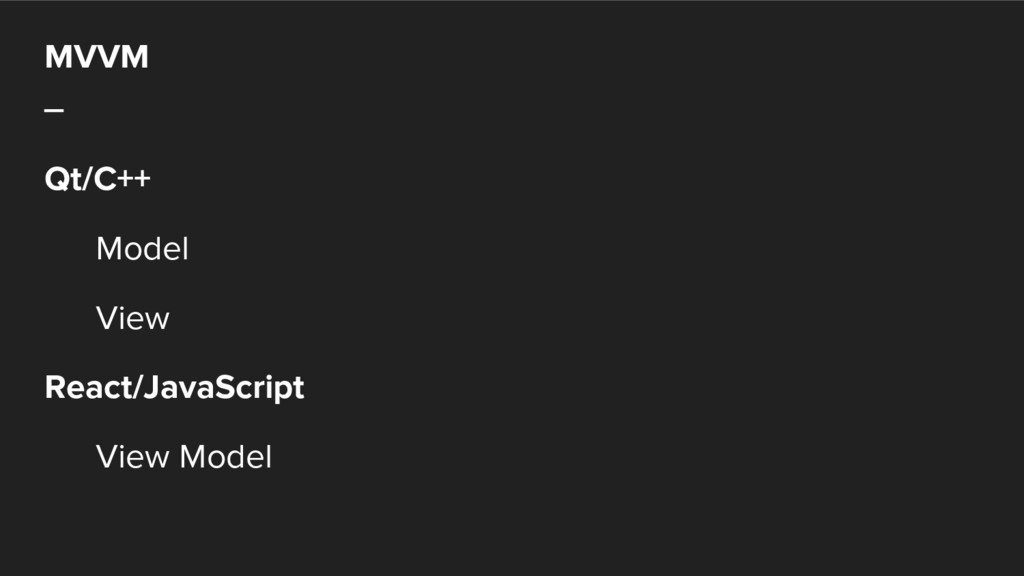
MVVM _ Qt/C++ Model View React/JavaScript View Model
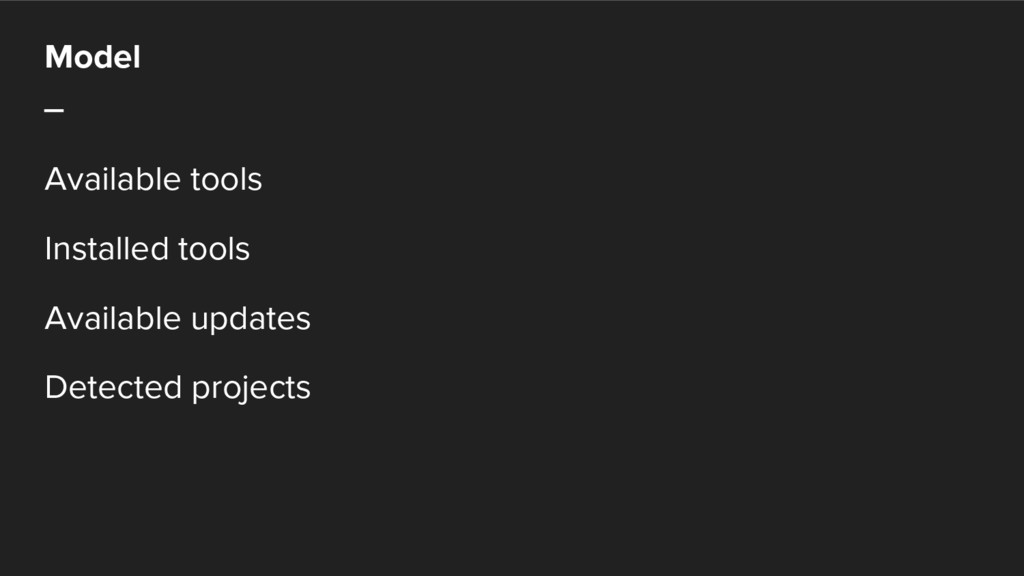
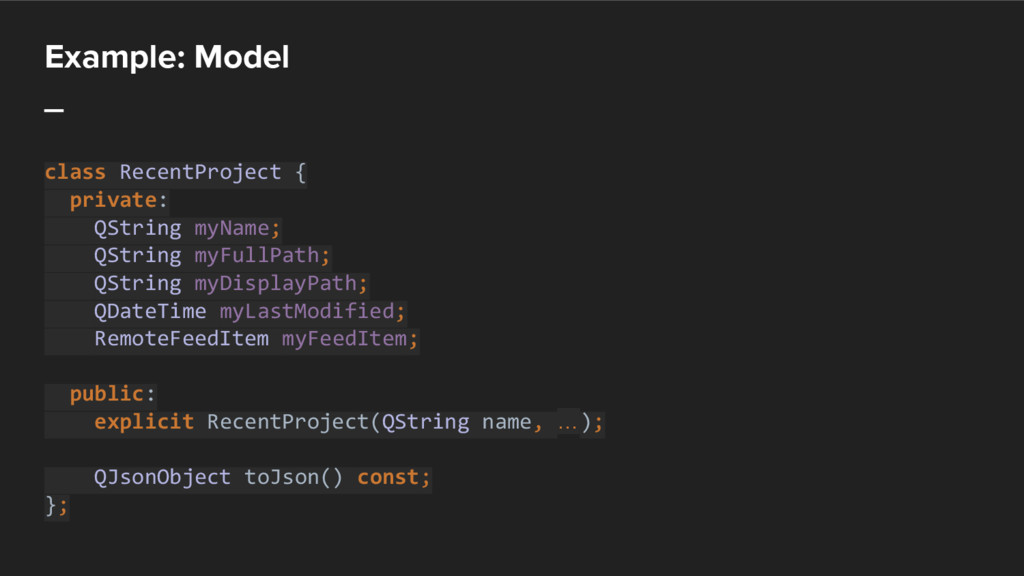
Model _ Available tools Installed tools Available updates Detected projects
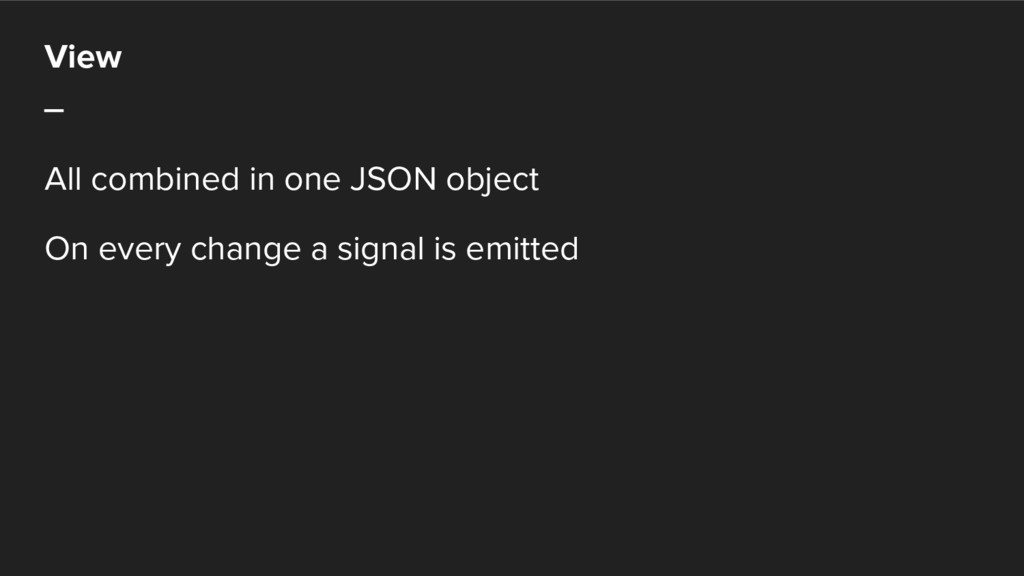
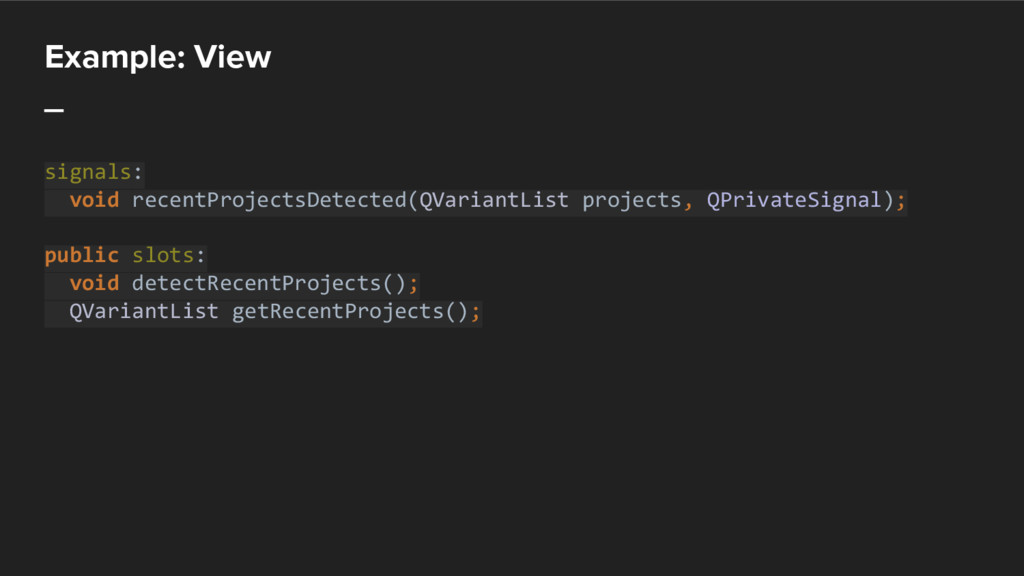
View _ All combined in one JSON object On every
change a signal is emitted
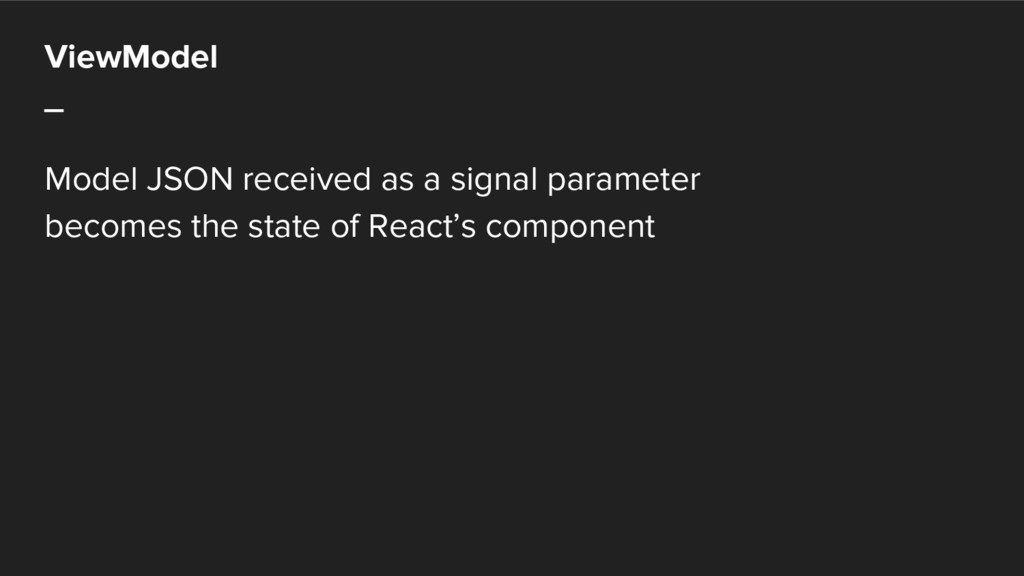
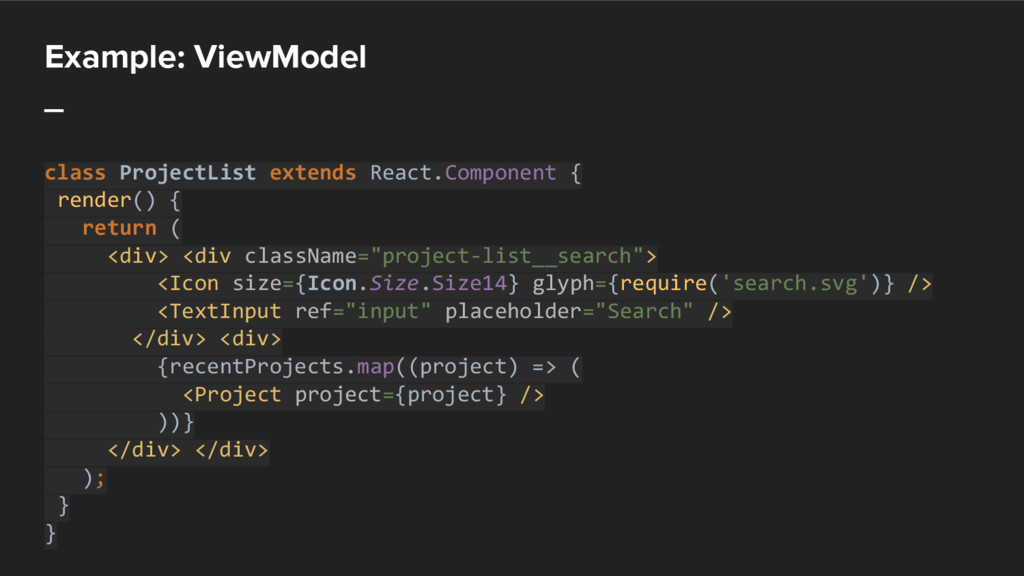
ViewModel _ Model JSON received as a signal parameter becomes
the state of React’s component
Example _
Example: Model _ class RecentProject { private: QString myName; QString
myFullPath; QString myDisplayPath; QDateTime myLastModified; RemoteFeedItem myFeedItem; public: explicit RecentProject(QString name, …); QJsonObject toJson() const; };
Example: View _ signals: void recentProjectsDetected(QVariantList projects, QPrivateSignal); public slots:
void detectRecentProjects(); QVariantList getRecentProjects();
Example: ViewModel _ class ProjectList extends React.Component { render() {
return ( <div> <div className="project-list__search"> <Icon size={Icon.Size.Size14} glyph={require('search.svg')} /> <TextInput ref="input" placeholder="Search" /> </div> <div> {recentProjects.map((project) => ( <Project project={project} /> ))} </div> </div> ); } }
Frontend _ React + declarative JavaScript library for building user
interfaces & predictable state container for React apps https://facebook.github.io/react/ http://redux.js.org/
ECMAScript 2015 _ aka ECMAScript 6 Compiled with Babel into
ECMAScript 5 Supported natively in Chrome 52, so it is available in Qt 5.8
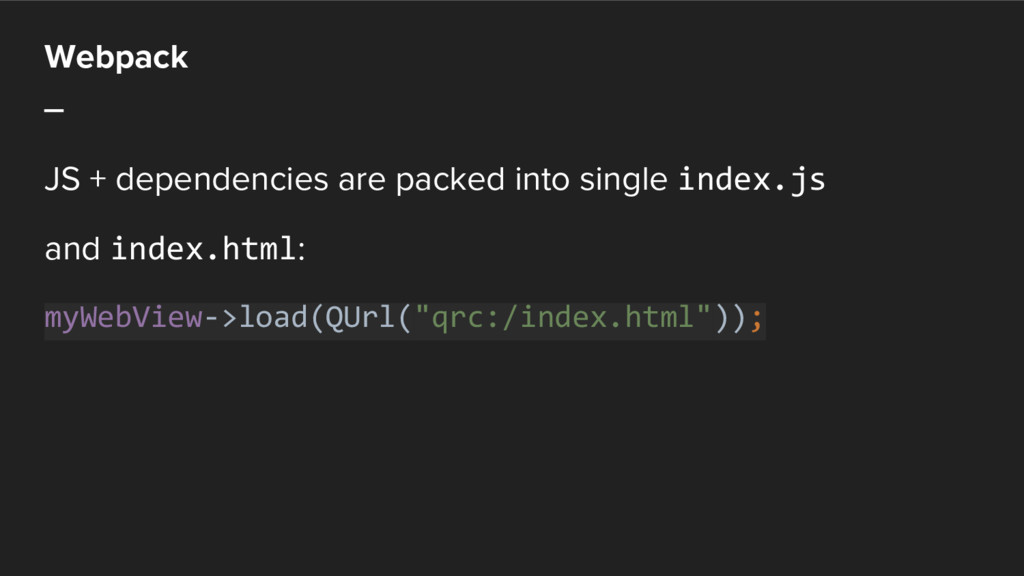
Webpack _ JS + dependencies are packed into single index.js
and index.html: myWebView->load(QUrl("qrc:/index.html"));
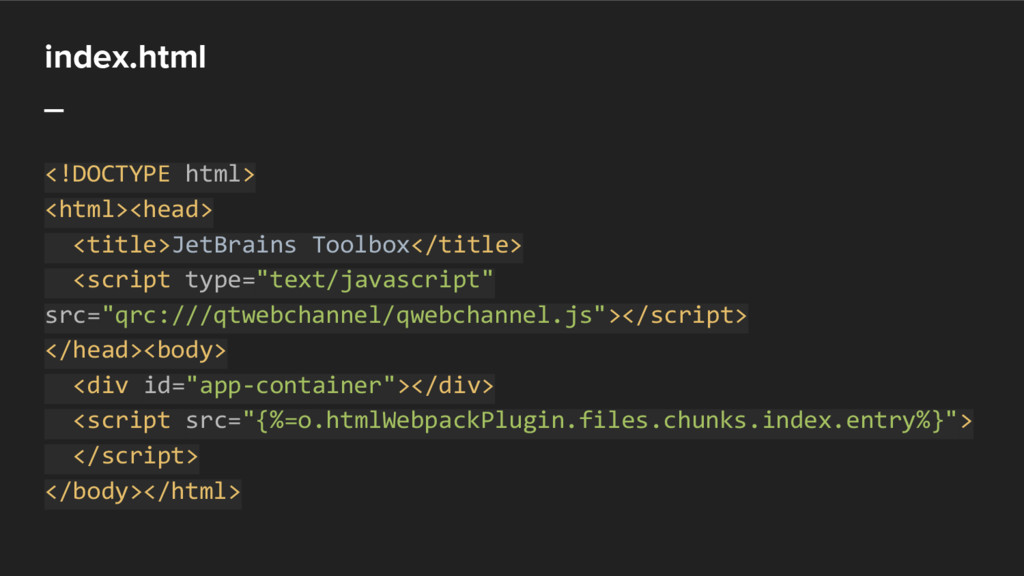
index.html _ <!DOCTYPE html> <html><head> <title>JetBrains Toolbox</title> <script type="text/javascript" src="qrc:///qtwebchannel/qwebchannel.js"></script>
</head><body> <div id="app-container"></div> <script src="{%=o.htmlWebpackPlugin.files.chunks.index.entry%}"> </script> </body></html>
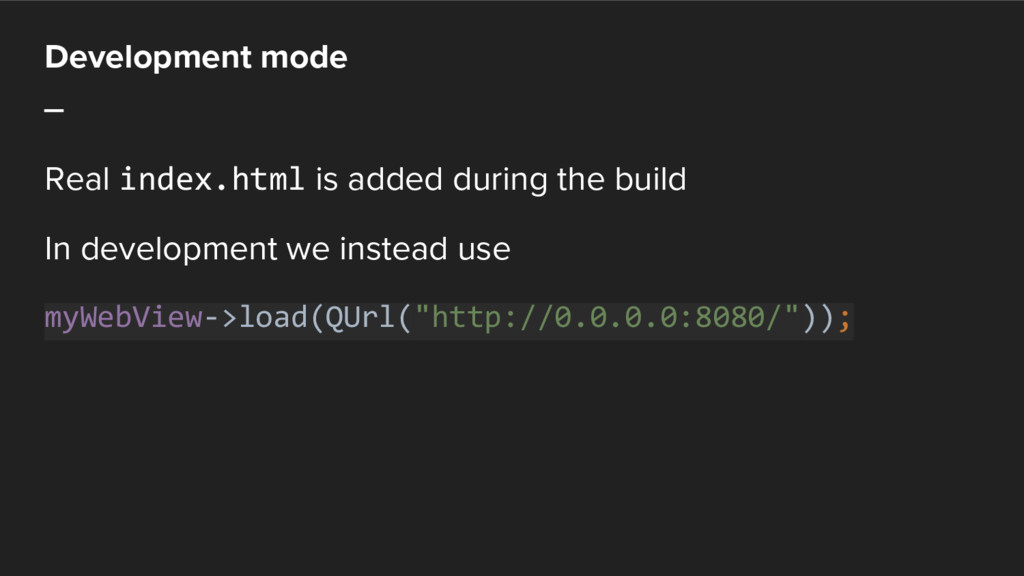
Development mode _ Real index.html is added during the build
In development we instead use myWebView->load(QUrl("http://0.0.0.0:8080/"));
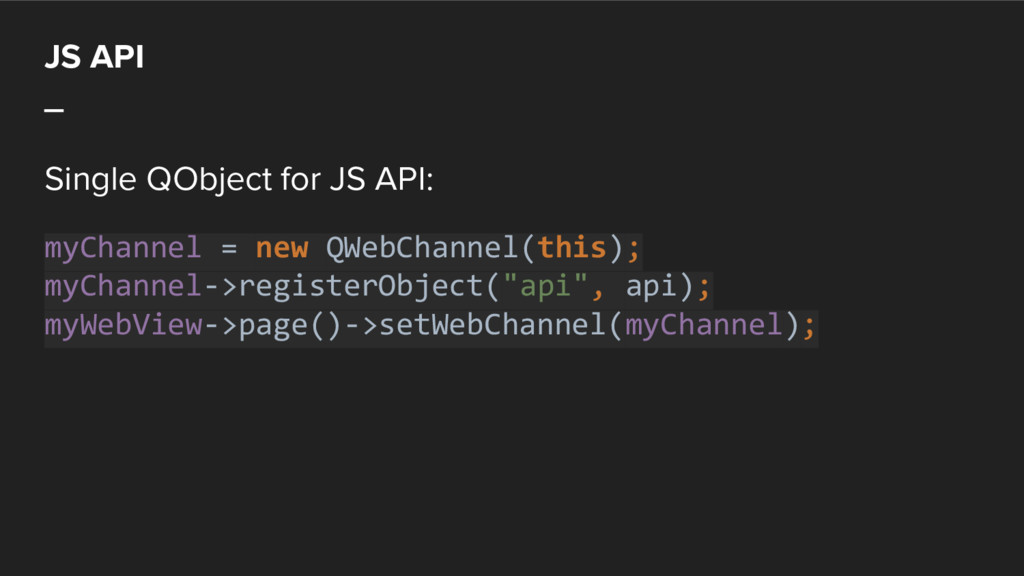
JS API _ Single QObject for JS API: myChannel =
new QWebChannel(this); myChannel->registerObject("api", api); myWebView->page()->setWebChannel(myChannel);
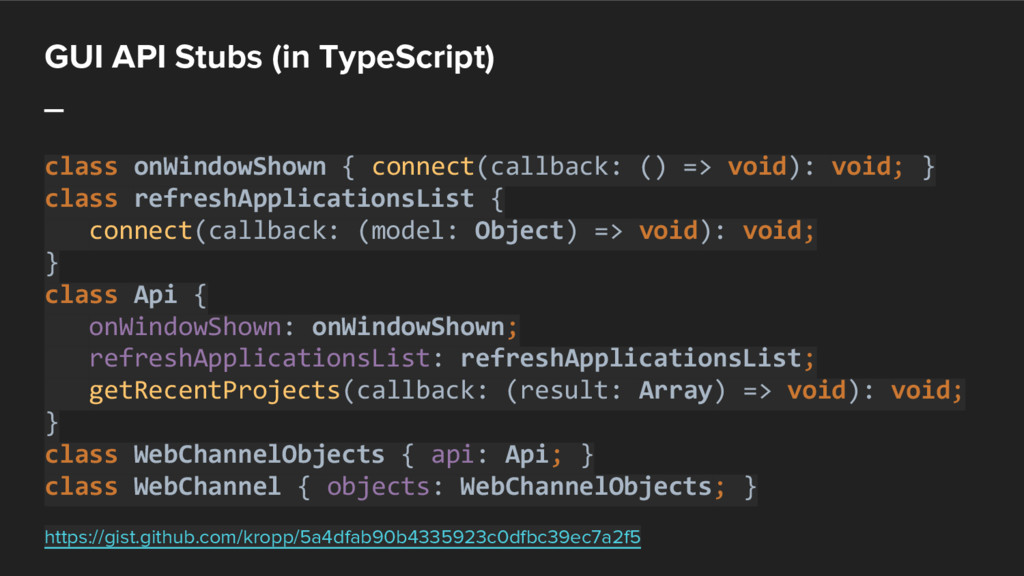
GUI API Stubs (in TypeScript) _ class onWindowShown { connect(callback:
() => void): void; } class refreshApplicationsList { connect(callback: (model: Object) => void): void; } class Api { onWindowShown: onWindowShown; refreshApplicationsList: refreshApplicationsList; getRecentProjects(callback: (result: Array) => void): void; } class WebChannelObjects { api: Api; } class WebChannel { objects: WebChannelObjects; } https://gist.github.com/kropp/5a4dfab90b4335923c0dfbc39ec7a2f5
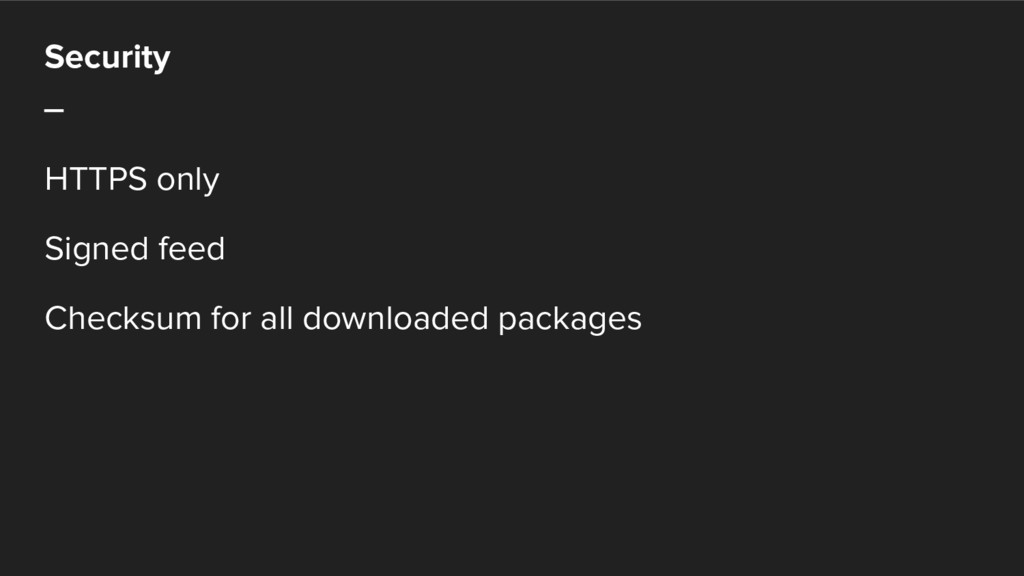
Security _ HTTPS only Signed feed Checksum for all downloaded
packages
Thank you for your attention! Victor Kropp @kropp
Questions? jetbrains.com/toolbox/app @JBToolbox Victor Kropp @kropp
Thank you! jetbrains.com


 siroemk
 satoshi256kbyte
 kmars0605
 sylph01
 jame2408
 taiseiue
 artoy
artoy
 kishida
 eed3si9n
 nao_randd
 o0h
o0h
 nokomoro3
 aleyda
 marktimemedia
 pauljervisheath
 techseoconnect
 matthewcrist
 csswizardry
 jnunemaker
 inesmontani
 ammeep
 jonyablonski
 konakalab