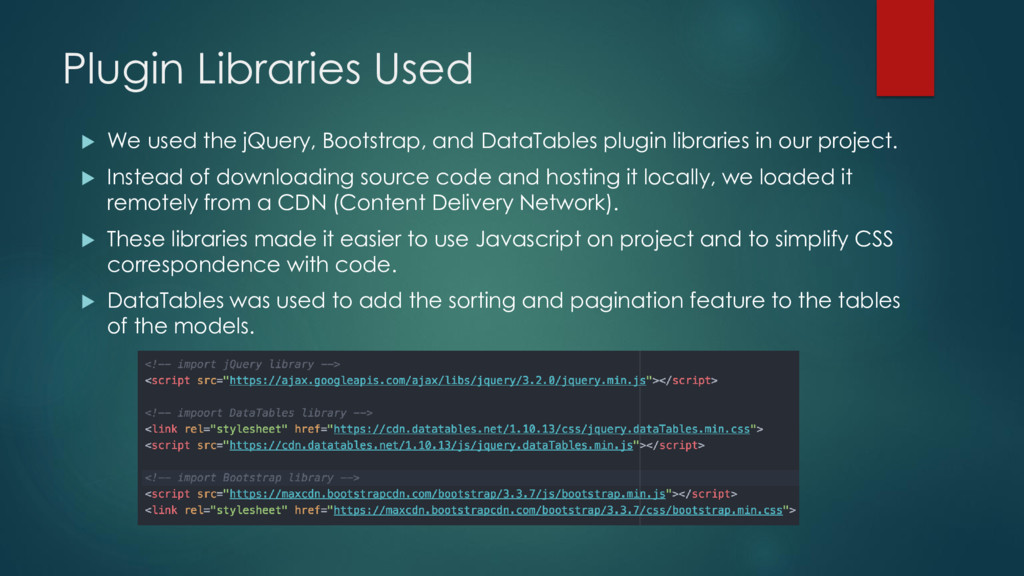
DataTables plugin libraries in our project. Instead of downloading source code and hosting it locally, we loaded it remotely from a CDN (Content Delivery Network). These libraries made it easier to use Javascript on project and to simplify CSS correspondence with code. DataTables was used to add the sorting and pagination feature to the tables of the models.
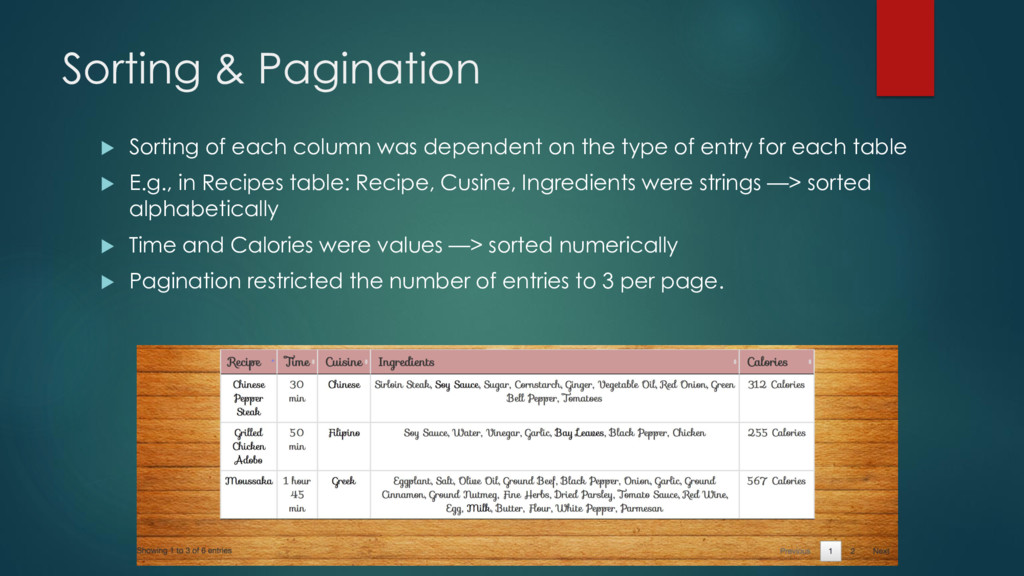
on the type of entry for each table E.g., in Recipes table: Recipe, Cusine, Ingredients were strings —> sorted alphabetically Time and Calories were values —> sorted numerically Pagination restricted the number of entries to 3 per page.
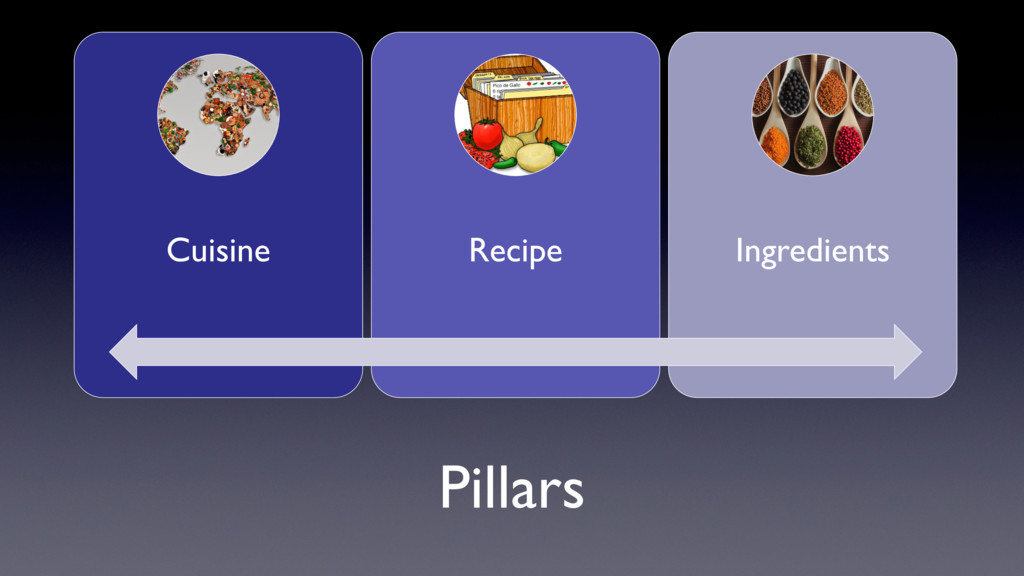
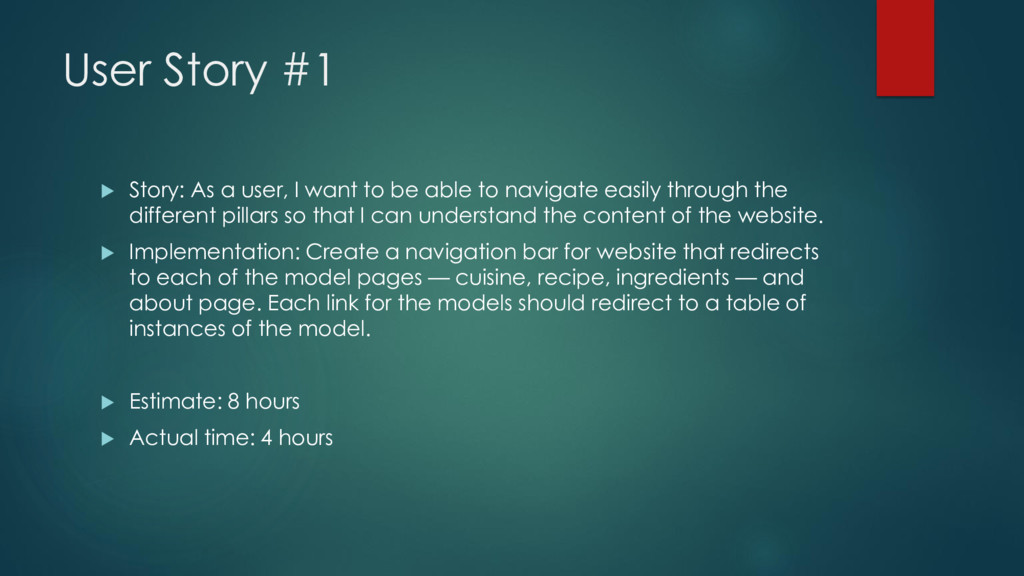
to be able to navigate easily through the different pillars so that I can understand the content of the website. Implementation: Create a navigation bar for website that redirects to each of the model pages — cuisine, recipe, ingredients — and about page. Each link for the models should redirect to a table of instances of the model. Estimate: 8 hours Actual time: 4 hours
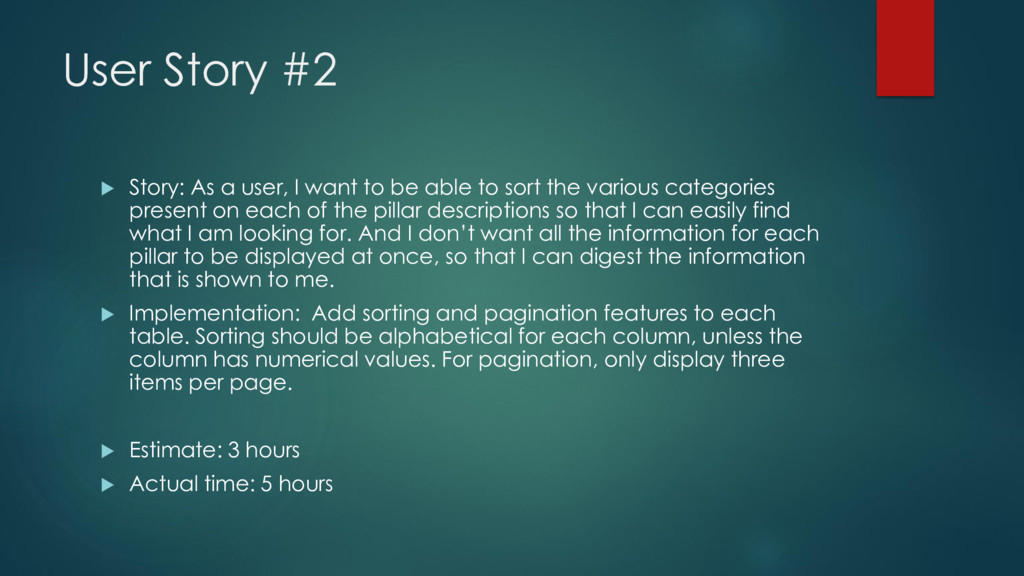
to be able to sort the various categories present on each of the pillar descriptions so that I can easily find what I am looking for. And I don’t want all the information for each pillar to be displayed at once, so that I can digest the information that is shown to me. Implementation: Add sorting and pagination features to each table. Sorting should be alphabetical for each column, unless the column has numerical values. For pagination, only display three items per page. Estimate: 3 hours Actual time: 5 hours
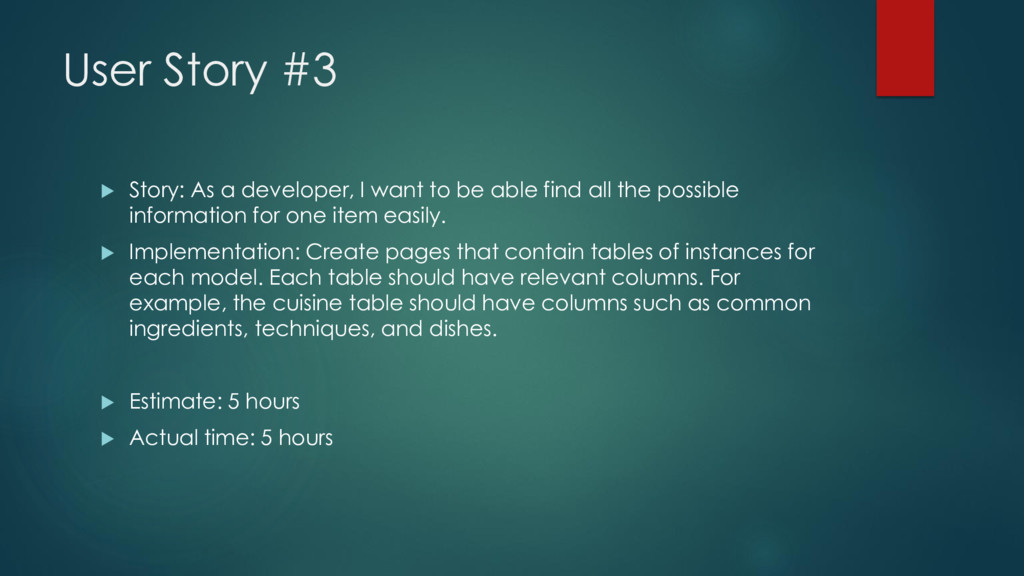
to be able find all the possible information for one item easily. Implementation: Create pages that contain tables of instances for each model. Each table should have relevant columns. For example, the cuisine table should have columns such as common ingredients, techniques, and dishes. Estimate: 5 hours Actual time: 5 hours
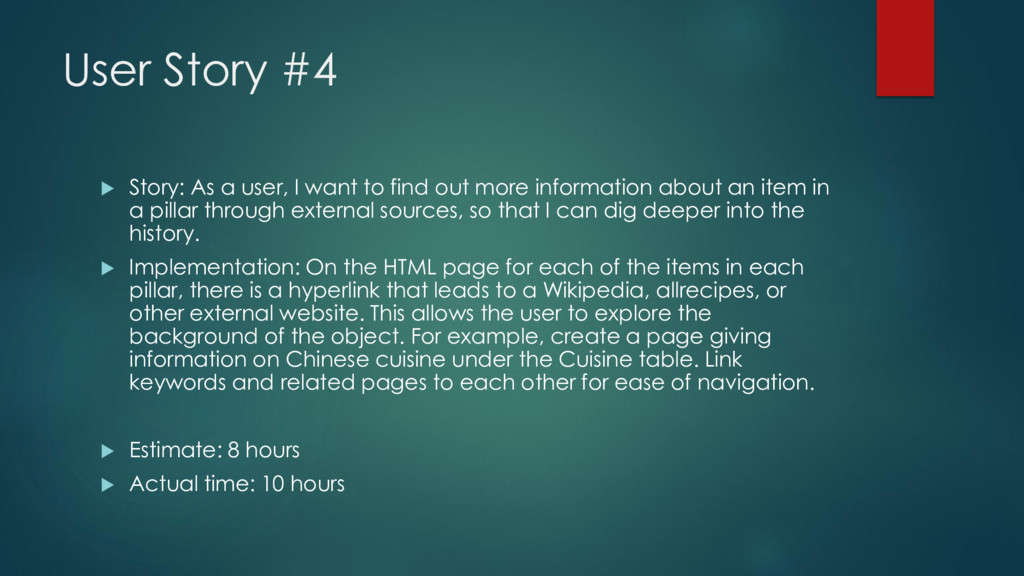
to find out more information about an item in a pillar through external sources, so that I can dig deeper into the history. Implementation: On the HTML page for each of the items in each pillar, there is a hyperlink that leads to a Wikipedia, allrecipes, or other external website. This allows the user to explore the background of the object. For example, create a page giving information on Chinese cuisine under the Cuisine table. Link keywords and related pages to each other for ease of navigation. Estimate: 8 hours Actual time: 10 hours
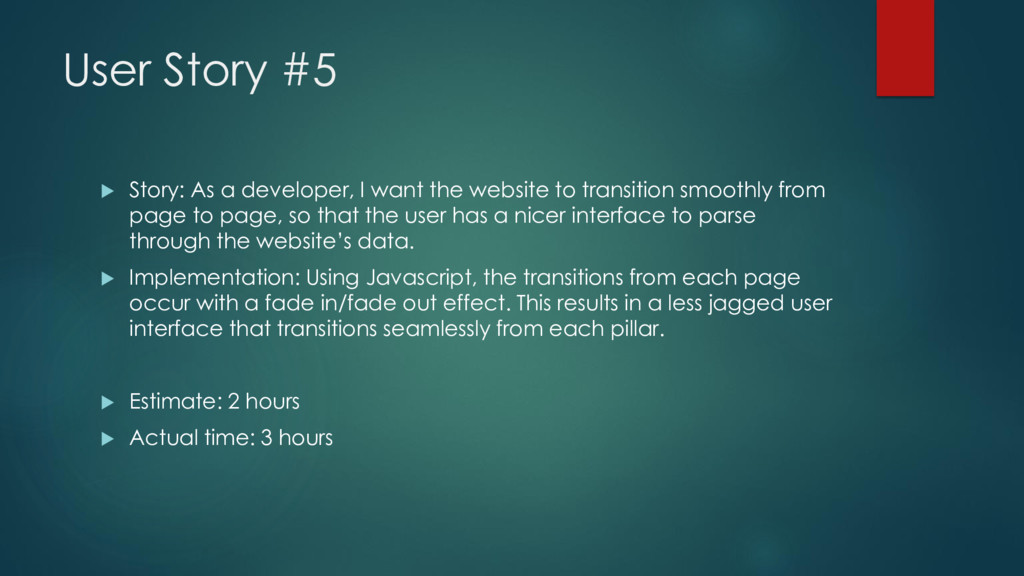
the website to transition smoothly from page to page, so that the user has a nicer interface to parse through the website’s data. Implementation: Using Javascript, the transitions from each page occur with a fade in/fade out effect. This results in a less jagged user interface that transitions seamlessly from each pillar. Estimate: 2 hours Actual time: 3 hours
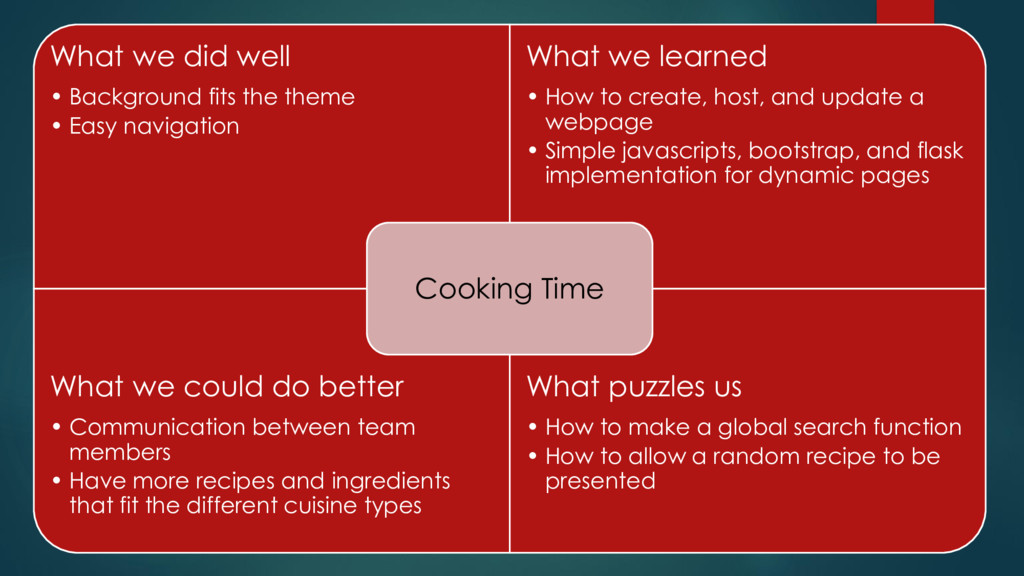
Easy navigation What we learned • How to create, host, and update a webpage • Simple javascripts, bootstrap, and flask implementation for dynamic pages What we could do better • Communication between team members • Have more recipes and ingredients that fit the different cuisine types What puzzles us • How to make a global search function • How to allow a random recipe to be presented Cooking Time
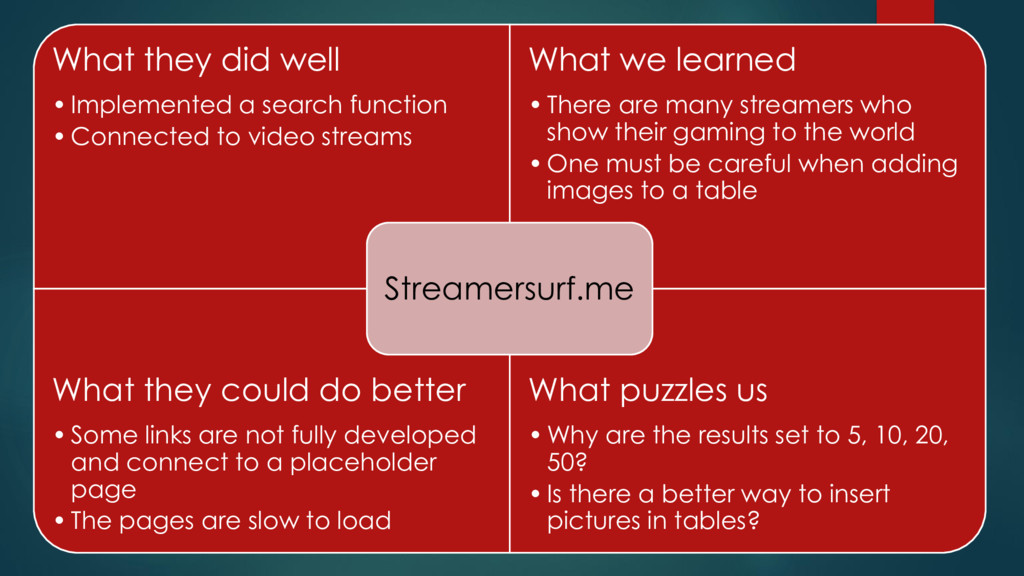
Connected to video streams What we learned • There are many streamers who show their gaming to the world • One must be careful when adding images to a table What they could do better • Some links are not fully developed and connect to a placeholder page • The pages are slow to load What puzzles us • Why are the results set to 5, 10, 20, 50? • Is there a better way to insert pictures in tables? Streamersurf.me


 popppiees
 michielstock
 deanohume
 addyosmani
 eileencodes
 thekraken
 tmiket
 aleyda
 marktimemedia
 jct
jct
 iamctodd