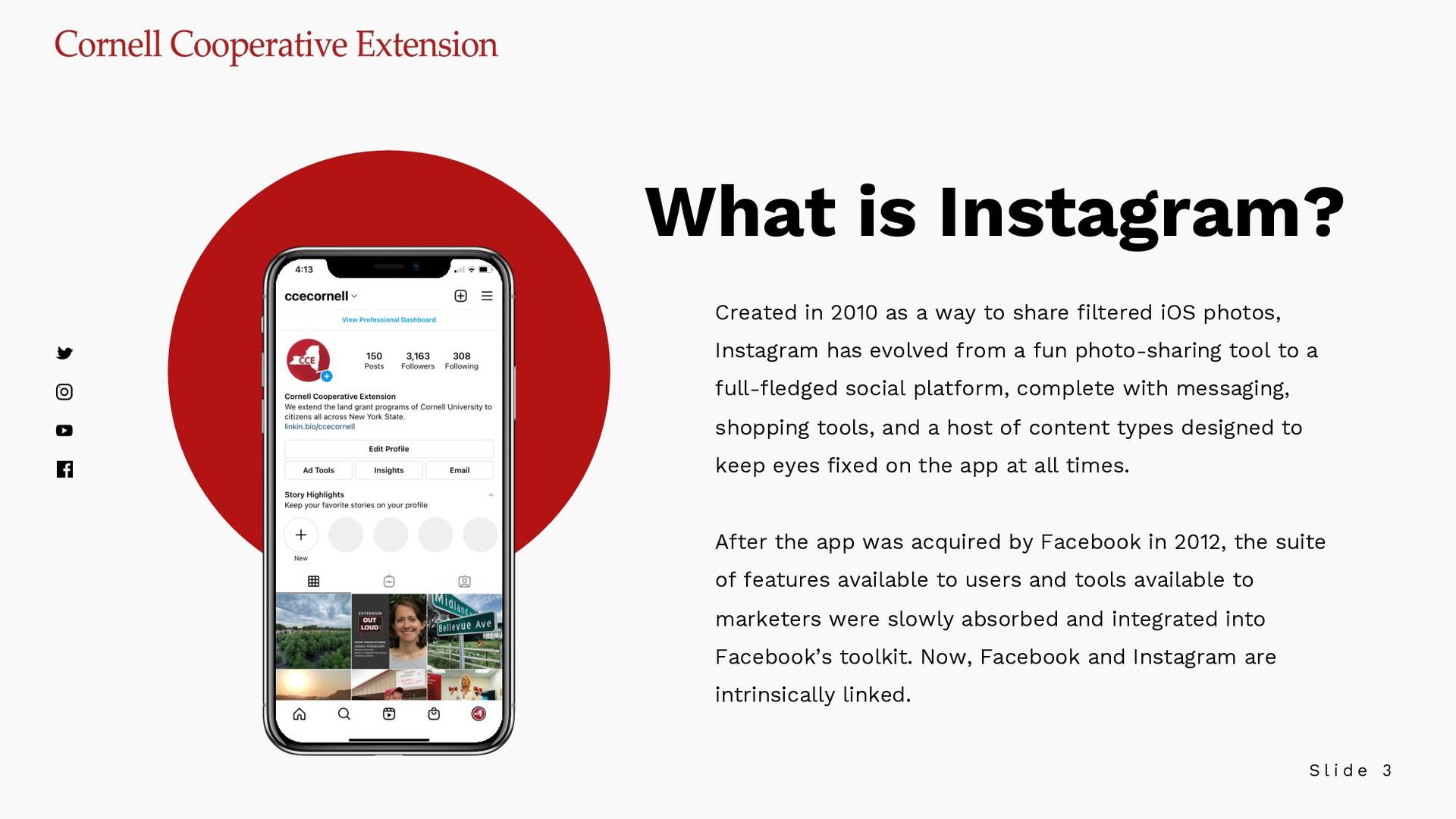
in 2010 as a way to share filtered iOS photos, Instagram has evolved from a fun photo-sharing tool to a full-fledged social platform, complete with messaging, shopping tools, and a host of content types designed to keep eyes fixed on the app at all times. After the app was acquired by Facebook in 2012, the suite of features available to users and tools available to marketers were slowly absorbed and integrated into Facebook’s toolkit. Now, Facebook and Instagram are intrinsically linked.
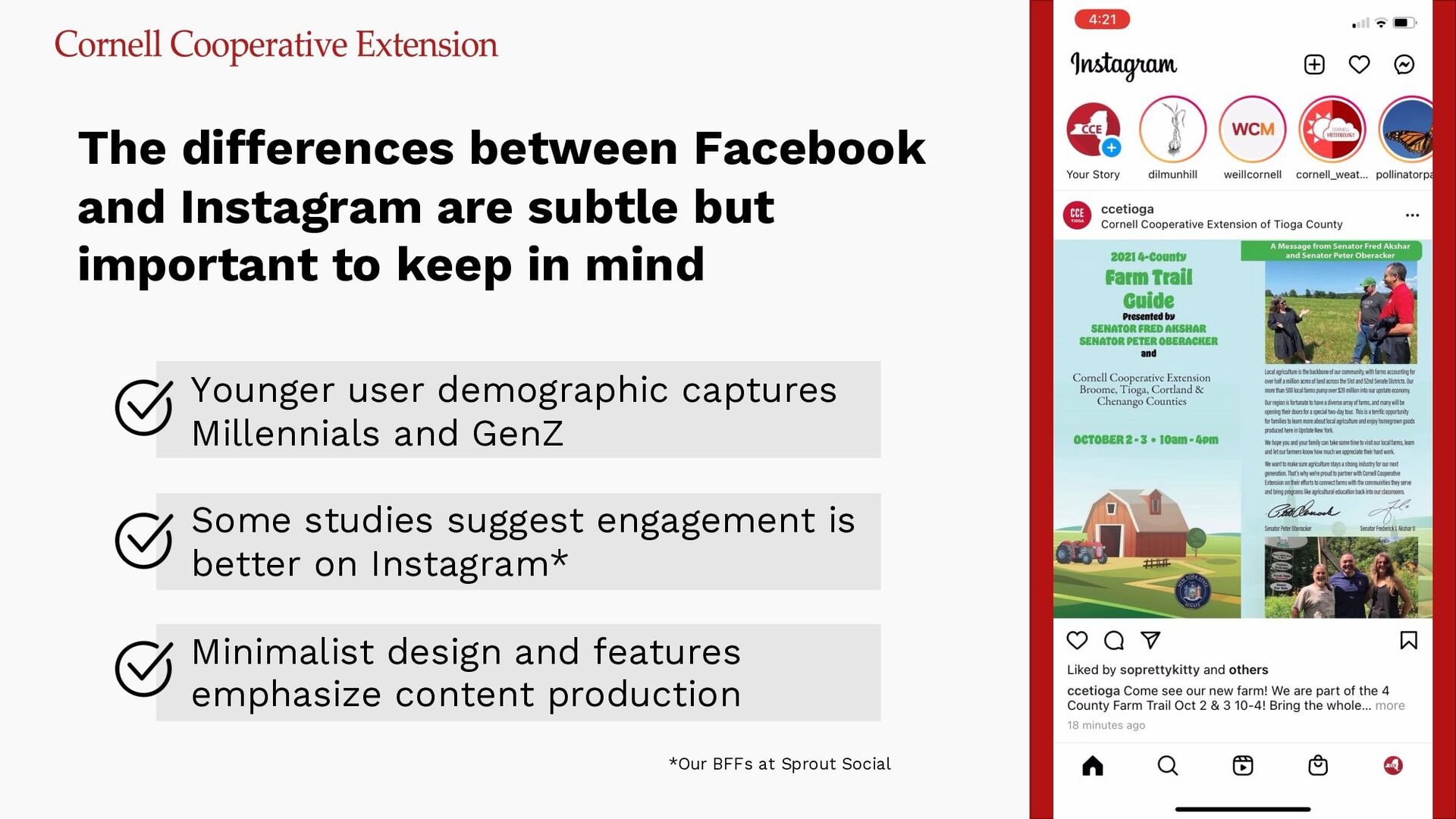
and Instagram are subtle but important to keep in mind Younger user demographic captures Millennials and GenZ Some studies suggest engagement is better on Instagram* Minimalist design and features emphasize content production *Our BFFs at Sprout Social
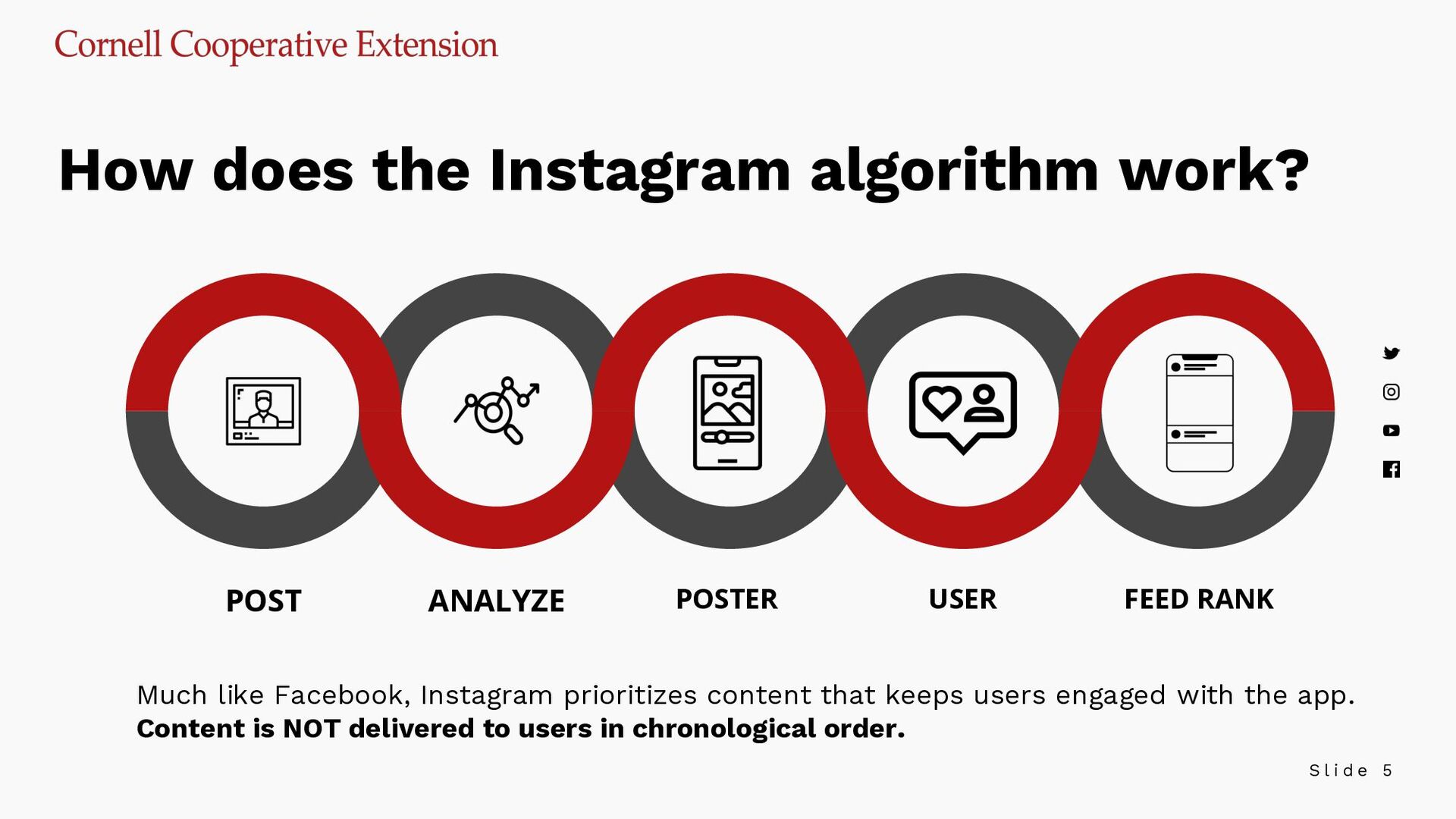
algorithm work? POST ANALYZE POSTER USER FEED RANK Much like Facebook, Instagram prioritizes content that keeps users engaged with the app. Content is NOT delivered to users in chronological order.
to do was create an Instagram hashtag strategy to achieve growth and visibility on the app. The #explore page and search were dominated by hashtags… These days, with advanced AI and algorithm influences from team FB, search is smarter than your hashtags. You still want to tag your photos properly, but you also need to mind your captions, alt text, and keep your images relevant to your marketing goals if you want your content to be discovered.
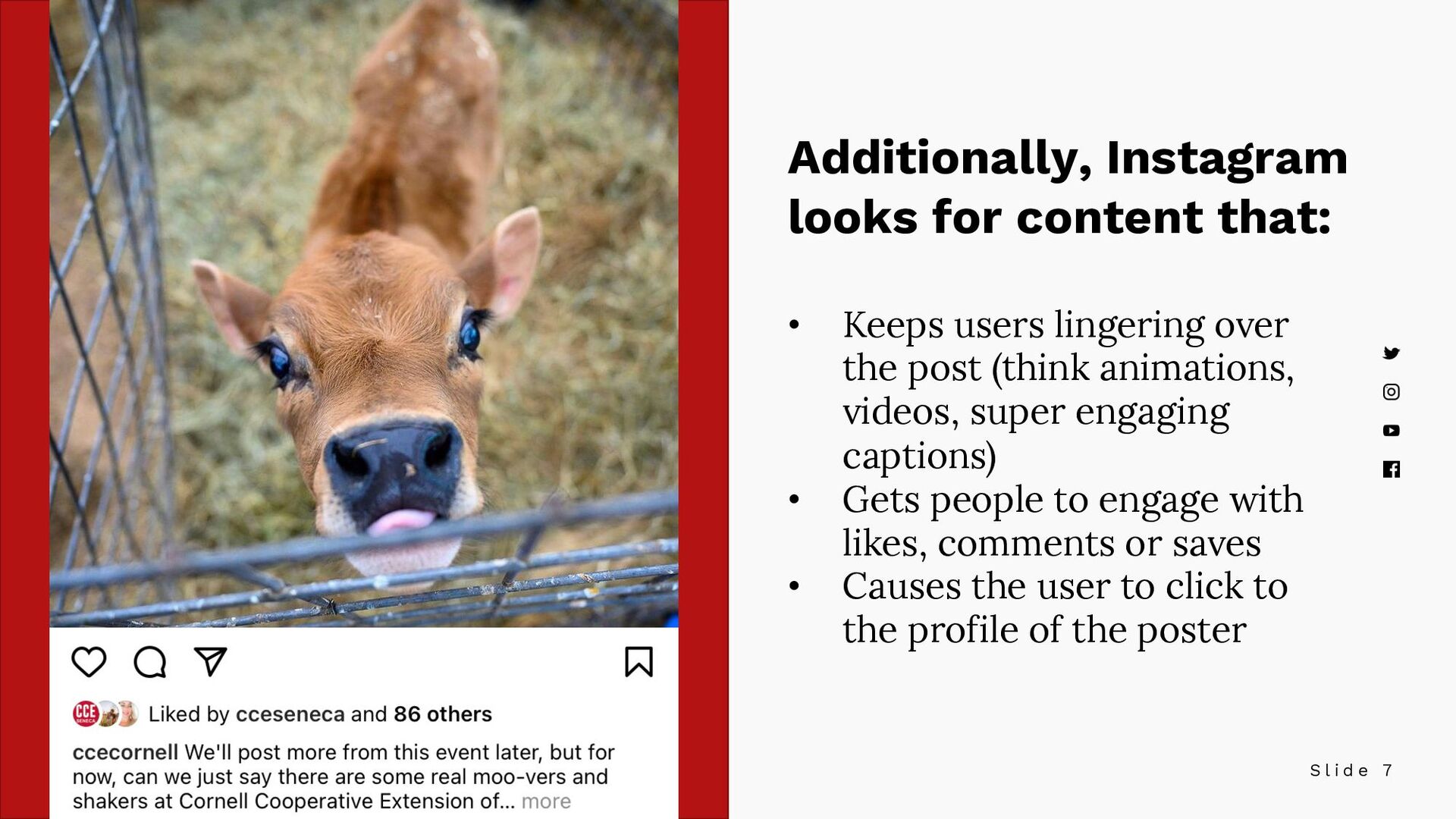
content that: • Keeps users lingering over the post (think animations, videos, super engaging captions) • Gets people to engage with likes, comments or saves • Causes the user to click to the profile of the poster
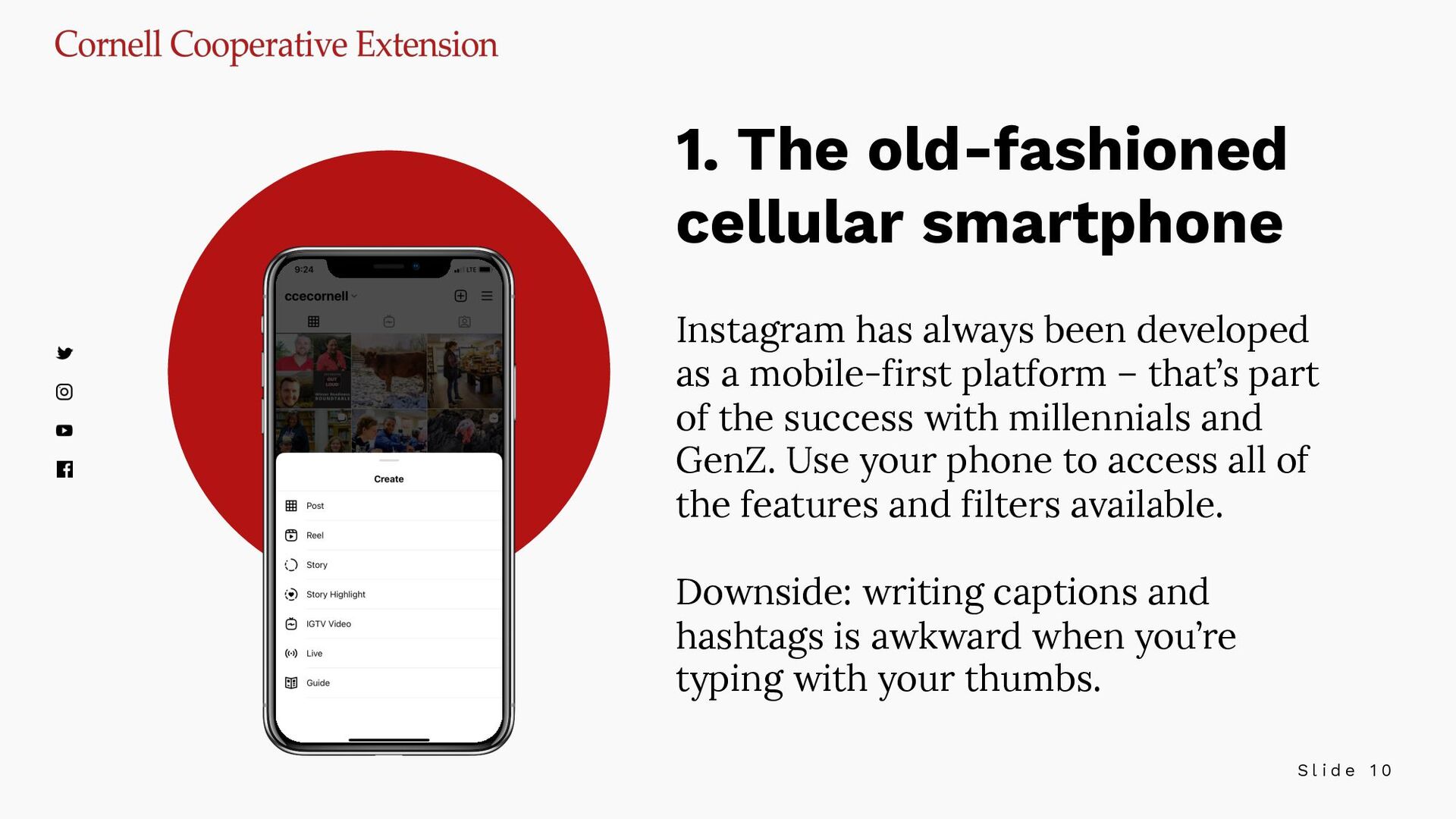
cellular smartphone Instagram has always been developed as a mobile-first platform – that’s part of the success with millennials and GenZ. Use your phone to access all of the features and filters available. Downside: writing captions and hashtags is awkward when you’re typing with your thumbs.
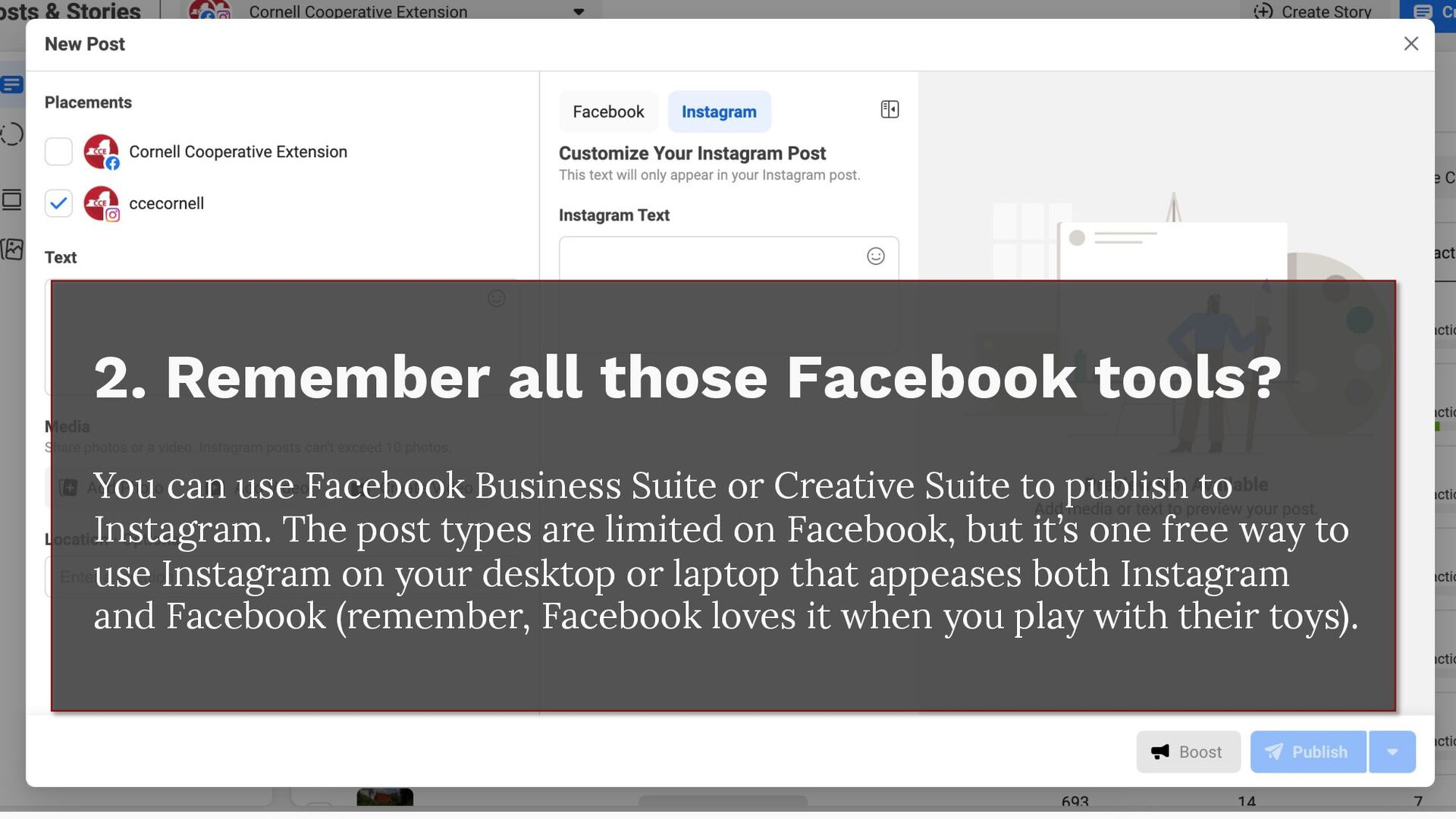
those Facebook tools? You can use Facebook Business Suite or Creative Suite to publish to Instagram. The post types are limited on Facebook, but it’s one free way to use Instagram on your desktop or laptop that appeases both Instagram and Facebook (remember, Facebook loves it when you play with their toys).
use the developer tools to switch the user agent and “trick” Instagram into thinking you’re on a mobile device. While it does technically work, it’s a hack, and I’d be willing to bet that it affects organic reach of your posts when the algorithm can’t determine the device you’re posting from.
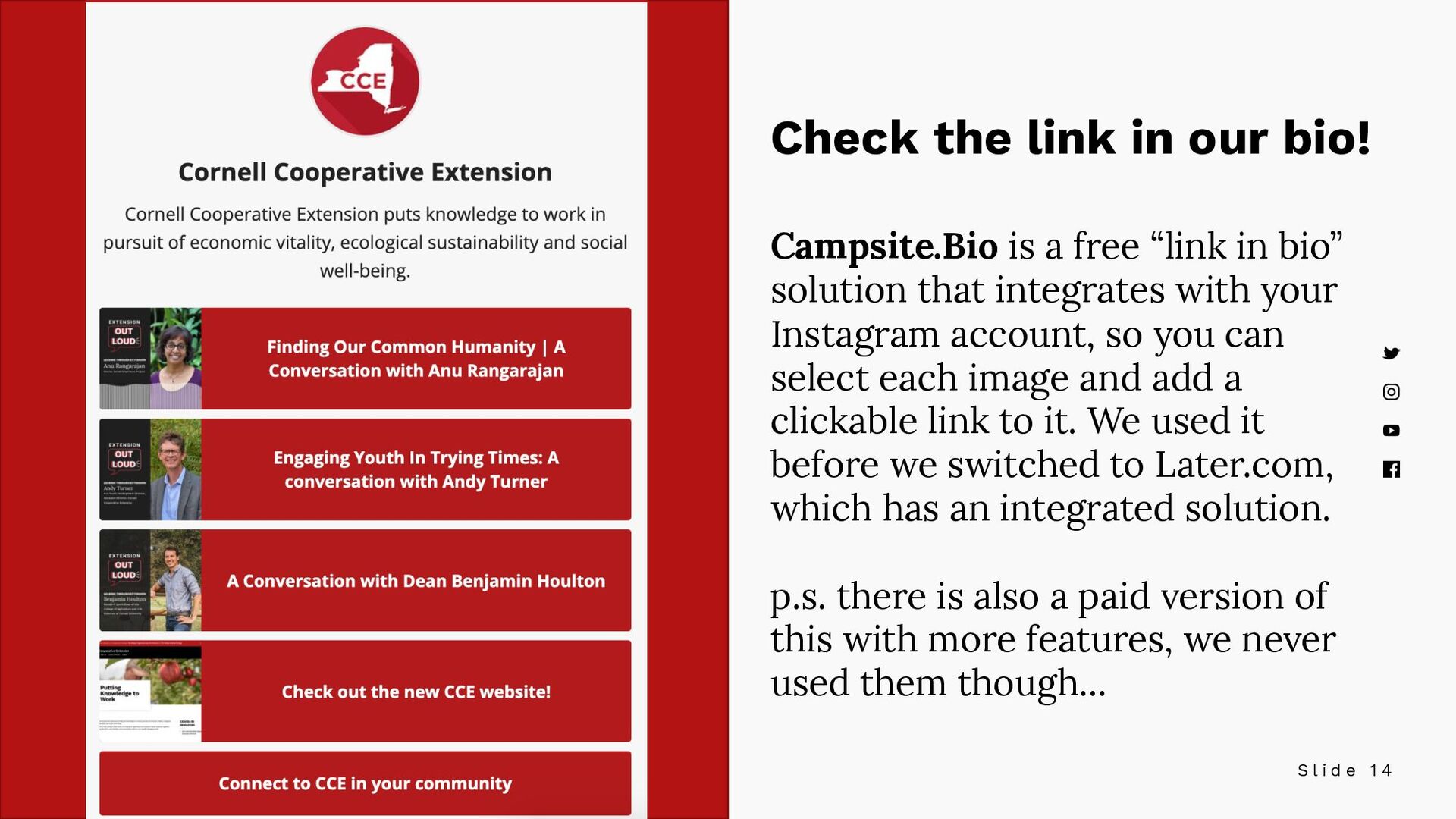
in our bio! Campsite.Bio is a free “link in bio” solution that integrates with your Instagram account, so you can select each image and add a clickable link to it. We used it before we switched to Later.com, which has an integrated solution. p.s. there is also a paid version of this with more features, we never used them though…
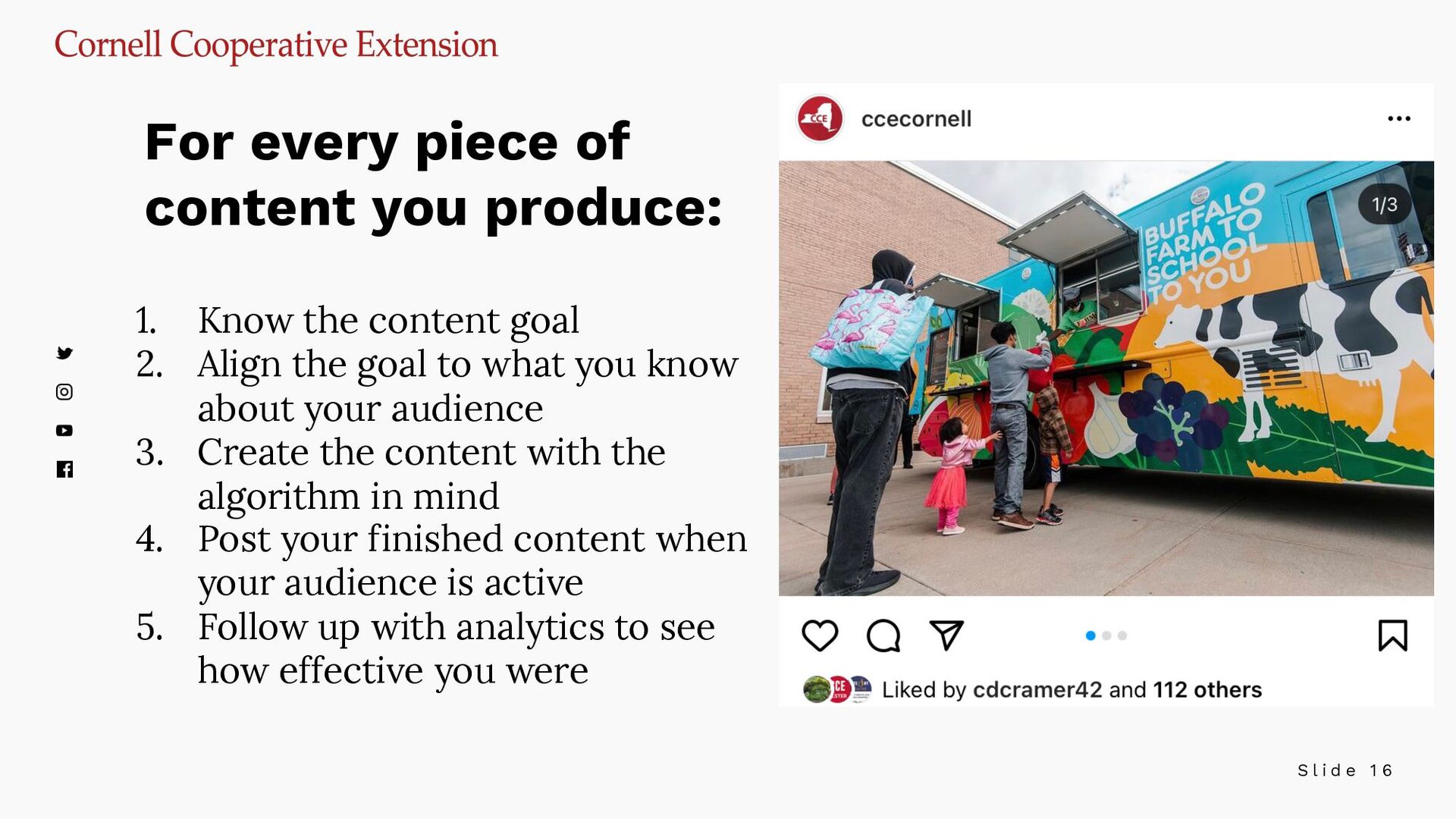
content goal 2. Align the goal to what you know about your audience 3. Create the content with the algorithm in mind 4. Post your finished content when your audience is active 5. Follow up with analytics to see how effective you were For every piece of content you produce:
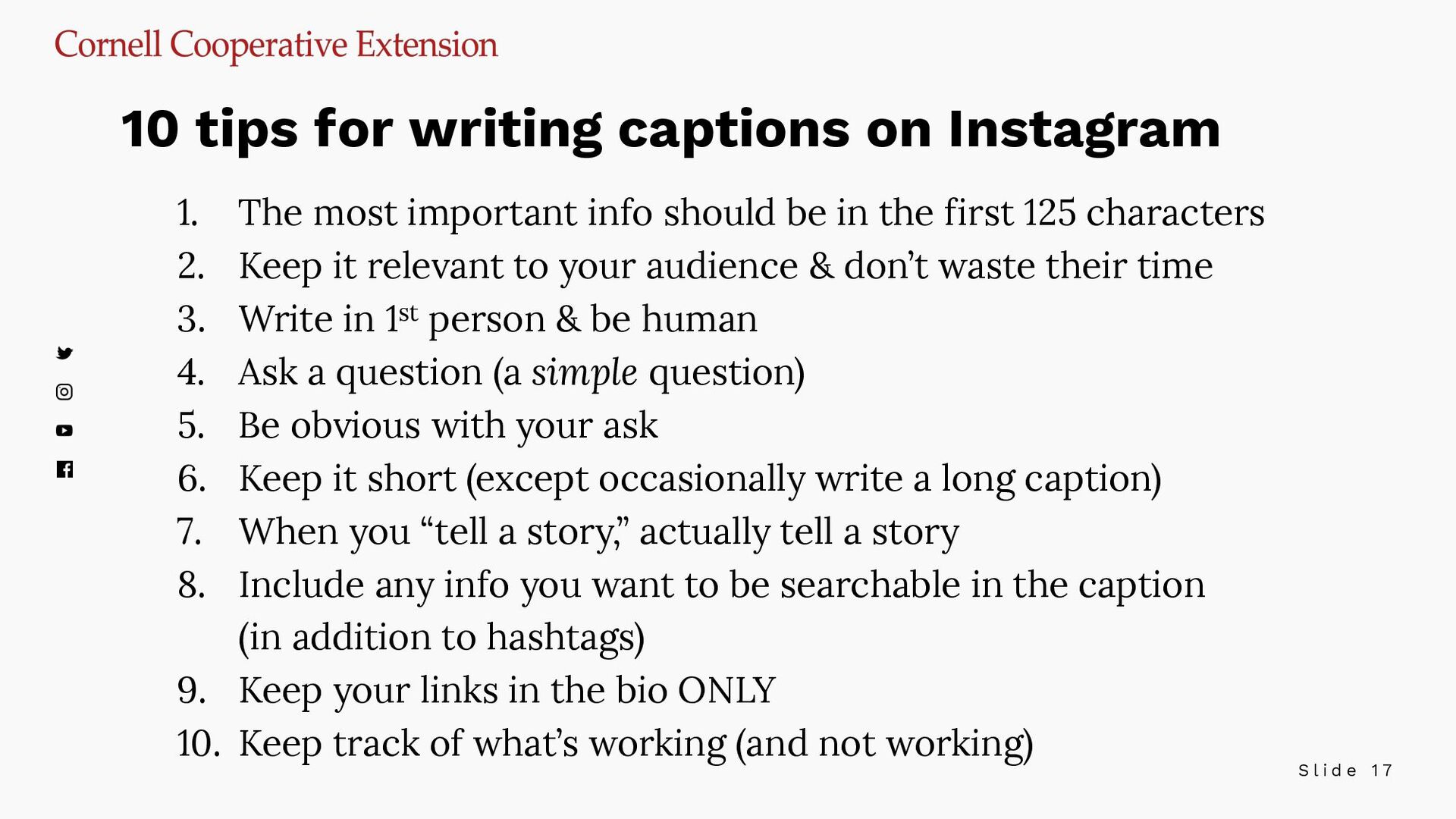
important info should be in the first 125 characters 2. Keep it relevant to your audience & don’t waste their time 3. Write in 1st person & be human 4. Ask a question (a simple question) 5. Be obvious with your ask 6. Keep it short (except occasionally write a long caption) 7. When you “tell a story,” actually tell a story 8. Include any info you want to be searchable in the caption (in addition to hashtags) 9. Keep your links in the bio ONLY 10. Keep track of what’s working (and not working) 10 tips for writing captions on Instagram
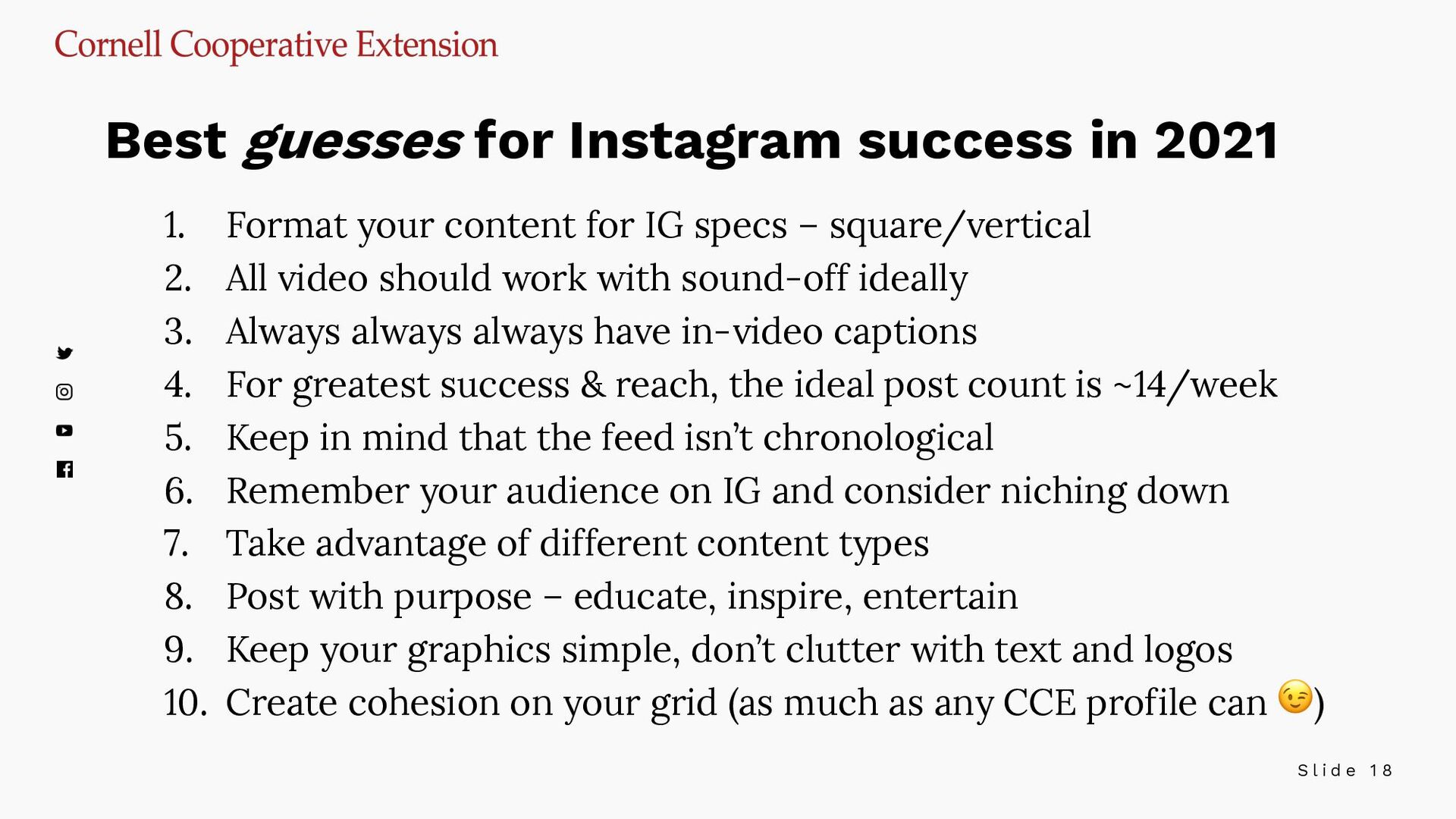
content for IG specs – square/vertical 2. All video should work with sound-off ideally 3. Always always always have in-video captions 4. For greatest success & reach, the ideal post count is ~14/week 5. Keep in mind that the feed isn’t chronological 6. Remember your audience on IG and consider niching down 7. Take advantage of different content types 8. Post with purpose – educate, inspire, entertain 9. Keep your graphics simple, don’t clutter with text and logos 10. Create cohesion on your grid (as much as any CCE profile can 😉) Best guesses for Instagram success in 2021
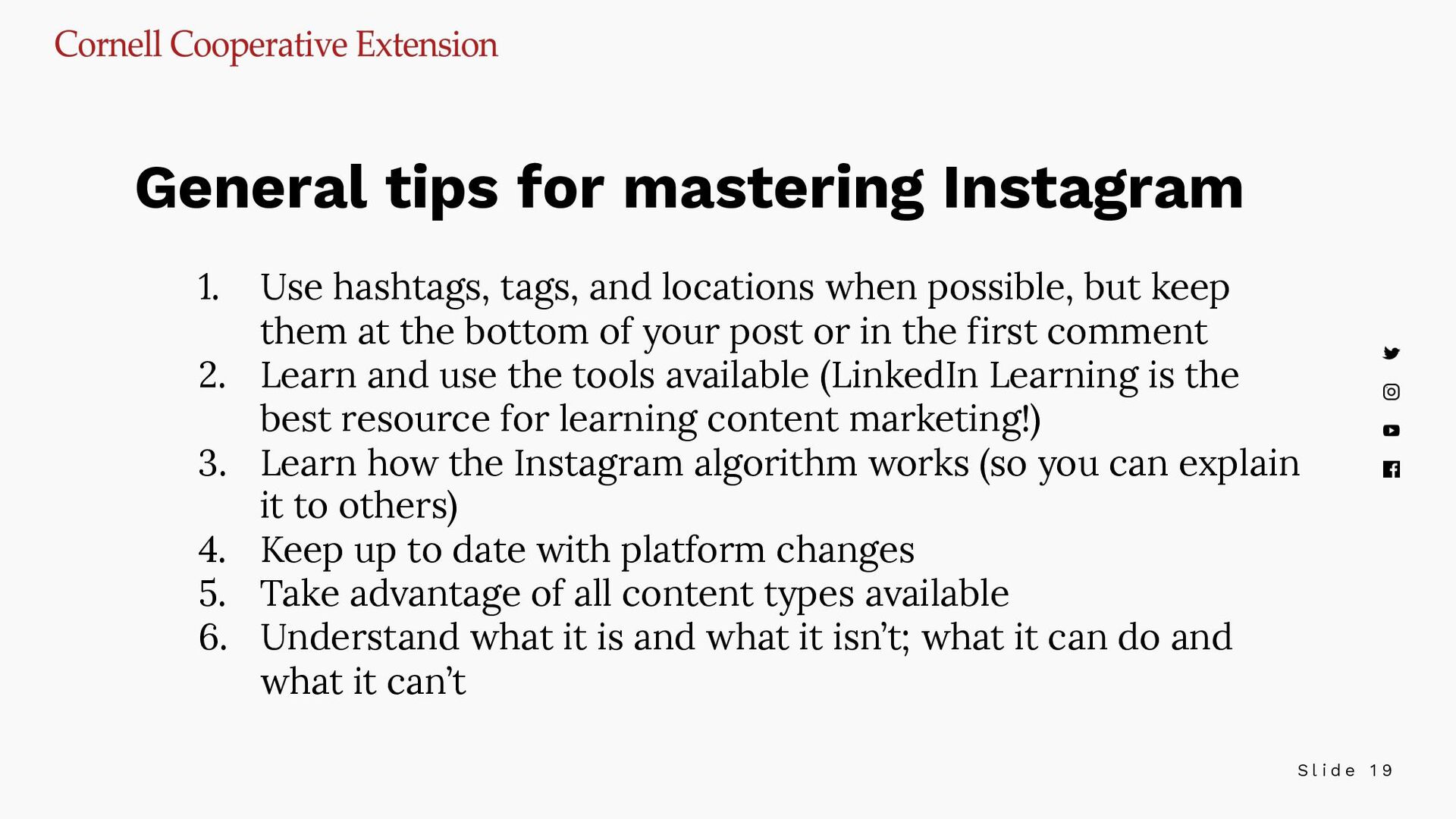
tags, and locations when possible, but keep them at the bottom of your post or in the first comment 2. Learn and use the tools available (LinkedIn Learning is the best resource for learning content marketing!) 3. Learn how the Instagram algorithm works (so you can explain it to others) 4. Keep up to date with platform changes 5. Take advantage of all content types available 6. Understand what it is and what it isn’t; what it can do and what it can’t General tips for mastering Instagram
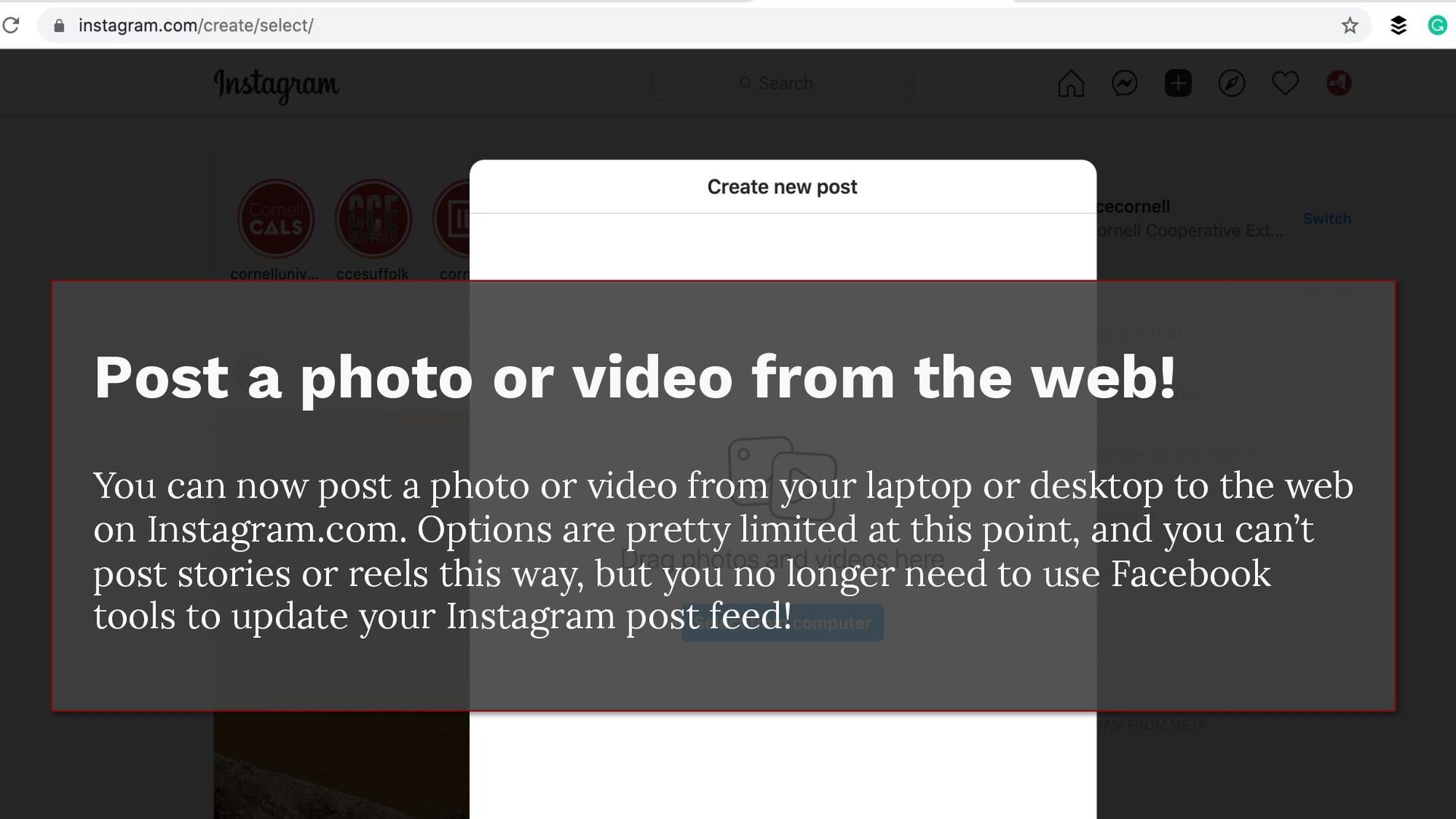
or video from the web! You can now post a photo or video from your laptop or desktop to the web on Instagram.com. Options are pretty limited at this point, and you can’t post stories or reels this way, but you no longer need to use Facebook tools to update your Instagram post feed!


 melissajohill
 palkan
 samtorres
 frankvandijk
 varn
varn
 danielanewman
 rkendrick25
 reverentgeek
 geoffreycrofte
 portentint
 jdejongh
 rakko
rakko
 aleyda