Upgrade to Pro — share decks privately, control downloads, hide ads and more …

De-stressing Debugging

Avatar for miamollie miamollie
November 15, 2017

De-stressing Debugging

To me, debugging is less stressful if you can tackle it systematically.

I make less progress when I’m just trying things at random, but that’s easy to do when your mind is clouded by the problem in front of you, and you’re feeling overwhelmed.

I don’t have a secret, special solution, what I want to share is a bunch of ordinary things you can try when you’re feeling stuck.

These are by no means original ideas, and I will be surprised if you haven't heard of them, but it’s useful to have as a reference.

Avatar for miamollie

miamollie

November 15, 2017

Other Decks in Technology

Transcript

  1. © 99designs, Inc. Commercial in confidence 4 Reproduce it —

    • What am I expecting to happen? • What is actually happening? • Is nothing happening? • Is something happening when nothing should? • Is the wrong something happening? There are different kinds of broken
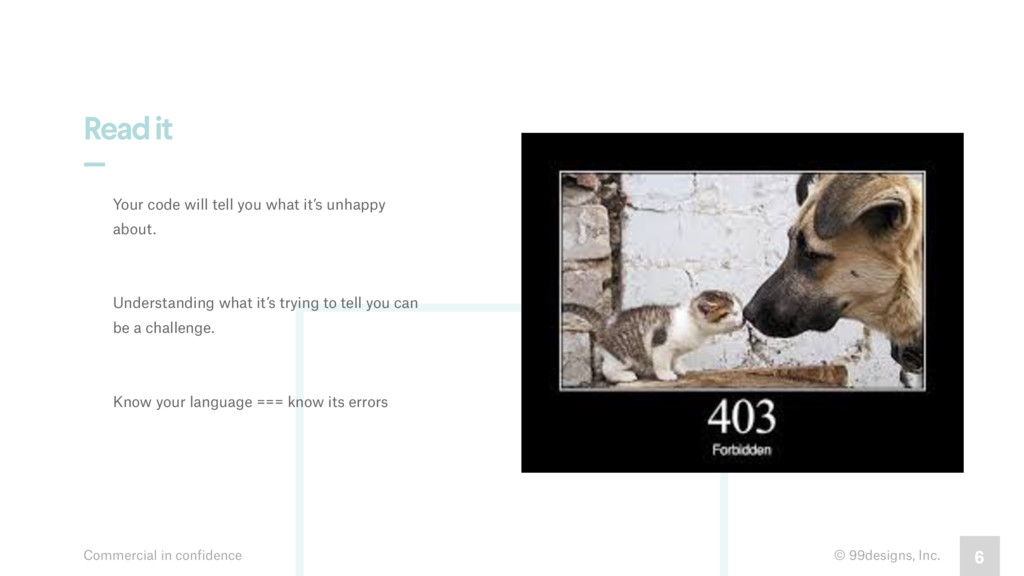
  2. © 99designs, Inc. Commercial in confidence 6 Read it —

    Your code will tell you what it’s unhappy about. Understanding what it’s trying to tell you can be a challenge. Know your language === know its errors
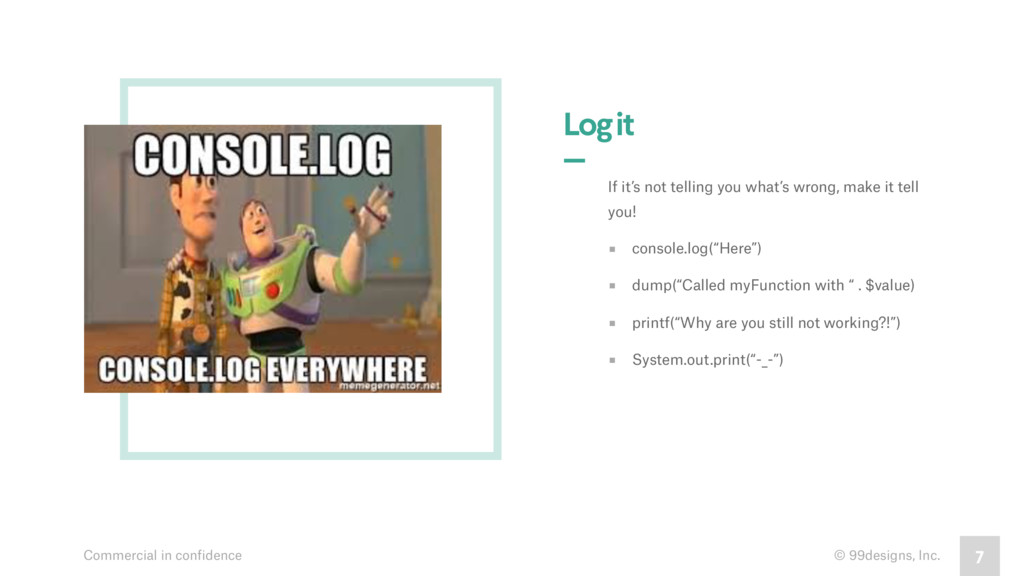
  3. © 99designs, Inc. Commercial in confidence 7 Log it —

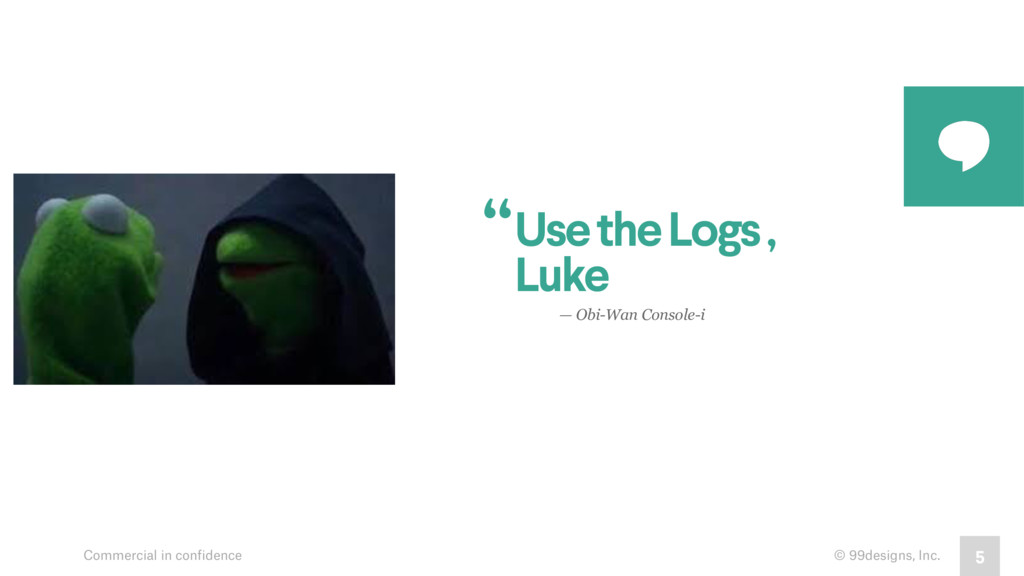
    If it’s not telling you what’s wrong, make it tell you! ▪︎ console.log(“Here”) ▪︎ dump(“Called myFunction with “ . $value) ▪︎ printf(“Why are you still not working?!”) ▪︎ System.out.print(“-_-”)
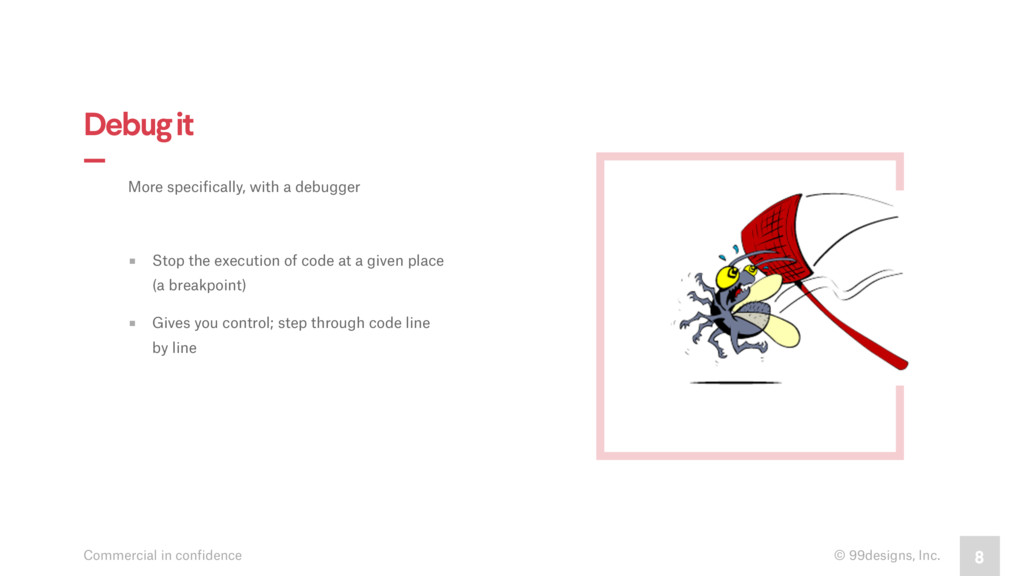
  4. © 99designs, Inc. Commercial in confidence 8 Debug it —

    More specifically, with a debugger ▪︎ Stop the execution of code at a given place (a breakpoint) ▪︎ Gives you control; step through code line by line
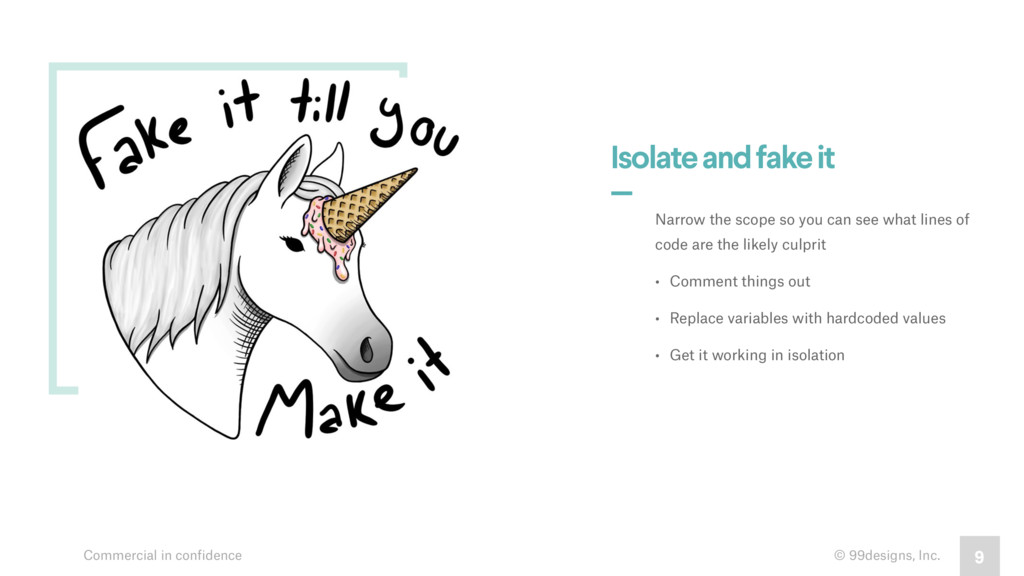
  5. © 99designs, Inc. Commercial in confidence 9 Isolate and fake

    it — Narrow the scope so you can see what lines of code are the likely culprit • Comment things out • Replace variables with hardcoded values • Get it working in isolation
  6. © 99designs, Inc. Commercial in confidence 10 Test it —

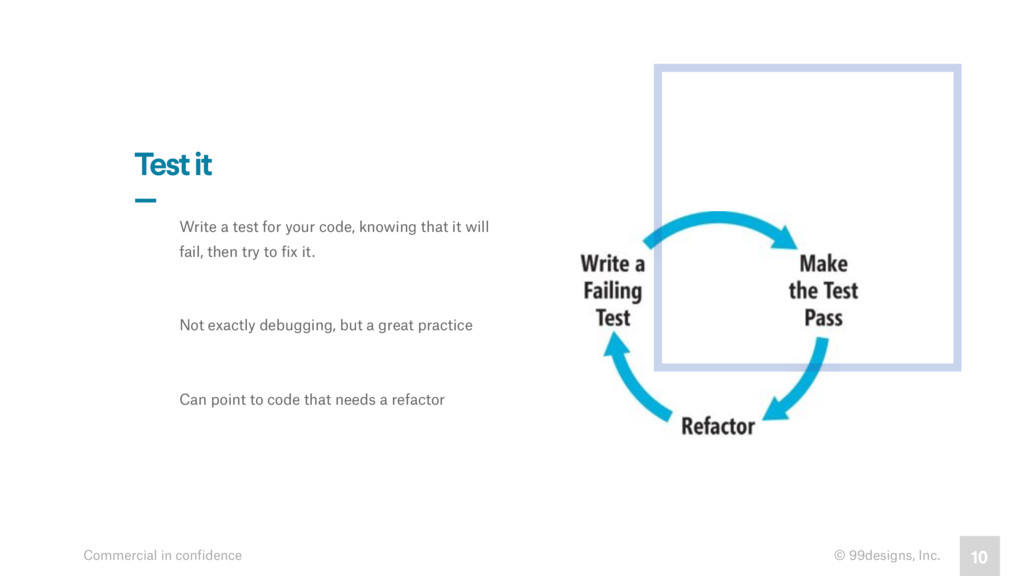
    Write a test for your code, knowing that it will fail, then try to fix it. Not exactly debugging, but a great practice Can point to code that needs a refactor
  7. © 99designs, Inc. Commercial in confidence 11 Rubber duck it

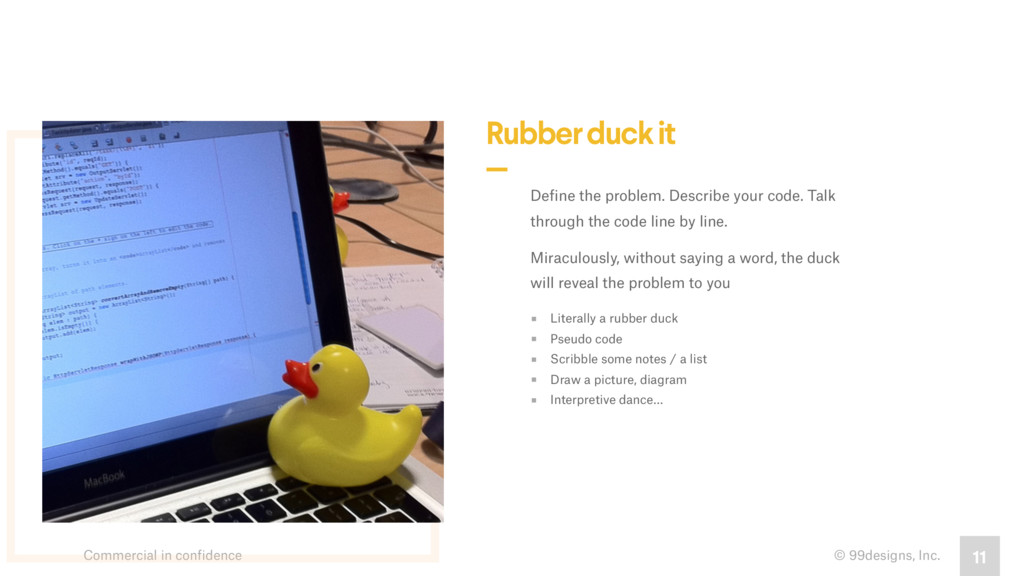
    — Define the problem. Describe your code. Talk through the code line by line. Miraculously, without saying a word, the duck will reveal the problem to you ▪︎ Literally a rubber duck ▪︎ Pseudo code ▪︎ Scribble some notes / a list ▪︎ Draw a picture, diagram ▪︎ Interpretive dance…
  8. © 99designs, Inc. Commercial in confidence 12 Ask for help

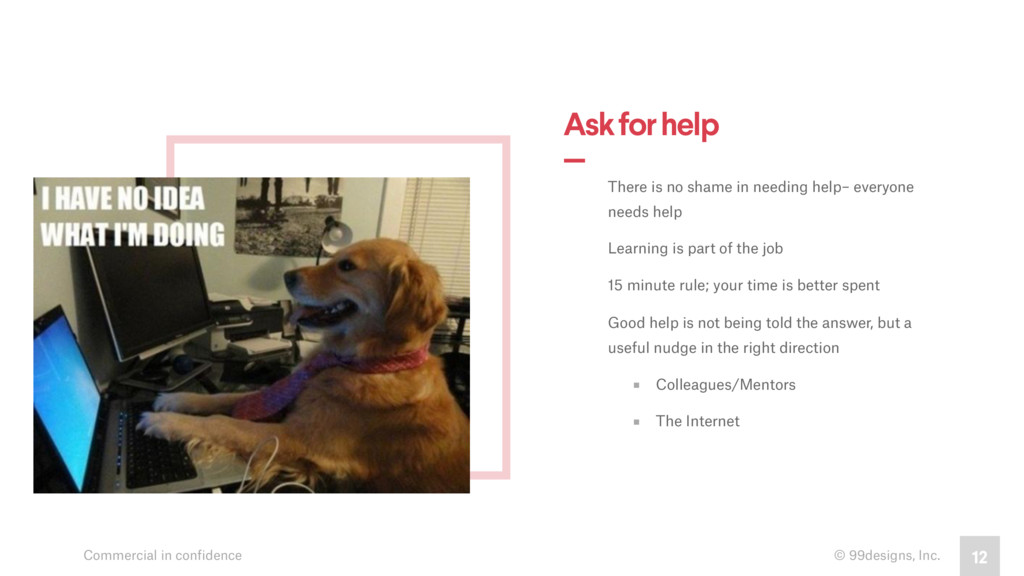
    — by RVST There is no shame in needing help– everyone needs help Learning is part of the job 15 minute rule; your time is better spent Good help is not being told the answer, but a useful nudge in the right direction ▪︎ Colleagues/Mentors ▪︎ The Internet
  9. Commercial in confidence 13 Drop It ▪︎ Walk away ▪︎

    Get a coffee ▪︎ Work on something else ▪︎ Sleep on it Return with fresh eyes
  10. © 99designs, Inc. Commercial in confidence 14 Nuke it —

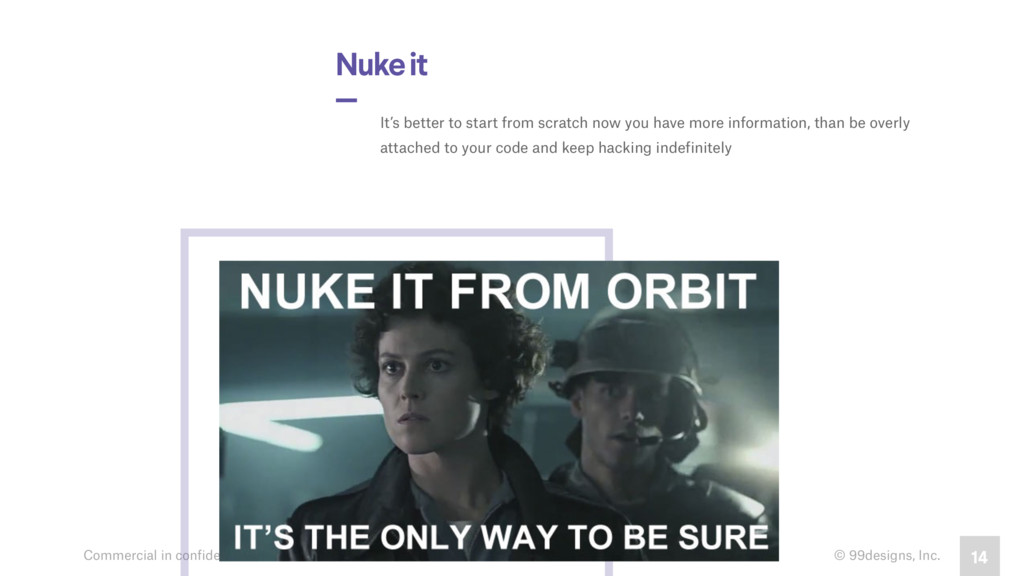
    It’s better to start from scratch now you have more information, than be overly attached to your code and keep hacking indefinitely
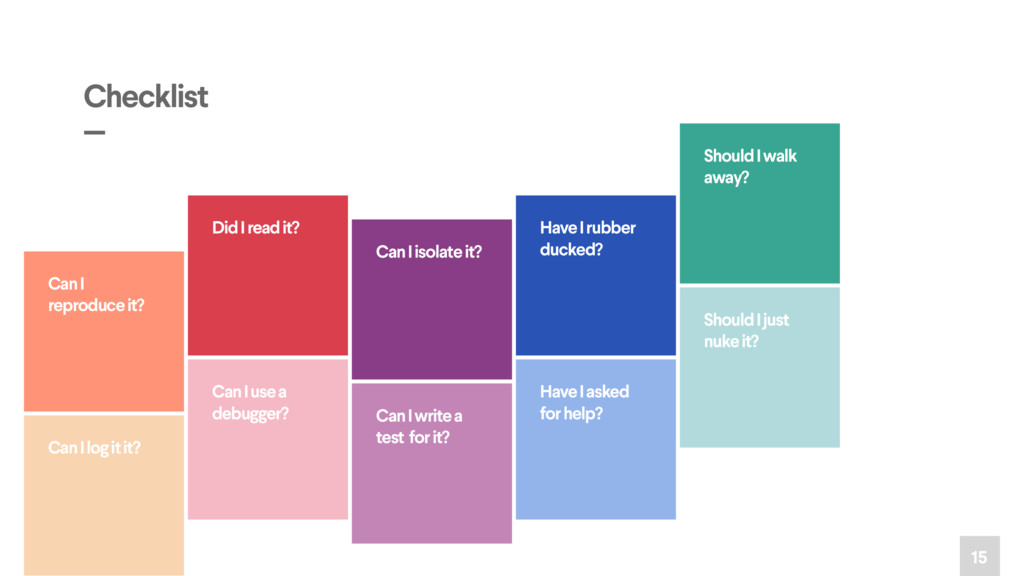
  11. 15 Can I reproduce it? Can I log it it?

    Did I read it? Can I use a debugger? Can I isolate it? Can I write a test for it? Have I rubber ducked? Have I asked for help? Should I walk away? Should I just nuke it? Checklist —