Upgrade to Pro — share decks privately, control downloads, hide ads and more …

Build your own OS based on Android

Sponsored · SiteGround - Reliable hosting with speed, security, and support you can count on.

Build your own OS based on Android

A presentation about the basics how to build our own mobile operating system based on Android Open Source Project

Avatar for Michał Górny

Michał Górny

May 10, 2017
Tweet

Other Decks in Programming

Transcript

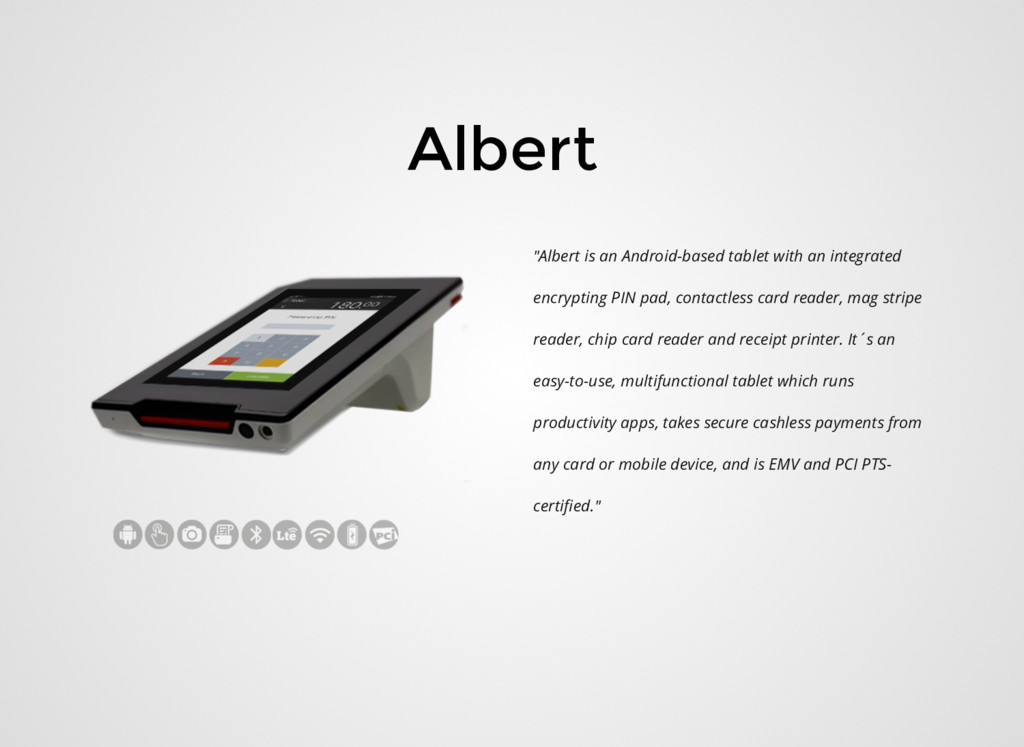
  1. Albert "Albert is an Android-based tablet with an integrated encrypting

    PIN pad, contactless card reader, mag stripe reader, chip card reader and receipt printer. It´s an easy-to-use, multifunctional tablet which runs productivity apps, takes secure cashless payments from any card or mobile device, and is EMV and PCI PTS- certified."
  2. "The Single Best Thing You Can Do For Your Career"
    Public speaking * http://www.donnfelker.com/the-single-best-thing-you-can-do-for-your-career
  3. Agenda What is it How to build How to develop

    Let's code Share with the world
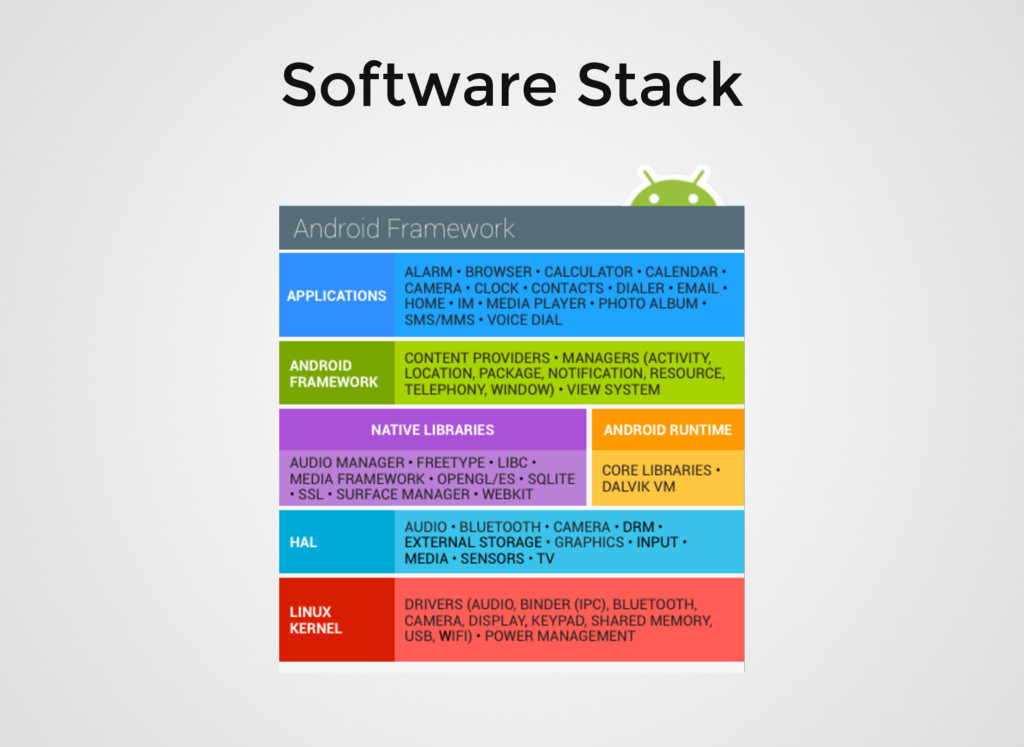
  4. AOSP Android is an open source software stack for a

    wide range of mobile devices and a corresponding open source project led by Google.
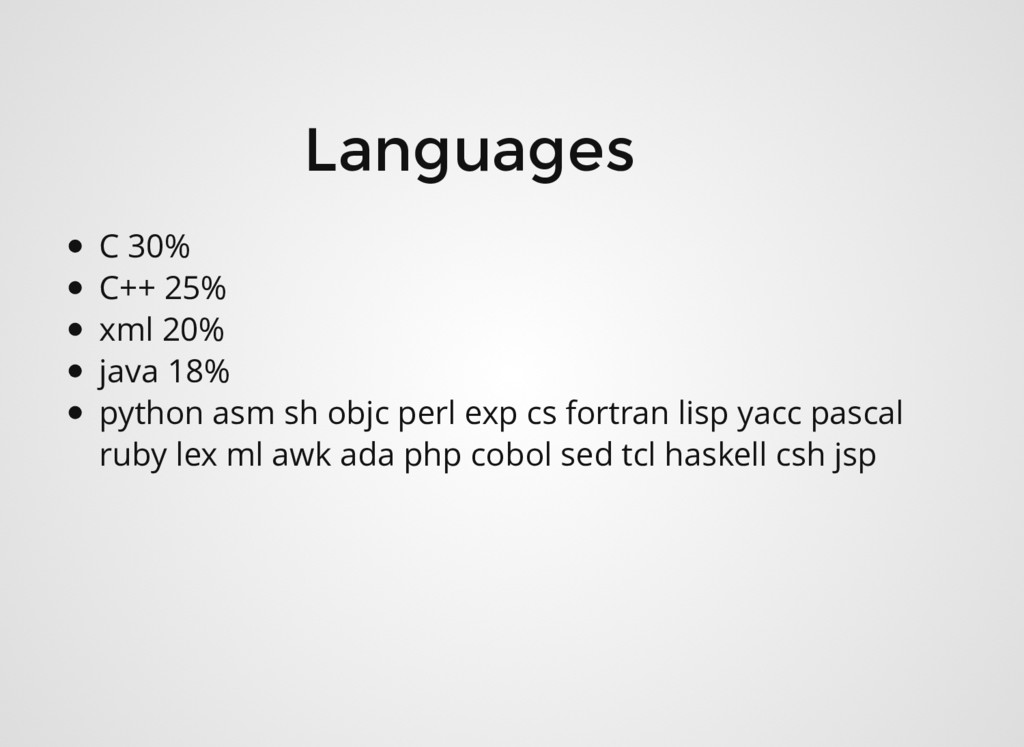
  5. Languages C 30% C++ 25% xml 20% java 18% python

    asm sh objc perl exp cs fortran lisp yacc pascal ruby lex ml awk ada php cobol sed tcl haskell csh jsp
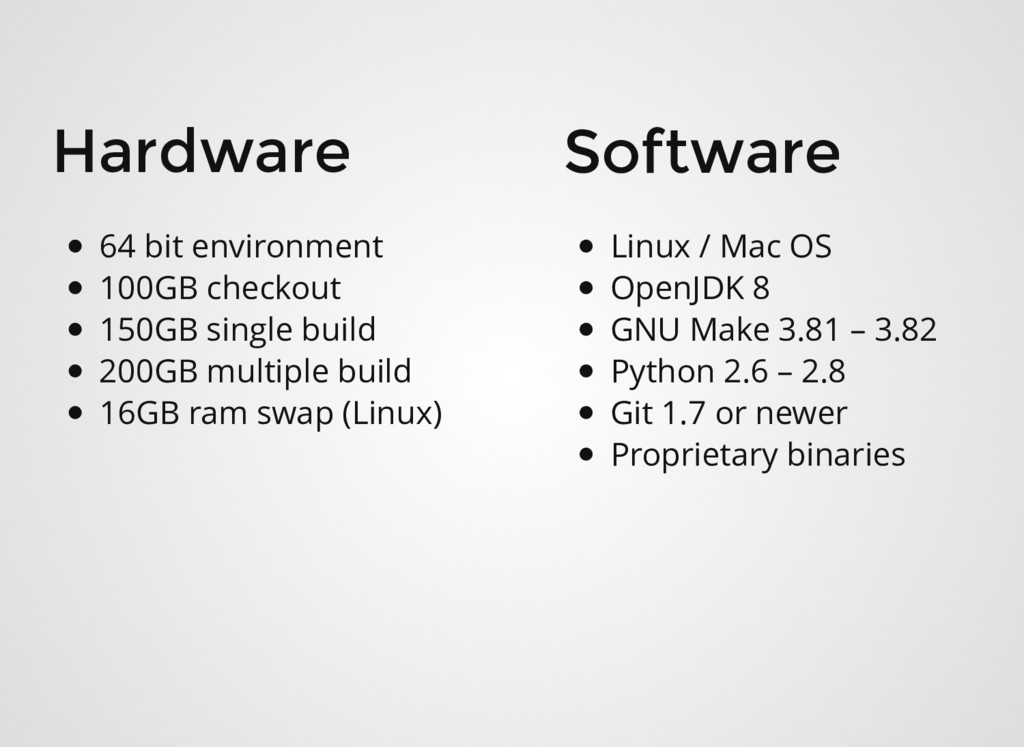
  6. Hardware 64 bit environment 100GB checkout 150GB single build 200GB

    multiple build 16GB ram swap (Linux) Software Linux / Mac OS OpenJDK 8 GNU Make 3.81 – 3.82 Python 2.6 – 2.8 Git 1.7 or newer Proprietary binaries
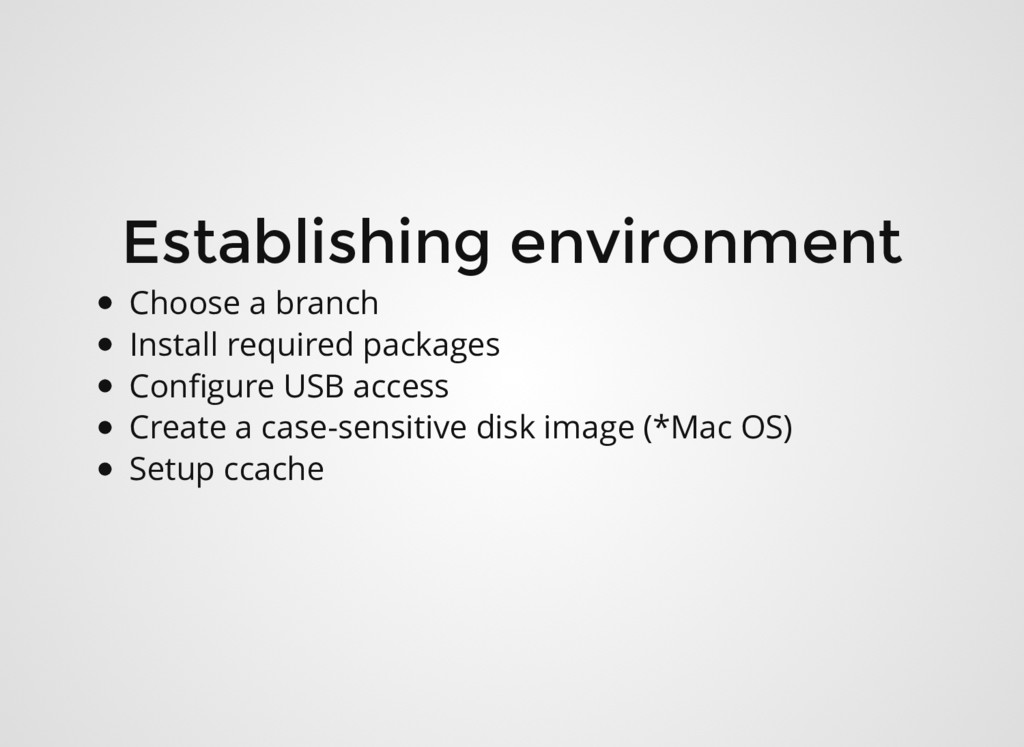
  7. Establishing environment Choose a branch Install required packages Configure USB

    access Create a case-sensitive disk image (*Mac OS) Setup ccache
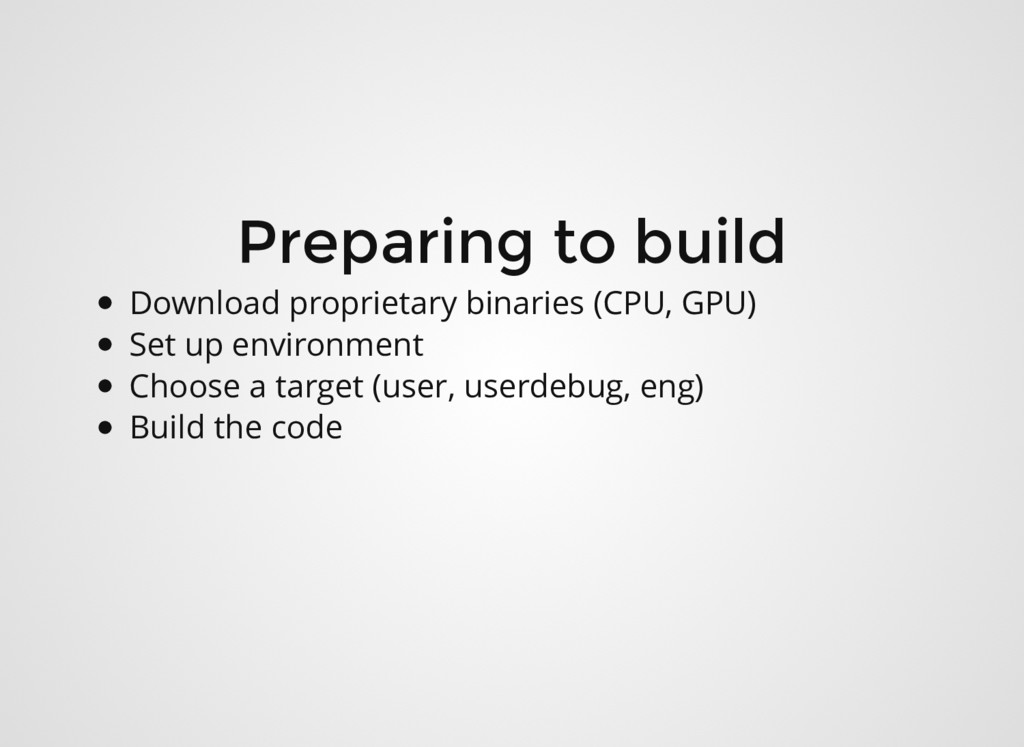
  8. Preparing to build Download proprietary binaries (CPU, GPU) Set up

    environment Choose a target (user, userdebug, eng) Build the code
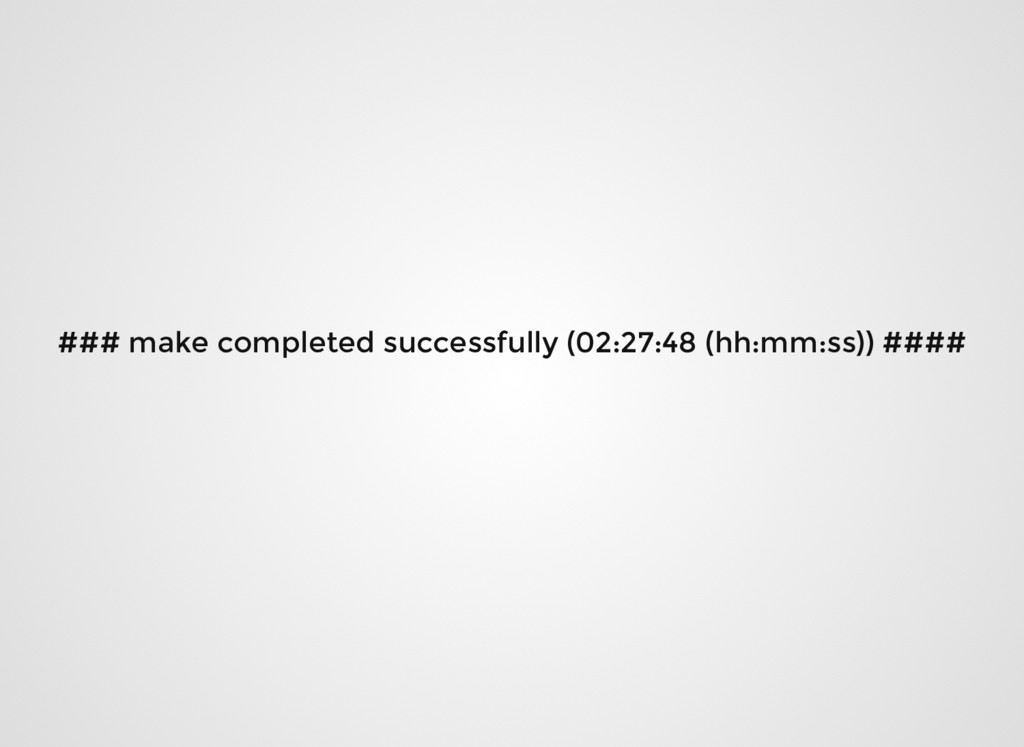
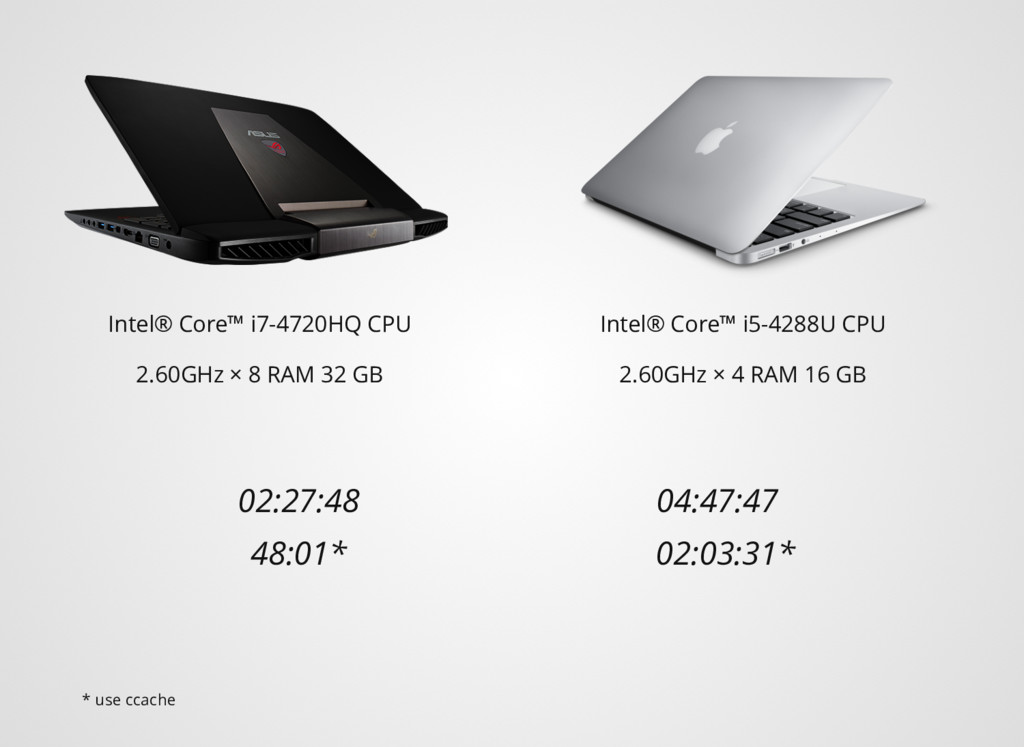
  9. Intel® Core™ i7-4720HQ CPU 2.60GHz × 8 RAM 32 GB

    02:27:48 04:47:47 Intel® Core™ i5-4288U CPU 2.60GHz × 4 RAM 16 GB * use ccache 48:01* 02:03:31*
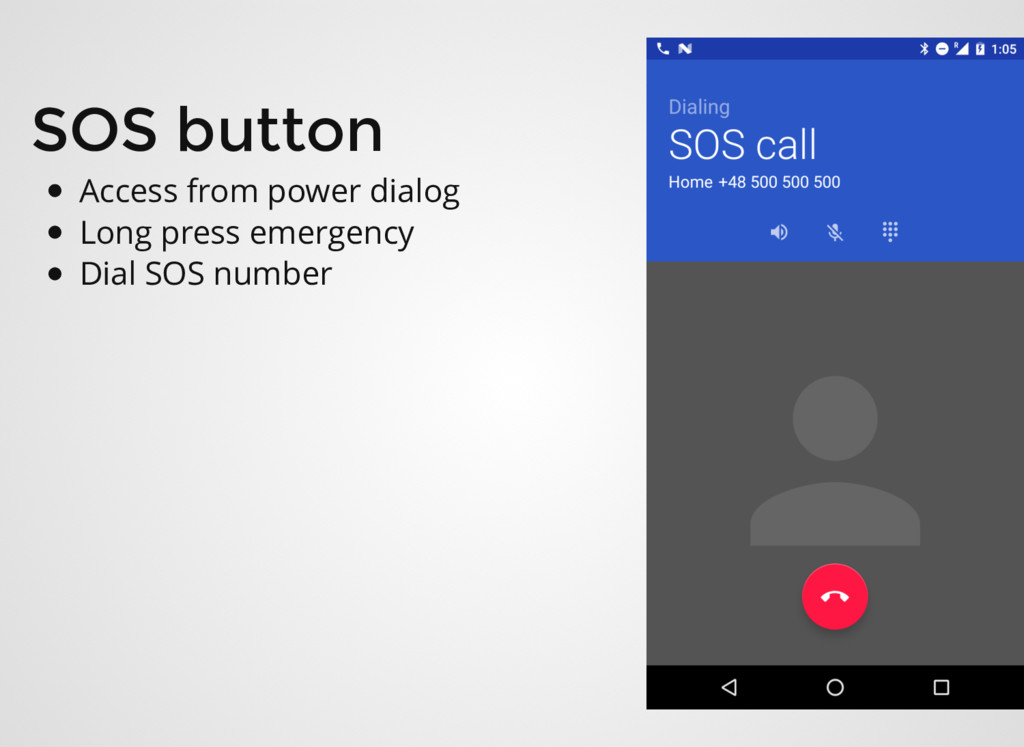
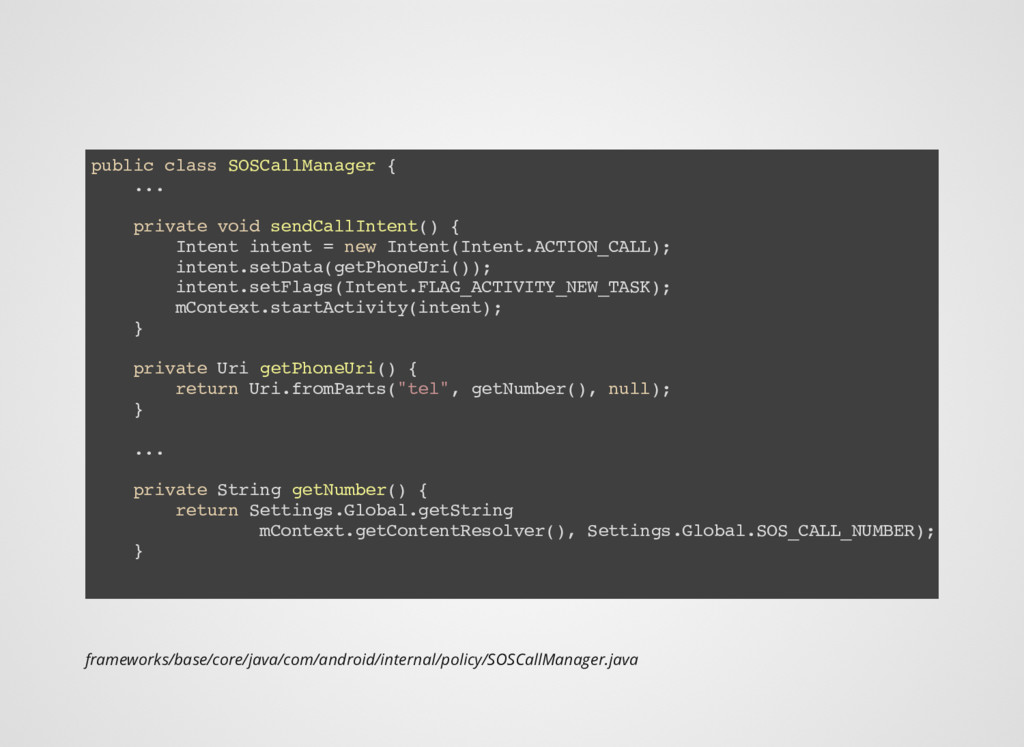
  10. frameworks/base/core/java/com/android/internal/policy/SOSCallManager.java public class SOSCallManager { ... private void sendCallIntent() {

    Intent intent = new Intent(Intent.ACTION_CALL); intent.setData(getPhoneUri()); intent.setFlags(Intent.FLAG_ACTIVITY_NEW_TASK); mContext.startActivity(intent); } private Uri getPhoneUri() { return Uri.fromParts("tel", getNumber(), null); } ... private String getNumber() { return Settings.Global.getString mContext.getContentResolver(), Settings.Global.SOS_CALL_NUMBER); }
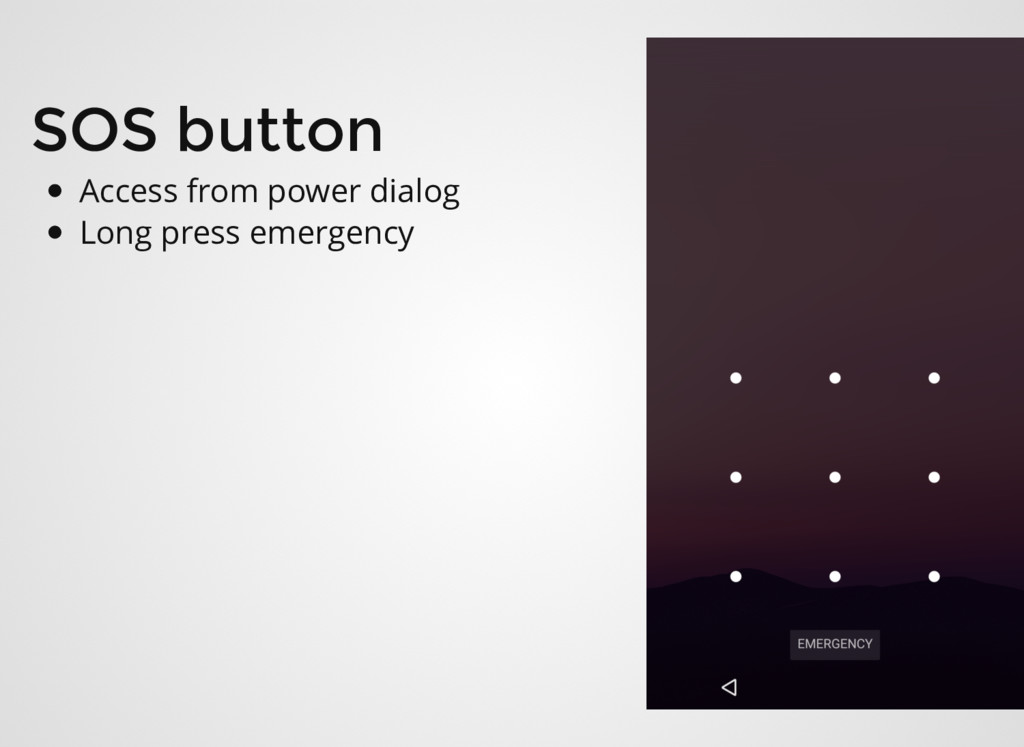
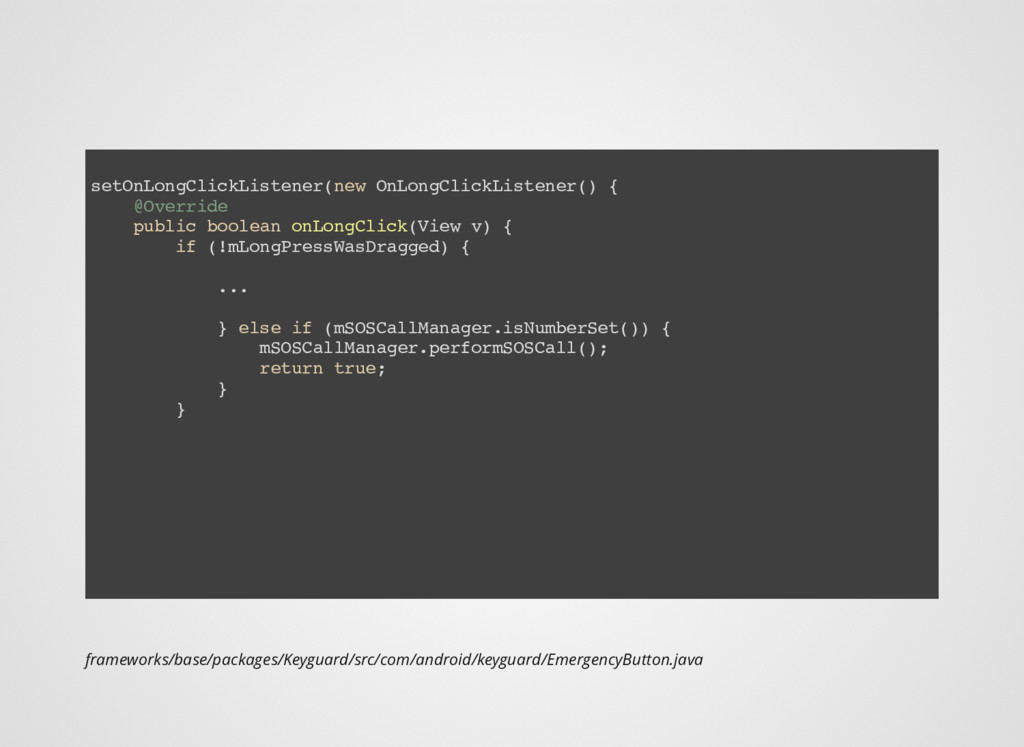
  11. frameworks/base/packages/Keyguard/src/com/android/keyguard/EmergencyButton.java setOnLongClickListener(new OnLongClickListener() { @Override public boolean onLongClick(View v) {

    if (!mLongPressWasDragged) { ... } else if (mSOSCallManager.isNumberSet()) { mSOSCallManager.performSOSCall(); return true; } }
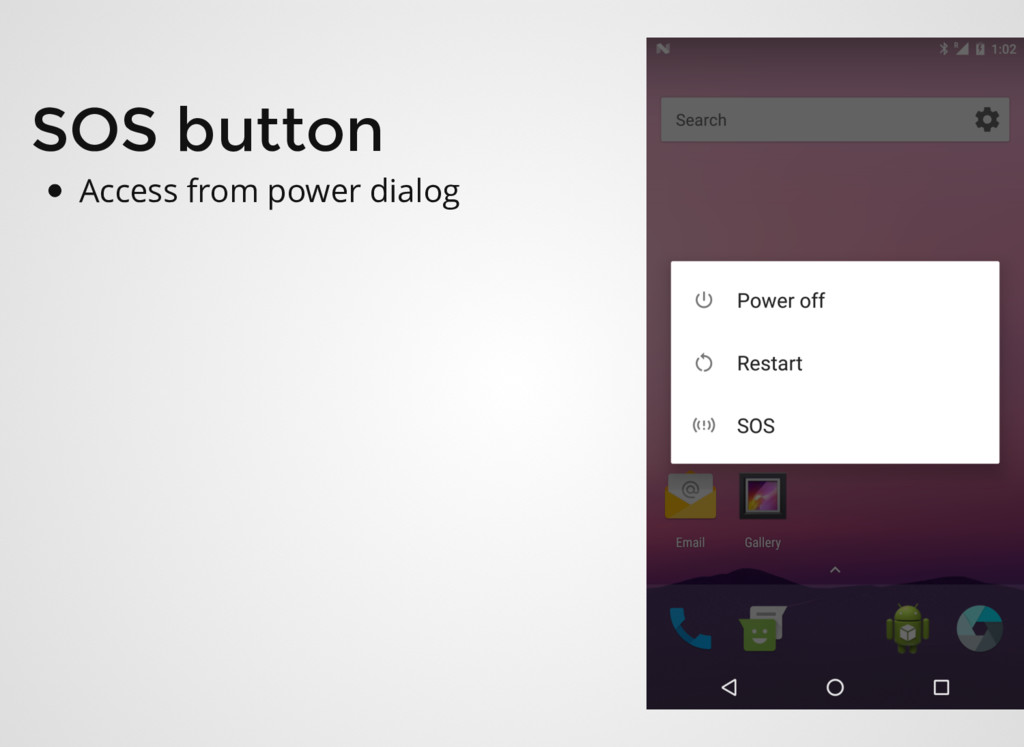
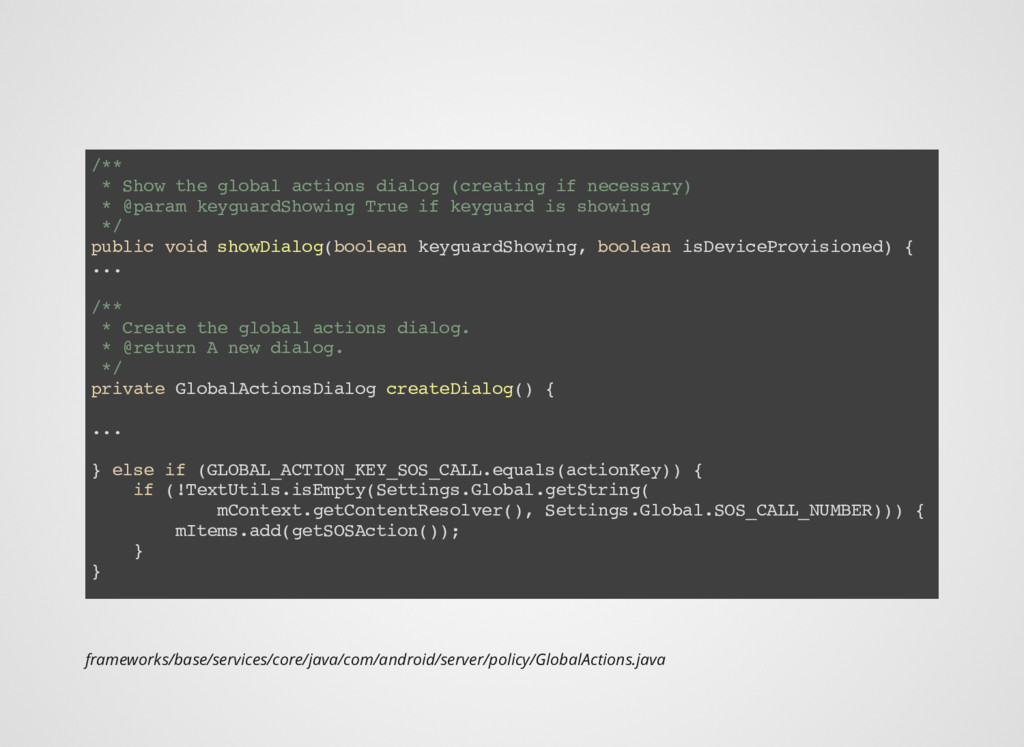
  12. frameworks/base/services/core/java/com/android/server/policy/GlobalActions.java /** * Show the global actions dialog (creating if

    necessary) * @param keyguardShowing True if keyguard is showing */ public void showDialog(boolean keyguardShowing, boolean isDeviceProvisioned) { ... /** * Create the global actions dialog. * @return A new dialog. */ private GlobalActionsDialog createDialog() { ... } else if (GLOBAL_ACTION_KEY_SOS_CALL.equals(actionKey)) { if (!TextUtils.isEmpty(Settings.Global.getString( mContext.getContentResolver(), Settings.Global.SOS_CALL_NUMBER))) { mItems.add(getSOSAction()); } }
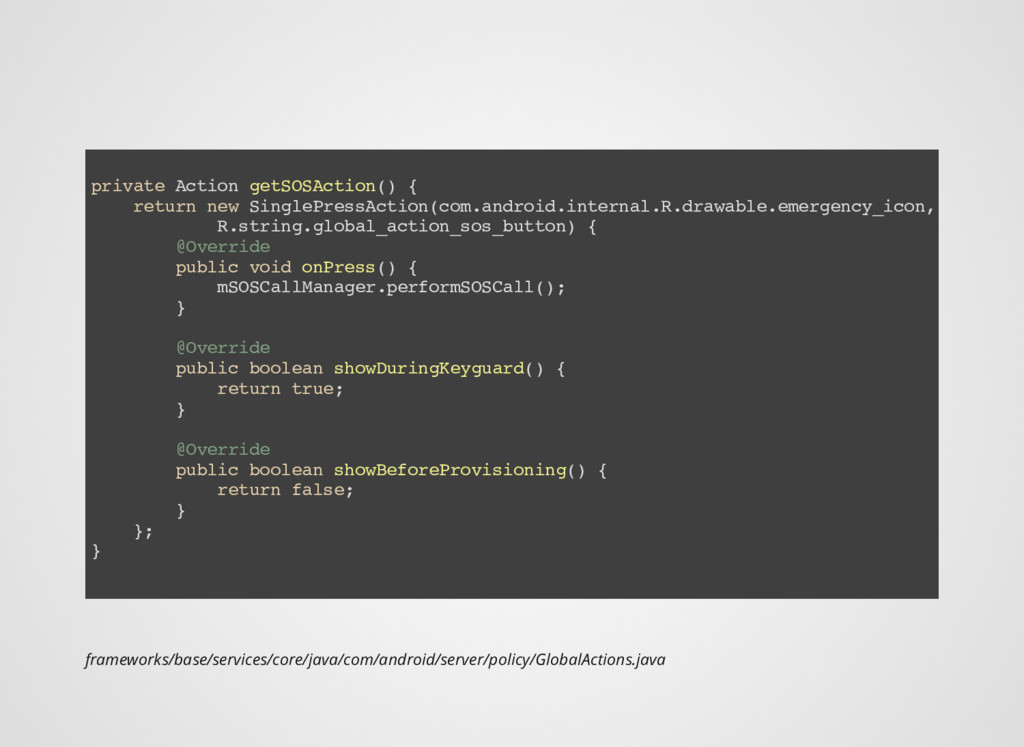
  13. private Action getSOSAction() { return new SinglePressAction(com.android.internal.R.drawable.emergency_icon, R.string.global_action_sos_button) { @Override

    public void onPress() { mSOSCallManager.performSOSCall(); } @Override public boolean showDuringKeyguard() { return true; } @Override public boolean showBeforeProvisioning() { return false; } }; } frameworks/base/services/core/java/com/android/server/policy/GlobalActions.java